Zhenzhen's AI Radar · Flux.3 Klein · 2026-11-10 Evening Report
This issue features 3 new versions: Strongly Recommended 0 · Recommended 1 · Worth Watching 1 · Listed Only 1
Editor's Note This issue reviews 3 new versions of Flux.3 Klein, with 1 rated A, 1 rated B, and 1 rated C. The top pick is a LoRA for natural facial skin texture editing: it adds pores and fine details to over-smoothed portraits while striving to preserve identity, facial features, skin tone, and lighting; parameters and workflows are fully provided. Since it is a re-upload from HuggingFace of yang520333's work (the uploader credited the original author), its rating was downgraded from S to A. The 5600-step checkpoint from the same training run is rated C; an RGBA workflow for generating transparent-background PNG assets from text has a useful direction, but the sources of the LoRA and VAE are unclear, and it primarily drives traffic to RunComfy, so it is rated B.
Recommended (1)
[A] Flux3 Image Klein Natural Facial Skin Texture · Step 5000 model
LoRA · New Model · Author fascinathan · Published 11-10 13:46 · Downloads 42
A portrait editing LoRA that adds natural pores and fine skin texture to portraits with overly smooth, textureless skin, while striving to preserve the subject's identity, facial features, expression, skin tone, lighting, and composition.
Suitable as a final skin refinement step after generating portraits, followed by upscaling.
Images

Reasons for Recommendation
- New model (new Civitai page): Serves AI portrait and over-smoothed photo editing to remove the "plastic" look; the uploader claims it works well within upscaling workflows.
- Complete parameters: The saved configuration is a 5000-step checkpoint with strength 1.0, KSampler 16 steps, CFG 1, Euler / simple sampler, and denoise 1.
- Includes two JSON files: a recommended workflow and an older bounding-box editing workflow; the author claims the new workflow resolves position drift and Chinese text corruption, with 4K image generation taking about 3 minutes.
- 5 visible example images.
How to Use
- Place in ComfyUI/models/loras/, import the included facial texture workflow, and load the portrait to be edited; use strength 1.0, 16 steps, CFG 1, and Euler / simple sampler.
- Original author's common prompt: Add realistic facial skin details and natural micro-texture to the character in image 1 while preserving the character's identity, facial features, skin tone, expression, lighting, and all other image content.
Risks and Limitations
- Not trained by the uploader: The original author is yang520333, the original version is on HuggingFace with a total of 14 training checkpoints; the original author recommends the 5000 and 5600 step versions.
- The recommended workflow requires additional custom nodes (ClassicBoundingBoxes, rgthree); base model components must be downloaded separately.
- "Resolves position drift and prevents text corruption" is an observation by the original author based on self-tested images; it does not guarantee that every image will remain undistorted.
Worth Watching (1)
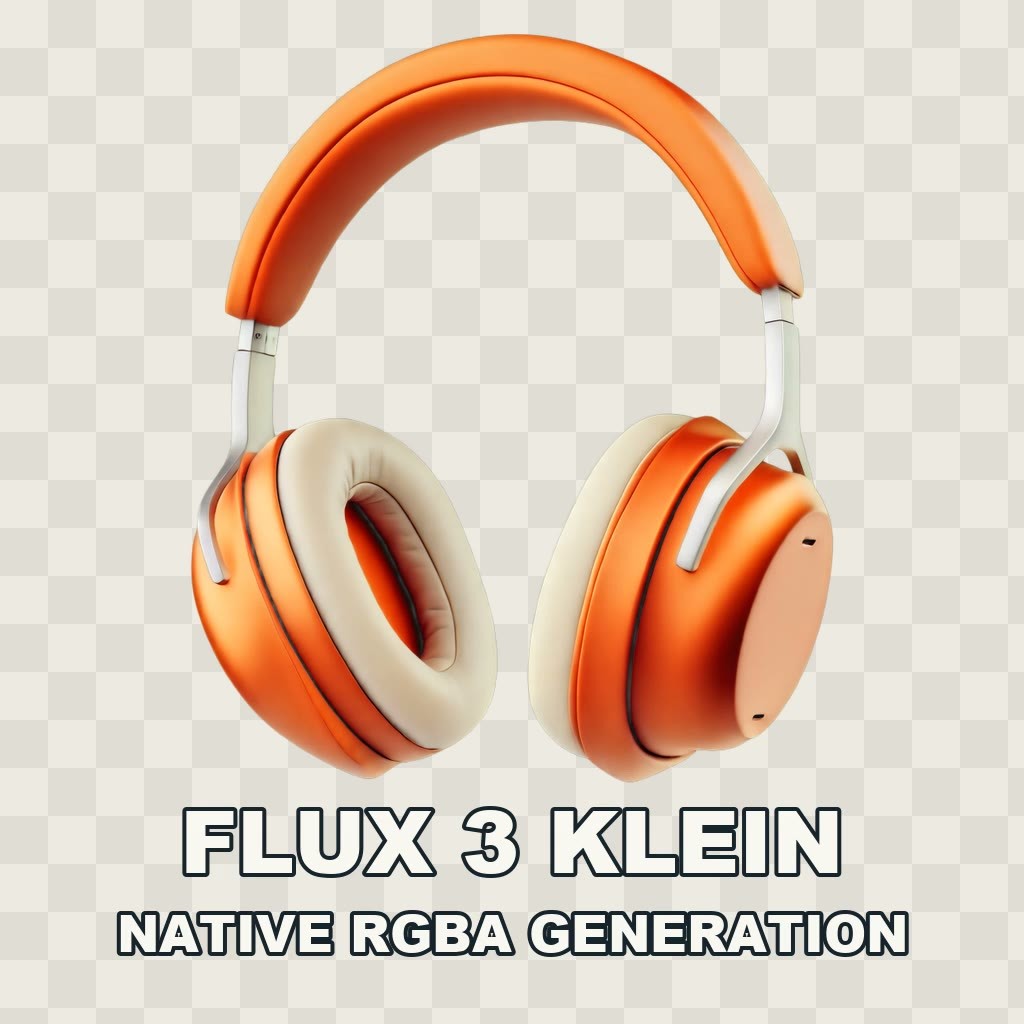
[B] Flux 3 Klein Native RGBA Generation in ComfyUI · v1.0
Workflow · New Model · Author BearGhasemian · Published 11-10 11:12 · Downloads 11
A ComfyUI workflow using Flux 3 Klein to directly generate transparent-background RGBA assets from text, featuring an alpha mask and checkerboard preview to check edges against light and dark backgrounds before compositing.
Images
Reasons for Recommendation
- New model (base model listed as Other, but the node list uses flux3-image-klein-base, confirming it belongs to this section); serves the creation of assets requiring transparent PNGs, such as product concept images, holiday decorations, and stickers.
- The node chain is clearly documented: flux3_klein_transparent_lora (transparent LoRA) + flux2_3_rgba_vae (RGBA VAE) + corresponding RGBA decoding and transparent preview nodes.
How to Use
- Unzip the workflow and prepare the base model, qwen3vl_4b text encoder, transparent LoRA, and RGBA VAE according to the node list; specific parameters are not provided by the author, who suggests running it on RunComfy first.
Risks and Limitations
- The download sources for the transparent LoRA, RGBA VAE, and _DRE custom nodes are not specified; the description largely drives traffic to RunComfy.
- 1 visible example videos; the zip file contains only the workflow, not the models.
Listed Only (1)
- Flux3 Image Klein Natural Facial Skin Texture · Step 5600 Model — LoRA: The 5600-step checkpoint of the same facial skin texture LoRA, which is another step count recommended by the original author.
Data: Civitai public API (base model Flux.3 Klein), inclusion window 11-10 08:31 → 11-10 21:01 (Beijing Time). Recommendation reasons have been reviewed by editors; download counts reflect attention only.