Zhenzhen's AI Radar · MiniMax H3 · 2026-10-30 Morning Report
This issue features 7 new versions: Strongly Recommended 0 · Recommended 1 · Worth Watching 2 · Listed Only 4
Editor's Note This issue reviewed 7 new H3 versions, with no S-tier entries. The top pick is H3 Studio 2.0: a one-stop ComfyUI workflow for text-to-video, image-to-video, and reference-to-video generation. This version adds continuation of the previous segment (V2V), independent first/last frame modes, and more reference slots, but it is merely a workflow and has switched to a community-fused base model, resulting in a downgrade from S to A. There is also an LLM prompt assistant workflow (downgraded from A to B, with no specified LLM) and a paid 70s horror movie style LoRA (B).
Recommended (1)
[A] Minimax H3 Studio | T2V | I2V | REF2V | Beginner Friendly · v2.0
Workflow · Version Update · Author LowQualityEnjoyer · Published 10-30 08:00 · Downloads 20
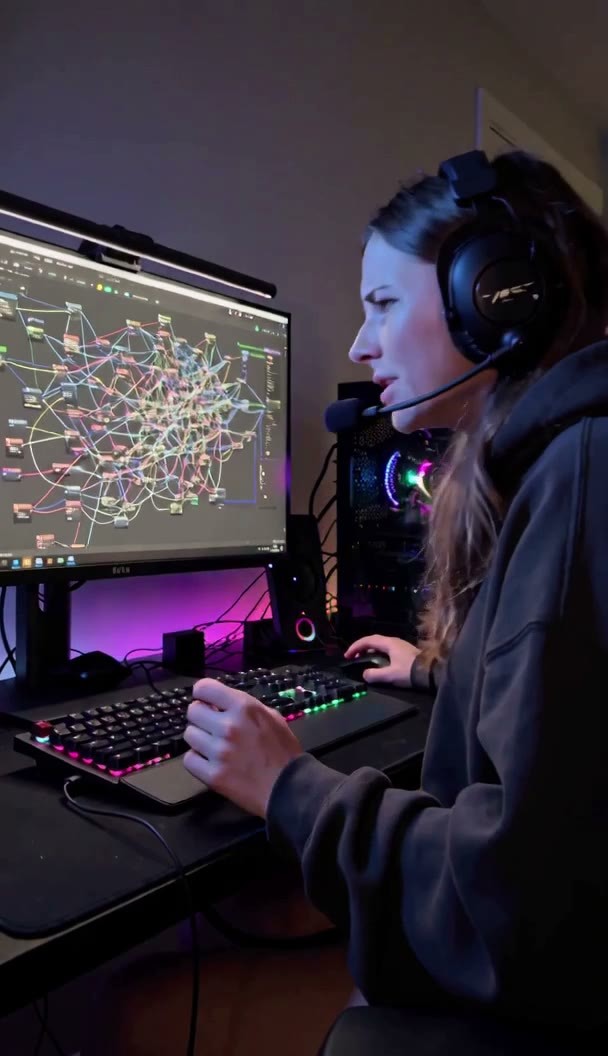
MiniMax H3 one-stop ComfyUI workflow version 2.0: Perform text-to-video, image-to-video, first/last frame, reference image/video-to-video, and continuation of the previous video segment all on the same canvas; it is not a new weight itself.
Downgraded from S to A: The changes are clear and actionable, and the new continuation and first/last frame modes are useful for creating continuous shots; however, it is just a workflow and is tied to a community-fused base model.
Images
Reasons for Recommendation
- Version update (compared to v1.0): Added a "Continue Segment" (V2V) mode, which loads the previous video, sets how much to reuse, and continues the new segment from the original action; this was not present in v1. First/last frame has changed from an optional add-on in I2V to an independent mode.
- Reference slots expanded to 4 images, 3 videos, and 2 audio clips (v1 had 2 images, 1 videos, and 1 audio). Added optional upscaling, detail refinement, and 48 fps frame interpolation, as well as TeaCache and Spectrum acceleration modes (bypassed by default, so they do not affect quality if not enabled).
- Removed the mode dropdown, replacing it with checkboxes for required modules; unchecked parts are automatically ignored. Removed the SeedVR2 and X2 save chains (author claims they are too slow), saving only one 24 fps file per run.
- Serves users who want a single workflow to cover various H3 generation methods, especially for multi-segment continuous shots; free, with a permissive license; the entire model has accumulated 790 downloads (indicating popularity only).
How to Use
- Download minimaxH3StudioT2VI2V_v20.json and import it into ComfyUI. Use the Manager's "Install missing custom nodes" feature to add nodes, then restart. Place the main model Minimax-h3_Singularity_x_10Eros-Max_PRISM_w6a8 in models/diffusion_models/minimax/ (subdirectory optional); the model link is provided in the canvas description.
- For T2V, just write the prompt. For I2V, unmute the First Frame; if you need a last frame, enable Use Last Frame. For reference-to-video, label images as <Picture 1>, <Picture 2>; for reference videos, enable both Reference Video and Unpack Reference Video and label as <Video 1>.
- Defaults are 8 seconds, 9:16, 0.4 MP, random seed. The author recommends a duration of 5–15 seconds and a resolution not exceeding 0.98 MP (1344×768); 0.8 MP is a faster size for daily use. Generates output in 8 steps, saving to output/video/minimax_h3_*.mp4.
Risks and Limitations
- The workflow JSON is not a new weight; v2.0 uses a community-fused base model (Singularity × 10Eros-Max, PRISM fusion) and no longer uses the fused turbo8 file from v1. The author has not specified if it can be switched back to the official base model.
- The v1 workflow cannot be opened in 2.0; the author recommends keeping the old file.
- The author claims it was built and tested on a 16 GB GPU; none of the 3 visible example segments include prompts, and 4 sensitive-level examples are hidden.
- The version notes only excerpt two sentences; full changes are in the model card. This entry has not been run.
Worth Watching (2)
[B] LLM Easy prompt enhancer + modification (both with input image) (krea2/Minimax H3) · MiniMax H3 v1.0
Workflow · Port · Author Crimson009 · Published 10-30 01:20 · Downloads 65
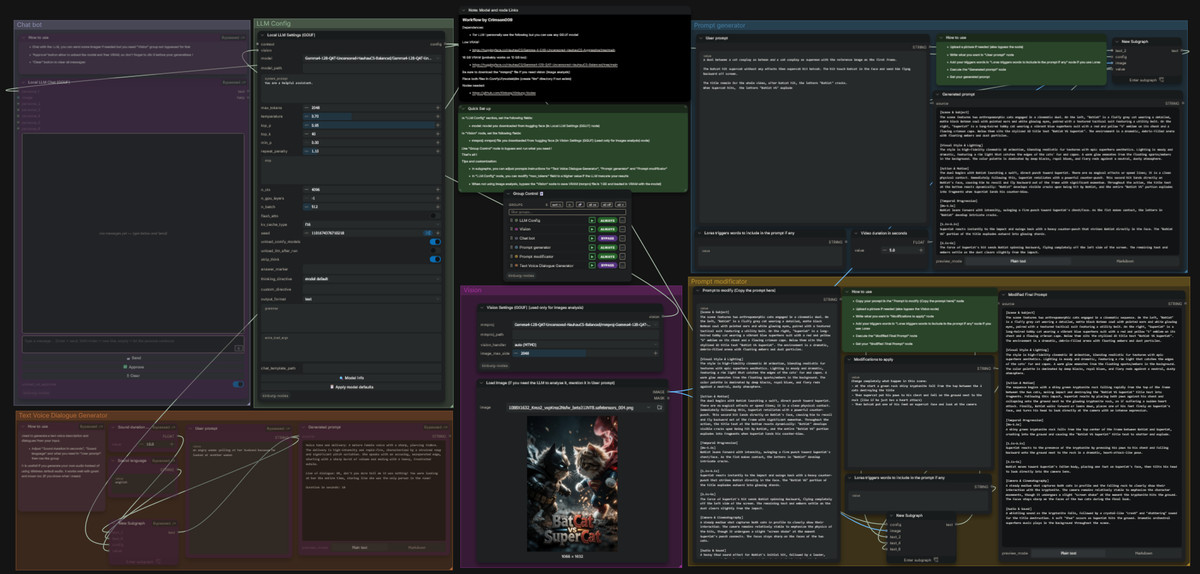
A prompt assistant workflow that integrates an LLM into ComfyUI. The H3 version includes 4 tools: writing prompts from images, modifying prompts based on images, chatting, and generating character dialogue.
Downgraded from A to B: The idea is practical, but it is just a prompt assistance workflow, and key dependencies (LLM and nodes) are not specified.
Images
Reasons for Recommendation
- Port: The previous Krea 2 version only had "write prompt from image" and "rewrite existing prompt"; the H3 version adds a chatbot and a "text-to-speech dialogue generator," the latter being convenient for writing prompts for H3 audio dialogue.
- Serves prompt preparation before image-to-video/reference-to-video: Input an image, let the LLM write or modify the H3 prompt, avoiding switching back and forth between ComfyUI and Ollama / LM Studio.
- Free, with a license allowing output, rental, and sale of fusions; the author states each group has a green instruction card explaining usage.
How to Use
- Download llmEasyPromptEnhancer_minimaxH3V10.json and import it into ComfyUI, following the green instruction cards in each group.
- When using the image viewing feature, specify in the input whether the image is the first frame or just for reference. The author does not specify which LLM node, model, or VRAM requirements are needed.
Risks and Limitations
- The workflow JSON is not a new weight, nor is it an H3-specific capability; switching to other models only requires changing the instruction prompt.
- The model card does not list dependent custom nodes or LLMs; you must import and fill them in yourself. This entry has not been run.
- The 5 visible example images do not show the generated video effects, and 2 sensitive-level examples are hidden.
[B] 70s Horror Movie · MiniMax H3
LoRA · Port · Author ArsMachina · Published 10-29 21:52 · Downloads 13 · Paid
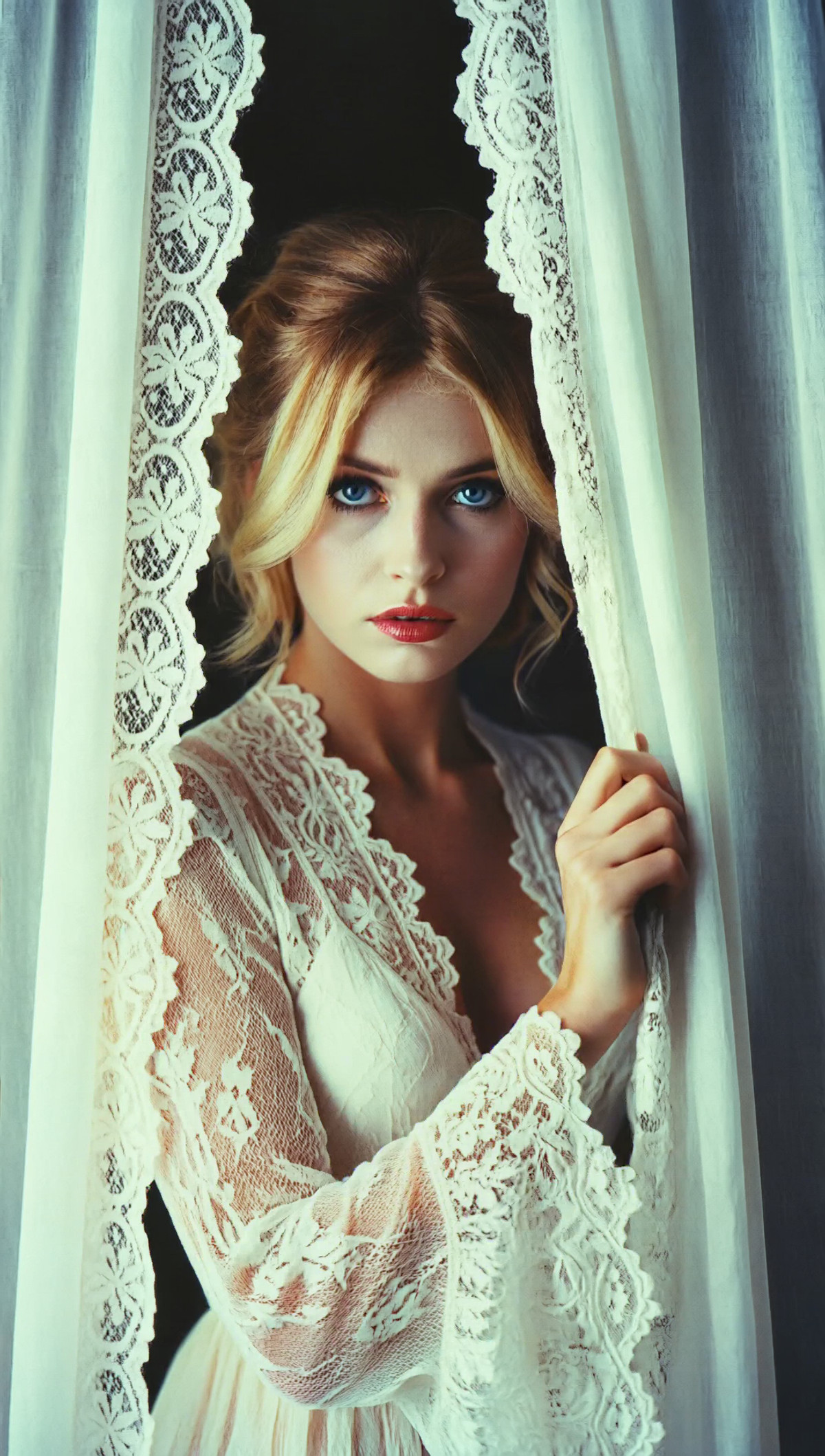
A style LoRA that gives visuals the atmosphere of 1970s horror movie stills. This is its MiniMax H3 video version, trained on a V2 dataset.
Maintained at B: Usage and workflow suggestions are clearly written, but it requires payment and has few video examples.
Images
Reasons for Recommendation
- Port: The same model already has over ten base model versions including Krea 2, MOSS, Flux, SDXL, and SD 1.5. The entire model has accumulated 15414 downloads and 1108 likes (indicating popularity only).
- H3 version differences: The author states that the style LoRA's role in video is to lock the style per frame and prevent style drift. It recommends using first/last frame (FL2V) or a hybrid workflow of "text-to-image first, then image-to-video / first-last-frame-to-video."
- The V2 dataset reportedly expanded materials, with a pastel Technicolor tone, and added fantasy horror creatures and scenes, moving away from a focus on slasher films.
- Includes 1 videos and 11 images; the author states the example images retain the full ComfyUI workflow.
How to Use
- Load 70s-horror-movie-minimax-h3-base-epoch-10.safetensors (BF16). Use the trigger words: ArsMovieStill, movie still from a 1970s horror movie.
- When combining with a turbo LoRA, the author recommends increasing this LoRA's strength to above 1.2 (e.g., 1.2–1.7). The author does not provide strength and step counts for use without turbo.
Risks and Limitations
- Paid download.
- The license only allows output and on-site rental; fusion and redistribution are not allowed.
- Visible examples are primarily images with only 1 videos; 8 sensitive-level examples are hidden.
Trigger Words: ArsMovieStill, movie still from a 1970s horror movie
Listed Only (4)
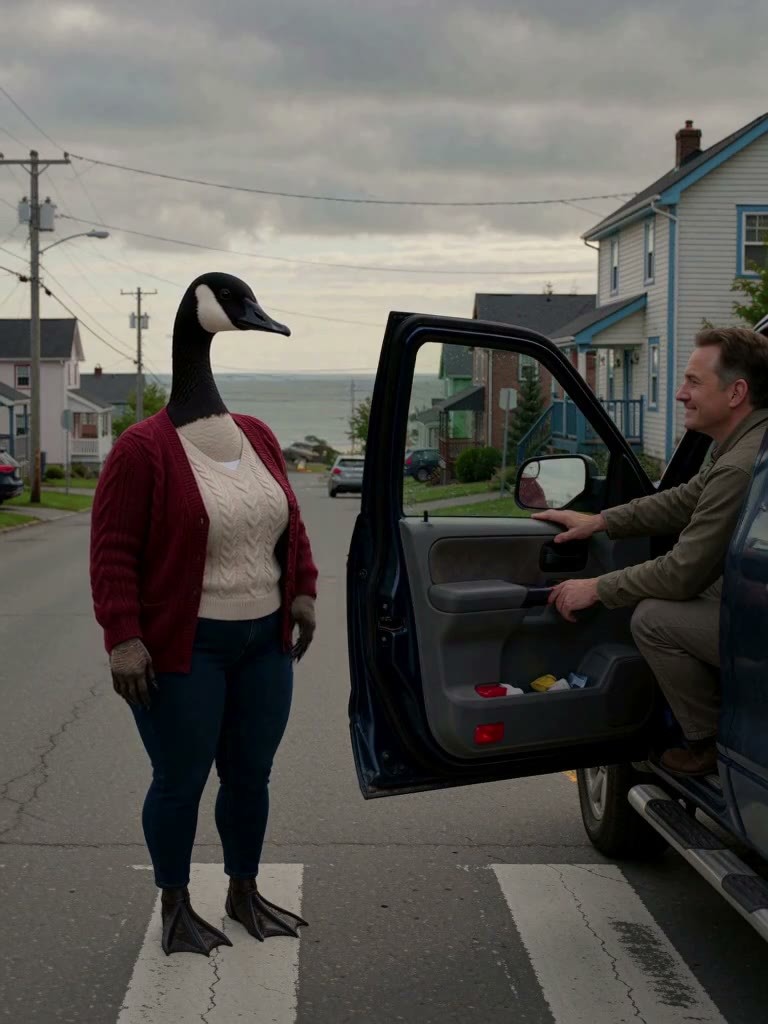
- Doris Brown · v1.0 H3 — LoRA: H3 character LoRA for the original anthropomorphic goose character Doris Brown, trigger word dorislora.
- Yumiko - Original Character (Krea 2 / MiniMax H3) · MiniMax H3 v1 — LoRA: H3 character LoRA for the original female character Yumiko, defaulting to short outward-flipped hair, with several hairstyle keywords also trained.

- Tomoko - Original Character (Krea 2 / MiniMax H3) · MiniMax H3 v1 — LoRA: H3 character LoRA for the original female character Tomoko, with long straight brown hair, allowing keyword switching to ponytails, braids, etc.
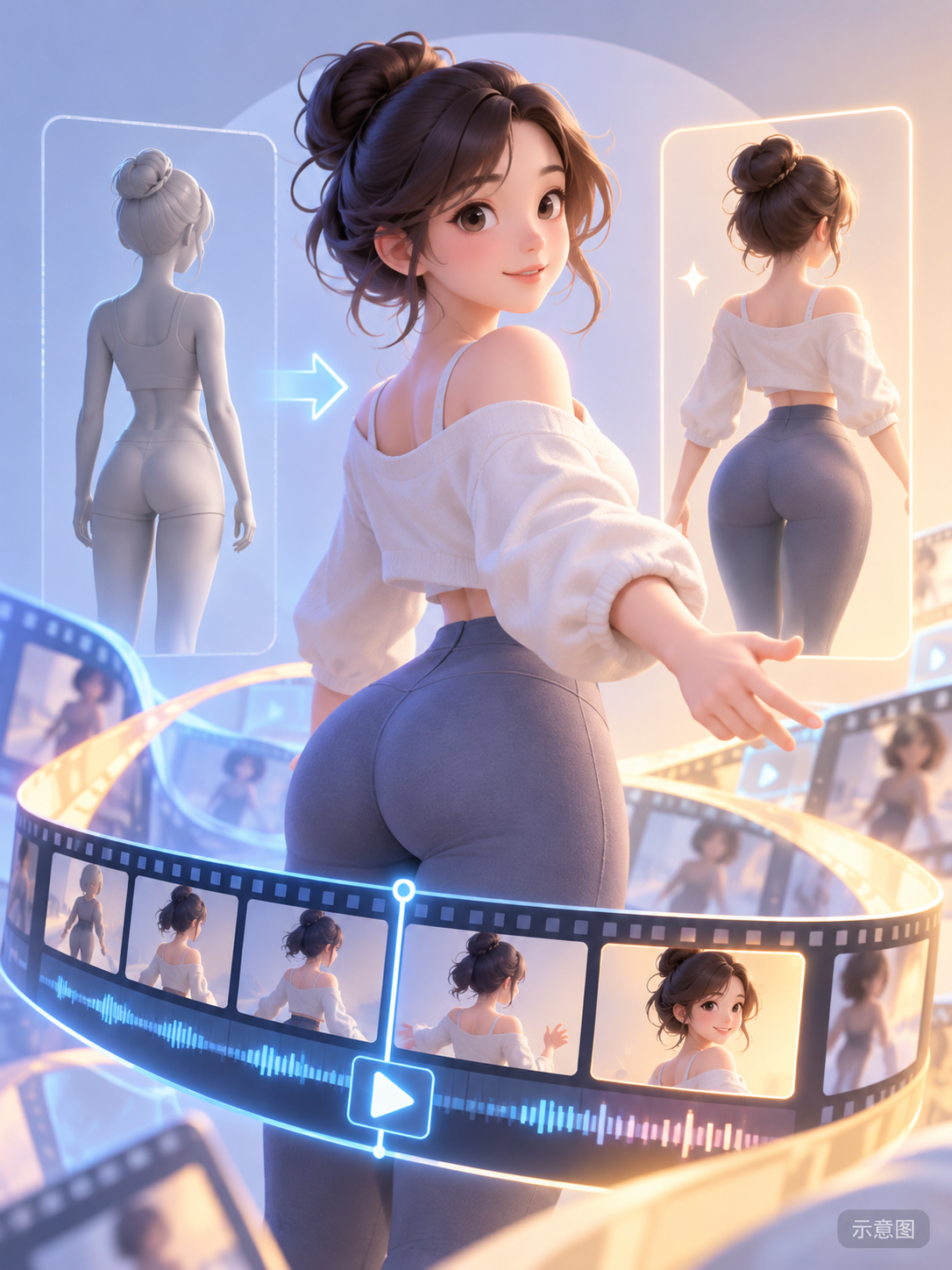
- PEAR.Style 🍐[Minimax / MOSS / Krea2 / +] · Minimax v1.0 — LoRA: A body type LoRA that shapes female characters into a wide-hip, narrow-waist physique. This is its MiniMax H3 video version.
Data: Civitai Public API (base model MiniMax H3), inclusion window 10-29 20:31 → 10-30 09:01 (Beijing Time). Recommendation reasons have been editor-reviewed; download counts indicate popularity only.