Zhenzhen's AI Radar · MiniMax H3 · 2026-11-15 Evening Report
This issue features 13 new versions: Strongly Recommended 1 · Recommended 2 · Worth Watching 5 · Listed Only 5
Editor's Note This issue reviews 14 new versions of H3, including 1 S-tier, 2 A-tier, 5 B-tier, and 6 C-tier entries. The top recommendation is the MiniMax H3 Ultimate 12GB workflow v2.4.0: a single dropdown switches between eight modes—text-to-video, image-to-video, first/last frame, reference image, multiframe, pose control, and extension—all with audio support. This version adds optional 1088p Full HD refinement using only core nodes. The Relight workflow was downgraded from S to A in this issue due to documentation-only changes; the H3 Continuity Studio multi-shot timeline node pack was upgraded from B to A after adding multiple video tracks. The RefLoRA set for the original character Nola, which contains only static images, was downgraded from S to C; versions with overly brief descriptions or fully hidden examples are listed as C.
Strongly Recommended (1)
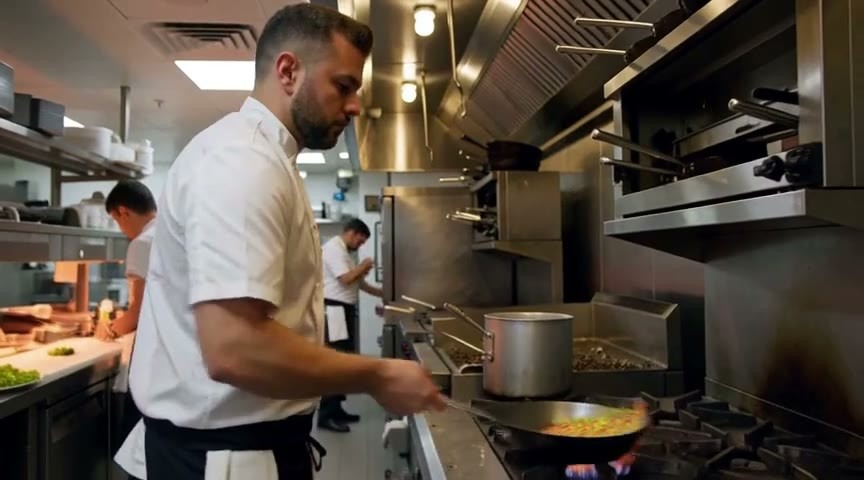
[S] MiniMax H3 Ultimate 12GB — T2V/I2V/FFLF/R2V/Multiframe/ControlNet/Extend, one dropdown, with audio · v2.4.0
Workflow · Version Update · Author The_frizzy1 · Published 11-15 19:47 · Downloads 14
An H3 all-mode workflow runnable on a 12 GB GPU: A single Mode dropdown switches between eight modes—text-to-video, image-to-video, last frame, first/last frame, reference image, multiframe guidance, ControlNet pose, and extension—all outputs include audio; v2.4.0 adds optional Full HD (1088p) refinement.
The Full HD refinement and the same author's Relight workflow use the same recipe; the upscaling models and Regenerate-2K LoRA can be shared between them.
Images
Reasons for Recommendation
- Version update: A Full HD (1088p) dropdown option has been added to the nodes, disabled by default; when disabled, output is identical to v2.3.0; when enabled, it applies "gentle refinement": the H3 latent upscaler scales the short side to 1088, then runs 3 steps of Regenerate-2K on FL2VA (sigma 0.55 / 0.4 / 0.2 / 0.0, CFG 1, euler), preserving the draft's audio.
- Serves users who want one setup to cover multiple H3 input methods: text-to-video / image-to-video / first-last frame / reference image (using <Picture 1> and <Picture 2> in prompts) / multiframe guidance / pose control / extension, using only ComfyUI core nodes without custom node installations.
- The author specifies hardware requirements: 12 GB VRAM (peak 11.3–11.6 GB), 32 GB RAM (peak 17–22 GB), and provides a time cost table for each mode; includes 19 example videos.
- Permissive licensing: The workflow is MIT licensed, while H3 itself is under the MiniMax H3 Community License.
How to Use
- Requires ComfyUI 0.44 or higher (the author runs it on 0.45.3); after importing the JSON, select a mode in the Mode dropdown and unmute only the inputs used by that mode (select and press Ctrl+B), keeping others muted.
- Turbo acceleration LoRA is enabled by default: FL2VA uses an acceleration LoRA with 8 steps, and Ref2VA uses one with 4 steps; duration is entered in seconds, and the workflow automatically converts it to valid H3 frame counts.
- All 10 models total approximately 69 GB; for text-to-video / image-to-video only (including last frame, first-last frame, and extension), only 5 of them are needed, totaling about 42 GB; enabling Full HD requires downloading an additional 2.7 GB latent upscaler and Regenerate-2K LoRA.
Risks and Limitations
- Large model file size; ComfyUI checks files for each enabled loader, so any undownloaded models must be pointed to an existing file in the loader, otherwise errors occur.
- Core ComfyUI lacks loop nodes, so long videos can only be extended segment by segment using extension mode repeatedly; the ninth mode (character replacement) is not included in this workflow.
- The author's time cost table is from an older version and does not cover the new Full HD refinement path added in v2.4.0; for 12 GB cards, the author recommends keeping Megapixels below 0.9.
- 1 examples are hidden, and the page contains mixed content.
Recommended (2)
[A] MiniMax H3 Relight 12GB — relight any video from a light sphere, Full HD 1088p, up to 60 s, original sound · v1.0.1
Workflow · Version Update · Author The_frizzy1 · Published 11-15 20:14 · Downloads 10
An H3 workflow for relighting existing videos: Input the original video, a light sphere image, and a line of lighting description; characters, scenes, camera positions, pacing, and original audio remain unchanged, with only the lighting altered; v1.0.1 only rewrote the usage instructions, with no changes to the graph structure.
Images

Reasons for Recommendation
- Version update: Rewrote usage instructions on the nodes (inputs, settings for each item in the H3 Relight node, tips, precautions, test environment, added ComfyUI 0.45.3 + 24 GB GPU); download instructions moved down; the author states the graph structure is identical to v1.0.0, so users already on v1.0.0 do not need to update.
- Serves video-to-video relighting: The author claims this is a local reconstruction of Sirio Berati's open-source relight, which originally targeted single 80 GB rented GPUs; here it uses H3 Ref2VA int8 + ref2v 4 step acceleration LoRA, runnable on 12 GB VRAM and 32 GB RAM.
- Uses only ComfyUI core nodes; the model list specifies download addresses and placement directories for each file; includes 7 example videos.
How to Use
- Requires ComfyUI 0.44 or higher; lighting presets and sphere images are obtained from sirioberati/relight-open-source (MIT): connect the sphere image to the Light sphere input, and the corresponding preset text from presets.json to the Light text input.
- Videos are read at 24 fps, with a maximum single duration of 15 seconds; enabling Long clip allows segmented processing up to 60 seconds (Full HD cannot be enabled in this mode).
- When Full HD is disabled, 6 models totaling approximately 51.5 GB are required; Full HD offers optional "gentle H3 refinement" or RealESRGAN x2, both outputting a short side of 1088; with acceleration LoRA, the step count is 6.
Risks and Limitations
- Slow: The author processed a 5.2 second clip on an RTX 3060, taking approximately 21–24 minutes for a short side of 736, plus about 32 minutes for Full HD refinement; a short side of 480 takes about 7 minutes.
- The author has not fully tested the Long clip mode and the RealESRGAN path within the workflow on a GPU, so no time cost data is available.
- 3 examples are hidden, and the page contains mixed content.
[A] H3 Continuity Studio - ComfyUI Timeline, Story and Visual Memory for MiniMax H3 · v1.0.0
Workflow · Version Update · Author KadoBOT · Published 11-15 13:04 · Downloads 54
An H3 multi-shot orchestration node pack: Organizes multiple video segments via a timeline and passes context between extension clips, allowing selected frames from previous segments to be carried into subsequent shots as "visual memory"; the 1.0 version redesigned the Studio interface, adding multiple video tracks and character/frame image generation using H3 Image.
Images

Reasons for Recommendation
- Version update: The Studio interface was redesigned to support multiple video segment tracks; integrated MiniMax H3 Image for generating cast and frame images; improvements were also made to Story, visual memory, reference images, and timeline editing.
- Serves multi-shot continuous narrative: The author claims that even after switching to exterior shots or changing camera angles, visual memory can still bring specified moments from previous segments into new shots; H3 Story can plan and write to the timeline via any OpenAI-compatible interface (local or cloud).
- Code is MIT open source, with a GitHub repository, user guide, and tutorial videos; includes 1 example videos.
How to Use
- Extract to ComfyUI/custom_nodes/ (or clone the repository), use ComfyUI's built-in Python to run pip install -r requirements.txt, restart, load examples/h3_story_studio.json, then select your H3 model, text encoder, and VAE.
- Requires a ComfyUI setup already capable of running H3; Story writing requires configuring a separate language model interface; an optional MCP adapter allows Codex / Claude Code to operate Studio.
- The author did not specify generation parameters such as step count, relying on the settings of the selected H3 model.
Risks and Limitations
- Does not include model weights; depends on H3 model files, Python dependencies, and external language model interfaces, resulting in a higher configuration barrier.
- Examples consist of only 1 videos, with no separate examples for the two new features: multi-track support and H3 Image integration.
Worth Watching (5)
[B] 🔥 MiniMax-H3 Perfect Lipsync (Advanced + Easy Workflow Setup) · v2.5
Workflow · Version Update · Author murphylanga · Published 11-15 10:24 · Downloads 44
A ComfyUI workflow that syncs H3 video lip movements to your own songs or voiceovers, featuring two setups: Easy single-pass rendering and Advanced two-step sampling.
Images

Reasons for Recommendation
- Version update: The author only wrote "Great update, new features" and did not list what specifically changed in v2.5
- Supports lip-sync and music videos: Drag in external WAV / MP3 audio, with built-in vocal separation and Extra Cut; Start / Next Video switches use 20 frame overlap to continue to the next segment, and the last frame can be extracted for separate upscaling; trailing overlap frames are automatically cropped according to a formula, and clips can be directly imported into editing software
- Advanced mode first generates a low-resolution base, then uses an upscaling sampler to add details; the author claims that with Tiled Decode enabled, 16 GB of VRAM can run 15-second clips; includes 7 sample videos
How to Use
- Unzip Video.zip and import it into ComfyUI, choose Easy (fast) or Advanced (two-step, more detail); the required custom nodes, model files, and step counts are not listed by the author in the model card, so you need to check the author's tutorial video and landing page
Risks and Limitations
- The author did not write specific update details, so it is impossible to judge the differences from the previous version
- The model card lacks a list of nodes and models; the license does not allow commercial use; 2 samples are hidden
【B】MiniMax H3 4-Step Turbo LoRA – QKVM Warm-Start · v3.0
LoRA · Version Update · Author Aki7777777 · Published 11-15 09:41 · Downloads 112
A third-party H3 first-and-last-frame (FL2V) 4-step acceleration LoRA, which the author claims was trained using "QKVM warm-start" to minimize changes to the base model's original style; v3.0 made adjustments to human body structure and torso movement.
Image

Reasons for Recommendation
- Version update: The author claims to have further studied humanoid structure and torso movement, making actions smoother
- For users who want to compress H3 sampling to 4 steps for speed: The author claims that from 2.0 onwards, the original model style is preserved, image blur is reduced, and stability for long-sequence generation is improved
- Judging by the filename, it is intended for FL2V models and can serve as an alternative low-step option besides the official acceleration LoRA
How to Use
- Load this LoRA in an FL2V workflow (1.9 GB · BF16), sample for 4 steps; no trigger word required; strength, CFG, and sampler are not provided by the author
Risks and Limitations
- No visible examples (2 are hidden), so there is no way to compare image quality and motion after acceleration
- The description is very short and does not explain whether it can be used simultaneously with the official acceleration LoRA
- The card image is an AI-generated illustration, not the actual effect of the model; the author has no publicly available standard-level examples
【B】PixelArt [Minimax / MOSS / Krea2 / SD] · Minimax v1.0
LoRA · Port · Author TeraWatt · Published 11-15 11:01 · Downloads 3 · Paid
The H3 version of a pixel art style LoRA: generates videos of characters, enemies, items, and scenes in a 8-bit / 16-bit retro game style.
Image

Reasons for Recommendation
- Port: The same model page already has Krea 2, MOSS Image, and Pony image versions; the H3 version is the video version; the author claims the H3 sample videos were generated using text-to-video mode
- For retro game assets and pixel-style short films: characters / sprites, city dungeon scenes, icon items; includes 5 sample videos
How to Use
- Text-to-video, add the trigger word PixelArt_TeraWatt to the prompt; strength and step count are not provided by the author
Risks and Limitations
- Paid download
- The model card has no parameters and does not explain the training differences between the H3 version and the image version; 6 samples are hidden
Trigger Word: PixelArt_TeraWatt
【B】KinetiX Atomic Heat Ray Slider · v1.0
LoRA · New Model · Author make676767 · Published 11-15 10:01 · Downloads 4 · Paid
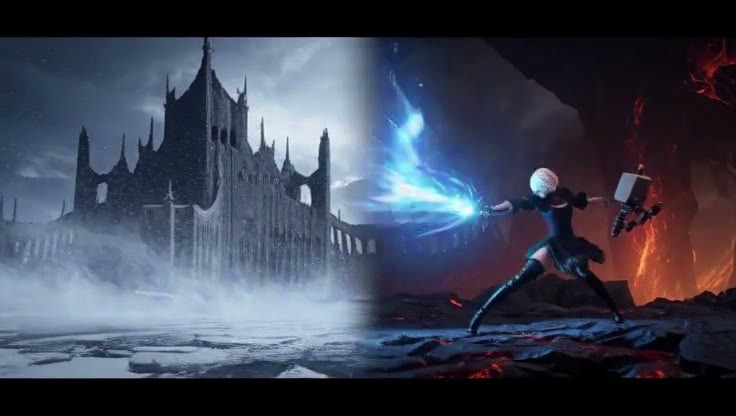
A positive/negative "atomic heat ray" effect slider LoRA: positive values shoot deep cobalt blue plasma beams and shockwave rings from positions like monster mouths and mecha cannons, while negative values suppress stray beams in the image.
Image
Reasons for Recommendation
- New capability: Use LoRA strength to directly adjust beam intensity; the author claims it does not change the emitter's design or scene structure, working for monsters, mecha, warship turrets, and handheld casting
- The author provided tiers: +0.8~+1.2 for thin focused lasers, +1.5~+2.0 for the recommended tier, +3.0~+5.0 for super-large plasma columns, 0 for original, -2.0~-4.0 for clearing stray light; includes three directly copyable prompts (recommended weights +1.8 / +2.5 / +1.8), one of which includes overall_soundscape and non_diegetic_music sound descriptions
- Includes 1 sample videos and a workflow resource pack; the author also provided combinations with camera shake, ground cracking, and angular velocity sliders
How to Use
- No trigger word required; set the weight in strength_model, starting from the recommended tier +1.8; clearly describe the emitter and beam in the prompt, e.g., a monster opening its mouth to spray a deep blue beam
Risks and Limitations
- Paid download
- Only 1 visible examples, 6 are hidden; other sliders used in combinations need to be obtained separately
- The example prompts use Godzilla, involving copyrighted characters
【B】Lora-Daddy H3 Studio - Now Free <3 (link in desc) - Now with Refmods! · 4.1
Workflow · Version Update · Author Lora_Daddy · Published 11-15 19:07 · Downloads 1 · Paid
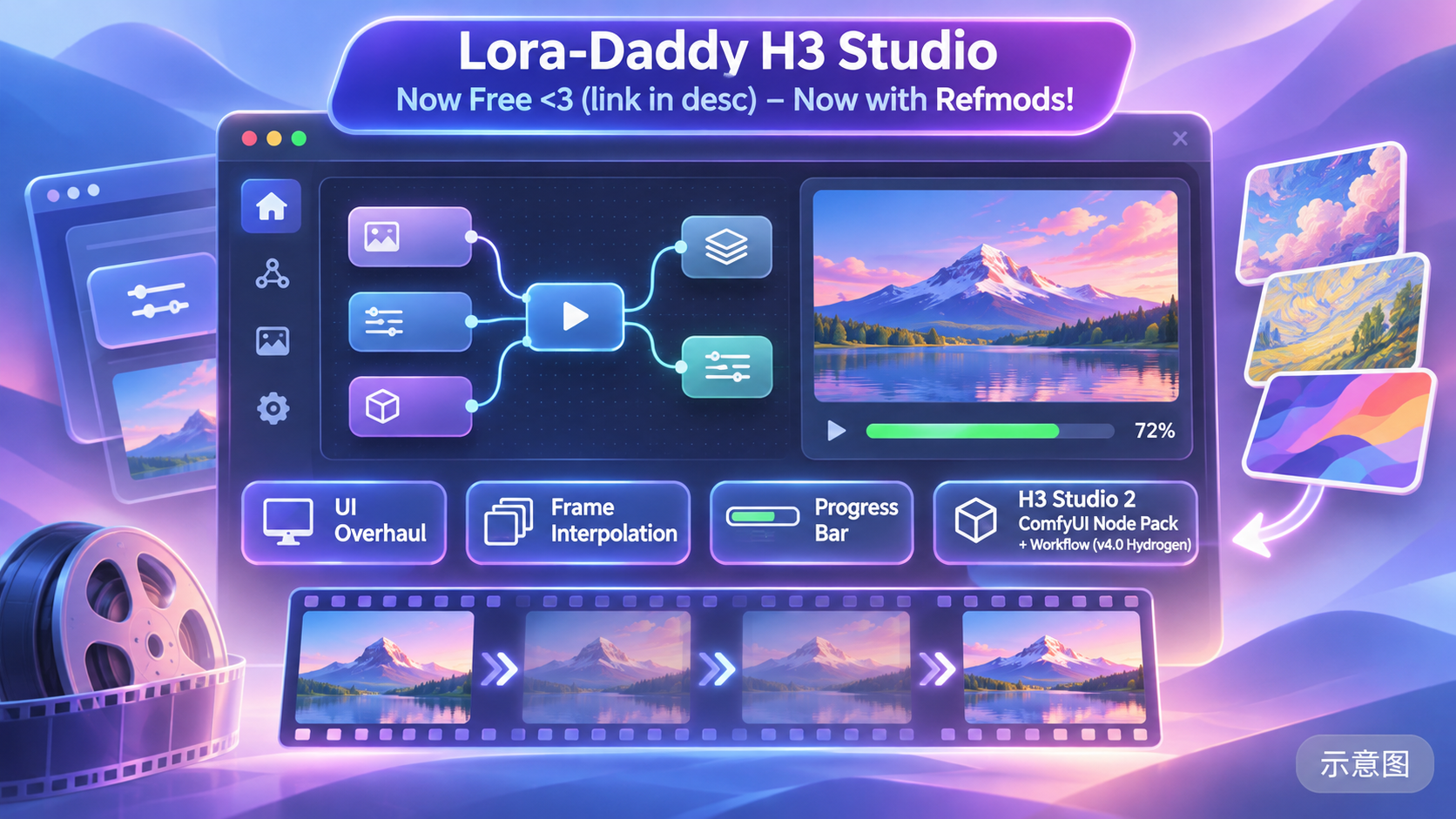
Lora-Daddy's H3 Studio 2 (node pack + workflow) version 4.1: Integrates reference image libraries, camera building, background music, and other interfaces in ComfyUI; this version redesigns the interface and adds frame interpolation and a progress bar.
Image
Reasons for Recommendation
- Version update: The version notes are empty; the latest changes listed in the model card log are interface redesign, adding frame interpolation within the interface, a progress bar, Camera Build reconstruction, a non_diegetic_music background music builder (can upload mp3 and adjust volume), and a new low-saturation theme
- Previous batch of changes: Performance optimization, adding RefMods to the second tab of the reference image library; the author claims that after reducing instruction length by 91%, Qwen follows prompts better
- The previous version V4 was in recent popular items; this version is an incremental update; the zip package is 212 MB
How to Use
- Installation steps, required models, and parameters are not provided by the author; the author suggests starting with small adjustments for Camera Build
Risks and Limitations
- The author did not write update notes (version notes are empty); changes can only be inferred from the model card log
- Data shows it is a paid download, but the author claims the zip package is free and website donations are voluntary; refer to the actual page for details
- No visible examples (6 are hidden), and the page contains mixed content
- The card image is an AI-generated illustration, not the actual effect of the model; the author has no publicly available standard-level examples
Included Only (5)
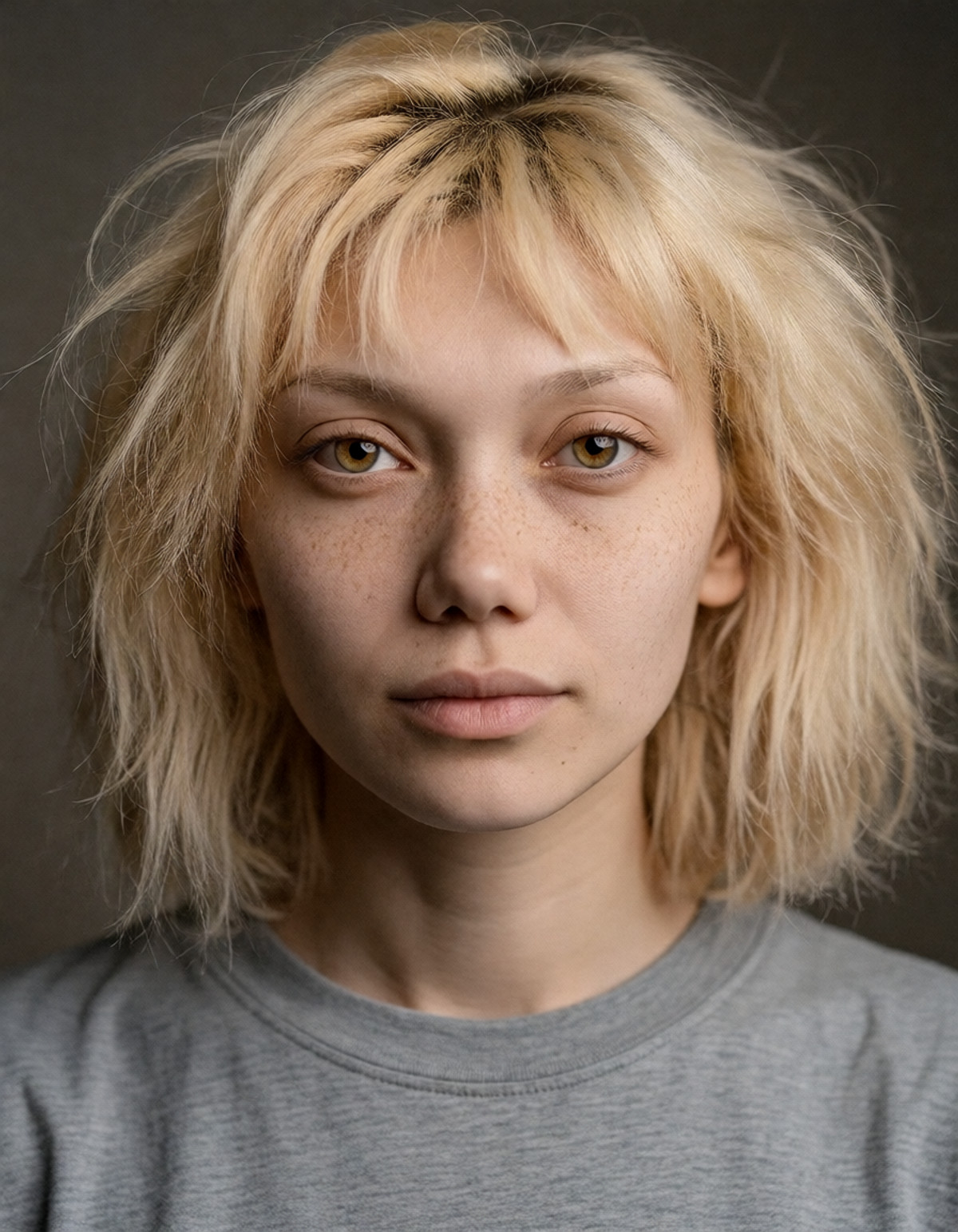
- [Krea 2 DiT] Nola (znolanola) — Consistent Southern Street Muse · v1.0 - H3 RefLoRA+RefMod — LoRA: An H3 reference image LoRA set for the original fictional female character Nola: RefLoRA weights + visual RefMod files + wired workflow; the author claims it is used to keep the character's appearance consistent in H3.
- KinetiX Combat Semantic Bridge (MiniMax-H3) · KOF V1.0 — LoRA: The KOF version of the KinetiX combat action LoRA "Combat Semantic Bridge"; the model card does not explain what specific action effects this version brings.
- ComfyUI MiniMax-H3 Turbo Workflow – Speed, Quality & Easy to Use! · v2.02 — Workflow: An H3 image-to-video / text-to-video ComfyUI workflow that generates sound effects and background music simultaneously based on prompts, divided into Easy single-render and Advanced two-step sampling; it is the version without external audio of the same author's lip-sync workflow.

- Thai female character, chr_mth_v02 · chr_mth_MinimaxH3_v01 — LoRA: The H3 version of a fictional Thai female character LoRA, with the trigger word Meaw.

- MiniMax H3 Director's Desk | Infinite Length Video (Episode 298) · v1.0 — Workflow: The H3 "Director's Desk | Infinite Length Video" ComfyUI workflow accompanying episode 298 of the AI-KSK tutorial; the model card only lists running steps and does not explain how long videos are specifically implemented.

Data: Civitai public API (base model MiniMax H3), inclusion window 11-15 08:31 → 11-15 21:01 (Beijing Time). Reasons for recommendation have been editorially reviewed; download counts only represent attention.