Zhenzhen's AI Radar · MiniMax H3 Image · 2026-11-13 Morning Report
This issue features 4 new versions: Strongly Recommended 0 · Recommended 2 · Worth Watching 2 · Listed Only 0
Editor's Note This issue reviews 4 new versions of H3 Image (all are), with 2 rated A and 2 rated B. We highlight ZetaLvX's native node workflow: text-to-image, image editing, and multi-reference generation are combined in a single graph, with the author providing recommended settings of 6 steps and CFG 1. The image-to-image workflow uses Qwen 3.5 to analyze images instead of manual prompts; it has the most examples and is also rated A. T2I Improve only mentions borrowing a modification from Reddit without explaining what was changed, so its automatic A rating is downgraded to B. Anime Classic HD is an anime style ported from MOSS with incomplete parameters, rated B.
Recommended (2)
[A] ZetaLvX MiniMax H3 Image – ComfyUI Workflow · v1.0
Workflow · New Model · Author Zetalvx · Published 11-13 00:51 · Downloads 116
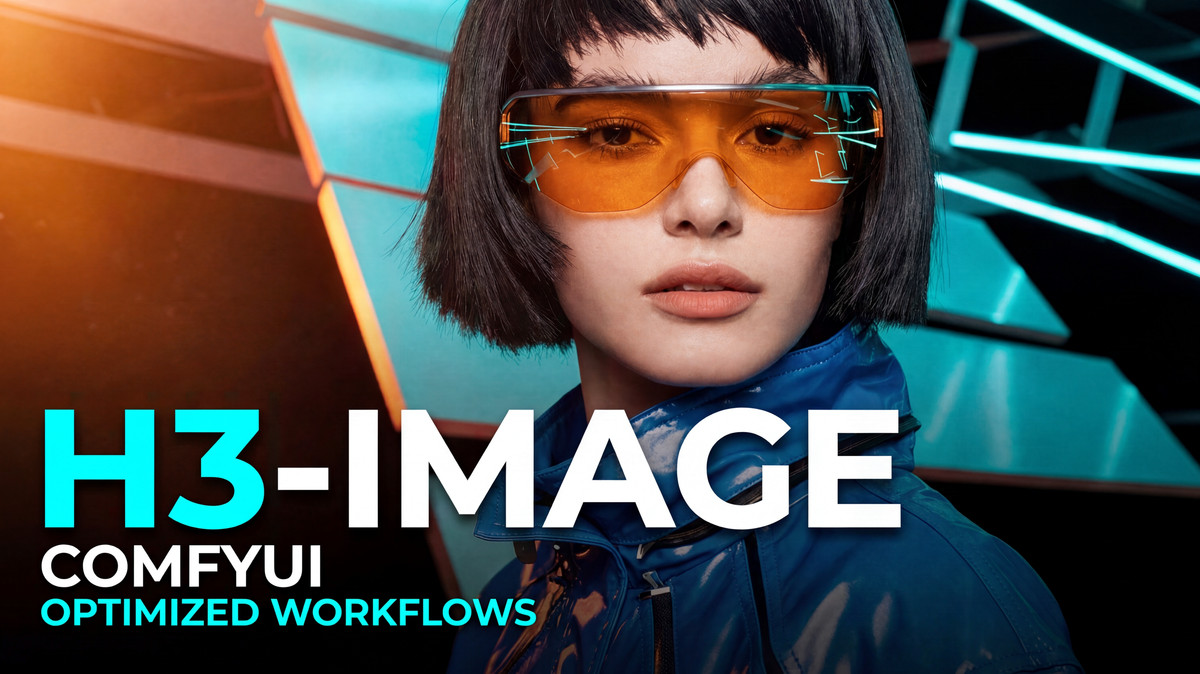
A streamlined ComfyUI workflow for running H3 Image locally: text-to-image, image editing, and multi-reference generation share a single set of nodes, requiring no custom nodes.
Images
Reasons for Recommendation
- New workflow serving three tasks: without image input, it performs text-to-image; connecting a source image to the first image input enables image editing; connecting multiple images enables multi-reference generation, supporting up to 16 image inputs.
- Adjustable aspect ratios with automatic resolution calculation, allowing direct specification of target megapixels; nodes are organized into groups with usage instructions.
- The author lists the three required model filenames and provides complete recommended settings.
How to Use
- Steps 6, Sampler Euler, Scheduler Simple, CFG 1, Denoise 1.
- For multi-reference generation, H3 Image refers to input images in order as <Picture 1> and <Picture 2>; use these names in the prompt to specify how each image should be used.
Risks and Limitations
- Only 1 example images are provided; you must download the H3 Image main model, text encoder, and VAE yourself.
[A] MiniMax H3 Image workflow: Image to image · v1.0
Workflow · New Model · Author def813 · Published 11-13 07:46 · Downloads 24
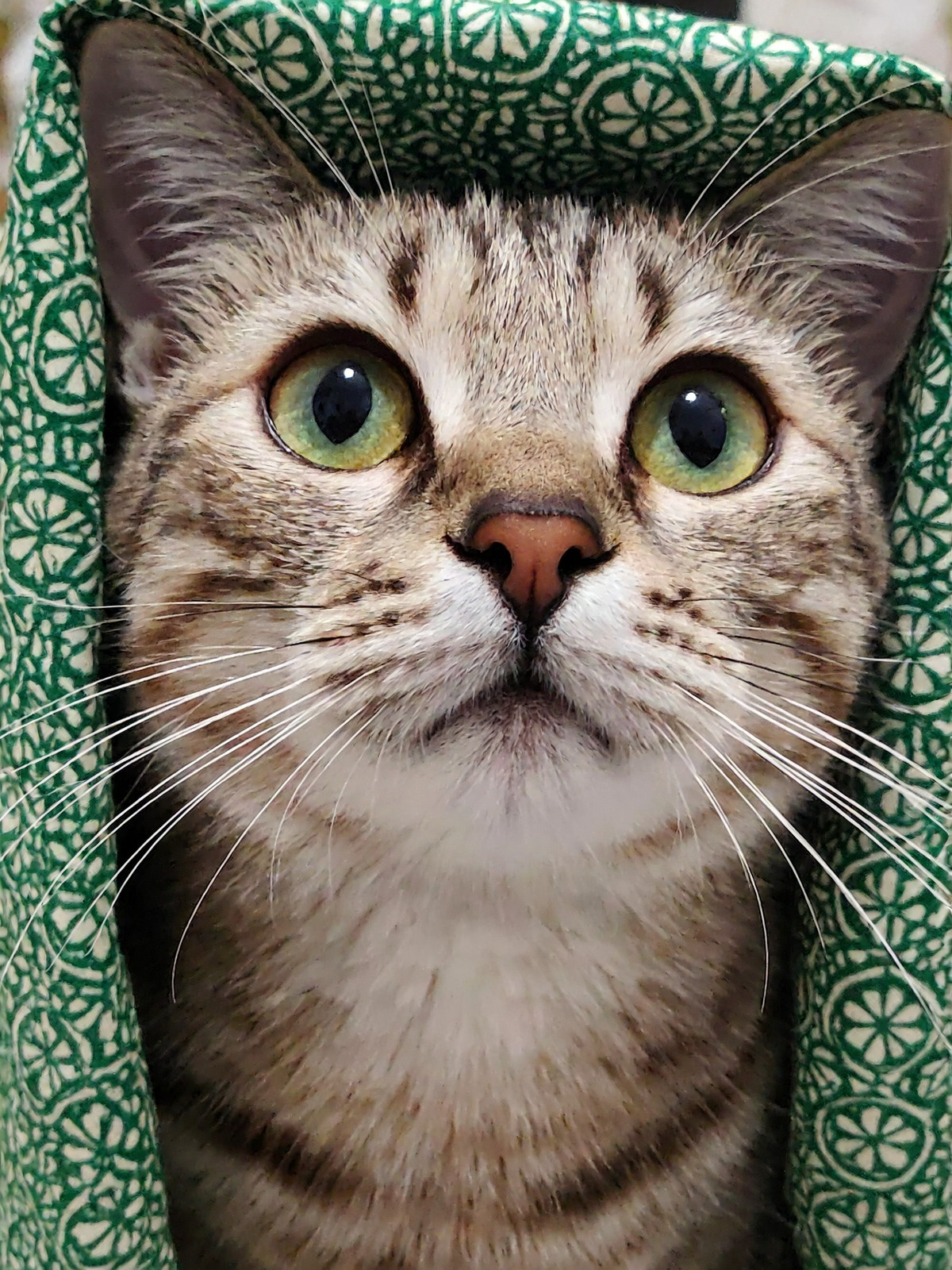
An H3 Image image-to-image workflow that requires no prompts: Qwen 3.5 analyzes the input image, which is then passed to H3 Image for regeneration.
Images
Reasons for Recommendation
- New workflow serving the scenario of "using an image as a prompt": it eliminates the need for manual descriptions and is suitable for generating similar scenes based on reference images.
- Input images below 4 MP are automatically upscaled to 4 MP; the author states that H3 performs better at 4 MP. There are 12 visible examples.
- Uses entirely native nodes with no custom code; the author claims that ComfyUI updates will not cause errors due to this. Required files are specified within the workflow.
How to Use
- Load the input image and run directly; the author claims that 2048x2048 takes approximately 16 seconds on 5070ti and approximately 32 seconds on 5060ti 16g (with models already loaded).
- Sampling parameters are not listed separately by the author; refer to the settings within the workflow.
Risks and Limitations
- The description is brief and does not explain which file is used for the Qwen 3.5 vision model or how to control the strength of image editing.
- The license does not permit commercial use or the publication of derivative works.
Worth Watching (2)
[B] H3-IMG T2I Improve WF · T2IMG v1.0
Workflow · New Model · Author kennedysworks · Published 11-13 07:11 · Downloads 33
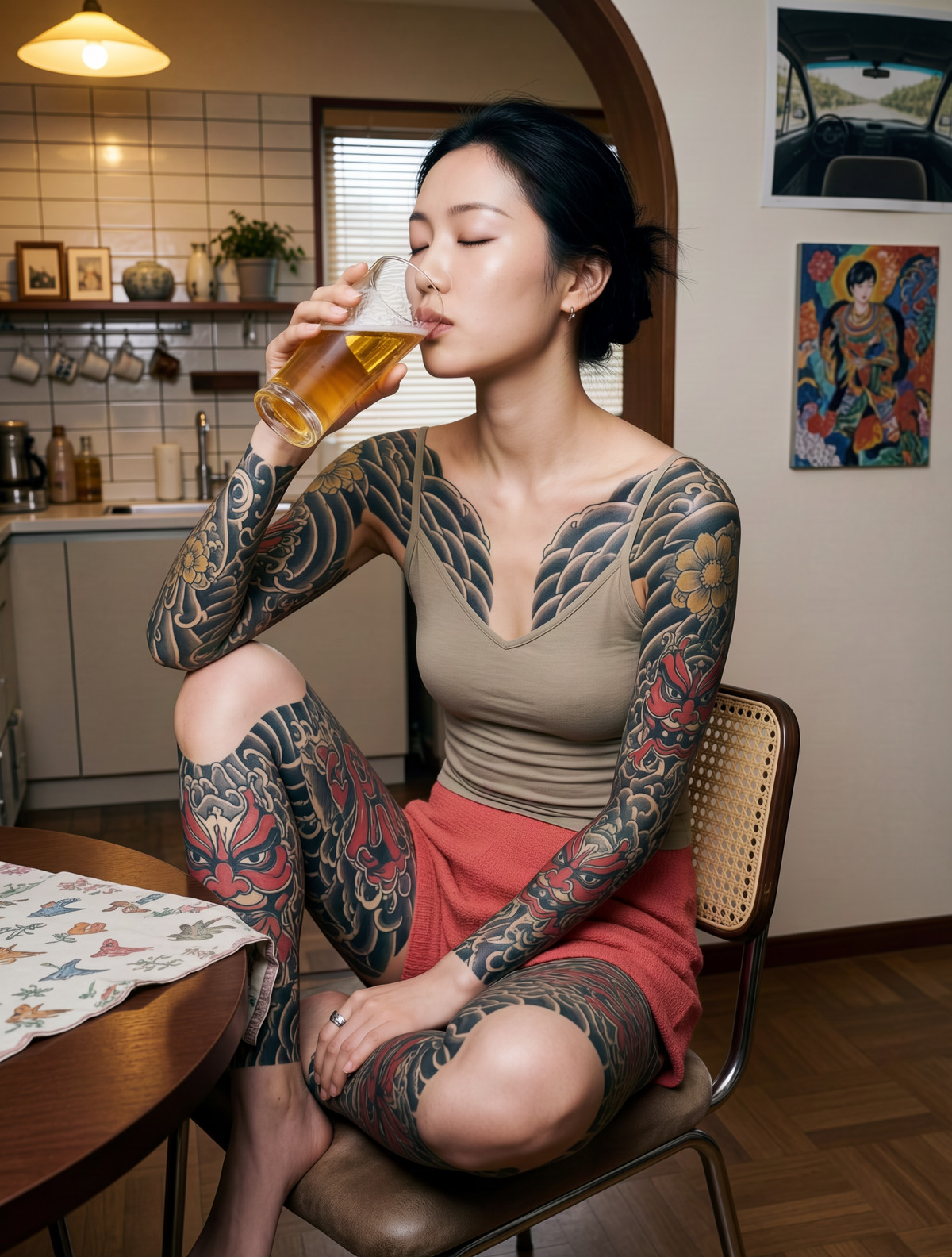
An improved text-to-image workflow for H3 Image: the author integrated a modification seen on Reddit into the workflow, claiming it reduces blurriness and loss of detail.
Images
Reasons for Recommendation
- New workflow improving text-to-image quality: the author claims a significant reduction in blurriness and detail loss, and mentions that KIJAI has a patched version.
- 6 visible example images.
How to Use
- Load H3IMG_IMPROVE.json and run; parameters and required nodes are not provided by the author.
Risks and Limitations
- The model card contains only a link to a Reddit comment and personal impressions, without explaining specifically what was changed or the underlying principles; 6 examples are hidden.
- There are no before-and-after comparison images; "significant improvement" is merely the author's claim.
[B] MOSS/MiniMax H3 Image Anime Classic HD · MiniMax H3 Image v1.0
LoRA · Port · Author _Envy_ · Published 11-13 01:40 · Downloads 59
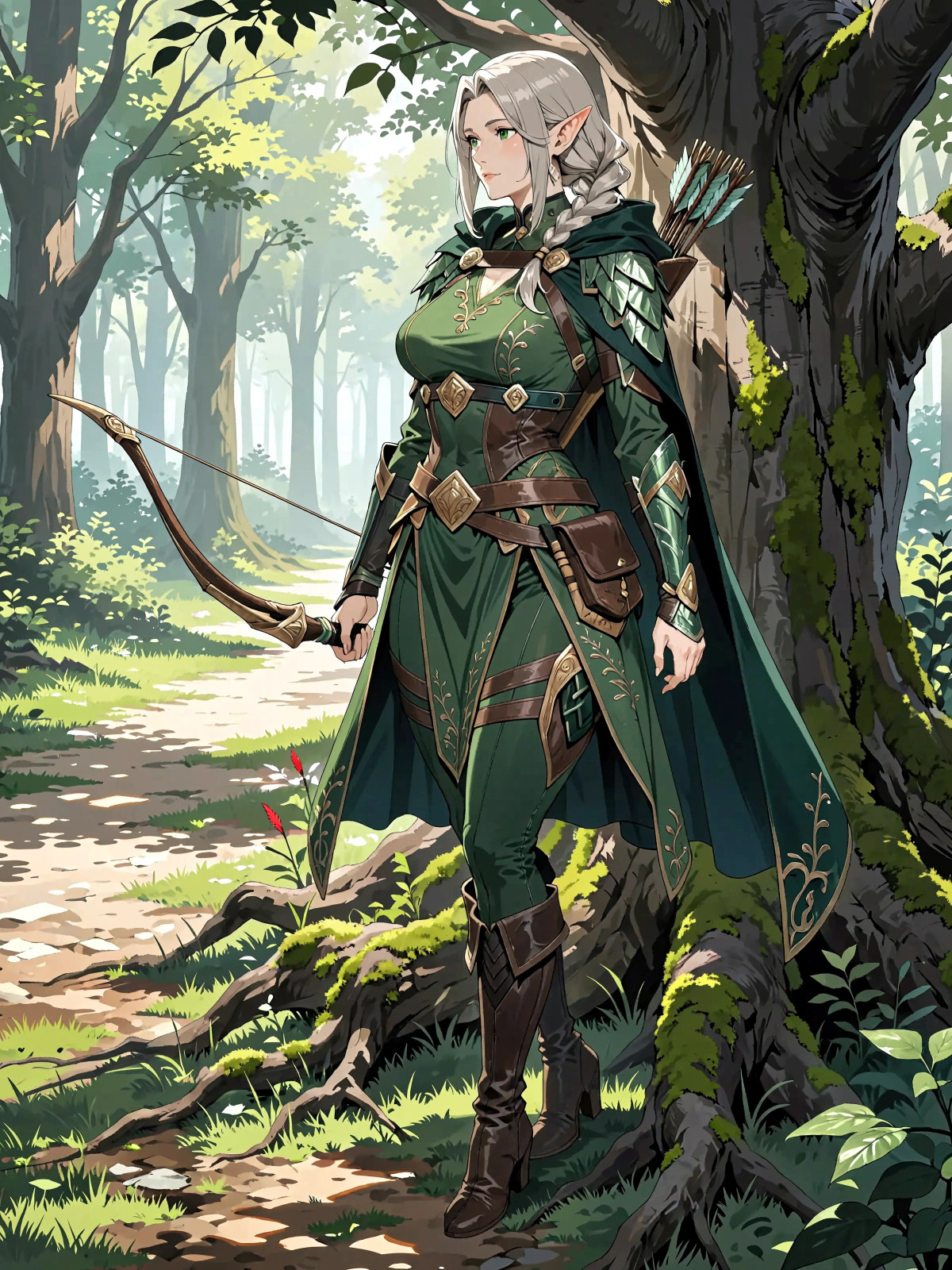
The H3 Image version of a classic anime style LoRA: features flat cel-shading and sharp details; a MOSS version of the same model already exists.
Images
Reasons for Recommendation
- Ported version: moved from the MOSS Image version to H3 Image, including a LoRA test workflow; 11 visible examples.
- The model card states that v2.0 was retrained with more refined, color-adjusted images, resulting in sharper and more saturated outputs—but this refers to H3 Image's v1.0, and the card does not explain the relationship between the two versions.
How to Use
- The author recommends res_multistep / simple sampling with KROMOSS turbo (this is a recommendation for the MOSS side); the strength and trigger words for the H3 Image version are not provided by the author.
Risks and Limitations
- The description consists of only three sentences and does not detail the differences between the H3 Image version and the MOSS version; 7 examples are hidden.
Data: Civitai public API (base model MiniMax H3), inclusion window 11-12 20:31 → 11-13 09:01 (Beijing Time). Reasons for recommendation have been reviewed by editors; download counts reflect attention only.