Zhenzhen's AI Radar · MiniMax H3 Image · 2026-11-13 Evening Report
This issue features 6 new versions: Strongly Recommended 1 · Recommended 0 · Worth Watching 2 · Listed Only 3
Editor's Note This issue reviews 6 new versions of H3 Image, with 1 rated S, 2 rated B, and 3 rated C. The top recommendation is the Character Sheet Builder v3.0: upload a character image, and it renders a full character sheet in one go, featuring multiple full-body views plus facial close-ups, while preserving the art style of the reference image. RunComfy's instruction-based image editing workflow has complete parameters but lacks visible examples, and the INT4 quantized version of the 32B text encoder saves VRAM but offers no quality comparison; both are rated B. The RunComfy text-to-image workflow, the 9B quantized file where descriptions do not match the files, and the BF16 format conversion which the author states was untested for loading, are rated C. There are no reposts or entries with identical hashes to exclude in this issue.
Strongly Recommended (1)
[S] H3 Image Character Sheet Builder · v3.0
Workflow · Version Update · Author juiceman868 · Published 11-13 15:41 · Downloads 148
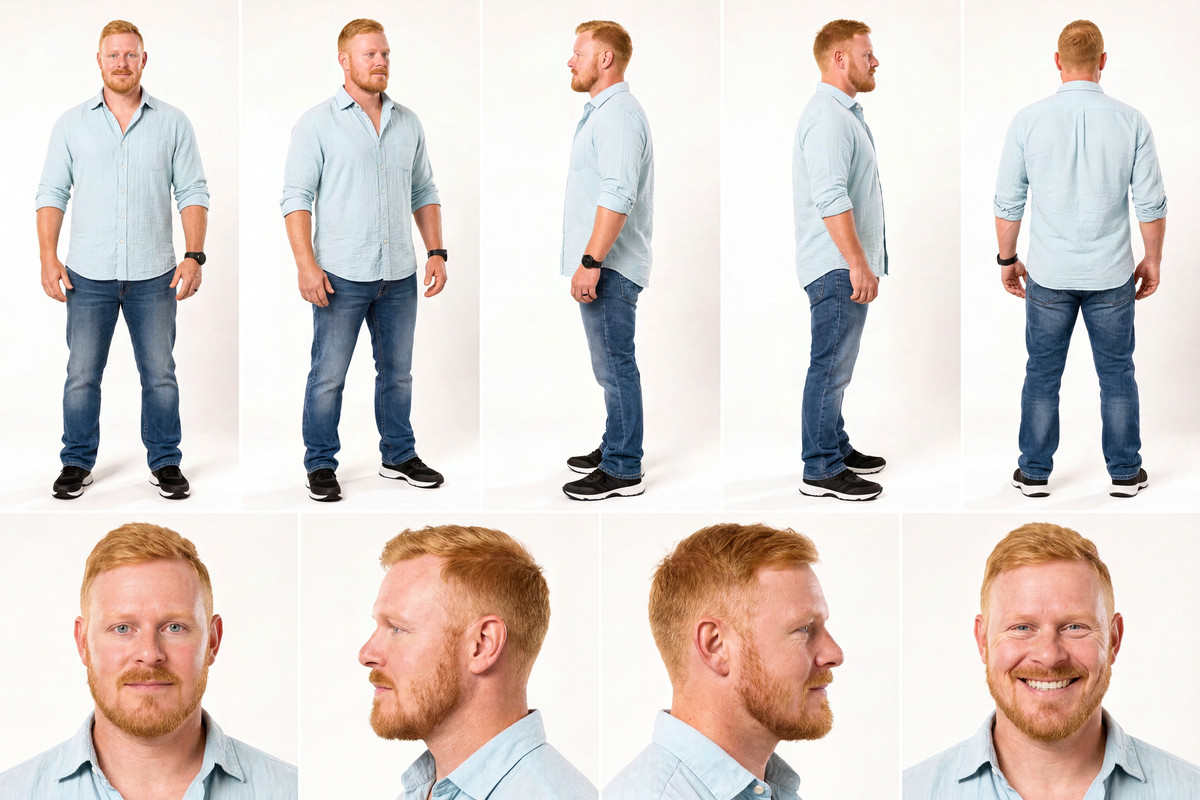
Upload a character image (or upload none), and H3 Image renders the entire character sheet in one pass: the top row features full-body front, left side, right side, and back views, while the bottom row features facial close-ups, all preserving the art style of the reference image.
Image
Reasons for Recommendation
- Version Update: v2 stitched together 8 images, causing faces and clothing to drift between panels; v3 renders the entire sheet in one pass, ensuring all views depict the same character. v2 tended to render everything realistically, whereas v3 copies the reference image's art style—anime remains anime, watercolor remains watercolor.
- Added 3/4 view toggles; quadrupeds and vehicles have their own specific view combinations, with vehicles including side, front, rear, top-down views, and headlight close-ups.
- All options are centralized in a single settings node; render size is no longer limited to 16 MP, and there is now a final save size dropdown (2.3 / 4 / 6 / 9 / 12 / 16 MP or Native, downscaling only).
- 5 visible examples; approximately 5 hours after publication, there have been 148 downloads.
How to Use
- Follow Step 1 Upload → Step 2 Settings → Step 3 Generate; select character_type as Human, Bipedal Creature, Quadruped, or Vehicle, and use character_notes to add details not visible in the photo or specify an art style.
- The author states that on an RTX 5090, a full sheet at 16 MP takes approximately 30-40 seconds; for drafts, you can first adjust megapixels to 4.
- Required custom nodes (ComfyUI-Pixaroma, ComfyUI-Fantastic-MiniMaxH3-PromptBuilder) and three model files (H3 Image main model, text encoder, VAE) are all listed by the author on the card.
Risks and Limitations
- Requires ComfyUI v0.45.0 or higher; the main model (~21 GB), text encoder (~27 GB), and VAE (~1.2 GB) listed by the author must be downloaded separately.
- 3 examples are hidden; the author notes that if large blank spaces appear on the side, simply rerunning the generation fixes it, indicating that output stability is not guaranteed every time.
Worth Watching (2)
[B] MiniMax H3 Image Editing ComfyUI | Guided Edits · v1.0
Workflow · New Model · Author BearGhasemian · Published 11-13 11:06 · Downloads 40
The H3 Image text-instruction editing workflow released by RunComfy: input a source image and use a single sentence to replace objects, change colors, edit text, switch seasons, or change art styles.
Image

Reasons for Recommendation
- New workflow serving single-image editing: You can use Qwen 3.5 9B to expand short instructions into detailed descriptions specifying "what to preserve," or switch back to the original instruction for direct editing.
- The author provided sampling parameters and stated they are consistent with official templates; input images are automatically scaled to approximately 4 MP before aligning dimensions.
How to Use
- KSampler: 6 steps, CFG 1, Euler / simple, denoise 1.
- To preserve more of the original image, keep the source image connected and explicitly specify lighting, perspective, and background to retain in the instructions; for major scene changes, focus the description on the new content; if unsatisfied, change the seed or rewrite the instruction.
- After downloading the zip, you must manually add nodes and models; the author recommends testing it first on RunComfy.
Risks and Limitations
- Visible examples are 0 (2 are hidden), making it impossible to preview editing effects.
- The version notes contain only one sentence: "Initial release"; much of the card is RunComfy promotion, local required model filenames are not listed, and node requirements refer users to the RunComfy page.
- The author states that larger target resolutions have not been verified; the base model is labeled as Other, but based on the name and the MiniMaxH3ImageConditioning node, it is judged to be for H3 Image editing.
- The card image is an AI-generated diagram, not actual model output; the author has no publicly available standard-level examples.
[B] MiniMax H3 Image Text Encoder INT4 ConvRot · qwen3vl_32b_minimax_h3
Text Encoder · New Model · Author MM744 · Published 11-13 20:23 · Downloads 4
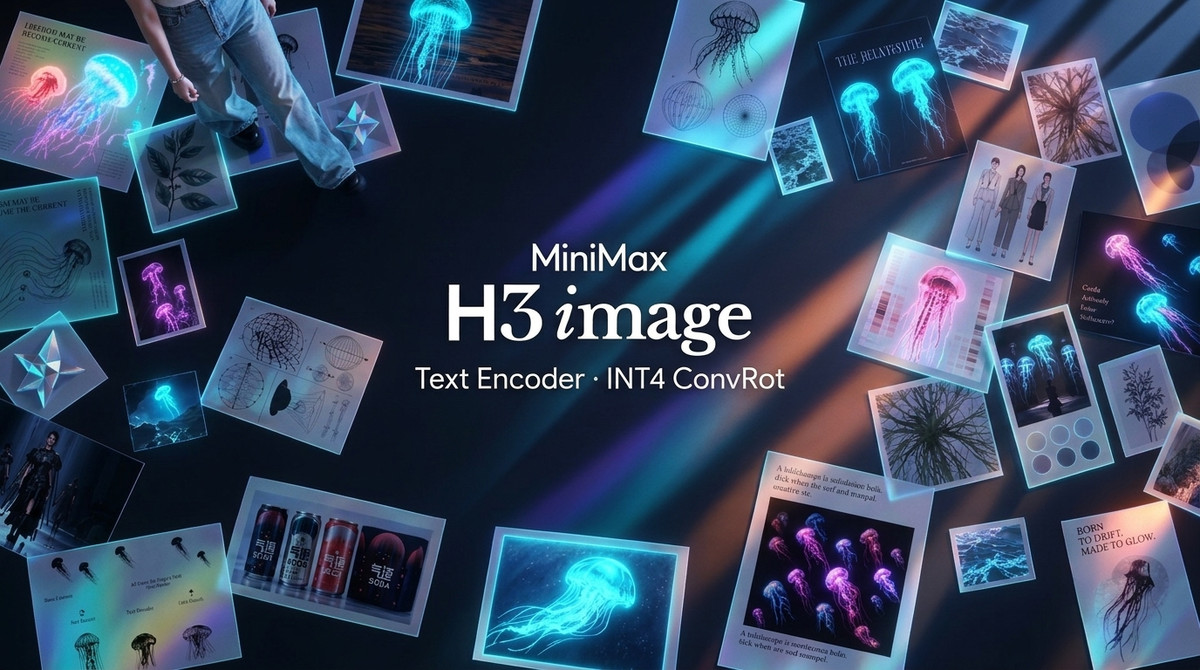
A single-file INT4 ConvRot quantized version of the 32B text encoder (qwen3vl_32b_minimax_h3) used by H3 Image, intended to reduce download size and VRAM usage.
Image
Reasons for Recommendation
- New file serving local deployments with tight VRAM: The author claims to have compressed the 32B text encoder to 13.30 GB, which is 51.0% smaller than int8_convrot and 15.2% smaller than nvfp4_awq.
- The author claims native comfy_kitchen compatibility is preserved, provided as a single .safetensors file.
How to Use
- Replace the existing H3 text encoder file in your workflow; the author did not provide specific loading nodes or parameters.
Risks and Limitations
- There is no comparison regarding the impact of INT4 on image quality, only 1 diagrammatic examples.
- The file metadata precision is labeled as int8, which is inconsistent with the INT4 in the name; version notes are empty.
Listed Only (3)
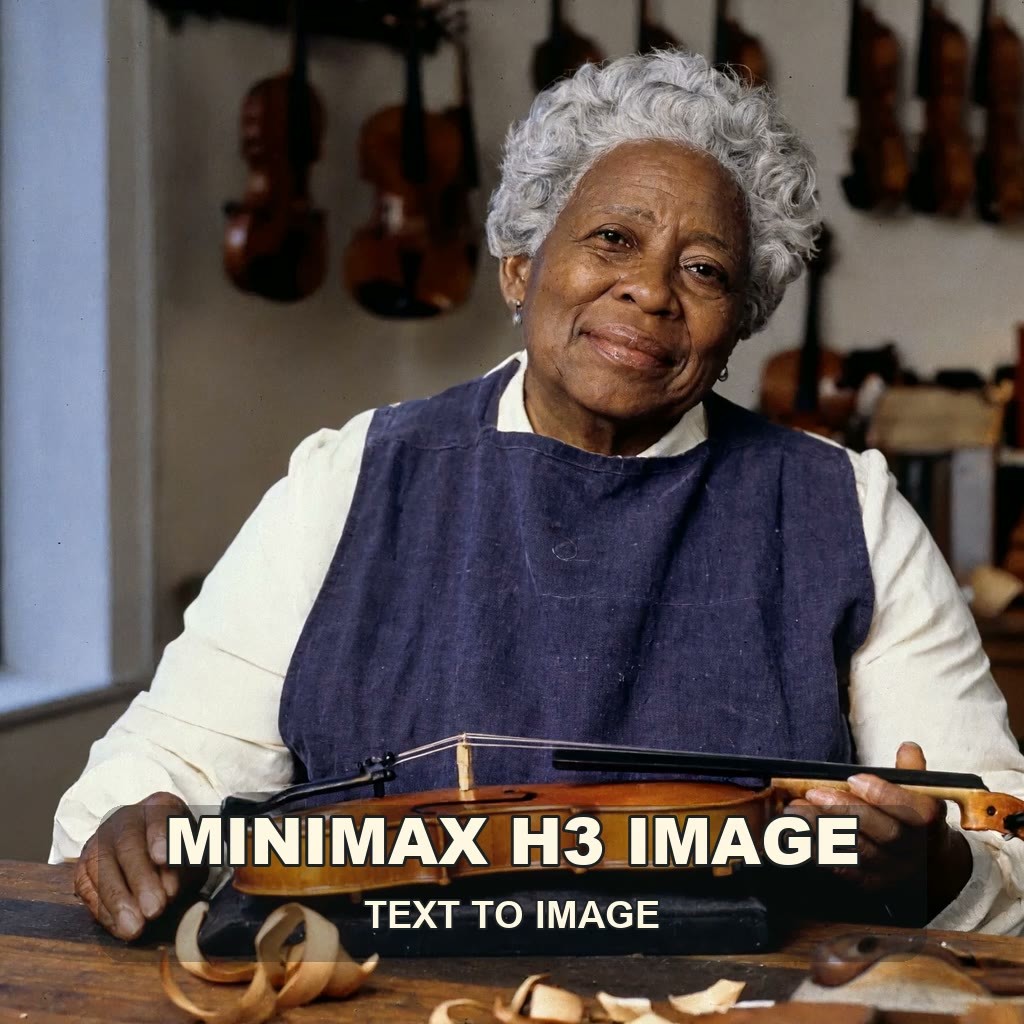
- MiniMax H3 Image Text to Image in ComfyUI · v1.0 — Workflow: The H3 Image text-to-image workflow released by RunComfy: defaults to 4 MP, enables prompt expansion, uses fixed 6 step sampling, with optional aspect ratios.
- MiniMax H3 Image Text Encoder INT4 ConvRot · qwen3.5_9b_int4_convrot — Text Encoder: The second file on the same model page: An INT4 ConvRot quantized version of Qwen 3.5 9B; the model card does not specify where it is used in the H3 Image pipeline.
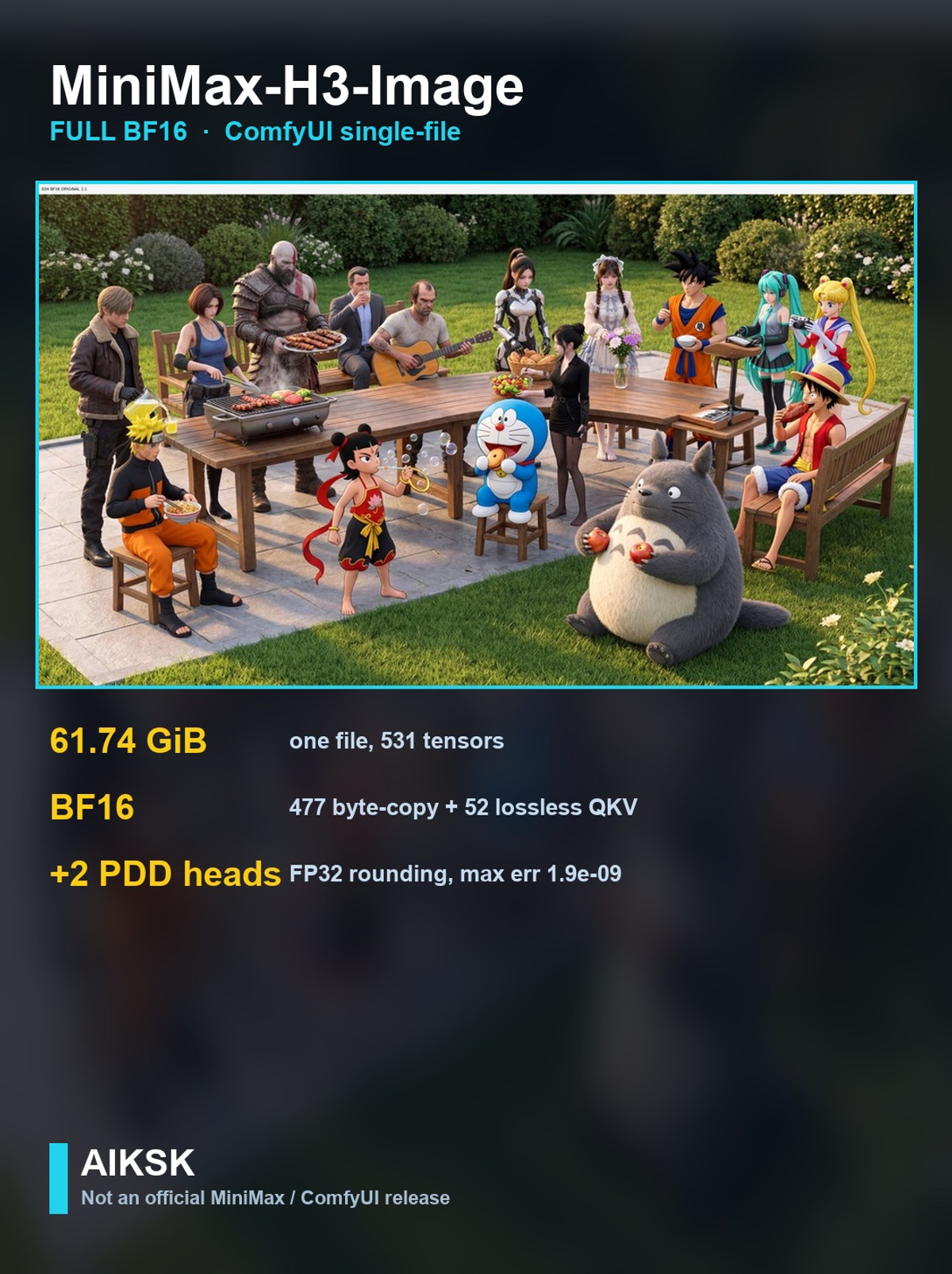
- MiniMax-H3-Image Full BF16 (ComfyUI single-file conversion) by AIKSK · v1.0 (BF16 ComfyUI) — Base Model / Checkpoint: Converts the official unpruned MiniMax-H3-Image weights into a ComfyUI single-file safetensors format: full BF16, no quantization, not a new training.
Data: Civitai public API (base model MiniMax H3), inclusion window 11-13 08:31 → 11-13 21:01 (Beijing Time). Reasons for recommendation have been reviewed by editors; download counts only reflect attention levels.