Zhenzhen's AI Radar · MiniMax H3 Image · 2026-11-14 Morning Report
This issue features 2 new versions: Strongly Recommended 0 · Recommended 1 · Worth Watching 1 · Listed Only 0
Editor's Note This issue reviews 2 new versions of H3 Image, with 1 rated A and 1 rated B. Top pick: the streamlined 16 MP text-to-image workflow. It replaces the official template's 4 MP + euler sampler with 16 MP output + SamplerLCM for 6 steps, addressing blurry eyes in full-body portraits; it also supports image editing by inputting a single image. T2I Improve has been upgraded to v1.5, but the update only mentions fixing occasional faint stripes without explaining the changes or providing comparisons, so its automatic A rating is downgraded to B. There are no reposts or entries with identical hashes to exclude this issue.
Recommended (1)
[A] H3I Fixed! Extremely Simple 16MP Workflow T2I (I2I Ready) · T2I v1.0
Workflow · New Model · Author VinPara · Published 11-13 21:52 · Downloads 109
Streamlined H3 Image text-to-image workflow: switched to 16 MP output, SamplerLCM sampling, and P-H3 VAE decoding to address blurry eyes in full-body portraits from the official template; supports image editing by inputting a single image.
Images

Reasons for Recommendation
- New workflow where the author explains the rationale: H3 Image operates in 32×32 pixel blocks. The official template only outputs 4 MP, causing eyes to appear blurry in full-body portraits as they occupy only a few blocks; euler sampling makes skin noisier and faces look older.
- Changes: 16 MP output (with half-size preview saved separately), SamplerLCM with s_noise reduced from 1.10 to 0.90, and P-H3 VAE decoding, which the author claims yields more detail.
- Uses only core nodes; all model download links are provided on the card. Text encoders are split into nvfp4 (for RTX 50) and int8 (for other cards) based on GPU type.
- Approximately 11 hours after publication, it has 109 downloads and 3 comments.
How to Use
- SamplerLCM (s_noise 1.10 → 0.90), simple mode, 6 steps, cfg 1; requires ComfyUI 0.45 or higher.
- Image editing: Add a Load Image node connected to the image_0 input of the conditioning node. Use <Picture 1> and <Picture 2> in the prompt to refer to input images, where Picture 1 is the image being edited.
- LoRA slots and full 16 MP saving are disabled by default; select the node and press Ctrl+B to enable them. Dragging the example image into ComfyUI restores the complete settings.
Risks and Limitations
- Only 2 visible examples and 1 hidden images are available, with no comparison against the official template; "better detail" is the author's claim.
- The example images incorporate the author's own Blender-style LoRA, so the style does not solely originate from the workflow itself; the author has not provided VRAM usage or processing time for 16 MP output.
Worth Watching (1)
[B] H3-IMG T2I Improve WF · v1.5
Workflow · Version Update · Author kennedysworks · Published 11-13 21:14 · Downloads 91
H3 Image text-to-image improvement workflow v1.5: Fixes occasional faint stripes in generated images; the core remains the Reddit-based method integrated in the previous version.
Images
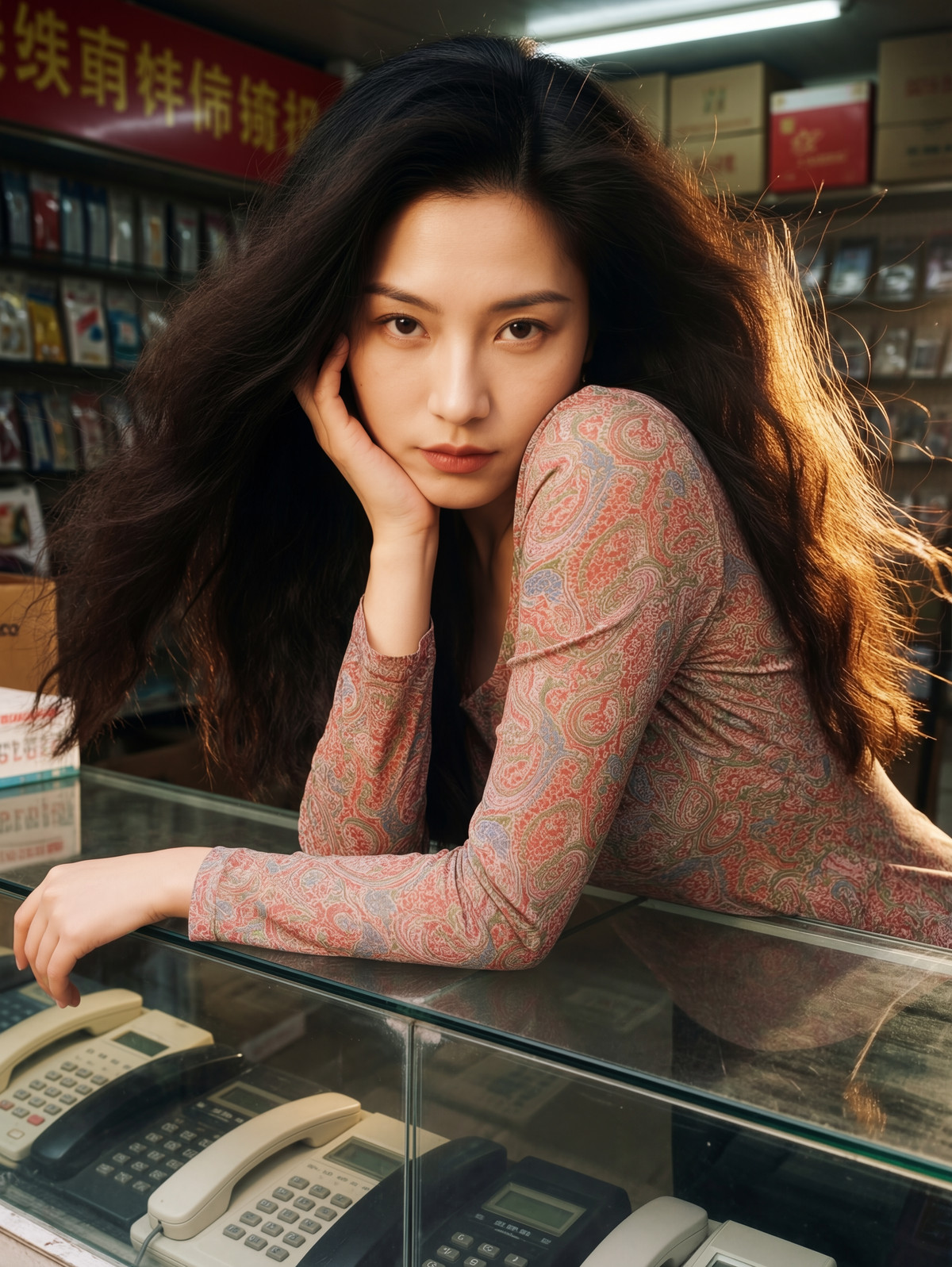
Reasons for Recommendation
- Version update: The author claims to have fixed occasional faint stripes in outputs; the workflow follows the previous version's approach, which the author states reduces blurriness and detail loss, mentioning that KIJAI has a separate patched version.
- 7 visible example images.
How to Use
- Load H3IMG_IMPROVE_V15.json to run; the author has not provided sampling parameters, required nodes, or models.
Risks and Limitations
- Still no explanation of specific changes made or how the stripes were fixed, nor any before-and-after comparisons.
- The description primarily consists of a Reddit comment link and personal impressions; 3 examples are hidden.
Data: Civitai public API (base model MiniMax H3), inclusion window 11-13 20:31 → 11-14 09:18 (Beijing Time). Recommendations are reviewed by editors; download counts reflect attention only.