Zhenzhen's AI Radar · MiniMax H3 Image · 2026-11-18 Evening Report
This issue features 1 new versions: Strongly Recommended 0 · Recommended 0 · Worth Following 1 · Included Only 0
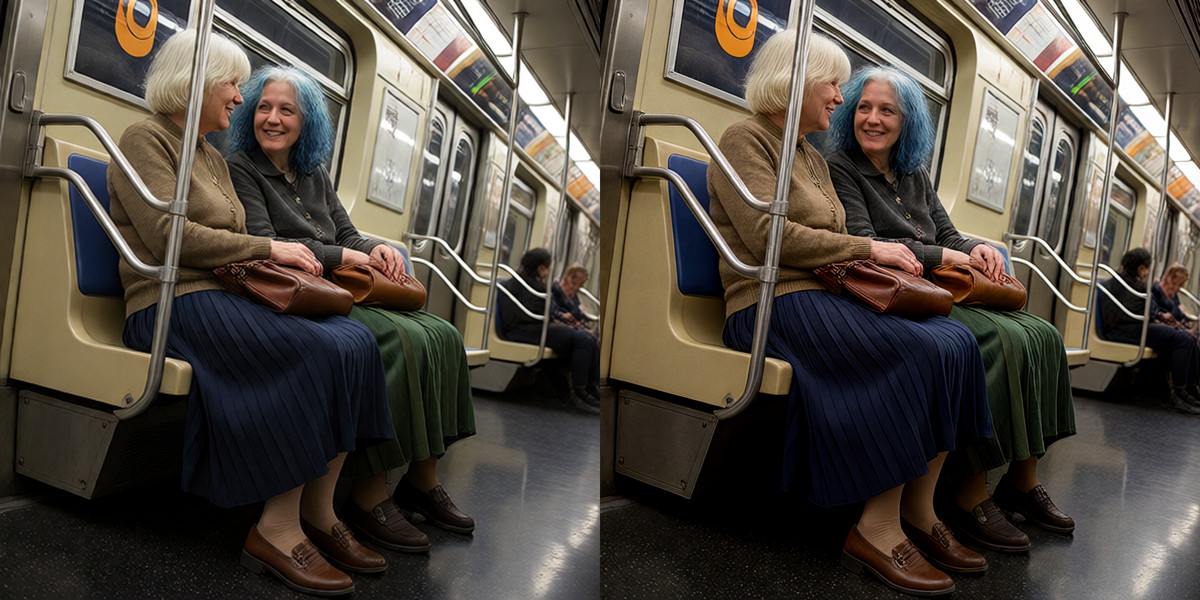
Editor's Note This issue reviewed 1 new versions of H3 Image, categorized as B. This is a low-resolution upscaling workflow: it uses H3 Image to redraw images to 16 MP or higher, combined with DLSS5 color grading and FaceDetailer for face refinement, with 3 example images visible. However, the description is only four sentences long, and the model, node sources, and parameters are not specified. The author claims it was made for fun, so it was not categorized as A.
Worth Following (1)
[B] MiniMax H3 Image Upscaler · v1.0
Workflow · New Model · Author cCbeans · Published 11-18 16:00 · Downloads 83
A ComfyUI workflow that uses H3 Image to upscale and redraw low-resolution images into detailed images of 16 MP or higher, combined with DLSS5 color grading and FaceDetailer for face refinement.
Images
Reasons for Recommendation
- Serves the upscaling and detail redrawing of small and old images; the author states that DLSS5 color settings significantly impact the results, and FaceDetailer is used to clean up artifacts from low-resolution inputs, which can be disabled if the input resolution is high
- Free, with 3 example images visible, and the license permits commercial sale
- The description is only four sentences long, and the author claims it was just made for fun and is not professional
How to Use
- After importing the JSON, use ComfyUI Manager to install missing nodes; write prompts based on the style and characters of the original image to maintain consistency
- The required models, steps, upscale factor, and source of the DLSS5 node are not provided by the author
Risks and Limitations
- 6 sensitive-level examples have been hidden
- Depends on the DLSS5 node, but the author did not specify hardware requirements
- The workflow redraws the entire image; the author only mentions using prompts to maintain style and character consistency, without explaining how to control deviation from the original image
Data: Civitai Public API (base model MiniMax H3), inclusion window 11-18 08:31 → 11-18 21:01 (Beijing Time). Recommendation reasons have been reviewed by editors; download counts only reflect attention levels.