Zhenzhen's AI Radar · MiniMax H3 Image · 2026-11-22 Morning Report
This issue features 3 new versions: Strongly Recommended 0 · Recommended 1 · Worth Watching 1 · Listed Only 1
Editor's Note This issue reviews 3 new versions of H3 Image, with 1 rated A, 1 rated B, and 1 rated C, and no exclusions. The top recommendation is the SimpleMax workflow 1.0max: it performs text-to-image generation and reference image editing within the same image, increasing the reference image limit from 3 in the pro version to 16, and includes real-time preview via a small VAE; it is an incremental update to an existing workflow, downgraded from an automatic S to an A. AIKSK's single-image 4K editing workflow lists the base model as Flux.1 D, confirmed to be for H3 Image, but lacks visible examples, so it is rated B; the fictional character Svjetlana Rybar, ported from Krea 2 / Z-Image Turbo, is rated C.
Recommended (1)
[A] Simple t2i & i2i with Preview — H3 Image Workflow · 1.0max
Workflow · Version Update · Author spacejumper2021824 · Published 11-22 00:19 · Downloads 38
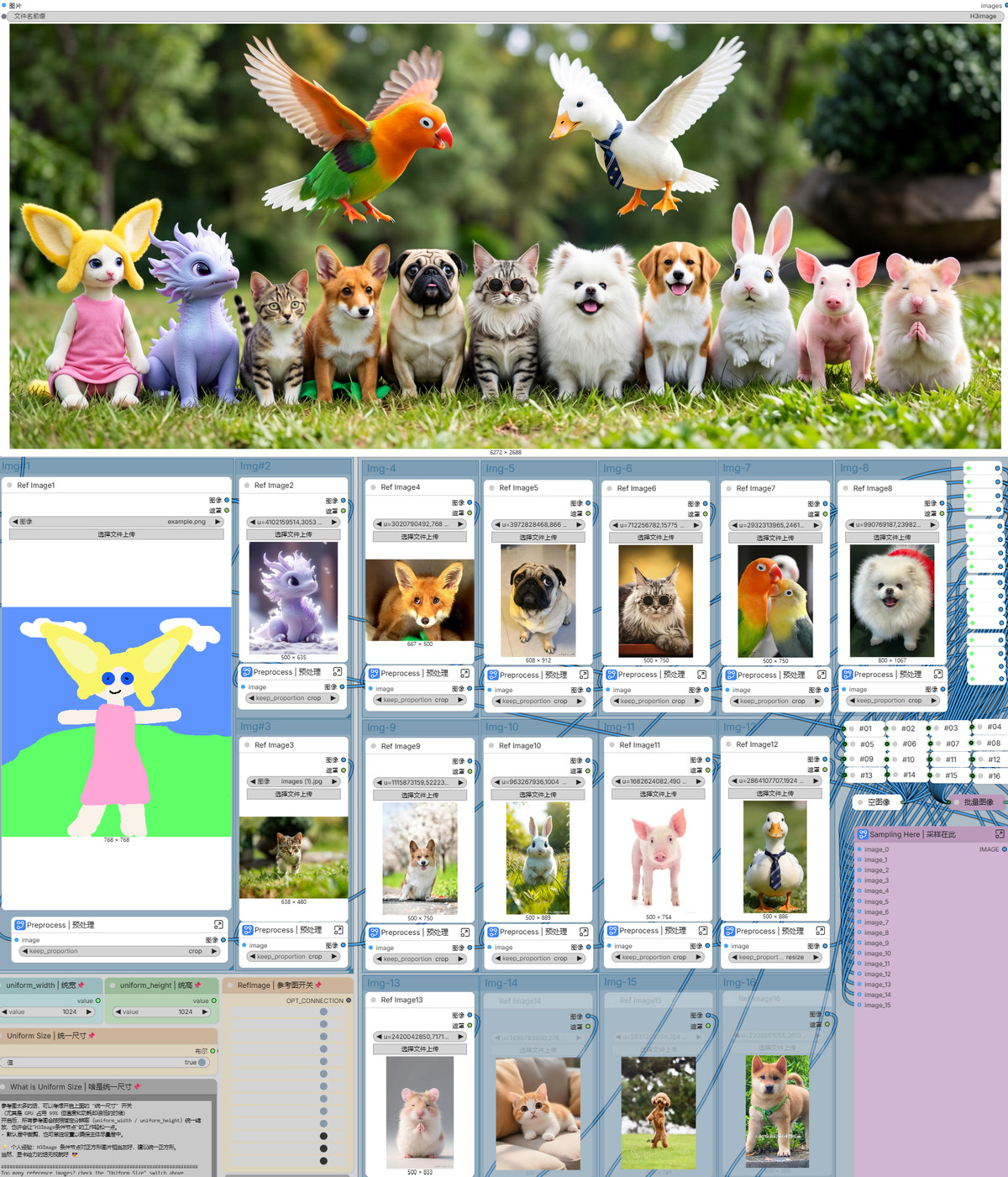
A ComfyUI text-to-image and reference image editing workflow for H3 Image. 1.0max increases the reference image limit from 3 in the pro version to 16 and includes performance optimizations, allowing real-time preview during image generation.
(Editor downgraded to A: This is an incremental update to an existing workflow, not a new capability.)
Images
Reasons for Recommendation
- Version update: 1.0max = 1.0pro + 16 reference images + performance optimizations; previous 1.0 versions were pure text-to-image, plus added prompt enhancement and sampling presets, and pro added editing with 3 reference images
- Real-time preview relies on KJNodes' ModelPreviewOverrideKJ paired with the taeh3_image small VAE, so you don't have to wait until the end to see results
- The author provided parameters: officially recommended euler / simple / 6 steps; if skin noise or smearing occurs in portraits, switch to sa_solver / sgm_uniform / 5 steps; default resolution is 4096×4096
- Free, license allows for image output and sale, 2 example images, models have accumulated 521 downloads
How to Use
- Unzip SimpleMax H3 Image workflow.zip and import into ComfyUI; install ComfyUI-KJNodes and rgthree-comfy
- Requires minimax_h3_image_pruned_int8_convrot, qwen3vl_32b_minimax_h3_int8_convrot, minimax_h3_image_vae_fp16, and taeh3_image; prompt enhancement additionally requires qwen3.5_9b_w4a8_gptq (the author states the text encoder from MOSS Image can be used as a substitute)
- Change resolution in the ResolutionSelector node; preview requires taeh3_image, otherwise the preview node will error
Risks and Limitations
- Incremental update to an existing workflow, with the main change being the number of reference images; the author did not provide VRAM usage and time consumption for 16 reference images
- Only 2 example images; depends on more than 4 model files and 2 node packages, this workflow has not been run
Worth Watching (1)
[B] MiniMax H3-Image: single-image edit at 4K (ComfyUI) · v1.0
Workflow · New Model · Author AIKSK · Published 11-22 07:50 · Downloads 5
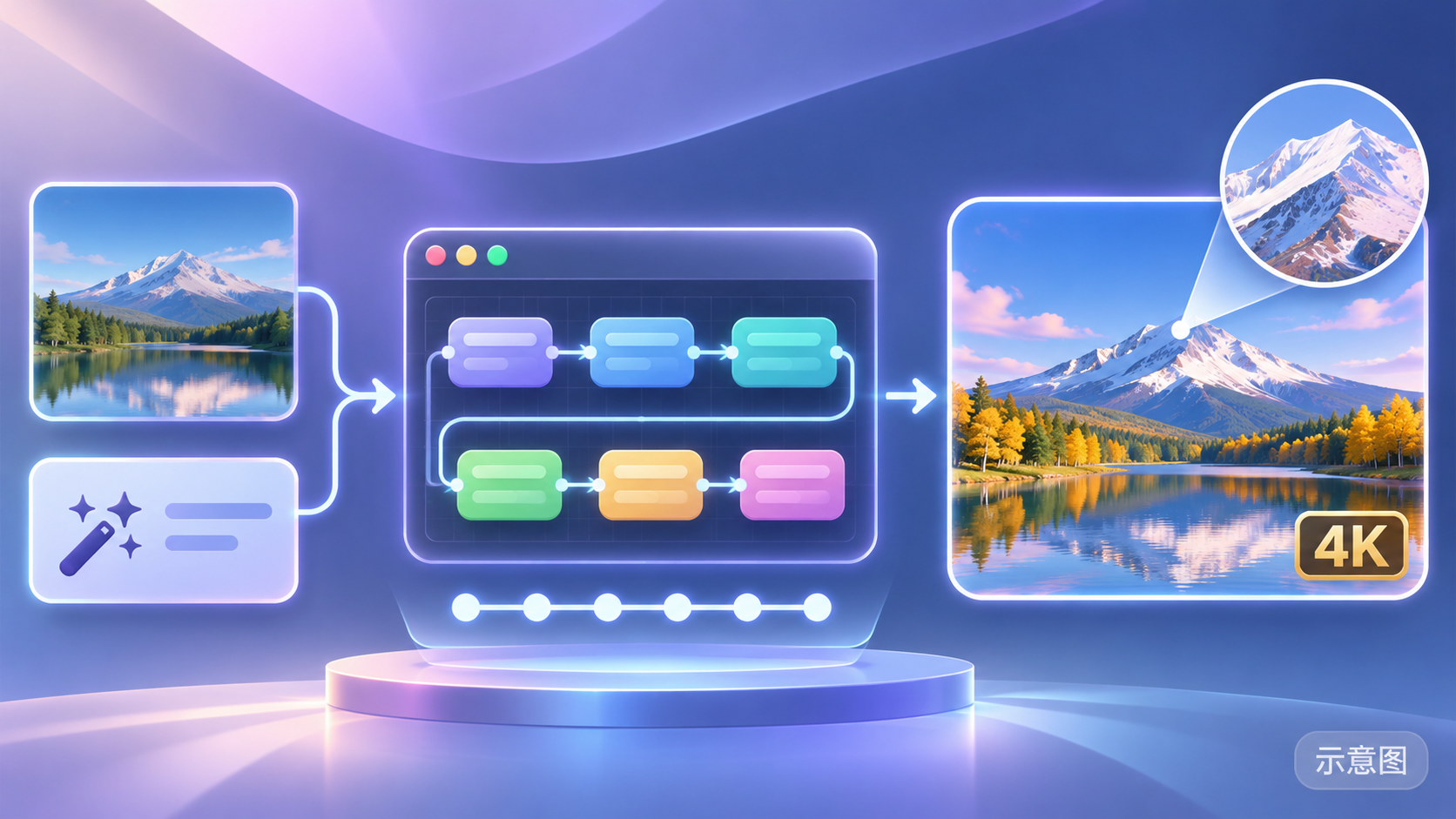
AIKSK's H3 Image single-image editing ComfyUI workflow: takes one reference image and one modification instruction, redraws at 4K in 6 steps, keeping the rest unchanged.
Images
Reasons for Recommendation
- New tool: serves single-image editing where "only one part changes, the rest stays the same," with 48 nodes, accompanied by YouTube / Bilibili tutorial videos and a RunningHub online trial link
- The base model is listed as Flux.1 D, but the description and required weights (minimax_h3_image_pruned_int8_convrot, etc.) are for H3 Image, similar to previous H3 Image workflows by the same author, indicating a mislabeling
How to Use
- Import the workflow JSON; requires minimax_h3_image_pruned_int8_convrot, minimax_h3_image_vae_fp16, qwen3.5_9b_w4a8_gptq, and qwen3vl_32b_minimax_h3_int8_convrot
- Input one reference image and one editing instruction, output 4K in 6 steps; strength and sampler details are not written in the model card by the author
Risks and Limitations
- No visible examples (1 examples are hidden); the author explicitly states that 4K output will have artifacts at the 4K scale, and character identity may drift with significant changes
- License does not allow commercial use or derivatives; it is a workflow JSON, not new weights, and this workflow has not been run
- The card image is an AI-generated diagram, not the actual model output; the author has no publicly available standard-level examples
Listed Only (1)
- Svjetlana Rybar (this person does not exist) · MiniMax H3 Image — LoRA: A LoRA for the fictional realistic character Svjetlana Rybar, ported from the Krea 2 and Z-Image Turbo versions to H3 Image.

Data: Civitai public API (base model MiniMax H3), inclusion window 11-21 20:31 → 11-22 09:01 (Beijing Time). Recommendation reasons have been reviewed by editors; download counts only reflect attention.