Zhenzhen's AI Radar · MiniMax H3 Image · 2026-11-26 Evening Report
This issue features 2 new versions: Strongly Recommended 1 · Recommended 1 · Worth Watching 0 · Listed Only 0
Editor's Note This issue reviews 2 new versions of H3 Image, featuring 1 S-rated and 1 A-rated items, both part of the same author's outpainting canvas solution. The top recommendation is the Outpaint LoRA: it fills gray areas left around images or after rotation with scene continuations, keeping the original image position unchanged. Strength, canvas size, sampler, and step counts are fully specified. The author also provided comparative metrics for using versus not using the LoRA, upgrading its rating from B to S. The accompanying rotate + crop + outpaint workflow features a drag-and-drop interface and high/low VRAM options, but relies on the author's node package and did not fully pass JSON scanning, upgrading its rating from B to A.
Strongly Recommended (1)
[S] MiniMax H3 Image Outpaint LoRA · v1.0
LoRA · New Model · Author: AusBoss · Published 11-26 09:20 · Downloads 148
An outpainting canvas LoRA for H3 Image: pad the edges to be expanded or empty corners after rotation with solid gray, run it once, and the gray areas are filled with scene continuations while the original image remains in place without stretching or shifting.
(Editor upgraded from B to S: clear capabilities, reproducible parameters, comparative data, and examples provided)
Images
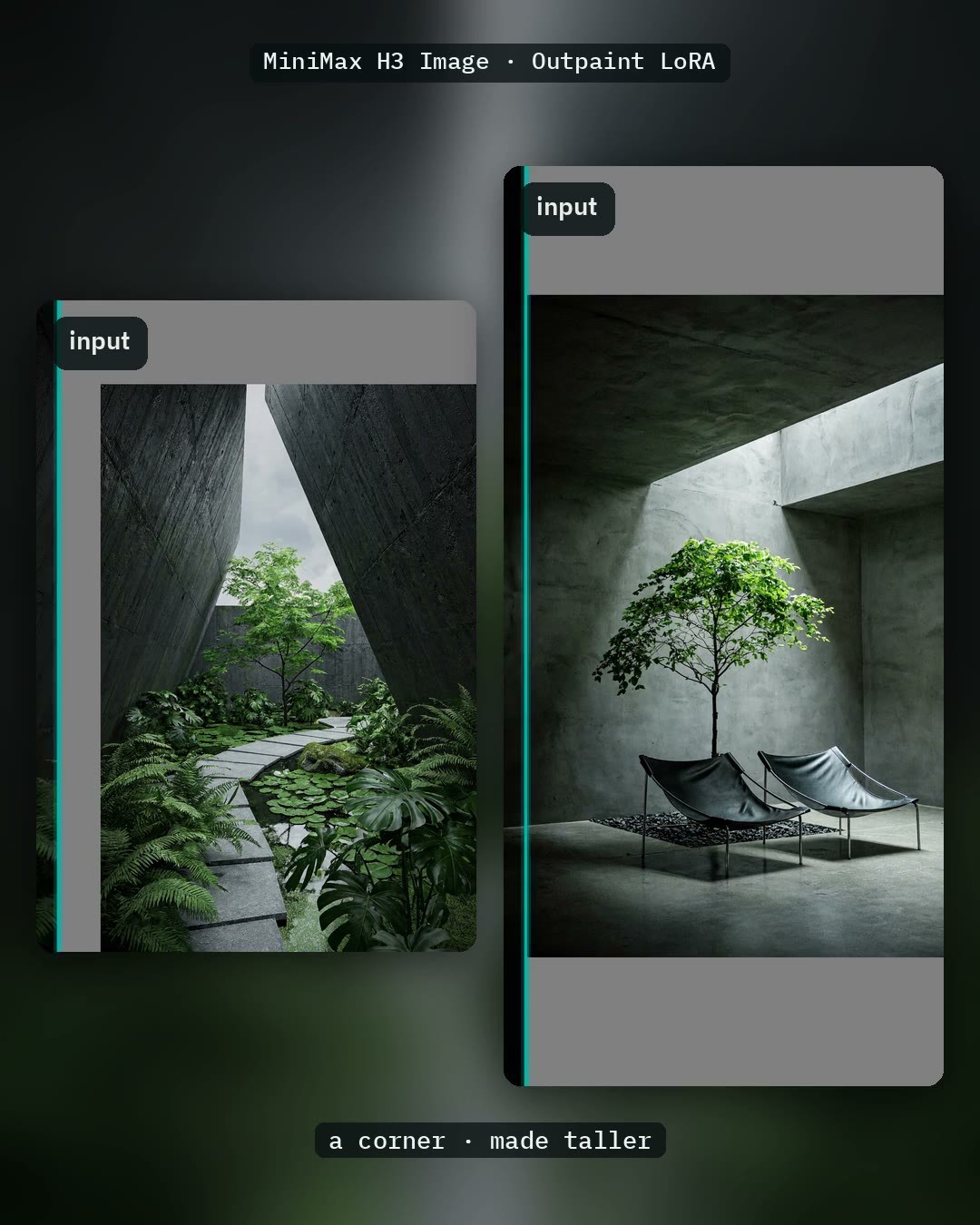
Reasons for Recommendation
- New capability: The author states that without the LoRA, H3 Image redraws the entire canvas, often stretching or shifting the original image. The author's comparison shows that on 16 photos not used in training, 6 images had shifts exceeding 2 px without the LoRA, versus 0 with it.
- Serves outpainting, composition changes, and filling corners after straightening tilted photos: Combined with the author's workflow, rotation, cropping, and outpainting can be done in one step, finally pasting the original pixels back.
- Complete parameters: Strength 1.0, canvas approx. 4 MP (short side within 2048 px), gray #808080, 6 steps, SamplerLCM, CFG 1; includes 1 video and 4 image examples; free.
How to Use
- The trigger word is at the start of the prompt: Outpaint <Picture 1>: replace the solid gray areas with a seamless continuation of the scene, keeping the existing picture unchanged. Scene: followed by descriptions of content already in the image.
- Pad the image to approx. 4 MP using #808080 gray, ensuring each side is a multiple of 32; use MiniMax H3 Image Conditioning with the padded canvas as image_1; SamplerCustomAdvanced for 6 steps simple, SamplerLCM (s_noise 1.1 → 0.9), CFG 1, LoRA strength 1.0; after decoding, use the author's Stitch Inpaint to paste the original image back.
- Requires AusBoss nodes 2.21.2 or newer; exceeding approx. 4 MP causes drift again, so outpaint at 4 MP first before upscaling.
Risks and Limitations
- The author states this significantly improves success rates, but occasional shifts or gray edges may remain, requiring seed changes and reruns; newly filled areas may be slightly warmer in tone.
- The included workflow JSON security scan shows Error / Success; the license only allows on-site rental, commercial use requires checking the H3 Image community license.
Trigger Words: Outpaint <Picture 1>: replace the solid gray areas with a seamless continuation of the scene, keeping the existing picture unchanged. Scene:
Recommended (1)
[A] MiniMax H3 Image Rotate + Outpaint | Straighten, Crop and Extend · v1.0
Workflow · New Model · Author: AusBoss · Published 11-26 09:17 · Downloads 96
A rotate + crop + outpaint workflow for H3 Image: In ComfyUI, use handles to straighten photos, crop unwanted parts, and drag out empty space in any direction. H3 Image works with the outpaint LoRA to fill new areas, finally pasting the original pixels back.
(Editor upgraded from B to A: operations and dependencies are clear with examples, but it is only a workflow with heavy dependencies)
Images
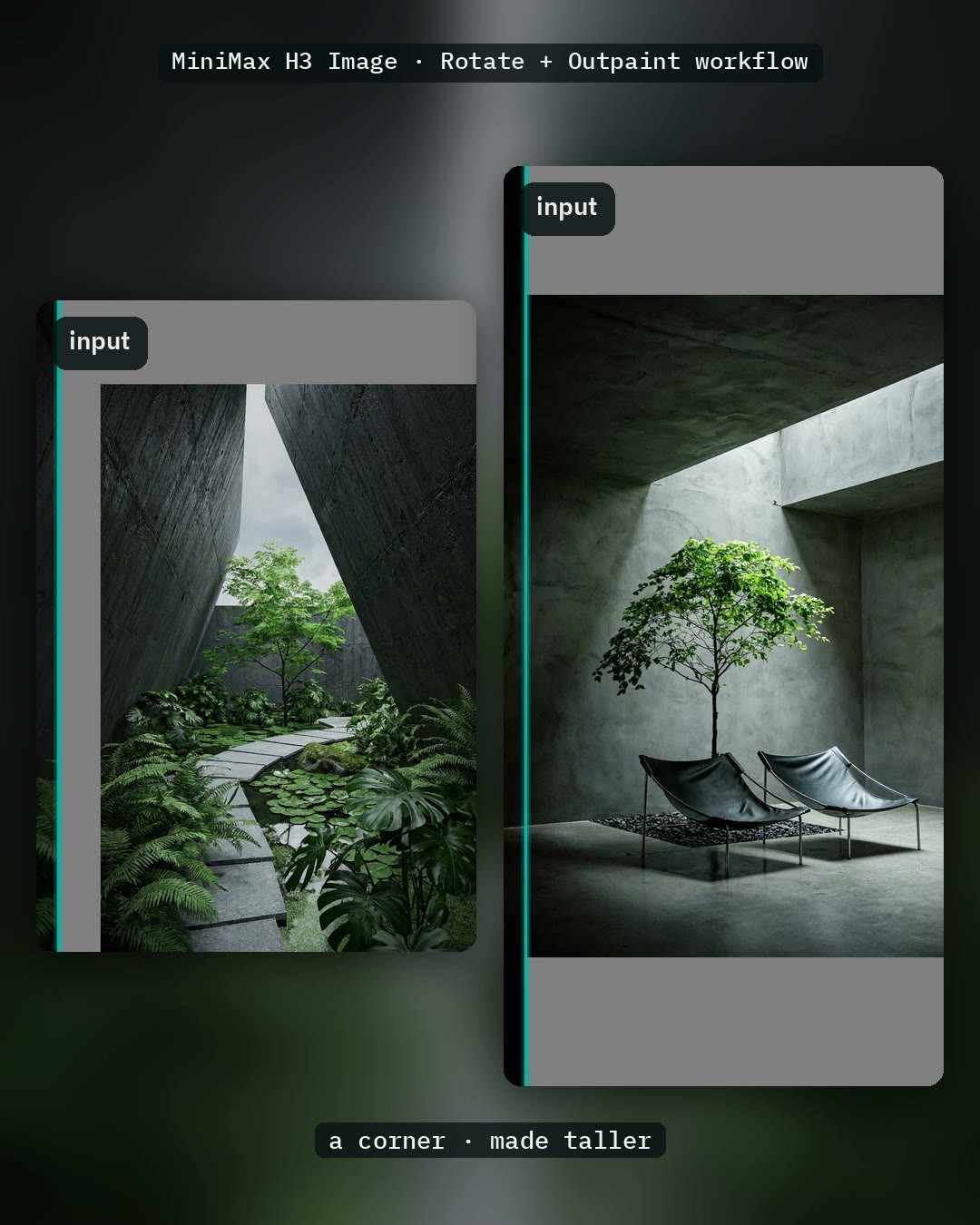
Reasons for Recommendation
- New workflow, not new weights: Paired with the same author's outpaint LoRA, the interface uses drag handles, eliminating manual canvas size calculations.
- Serves straightening tilted photos, changing aspect ratios, and extending backgrounds; high/low VRAM switch: use 21 GB files for GPUs over 32 GB, and 12.5 GB files for 24 GB GPUs.
- The author states approx. 30 to 40 seconds per run at 4 MP on RTX 5090; includes 1 video and 5 image examples; free.
How to Use
- Requires ComfyUI 0.45 or newer, AusBoss nodes 2.21.2 or newer, as well as H3 Image models, text encoders, VAE, and the outpaint LoRA.
- Load image → rotate with circular handle, drag crop edges, drag orange handles to add empty space → in 'What is in your picture', describe only content already present → Run.
Risks and Limitations
- JSON security scan shows Error / Success; relies on the author's own node package.
- Large total model file size (diffusion model plus text encoder), high VRAM and disk requirements; occasional reruns needed.
Data: Civitai public API (base model MiniMax H3), inclusion window 11-26 08:31 → 11-26 21:01 (Beijing Time). Recommendations reviewed by editors; download counts reflect attention only.