Zhenzhen's AI Radar · MOSS Image · 2026-11-06 Evening Report
This issue features 43 new versions: Strongly Recommended 1 · Recommended 7 · Worth Watching 11 · Listed Only 24
Editor's Note This issue reviewed 52 new MOSS versions, rating 1 as S and 7 as A. Top pick: the tyomimas pastel cute-style LoRA: an illustration style featuring beast-eared girls in light blue and purple pastels. It clearly details how to choose steps, CFG, samplers, shift, and the three files for both heal and SFT base models, upgrading from an automatic A to S. Other highlights include the Cross-Process Film Color Grading LoRA, TJFilm Film Texture V2, the Anime ↔ Realism Slider v2, the NeoObscura Surreal Illustration style, and HaDeS's 8-step Turbo + Upscale workflow. A batch of DC character LoRAs by spambot949 were uniformly downgraded to C because they only had character encyclopedia descriptions and most examples were hidden; Locker Room's version name and filename are both Krea2, suspected of labeling Krea 2 weights as MOSS. MatureRitual's base model age tag poses risks, so both were excluded.
Strongly Recommended (1)
[S] Art style: tyomimas · v1.0
LoRA · New Model · Author Suzuka_naoko · Published 11-06 18:19 · Downloads 33
Pastel cute-style LoRA: The author describes it as featuring light blue and purple pastels, soft highlights, and beast-eared girls with round faces and large eyes, giving the entire image a milky white glow. Trained on MOSS-Image-heal, it works with both heal and SFT, and provides three files at different training stages.
Upgraded from automatic A to S: Trigger words, complete parameters for both base models, guidance on choosing the three files, training data, and known issues are all clearly documented. The included comparison between heal and Base training is also valuable for those training MOSS LoRAs.
Images

Reasons for Recommendation
- New model: A pastel cute illustration style on MOSS, serving text-to-image generation for beast-eared girls and cute character illustrations. Works with both Chinese and English prompts.
- Actionable: Trigger word is tyomimas (write "tyomimas style." in Chinese sentences). It works without the trigger word but is more stable with it. Strength 1.0; on heal: 50 steps, CFG 3, dpmpp_3m_sde_gpu + sgm_uniform, shift 5; on SFT: 40-50 steps, CFG 3, euler + simple, shift 5. Both recommend adding SkipLayerGuidanceDiTSimple (single_layers 22, 0–0.5).
- Choose files by base model: Use s3375 (approx. 33 epochs) for heal, s5033 (approx. 51 epochs) for SFT. Use s1500 (approx. 14.5 epochs), which follows prompts more closely, if stacking other LoRAs.
- The description details training (171 images, WD14 tags + KohakuGBC natural sentences, mixed training with four types of Chinese/English captions, rank 32 / alpha 128) and includes a comparison between Base and heal training: The author claims LoRAs trained on heal take effect about twice as fast on SFT and overfit later, suggesting using heal directly for training MOSS style LoRAs. 4 visible examples, no hidden ones.
How to Use
- For the most faithful style, generate images with MOSS-Image-heal and select tyomimas_s3375.safetensors; for SFT, select tyomimas_s5033.safetensors; strength 1.0.
- Start English tags/sentences with tyomimas; start Chinese sentences with "tyomimas style."
- Heal: 50 steps, CFG 3, dpmpp_3m_sde_gpu / sgm_uniform, shift 5; SFT: 40-50 steps, CFG 3, euler / simple, shift 5. You can add SkipLayerGuidanceDiTSimple, single_layers 22, strength 0–0.5.
Risks and Limitations
- The author states that faces look very similar on SFT, but the pastel cool tones and light backgrounds are pulled away by SFT's built-in lighting. The most faithful results require generating on heal, which is a community full fine-tuning base model requiring separate download.
- Known issues listed in the full model card: Some checkpoints add white outlines to characters (sticker effect); checkpoints beyond approx. 36 epochs tend to draw an extra handbag in snowy night scenes.
- The conclusion that heal training is faster is stated by the author to be based on testing only 3 artists and one main prompt, and is a speculation rather than an official conclusion. The style comes from a specific artist; assess commercial use risks yourself.
- Only 4 examples; this entry was not run, and the example images were not viewed.
Recommended (7)
[A] TJFilm Style · MossImage V2.0
LoRA · Version Update · Author vimoi · Published 11-06 16:22 · Downloads 87
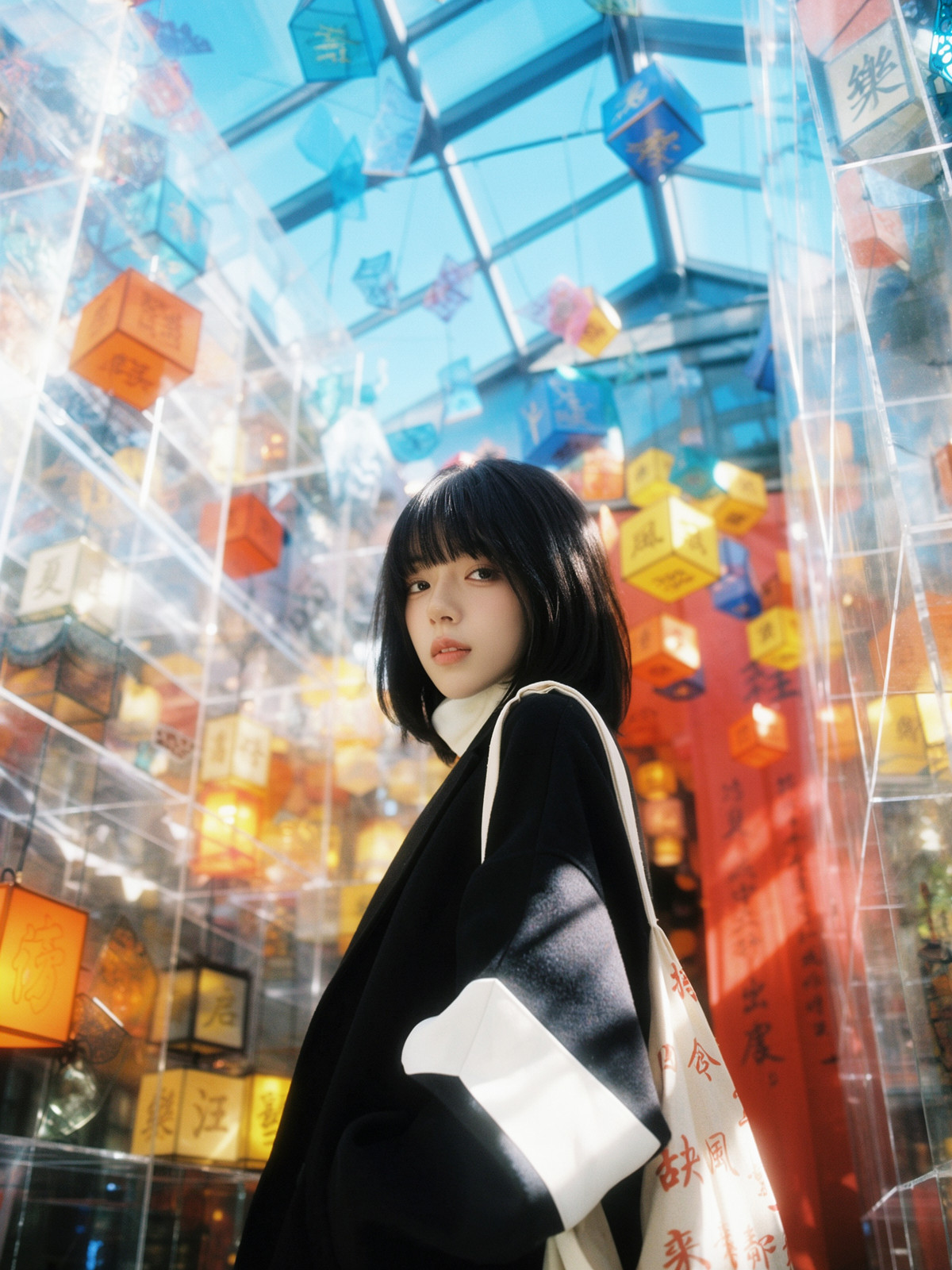
MOSS V2 of the art style LoRA simulating real film photography texture: The author claims it enhances lighting, close-up depth of field, and film grain, making skin more translucent in portraits and reducing the AI look. V2 primarily strengthens film grain.
Downgraded from automatic S to A: Trigger words and sampling parameters are clear, but this is an iteration of the same style. The improvements in V2 are only described in text by the author, and the strength for the MOSS version is not specified separately.
Images
Reasons for Recommendation
- Version update: The update notes state that V2 changed the training method and optimized the training set, aiming for more stable and prominent film grain. The author also notes that the color tone differs slightly from V1.
- Serves text-to-image generation for realistic photography styles: Usable for portraits, landscapes, and still life. The author claims the improvement in portrait skin texture is most noticeable.
- Actionable: Trigger word is vifilm. The author provides recommended sampling for the MOSS version: Euler + Simple, 25 steps, CFG 3.
- 12 visible examples; the license allows commercial use of outputs and release of derivative models; the model page has accumulated 2513 downloads, with V2 receiving 87 downloads in about 5 hours after release (indicating attention only).
How to Use
- Load TJFilmMossV2.safetensors, write vifilm in the prompt, and describe the scene using natural language for the rest.
- Euler + Simple, 25 steps, CFG 3; the author specified strength 1 for the Krea2 version, but did not provide a separate value for the MOSS version.
- The author suggests not stacking multiple style-related prompts; using natural language descriptions is more stable.
Risks and Limitations
- The update notes contain only qualitative descriptions, with no comparison between V1 / V2; the color tone has changed relative to V1, so users continuing with V1 workflows need to re-adjust colors.
- The V1 description states it was trained on MOSS Base and works with both Base and SFT, but the author did not specify the training base model for V2.
- 3 examples are hidden due to rating; this entry was not run, and the example images were not viewed.
Trigger Word: vifilm
[A] NeoObscura : Surreal Expressionist Illustration · MOSS
LoRA · Port · Author NeuralVandal · Published 11-06 19:51 · Downloads 22
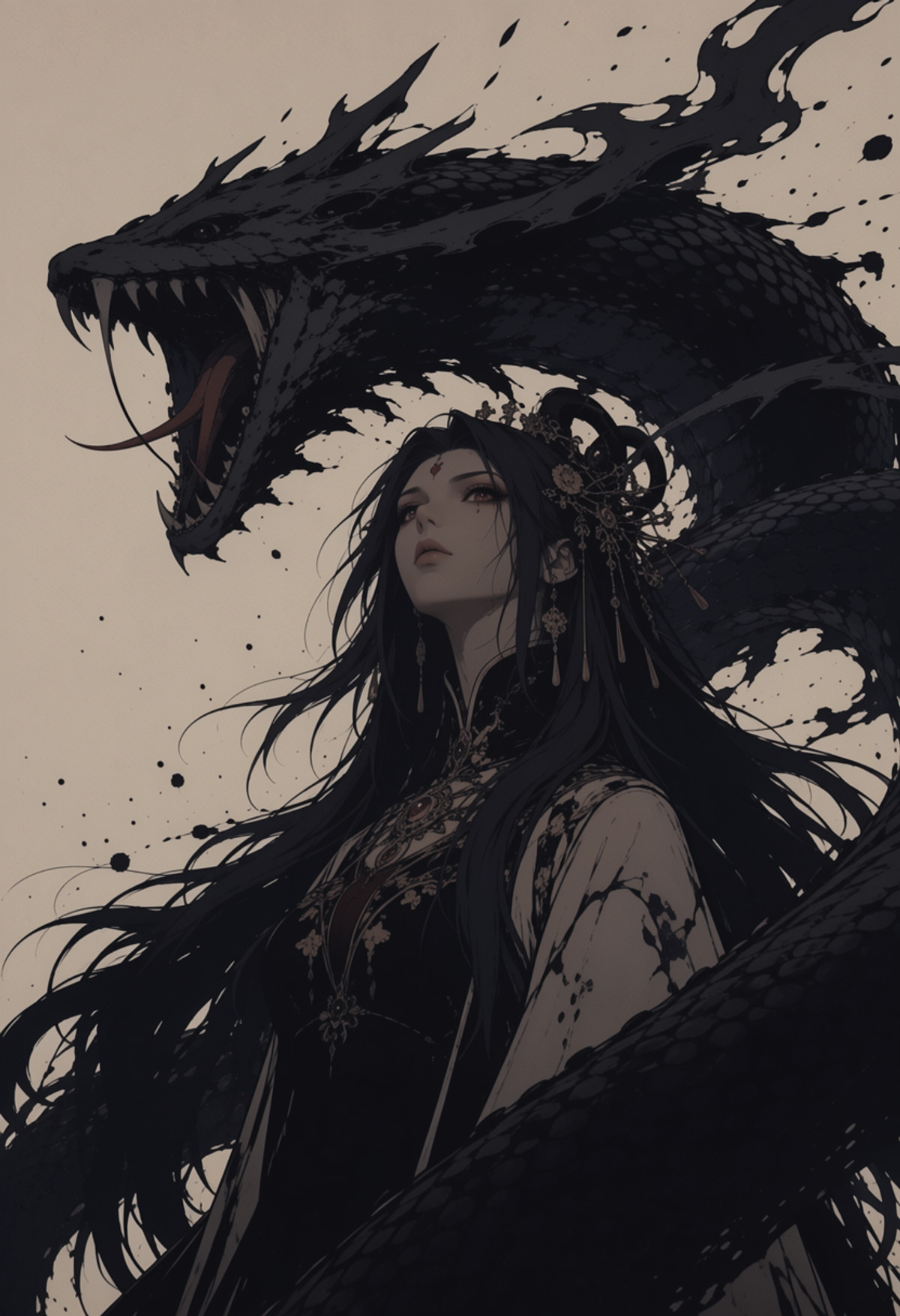
MOSS version of the Surreal Expressionist Illustration art style LoRA: The author describes it as graphic novel panel-style imagery, featuring thick ink lines, watercolor and ink washes, aged textures, film grain, and paper texture, with high contrast, large white space, detailed subjects, and surroundings dissolving into large color blocks. Ported from the Krea 2 version.
Images
Reasons for Recommendation
- Port: The same style previously had a Krea 2 version. The MOSS version filename indicates training on MOSS Base (epoch-10); the version notes are empty, with no description of differences from the Krea 2 version.
- Serves text-to-image generation for posters and concept illustrations in dark fantasy, surrealism, gothic, cyberpunk, film noir, and apocalyptic themes. The author claims masked figures, ruined cities, and scale contrasts between tiny figures and massive buildings are most suitable.
- The author wrote a relatively complete prompt guide: First define focus and camera position, shot size, and ratio, then write visual terms like ink lines / ink washes / dry brush / halftone / paper grain. Lighting should revolve around deep shadows, rim light, and backlighting. Keep the palette to one or two accent colors, with detailed subjects and surroundings dissolving into silhouettes and white space.
- 17 visible examples, 3 sensitive-level examples hidden; the entire model page has 1122 downloads (indicating attention only).
How to Use
- Load neo-obscucra-moss-image-base-epoch-10.safetensors, and include the registered trigger word "Illustration artwork" in the prompt.
- Write composition and visual language according to the author's guide, not just the subject: Camera position + shot size + scale contrast, then add terms like heavy ink contours, ink wash, paper grain, film grain, and rim light.
- The author did not provide strength, steps, CFG, or whether to use Base or SFT for output in the MOSS version.
Risks and Limitations
- The entire page description is written for the style itself, with no MOSS-specific parameters. The Krea 2 version's notes suggest a strength above 1.1 for a more stylized effect, but it is unclear if this applies to the MOSS version.
- The author did not write version notes; this entry was not run, and the example images were not viewed.
Trigger Word: Illustration artwork
[A] AG: Phenex - Painterly Niji Men · MOSS-Image
LoRA · Port · Author Azriaelis · Published 11-06 09:10 · Downloads 29
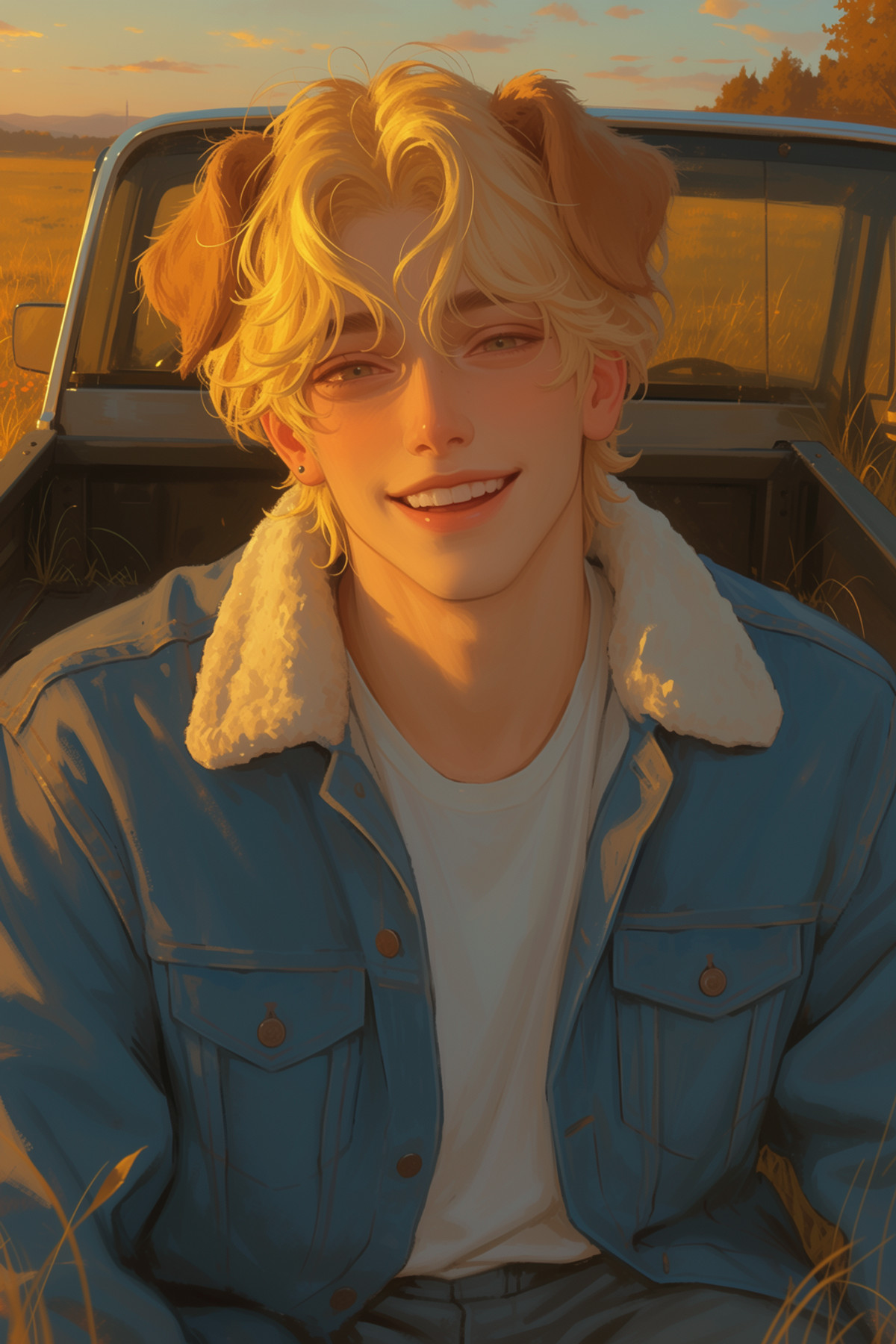
Painterly Niji-style male character art style LoRA (Phenex from the Ars Goetia series): The author describes it as a small experimental series trained on mixed images from Midjourney, NijiJourney, Tumblr, etc., where each "demon" corresponds to a specific art style. Ported from the Krea 2 / Anima version to MOSS.
Same author and same MOSS parameter writing style as the previous issue's Sayoko. The reason for the A rating is the same: Parameters and trigger words are complete, but the style description is only tags, and the acceleration LoRA is not named.
Images
Reasons for Recommendation
- Port: The same style already has Anima and Krea2Turbo versions. The MOSS version provides a separate set of recommended settings; the version notes are empty, with no description of differences between the MOSS version and older versions.
- Serves text-to-image generation for thick paint / brushstroke-style illustrations primarily featuring male characters. 18 visible examples and 2 hidden ones provide sufficient material to judge the effect.
- Actionable: Trigger word is @PH3N3XFX. The author claims the style is significantly stronger when the trigger word is used. MOSS settings are Base + 8-step Turbo LoRA, euler + simple, strength 0.8-1.2, 8-16 steps, CFG 1-3.
How to Use
- Use the MOSS Base model with a 8-step Turbo LoRA, then load PHENEX-MOSS-V1 (1).safetensors at strength 0.8-1.2
- Write the prompt as @PH3N3XFX; use euler + simple, 8-16 steps, CFG 1-3
- Note that the model card lists parameters for Anima, Krea2Turbo, and MOSS side-by-side; do not mistake the strength and step count from the Krea2Turbo line for MOSS's
Risks and Limitations
- The author does not specify which 8-step Turbo LoRA to pair with; training images are a mix of Midjourney / NijiJourney generated images and sources like Tumblr, and the author admits that the quality of the LoRAs in the series varies
- The license does not allow publishing derivative / fused models; this entry has not been run, and no example images have been viewed
Trigger words: @PH3N3XFX
[A] HaDeS MOSS Workflows · 8-step Turbo Upscale
Workflow · New Model · Author _HaDeS_ · Published 11-06 19:21 · Downloads 13
The first ComfyUI workflow (JSON, not new weights) on the HaDeS MOSS workflow page: MOSS-Image SFT with the author's 8-step Turbo LoRA v0.7 generates 1024 images, with optional RealESRGAN 2x upscaling, or re-rendering with the same Turbo at denoise 0.25 after upscaling to add detail.
Downgraded from automatic S to A: The description and dependencies are clear, but it is a workflow, not a new model; suitable for those already using HaDeS Turbo LoRA who want to generate large images in one step.
Images

Reasons for Recommendation
- Workflow: Chains the image generation and upscaling of the HaDeS MOSS Turbo 8-step LoRA into three groups, using rgthree's Fast Group Bypasser switch; groups 2 and 3 are disabled by default, so only 1024 images are generated by default
- Serves MOSS SFT few-step text-to-image generation and directly outputs large images at double size: Group 2 only performs pixel upscaling without re-rendering, while Group 3 re-renders with low denoise after upscaling, which the author claims can restore details like hair strands and pores erased by the upscaler
- Parameters are clearly stated: 8 steps, CFG 1; disconnecting the turbo input of the MOSS KSampler reverts to SFT 25 steps, CFG 2.5; the author claims all settings are based on measurements, with data published in the suite repository tools/RESULTS.md
- Dependency list is complete: HaDeS MOSS Suite, rgthree-comfy, model moss_image_sft_bf16 (or int8_convrot), qwen3.5_9b_int8_convrot, flux2-vae, HaDeS-MOSS-Turbo-8steps-v0.7, RealESRGAN_x2plus
How to Use
- Install HaDeS MOSS Suite and rgthree-comfy via ComfyUI Manager, place the SFT base model, text encoder, VAE, 8-step Turbo LoRA v0.7, and RealESRGAN_x2plus.pth according to the list, then load the JSON
- By default, only Group 1 runs (8 steps, CFG 1, max 1024); enable Group 2 for large images, and enable Group 3 for detail enhancement (Group 3 must be enabled together with Group 2)
- When not using Turbo, disconnect the turbo input of the MOSS KSampler and switch to SFT 25 steps, CFG 2.5
Risks and Limitations
- The workflow JSON does not contain new weights and depends on the author's own node suite and Turbo LoRA; the author does not explain what happens if a different acceleration LoRA is used
- The Civitai link pointing to the Turbo model page in the model card is placeholder text; you must find the 8-step v0.7 yourself on the HaDeS MOSS Turbo page or Hugging Face
- 3 visible examples, 1 sensitive-level images hidden; this entry has not been run, and no example images have been viewed
[A] Anthropomorphic Celebi - Woman | SFW · v1.0 MOSS-Image
LoRA · Port · Author HeptaDecaGon · Published 11-06 09:10 · Downloads 21
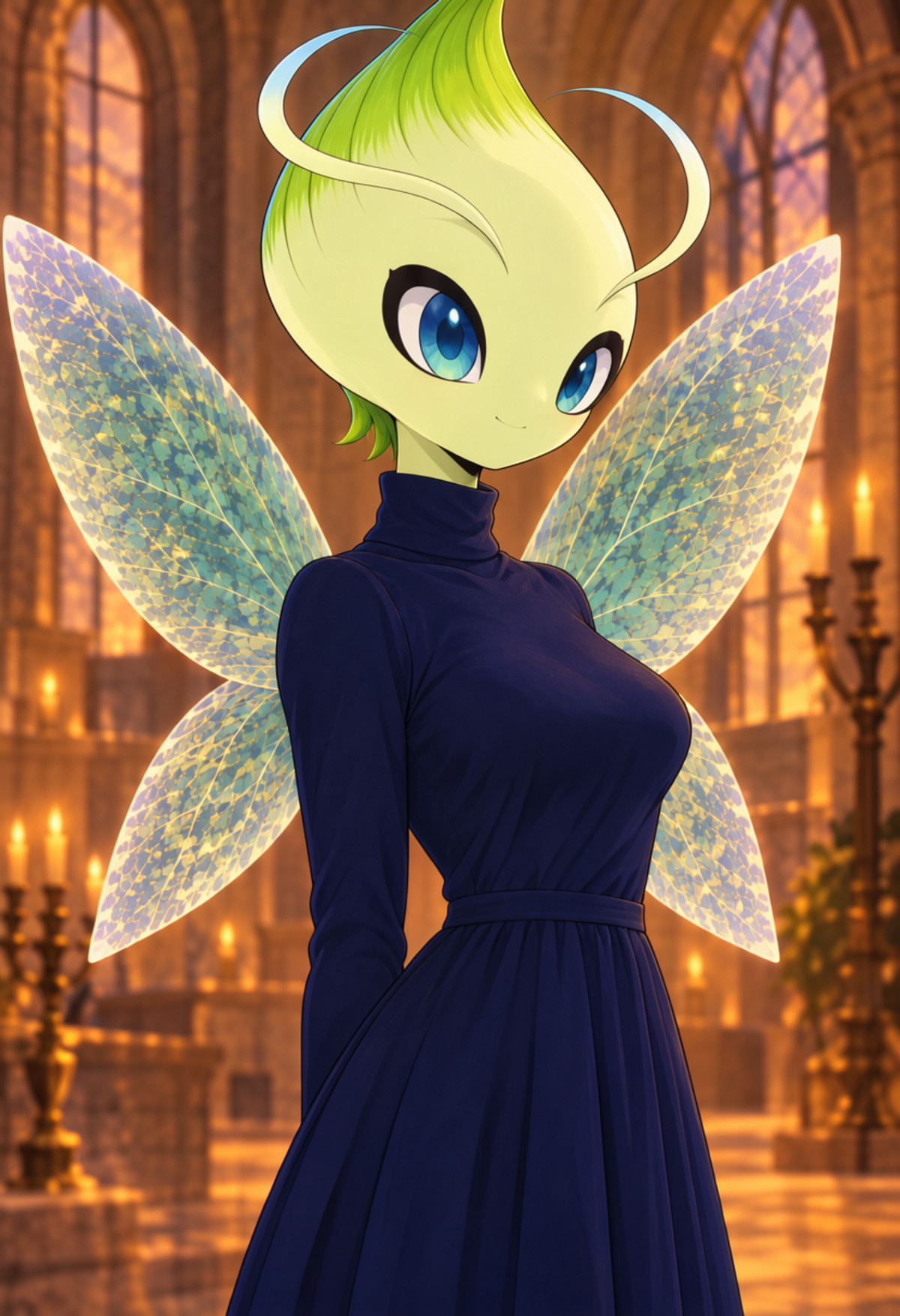
The MOSS version of a character LoRA that anthropomorphizes the Pokémon Celebi into an adult female: mint green skin, leaf-shaped crown and antennae, translucent wings, and a signature outfit made of leaves; the author positions it as an all-ages (SFW) model.
Downgraded from automatic S to A: The description is the most complete in this group (parameters, negative prompts, evaluation, known flaws are all included), but it is a single character LoRA, and the author admits the MOSS version is inferior to the Illustrious and Pony versions.
Images
Reasons for Recommendation
- Port: The same character was released in four versions (Illustrious, Pony, SDXL, MOSS), trained on the same batch of 125 AI-generated reference images and manually verified annotations; the author self-assesses that the MOSS version has the highest prompt adherence (88%), but overall lags behind the Illustrious and Pony versions
- Actionable: Trigger word celevi, signature outfit written as tirvel outfit, leaf clothing; strength 0.8 to 1 (default 1), Euler, 50 steps, CFG 3, shift 5, 1024x1024, with complete example prompts and negative prompts provided
- The author has published the evaluation method and known issues: 17 evaluation images, design fidelity 79%, outfit accuracy 40%; training parameters (rank 16, 2000 steps) are also listed
- 8 visible examples; released under Apache License 2.0
How to Use
- Load celevi-moss-v1.0.safetensors, strength 1 (adjust between 0.8 and 1); start the prompt with celevi, describe her as an adult female, and always specify the outfit (use tirvel outfit, leaf clothing for the signature outfit)
- Euler, 50 steps, CFG 3, shift 5; the author debugged on MOSS-Image SFT (INT8), and example images are direct outputs at 832x1216
- To get wings, you must write wings spread behind her, otherwise MOSS often fails to draw them; the negative prompt can be copied directly from the author's line
Risks and Limitations
- The author self-assesses outfit accuracy at only 40%, often adding extra leaf boots; side and back views are less stable than front and three-quarter views
- Wings are even less stable on Base; scores are given by AI reviewers, with a sample size of only 17 images
- Pokémon copyright belongs to Nintendo and other companies; the author declares this as fan work; 2 examples are hidden due to rating; this entry has not been run, and no example images have been viewed
Trigger words: celevi, tirvel outfit, leaf clothing
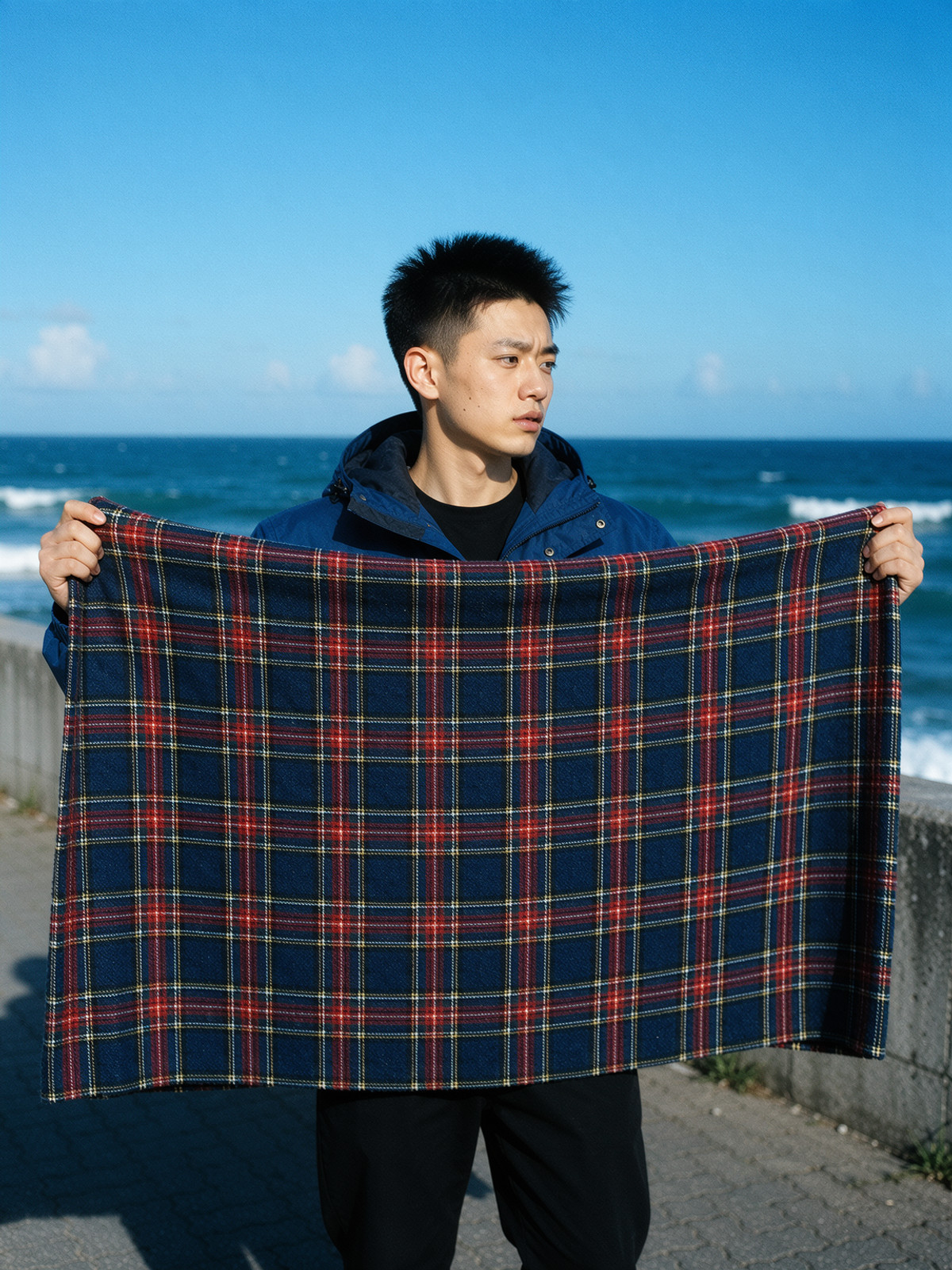
[A] Cross Process Film — Yellow-Green Highlights, Cyan Shadows, Coarse Grain | MOSS · v1.0
LoRA · New Model · Author 858654128784 · Published 11-06 19:36 · Downloads 39
An overall color grading LoRA: the author claims to replicate the colors of cross-process film from 1990 era magazines—yellow-green highlights and skin tones, cyan shadows, coarse grain; it affects the entire image and is not picky about subject matter.
Suitable for comparing the same prompt with and without crossprocessfilm, best for seeing that it only changes color and grain.
Images
Reasons for Recommendation
- New Model: Focuses on "film color grading" rather than a specific character or art style, serving realistic photo-style text-to-image generation seeking a 90 era magazine film feel; the author claims pool, beach, and road scenes are most suitable
- Usage is documented: Start the prompt with crossprocessfilm, followed by normal scene description
- Permissive license, allowing commercial use, sales, and publishing of fused models; 1.4 hours since release, 39 downloads (only indicates attention)
How to Use
- Load crossprocessfilm.safetensors, start the prompt with crossprocessfilm, followed by normal scene description
- Strength, steps, and CFG are not provided by the author
Risks and Limitations
- Only 4 visible examples, 16 hidden; as a color grading LoRA, there are few direct comparison samples
- No trigger word registered in the API, must be written manually according to instructions; the author provides no inference parameters; this entry has not been run, and no example images have been viewed
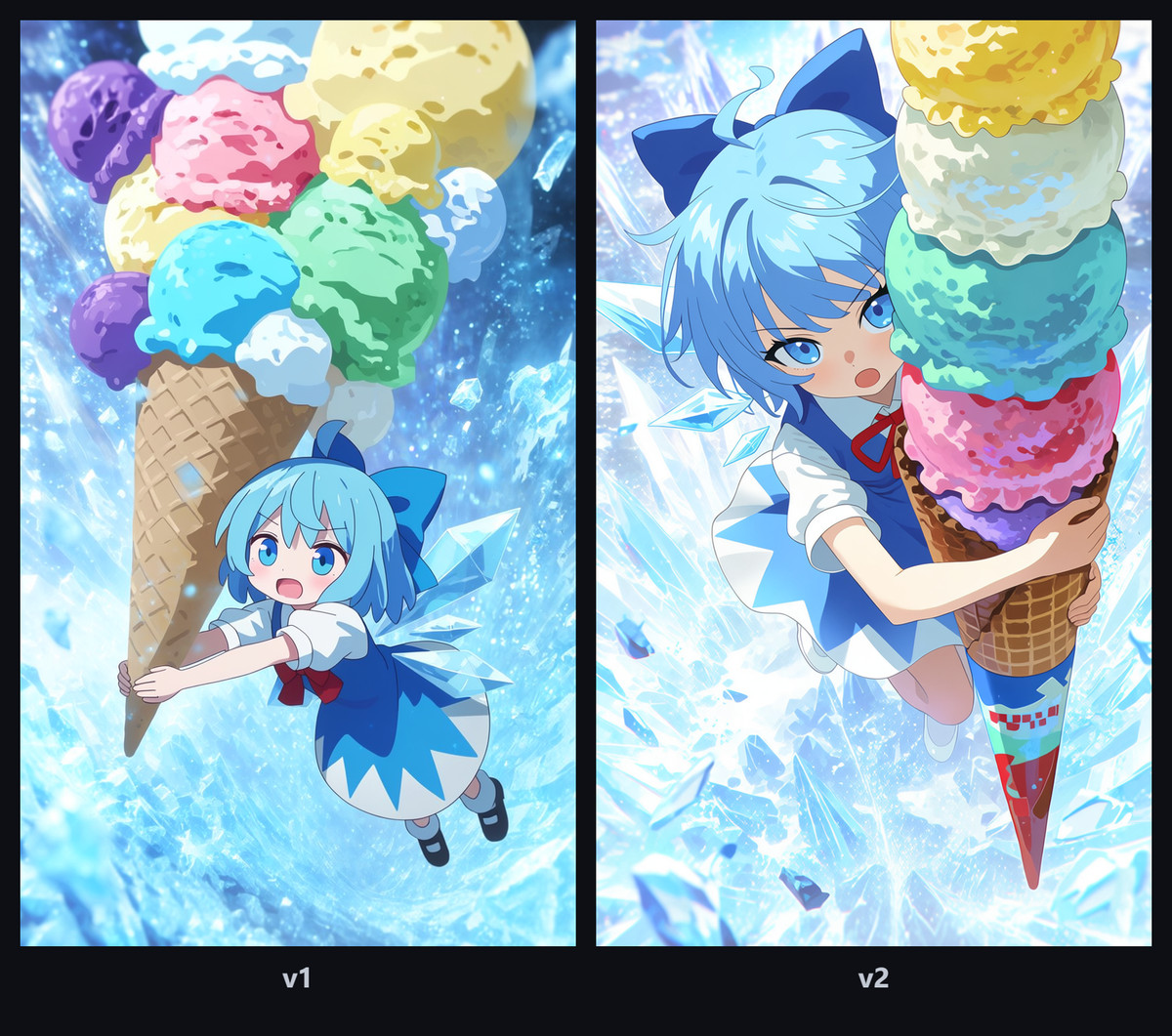
[A] Realistic Anime Style | MOSS Image · v2.0
LoRA · Version Update · Author Akai_azusa · Published 11-06 11:03 · Downloads 60
The v2 of an art style LoRA that adjusts between "anime illustration feel" and "realistic human texture": positive strength emphasizes anime, while negative strength combined with realistic prompts pushes the image toward realistic human texture; v2 harmonizes the art style, and when strength exceeds 1, it no longer clearly leans toward a specific artist.
Images
Reasons for Recommendation
- Version Update: The API version notes are empty, but the model card lists v2 changes—harmonizing the art style, no clear bias toward a specific artist when strength exceeds 1, the author feels characters lean more towards "young woman" rather than "girl"; the author also admits v2 crashes on specific keywords and is less complete than v1
- Serves text-to-image generation that toggles between anime illustration and realism with the same prompt, with both positive and negative strengths useful, usage similar to a slider
- Strength explanation is complete: Start at 1.0, 0.5 is lighter, 1.5 is more obvious, 2.0 is near the upper limit, -0.5 starts enhancing realism, -1.0 is near the lower limit, below -1.0 or above 2.0 easily causes ghost images, color blocks, and structural collapse; recommended to adjust in 0.25 increments
- The author clarifies the prerequisite for negative strength: The prompt must include realistic terms like photorealistic, natural lighting, shallow depth of field, motion blur, muted tones to achieve a realistic feel; in pure illustration contexts (anime illustration, cel shading, flat colors), negative strength only degrades the image; this version has 60 downloads, page total 357 (only indicates attention)
How to Use
- Load moss_realistic_anime_v2.safetensors, no trigger word, start strength at 1.0 and adjust in 0.25 increments
- For realistic human texture: Adjust strength to -0.5 to -1.0, and simultaneously write realistic terms like photorealistic, natural lighting, shallow depth of field in the prompt
- Steps, CFG, and whether to use Base or SFT for output are not provided by the author
Risks and Limitations
- The author states that v2 crashes on specific keywords and is less complete than v1, but does not specify which keywords; for stability, you can revert to v1.0
- The model card notes that v1 copy was written by DeepSeek, and the author marks the negative strength effect as "not guaranteed"; 4 visible examples, 1 sensitive-level images hidden
- License only allows on-site rental, derivatives are not allowed; this entry has not been run, and no example images have been viewed
Worth Watching (11)
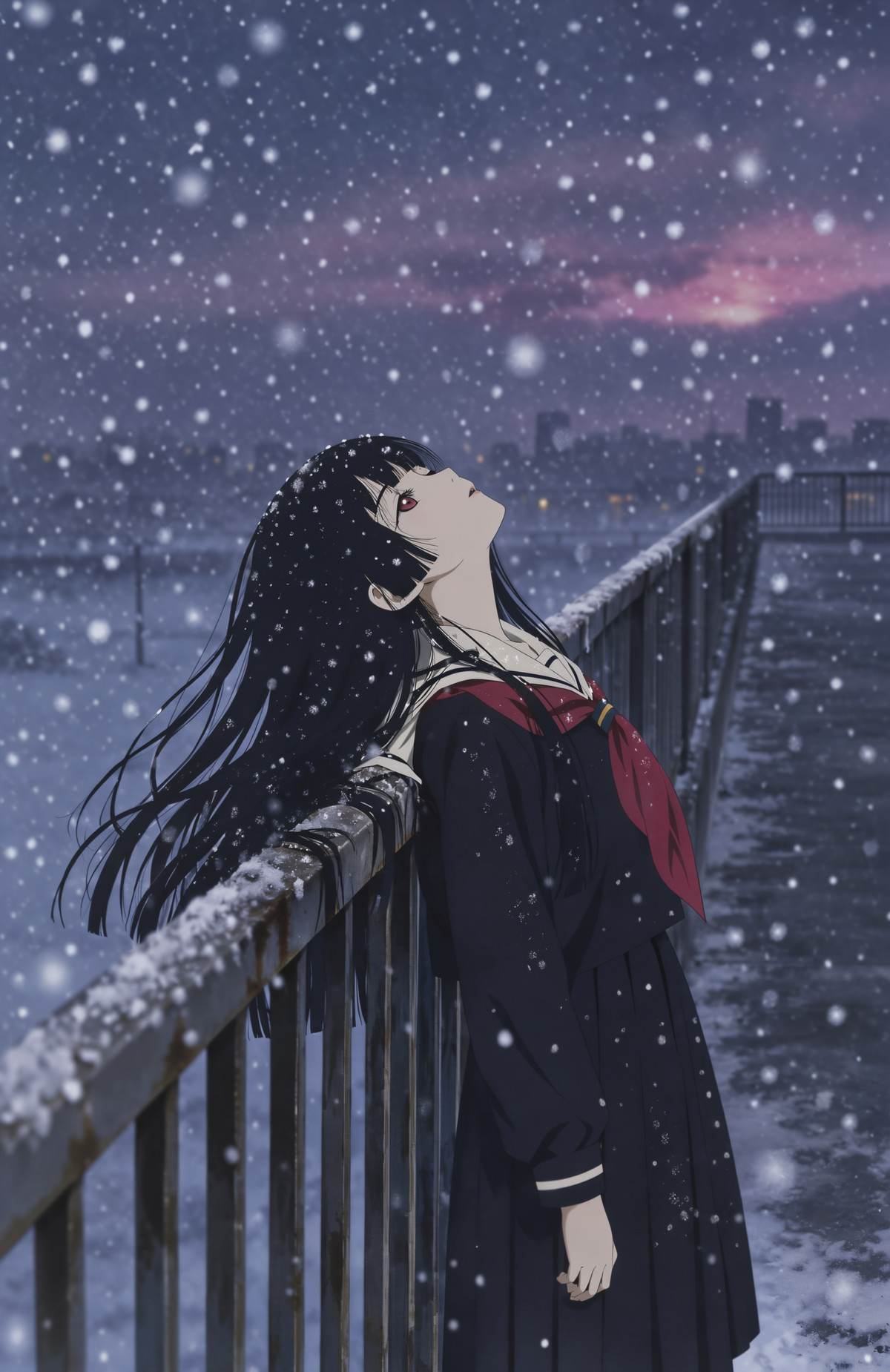
[B] [MOSS & Anima] Enma Ai/阎魔爱, 《JigokuShoujo》/《Hell Girl》 · MOSS_v1.0
LoRA · Port · Author flyx3 · Published 11-06 18:10 · Downloads 38
A character LoRA for Enma Ai from Hell Girl, ported from the Anima version to MOSS; the author states that the MOSS version uses tagging that is primarily in Chinese with a mix of Chinese and English.
Image
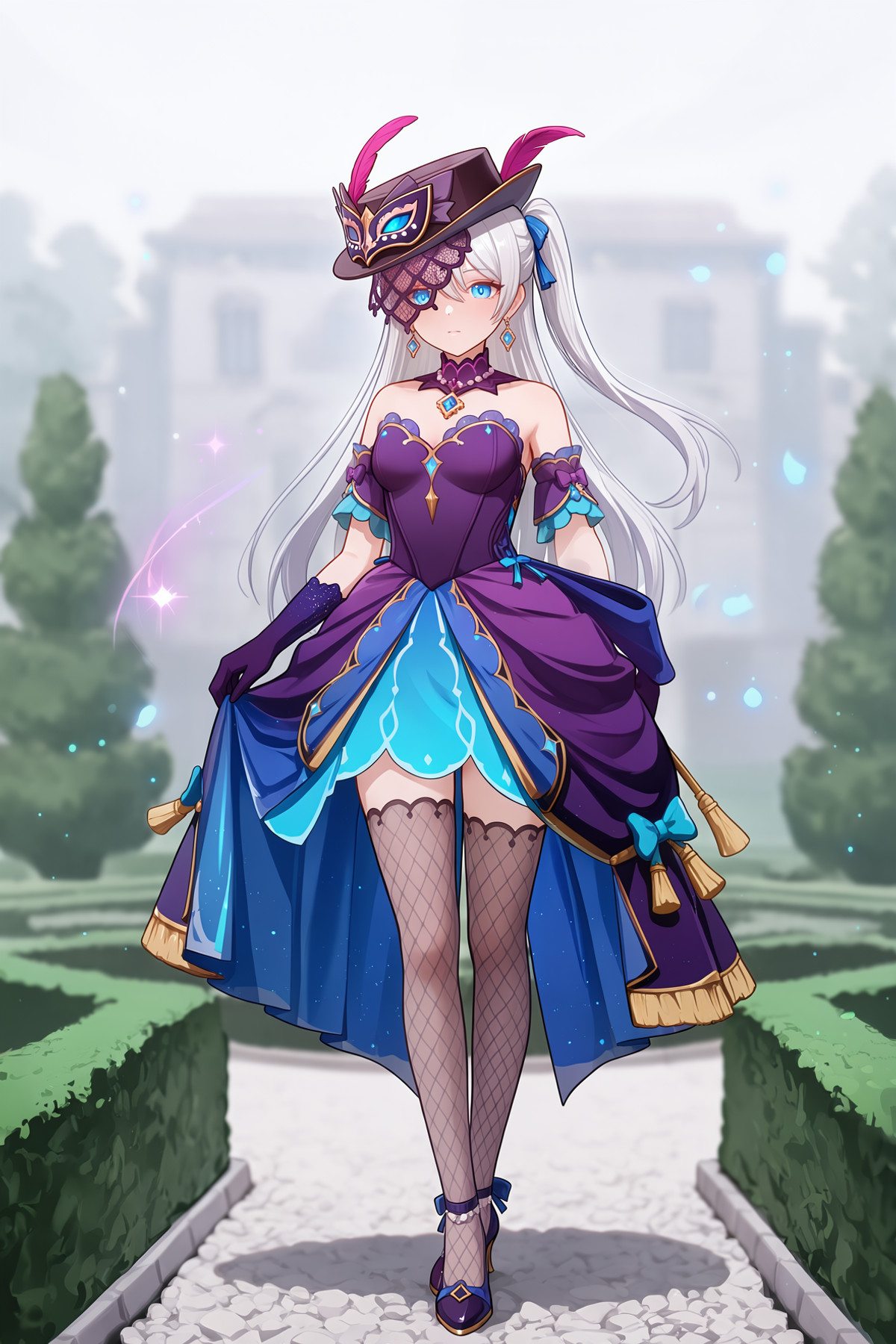
【B】Genshin Impact Miliastra Wonderland - Polyphonic Variations | Qianxing Qiyu - Shulü Fuyin · v1.0 MOSS
LoRA · Port · Author LS3171244 · Published 11-06 12:30 · Downloads 20
A clothing LoRA for an outfit from the "Shulü Fuyin" set in Genshin Impact's Qianxing Qiyu: according to the trigger words registered by the author, it features a purple-blue off-shoulder gown, long gloves, fishnet thigh-high socks, tassel earrings, a feathered mini top hat, a Venetian mask, a cut-out veil covering the right eye, and high heels.
Image
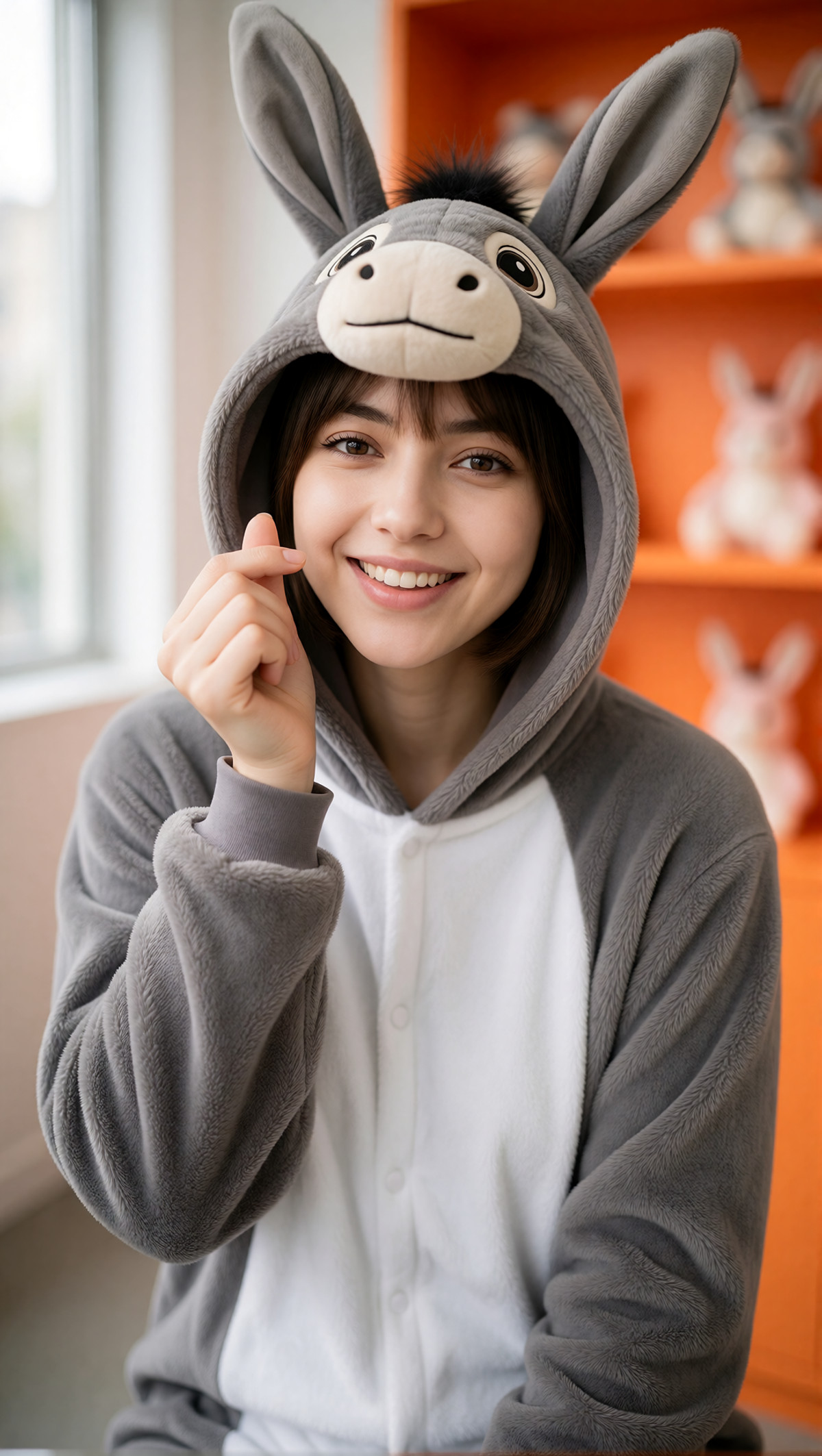
【B】Kigurumi Onesie: Donkey [Krea2/MOSS] · MOSS_SFT_v1.0
LoRA · New Model · Author AuthentiQ · Published 11-06 09:16 · Downloads 33
A clothing LoRA that dresses characters in donkey-themed kigurumi onesies, tagged as realistic style; the author plans to release 50 kigurumi LoRAs featuring various animals and cartoon characters for Krea2 and MOSS by the end of the year, and this is one of them.
Image
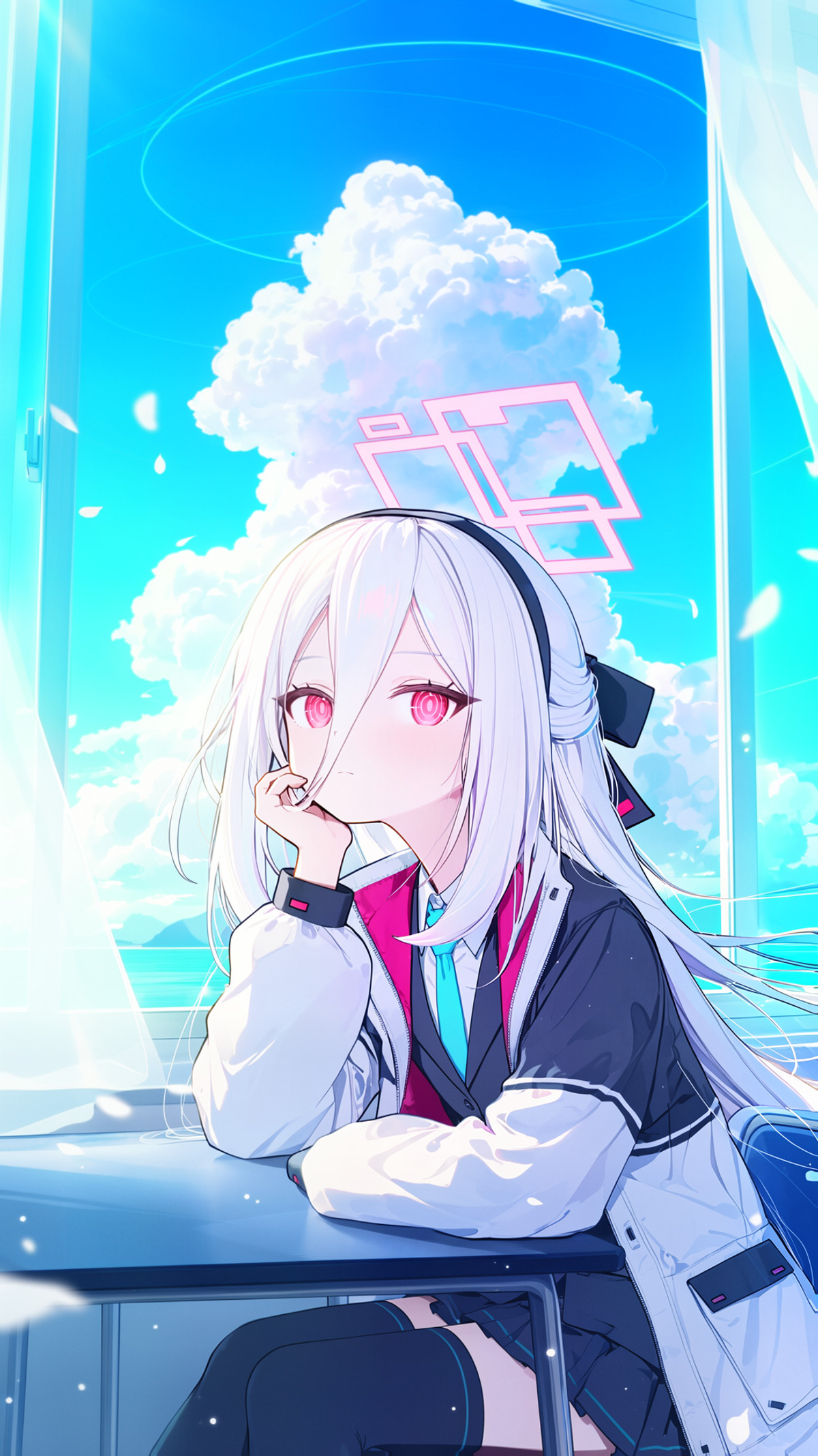
【B】MOSS-Image-TendouKei · MOSS-TendouKei-NL-v1.3
LoRA · Version Update · Author Te2dou_Nin9 · Published 11-06 19:09 · Downloads 21
A natural language tagged version of the character enhancement LoRA for Tendou Kei from Blue Archive: the author states that this version can accurately render the halo structure above her head when loaded alone, eliminating the need to simultaneously load the Tendou Alice LoRA.
Image
【B】Meion Style 【krea2&MOSS&anima&il】 · MOSS-heal v1.0
LoRA · Port · Author NXMZ · Published 11-06 20:16 · Downloads 14
The MOSS version of the art style LoRA for artist Meion, notably trained on MOSS-heal—a repaired training version of MOSS created by KohakuBlueleaf using Danbooru and LAION COCO data.
Image

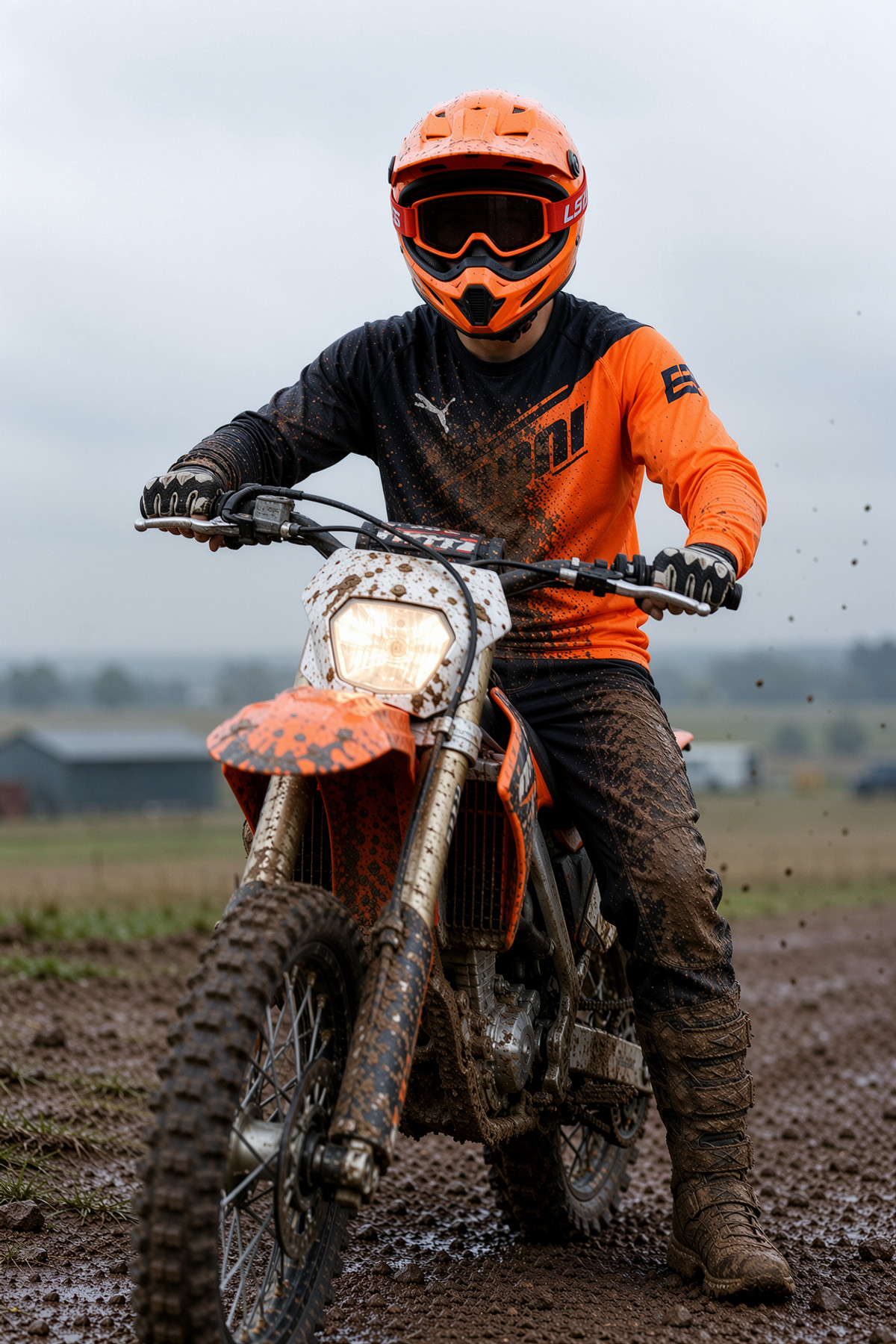
【B】Helmet Focus — The Face Hidden, the Body in Focus | MOSS · v1.0
LoRA · New Model · Author 858654128784 · Published 11-06 12:03 · Downloads 33
A concept LoRA that places characters in helmets that completely obscure their faces: the author lists examples such as full-face motorcycle helmets with mirrored visors, off-road helmets, astronaut gold visors, welding masks, medieval knight helmets, Japanese kabuto, firefighter helmets, and fencing masks, where the face is invisible and visual attention is directed to the body and scene.
Image
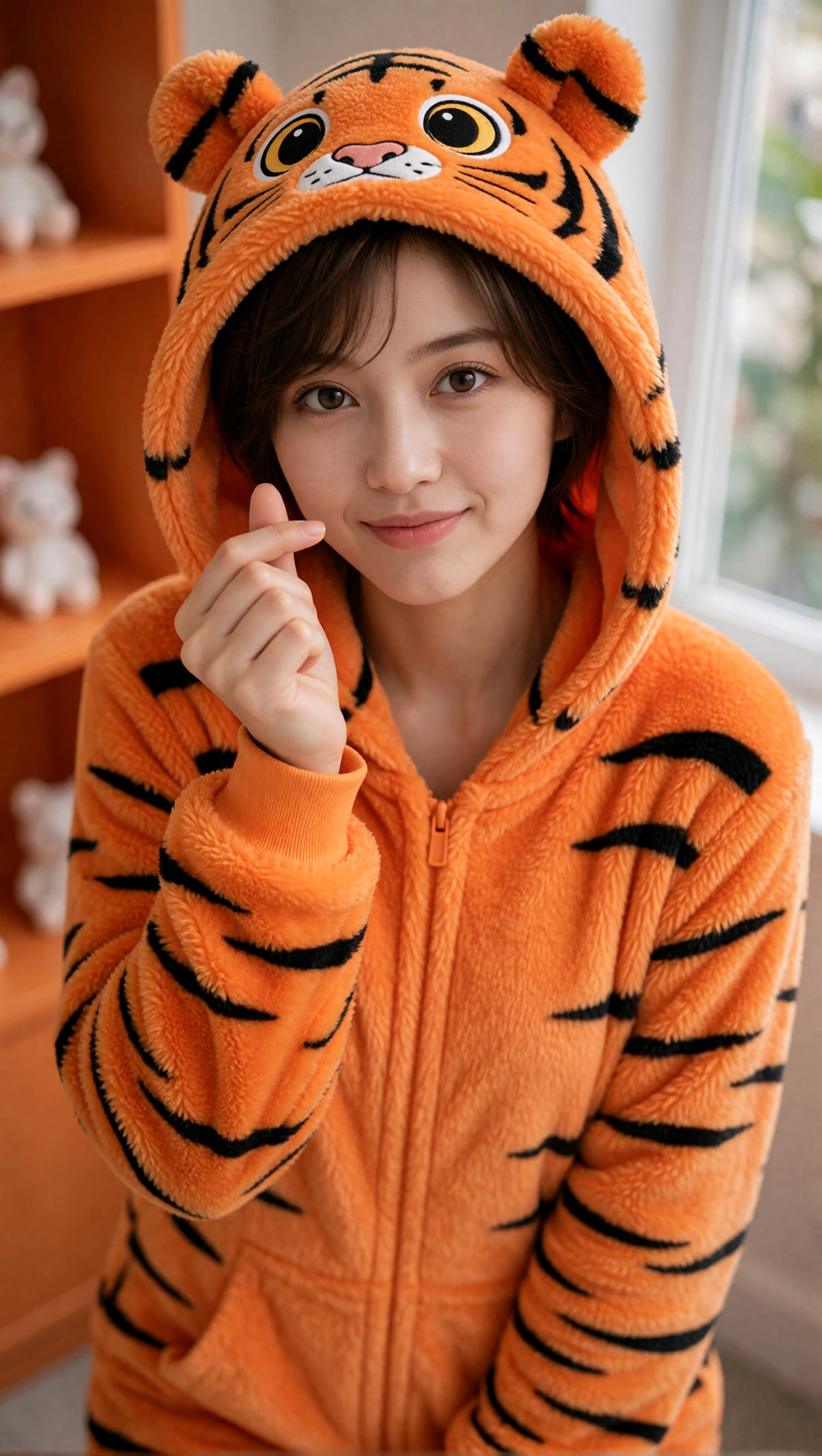
【B】Kigurumi Onesie: Tiger [Krea2/MOSS] · MOSS_SFT_v1.0
LoRA · Port · Author AuthentiQ · Published 11-06 09:00 · Downloads 43
A clothing LoRA for tiger-themed kigurumi onesies: it dresses characters in tiger hooded jumpsuits; the MOSS version is ported from the Krea 2 version and is part of the author's animal onesie series.
Image
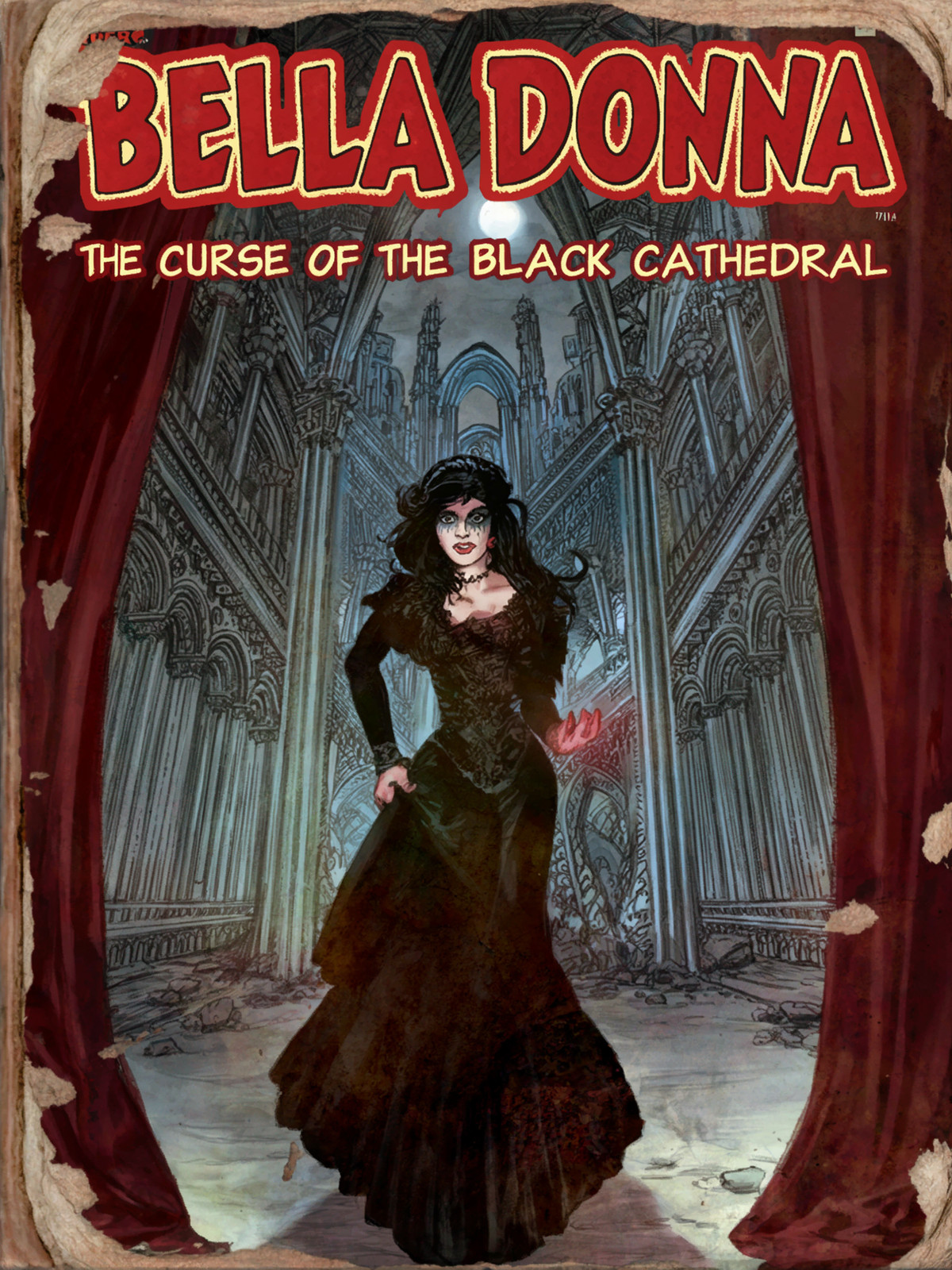
【B】Fallout 4 Style Magazine Covers · v1.0
LoRA · New Model · Author reefermann94 · Published 11-06 16:42 · Downloads 27
An art style LoRA for magazine covers in the style of in-game magazines from Fallout 4: the author states it is solely for creating and collecting retro magazine and comic book covers.
Image
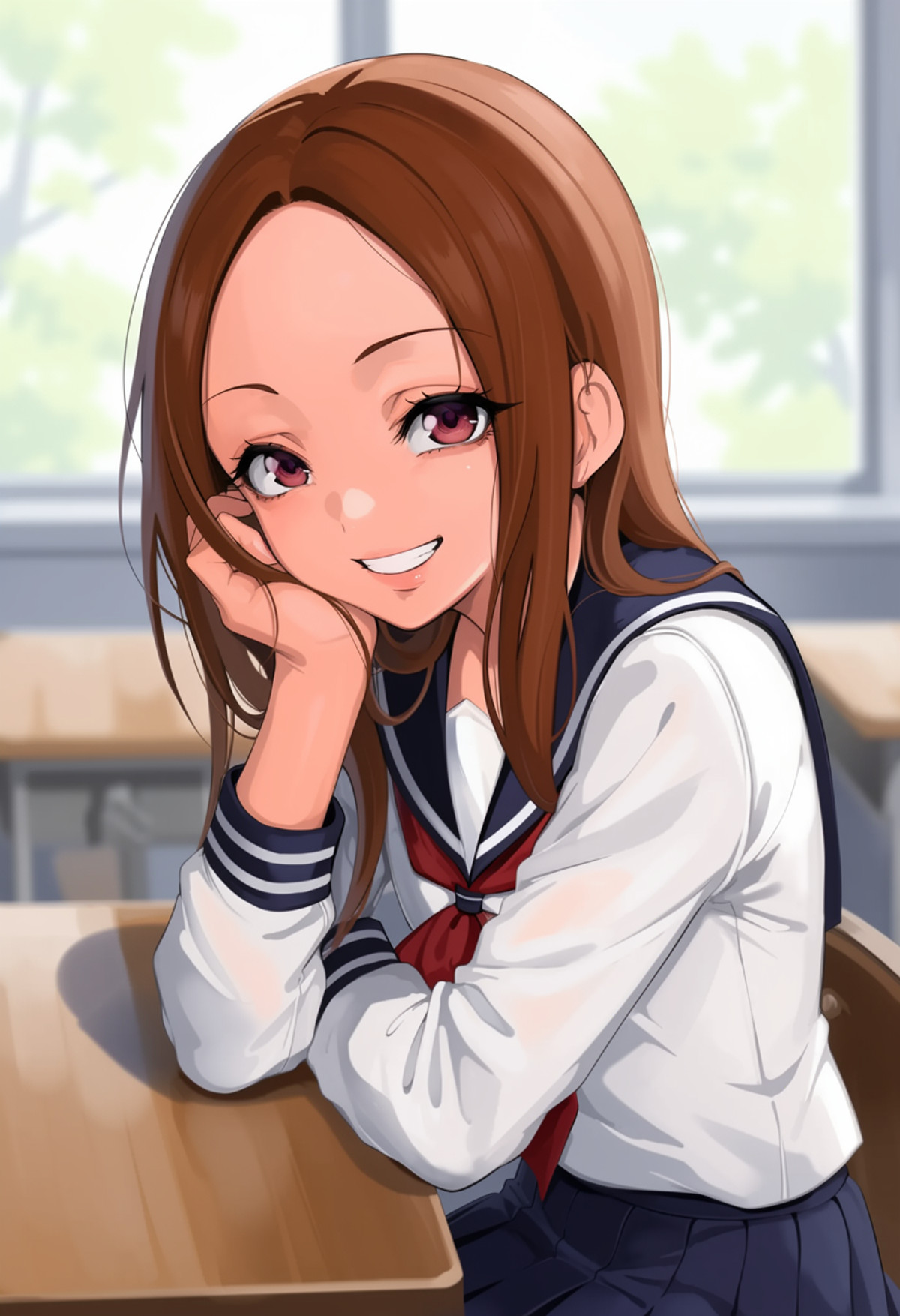
【B】moss image mamimi style lora · v1.0
LoRA · New Model · Author findmeflatline866 · Published 11-06 14:09 · Downloads 71
A thick-paint style LoRA for artist mamimi: the author states they selected "cleaner" images from the artist's works for training, avoiding heavy themes such as insects and ugly men, with fewer animals included.
Image
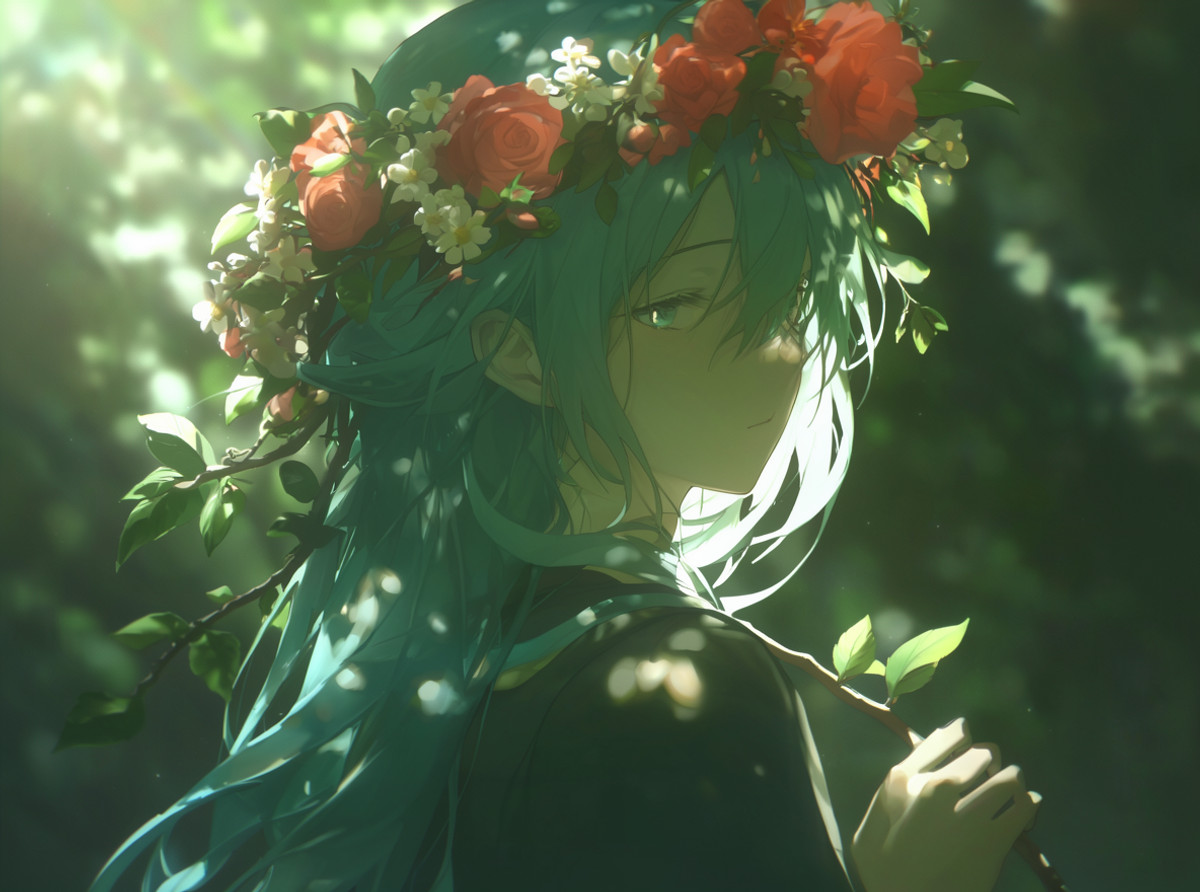
【B】Style: Konya Karasue · v0.7
LoRA · New Model · Author nomarks0 · Published 11-06 09:31 · Downloads 68
An art style LoRA named after Konya Karasue (v0.7): the author trained on 278 images for 97 epochs, noting some overfitting and planning to optimize further with a new approach.
Image
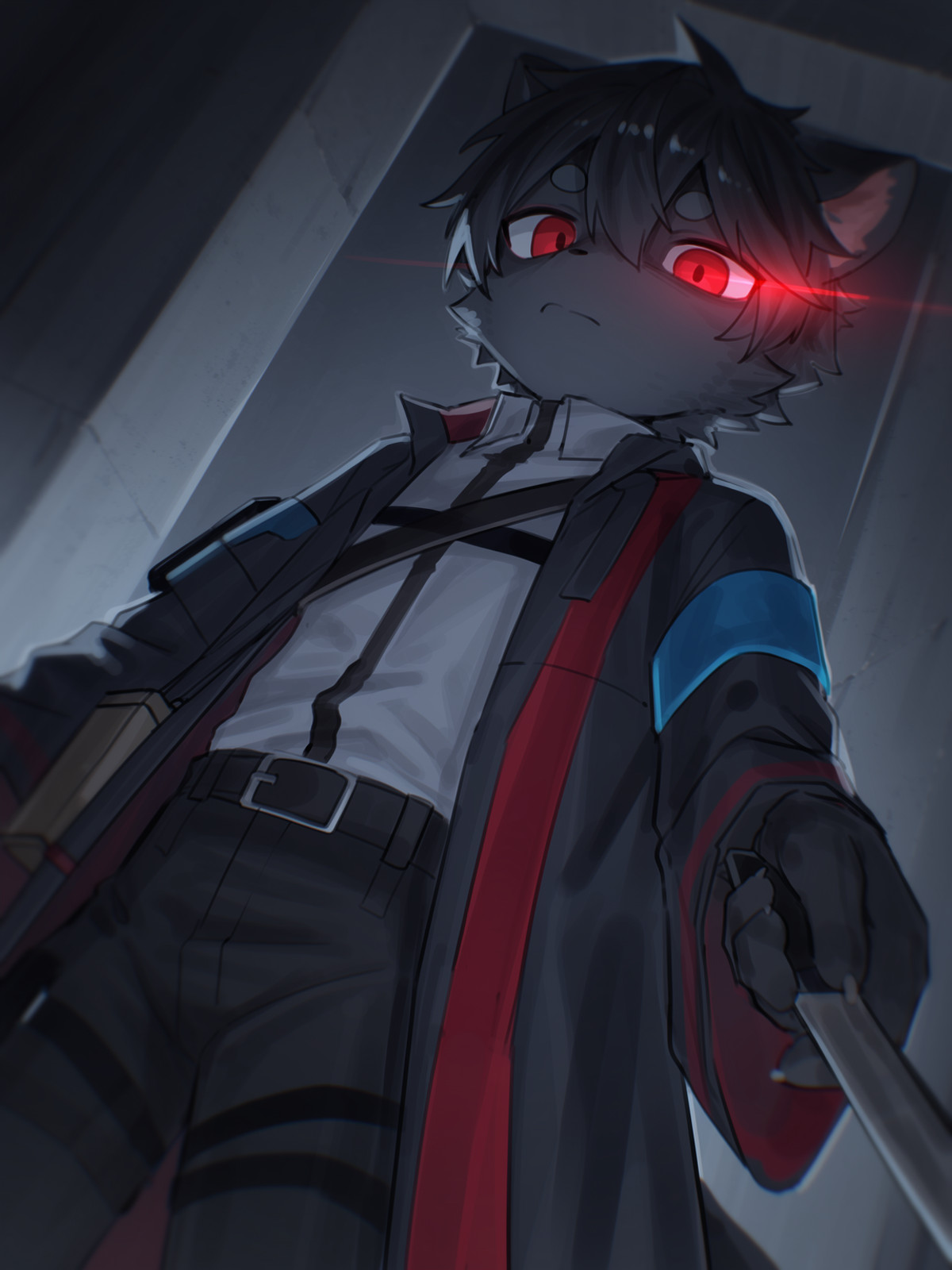
【B】random Kemono style for MOSS-Image Base · v1.0
LoRA · New Model · Author KawaiiKemonoBoi · Published 11-06 20:52 · Downloads 4
A small-scale experimental kemono/furry art style LoRA trained on MOSS Base: the author notes it has learned some artist styles but cannot yet be controlled via artist name tags, so it functions only as a general art style LoRA.
Image
Included Only (24)
- Eryn - Integrated Busty Likeness · v3.2 (MOSS) — LoRA: The MOSS experimental version of a LoRA for an AI-generated fictional female character (Eryn): the author states that kxeryn was trained as an "adjective," allowing her appearance to be applied to any creature or object, and also rendered in various styles such as charcoal, clay, and ukiyo-e.
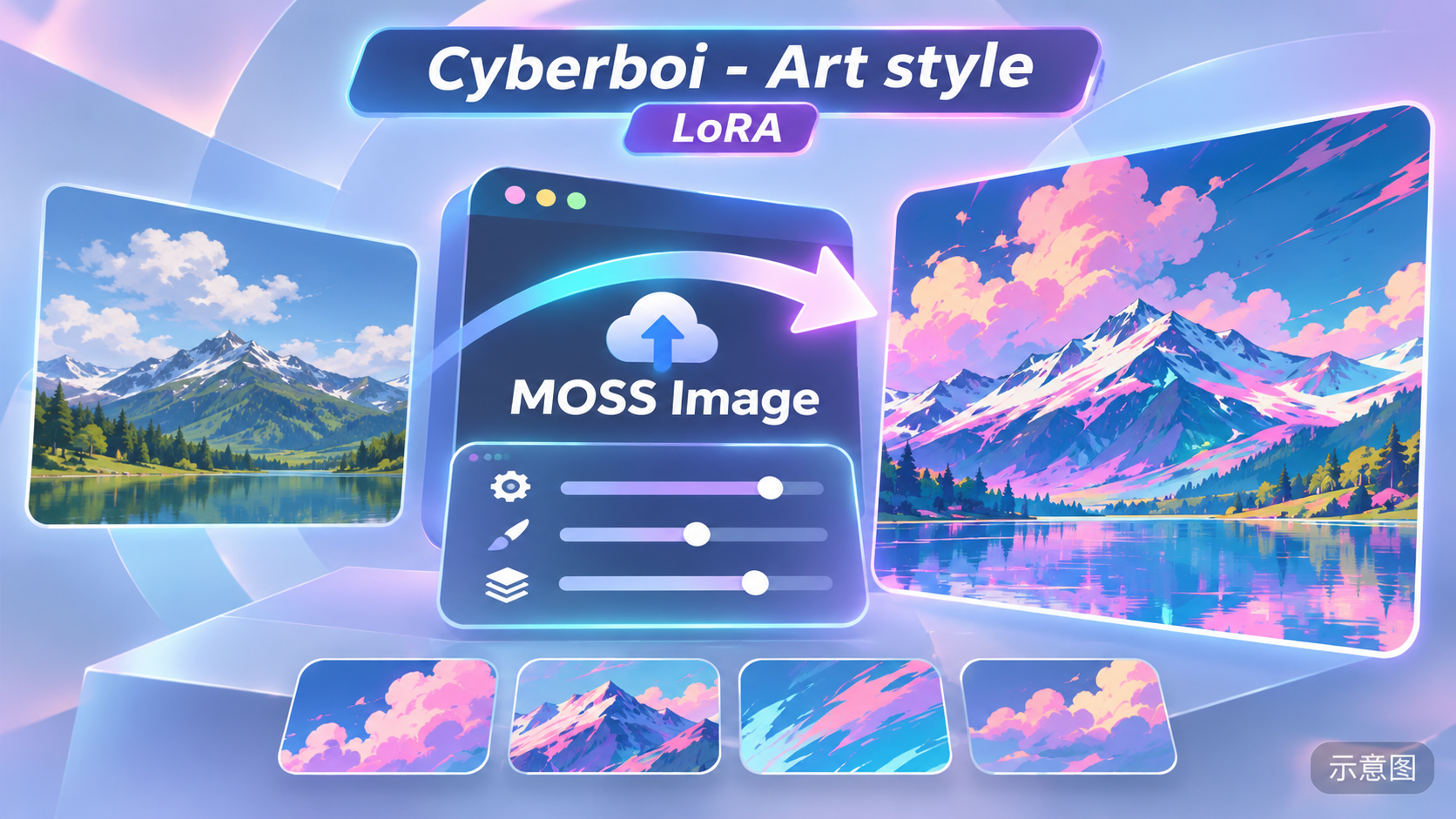
- Cyberboi - Art style · MOSS Image v1.0 — LoRA: The "Cyberboi" art style LoRA ported from Anima to MOSS; the author does not describe the specific art style, providing only the base model, auxiliary LoRAs, and sampling parameters used for reproduction examples.
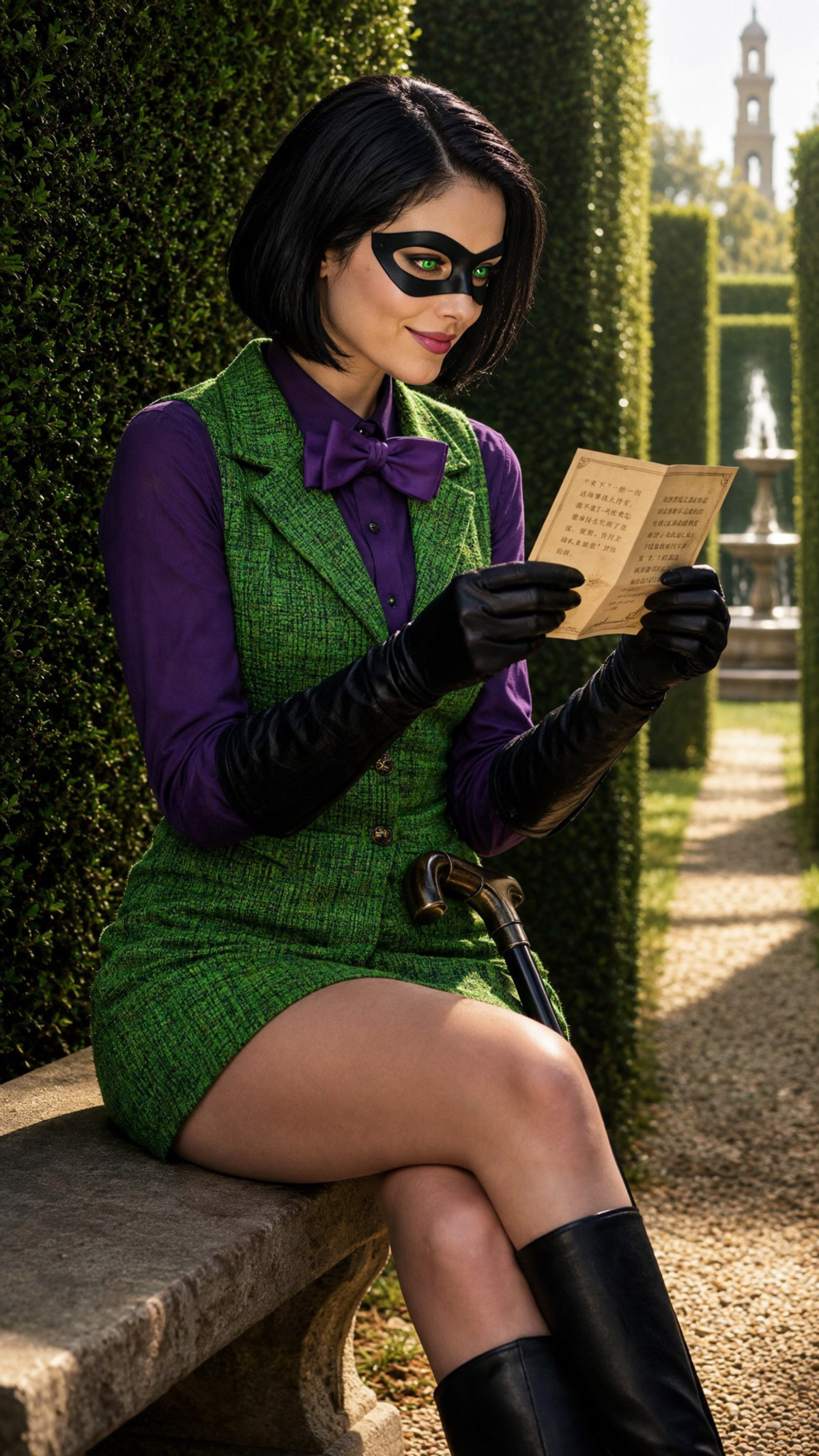
- Riddler (DC Comics | Arkham Asylum | Rule 63) · MOSS Image — LoRA: A character LoRA for the gender-swapped (Rule 63) female version of the Riddler from DC's Batman: Arkham series, ported from the ZImageTurbo version to MOSS; the model card contains only character background information and donation instructions.
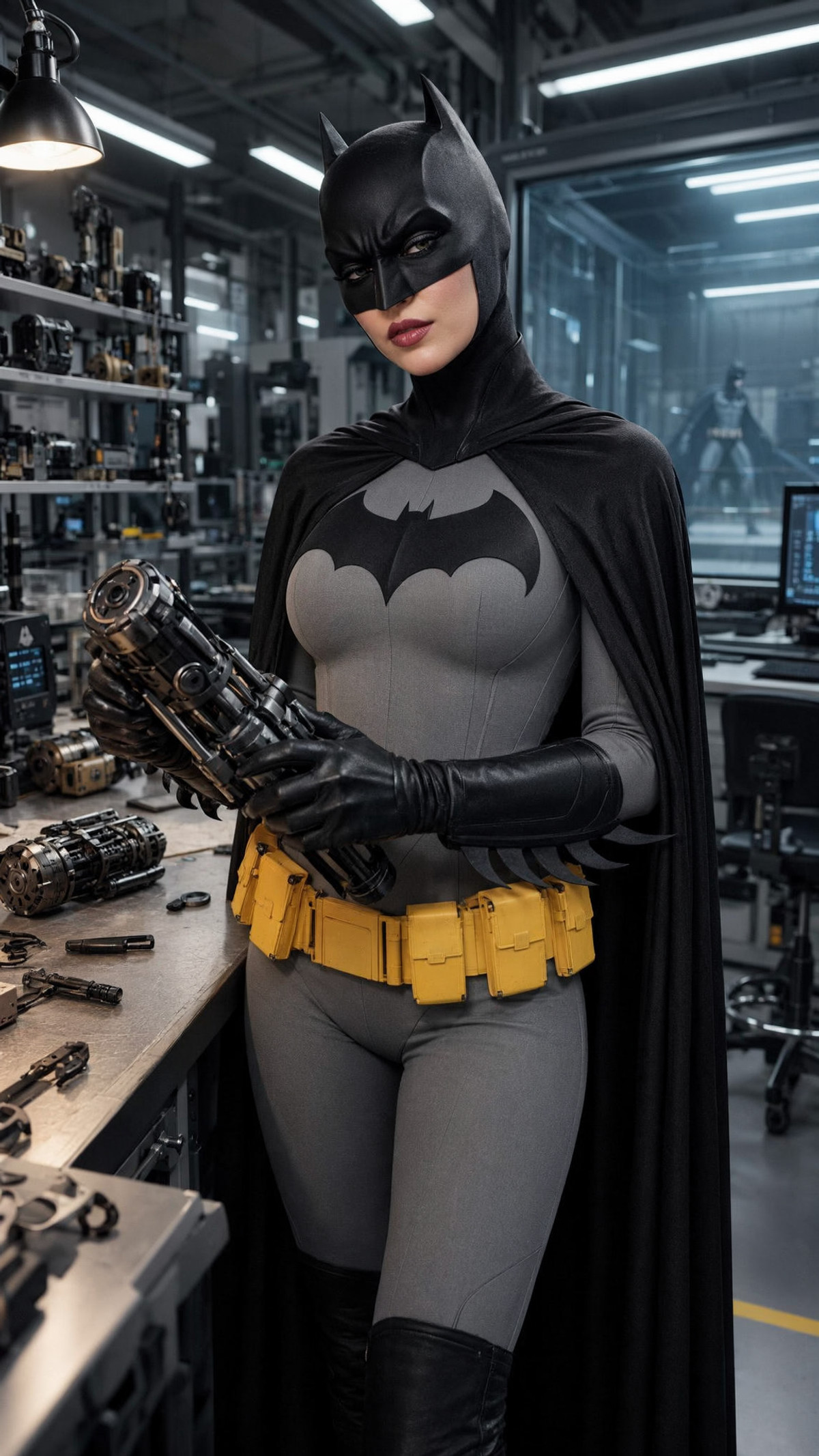
- Batman (DC Comics | Justice League | Rule 63) · MOSS Image — LoRA: A character LoRA for the gender-swapped (Rule 63, female version) Batman from DC Comics, with the MOSS version ported from the Z-Image-Turbo version.
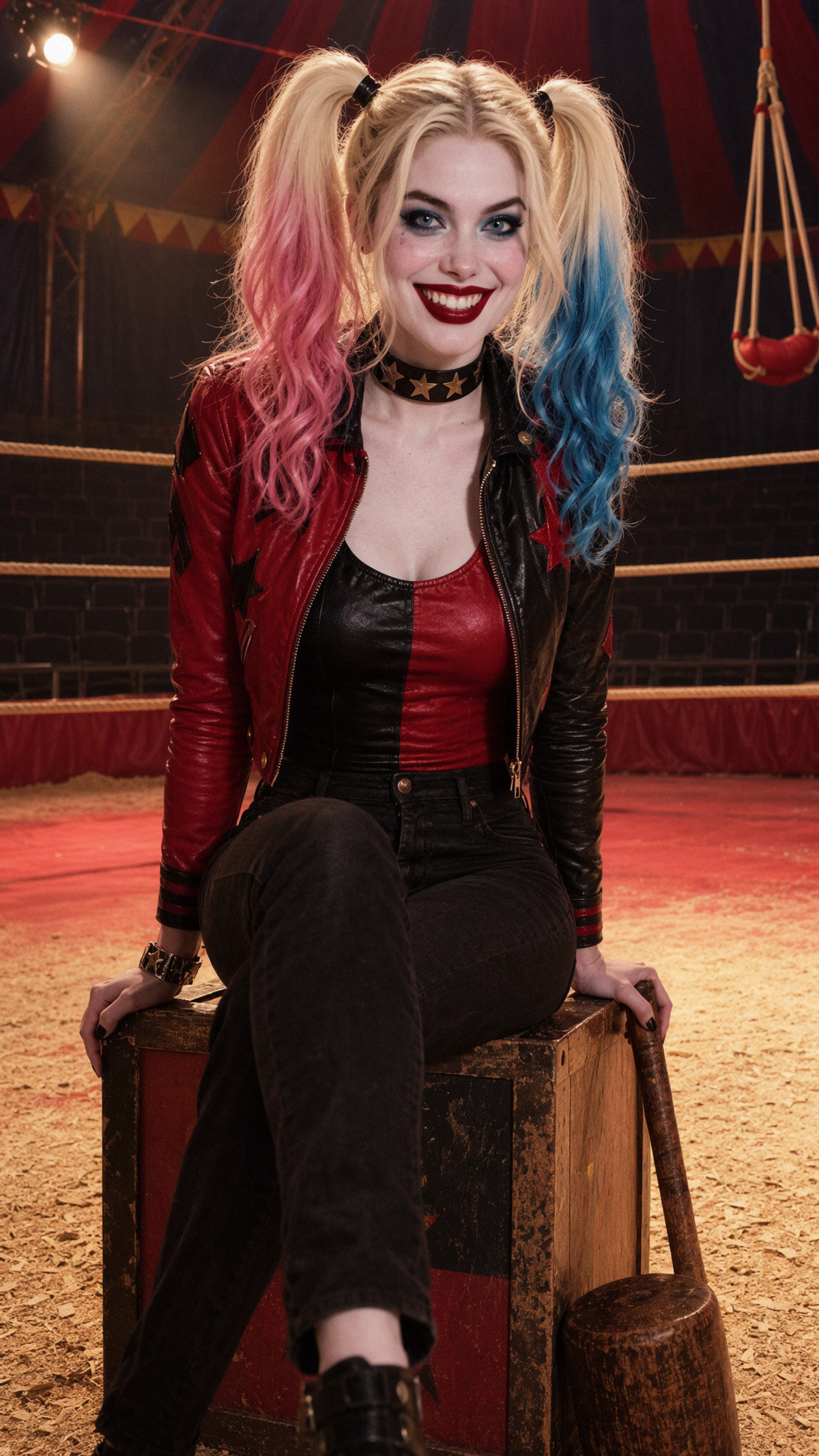
- Harley Quinn (DC Comics | Suicide Squad) · MOSS Image — LoRA: A character LoRA for Harley Quinn from DC Comics, ported from the Z-Image Turbo version to MOSS.
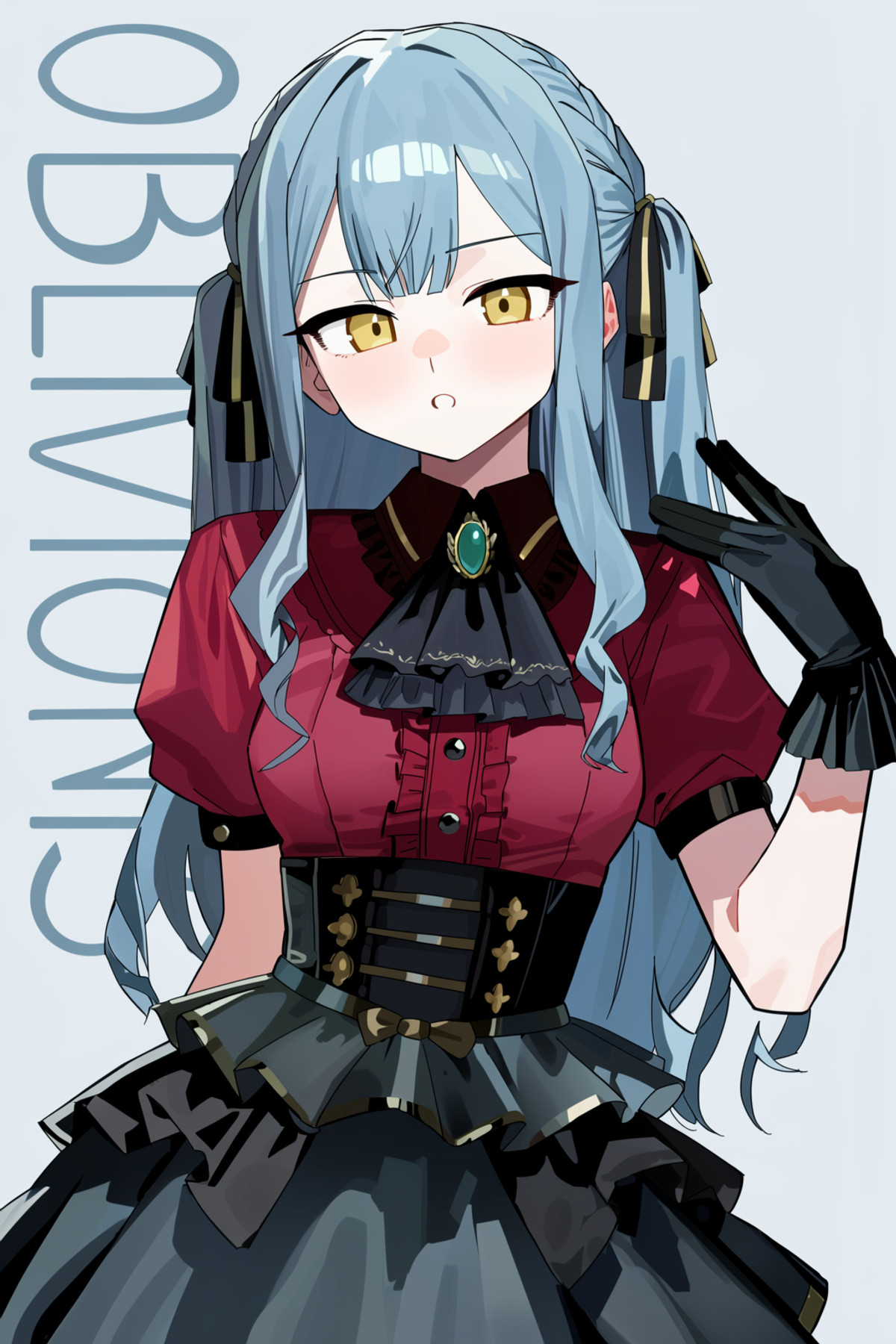
- Art style ruppu style 【anima】 · moss — LoRA: The MOSS version of the ruppu art style LoRA, ported from the same author's Anima version; the author does not describe what the art style looks like.
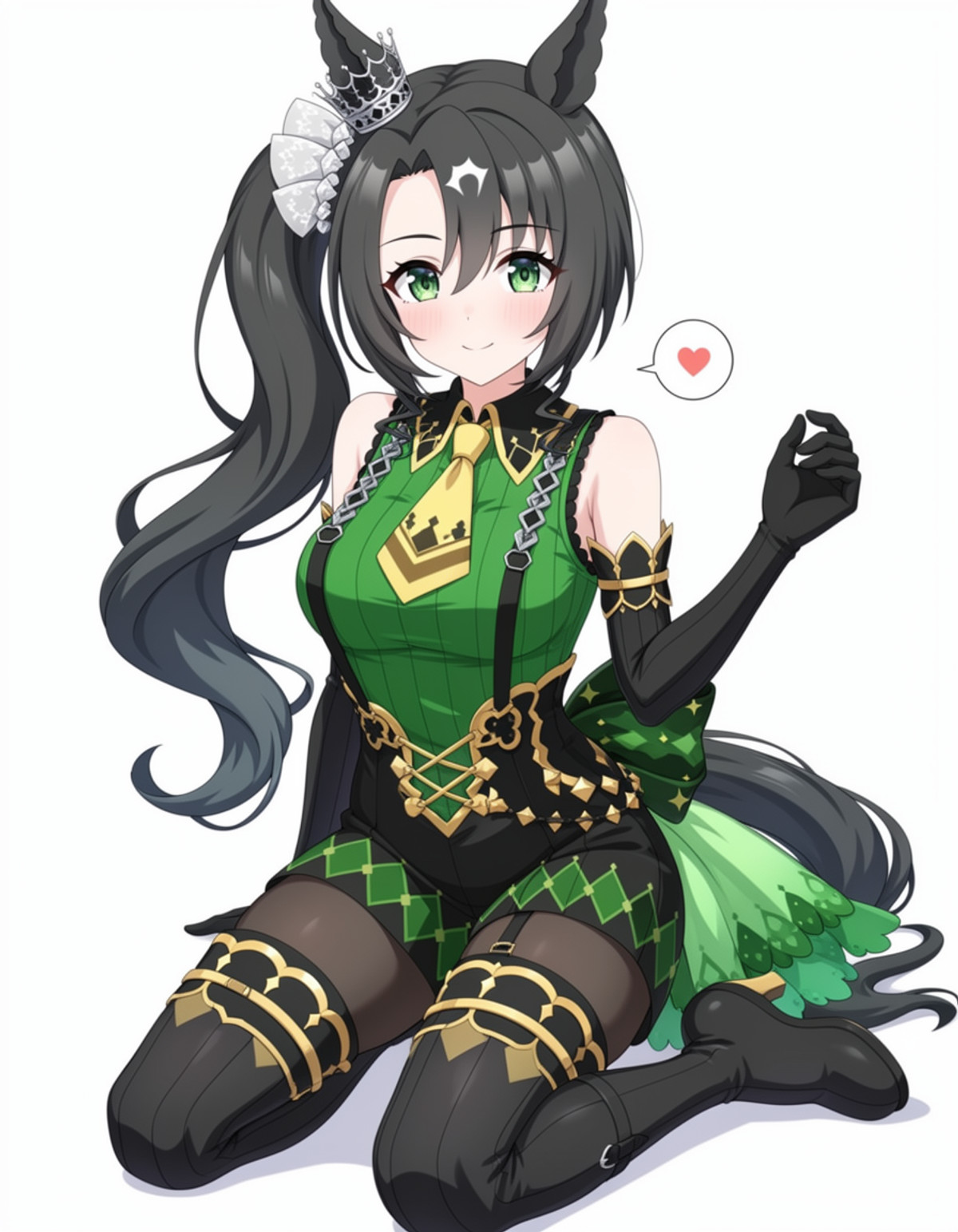
- satono crown サトノクラウン (umamusume,ウマ娘) · v1.0 — LoRA: A character LoRA for Satono Crown from Uma Musume, registering five sets of clothing tags: winning outfit, casual wear, sarong with loose hair, school uniform, and thief bodysuit.
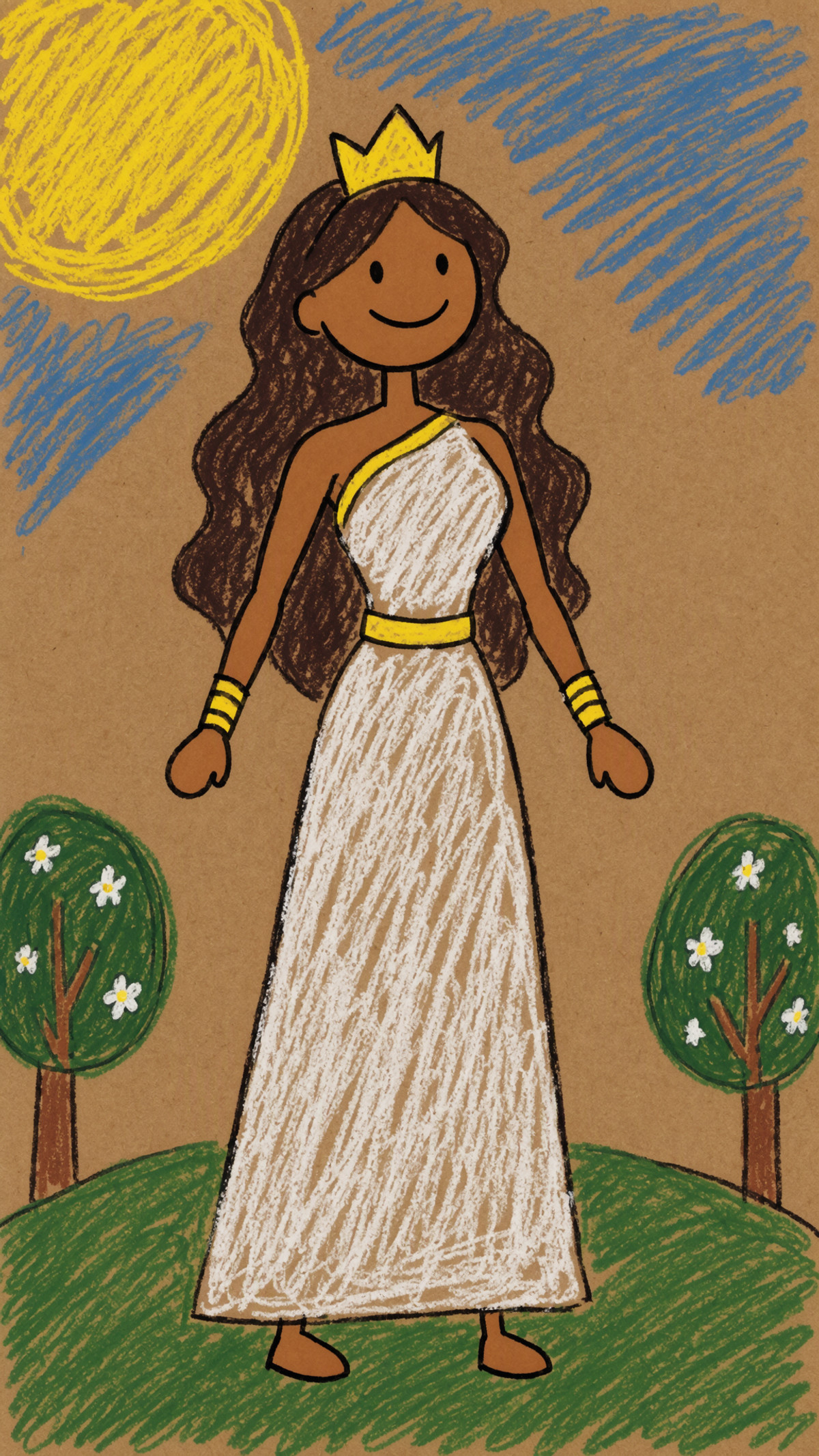
- Themyscira Priestess (DC Comics | Amazons) · MOSS Image — LoRA: A character LoRA for the Amazon Priestess from Themyscira in DC Comics, a new model on MOSS.
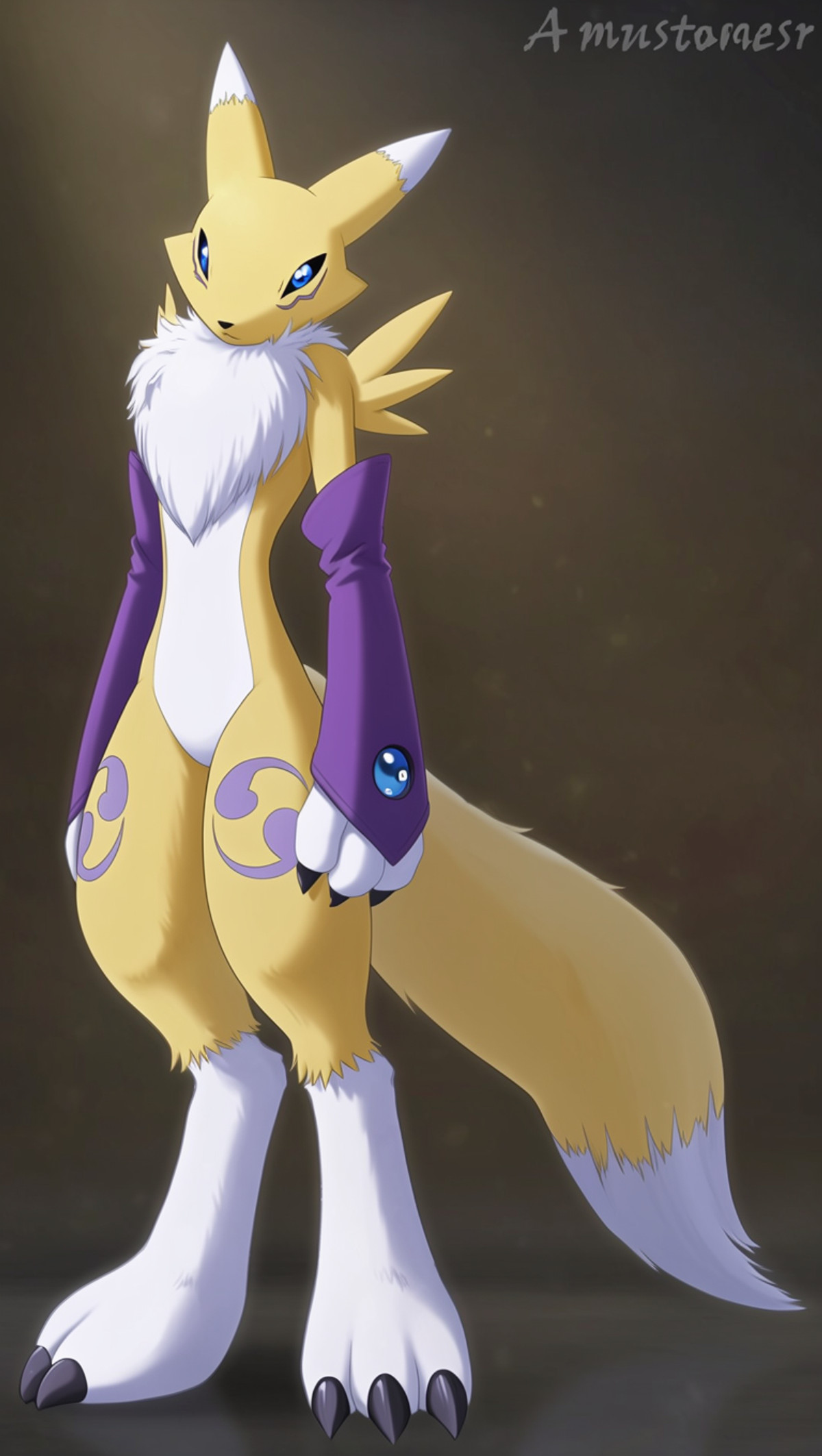
- MOSS-Image, Anima, Qwen Image & Qwen Image 2512 Renamon Digimon LoRA · V4 base — LoRA: A character LoRA for Renamon from Digimon (filename labeled 2003 version), with this version trained on MOSS Base.
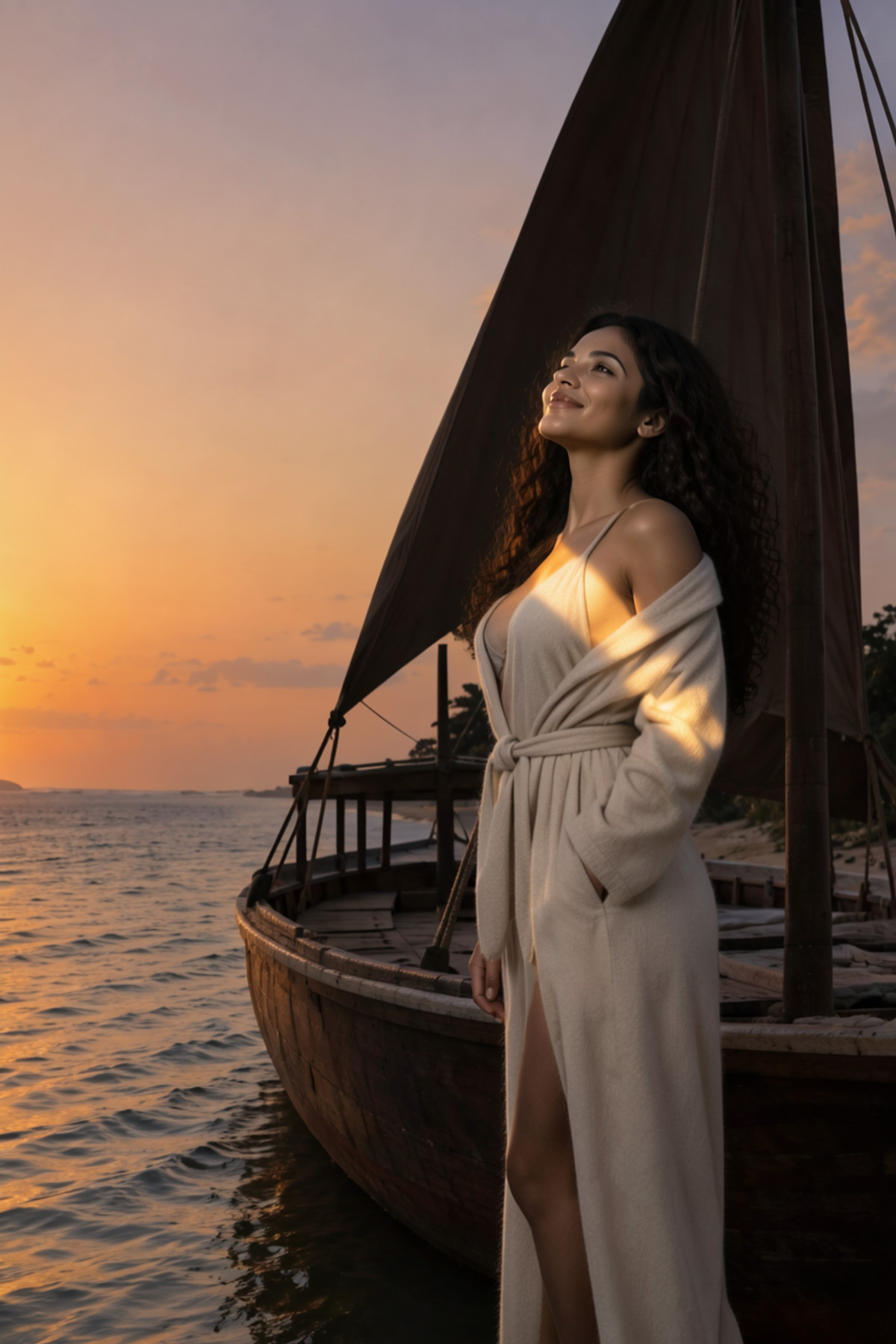
- Faye Belwyn · MossImage — LoRA: A character LoRA for the author's original fictional character Faye Belwyn (the author states she is not a real person); three versions (Krea2, ZImageTurbo, and MOSS) were released for the same character on the same day; the model card is a short character background story.
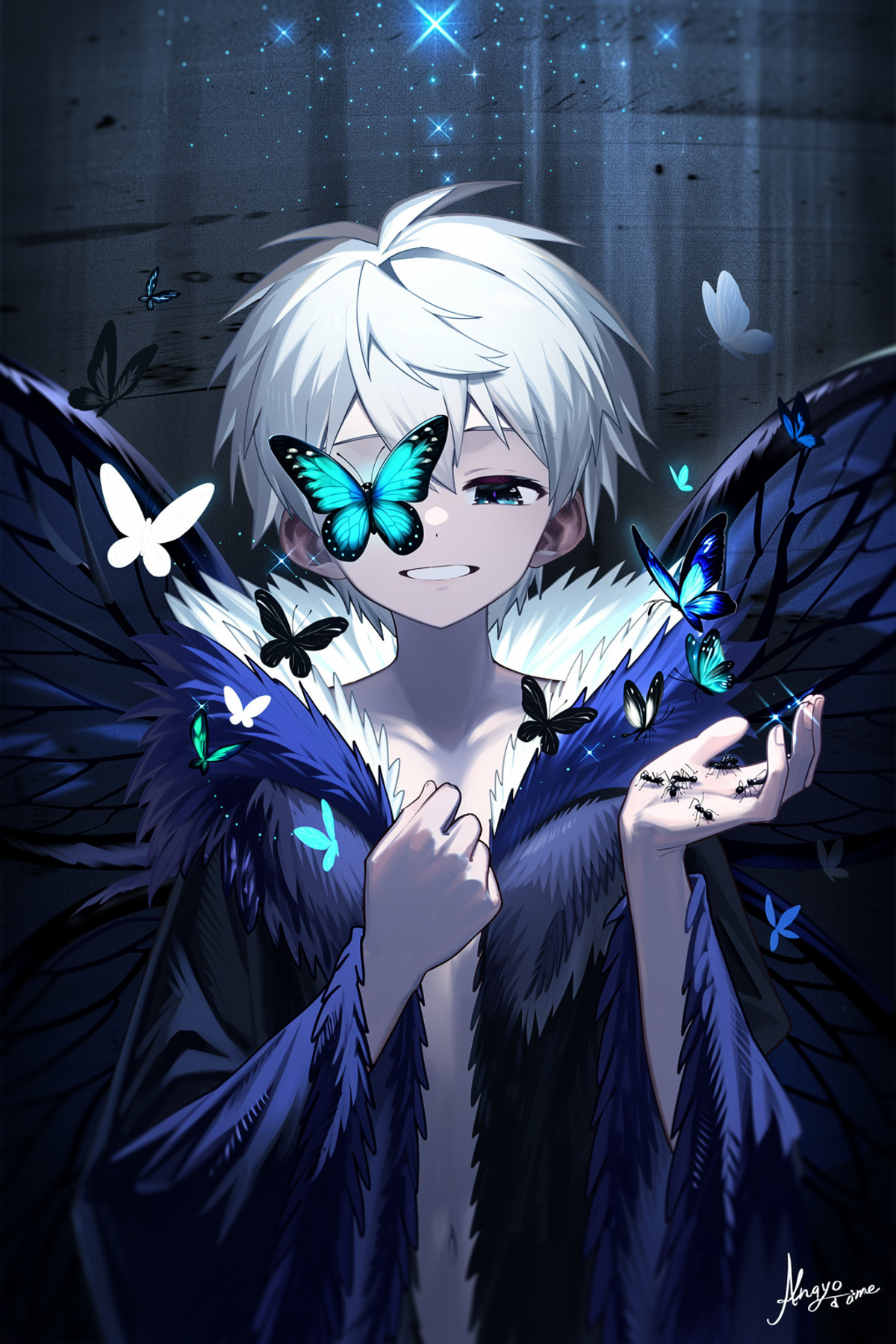
- Moss-image - Koe illustration | Style · v1.0 — LoRA: An anime art style LoRA named Koe illustration, with tags pointing to male character-oriented illustrations; the model card does not describe the art style itself.
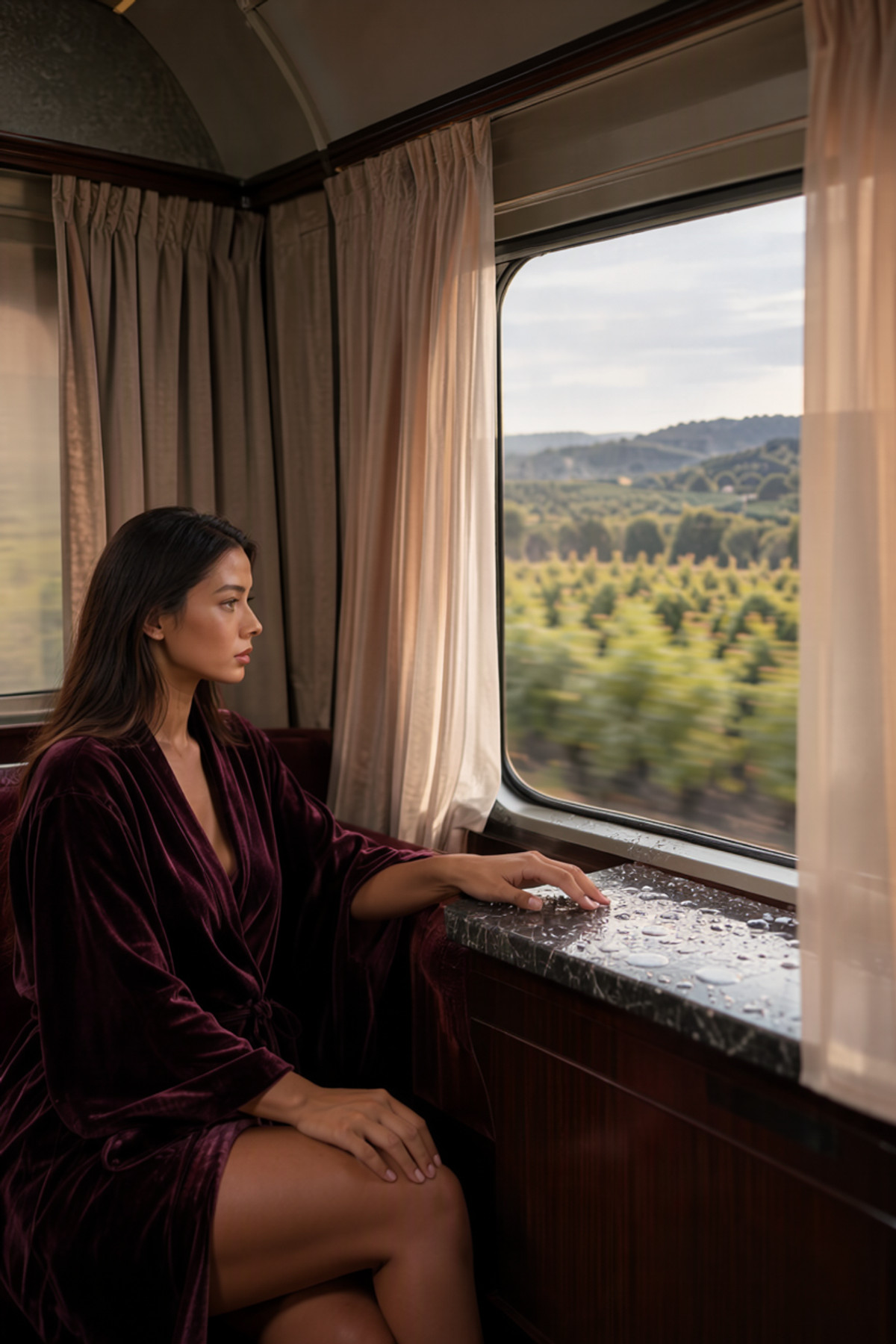
- SERENA Belrose · MossImage — LoRA: A realistic character LoRA for the author's original fictional character Serena Belrose (the author states she is not a real person), with the MOSS version ported from the MiniMax H3, LTXV 2.5, and Z-Image-Turbo versions.
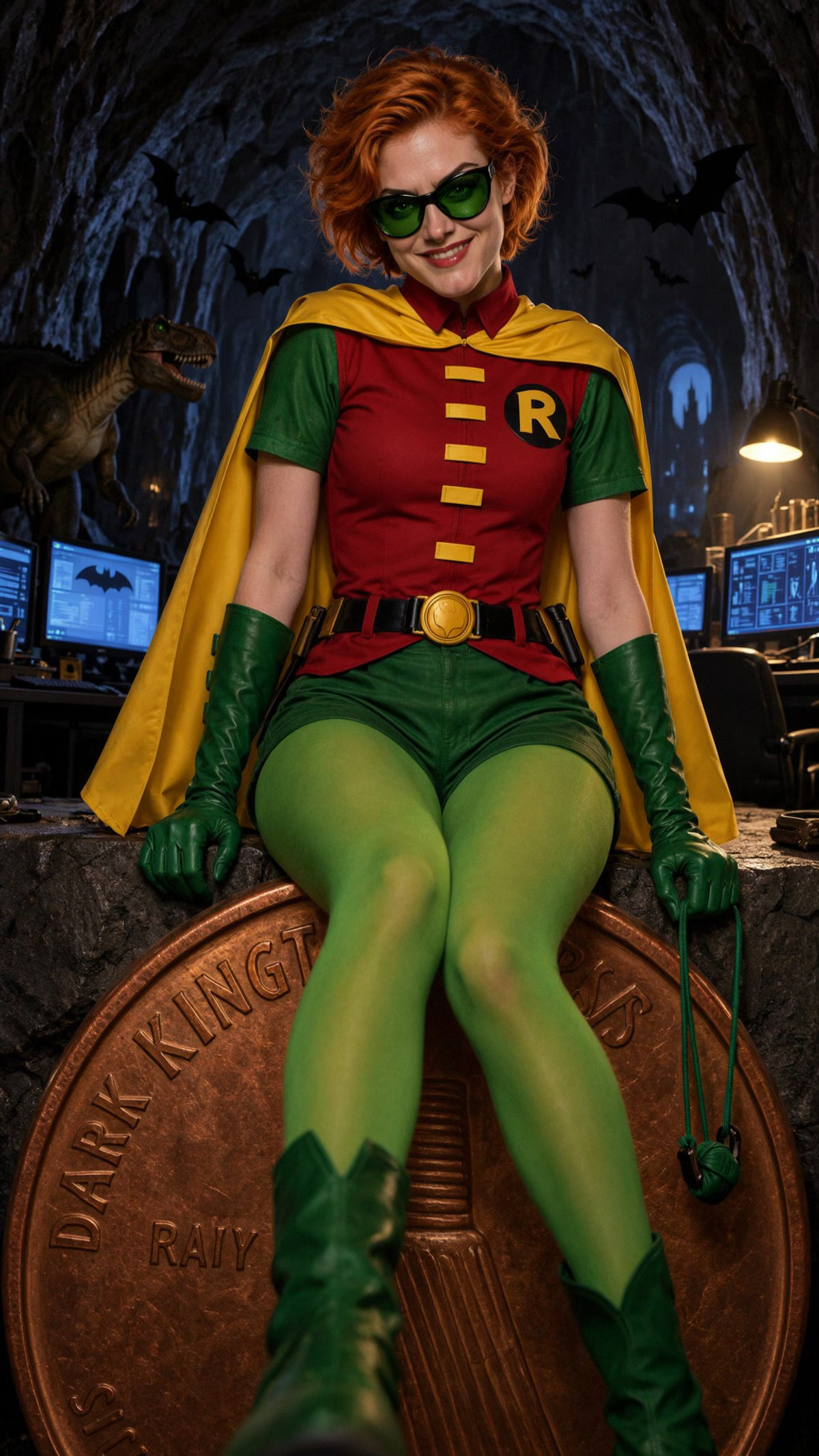
- Robin [Carrie Kelly] (DC Comics | Dark Knight Returns) · MOSS Image — LoRA: A character LoRA for the female Robin, Carrie Kelly, from Batman: The Dark Knight Returns, ported from the Z-Image Turbo / Pony versions to MOSS.
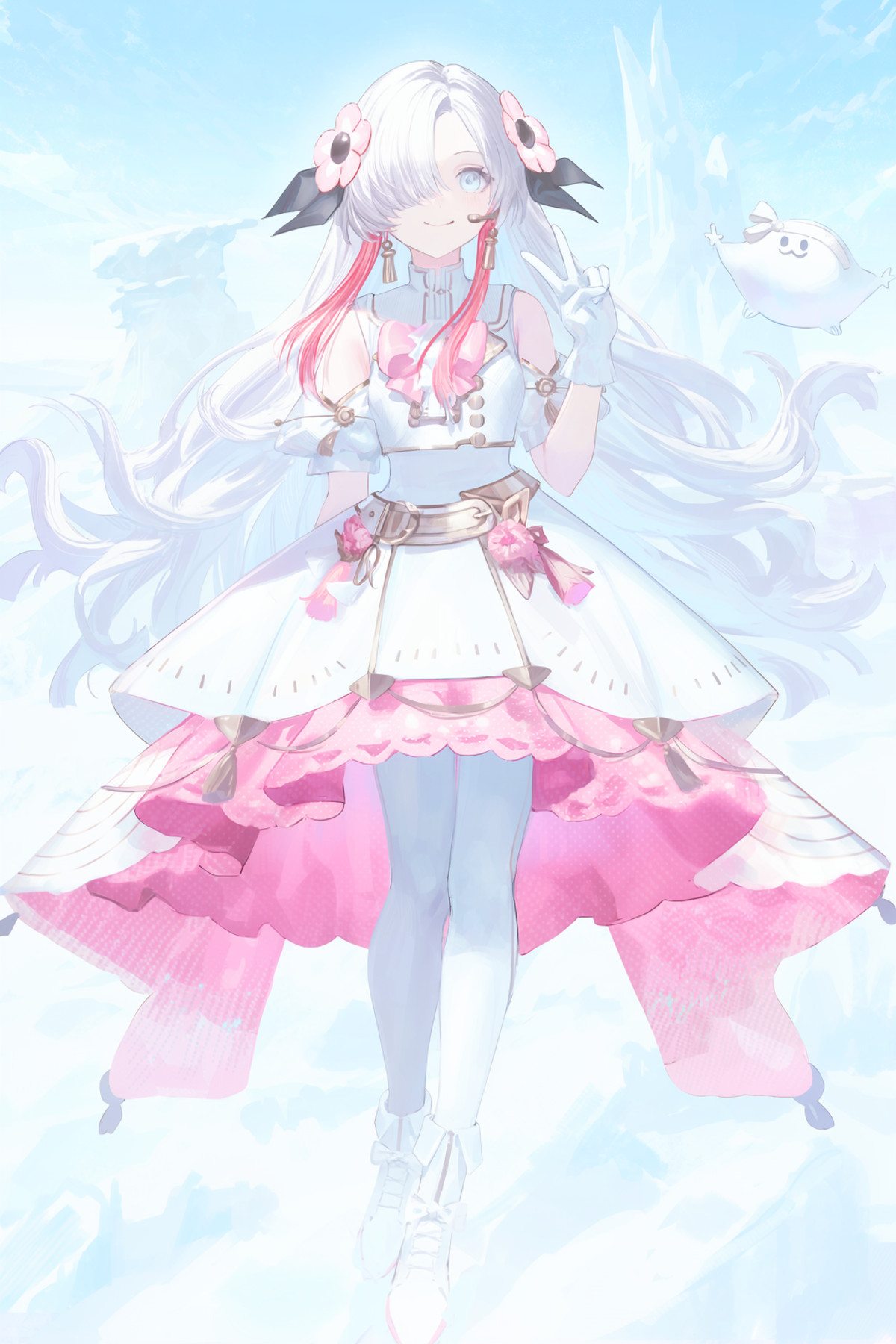
- Art style reoen style 【anima/krea2】 · moss — LoRA: The MOSS version of the reoen art style LoRA, ported from the Anima / Krea 2 versions; the model card only states "no trigger word needed."
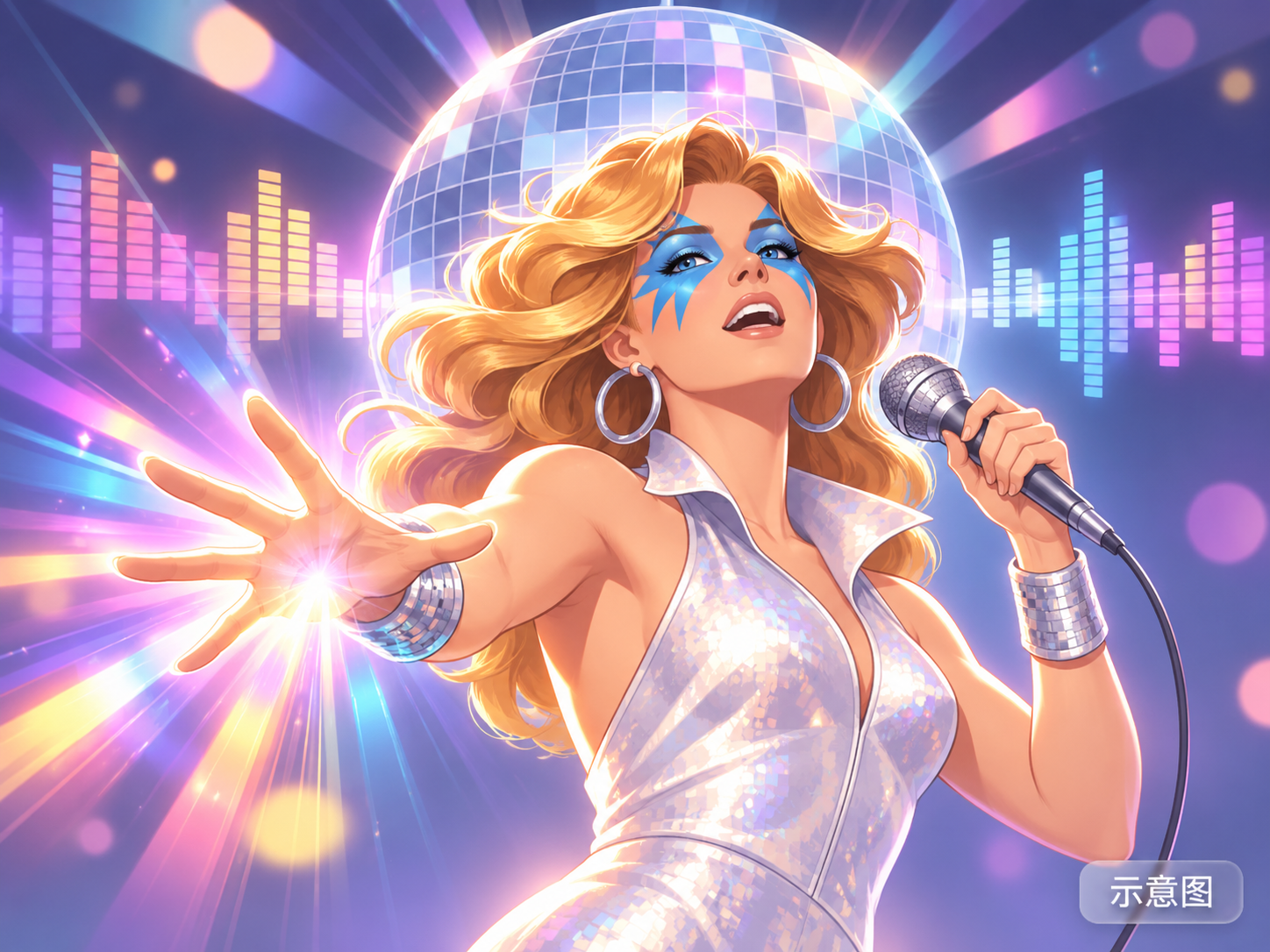
- Dazzler [70s] (Marvel Comics | X-Men) · MOSS Image — LoRA: A character LoRA for the Marvel X-Men character Dazzler (70 era look), with the MOSS version ported from the Z-Image-Turbo / Pony versions.
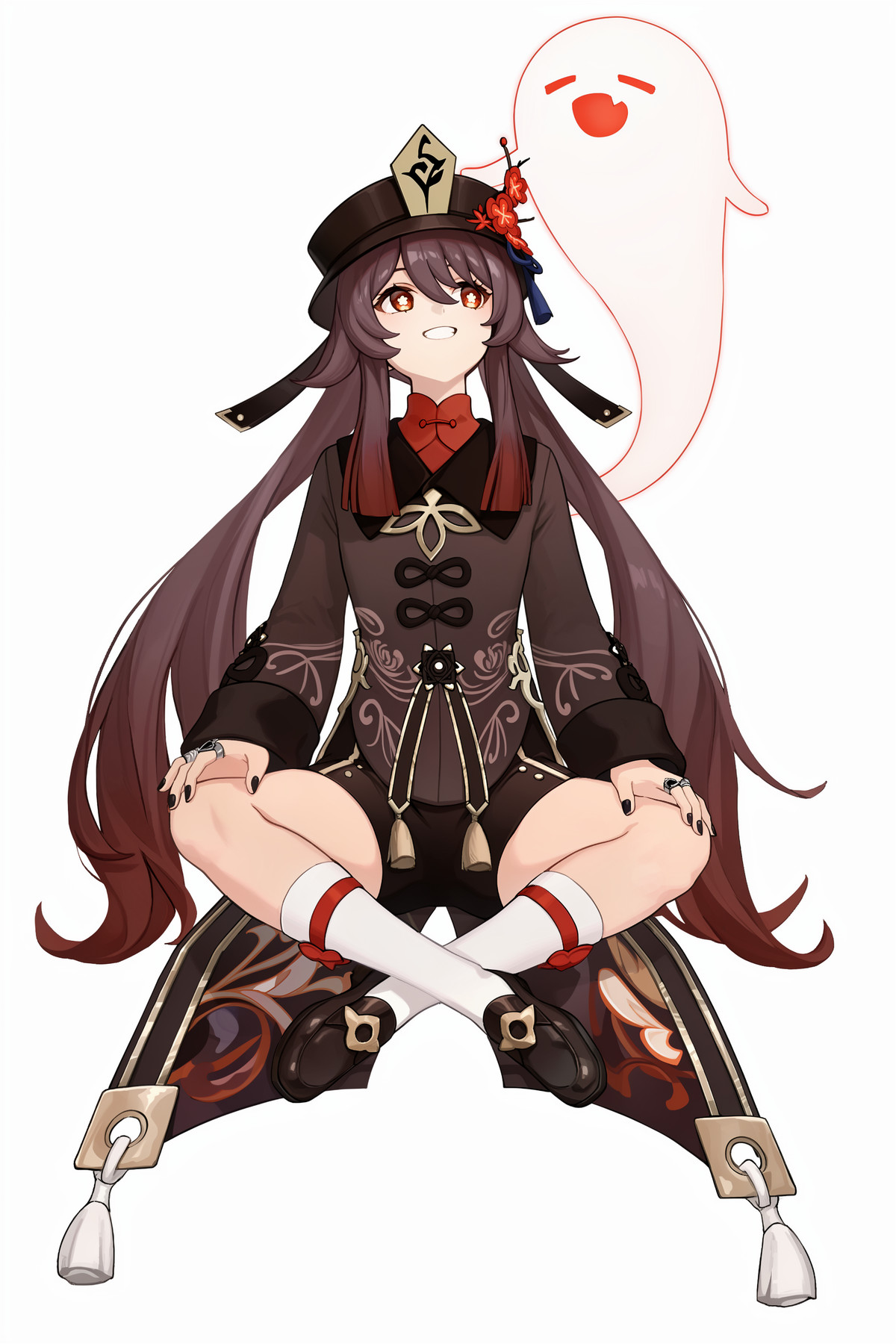
- hutao moss image lora · v2.0 — LoRA: A character LoRA v2.0 for Hu Tao from Genshin Impact: this is the author's first attempt at training a character LoRA, and they note that the art style is unstable, with significant variations between generations.
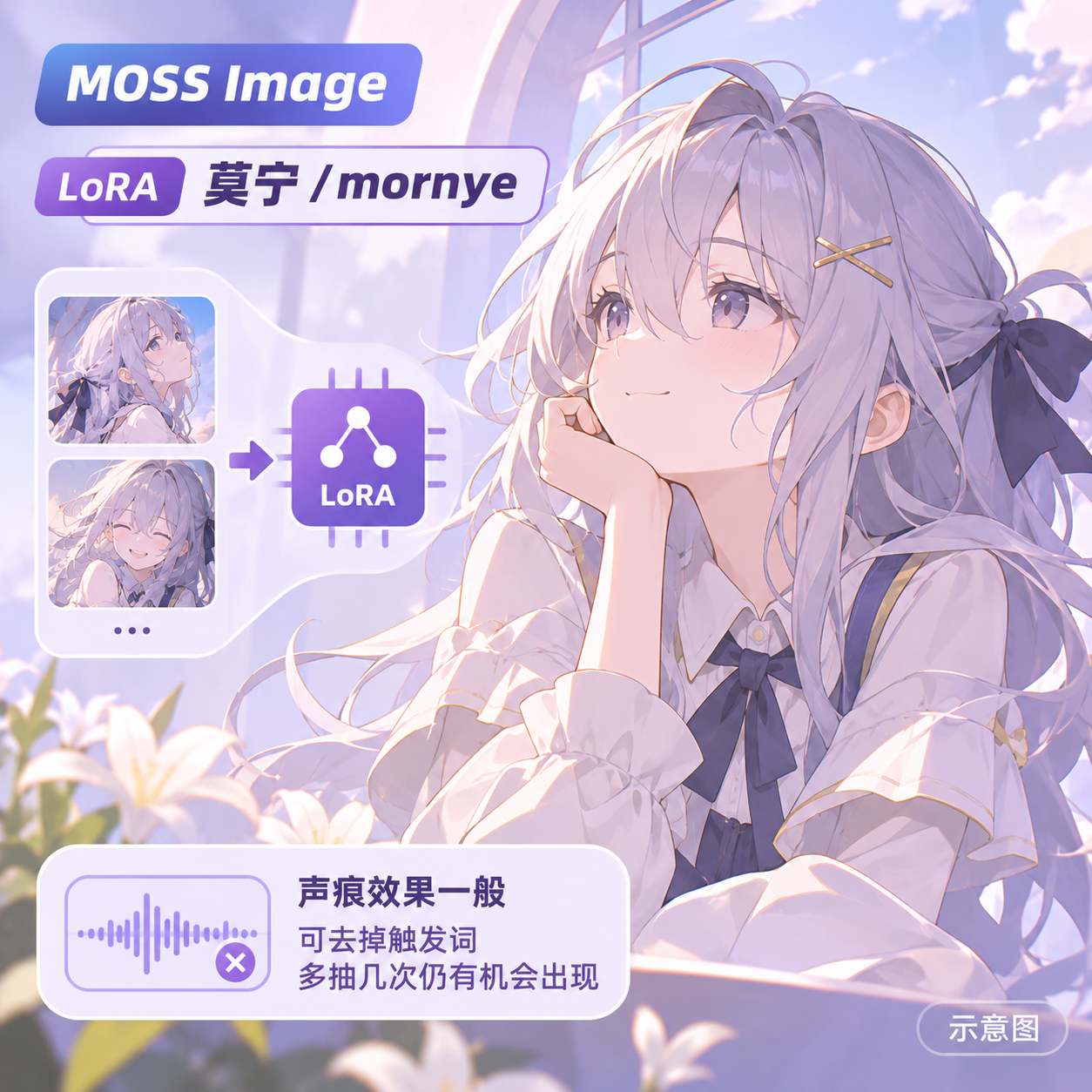
- Mornye/mornye · moss v2.0 — LoRA: The second version of a character LoRA for Mornye from Wuthering Waves: the author states that they added images with transparent feet to the dataset to fix the issue of the character appearing with normal skin-toned feet.
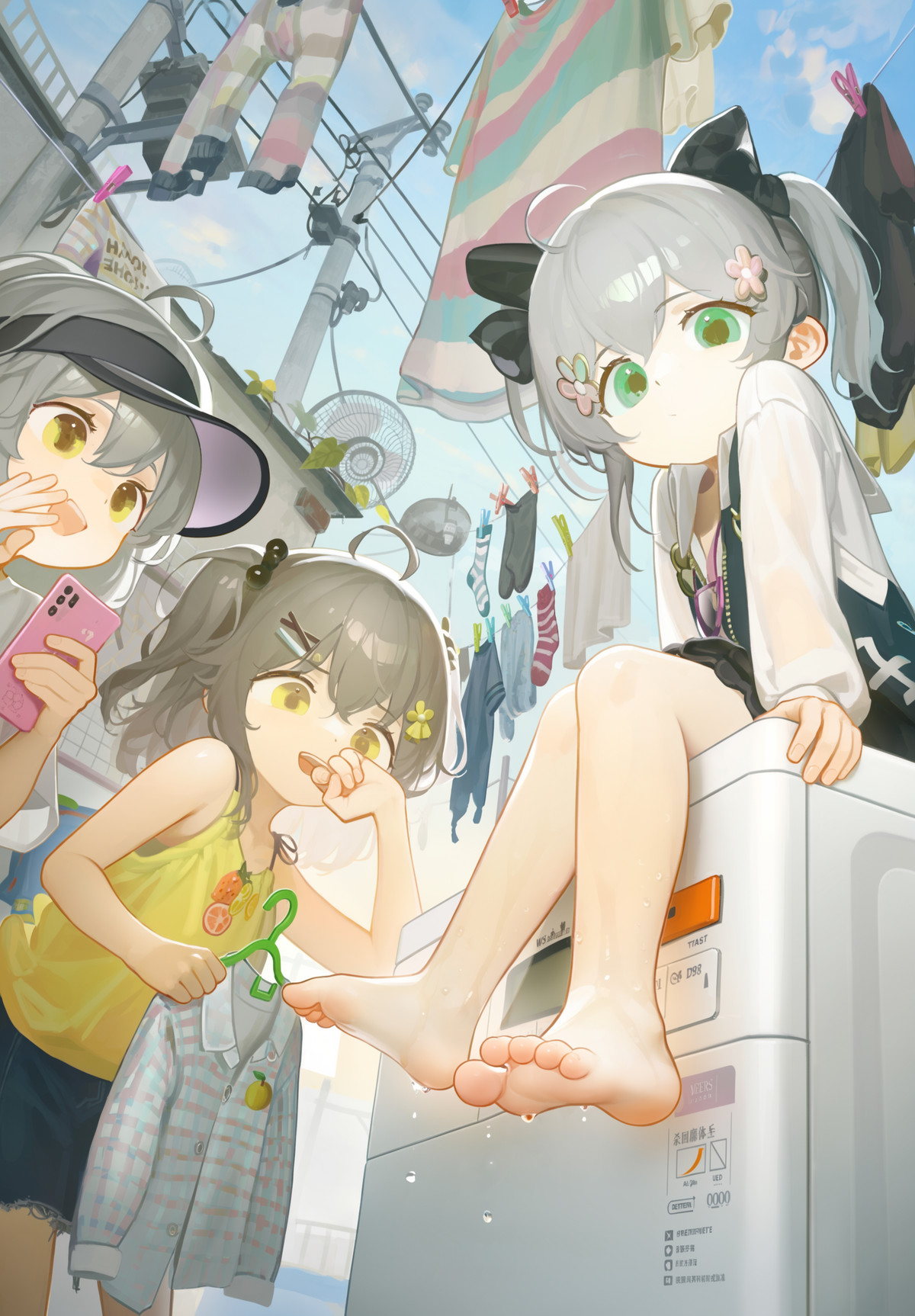
- MOSS Tianliang style · v1.0 — LoRA: A cute anime art style LoRA named "Tianliang," provided as two files trained for 5000 steps and 6000 steps, requiring no trigger word.
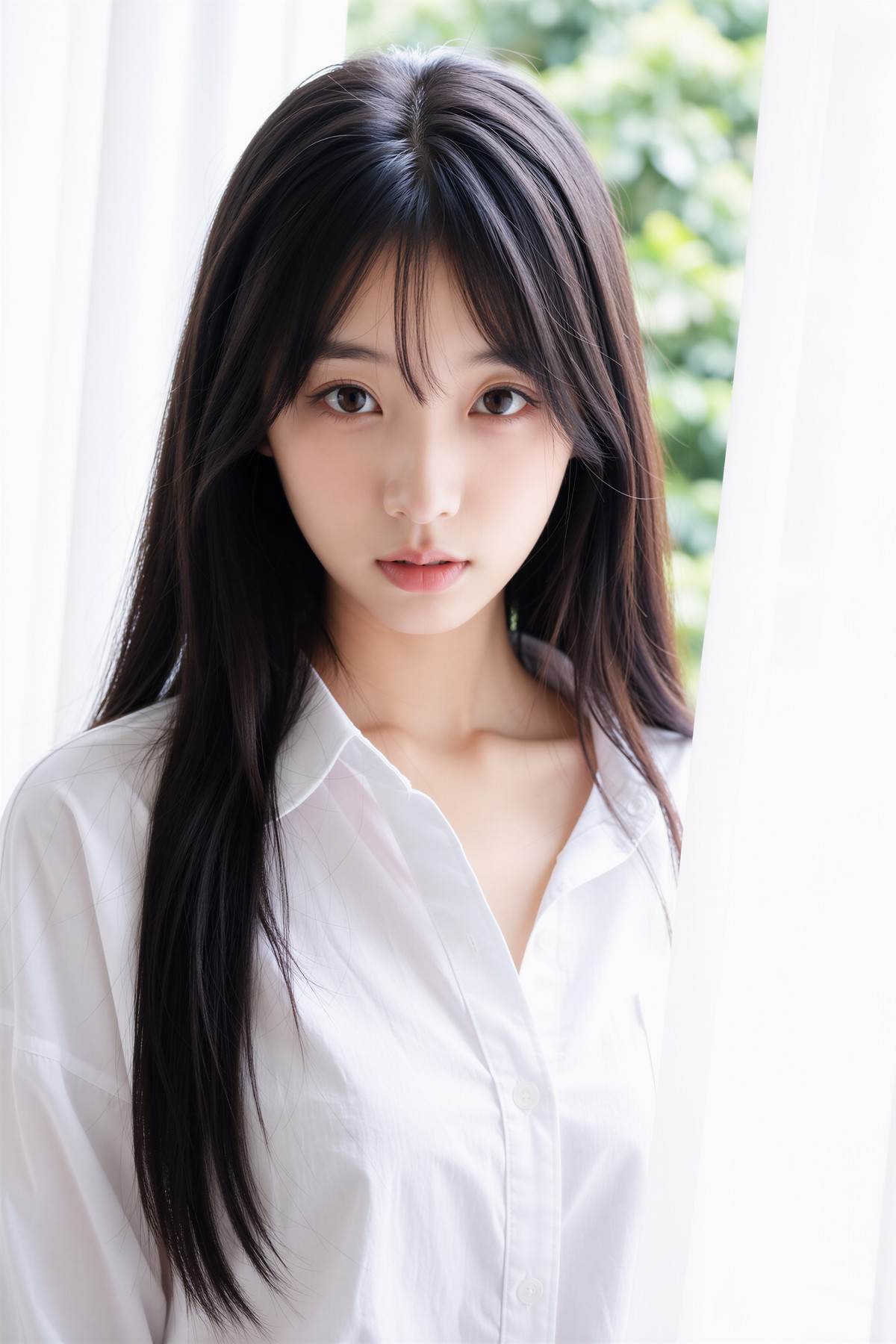
- Moody Photography (Moss) · 261106 - JJJH — LoRA: The first version (v261106) of a paid realistic photography style LoRA series: the author states it was trained on a purchased image set, learning clothing outfits, photographic lighting, camera angles, and character poses, with all training images pre-processed for face anonymization.
- Shaobayan Moss Heal · v1.0 — LoRA: An art style LoRA named "Shaobayan," with the title noting Moss Heal; the model card body contains only the single character "1".
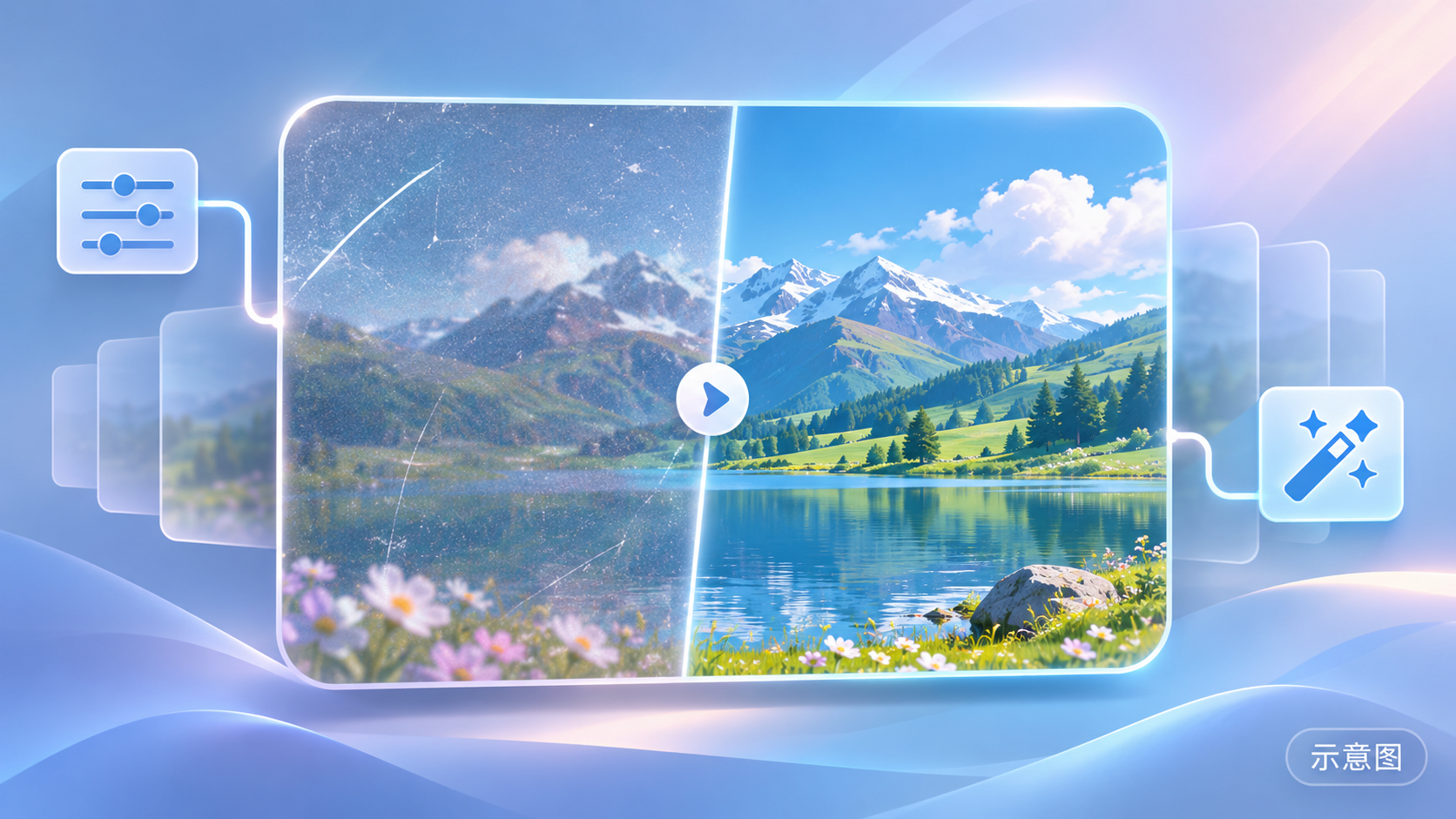
- [MOSS & Anima] Hero Neisan / ねいさん,Doujins- Artist Style · MOSS_v1.0 — LoRA: The MOSS version of a paid art style LoRA trained on the style of doujin artist Hero Neisan (Neisan), including the character Kanata Mari; ported from the Anima version.
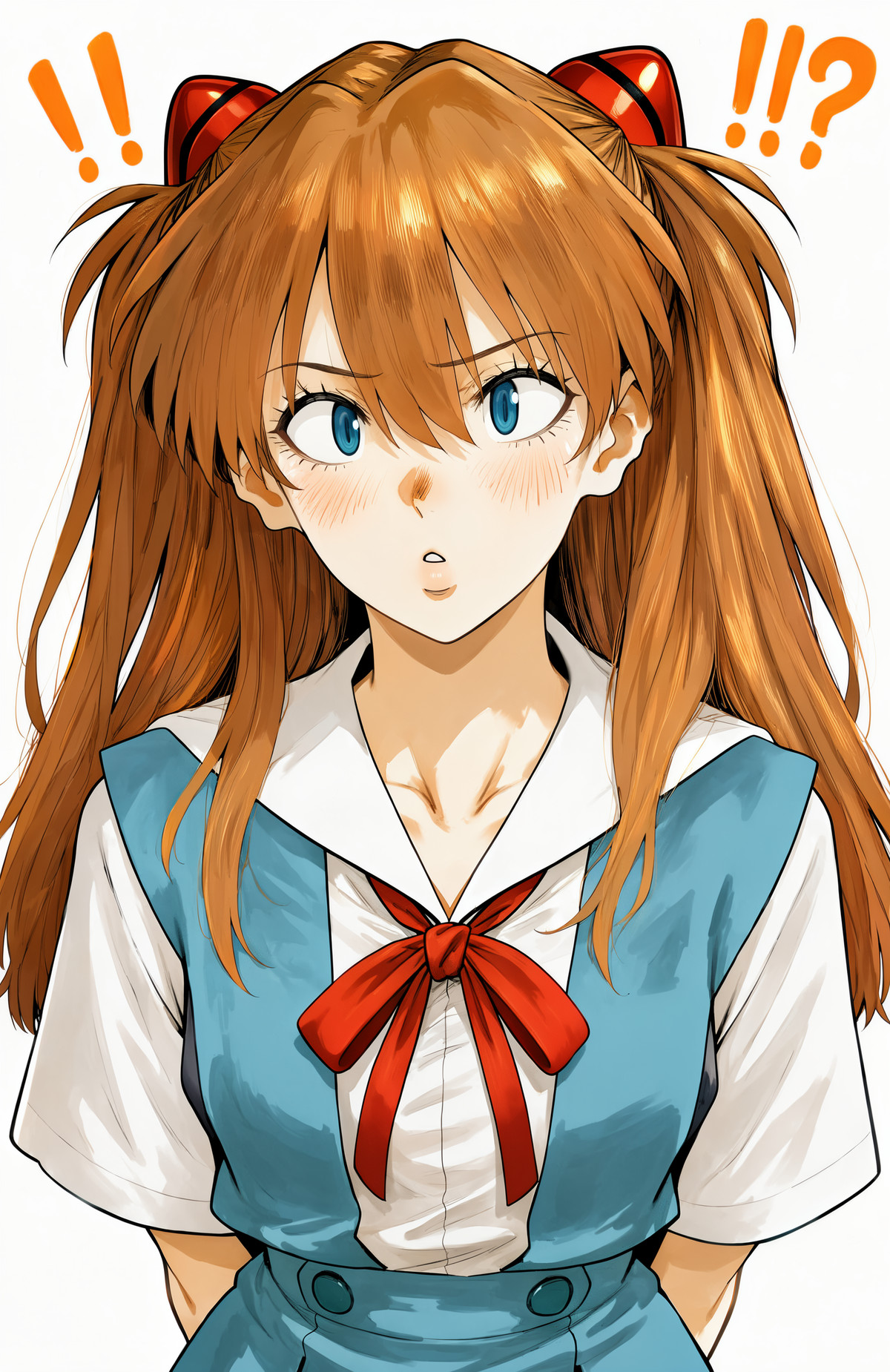
- YD style · v1.0 — LoRA: An art style LoRA named YD style, with the model card containing only the trigger word yd_style.

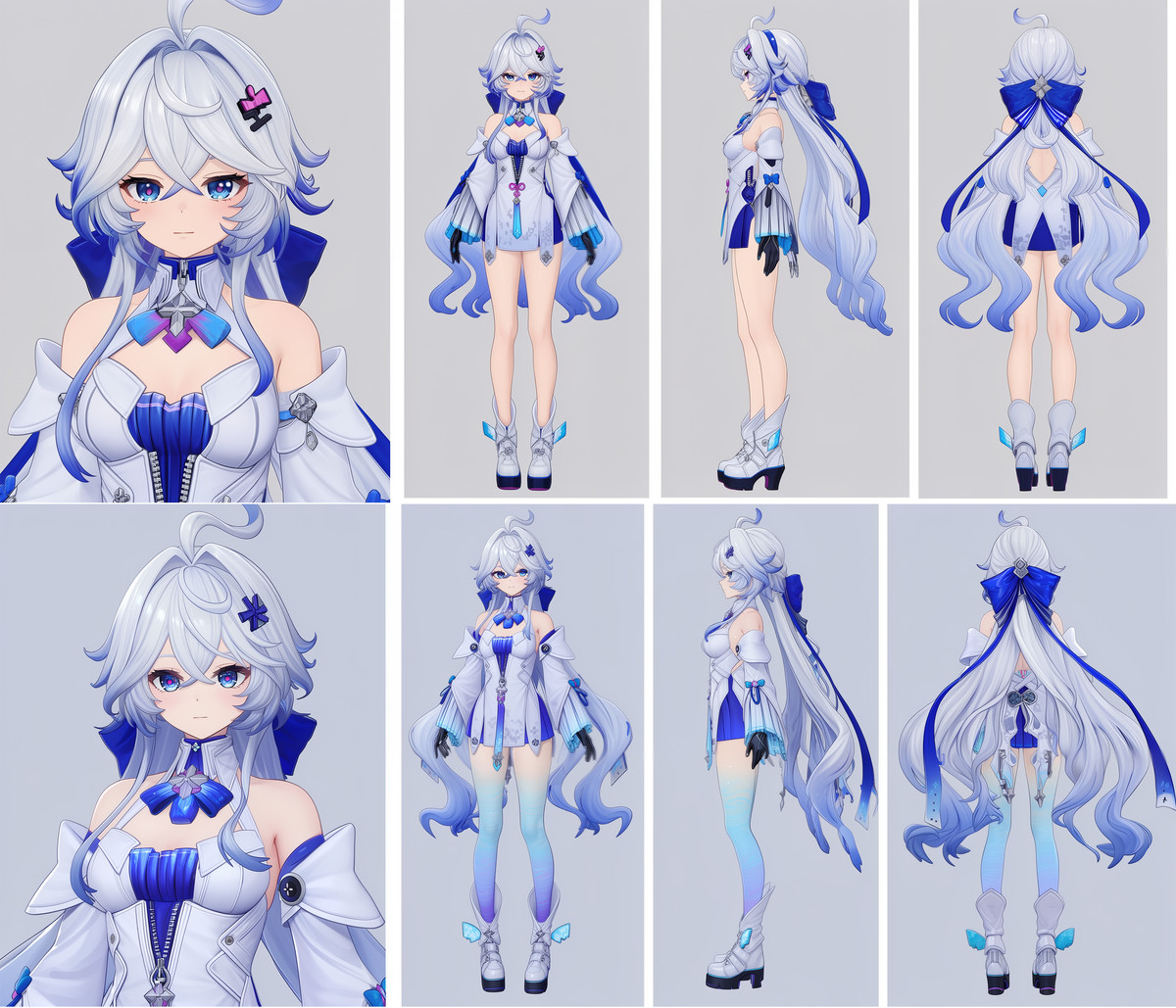
- MOSS image Neverness to Everness LoRA Collection | MOSS image Neverness to Everness LoRA Collection · MOSS_Elyms — LoRA: A character LoRA for Elyms, newly added to the character collection page for the game Neverness to Everness.
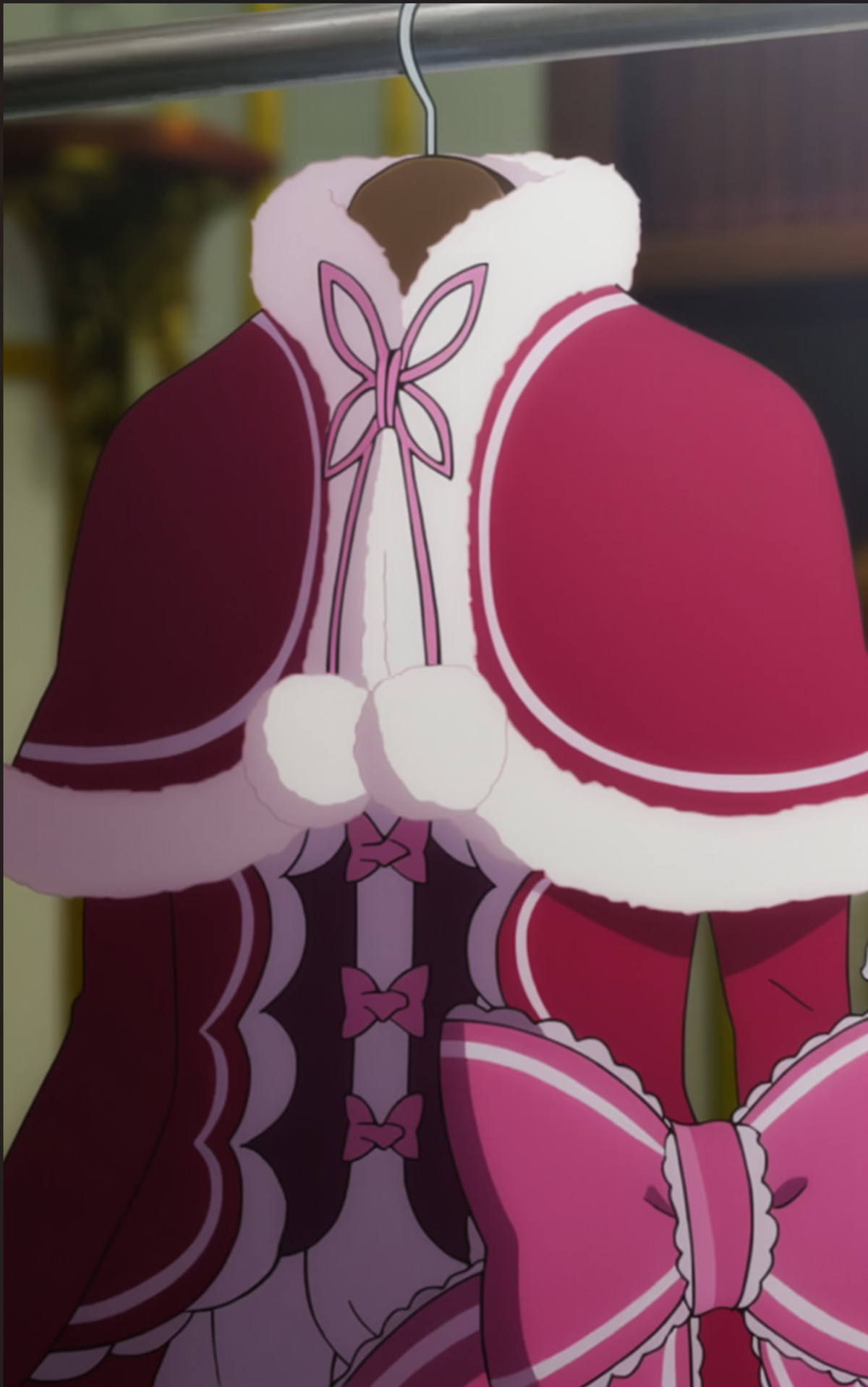
- Beatrice Moss LoRA · Beatrice Moss sft — LoRA: A character LoRA for Beatrice from Re:Zero - Starting Life in Another World, trained on MOSS SFT; the author encoded the entire appearance (golden drill twin-tails, butterfly-shaped pupils, red Victorian-style dress, fringed shawl, striped tights, etc.) into a single long trigger word.
Data: Civitai public API (base model MOSS Image), collection window 11-06 08:31 → 11-06 21:01 (Beijing Time). Recommendation reasons have been reviewed by editors; download counts only reflect popularity.