Zhenzhen's AI Radar · MOSS Image · 2026-11-11 Morning Report
This issue features 53 new versions: Strongly Recommended 1 · Recommended 14 · Worth Watching 11 · Listed Only 27
Editor's Note This issue reviews 59 new MOSS versions, with 1 rated S, 14 rated A, 12 rated B, and 32 rated C. The top pick is CROWN's anime-to-realistic editing LoRA: it takes a flat-colored anime image as input and redraws it into a realistic human portrait while preserving the original pose, hairstyle, clothing, and composition. Trigger words, strength, steps, and CFG are provided, but no workflow is included. Silbrio's batch port of 6 style LoRAs (woodcut / charcoal / puppetry, etc.) released on the same day have complete parameters and were uniformly downgraded from S to A; the SFT panel workflow, HaDeS color/depth control workflows, and the Ad Infinitum retro-futuristic version are also listed as A. Batch character LoRAs by the same author, character/style LoRAs with only one or two sentences of description or hidden examples, and INT8 quantized packages not recommended by their authors are listed as C; there are no excluded entries in this issue.
Strongly Recommended (1)
[S] CROWN 2D Anime-to-Real 1:1 Photorealistic Redraw | MOSS-Image Edit · v1.0 - 1024x1536 VLM+RefLatent r64
LoRA · New Model · Author: NineCrowns · Released 11-10 23:26 · Downloads 140
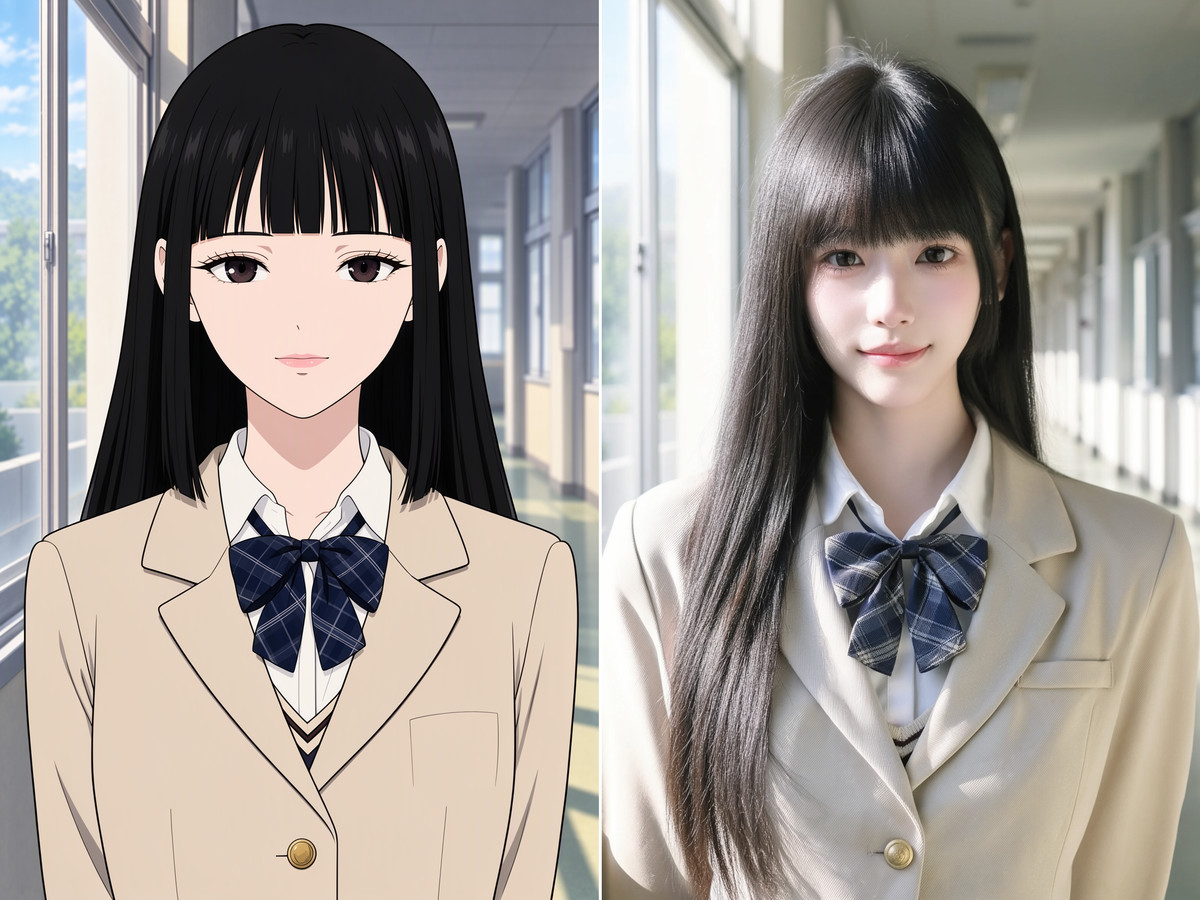
The "Anime-to-Real" editing LoRA for MOSS-Image Edit: takes a flat-colored anime illustration as input and redraws it into a realistic human photograph, preserving the original pose, hairstyle, expression, clothing, and composition.
Top pick for this group: The most clearly defined capability in image editing; base model combinations, steps, shift, CFG, strength, and trigger words are all provided. What is missing are workflows and example editing prompts.
Images
Reasons for Recommendation
- New capability: This is a LoRA for image editing, not text-to-image style; the author claims it reshapes large anime eyes and simplified facial features into realistic human bone structure, skin texture, and hair strands, while preserving mouth opening/closing, bangs direction, clothing folds, accessories, and lighting layout
- Serves fan art character realism, animation setting to realistic poster conversion, and cosplay reference: the input is an existing 2D image, not writing prompts from scratch
- Specific training information: The author claims to use 514 pairs of "anime → real" paired data, native 1024×1536, Rank 64 / Alpha 64, initialized from the official moss_image_edit_lora_rank_64_bf16, using two conditional paths: Qwen3.5-9B visual tokens and Flux2-VAE reference image latents
- Complete parameters: Base model moss_image_sft_bf16 + qwen3.5_9b_bf16 (with VLM vision enabled) + flux2-vae, 1024×1536 or 1024×1024, 28–30 steps, shift 5.0, CFG 3.2–3.5, strength 0.90–1.00; exported with ComfyUI split q/k/v key names, can be loaded directly using the LoRA loader
- Free, license allows image generation, sales, and derivatives; released about 14 hours ago with 140 downloads and 18 likes (only indicates attention level)
How to Use
- Base model moss_image_sft_bf16, text encoder qwen3.5_9b_bf16 with visual input enabled, VAE flux2-vae; LoRA strength 0.90–1.00
- Feed the original 2D image into MOSS-Image Edit's encoding node as a reference image, write the trigger words crown_anime2real, A2R in the prompt; the specific writing style for editing prompts is not provided by the author
- 1024×1536 (or 1024×1024), 28–30 steps, shift 5.0, CFG 3.2–3.5; sampler and scheduler are not provided by the author
Risks and Limitations
- No ComfyUI workflow is attached; how to connect reference images and write editing prompts must be set up manually according to standard MOSS-Image Edit practices
- 6 visible examples, another 2 hidden by rating; example images do not include generation parameters; the full model card states that displayed images are from outside the training set, with strength 0.95
- The source of the realistic side in the paired data is not specified by the author; when publishing anime characters converted to realistic humans, pay attention to copyright and portrait rights issues
- Claims like "1:1 pixel-level" and "pore-level skin texture" are from the author; this entry has not been tested
Trigger Words: crown_anime2real, A2R
Recommended (14)
[A] LINOCUT · MOSS Image Base v1
LoRA · Port · Author: Silbrio · Released 11-11 00:34 · Downloads 45
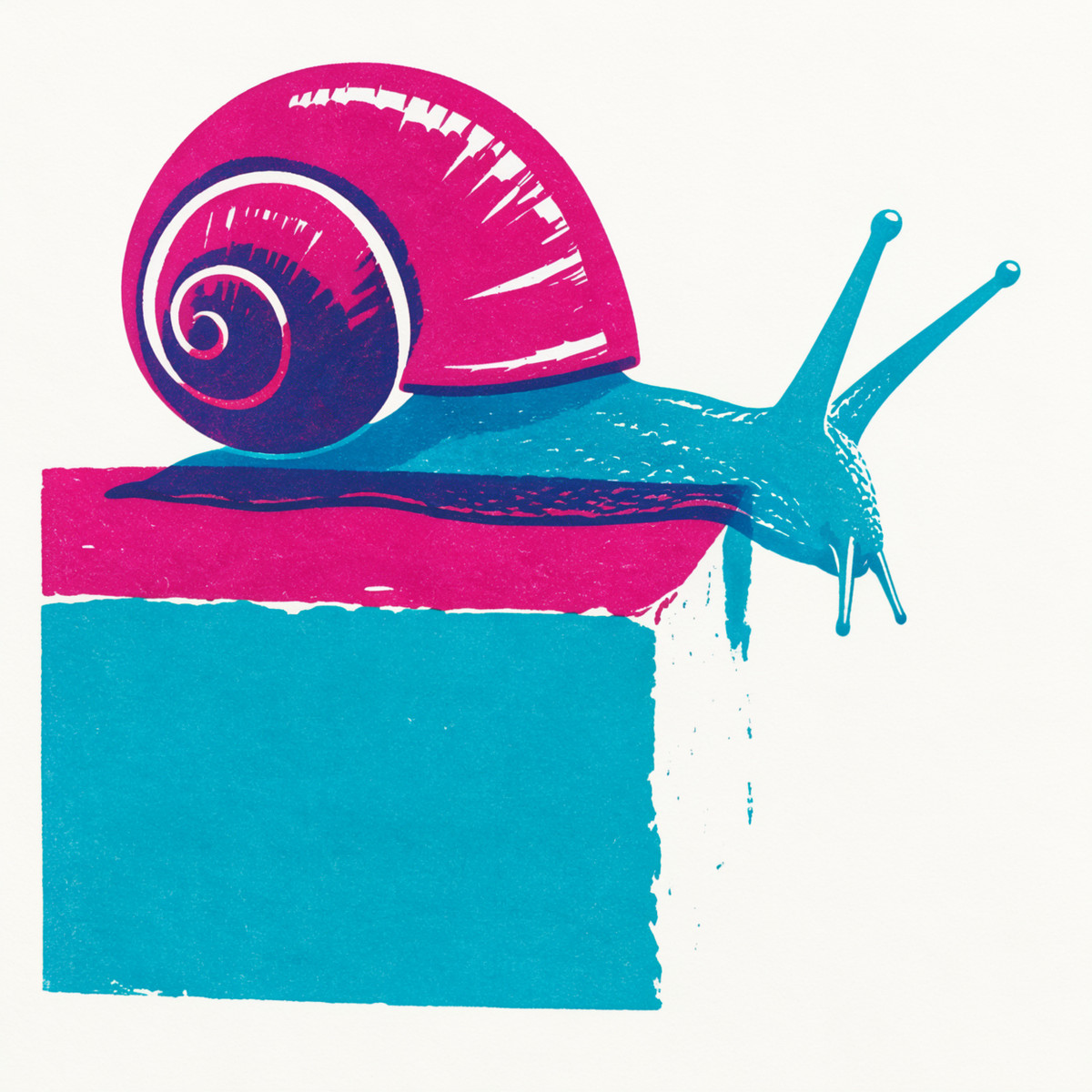
The MOSS version of the two-color linocut style LoRA: the entire image is composed of two ink blocks and paper whitespace, with a third color emerging where the two colors overlap, featuring large chisel shapes, matte color surfaces, and slight printing textures.
Downgraded from automatic S to A: Trigger words, parameters, and writing styles are complete, but it is one of 6 style LoRAs batch-ported to MOSS by the same author Silbrio on the same day (the batch also includes MIDNIGHT FABLE, MORSURE, WOVEN RADIANCE, EMBERBLOOM, COSY MARKERS), with identical parameter templates; treated as a batch port and not given S.
Images
Reasons for Recommendation
- Port: Krea 2 and Anima versions already exist on the same page, with a cumulative 288 downloads on the model page; the MOSS version is trained on MOSS Image Base, using 48 curated images, 1,500 steps, rank/alpha 32, with the trigger word changed to silbriolinocut
- Serves posters, illustrations, and linocut effects in text-to-image generation for portraits, animals, architecture, and landscapes; the author provides prompt writing tips: describe the subject and name the two ink colors, give each ink an independent shape, then specify where they overlap, using white paper space and a few broad chisel marks to convey light and motion
- Complete parameters: Gallery uses moss_image_base_bf16, 25 steps, CFG 2.5, ER-SDE + Simple, LoRA 1.0, native sizes 1248 × 1248, 1344 × 2016, 1664 × 1664, 2016 × 1344
- 9 visible examples; free, includes LICENSE / NOTICE archive, site license allows image generation and derivatives; released about 12 hours ago with 45 downloads
How to Use
- Write silbriolinocut in the prompt, starting strength at 1.0; after describing the subject and composition, name the two ink colors, specify their respective shapes and overlap positions, leaving white paper space
- MOSS Image Base (bf16), 25 steps, CFG 2.5, ER-SDE + Simple; sizes can use the author's gallery dimensions such as 1248 × 1248, 1344 × 2016, etc.
- Author's suggestion: If the image is too messy, simplify the scene, requiring broad chisel shapes, quiet ink surfaces, and restrained texture
Risks and Limitations
- The latter half of the model card contains instructions for the Krea 2 version (trigger word vtxlinocut, 8 steps CFG 1); do not mix them when copying
- The gallery only generates images on Base; performance with SFT or acceleration LoRAs is not specified by the author; there are no comparisons with/without LoRA
- 1 examples are hidden by rating, and the page contains mixed content; this entry has not been tested
Trigger Word: silbriolinocut
[A] WOVEN RADIANCE · MOSS Image Base v1
LoRA · Port · Author: Silbrio · Released 11-11 00:28 · Downloads 39
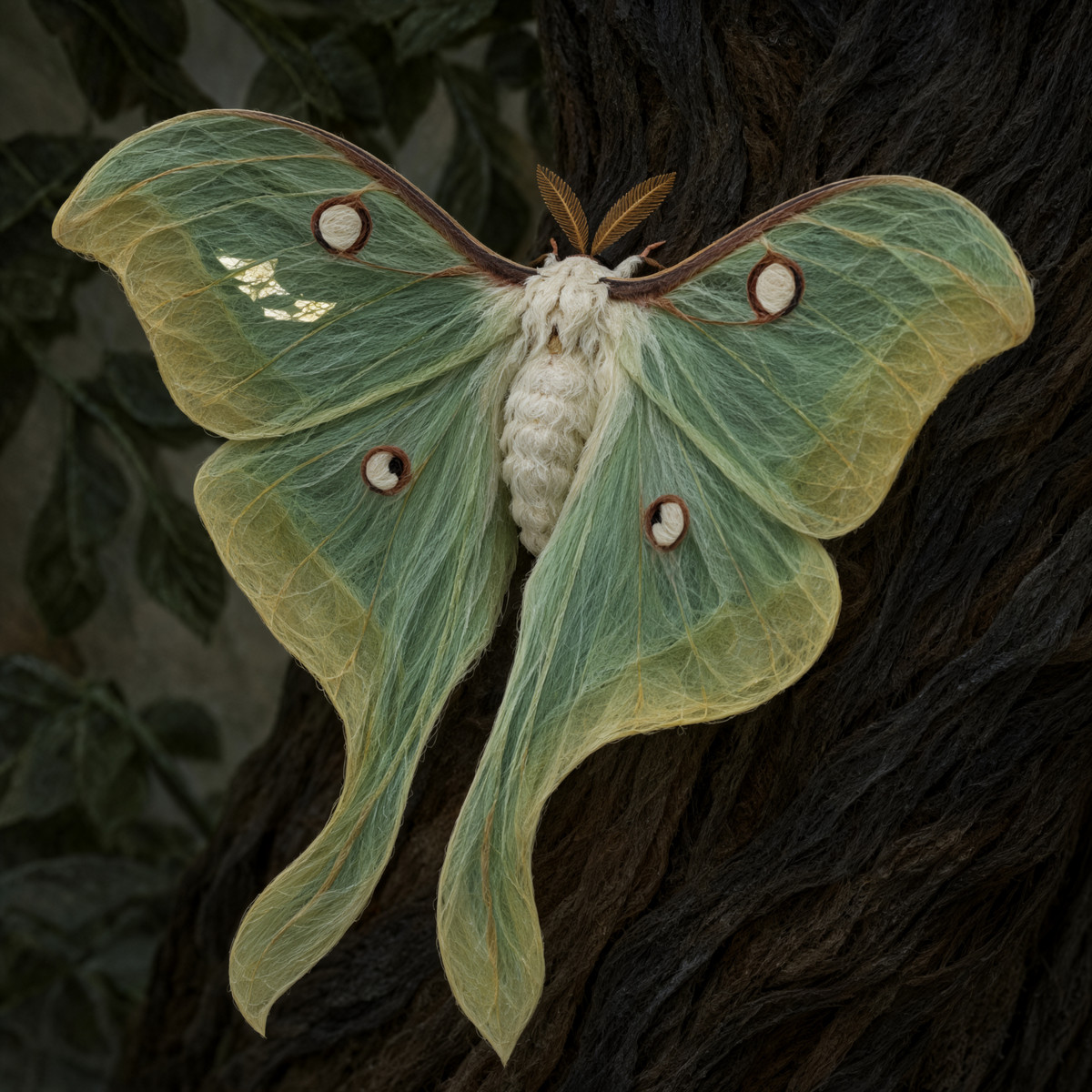
The MOSS version of the fiber-woven sculpture style LoRA: depicts objects, landscapes, and architecture as matte sculptures woven from layers of translucent threads, with light emerging from the bends and intersections of the fibers.
Downgraded from automatic S to A: Trigger words, parameters, and writing styles are complete, but it is one of 6 style LoRAs batch-ported to MOSS by the same author Silbrio on the same day, with identical parameter templates; treated as a batch port and not given S.
Images
Reasons for Recommendation
- Port: Krea 2 and Anima versions already exist on the same page, with a cumulative 227 downloads on the model page; the MOSS version was retrained on MOSS Image Base (30 images, 1,200 steps, rank/alpha 32), and the trigger word was changed to silbriowovenradiance; the Krea version's trigger word is not compatible
- Serves abstract compositions, sculptural objects, surreal landscapes, and fantasy architecture in text-to-image generation; the author claims the style has a strong personality and will significantly rewrite materials described in prompts
- Complete parameters: moss_image_base_bf16, 25 steps, CFG 2.5, ER-SDE + Simple, strength 1.0; also lists native sizes used in the gallery (1248 × 1248, 1344 × 2016, etc.)
- 9 examples, 1 hidden by rating; free, license allows image generation and rental, author claims it is released under upstream Apache 2.0 with LICENSE / NOTICE included in the package
How to Use
- Write silbriowovenradiance in the prompt, describing object forms, fiber directions, and one illuminated position; strong outlines and quiet shadows better reveal the material; start strength at 1.0
- moss_image_base_bf16, 25 steps, CFG 2.5, ER-SDE sampling + Simple scheduling
Risks and Limitations
- The same author released MOSS ports for six style LoRAs in this issue; descriptions and parameters follow the same template, differing only in style description and number of training images
- The author admits they are still learning to make LoRAs; most of the model card body is content from the Krea 2 version, with only a small section for the MOSS version
- No comparisons with/without LoRA; this entry has not been tested
Trigger Word: silbriowovenradiance
[A] EMBERBLOOM · MOSS Image Base v1
LoRA · Port · Author: Silbrio · Released 11-11 00:31 · Downloads 40
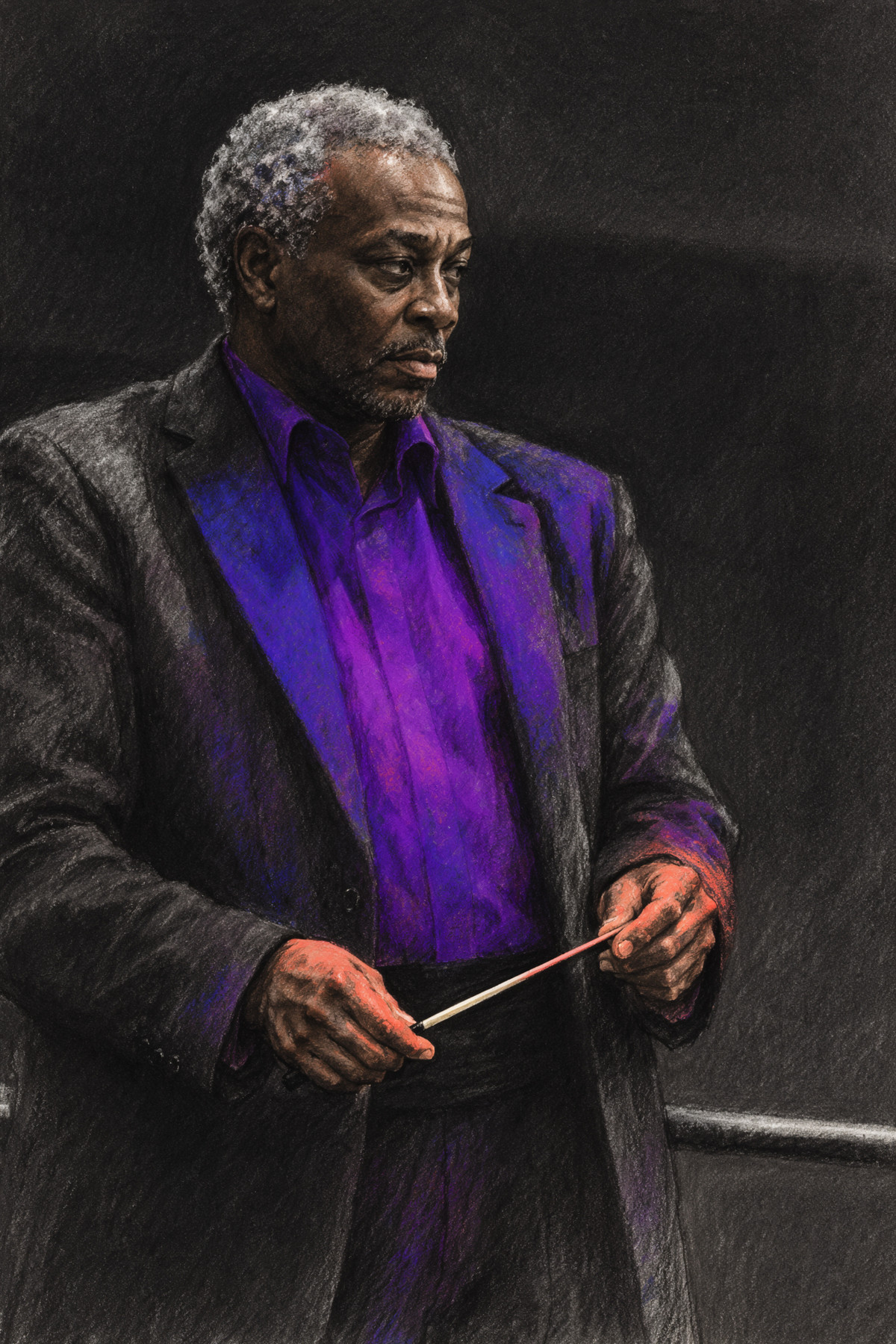
The MOSS version of the colored charcoal drawing style LoRA: dry charcoal presses out deep black volumes and outlines, then a large block of vibrant pigment brightens faces, wings, clothing folds, or rock surfaces, leaving erased white highlights and matte paper texture.
Downgraded from automatic S to A: Trigger words, parameters, and writing styles are complete, but it is one of 6 style LoRAs batch-ported to MOSS by the same author Silbrio on the same day, with identical parameter templates; treated as a batch port and not given S.
Images
Reasons for Recommendation
- Port: The same page already features Krea 2 and Anima versions, with the model page accumulating 232 downloads; the MOSS version is trained on MOSS Image Base (49 images, 1,500 steps, rank/alpha 32), with the trigger word changed to silbrioemberbloom
- Serves expressive portraits, animal and plant sketches, and atmospheric architectural illustrations; the author's suggested approach is to choose one primary color and one echoing color, and specify which real surface the light falls on
- Parameters provided: moss_image_base_bf16, 25 steps, CFG 2.5, ER-SDE + Simple, strength 1.0
- 10 examples, no hidden ones; free, license allows image generation and renting
How to Use
- Write silbrioemberbloom in the prompt, choose one primary color and one weaker echoing color, describe the surface the light passes through, reserve the deepest charcoal black for weight, contact points, and silhouettes; start with a strength of 1.0
- moss_image_base_bf16, 25 steps, CFG 2.5, ER-SDE sampling + Simple scheduler
Risks and Limitations
- The same author batch-ported six style LoRAs in this period, using the same template for descriptions and parameters
- The beginning of the model card is a lengthy complaint by the author about downloads without comments; the rest of the text describes the Krea 2 version (trigger word vtxemberbloom, strength 1.0–1.2), which should not be applied to the MOSS version
- No comparison with and without LoRA; this entry has not been tested
Trigger Word: silbrioemberbloom
【A】MOSS-FET · v0.6
Base Model / Checkpoint · Version Update · Author aueki4g467 · Released 11-10 23:39 · Downloads 198
v0.6 of MOSS-FET, a fully fine-tuned base model for MOSS: A complete base model leaning towards anime/semi-realistic styles; the author claims it is brighter and more refined than v0.5, with outputs closer to conventional imagery.
Maintained automatic rating A: Changes and prompt suggestions are documented, high attention level, but sampling parameters are missing, and the author positions it as an experimental version.
Images
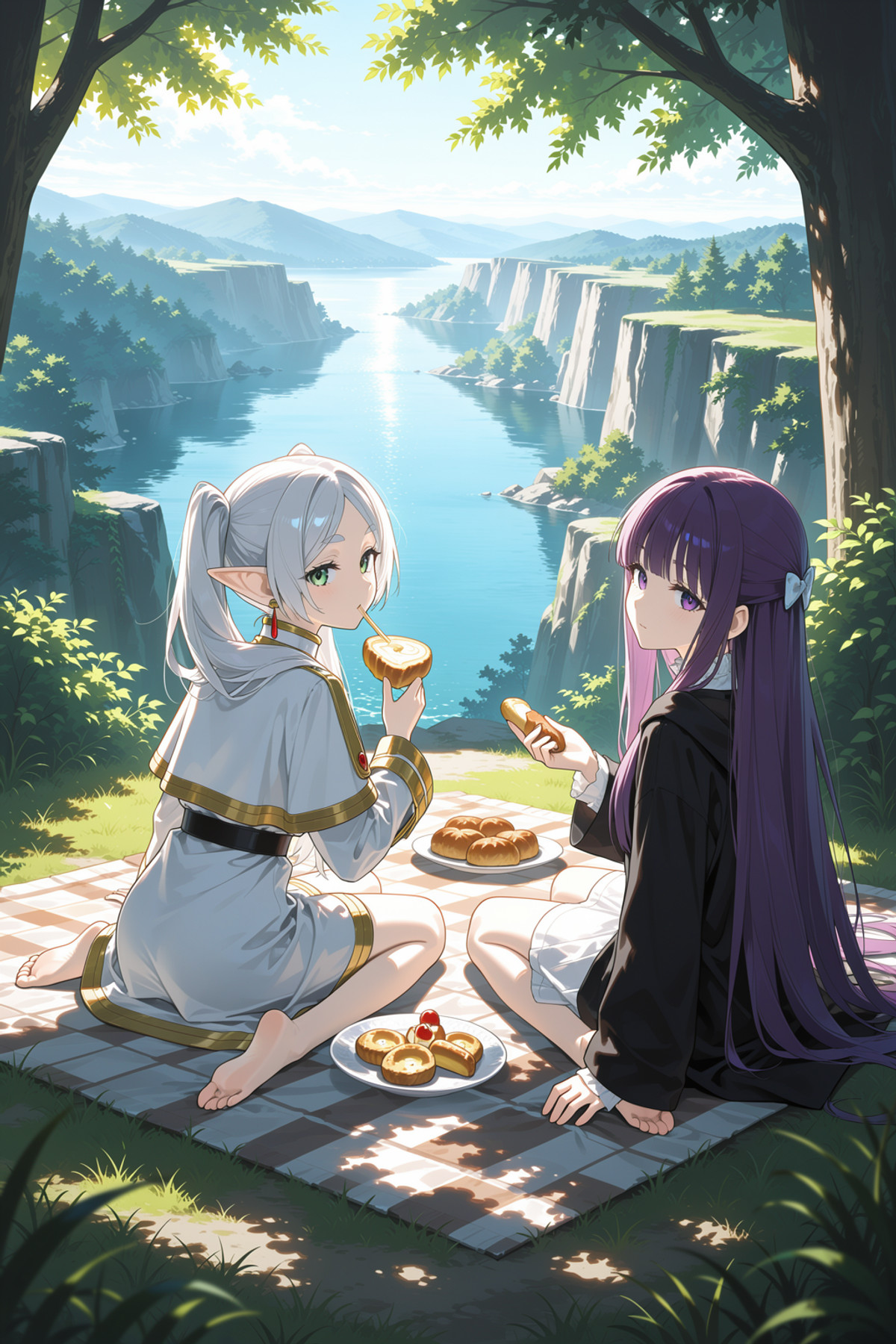
Reasons for Recommendation
- Version update: The author details the changes in v0.6 within the model card—switching to a base model trained on a different dataset, then incorporating elements from v0.5; v0.5 had thin lines, simplicity, and a darker style, which the author admits was not very usable, whereas v0.6 is brighter and more conventional, while noting that composition ability may slightly decrease
- Use as a complete replacement for the MOSS base model; provides BF16 and INT8 (convrot) files; choose INT8 if VRAM is limited
- The author provides prompt suggestions: default addition of 'from side' and 'dynamic angle'; the model is not locked to anime, so specify 'anime' for an animation style
- 11 visible examples, 4 hidden due to rating; free, license allows image generation, on-site renting, and selling fusions; model page has accumulated 1938 downloads and 8 comments, with this version receiving 198 downloads in 13 hours
How to Use
- Replace the MOSS base model by loading MOSS-FET_v06_BF16 or MOSS-FET_v06_BF16_int8_convrot; the author did not separately specify the text encoder and VAE, so configure them according to the original MOSS
- Default prompt additions: 'from side, dynamic angle'; add 'anime' for animation style; quick test tags provided by the author in the v0.4 description: from side, close up, dynamic angle, dynamic pose, photo realistic, detailed, cinematic lighting, deep shadow
- Steps, CFG, and sampler were not provided by the author
Risks and Limitations
- The version notes are empty, with changes described in the main body of the model card; the author positions the entire series as 'fine-tuning experimental tests'
- The author states that composition may be slightly weaker in this version; there is no same-prompt comparison with v0.5
- Multiple fine-tuned models and LoRAs were fused, but specific training data was not disclosed; the page has mixed content ratings; this entry has not been tested
【A】MIDNIGHT FABLE · MOSS Image Base v1
LoRA · Port · Author Silbrio · Released 11-11 03:36 · Downloads 46
The MOSS version of a handmade puppet/stop-motion animation style LoRA: Sculpted and painted puppet faces, small-scale fabrics, and real miniature sets, with images resembling stills from fairy tale films.
Downgraded from automatic S to A: Parameters are complete and the direction is specific, but it belongs to Silbrio's batch-ported style LoRAs on the same day, so it is treated as a batch port and not given an S rating.
Images
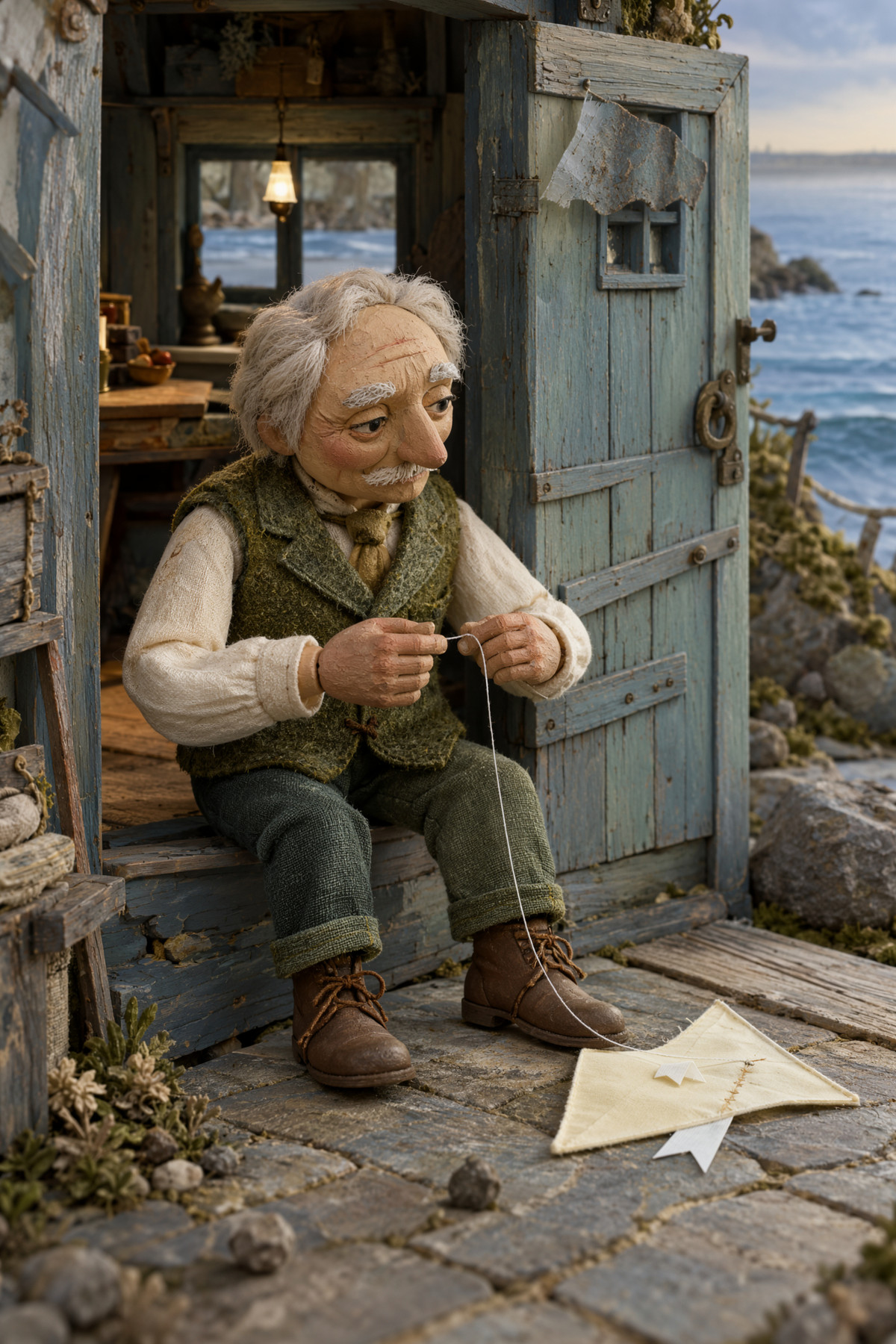
Reasons for Recommendation
- Port: The same page already features Krea 2 and Anima versions, with the model page accumulating 235 downloads; the MOSS version is trained on MOSS Image Base using 80 curated images, 2,400 steps, rank/alpha 32, with the trigger word silbriomidnightfable
- Serves character and scene images with a fairy tale, dark fantasy, or stop-motion animation feel; the author's writing style: give the subject a small action or decision, name two or three materials, and use one clear light source to reveal seams, wrinkles, and contact shadows
- Parameters provided: moss_image_base_bf16, 25 steps, CFG 2.5, ER-SDE + Simple, LoRA 1.0, native sizes 1248 × 1248, 1344 × 2016, 1664 × 1664, 2016 × 1344
- 8 visible examples; free; approximately 46 downloads in 9 hours since release, making it the most downloaded among this batch of MOSS ports by the same author
How to Use
- Write silbriomidnightfable in the prompt, starting with a strength of 1.0; describe the character, a small action, and the location, then add details about puppet materials, fabrics, or miniature sets, and finally specify the light source
- MOSS Image Base (bf16), 25 steps, CFG 2.5, ER-SDE + Simple
- 'handcrafted puppet', 'miniature film set', 'sculpted face', and 'cinematic lighting' are optional descriptive words provided by the author, not additional trigger words
Risks and Limitations
- The latter half of the model card describes the Krea 2 version (trigger word written as midnightfable); the MOSS version requires silbriomidnightfable
- The description states Apache License 2.0, but the on-site license does not allow derivatives, creating an inconsistency
- The gallery only shows images generated on Base; performance with SFT was not stated by the author; there is no comparison with and without LoRA; 2 examples are hidden due to rating; this entry has not been tested
Trigger Word: silbriomidnightfable
【A】Aesthetic Quality Modifiers - Masterpiece · v6.0 [moss]
LoRA · Port · Author motimalu · Released 11-10 22:36 · Downloads 266
The MOSS version of a quality/aesthetic modifier LoRA: Trained only on images labeled as 'masterpiece' in the author's manually rated dataset, using quality words like 'masterpiece' and 'very aesthetic' to pull the image aesthetics towards high-rated samples.
Maintained automatic rating A: Purpose is clear and training method is specifically documented, but strength and sampling parameters are missing.
Images
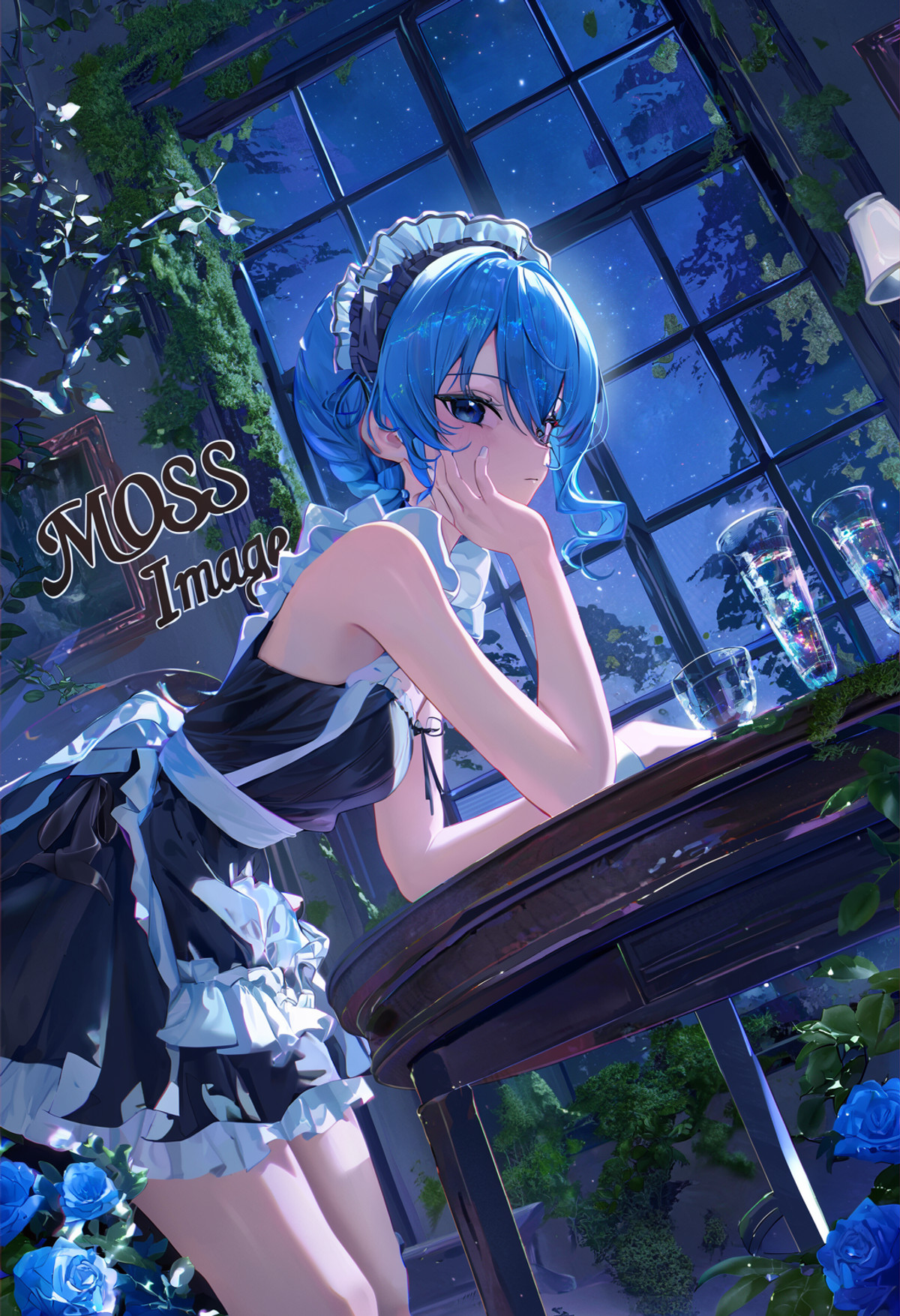
Reasons for Recommendation
- Port: The same series already has versions for Krea 2, Anima, Z-Image Turbo, Flux.2 Klein, Illustrious, NoobAI, Qwen, Wan, etc., with the model page accumulating 182233 downloads; the MOSS version v6.0 was trained using a diffusion-pipe branch at resolution 1536², employing MOSS timestep sampling implemented by Kohaku Blueleaf, with annotations mixing tags, natural language, and bbox formats
- Serves text-to-image generation primarily for anime: Place quality words at the beginning of the prompt to unify the overall aesthetic tendency
- 10 visible examples; approximately 266 downloads and 54 likes in 14 hours since this version's release, making it the most downloaded entry in this group (indicating attention level only); free with a permissive license
How to Use
- Write 'masterpiece, best quality, very aesthetic' at the beginning of the prompt, followed by tags, then natural language description
- Strength, steps, and CFG were not provided by the author
Risks and Limitations
- The MOSS version lacks strength and sampling parameters, and there is no same-seed comparison with and without LoRA
- The author reminds that the LoRA works best on the base model used for training, but it is not specified whether the MOSS version was trained on Base or SFT
- Aesthetic standards are based on the author's personal ratings; 7 examples are hidden due to rating, and the page has mixed content; this entry has not been tested
Trigger Words: masterpiece, very aesthetic
【A】MORSURE · MOSS Image Base v1
LoRA · Port · Author Silbrio · Released 11-11 03:34 · Downloads 33
The MOSS version of a metal etching style LoRA: The entire image appears as if engraved on copper or steel plates, with fine etched lines, matte corroded areas, and polished highlights creating the light and shadow.
Downgraded from automatic S to A: Parameters are complete and the direction is specific, but it belongs to Silbrio's batch-ported style LoRAs on the same day, so it is treated as a batch port and not given an S rating.
Images
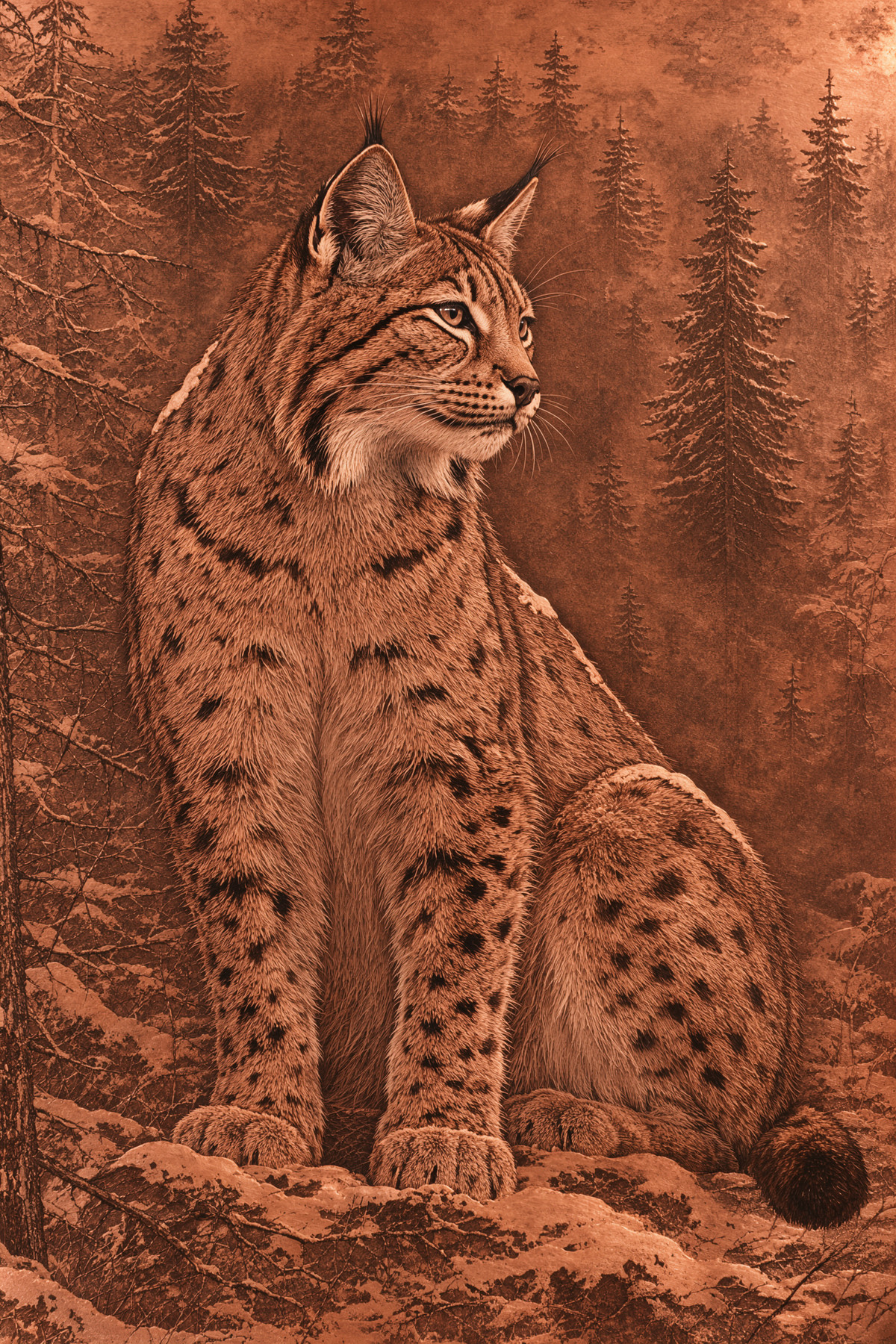
Reasons for Recommendation
- Port: The same page already features Krea 2 and Anima versions, with the model page accumulating 217 downloads; the MOSS version is trained on MOSS Image Base using 84 curated images, 2,520 steps, rank/alpha 32, with the trigger word silbriomorsure
- Serves copper/steel plate etching effects for animals, landscapes, and fantasy scenes; the author's writing style: name one metal and a clear subject, specify where polished surfaces catch light, use fine corrosion for mid-tones, and deep etched lines for shadows; choosing copper leans towards warm reddish-brown tones, while steel leans towards silver-gray with stronger contrast
- Parameters provided: moss_image_base_bf16, 25 steps, CFG 2.5, ER-SDE + Simple, LoRA 1.0, native sizes include 1024 × 1536, 1536 × 1024, 1664 × 1664, etc.
- 9 visible examples; free
How to Use
- Write silbriomorsure in the prompt, starting with a strength of 1.0; write either 'etched copper' or 'engraved steel', then describe the subject and the positions of light exposure, etched lines, and matte areas, requiring the engraved image to fill the frame
- MOSS Image Base (bf16), 25 steps, CFG 2.5, ER-SDE + Simple
Risks and Limitations
- The latter half of the model card describes the Krea 2 version (trigger word written as morsure, strength can be increased to 1.1); the MOSS version uses silbriomorsure, and it is not stated by the author whether increasing strength applies
- The description states Apache License 2.0, but the on-site license does not allow derivatives, creating an inconsistency
- The gallery only shows images generated on Base; performance with SFT was not stated by the author; there is no comparison with and without LoRA; 1 examples are hidden due to rating; this entry has not been tested
Trigger Word: silbriomorsure
【A】MOSS-Image Panel Workflow — 6 Picture Types, 5 Sizes, Free-Prompt Box (SFW, 16GB) · SFT
Workflow · New Model · Author TP_AI_63 · Released 11-10 23:56 · Downloads 34
An integrated ComfyUI panel workflow for MOSS-Image-SFT (JSON, weights not included): Select from 6 picture types (characters, posters with text, promotional sets, object scenes, illustrations, video first frames) and 5 sizes in a single control panel, click Queue once to generate an image, with an additional free prompt box.
Downgraded from automatic S to A: The workflow is not a new capability, but the dependencies, nodes, testing scope, and limitations are written very completely, making it suitable as an introductory diagram for MOSS; the Base version on the same page is listed as C.
Image
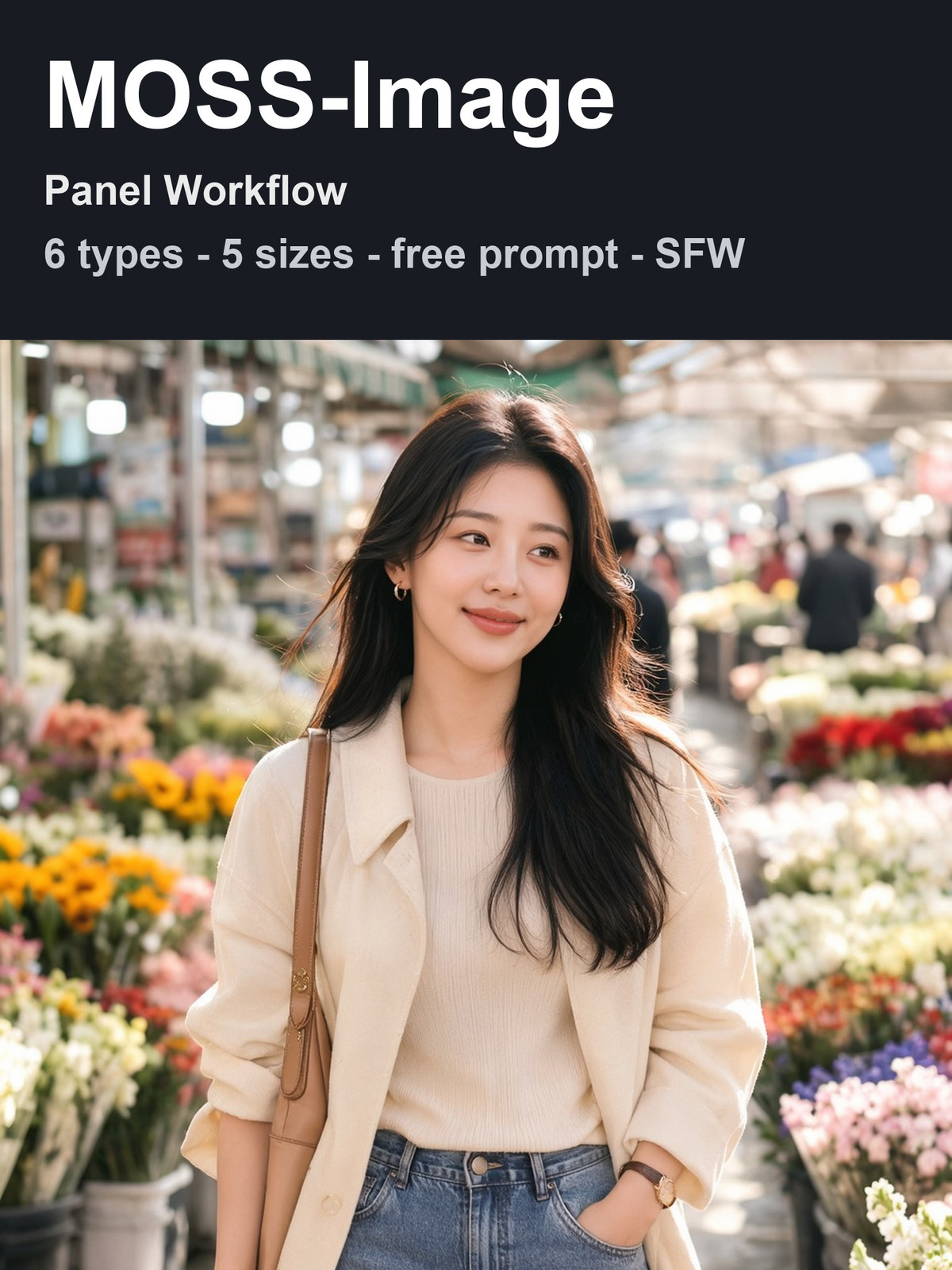
Reasons for Recommendation
- New workflow: Prompt presets, adult character qualifiers, file naming, and output directories are all integrated into the panel; you only need to change TYPE / SIZE / SEED. For MOSS beginners who don't want to build their own image generation services, or scenarios requiring repeated generation of fixed-type images, the first-frame sizes in the 9:16 and 16:9 tiers can be directly used as starting frames for image-to-video.
- The author clearly states what has been tested: On RTX 16 GB and ComfyUI 0.44, types 1, 2, 4, and 5 have been run with this file, taking 84–97 seconds per image for 2:3 with peak VRAM usage of 14.0 GB; types 3, 6, and all sizes were only tested in an earlier personal version.
- Settings: 50 steps, Euler / sgm_uniform, CFG 3, model shift 5, skip-layer guidance at layer 22; the example PNG contains an embedded workflow that can be dragged directly into ComfyUI.
- The author included a comparison between Base and SFT using the same prompt and seed, stating that SFT produces larger and clearer characters, and therefore recommends using this SFT version; there are 8 visible examples, none hidden; free.
How to Use
- The page only contains the image file MOSS_Image_SFT_Panel_SFW_v2.json. You need to provide your own UNet moss_image_sft_int8_convrot, qwen text encoder (select moss_image as the load type), and VAE flux2-vae; optional SeedVR2 7B upscaling.
- Custom nodes: Impact-Pack, was-node-suite, Custom-Scripts, comfyui_essentials, Easy-Use, comfyui_layerstyle, Image-Saver, rgthree; the SeedVR2 node is only required when FINISH = 1.
- In the CONTROL PANEL, set TYPE (1 Character · 2 Poster with Text · 3 Promotional Set · 4 Object Scene · 5 Illustration · 6 First Frame) and SIZE (1 = 4:5 · 2 = 2:3 · 3 = 1:1 · 4 = 9:16 · 5 = 16:9), leave FREE as 0; if FREE = 1, use your own prompt.
- Keep FINISH at 0 to output the original image; the author's SeedVR2 upscaling consumed 99% of memory on a machine with 64 GB RAM, so do not enable it if memory is tight.
Risks and Limitations
- It is a workflow JSON, not new weights; it depends on 8 custom node packages.
- Only tested on 16 GB graphics cards; the promotional set and video first frame types have not been run with this file.
- The author states that text in posters is inconsistent and spelling should be checked; the panel includes built-in adult character qualifiers, which the author requires to be retained.
- The full card states that the text encoder is approximately 9.8 GB and the SFT UNet is approximately 5.4 GB; there are conflicting reports from two sources regarding the license of FLUX.2 VAE (Apache 2.0 vs. non-commercial), leaving it to the user's judgment; this entry has not been run.
[A] Naive Kawaii Anime Doodle - Style MOSS · v1.0
LoRA · New Model · Author Konan · Published 11-11 02:51 · Downloads 72
A LoRA for a naive and cute 2D anime doodle style: no line art, flat irregular color blocks, dry brush and crayon-textured edges, limited pastel colors, and square half-body character portraits on pure white backgrounds.
Downgraded from automatic S to A: The style goal and prompt template are clear and can be copied directly, but step count and CFG are missing; among several character/style LoRAs released by the same author Konan on the same day, this entry has the most complete description, while others are listed as C.
Image
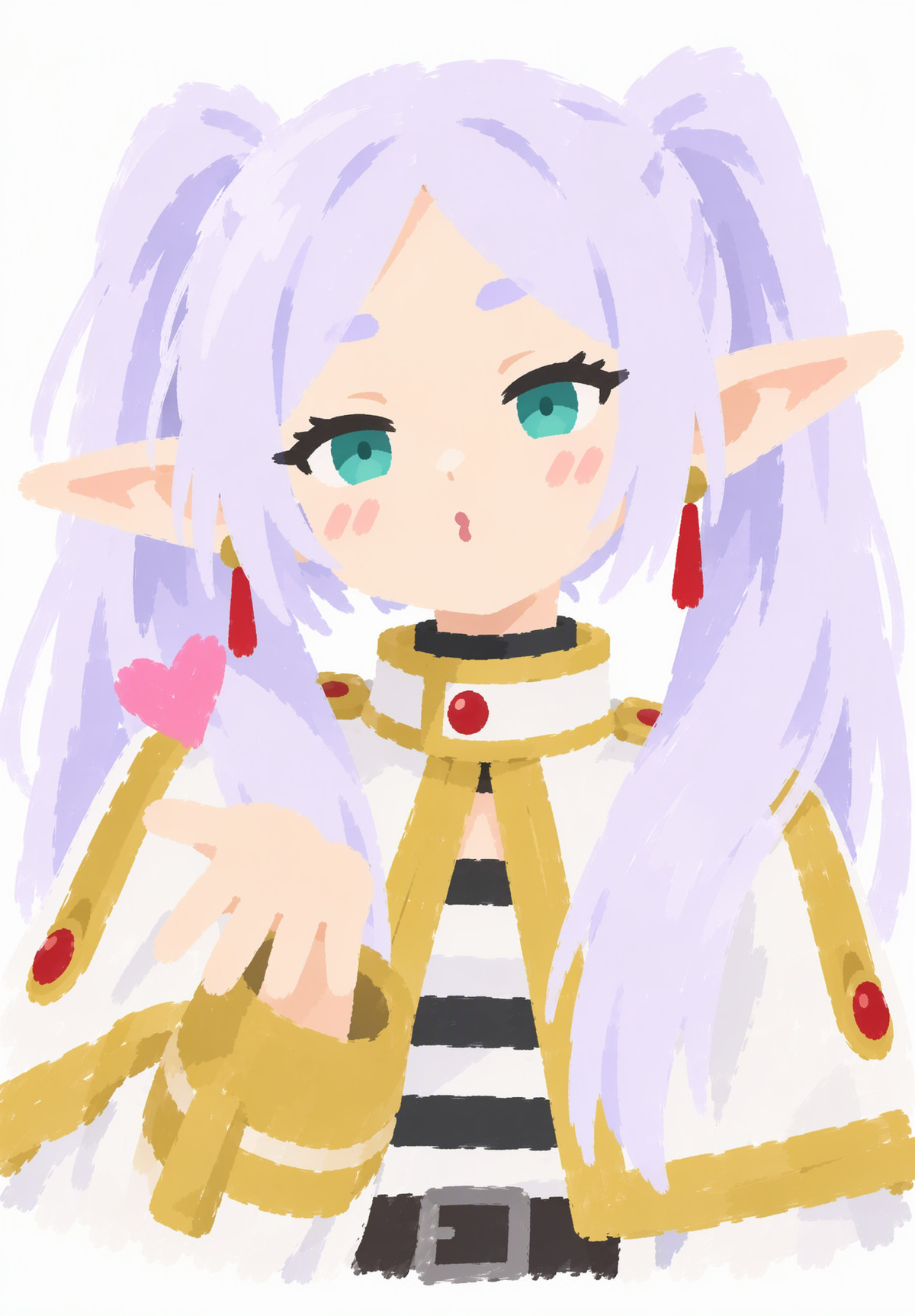
Reasons for Recommendation
- New model: Only a MOSS version is available; the author states it was trained on MOSS using 39 images; serves character avatars, stickers, and meme-style simple cute illustrations.
- The author provided a complete prompt template where you only need to fill in three blanks: character name, character description, and color scheme; this template also serves as the registered trigger phrase.
- Strength 0.8–1; 7 visible examples are provided, no hidden ones; free, license allows for image output, rental, and derivatives; approximately 10 hours after release with 72 downloads and 12 likes.
How to Use
- Write the prompt according to the template: A naive minimalist Japanese moe flat color-block illustration of [Character Name], square half-body portrait. Composed of flat irregular color blocks with rough dry-brush and crayon edges, lineless art, and highly simplified shapes. [Character Description] Limited pastel palette of [Colors]. Flat 2D rendering, no gradients, quick casual doodle aesthetic, solid pure white background.
- LoRA strength 0.8–1; step count, CFG, and whether to use Base or SFT were not provided by the author.
Risks and Limitations
- The description only includes training image count, strength, and template; there are no sampling parameters, nor any comparison with/without LoRA.
- The template limits composition to white-background square half-body portraits; other compositions are not shown.
- This entry has not been run.
Trigger Word: A naive minimalist Japanese moe flat color-block illustration of [Character name], square half-body portrait. Composed of flat irregular color blocks with rough dry-brush and crayon edges, lineless art, and highly simplified shapes. [Character description] Limited pastel palette of [various colors]. Flat 2D rendering, no gradients, quick casual doodle aesthetic, solid pure white background.
[A] COSY MARKERS · MOSS Image Base v1
LoRA · Ported · Author Silbrio · Published 11-11 00:38 · Downloads 31
A MOSS version of the alcohol marker coloring page style LoRA: thick black outlines, rounded shapes, large flat color areas, and hand-painted marker layering, resembling a colored-in coloring book page.
Downgraded from automatic S to A: Trigger words, parameters, and usage instructions are complete, but it is one of 6 style LoRAs batch-ported to MOSS by the same author Silbrio on the same day, with consistent parameter templates; treated as a batch port and not given an S rating.
Image
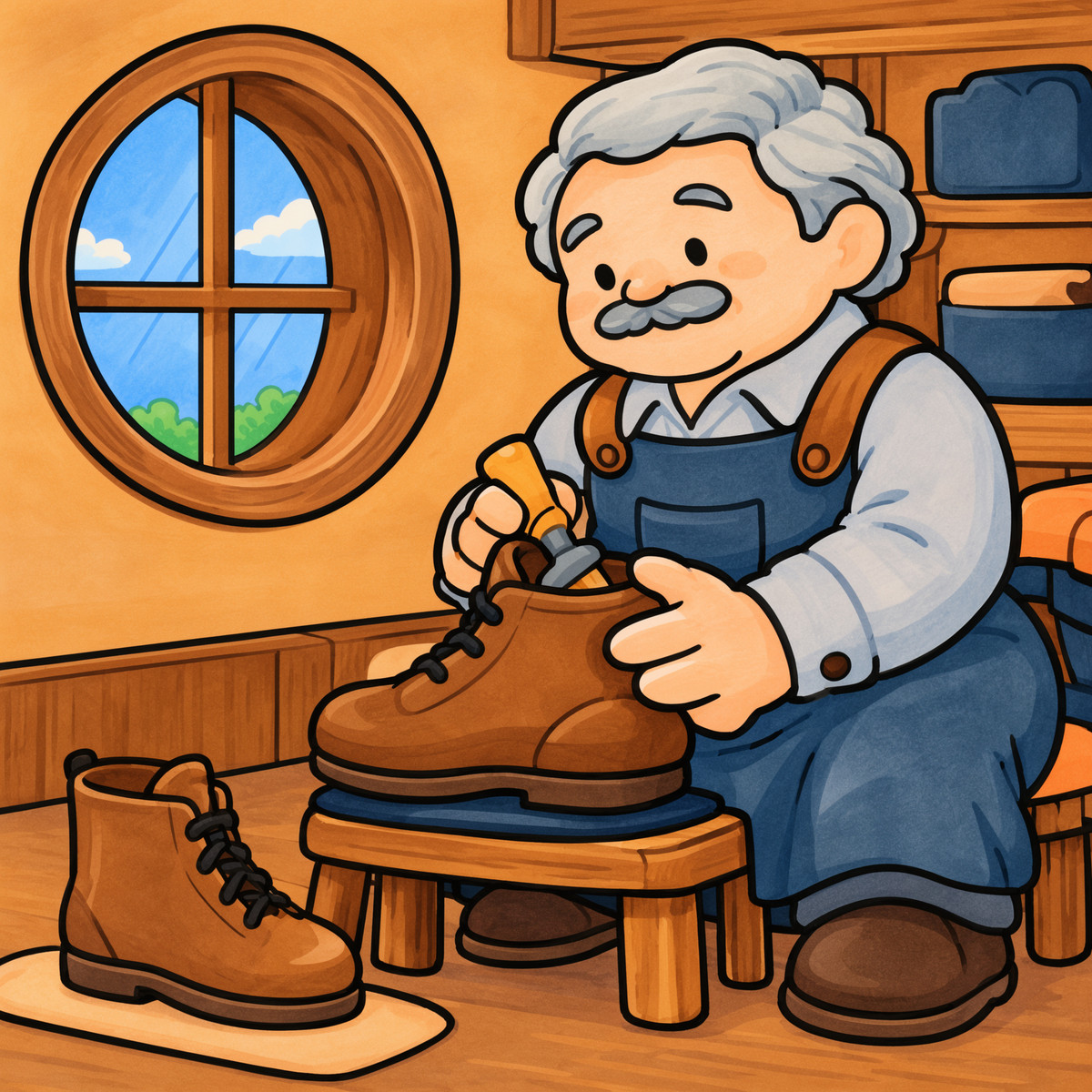
Reasons for Recommendation
- Ported: Krea 2 and Anima versions already exist on the same page, with a cumulative 190 downloads on the model page; the MOSS version was trained on MOSS Image Base (60 images, 1,800 steps, rank/alpha 32), with the trigger word changed to silbriocosymarkers (the Krea version is vtxcosymarkers).
- Serves text-to-image generation for children's illustrations, cute animals, stickers, and coloring book styles; the author suggests using one clear subject, a simple scene, and a limited color palette.
- Parameters are complete: moss_image_base_bf16, 25 steps, CFG 2.5, ER-SDE + Simple, strength 1.0.
- 10 examples provided, no hidden ones; free, license allows for image output and rental.
How to Use
- Write silbriocosymarkers in the prompt, specify one subject, one simple scene, and a limited color palette, requiring large flat areas of color, with marker layering only deepened at a few clothing folds, edges, or contact points; start strength from 1.0.
- moss_image_base_bf16, 25 steps, CFG 2.5, ER-SDE sampling + Simple scheduler.
- The optional descriptors listed by the author for the Krea version—alcohol marker illustration, bold black outlines, coloring book style, flat vibrant colors—are not trigger words; it is not stated whether they are equally useful for the MOSS version.
Risks and Limitations
- The same author batch-ported six style LoRAs this period, with descriptions and parameters following the same template.
- The site license does not allow publishing derivative versions, yet the author states it is released under the upstream Apache 2.0 license; these two are inconsistent.
- No comparison with/without LoRA; this entry has not been run.
Trigger Word: silbriocosymarkers
[A] Krea/MOSS Ad Infinitum · MOSS 1.0 Future Vintage
LoRA · Version Update · Author AriaMaiven · Published 11-11 08:54 · Downloads 10
The 'Future Vintage' MOSS version of the retro advertisement page LoRA: it still features century-old paper textures, hand-drawn characters, and old-fashioned large headlines, but the advertisements sell contemporary products like robot vacuums, delivery drones, and smart glasses.
Same writing style as yesterday's top pick Classic version, only the subject matter is changed, listed as A: Use the Classic version for pure old ads, and use this version for the contrast of old ads selling new technology.
Image
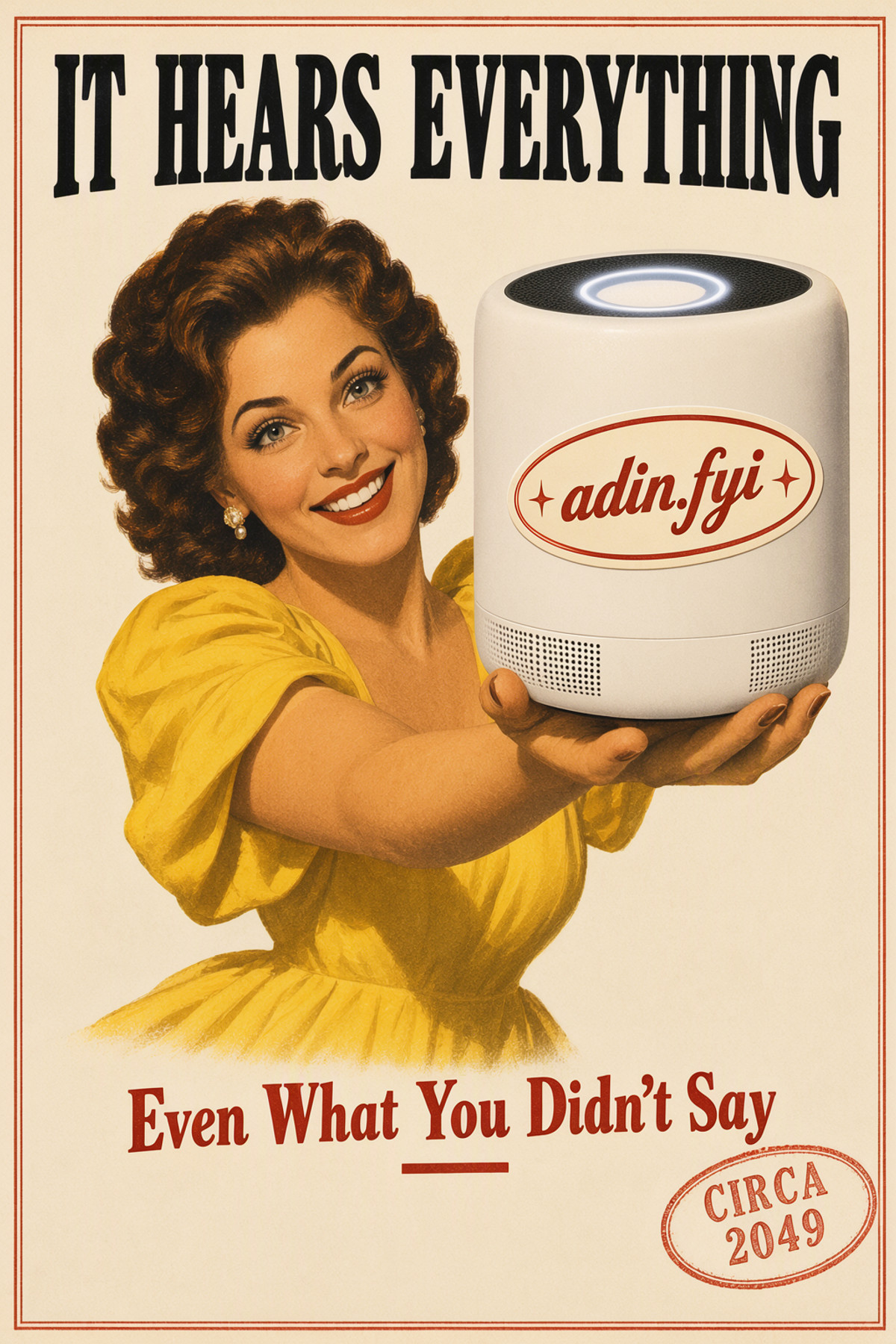
Reasons for Recommendation
- Version update: The MOSS 1.0 Classic (trigger word adnclsk, only producing old ads from 1885 to 1948) was already on the same page yesterday; this version is the MOSS port of Future Vintage on Krea 2, with trigger word adincsint, trained on MOSS Base, and the author states it uses the same set of 55 ads.
- Serves retro parody ads, period-style posters for tech products, and editorial illustrations; the difference from the Classic version is that contemporary objects are in the center of the image, creating a 'old ads selling new tech' contrast.
- Parameters and usage instructions are complete: strength 1.0 (the author states that without it, MOSS only produces generic photos); MOSS Image (SFT), 30 steps, CFG 3, euler / simple, 1024 x 1536; typography instructions are the same as Classic, with optional adin.fyi badge and CIRCA 2049 red rubber stamp styles.
- The author states that every image in the gallery includes prompts and parameters; 5 examples provided with no hidden ones; free, license allows for image output and on-site rental.
How to Use
- Write adincsint as the first word in the prompt, strength 1.0; explicitly describe the contemporary object and who is holding it, e.g., a round robot vacuum cleaner with a glowing blue ring.
- End with The only words on the page are the headline "…" at the top …, and the line "…" on a pale panel at the bottom, placing each text phrase in quotes and specifying its position and color.
- MOSS Image (SFT), 30 steps, CFG 3, euler / simple, 1024 x 1536; newspapers, magazines, labels, and screens require separate text instructions, otherwise the trigger word might be printed; do not write vintage, poster, lithograph, or era-specific words.
Risks and Limitations
- Released 4 hours ago, with only 5 examples and 10 downloads, resulting in very little feedback; no same-seed comparison with/without LoRA.
- The ComfyUI workflow zip file attached to the Krea 2 version is not included in the MOSS version; you must build it yourself.
- The license requires attribution and prohibits selling; the author states that reprinting or using outputs to train other models requires prior permission.
- This entry has not been run.
Trigger Word: adincsint
[A] HaDeS MOSS Suite Workflows · Turbo ControlNet v1.0
Workflow · Version Update · Author _HaDeS_ · Published 11-11 01:36 · Downloads 34
A new entry in the HaDeS MOSS Suite workflow collection: A ComfyUI workflow (JSON, not new weights) that uses MOSS's color/depth concatenated control adapters to control image generation based on reference photos, allowing near-original replication, color/layout migration only, or regeneration following depth only.
Downgraded from automatic S to A: This is the most complete description in the collection, clearly explaining the three control modes; however, it is a workflow rather than new weights, depends on the author's node package, and has few examples.
Image
Reasons for Recommendation
- Version update: Workflow # 6 in the collection; this version is ControlNet. Based on the MOSS Control (color / depth) nodes newly added in HaDeS MOSS Suite v0.6.0, the author states it specifically handles the concatenation adapter structure for MOSS 384 channels.
- Service for image-to-image generation that controls composition and depth based on reference photos. One workflow with three modes: connecting
color_mapto the original image and settingcolor_modetoas givenclosely replicates the lighting and tone of the original 1:1; setting it toflat regions(8 colors, 4.0 blur) retains only the color block layout, allowing prompts to modify clothing and materials; not connectingcolor_mapand setting it tooffgenerates from scratch following only depth. - Dependencies are clearly stated: the MOSS-Image-depth-controlnet depth adapter published by thedeoxen on Hugging Face (placed in models/loras), HaDeS MOSS Turbo acceleration LoRA, moss_image_sft_int8_convrot (or bf16 / fp8) + qwen3.5_9b_w4a8_gptq (type moss_image) + flux2-vae_small, and any depth preprocessor (e.g., DepthAnythingV2).
- The author states that all settings in the workflow come from public measurement records in RESULTS.md; free, with a permissive license allowing image generation, sales, and derivatives.
How to Use
- Install HaDeS MOSS Suite v0.6.0 or higher, download the depth adapter, Turbo LoRA, and the aforementioned base models / text encoders / VAE, and import HaDeS MOSS Suite - ControlNet.json.
- Input the reference photo into Load Image, and connect the depth map to the depth_map of MOSS Control; select color_mode as needed:
as givenfor replication,flat regionsfor changing outfits and materials,offfor following depth only. - Start control strength from 1.0; when using Turbo LoRA, use 8–10 steps, Euler, Beta, or Simple schedulers, and CFG 1.0.
Risks and Limitations
- The version notes are only one sentence; detailed usage is in the model card and workflow canvas; dependencies include the author's own node package and acceleration LoRA.
- The workflow only connects the depth adapter; the color path uses original image encoding; the author has not stated whether it is compatible with other adapters.
- Only 3 visible examples are shown, with another 2 hidden due to rating.
- The full model card states that control strength generally does not need to exceed 1.0–1.1; if negative prompts are needed, increase CFG to 1.1 / 1.2; this entry has not been run.
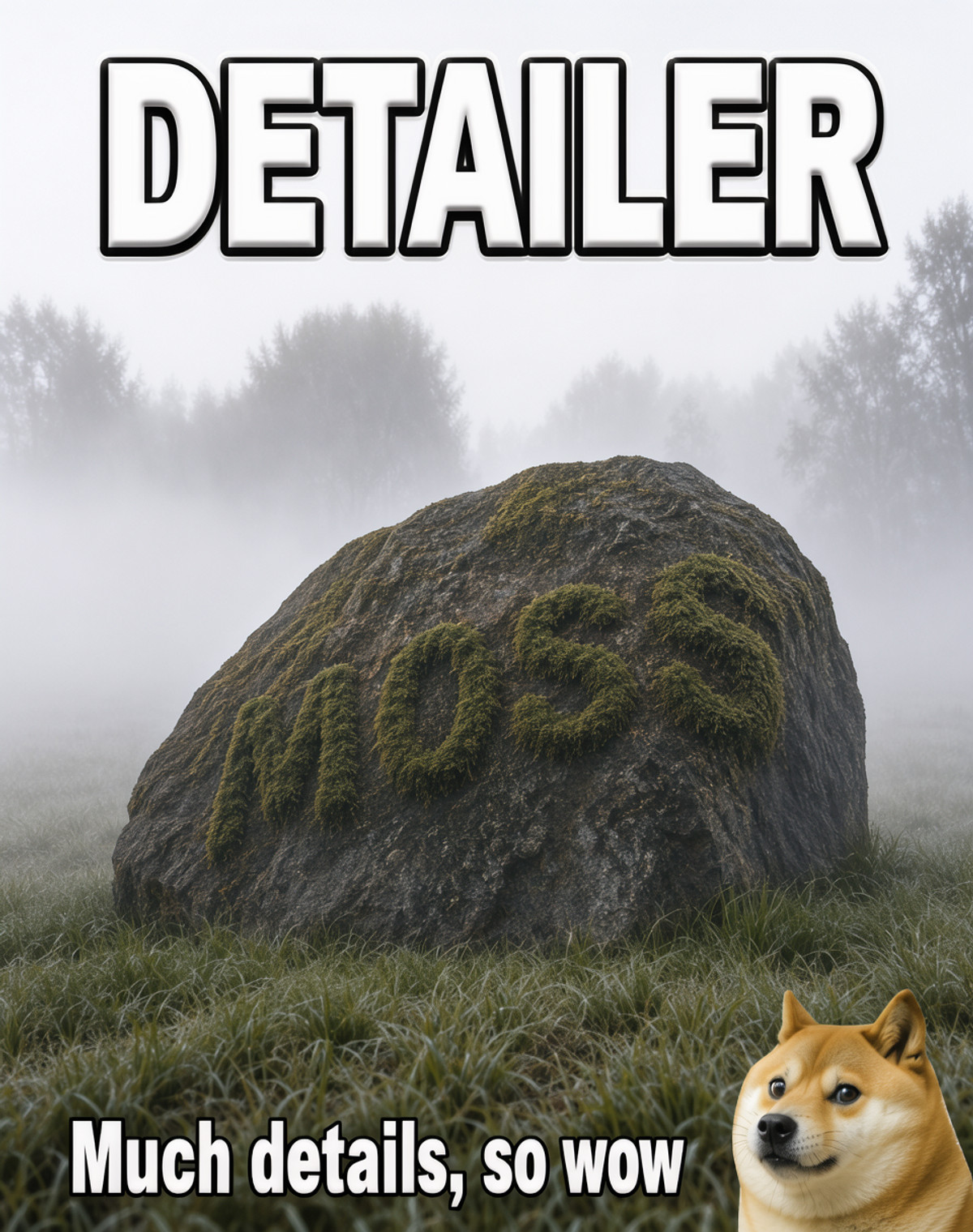
[A] MOSS Detailer · v1
LoRA · Version Update · Author Volnovik · Published 11-11 06:37 · Downloads 148
v1 of the MOSS detail enhancement LoRA: It stacks several concept and saturation LoRAs on top of the original detail-only text slider, adding detail while pushing the image towards realism and slightly reducing saturation.
Keep Auto A: Changes and side effects are clearly written, with many examples, but strength and sampling parameters are missing.
Images
Reasons for Recommendation
- Version update: The author states v1 = v051 detail slider + several undisclosed LoRAs (text slider + concept LoRA + saturation LoRA); v051 only adds detail without changing style, while v1 leans towards realism, reduces saturation, and suppresses flat-color styles.
- Suitable for adding detail when generating realistic or semi-realistic images; continue using the previous version v051 if you want to maintain flat-color / anime styles.
- Trained and extracted on Base; all example images were generated directly on SFT with an additional de-striping LoRA; 16 visible examples.
- Free, with a permissive license allowing image generation, sales, and merging; approximately 6 hours since release with 148 downloads.
How to Use
- Load the LoRA, no trigger word; the author has not provided the strength for v1 (the author says v051 at 1.0 might be too strong, so try starting lower).
- The author has not provided step counts or CFG; the example images use an additional de-striping LoRA, but the author did not specify which one.
Risks and Limitations
- The author has not disclosed what the stacked LoRAs are (self-described as "secret sauce").
- It changes the art style (leans towards realism, reduces saturation) and is no longer a neutral detail slider; use with caution for flat-color style images.
- 4 example images are hidden due to rating; there is no comparison with/without the LoRA; this entry has not been run.
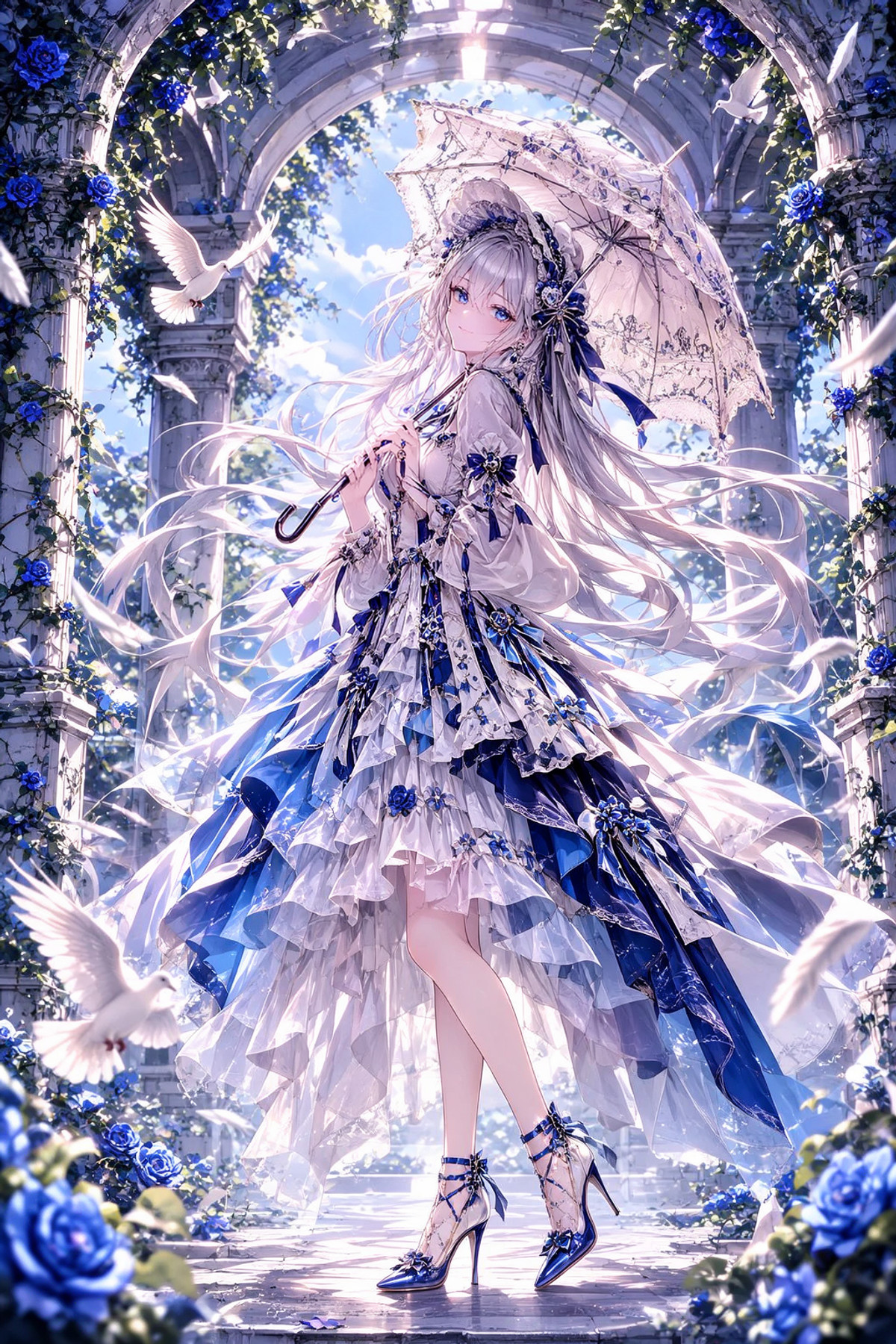
[A] Character Detailer Booster · Moss v1.0
LoRA · New Model · Author svnx7x_ · Published 11-11 06:00 · Downloads 53
Anime character detail enhancement LoRA: Start the prompt with charrefine to add detail to characters; the author states it also adds some detail to general scenes.
Keep Auto A: Trigger word and sampling parameters are complete, but the capability is general detail enhancement, lacking comparisons.
Images
Reasons for Recommendation
- New model: Only a MOSS version exists; the author states it is best suited for anime characters and can be used with MOSS-Image SFT.
- Parameters are complete: Place the trigger word
charrefineat the very beginning of the prompt, use euler, 40–50 steps, CFG 3–3.5, strength 0.4–1; if strength 1 feels too heavy, reduce it to 0.7–0.8; positive and negative prompts are also provided. - 4 visible examples; approximately 7 hours since release with 53 downloads and 10 likes.
How to Use
- Write
charrefine, best quality, highres,in the positive prompt, followed by the scene description; writeworst quality, bad anatomy, watermark, jpeg artifactin the negative prompt. - Use MOSS-Image SFT, euler, 40–50 steps, CFG 3–3.5, LoRA strength 0.4–1 (reduce to 0.7–0.8 if too heavy).
Risks and Limitations
- There is no comparison with/without the LoRA; you can only see what details were added by looking at the examples; the author has not specified the training data (the tags include gptimage).
- The site license only allows on-site rental, not commercial use of generated images; 3 example images are hidden due to rating; this entry has not been run.
Worth Watching (11)
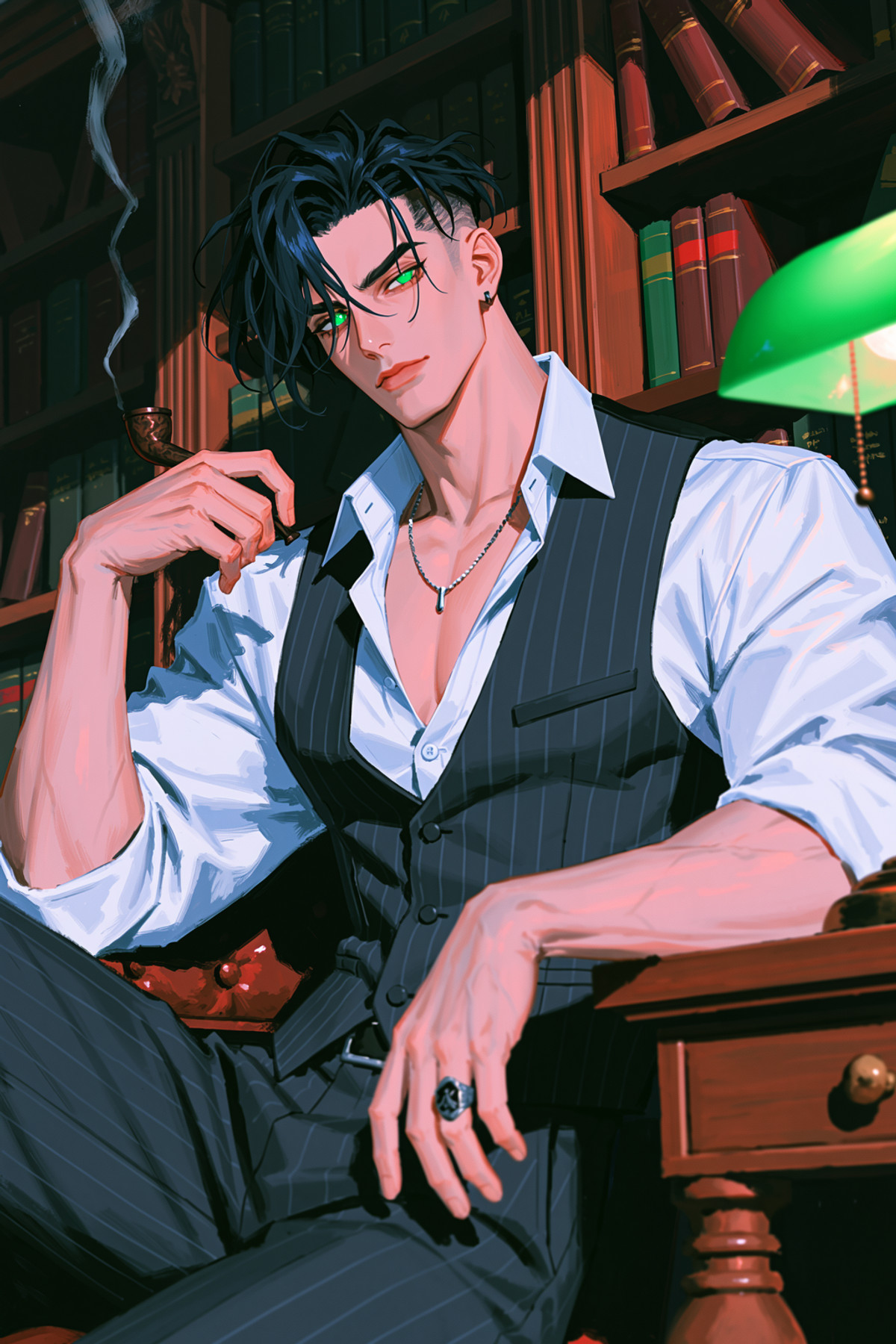
[B] AG: Malphas - Painterly Midjourney · MOSS-Image
LoRA · Port · Author Azriaelis · Published 11-11 09:10 · Downloads 34
The MOSS version of the Malphas entry from the "Ars Goetia" series: The title says Painterly Midjourney, and the tags indicate a thick-paint, detailed digital illustration style.
Images
[B] CROWN Douyin Beauty Influencer & Alluring OOTD Photo Realism | MOSS-Image · v1.0 - 1024x1536 Dual-Bucket r64
LoRA · New Model · Author NineCrowns · Published 11-10 23:27 · Downloads 87
Douyin influencer-style realistic portrait LoRA: Close-up and half-body / seven-tenths body outfit photos of East Asian women with warm white porcelain skin and exquisite makeup, maintaining consistent skin tone and face shape between close-ups and outfit photos.
Images
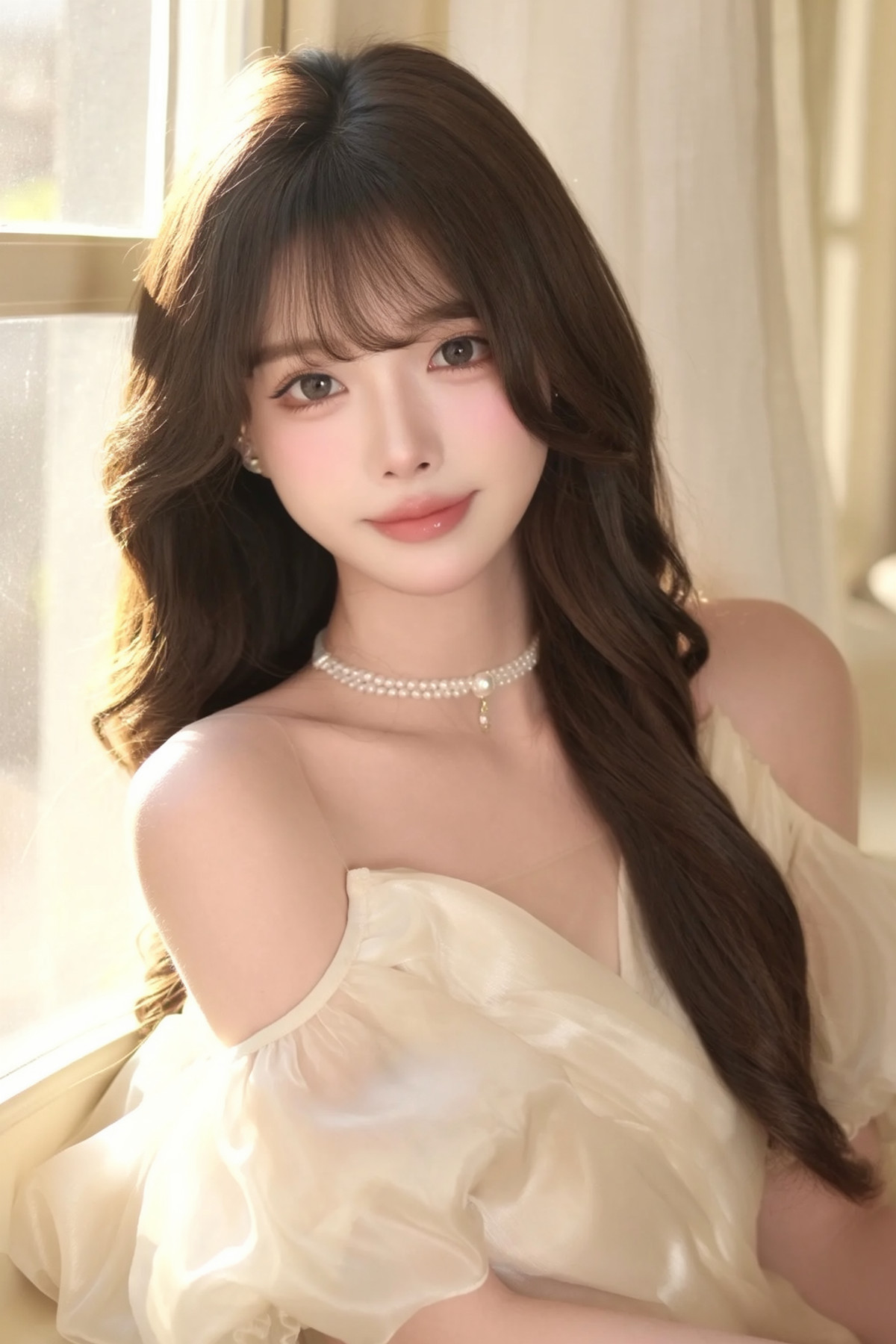
[B] gandy style · v1.1
LoRA · Version Update · Author MonoTheV · Published 11-11 09:44 · Downloads 32
v1.1 of a thick-paint style LoRA imitating the artist 3E46 (@Gan3E_CSL); an experimental file with different training settings is also included in the same version.
Images
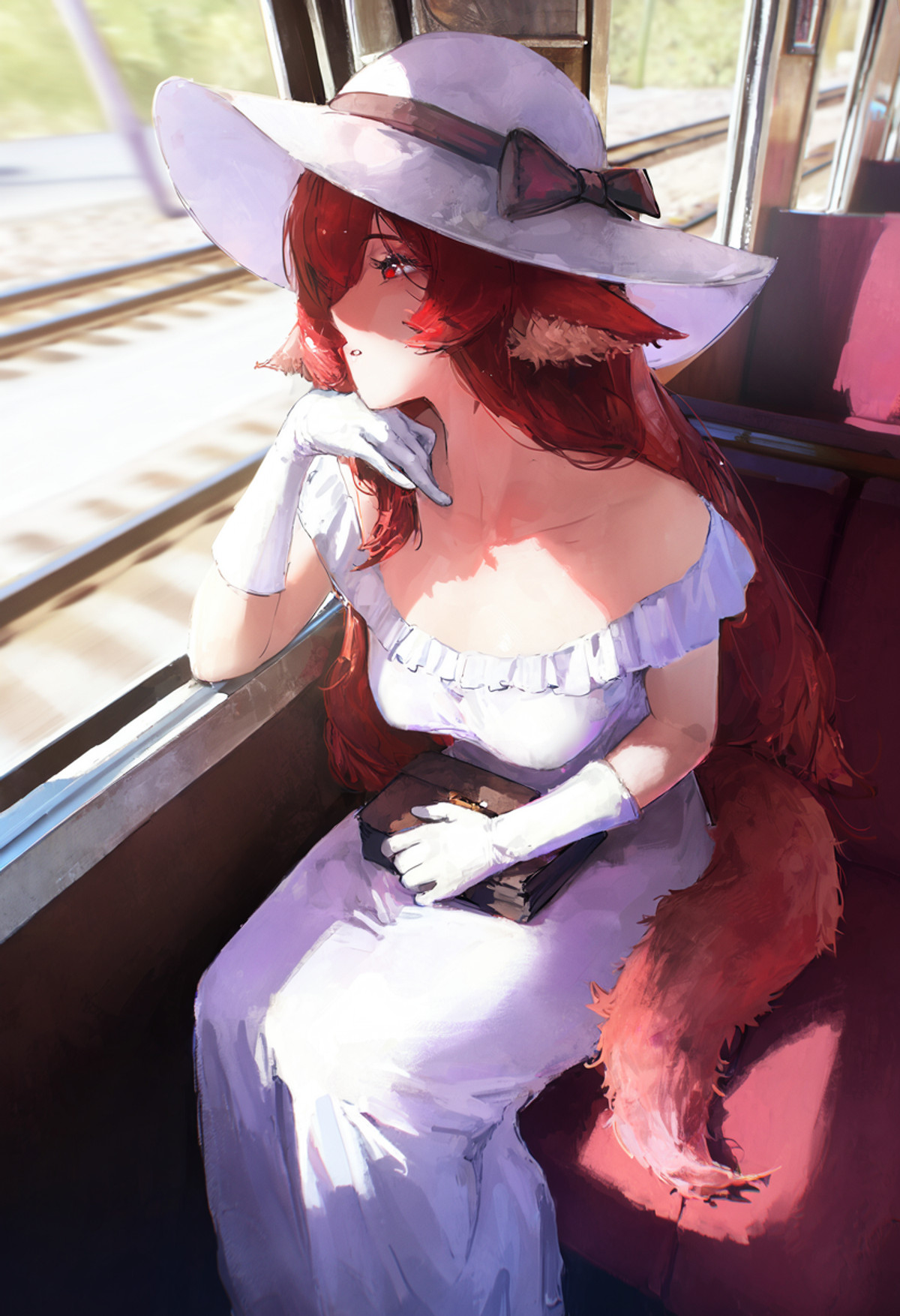
[B] Dungeon Odyssey · v3 - M0SS
LoRA · Port · Author Fatbuns · Published 11-10 22:30 · Downloads 56
The MOSS version of the Dungeon Odyssey Korean manhwa style LoRA: Stylized illustrations based on the original art style with added texture.
Images
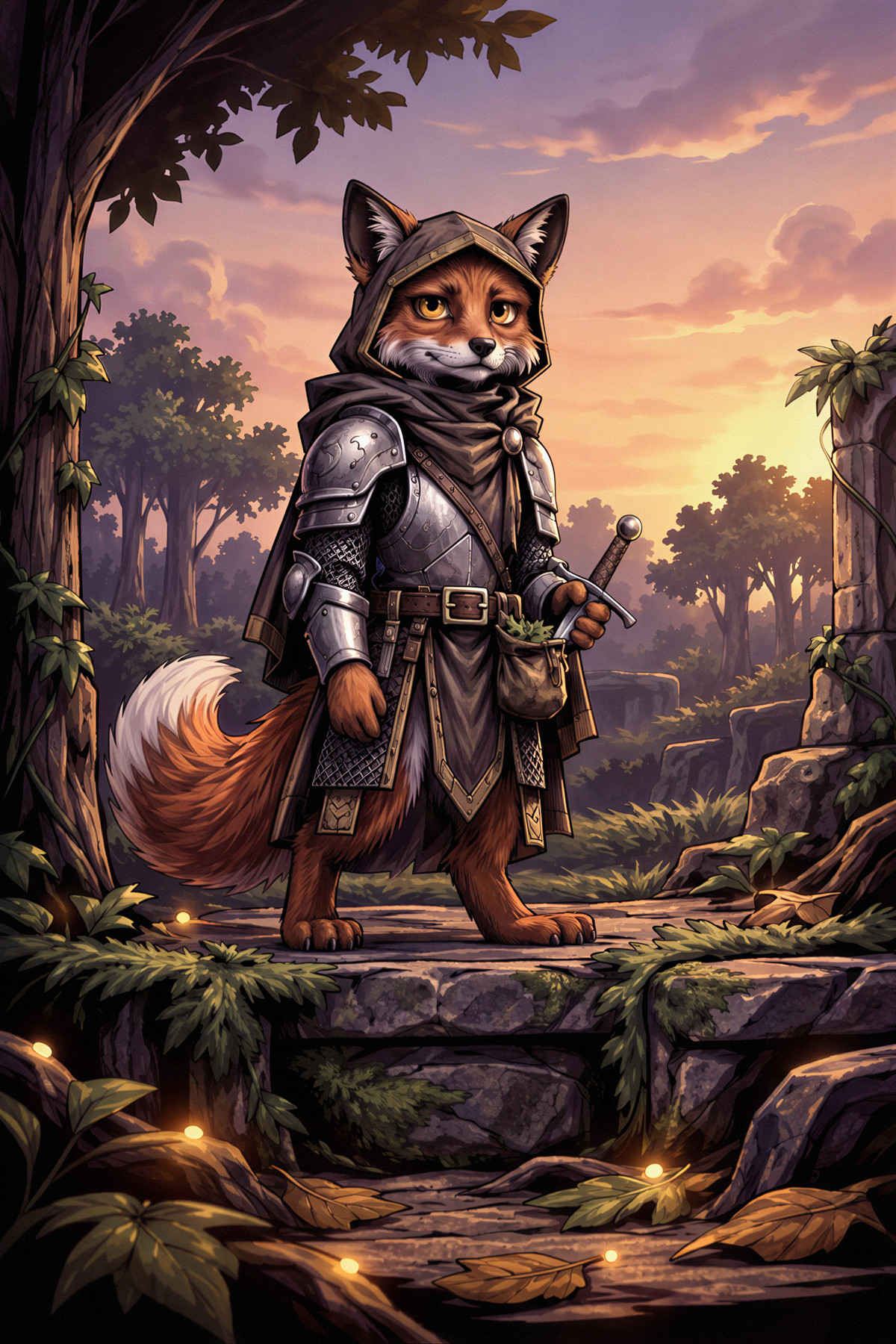
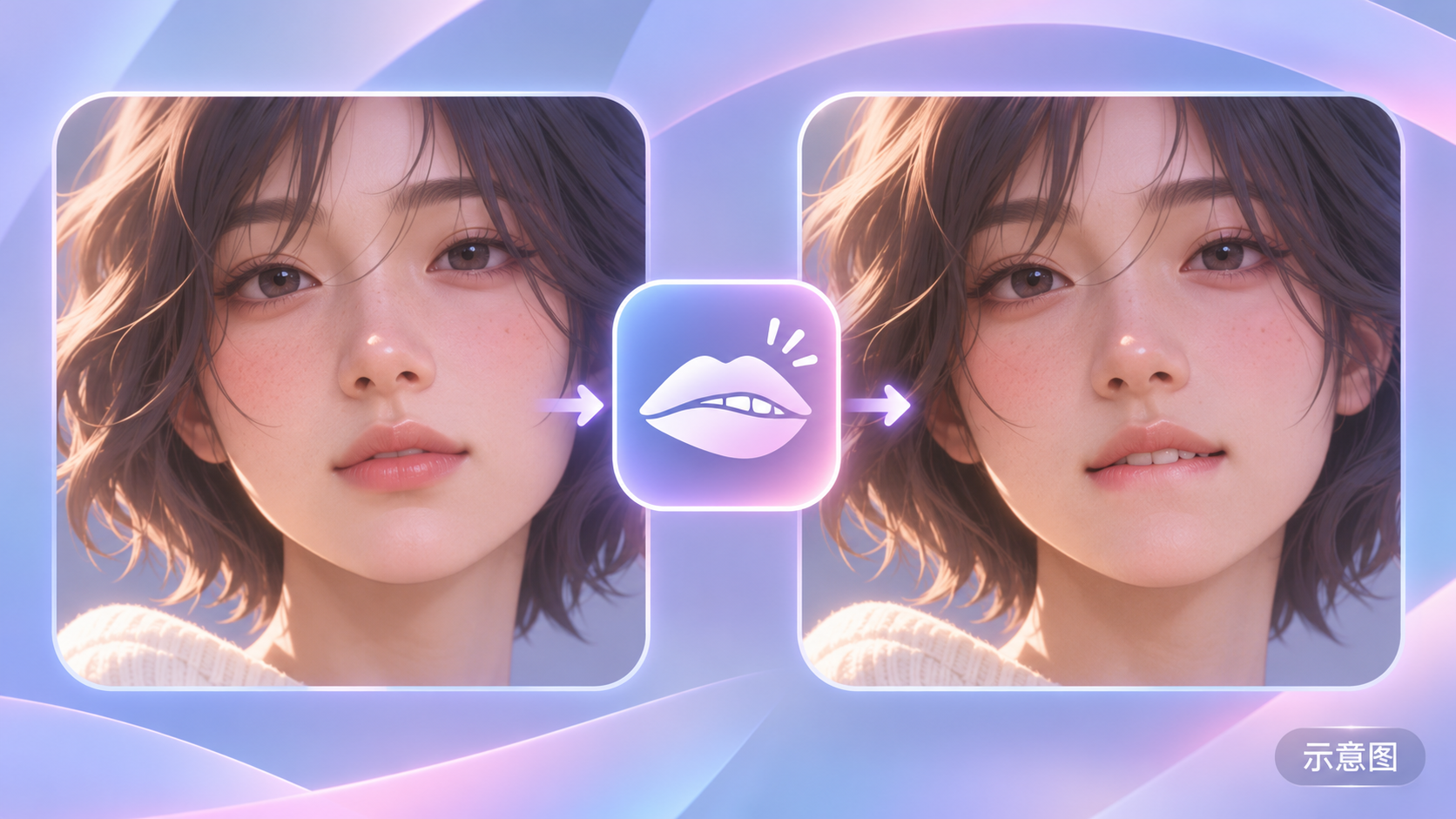
[B] Lip Biting · v2.0-MO
LoRA · Port · Author glitch3705 · Published 11-10 23:21 · Downloads 161
The MOSS version of the lip-biting expression concept LoRA: Makes characters lightly rest or press their upper teeth on their lower lip, creating a natural lip-biting expression.
Images
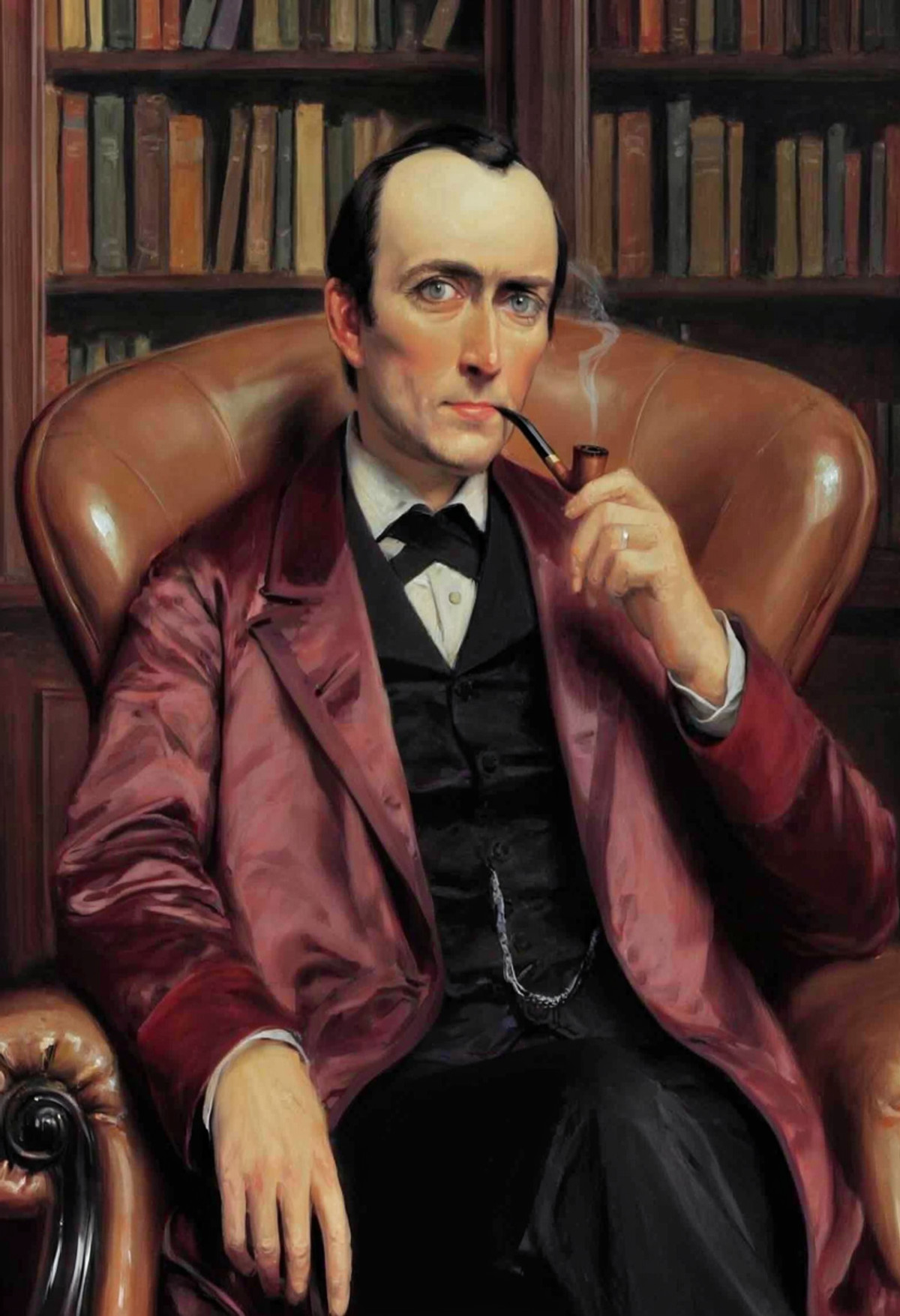
[B] [MOSS] Sherlock Holmes (Original public domain illustrations, training data downloadable) · v1
LoRA · New Model · Author NanashiAnon · Published 11-11 08:05 · Downloads 17
Sherlock Holmes character LoRA: Trained on public domain illustrations from Conan Doyle's lifetime (mainly by Sidney Paget), generating Victorian-era illustrated Sherlock Holmes, with training data made public.
Images
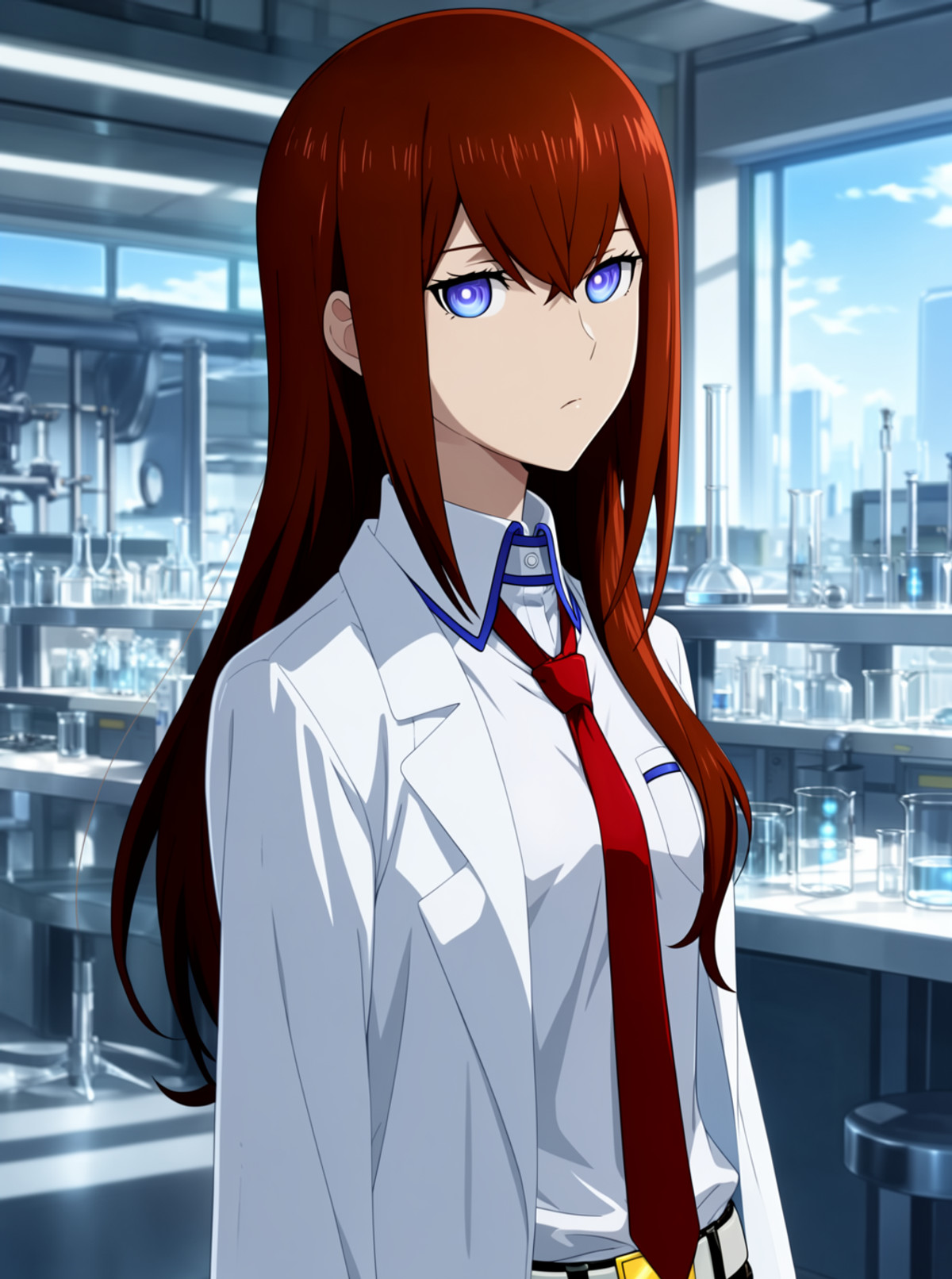
[B] Makise_Kurisu_MOSSimage_lora · v1.0a
LoRA · New Model · Author yueyinganshuang · Published 11-10 22:05 · Downloads 42
Character LoRA for Makise Kurisu from Steins;Gate, usable only with MOSS-Image SFT: Provides a full paragraph of appearance prompts for each of the three outfits (open lab coat, shirt only, camel coat).
Images
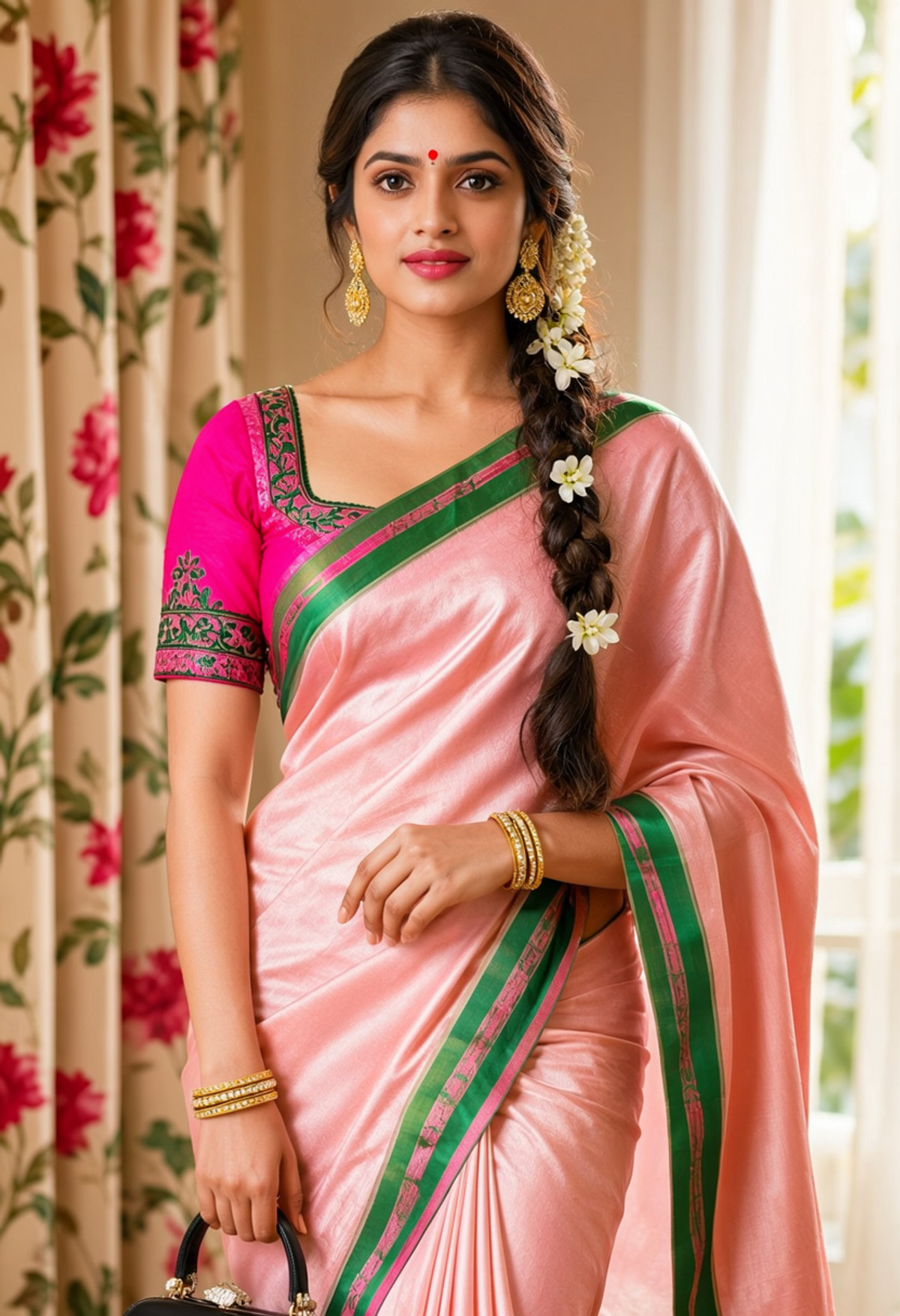
[B] Desi Gajra Attire Moss Image by Sarcastic TOFU · Desi_GajraAttire_Moss_v1
LoRA · New Model · Author sarcastictofu · Published 11-11 03:59 · Downloads 42
South Asian traditional attire and flower hair accessory LoRA: Traditional garments like saris, lungis, and anarkalis, paired with jasmine flower garlands (gajra / mala) woven into long hair or buns.
Images
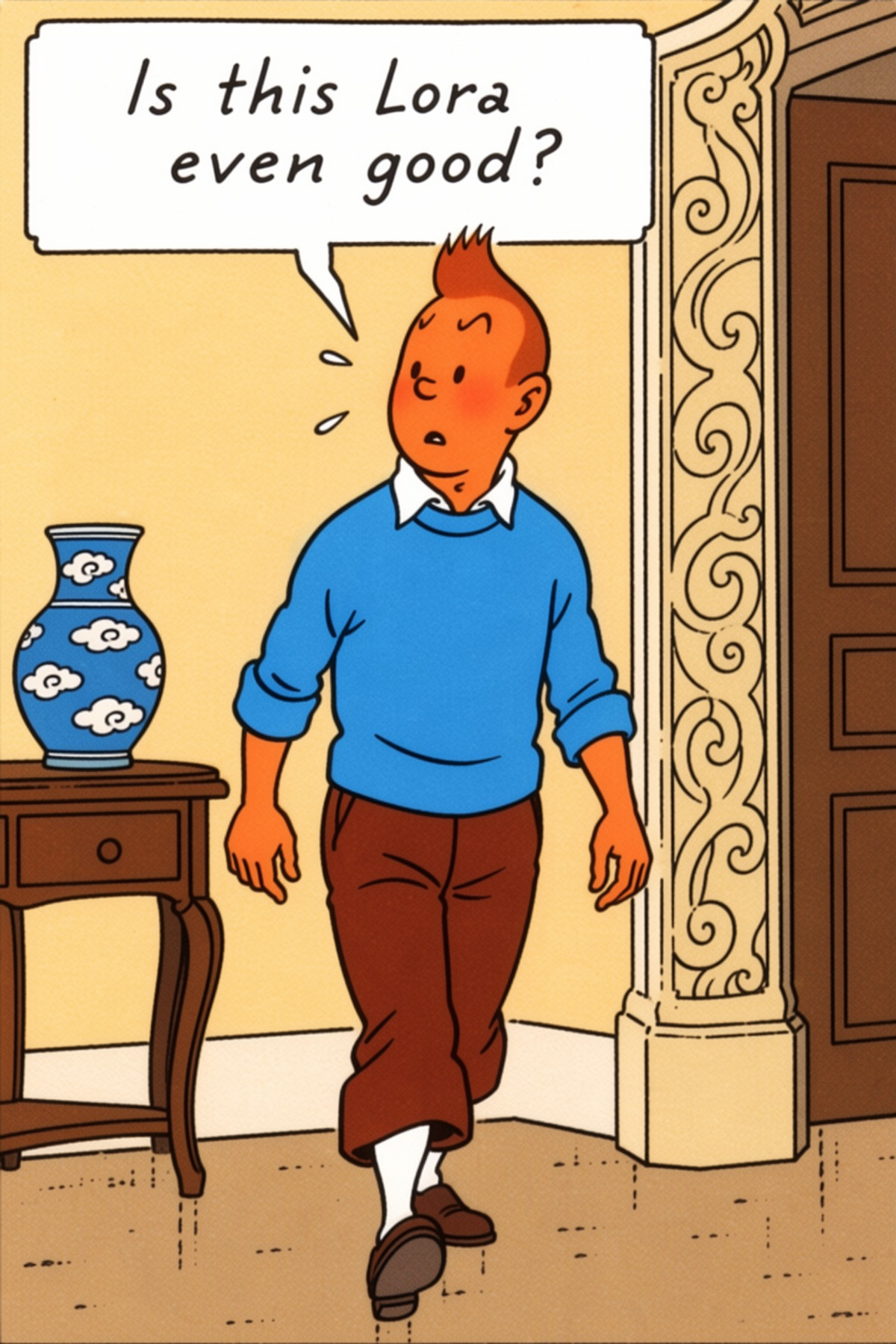
[B] Tintin comic style · Moss v1
LoRA · Port · Author Yofaraway · Published 11-11 00:53 · Downloads 0 · Paid
The MOSS version of the Tintin comic style LoRA by Hergé: Illustrations and panel layouts in the Franco-Belgian comics (bande dessinée) style.
Images
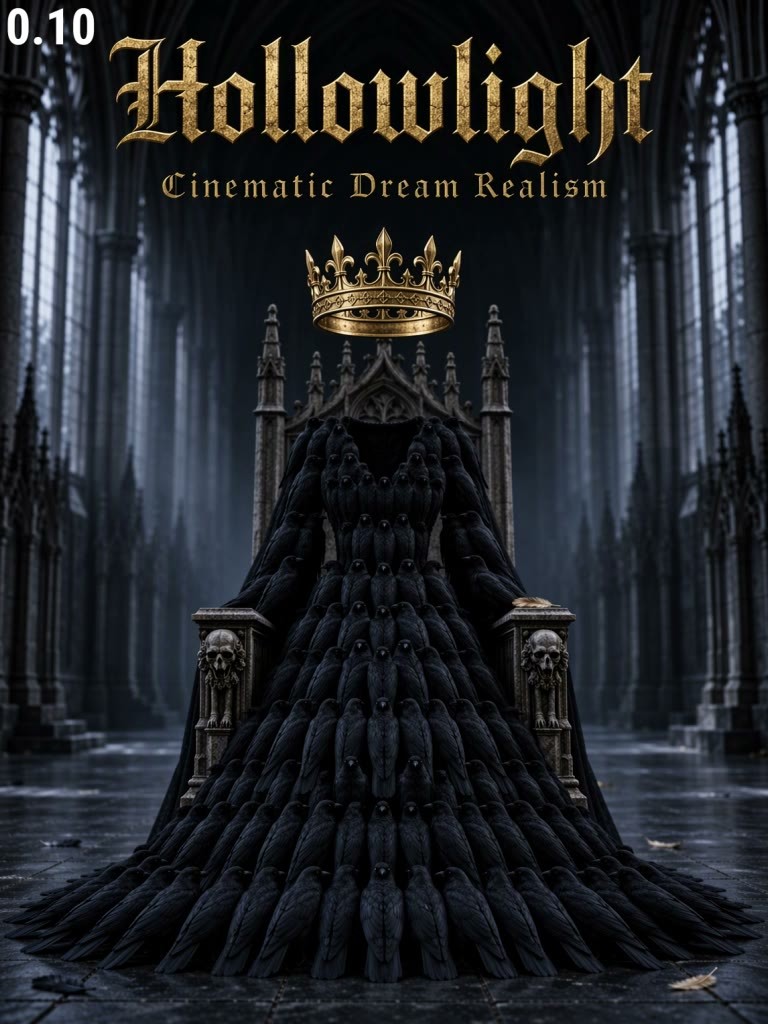
[B] 🐻 Hollowlight – Cinematic Dream Realism · v1.0Moss
LoRA · Port · Author Moonbear_AIArt · Published 11-11 00:33 · Downloads 2 · Paid
MOSS version of the cinematic dark-tone LoRA: deepens shadows, increases contrast, pairs cool-toned shadows with warm highlights, and may give illustrations a more photographic quality.
Image
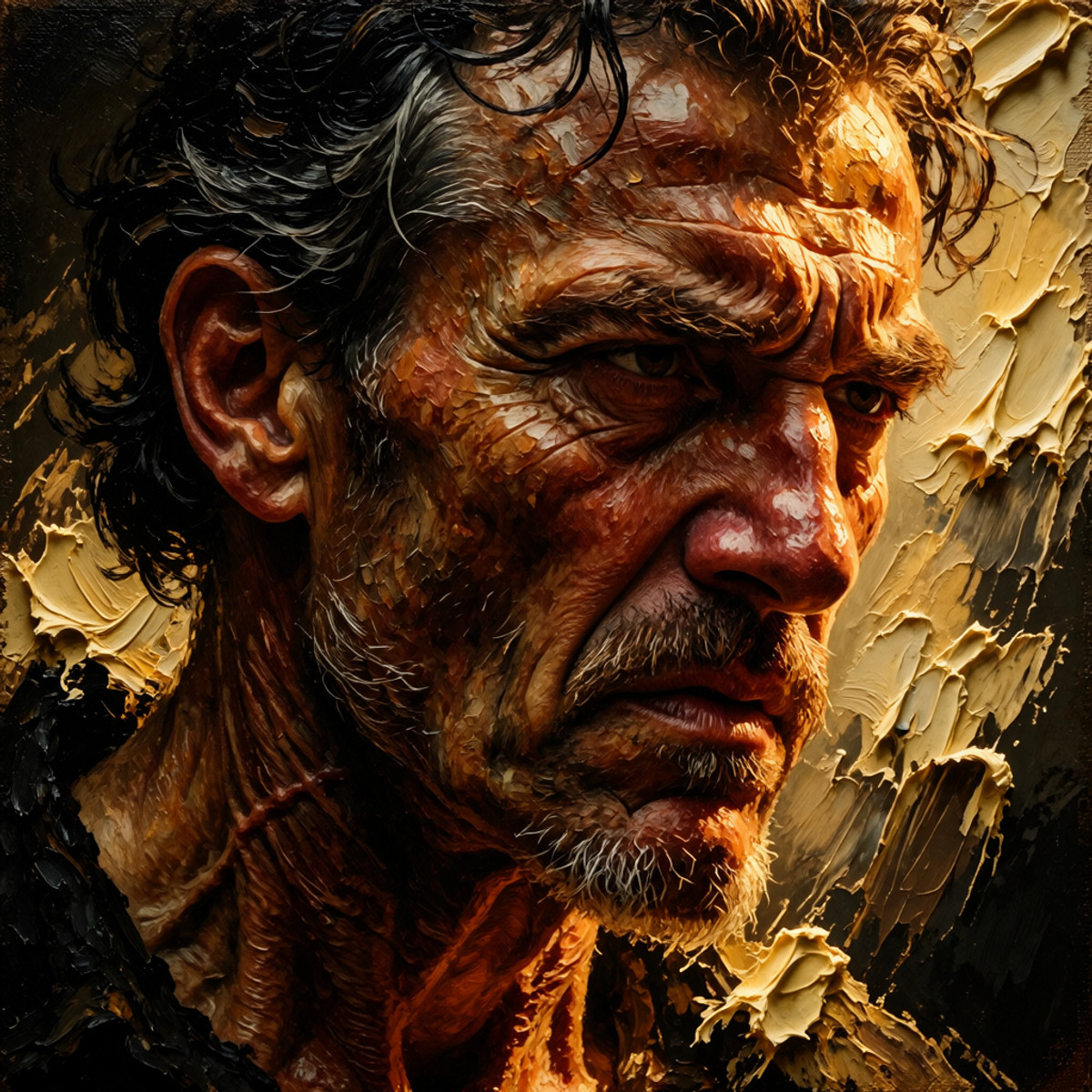
[B] Totev Art Vision MOSS · v1
LoRA · New Model · Author malibu79617 · Published 11-11 01:20 · Downloads 0 · Paid
A surreal style LoRA blending Old Master oil paintings and prints: Caravaggio and Rembrandt-style impasto chiaroscuro, Doré-style copperplate hatching, and double-exposure effects like starry skies within silhouettes.
Image
Archive Only (27)
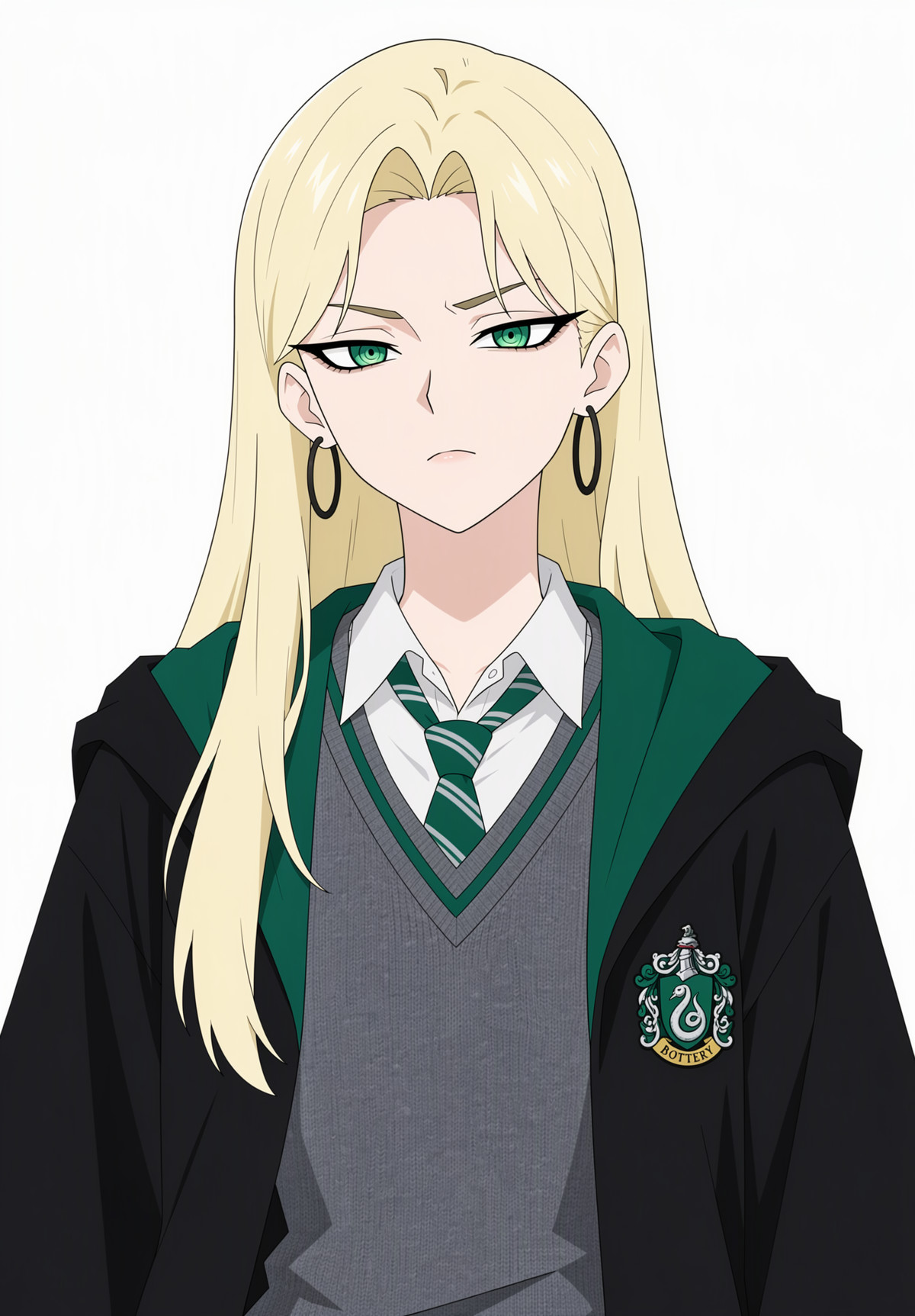
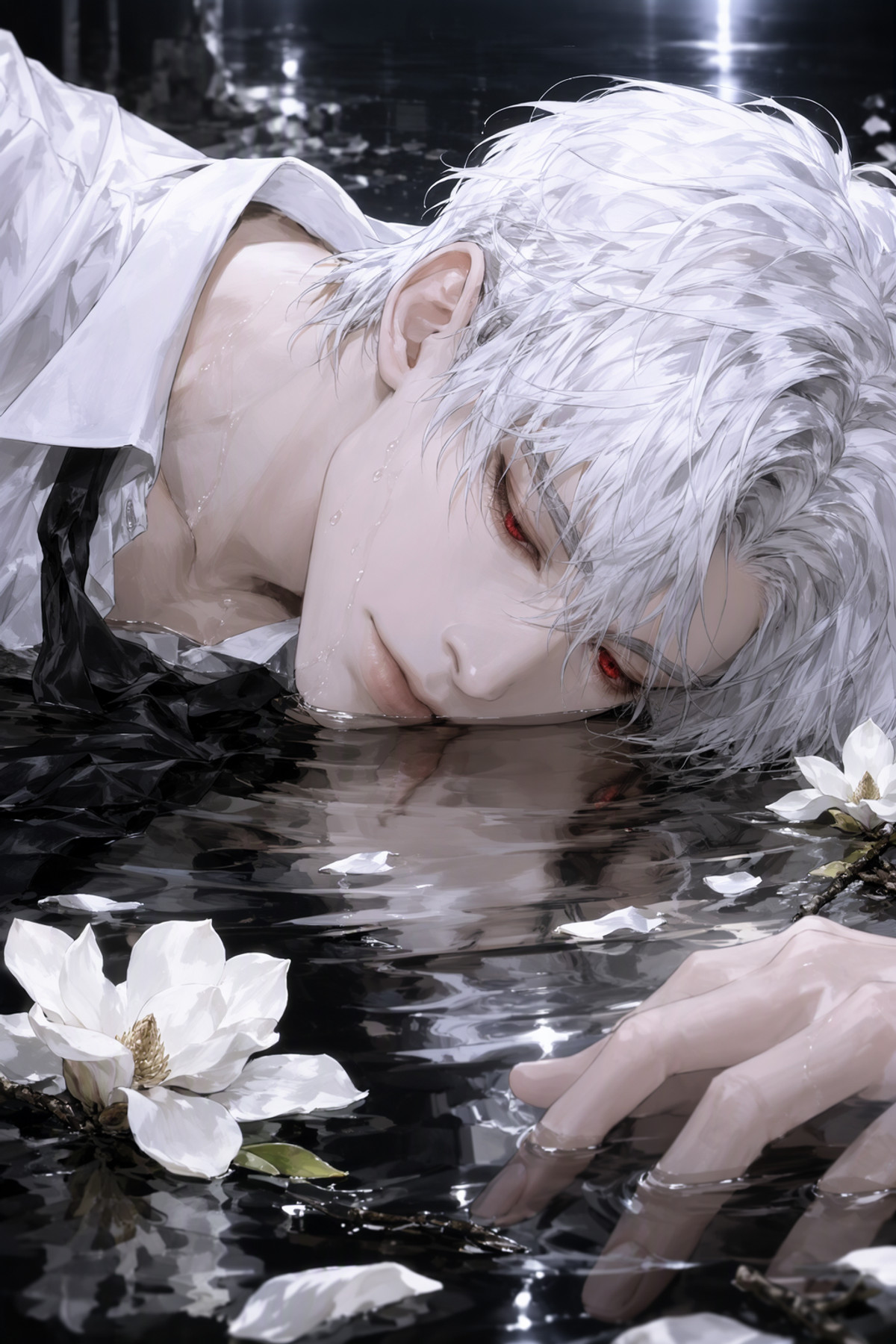
- Malfoid - Genderbent Draco Malfoy - MOSS LORA · v1.0 — LoRA: A character LoRA for a gender-bent version of Draco Malfoy (Malfoid): long blonde hair, green ringed pupils, large black hoop earrings, paired with Slytherin school uniform.
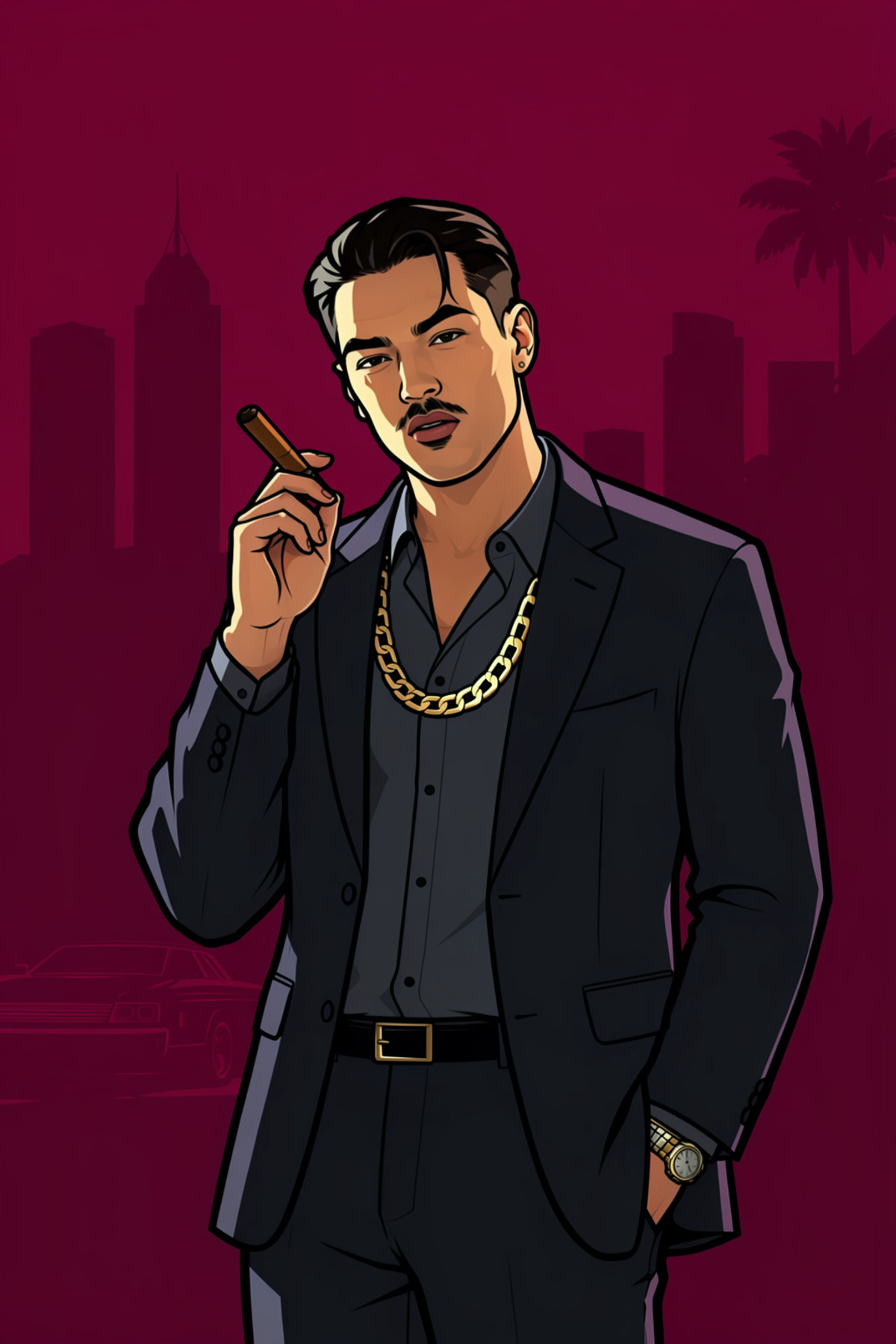
- GTA Style · MOSS — LoRA: MOSS version of a style LoRA mimicking the promotional art style of the GTA (Grand Theft Auto) series.
- Pilyeon Style [Anima/Krea2/MOSS/ZIT] · MOSS v1.0 — LoRA: MOSS version of a LoRA mimicking artist Pilyeon's semi-realistic oil painting style.
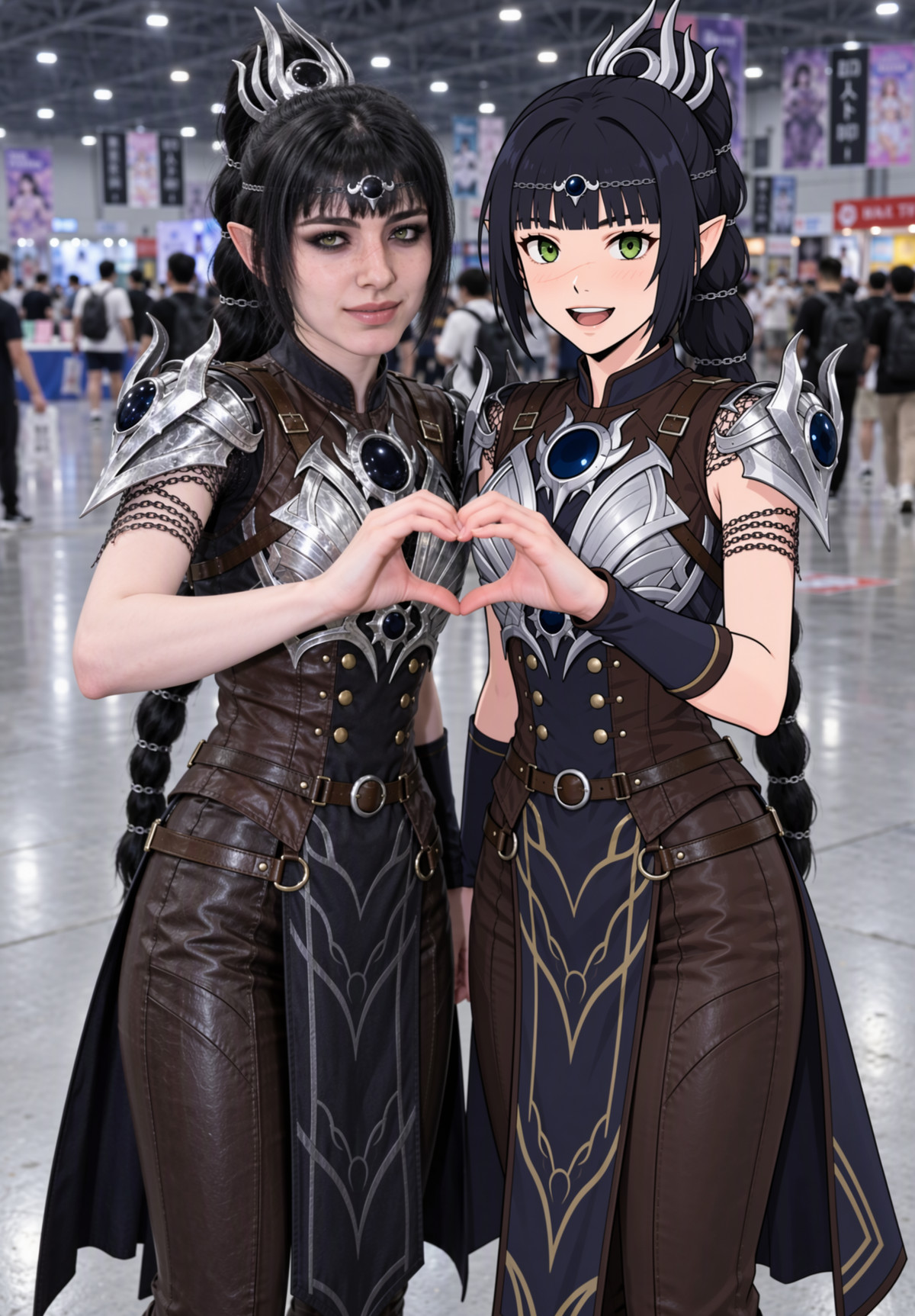
- Shadowheart - Baldur's Gate 3 - MOSS LORA · v1.0 — LoRA: A character LoRA for Shadowheart from Baldur's Gate 3, including prompts for both her standard black-haired look and her white-haired Selunite look.
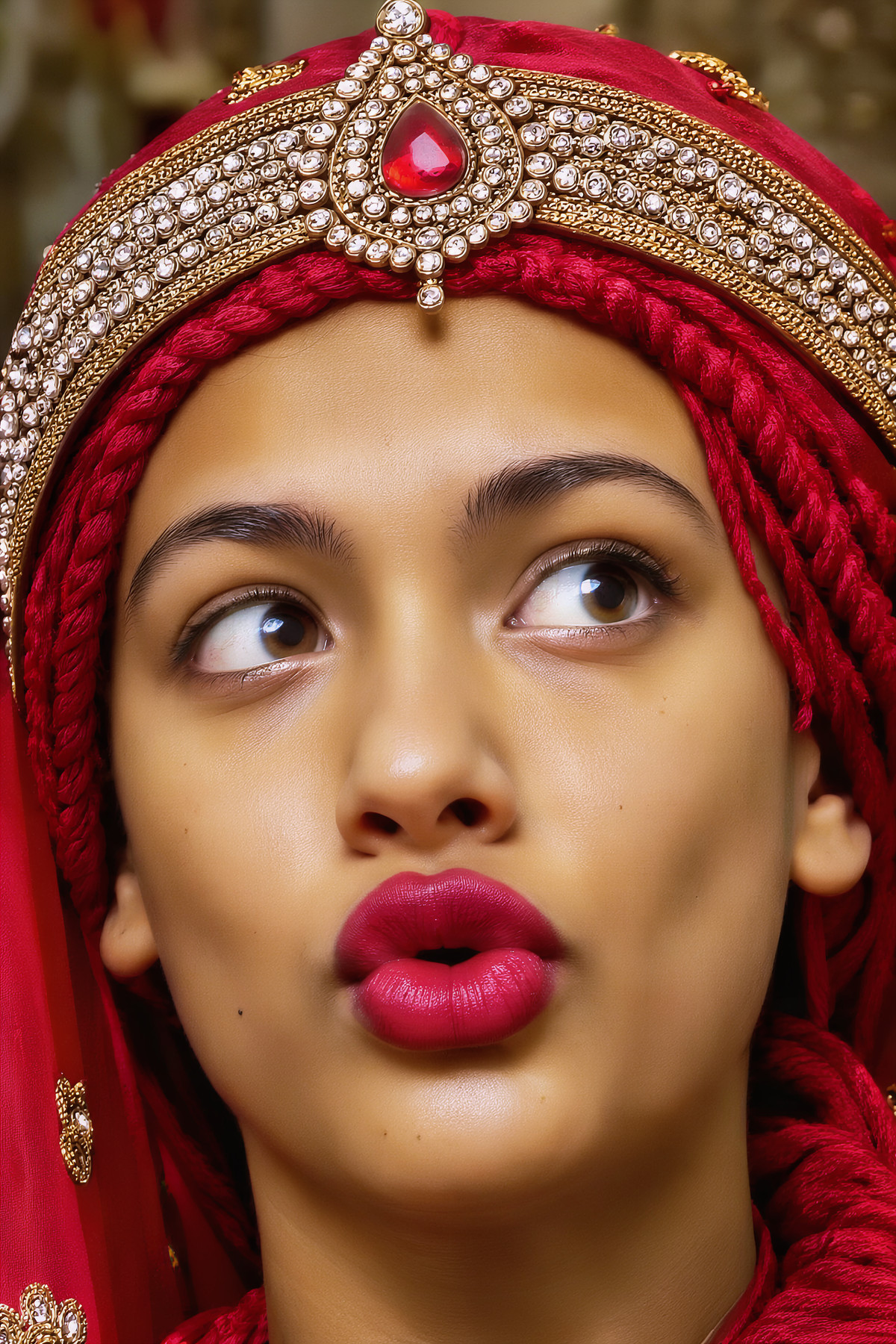
- Moss Image FinalCut (5GB - 25Step) · Comfy_Quant — Base Model / Checkpoint: ComfyUI INT8 (convrot) quantized version of the MOSS fine-tuned base model FinalCut. A Universal version with FP8 and half-precision files for the same model was previously available.
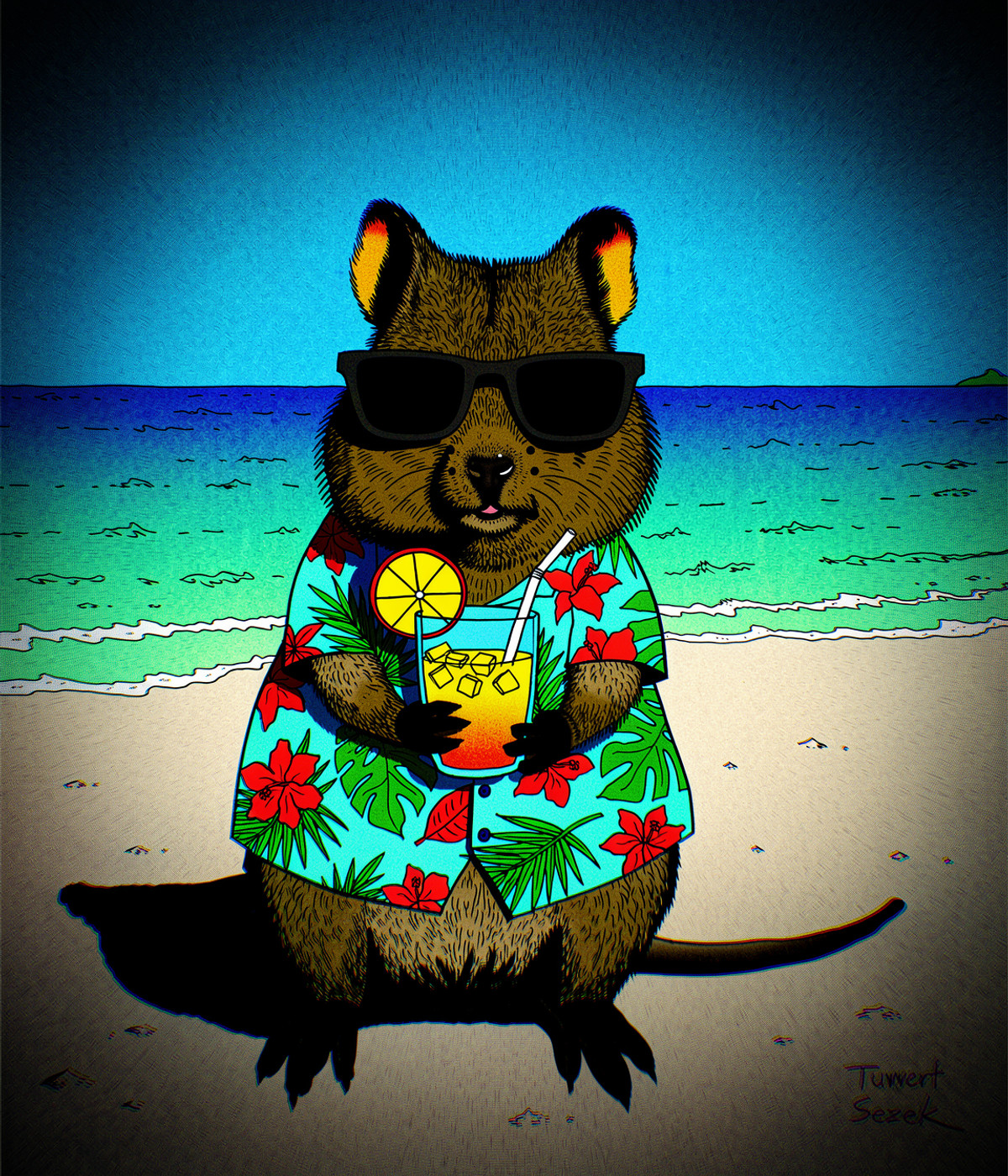
- koff lora · koffmoss — LoRA: MOSS version of a style LoRA trained on the author's own rough, "drawing-board style" doodles, intentionally aiming for crude and ugly results.
- MOSS-Image Panel Workflow — 6 Picture Types, 5 Sizes, Free-Prompt Box (SFW, 16GB) · Base — Workflow: Base model version of the same MOSS panel workflow (JSON, weights not included): the panel structure is identical to the SFT version, but the UNet is replaced with MOSS-Image Base pretrained weights.
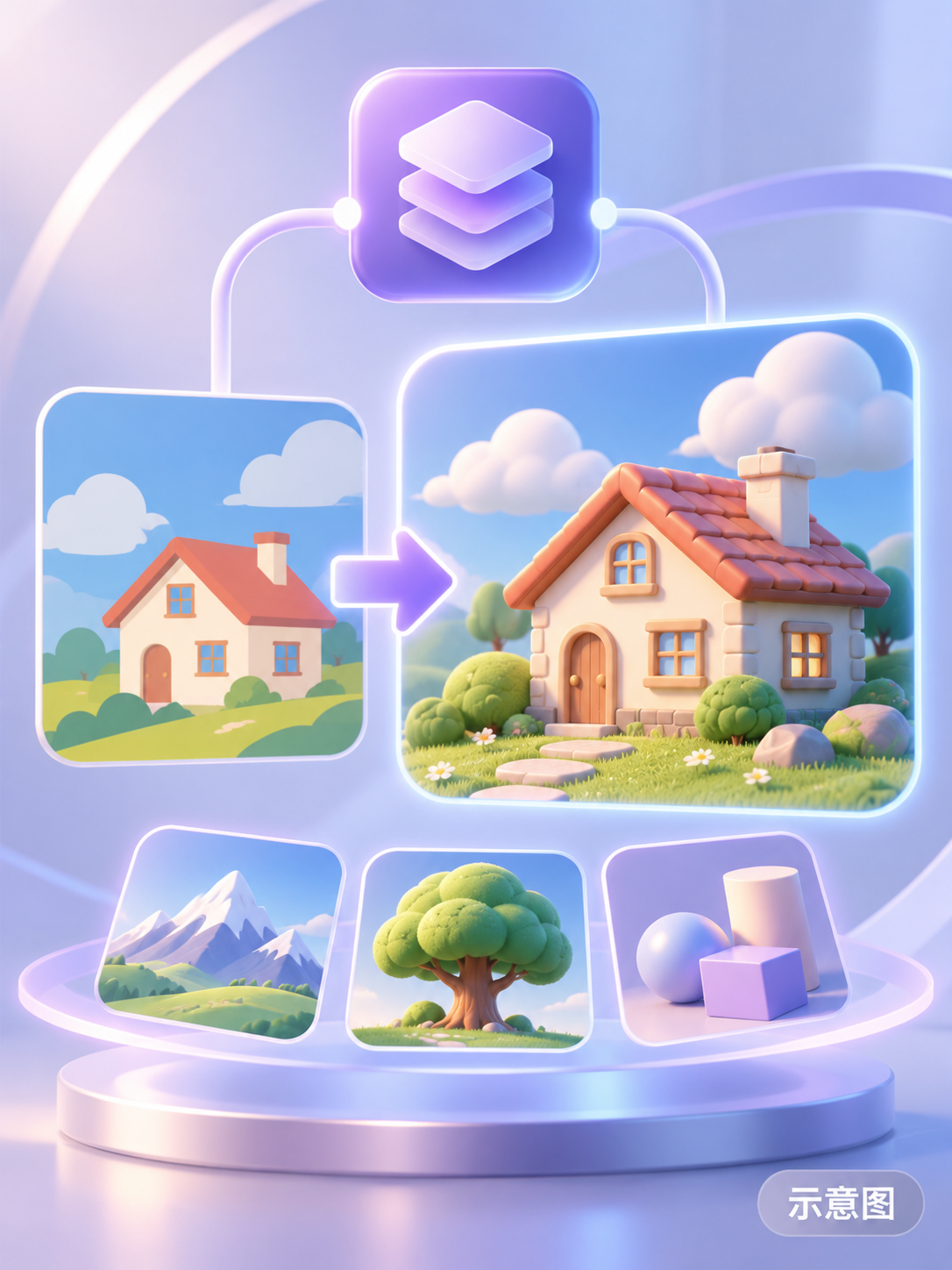
- Fugtrup - 3D - Style MOSS LORA · v1.0 — LoRA: A 3D CGI rendering style LoRA named after Fugtrup: creates smooth, finely textured 3D digital renders.
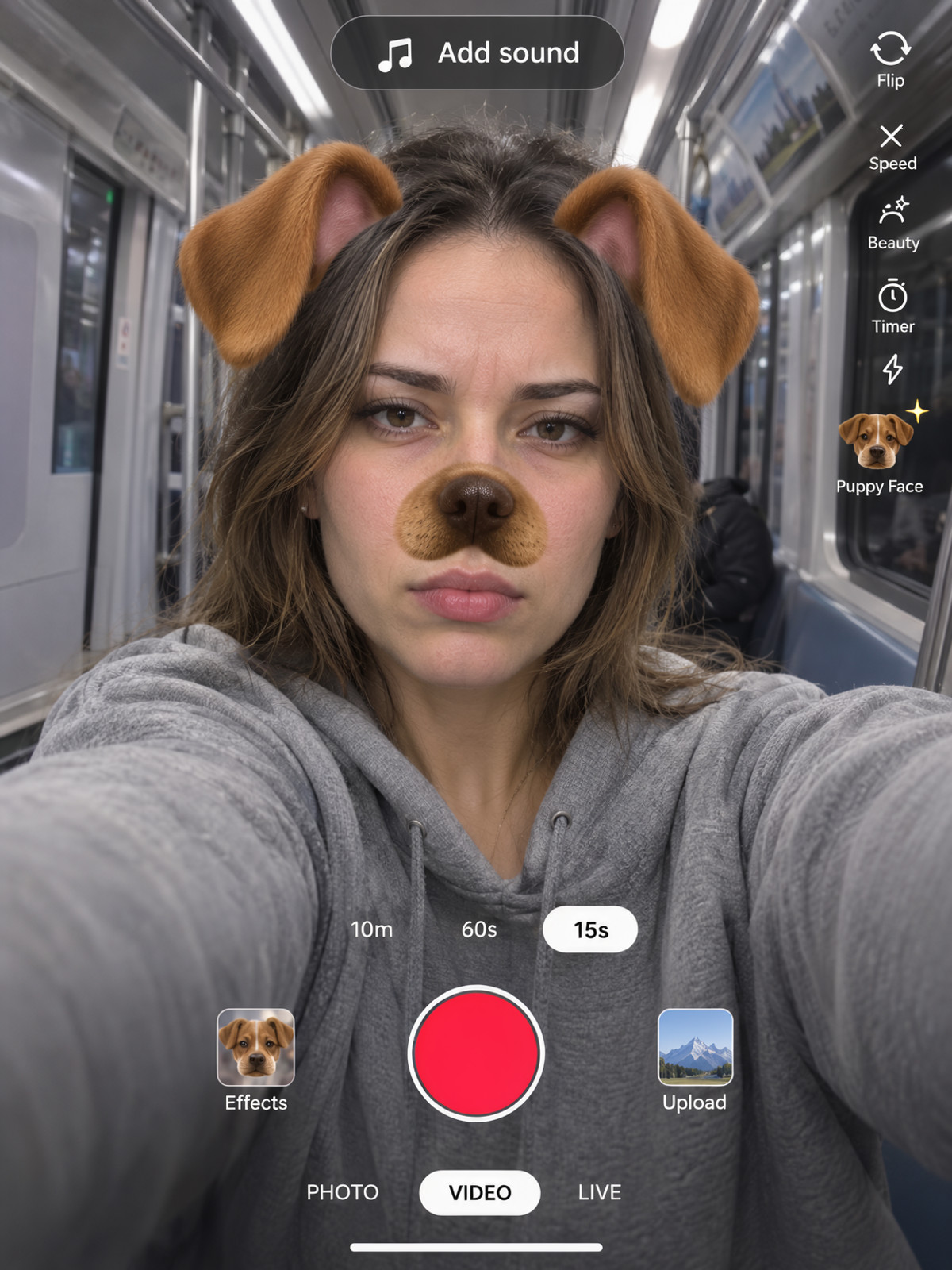
- AR Filter Selfie · MOSS — LoRA: MOSS version of an AR filter selfie style LoRA: overlays smartphone camera interfaces, stickers, and special effect filters onto selfie images.
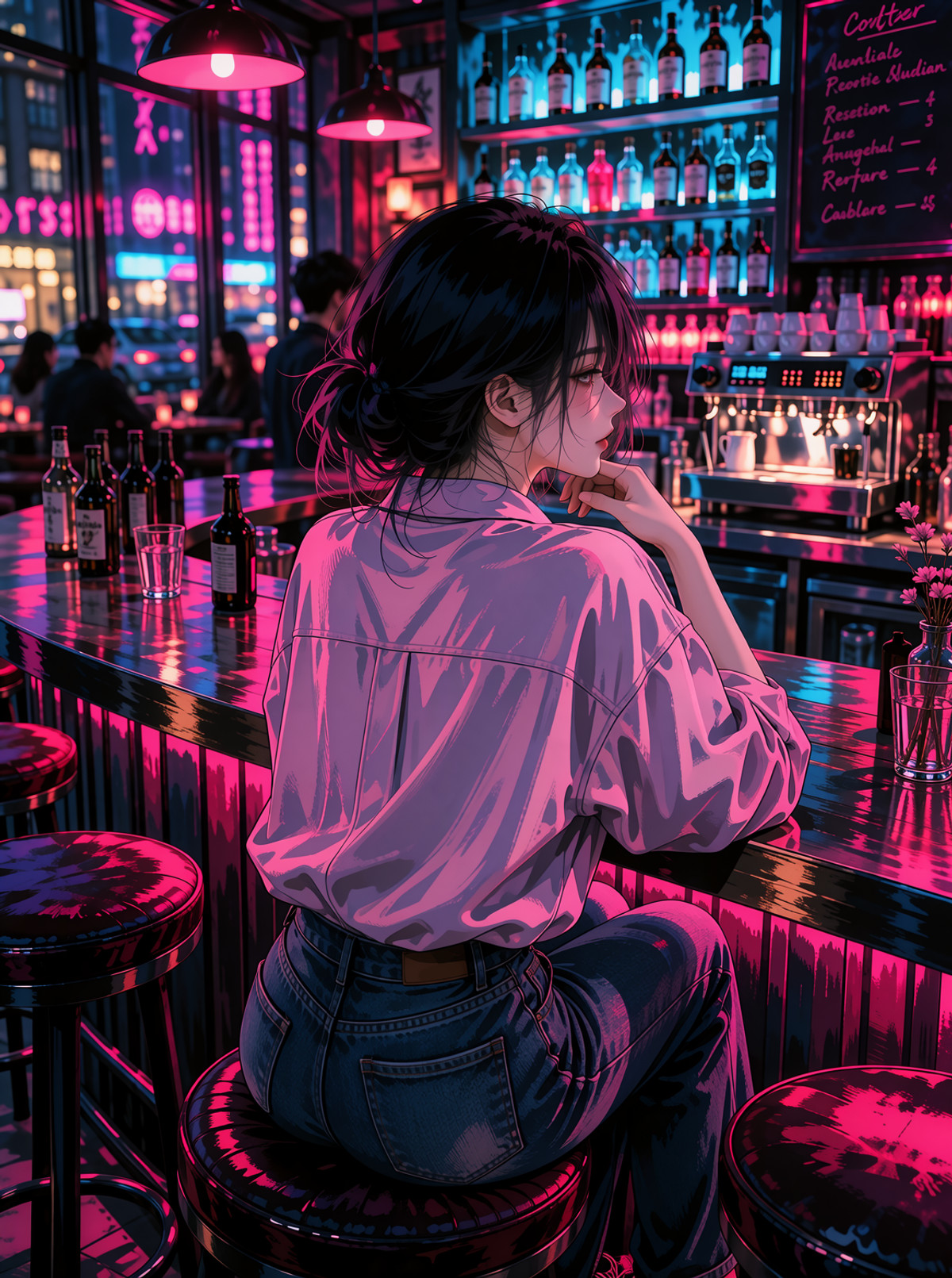
- clean2Dskin-style · v1.0 — LoRA: A style LoRA that adds "clean 2D skin texture" to characters; the author notes it also slightly alters overall lighting and shading.
- Ashley Graves - The Coffin of Andy & LeyLey - MOSS LORA · v1.0 — LoRA: A character LoRA for Ashley Graves from the indie game The Coffin of Andy & Leyley; the author provides three sets of prompts for appearance, clothing, and art style.
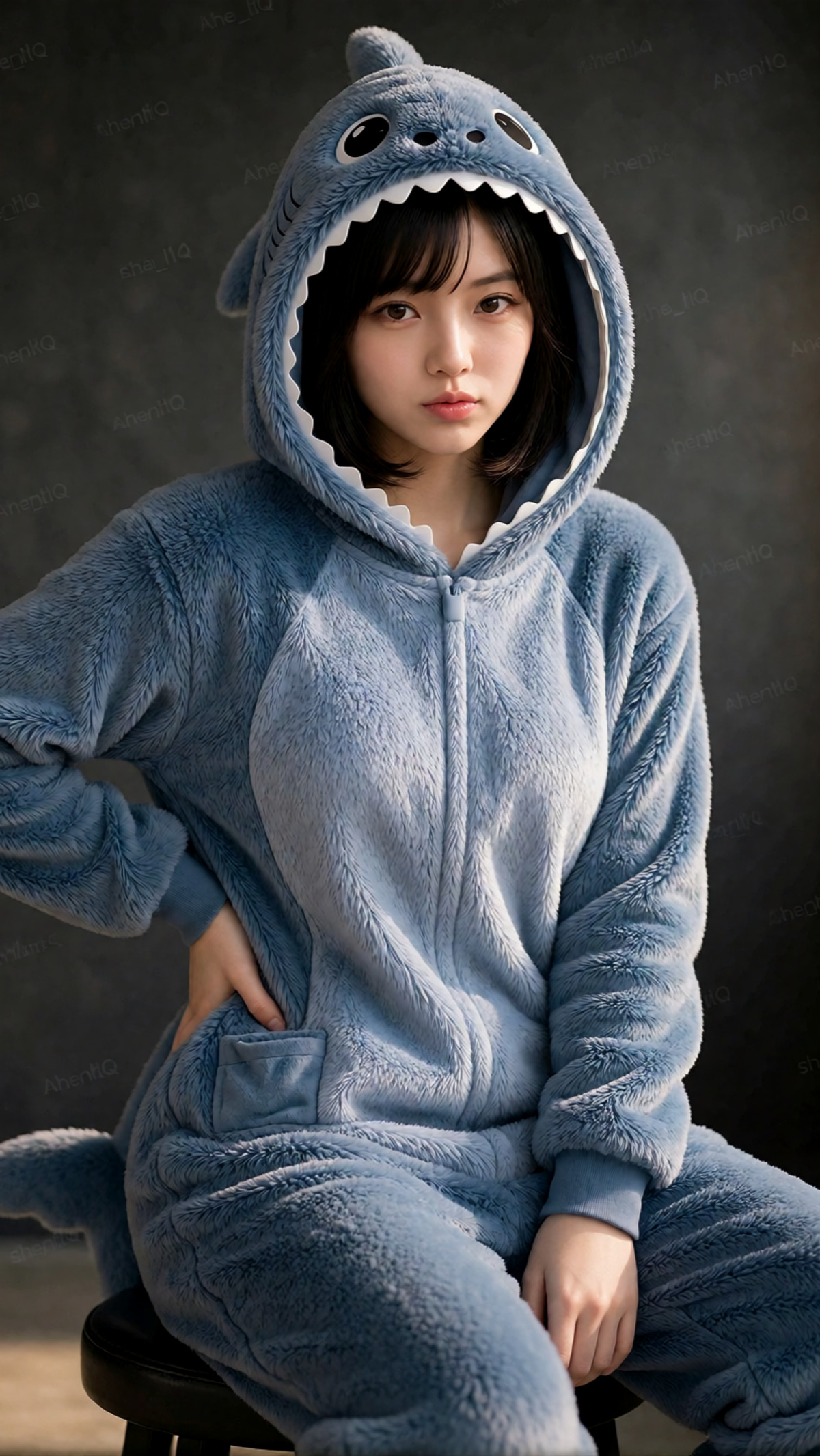
- Kigurumi Onesie: Shark [Krea2/MOSS] · MOSS_SFT_v1.0 — LoRA: MOSS SFT version of a kigurumi onesie clothing LoRA (Shark): makes characters wear a shark-themed hooded onesie.
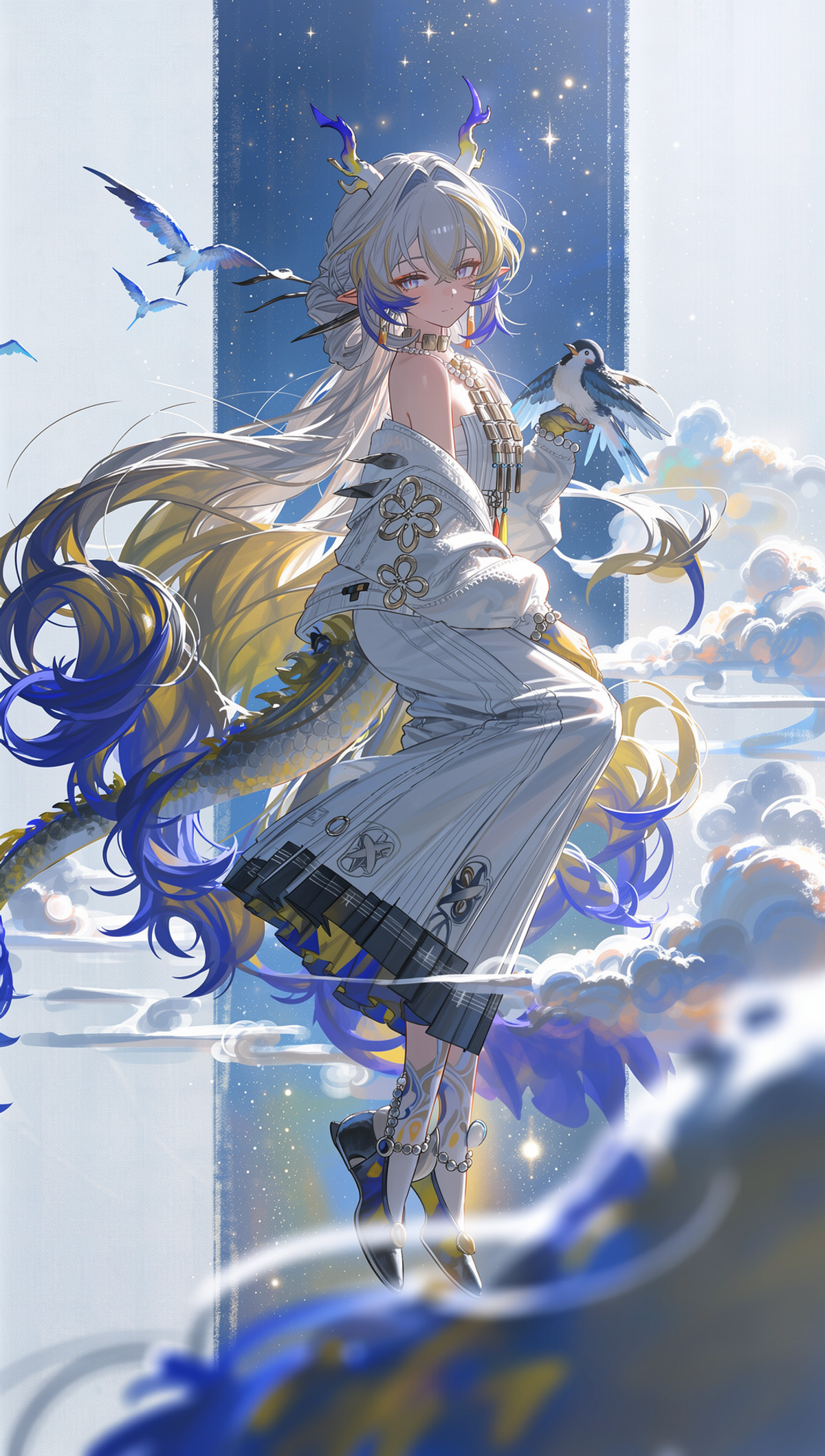
- [Moss]LzzyHale style · v1.0 — LoRA: A MOSS-Image SFT LoRA named LzzyHale style, trained on ModelScope; the model card does not specify what it learned.
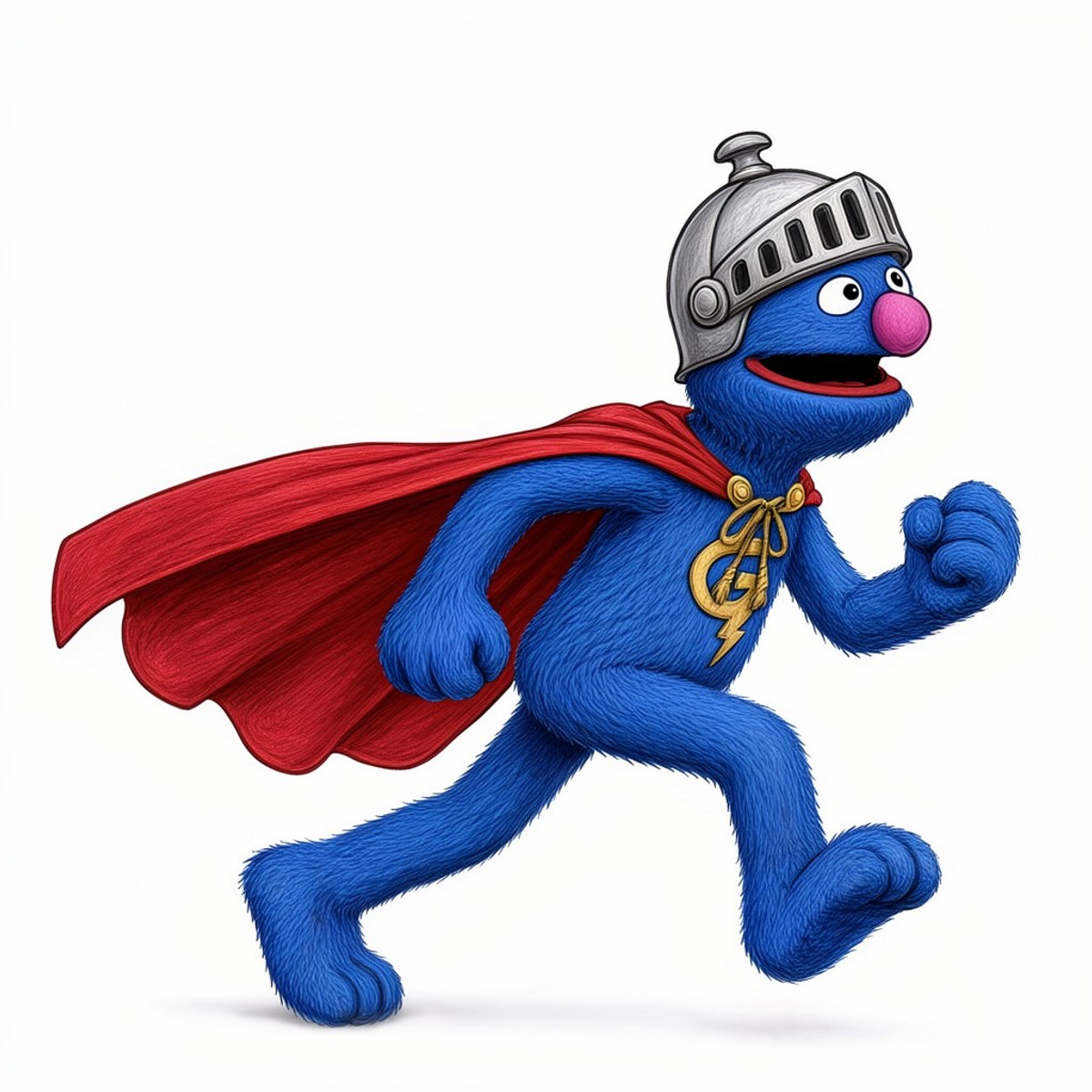
- Super Grover · Super Grover-MOSS — LoRA: A cartoon illustration version character LoRA for Super Grover from Sesame Street, not the puppet live-action style.
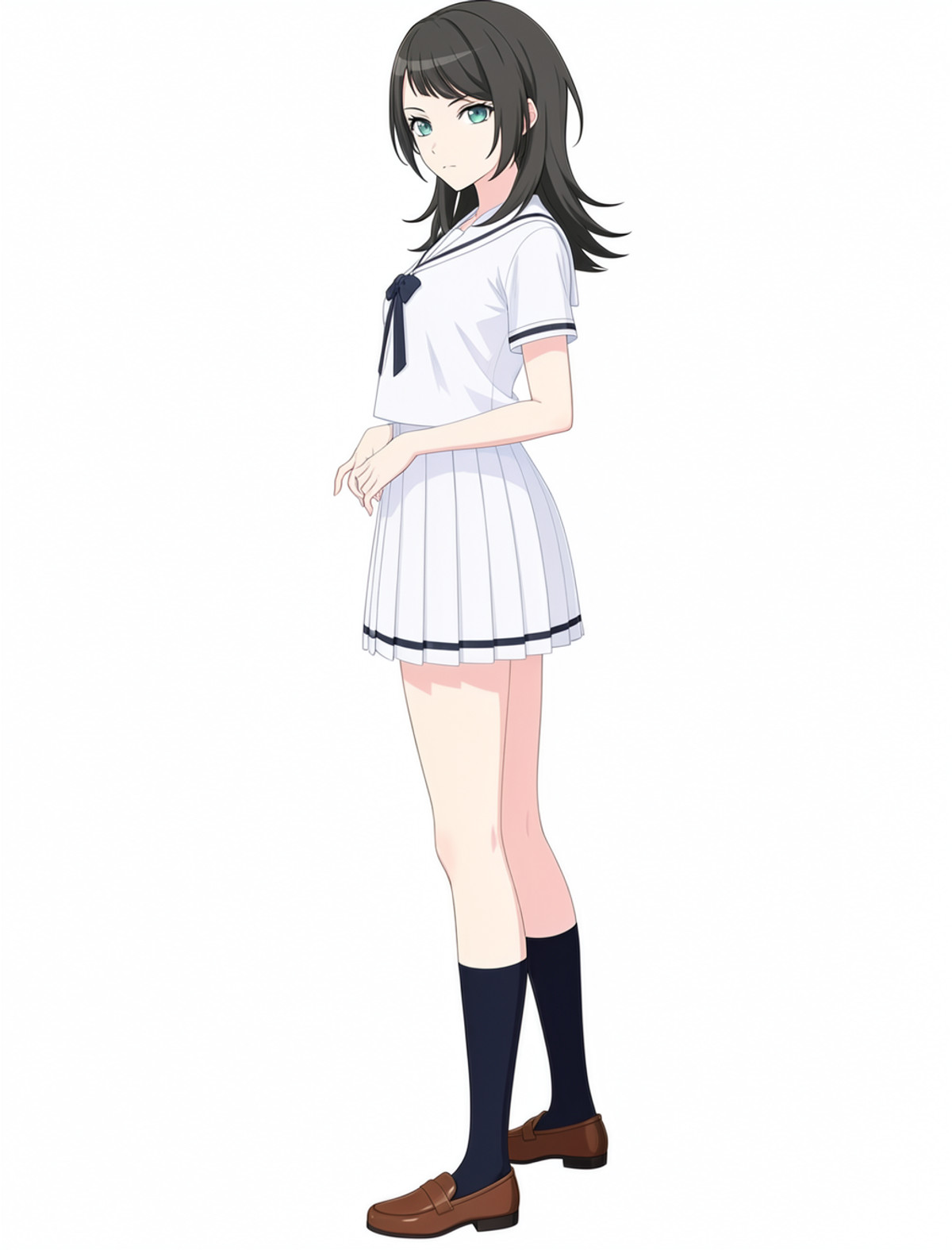
- Yahata_Umiri_MOSS_lora · v1.1b — LoRA: A character LoRA v1.1b for the anime character Yahata Umiri, including four outfits: casual wear, summer school uniform, autumn school uniform, and stage costume.
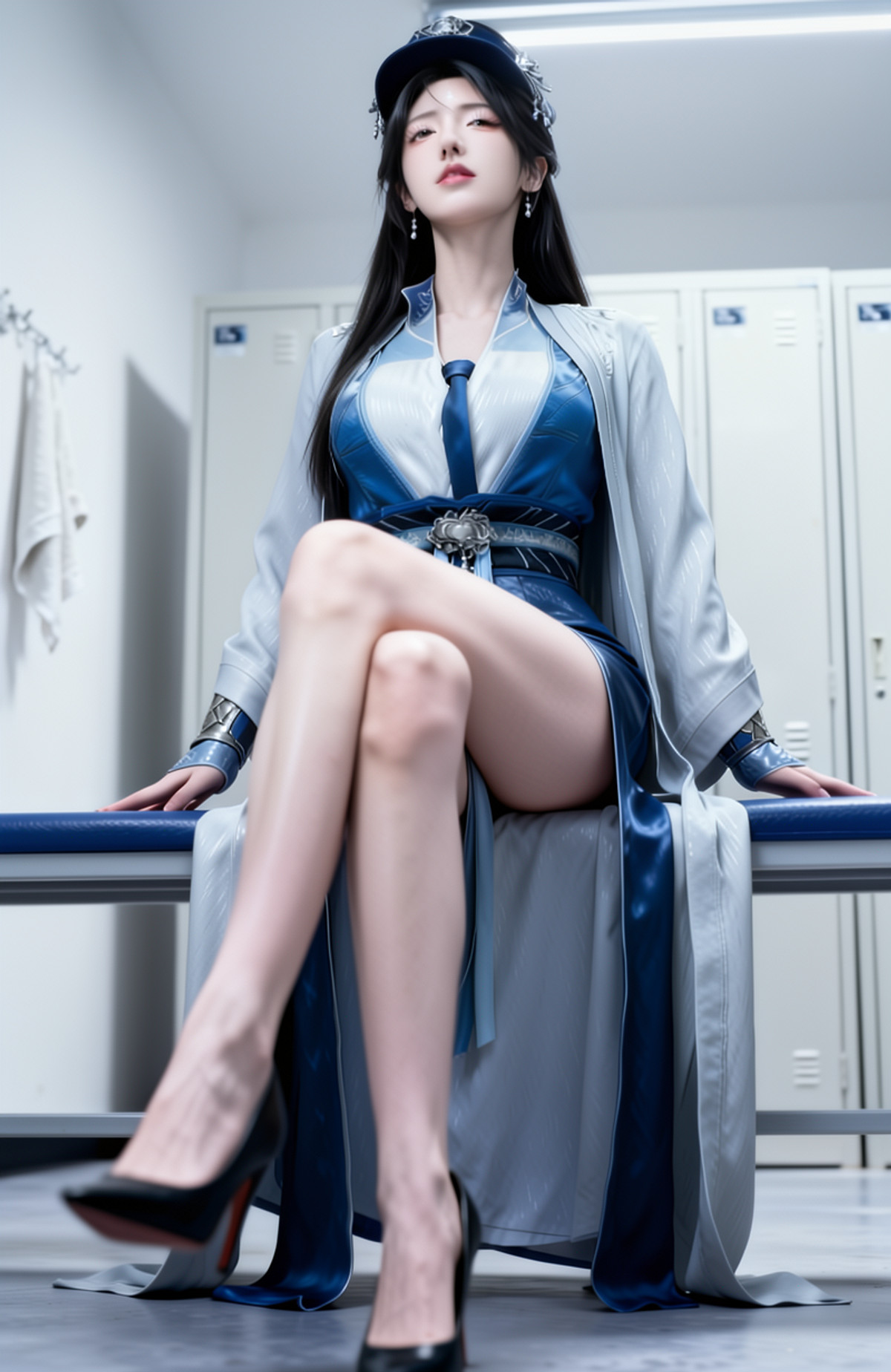
- Moss-yul南宫盒 · 000_yul_南宫盒。 — LoRA: A traditional Chinese style female character LoRA (tagged as Nangong Wan): blue and white traditional long dress, silver hair accessories, arm rings, floral waist ornament, and light grey outer robe.
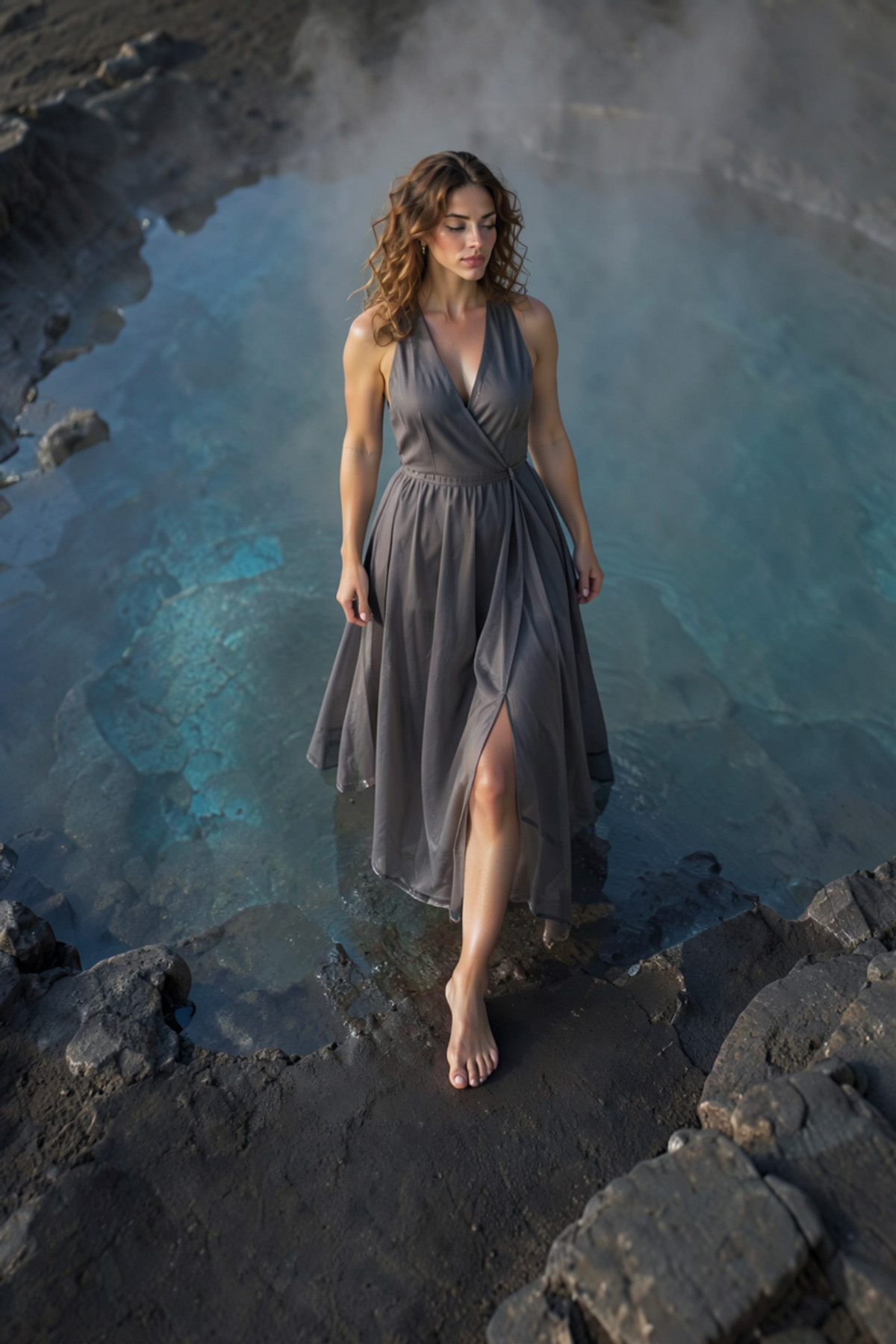
- Anaya Von Vergin · MossImage — LoRA: MOSS version of a character LoRA for Anaya Von Vergin, a fictional character from the MisterMR series (set as a museum curator from Oxford).
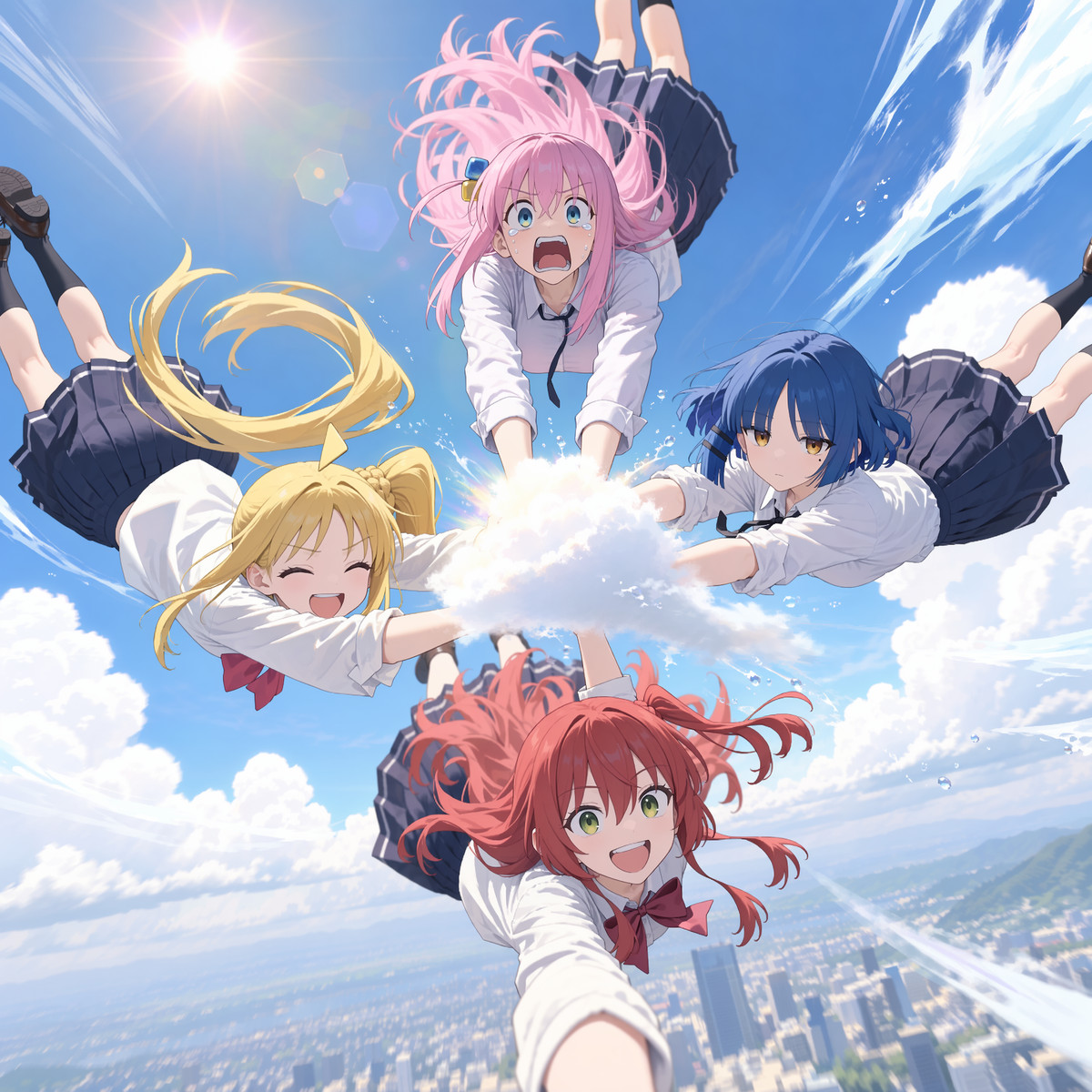
- xzu_style · v1.0 — LoRA: An illustration LoRA mimicking the style of pixiv artist "X Fish in the Dirac Sea".
- Event Horizon | MossLoraLab · Living in the 80s v1.0 — LoRA: A style LoRA named Living in the 80s from the MOSS LoRA Lab collection; based on the name, it is a 80s style, but the author does not describe the specific art style.
- tianyu · v1 — LoRA: A character LoRA for Tianyu, a virtual male character from the Bilibili series Apartment 101.
- Comics Fiction Engine · 2.0 Moss Turbo — Base Model / Checkpoint: MOSS Turbo 2.0 version of the comic-style base model Comics Fiction Engine: full weights for American comic-style illustrations with thick outlines, glossy textures, neon, and particle light effects.
- YSM Minecraft · moss v1.0 — LoRA: MOSS version of a style LoRA that renders images as Minecraft "Yes Steve Model" (YSM) block character models.
- ICKPOT Style · MOSS — LoRA: MOSS version of a LyCORIS style model mimicking artist ICKPOT's style.
- warren_style · v1.0 — LoRA: An illustration LoRA mimicking the style of pixiv artist warren.
- Sulcate Style · MOSS — LoRA: MOSS version of a LyCORIS style model mimicking artist Sulcate's anime style.
- Kitamura Kaori (Midareuchi) kitamura kaori - Midareuchi - 100% Manga Source (No Anime)MOSS image · v1 — LoRA: A character LoRA for Kitamura Kaori from the manga Midareuchi; the author states it was trained only on manga manuscript materials (excluding anime).
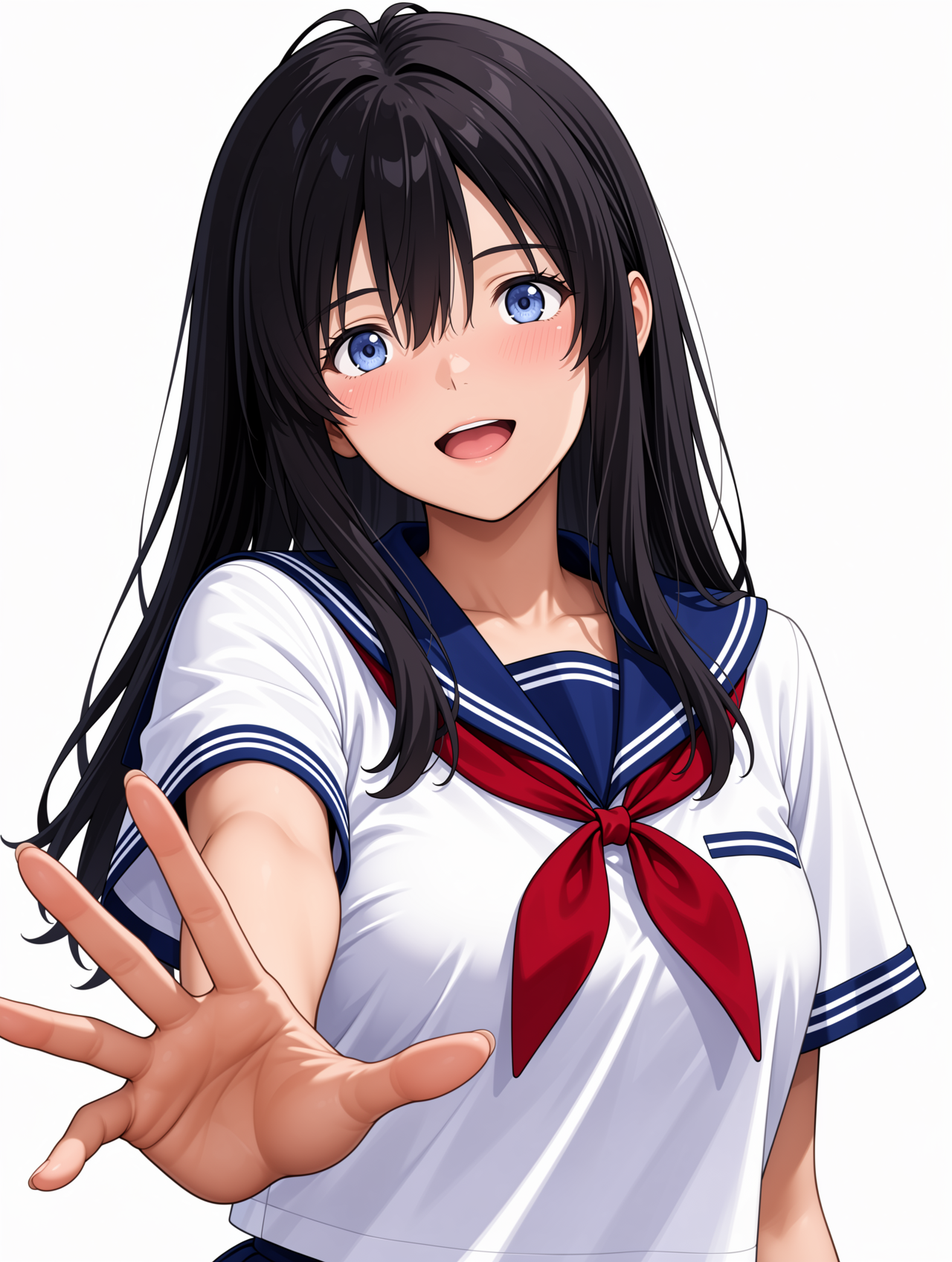
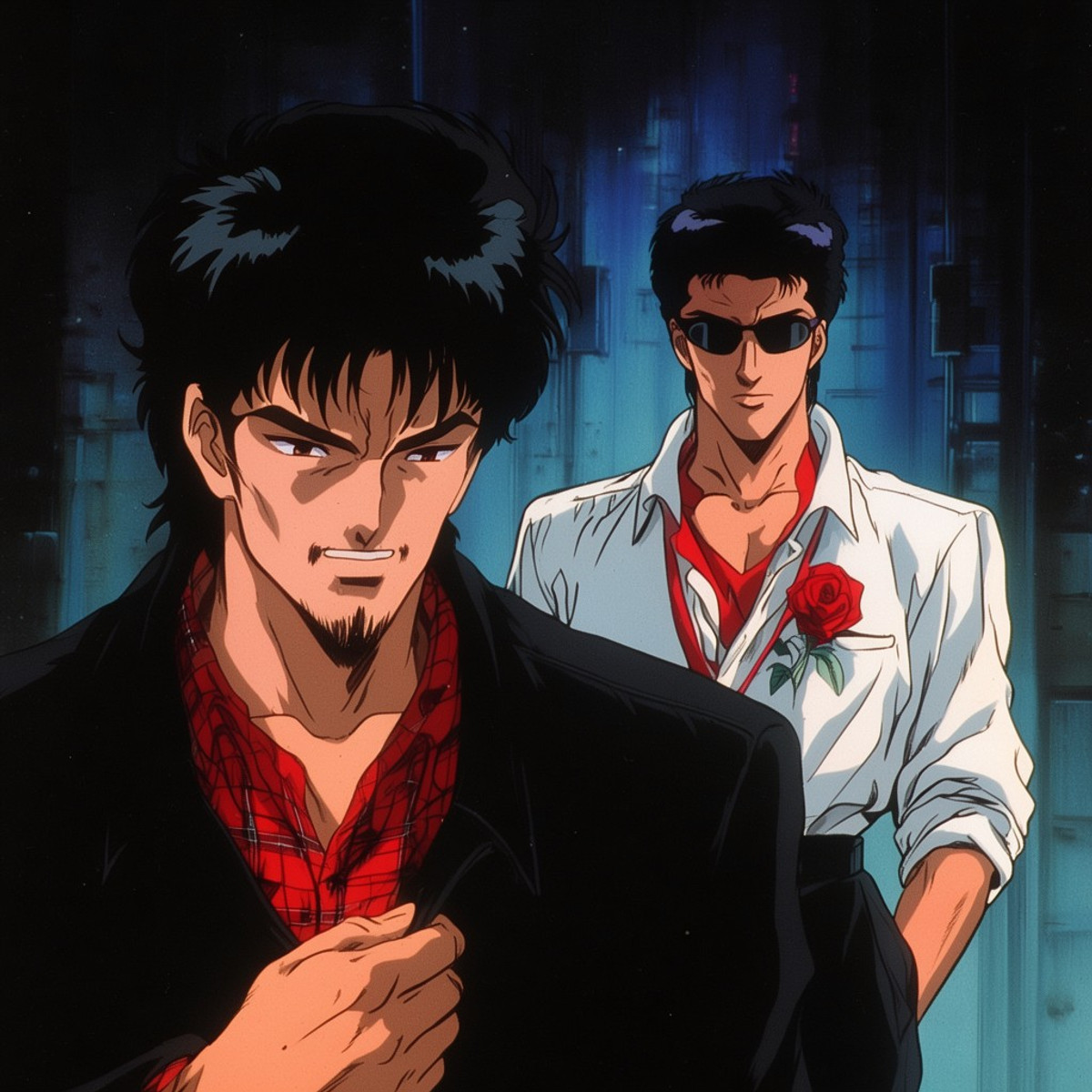
- Retro Anime Mix by Shrekman · Moss-V1-ShrekmanMix — LoRA: MOSS version of a retro anime style LoRA featuring late 80s to 90s Japanese theatrical animation and hand-drawn cel film aesthetics.
Data: Civitai Public API (Base Model MOSS Image), inclusion window 11-10 20:31 → 11-11 13:03 (Beijing Time). Recommendations are editorially reviewed; download counts only reflect attention.