Zhenzhen's AI Radar · MOSS Image · 2026-11-15 Evening Report
This issue features 25 new versions: Strongly Recommended 1 · Recommended 8 · Worth Watching 6 · Listed Only 10
Editor's Note This issue reviewed 33 new MOSS versions, with 1 rated S, 9 rated A, 7 rated B, and 16 rated C. The top pick is Moss-Image Tile Control: it uses the original image to guide composition, outlines, and local structures for upscaling and detail redrawing. It is now a standalone MOSS-LLLite adapter connected to the SFT base model; the author provided node connection methods and strength ranges. Semi-realistic Chinese anime rendering style, age slider, Raehoshi 2D base model, ornate fantasy clothing enhancement, and several style and clothing LoRAs ported from Krea 2 / Flux are rated A; six artist-style LoCONs by the same author using the same template, each with only 1 visible examples and no usage instructions, along with multiple copyrighted character LoRAs, are rated C.
Strongly Recommended (1)
[S] Moss-Image Tile Control · v1.0
ControlNet · Version Update · Author Xabsurd · Published 11-15 14:42 · Downloads 24
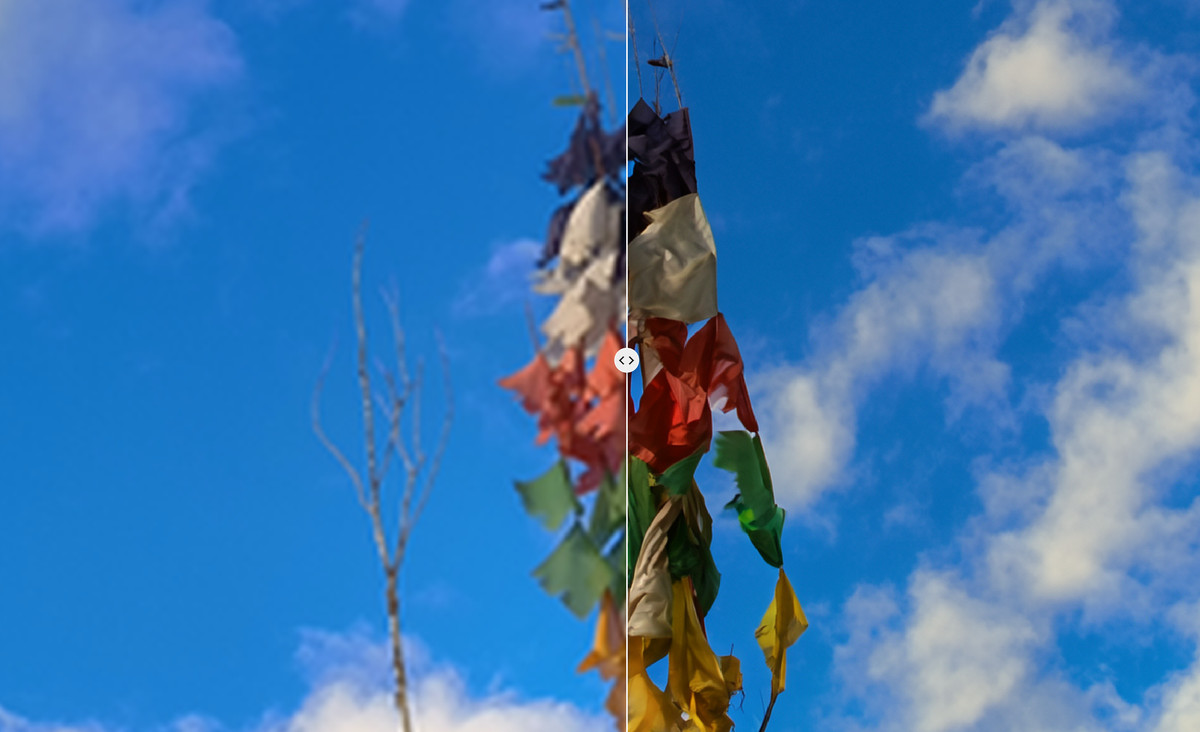
The V1 official release of MOSS-Image Tile Control: uses an existing image to guide composition, subject outlines, and local structures for redrawing. It is used for detail restoration and sharpening after upscaling while striving to preserve character features and colors.
Images
Reasons for Recommendation
- Version Update: Previously, the same page featured beta2 (a LoRA on MOSS-Image-Base that preserves the original image most strongly but is slowest), beta3 (a residual adapter on SFT that is fastest but smooths out fine textures), and a workflow/node version. V1 changed to a standalone MOSS-LLLite adapter running on MOSS-Image-SFT. The author states it underwent four design iterations and, in their own comparisons, offers the best clarity and detail restoration, as well as good preservation of features and colors.
- Serves upscaling retouching, redrawing old images, and completing details in low-resolution images: Input a reference image to output an image with the same composition but clearer details. The author posted four sets of input/output comparisons and workflow JSONs for V1 on Hugging Face; the embedded workflows in the output PNGs can be dragged directly into ComfyUI.
- The files also include the custom node package ComfyUI-MOSS-LLLite.zip and a workflow configuration with Color Match, with steps detailed down to the node name level. Free.
How to Use
- Unzip the node ZIP into ComfyUI/custom_nodes/ and place the weights in ComfyUI/models/model_patches/. After restarting, use Load MOSS-LLLite + Apply MOSS-LLLite; connect the base model to MOSS-Image-SFT, connect the reference image directly to the apply node (no VAE input needed), and connect the model output to the sampler.
- Start with strength 0.5–1.0, start 0, end 1. Higher values adhere more closely to the original image; lower values give the model more room for redrawing. V1 cannot use standard LoRA loaders. Before switching to V1, remove the Tile LoRA from beta2, and delete the old ComfyUI-Moss-Tile-Control node directory to avoid conflicts.
- If color shifts occur, you can correct them after generation using Color Match with the original image as a color reference. The author's V1 examples did not use Color Match or sharpening; the workflow includes an acceleration LoRA and complete sampling parameters.
Risks and Limitations
- The author did not write update notes (the version description field is empty); usage instructions for V1 are only found in the general description on the model page.
- Depends on the author's custom nodes and the SFT base model. The weight formats and loading nodes for the three versions are not interchangeable. The author states that details are regenerated, which does not equate to restoring information lost from the original image, and color consistency is not guaranteed.
- The license only allows site rental; commercial use of outputs is not included. 3 visible examples (2 hidden). The ranking is based on observations from the author's own workflow, not standard benchmarks.
Recommended (8)
[A] Pictorial Adventures [Krea + Flux 2 + IL] · MOSS
LoRA · Ported · Author ColonelJay · Published 11-15 19:30 · Downloads 19
The MOSS version of the Pictorial Adventures style LoRA: Mimics illustrations from old-fashioned children's history storybooks—thick layered coloring, visible brushstrokes, strong contrast between light and dark. Suitable for narrative scenes involving knights, adventurers, and historical settings.
Images
Reasons for Recommendation
- Ported: The same page already has versions for Krea 2, Flux.2 Klein 4B, and Illustrious. The description for the MOSS version only states "MOSS image version" without detailing differences from other base model versions.
- The author claims reference to historical and adventure illustrations by French illustrator Pierre Joubert: large color blocks combined with detailed faces, clothing, and equipment; loose backgrounds with clear subject edges.
- 8 visible examples (12 hidden); Free. The license allows output generation and rental. The entire series has gained some attention, but the MOSS version was just released.
How to Use
- Include the trigger word pictorial_adventure_illustr4tion in the prompt. You can also add the author's suggested style sentence: Classic narrative illustration, expressive figures, strong draftsmanship, bold visible brushwork, rich earthy colors, dramatic lighting, distinctive hand-painted texture.
- The author states that strength 1 produces normal results (this advice was written for Flux, Krea, and Z-image Turbo). The author did not provide step counts, CFG, or sampler settings for the MOSS version.
Risks and Limitations
- MOSS-specific parameters and effect differences compared to other versions are not documented; you can only start based on suggestions for other base models.
- The style directly benchmarks illustrator Pierre Joubert's art style. Be aware of controversies regarding style imitation for commercial use. The page contains mixed content.
Trigger Words: pictorial_adventure_illustr4tion, Classic narrative illustration, expressive figures, strong draftsmanship, bold visible brushwork, rich earthy colors, dramatic lighting, distinctive hand-painted texture
[A] cinematic fantasy Ornate Fantasy Clothing & Accessory Enhancement · v1.0
LoRA · New Model · Author yor_briar · Published 11-15 14:19 · Downloads 49
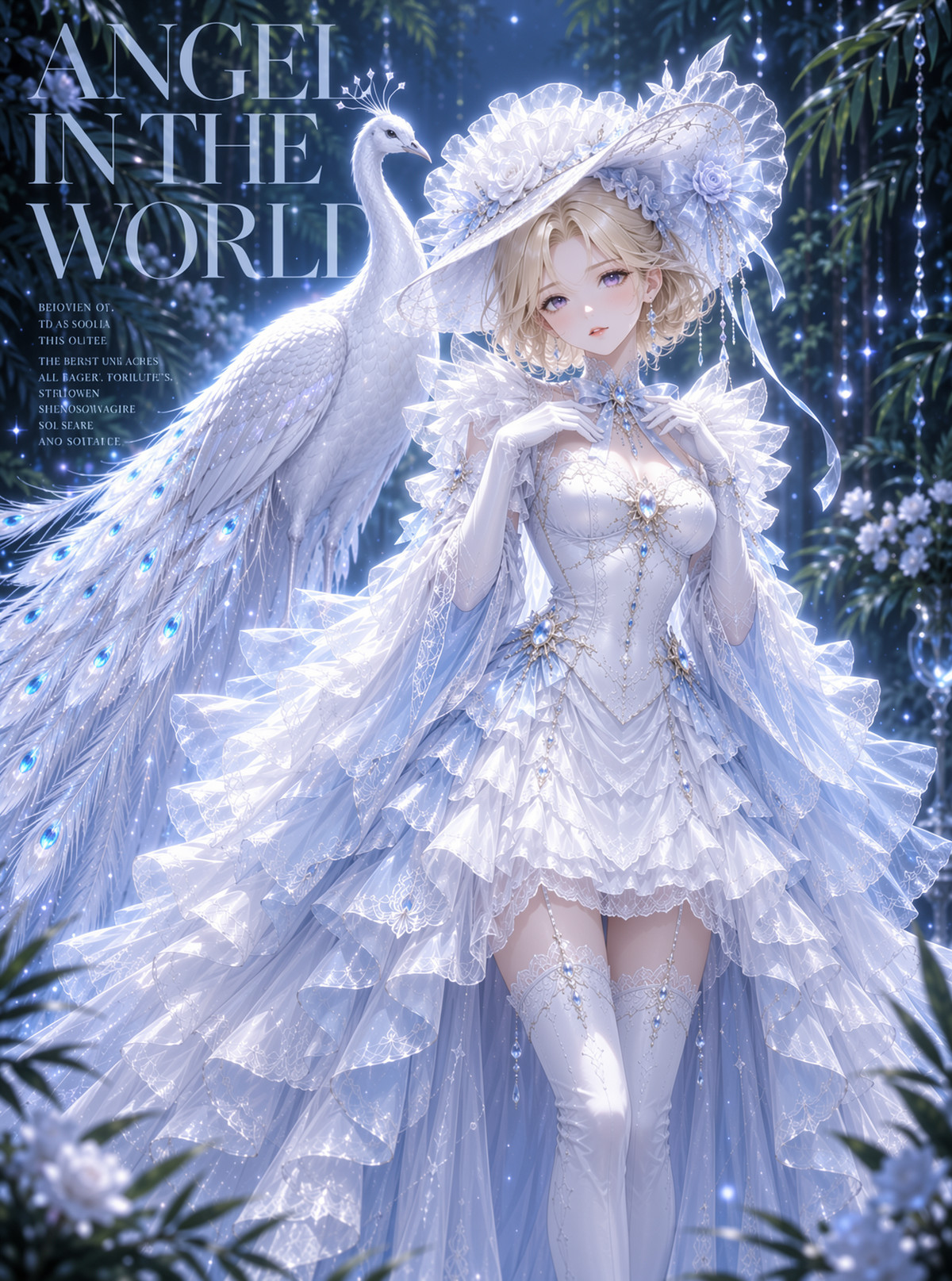
cinematic fantasy Ornate Fantasy Clothing & Accessory Enhancement: A LoRA that makes clothing in images more ornate and adds more exquisite accessories, leaning towards cinematic fantasy styling.
Images
Reasons for Recommendation
- New model; serves fantasy character portraits, ancient-style or Western fantasy clothing design: pushes clothing towards complexity and heavy decoration without changing the character or composition.
- The author provided the trigger word cinematic fantasy and a recommended weight of 0.8. The Chinese and English descriptions are consistent.
- 6 visible examples (4 hidden); Free. The license allows output generation and sales.
How to Use
- Add cinematic fantasy to the prompt, with LoRA weight 0.8.
- The author did not provide step counts, CFG, or sampler settings.
Risks and Limitations
- The author states that training materials were GPT-generated images. Style and details will inherit the tendencies of those images; the author did not clarify the licensing of the source materials.
- The description is very short, covering only weight and trigger words. Performance under different base models (Base / SFT) and with acceleration LoRAs is not specified. The page contains mixed content.
Trigger Words: cinematic fantasy,
[A] Raehoshi Moss Image · v1.0
Base Model / Checkpoint · New Model · Author Raelina · Published 11-15 20:26 · Downloads 19
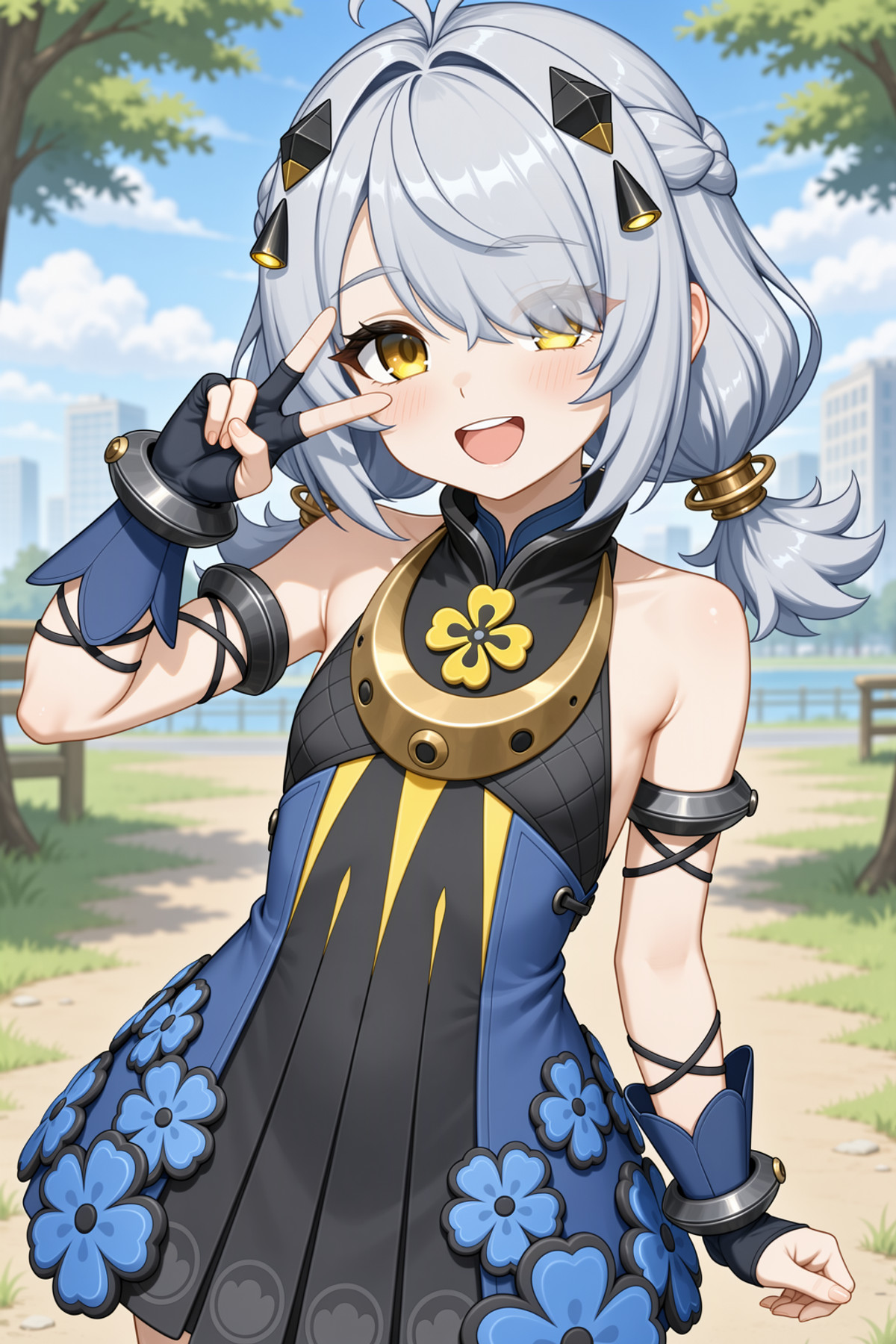
Raehoshi Moss Image: A 2D-oriented base model trained further on MOSS-Image Base. It incorporates a large amount of new concept and character knowledge, including new characters from Wuthering Waves, Zenless Zone Zero, Honkai: Star Rail, and Genshin Impact as of 2026 10.
Images
Reasons for Recommendation
- New model (full base model); serves anime/game character fan art: The author states it was trained on approximately 10k images. Annotations include four formats: complete tags, long natural language, medium length, and short phrases; all four writing styles are usable.
- Method: Trained based on MOSS-Image Base. In the final stage, a rank 128 LoRA extracted from MOSS-Image SFT using SVD was merged in. The goal is to be more refined and balanced than the original version.
- Recommended settings are fully documented and marked as mandatory by the author: ER SDE sampling, SGM Uniform scheduling, 30–50 steps, CFG 4.0–5.0, plus Skip Layer Guidance. The page provides both int8 and bf16 main models, an int8 qwen3.5 9B text encoder, and flux2 VAE.
How to Use
- Sampler: ER SDE. Scheduler: SGM Uniform. Steps: 30–50. CFG: 4.0–5.0.
- SLG must be enabled: Fill Single Layers with 22, 24, 26; Start 0, End 0.5. In ComfyUI, use the SkipLayersGuidanceDITSimple node. In Forge Neo, find it in the Stable Diffusion settings page.
- Prompts can use tags or natural language, long or short. The author did not specify how to write character names.
Risks and Limitations
- The author states that image quality drops significantly if SLG is not enabled, relying on additional nodes or settings.
- The training set consists of commercial game characters. Outputs involve copyrighted characters; assess IP risks yourself before commercial use. The Civitai license allows output generation and rental; the author separately lists Apache 2.0.
- 3 visible examples (5 hidden). The page contains mixed content. Full base models are large; even the int8 version requires downloading the text encoder simultaneously.
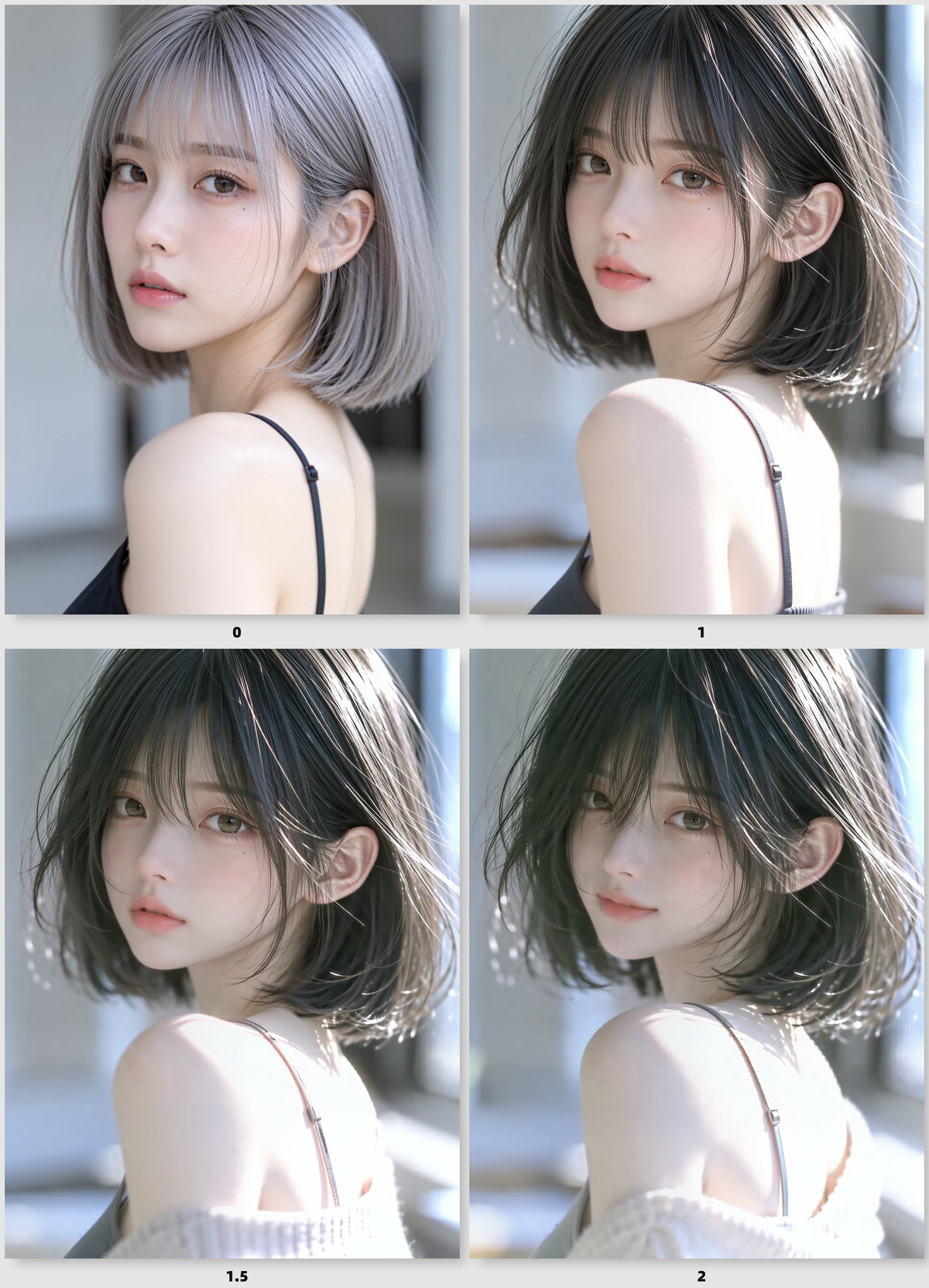
[A] MOSS_Semi-realistic_Render · v1.0
LoRA · New Model · Author baowy · Published 11-15 15:15 · Downloads 119
MOSS_Semi-realistic_Render: Pushes MOSS outputs towards the semi-realistic rendering look of domestic 3D animation and fantasy short films—more sculptural materials, generalized forms, and illustration-like lighting. There is no trigger word; strength is controlled by weight.
Images
Reasons for Recommendation
- New model; serves stylized illustrations, mood images, and character concept art. The author states training materials were 534 frames from Chinese 3D animation and fantasy short films. Annotations only describe content, not style words, so the style is entirely contained in the weights.
- Parameters are detailed: Weight 1.0–2.0, sweet spot 1.0–1.2, strong stylization at 1.5–2.0. er_sde sampling, CFG 1.0. With an 8-step DMD acceleration LoRA, use 8 steps; without it, use 10–20 steps. Resolution 1056×1408 or MOSS native sizes.
- The author lists limitations upfront (see Risks) to help judge when to lower the weight. Free. The license allows output generation and sales.
How to Use
- After loading the LoRA, write content prompts directly without trigger words; start with 1.0, and increase to 1.5–2.0 if you want the rendering style to override the prompt
- The author recommends simultaneously attaching a 8-step DMD acceleration LoRA (strength 1.0), using er_sde, CFG 1.0, and 8 steps; either MOSS-Image Base or SFT can be used as the base model
Risks and Limitations
- The author states this is an experimental version: the training set features predominantly female subjects, so at high weights male subjects are pushed toward a feminine appearance; it is recommended to keep prompts for males below 1.0; above 1.5, buildings or abstract scenes may have waterfalls, extra structures, or decorative figures added, and at 2.0, monster-type scenes may generate unwanted characters
- Only 2 visible examples are provided (1 hidden), so stability across genres cannot be assessed; the lack of trigger words means the style can only be disabled by lowering the weight
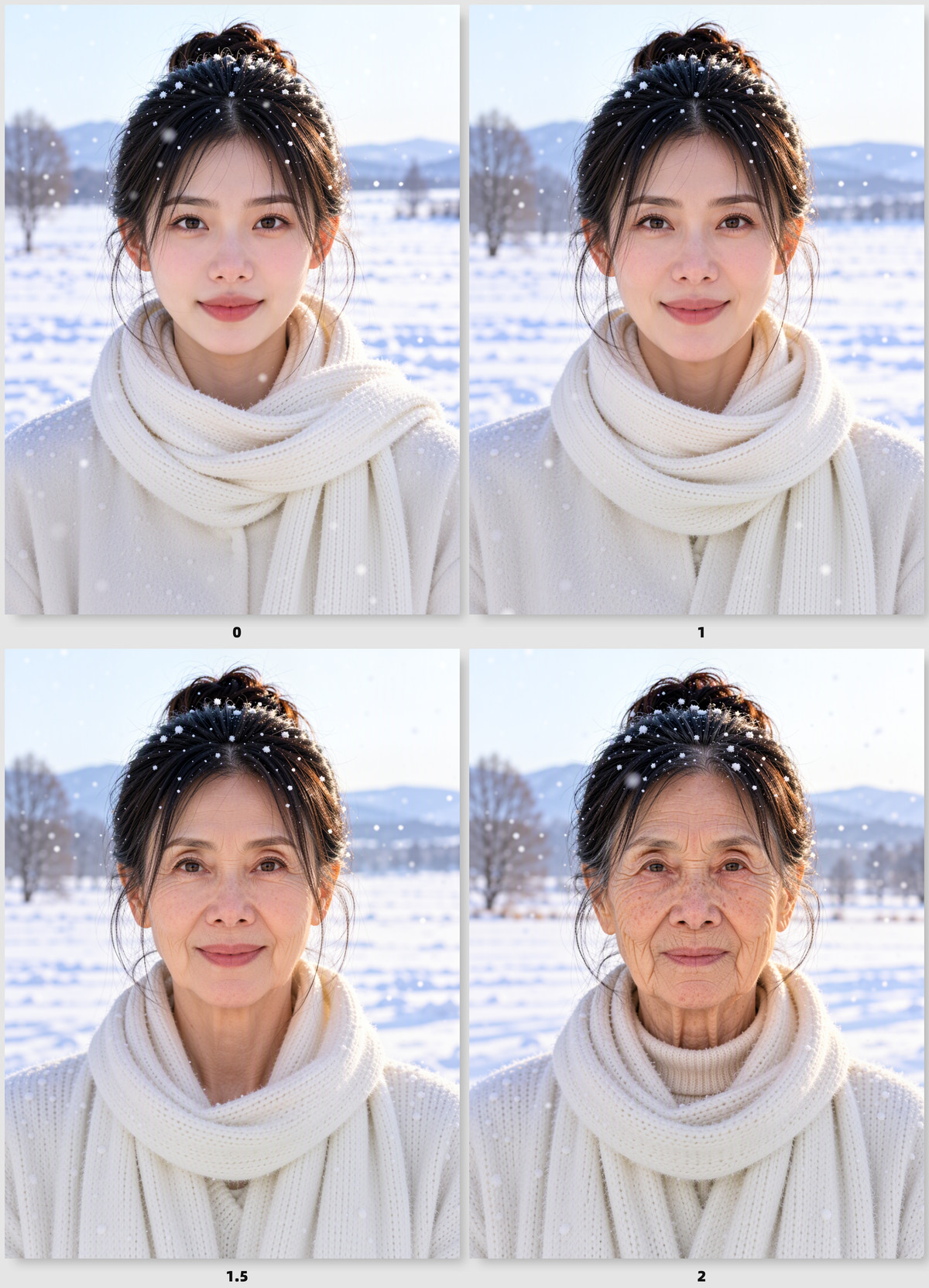
[A] MOSS_age_slider · v1.0
LoRA · New Model · Author baowy · Published 11-15 16:14 · Downloads 212
MOSS_age_slider: An age slider LoRA where positive weights make characters look older and negative weights push them toward a younger appearance, allowing you to adjust character age within the same prompt.
Images
Reasons for Recommendation
- New model; useful for portrait age adjustment and comparison images of the same character at different ages, without needing to change age descriptions in the prompt
- The author provides a weight range from -2 to 3, suggested prompts (1boy / 1girl + photo, realistic portrait, neutral background), and accompanying acceleration: set the 8-step DMD acceleration LoRA to 1.0
- The file is small and free; the license allows for image generation and sales; with approximately 5 hours since release and 212 downloads, it has the highest attention in this group
How to Use
- Attach the LoRA and adjust the weight between -2 and 3: positive values make subjects older, negative values make them younger; no trigger words required
- Write prompts as suggested by the author using 1boy or 1girl plus photo, realistic portrait, neutral background; pair with the 8-step DMD acceleration LoRA (strength 1.0)
Risks and Limitations
- The author states that negative value effects were not thoroughly tested, so you need to experiment yourself
- Only 1 example images are provided; the suggested prompt is for realistic portraits with solid backgrounds, and performance in complex scenes or illustration styles is not specified
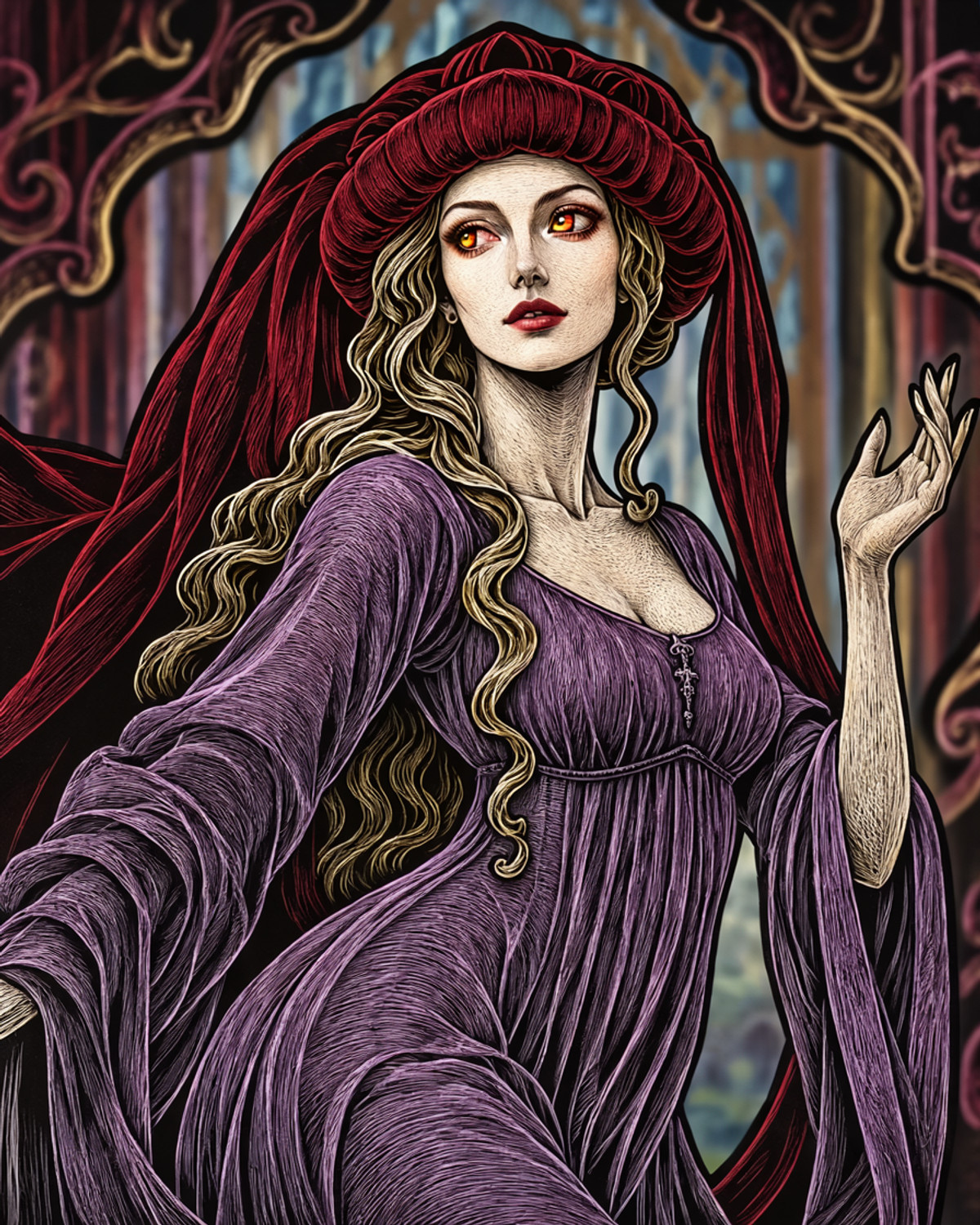
[A] Medieval chaperon [Krea + MOSS + Flux1/2 + IL] · MOSS
LoRA · Ported · Author ColonelJay · Published 11-15 10:00 · Downloads 25
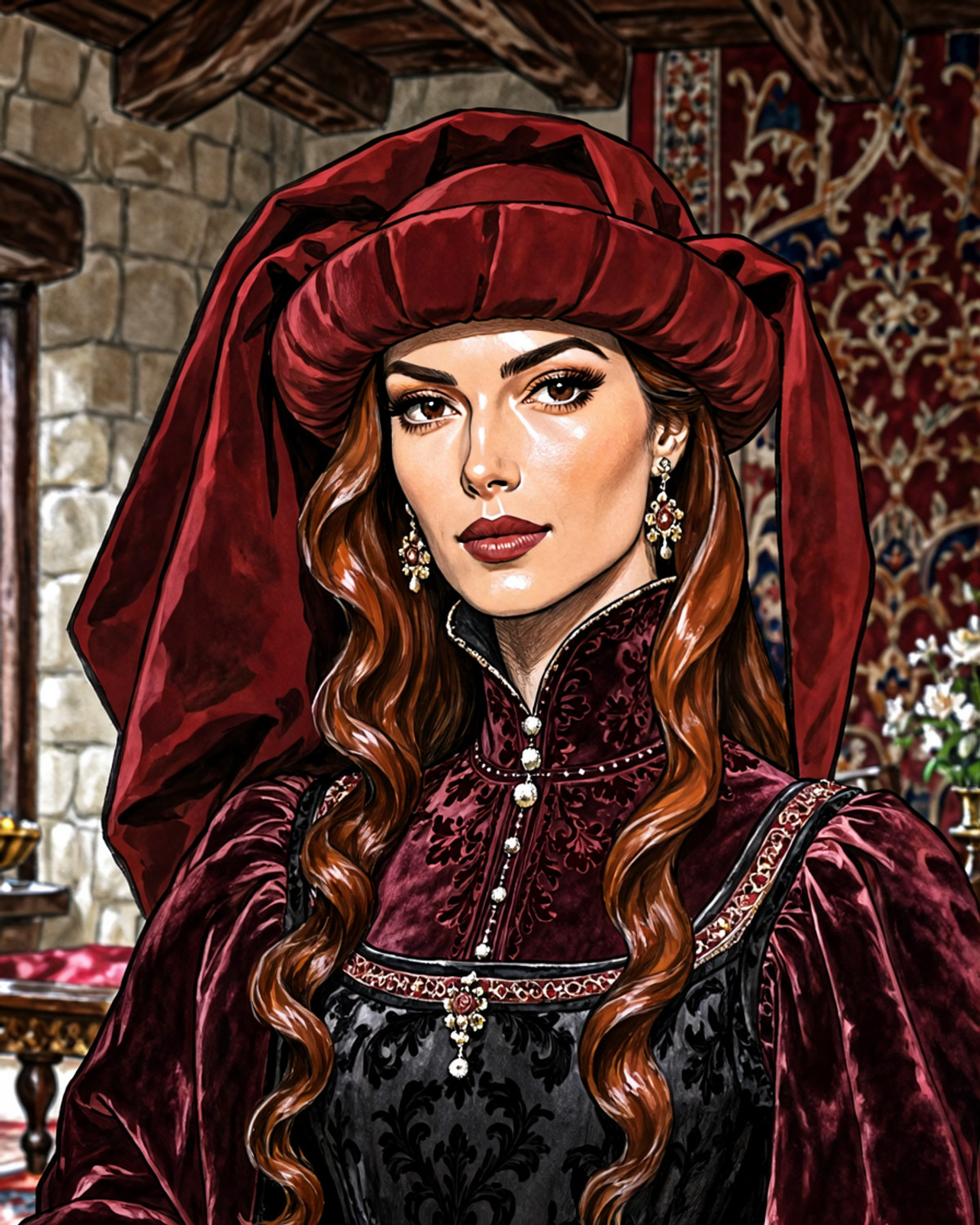
The MOSS version of the Medieval chaperon clothing LoRA: puts a late medieval Burgundian-style chaperon hood on characters—featuring a thick rolled brim, long hanging tail, and draped fabric.
Images
Reasons for Recommendation
- Ported: The same page already has Krea 2, Flux.2 Klein 4B, Flux.1 D, and Illustrious versions; the MOSS version description is only one sentence, "MOSS image version," with no differences noted
- Useful for portraits from the medieval to Renaissance transition period, historical illustrations, and costume research images; the author clearly describes the three components of this headwear (brim, long tail, drape), which can be directly used in prompts
- 13 visible examples (3 hidden), the most in this group; free, with a license allowing image generation and rental
How to Use
- The MOSS version has no registered trigger words; the Krea 2 and Flux.1 versions on the same page use medieval ch4per0n, while the Illustrious version uses medieval chaperon. You can try these first, then describe the brim, long tail, and drape
- Strength, steps, and CFG parameters are not provided by the author
Risks and Limitations
- The MOSS version lacks trigger words and parameters; the trigger words mentioned above are from other base model versions, and their effectiveness on MOSS is not specified
- Narrow use case, covering only this specific headwear; the page contains mixed content
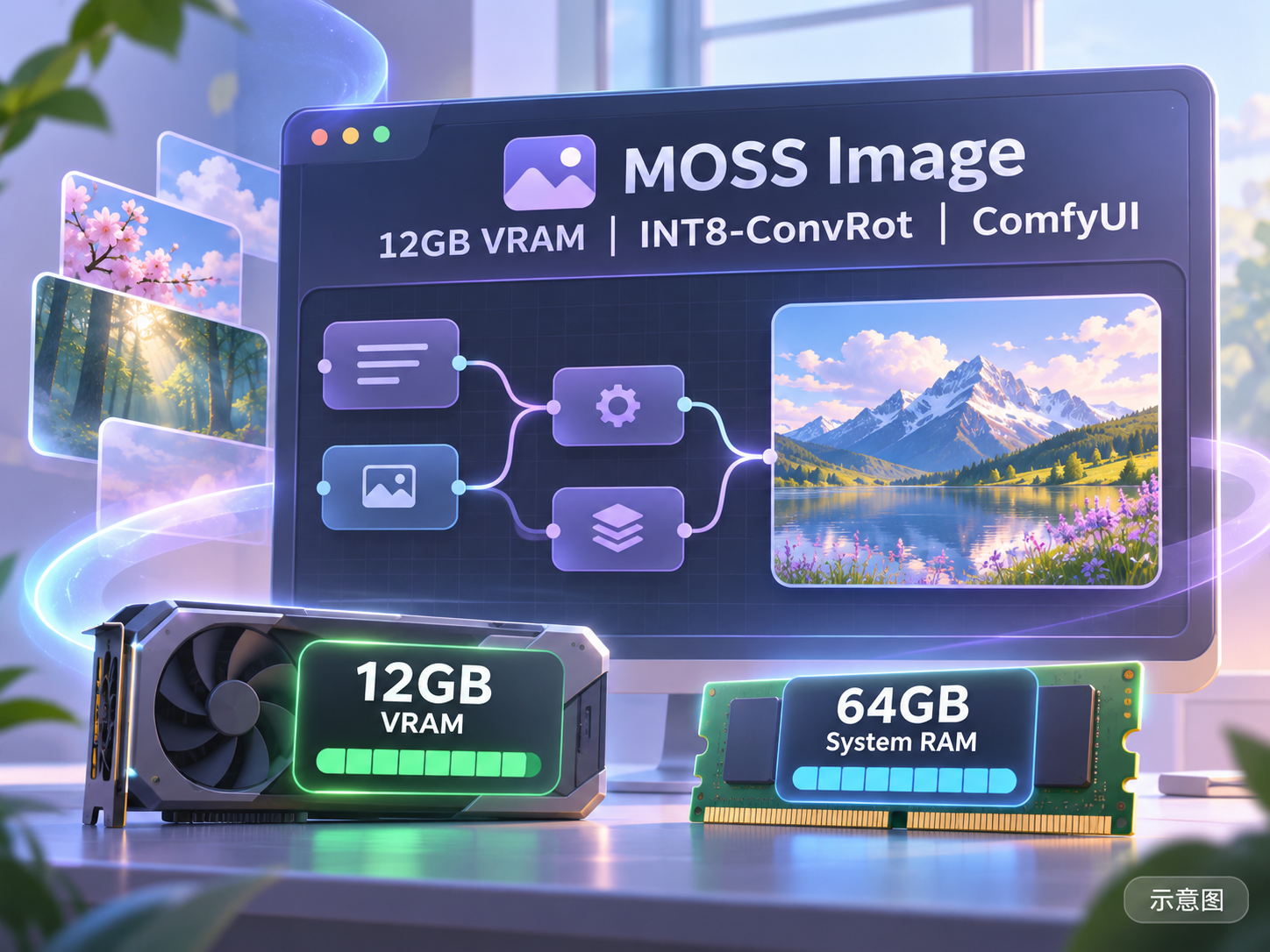
[A] Moss Image 12GB VRAM | INT8-ConvRot | ComfyUI · v1.0
Workflow · New Model · Author OatisAI_Forge · Published 11-15 11:06 · Downloads 39
A ComfyUI workflow for MOSS image generation targeting 12GB VRAM: generates images using INT8-ConvRot weights, followed by optional SeedVR2 single-image restoration and DF2K 4× super-resolution two-stage upscaling, with each stage independently toggleable.
Images
Reasons for Recommendation
- Workflow JSON (zip package), not new weights; the author claims it was adapted from their own Krea2 workflow and is faster than the original
- Useful for local image generation with limited VRAM: the author states it is designed for 12GB VRAM + 64GB RAM, noting that 32GB RAM might work but was untested; uses Universal Model Loader to support both safetensors and GGUF (GGUF untested by the author)
- Parameters fully specified: 8 steps, CFG 1 (author emphasizes keeping it at 1), ER SDE + Beta, 1024×1536; requires ComfyUI newer than 0.41.3, tested by the author on V0.45
How to Use
- Install all 7 node packages listed by the author (rgthree-comfy, Impact Pack, ComfyUI-SeedVR2_VideoUpscaler, Universal Model Loader, PreviewMonitor, etc.); place the DF2K.pth super-resolution model in models/upscale_models; the author recommends INT8 weights from Muse By Stable Yogi Moss, the official Qwen int8 text encoder, and the flux2 small VAE
- First enable groups 0 and 1 for generation; once satisfied, set the seed to fixed, then enable group 2 (SeedVR2) and group 3 (SISR) for upscaling; in ComfyUI settings, change Control Before/After Generate to 'before', otherwise the two-stage upscale will not use the same seed
Risks and Limitations
- High dependencies: 7 custom node packages, SeedVR2 model (auto-downloads on first run), and DF2K super-resolution model; the author requires disabling the Nodes 2.0 new node interface
- All 5 examples are hidden, so image generation and upscaling effects cannot be seen; the author claims approximately 8 seconds per image on RTX 3080, about 35 seconds for two-stage upscaling, and that SeedVR2 3B FP8 is better than 7B—all are author statements, with the workflow unverified by running
- Files are very large when fully upscaled at 4×; the author warns not to change the final save node to PNG; the license does not allow derivatives
- The card image is an AI-generated diagram, not actual model output; the author has no public standard-level examples
[A] Dizzle's Angel Cloud Photography · v1
LoRA · New Model · Author Maridizzle · Published 11-15 11:22 · Downloads 26
Dizzle's Angel Cloud Photography: A surreal photography LoRA with a fairy-tale stage feel, featuring soft lighting and impossible sets, combined with clouds and wings to create ethereal angelic images.
Images

Reasons for Recommendation
- New model; part of Dizzle's surreal photographer series, the author claims it references the style of a romantic fantasy surreal photographer, transforming ordinary MOSS images into fairy-tale set scenes
- Useful for surreal portraits, dreamy posters, and conceptual photography; the author provides trigger words, strength, and prompt writing guidelines
- 3 visible examples; free, with a license allowing image generation and rental
How to Use
- Trigger word dz_angel, strength from 0.9 to 1.0; add surreal photograph to the prompt, then include clouds, wings, or both
- Steps, CFG, and sampler are not provided by the author (other models in the same series can be referenced, but this page does not list them)
Risks and Limitations
- The style source is an unnamed living photographer; you must assess commercial use yourself
- 4 examples are hidden, and the page contains mixed content; performance when omitting cloud and wing elements is not specified
Trigger Words: dz_angel
Worth Watching (6)
[B] Comfyui simple MOSS workflow with guide · v1.1
Workflow · Version Update · Author PotatCat · Published 11-15 19:31 · Downloads 28
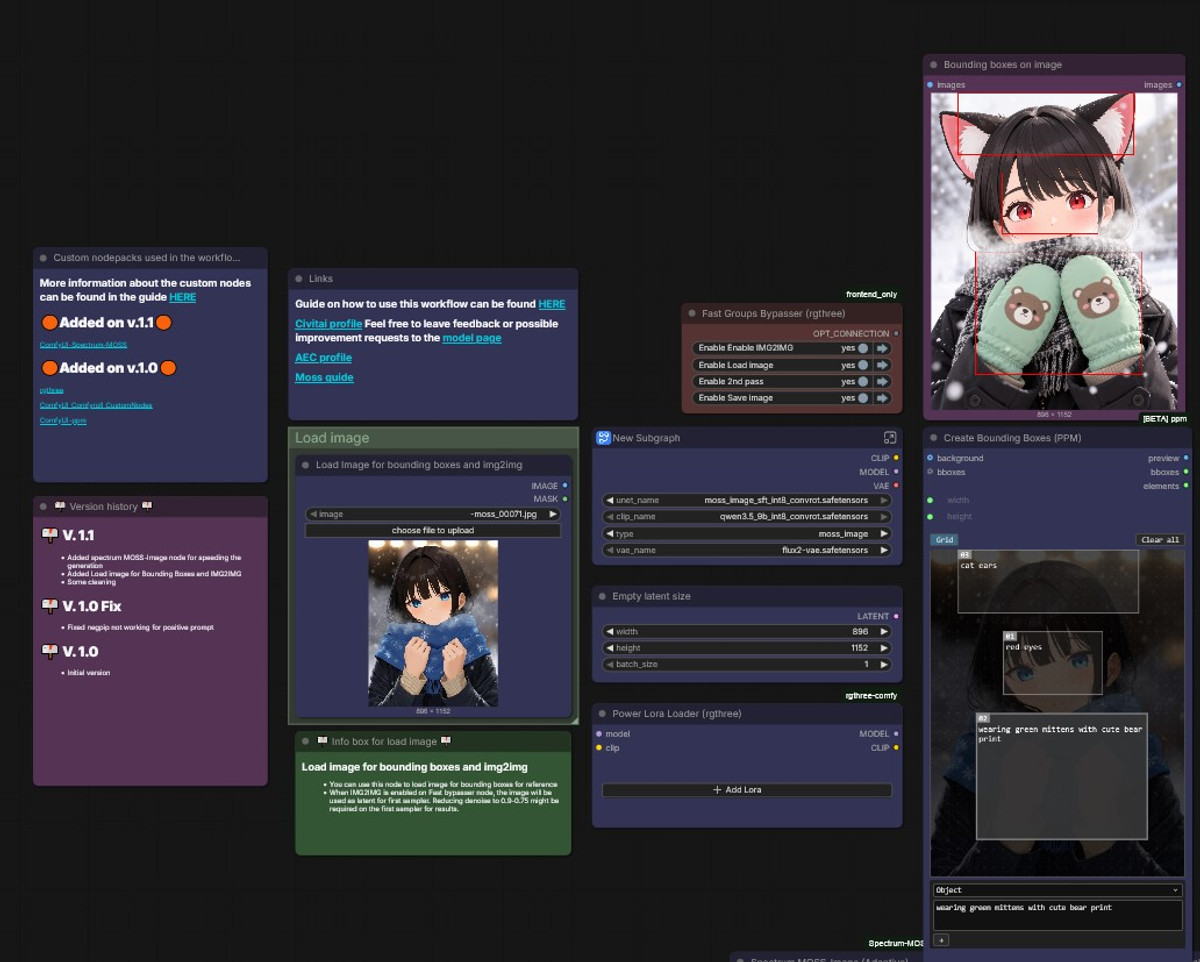
PotatCat's simple MOSS text-to-image ComfyUI workflow v1.1: Adds acceleration nodes and image input for img2img/bounding boxes to the previous version, accompanied by a getting-started guide.
Images
Reasons for Recommendation
- Version update (workflow JSON, not new weights): v1.1 adds the Spectrum MOSS-Image node to speed up generation, adds Load image for bounding boxes and img2img, and tidies connections; the previous version v1.0 Fix resolved an issue where negpip did not affect positive prompts
- Useful for ComfyUI users new to MOSS: a ready-to-use text-to-image workflow, with a separate guide page by the author
- 6 examples; free, allowing image generation and rental
How to Use
- Unzip the ZIP and import into ComfyUI; the Spectrum node must be installed from github.com/Rkkss/ComfyUI-Spectrum-MOSS, or you can simply delete that node if you don't want to use it
- Sampling parameters and required model lists are in the author's guide, not listed on the model page
Risks and Limitations
- The author states the Spectrum node might not install via ComfyUI Manager; the workflow is unverified by running
- The license does not allow derivatives; the author warns that workflow node screenshots are automatically tagged as PG-13 by the site, so examples may be invisible if browsing level is too low
[B] White Eyes - Moss · v1.0
LoRA · New Model · Author EvilPeterPan · Published 11-15 13:29 · Downloads 70
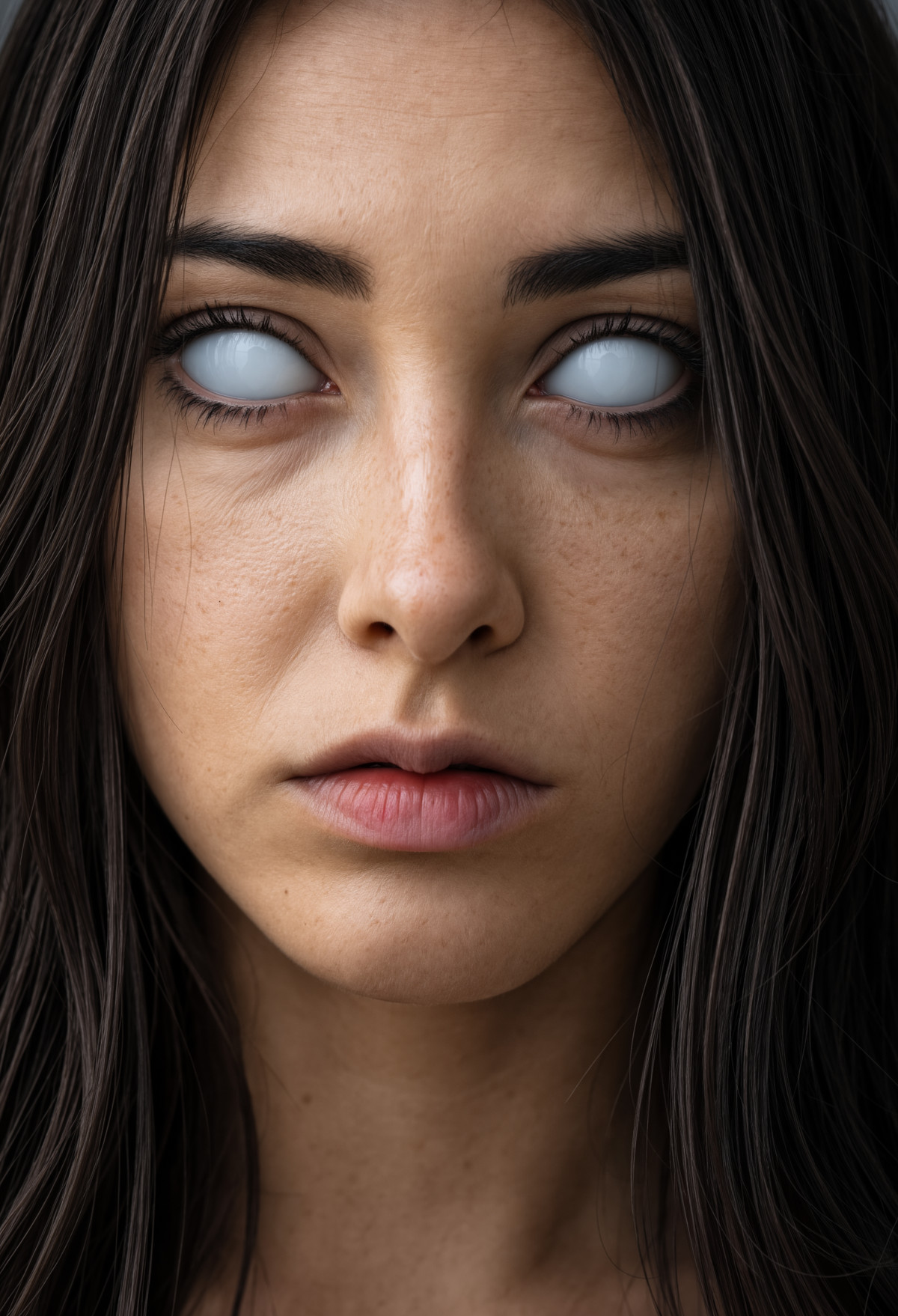
White Eyes - Moss: Renders characters' eyes with fully white sclera and no pupils, creating a creepy, possessed, or horror-style effect.
Images
Reasons for Recommendation
- New model; useful for eye effects in horror and fantasy characters, one concept per LoRA, the author claims it was made at netizens' request
- Provides trigger words White Sclera, White Sclera Eyes, White Eyes and a suggested strength of 0.95
- 6 visible examples (4 hidden)
How to Use
- Add White Sclera, White Sclera Eyes, White Eyes to the prompt, with LoRA strength 0.95
- Steps, CFG, and sampler are not provided by the author
Risks and Limitations
- The description is only one sentence, providing only strength; impact on art style and other eye descriptions is not specified
- Strict license: only in-site rental is allowed, commercial image generation is not permitted, nor are derivatives; the page contains mixed content
Trigger Words: White Sclera, White Sclera Eyes, White Eyes,
[B] Pokémon retro anime style (1997) · Moss v1
LoRA · Ported · Author Yofaraway · Published 11-15 18:30 · Downloads 2 · Paid
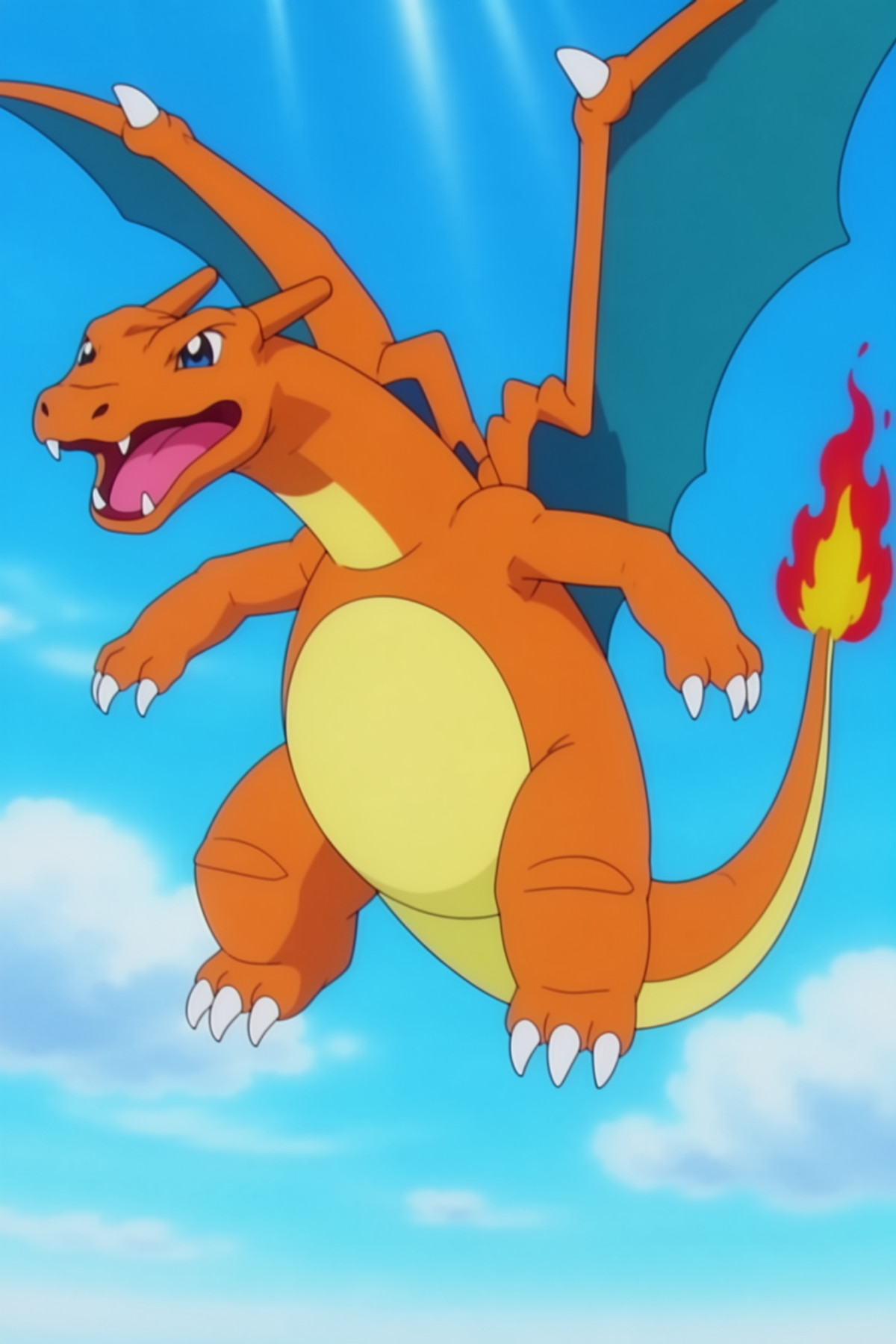
The MOSS version LoRA of the 1997 Pokémon Season 1 TV anime style: renders images with the color palette and line work of 90s cel animation.
Images
Reasons for Recommendation
- Porting: The same page already includes Flux.1 D, Qwen, Flux.2 Klein 9B-base, Ideogram 4.0, and the Krea 2 version; the MOSS version reuses the trigger word pokemon_retro style from the Krea 2 version (earlier versions used pokemon anime style)
- Serves illustrations and character art in a retro Japanese TV anime style; the author states that the training images were taken from the original first-season animation of 1997
- MOSS parameters are fully provided: SFT base model + 4-step turbo LoRA, Euler simple, 5 steps, CFG 1, 1024x1536, LoRA strength 1; 18 visible examples
How to Use
- Use the MOSS SFT base model with a 4-step turbo LoRA; include the trigger word pokemon_retro style in the prompt, set LoRA strength to 1, use Euler simple / 5 steps / CFG 1, and resolution 1024x1536
Risks and Limitations
- The MOSS version is a paid download; the API indicates it is a non-permanent, time-limited paid option (expiring on 2026-11-30), while other base model versions are free
- Training materials are derived from copyrighted animation; commercial use of generated images requires self-assessment of copyright risks; the page contains mixed content, and 2 example images are hidden
- The author has not provided update notes, and there is no explanation of the performance differences between the MOSS version and other versions
Trigger Word: pokemon_retro style
[B] MOSS-Image - Neverness to Everness - Elyms (NTE) · V1
LoRA · New Model · Author LazyKernel · Released 11-15 20:30 · Downloads 6
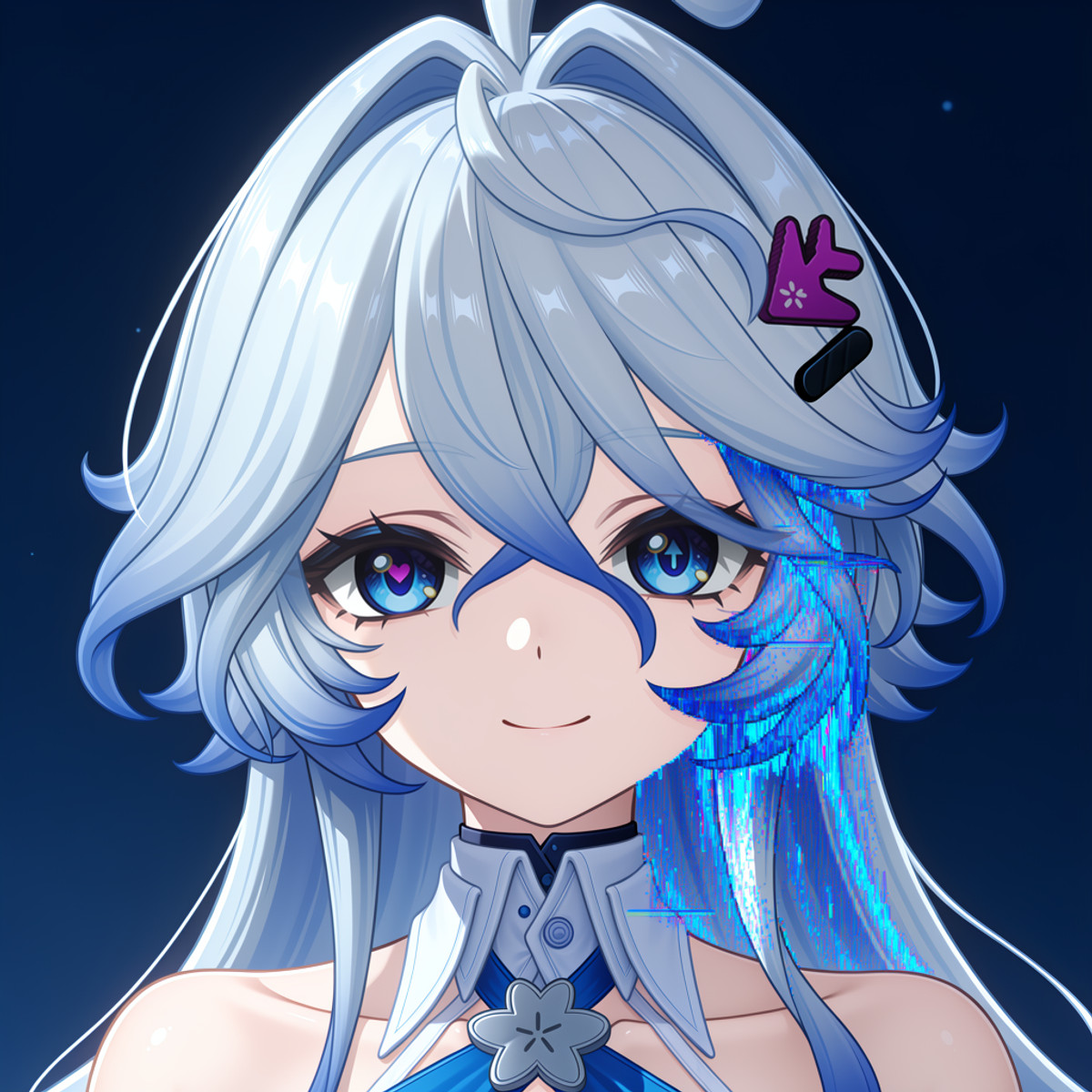
A MOSS version character LoRA for Elyms from the game Neverness to Everness. The author translated the full set of appearance tags into natural language and provided complete prompts for both front and back views.
Images
Reasons for Recommendation
- New model; serves fan art character illustrations. The author rewrote tags such as hair color, ahoge, heart-shaped and arrow-shaped heterochromia, pixel cursor hair clips, dresses, and boots into natural language descriptions that MOSS handles better
- Provides a complete front-view prompt ready for copying, as well as descriptions for the back view requiring the addition of a large blue hair bow, long ribbons, and an open back
How to Use
- Start with elyms (neverness to everness), followed by the full natural language appearance description provided by the author; append the back-view paragraph when drawing the back
- The author did not specify strength, steps, or CFG; the author's examples involve first generating an image with MOSS, then using the character's Anima version LoRA for partial repainting of the eyes and hair accessories
Risks and Limitations
- The author states that MOSS is imperfect at drawing anime and that partial repainting is also poor; this LoRA alone results in inaccurate eyes and hair accessories, requiring a separate Anima workflow for correction
- Copyrighted game character; the page contains mixed content, with 4 visible examples and 16 hidden
- The registered trigger word only says SEE DESCRIPTION; you must read the description to know how to write it
Trigger Word: SEE DESCRIPTION
[B] Illustrated West Noir Moss Turbo · 1.0
Base Model / Checkpoint · New Model · Author alexds9 · Released 11-15 10:59 · Downloads 0
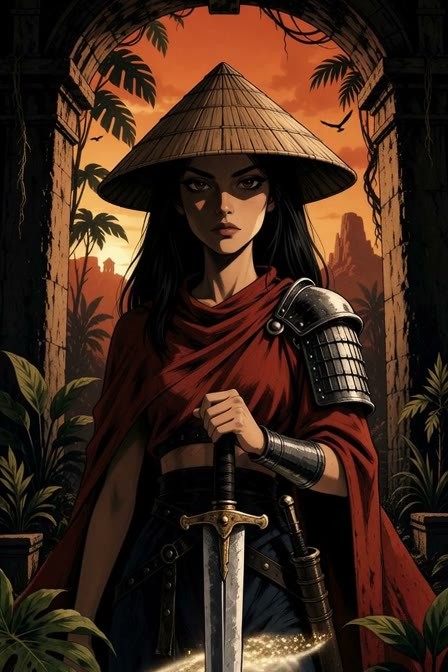
Illustrated West Noir Moss Turbo: A MOSS Turbo integrated base model in an illustrated novel style, featuring ink outlines with smooth digital gradients, and strong chiaroscuro contrast for a film noir and Western atmosphere.
Images
Reasons for Recommendation
- New model, complete base model (fp16, approx. 5GB); the author states the style lies between realistic proportions and comic exaggeration, with lighting ranging from golden dusk deserts to neon night scenes
- Serves character portraits and narrative illustrations for fantasy, sci-fi, urban noir, and Western themes
- Has a registered trigger word: illustrated nolykucir style
How to Use
- Load as a MOSS base model and include illustrated nolykucir style in the prompt; the author did not provide steps, CFG, or sampler settings for the Turbo version
Risks and Limitations
- The author explains that downloading requires a one-time purchase via Ko-fi or an AIxFun eStudio membership, followed by applying for access to the restricted Hugging Face repository; the Civitai page shows 0 downloads
- Only 2 video examples are visible, with 18 hidden; the license does not allow derivatives, and commercial use is subject to the LICENSE.md in the repository
- Much of the description consists of the author's opinions on platform revenue-sharing rules, with no recommended parameters
Trigger Word: illustrated nolykucir style
[B] Ninja Golf-moss 忍者ゴルフもす · v1.0
LoRA · New Model · Author suzukyou · Released 11-15 11:16 · Downloads 33
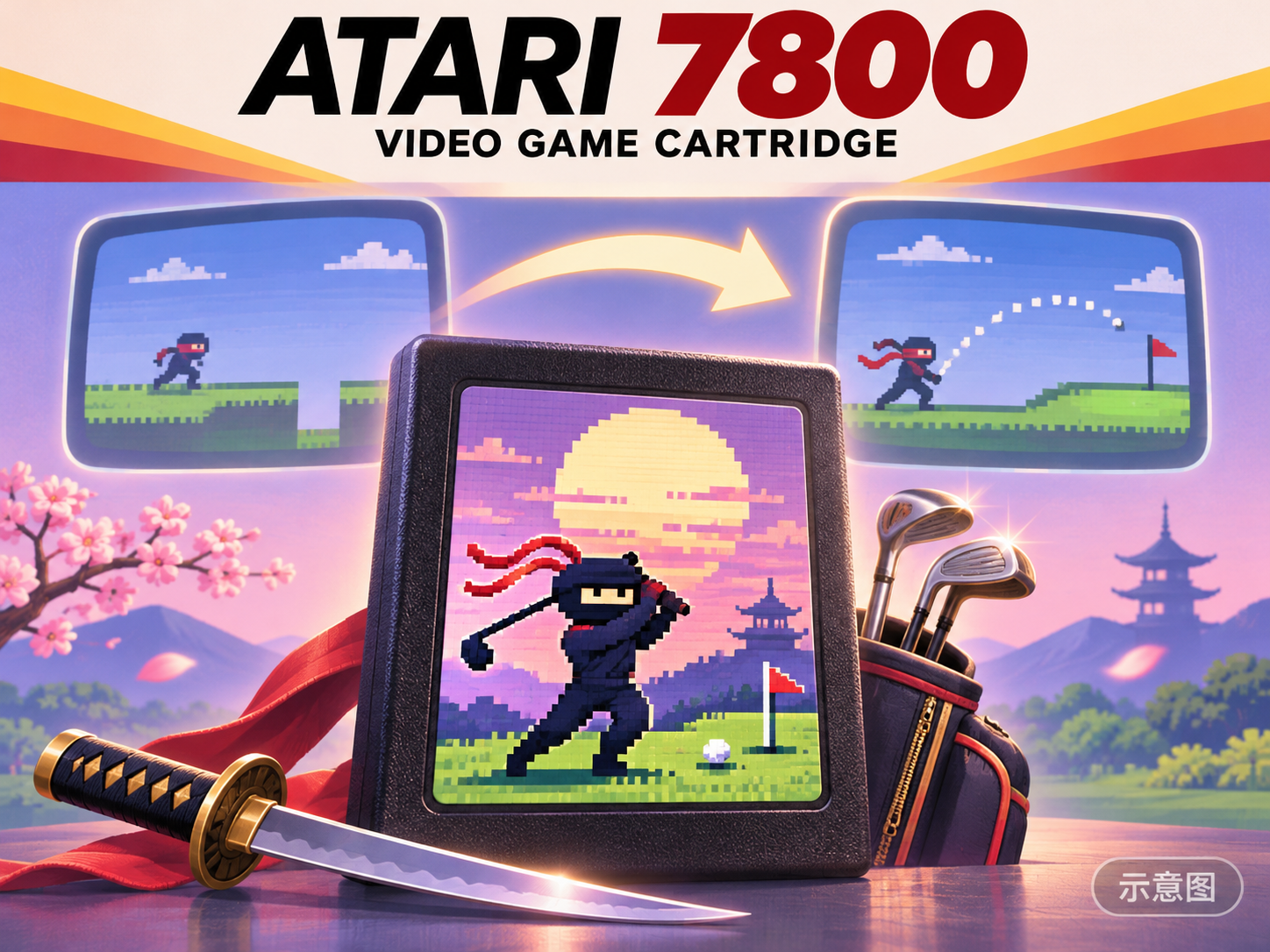
A LoRA in the style of the Atari 7800 game Ninja Golf cartridge packaging: it renders characters as retro game cartridge covers, featuring ATARI 7800 text and a glowing NINJA GOLF title.
Images
Reasons for Recommendation
- New model; serves retro game covers, cartridge packaging imitations, and parody designs
- The author provided strength 0.5 - 0.7, a trigger word, and example prompts divided into three sections: scene, cartridge packaging text, and title logo
How to Use
- Strength 0.5 - 0.7; write the trigger word as ninjagolf, atari7800, retro game package
- Write in sections following the author's examples: scene (character holding a sword pose, highlights on the blade and golf club), packaging (black ATARI text at the top, bold red 7800, small VIDEO GAME CARTRIDGE text), and logo (glowing gold-pink text NINJA GOLF)
Risks and Limitations
- All 3 examples are hidden, so the output quality cannot be seen
- The trigger word is only written in the description and is not registered; it includes real game trademark text, so caution is needed for commercial use; the license only allows on-site rental
- The card image is an AI-generated diagram, not the actual model output; the author has no publicly available general-level examples
Included Only (10)
- ASOBI★MAWARI-TAI! | Atsumi Mera | Hyakki Kyoko | Chuka Sophia | Suzunari Tsuzuri · v1.1 [moss] — LoRA: Character LoRA for the four virtual streamers of the Hololive ASOBI★MAWARI-TAI!! group: Atsumi Mera, Hyakki Kyoko, Chuka Sophia, and Suzunari Tsuzuri, switching between members by name within a single file.
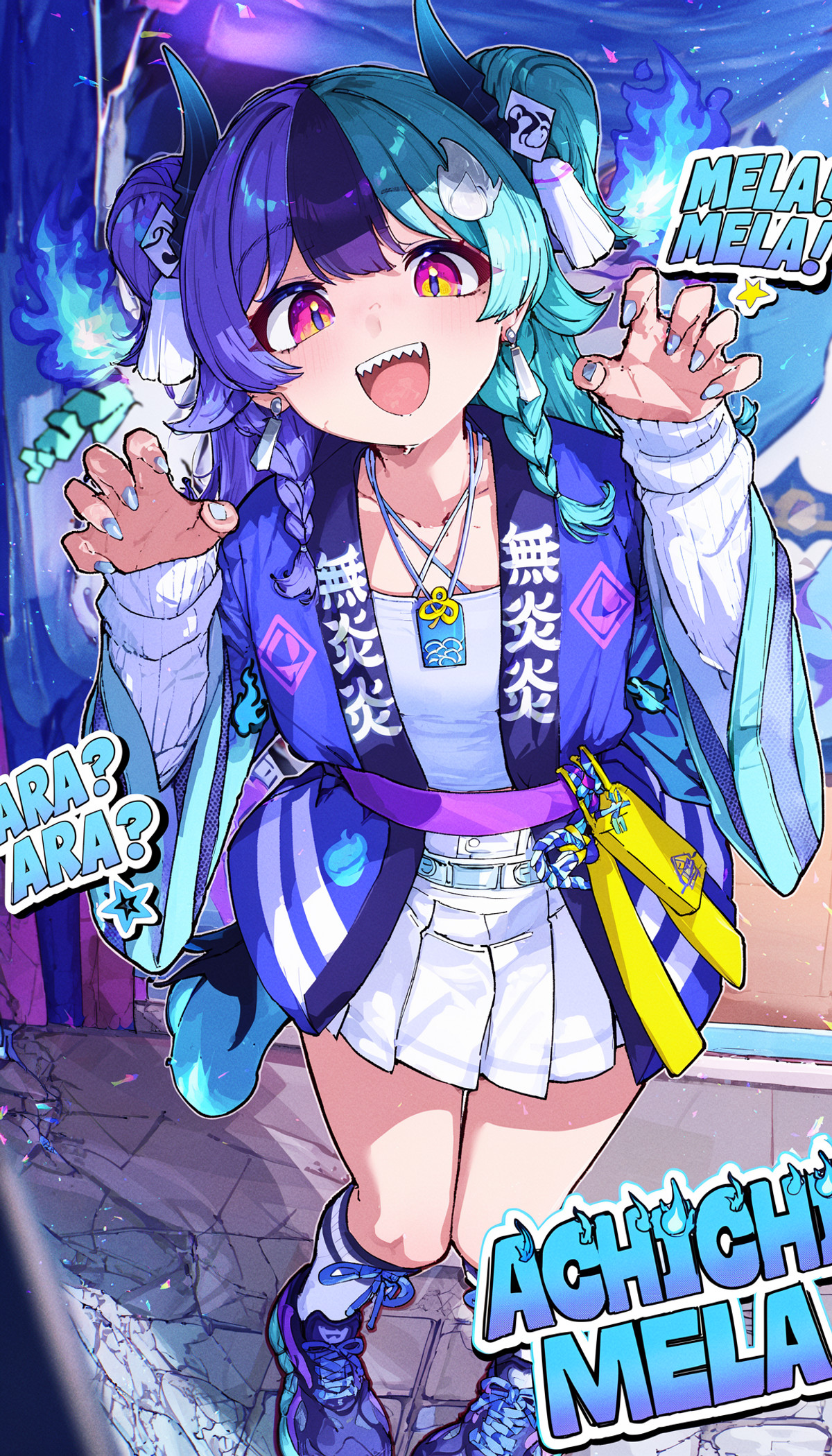
- Seras Victoria - Hellsing Ultimate - MOSS LORA · v1.0 — LoRA: Character LoRA for Seras Victoria from Hellsing, allowing switching between two outfits: the yellow uniform and the red military uniform.
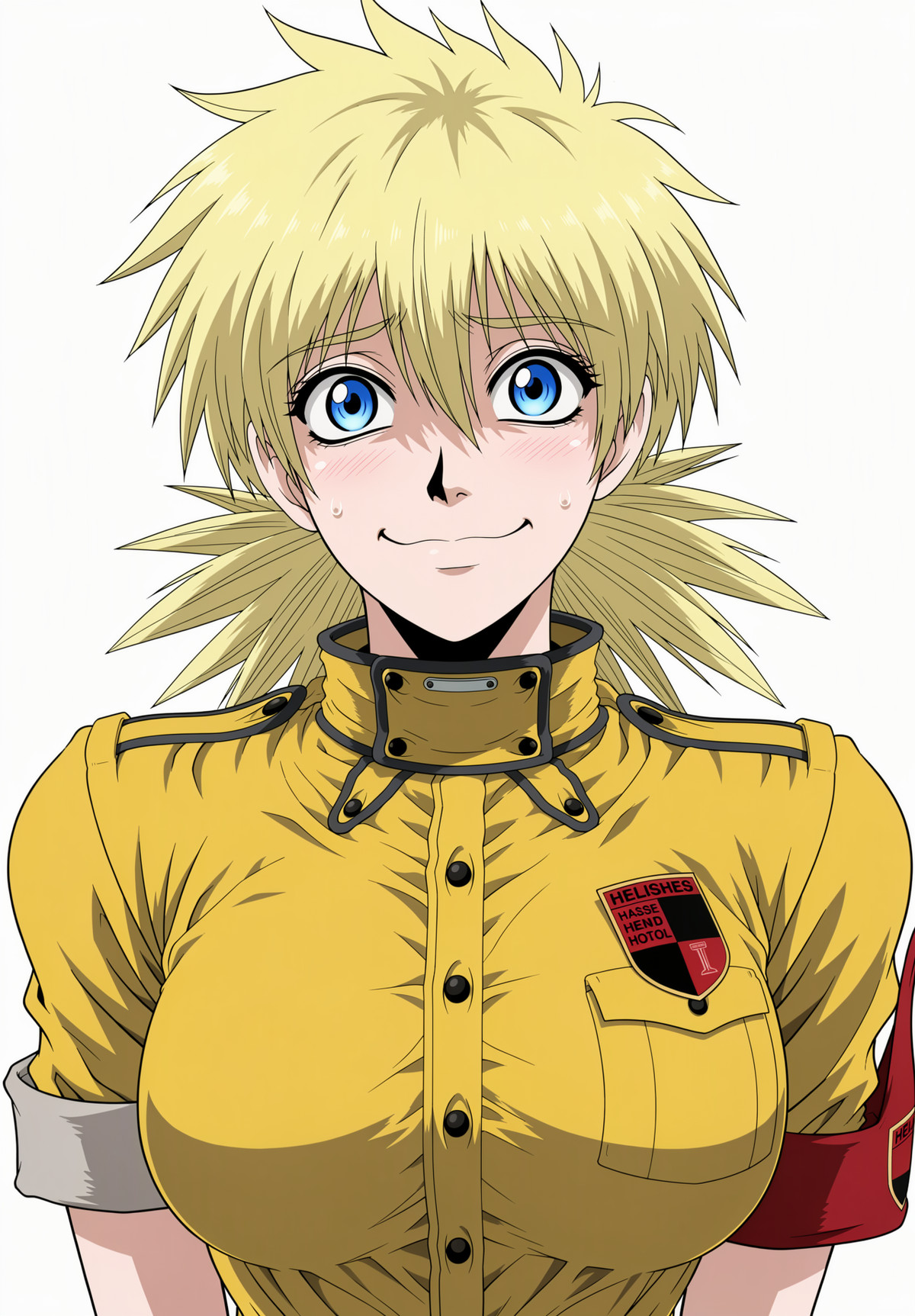
- Nagase Kanae · MOSS-v1.1 — LoRA: MOSS version character LoRA for the character Nagase Kanae; this version uses synthesized full-body images for training instead of just the head.
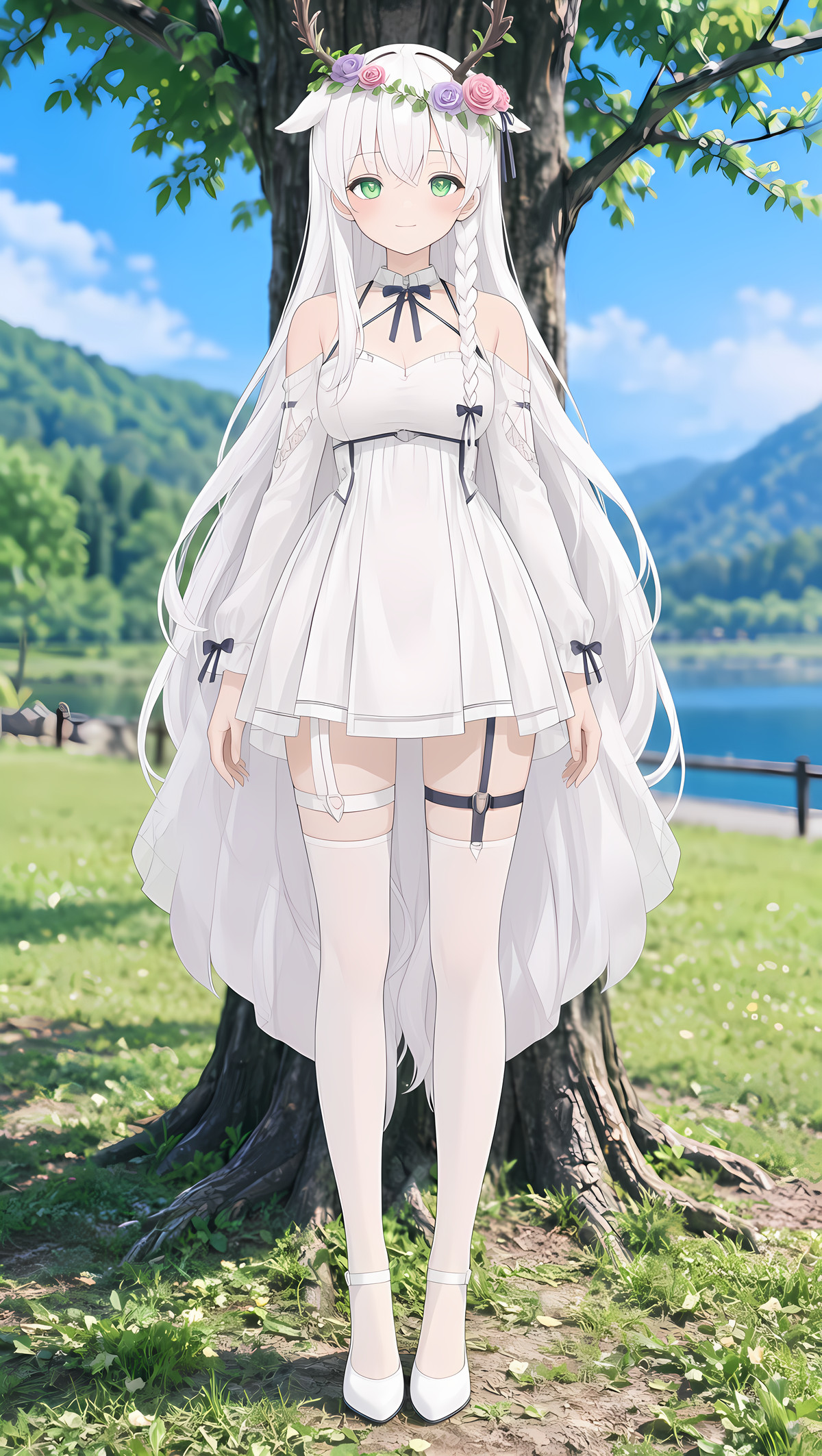
- XIAOHEI style · v1.0 — LoRA: The author's first locally trained art style LoRA, XIAOHEI style; the description does not specify which art style it is, only providing weights.
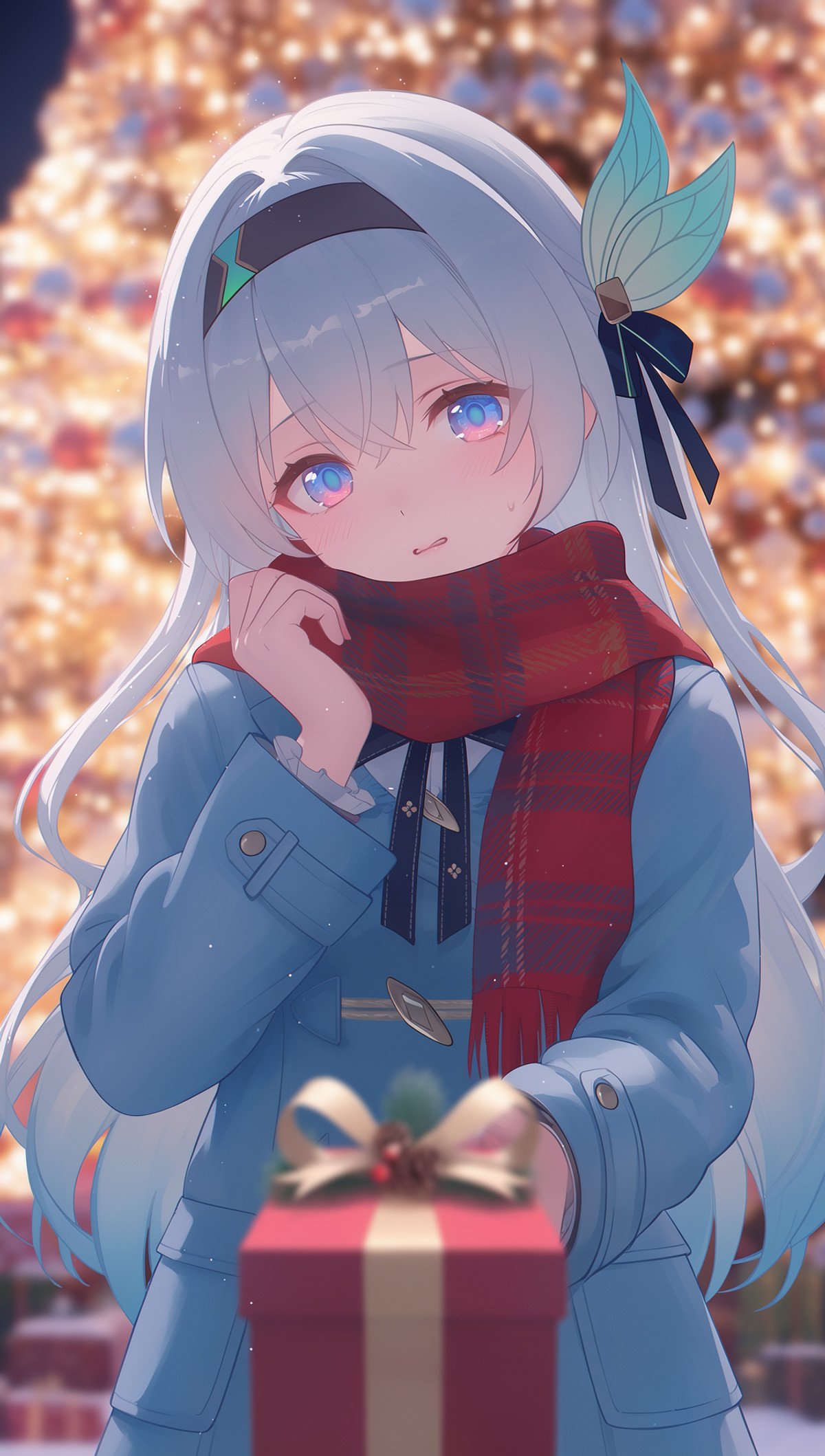
- Sam (samsung) · v0.1 — LoRA: Character LoRA for Sam, the popular Samsung virtual assistant image, with a trigger word for the default outfit.
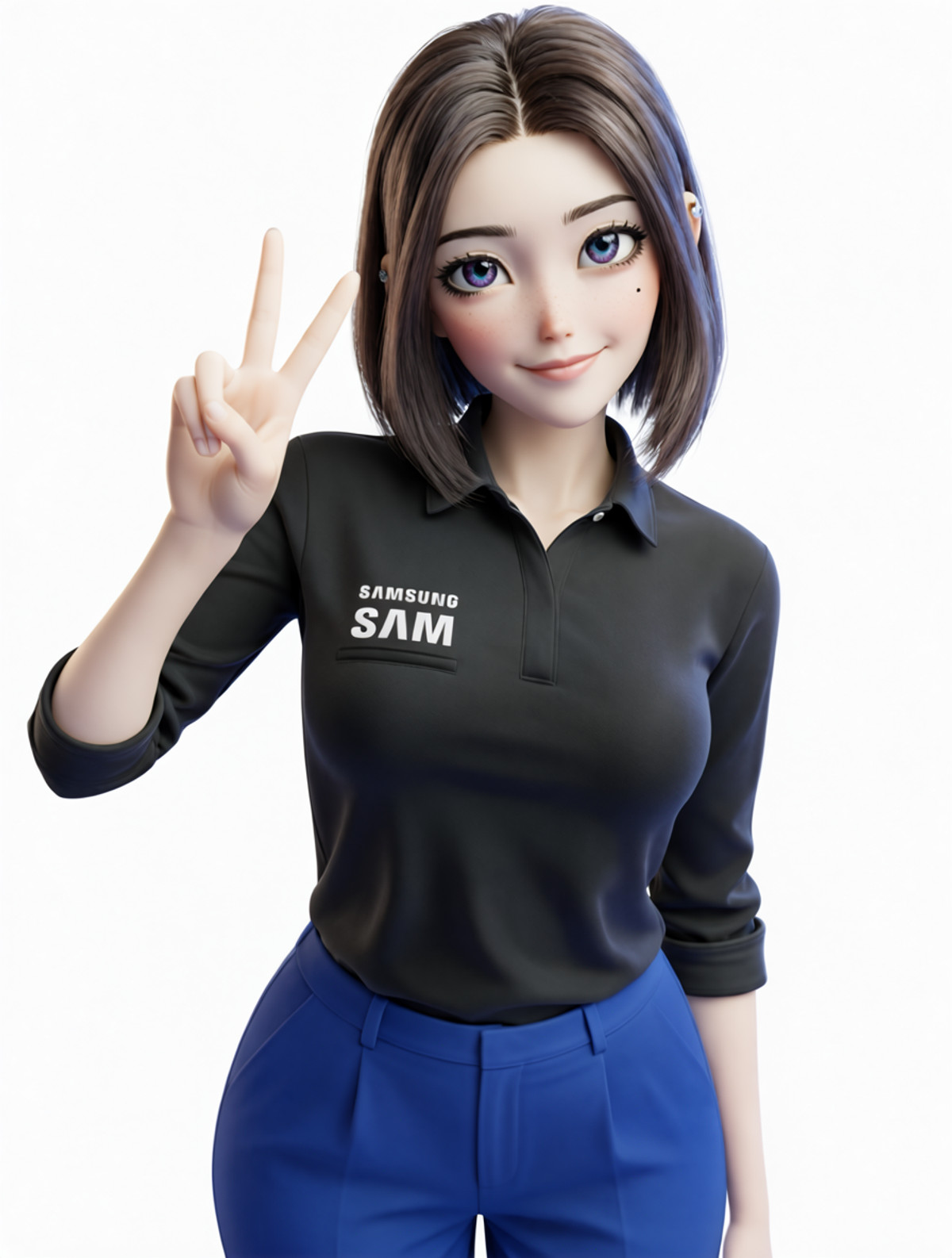
- Ciara NordhavenLove · MossImage — LoRA: MOSS version LoRA for Ciara, a fictional female character from MisterMR's NordhavenLove family series; the description is entirely character backstory with no usage instructions.
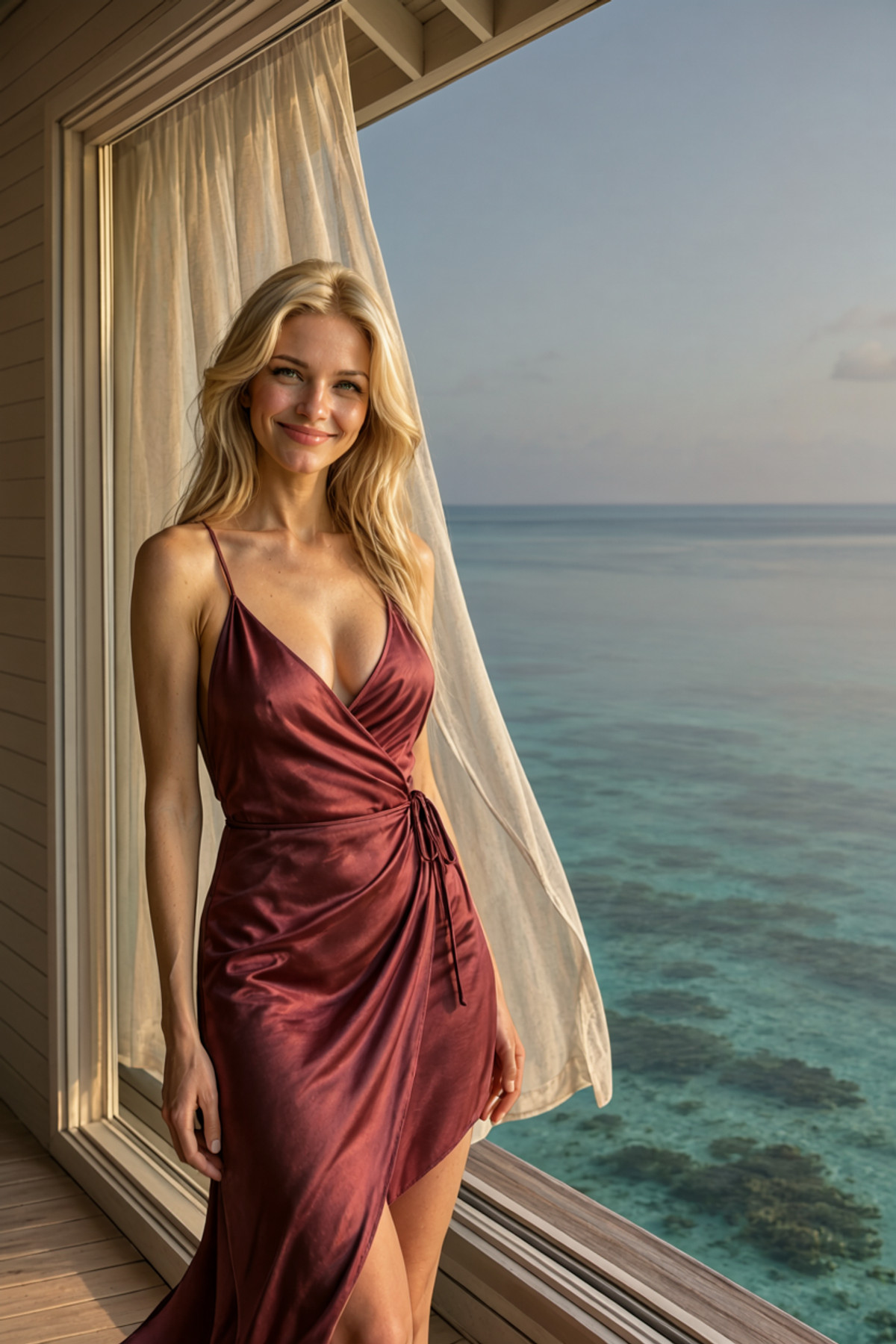
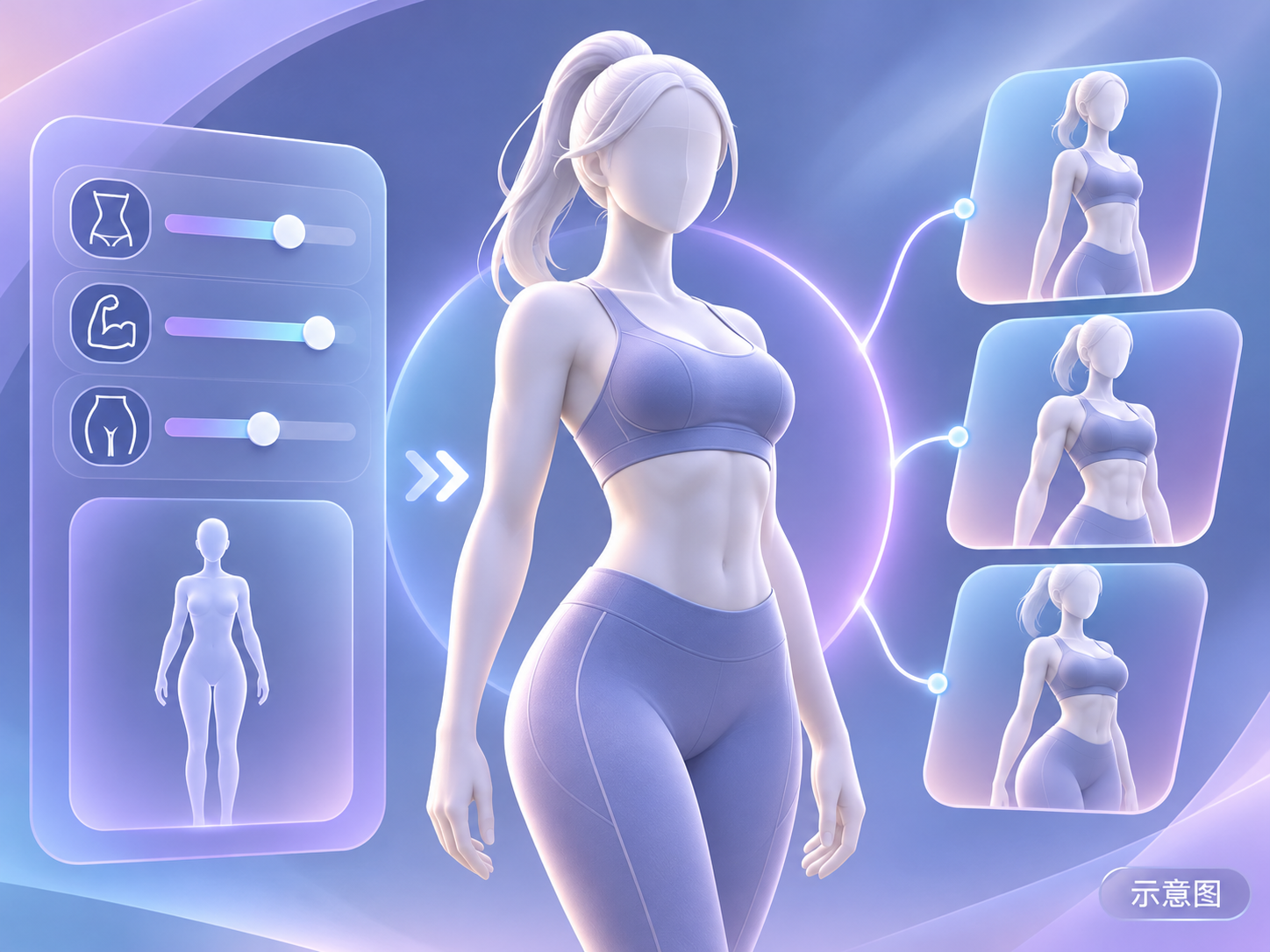
- Fitness Babe - Concept - MOSS Image · MOSS Image — LoRA: A body concept LoRA for a fitness influencer-style athletic physique; the description only says "body concept made on request."
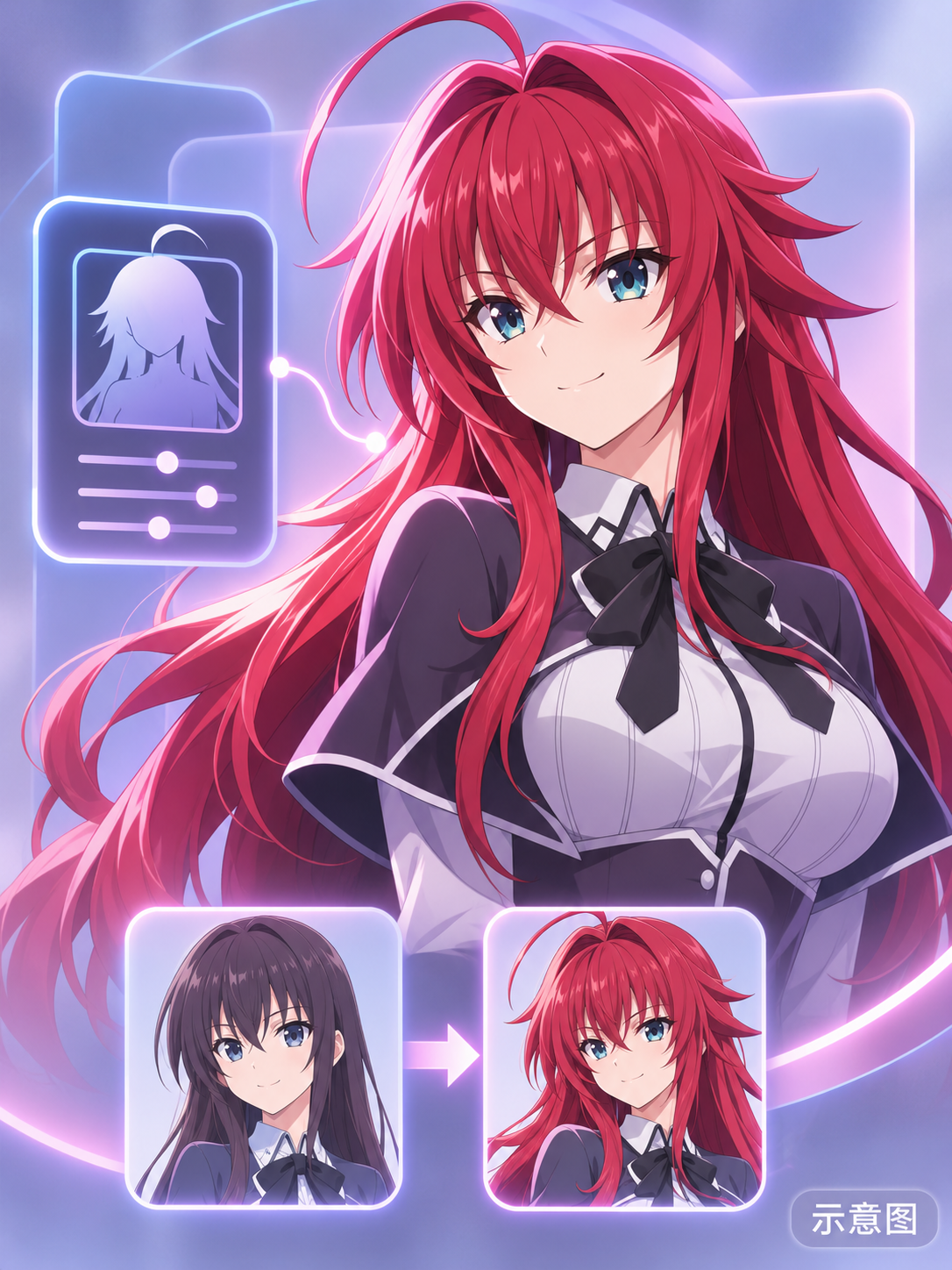
- Rias Gremory - High School DxD · v1.0 MOSS — LoRA: MOSS version character LoRA for Rias Gremory from High School DxD; the description only contains the character name.
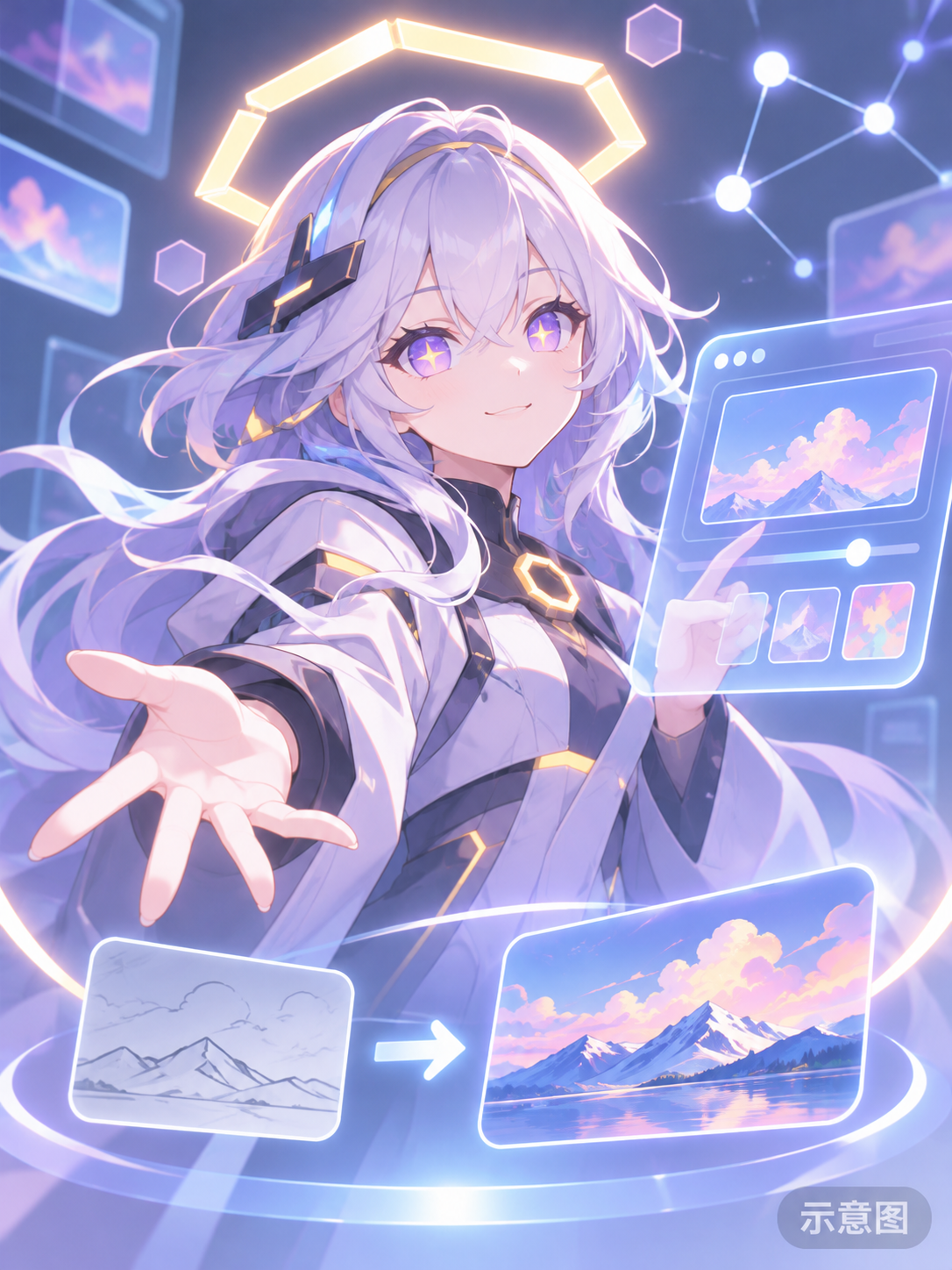
- Saphina The Ai Agent (Requested/OC) · moss_image_v1.0 — LoRA: MOSS version character LoRA for the author's friend's original character, AI Agent Saphina, featuring star-shaped pupils and a hexagonal halo.
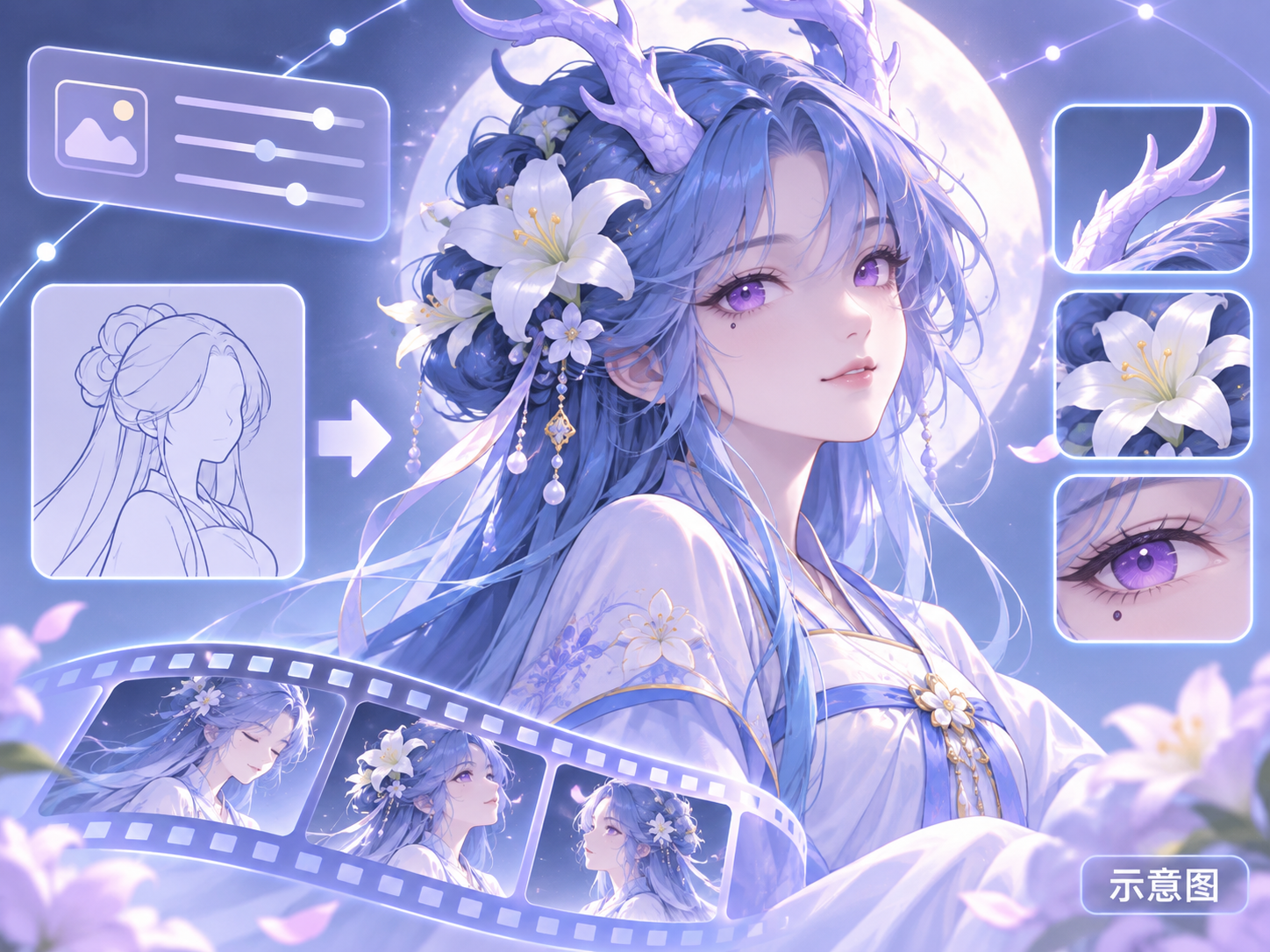
- Qilan, Dragon Girl · MOSS-V1 — LoRA: MOSS version character LoRA for the original ancient-style dragon girl Qilan: blue hair, purple eyes, white lily hair ornament, dragon horns, and a teardrop mole.
Data: Civitai Public API (base model MOSS Image), inclusion window 11-15 08:31 → 11-15 21:01 (Beijing Time). Reasons for recommendation have been editorially reviewed; download counts only reflect popularity.