Zhenzhen's AI Radar · MOSS Image · 2026-11-17 Morning Report
This issue features 44 new versions: Strongly Recommended 2 · Recommended 10 · Worth Watching 11 · Included Only 21
Editor's Note This issue reviews 47 new MOSS versions: 2 S, 10 A, 11 B, 22 C, and 2 excluded. Top pick is the MOSS version of Sint Albedo: turns MOSS into a game texture generator, producing tileable, top-down, unlit albedo maps; trigger words, strength, steps, and CFG are provided, and the author notes that seams require post-processing. Another S-tier pick is the Cyber-Goth cel-shading style LoRA, featuring hard-edged shadows with magenta/cyan neon lighting, complete with parameters and workflows. The two MOSS versions of STAR Shadow Magician, the standard version of MoeFussion 5 A/B art styles, the Clyde Caldwell fantasy oil painting style, and the hybrid 4+8 step TurboLoRA workflow (noting that TurboLoRA key name mappings fail in ComfyUI and require prefixes), BBox Studio v1.3, etc., are listed as A-tier. The civitai.red mirror page for Cyber-Goth (same hash) and the LowPolyStyle MOSS version mistakenly uploaded with PixelArt weights are excluded; character packs, copyrighted characters, and entries with all examples hidden or requiring off-site payment are downgraded to C-tier.
Strongly Recommended (2)
[S] Sint Albedo · Tileable Game Textures - Krea/MOSS · MOSS 1.0
LoRA · Port · Author AriaMaiven · Published 11-17 02:18 · Downloads 43
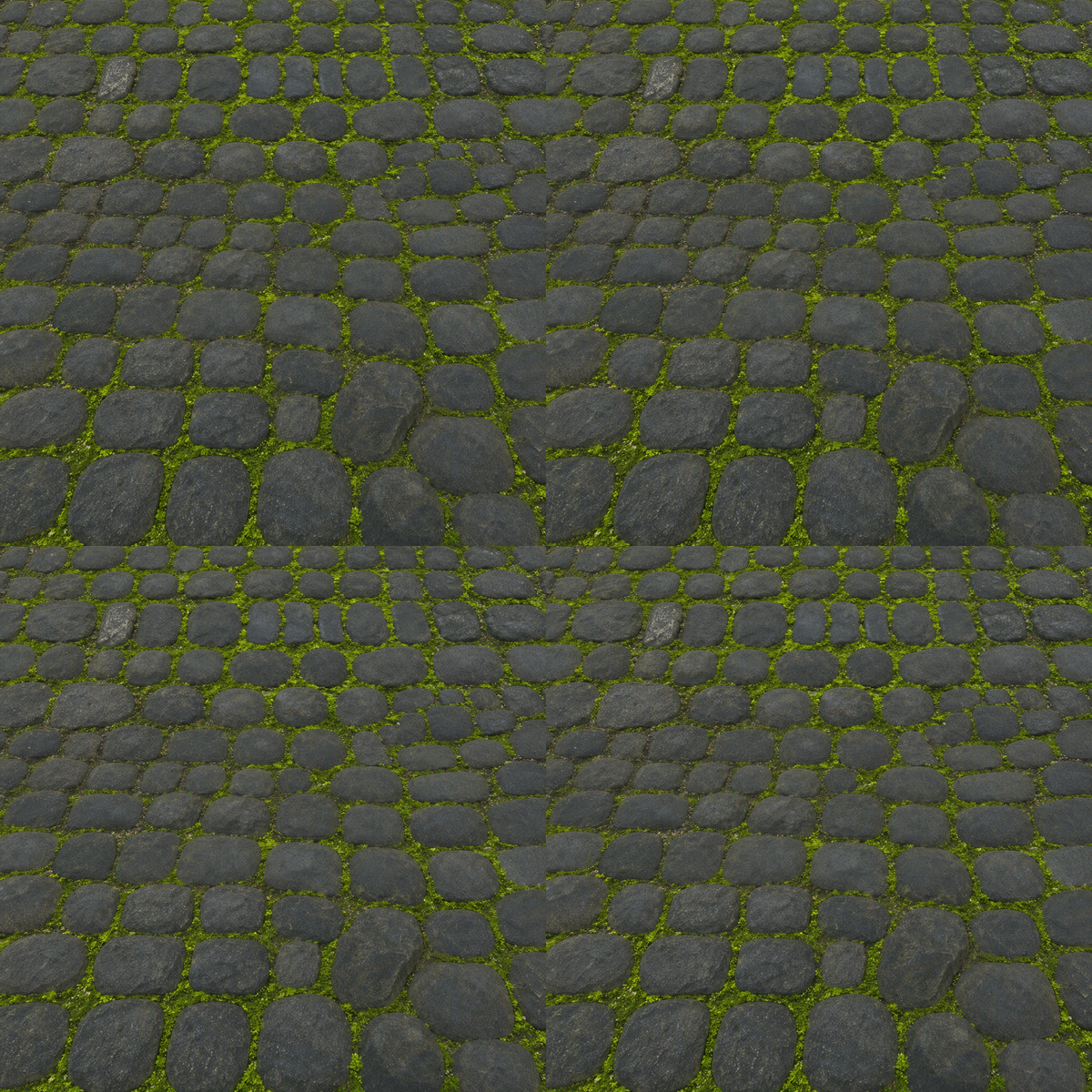
The MOSS version of Sint Albedo: turns MOSS into a game texture generator, producing tileable, top-down, unlit albedo maps, rather than product showcase images.
Images
Reasons for Recommendation
- Port: The same page previously featured the Krea 2 version, using the same dataset and trigger words; the author notes the differences—features like tiling, top-down view, and unlit rendering are carried over, but the MOSS version does not automatically tile seamlessly at the edges, whereas the Krea version's stone, crystal, and other materials are tileable straight out of the box
- Serves game and 3D project texture needs: stone, lava, crystal, wood flooring, sci-fi panels, clay, chainmail, grass, etc.; the author claims it can also produce fantasy and hand-drawn style materials
- Parameters and usage are fully provided: place the trigger word at the beginning, followed by the material and variations; strength 1.0; MOSS Image SFT, 30 steps, CFG 3, euler / simple, 1024 x 1024 square images; the author states that every image in the gallery includes prompts and settings; free, and the license allows derivatives
How to Use
- Start prompts with sintalbedo, then describe the material and variations, e.g., sintalbedo, cooled lava rock, black porous basalt with glowing orange cracks; strength 1.0, the author claims 0.8 preserves more depth while 1.2 flattens it further
- Run on MOSS Image SFT with 30 steps, CFG 3, euler / simple, generating only 1024 x 1024 square images; the scale naturally tends to be small, so include scale words like large stones, close-up, etc.
- Perform a seamless processing step (offset and patch, or connect a tiling node) before importing into an engine; if you need images that are tileable straight out of the box, use the Krea version on the same page
Risks and Limitations
- The author states that after 2x2 tiling checks, all tested materials (stone, lava, crystal, wood flooring, sci-fi panels, clay, chainmail, grass) have cross-shaped seams in the center, so the MOSS version requires post-processing
- Only produces albedo maps; normal, roughness, and height maps require separate tools; only supports square images, as wide formats break repetition; trained on Base, tested on SFT
- Only 5 visible examples (2 hidden); the license does not allow selling, and the author requires permission for redistribution or using its outputs to train models
Trigger Word: sintalbedo
[S] [MOSS-5B] Cyber-Goth Trigger Cel (in ml_gothcel style) · v1.0 - MOSS-Image 5B (Cyb
LoRA · New Model · Author MaisonLatentia · Published 11-16 21:45 · Downloads 25
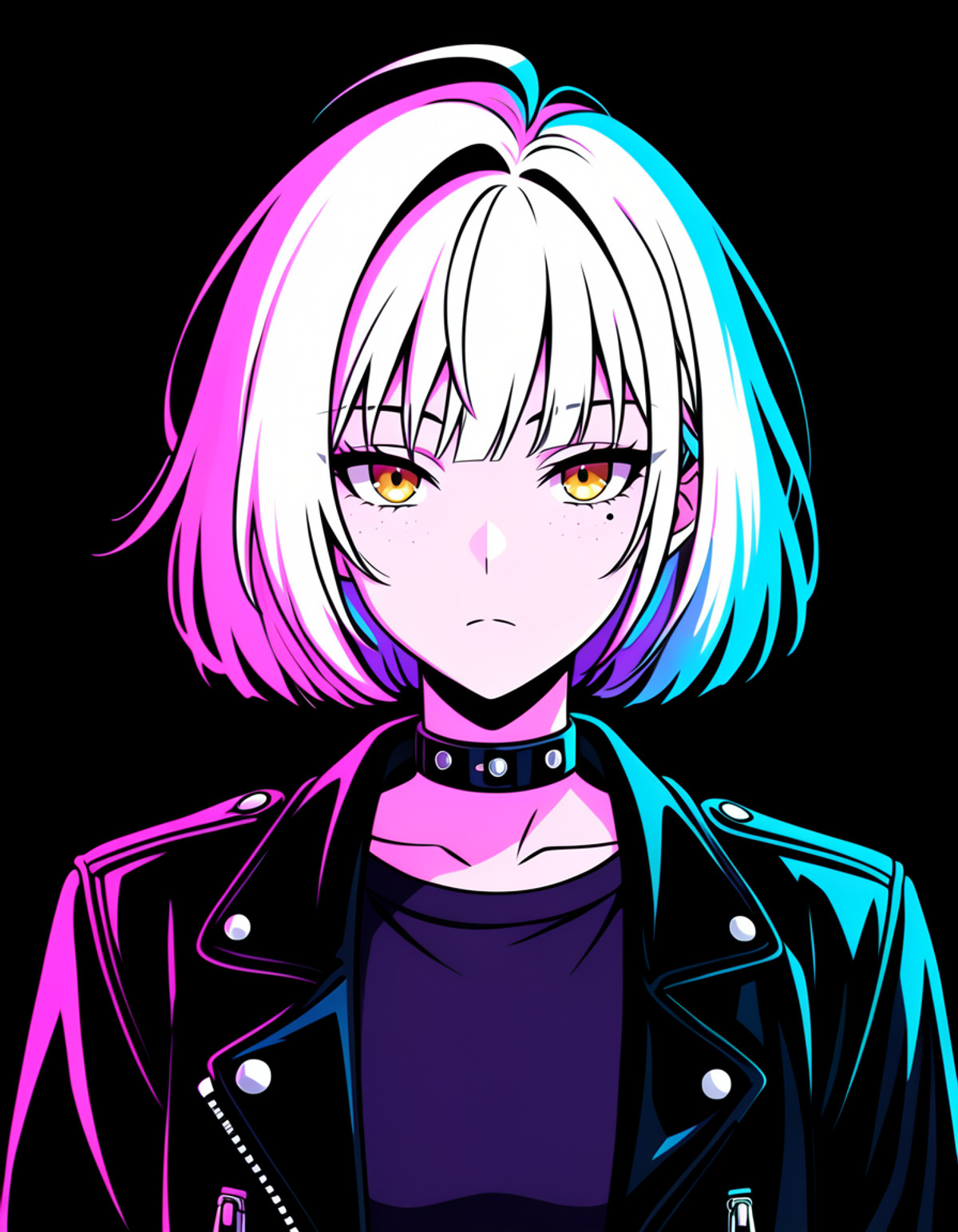
Cyber-Goth Trigger Cel art style LoRA (civitai.com showcase page): transforms images into an anime cel-shading style with hard-edged black ink shadows and magenta/cyan neon outline lighting, leaning towards cyber-goth portraits and neon street scenes.
Generating another image with the same prompt but without the trigger word is the easiest way to see how much it converts MOSS's gradient shading into hard-edged black shadows.
Images
Reasons for Recommendation
- New model; the author claims it was trained on MOSS-Image Base using their own 50 OC images (2000 steps / 40 epochs, Rank 16 / Alpha 16, Muon optimizer), aiming to compress MOSS's native semi-3D, thick-paint gradients into hard-edged black shadows with clean cel-shading
- Serves cyberpunk and goth-themed anime portraits and neon rainy night street scenes; the author provides two directly copyable prompts (vertical portrait 896x1152 with strength 0.75, horizontal rainy alley 1344x768 with strength 0.90) and a full negative prompt
- Parameters and workflows are complete: trigger word, two strength tiers for standalone use / stacking with character LoRAs, Euler / Simple / 36 steps / CFG 3.0 / Shift 5.0 / SLG Layer 22 are all documented, with an attached ComfyUI workflow JSON; 16 visible examples; free, and the license allows image generation, selling, and derivatives, without requiring attribution
How to Use
- Start prompts with in ml_gothcel style; use strength 0.75 - 0.90 for standalone use (can be relaxed to 0.60 - 1.00), and reduce this LoRA to 0.70 - 0.75 while using 0.85 for the character LoRA when stacking
- Euler / Simple, 36 steps, CFG 3.0, Shift 5.0, SLG Layer 22; drag the attached ml_gothcel_moss5b_workflow.json into ComfyUI, and these settings are pre-configured
- Write the negative prompt exactly as provided by the author, using terms like photorealistic, 3d render, crosshatching, etc., to suppress realism and hatching
Risks and Limitations
- With the same weights (identical SHA256) and the same workflow, the author published another civitai.red 'Cross-Promo Edition' page on 3050967; the two pages differ only in cover image and number of hidden examples; this report retains the current page, and the other page is excluded as a duplicate upload
- 36 steps with CFG 3.0 is slower than the 8 step accelerated workflow, and the author did not provide settings for an acceleration LoRA; SLG (skip-layer guidance) relies on the corresponding node in the workflow; most examples are the author's own OCs, and 'clean stacking with character LoRAs' is the author's claim; 4 examples are hidden
Trigger Word: in ml_gothcel style
Recommended (10)
[A] STAR Shadow Magician - Artist Style · MOSS - Stylized
LoRA · Version Update · Author Azriaelis · Published 11-17 07:59 · Downloads 16
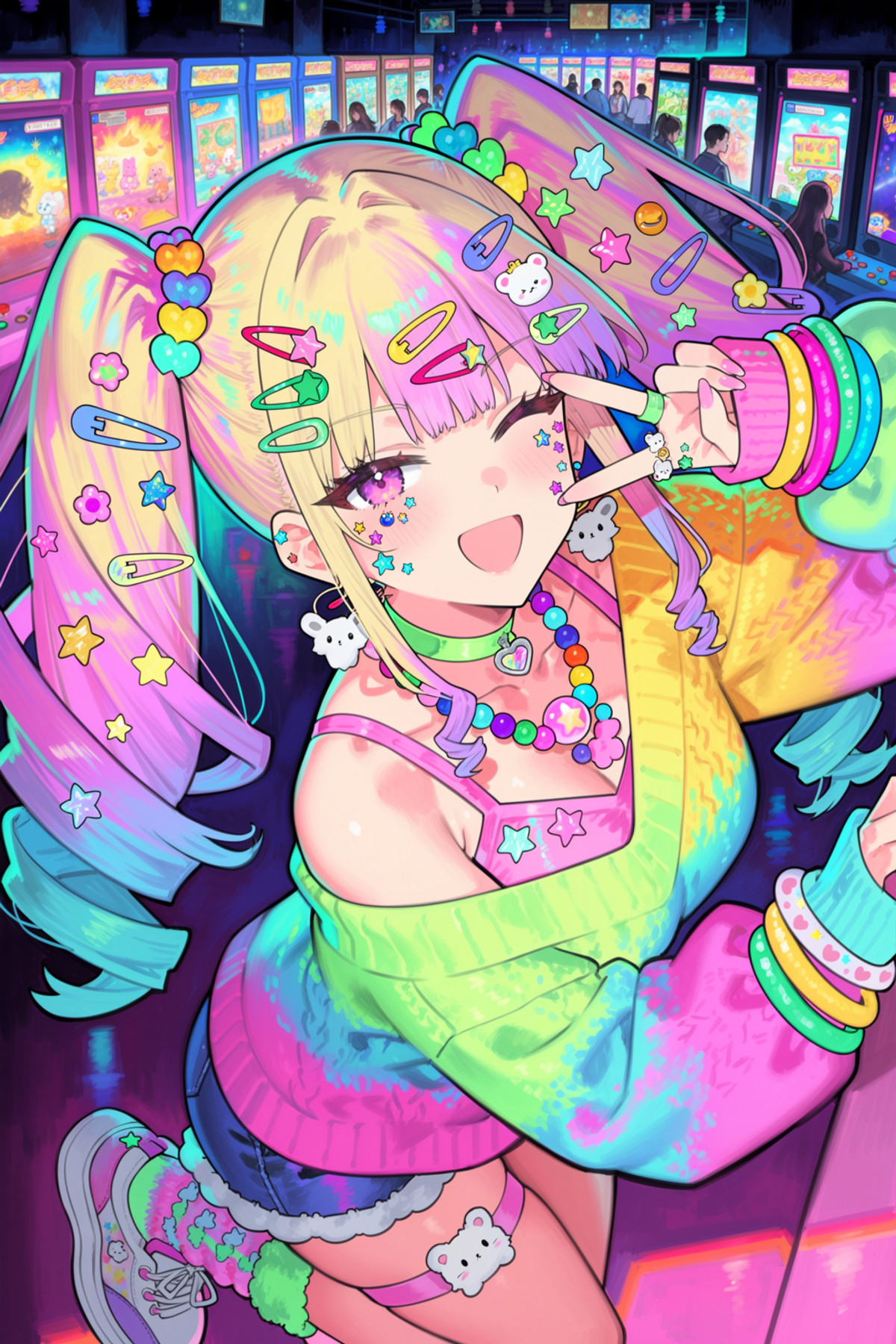
The MOSS 'Stylized' version of the STAR Shadow Magician artist style LoRA: a soft and refined anime digital illustration style, with this version focusing on reproducing the eye and eyelash drawing techniques from the original style.
Images
Reasons for Recommendation
- Port: The same page previously featured Anima and Krea 2 Turbo versions; the author trained two MOSS versions on the same day, with this Stylized version specializing in eyes and eyelashes, maintaining consistency with the Krea and Anima versions; the MOSS - Dynamic version on the same page is a separate weight, leaning more towards overall style, with more flexible composition and less 'intense' eyes
- Serves anime-style character standing illustrations and avatar illustrations; the author claims that adding the trigger word significantly strengthens the LoRA
- MOSS parameters are fully provided: Base with 8 step turbo acceleration LoRA, euler / simple, strength 0.8-1, 8-16 steps, CFG 1-3; 8 visible examples; free
How to Use
- Use MOSS Base with the 8 step turbo acceleration LoRA, then apply this LoRA with strength 0.8-1; write starshadowmagician in the prompt (the MOSS version does not use the @ prefix found in the Krea / Anima versions)
- Sampler euler, scheduler simple, steps 8-16, CFG 1-3; the author did not specify which acceleration LoRA to use
- Choose this version for the iconic eye drawing style; choose the Dynamic version for more free-form visuals and a style closer to the overall aesthetic
Risks and Limitations
- The version notes are empty, and the author did not write an update log; the differences between the two versions are only in the first paragraph of the model card; published about 1 hours ago with very few downloads; the MOSS - Dynamic version in the same series is 3475908
- The license only allows image generation and on-site rental, not derivatives; the page contains mixed content (12 hidden, more than the 8 visible)
Trigger Word: starshadowmagician
[A] MoeFussion 5.0 Moss class · v5.1.A
Base Model / Checkpoint · Version Update · Author LoliRimuru · Published 11-16 21:35 · Downloads 33
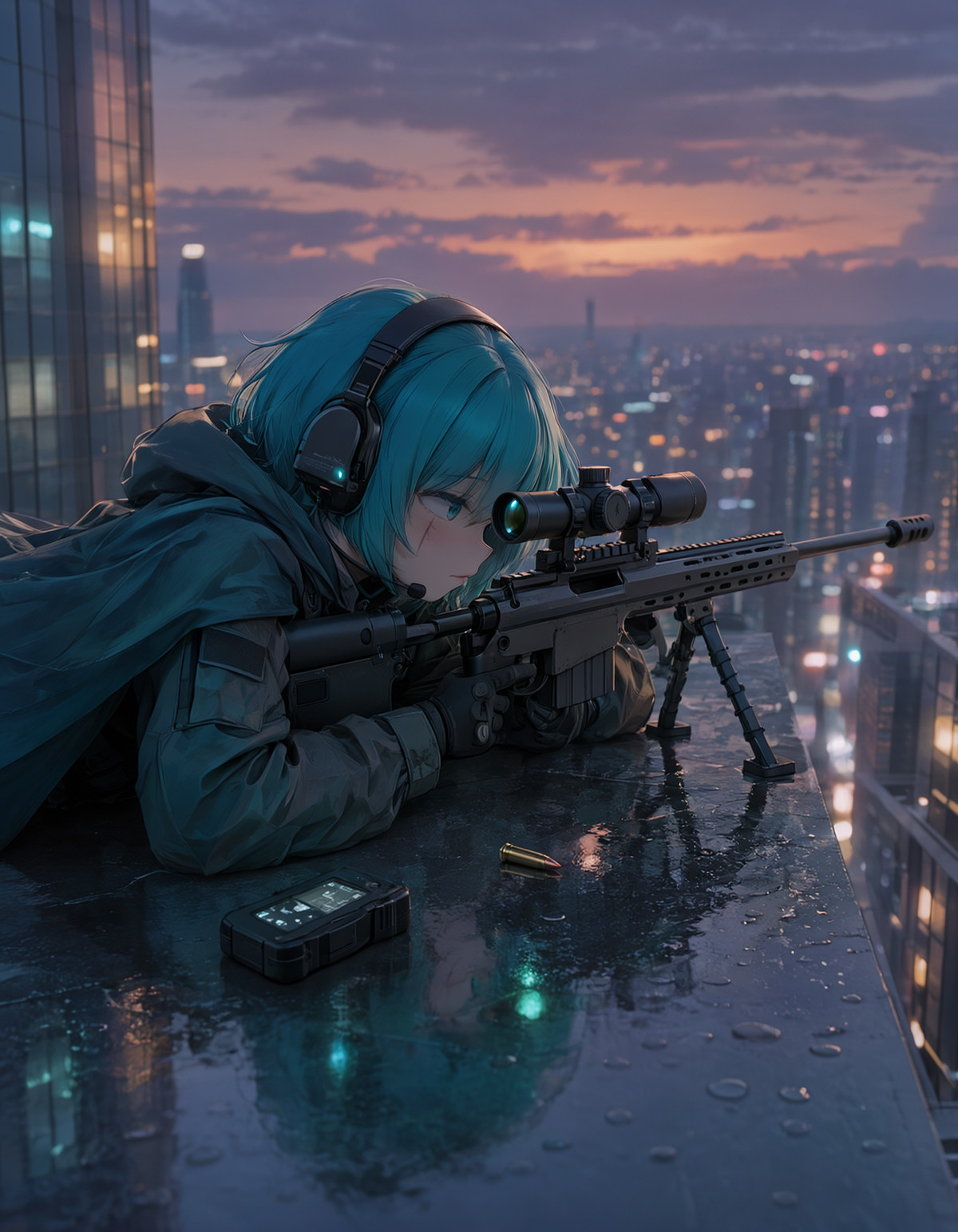
MoeFussion 5's MOSS anime base model v5.1.A (A art style, standard version): based on lodestone's Kromoss, further tuned towards a refined anime art style, retaining MOSS's natural language understanding, with prompts using full sentences rather than tag strings.
Images
Reasons for Recommendation
- Four files uploaded on the same page on the same day: A / B art styles × standard / DMD accelerated runs; this entry is the standard version of the A art style, which the author calls the 'full quality path', slower but with a wider range of expression; the difference between A and B art styles is left for users to judge from the example images
- Serves users who want to generate anime images directly on MOSS without stacking art style LoRAs; the author claims it leads Krea and Anima fine-tunes in prompt adherence, coherence, and text, but pure art style and character knowledge are still inferior to Anima
- Standard version parameters: CFG 3 or higher, approximately 50 steps, Euler or ER SDE, Simple or SGM Uniform, can also attach a Turbo LoRA for speed; 9 visible examples, the most downloaded among the four files on this page; free, and the license allows image generation and selling fusions
How to Use
- Replace the MOSS base model load (single file 27.8 GB, BF16); describe the scene using natural language full sentences, as the author does not recommend booru tag-style writing
- CFG 3+, approximately 50 steps, Euler / ER SDE, Simple / SGM Uniform; to speed up, attach a Turbo LoRA, though the author did not specify which one to use
Risks and Limitations
- The author did not write update notes (the version description is empty); it is recorded as a version update only because the B-style file on the same page was uploaded first, not because it is an upgrade of the old version
- The meaning of the 'ARSY' in the A-version filename and 'AR' in the B-version filename is unexplained; the single file is 27.8 GB, and it is not specified whether the text encoder and VAE are packaged, resulting in high download and VRAM requirements; the author describes it as a "good beta"; the license page only lists image generation and selling merges, which does not fully align with the author's claim of "inheriting Apache-2.0"; 1 example images are hidden
【A】STAR Shadow Magician - Artist Style · MOSS - Dynamic
LoRA · Port · Author Azriaelis · Published 11-17 07:57 · Downloads 11
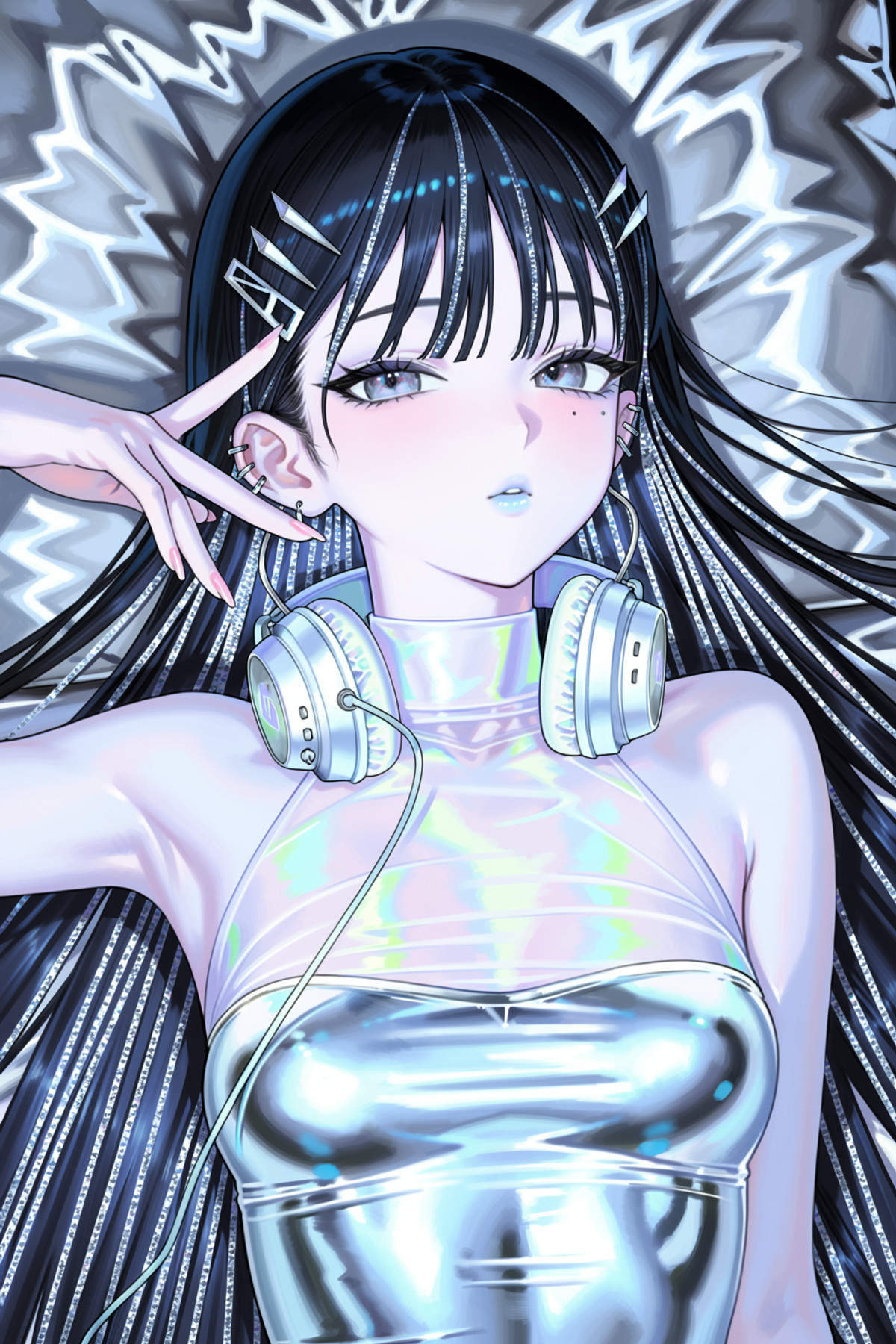
The 'Dynamic' version of the STAR Shadow Magician artist style LoRA for MOSS: a soft and delicate anime digital illustration style; this version focuses on the overall art style and image variation, without strictly applying the artist's signature eye drawing technique.
Image
Reasons to Recommend
- Port: The same page previously featured Krea 2 Turbo and Anima versions; the author has now trained two versions for MOSS—Dynamic (this entry) focuses on the main art style, producing more varied images with less rigid eye styling; the Stylized version released the same day specializes in this artist's eyes and eyelashes, aligning with the Krea and Anima versions
- Serves character images seeking a delicate, soft anime illustration style: choose Dynamic for freer composition and poses, or Stylized for strong eye features
- MOSS parameters are fully provided: Base plus 8 step turbo LoRA, euler / simple, strength 0.8-1, 8-16 steps, CFG 1-3; the author states that writing the trigger word makes the LoRA significantly stronger; 10 visible examples, free
How to Use
- Load MOSS Base with a 8 step turbo acceleration LoRA, then apply this LoRA at strength 0.8-1; write starshadowmagician in the prompt (the MOSS version does not use the @ prefix found in the Krea / Anima versions)
- Sampler euler, scheduler simple, 8-16 steps, CFG 1-3; the author did not specify which acceleration LoRA to use
Risks and Limitations
- The Dynamic and Stylized files are identical in size, with the difference described only in one sentence by the author; there are no side-by-side comparison images, so you must test both versions yourself using the same prompt
- The license only allows image generation and on-site rental, not derivatives; licensing for imitating a named artist's style is not addressed; the page contains mixed content (9 hidden images), was published about 1 hours ago, and has received little feedback
Trigger Word: starshadowmagician
【A】Clyde Caldwell Style - Krea 2 · v1.0
LoRA · Port · Author rhin_tin · Published 11-17 07:53 · Downloads 20
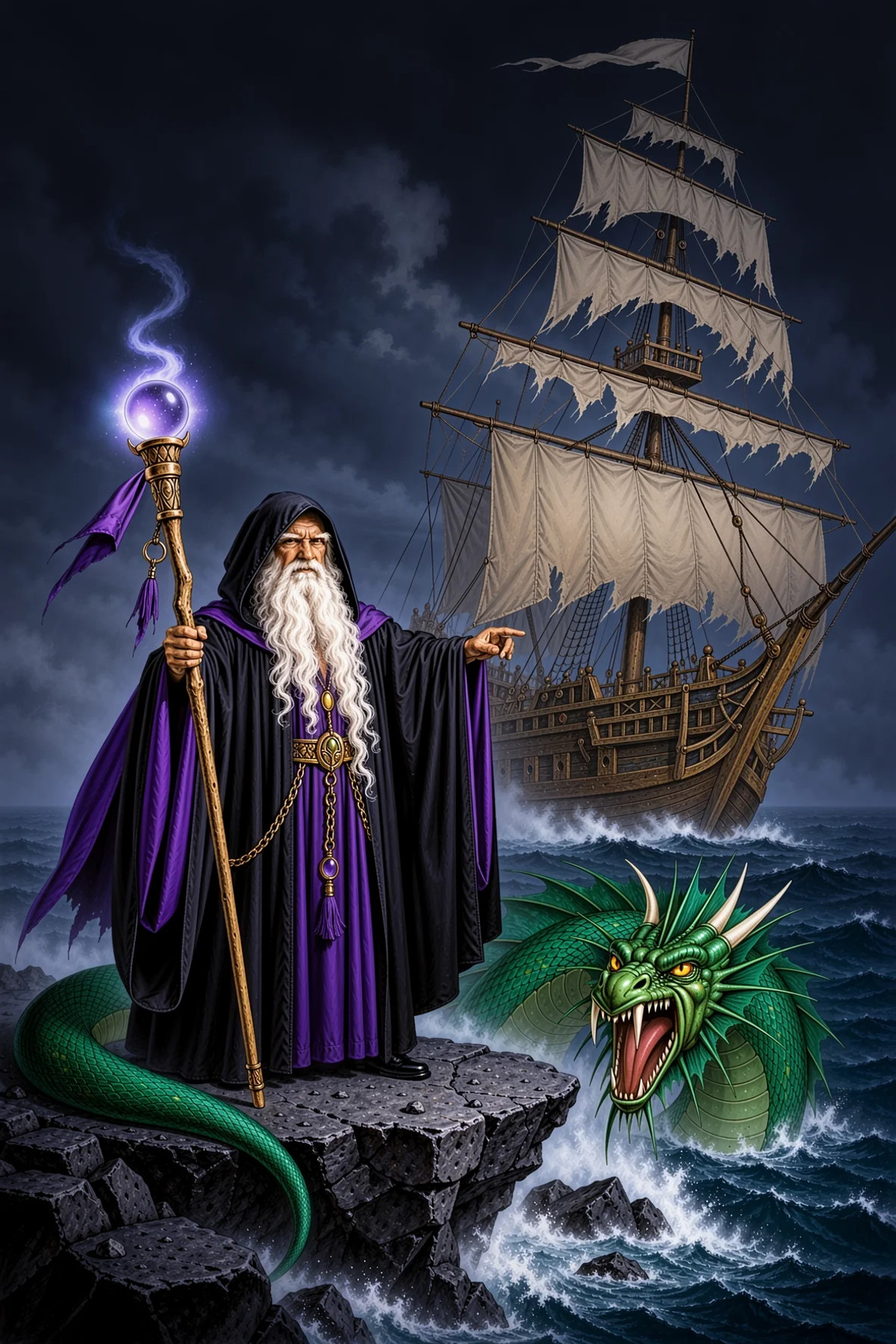
The MOSS version LoRA of the Clyde Caldwell art style: fantasy illustrations with a sword-and-sorcery theme and an oil painting plus airbrush texture, reminiscent of 80 and 90 era Dungeons & Dragons, Dragonlance, and Ravenloft covers.
Image
Reasons to Recommend
- Port: The same page previously featured the Krea 2 version (trigger word oilpainting by clyde caldwell); the MOSS version uses PAINTING_STYLE_OF_CLYDE_CALDWELL and states it was trained on MOSS-Image-Base; the author did not describe the stylistic differences between the two versions
- Serves character and scene images in a retro tabletop gaming or fantasy novel cover style; the author claims it brings dramatic lighting, intricate armor, magical atmosphere, and oil painting plus airbrush brushstrokes
- Trigger word and strength 0.75 – 1 are provided; 7 visible examples; free
How to Use
- Load on MOSS-Image-Base, set strength to 0.75 – 1, and write PAINTING_STYLE_OF_CLYDE_CALDWELL in the prompt
- The author did not provide step count, CFG, sampler, or whether an acceleration LoRA is needed
Risks and Limitations
- Imitating a named artist's style raises licensing and commercial use controversies; the license only allows on-site rental, not commercial image generation
- The page contains mixed content, with 10 hidden examples, more than the 7 visible ones; the model name still says "Krea 2", so be careful to select the MOSS version when downloading
Trigger Word: PAINTING_STYLE_OF_CLYDE_CALDWELL
【A】HaDeS MOSS Suite Workflows · LoRA Compare x4
Workflow · Version Update · Author _HaDeS_ · Published 11-17 00:10 · Downloads 33
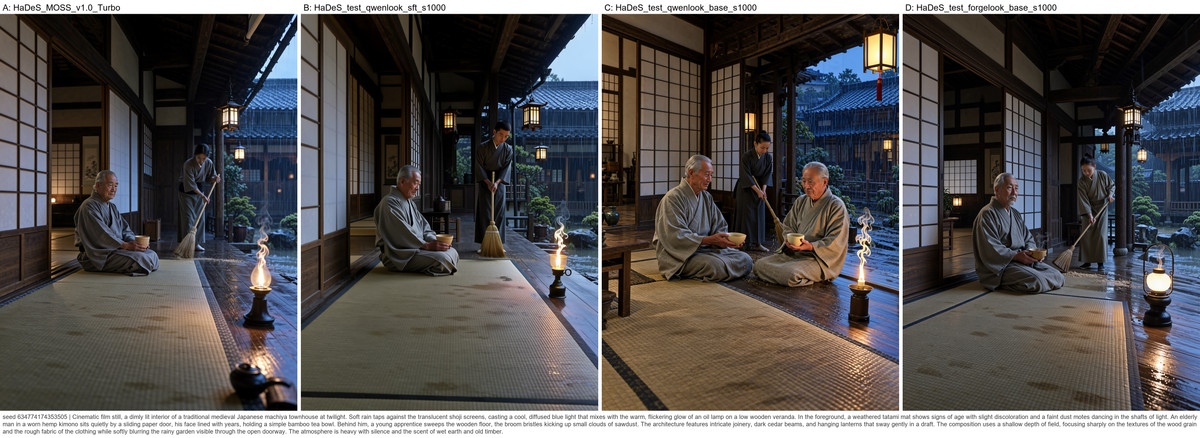
The 'LoRA Compare x4' ComfyUI workflow for the HaDeS MOSS Suite: runs up to four LoRAs (or four checkpoints / strengths of the same LoRA) with the same prompt and seed, automatically assembling them into a single annotated comparison image.
Image
Reasons to Recommend
- Version Update: This page is the author's workflow collection, where each version is an independent workflow (previous ones included acceleration upscaling, ControlNet, img2img, random prompts, etc.), not iterations of the same workflow; this version demonstrates the new MOSS Compare Sheet node added in HaDeS MOSS Suite v0.8.0
- Serves selecting checkpoints during LoRA training, comparing art style LoRAs or strengths: each cell is automatically labeled with the LoRA name (and strength if not 1), with the seed and prompt written below, saved as a PNG with embedded workflow that can be dragged back into ComfyUI
- Structure and steps are clearly written: one MOSS Loader, one Prompt Enhancer, one MOSS Latent split into A-D four-way Multi-LoRA → MOSS KSampler; the shared seed is placed in the MOSS Latent; free, with a permissive license
How to Use
- Install HaDeS MOSS Suite 0.8.0 or newer; select one LoRA for each of the A-D Multi-LoRA rows, write your idea in the Prompt Enhancer (or set it to 'as written' to use verbatim), set the seed in the MOSS Latent and run, then change the seed to see the next set
- Defaults are configured with HaDeS MOSS v1.0 Turbo (8 steps, CFG 1), text encoder qwen3.5_9b_int8_convrot (or w4a8_gptq) and flux2-vae; with turbo at CFG 1, negative prompts are ineffective, so to exclude text, write 'no text' in the positive prompt
Risks and Limitations
- It is a workflow JSON, not new weights; it depends on the author's own node suite and defaults to binding the author's Turbo base model; changing the base model requires manually modifying the loader nodes
- The version description is empty, and the author did not write update notes (content is in the model card); only 3 visible examples; the workflow has not been verified by running
【A】MoeFussion 5.0 Moss class · v5.1.B
Base Model / Checkpoint · Version Update · Author LoliRimuru · Published 11-16 20:43 · Downloads 13
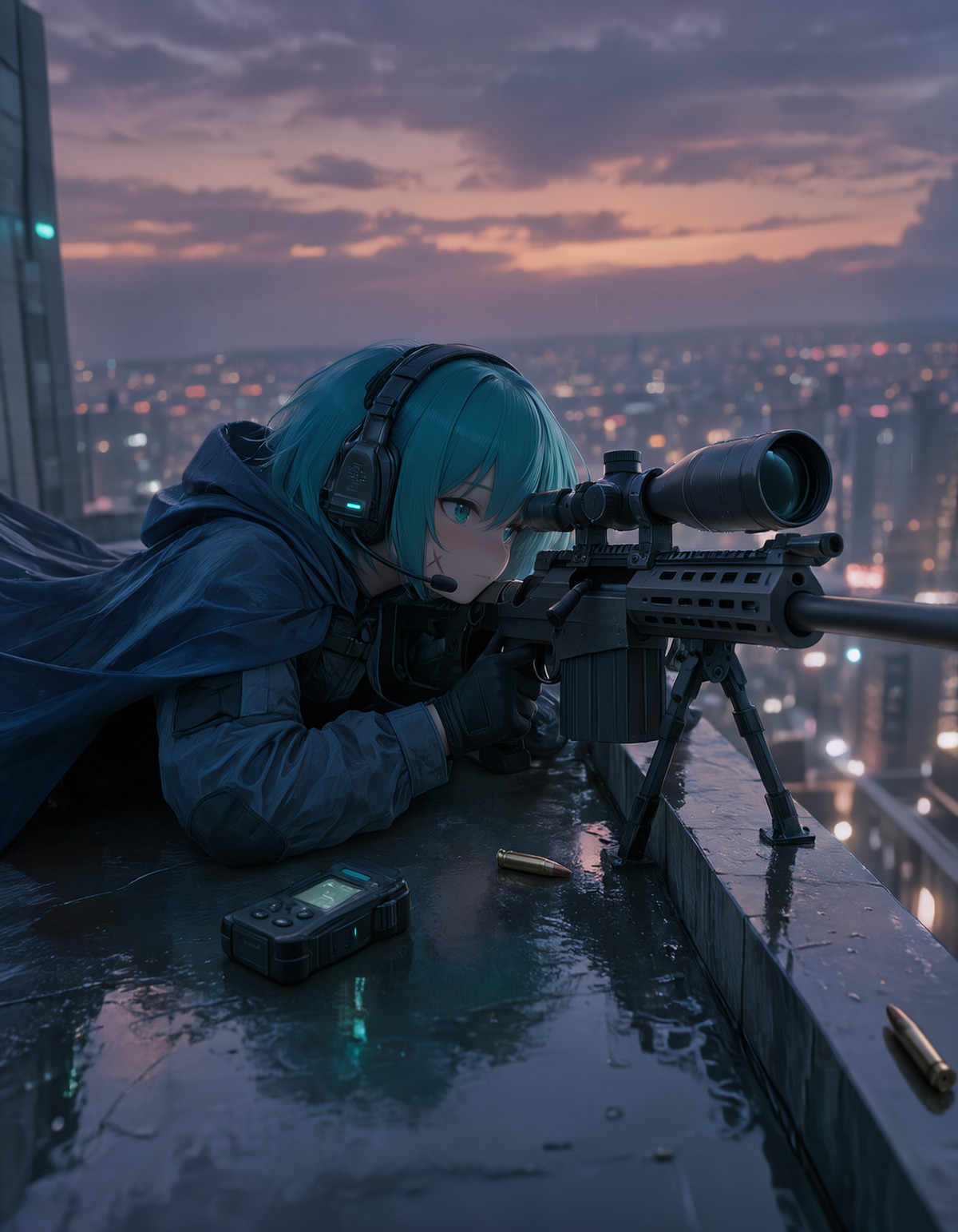
The B-style standard version of MoeFusion 5 (MOSS Class): a detail-oriented anime base model fine-tuned from Kromoss, retaining MOSS's natural language understanding, with prompts using conversational descriptions rather than tags.
Image
Reasons to Recommend
- Version Update: Two styles, A and B, were uploaded on the same day on this page, each with a standard version and a DMD distilled version, totaling four files; this entry is the B-style standard (non-DMD) version, using a full workflow with CFG 3+ and approximately 50 steps. The author only says to "choose by looking at example images" for the difference between B and v5.1.A; v5.1.B_DMD is a fast version with 8 steps and CFG 1, which the author claims is sometimes more stable but more rigid
- Serves anime illustrations and character images; the author claims it leads Krea and Anima in prompt adherence, image coherence, and text handling, but currently lags behind Anima in pure art style and character knowledge
- Parameters are fully provided: CFG 3+, approximately 50 steps, Euler or ER SDE, Simple or SGM Uniform; the author states that turbo acceleration LoRAs can also be used with the standard version; 8 visible examples; free
How to Use
- Load as a base model, write prompts as complete sentences as if speaking to a person, do not stack booru tags
- CFG above 3, approximately 50 steps, Euler / ER SDE, Simple / SGM Uniform; for speed, attach a turbo LoRA or switch to the B_DMD version (8 steps, Euler, Simple, CFG 1)
Risks and Limitations
- Single file bf16 is approximately 29 GB, resulting in high download and VRAM requirements; see also v5.1.A (3474911), v5.1.A_DMD (3475048), and v5.1.B_DMD (3475037) from the same series
- The author describes it as an early "good beta"; there is no textual explanation of the differences between A / B styles, and the meaning of 'ARSY' in the A filename versus 'AR' in the B filename is unexplained; the author did not write update notes
- The author claims to inherit MOSS's Apache-2.0, but the Civitai license section only checks image generation and selling merges; refer to the page license for accuracy
【A】BBox Studio · v1.3
Workflow · Version Update · Author plk · Published 11-17 06:35 · Downloads 20
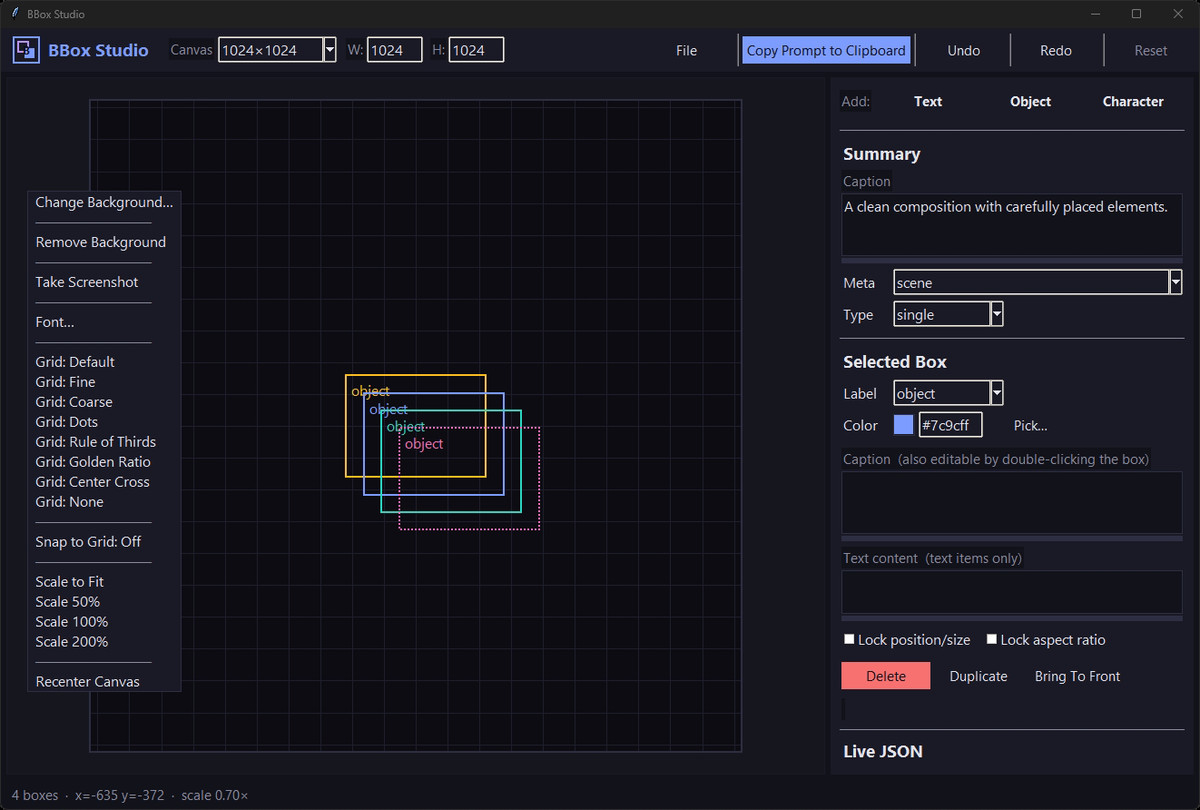
BBox Studio v1.3: a desktop mini-program written in pure Python that allows drawing boxes on a canvas, writing descriptions for each box, and exporting structured bbox JSON prompts for MOSS; this version features a major interface overhaul.
Image
Reasons to Recommend
- Version Update: The interface has been completely refreshed; the right-click menu allows customizing interface fonts and dynamic scaling; zooming is faster when using a background image (wheel zoom remains somewhat slow); screenshot exports are clearer; the status bar adds box counts, with arrow keys switching boxes; fixed an issue where project file parameters were not fully read; save/load options have been moved to the File menu
- Serves multi-character, multi-object partitioned compositions: place boxes on the canvas, write content for each box, and generate MOSS-compatible bbox JSON with one click, with support for reference image alignment
- The author claims one-click startup and zero external dependencies, running just by installing Python 3, with source code on GitHub; free, with a license allowing image generation, selling, and derivatives
How to Use
- Unzip the file and run the script with Python 3; draw boxes, fill in descriptions, export JSON, and paste it into the prompt box of the MOSS generator
- The coordinate format for MOSS and recommended sampling parameters are not written on this page; refer to the program itself or GitHub documentation
Risks and Limitations
- It is not model weights and does not change MOSS's capabilities; the degree to which MOSS adheres to box positions is not explained on this page
- Four versions were released consecutively from 11 month 11 day to 16 day, indicating frequent changes; there are only 2 screenshots; the tool has not been verified by running
【A】Dizzle's Bold Color Slam · v1
LoRA · New Model · Author Maridizzle · Published 11-17 03:04 · Downloads 32
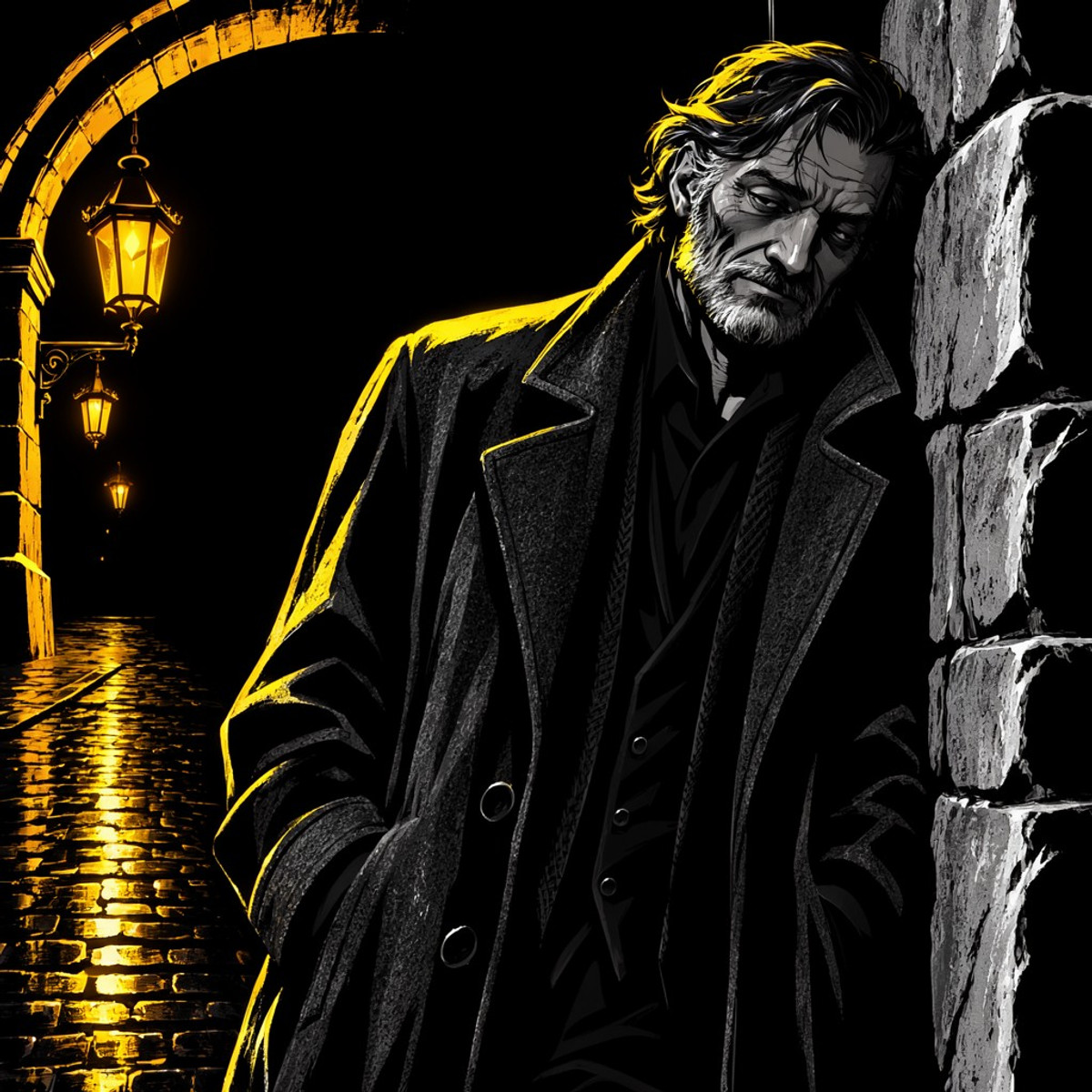
Dizzle's Bold Color Slam: an illustration style LoRA that clashes a primary color against a pure black background; the author describes it as neon glow, thick ink blocks, and wet bright highlights, with the entire image dominated by one color.
Image
Reasons to Recommend
- New model; the style positioning is clearly written, and it provides a method to control the primary color using color words
- Serves posters, covers, and neon black-tone illustrations; part of the author's Dizzle’s Magic Effects II series
- Trigger word, strength, and guidance phrases are provided: dz_bold, strength 1.0, with the author claiming 1.3 is more exaggerated; 4 visible examples; free, with a license allowing derivatives
How to Use
- Start the prompt with dz_bold, a bold neon and black illustration, then add a color word (purple, lime green, hot pink, cyan, etc.) to specify the primary color, leaving the remaining word count for the subject and scene
- Strength 1.0, increase to 1.3 for stronger effect; the author did not provide step count, CFG, or sampler
Risks and Limitations
- Only 4 visible examples (5 hidden), and the page contains mixed content; it is not specified whether it was trained on Base or SFT
- Monochromatic dominance and heavy style make it unsuitable for images requiring multiple colors or realism
Trigger word: dz_bold,
[A] [Blue Memphis · v2.0-moss heal] (https://civitai.com/models/3053650?modelVersionId=3475263)
LoRA · Version Update · Author soda_Cookie · Published 11-17 01:41 · Downloads 41
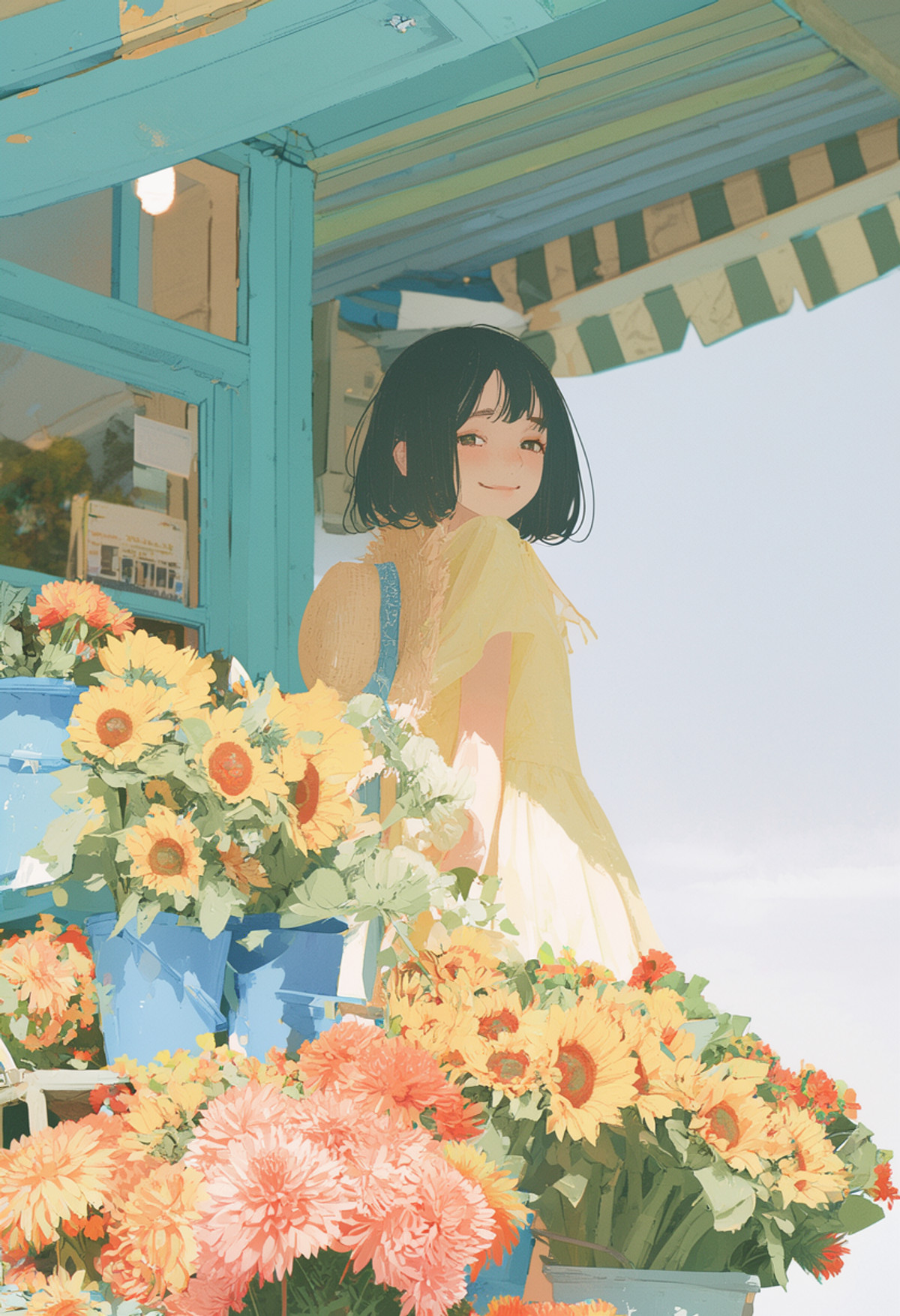
The v2.0 MOSS version of the Blue Memphis style LoRA: It unifies characters, clothing, and backgrounds using a color scheme of bright blue, cyan, coral orange, and cream white, with simplified light and dark blocks and distinct color separation.
Images
![Example 832x1216] (https://rh-images-switch.xiaoyaoyou.com/input/openapi/9fc2a4253a569c00a6d5e4f4ceab2d14c7bb22adc8e6fd9a395b21a38a75abb9.jpg)
Reasons for Recommendation
- Version update: The author states that v2 fixed some tagging errors; the trigger word changed from a full sentence in the previous version to @memphis; the filename is labeled v003 ep15, while the model description still says v002 EP12, so rely on the file name.
- Suitable for street scenes, characters, and urban illustrations that require unified cool and warm contrasting colors in flat illustrations; the author provides complete example prompts, negative prompts, and an additional description to enhance thick brushstrokes and paper grain.
- 4 visible examples; free, license allows for image generation, selling, and derivatives.
How to Use
- Start the prompt with @memphis., followed by natural language descriptions of characters, scenes, and lighting (the author's example is a short-haired woman next to a bicycle on a street corner); use the negative prompts provided by the author.
- For more pronounced thick brushstrokes and grain, add: Flat painted color areas, rough broken brush edges and dense paper-like grain across the person and the background.
- The author did not provide strength, steps, CFG, or sampler settings.
Risks and Limitations
- The version notes field was mistakenly filled with example prompts; the only actual update content is "fixed tagging errors," and the author did not describe the difference in effect from the previous version.
- Both the version name and filename are labeled moss heal, suggesting it was trained on a MOSS-heal fine-tuned base model (not explicitly stated by the author); performance on the official Base / SFT is not specified; 1 example images are hidden.
Trigger word: @memphis
[A] [[MOSS Image] Hybrid 4 + 8 step workflow with TurboLoRA · v1] (https://civitai.com/models/3055170?modelVersionId=3475180)
Workflow · New Model · Author lepetitprince716355 · Published 11-16 22:42 · Downloads 21
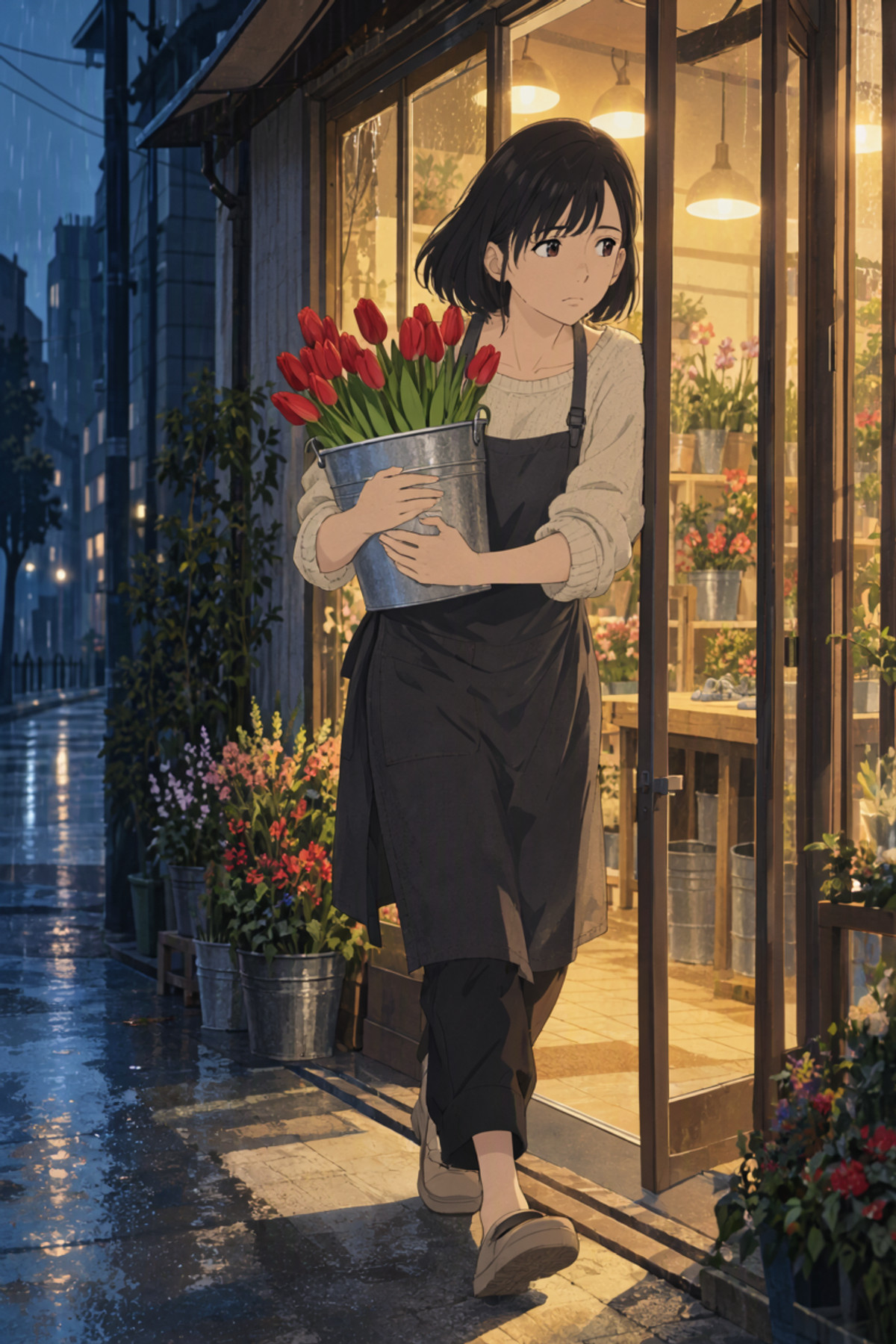
MOSS Image hybrid 4+8 step ComfyUI workflow: The first 4 steps use the base model to preserve style and painting medium, while the last 8 steps attach DiffSynth-Studio's TurboLoRA for finishing, striking a balance between speed and the default quality of 25 steps.
If you used DiffSynth's MOSS acceleration LoRA but didn't feel it got faster, first check if the key names are mapped correctly.
Images
![Example 832x1248] (https://rh-images-switch.xiaoyaoyou.com/input/openapi/09254a13971ed14d0ed170872ea5ad9e13103ccf52bd45147e79937cc92202e0.jpg)
Reasons for Recommendation
- New model (workflow JSON, not new weights); the two-stage sampling shares a 12 step grid, the same seed, and shift 5: the first 4 steps use the base model er_sde, CFG 2.5, and the last 8 steps use TurboLoRA strength 1.0, euler, CFG 1.
- The author published comparisons: RTX 5080 16 GB, int8 DiT, approx 1 MP, hot start 4.35 s, cold start 5.6 s, 25 step default 9.3 s; using TurboLoRA alone for 8 steps takes only 2.20 s, but none of the 6 painting medium test groups preserved the style, so the first 4 steps with the base model are intended to bring the style back.
- Also points out a pitfall: The TurboLoRA released by DiffSynth-Studio has 524 keys that do not map at all in ComfyUI 0.42.1, so attaching it is useless; the author's article provides a script to add prefixes.
How to Use
- Download moss_image_sft_int8_convrot, qwen3.5_9b_w4a8_gptq, and flux2-vae_small from Comfy-Org/MOSS-Image; download model-8steps.safetensors from DiffSynth-Studio/MOSS-Image-SFT-TurboLoRA on ModelScope.
- Use the script from the author's article (civitai.com/articles/38059) to add prefixes to the LoRA, generating moss_turbolora_comfy.safetensors, then import workflow-ui.json.
Risks and Limitations
- The author states this is not their default solution: side-by-side, 25 steps look more natural, and hands and newly appearing small flaws did not pass their checks; it was selected based on only 19 prompts × 2 seeds; RTX 4060 Ti 16 GB was not tested.
- Depends on the conversion script in the article; if the ComfyUI version changes, key name mappings might change again; the workflow has not been verified by running; the license only allows for image generation and on-site rental.
Worth Watching (11)
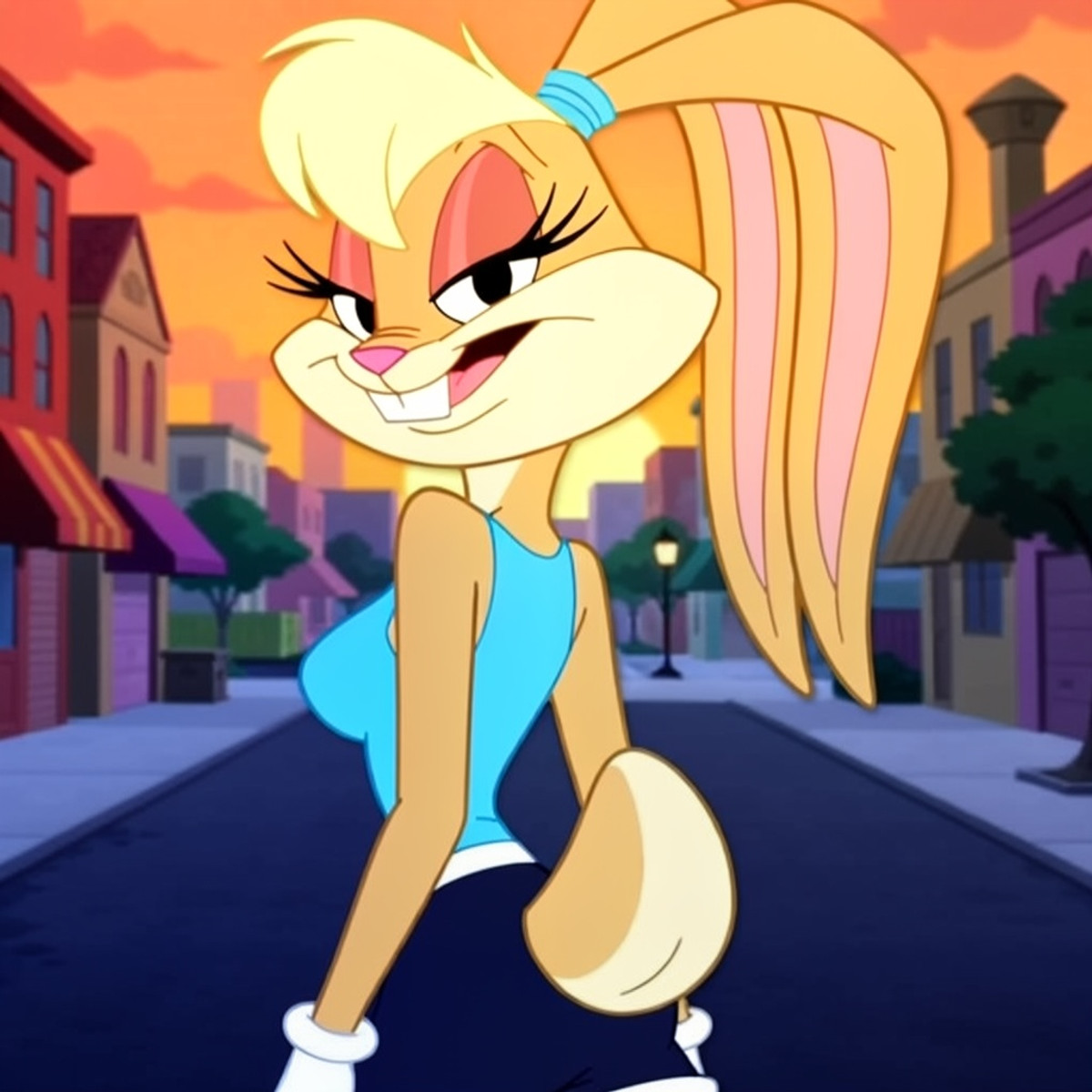
[B] [Lola Bunny - The Looney Tunes Show [MOSS IMAGE] · v1.0] (https://civitai.com/models/3055343?modelVersionId=3475410)
LoRA · New Model · Author marcelauorak · Published 11-17 01:27 · Downloads 31
MOSS character LoRA for Lola Bunny (The Looney Tunes Show style): Generates 2D animation style images of this cartoon rabbit character.
Images
![Example 1024x1024] (https://rh-images-switch.xiaoyaoyou.com/input/openapi/acb39e03bf7bb3dcfe660c100ff84266c01cc9953fa04c811284c5bc55c29f1f.jpg)
[B] [Moss-Boredom · v1.0] (https://civitai.com/models/3055189?modelVersionId=3475204)
Base Model / Checkpoint · New Model · Author ukr8b3g201 · Published 11-16 23:38 · Downloads 61
Moss Boredom v1: An int8 (convrot) fused base model for MOSS-Image, used with DMD acceleration LoRA to generate images in 8–10 steps; the author states that realism is not its strength.
Images
![Example 1152x1536] (https://rh-images-switch.xiaoyaoyou.com/input/openapi/024f764714d71017873fd1491c7bf545e2acf0c77961e640971ffefd35d4b059.jpg)

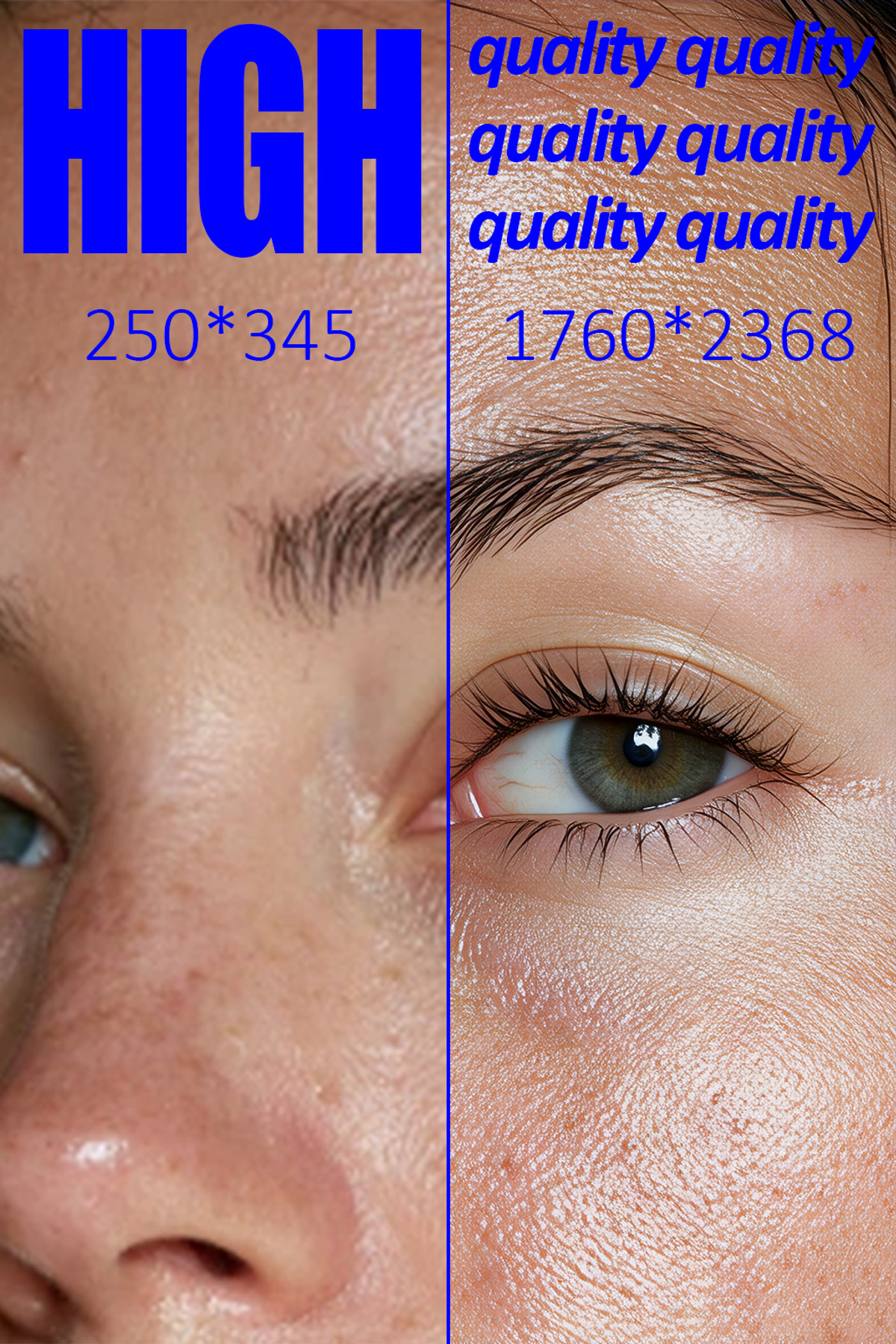
[B] [HighQuality · MI] (https://civitai.com/models/2436859?modelVersionId=3475175)
LoRA · Port · Author NO8D · Published 11-16 22:39 · Downloads 273
MOSS version (beta) of the HighQuality series "HD Restoration" LoRA: The author claims it can convert images to high definition; this is a free test version hosted on Civitai.
Images
![Example 1024x1536] (https://rh-images-switch.xiaoyaoyou.com/input/openapi/3d997cf8d9c711b6eee38f86bbaf0c75aca8fde93278f4960f53d87783f8af62.jpg)
[B] [Vanripper - Helltaker - Vanripperart - Style MOSS LORA · v2.0] (https://civitai.com/models/3050792?modelVersionId=3475942)
LoRA · New Model · Author Konan · Published 11-17 08:30 · Downloads 14
MOSS style LoRA imitating the art style of Vanripper, the artist of the indie game Helltaker.
Images
![Example 1280x1840] (https://rh-images-switch.xiaoyaoyou.com/input/openapi/335d1fda8e488596fdf3489c9ddc3def51a9810409144ea78a76698a0ffb6510.jpg)

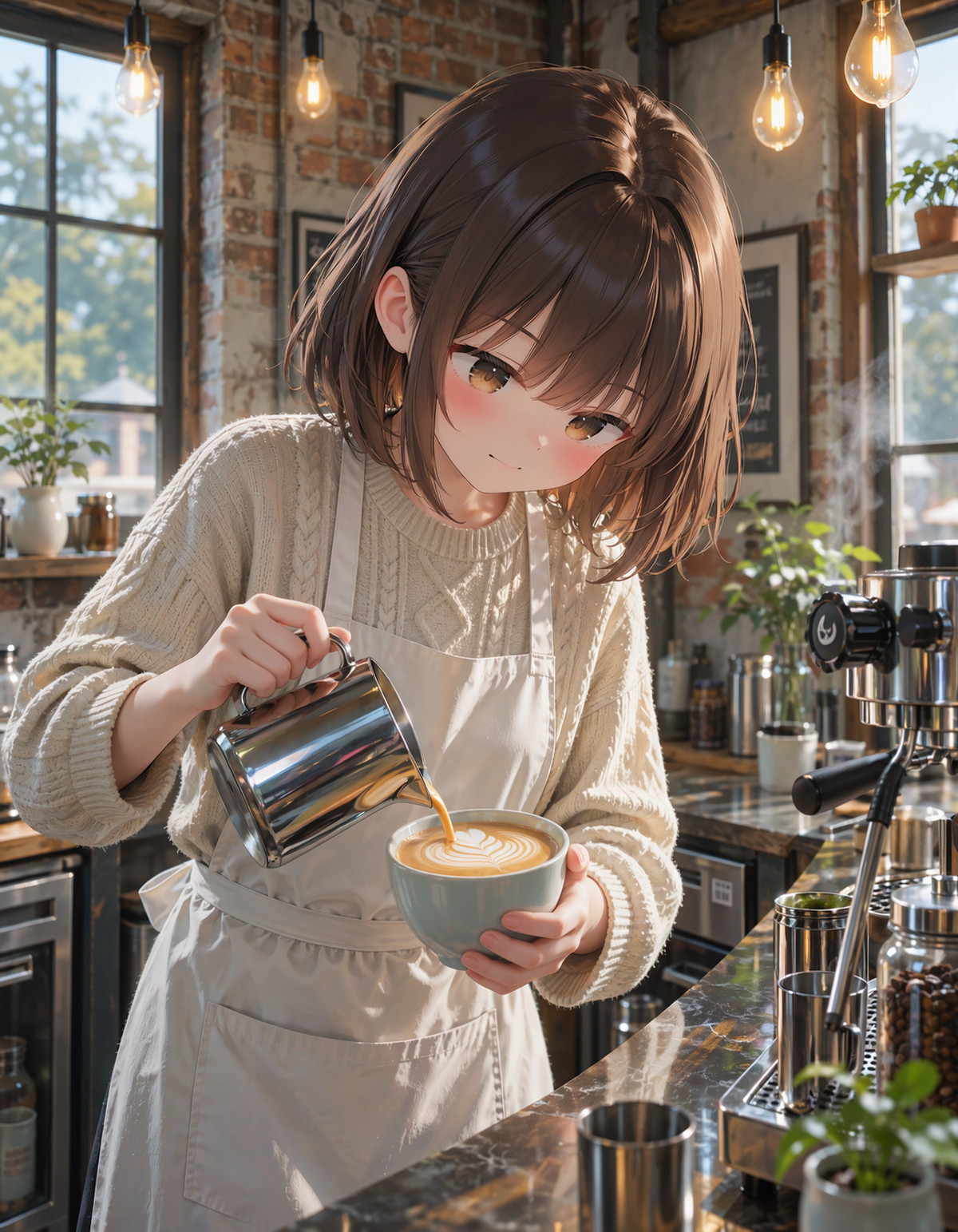
[B] [MoeFussion 5.0 Moss class · v5.1.A_DMD] (https://civitai.com/models/3054965?modelVersionId=3475048)
Base Model / Checkpoint · Version Update · Author LoliRimuru · Published 11-16 20:47 · Downloads 15
v5.1.A_DMD of the MoeFussion 5 MOSS anime base model: A DMD distilled accelerated version of the A style, generating images in 8 steps, CFG 1.
Images
![Example 1344x1728] (https://rh-images-switch.xiaoyaoyou.com/input/openapi/6b49953fc22a38b33f37eae5da2c27ba417fcc70582f8424253e94e116d45e7b.jpg)
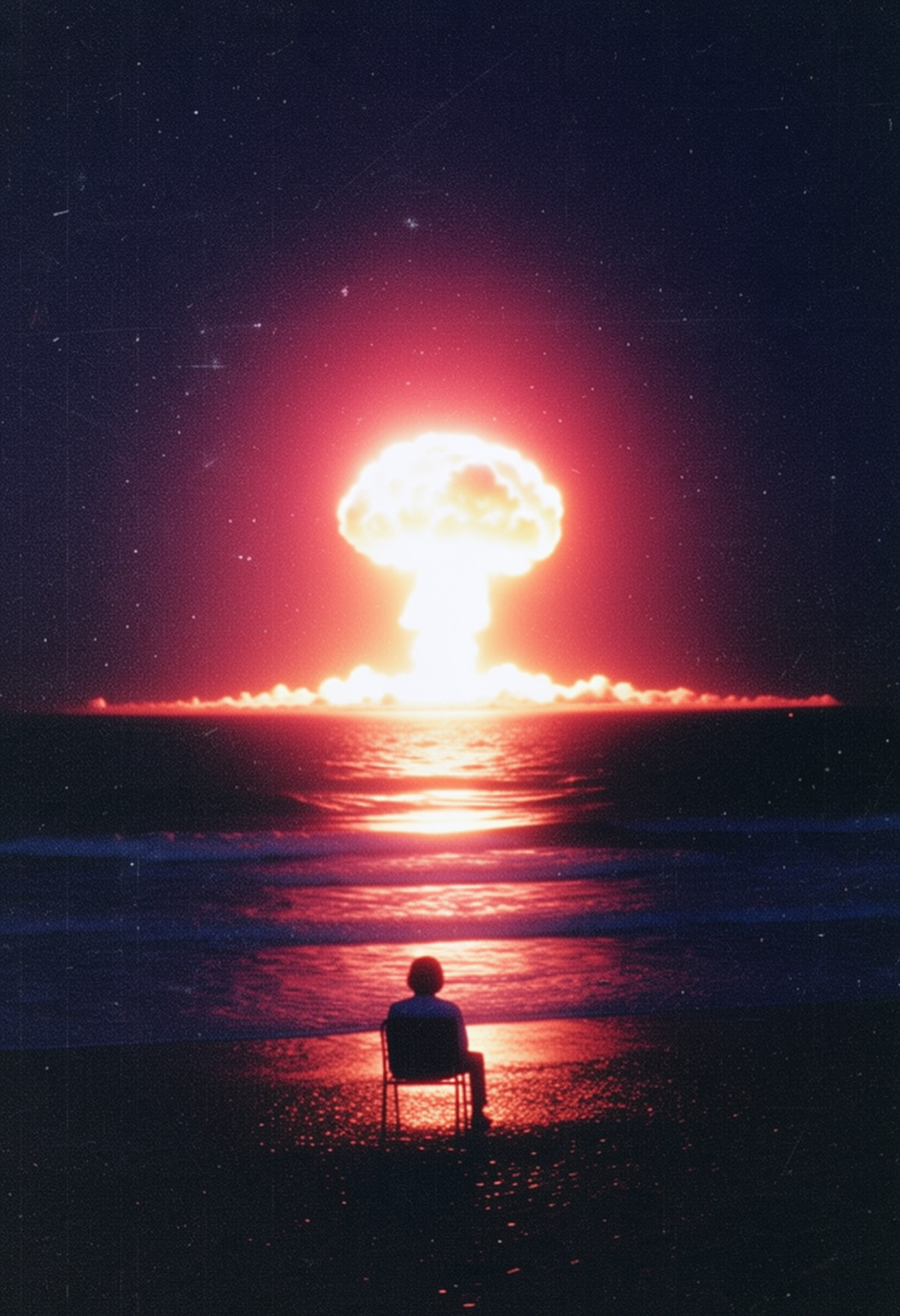
[B] [Dark Dreamcore Style Moss/Krea 2/ZImageTurbo · Moss] (https://civitai.com/models/2658956?modelVersionId=3475441)
LoRA · Port · Author zura_janai · Published 11-17 02:05 · Downloads 57
MOSS version of the Dark Dreamcore style LoRA: Turns images into a dark-toned "dreamcore" style, aimed at surreal scenes with a grotesque, dreamlike feel.
Images
![Example 832x1216] (https://rh-images-switch.xiaoyaoyou.com/input/openapi/a229e857eb83a7c8eb062e5b3a651967e355f9930db479fb9fe0d820c05a362f.jpg)
[B] [MoeFussion 5.0 Moss class · v5.1.B_DMD] (https://civitai.com/models/3054965?modelVersionId=3475037)
Base Model / Checkpoint · New Model · Author LoliRimuru · Published 11-16 20:40 · Downloads 12
v5.1.B_DMD of the MoeFussion 5 MOSS anime base model: A DMD distilled accelerated version of the B style, generating images in 8 steps, CFG 1.
Images
![Example 1344x1728] (https://rh-images-switch.xiaoyaoyou.com/input/openapi/9b1d70a1b71a271c6eff6c42be97e71f3964c0ac80f7b2c33428f9f297bc9f6e.jpg)
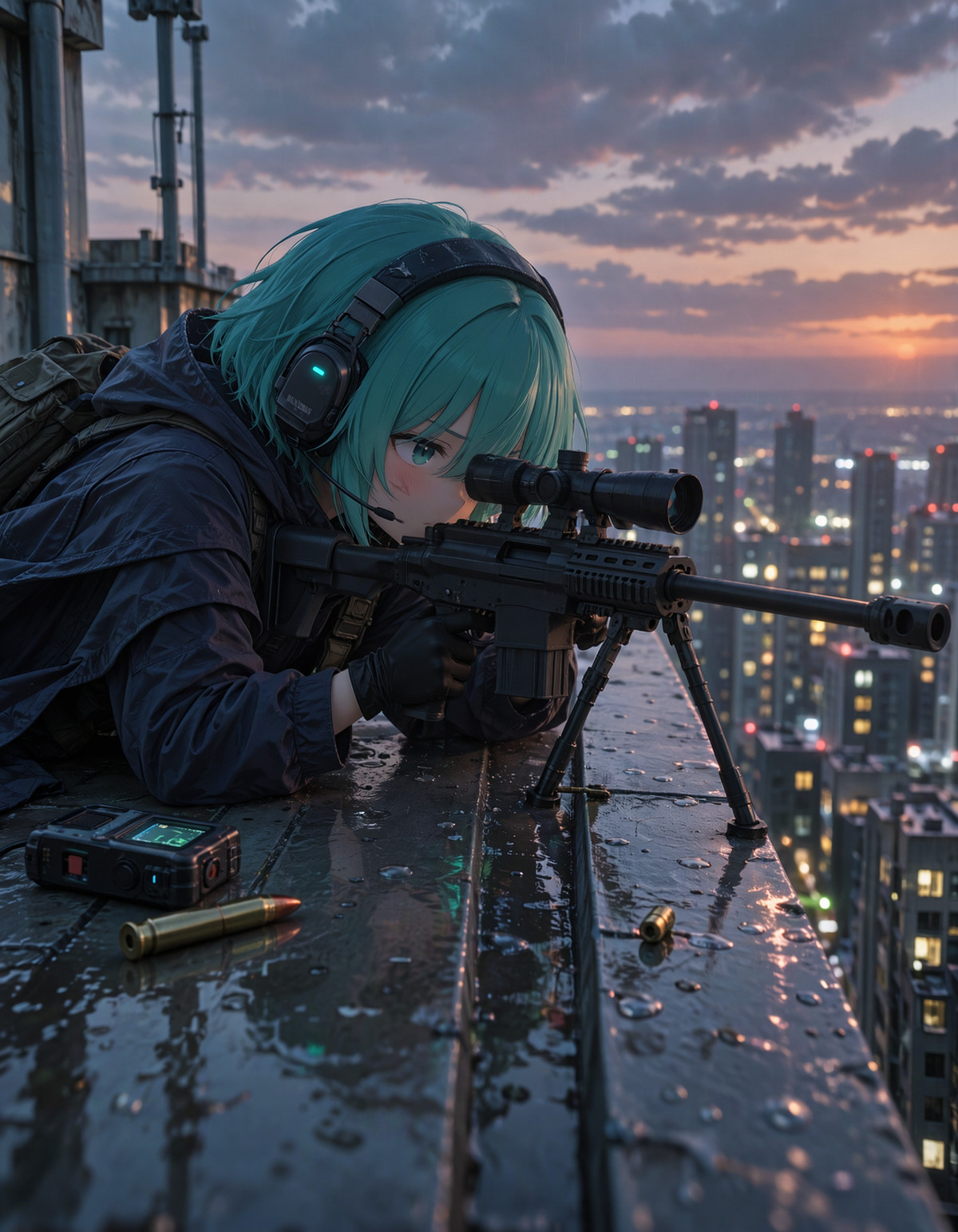
[B] [Yonemuro style for Moss · v1.0] (https://civitai.com/models/3055445?modelVersionId=3475550)
LoRA · New Model · Author azukiuy · Published 11-17 03:46 · Downloads 33
Yonemuro style LoRA: Imitates this artist's anime illustration style, trained on MOSS Base INT8, with no trigger word.
Images
![Example 2048x3072] (https://rh-images-switch.xiaoyaoyou.com/input/openapi/8b9d94ad3c012ae90ae3cd18b6b152fb36331be4c20b8ad032994ed0dad0390e.jpg)
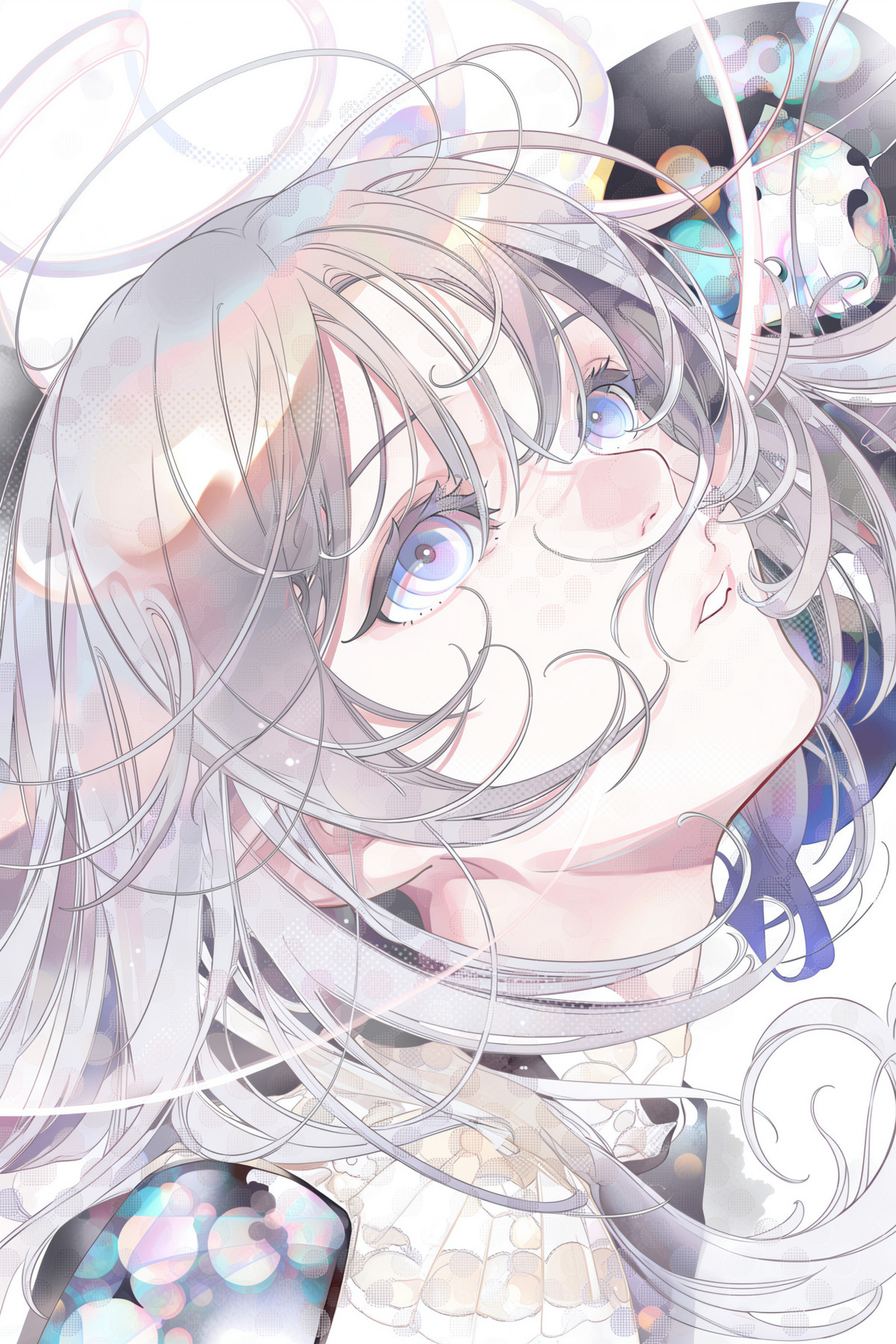
[B] [iGEN One · Nova.4_MS] (https://civitai.com/models/2715571?modelVersionId=3475411)
Workflow · Version Update · Author Rvage · Published 11-17 01:29 · Downloads 34
Nova.4_MS of iGEN One: A MOSS streamlined version (MS for two-row layout) of the ComfyUI modular "generation + editing + upscaling + refinement" integrated workflow.
Images
![Example 2912x3904] (https://rh-images-switch.xiaoyaoyou.com/input/openapi/cd39cfc7138aec49e07c52048ad82ca43530be2763afe60e272c827c866e820a.jpg)
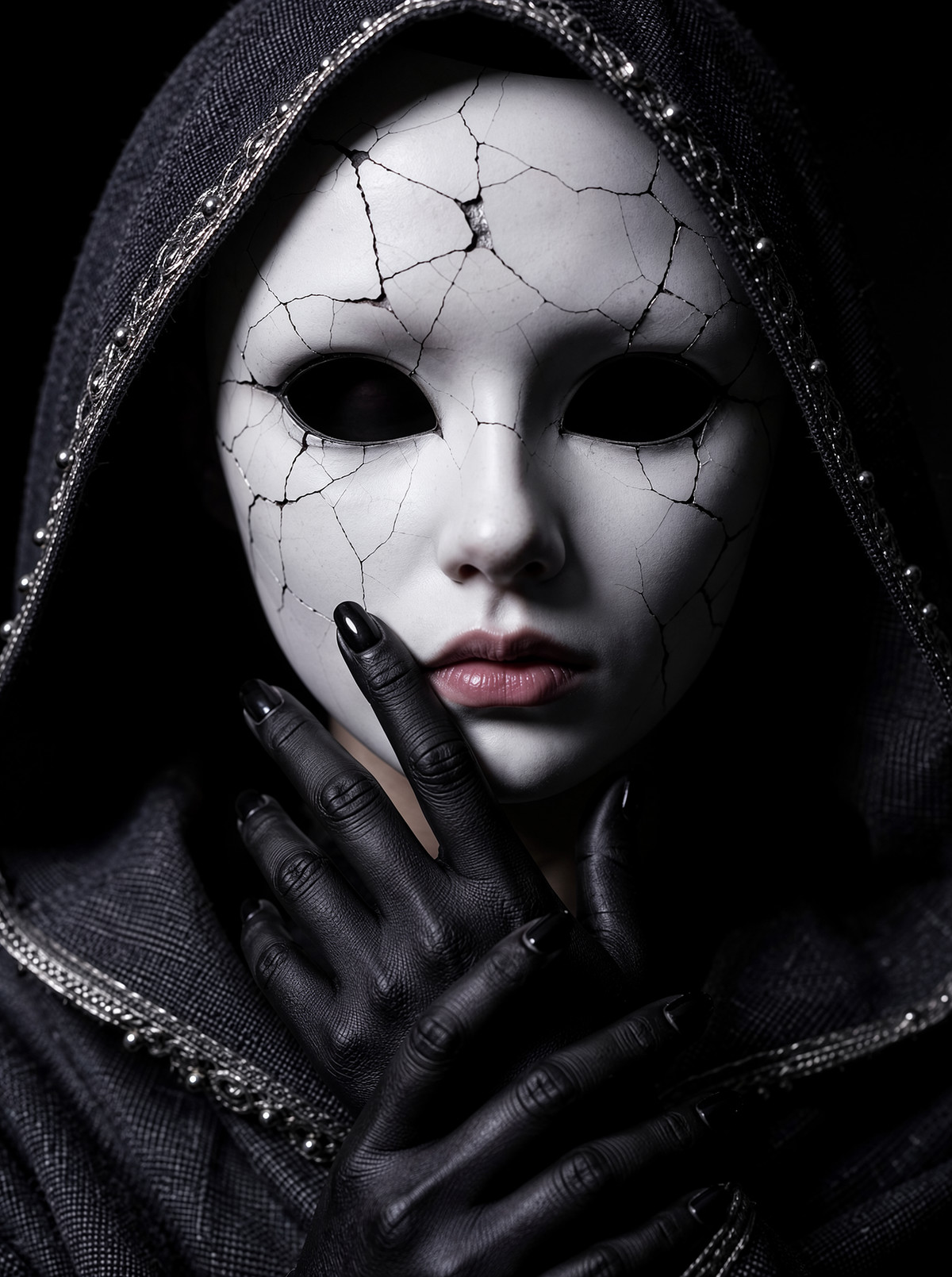
[B] [waxa Cinematic Style · v2] (https://civitai.com/models/3051657?modelVersionId=3475277)
LoRA · Version Update · Author superkaero · Published 11-16 23:50 · Downloads 78
v2 of the waxa cinematic style LoRA: Adds a cinematic still atmosphere to images; this version adjusted saturation, brightness, and compatibility with character LoRAs.
Images
![Example 1376x1824] (https://rh-images-switch.xiaoyaoyou.com/input/openapi/2ee36c44cfb9735ebecea6f831342295bc1f3e19bfac93b6a4e73394ee5f2af4.jpg)
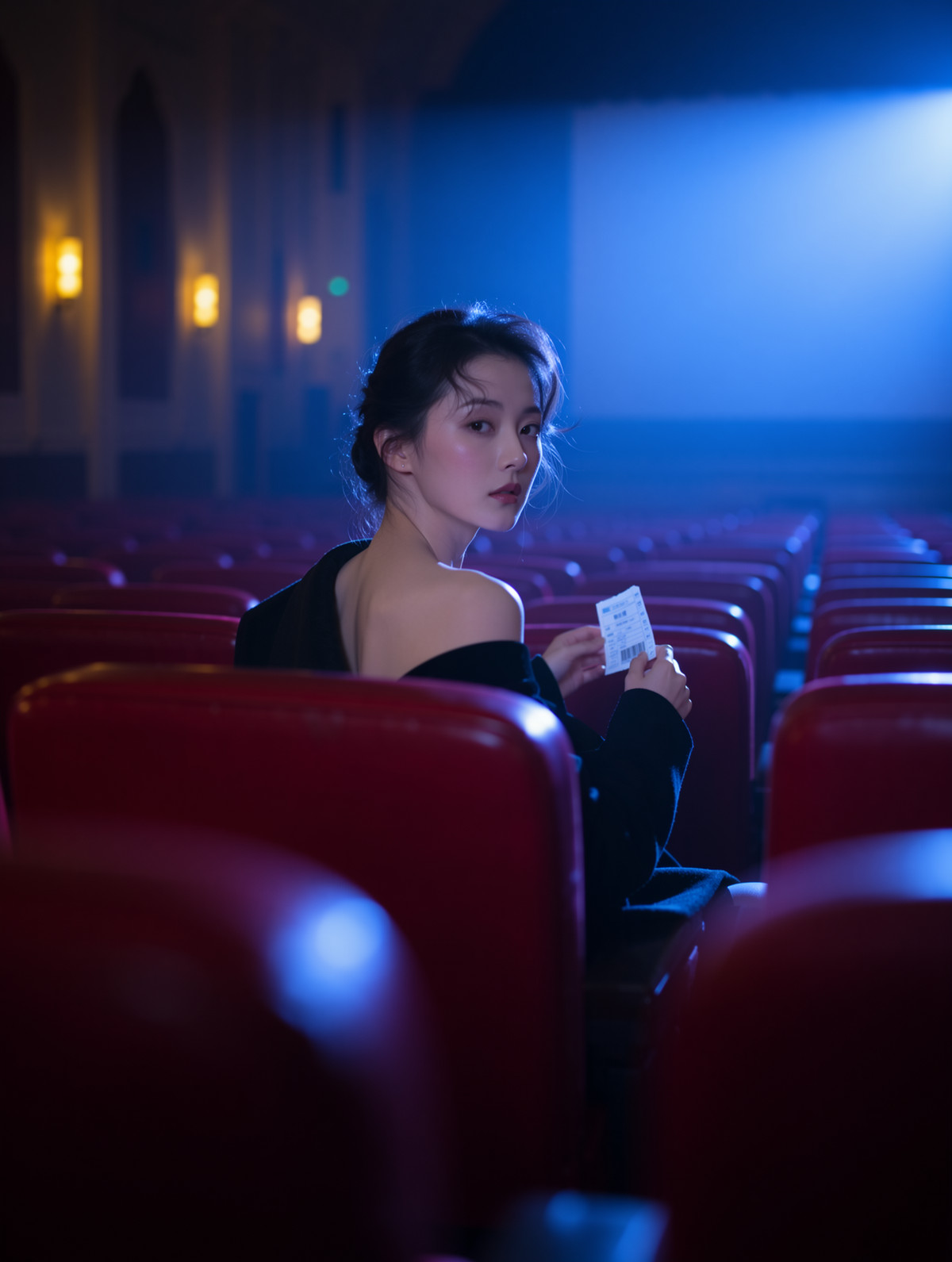
[B] [sky02 Light and shadow Style [Anima/MOSS] · v3.0 [MOSS]] (https://civitai.com/models/2652568?modelVersionId=3475162)
LoRA · Version Update · Author skyddw · Published 11-16 22:29 · Downloads 87
MOSS v3 of the sky02 light and shadow style LoRA: An illustration style emphasizing the texture of light and shadow.
Images
![Example 1024x1536] (https://rh-images-switch.xiaoyaoyou.com/input/openapi/0a9d76ce0ae120848c60614056e70d635467ce76b18be4e129173fd292e1345d.jpg)
Included Only (21)
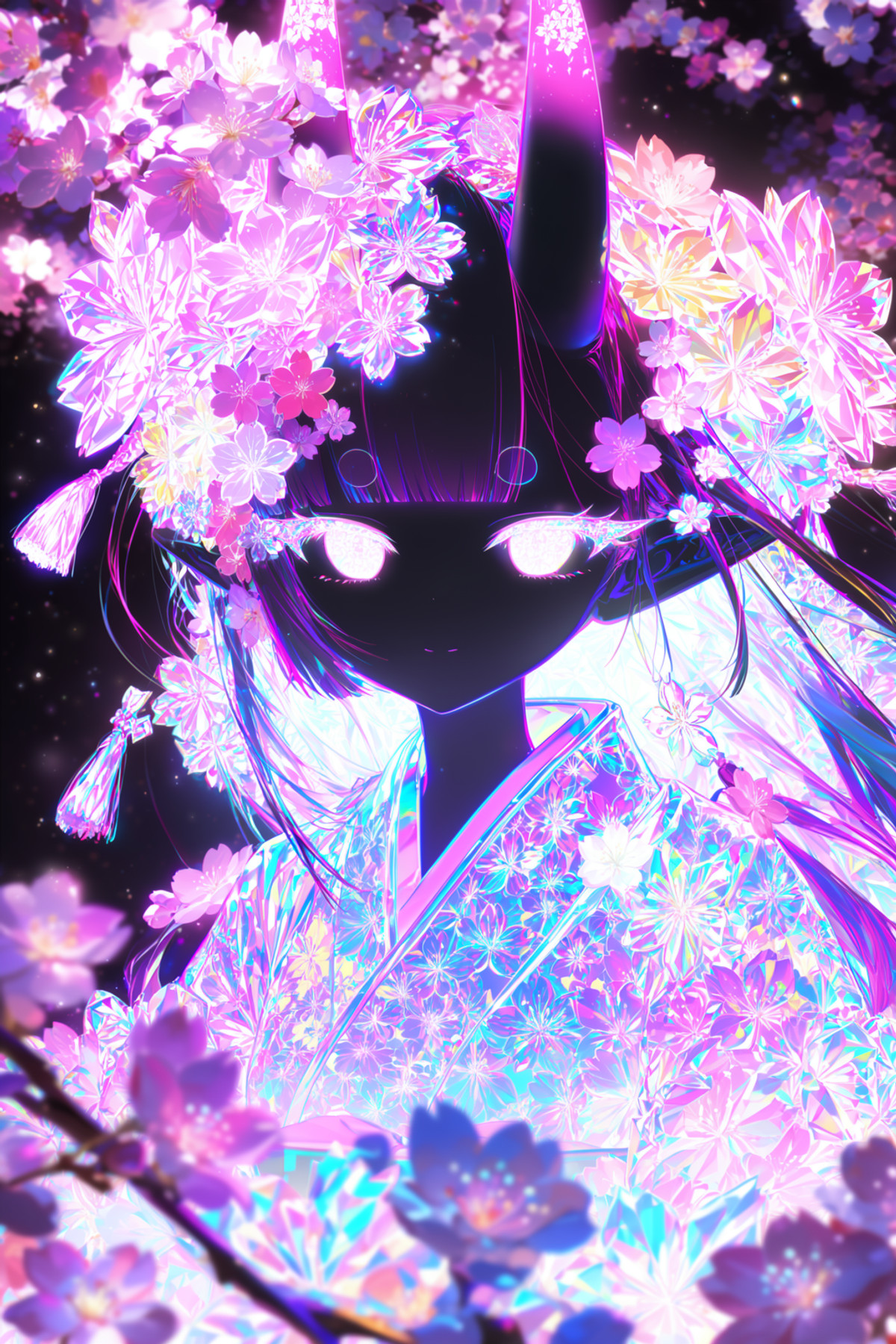
- Nanako / Japanese AI girl · MOSS — LoRA: Nanako: An AI-generated Japanese female character LoRA created by the author, explicitly stated to be non-real. The MOSS version is trained on MOSS-Image-Base, designed to consistently generate the same face in single-person images.
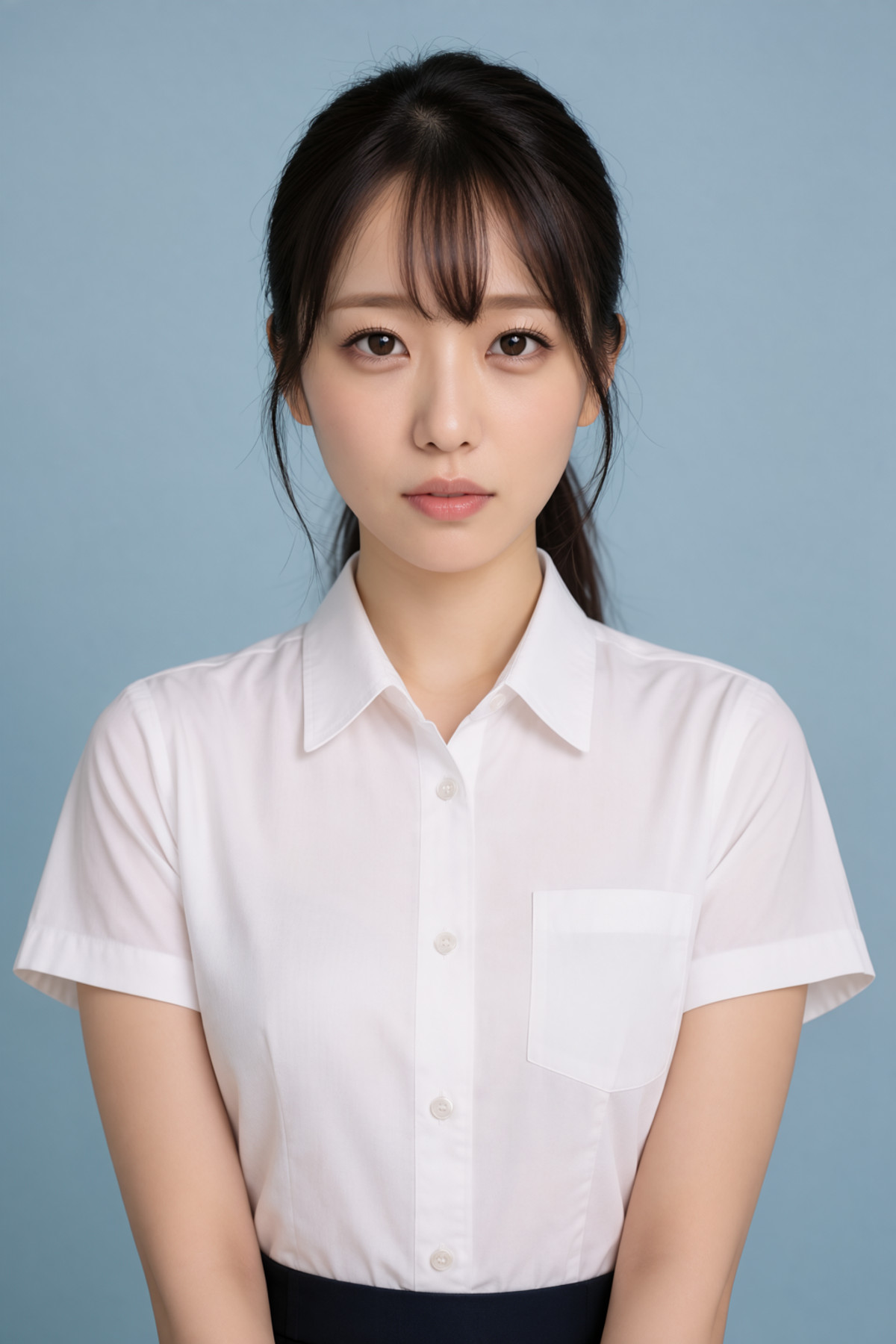
- Jessie Rasberry (Final Fantasy VII Remake) [MOSS Image] · v1.0 — LoRA: A MOSS character LoRA for Jessie Rasberry from Final Fantasy VII Remake.
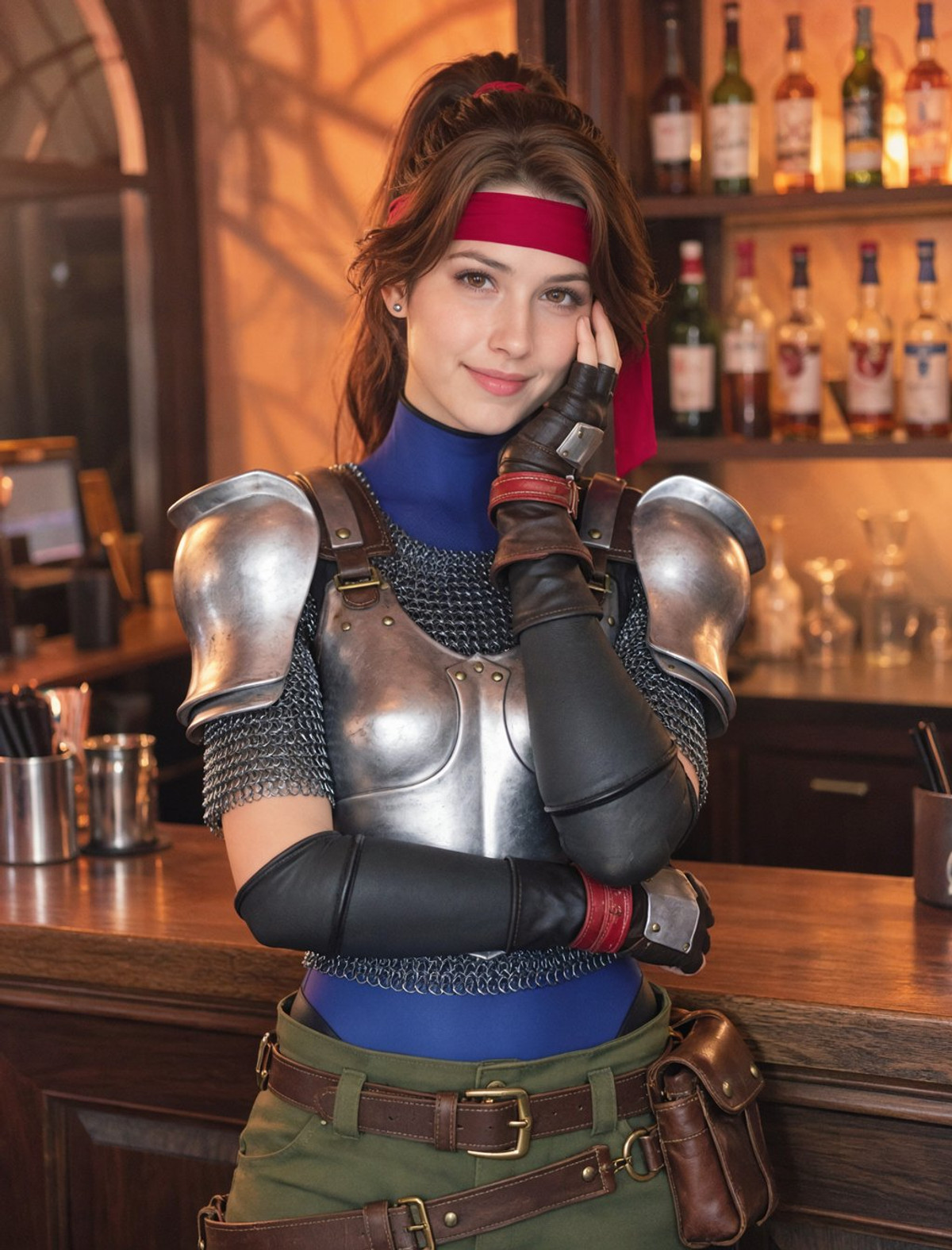
- Moss Image AI Babe Pack ( Part 02 ) by Sarcastic TOFU · MI_Babe_Zorya_v1 — LoRA: Zorya from Part 2 of the Moss Image AI Babe Pack: A fictional female character LoRA with a fixed appearance (Ukrainian, red hair, fair skin, green-hazel eyes).
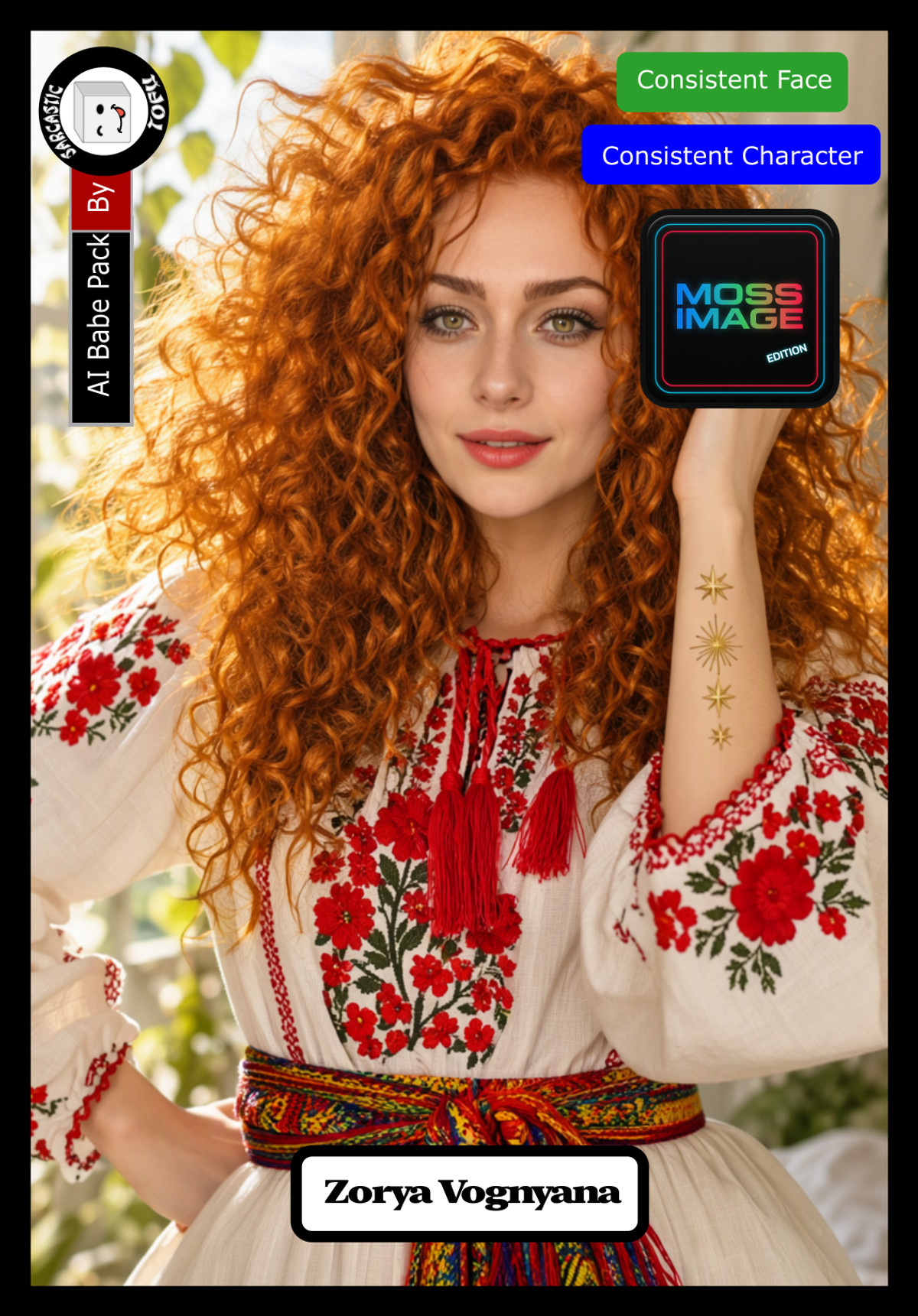
- Olya · MOSS Image — LoRA: Olya: A fictional female character LoRA trained on AI-generated images (data generated via Pony → Flux → Z Image Turbo). The MOSS version is ported from the Krea 2 version.
- Moss Image AI Babe Pack ( Part 01 ) by Sarcastic TOFU · MI_Babe_Meng_v1 — LoRA: "Meng," a new fictional female character LoRA added in Part 1 of the Moss Image AI Babe Pack: A Singaporean/Taiwanese Chinese female image with straight black hair, light brown eyes, and fair skin.
- MOSS-Image AnyPaint — Free Lite Inpainting Workflow — ComfyUI · v1.0 — Workflow: MOSS-Image AnyPaint Free Lite ComfyUI workflow: Contains only one inpainting process, using a third-party AnyPaint adapter to repaint based on any mask (paint white to repaint, paint black to preserve). It is a lead-in version for the paid full package.
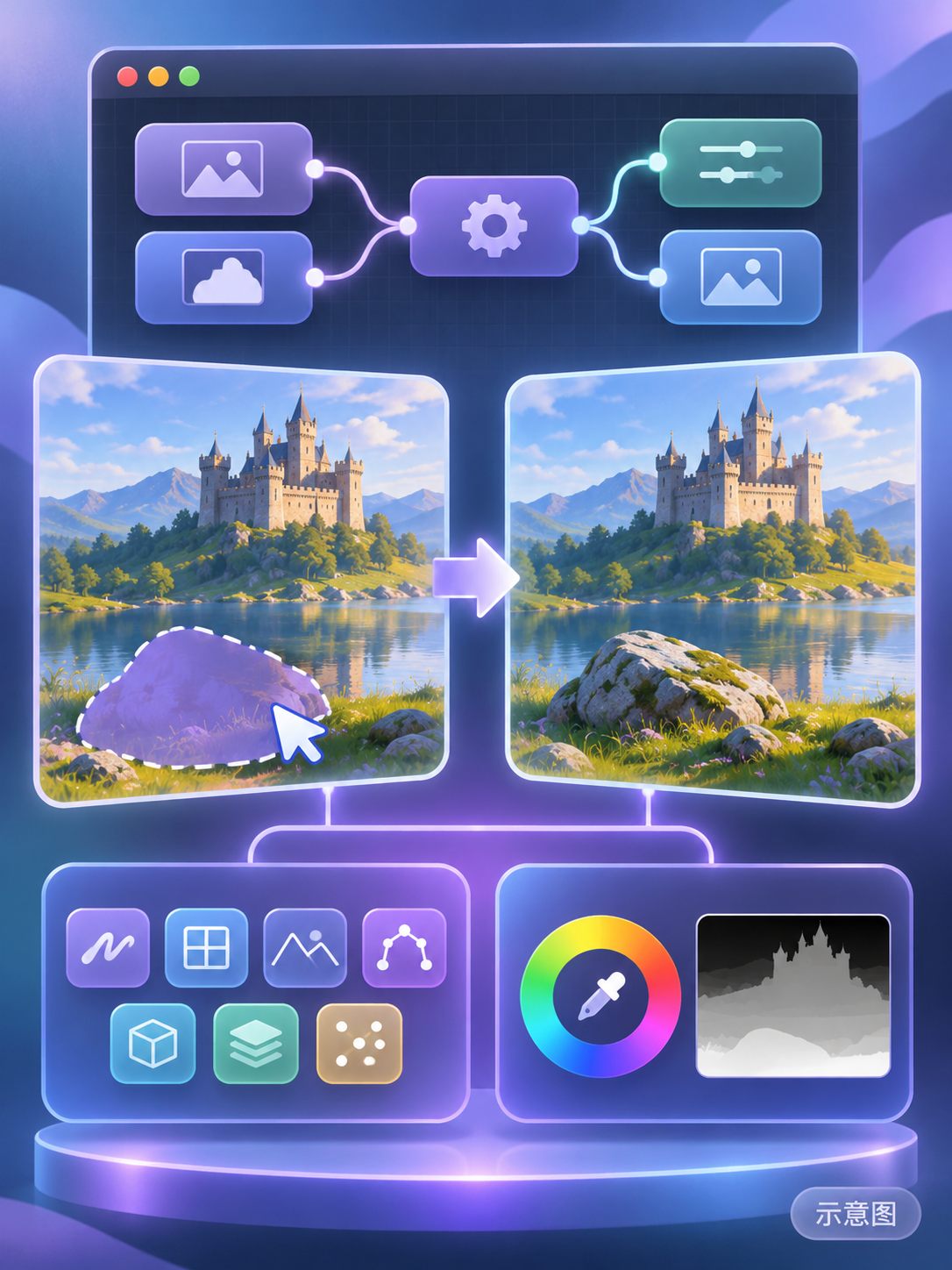
- iVision - Illustration, Cartoon, 2.5D · 2.0 Moss Turbo — Base Model / Checkpoint: iVision 2.0 Moss Turbo: A MOSS turbo base model ported from the SDXL version. The author describes it as a highly saturated, smooth 2.5D / 3D rendered digital illustration style, featuring neon glow and rim lighting.
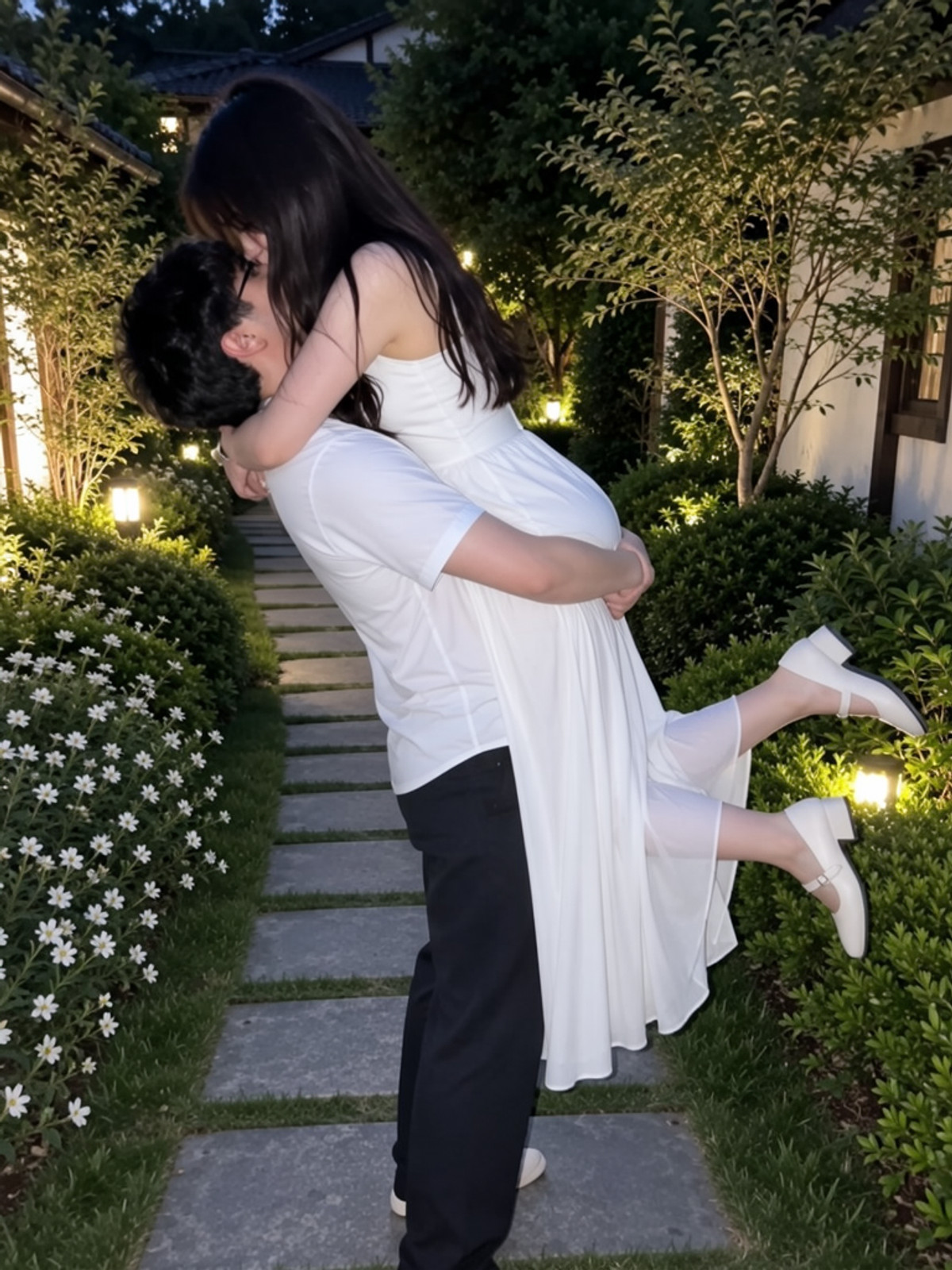
- moss base romantic lift carry · v1 — LoRA: "romantic lift carry" concept LoRA: Generates a two-person pose where the man lifts the woman, they embrace, and the woman's feet are playfully raised.
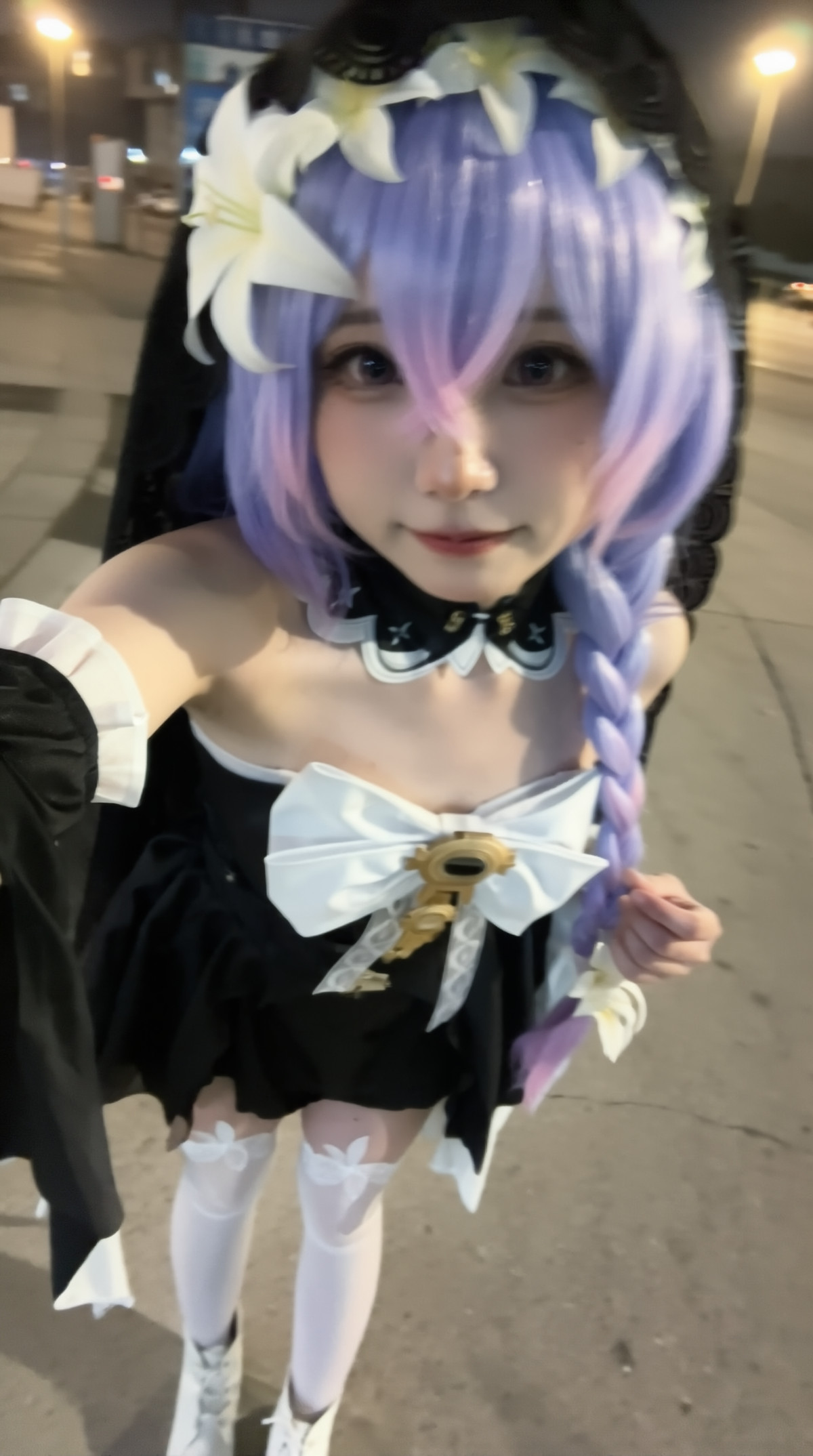
- Lily Moss Heal · v1.0 — LoRA: MOSS LoRA for the character "Lily": A character with long purple hair, a black dress with black tulle, and white lily accessories. The source is not specified by the author.
- Moss Image AI Babe Pack ( Part 04 ) by Sarcastic TOFU · MI_Babe_Katerina_v1 — LoRA: "Katerina," a new fictional female character LoRA added in Part 4 of the Moss Image AI Babe Pack: A Russian female image with icy blonde long hair, ice-blue eyes, and porcelain-white skin.
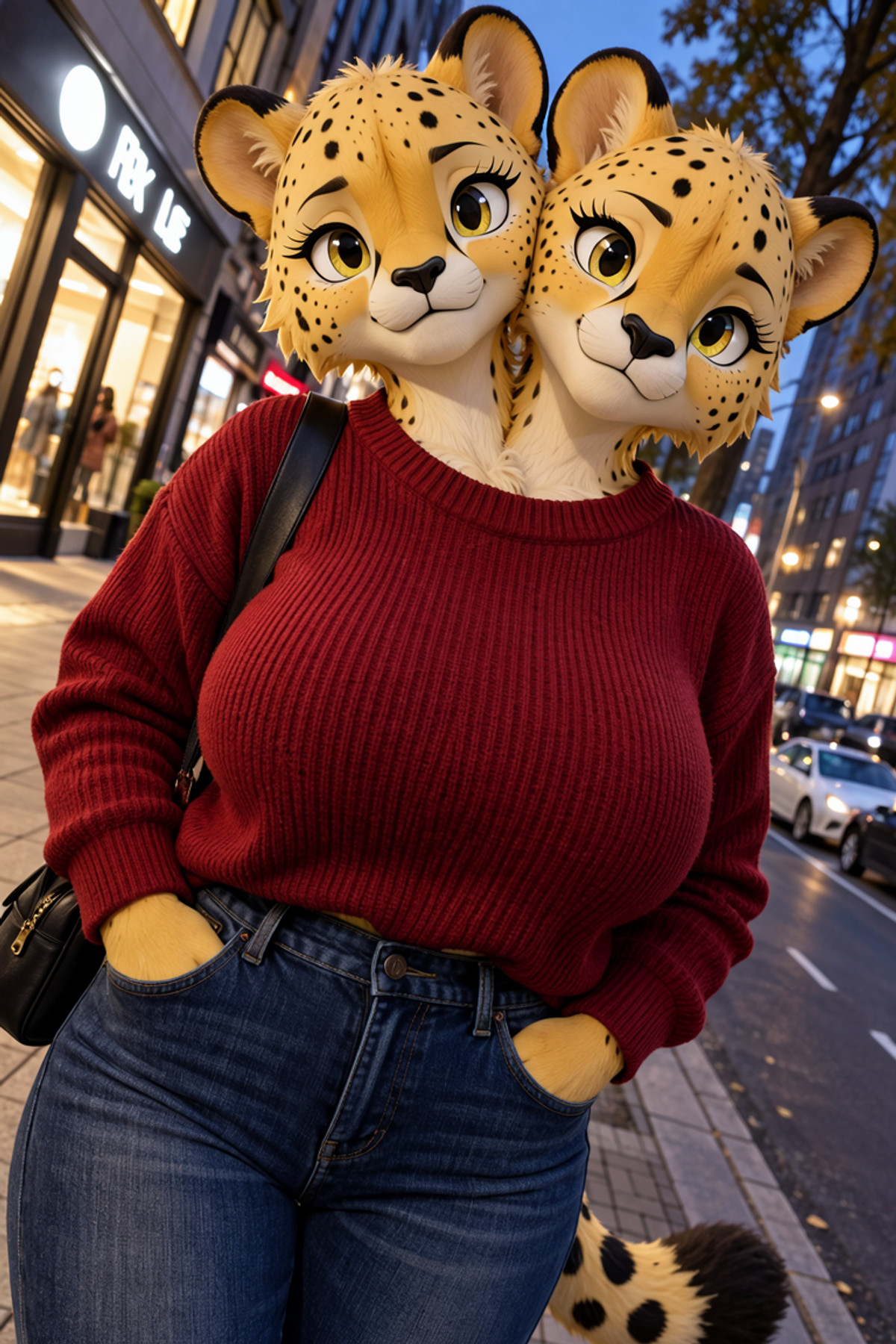
- Conjoined Twins-Concept-Ilustrious+Anima+Krea2+Moss · MossyTwoHeads — LoRA: MOSS version of the "two heads" concept LoRA: Causes one body to grow two heads (conjoined twins concept).
- Cosmobreeder Yiffai - Harmarist · MOSS Image v1.0 — LoRA: MOSS version of the Cosmobreeder Yiffai game art style LoRA: Mimics the pixel art style of the furry-themed game Harmarist.

- Fantasy Dresses (MOSS) [Anime & Realistic] · v1.0 — LoRA: Fantasy Dresses: A MOSS clothing LoRA that adds a fantasy layer to outfits in prompts. The author states it works for both anime and realistic styles.
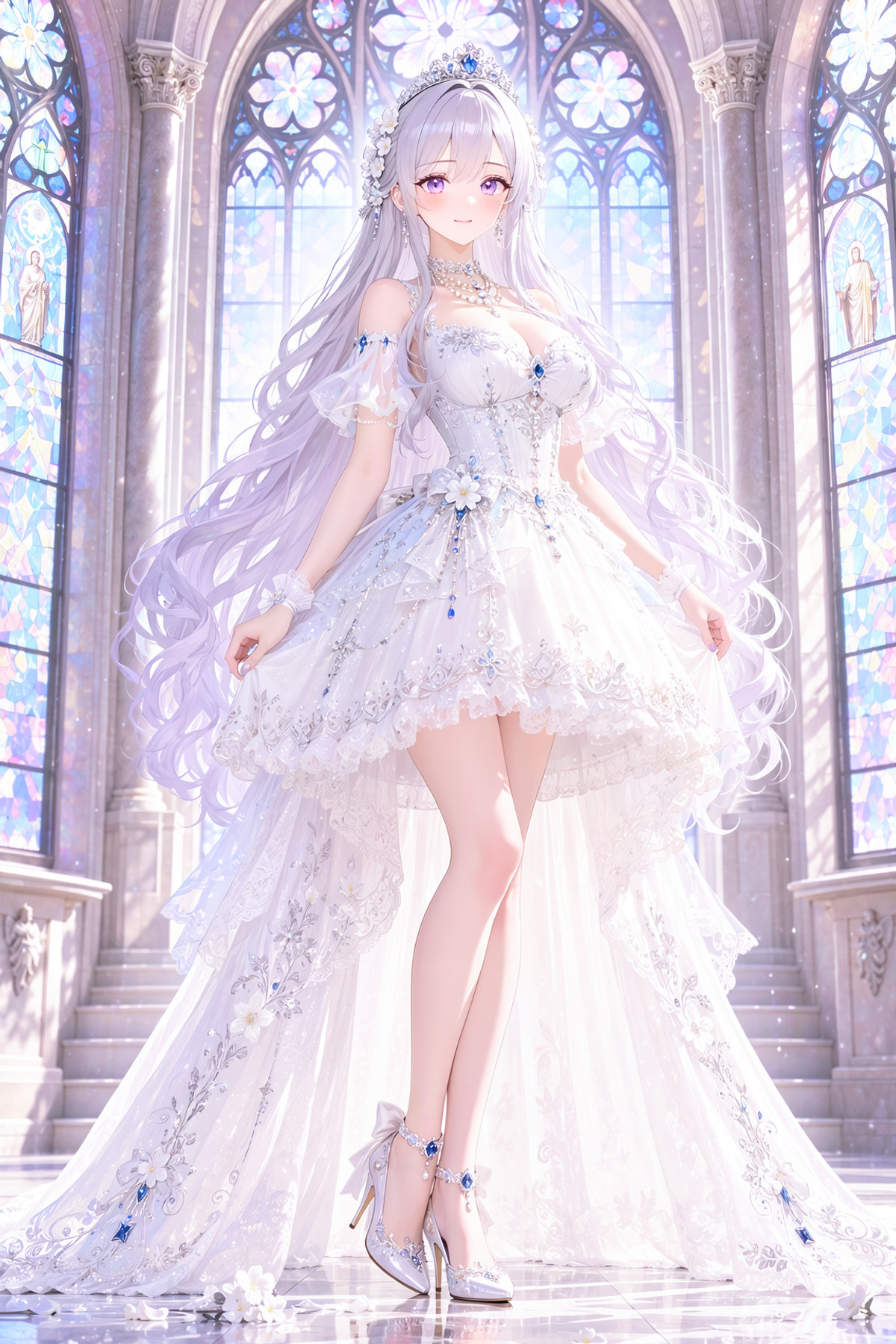
- Moss Image AI Babe Pack ( Part 03 ) by Sarcastic TOFU · MI_Babe_Leyla_v1 — LoRA: "Leyla," a new fictional female character LoRA added in Part 3 of the Moss Image AI Babe Pack: A Turkish female image with chestnut hair, amber eyes, and olive skin.

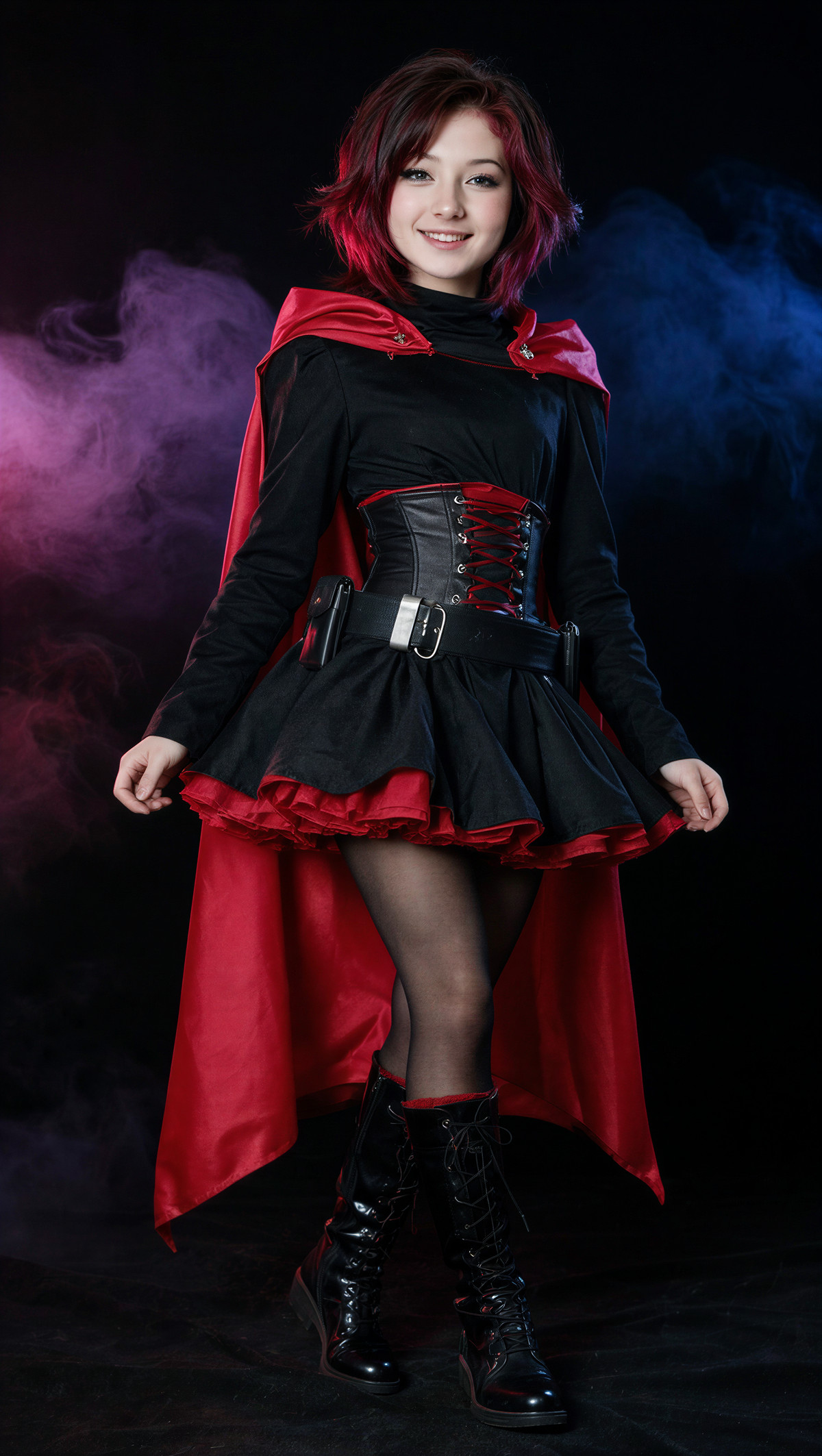
- Ruby Rose (RWBY) Krea 2 · MOSS — LoRA: MOSS version character LoRA for Ruby Rose from RWBY.
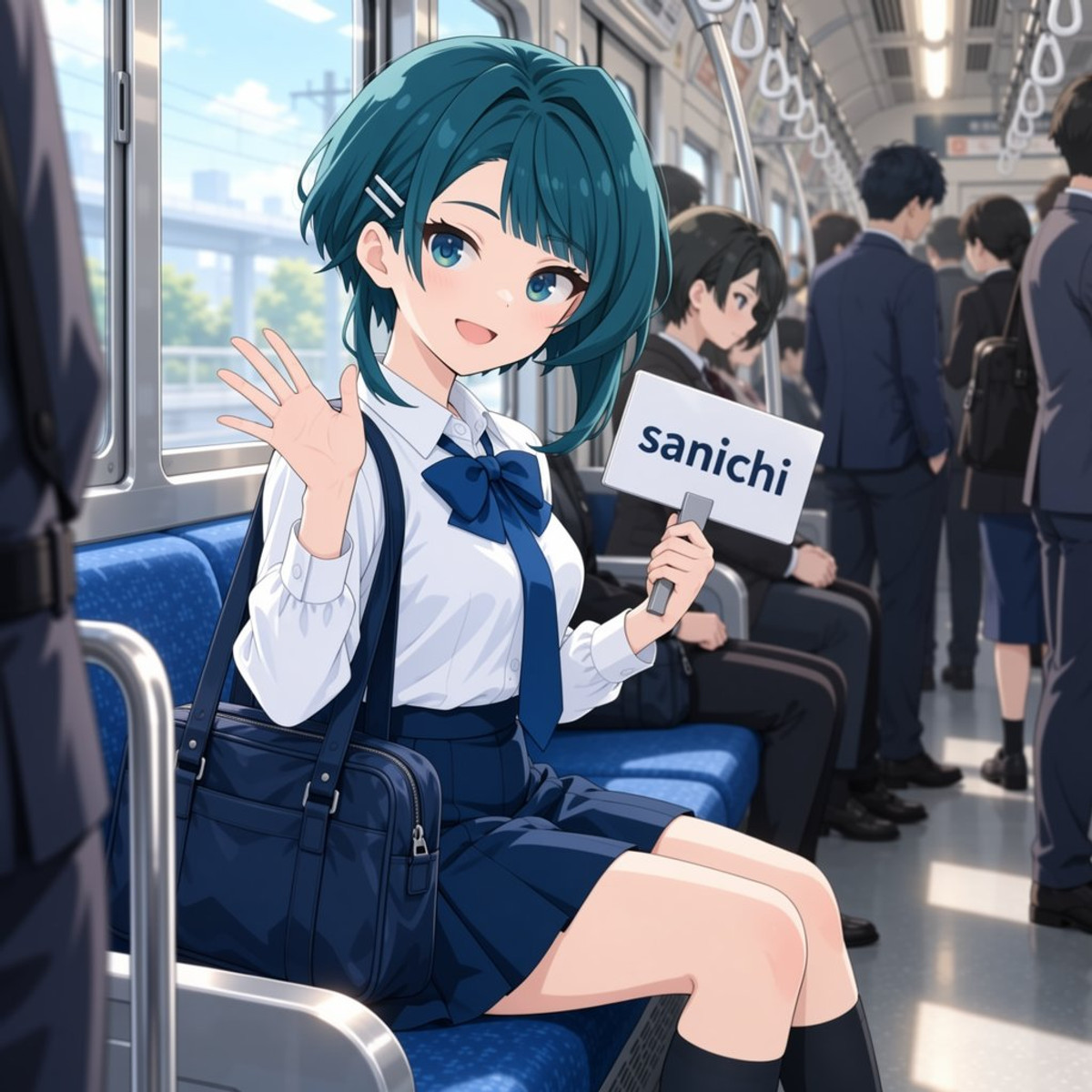
- aizawa_kazuha_pony_XL · v1.0 (moss) — LoRA: MOSS version character LoRA for Aizawa Kazuha from Assault Lily.
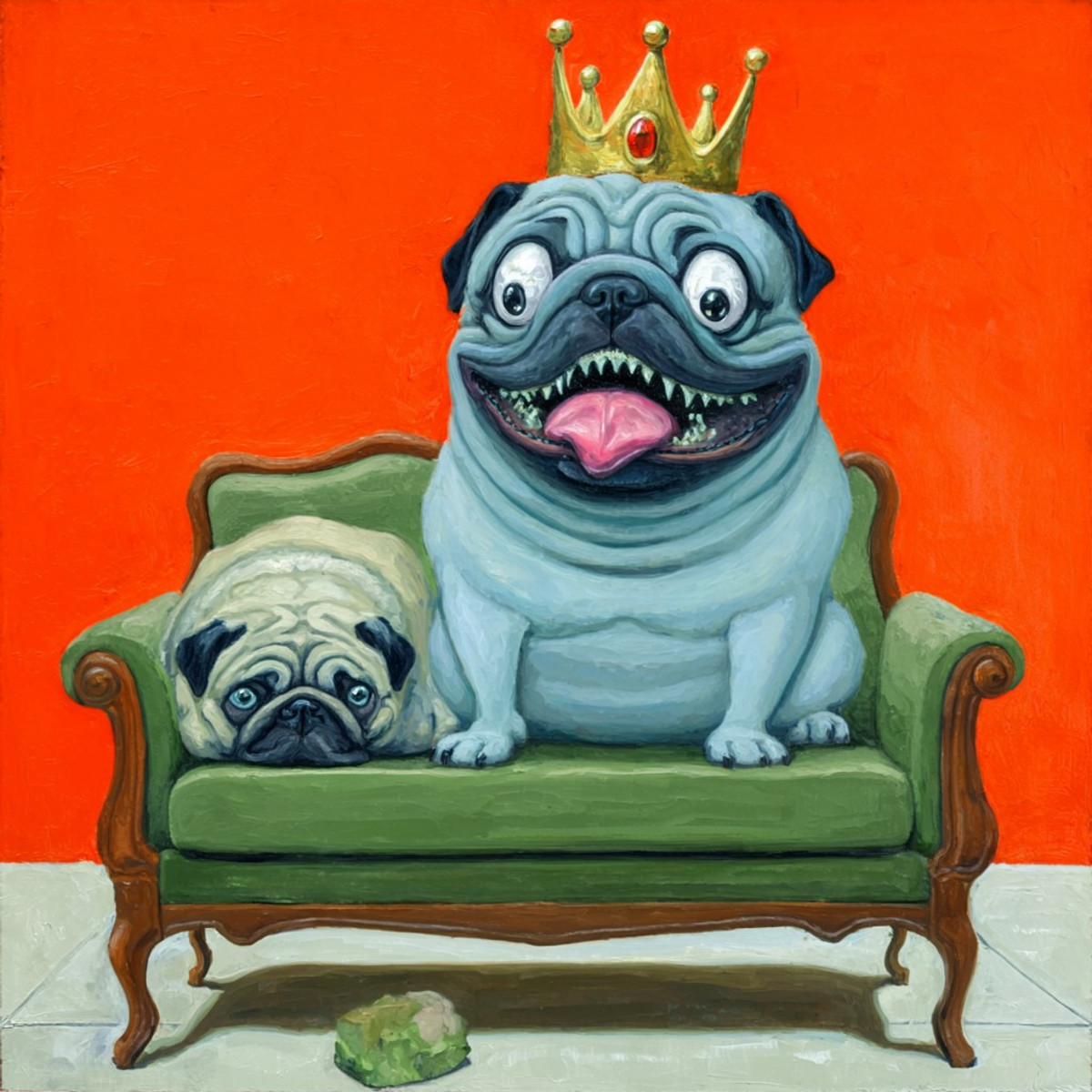
- MjJ4s1nsk1 · v1 — LoRA: A MOSS style LoRA named MjJ4s1nsk1. The model card contains no description, so the style content can only be inferred from the examples.
- Alicja NordhavenLove · MossImage — LoRA: Alicja NordhavenLove: A fictional female character LoRA created by the author, depicting a florist on the west coast of Sweden. The description consists entirely of the character's backstory.
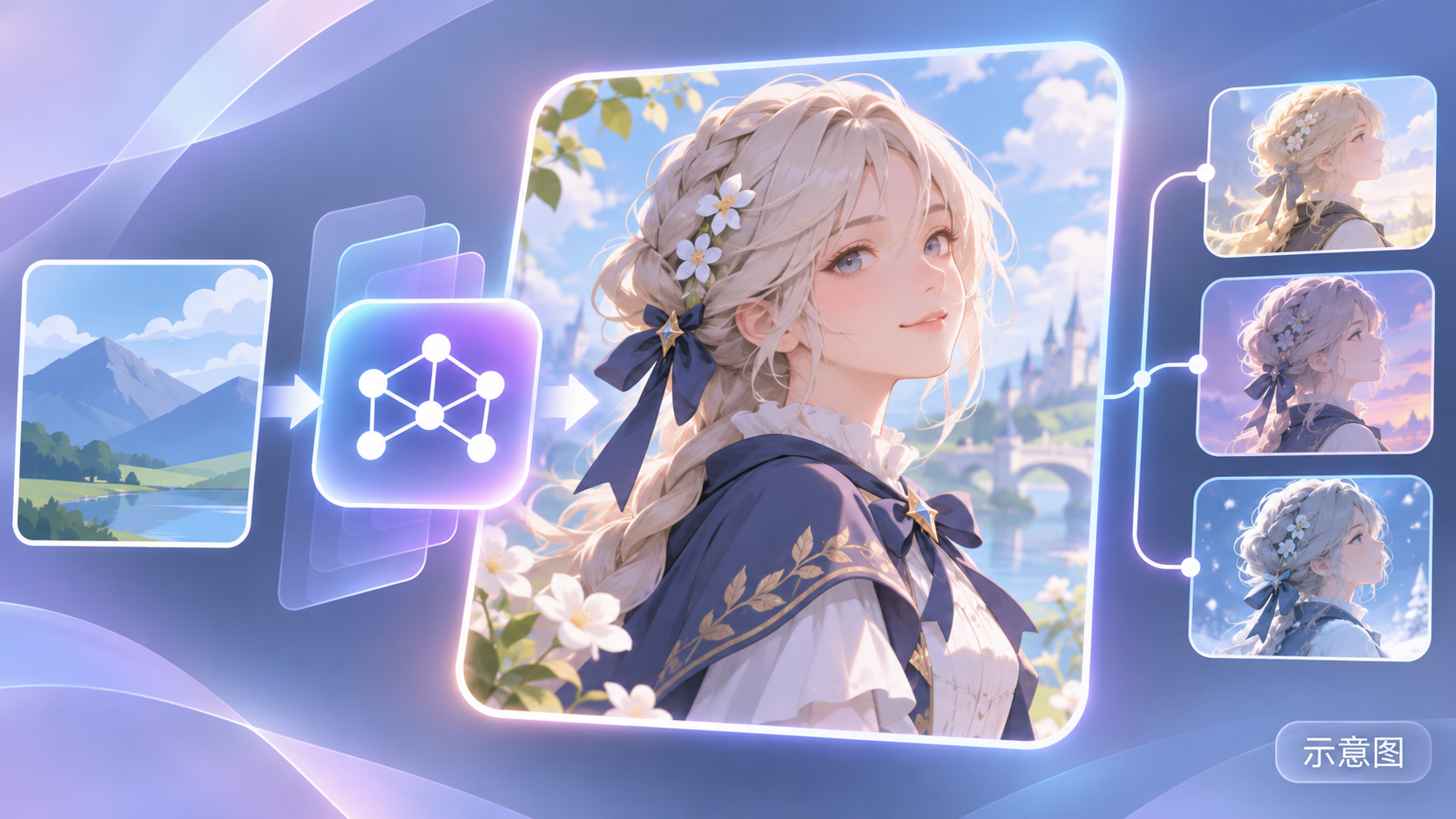
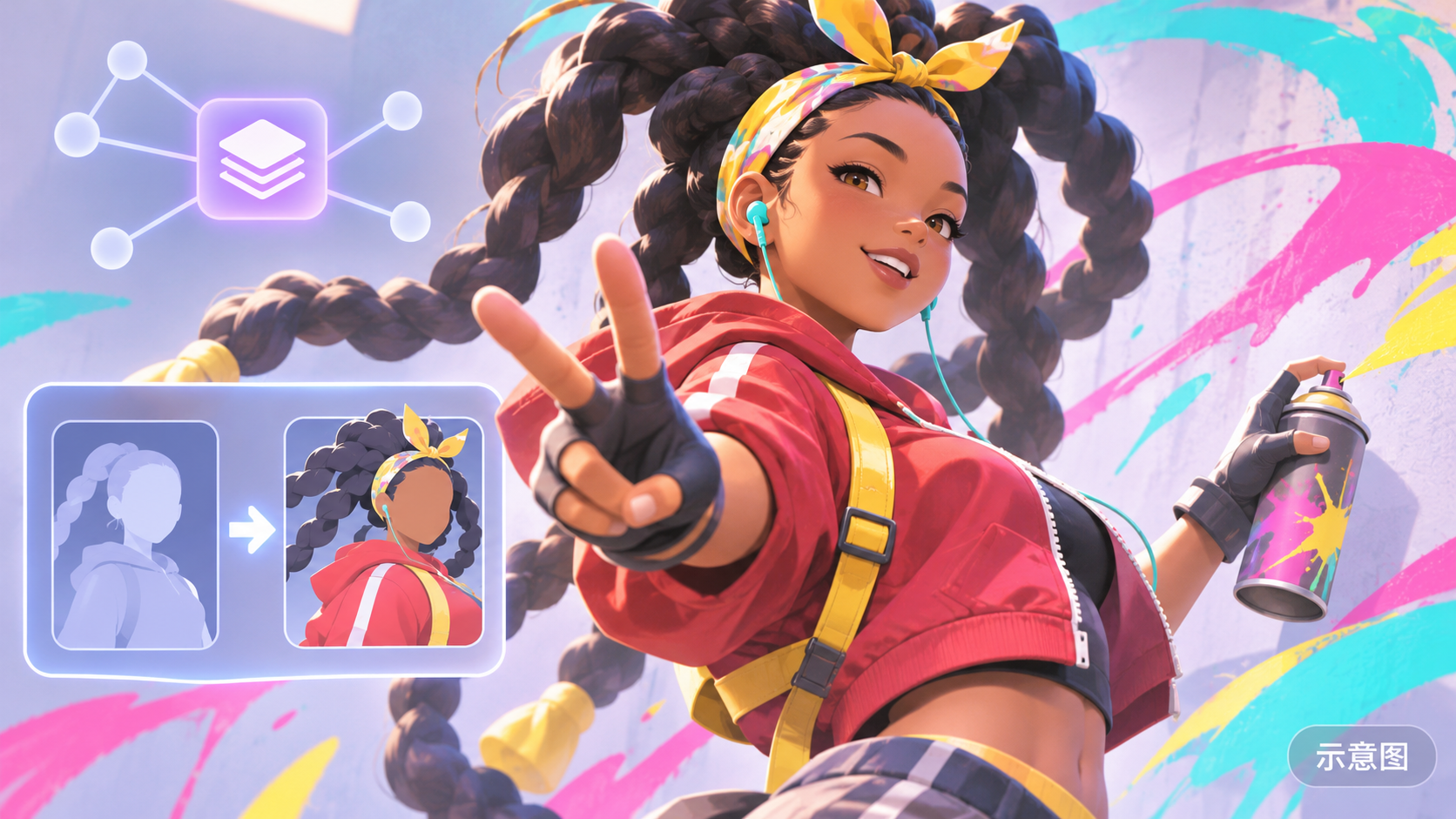
- Kimberly Jackson - Street Fighter · MOSS — LoRA: MOSS version character LoRA for Kimberly Jackson from Street Fighter.
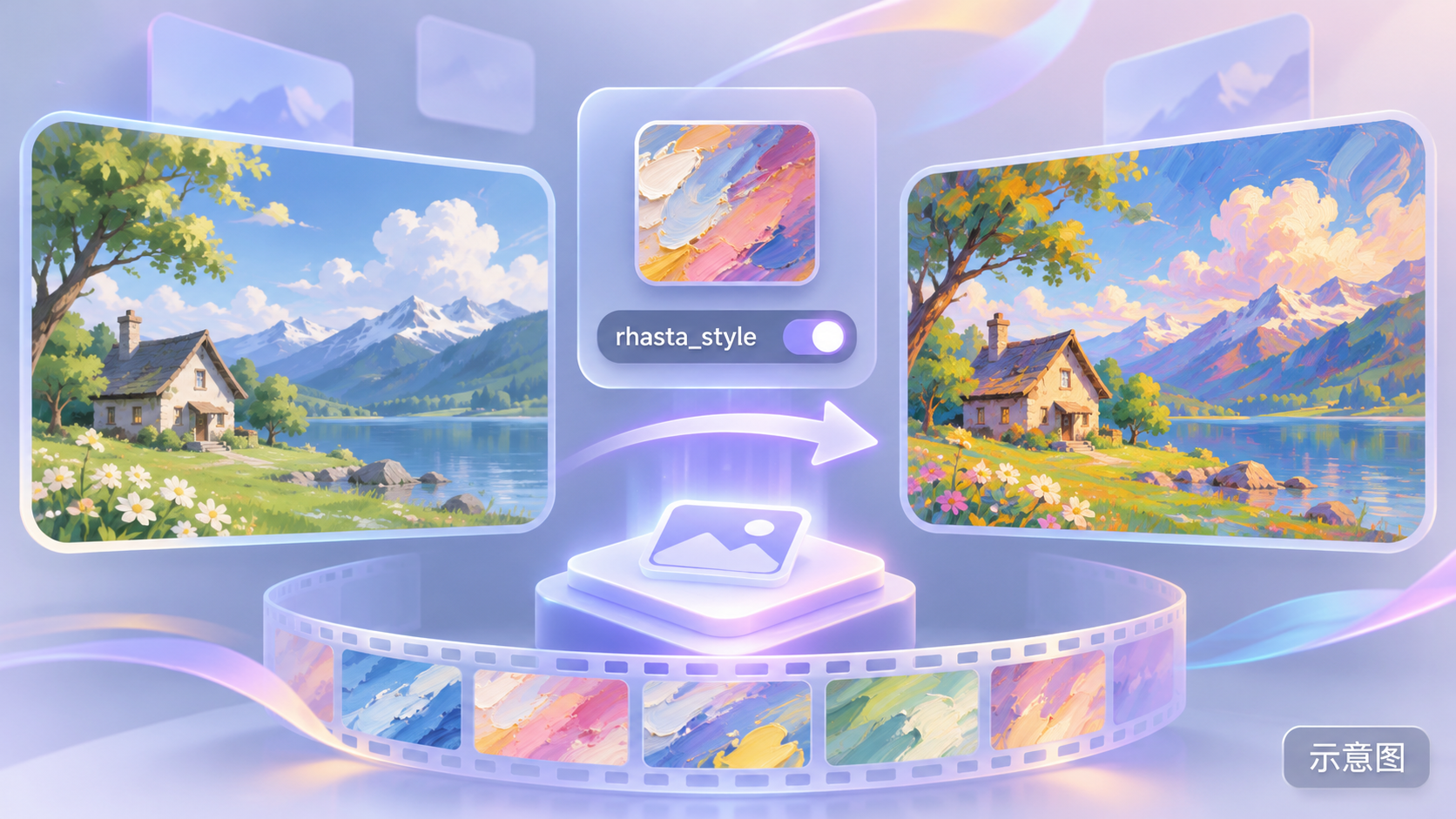
- Gyūnyū Heavy Industries/RST rhasta style 【MOSS&anima&il】 · Moss-heal v1.0 — LoRA: MOSS version of the Gyūnyū Heavy Industries / RST rhasta art style LoRA: An artist's anime art style trained on KBlueLeaf's MOSS-Image-heal fine-tuned base model, with no trigger word.
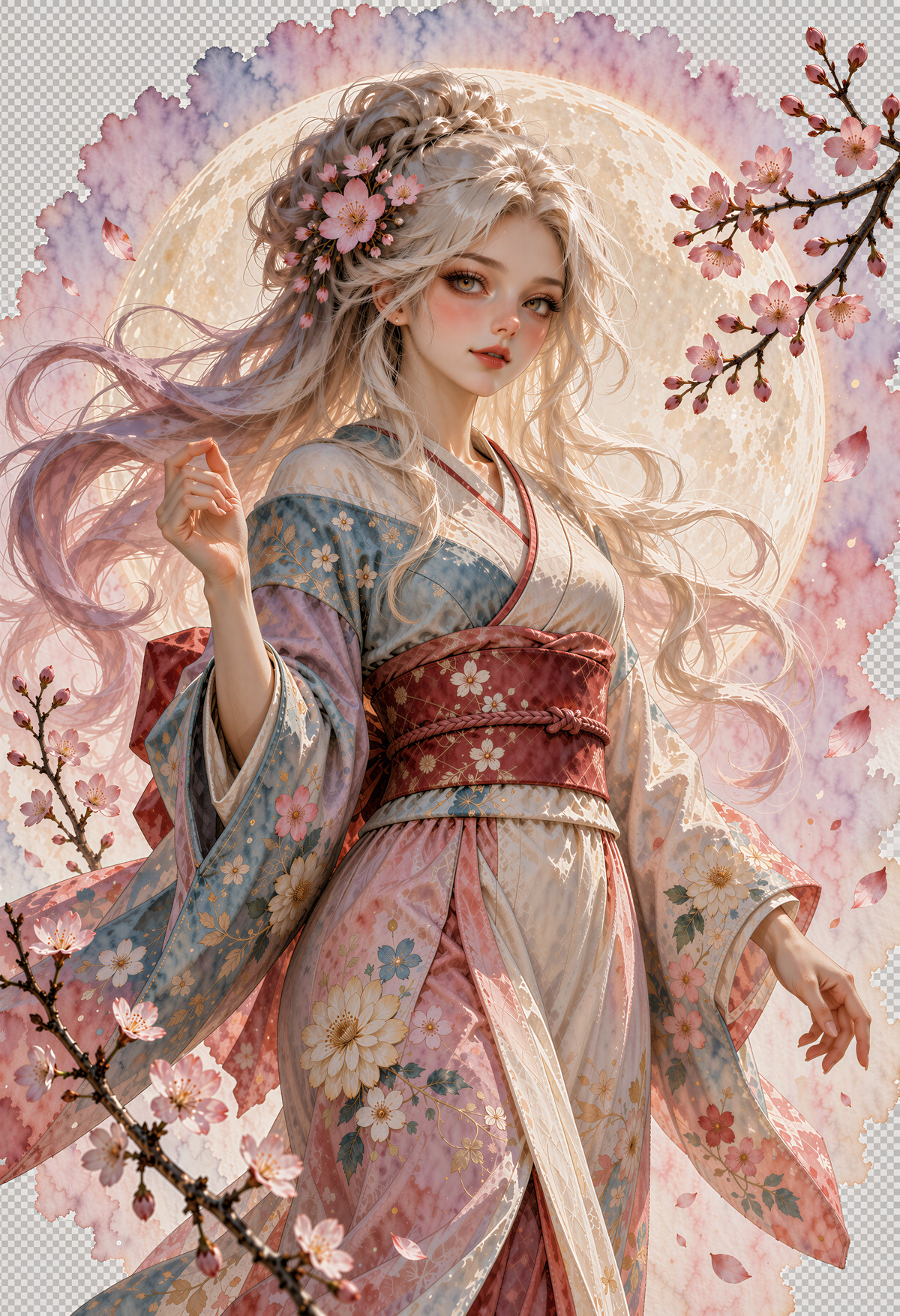
- Very Simple txt2img MOSS Workflow · v1.0-Turbo — Workflow: Turbo version of the Very Simple txt2img MOSS Workflow: A simple MOSS text-to-image ComfyUI workflow.
Data: Civitai public API (base model MOSS Image), inclusion window 11-16 20:31 → 11-17 09:01 (Beijing Time). Recommendations have been reviewed by editors; download counts only reflect attention levels.