Zhenzhen's AI Radar · MOSS Image · 2026-11-21 Morning Report
This issue features 64 new versions: Strongly Recommended 1 · Recommended 13 · Worth Watching 14 · Included Only 36
Editor's Note This issue reviews 64 new MOSS versions: 1 S-tier, 13 A-tier, 14 B-tier, and 36 C-tier, with no exclusions. Top pick: Tinta Bestiary, which depicts objects like street lamps, typewriters, and clocks as creatures with bodies that are actively working. The prompt structure and generation parameters are fully documented, and all 12 example images include prompts. Other highlights include Petzval 85 real-shot rotational bokeh, shoulder width positive/negative sliders, Dizzle glitch printing and cream piping textures, HaDeS 8 step plus upscale workflow, and the Forge Neo extension that reverse-engineers prompts using the MOSS text encoder. Parts of the AI Babe Pack and standard character LoRAs like One Punch Man are listed as C-tier.
Strongly Recommended (1)
[S] Tinta Bestiary - Ink Bestiary of Walking Objects · MOSS 1.0
LoRA · Port · Author AriaMaiven · Published 11-21 02:00 · Downloads 27
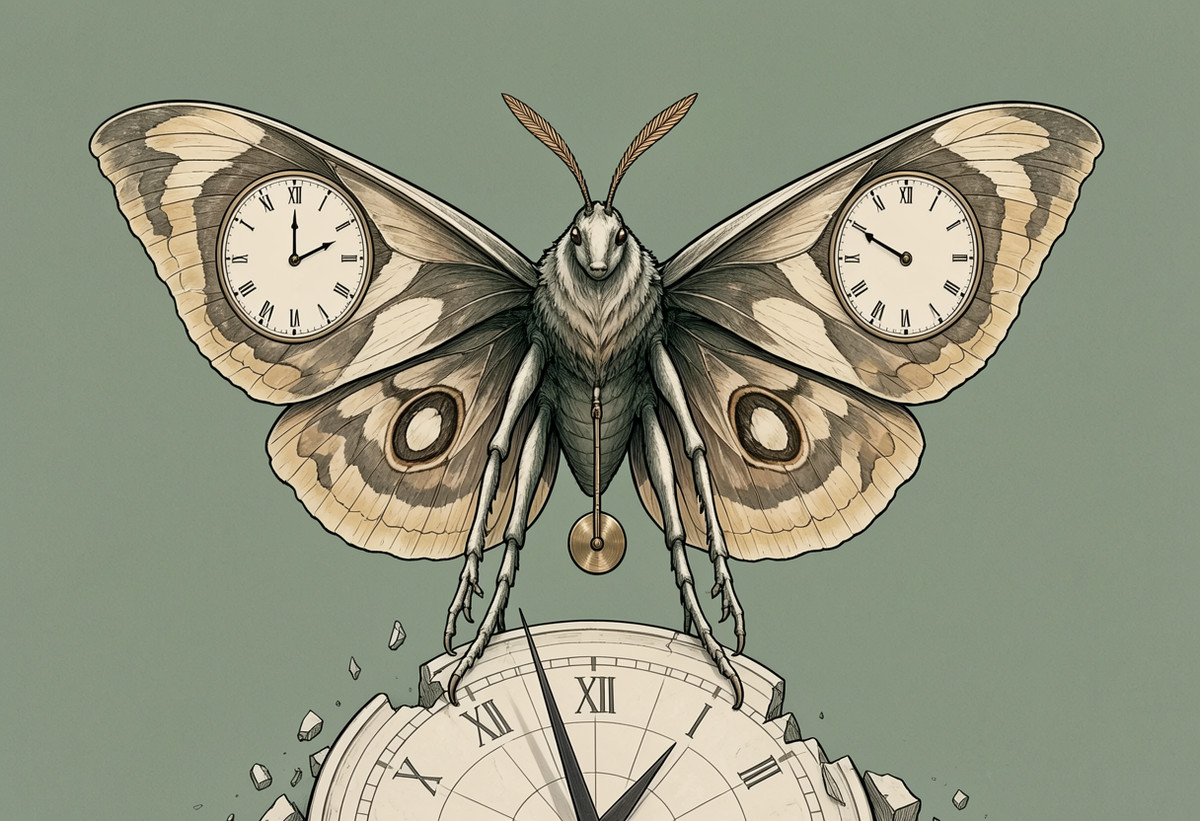
A "Walking Objects" monster bestiary LoRA: depicts items like street lamps, typewriters, and clocks as creatures with bodies that are actively working. Features fine ink lines, bone white and cream pastel colors, a touch of brass rust, and a flat gray-green background. This is a MOSS port of the Krea 2 version.
The prompt structure is very specific, suitable for batch-creating a set of monster cards using the "Name + Composition + Action" sentence pattern.
Images
Reasons for Recommendation
- Port: The page previously featured a Krea 2 version; the MOSS version is trained on Base but recommended for use with SFT for generation. The author notes the differences in the MOSS version—the gray-green background only follows the creature, whereas for ordinary scenes like lighthouses or people mending nets, it fills the entire sea, sky, and clouds.
- Serves fantasy bestiaries, picture book illustrations, and tabletop game card monster design. The author clearly explains the prompt structure: after the trigger word, first name the creature, then describe what objects it is composed of and what it is doing. "One object, one body, one job" is the most stable approach.
- Parameters are complete (strength, steps, CFG, sampler, resolution). 12 example images are visible, each with prompts and settings. Free.
How to Use
- Place the trigger word
tintasintas the first word in the prompt, with a strength of 1.0. - Use the MOSS Image SFT base model, 30 steps, CFG 3, euler / simple, 1216 x 832.
- Example prompt:
tintasint, Hourmoth, a large moth whose wings are two clock faces with bent hands, a pendulum hanging from its body, perched on a broken sundial. Do not include style words or background descriptions. - If the image contains nameplates, labels, or badges, specify other text or note them as blank; otherwise, the trigger word might be printed on them.
Risks and Limitations
- If you only write the name and action without describing the composition, the author states it will generate ordinary characters instead of object-creatures.
- The license only covers image generation and on-site rental. The author states that reposting or using its outputs to train other models requires prior permission. ComfyUI workflow files are included in the Krea version; the MOSS version does not have a separate workflow.
- Short time since release; the entire model page has 61 downloads.
Trigger Word: tintasint
Recommended (13)
[A] HaDeS MOSS Suite Workflows · 8 Steps + Upscale v0.9.2
Workflow · Version Update · Author _HaDeS_ · Published 11-21 05:11 · Downloads 20
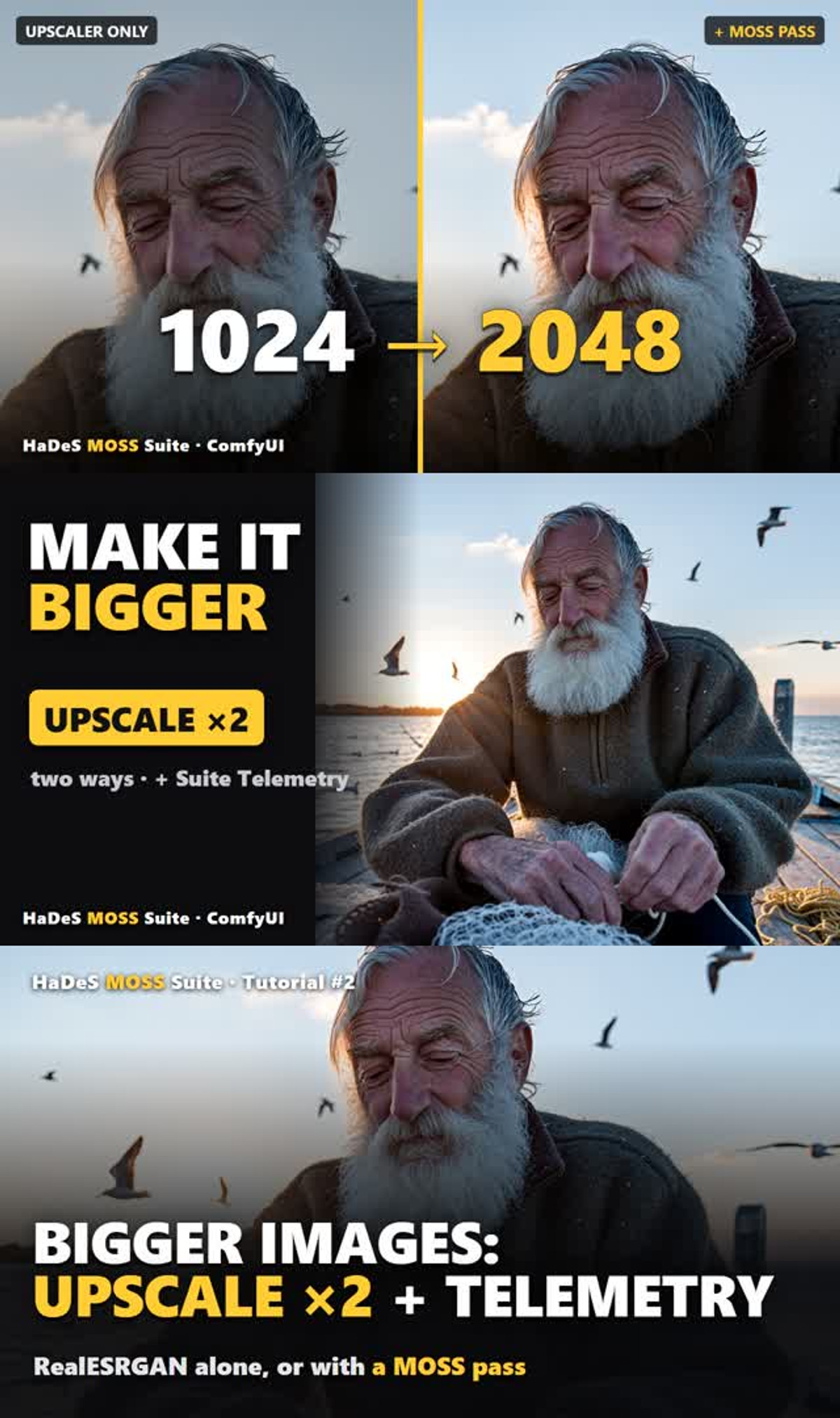
The newly added "Turbo 8 Steps + Upscale x2" workflow on the HaDeS MOSS Suite workflow page: first generates a 1024 image using 8 accelerated steps, then upscales to 2048 using two methods (pure upscale, or upscale followed by a low-redraw pass with MOSS to add details). Comparisons are shown in the same image.
Images
Reasons for Recommendation
- Version Update: Each version on this page is a different workflow. This version adds an upscaling process, accompanied by the author's second video tutorial. The author also notes that older workflows will gradually be replaced by v0.9.2 versions. The entire model page has 677 downloads.
- Serves large image generation: Pure upscaling flattens details like beards and yarn. The author's method is to redraw with the same accelerated LoRA at low strength after upscaling to restore details like skin texture and hair strands. This step can be disabled entirely if not needed.
- The Suite Telemetry node in the workflow checks settings against the author's published measurements and writes prompts, parameters, and model/LoRA hashes into the PNG. All free, with a permissive license (image generation, sales, derivatives allowed, attribution not required).
How to Use
- First install HaDeS MOSS Suite v0.9.2 (search for HaDeS MOSS in ComfyUI Manager, or install from the author's GitHub). Then prepare MOSS-Image Base, Qwen3.5 9B text encoder, FLUX.2 VAE, and the author's Turbo 8-steps v1.0 LoRA (place in models/loras).
- Generation segment: 1024 × 1024, 8 steps, CFG 1, euler / simple. The upscale segment additionally requires the RealESRGAN x2 upscale model (download link provided in the model card).
- When using the author's HaDeS MOSS v1.0 Turbo base model, leave the two turbo inputs empty (acceleration is already merged into the model).
Risks and Limitations
- Depends on the author's custom node package and accelerated LoRA; cannot directly use official nodes. The version description contains only a title line; specific parameters are in the long model card text (redraw strength 0.25 / 0.40, 1024 generation in 5.7 seconds on RTX 5090, 2048 redraw in 11.5 seconds are all author claims).
- 7 example images are visible, with 1 sensitive-level images hidden. This is a workflow JSON, not weights.
[A] Abara Heiki - Artist Style · MOSS-Image
LoRA · Port · Author Azriaelis · Published 11-21 00:00 · Downloads 57
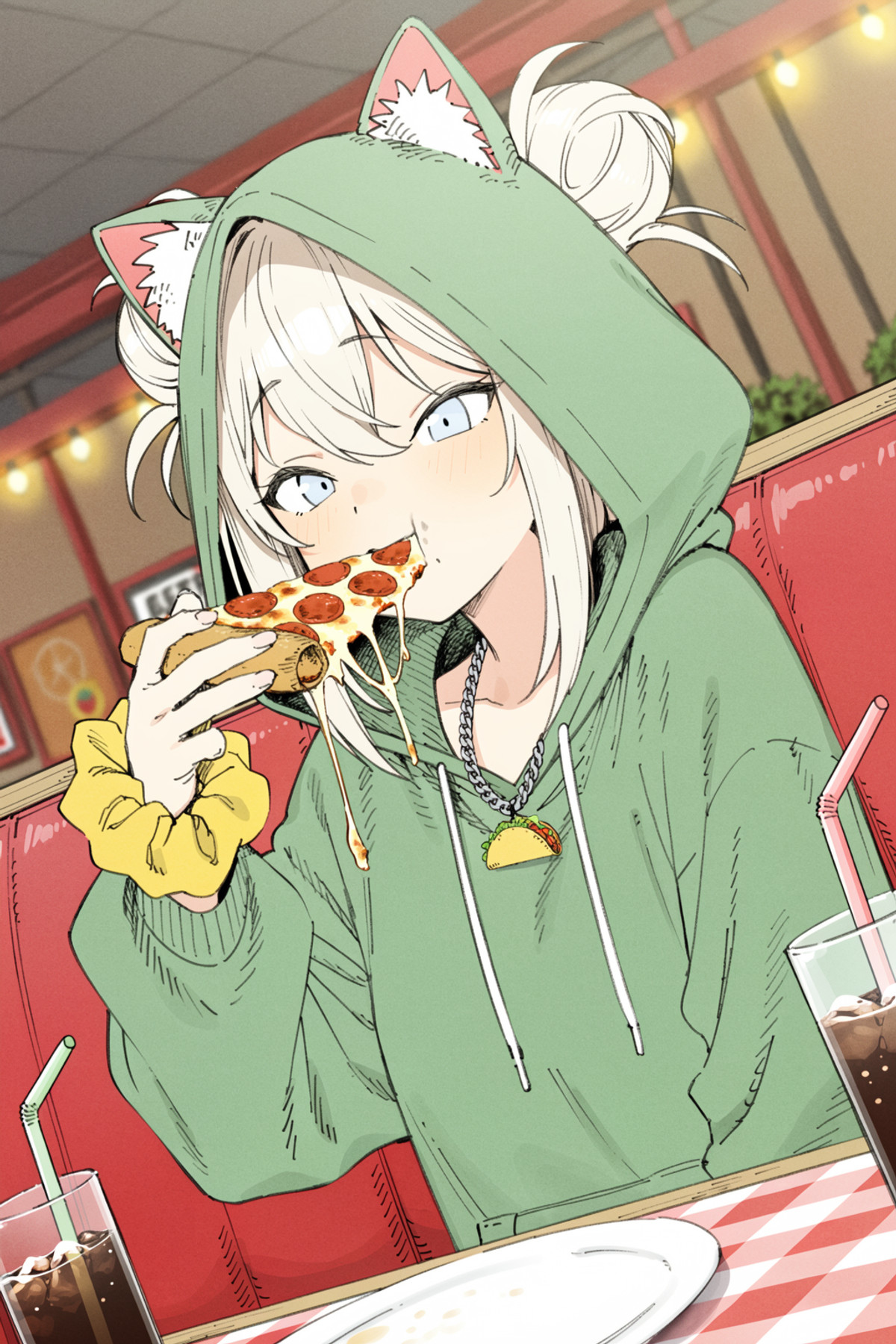
A LoRA for illustrator Abara Heiki's anime line art style (sketch-like, ink lines). This is the MOSS version of an older page, with MOSS generation parameters fully provided separately.
Images
Reasons for Recommendation
- Port: The page already has Anima and Krea 2 Turbo versions; the entire model page has 612 downloads. The author states that the
@abara_heikitag built into Anima is too strong, so they trained this lighter version by selecting a batch of works. - MOSS settings are listed separately: Base model with 8 step accelerated LoRA, euler + simple, strength 0.8-1, 8-16 steps, CFG 1-3. The author claims the trigger word significantly enhances the style.
- 19 example images are visible, all non-sensitive.
How to Use
- Trigger word
abara_heiki(the MOSS version does not use the@from the Anima version). - MOSS Base + 8 step accelerated LoRA, euler / simple, LoRA strength 0.8-1, 8-16 steps, CFG 1-3.
Risks and Limitations
- Mimics the style of a living illustrator; the author does not state authorization. The license does not allow derivatives; commercial use is limited to image generation and on-site rental.
- The MOSS version has no version notes; the author has not written the differences from the Krea 2 / Anima versions.
Trigger Word: abara_heiki
[A] Semi-Realistic Modern Comic · v1.0 (beta)
LoRA · New Model · Author rojam1026 · Published 11-20 21:03 · Downloads 49
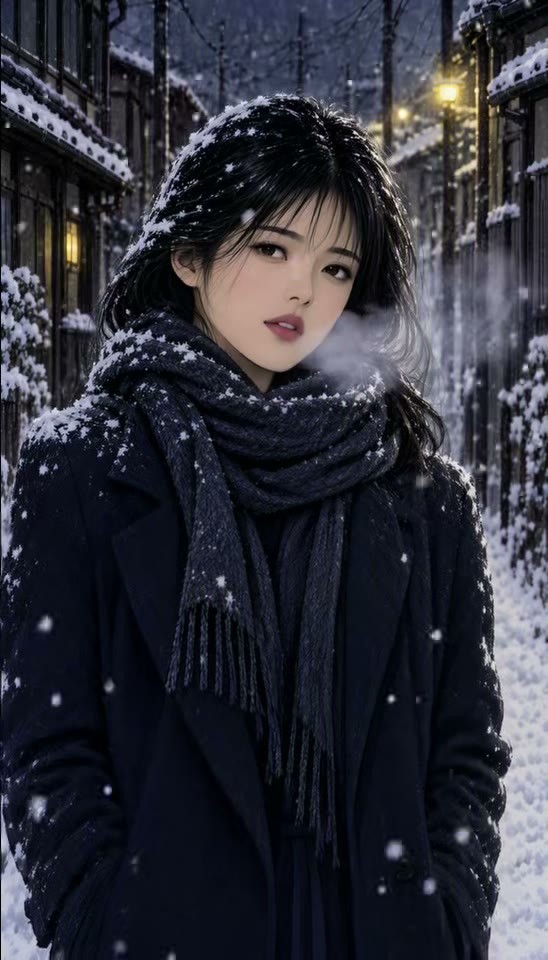
A semi-realistic modern urban comic style LoRA: fine line art, expressive characters, soft cinematic lighting, aimed at urban street scenes, daily life, and romance/drama illustrations.
Images
Reasons for Recommendation
- New Model: The author clearly positions it as semi-realistic comics with modern urban backgrounds, suitable for daily life, romance, and drama single illustrations or webtoon covers.
- Parameters are provided: trigger word, strength range and recommended value, base model, sampler, and steps. The author specifically warns that excessive strength makes the image "hard".
- Free, with a permissive license (image generation, rental, derivatives allowed, attribution not required). 49 downloads in 12 hours since release.
How to Use
- Trigger word
moxie90(not registered in the version, must be manually written into the prompt). - LoRA strength can be 0.6 - 1.5, with the author recommending 1-1.2; otherwise, lines and textures will become hard.
- Base model MOSS Base (bf16), Euler, 25 steps. CFG is not provided by the author.
Risks and Limitations
- The version name is marked beta, and the model description is only one paragraph. 2 images and 2 videos are visible as examples, with 1 sensitive-level images hidden.
- The source of the example videos (whether images were generated first and then converted to video) is not stated by the author.
[A] Dizzle's Fractured Ink · v1
LoRA · New Model · Author Maridizzle · Published 11-21 06:56 · Downloads 19
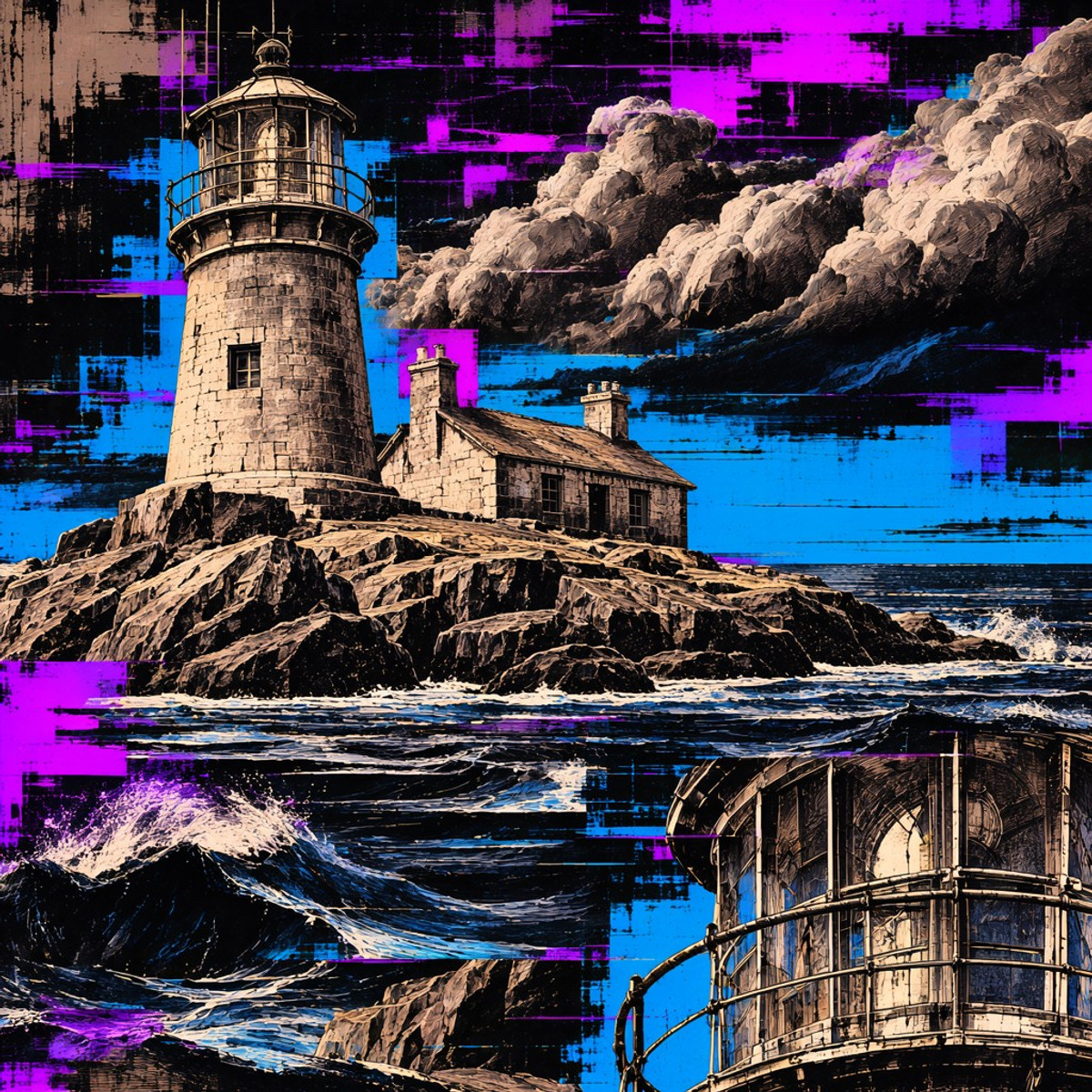
A "Glitch Print" effect LoRA: the subject is drawn with hard engraving lines, then sliced into horizontally offset strips, with hot pink, purple, and electric blue color blocks smashed onto a black background, resembling a corrupted file or a jammed printer.
Running the same subject with "trigger word only / add offset strip phrase / add both phrases" in three images best demonstrates the intensity gradient.
Images
Reasons for Recommendation
- New Model: A new entry in the Dizzle series of MOSS special effect LoRAs. The author provides examples like monsters, river gods, red pandas with plasma cannons, and beach sunsets, indicating it works for people, animals, and landscapes.
- Effect intensity can be controlled with two prompt phrases: adding
into offset horizontal strips, like a glitched printtears the image into offset strips; addinga second smaller view of the subject cut in beside the firstcuts in a smaller view of the subject beside the first. Both phrases can be stacked. - Serves cyber/glitch art posters, album covers, and neon duotone illustrations. 6 example images are visible. Free, with image generation, rental, and derivatives allowed, attribution not required.
How to Use
- Add the trigger word
dz_fractureto the prompt, then describe the subject. Strength from 0.9 to 1.0. - For a more fragmented effect, append one or both of the above enhancement phrases at the end.
- Steps, CFG, and sampler are not provided by the author.
Risks and Limitations
- The color scheme is fixed to black background with pink, purple, and blue, unsuitable for images requiring original colors.
- Released about 2 hours ago; 2 sensitive-level example images are hidden.
Trigger Word: dz_fracture
[A] Moss Image Turbo LoRas · MOSS-SFT-Distill-4step
LoRA · Version Update · Author tsolful · Published 11-21 06:50 · Downloads 29
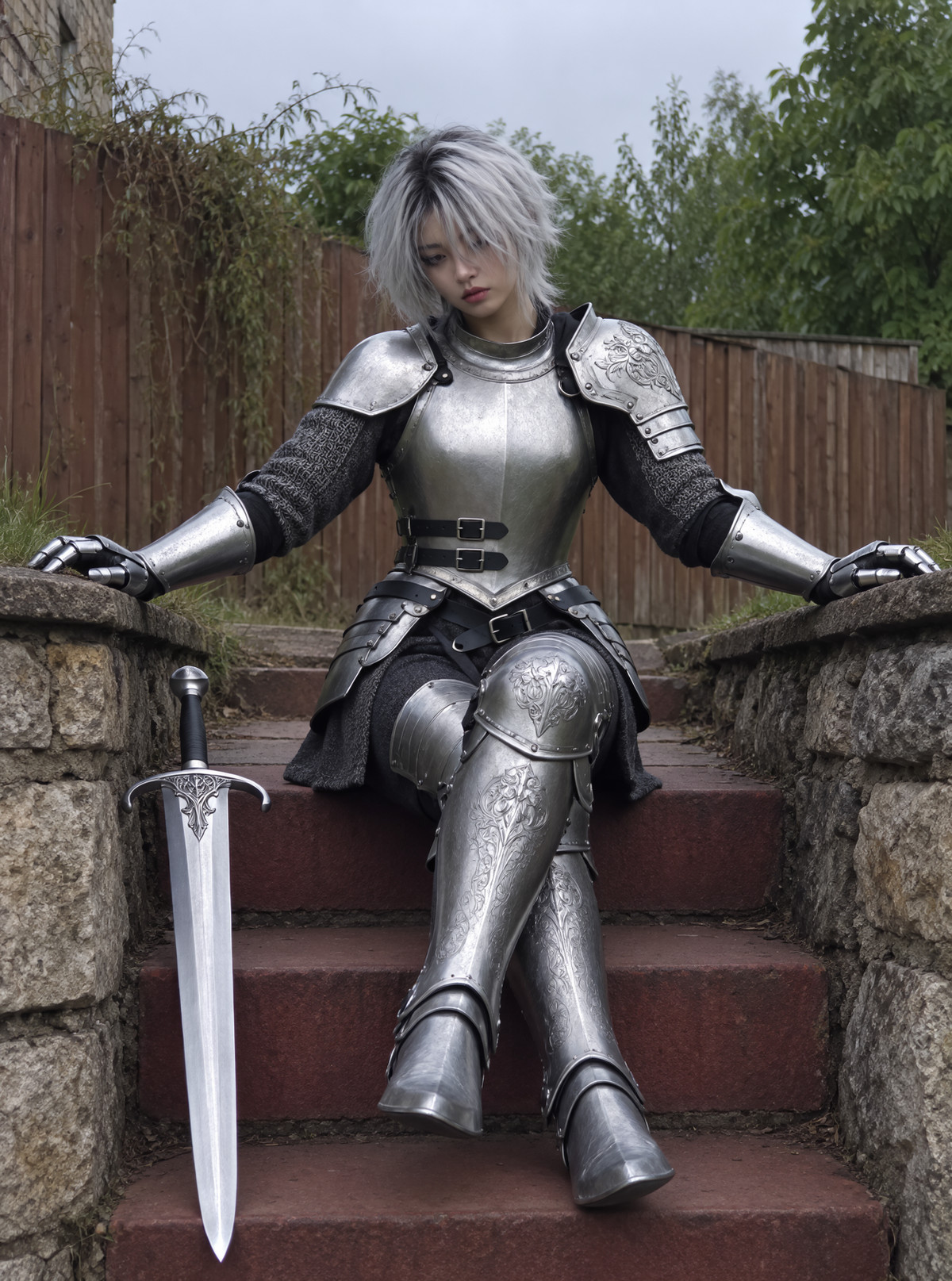
A 4 step accelerated LoRA for MOSS SFT (distilled by lvladikov using eDMD + LADD). The author of this page has converted it to a format directly readable by ComfyUI's built-in LoRA loader and reposted it.
Images
Reasons for Recommendation
- Version Update: The same page already includes lodestones' 8-step DMD / DMD2 and akhaliq's 4-step v2. This version adds lvladikov's SFT Distill 4step (rank 64 file). The author states they did not train these weights, only performed format conversion and credited the original authors.
- The author claims this distilled version, in addition to aligning with the 50-step teacher model, uses a small discriminator to compare student images with teacher images and real photo crops, making textures closer to real photographs.
- Suitable for scenarios requiring fast image generation and batch prompt testing. The entire model page has 32966 downloads, licensed under Apache-2.0, fully open.
How to Use
- Base model: MOSS-Image-SFT; LoRA strength 1.0, sampler euler or er_sde, scheduler Normal, CFG 1.0, shift 5.
- Only one acceleration LoRA should be mounted at a time; the author states that workflows are embedded in the example images.
Risks and Limitations
- The author did not write update notes (the changelog is just the filename); the specific step count for this version was not listed separately by the author, so it can only be understood as 4 steps based on the name.
- This is a forwarded compatible version, not the original; 3 visible examples are provided, and the difference from the 4-step v2 on the same page is only described in the author's text.
[A] 🐻 Roughcut - Faceted Illustration Style · v1.0Moss
LoRA · Port · Author Moonbear_AIArt · Published 11-21 02:00 · Downloads 39
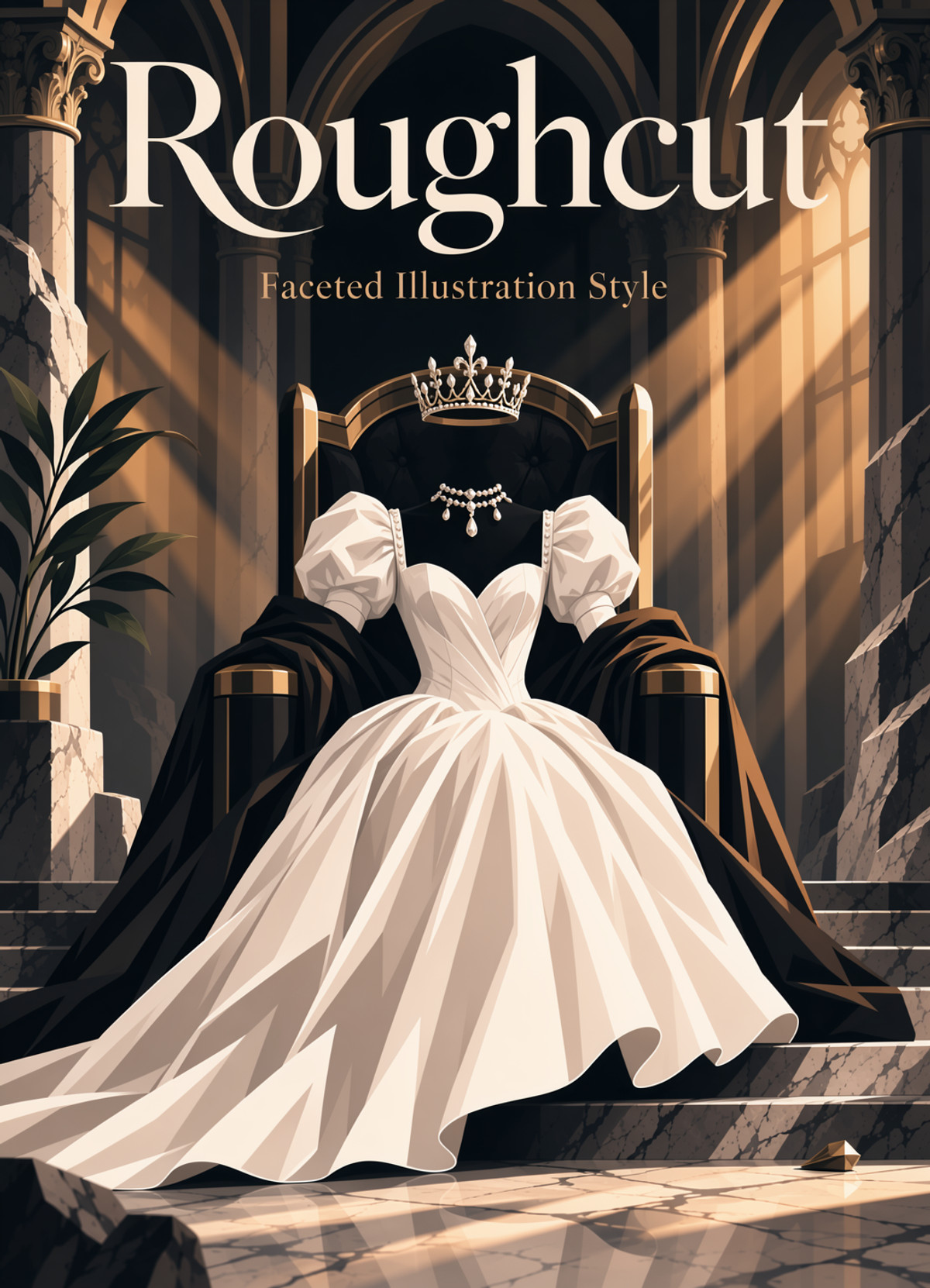
Faceted illustration style LoRA: Compresses soft transitions into distinct blocks of light and shadow, simplifies details into large shapes, makes silhouettes harder and more like volumetric editorial illustrations; a MOSS port of the Krea 2 version, no trigger word required.
Images
Reasons for Recommendation
- Port: The same page previously had the Krea 2 version, and the entire model page has 86 downloads; the MOSS version has no version notes, and the strength and auxiliary phrases follow the general instructions on the model page.
- Suitable for magazine/editorial illustrations, posters, and concept art requiring "geometric faceted light and shadow"; the author provided three auxiliary phrases to control leaning towards illustration, geometric facets, or softness respectively.
- 19 visible examples; free, allows image generation, on-site rental, derivatives (attribution required).
How to Use
- No trigger word; start strength at 0.80, range 0.65 to 0.95, higher values result in heavier faceting and simplification.
- For more obvious geometric facets, add "In the style of an geometric editorial illustration." to the prompt; for softer results, use "In the style of an editorial illustration."
- Avoid writing overly strong realistic photography instructions, as they will conflict with the illustration effect; the author did not provide MOSS step counts, CFG, or samplers.
Risks and Limitations
- The author states that high strength will eat away fine textures, delicate materials, and small details, and may even alter the composition.
- Model card platform restrictions: Cannot be hosted or used on third-party generation platforms like TensorArt, SeaArt, etc.; only local, self-controlled compute, or Civitai usage is allowed.
- The beginning of the model card is event and prize pool promotion; additionally, 1 sensitive-level examples are hidden.
[A] Wacky 3D · v1.0 Moss
LoRA · Port · Author Daalis · Published 11-20 22:33 · Downloads 57
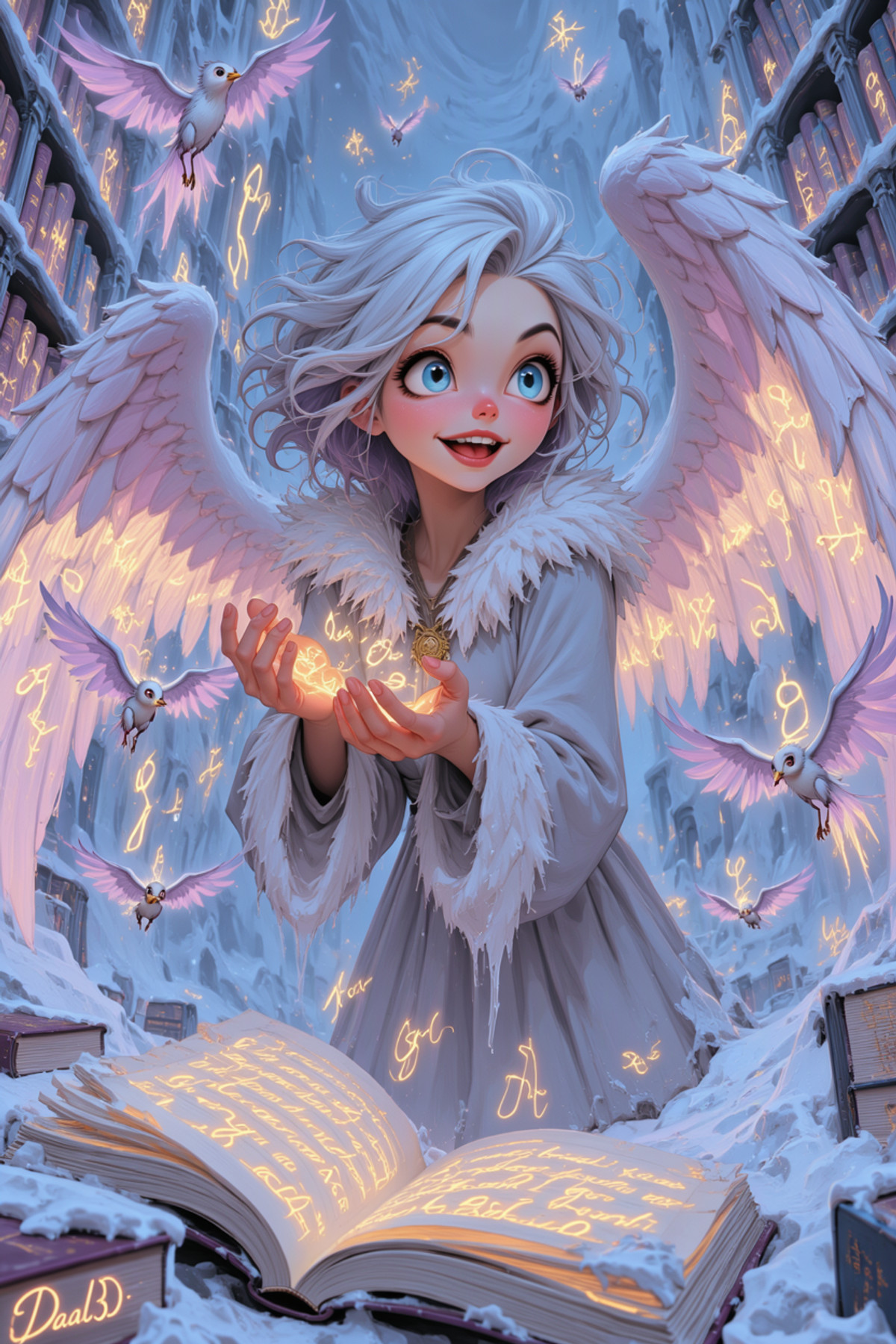
Playful and exaggerated 3D character style LoRA: Candy colors, toy-like rounded shapes, large bright eyes, sparkling highlights and soft rim lighting; at high strength, surreal elements like glowing eyes and swirls appear; the MOSS version of the long-standing multi-base model page.
Images
Reasons for Recommendation
- Port: The same page already has Krea 2, Anima, Flux.2 Klein 9B, Z-Image Turbo, Flux.1, Qwen, and Illustrious versions, with the entire model page having 3509 downloads; the MOSS version filename indicates 2000 steps, and the author claims that glowing eyes, highlights, and quirky details are preserved on MOSS.
- Strength behavior is clearly documented: 0.5–1.5 is effective, 1.0 has high adherence; low strength stays close to the base model, adding only color and toy-like feel, while high strength becomes more abstract.
- Suitable for trendy toy/figure-style characters, children's illustrations, cartoon avatars, and full scenes; 7 visible examples, all non-sensitive level.
How to Use
- Trigger word: Daal3D; start strength at 1.0, lower to 0.5 for more restraint, increase to 1.5 for more surrealism.
- The author did not provide step counts, CFG, or samplers.
Risks and Limitations
- The MOSS version has no separate parameters; the strength instructions are shared across the entire page; the license does not allow selling, and commercial use only includes image generation and on-site rental.
- The latter half of the model card is a call for likes and sharing images.
Trigger Word: Daal3D
[A] [MOSS Image] Petvzal 85 Art Len · SFT
LoRA · New Model · Author hinablue · Published 11-20 21:52 · Downloads 77
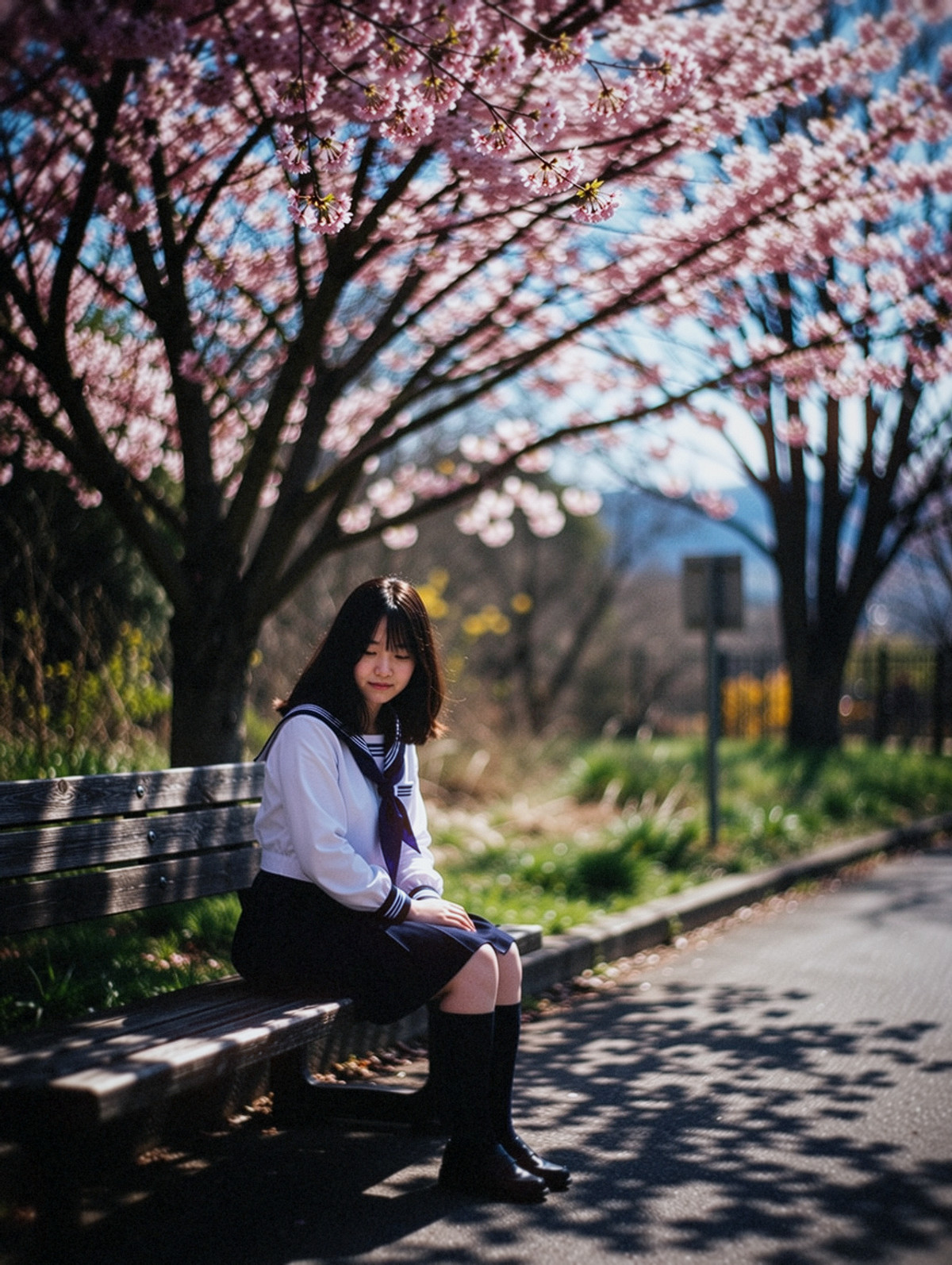
A swirly bokeh LoRA trained on photos taken by the author using their own Lomography New Petzval 85 lens: The background exhibits the characteristic swirly blur of Petzval lenses, and star-shaped light spots can also be invoked.
Suitable for comparing three strength levels on the same portrait: "none / mid-range / 0.7", allowing you to intuitively see the change from no bokeh to swirls.
Images
Reasons for Recommendation
- New Model: The training set consists of photos taken by the author using this lens with Canon 40D, 6D, and R6 cameras, not AI-generated images retrained, learning a real optical effect (bokeh rotating around the center of the frame).
- Suitable for realistic photography styles like portraits, street photography, and night lights where a "vintage/special lens" background texture is desired; star-shaped aperture inserts were used during shooting, so star-shaped light spots can be additionally invoked.
- The author clearly documented the strength range and side effects of excessive strength (high strength interferes with characters, clothing, and poses); 15 visible examples, trained on the SFT base model (filename includes SFT).
How to Use
- No trigger word required, effective upon loading; strength 0.4–0.7, exceeding 0.7 causes strong background interference and may distort the subject.
- To get star-shaped light spots, add "starry_bokeh, starry spot light, starry background"; the author notes that not every light source will turn into a star shape.
- The author did not provide step counts, CFG, or samplers.
Risks and Limitations
- The license does not allow derivatives, attribution is required; commercial use only includes image generation, on-site rental, and selling blends.
- Additionally, 5 sensitive-level examples are hidden; only the SFT version is available, performance on the Base model is not mentioned.
[A] Dizzle's Frosting! · v1
LoRA · New Model · Author Maridizzle · Published 11-21 02:23 · Downloads 26
A "Everything is Dessert" material LoRA: Pipes the entire scene with buttercream frosting—hair becomes piped swirls, uniforms become ruffles, flames become glossy icing ribbons, and even text on cups looks piped; the latest addition to the Dizzle series.
Images

Reasons for Recommendation
- New Model: The author cites examples like armored hamster gunners, flight attendants pouring tea, mountains that look like they fought a pastry chef and a cloud, and dungeons that are "still delicious," indicating it works on characters, animals, landscapes, and interiors.
- Suitable for dessert-themed posters, holiday cards, and fun images turning existing characters into buttercream textures; usage requires only one trigger word.
- Free, allows image generation, rental, derivatives, no attribution required.
How to Use
- Add "dz_frosting" to the prompt, then describe the subject; strength 0.9 to 1.0.
- The author did not provide step counts, CFG, or samplers.
Risks and Limitations
- The description is only one paragraph; it is not documented whether it is controllable if you only want specific parts (e.g., only clothing) to become cream.
- 4 visible examples, additionally 1 sensitive-level examples are hidden.
Trigger Word: dz_frosting
[A] Dizzle's Autumn Ink · v1
LoRA · New Model · Author Maridizzle · Published 11-21 07:25 · Downloads 19
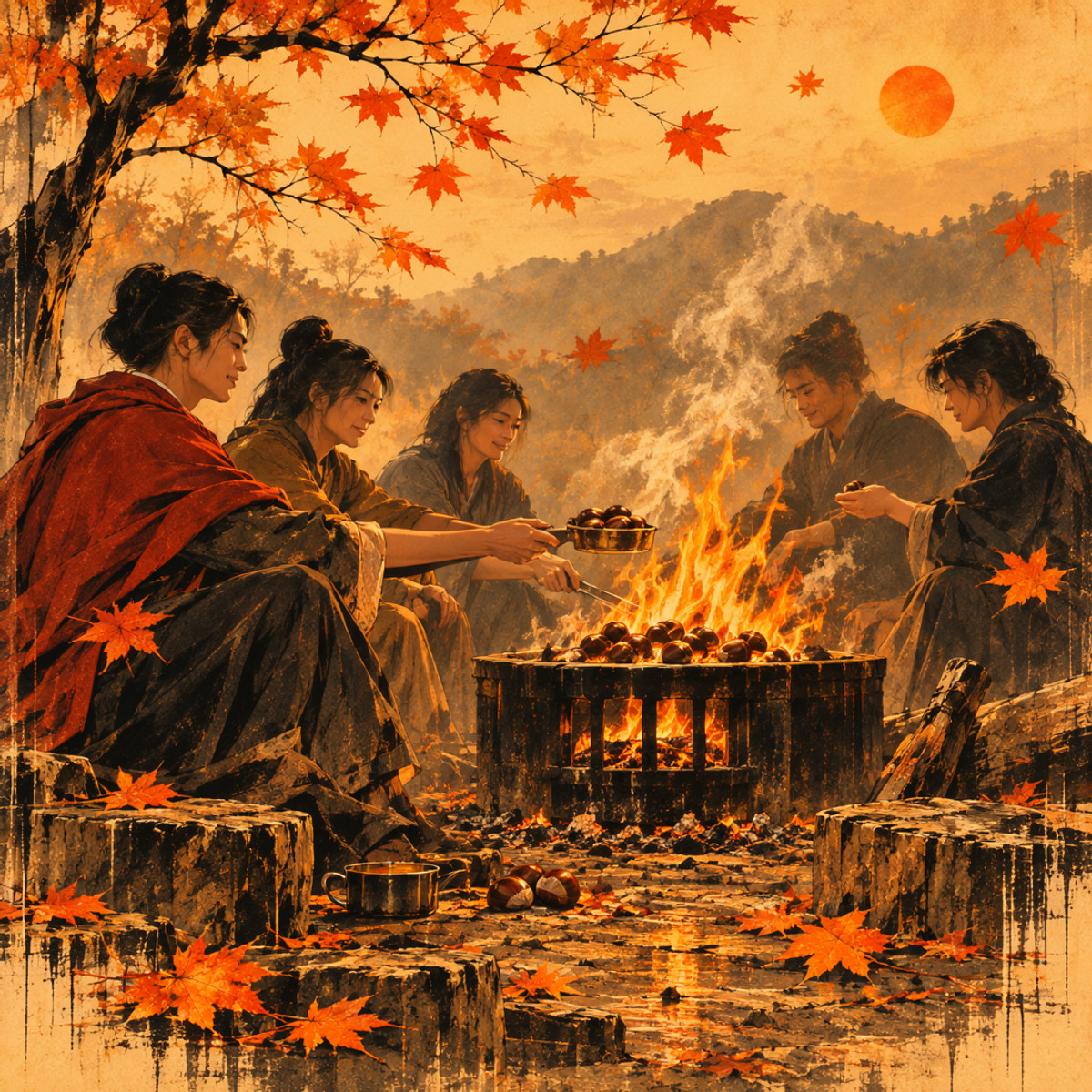
Autumn ink wash style LoRA: The scene transforms into burnt orange, amber, rust red, and dense black wet ink, with stains on the paper, ink dripping down and pooling at the bottom, and maple leaves automatically drifting in.
Images
Reasons for Recommendation
- New Model: Another release in the Dizzle series on the same day; the author cites examples like noir-style offices with city views outside windows and five friends roasting chestnuts around a bonfire, indicating it applies to interiors, group portraits, and night scenes.
- Suitable for autumn posters, noir/detective-themed illustrations, and warm yet gloomy atmosphere images; usage requires only one trigger word.
- Free, allows image generation, rental, derivatives, no attribution required.
How to Use
- Add "dz_ink" to the prompt, then describe the subject; strength 0.9 to 1.0.
- The author did not provide step counts, CFG, or samplers.
Risks and Limitations
- The author states that maple leaves "drift in whether you want them or not," so scenes without maple leaves may need additional suppression; the color palette is locked to orange-red-black tones.
- Released less than 2 hours ago; 4 visible examples, additionally 3 sensitive-level examples are hidden.
Trigger Word: dz_ink
[A] Dizzle's Uranus · v1
LoRA · New Model · Author Maridizzle · Published 11-21 01:47 · Downloads 27
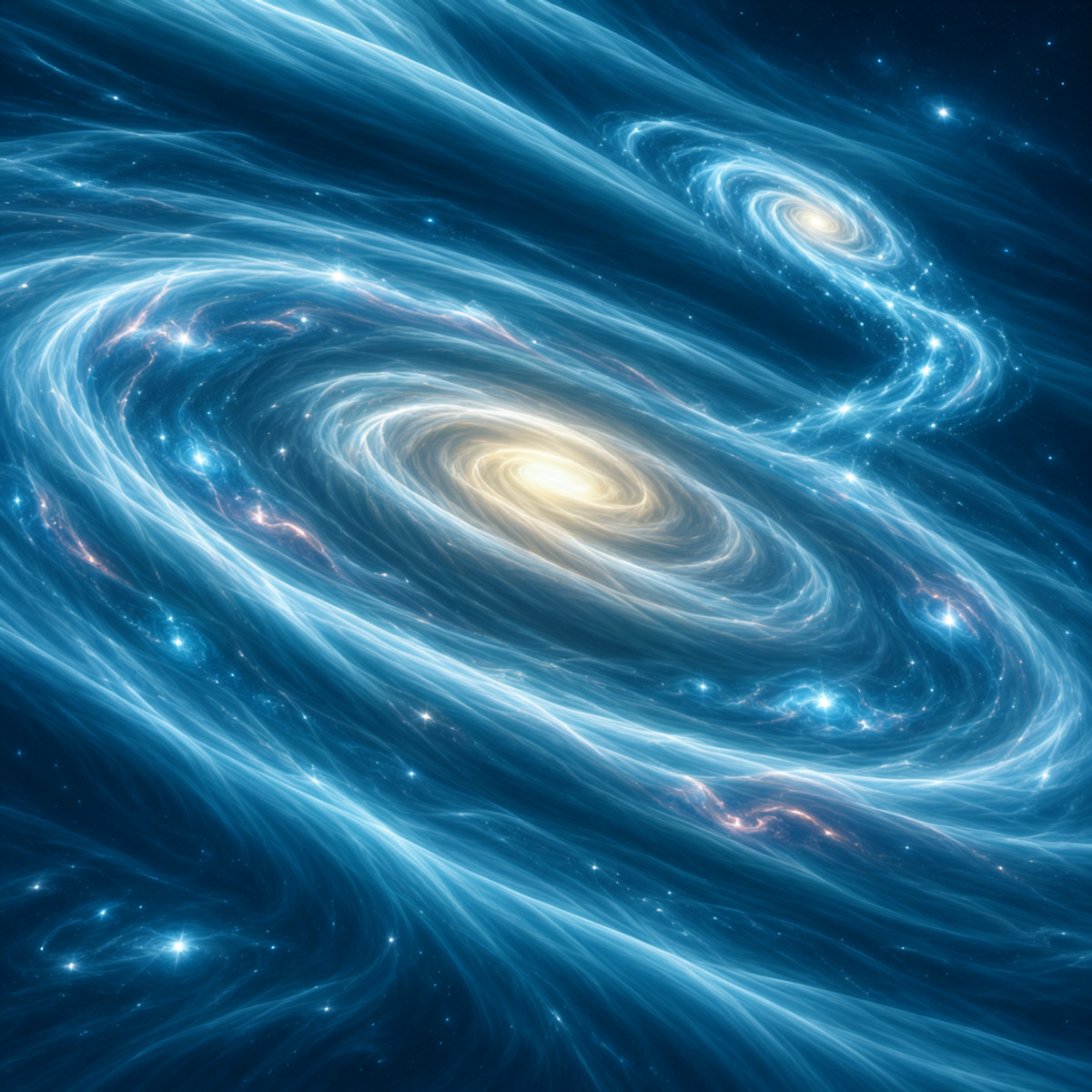
A "Uranus-ification" concept LoRA: The subject transforms into a glowing electric cyan fluid, skin looks like backlit ice, and hair, fabric, and air all flow in the same direction, as if trapped in a silent storm; the latest addition to the Dizzle space series.
Images
Reasons for Recommendation
- New Model: The author cites examples like a goddess walking on water, an ice sculpture arena, and bodies made of light; the effect is a unified cold cyan glow + directional flow.
- Suitable for sci-fi/fantasy posters, ice-type character portraits, and images turning characters or scenes into energy beings; contrasts with the Jupiter version in the same series (one cold, one warm).
- Free, allows image generation, rental, derivatives, no attribution required.
How to Use
- Add "dz_uranus" (written as "dz_Uranus" in the model card) to the prompt, then describe the subject; strength 0.9 to 1.0.
- The author did not provide step counts, CFG, or samplers.
Risks and Limitations
- The color palette is locked to electric cyan tones, unsuitable for scenes requiring original colors; the model card provides a trigger word while also stating "no magic words needed," leading to inconsistent information on whether the trigger word is mandatory.
- Only 3 visible examples, additionally 2 sensitive-level examples are hidden.
Trigger Word: dz_uranus
[A] MOSS Shoulder Width Lora · v1.0
LoRA · New Model · Author viltorx294 · Published 11-21 06:56 · Downloads 46
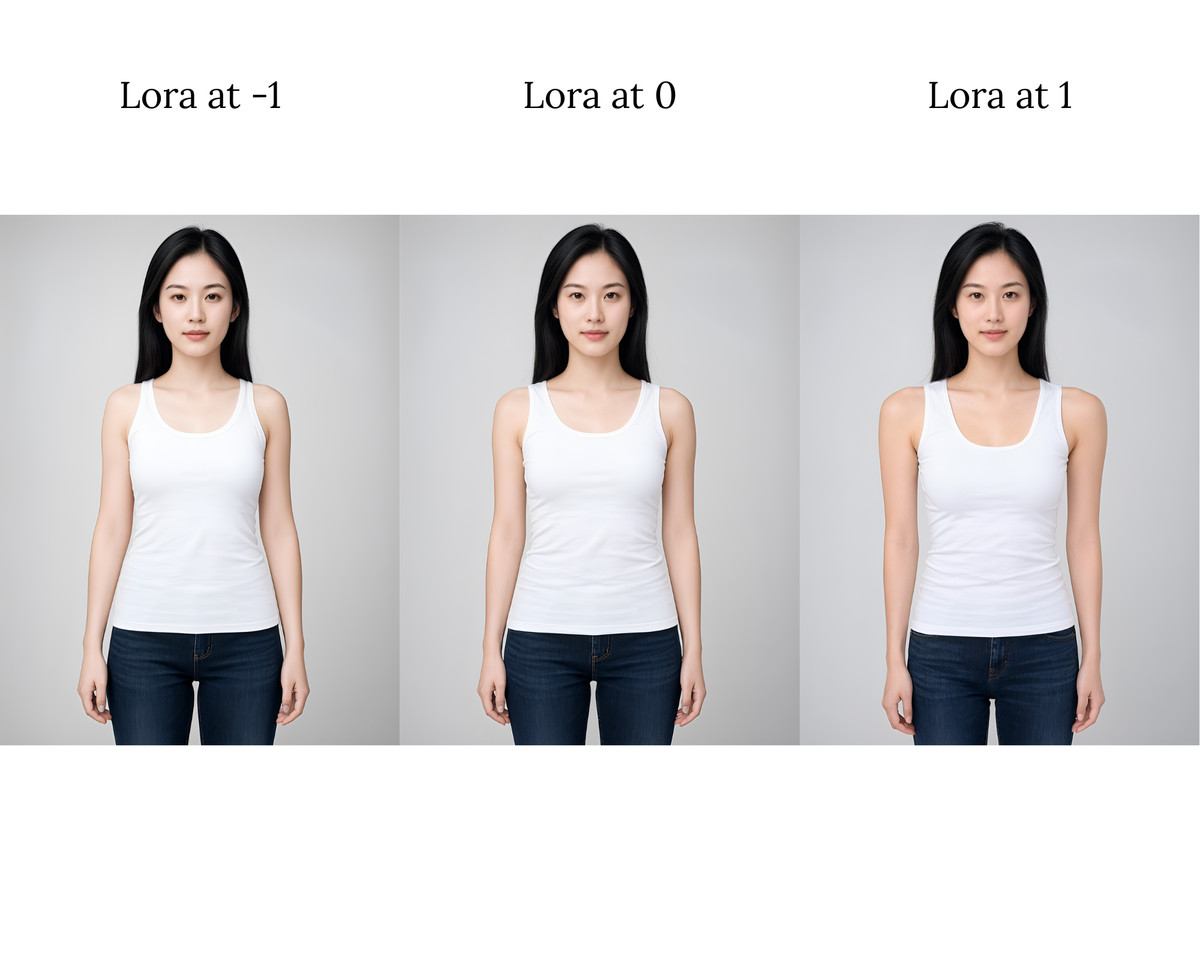
Shoulder width adjustment LoRA: Uses positive and negative strength like a slider to widen or narrow character shoulders, aiming to break MOSS's default binding of "narrow shoulders = frail, wide shoulders = muscular."
Run a triptych with the same prompt and seed at -1 / 0 / +1 to directly see if it only moves shoulders without changing body type.
Images
Reasons for Recommendation
- New Model: The author points out that MOSS binds shoulder width to body type, whereas this LoRA only moves shoulder width; inferred from instructions, negative values narrow and positive values widen.
- The strength range is clearly documented in three tiers: -1 to 1 is safest, -1.5 to 1.5 is still relatively safe, -2 to 2 won't break the image but shows obvious changes compared to 0; the author claims widening is more obvious than narrowing, and narrowing is more stable at large negative values.
- The author candidly describes the training process: Used Juggernaut MOSS to generate images, then used scripts to deform them for the dataset, taking about two weeks on a single 2060 6GB GPU; released about 2 hours ago with 46 downloads (indicating attention level), 6 visible examples.
How to Use
- No trigger word, effective upon loading; adjust strength between -1 and 1, expand to ±1.5 if stronger effect is needed.
- Works best with front-facing, direct-to-camera, studio-style portraits; the author did not provide step counts or CFG.
Risks and Limitations
- The training images consist only of frontal studio portraits; the author states that 3/4 performs poorly on side profiles, three-quarter views, and complex backgrounds, and also alters details not specified in the prompt
- The author self-assesses as "barely satisfied, better than nothing," with no guarantee of future updates; the correspondence between positive/negative signs and width/height is not explicitly documented; the license does not permit commercial use of generated images, and 8 sensitive-level examples have been hidden
【A】Guyanonymous's Image to Prompt for Forge Neo · v1.1
Other · Port · Author guyanonymous · Published 11-21 05:48 · Downloads 4
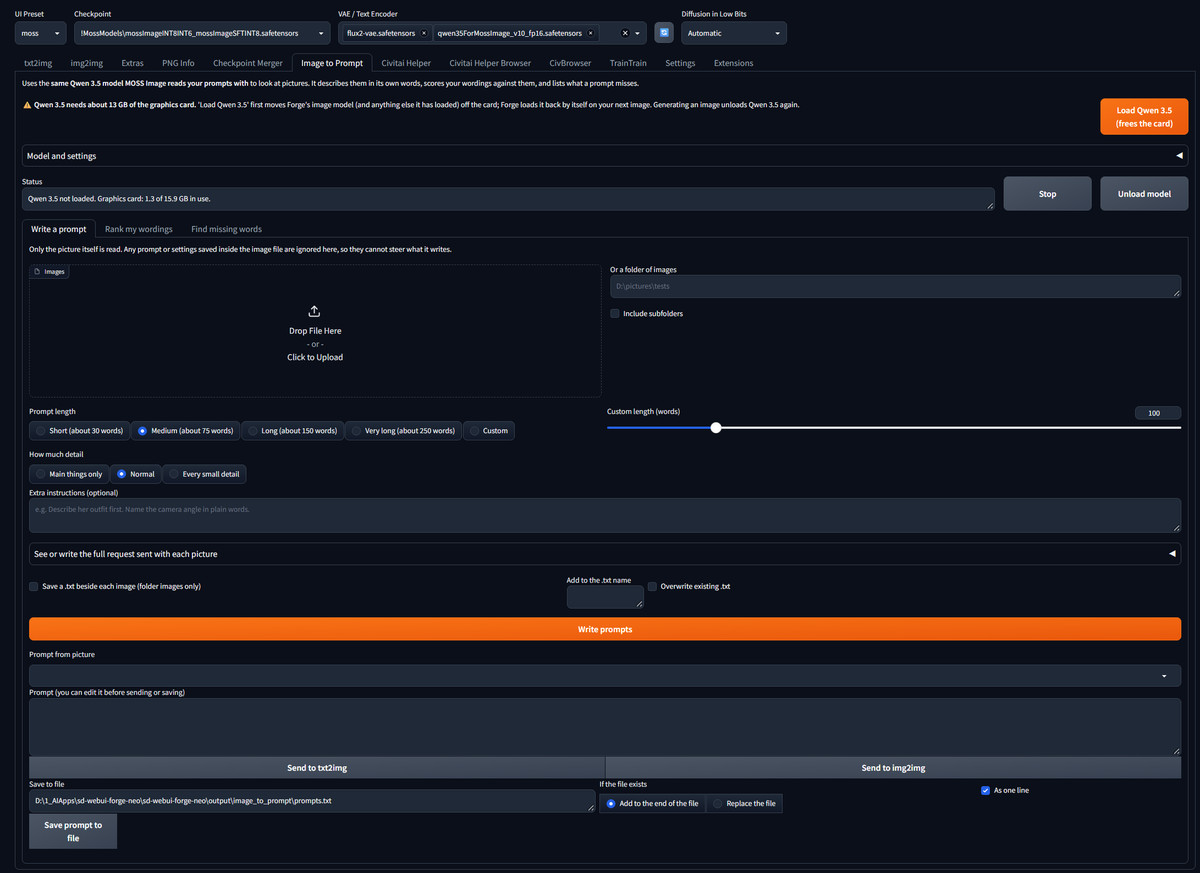
Forge Neo extension: Uses MOSS's own text encoder (Qwen 3.5 9B, with built-in vision capabilities) to reverse-engineer image prompts, and can also score various phrasings and identify content missing from prompts.
The "missing words" feature works well in conjunction with the prompt-related tools featured in this issue: generate an image first, then let the encoder tell you what was omitted.
Images
Reasons for Recommendation
- Porting (there is another "Other" base template on the same page): The idea is that MOSS uses a vision-language model to read prompts; this extension repurposes the same file in reverse, allowing the "model that reads prompts" to describe images itself, using the encoder's own vocabulary
- Three features: Generate prompts for single images / batches / entire folders (with optional length and level of detail, looking only at pixels and ignoring old prompts stored in the image); rank several phrasings of the same meaning by how likely they are to be said after viewing the image; list omissions and words that need changing compared to the original prompt
- Can send with one click to txt2img / img2img, or write line-by-line into wildcard files; has an API and a command-line version; open-source and free, no additional model downloads required
How to Use
- Forge Neo → Extensions → Install from URL, enter the GitHub address and restart; place the qwen3.5_9b_int8_convrot file from Comfy-Org/MOSS-Image into models/text_encoder
- Open the Image to Prompt tab, first click Load Qwen 3.5 (this moves Forge's models out of VRAM), then select a subpage to add images; the extension automatically unloads when generating images
Risks and Limitations
- Supports only Forge Neo, not ComfyUI nodes; the author states approximately 13 GB of free VRAM is required (tested on an RTX 5060 Ti with 16 GB), taking 10–30 seconds per image for medium-length prompts
- This is a program, not weights, distributed as a zip; can be verified against the GitHub repository; AGPL-3.0 license; only 1 screenshots available, and downloads are low for a new release
Worth Watching (14)
【B】Midjourney Chinese Aesthetics LoRA | MJ Chinese Aesthetics · v1.0 MOSS Image
LoRA · Port · Author Ay1in · Published 11-21 01:47 · Downloads 49
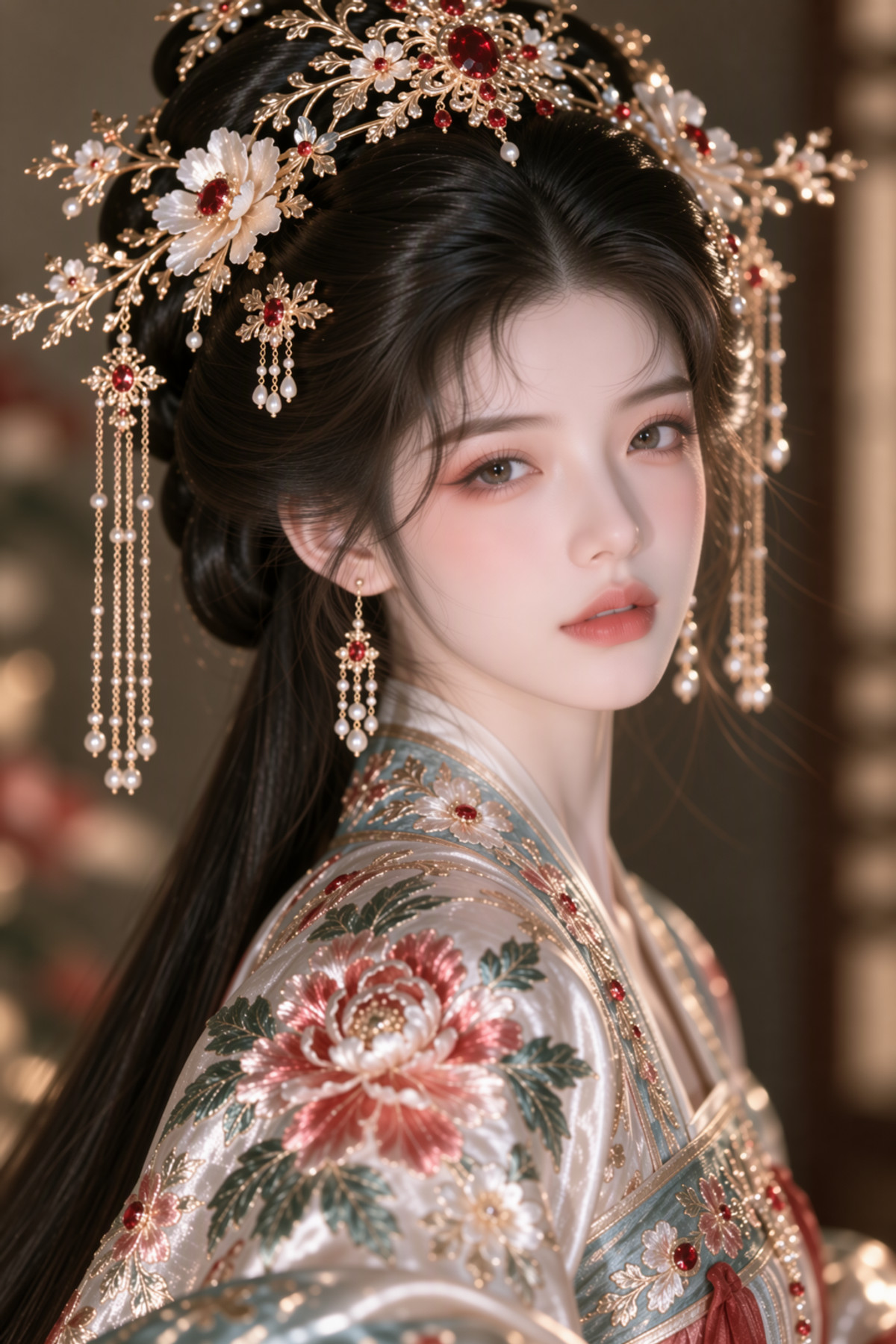
Chinese ancient-style realistic portrait style LoRA (East Asian faces, ancient costumes, exquisite makeup, realistic lighting); training images were generated by the author using MidJourney V8.2; a MOSS port of the Krea 2 version.
Images
【B】HaDeS MOSS Suite Workflows · Basic Generation v0.9.2
Workflow · Version Update · Author _HaDeS_ · Published 11-21 02:16 · Downloads 20
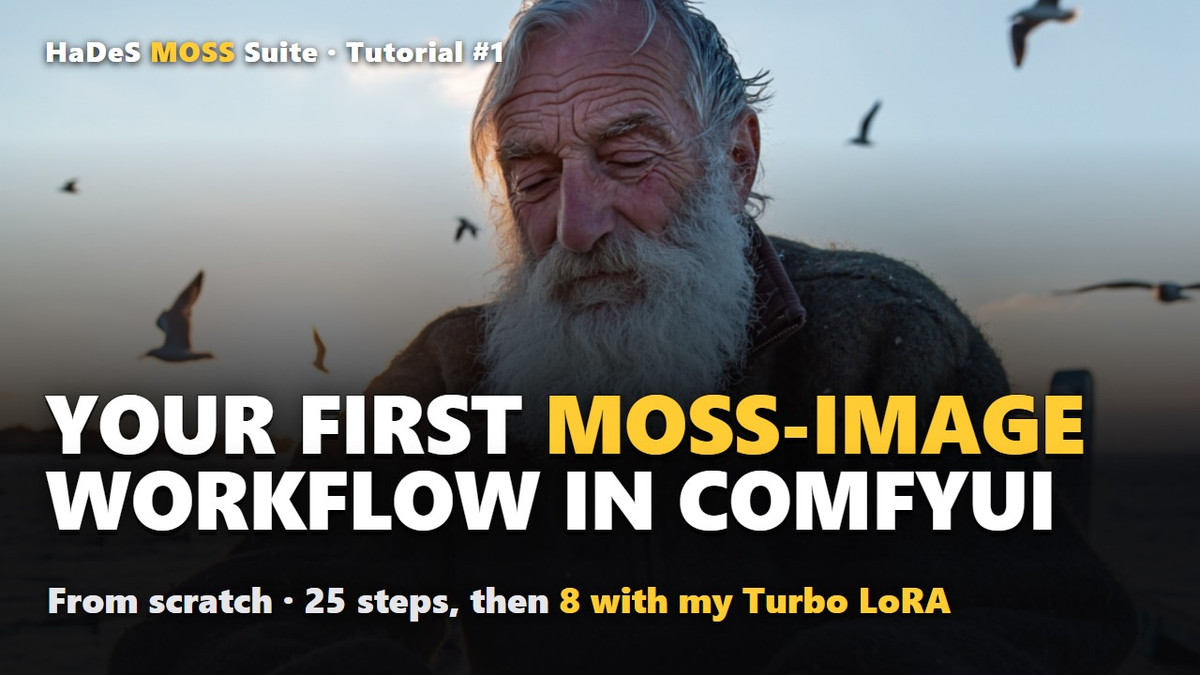
The newly added "Basic Generation" workflow in the HaDeS MOSS Suite page: the graph built from scratch in the author's YouTube introductory tutorial, featuring six Suite nodes plus Telemetry, with saved PNGs containing parameters and model hashes.
Images
【B】Wuxian from The Legend of Luo Xiaohei · v1.0 moss
LoRA · New Model · Author iskra0 · Published 11-21 05:35 · Downloads 15
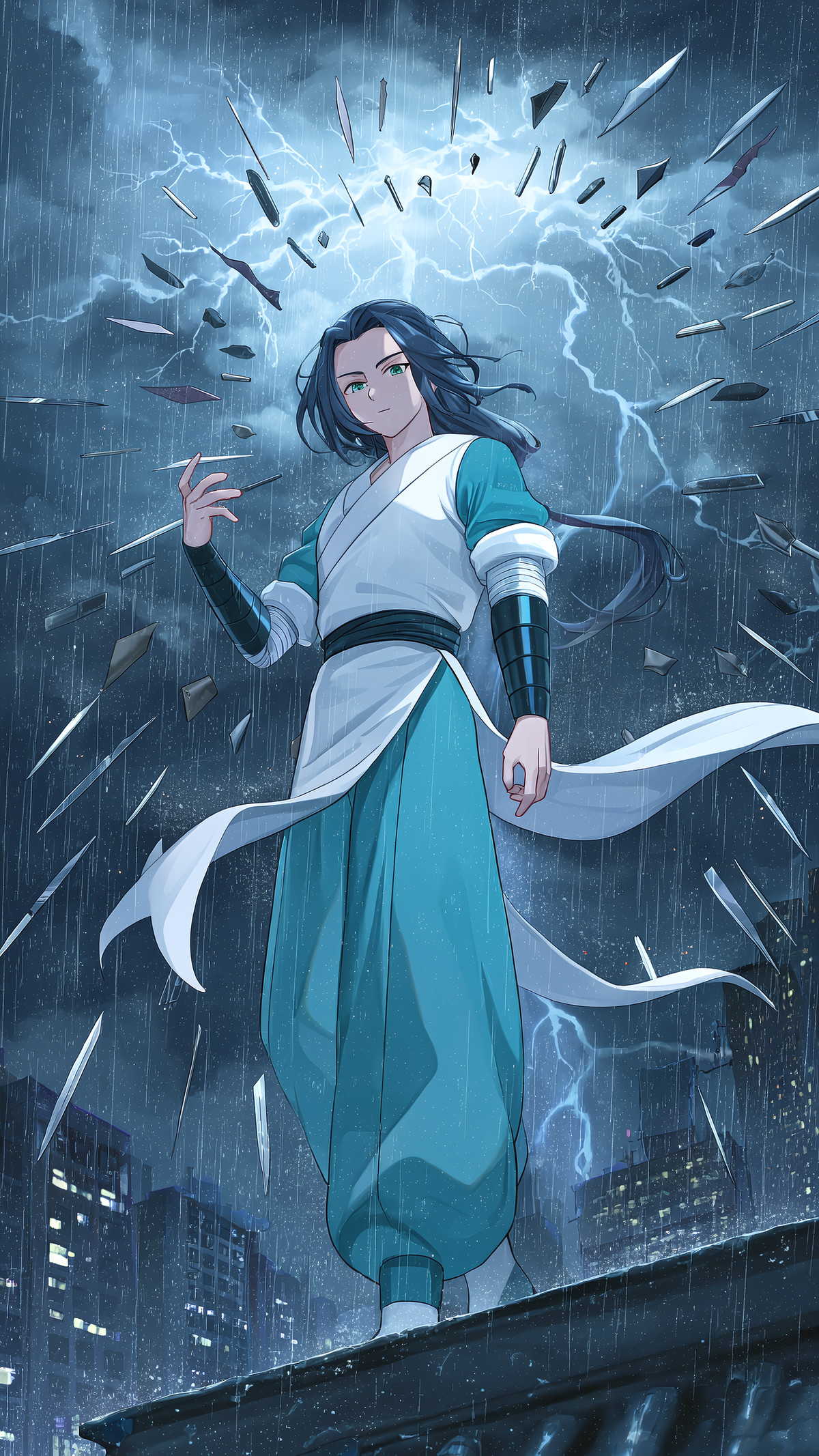
Character LoRA for Wuxian from The Legend of Luo Xiaohei: face, slicked-back long black hair, and green eyes are tied to a trigger word, while clothing is described via prompts; the author has detailed their test results item by item.
Images
【B】MOSS-Image Basic: real text in pictures (ComfyUI workflow) · v1
Workflow · New Model · Author Stable_Yogi · Published 11-21 01:50 · Downloads 35
Entry-level MOSS text-to-image ComfyUI workflow, focusing on rendering correct text within images: place the desired text in quotes and specify its position, suitable for posters, signs, menus, and covers.
Images
【B】BBox Studio · v1.6
Workflow · Version Update · Author plk · Published 11-21 05:13 · Downloads 15
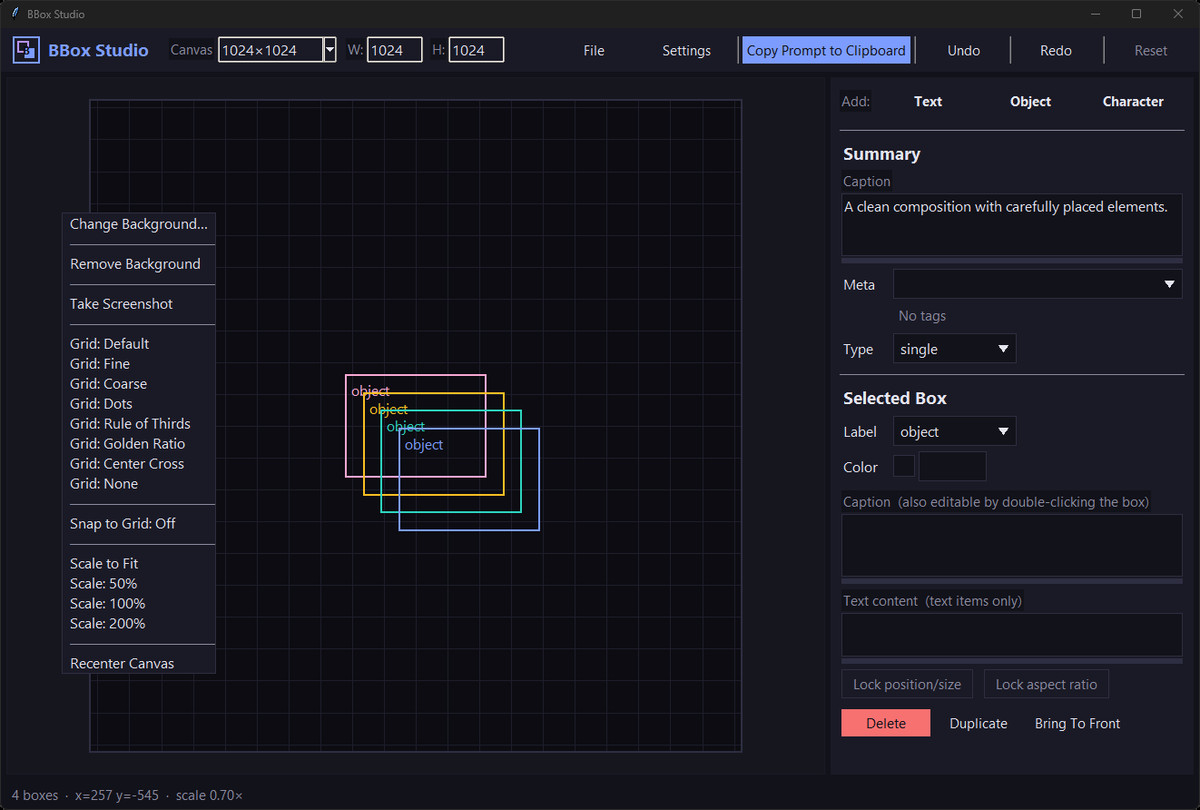
v1.6 of the standalone desktop mini-app BBox Studio: drag boxes on the canvas to write MOSS region layout prompts and export JSON; this version adds presets for one-click box generation and automatic loading of default projects.
Images
【B】Mikoshii's Ultra Lightweight MOSS Workflow - txt2img, img2img, Model Merging, Auto-prompting and Image Upscaling · v1.0
Workflow · New Model · Author Mikoshii · Published 11-21 02:57 · Downloads 37
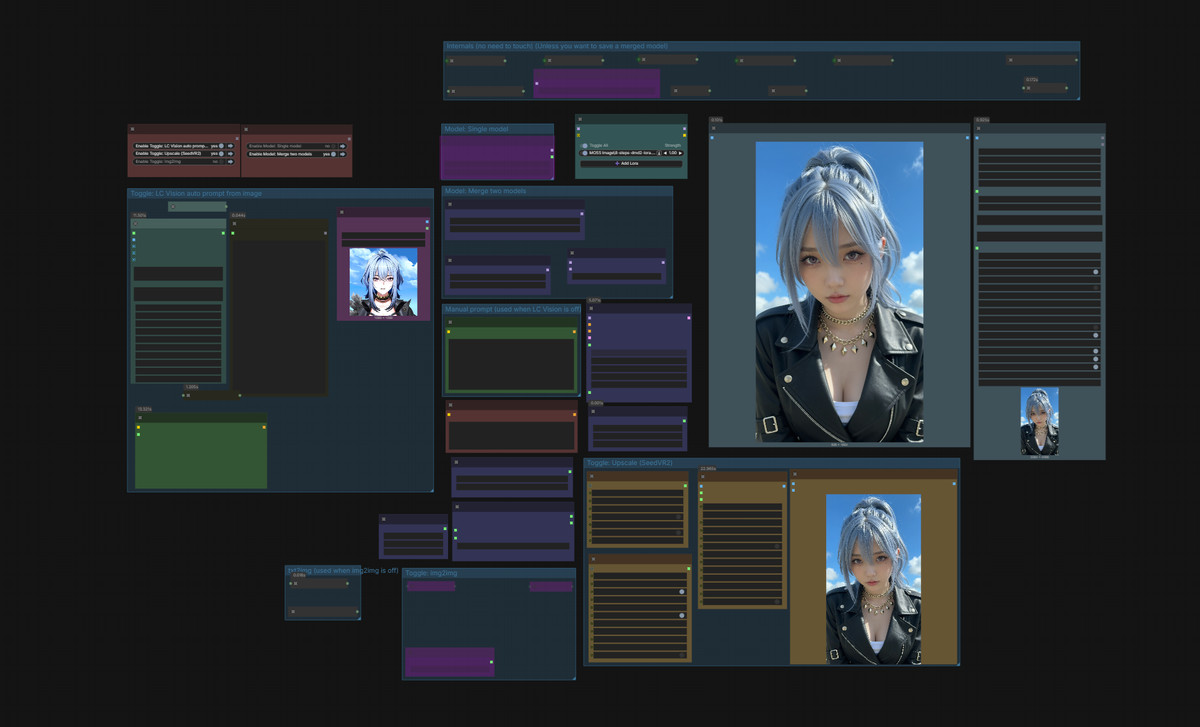
ComfyUI integrated workflow for MOSS (JSON, not new weights): toggle between text-to-image and image-to-image, real-time proportional blending of two models, automatic prompt generation from images using LC Vision, and upscaling with SeedVR2.
Images
[B] Kiko Jib Mix Moss - two-pass MOSS-Image with SeedVR2 (set up for the mbl9 LoRA) · v7
Workflow · New Model · Author kiko9 · Published 11-21 03:59 · Downloads 19
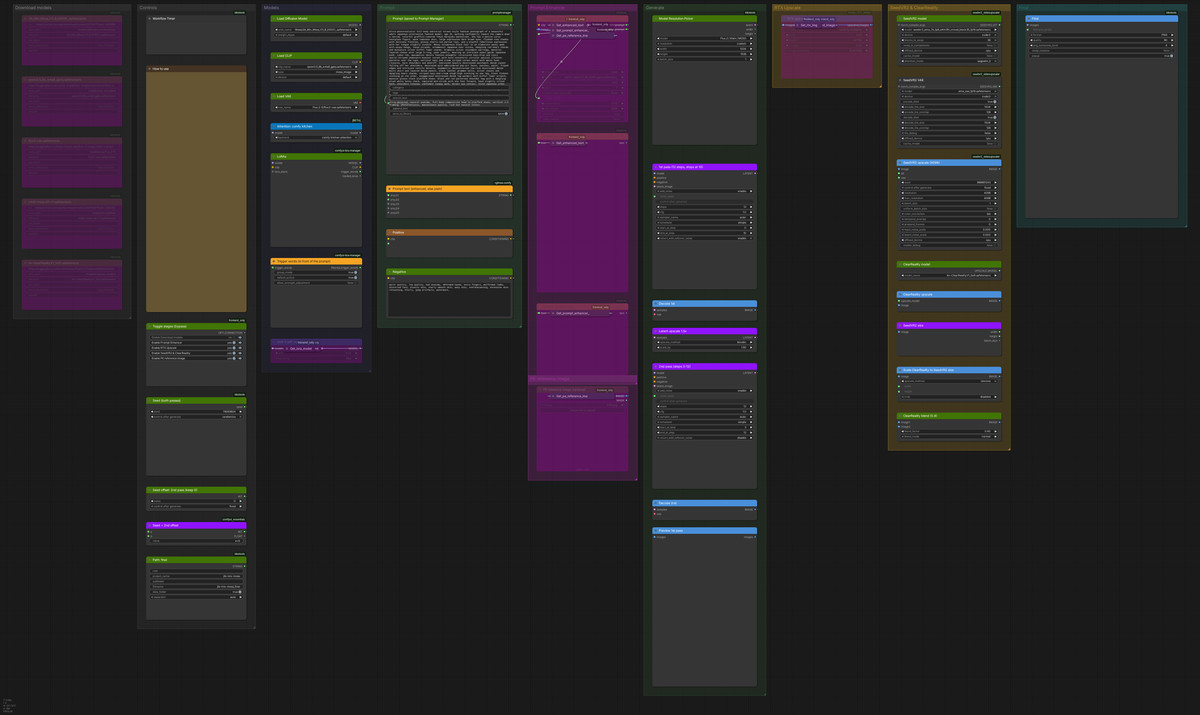
A two-stage image generation workflow built for the photorealistic fusion model Jib Mix Moss: the first stage stops early to preserve noise, the latent space is upscaled by 1.5x before running the second stage, and finally SeedVR2 is used to upscale to 4096 px; the preset includes the author's own mbl9 LoRA.
Image
[B] artist: ningenmame / ningenmame Style - Anima & MOSS · MOSS Base 1536 v1.0
LoRA · Port · Author True_987 · Published 11-21 00:18 · Downloads 41
An anime-style LoRA mimicking the art style of illustrator ningenmame, a port of the Anima version of MOSS, trained at 1536 resolution on MOSS Base.
Image
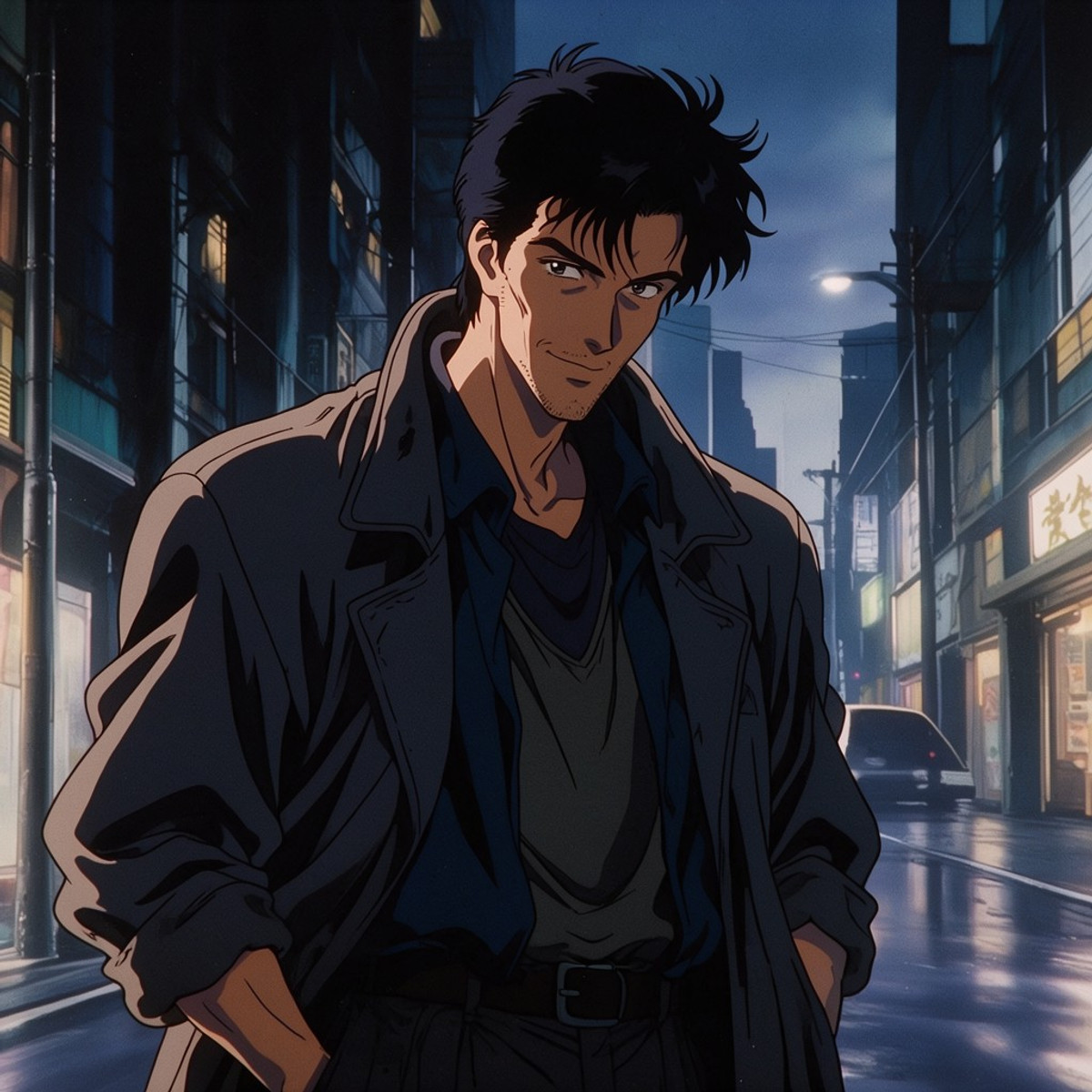
[B] Retro Anime Mix by Shrekman · Moss-V2-ShrekmanMix
LoRA · Version Update · Author Shrekman17 · Published 11-21 06:32 · Downloads 30
A LoRA replicating the style of Japanese theatrical anime from the late 80s to the 90s (hand-drawn cel animation, 35mm film grain, mature OVA character designs); this is the second version of the MOSS port on the same page.
Image
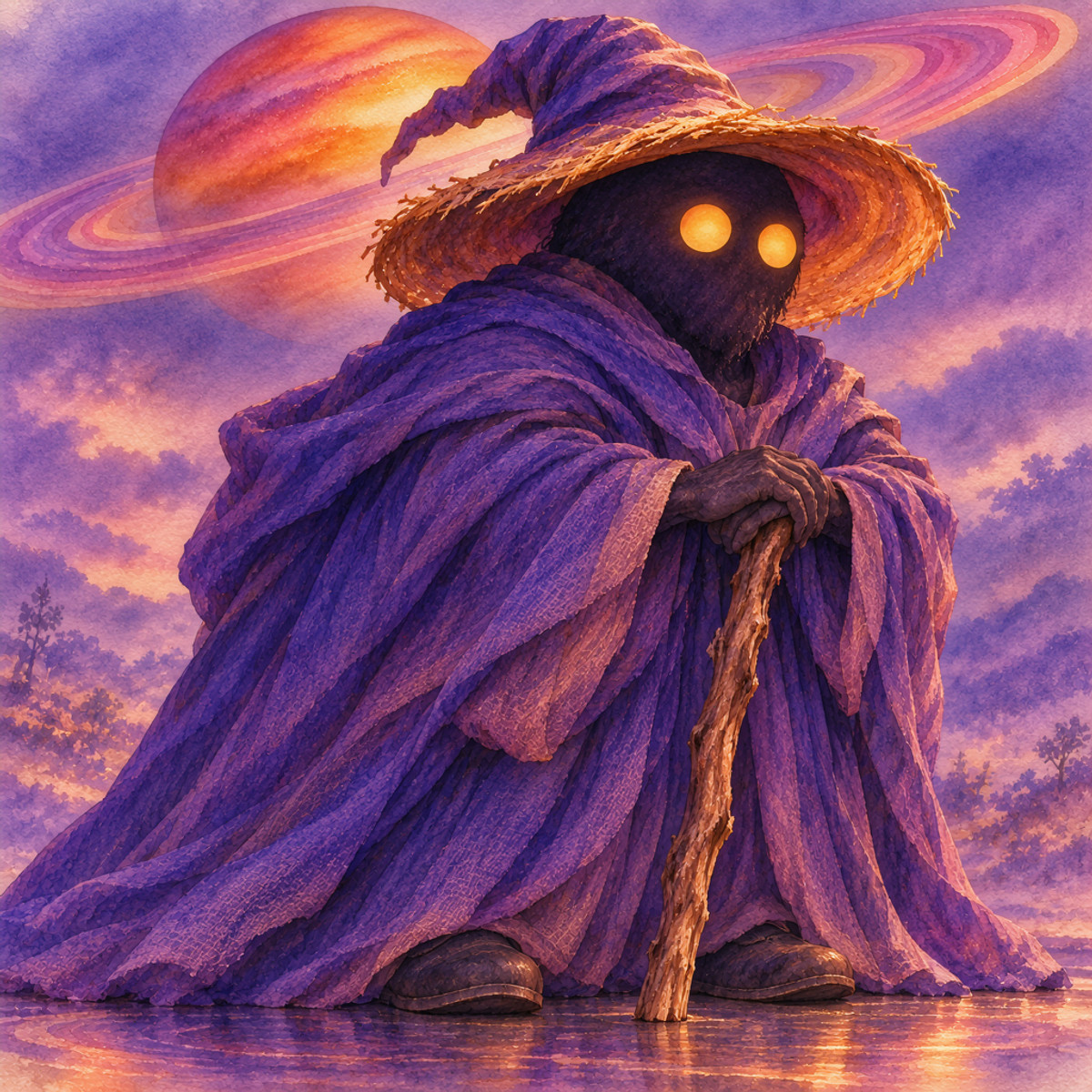
[B] Ditzzle's Saturn · v1
LoRA · New Model · Author Maridizzle · Published 11-20 23:54 · Downloads 26
A pink watercolor space LoRA: the image is immersed in wet watercolors of blush pink, peach, and lavender purple, with a giant ringed Saturn fixed in the sky; part of Dizzle's space series.
Image
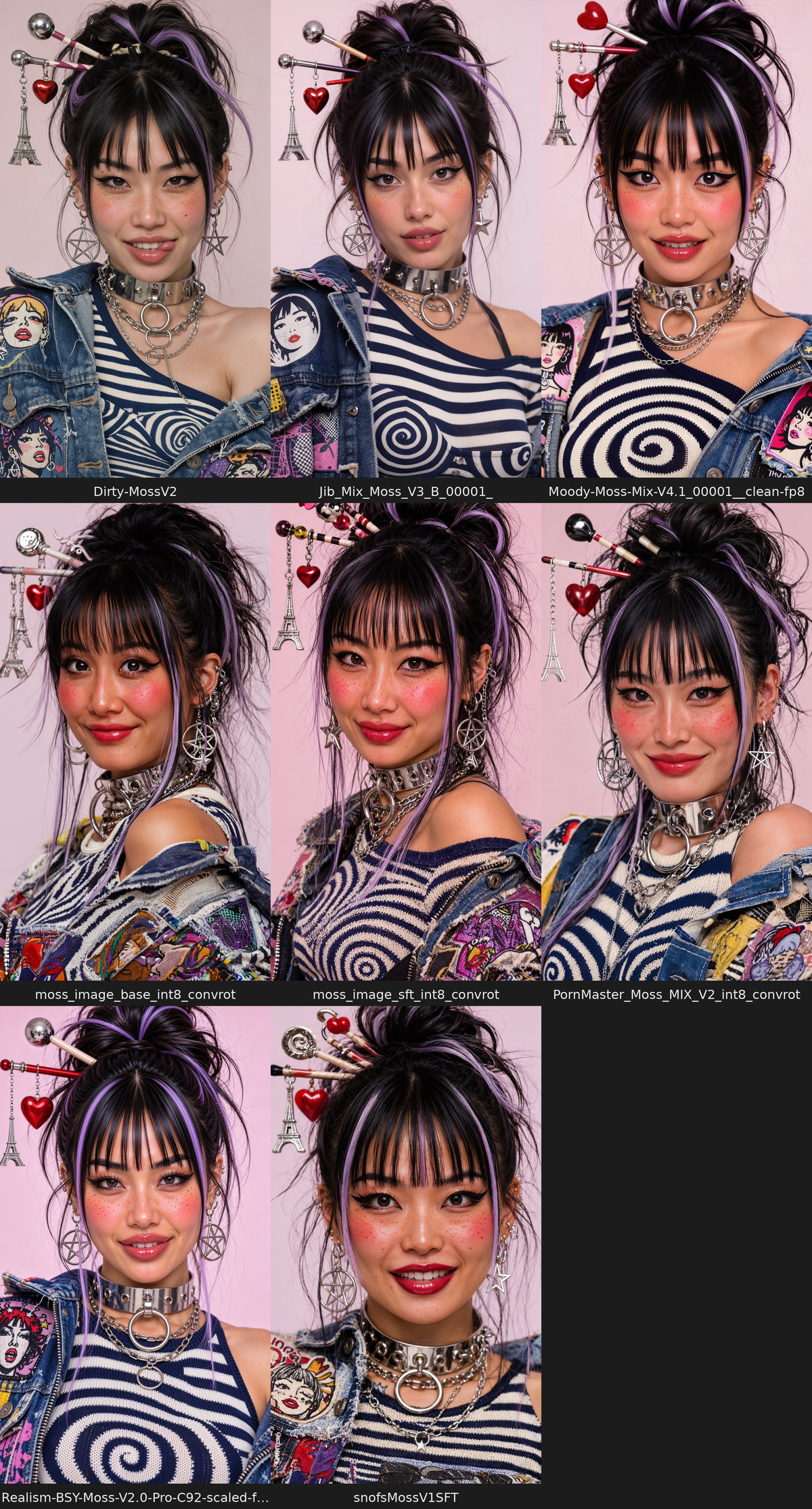
[B] mbl9 - a synthetic character for MOSS-Image (LoRA + full training data) · v1 (SFT)
LoRA · New Model · Author kiko9 · Published 11-21 03:40 · Downloads 37
A character LoRA for mbl9, a completely fictional streetwear-style girl, including all training images, captions, and ai-toolkit configurations; the author uses it as a complete example for a MOSS LoRA training tutorial.
Image
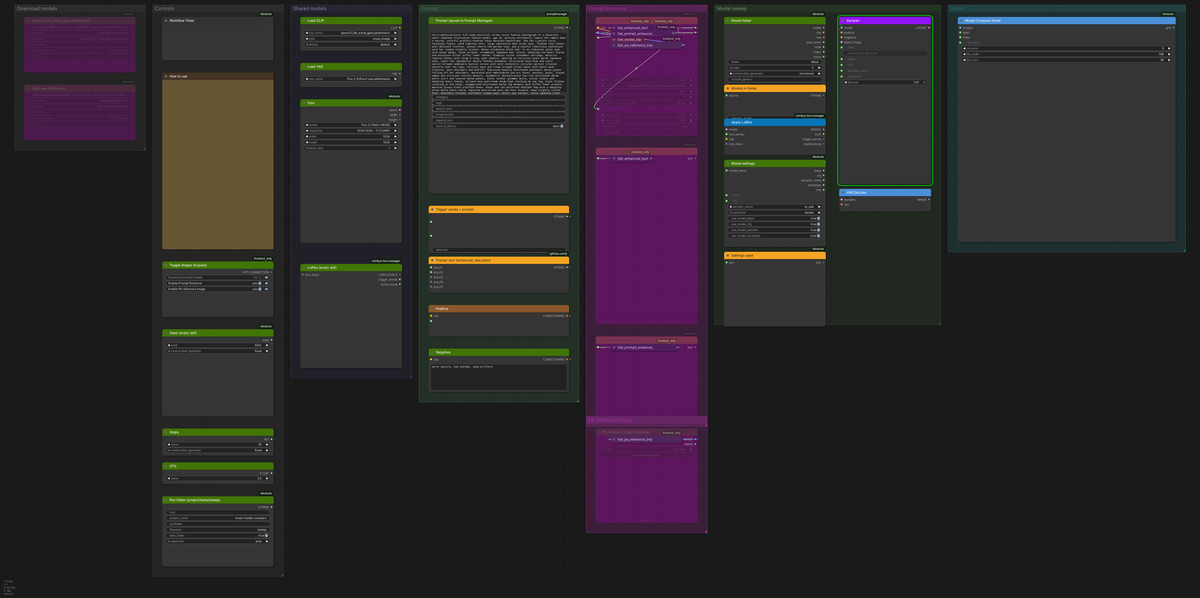
[B] Kiko MOSS model sweep - every model in a folder on its own recommended settings · v7
Workflow · New Model · Author kiko9 · Published 11-21 03:54 · Downloads 21
ComfyUI workflow: runs every MOSS base model and fine-tuned model in a folder one by one, automatically using each model's author-recommended steps, CFG, and sampler, finally compiling them into a labeled comparison image.
Image
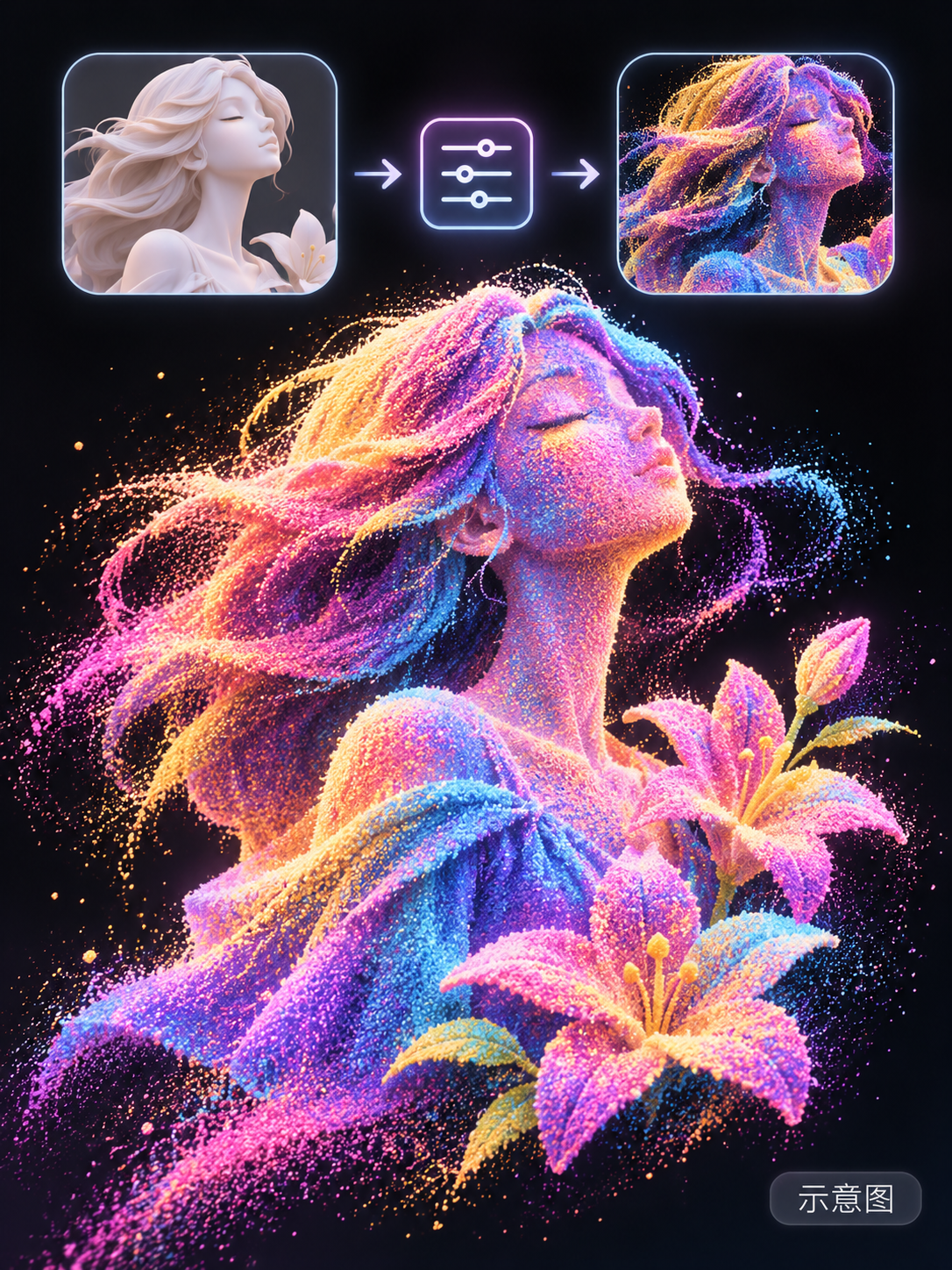
[B] Dizzle's Thrown Sand · v1
LoRA · New Model · Author Maridizzle · Published 11-21 06:31 · Downloads 14
A material LoRA from the Dizzle series: skin, hair, fabric, and flowers in the image are transformed into neon-colored sand thrown onto a black background, with particles scattering at the edges.
Image
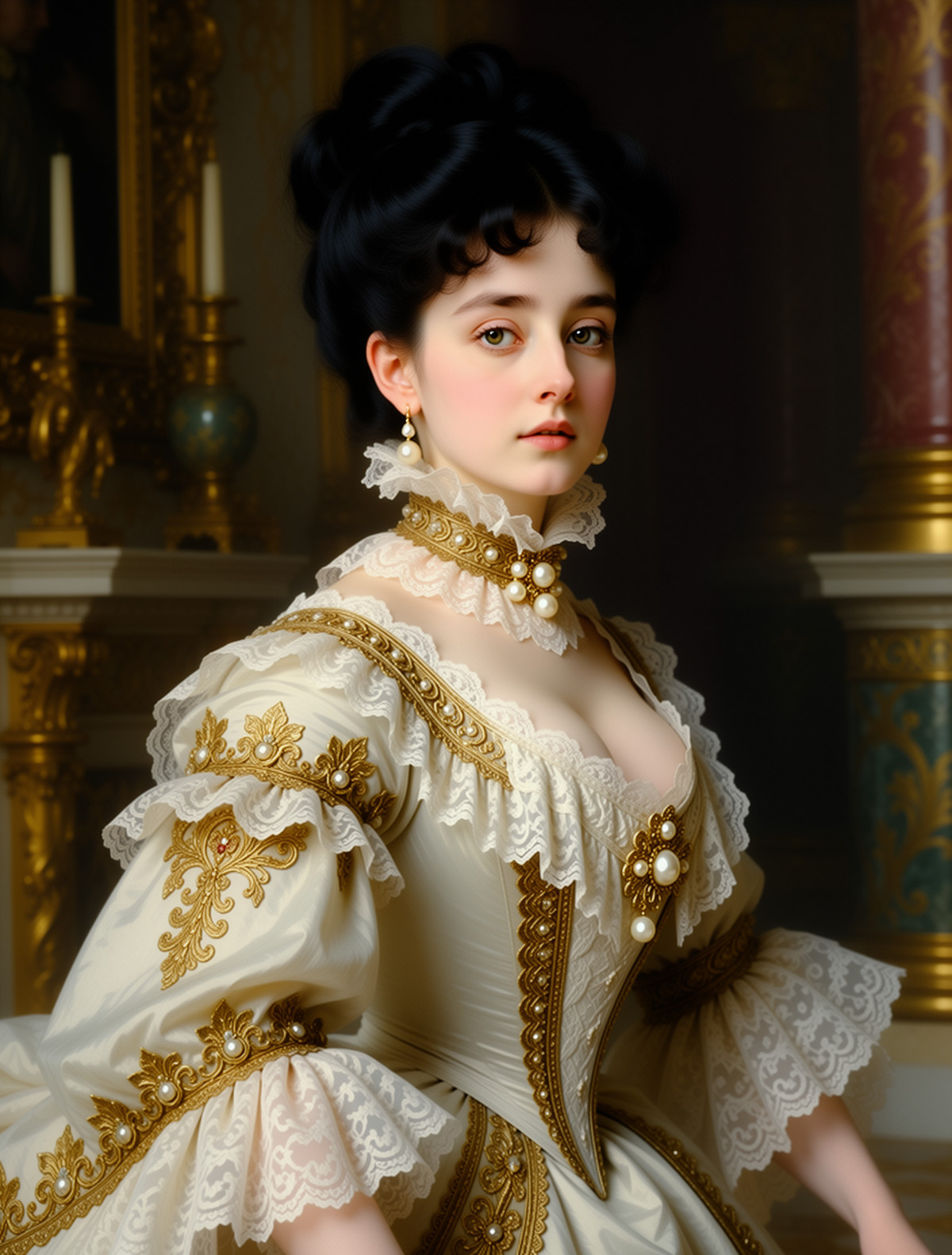
[B] Pastel Victorian Postcards · Victorian Postcards Moss
LoRA · Port · Author Fantomas_64 · Published 11-21 00:11 · Downloads 6 · Paid
A late 19th-century pastel postcard style LoRA: female portraits with Victorian-era oil painting textures (hats, floral decorations, ornate long dresses, updo curls); the MOSS version of the old Krea 2 page, currently available for paid download.
Image
Included Only (36)
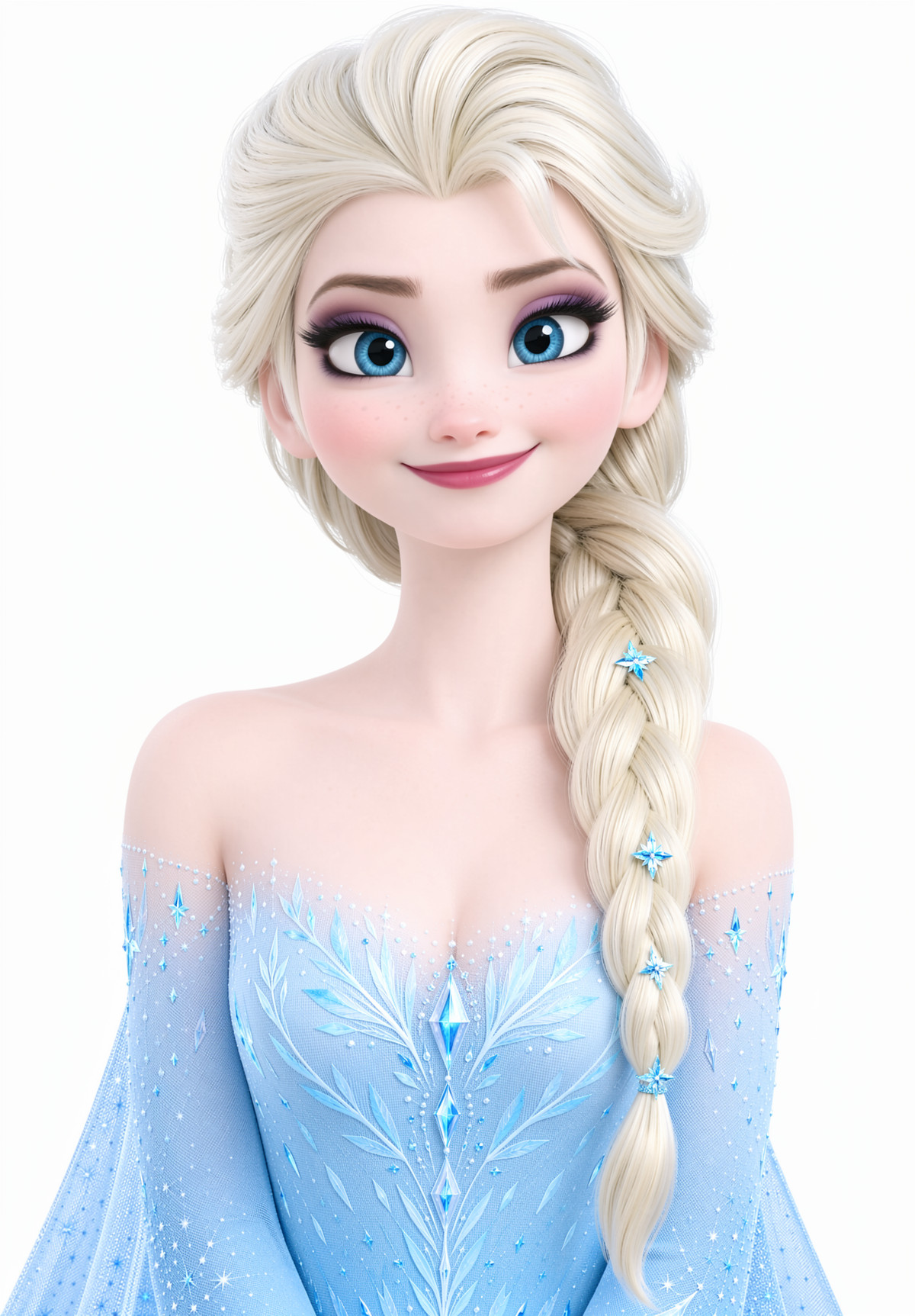
- Elsa - Frozen - Disney - MOSS LORA · v1.0 — LoRA: A character LoRA for Elsa from Frozen (platinum blonde side braid, blue eyes, ice crystal gown with snowflake cape), trained on MOSS.
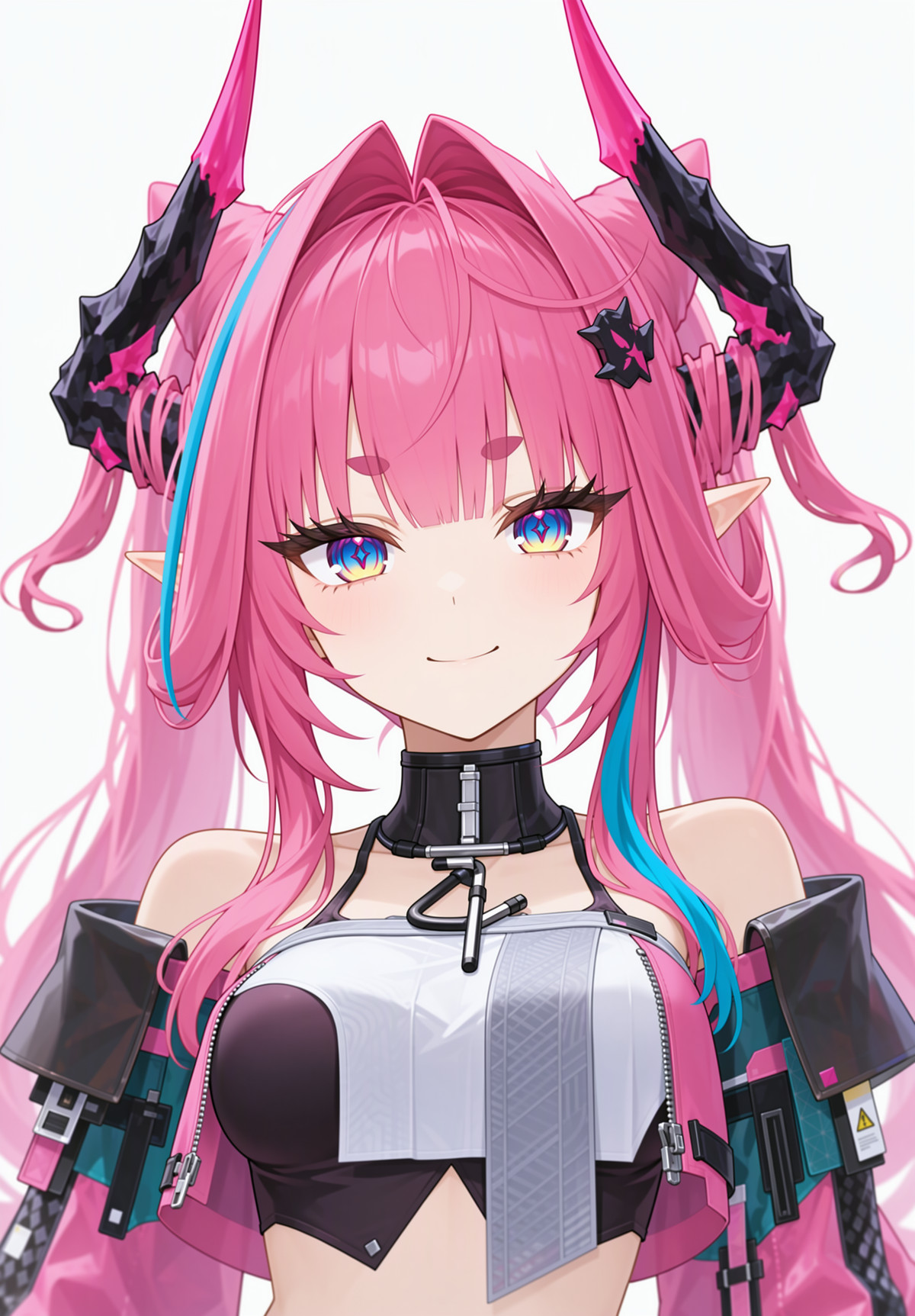
- Yvonne - Arknights: Endfield - MOSS LORA · v1.0 — LoRA: Character LoRA for Yvonne from Arknights: Endfield (a dragon girl with pink horns, pink hair with teal highlights, high twin-tails, and a green tail), trained on MOSS.
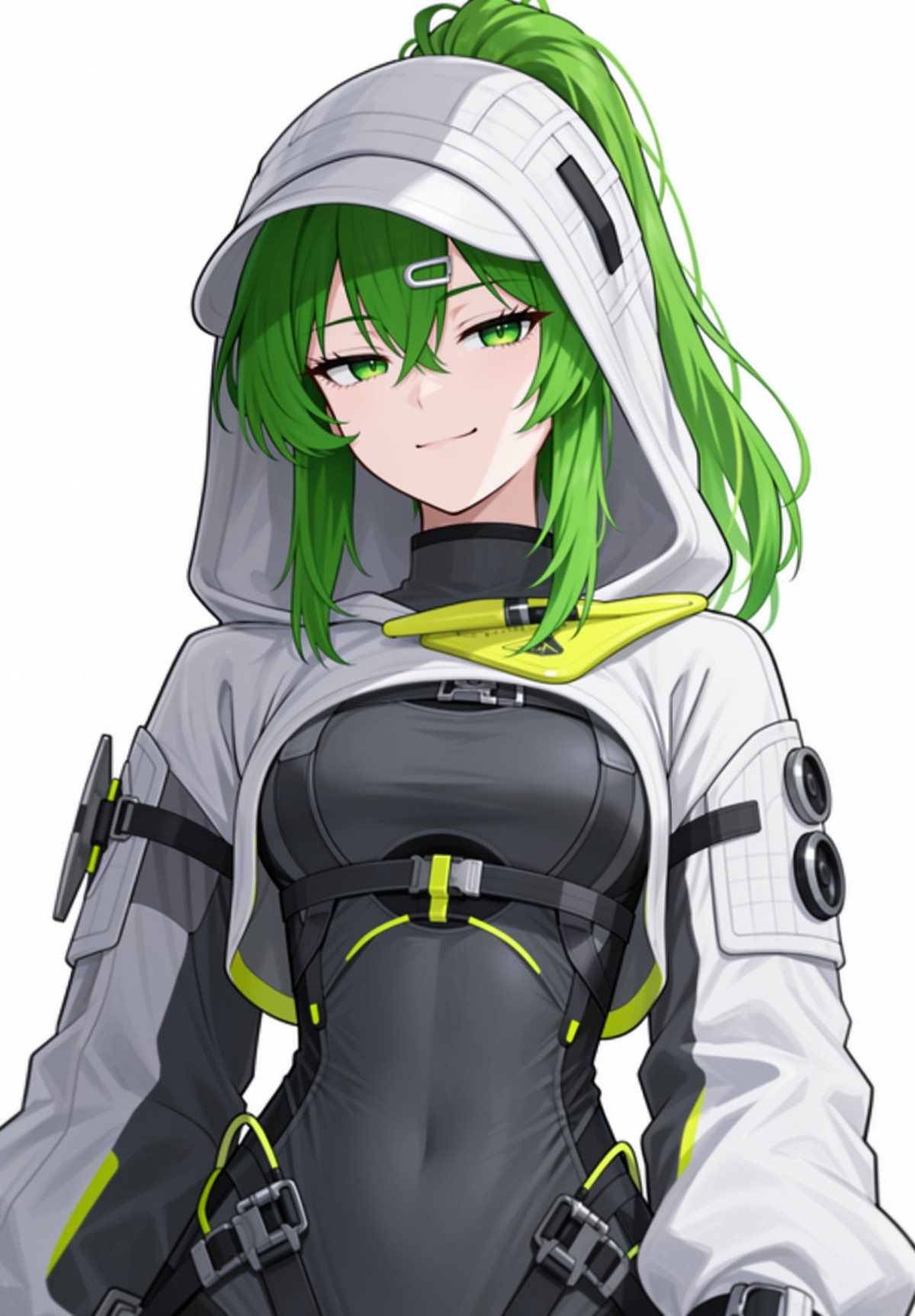
- Fluorite - Arknights: Endfield - MOSS LORA · v1.0 — LoRA: Character LoRA for Fluorite from Arknights: Endfield (green ponytail, golden eyes, thick green lizard tail, white loose techwear hoodie), trained directly on MOSS.
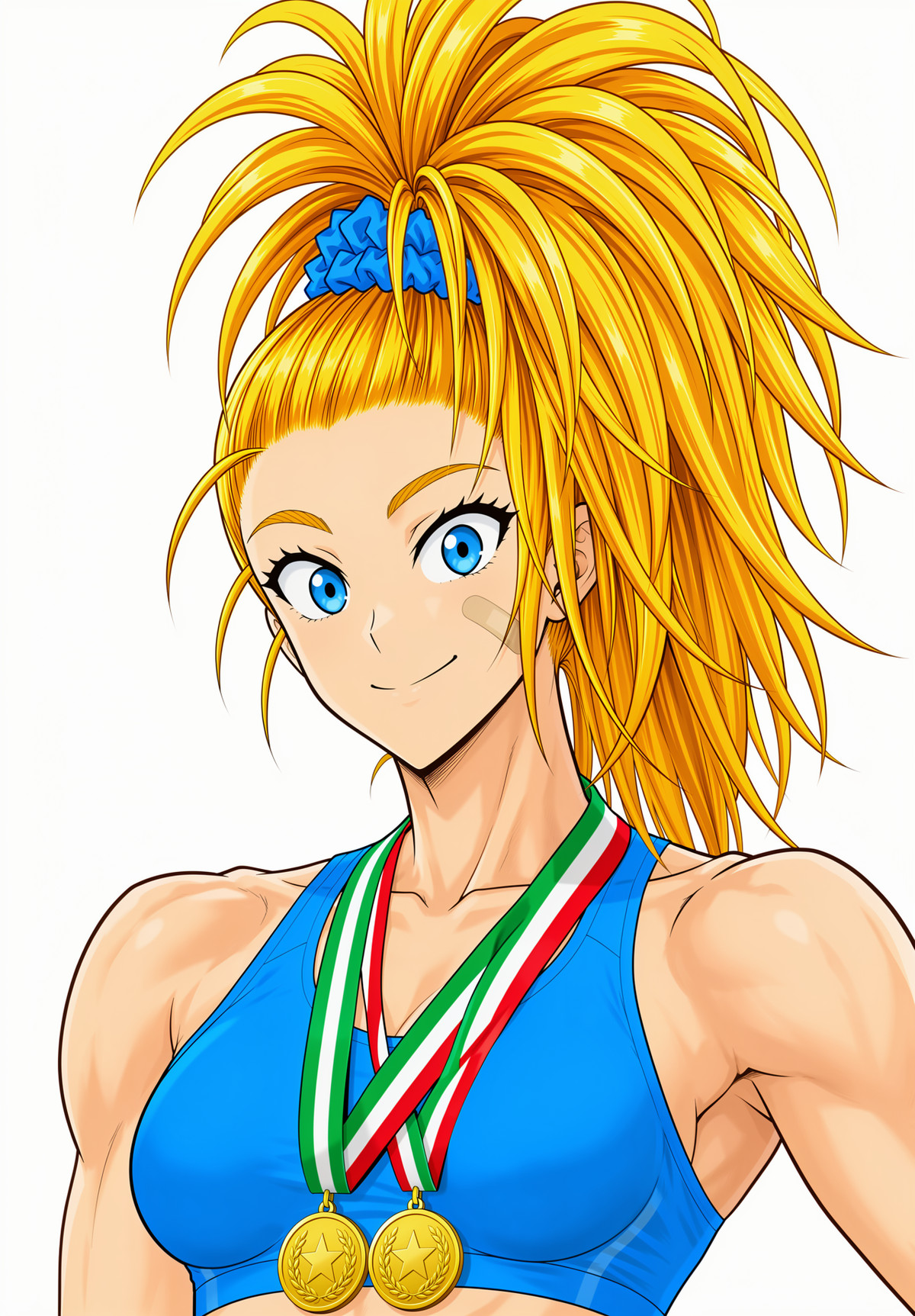
- Captain Mizuki - Yusuke Murata Style - One-Punch Man - MOSS LORA · v1.0 — LoRA: Character LoRA for Mizuki from One-Punch Man (high golden ponytail with blue hair tie, bandage on cheek), trained in the ink line and hatching style of Yusuke Murata.
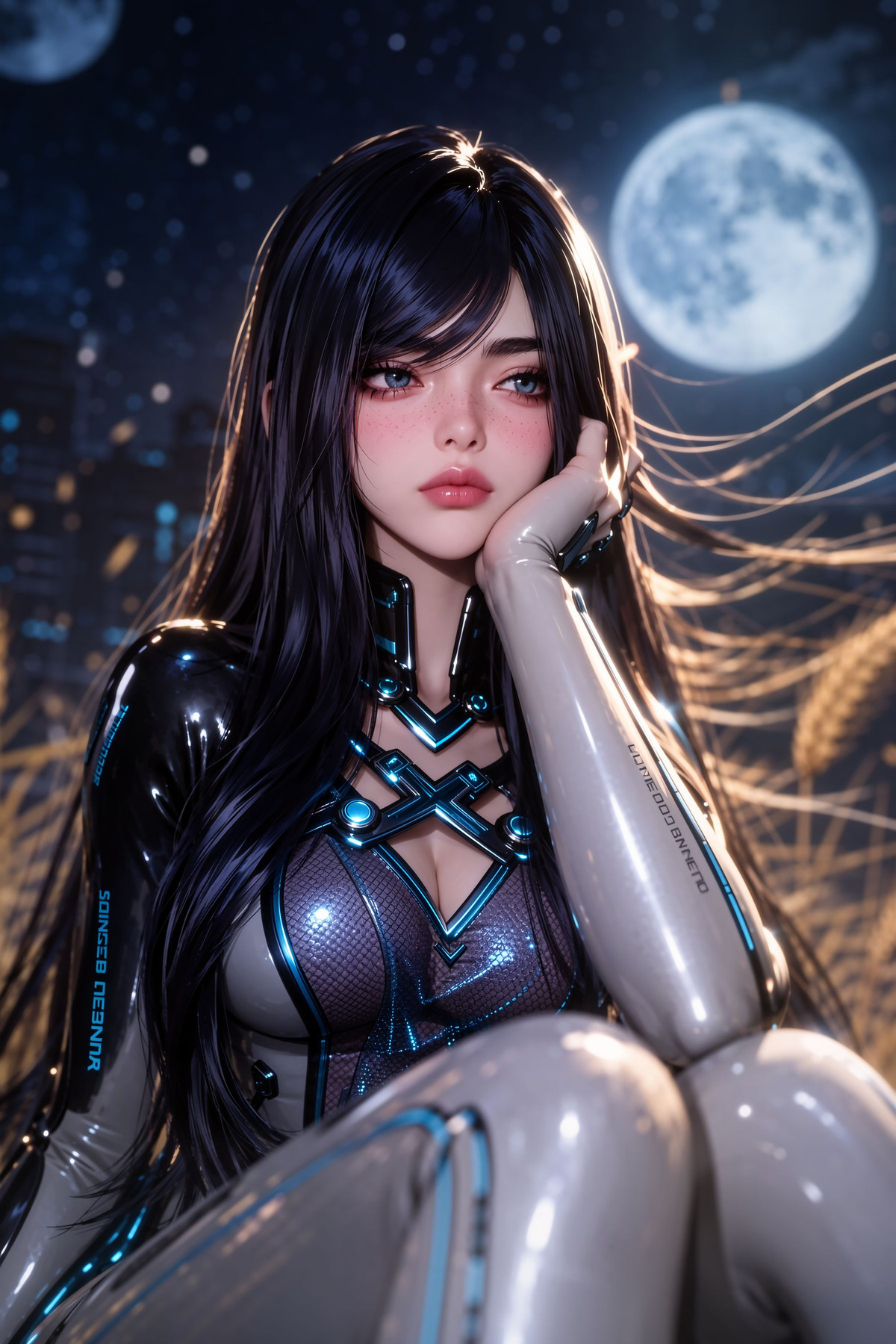
- Raven (Stellar Blade) MOSS · v1 — LoRA: Character LoRA for Raven from Stellar Blade: face, ultra-long straight black hair, and tight combat suit with glowing teal lines can be invoked separately; the combat suit is tagged by name, so outfit changes are unaffected.
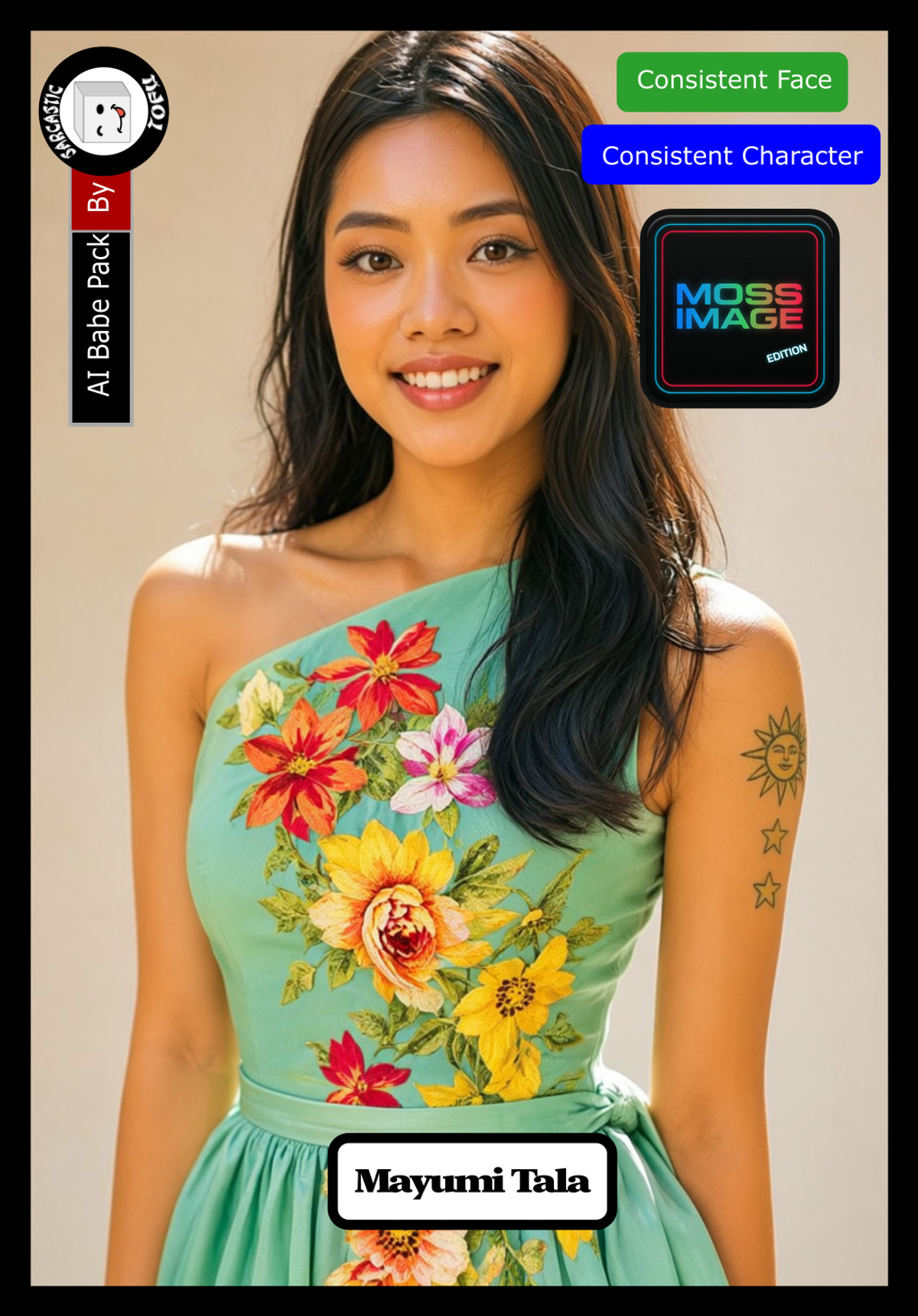
- Moss Image AI Babe Pack ( Part 04 ) by Sarcastic TOFU · MI_Babe_Mayumi_v1 — LoRA: Character LoRA for Mayumi, an AI-generated realistic woman (Filipino persona, sun-tanned skin, long dark hair, warm brown eyes), a new character in Part 4 of the AI Babe Pack.
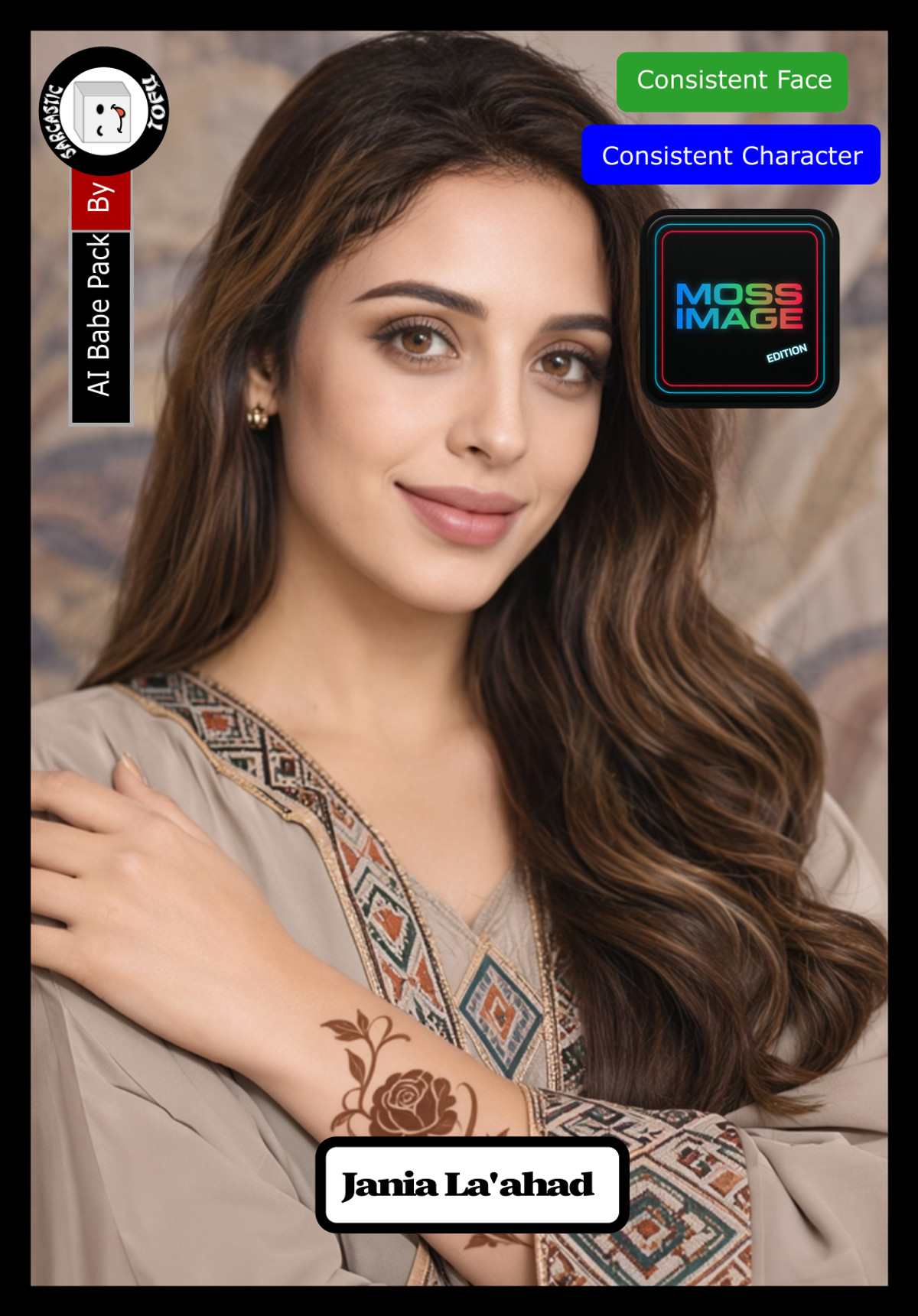
- Moss Image AI Babe Pack ( Part 01 ) by Sarcastic TOFU · MI_Babe_Jania_v1 — LoRA: Character LoRA for Jania, an AI-generated realistic woman (British Arab with Egyptian heritage, hazel-brown hair, smoky brown eyes), one of the characters in Part 1 of the AI Babe Pack.
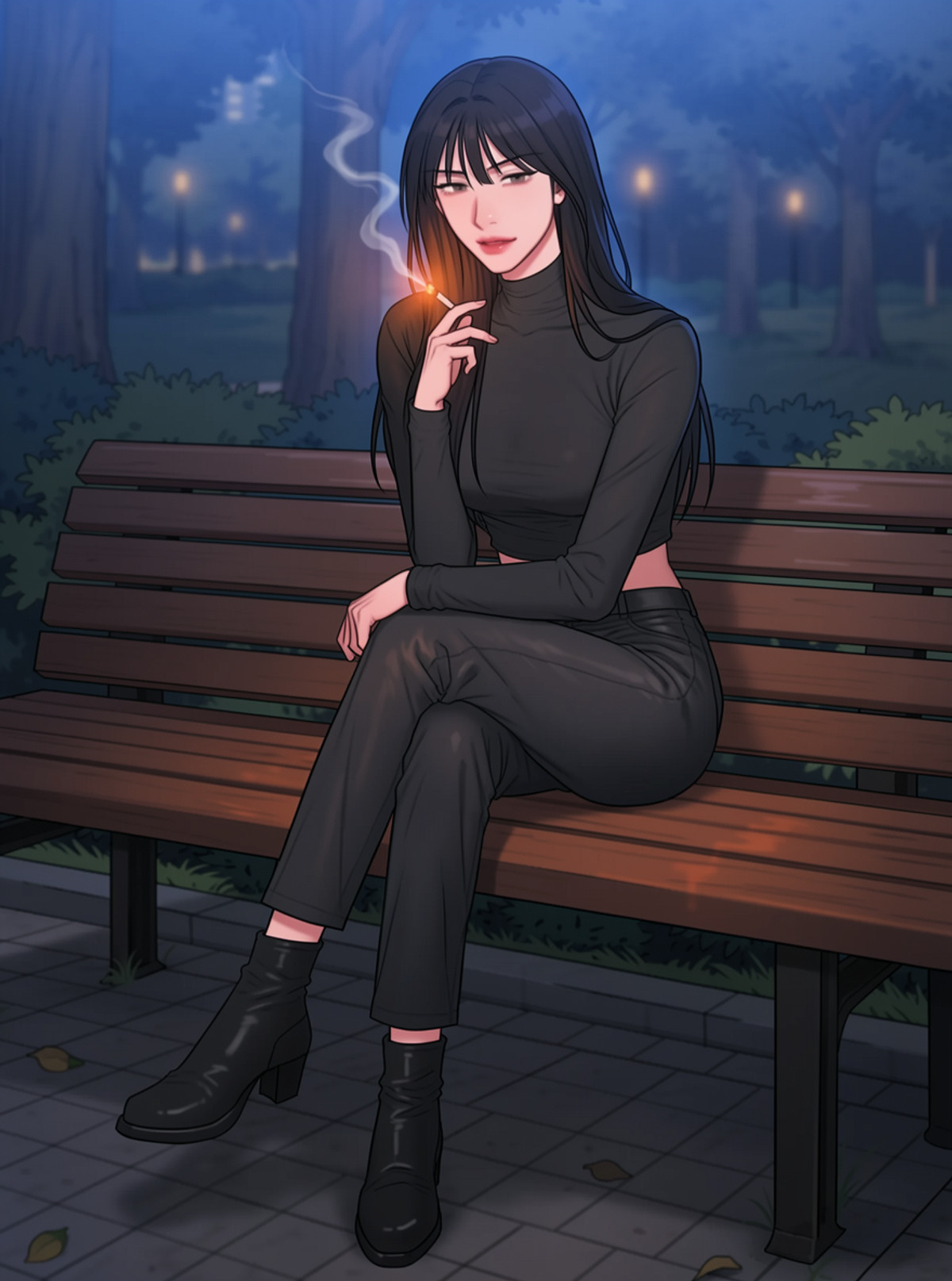
- Bad Thinking Diary - Moss - Krea2 - Anima - IL - Pony · Moss — LoRA: Character LoRA for the Korean yuri webtoon Bad Thinking Diary (artist RANGRARI), a MOSS version of older pages from multiple base models; main characters are invoked by name.
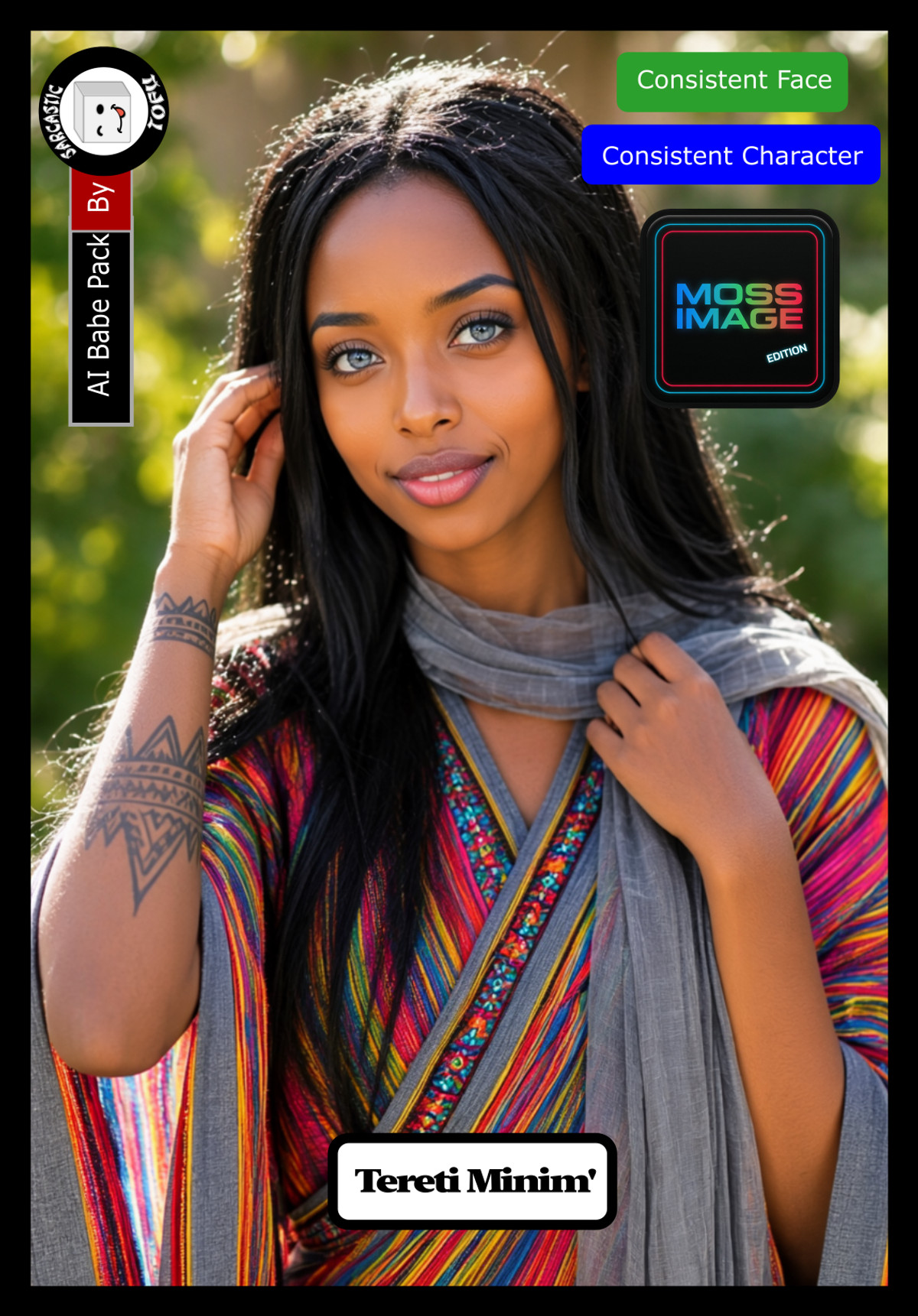
- Moss Image AI Babe Pack ( Part 01 ) by Sarcastic TOFU · MI_Babe_Tereti_v1 — LoRA: Character LoRA for Tereti, an AI-generated realistic woman (Ethiopian persona, black hair, gray eyes), one of the characters in Part 1 of the AI Babe Pack.
- Mandy/マンディ - Grand Theft Auto VI | MOSS Character · v1 — LoRA: Character LoRA for Mandy from GTA 6, trained in stages at multiple resolutions using the BluFlow trainer; the author states the dataset is poor, with clothing reproduction being accurate but facial stability inconsistent.
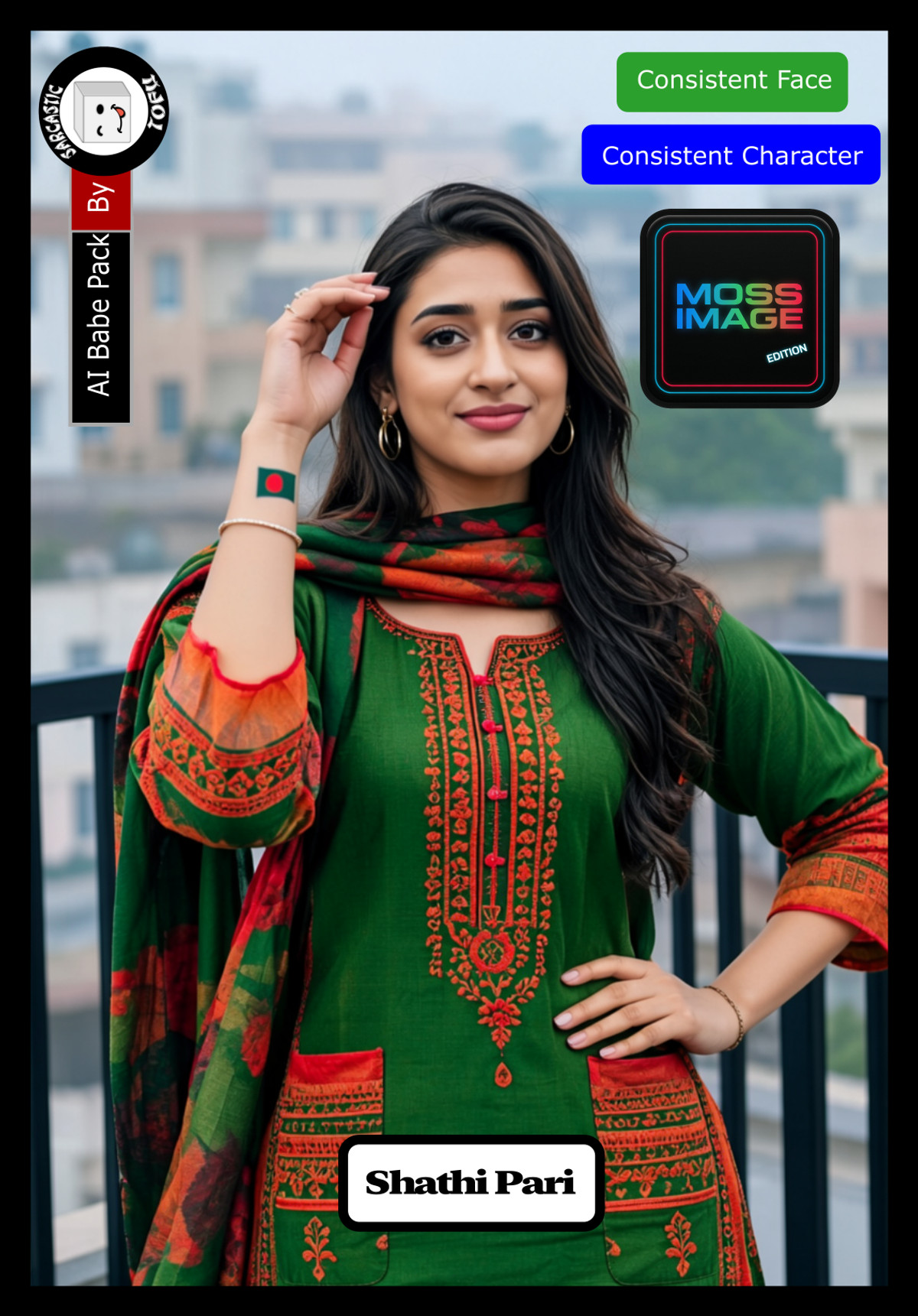
- Moss Image AI Babe Pack ( Part 02 ) by Sarcastic TOFU · MI_Babe_Shathi_v1 — LoRA: Character LoRA for Shathi, an AI-generated realistic woman (Bangladeshi persona, golden-brown skin, smooth black wavy hair, dark brown eyes), a new character in Part 2 of the AI Babe Pack.
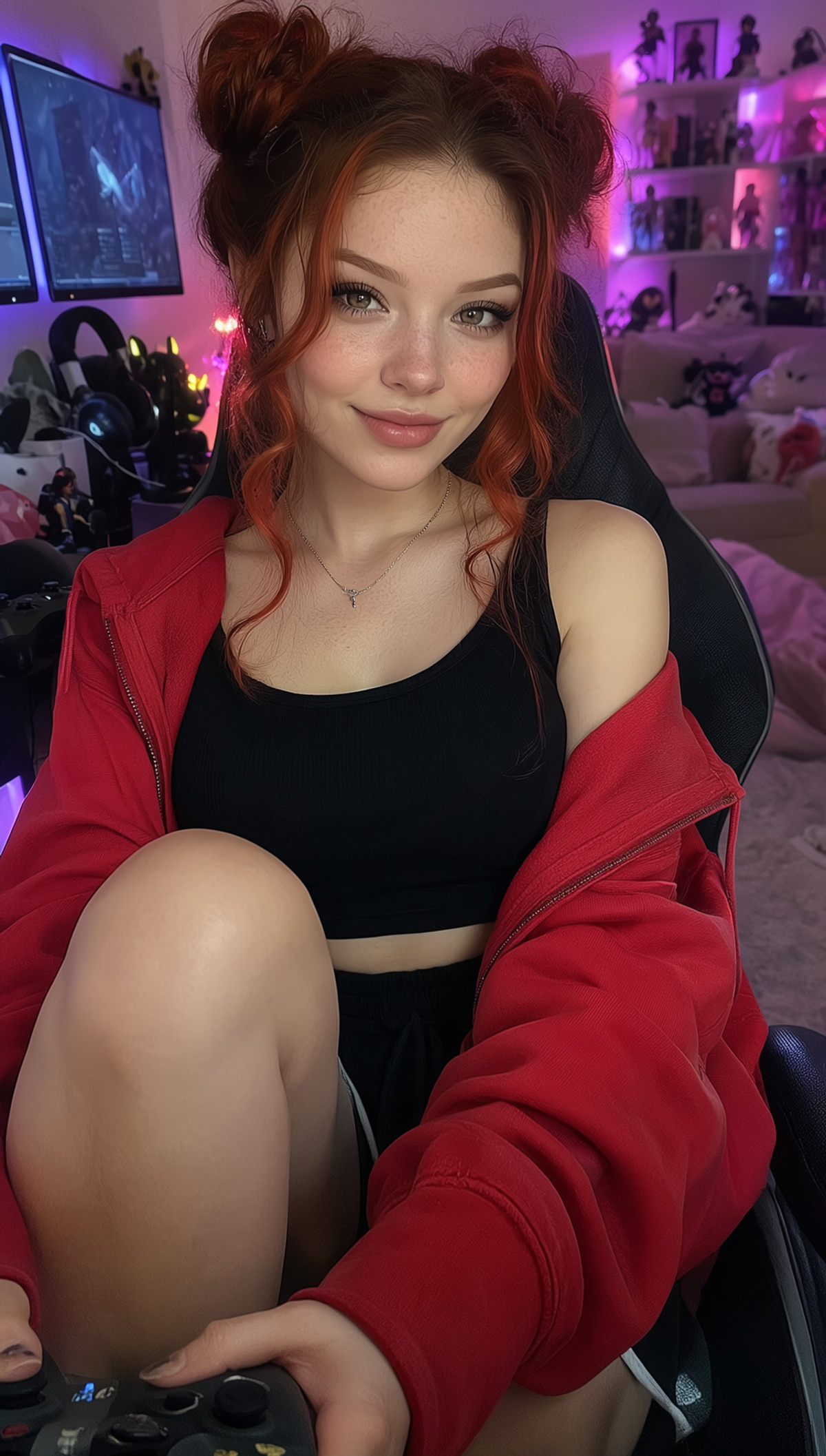
- KR2 MOSS Tiger Kittens · Jessica_MOSS — LoRA: Character LoRA for Jessica, a fictional AI influencer (Vancouver-based redhead Cosplayer and game designer persona), the third character in the Tiger Kittens series ported to MOSS.
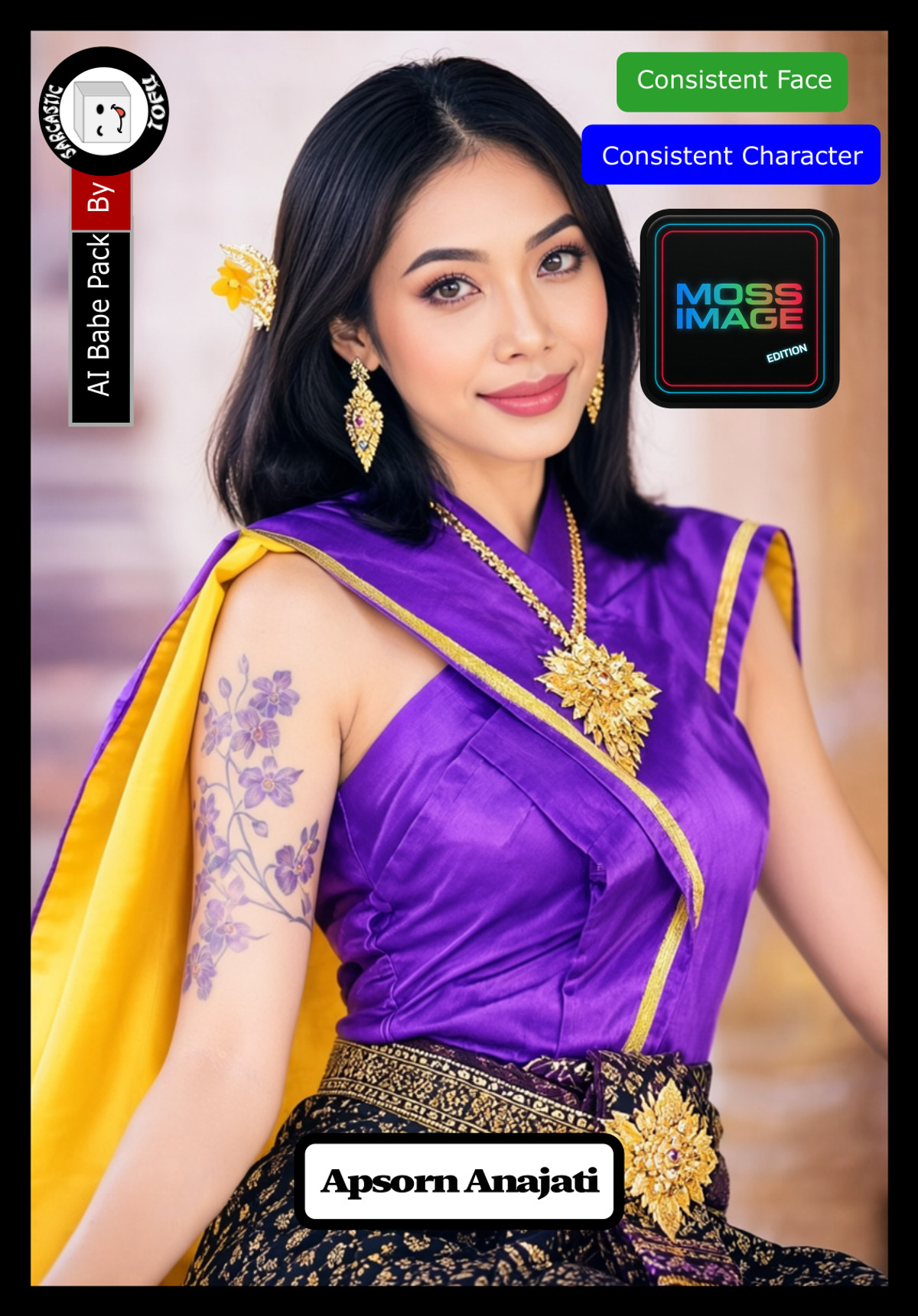
- Moss Image AI Babe Pack ( Part 02 ) by Sarcastic TOFU · MI_Babe_Apsorn_v1 — LoRA: Character LoRA for Apsorn, an AI-generated realistic woman (Thai persona, warm light brown skin, straight black long hair, dark brown almond eyes), one of the characters in Part 2 of the AI Babe Pack.
- Moss Image AI Babe Pack ( Part 03 ) by Sarcastic TOFU · MI_Babe_Espira_v1 — LoRA: Character LoRA for Espira, an AI-generated realistic woman (Spanish persona, olive skin, dark brown wavy hair, hazel eyes), a new character in Part 3 of the AI Babe Pack.
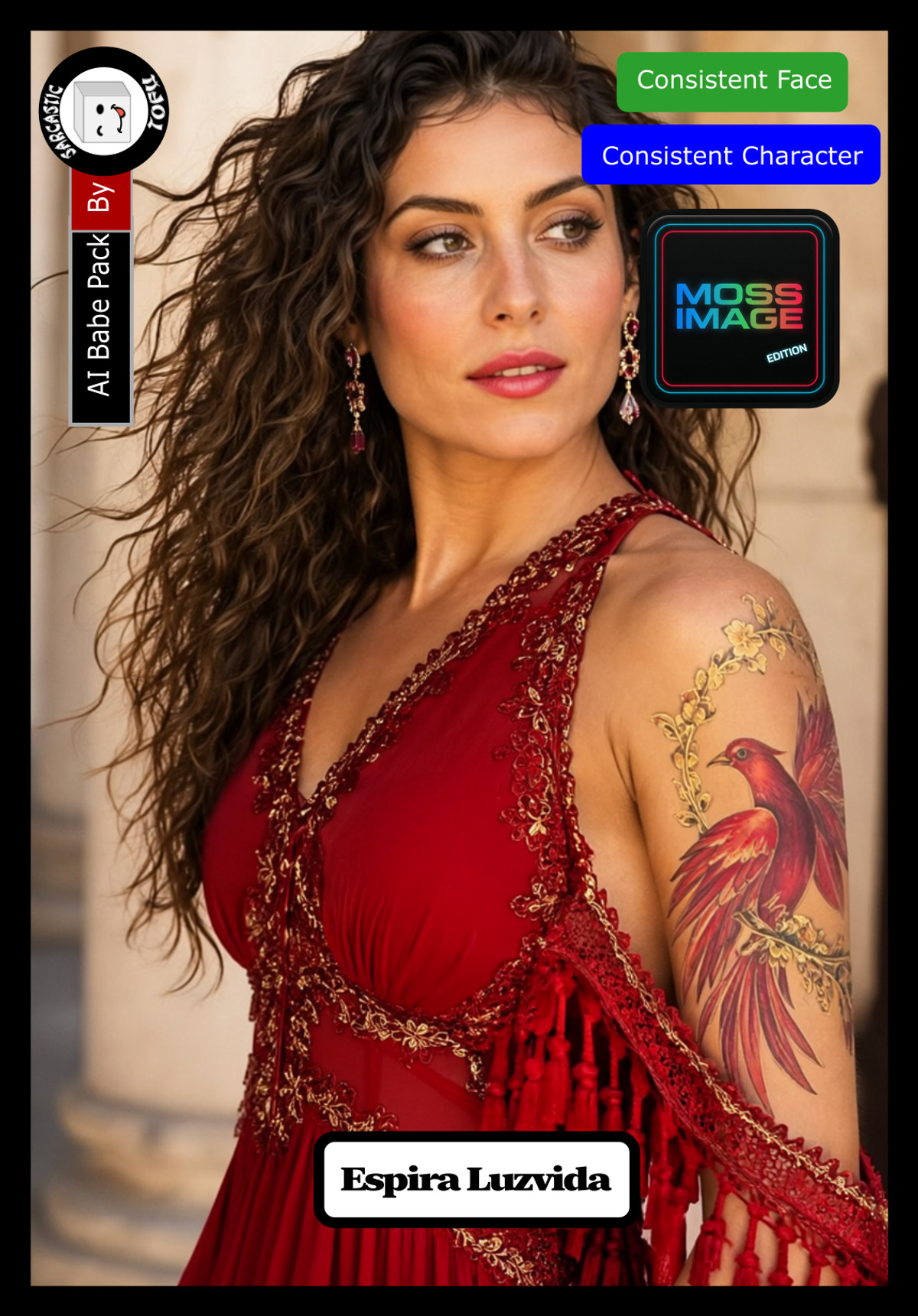
- May NordhavenLove · MossImage — LoRA: Character LoRA for May NordhavenLove, a fictional woman from a Swedish coastal family (beige suit, pearl necklace vintage fashion consultant persona), the MOSS version of the NordhavenLove family series.
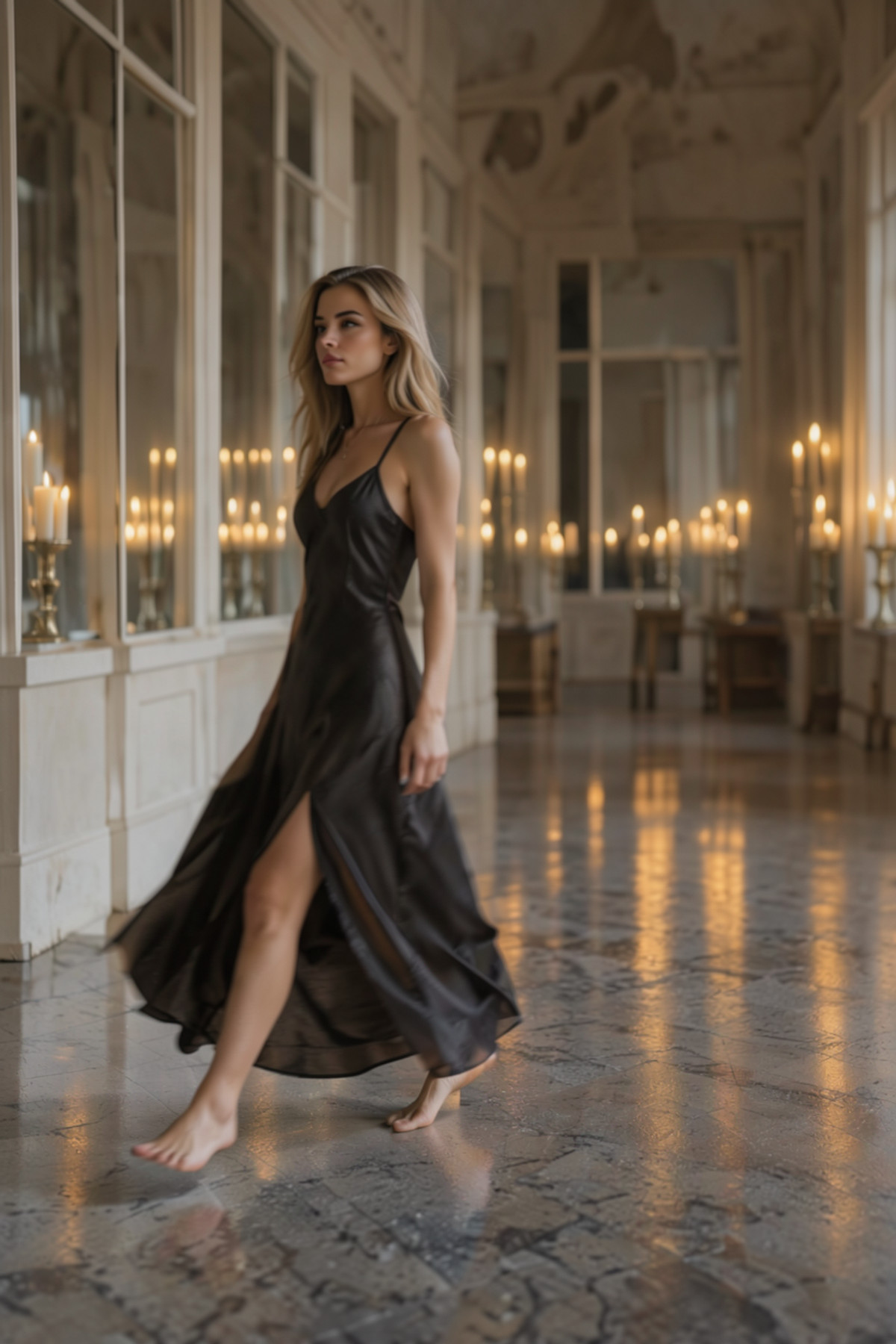
- Moss Image AI Babe Pack ( Part 02 ) by Sarcastic TOFU · MI_Babe_Noor_v1 — LoRA: Character LoRA for Noor, an AI-generated realistic woman (Pakistani persona, warm olive skin, straight black long hair, hazel-green eyes), one of the characters in Part 2 of the AI Babe Pack.
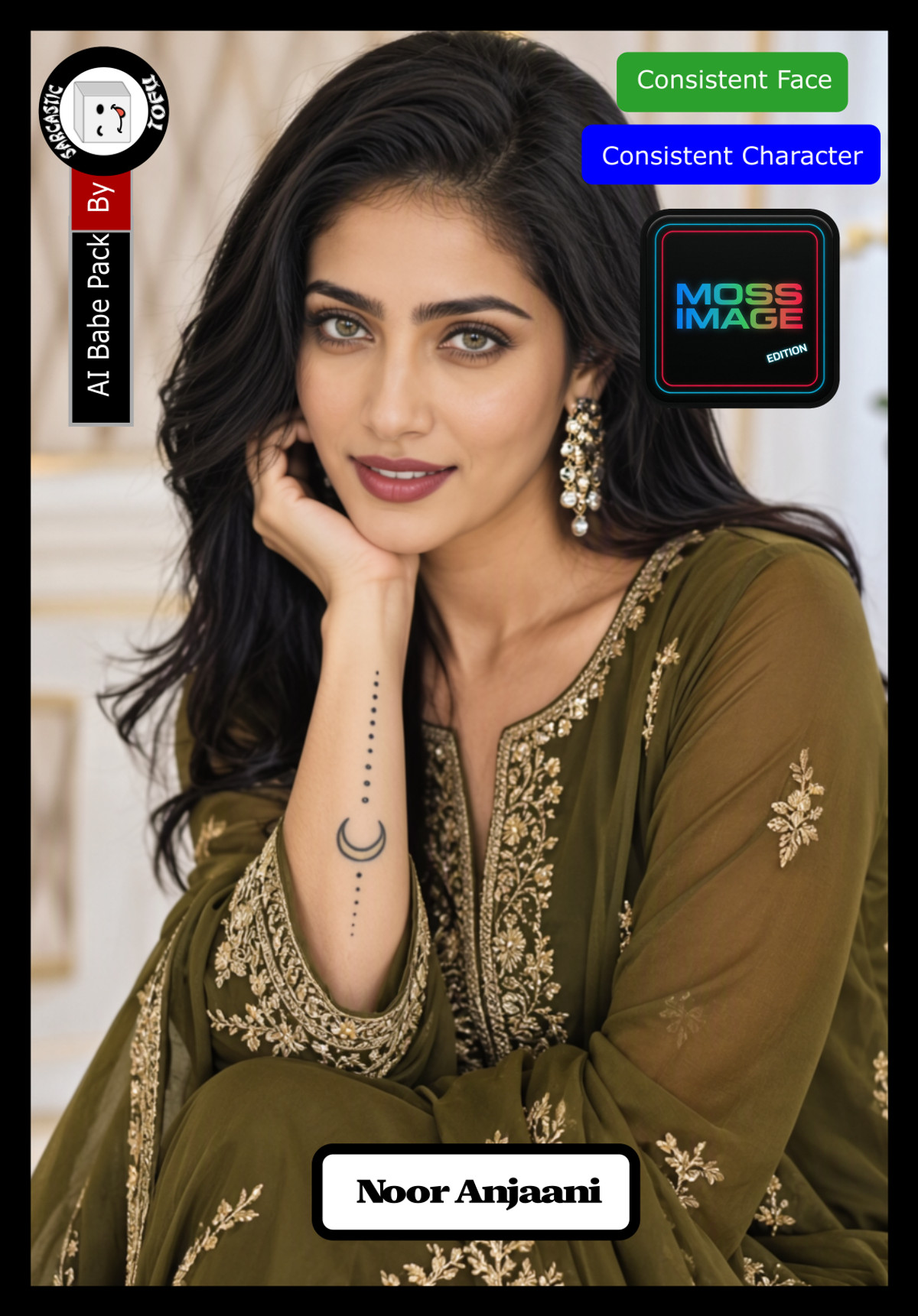
- Moss Image AI Babe Pack ( Part 01 ) by Sarcastic TOFU · MI_Babe_Yume_v1 — LoRA: Character LoRA for Yume, an AI-generated realistic woman (Japanese persona, fair skin, smooth black hair, light brown eyes), a new character in Part 1 of the AI Babe Pack.
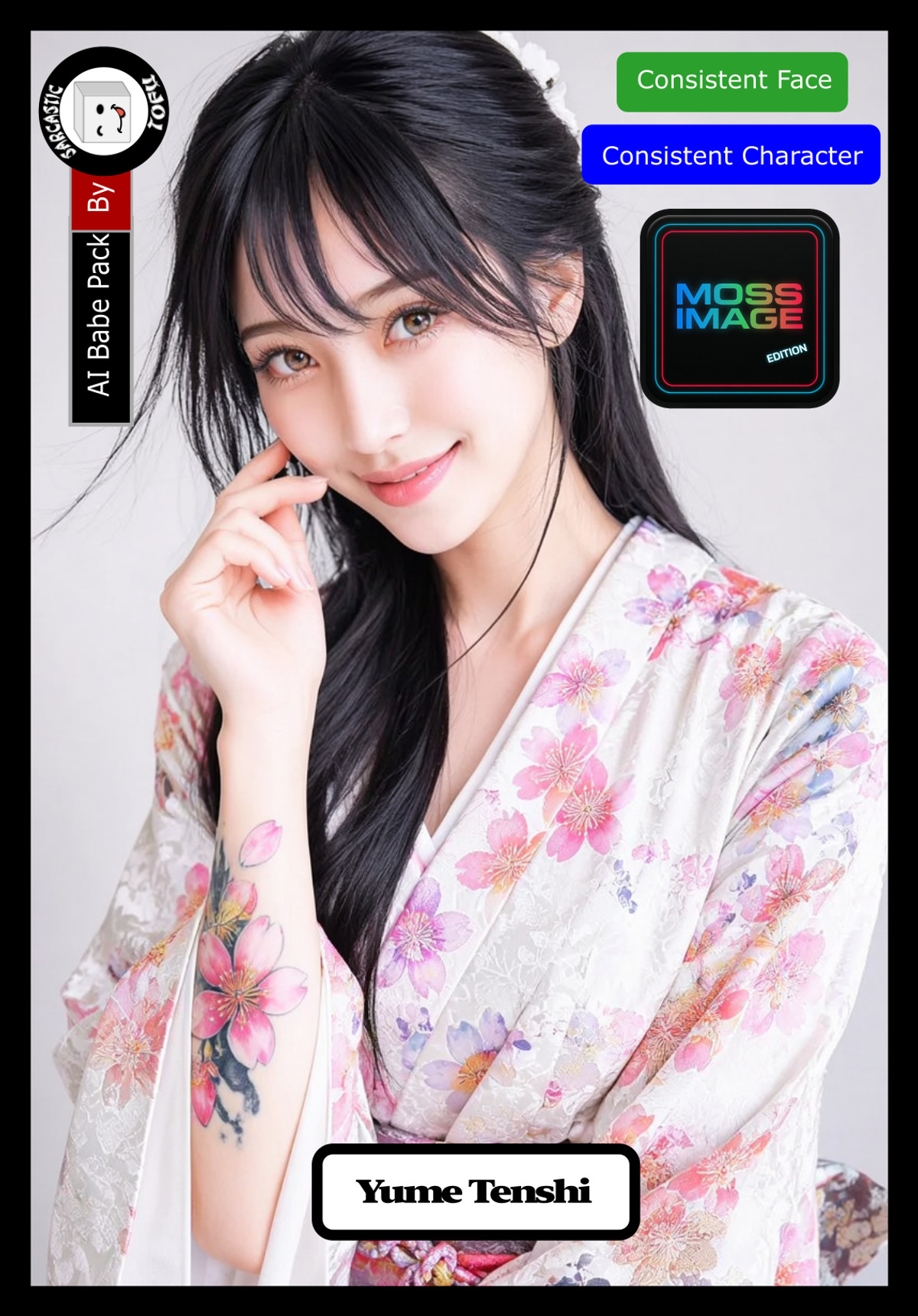
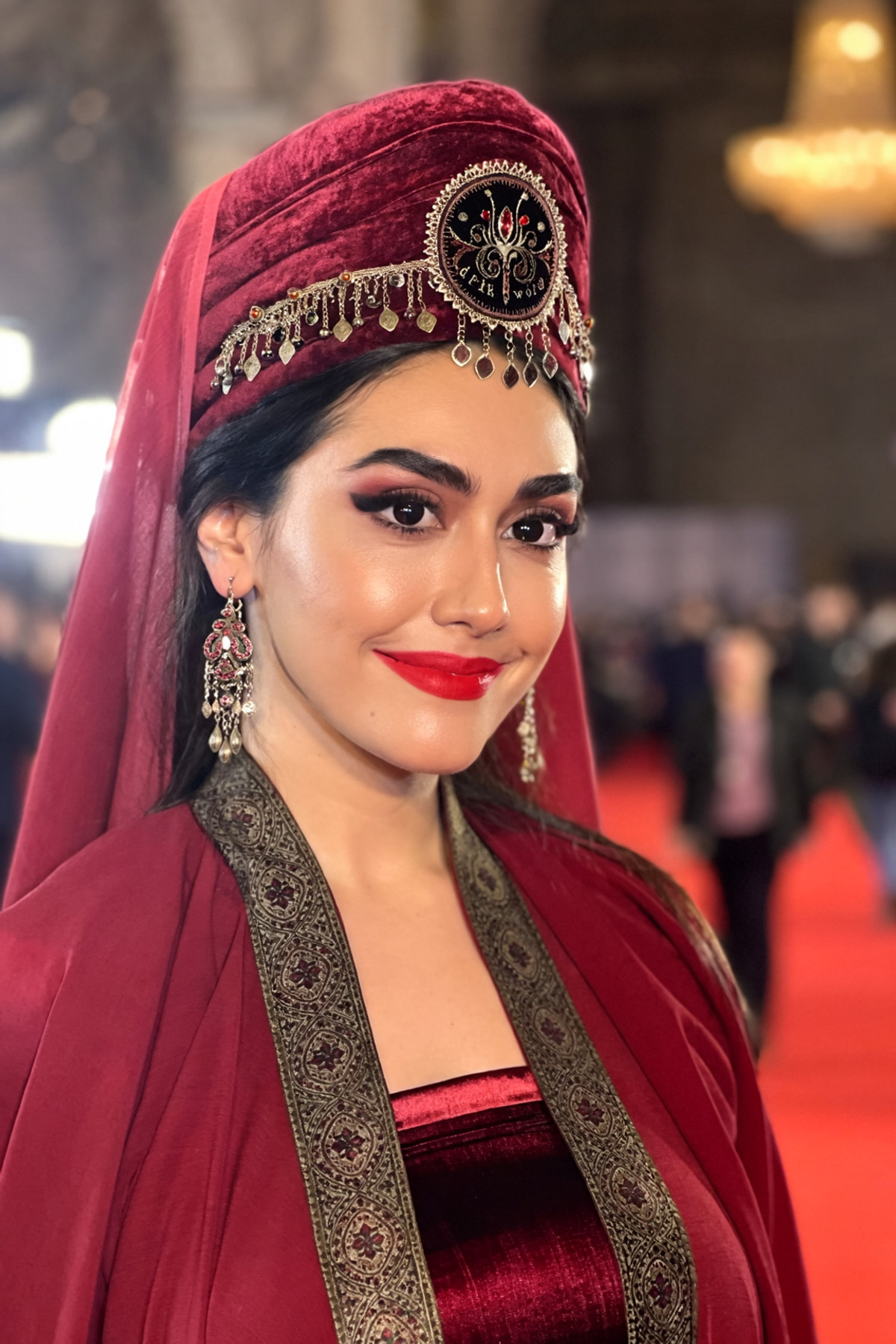
- Doll Likeness (MOSS) · Turkish Dolls — LoRA: The Turkish version of the "Doll Likeness" series: not a fixed individual, but rather giving female characters facial features and body types characteristic of the same ethnic group; the author treats it as a "face-swap" model to be used in conjunction with clothing LoRAs.
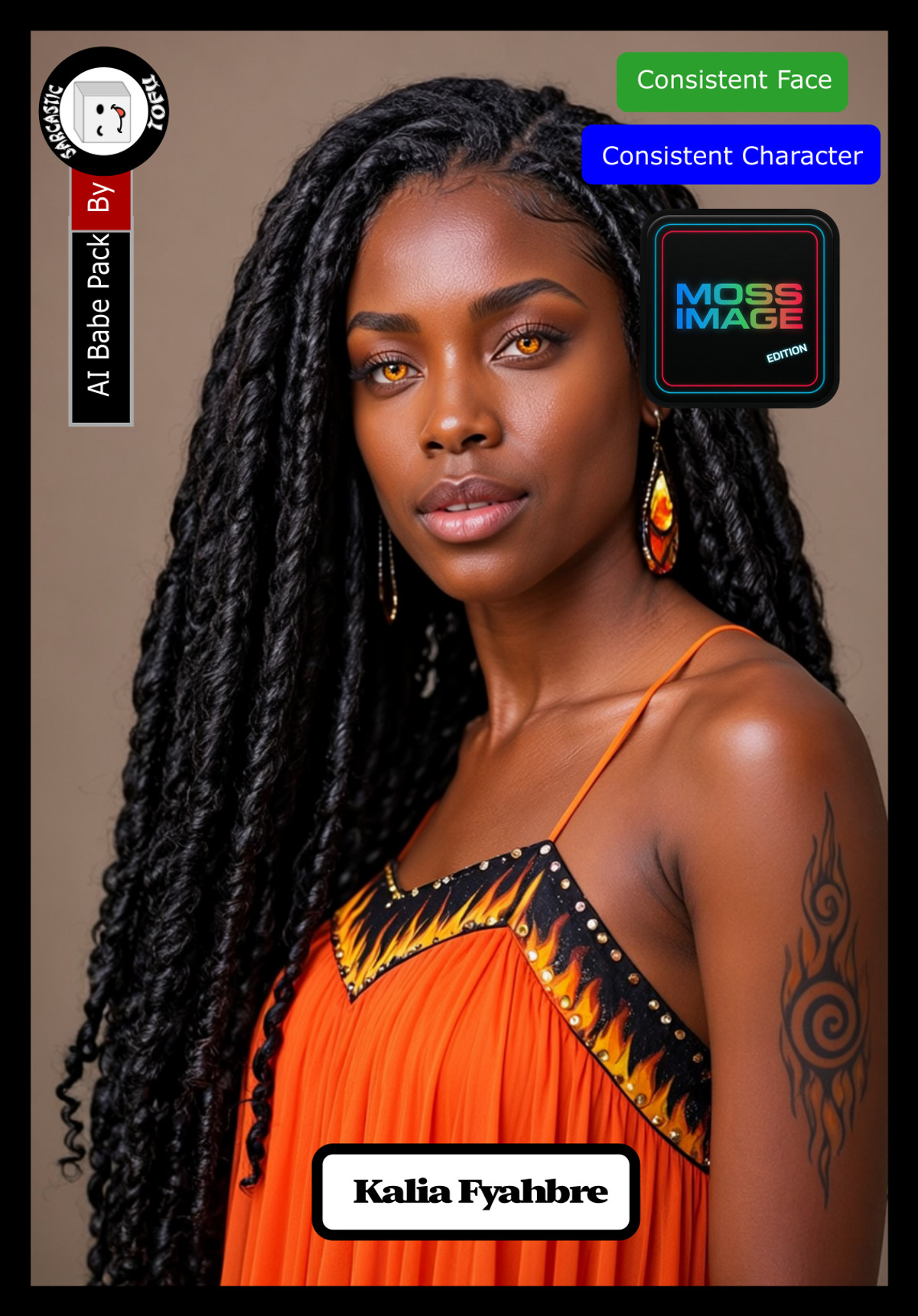
- Moss Image AI Babe Pack ( Part 03 ) by Sarcastic TOFU · MI_Babe_Kalia_v1 — LoRA: Character LoRA for Kalia, an AI-generated realistic woman (Jamaican persona, dark brown skin, long curly black hair, amber-gold eyes), one of the characters in Part 3 of the AI Babe Pack.
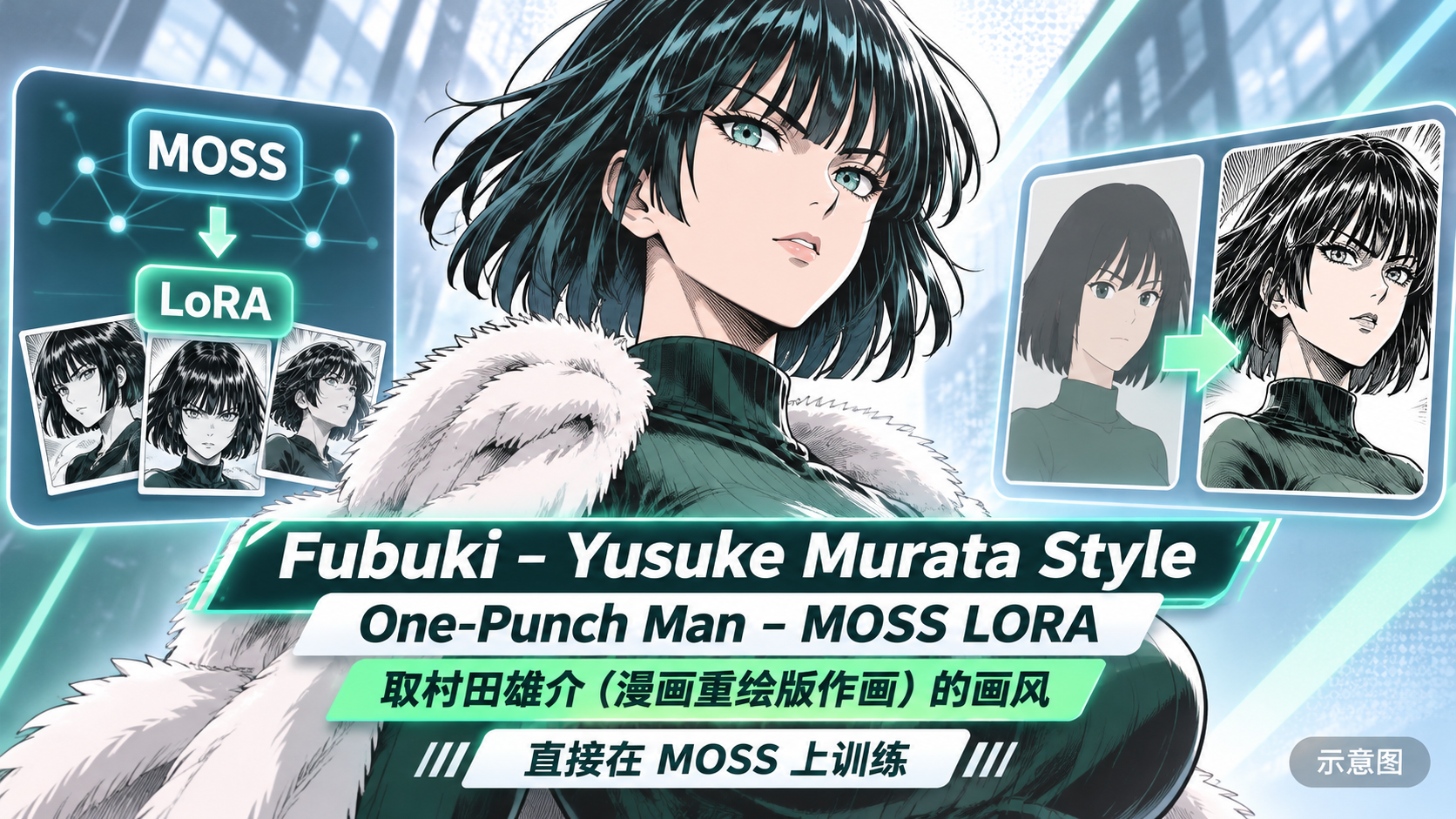
- Fubuki - Yusuke Murata Style - One-Punch Man - MOSS LORA · v1.0 — LoRA: Character LoRA for Fubuki from One-Punch Man, with the title specifying the art style of Yusuke Murata (artist of the manga remake), trained directly on MOSS.
- Moss Image AI Babe Pack ( Part 04 ) by Sarcastic TOFU · MI_Babe_Anahita_v1 — LoRA: Character LoRA for Anahita, an AI-generated realistic woman (Azerbaijani persona, olive skin, dark wavy hair, honey-brown eyes), one of the characters in Part 4 of the AI Babe Pack.
- Moss Image AI Babe Pack ( Part 03 ) by Sarcastic TOFU · MI_Babe_Zahra_v1 — LoRA: Character LoRA for Zahra, an AI-generated realistic woman (Moroccan persona, olive skin, black wavy hair, honey-brown eyes), one of the characters in Part 3 of the AI Babe Pack.
- MOSS-Image — Fast Text-to-Image Workflow (ComfyUI) · v1.1 — Workflow: MOSS text-to-image ComfyUI workflow v1.1 based on the official template; the free part only includes text-to-image, and the model card primarily promotes the full paid package for 39 USD.
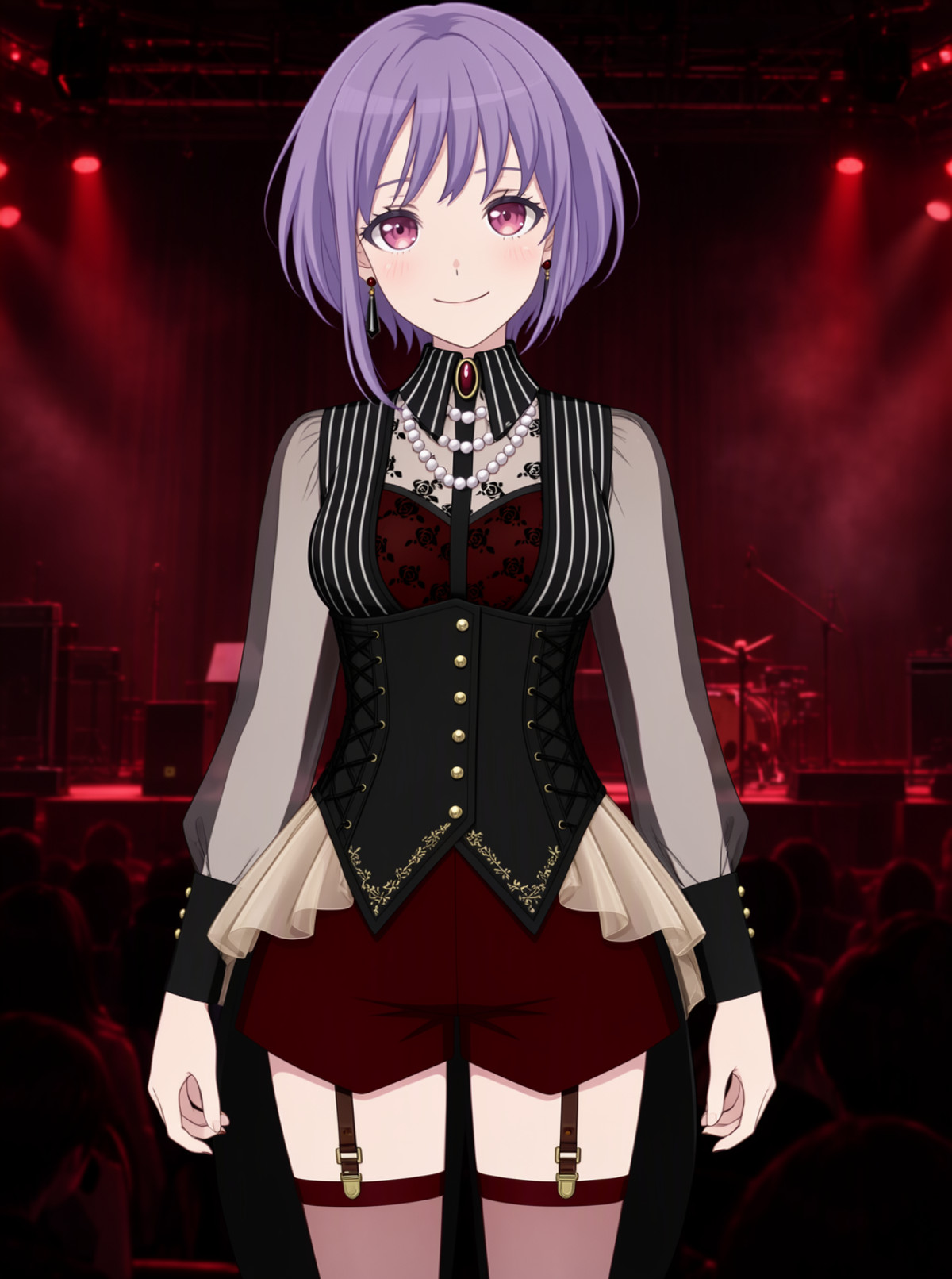
- Yuutenji_Nyamu_MOSSimage_lora · v1.1 — LoRA: Character LoRA v1.1 for Yuutenji Nyamu, the drummer from BanG Dream! Ave Mujica; prompts for casual and stage outfits are written out item by item, with the notes being the most detailed among this issue's character LoRAs.
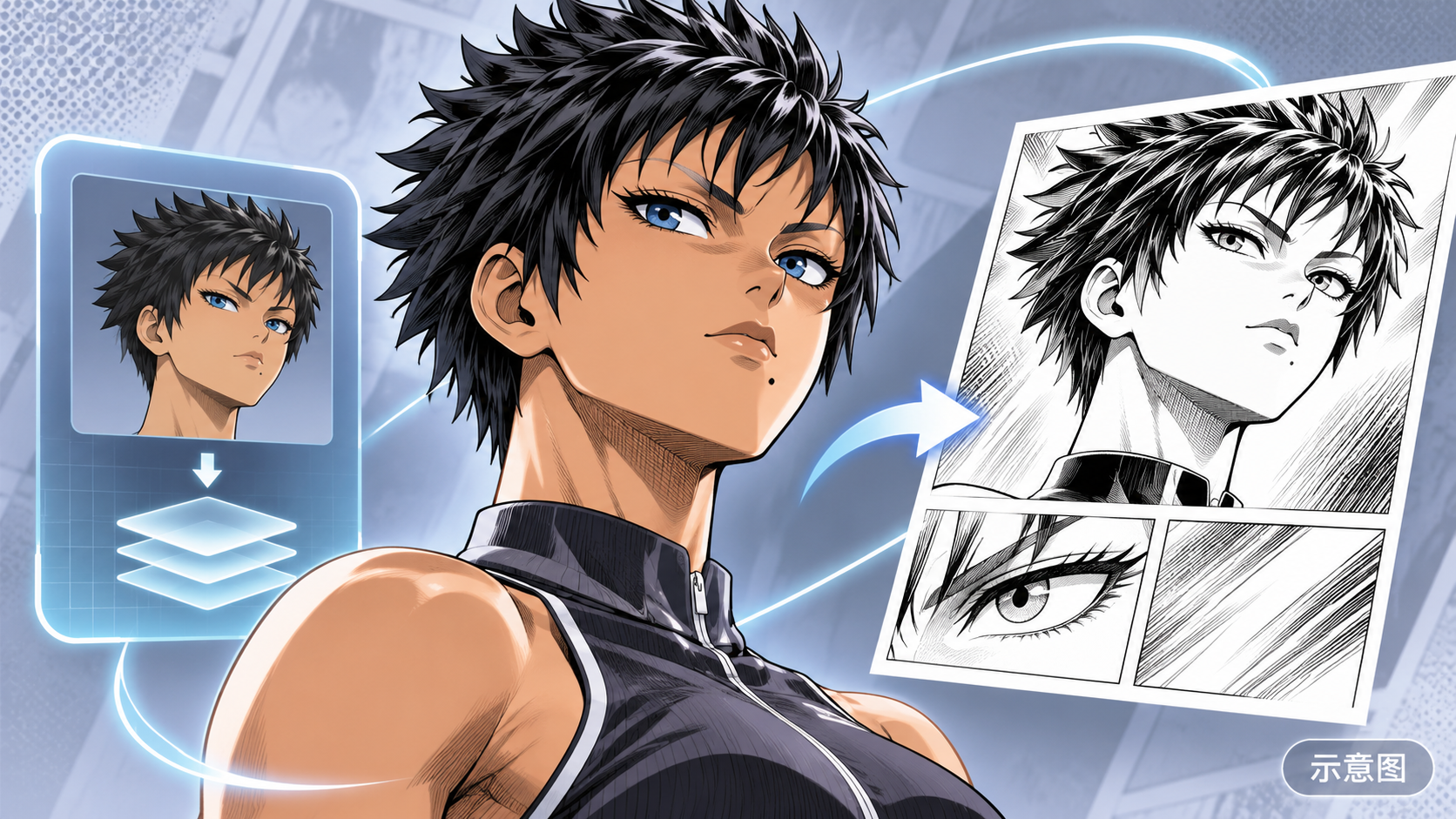
- Suiko - Yusuke Murata Style - One-Punch Man - MOSS LORA · v1.0 — LoRA: Character LoRA for Suiko from One-Punch Man (wheat-colored skin, short spiky black hair, blue eyes, mole below lip), also including a prompt for black-and-white manga hatching style.
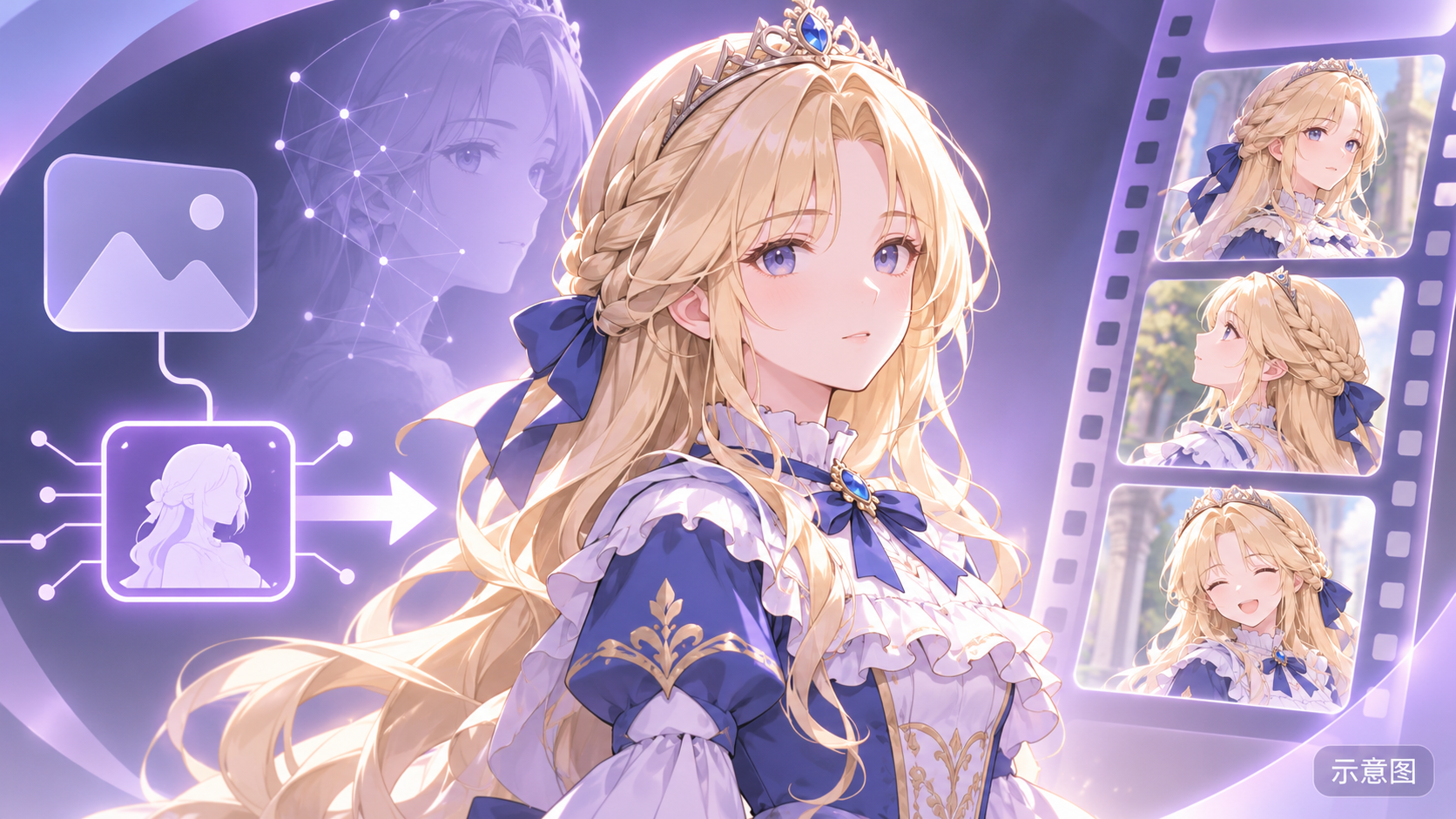
- Cecilia (Violated Princess) · MOSS_BASE_v0.5 — LoRA: Character LoRA for Cecilia from the game Violated Princess, the author's first training work, self-described as slightly overfitted; clothing must be described using the full paragraph provided by the author.
- Becca · MOSS-v1 — LoRA: Character LoRA for a character named Becca; the model card contains only two sentences of personality description, with no mention of the character's origin or appearance.
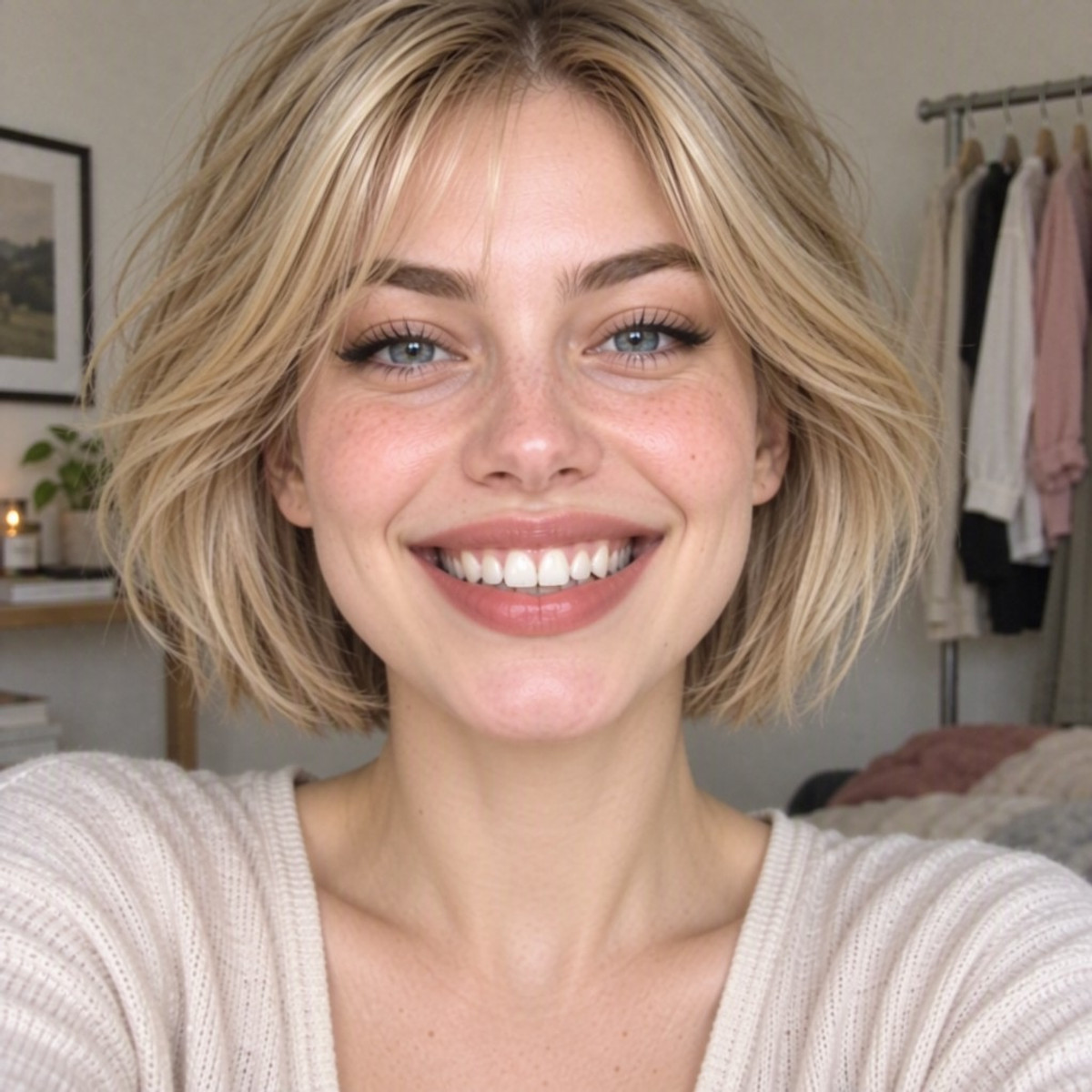
- Ariel · MOSS Image — LoRA: Character LoRA for Ariel, an AI-generated woman; a MOSS port of the Z-Image Turbo / Krea 2 version; the model card still contains instructions for Z-Image Turbo.
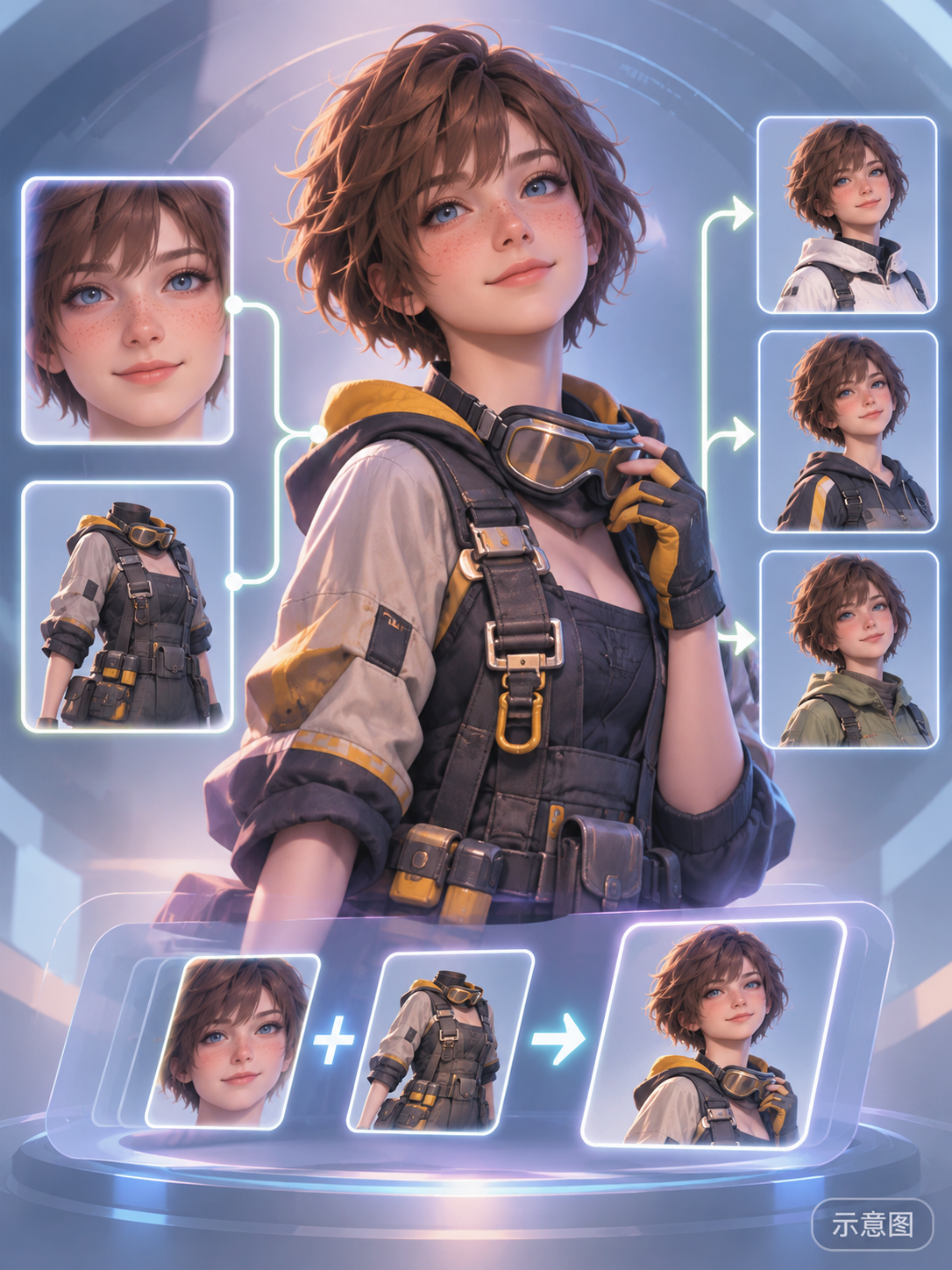
- Lily (Stellar Blade) MOSS · v1 — LoRA: Character LoRA for Lily from Stellar Blade: face with short messy brown hair, blue eyes, and freckles, as well as the mechanic's outfit can be invoked separately; the outfit is tagged by name, so outfit changes are unaffected.
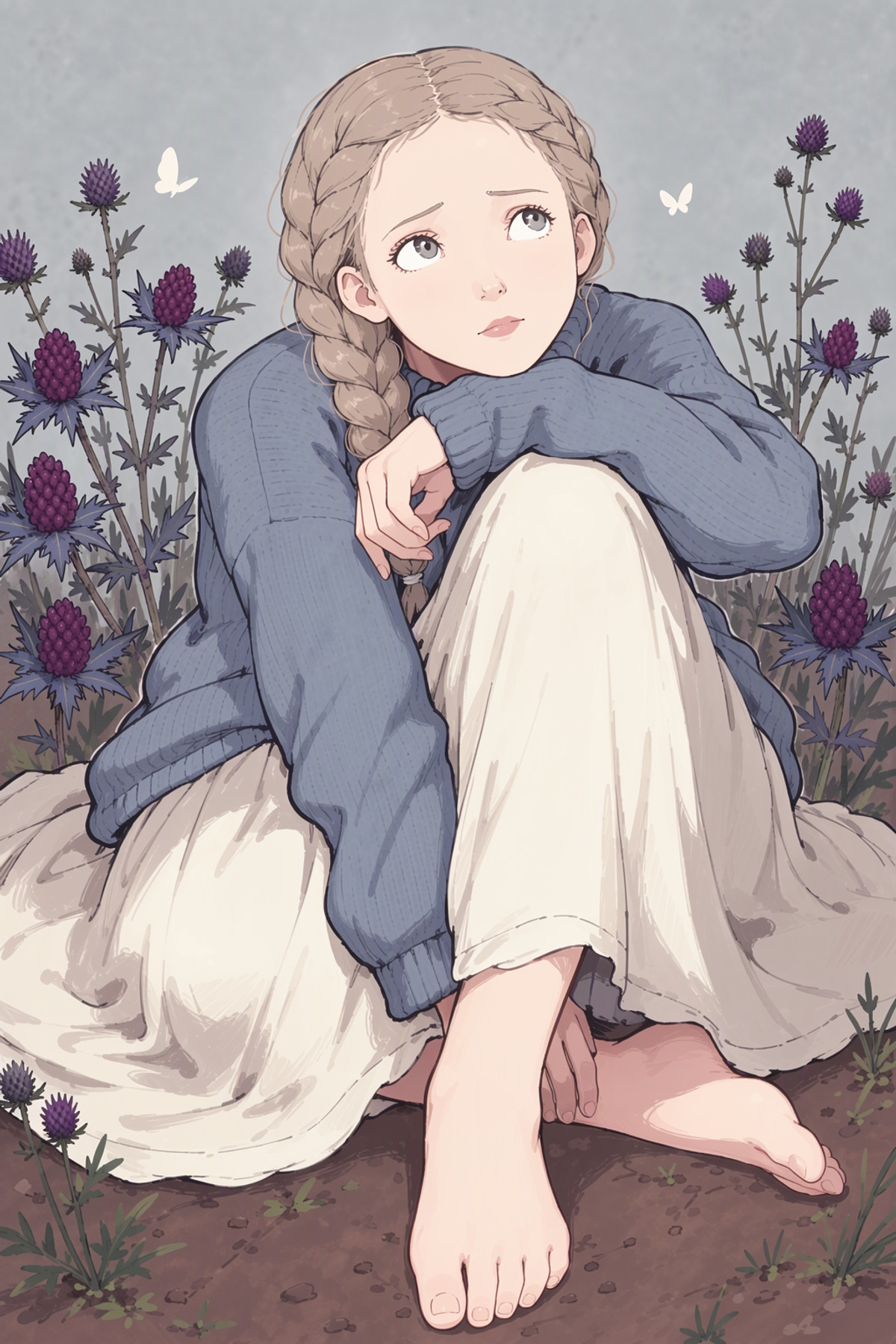
- Plow (Witch Parfait) Style · v1.0 — LoRA: Art style LoRA for the artist Plow (Witch Parfait), trained on MOSS Base; the author states a preference for drawing women with curvy body types.
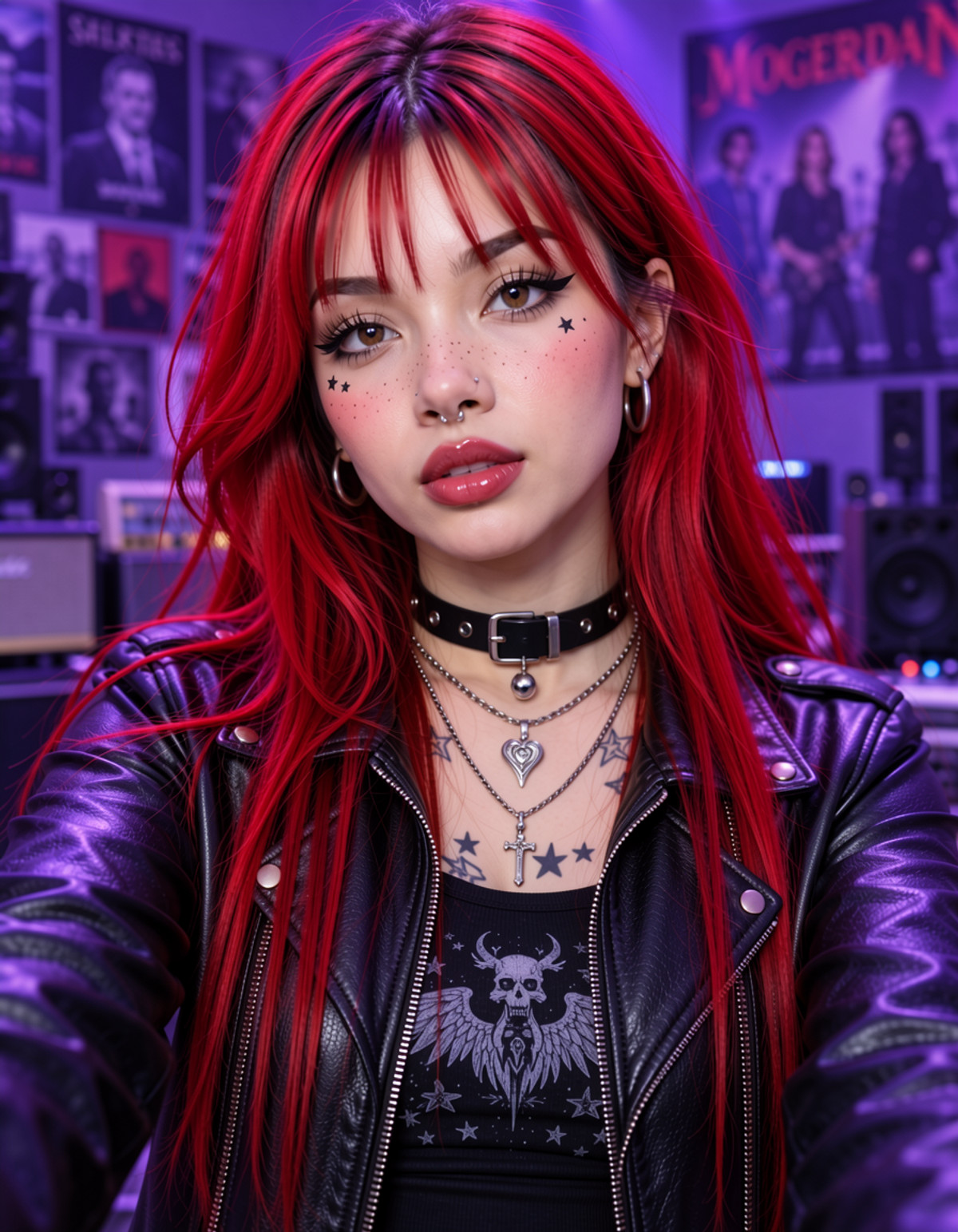
- megauber-AG · MOSS Image — LoRA: A darker alternative/Gothic female styling LoRA that brings together clothing, jewelry, piercings, and tattoos.
- F2F4_F40bscur3 · F40bscur3_Moss — LoRA: A general-purpose "detail enhancement" LoRA. The author claims it enriches faces, skin, hair, clothing textures, and backgrounds, producing detailed results even with minimal prompts. It is one of the models in the F2F4 series, a port of MOSS for Krea 2 / Z-Image.
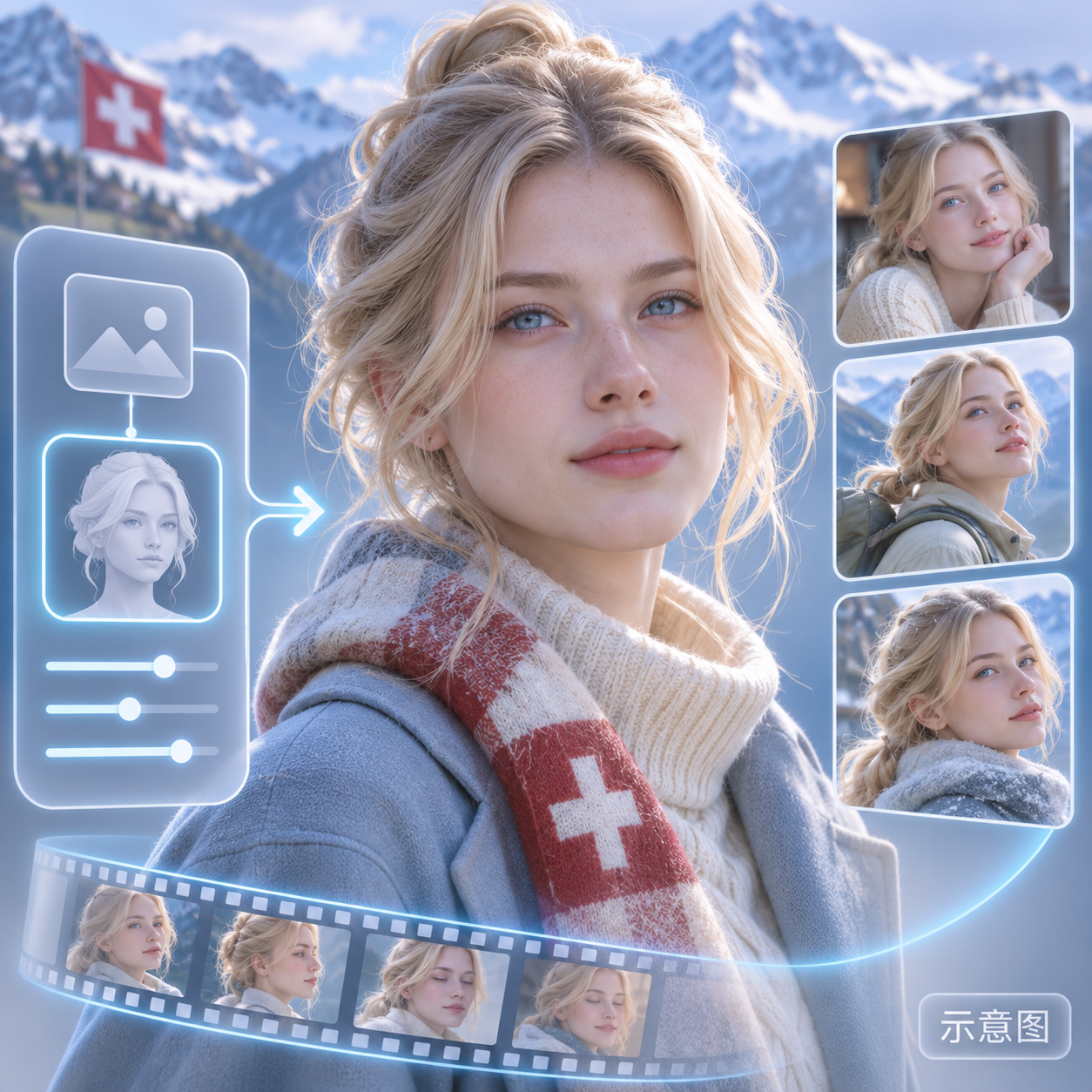
- Moss Image AI Babe Pack ( Part 04 ) by Sarcastic TOFU · MI_Babe_Marot_v1 — LoRA: A character LoRA for Marot, an AI-generated realistic female persona (Swiss-themed, with pale skin, soft blonde hair, and glacier-blue eyes). This is a new character in the fourth part of the AI Babe Pack.
- Deyui_moss · v1.0 — LoRA: A style LoRA imitating the art style of illustrator deyui. The model card contains only the single phrase "deyui's art style."
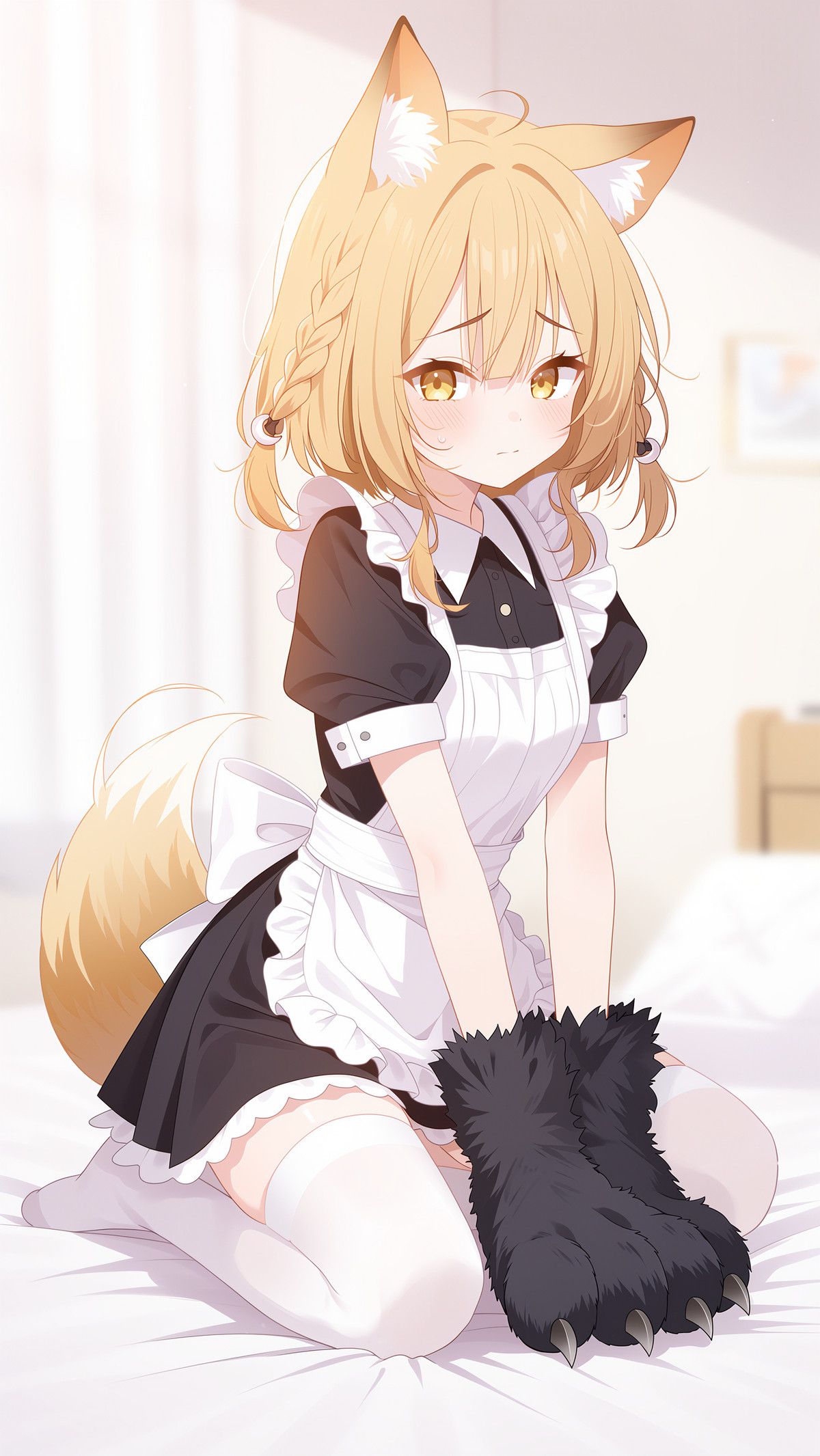
- vermeil style-Fine Brushstroke Anime · v1.0 — LoRA: An anime-style LoRA named "Fine Brushstroke Anime." The model card lists only a single trigger word and includes three checkpoints trained for different numbers of steps.
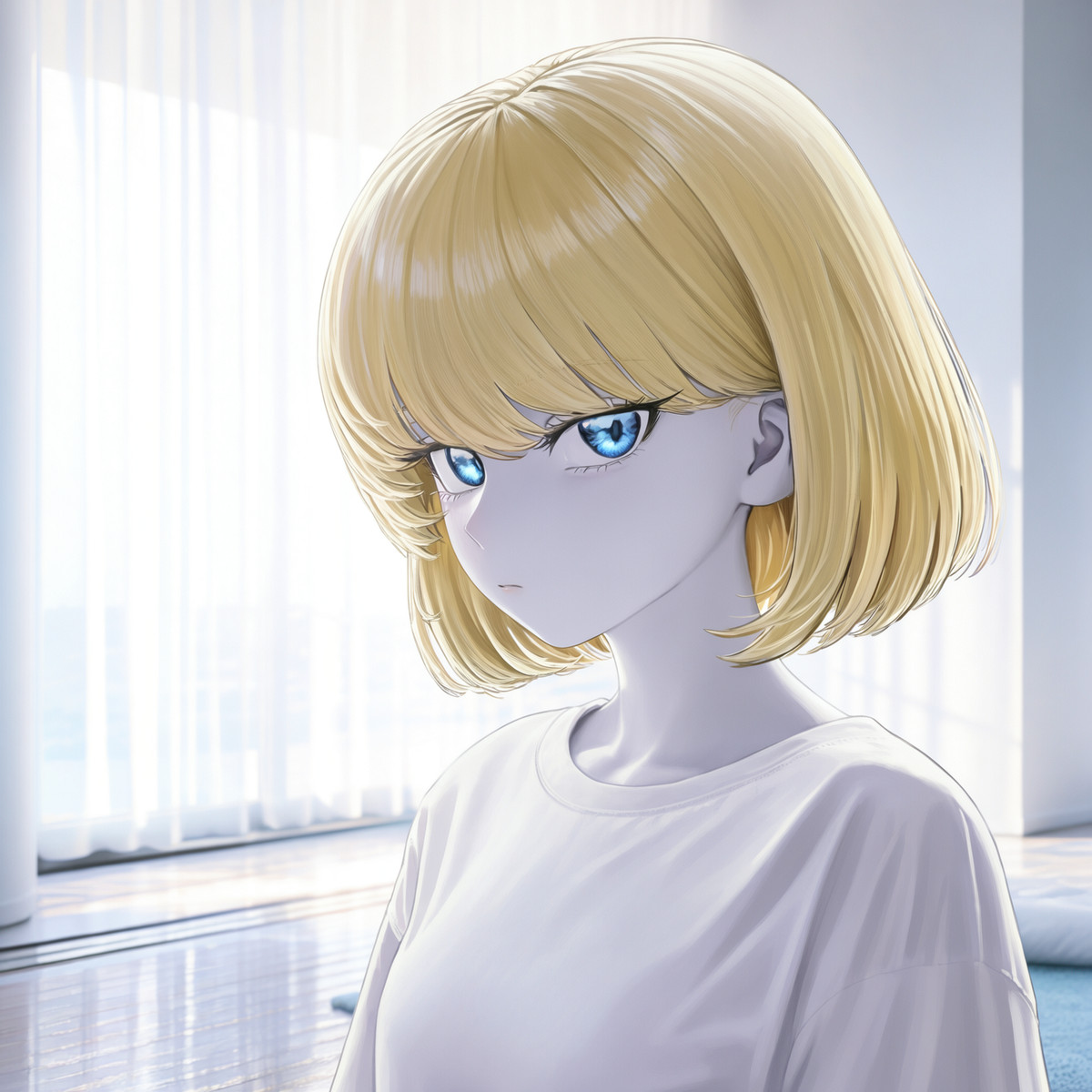
- YUL-GirlGroup-lora · MOSS-YUL-003Fengwa10KMAX — LoRA: A female character LoRA for "Fengwa" from the YUL-GirlGroup series. The MOSS version requires no trigger word; note that each base model version on the same page actually represents a different character.
Data: Civitai public API (base model MOSS Image), collection window from 11-20 20:31 to 11-21 09:01 (Beijing Time). Recommendations have been reviewed by editors; download counts reflect only popularity.