Zhenzhen's AI Radar · MOSS Image · 2026-11-27 Morning Report
This issue features 42 new versions: Strongly Recommended 1 · Recommended 8 · Worth Watching 15 · Included Only 18
Editor's Note This issue reviews 43 new MOSS versions, with 1 S, 8 A, 15 B, and 19 C ratings, and no exclusions. The top pick is the "Candid Amateur Snap" realistic portrait LoRA: it requires no trigger words and needs prompt enhancement disabled, pulling portraits toward the natural light and authentic imperfections of home phone photos. Parameters for Dirty-Moss V2, official SFT, and Base are provided separately. The 90s Hong Kong CineStill night scene v2, 2004 CCD direct flash, gemstone-colored gouache illustration, prism resin 3D (confirmed this time as MOSS weights, with a hash different from the Anima version), OmniTurbo acceleration LoRA, light effect enhancement, skin texture slider, and HaDeS typography poster workflow are rated A. Entries imitating living artists' styles, standard game/original character LoRAs, and those with only one sentence of description or nearly all examples hidden are automatically downgraded from S/A to B/C.
Strongly Recommended (1)
[S] Real Persons - Candid Amateur Realism (MOSS Image / Dirty-Moss) · v1.0
LoRA · New Model · Author olob0 · Published 11-27 05:55 · Downloads 54
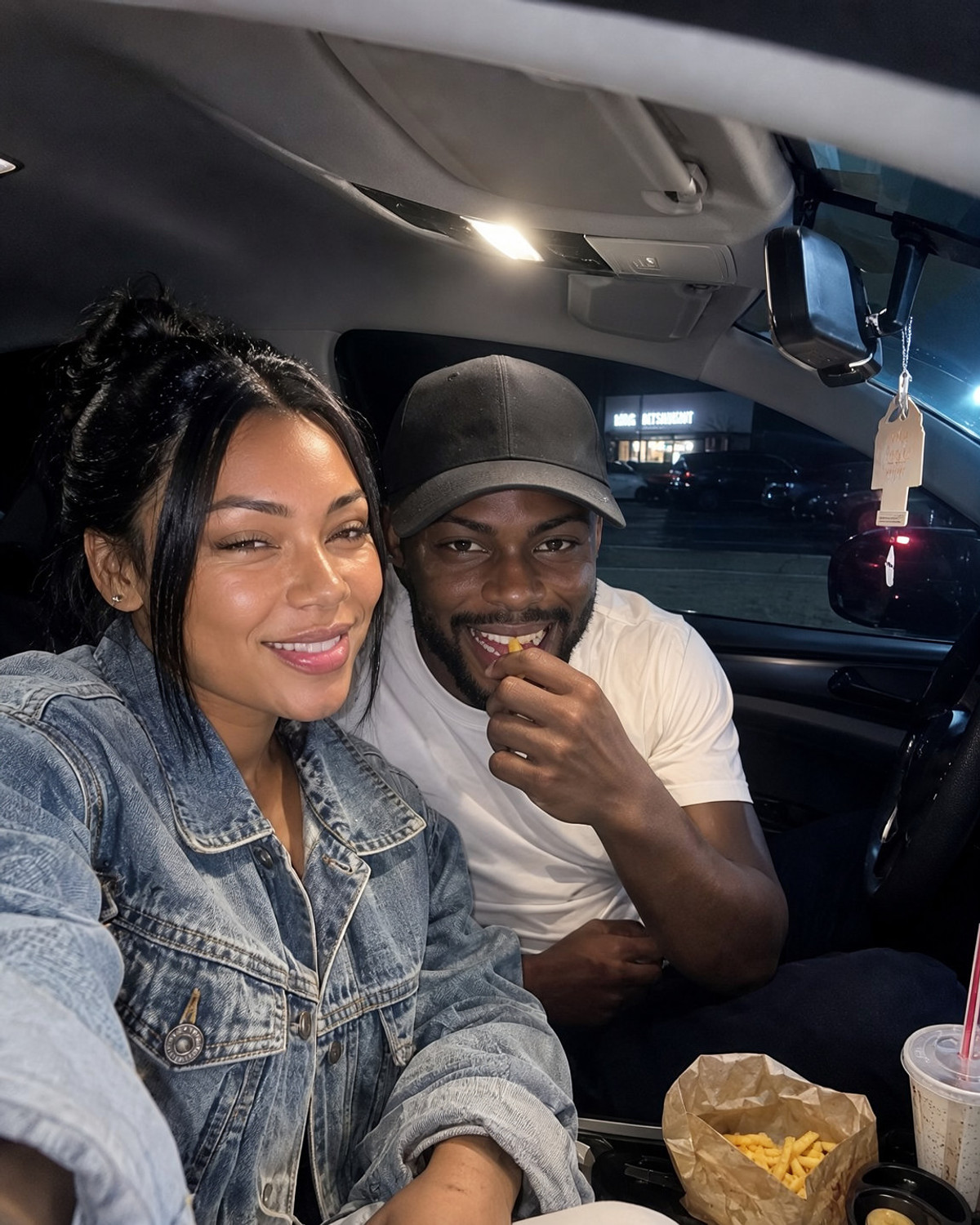
"Candid Amateur Snap" realistic portrait LoRA: It does not pursue perfect portraits but instead pulls lighting, poses, composition, and clothing toward the look of home phone photos, preserving authentic imperfections and natural light.
(Editor maintains S: Solves the common issue of "AI portraits being too polished and not looking like real photos," provides parameters for three base models separately, clearly states limitations, and has a permissive license; remember to disable prompt enhancement and avoid stacking with acceleration LoRAs)
Images
Reasons for Recommendation
- New capability: Most realistic LoRAs pursue a refined studio-shoot feel, but this one learns the opposite—"looking like a real person's casual snap"—such as selfies, mirror selfies, car selfies, market vendors, and mechanic shop technicians in everyday photos; the author states it primarily affects lighting, poses, composition, and clothing.
- Parameters are fully provided for three base models: Community fusion model Dirty-Moss V2 (author's top pick) strength 0.8–1.5; MOSS-Image-SFT strength 0.6–1.0, most effective but more limited to character photos, becoming exaggerated above approximately 1.2; MOSS-Image-Base strength 0.6–1.5, often the most realistic but more prone to errors with hands, fingers, and objects; all three use ER SDE (simple), CFG 2.5, shift 5, and steps 25 or 25–50.
- The author details the training: Trained for 3000 steps on MOSS-Image-Base, using a dataset of 1.8k+ photos of men, women, and the elderly, upscaled to 2048 px, with lighting transfer processing to preserve original natural light, manually filtered one by one, and tagged using gpt-6.1-sol.
- Example prompts are all long natural language descriptions of everyday scenes: couples taking selfies in a parked car, bearded men taking mirror selfies at the gym, elderly female vendors counting coins at a wet market, technicians holding socket wrenches in a repair shop, girls with braided hair by a bus window, men in barber chairs; multiple prompt pairs appear, corresponding to the author's stated strength comparisons (total 11 images, 3 hidden).
How to Use
- No trigger word required; write characters, actions, environments, and light sources as complete sentences, with the author stating that more detailed prompt descriptions yield better results.
- You must disable the prompt enhancer: The author states it rewrites prompts into a "studio photo" style, rendering this LoRA almost ineffective when enabled.
- Dirty-Moss V2: Strength 0.8–1.5, 25 steps, CFG 2.5, shift 5, 1152×1440; Official SFT: Strength 0.6–1.0, 25–50 steps; Official Base: Strength 0.6–1.5, 25–50 steps.
Risks and Limitations
- The author states that when stacked with Turbo / 8 step DMD acceleration LoRAs, hands and objects occasionally deform, which is more pronounced on Base and at high strengths, so full steps are generally required.
- The best base model is the community fusion model Dirty-Moss V2, which requires a separate download; the author states that effects vary little for landscape, object, cartoon, or anime prompts (except for Dirty-Moss).
- The dataset source is only described as "built via API calls," without specifying whether the original photos are generated images or real photos, or if they involve real person portrait licensing.
- Example metadata does not record the base model and sampler, making it impossible to tell which base model and strength were used for each image; more comparisons are available on the Hugging Face page.
- 3 hidden examples; the license is CC-BY-4.0, requiring attribution to the original author for commercial use.
Recommended (8)
[A] [MOSS Image / Krea 2 Turbo] 1990s Hong Kong CineStill 800T — Neon Rain & Halation Film Photography v1.0 · MOSS Image v2.0 (Base s1500)
LoRA · Version Update · Author lepetitprince716355 · Published 11-27 00:18 · Downloads 54
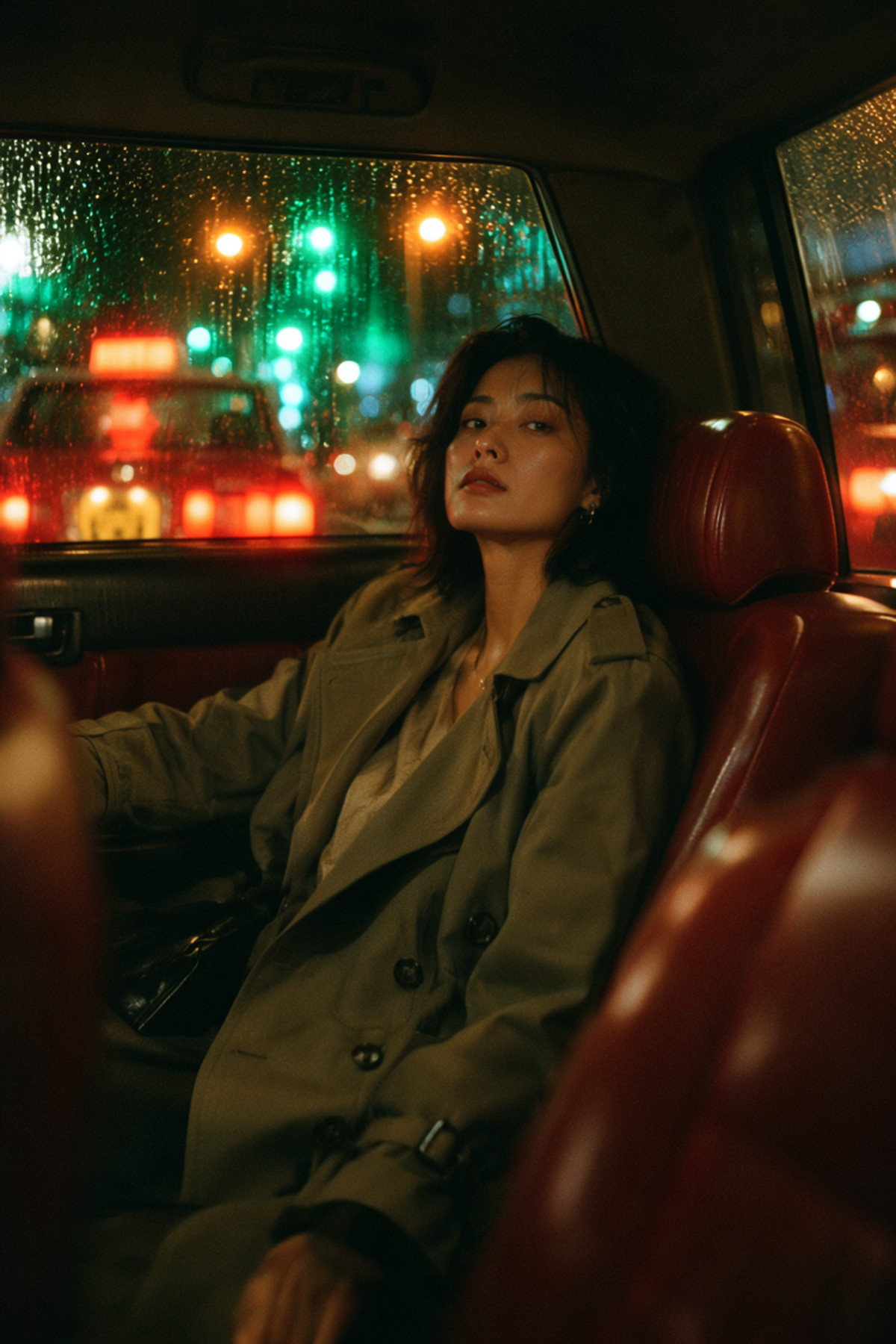
v2.0 of the 90s Hong Kong night scene film style LoRA: Mimics CineStill 800T tungsten film, with green fluorescent shadows, amber sodium lamp highlights, and red halos around streetlights, creating cinematic scenes like rainy night taxis and cha chaan tengs.
(Editor downgraded from S to A: Parameters and workflows are complete, and example subjects are consistent, but this is a version iteration, with improvements based solely on the author's self-assessed blind tests)
Images
Reasons for Recommendation
- Version update: v2.0 was retrained directly on MOSS-Image-Base (full BF16, rank 32, taking step 1500), whereas v1.0 was trained on SFT; the file hashes for the two versions differ. The author claims it outperforms v1.0 in blind tests: cleaner hands, more cinematic composition, no garbled text on taxi doors, and daylight portraits without trigger words no longer bleed into cyan.
- Complete parameters: Recommended base model MOSS-Image-SFT (int8_convrot or BF16), loaded with LoraLoaderModelOnly, strength 0.85–1.0 (default 0.95), connected to ModelSamplingAuraFlow(shift=5.0), er_sde / simple, 25 steps, CFG 2.5, 832×1248 or 1248×832; includes a workflow zip using only ComfyUI built-in nodes.
- Example prompts all start with @hk90sfilm to describe Hong Kong night scenes: back seats of red taxis, cha chaan teng booths with iced lemon tea, late-night laundromats, Causeway Bay double-decker trams, Kowloon alley neon, men and women passing on footbridges, dai pai dongs, and upper decks of Star Ferries; example metadata all uses SFT int8 + er_sde 25 steps CFG 2.5 (total 12 images, 1 hidden).
How to Use
- Trigger word @hk90sfilm, followed by long sentences describing characters, scenes, and neon/tungsten light sources; the author states that normal daylight effects are maintained when the trigger word is omitted.
- Base model MOSS-Image-SFT, LoraLoaderModelOnly strength 0.95, ModelSamplingAuraFlow shift 5.0, er_sde / simple, 25 steps, CFG 2.5, 832×1248 or 1248×832.
- For drafts, you can chain the author's Fast-12 Turbo OPD: Fast-12 strength 1.0 → this LoRA lowered slightly → shift 5.0, euler / normal, 12 steps, CFG 1.0 (the author notes this combination has not been tested separately for this style).
Risks and Limitations
- The "win" in blind tests is based solely on the author's self-assessment, with no public comparison images or details on evaluation methods.
- Trained on Base but recommended for use on SFT; the author does not specify the effect on Base.
- The same model page also has a Krea 2 Turbo version; be careful to select the MOSS version when downloading.
- Subjects are concentrated on night scenes, rain, and urban streets, with few examples of daytime or large indoor scenes.
- In the Fast-12 acceleration combination, the strength for this LoRA is listed as 0.75–0.90 in the full model card.
Trigger Word: @hk90sfilm
[A] [MOSS Image / Krea 2 Turbo] 2004 CCD Digicam Flash — Y2K Compact Camera Snapshot Realism v1.0 · MOSS Image v1.0 (Base s1000)
LoRA · New Model · Author lepetitprince716355 · Published 11-27 00:11 · Downloads 66
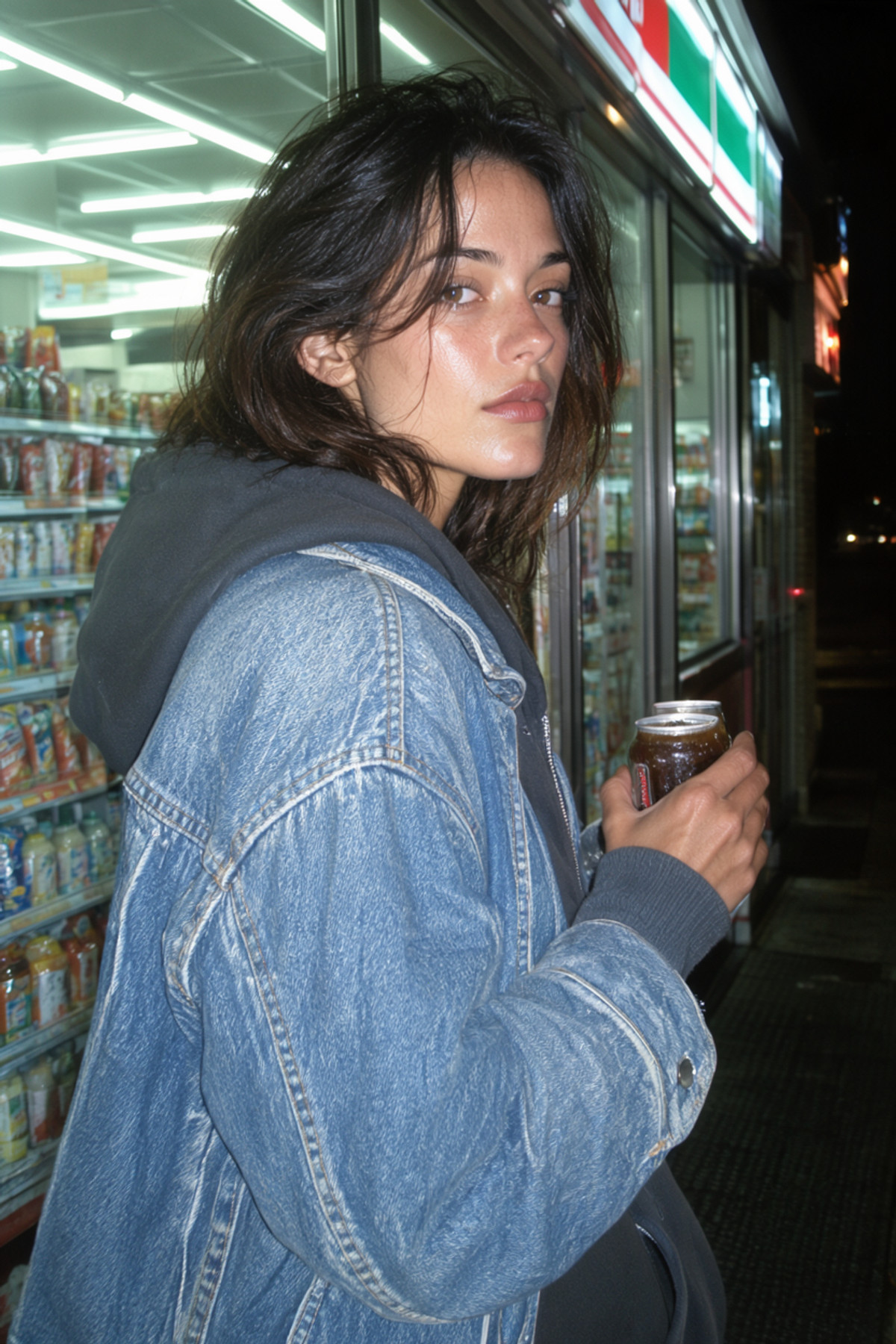
LoRA for the direct flash night photography style of CCD compact cameras from around 2004 years ago: Hard light falloff from the hot shoe xenon flash, unretouched skin texture, and cyan-green fluorescent light shadows, capturing the feel of millennium-era digital camera snapshots.
(Editor downgraded from S to A: Parameters, companion models, and workflows are fully provided, but the style is singular, and evidence of effectiveness is based solely on the author's self-assessment)
Images
Reasons for Recommendation
- New model: Trained on MOSS-Image-Base with full BF16 (rank 32, taking step 1000), selected by the author from blind tests across all Base/SFT checkpoints; the author states that normal daylight photos are maintained when the trigger word is omitted.
- Complete parameters: Recommended base model MOSS-Image-SFT (int8_convrot or BF16) + text encoder qwen3.5_9b_w4a8_gptq (type: moss_image) + flux2-vae_small; LoraLoaderModelOnly strength 0.85–1.0 (default 0.95) → ModelSamplingAuraFlow(shift=5.0), er_sde / simple, 25 steps, CFG 2.5, 832×1248 or 1248×832; includes a workflow using only built-in nodes.
- Example prompts all start with @ccd2004flash, describing night snapshots: girls holding canned coffee at convenience store entrances, silver hatchbacks under gas station canopies, vending machine corridors, two friends on an old sofa, bus stops, rooftop wire fences, passenger seats, stairwell group photos, and restaurant booths; metadata all uses SFT int8 + er_sde 25 steps CFG 2.5 (total 16 images, 1 hidden).
How to Use
- Trigger word @ccd2004flash, include scene descriptions like "direct flash, night, casual snapshot" in the prompt
- Base model MOSS-Image-SFT + qwen3.5_9b_w4a8_gptq + flux2-vae_small, strength 0.95, shift 5.0, er_sde / simple, 25 steps, CFG 2.5
- Acceleration option: Fast-12 Turbo OPD 1.0 → this LoRA 0.75–0.90 → shift 5.0, euler / normal, 12 steps, CFG 1.0 (author notes this style was not tested with this setting)
Risks and Limitations
- The title mentions MOSS / Krea 2 Turbo dual base models, but the model page currently only has this MOSS version
- "Ranked first in blind tests" is the author's self-assessment, with no public comparison method
- Examples are almost exclusively night direct-flash scenes; there are few examples for daytime or non-portrait subjects
Trigger Word: @ccd2004flash
【A】[Anima / MOSS Image] PrismResin 3D — Smooth Matte-Satin Resin & Dichroic Prism Caustics v1.0 · MOSS Image v1.0 (s2000)
LoRA · Port · Author lepetitprince716355 · Published 11-27 00:14 · Downloads 46
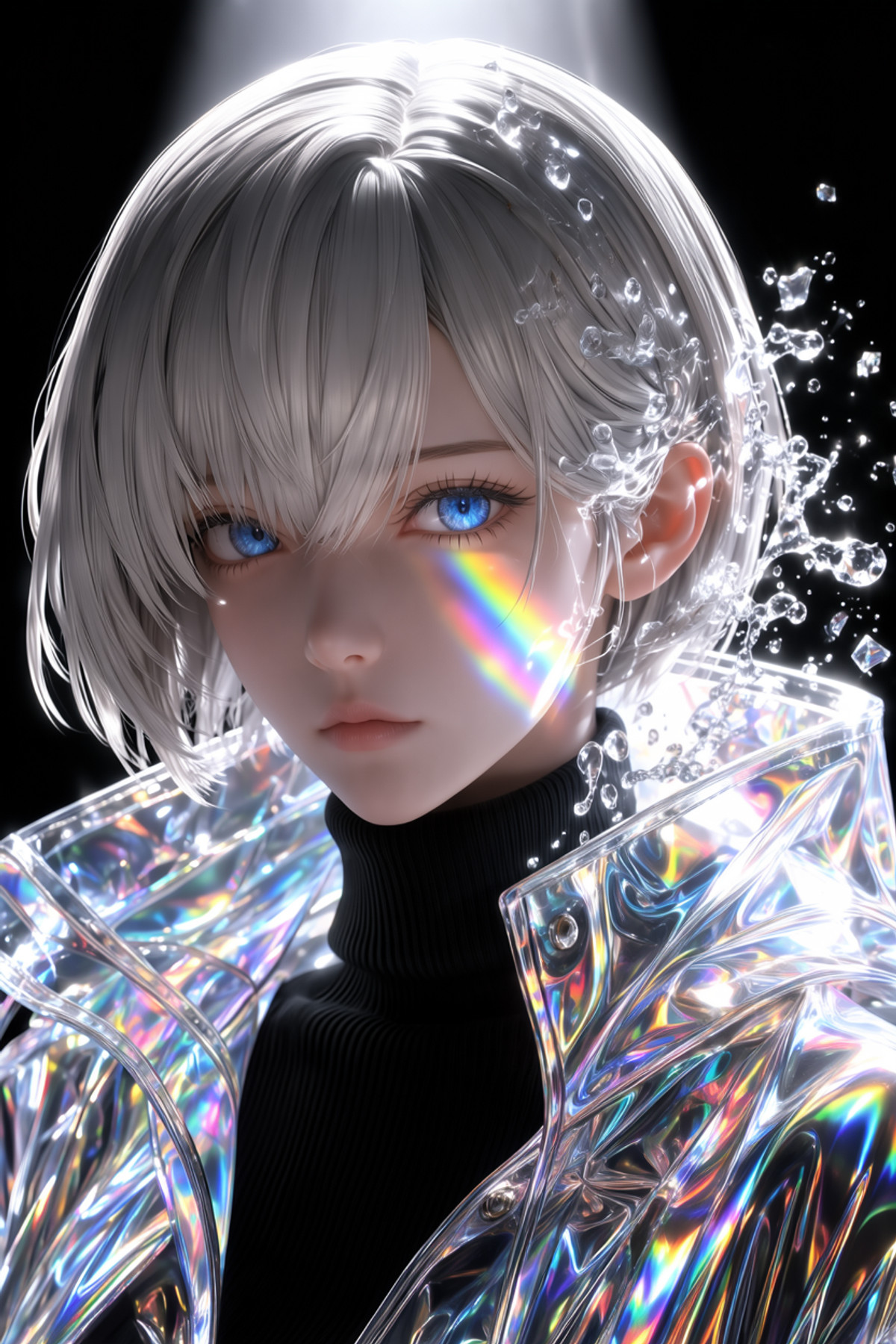
The MOSS version of the "Prism Resin 3D" style LoRA: 3D illustrations with a matte satin resin texture, plus dichroic prism light bands, translucent rainbow fabrics, and caustic refractions of water and crystal.
(Editor rating downgraded from S to A: Files, hashes, and example metadata were verified to confirm these are MOSS weights and not an Anima repost; parameters are complete, but evidence of effectiveness relies solely on author self-assessment, and most of the model page description is for the Anima version)
Image
Reasons for Recommendation
- Ported version, confirmed to be genuine MOSS weights this time: The version's baseModel is MOSS Image, the file prismresin_3d_moss_v1.safetensors has a different weight hash from the Anima version on the same page, and the size is consistent with the author's other MOSS rank 32 LoRAs; the version notes state it was trained for 2000 steps on MOSS-Image-Base, selecting s2000 from four checkpoints: s500 / s1000 / s1500 / s2000; the base model in the example metadata is moss_image_sft_int8_convrot. The Anima version on the same page was excluded in the previous issue
- Differences from the Anima version: The base model is changed to MOSS-Image-SFT + qwen3.5_9b_bf16 (type: moss_image) + flux2-vae_small, shift 5.0, er_sde / simple, 25 steps, CFG 2.5 (the Anima version uses a different set of parameters); the trigger word is also @prismresin
- Example prompts start with @prismresin: A silver short-haired woman with a holographic raincoat and water splashes, an unoccupied architectural interior under a glass dome, a still life of crystal wine glasses, two people on an observatory balcony, a man playing a crystal cello, holding a transparent umbrella at a bookstore entrance on a rainy night, a glass atrium, Frieren, a woman in a greenhouse (total 15 images, none hidden)
How to Use
- Trigger word @prismresin, pair with scenes that produce refraction such as glass atriums, transparent umbrellas in rain, and crystal still lifes
- Base model MOSS-Image-SFT + qwen3.5_9b_bf16 + flux2-vae_small; LoraLoaderModelOnly strength 0.85–1.0 (default 0.95), do not use LoraLoaderBypassModelOnly; shift 5.0, er_sde / simple, 25 steps, CFG 2.5, 832×1248 or 1248×832
- Acceleration option: Fast-12 Turbo OPD 1.0 → this LoRA 0.75–0.90 → shift 5.0, euler / normal, 12 steps, CFG 1.0
Risks and Limitations
- The general introduction, summary, and prompt writing style on the model page are still for the Anima version (Anima tag style, Anima base model and parameters); for MOSS usage, refer to this version's own instructions
- The text encoder recommended for the MOSS version is the bf16 version, which differs from the w4a8 quantized version recommended for the author's other LoRAs, resulting in higher VRAM usage
- Effect descriptions are all author self-assessments; one example features an anime IP character
Trigger Word: @prismresin
【A】[MOSS Image / Anima] Jewel Gouache Editorial — Luminous Prism & Painterly Illustration v1.0 · MOSS Image v1.0 (Base s1500)
LoRA · New Model · Author lepetitprince716355 · Published 11-27 00:07 · Downloads 37
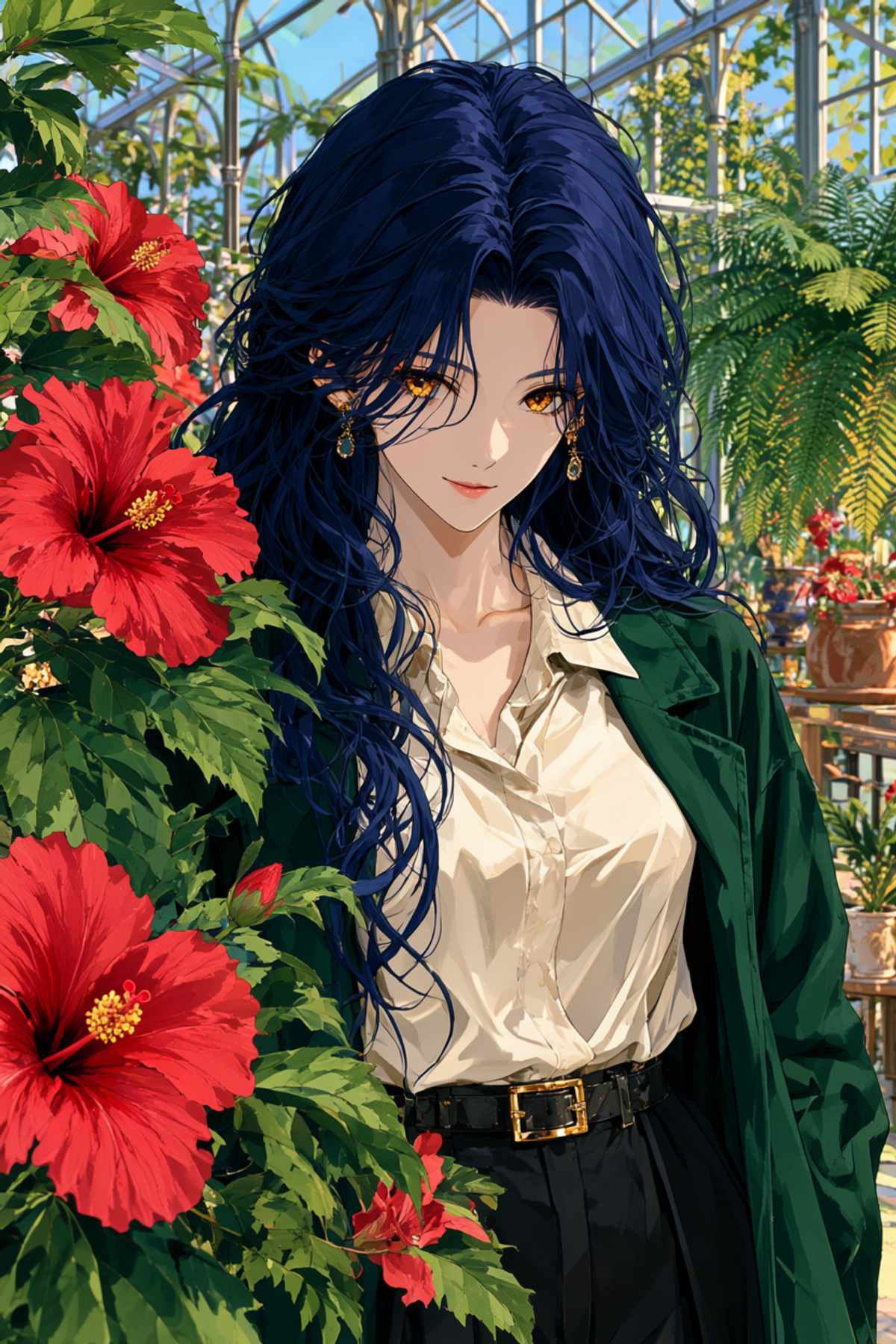
The "Jewel Gouache Editorial" style LoRA: Clean editorial illustration lines, opaque gouache brushstrokes, backlit emerald / royal blue / vermilion / amber color palettes, suitable for both character and still life scenes.
(Editor rating downgraded from S to A: Parameters and workflows are complete, style direction is clear, but evidence of effectiveness relies solely on author self-assessment, and examples include many IP characters)
Image
Reasons for Recommendation
- New model: Trained fully in BF16 on MOSS-Image-Base (rank 32, taking step 1500), the author claims it was selected from blind tests of Base and SFT checkpoints, with high fidelity for anime characters and no impact on photo style when the trigger word is omitted
- Parameters are complete: Base model MOSS-Image-SFT + qwen3.5_9b_w4a8_gptq (type: moss_image) + flux2-vae_small; LoraLoaderModelOnly strength 0.85–1.0 (default 0.95), do not use LoraLoaderBypassModelOnly; ModelSamplingAuraFlow shift 5.0, er_sde / simple, 25 steps, CFG 2.5; the author also provided a set of negative prompts; includes a workflow using only built-in nodes
- Example prompts start with @jewelgouache, mixing tags like 1girl with natural language: A woman in a glass greenhouse, a man and woman sitting opposite each other in a cafe on a rainy day, Frieren, Fern, Maomao (from "The Apothecary Diaries"), a Mediterranean seaside terrace, an unoccupied apothecary workbench, library stairs, a man with a lantern at a port; metadata is all SFT int8 + er_sde 25 steps CFG 2.5 (total 16 images, 1 hidden)
How to Use
- Trigger word @jewelgouache, can be followed by tags like 1girl / 1boy / no humans before describing the scene, ending with descriptions like "gouache illustration"
- Base model MOSS-Image-SFT, strength 0.95, shift 5.0, er_sde / simple, 25 steps, CFG 2.5, 832×1248 or 1248×832
- Acceleration option: Fast-12 Turbo OPD 1.0 → this LoRA 0.75–0.90, euler / normal, 12 steps, CFG 1.0 (author notes this style was not tested with this setting)
Risks and Limitations
- The title mentions MOSS / Anima dual base models, but the model page currently only has this MOSS version
- Some examples are fan art of well-known anime characters
- Claims like "won blind tests" and "flawless hands" are author self-assessments
Trigger Word: @jewelgouache
【A】Real Divinity · v1.0
LoRA · New Model · Author ZaeY · Published 11-27 03:18 · Downloads 49
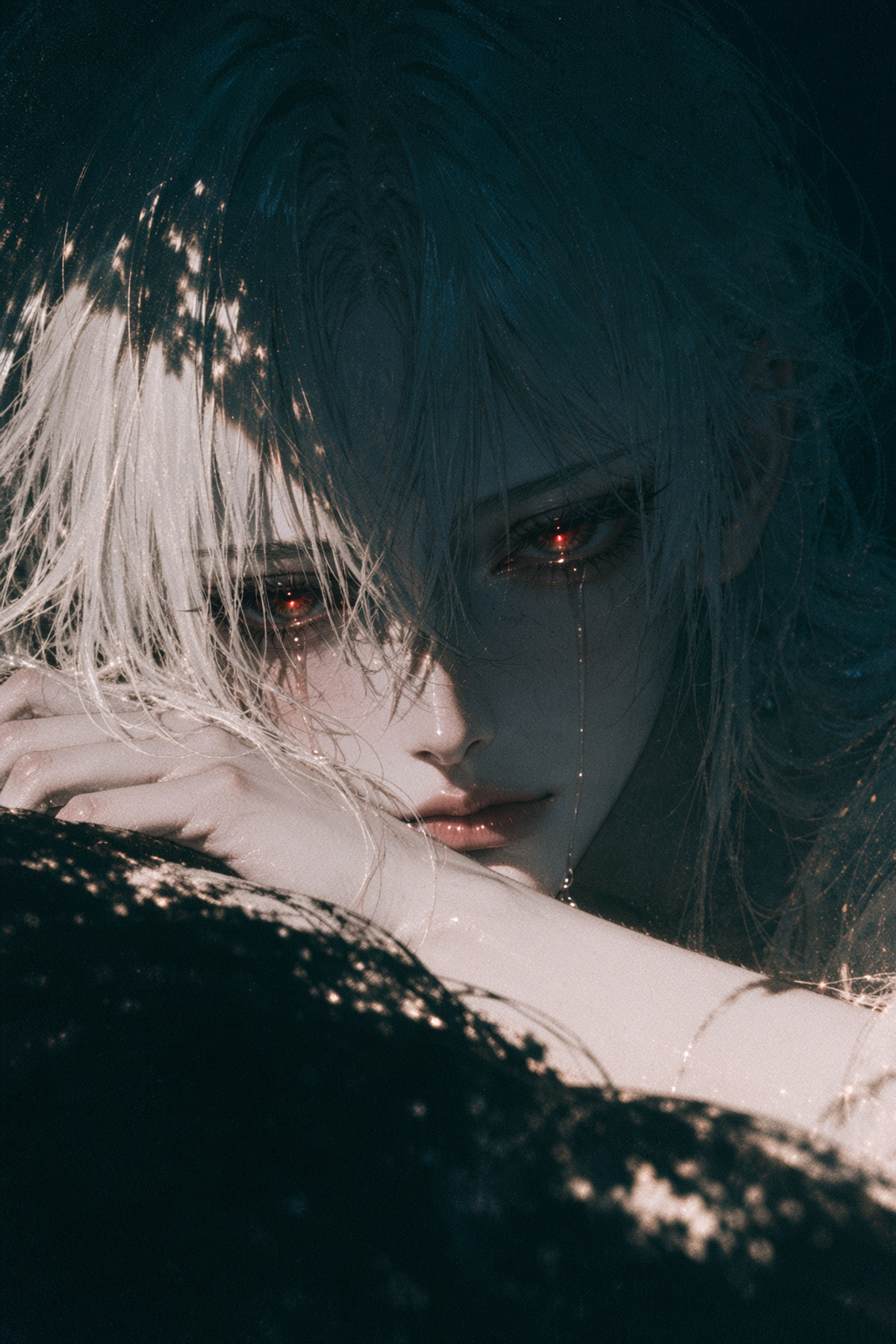
Light effect enhancement style LoRA: Significantly enhances glow, film grain, deep shadows, and dramatic lighting, leaning towards semi-realistic, can also be applied to other styles with appropriate prompts.
(Editor maintains A: Purpose is clear, examples are numerous and stylistically consistent, but description is brief, lacking step count and base model information)
Image
Reasons for Recommendation
- New model: The author claims it strongly enhances the image's glow, grain, shadows, and lighting effects; the filename indicates training on MOSS-Image-Base, taking the 18th epoch
- The author provided strength 0.6–1.0, ER-SDE sampling, Simple scheduler; example metadata is er_sde / simple, 15 steps, CFG 3
- Most example prompts end with @RD1v1n1ty, describing portraits and scenes with strong light-dark contrast: A white-haired girl crying under dappled sunlight, a low-angle shot of a cyber demon character, an astronaut sitting on a rock ridge looking at an ocean planet, a woman adorned with gold jewelry wrapped in a python, butterflies and a profile, a mini shark swimming in a cup, a masked knight holding a giant rose sword; prompts are Danbooru tags plus long natural language sentences (total 14 images, 4 hidden, one of which was posted by another user)
How to Use
- Trigger word @RD1v1n1ty, can be placed at the end of the prompt; include light effect descriptions like light source direction, shadows, and grain in the prompt
- Strength 0.6–1.0, ER-SDE / Simple; step count and CFG are not specified by the author, examples use 15 steps, CFG 3
Risks and Limitations
- Description is only two or three sentences, example metadata does not record the base model, and the author does not specify whether Base or SFT was used
- Effects lean towards dark tones and high contrast, performance in bright scenes is not visible in the examples
- 4 hidden examples
Trigger Word: @RD1v1n1ty
【A】HaDeS MOSS Suite Advanced Workflows · Production Poster v0.9.8
Workflow · New Model · Author _HaDeS_ · Published 11-27 05:41 · Downloads 15
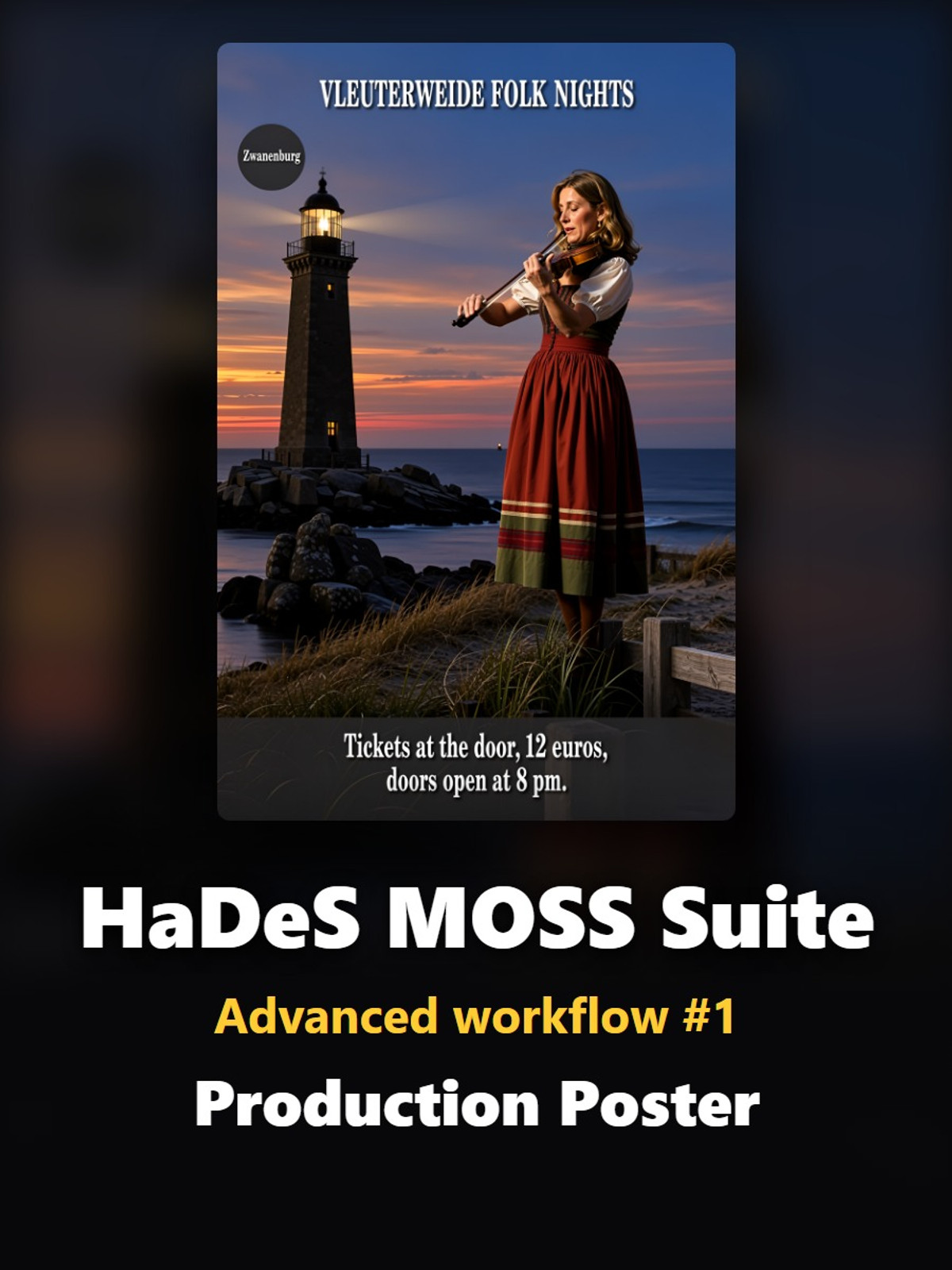
The "Production Poster" workflow JSON for the HaDeS MOSS Suite (not new weights): Arranges text like titles according to layout boxes, generates four posters at once, uses a text recognition node to select the one where all text is within the boxes, then upscales to 2048 × 3072 for review.
(Editor rating upgraded from B to A: The workflow is not new weights, but it addresses the specific problem of "uncontrolled text positioning," with clear documentation of the process, models, parameters, and author's self-test results; automatic rating was lowered due to incomplete scanning)
Image
Reasons for Recommendation
- New workflow: The process is MOSS Layout Editor draws five boxes (title, town name, ticket line, violinist, lighthouse) → Layout Compiler converts boxes into prompts, batch 4 images → HaDeS MOSS v1.0 Turbo outputs 1024 × 1536 → MOSS Text Check reads the three lines of text in each box, selects the best one → RealESRGAN x2 adds one light MOSS repaint to 2048 × 3072 → Then performs another Text Check
- Solves the issue where MOSS can spell words correctly but may not place them in the specified positions (title breaks into two lines, runs out of the box); if none pass, passed outputs false, change seed and rerun
- The author claims that in 12 images generated with three seed groups, all text was spelled correctly, but titles fitting on a single line within the box were rare, so it was designed to generate four images at once for the check node to select
- You can start from your own idea: unmute Prompt Enhancer, write a sentence and click DRAFT LAYOUT to automatically generate a layout; the output PNG contains the prompt, parameters, and the entire workflow
- Video tutorial attached; 7 visible examples, including node screenshots and finished posters, the example prompt is a vertical music festival poster of a woman playing the violin in front of a lighthouse at dusk
How to Use
- First install or update HaDeS MOSS Suite 0.9.8 (search "HaDeS MOSS" in ComfyUI Manager), then import HaDeS MOSS Suite - Production Poster.json
- Required models: HaDeS MOSS v1.0 Turbo (place in diffusion_models), official MOSS-Image text encoder and VAE, RealESRGAN_x2plus.pth (place in upscale_models)
- Author's parameters: 1024 × 1536, 8 steps, CFG 1, euler / simple; to make the title split into two lines, increase the height of the title box
Risks and Limitations
- Workflow JSON, not new weights; generation uses the author's own Turbo fused base model, not the official Base / SFT
- The denoise value for the repaint step in upscaling is 0.25; the author claims the entire process takes about 43.9 seconds on an RTX 5090 (models loaded), time on other GPUs is unknown
- The author states that the current video tutorial will be replaced by a longer version, and the link will be updated
- Security scan of the workflow file is incomplete; depends on custom node packages, this tool has not been run
[A] MOSS 12/8 Step Turbo (base & sft) · OmniTurbo v1
LoRA · Version Update · Author anyMODE · Published 11-27 03:18 · Downloads 72
OmniTurbo v1 for MOSS acceleration distillation LoRA: one file used simultaneously for Base, SFT, and the author's mossMODE base model, generating images in 8–12 steps with CFG around 1; the same model page also has an OmniTurbo 8 step version specifically tuned for 8 steps.
(Editor rating lowered from S to A: The purpose of the acceleration LoRA is clear, examples cover three base models, but the update notes for this version consist of only one sentence)
Images
Reasons for Recommendation
- Version update: The update note is only one sentence: "Usable for Base, SFT, and mossMODE." Previous versions were released separately by base model (e.g., v8 Base version, v9 SFT version), OmniTurbo changed to a single universal file; the file hash differs from the 8 step version on the same page
- Principle and usage follow the model card: The author claims it is a rank 64 LoRA distilled from the 5.2B Base model using online teacher-student trajectory matching, compressing prompt adherence and human body structure from 24 steps, CFG 3.0 into 12 steps; in ComfyUI, simple scheduler, 8–12 steps, CFG 1.0–2.0, strength 1.0
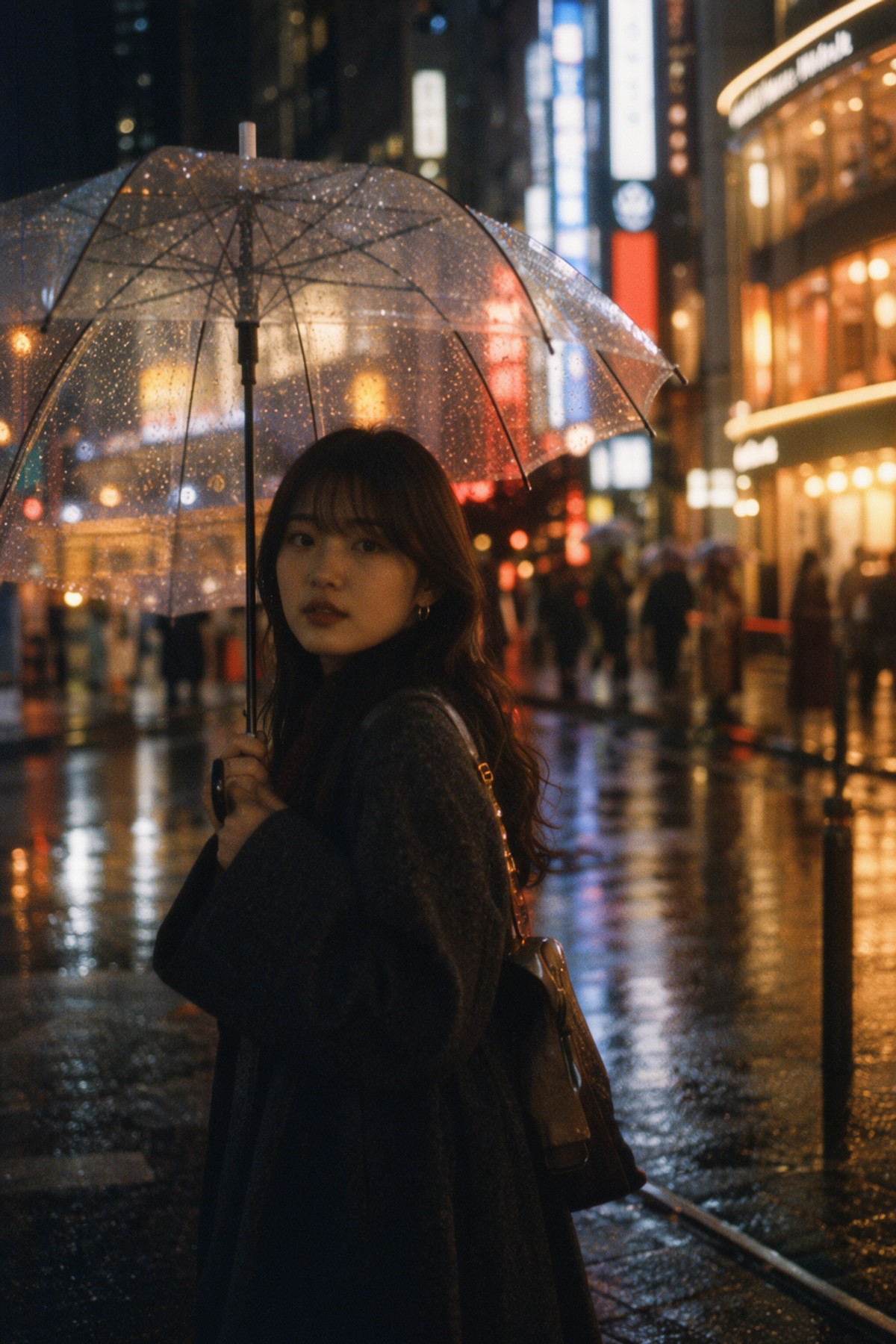
- Example metadata is 12 steps, CFG 1, Euler / simple, run on SFT int8, Base int8, and mossMODE int8 respectively: a violinist holding an umbrella on a rainy night in a涩 (astringent) rain, a lighthouse on a volcanic rock sea cliff, an Italian violin workshop, a studio portrait of a red-haired woman (total 5 images, none hidden)
- Difference from the 8 step version: This version is universal for the 8–12 step range, examples are generated at 12 steps; the 8 step version is specifically for 8 steps, the author suggests fine-tuning strength slightly around 1.0
How to Use
- No trigger word needed; load on Base, SFT, or mossMODE, strength 1.0, simple scheduler, 12 steps (can be reduced to 8 steps), CFG 1.0–2.0
- To fix output at 8 steps, use the OmniTurbo 8 step version on the same page
Risks and Limitations
- The update note is only one sentence, with no comparison images or speed/quality data against previous Base / SFT separate versions
- The model card body still describes the early 12 step version; the file is fp32, approximately twice the size of previous separate version files
- mossMODE is the author's own base model, performance on other community fused models is not specified; the author has not provided performance when stacked with style LoRAs
[A] SchmusRealism: 2-in-1 Skin Slider · v1-moss
LoRA · Port · Author SchmuserKadser · Published 11-26 22:42 · Downloads 181
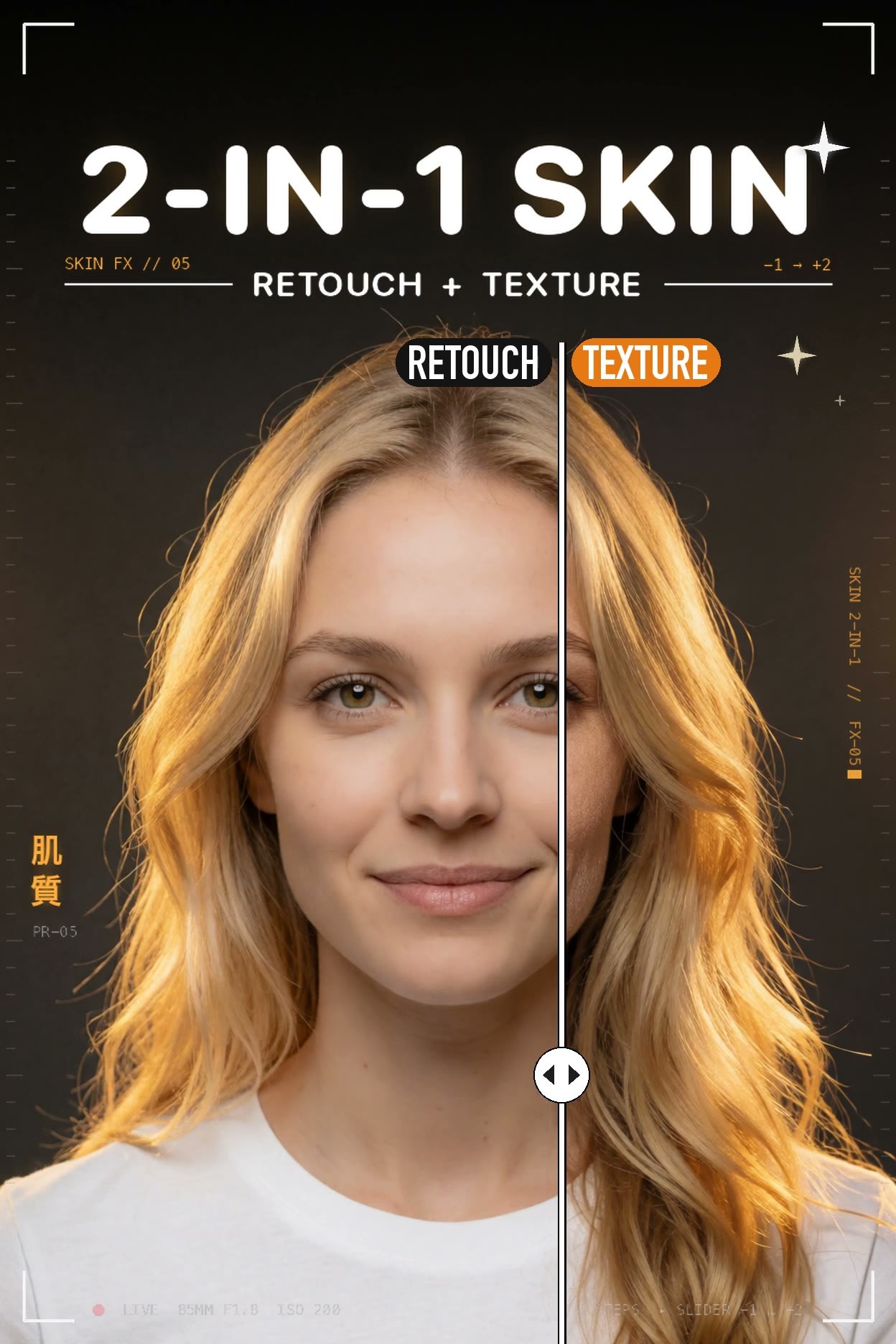
MOSS port of the skin texture slider LoRA: negative strength for light skin smoothing, positive strength adds pores and fine textures, freckles, moles, wrinkles, stubble, and tattoos are preserved according to the author, without changing facial features.
(Editor rating raised from B to A: Purpose is clear, effects of positive and negative ranges are explained, example workflow attached; automatic rating was lowered because the workflow file scan is incomplete. Deduction because the MOSS version lacks its own parameter documentation)
Images
Reasons for Recommendation
- Ported version: The original is the Krea 2 version, this version is the MOSS weights for the same slider, with an additional MOSS example workflow JSON; the MOSS version has no separate version notes, the usage and comparison images in the model card are written for Krea 2
- The author provides effects for each level: -1 light skin correction, pores tightened but texture and freckles preserved, -2 very smooth, freckles faded and stubble thinned, +1 pores and fine textures more pronounced, +2 rough strong texture
- Training method is specifically explained: The author claims training pairs are not generated by prompts or image editing models, but by deterministic pixel filtering separating pores from freckles/moles based on spatial frequency and shape, so the slider only learns texture, not brightness or skin tone
- Serves realistic portraits: For beauty portraits, light skin correction is available directly; for hard light close-ups where pores are too heavy, pull towards negative; for documentary / sports / character portraits wanting more roughness, pull towards positive
- Reviewed the author's example metadata: All generated on MOSS-Image SFT, portrait prompts are long natural language (masquerade ball candlelight, rainy night neon alley, deep sea diver close-up, observatory, blizzard polar explorer, etc.); 1 visible video segments + 2 images, none hidden
How to Use
- No trigger word; set strength using strength_model in the Load LoRA (model only) node, author suggests -1 to +1
- The author's recommended practice on Krea 2 Turbo is two-stage sampling: The first 1 stage uses the original model for the first half of steps to define composition, the second 2 stage uses the slider for the second half of steps to define skin texture, the switch point is fixed in the middle; when stacking other LoRAs, place the slider at the end of the model chain in the second 2 stage
- The MOSS version's step count, CFG, and segmentation point are not written in the documentation, use the attached MOSS workflow JSON first, or refer to the author's example metadata
Risks and Limitations
- Author's self-stated weaknesses of v1: Faces with dense freckles will clump at +1 or above, suggested to stop between 0 and -1; positive strength slightly darkens skin, slight at >1, obvious at >2
- Author's MOSS example metadata mostly uses MOSS-Image SFT, 25 steps, CFG 2.5, DPM++ 2M, LoRA strength 0.5 or 1, with one image at 4 steps CFG 1; these are not the recommended values in the documentation
- The author claims that on the training set at -1, freckle retention is about 85% contrast, pore frequency band energy drops to about half—this is a measurement on Krea 2 rendering, no separate data provided for the MOSS version
- Security scan of the attached workflow JSON is incomplete
- License does not allow derivatives, only allows on-site rental
Worth Watching (15)
[B] MOSS-FET · v0.9
Base Model / Checkpoint · Version Update · Author aueki4g467 · Published 11-26 21:30 · Downloads 183
v0.9 of the experimental full fine-tuning base model MOSS-FET: Anime style, the author added face position and head orientation to training annotations, aiming to improve composition control while maintaining output diversity.
Images
[B] Between Pages · v1.0 Moss
LoRA · Port · Author Daalis · Published 11-27 07:19 · Downloads 21
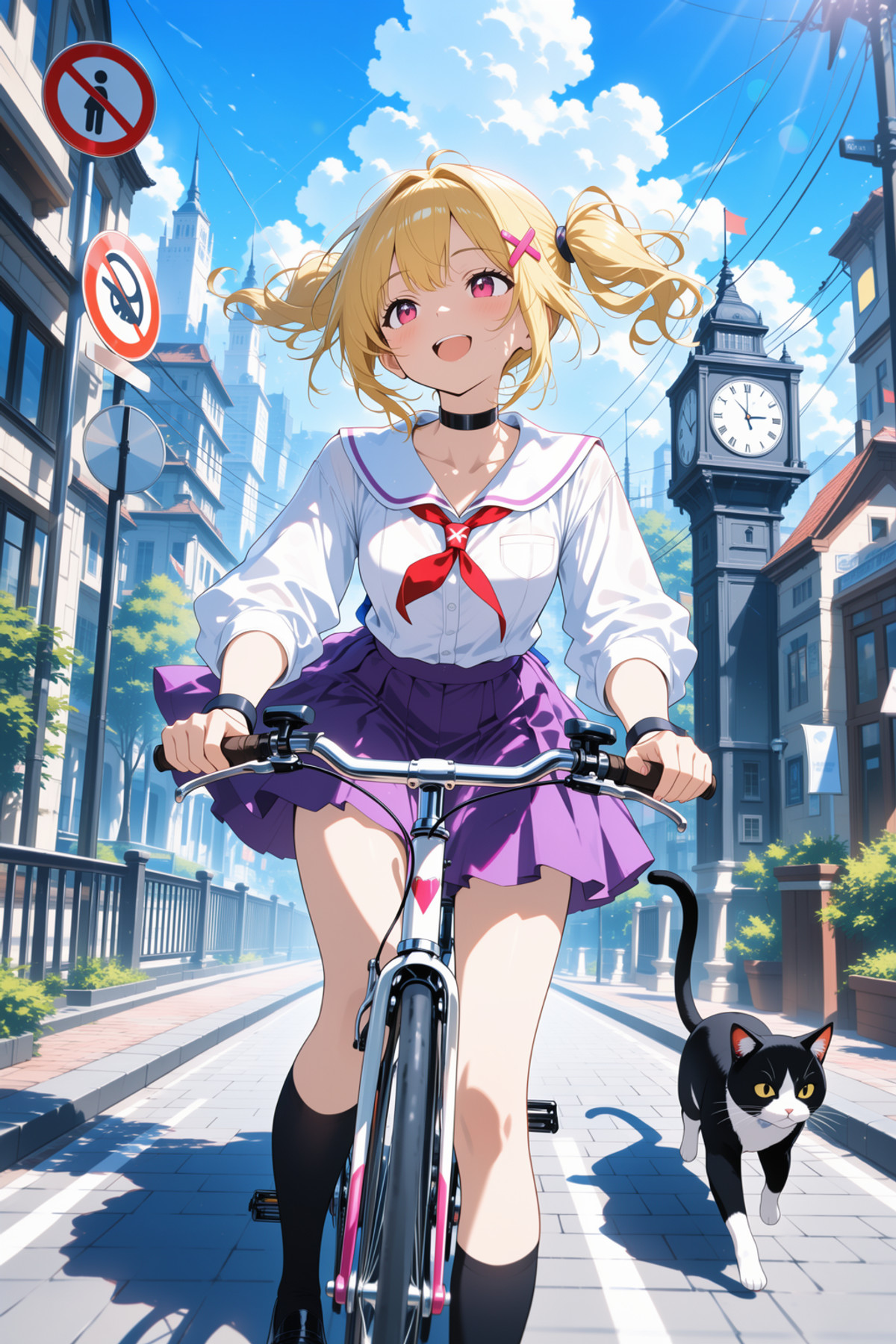
MOSS version of the "Between Pages" picture book style LoRA: Picture book realism, soft cinematic light, big-eyed characters, low saturation with warm color accents, suitable for warm, subtle emotional moments.
Images
[B] MOSS Image | Sorrowny Style YIXI version · v1.0
LoRA · New Model · Author Leafyixi · Published 11-27 03:21 · Downloads 35
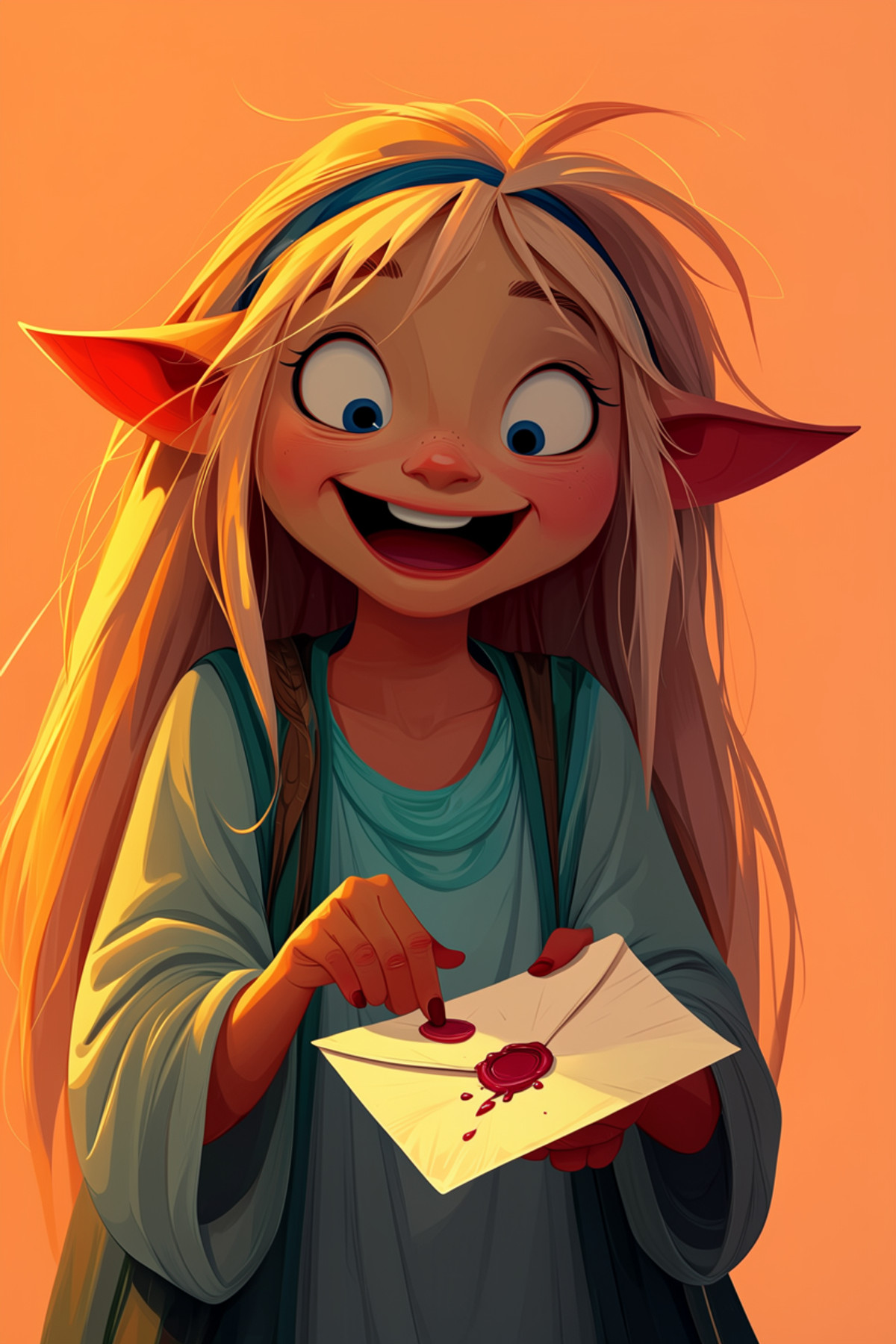
Anime thick paint style LoRA named after Sorrowny (YIXI version): Tags include brush, oil painting, thick paint, the author emphasizes pairing with acceleration LoRA and secondary sampling.
Images
[B] Odette (Genshin Impact) / 奥黛塔 (Genshin Impact) - MOSS-Image LoRA · v1.0
LoRA · New Model · Author numbrick · Published 11-26 22:10 · Downloads 37
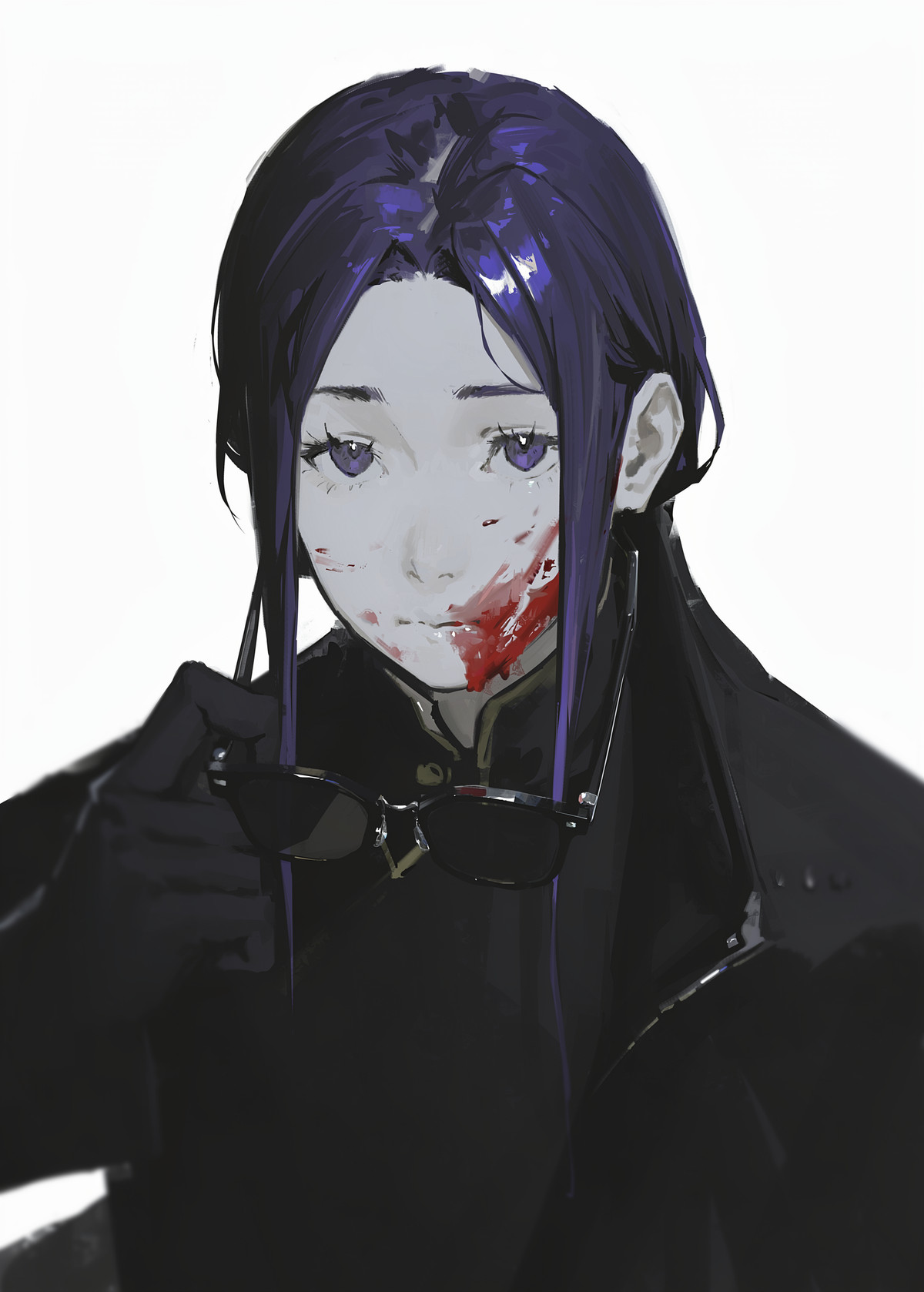
Character LoRA for Odette from Genshin Impact: Can reproduce the original skin dress, also change to casual wear, change art style; the author claims it does not affect MOSS's native multi-panel storyboard and image text capabilities.
Images
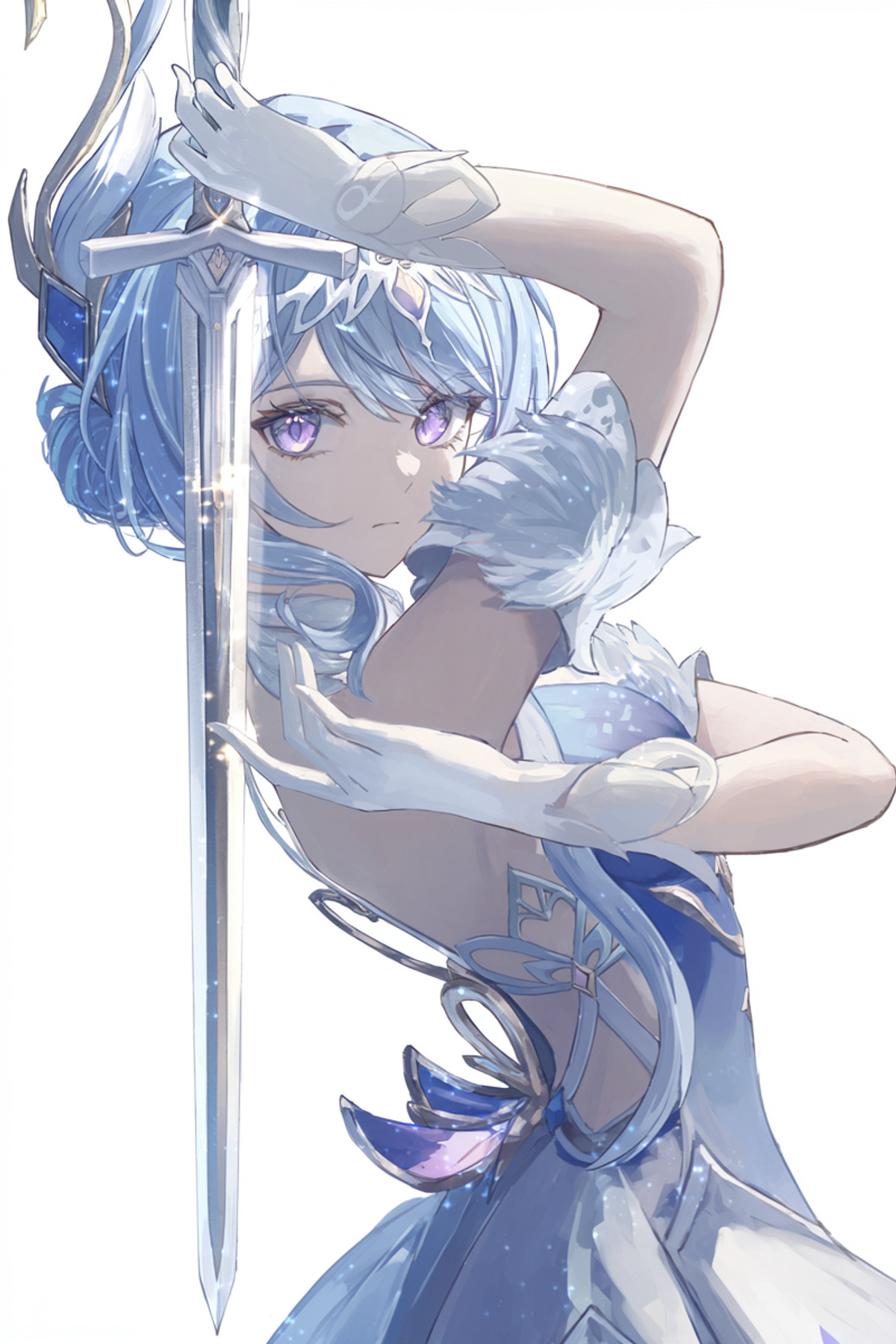
[B] Dalia Ilkin - Natural Character LoRA · v1.0
LoRA · New Model · Author alankcr · Published 11-27 07:12 · Downloads 13
Original fictional character LoRA: Dalia Ilkin, a woman in her early twenties with Turkish features, default bare face, realistic photography style, the author wants to avoid "perfect AI faces".
Images
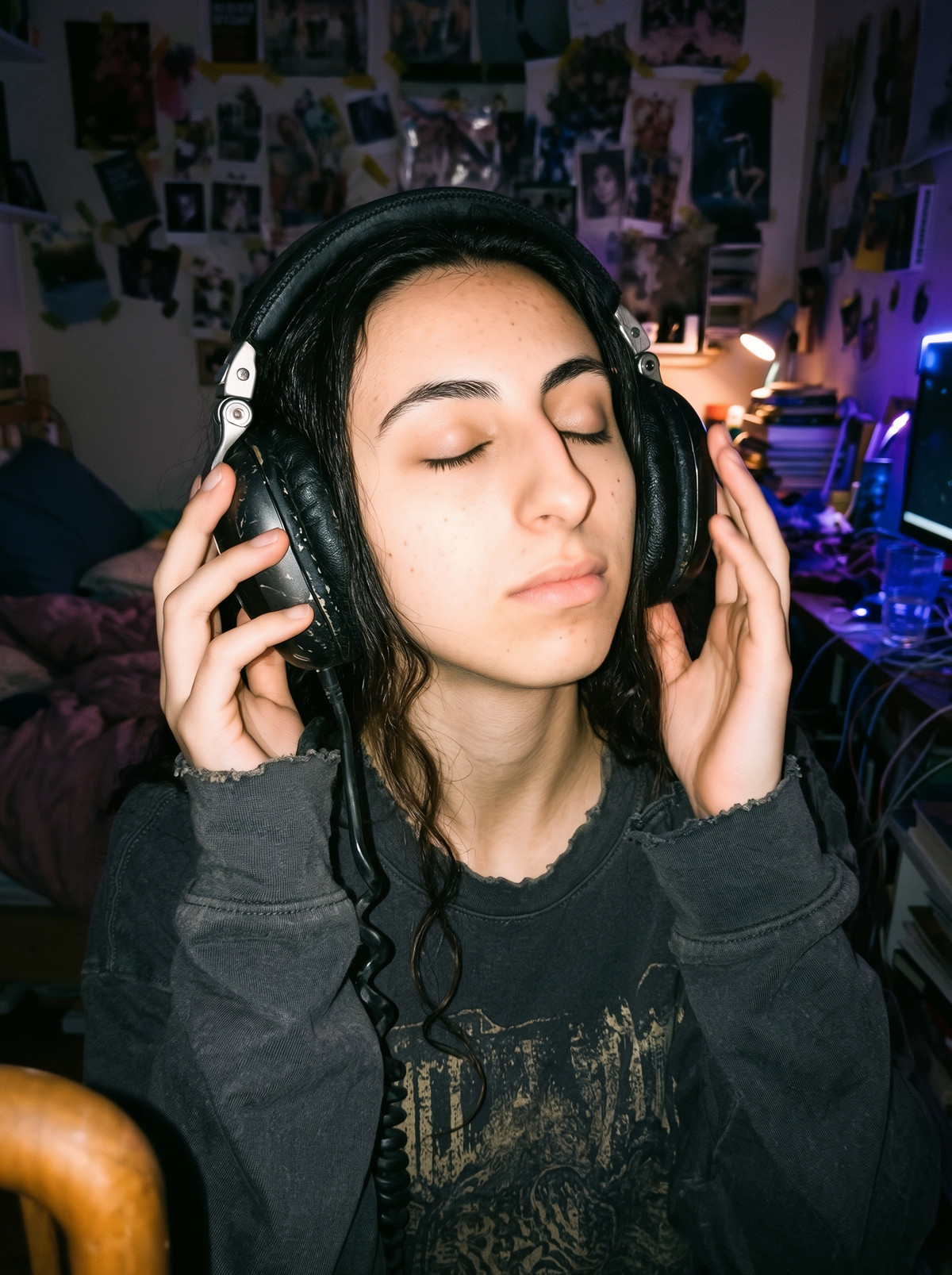
[B] MOSS 12/8 Step Turbo (base & sft) · OmniTurbo 8 step (v1)
LoRA · Version Update · Author anyMODE · Published 11-27 06:49 · Downloads 29
OmniTurbo 8 step version of the MOSS acceleration distillation LoRA: A 8 step specific variant of OmniTurbo v1 on the same model page, the author suggests fixing 8 steps, strength 1.0 (adjustable between 0.9–1.1).
Images
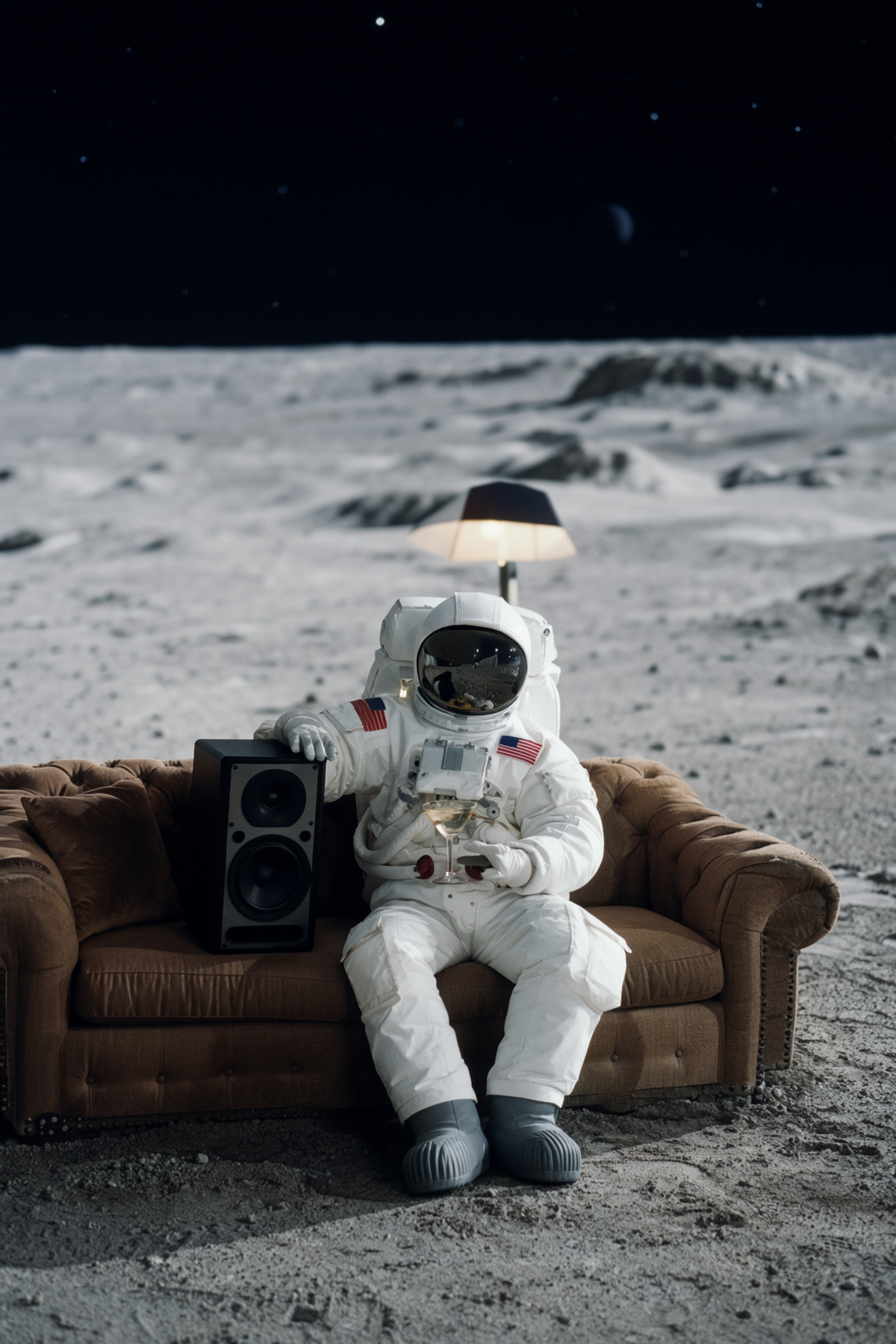
【B】Jima Style Moss · v2.0 light
LoRA · Version Update · Author lancelee · Published 11-26 21:53 · Downloads 47
The second version of the LoRA mimicking artist jima's style, "v2.0 light": retrained on the Base model at 1536 resolution using only recent works, focusing on soft lighting transitions and a translucent skin feel in anime illustrations.
Image
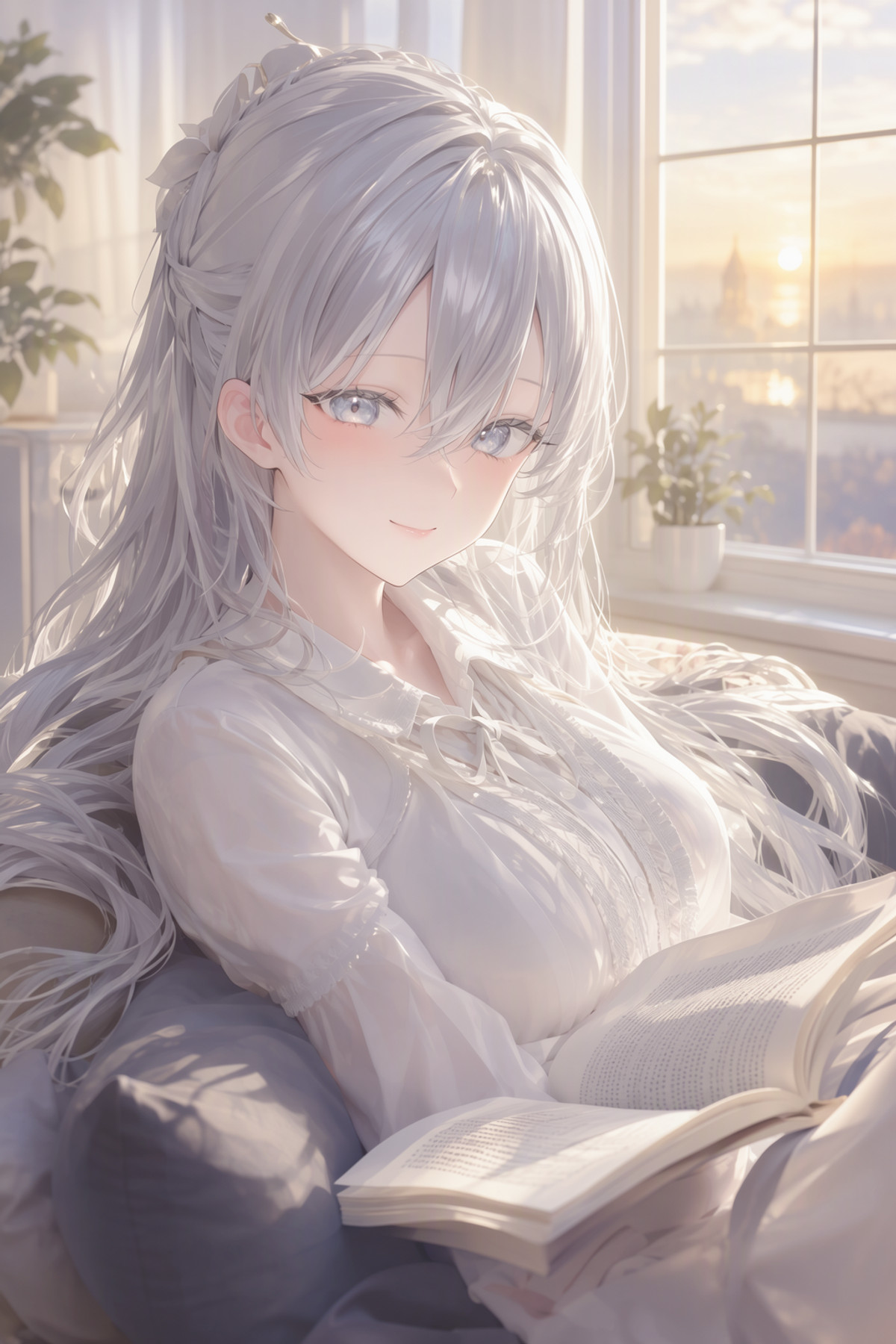
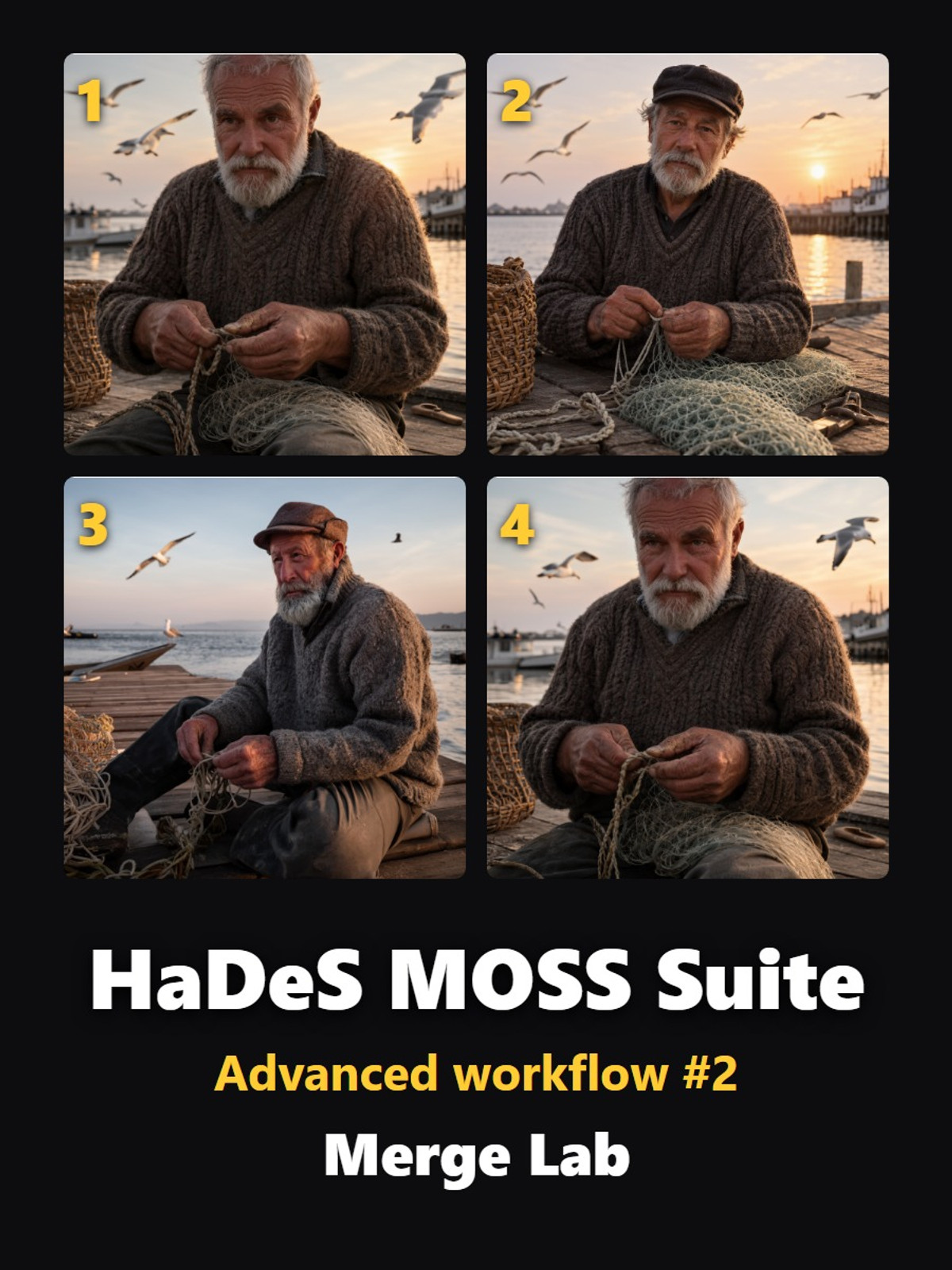
【B】HaDeS MOSS Suite Advanced Workflows · Merge Lab v0.9.8
Workflow · Version Update · Author _HaDeS_ · Published 11-27 07:48 · Downloads 11
Another workflow on the same model page, "Merge Lab" (JSON, not new weights): performs two types of merges between the official MOSS-Image SFT and Base models, shuffles the IDs of the two original models and the merged results on a comparison image for blind selection, and saves the answers to a separate file.
Image
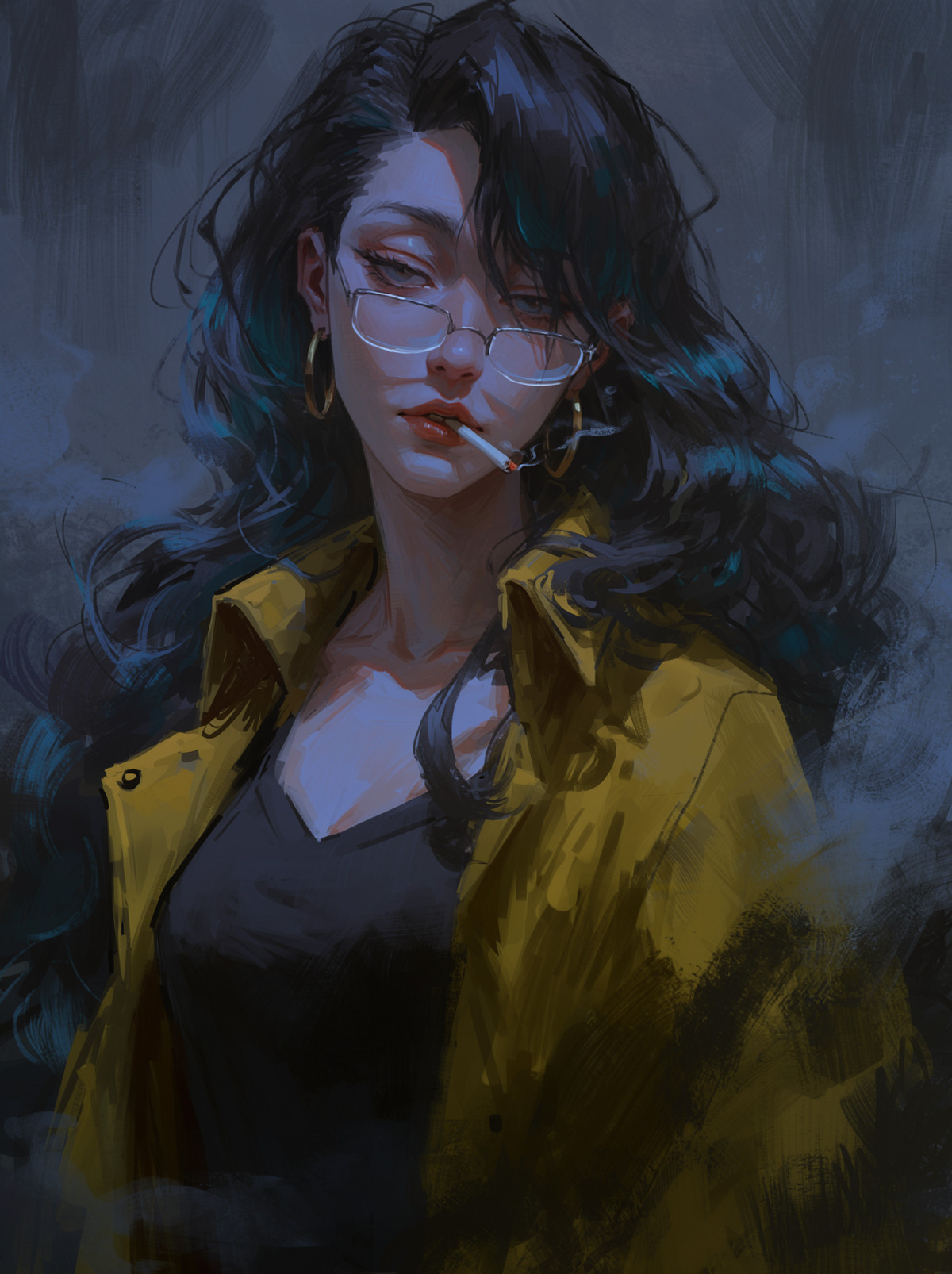
【B】MOSS Base digital art · v1.0
LoRA · New Model · Author vp1337 · Published 11-27 08:39 · Downloads 10
A "digital painting" brushstroke style LoRA for MOSS Base: trained by mixing multiple art styles, emphasizing thick brushstrokes and a digital illustration texture; the author admits the style is quite unstable.
Image
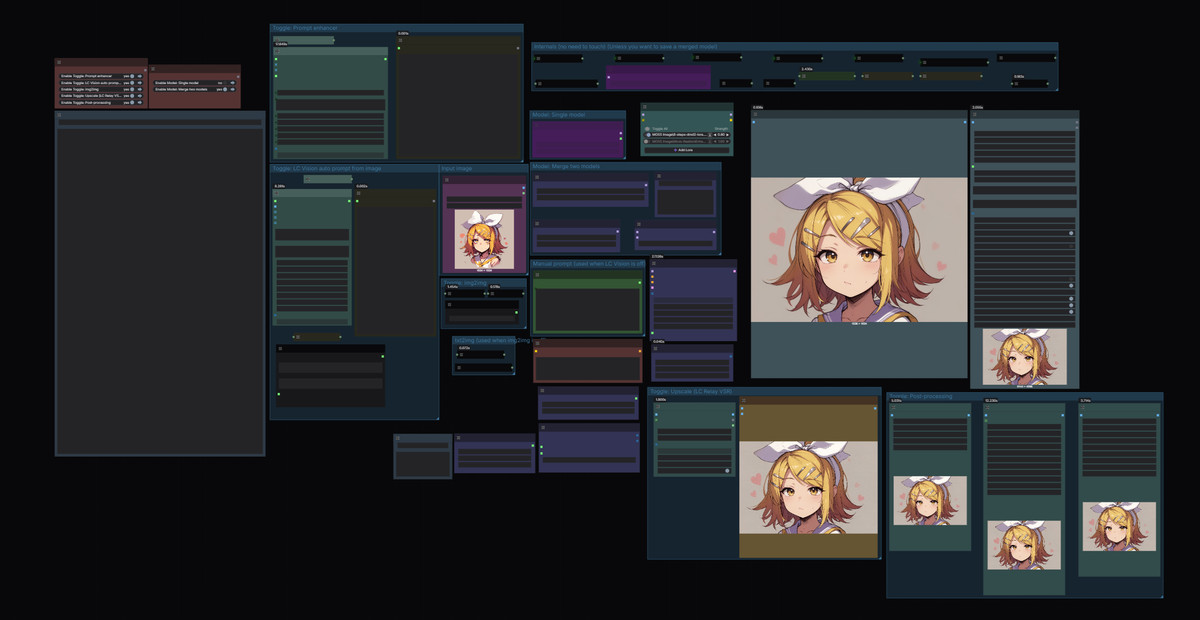
【B】Mikoshii's Ultra Lightweight MOSS Workflow - txt2img, img2img, Model Merging, Auto-prompting and Image Upscaling · v1.2
Workflow · Version Update · Author Mikoshii · Published 11-26 22:10 · Downloads 50
All-in-one MOSS workflow v1.2 (JSON, not new weights): text-to-image, image-to-image, real-time merging of two models, LC Vision for generating prompts from images, and SeedVR2 upscaling, with switch toggles that don't require rewiring; this version adds prompt expansion.
Image
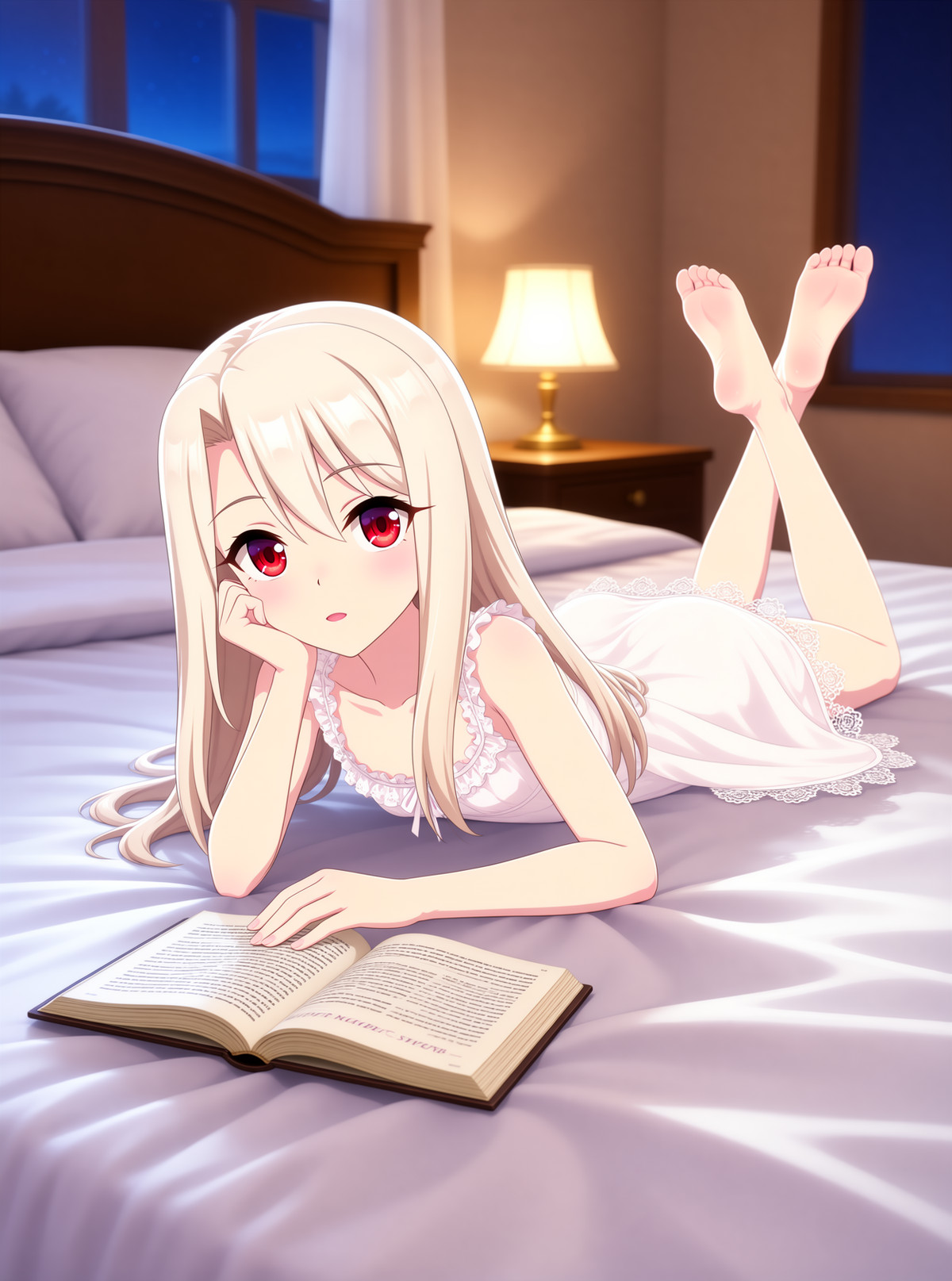
【B】(umamusume) game style · v1.0
LoRA · Port · Author manbaout1 · Published 11-27 08:47 · Downloads 8
A MOSS-retrained version of the "Uma Musume" game style LoRA: the author claims to have fixed issues from the old version such as messy backgrounds, broken fingers, and color bleeding between clothing and backgrounds; it can also be applied to other anime characters.
Image
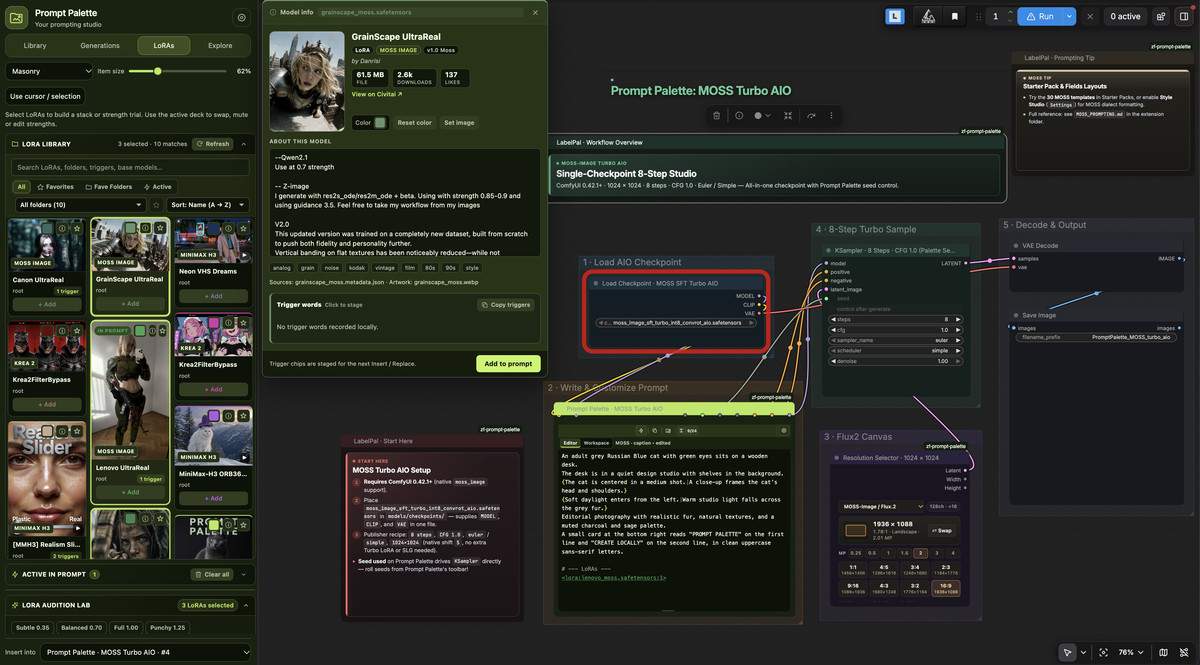
【B】Prompt Palette — MOSS-Image Prompt & LoRA Workflow · v2.1.1 - MOSS-Image-AIO
Workflow · Version Update · Author z3rofeels · Published 11-27 06:36 · Downloads 15
A new MOSS workflow variant of the ComfyUI prompt suite Prompt Palette: changed to load a single MOSS Turbo AIO all-in-one checkpoint, generating images in 8 steps, with automatic completion of LoRA / Booru tags / wildcards in the prompt box, and including three prompt templates: MOSS descriptions, ordered tags, and layout JSON.
Image
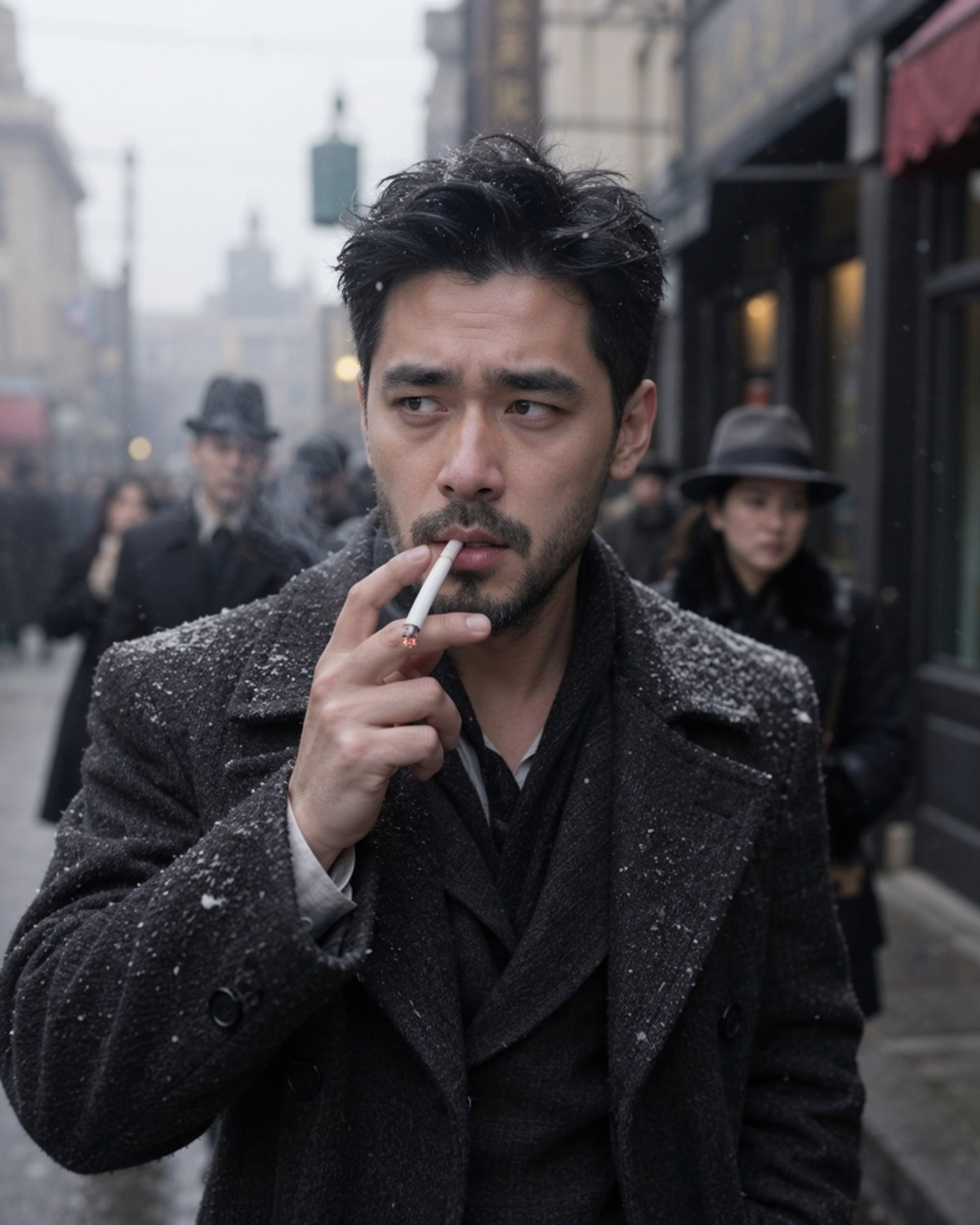
【B】Mature Chinese male · v5.0 (MOSS)
LoRA · Version Update · Author gfzju · Published 11-26 21:43 · Downloads 22
The fifth version of a realistic face shape LoRA that pushes facial features toward "mature East Asian male" (middle-aged, rugged, stubble); this is the second version on MOSS; no trigger word required.
Image
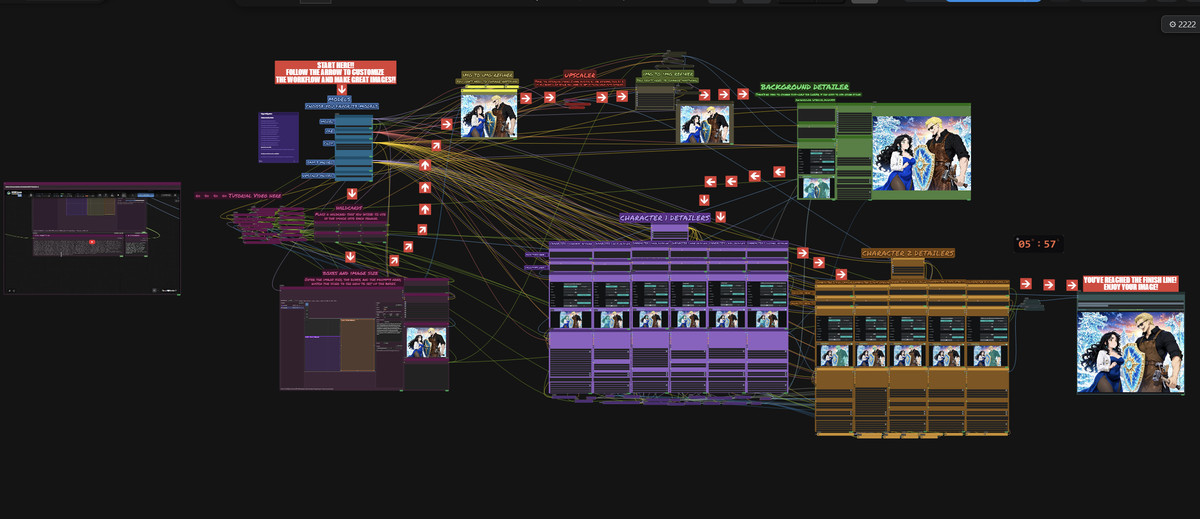
【B】Illustrious txt2img with regional prompter, detailers and wildcards · v2.0 MOSS
Workflow · Version Update · Author saehara151 · Published 11-27 02:21 · Downloads 14
The second MOSS version of a ComfyUI workflow for multi-character regional generation: uses MOSS layout JSON (a description segment + coordinate box for each character) to write characters by region, then uses SAM 3.1 to automatically find regions for local detailing, supporting wildcard batch outfit changes.
Image
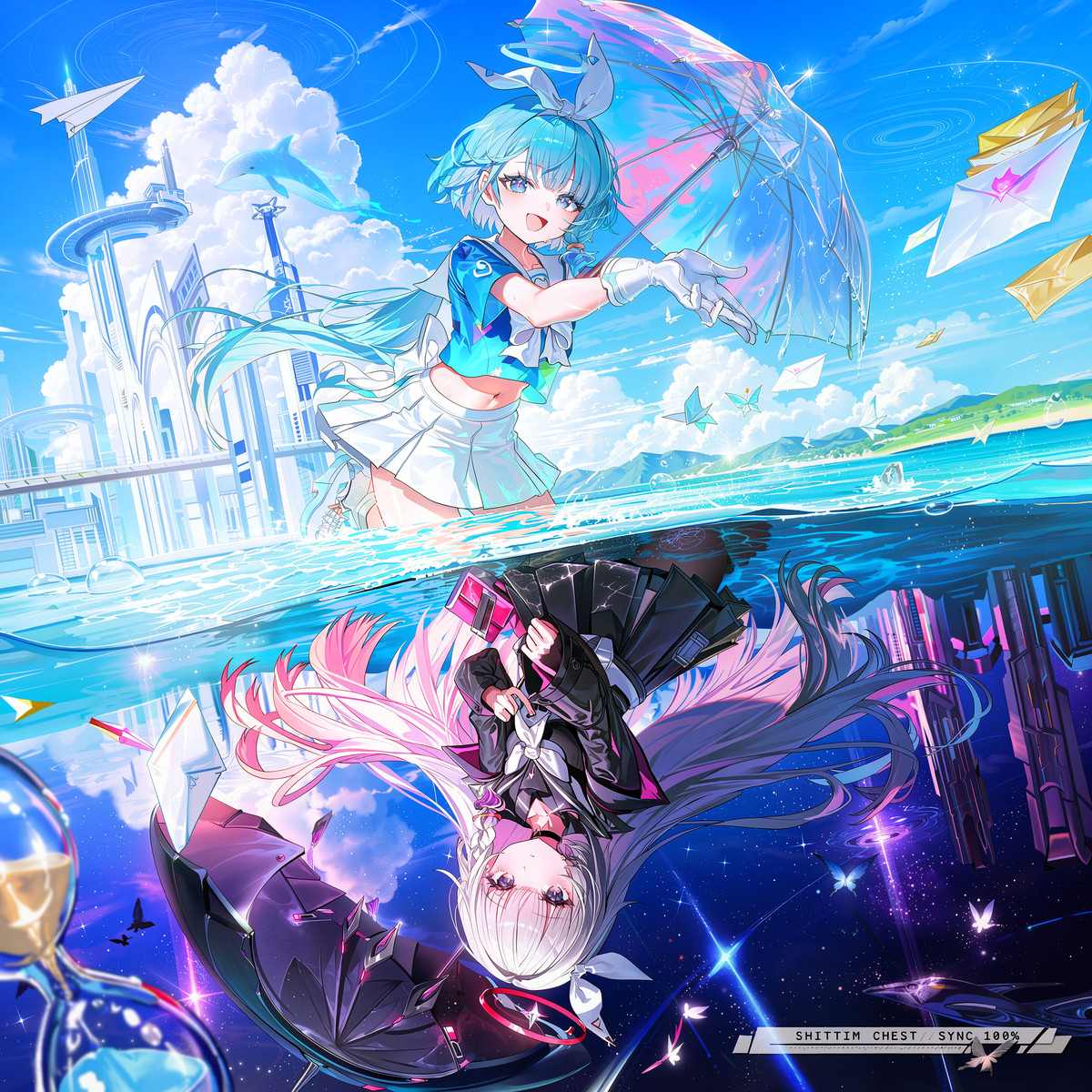
【B】(MOSS style LoRA) NAI glossy semi-realistic style · v1.0
LoRA · New Model · Author Beargreenmouse · Published 11-27 00:15 · Downloads 67
An anime glossy semi-realistic style LoRA: the name points to NovelAI-style high-gloss illustrations, no trigger word required, trained on Kohaku's MOSS-heal fine-tuned base model.
Image
Included Only (18)
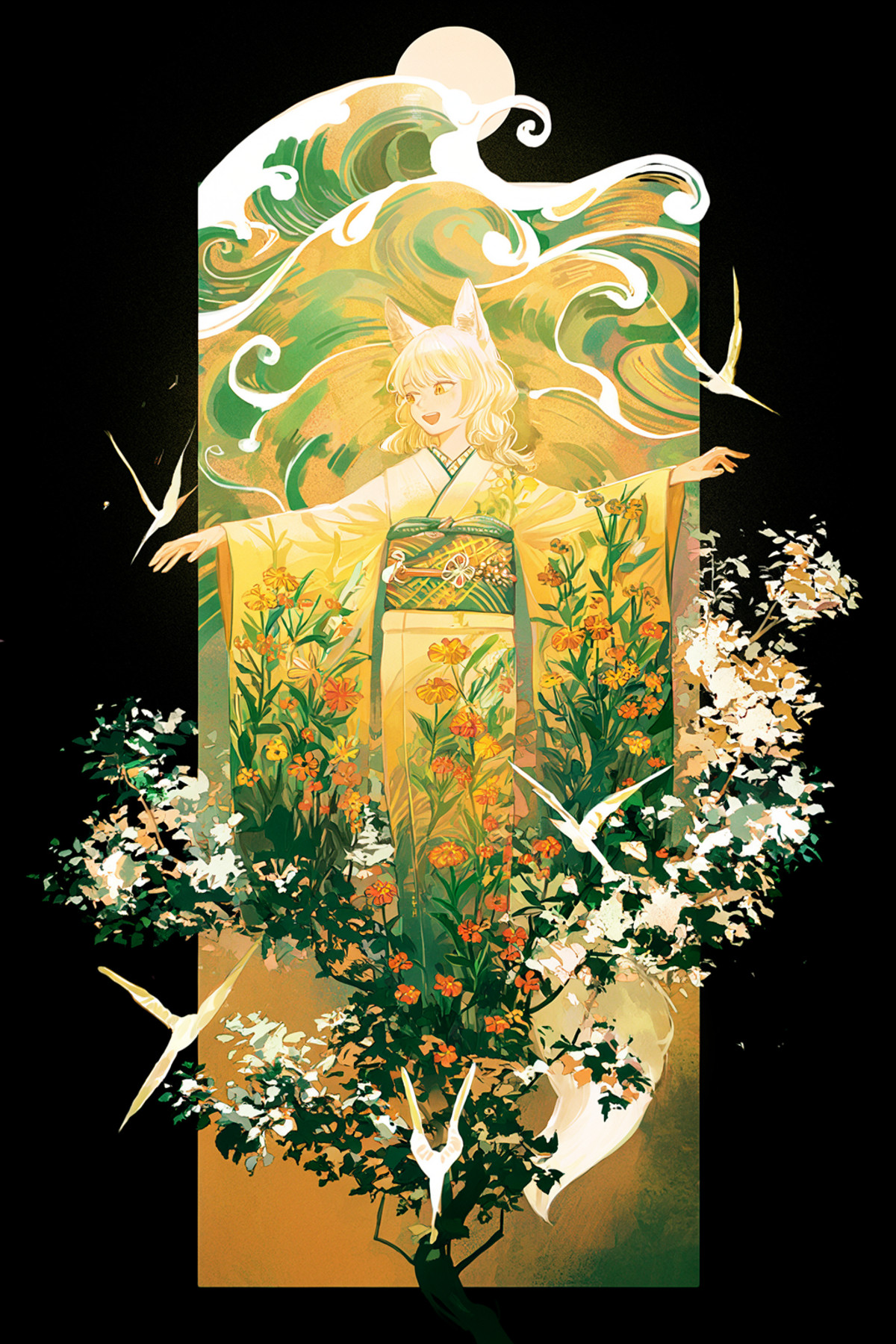
- Loika Style [Anima/MOSS] · MOSS v1.0 — LoRA: A MOSS port of a LoRA mimicking the art style of artist Loika: examples feature surreal anime compositions with dark backgrounds, large areas of negative space, grainy textures, and strong color tones.
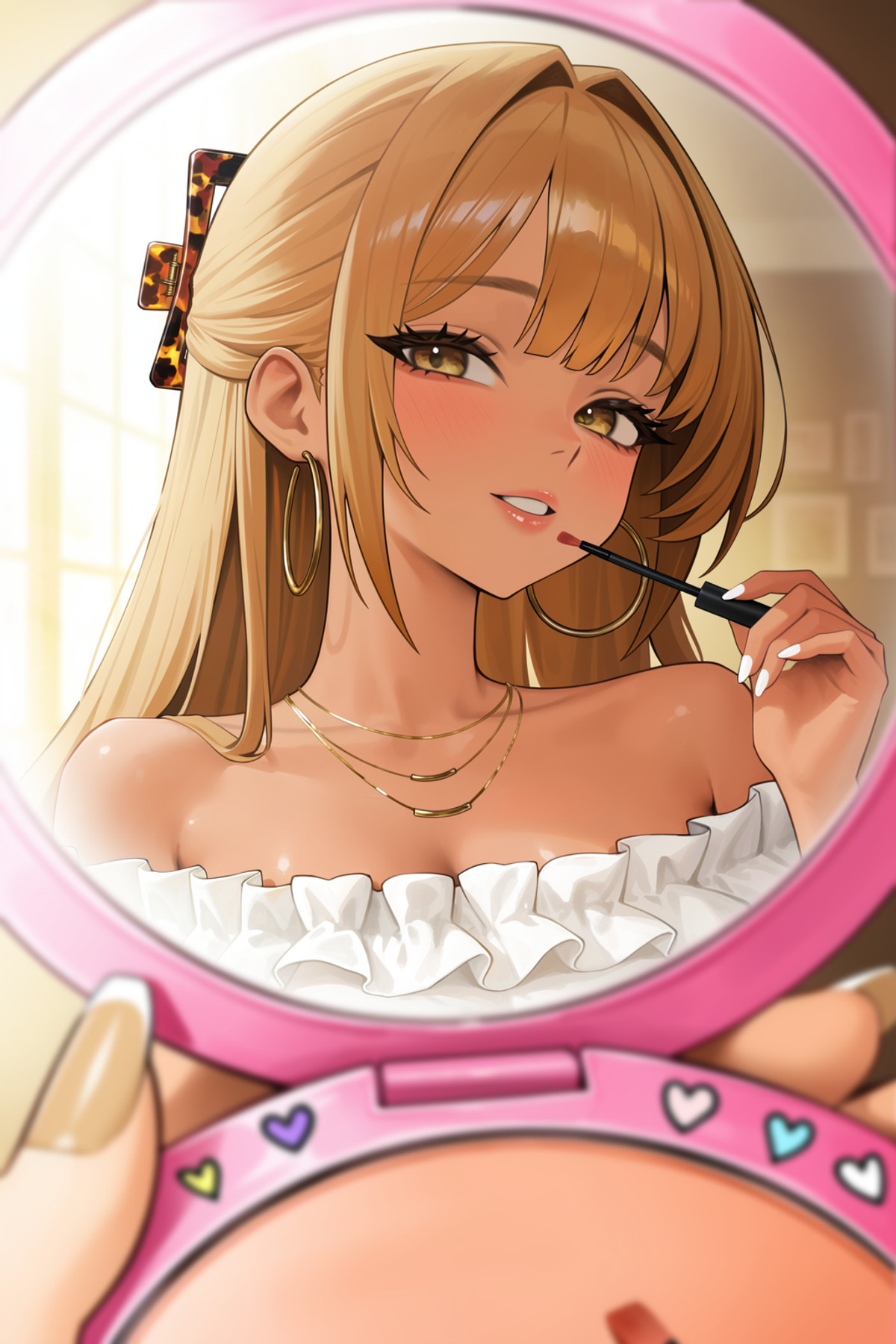
- Agoto - Artist Style · MOSS-Image — LoRA: A MOSS port of a LoRA mimicking the art style of artist agoto (character illustrations for Alchemy Stars): detailed, thick-paint anime female illustrations.
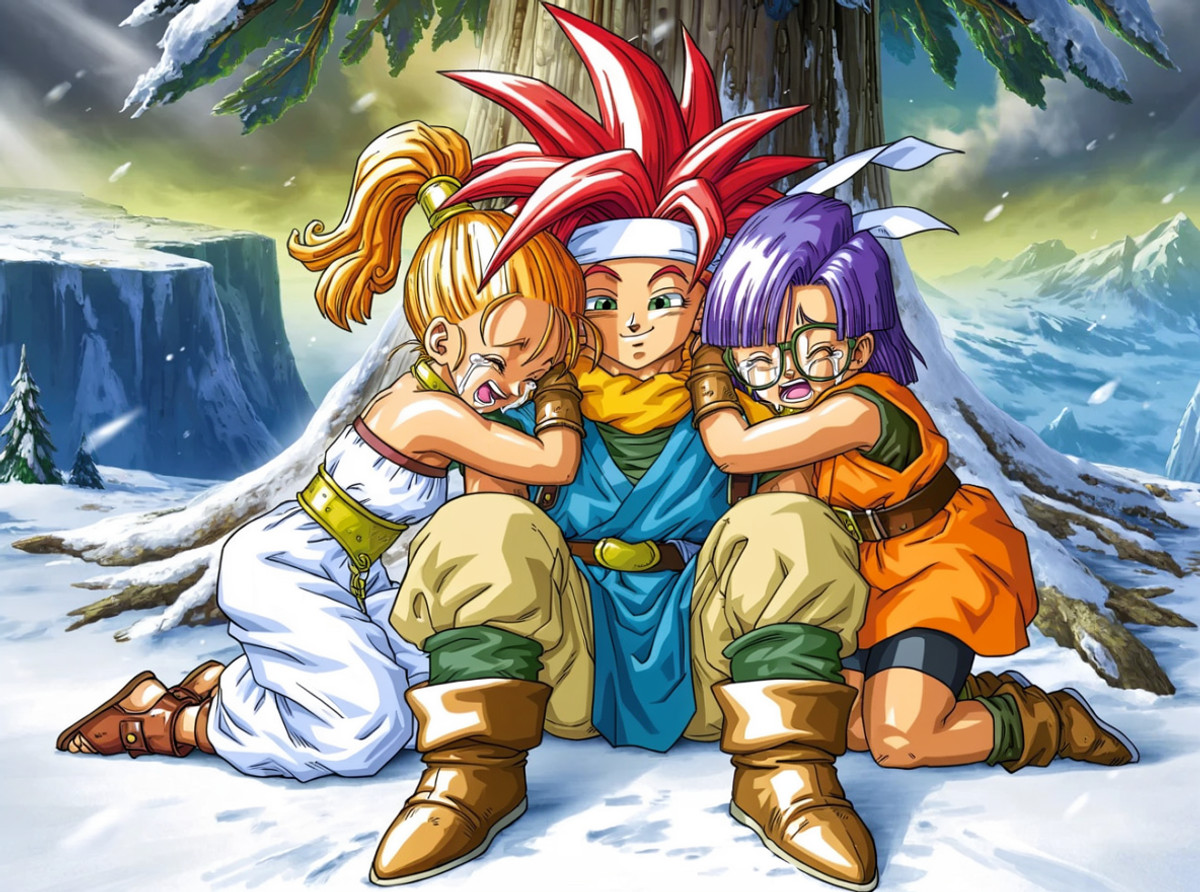
- Chrono Trigger Characters (MOSS Image) · v1.1 — LoRA: A multi-character LoRA for Chrono Trigger on v1.1: adds protagonist Crono alongside Lucca, Marle, and Ayla; the four can be generated individually or together.
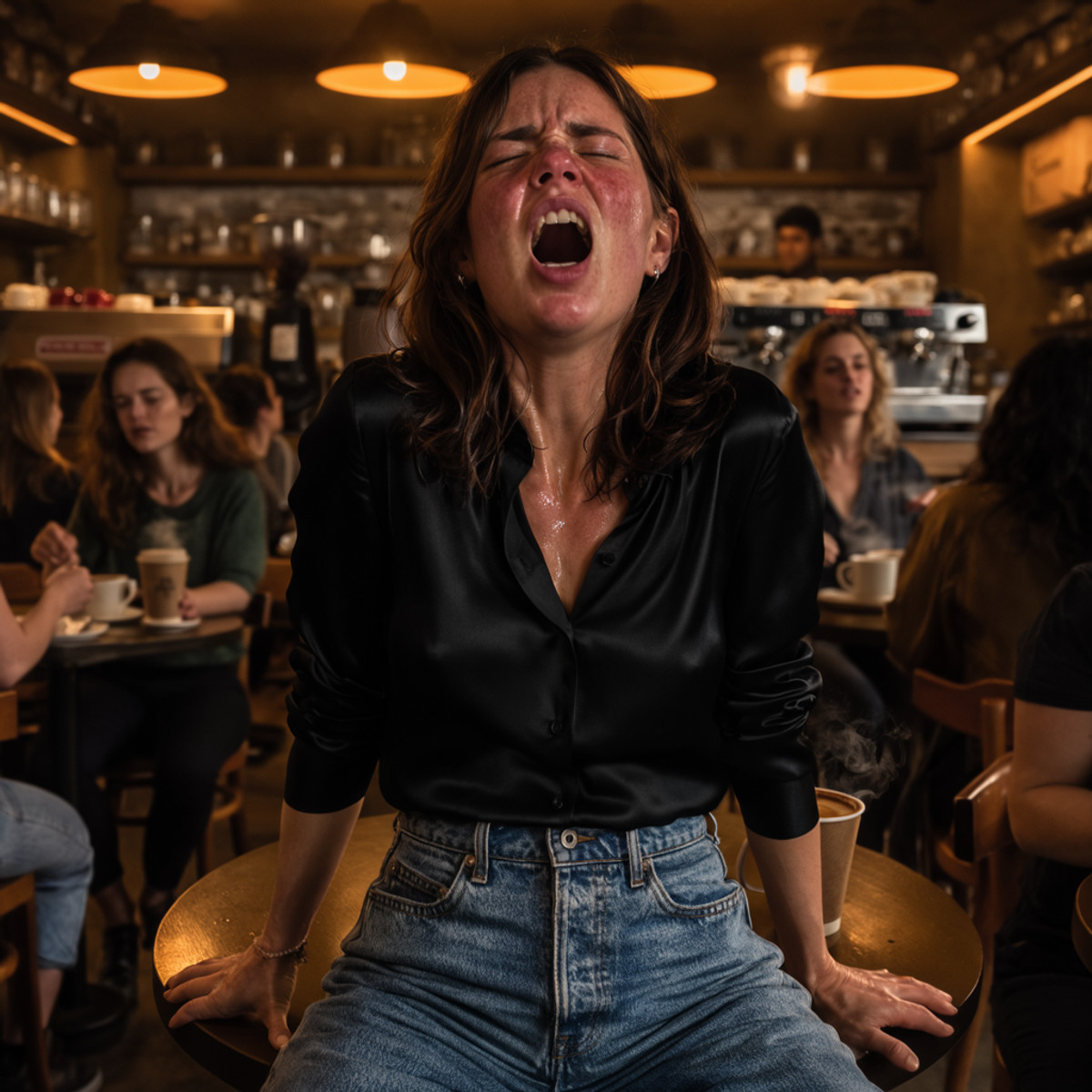
- NullMoan · v1.0 — LoRA: A small conceptual LoRA that alters facial expressions, with the trigger word NullMoan; the description only includes training parameters.
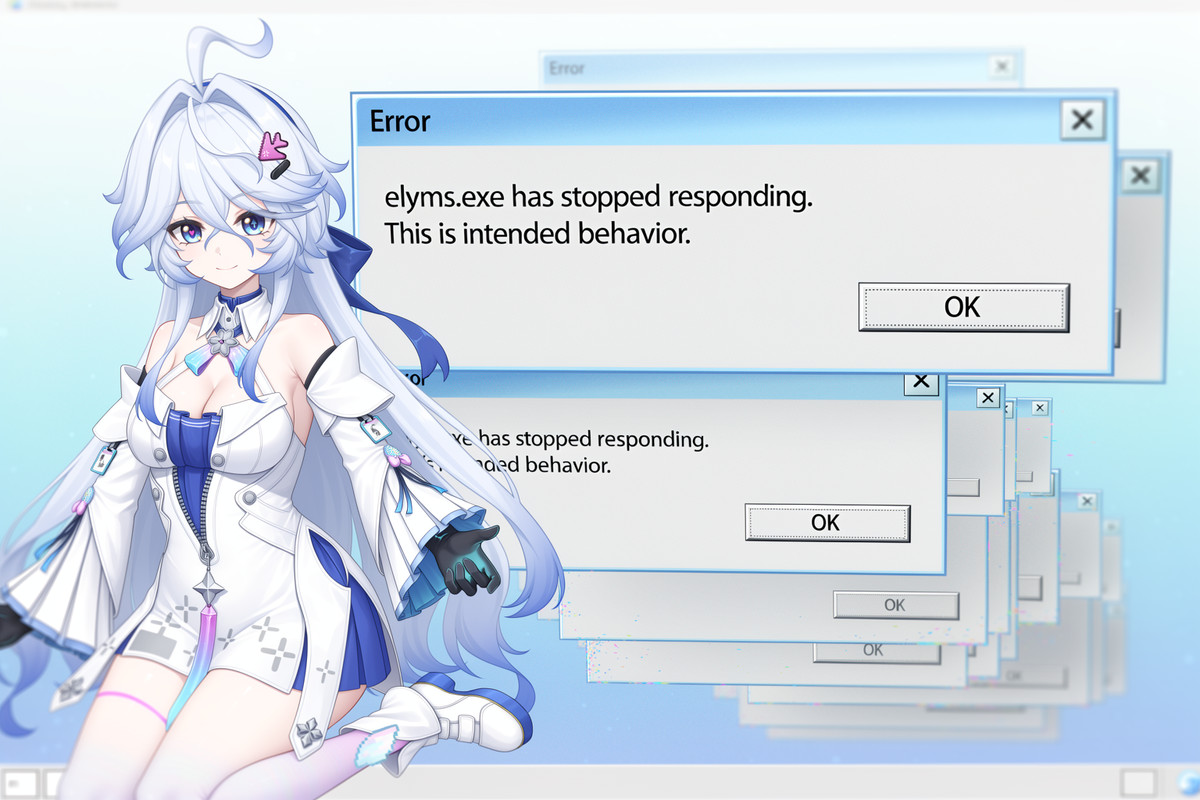
- MOSS-Image - Neverness to Everness - Elyms (NTE) · V2 — LoRA: Version 2 of a LoRA for the character Elyms from the game Neverness to Everness: fixes the missing headband from the first version and includes a full set of appearance tags along with corresponding natural language descriptions.
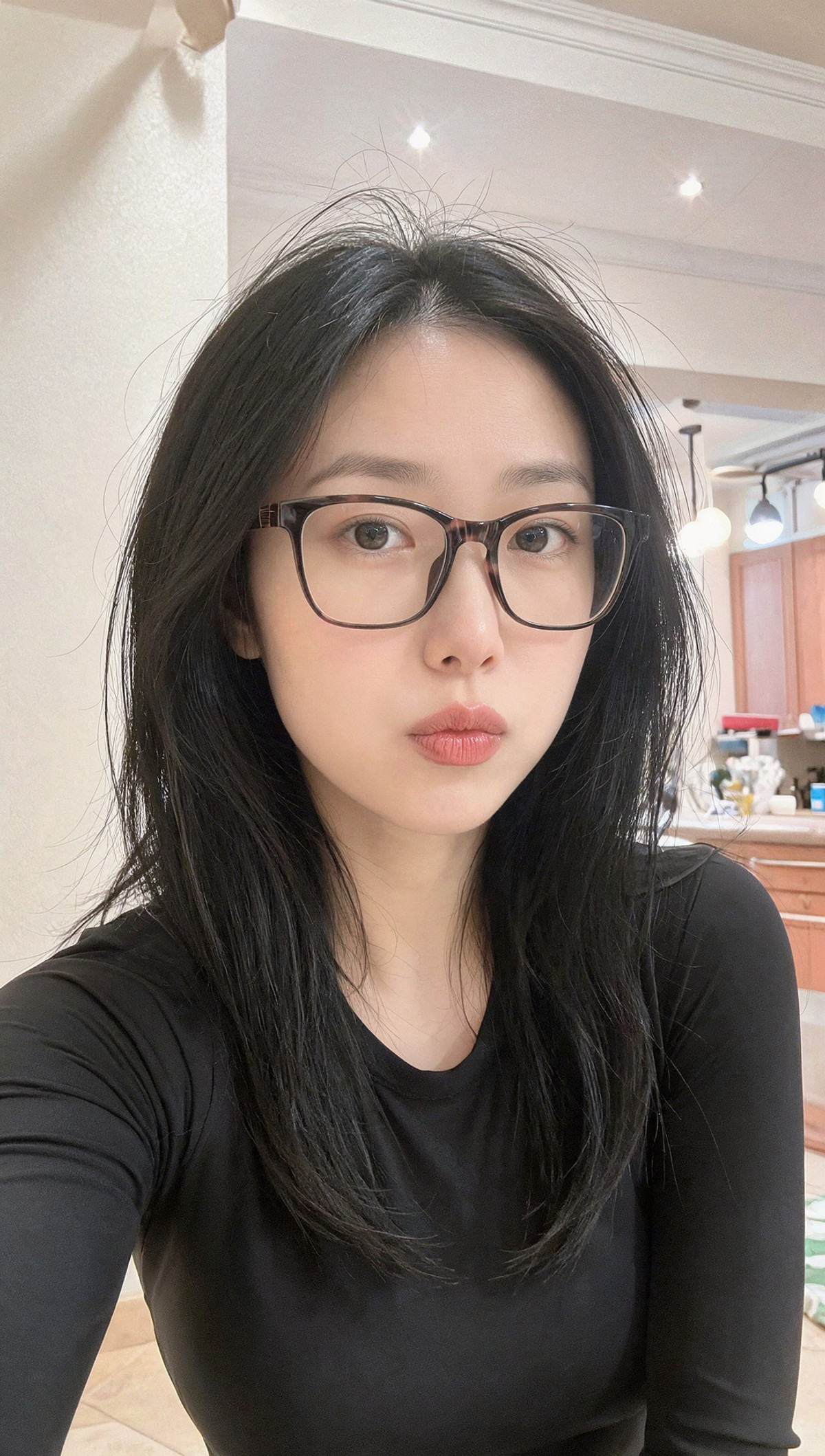
- 【MOSS】Virtual Influencer-qiaoniu · qiaoniu v1.0 — LoRA: A female character LoRA named qiaoniu, described as a "virtual influencer" by a Chinese author: the description consists of only one sentence detailing body type and face shape, with a weight of 0.8.
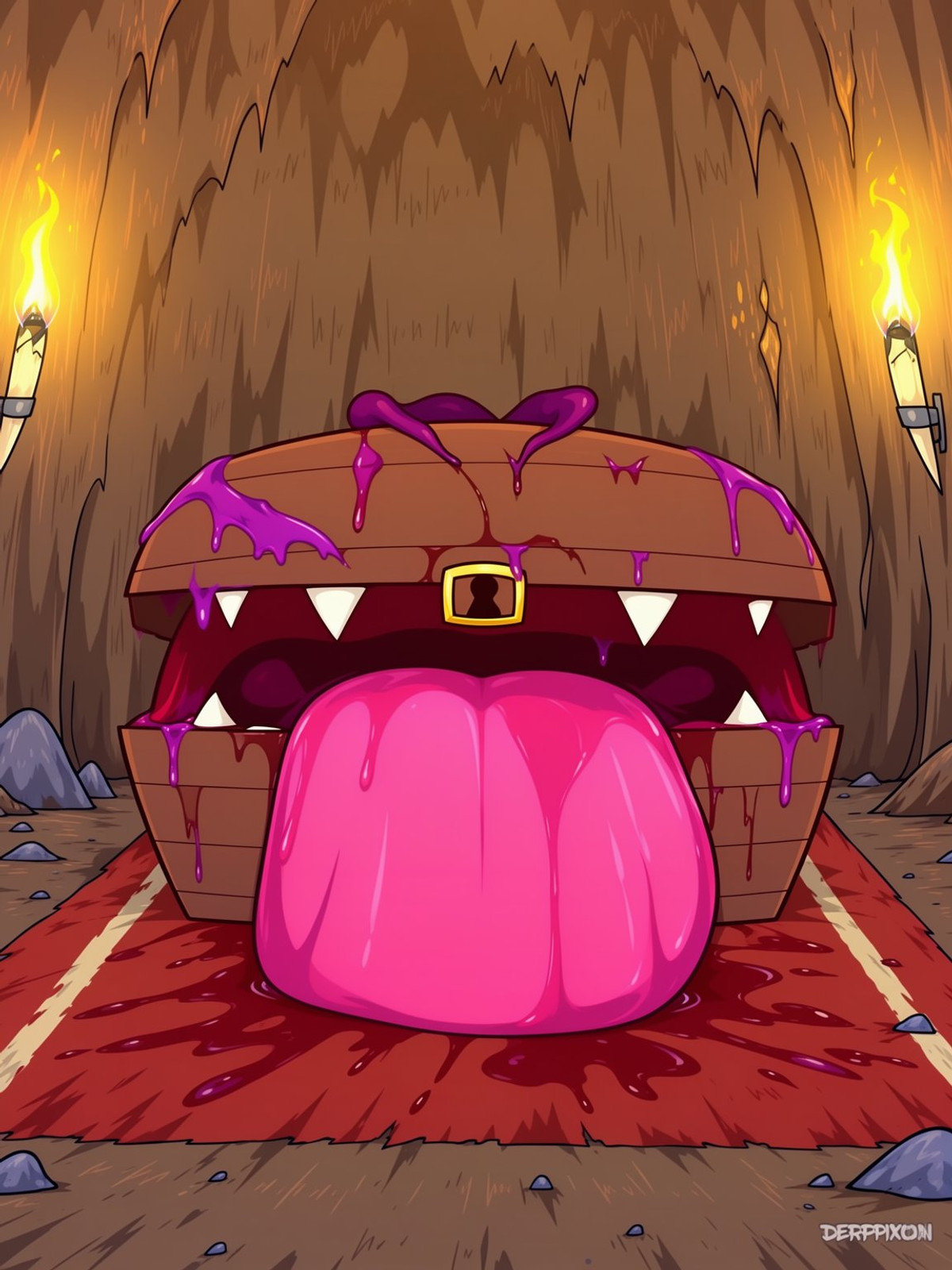
- Fandal Tales First Party by Dexprion · v1.0 — LoRA: A character collection LoRA named LyCORIS for the short film Fandal Tales First Party by animator Dexprion: features one master trigger word and six character/monster codes.
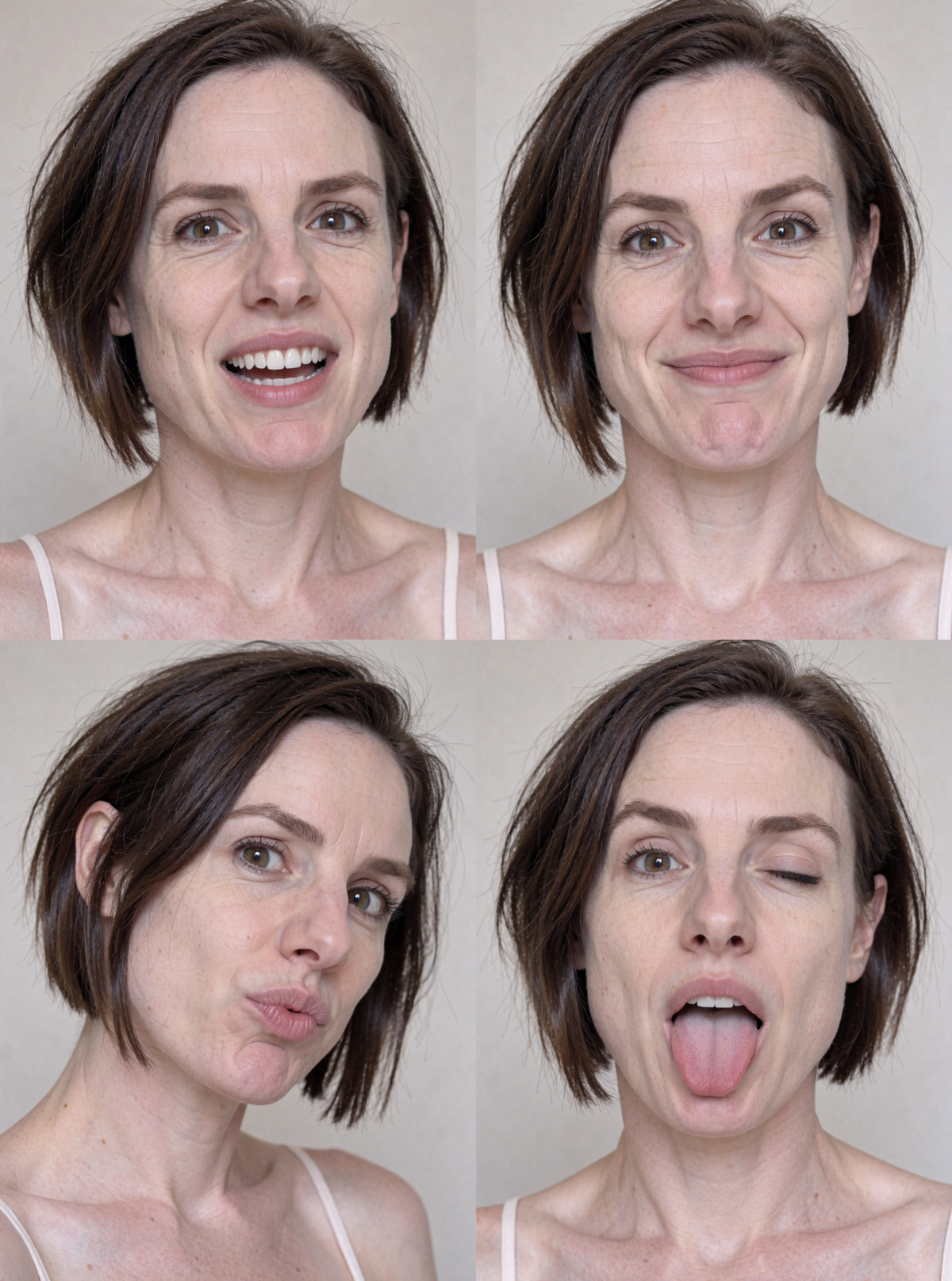
- Eira - Fennec Character · MOSS v1 — LoRA: An original fictional character LoRA named Eira: a brown-haired woman in her early thirties with a natural appearance; all training images are AI-generated.
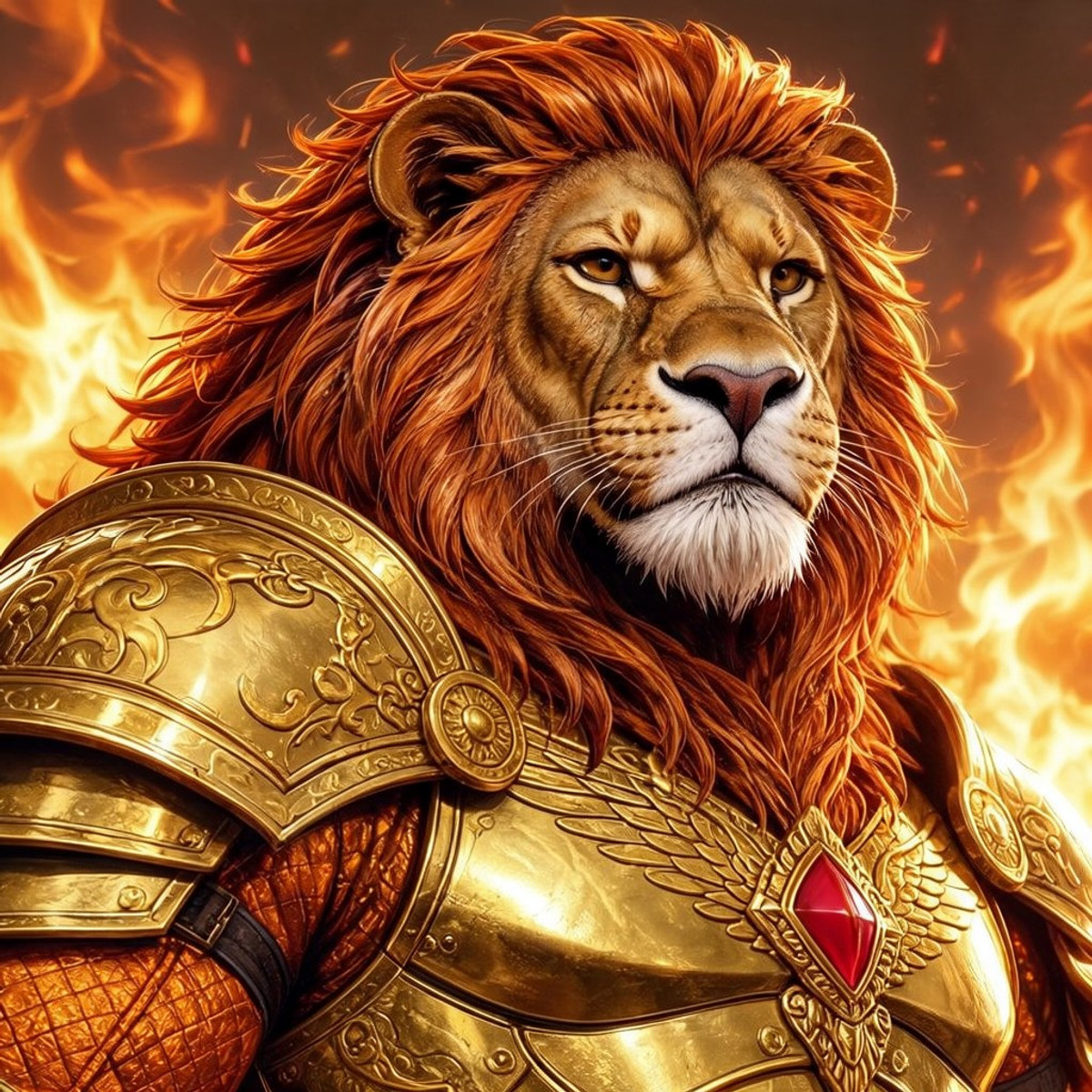
- Solaris (Aurelion): The Fall · Solaris [MOSS] — LoRA: A LoRA for the comic-style anthropomorphic lion warrior character Solaris (Aurelion): defaults to green armor, with an option to switch to a golden armor set.
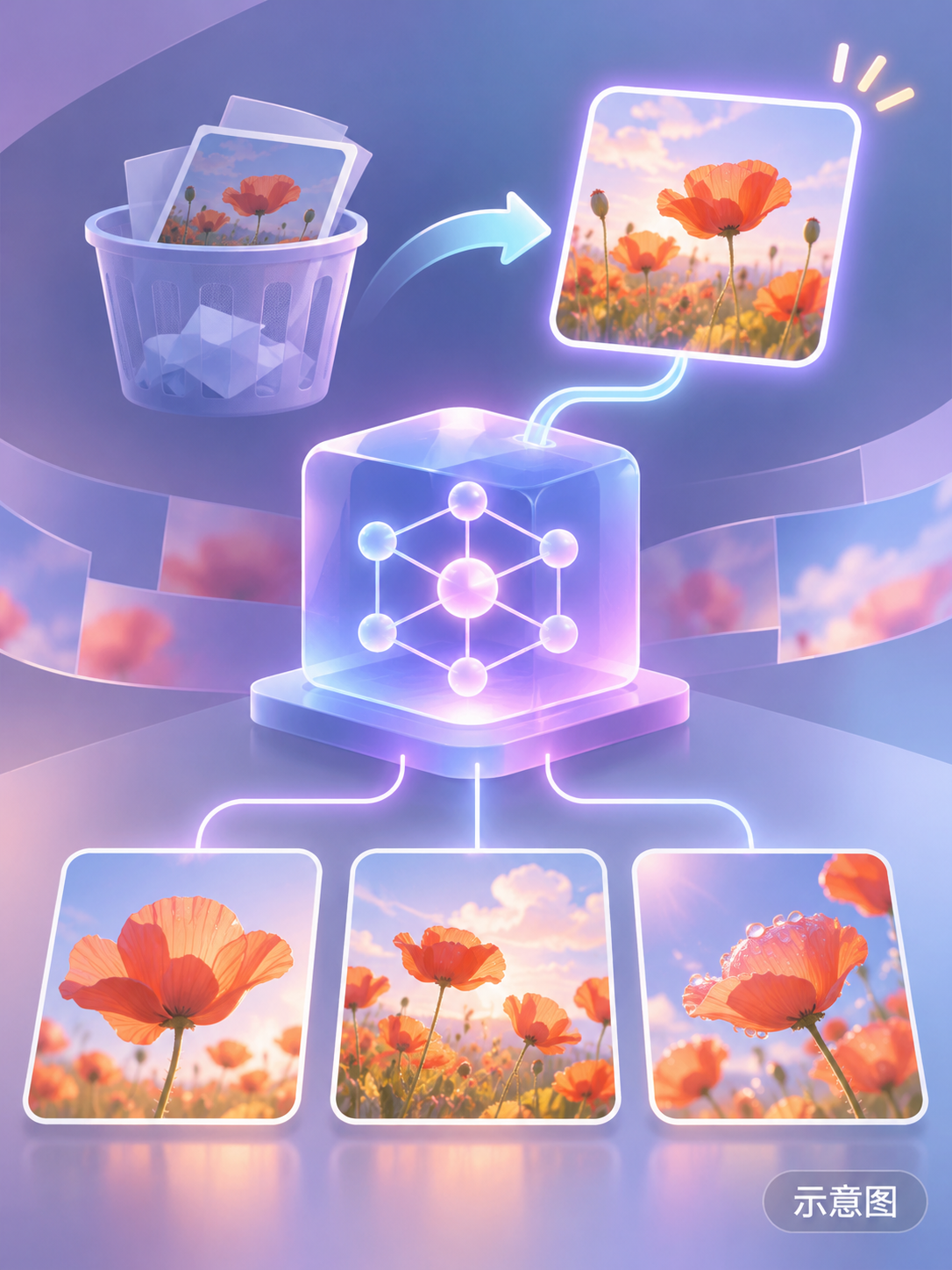
- Poppy · MOSS Image — LoRA: A character LoRA for Poppy, an AI-generated original 19-year-old female character, ported from the Krea 2 version to MOSS.
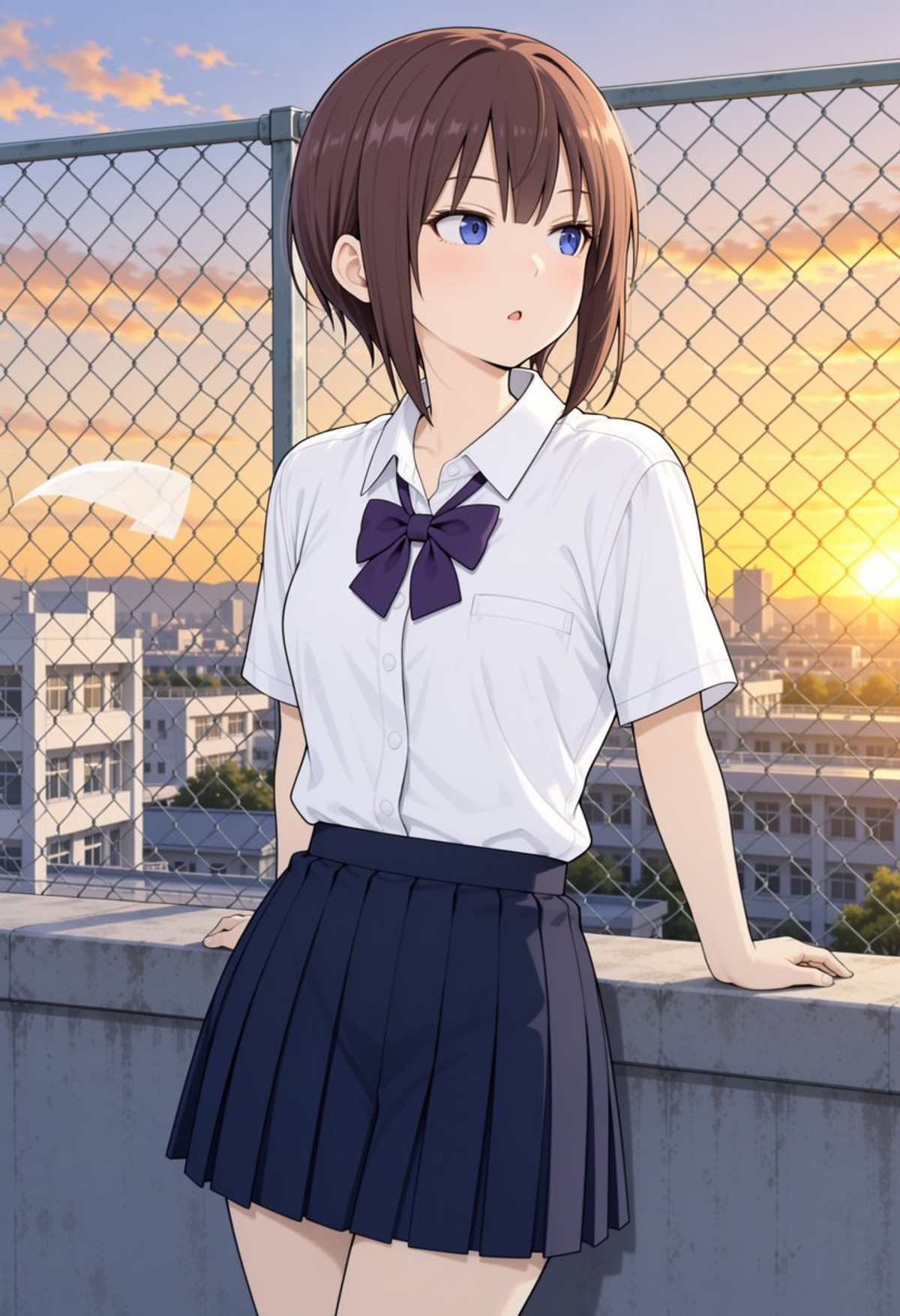
- yui_sasaki · v1.0 (moss) — LoRA: A character LoRA for Yui Sasaki (black hair, black eyes) from the manga MeMeMeMeMeMeMeMeMeMenhera, ported from the Anima version to MOSS.
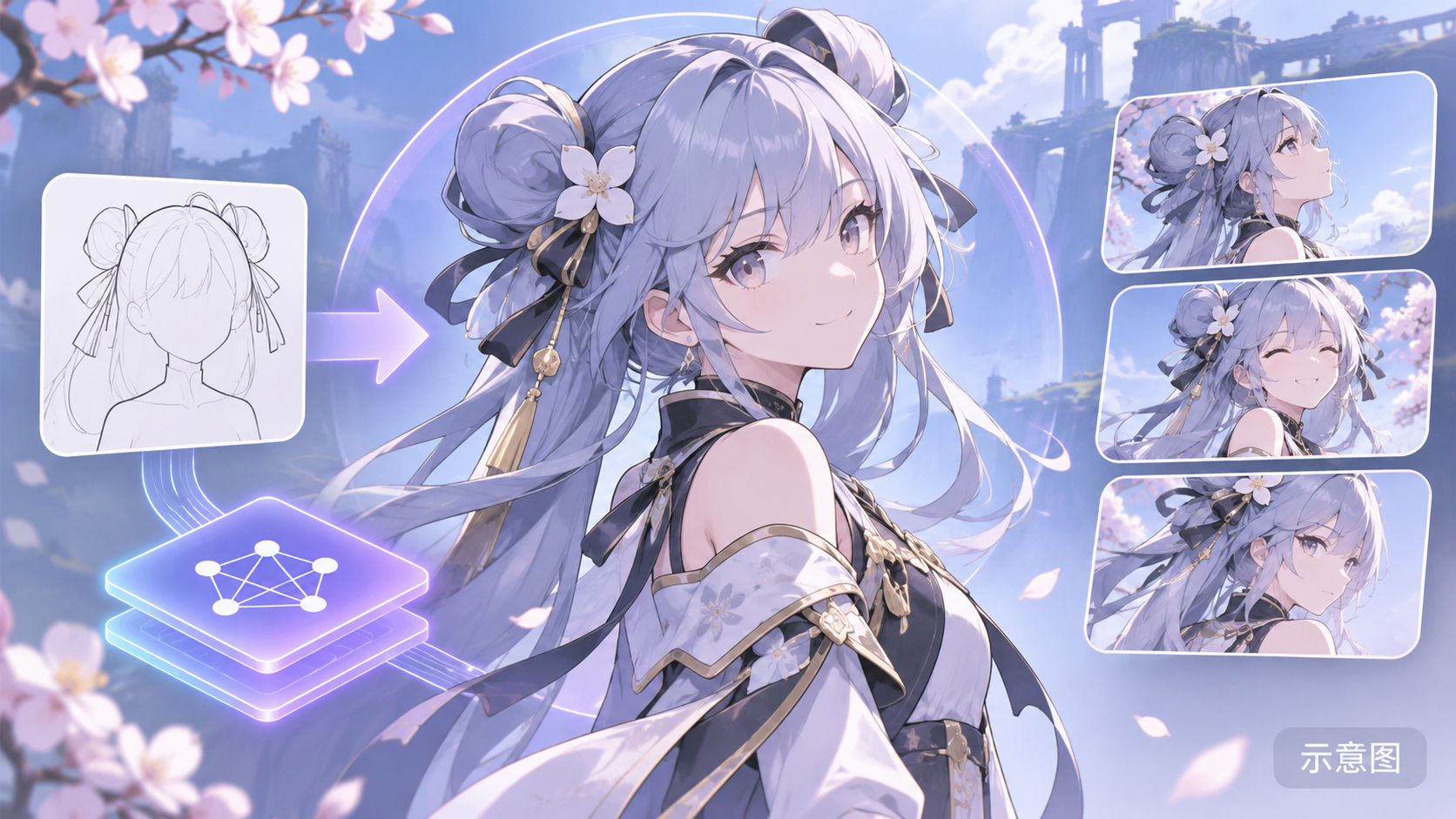
- Suisui-Wuthering Waves 穗穗-鸣潮 · base v1.0 — LoRA: A character LoRA for Suisui from Wuthering Waves: trigger word suisui_wuwa; the author includes a complete prompt for the official outfit (gold-blue gradient phoenix-feather qipao, hairpin with bird ornament, folding fan, etc.).
- (MOSS style LoRA) Oil painting style · v1.0 — LoRA: A style LoRA named "Oil Painting Style" with no trigger word; the base model for training is Kohaku's MOSS-heal; however, the only visible example does not show oil painting brushstrokes.

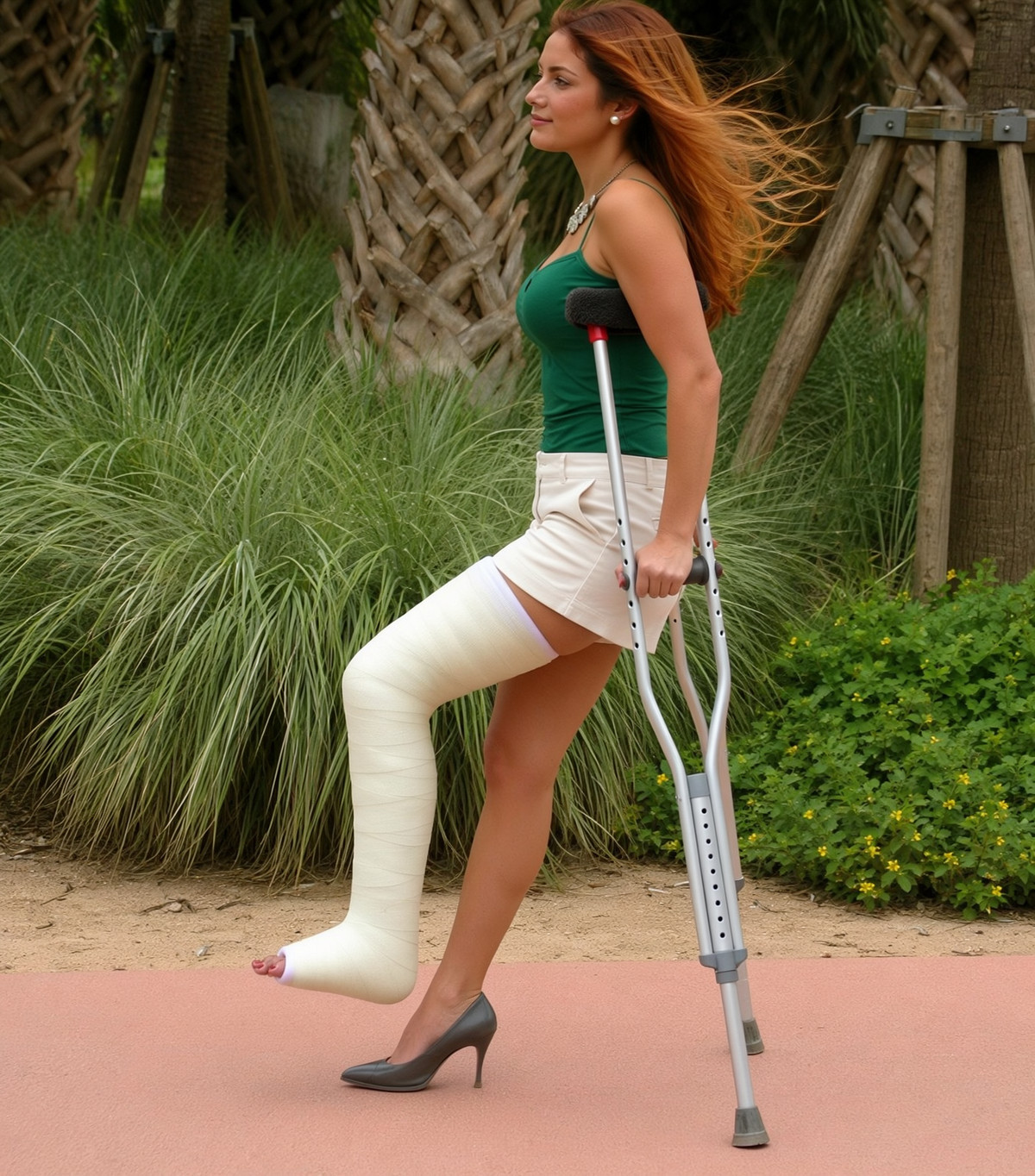
- Long leg cast · Moss Image — LoRA: A conceptual LoRA for drawing long leg casts/fiberglass fixation braces (covering from thigh to foot), ported from the Krea 2 version to MOSS.
- (moss-image) 2in1 Kaname Madoka and Akemi Homura · v1.0 — LoRA: A combined character LoRA for Kaname Madoka and Akemi Homura from Puella Magi Madoka Magica; the author claims it can also generate Mami Tomoe, Sayaka Miki, and Kyoko Sakura.

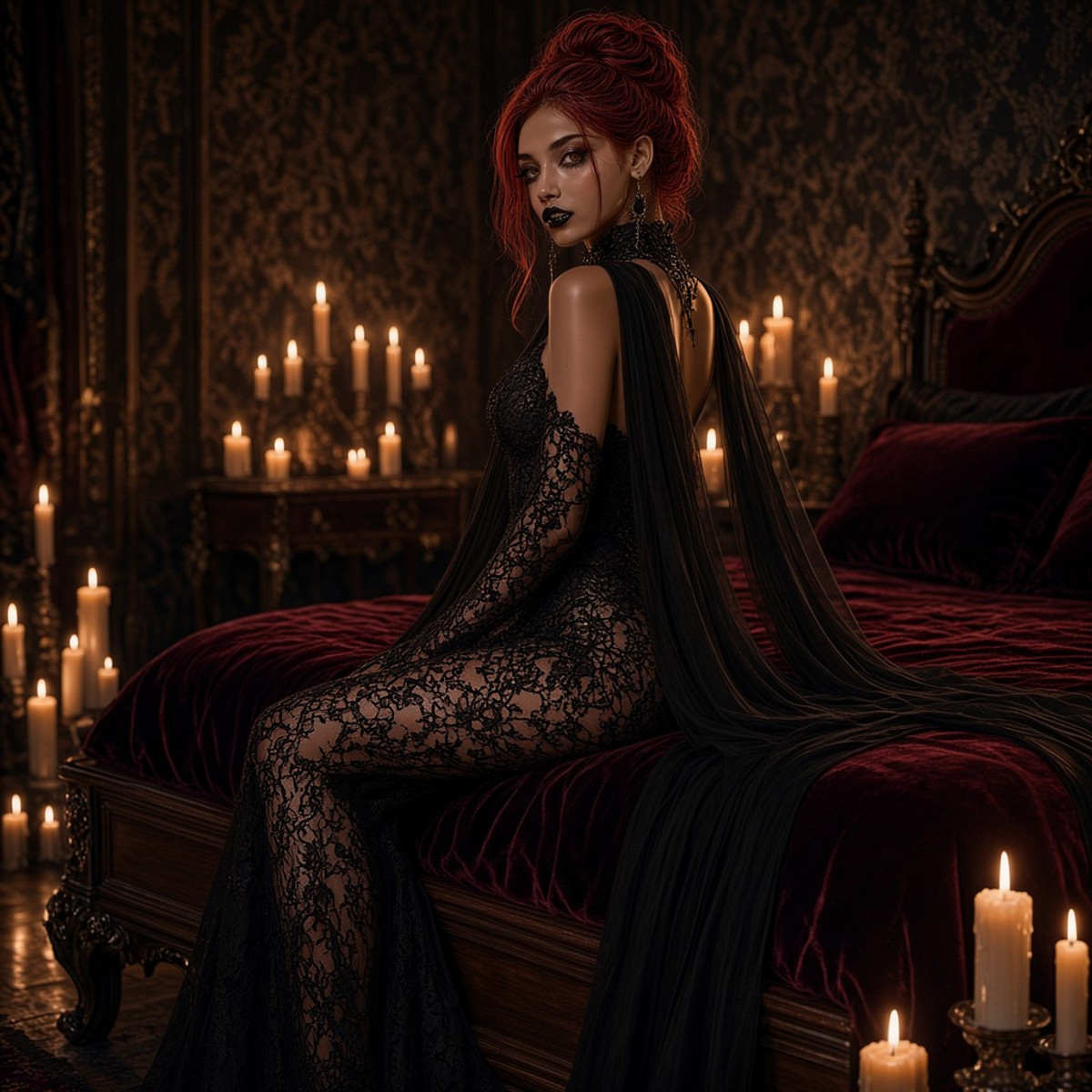
- Akira · v1 — LoRA: An original character LoRA: Vampire Empress Akira (red hair in a high bun, black lips, gothic makeup); the description is only one sentence.
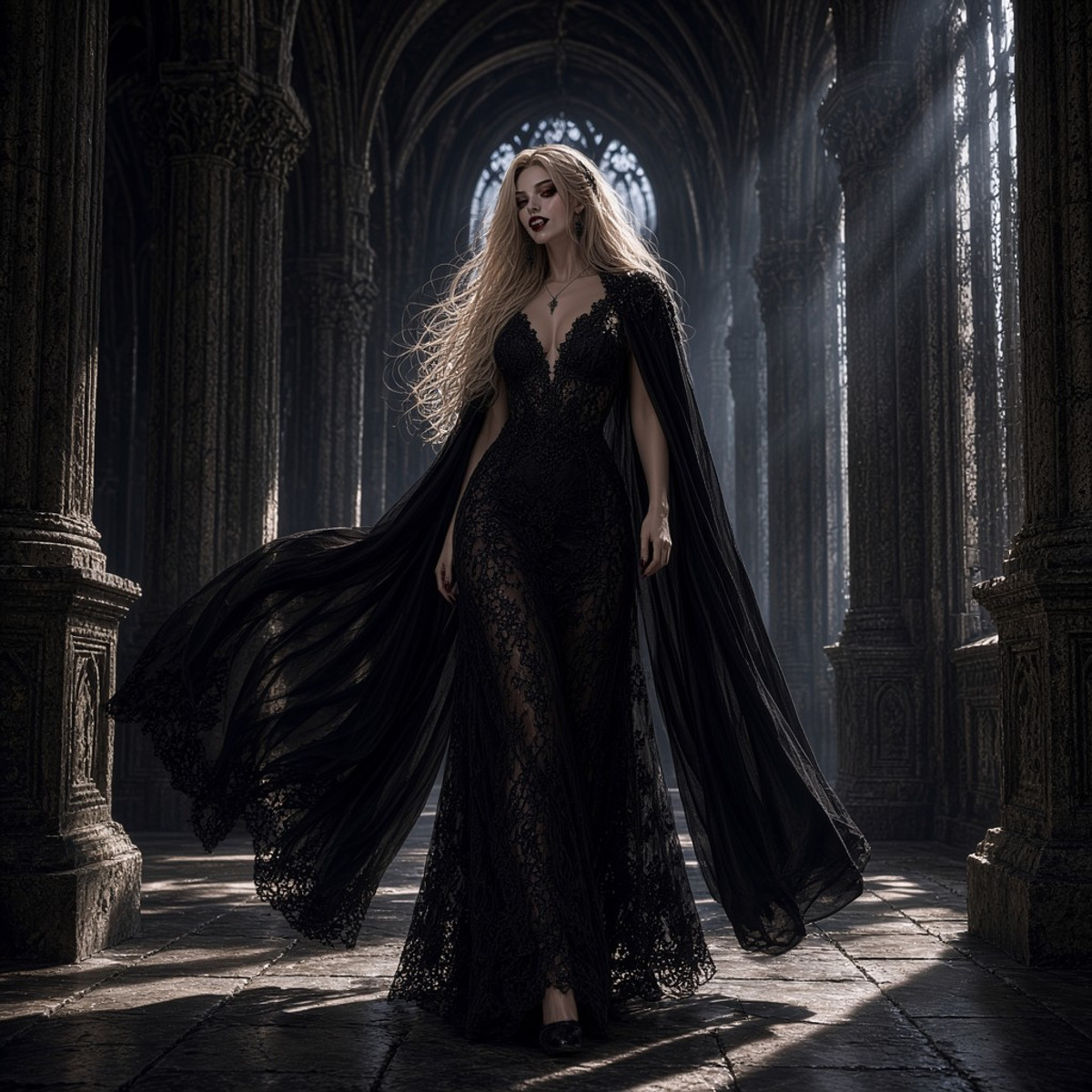
- Celeste · v1 — LoRA: An original character LoRA: Vampire Empress Celeste (long golden curly hair, tall stature); same author and one-sentence description as Akira.
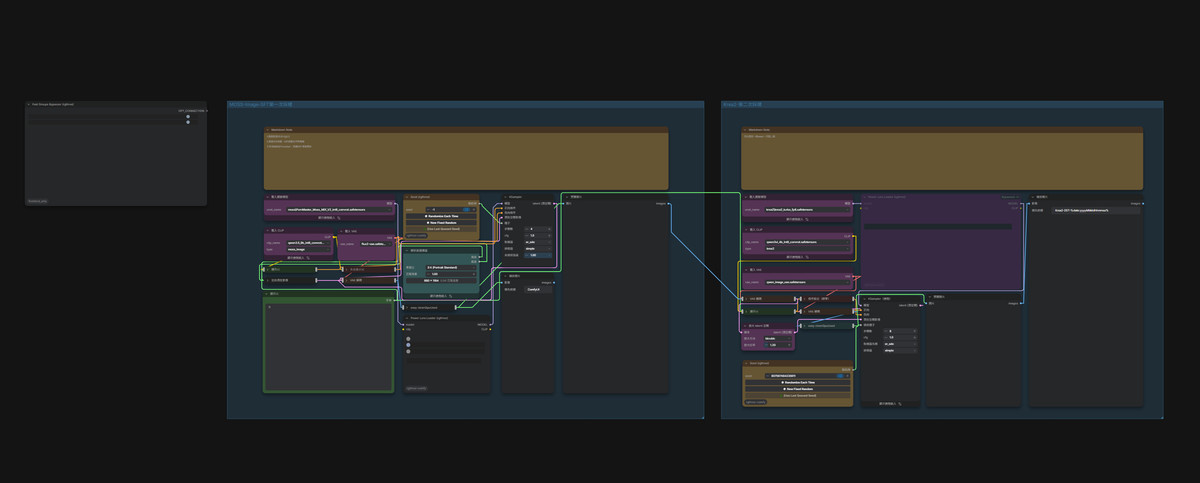
- krea2 t2i/minimax h3 image t2i/moss t2i · moss — Workflow: A ComfyUI workflow for MOSS text-to-image followed by secondary sampling with Krea 2 (filename "MOSS-KREA Secondary Sampling"); the author states it runs on RTX3080 + 64GB RAM.
Data: Civitai public API (base model MOSS Image), collection window 11-26 20:31 → 11-27 09:01 (Beijing Time). Recommendations are editorially reviewed; download counts only reflect attention.