Zhenzhen's AI Radar · MOSS Image · 2026-11-28 Evening Report
This issue features 58 new versions: Strongly Recommended 0 · Recommended 7 · Worth Watching 7 · Included Only 44
Editor's Note This issue reviewed 60 new MOSS versions, with 7 rated A, 7 rated B, and 44 rated C; 2 were excluded, and there were no S ratings. The top pick is a 1990s Hong Kong film still style LoRA: amber tungsten lighting mixed with green fluorescent light, 35mm grain, and letterbox bars. The author provided a sequential prompt writing order and test parameters of 35 steps / CFG 3, but it was only tested on third-party merged base models, so it was downgraded from S to A. photoMODE photorealism, a weight slider that can be positive or negative, emotional watercolor, Dizzle crayon, and 1970s war sitcom, and the HaDeS 'LoRA Surgery' workflow are rated A. Two ZoeJoe oil painting LoRAs labeled Anima / MOSS are actually Anima weights and were excluded; Fuzichoco and Ekku Takeuchi, which imitate the styles of living artists, were downgraded to B, nanming15th's 29 Arknights / Endfield character LoRAs, along with other regular characters, fictional characters, and suspected real-life influencers, were downgraded to C.
Recommended (7)
[A] 90s Hong Kong Film Still — Tungsten & Fluorescent Green, Letterbox · MOSS
LoRA · Ported · Author 858654128784 · Published 11-28 10:00 · Downloads 54
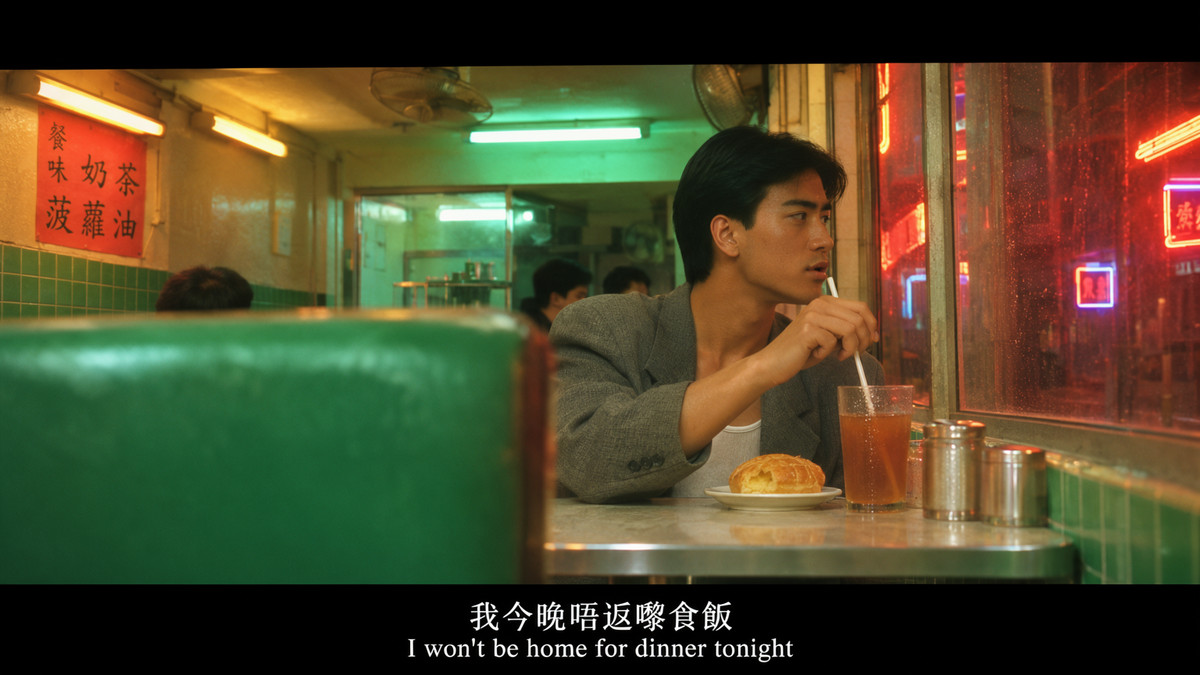
The MOSS version of a 1990s Hong Kong film still style LoRA: amber tungsten lighting mixed with green fluorescent light, neon red reflections, 35mm grain and soft halation, cyan-tinted shadows, and letterbox bars, with the ability to add bilingual Chinese and English subtitles within the bars.
(Editor downgraded from S to A: The prompt structure and parameters are very detailed, but it was only tested on third-party merged base models, and only 5 visible examples are available)
Images
Reasons for Recommendation
- Ported version: The same page previously had a Krea 2 version, and the MOSS version has no update notes; the author specifies it is best suited for night-time cha chaan tengs, tong lau corridors, rooftops, streets after rain, phone booths, and minibuses. English subtitles are clean, while Chinese subtitles occasionally have typos, and sign text may blur.
- Usage is specific: Start with hkfilm90s, first write the number of people and each person (ethnicity, specific age between 21–24, hairstyle, clothing), then write actions and scenes, ending with the full effect description used during training; LoRA 1.0; MOSS test conditions are MOSS MIX_V2 (bf16), 35 steps, CFG 3, er_sde / simple, using only this LoRA.
- Example metadata matches the description (5 visible, 13 hidden): er_sde / simple, 35 steps, CFG 3; prompts are long Chinese storyboard-style descriptions (foreground occlusion, mid-ground characters, background, camera, lighting, atmosphere). The images feature cha chaan teng booths, narrow streets on rainy nights, the upper deck of a tram, convenience store fridges, and tong lau rooftops, with two images featuring bilingual Chinese and English subtitles in the letterbox bars.
How to Use
- Start the prompt with hkfilm90s, and write in the order of "number of people and each person → actions and scenes", ending with This 1990s Hong Kong film still has amber tungsten light, green fluorescent light, red reflections, visible 35mm grain, soft halation, lifted cyan shadows and black letterbox bars.; strength 1.0
- 35 steps, CFG 3, er_sde / simple; the author used the MOSS MIX_V2 merged base model (the test conditions on another line of the model card, Dark Beast 5C K2T, 8 steps, CFG 1, belong to the Krea 2 version on the same page)
Risks and Limitations
- 13 hidden examples, more than the 5 visible ones.
- Typos in Chinese subtitles and blurring of sign text are limitations stated by the author; the author fixed character ages at 21–24, with no explanation for other age groups.
Trigger Words: hkfilm90s
[A] Dizzle's 1970's War-Time Sitcom · v1
LoRA · New Model · Author Maridizzle · Published 11-28 17:05 · Downloads 30
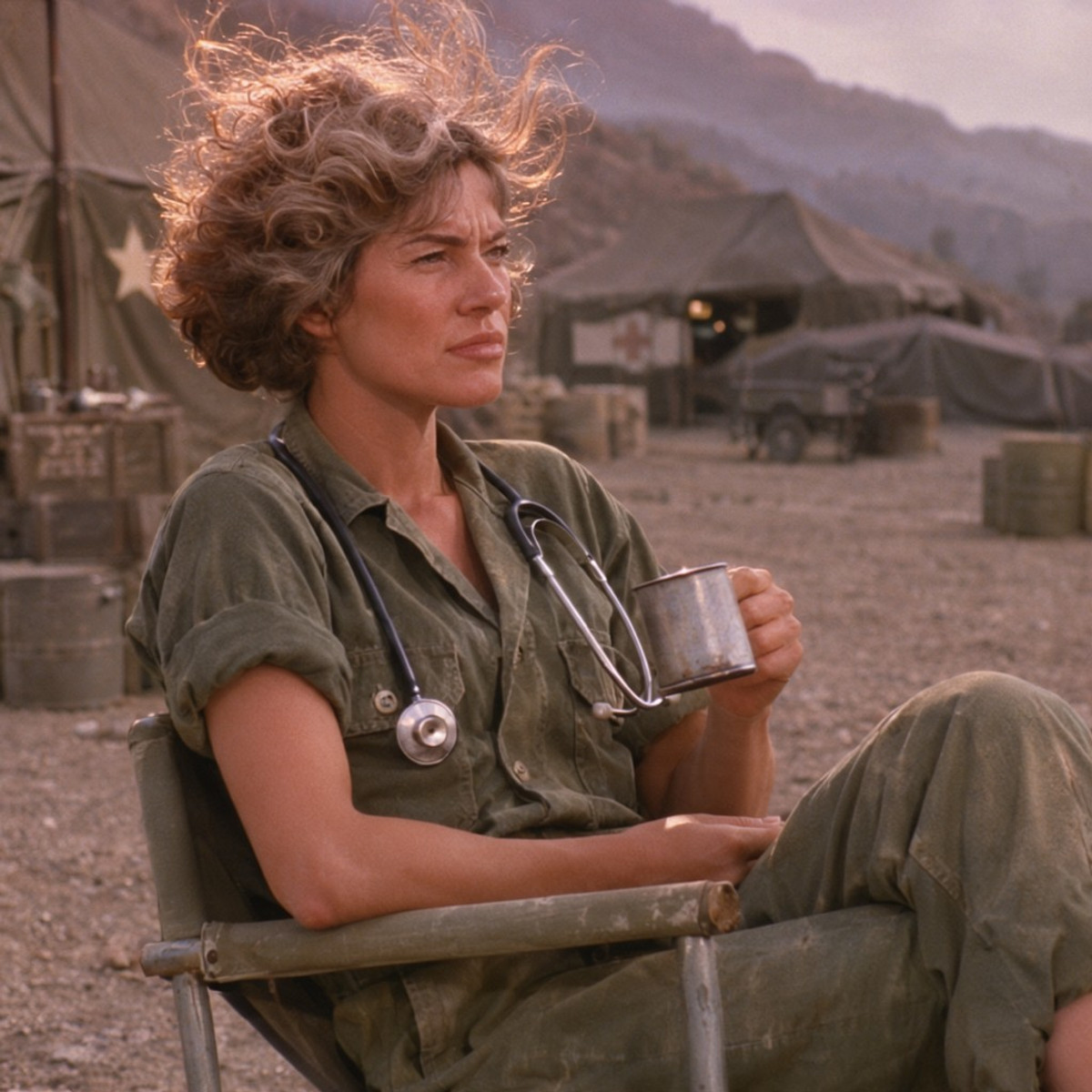
A concept LoRA with the texture of a 1970s war sitcom TV series: a military field hospital on a hillside, olive green tents and red crosses, surgeons and nurses finding humor in hardship, with the image having the feel of an old TV rerun with warm grain.
(Editor downgraded from S to A: The concept is specific, with trigger words and strength provided, but steps / CFG can only be inferred from examples, and 3 of the 4 visible examples are training previews)
Images
Reasons for Recommendation
- New model: Part of the same author's Dizzle series, which also released crayon and wood carving versions this issue; elements listed by the author include sun-burnt hillsides, rolled-up surgical scrubs, oily work clothes, sketchbooks on stools, and homemade stills in corners, claiming one can insert their own worldview.
- Usage provides only two items: trigger word dz_1970wsitcom, recommended strength 1.0.
- 4 visible examples (3 hidden): 3 are Civitai training previews (base model is official MOSS Base, er_sde), featuring a female military doctor holding a tin cup and sitting in a canvas chair with a stethoscope, old military boots next to a red cross medical kit, and a cook arranging breakfast in a mess tent; 1 are character images generated by the author using SFT int8 convrot, Euler.
How to Use
- Start the prompt with dz_1970wsitcom, then write characters and scenes; LoRA strength 1.0.
- The base model can refer to examples using official MOSS Base or SFT; steps and CFG are not provided by the author (see Risks for example parameters).
Risks and Limitations
- Training previews use er_sde, 25 steps, CFG 2.5; author-generated images use Euler, 50 steps, CFG 5, neither of which are recommended values stated in the description.
- The setting (hillside field hospital, helicopters, homemade stills) is clearly inspired by a well-known war sitcom series, which the author does not name; caution is advised for commercial use.
- 3 sensitive-level examples are hidden; the license does not allow selling.
Trigger Words: dz_1970wsitcom
[A] Weight and Fat Slider | MOSS · v0.9 - Initial Release
LoRA · New Model · Author Shed_The_Skin · Published 11-28 09:37 · Downloads 162
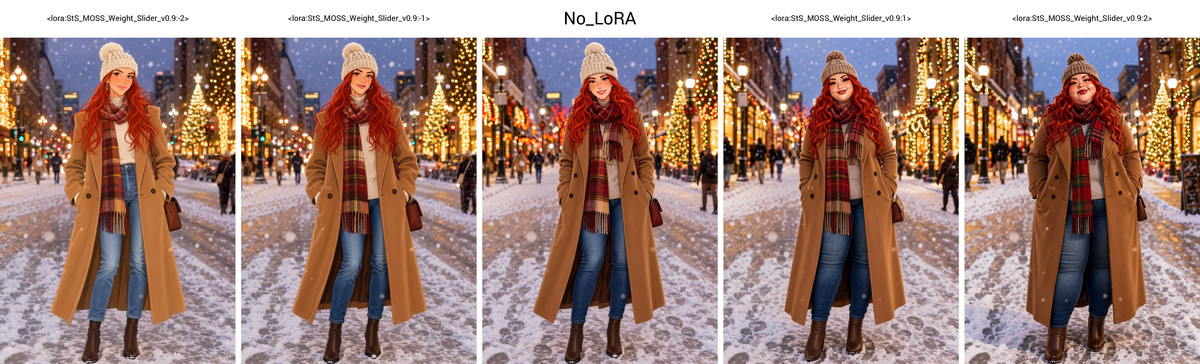
A weight slider LoRA that can be positive or negative (MOSS-Image SFT): positive values make characters fatter, negative values make them thinner, while trying to keep composition, face, clothing, and background unchanged; works for men, women, anime, and photos.
(Editor upgraded from B to A: Usage, strength range, node connections, and known limitations are clearly written, with a workflow attached; but v0.9 has known issues with skin tone / ethnicity drift, and int8 is untested, so it is not S)
Images
Reasons for Recommendation
- New model: The author claims that during training, constraints were added to apparent age, facial hollows, ethnicity/skin tone, muscle, height, perspective, color/lighting, props, expressions, art style, and background, and the first denoising step determining composition was fixed, so usually only body type changes; the slim side was trained separately with a slim target to avoid the face looking haggard and old.
- Strength is the slider value, supporting -2 to 2: ±1 already shows obvious changes, +2 is very fat, -2 is very thin; it offsets the body type set in the prompt, and since most anime females are already thin, changes in the negative direction are smaller.
- The author proactively lists known issues with v0.9: in realistic styles, skin tone often darkens at +1 / +2 (most obvious in males), facial features may drift towards other ethnicities, and at +2 the apparent age may change, the camera may pull back slightly, and poses may change slightly; extreme values occasionally add or remove small props like glasses or change clothing colors.
- 7 visible examples, 1 hidden, with consistent metadata: base model MOSS-Image-SFT, Euler (steps and CFG see Risks); each is a 4240x1285 banner collage, with prompts being short English phrases with style first, featuring anime and photo-style men and women in scenes like snowy night streets, cafes, seaside, offices, and parks.
How to Use
- No trigger words; in ComfyUI, connect LoraLoaderModelOnly after Load Diffusion Model, setting strength from -2 to 2; the attached ComfyUI_workflow_MOSS_Weight_Slider.json is an official MOSS-Image text-to-image template with this node added (open the subgraph to change strength).
- Use a fixed seed for strength scanning; for realistic characters, specify ethnicity and skin tone in the prompt, using explicit ages like "woman in her thirties" instead of "mature"; the author claims the ComfyUI template's 25 steps, CFG 2.5 also works.
Risks and Limitations
- Display images use OpenMOSS reference settings: Euler, 50 steps, CFG 4, shift 5, skip-layer guidance at layer 22, 832x1152 (see full model card).
- The author only verified bf16, int8 SFT is untested; switch to bf16 if effects are weak; Forge does not currently support MOSS-Image.
- Strengths in example metadata are all recorded as -2, so you must judge which tier corresponds to each cell in the collage by looking at the images.
- The weight gain side has known issues with skin tone darkening and ethnicity drift in realistic styles; the workflow JSON security scan is incomplete; the license does not allow distributing derivative models.
[A] photoMODE - MOSS Stock Photo Realism · v1.0
LoRA · New Model · Author anyMODE · Published 11-28 18:30 · Downloads 42
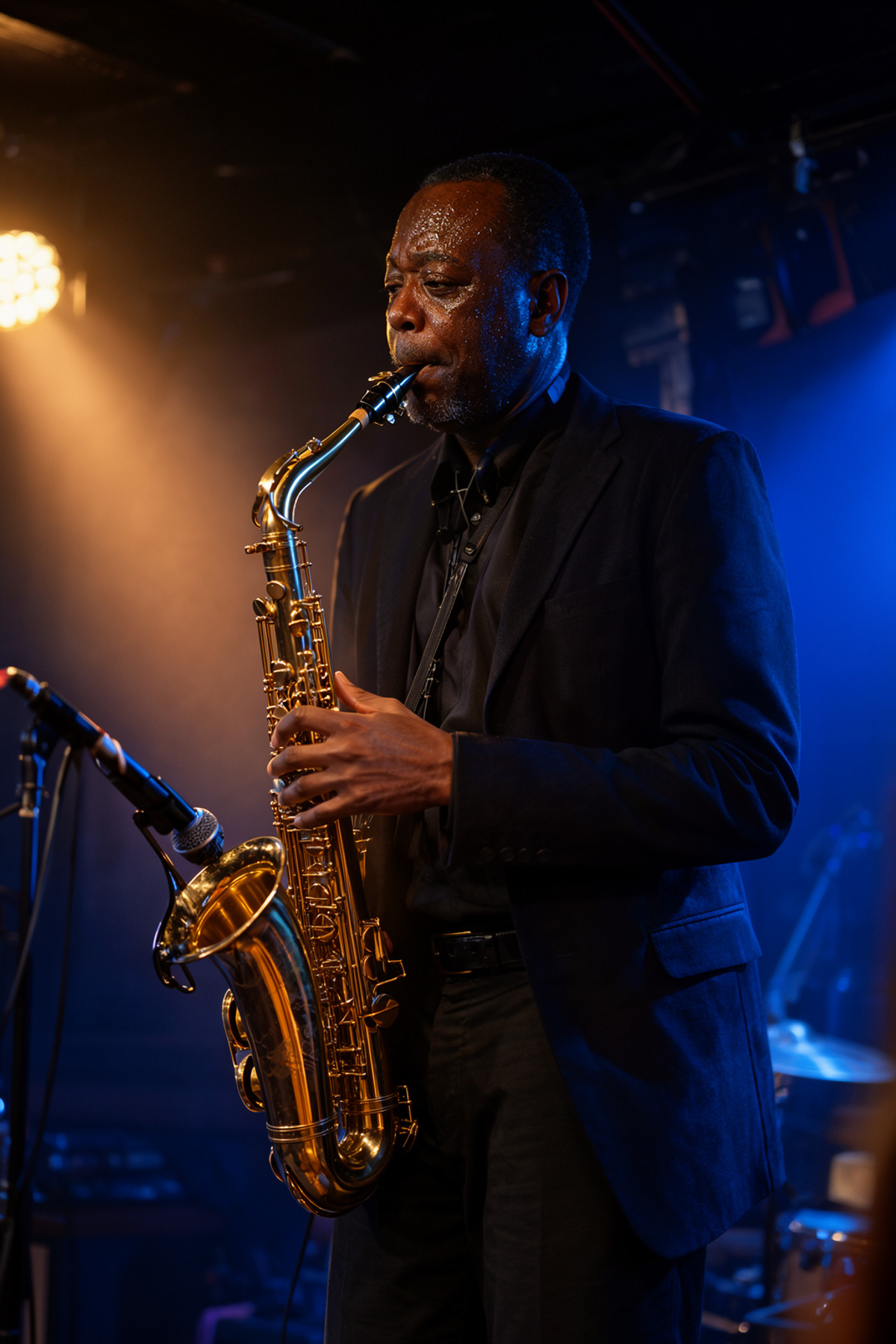
A photorealism LoRA: trained on real photography (Kodak Portra film, shallow depth of field portraits, phone snapshots, high-definition stock photo libraries), the author claims it replaces the smooth plastic feel of AI with real skin texture, fabric weave, natural bokeh, and film-like highlight transitions.
(Editor maintains A: Usage is clear, no trigger words, strength and steps / CFG are provided, but the improvement in effect is only claimed by the author, and most examples are on the author's own merged base models)
Images
Reasons for Recommendation
- New model: The style trigger prefix was removed during training; the author claims it works globally without writing a trigger word; the author states it works on both the official MOSS-Image-Base and their own mossMODE_v1 merged base model, with full step count 36 steps, CFG 3.0, or fewer steps when stacking a Turbo LoRA
- Strength tiers are clearly defined: Default 1.0 produces a complete snapshot / film-like feel; 0.6–0.8 is lighter, or used when stacking with other concept LoRAs; when stacking a Turbo LoRA, it can be increased to 1.1 for more micro-contrast and grain
- 11 visible and 2 hidden example images: The 2 hidden ones use full-step Euler / simple, CFG 3 (the old fisherman mending nets at the dock uses the official moss_image_base_int8_convrot, the saxophone player in the underground jazz club uses mossMODE_v1); the rest use mossMODE_v1 with the author's OmniTurbo LoRA, Euler, CFG 1; subjects include a botanist in a greenhouse, a couple eating pancakes in a red booth, a Bigfoot reading a newspaper on a lounge chair, a man holding a duck, and a female mage in silver armor
How to Use
- Load and use, no trigger word required; strength 1.0, use 0.6–0.8 when stacking with other concept LoRAs
- Full step count 36 steps, CFG 3.0 (examples use Euler / simple); or pair with a Turbo LoRA for fewer steps, strength can go up to 1.1
Risks and Limitations
- Improvements in skin, fabric, and bokeh are author claims, with no same-seed on/off comparison images
- Most examples use the author's own mossMODE_v1 merged base model with OmniTurbo LoRA (12 steps, CFG 1); only 1 images are on the official base model; some example workflows also include the author's inflatable style LoRA and other files
- Released about 2.5 hours ago, 2 sensitive-level examples have been hidden
[A] Emotional Watercolor · v1.0 Moss
LoRA · Port · Author Daalis · Released 11-28 09:31 · Downloads 51
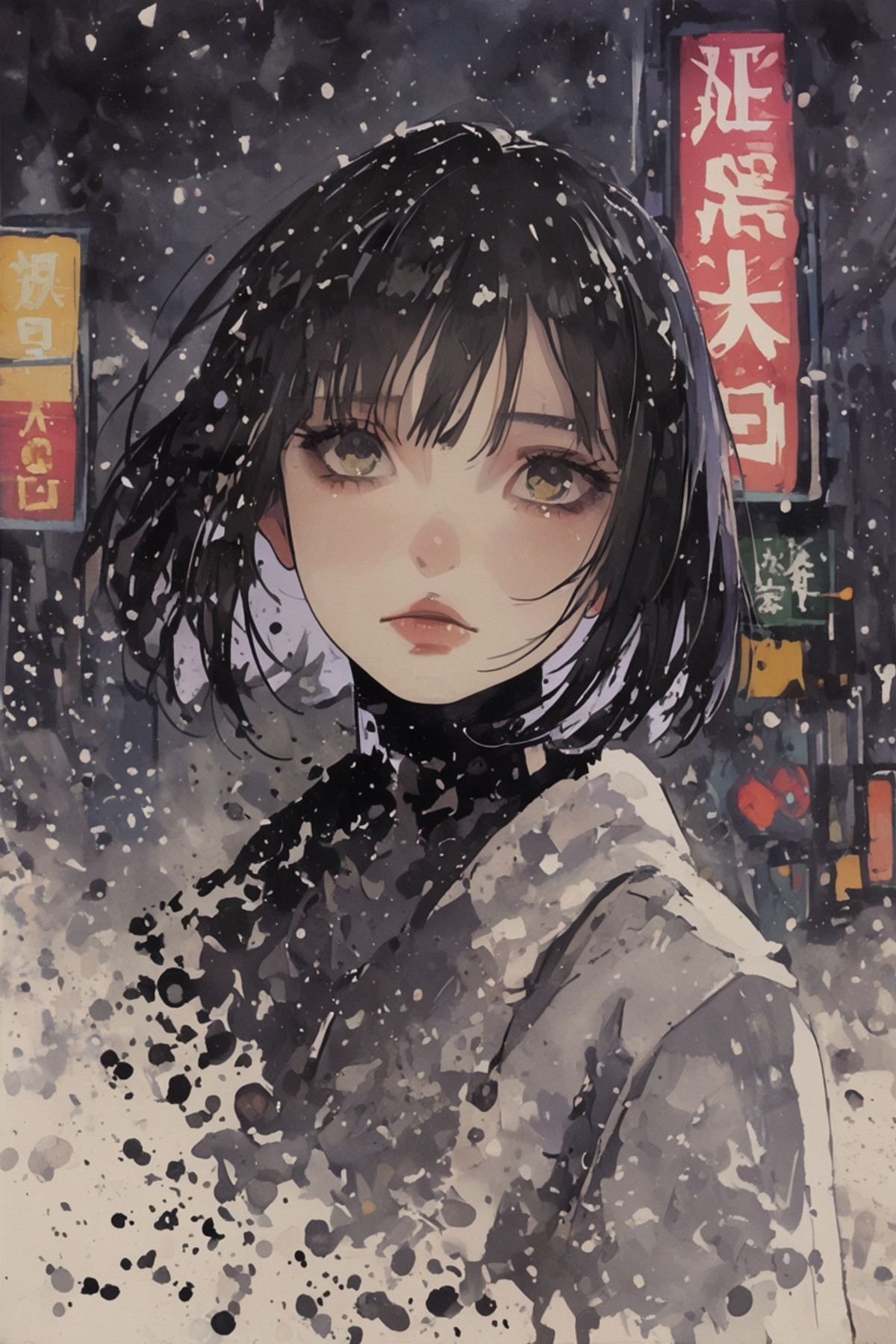
MOSS version of the Emotional Watercolor style LoRA: Renders the image as a "felt moment," with edges dissolving at the most emotional points, and characters and environment blending together through washes, leaning towards a cinematic and quiet, introspective atmosphere.
(Editor rating downgraded from S to A: Strength tiers are clearly written, examples are on the official SFT, but step count / CFG can only be inferred from examples)
Images
Reasons for Recommendation
- Ported version: The same page already has Krea 2, Anima, Illustrious, Flux, and Z Image Turbo versions; the MOSS version description is just one sentence: strength 1 has a strong watercolor feel, lowering it allows for more freedom
- Usage: Trigger word EmoWaterDaal (version not registered, provided in description), strength 0.5 – 1.5, 1.0 is most balanced; 0.5 – 0.8 preserves more of the base model's original look, 1.1 – 1.5 is heavier but may overpower complex prompts; the author suggests writing more about emotion and fewer other style words, and provides three starting prompts
- Author examples: 5 images, none hidden, metadata: base model mossImage_sft_pruned_int8 (official SFT), er_sde, trigger word written at the end of the prompt; subjects include a bionic person under neon in the snow, an elf by the forest, a small fairy with drooping wings, two elves sitting back-to-back under an ancient tree, and a horned demon sitting on steps; there are also user submissions without metadata
How to Use
- Write EmoWaterDaal anywhere in the prompt (examples write it at the end), focusing on emotion and atmosphere descriptions; strength 1.0, lower to 0.5 – 0.8 to preserve base model texture
- Base model can use official MOSS SFT; step count and CFG not provided by author (see Risks for example parameters)
Risks and Limitations
- Example parameters are er_sde, 25 steps, CFG 4, not mentioned in the description
- Trigger word is not registered in the version, so the site's generator will not auto-complete it
- License does not allow selling
[A] Dizzle's Crayons · v1
LoRA · New Model · Author Maridizzle · Released 11-28 11:29 · Downloads 46
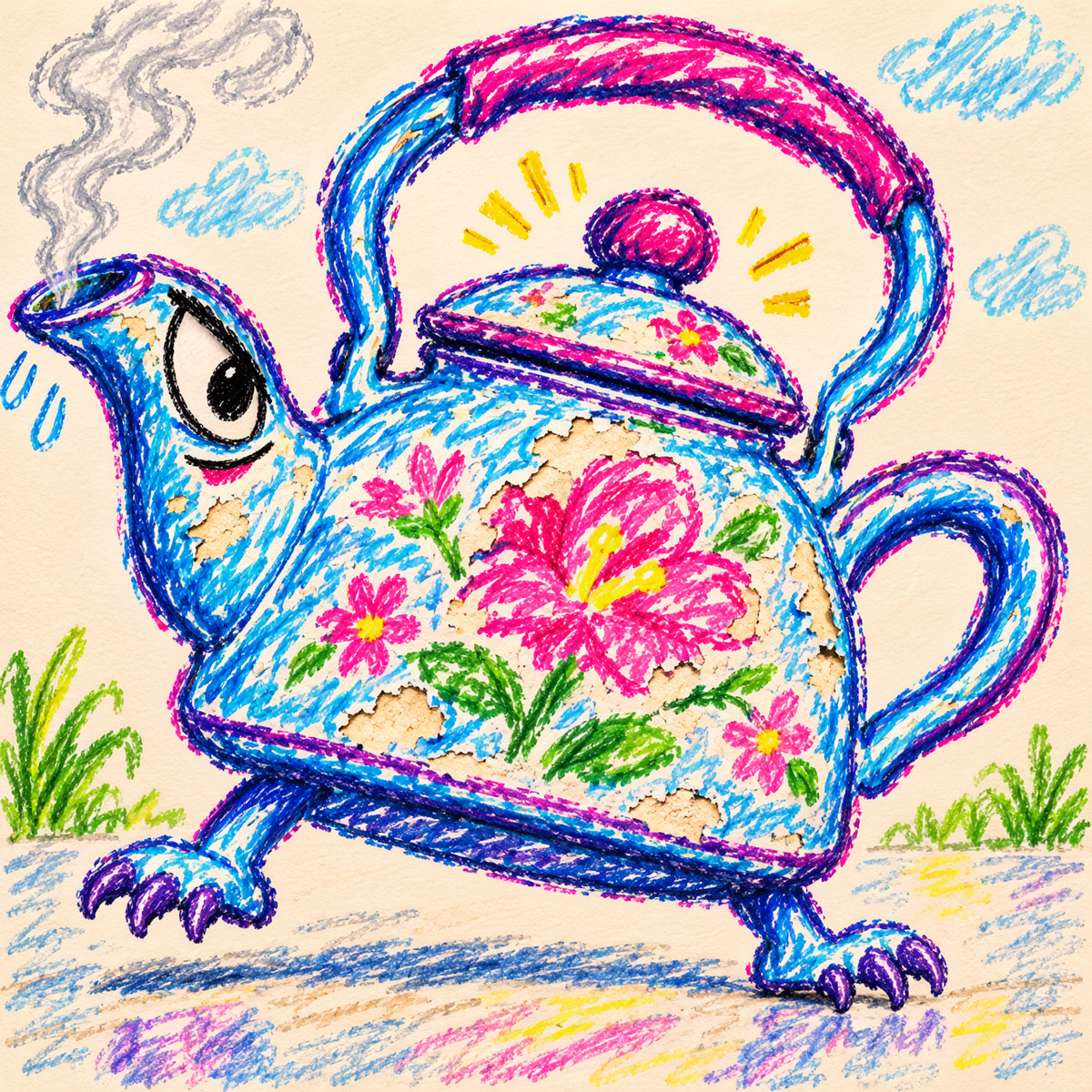
Crayon doodle style LoRA: The image looks like it was scribbled back and forth with thick crayons on cream-colored paper, with high-saturation blues, pinks, oranges, and greens, rough and wobbly outlines, and the paper showing through the gaps in the color.
(Editor rating downgraded from S to A: Concept is clear, trigger word and strength are provided, but step count / CFG can only be inferred from examples; of the 4 visible examples, 3 are training previews)
Images
Reasons for Recommendation
- New model: Same author's Dizzle series; the author claims characters, water surfaces, and objects will all turn into children's crayon techniques (skin turns orange, water surfaces are sky-blue zigzag lines, even a chipped teapot is drawn cutely)
- Usage provides only two items: trigger word dz_crayons, recommended strength 1.0
- Visible examples: 4 images (another 3 hidden): 1 author-generated images (a chipped enamel teapot with claws trying to slip off the counter) use SFT int8 convrot, Euler, with dz_crayons written at the end of the prompt; the remaining 3 are training previews (official MOSS Base, er_sde): a backpacker looking back at an intersection, lemon slices, a freckled youth frowning with arms crossed
How to Use
- Write dz_crayons in the prompt (training previews write it at the beginning, author-generated images write it at the end), LoRA strength 1.0
- Base model can refer to examples using official MOSS Base or SFT; step count and CFG not provided by author (see Risks for example parameters)
Risks and Limitations
- Author-generated images use Euler, 50 steps, CFG 5; training previews use er_sde, 25 steps, CFG 2.5, neither are the recommended values in the description
- 3 sensitive-level examples have been hidden, few visible examples
- License does not allow selling
Trigger Word: dz_crayons
[A] HaDeS MOSS Suite Advanced Workflows · LoRA Surgery v0.9.8
Workflow · Version Update · Author _HaDeS_ · Released 11-28 20:07 · Downloads 16
New version of the "LoRA Surgery" advanced workflow in the HaDeS MOSS Suite: It decomposes a merged model that has baked in a base model mix, half an acceleration LoRA, and a style LoRA, extracts the pure style LoRA, and then pairs it with a full acceleration LoRA to generate images in 8 steps.
(Editor rating upgraded from B to A: Every node, parameter, and trade-off rationale is clearly documented, with tutorial videos and measurements; however, the use case is narrow and it depends on the author's suite, so it does not reach S)
Illustrations
Reasons for Recommendation
- Version update: The previous three versions on the same page were Production Poster, Merge Lab, and Two Stages, Two Models. This version adds LoRA Surgery; the update notes only contain the title, the version notes only contain links to the suite and tutorial videos, and the model card body details each node clearly.
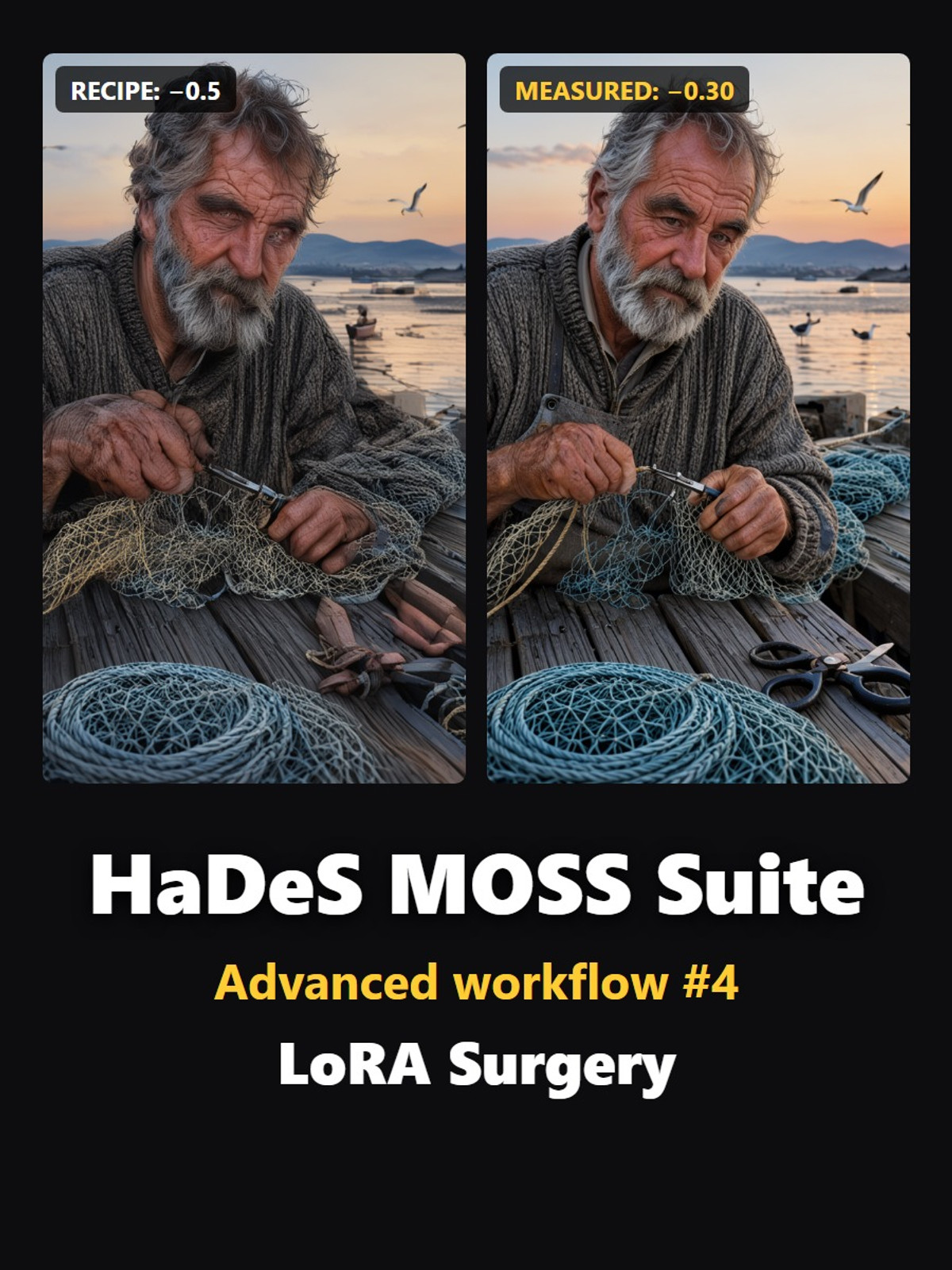
- Uses the author's Bulle d'Encre as a demonstration (SFT mixed into 30% of the Base at the 24-29 layer, plus half a Turbo 8-steps v1.0 and a style LoRA): First, use MOSS Model Block Merger to reconstruct its base model in memory, then use MOSS LoRA Extractor to subtract the difference (rank 64), and finally use MOSS LoRA Merger with Turbo × -0.30 to subtract the acceleration component, leaving only the style.
- The author explains why subtracting -0.30 instead of -0.5: The extracted LoRA only contains a portion of that half-turbo; subtracting too much results in negative acceleration, causing images to appear dark and dirty. Finally, the style and turbo can be combined into a single file, then compressed to rank 32 using MOSS LoRA Resize.
How to Use
- Import HaDeS MOSS Suite - LoRA Surgery.json (20 KB) into ComfyUI; first install or update HaDeS MOSS Suite 0.9.8 (search for HaDeS MOSS in ComfyUI Manager, or use the author's GitHub).
- Requires MOSS-Image Base and SFT, text encoder, VAE, Bulle d'Encre, and Turbo 8-steps v1.0; the extraction and turbo subtraction segments are muted by default. Run each once to generate the style file, then enable MOSS Multi-LoRA and use MOSS KSampler with 8 steps and CFG 1 to generate images.
- When switching to your own merged model, the layer range, mixing ratio, and turbo weight to be subtracted must be adjusted according to your own recipe.
Risks and Limitations
- This is a workflow JSON, not new weights; it depends on the author's custom node suite and serves narrow needs such as model decomposition and LoRA extraction.
- The distance from the original style LoRA (-0.30 is a difference of 0.17 seeds, -0.5 is 0.46, and no surgery is 0.55) was only tested on 4 prompts, and the original style LoRA author has not made it public, so independent comparison is not possible.
- The extraction step takes about 100 seconds, and after loading, 8 steps take less than 4 seconds per image, both based on the author's RTX 5090 data; the extracted LoRA is about 252 MB, and about 126 MB after compression to rank 32.
- None of the 2 example images have generation metadata; the JSON security scan is incomplete.
Worth Watching (7)
[B] Fuzichoco - Artist Style · MOSS-Image
LoRA · Port · Author Azriaelis · Published 11-28 09:10 · Downloads 59
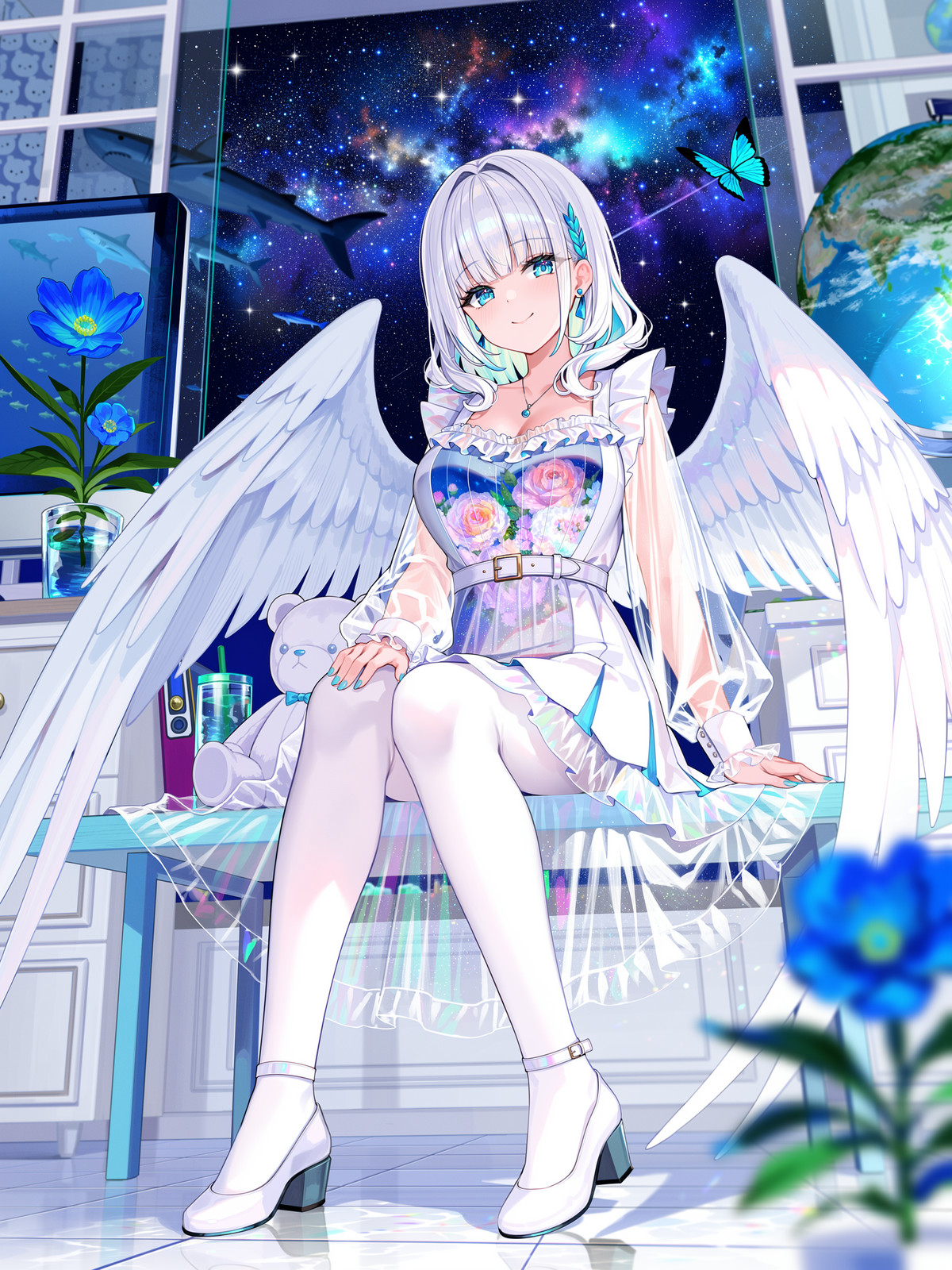
MOSS version of the LoRA for artist fuzichoco's style (Artist Style): The author describes it as fantasy anime digital painting with clean lines, bright and transparent colors, light brushstrokes, and exquisite details.
Illustrations
[B] TJFilm Style · MossImage V3.0
LoRA · Version Update · Author vimoi · Published 11-28 19:06 · Downloads 3 · Paid
Third MOSS version of the style LoRA (TJFilm) that simulates the texture of real film photography: The author states that this version has stronger contrast, more visible silver halide grain, and tones closer to real film.
Illustrations
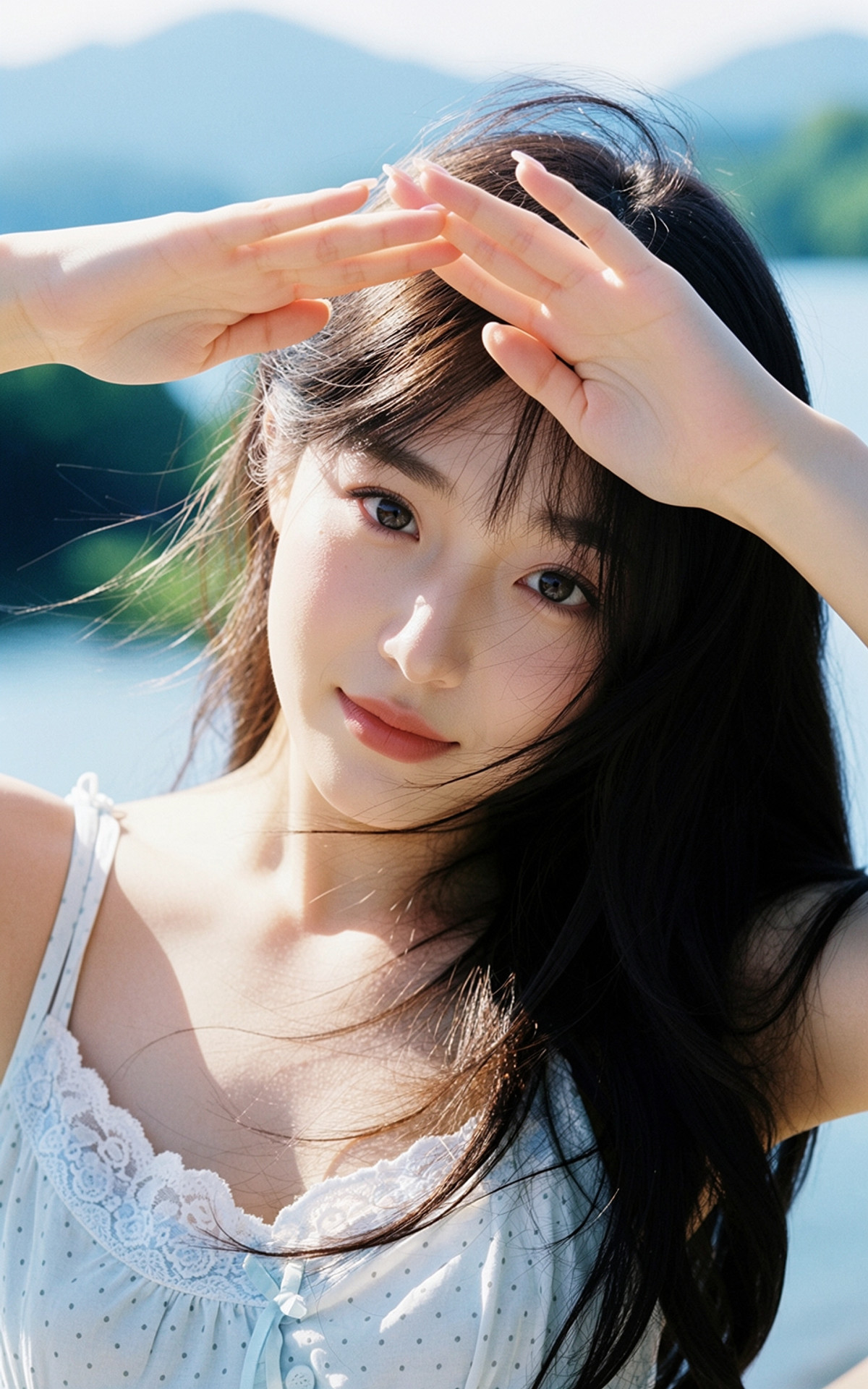
[B] TakeshimaEku Style · takeshima_eku_lokr_v2
LoRA · New Model · Author Ralf · Published 11-28 10:57 · Downloads 39
LoKr adapter for artist Takeshima Eku's style: The author claims it reproduces her clear and soft lines, eye highlights, and elegant, transparent color palette.
Illustrations
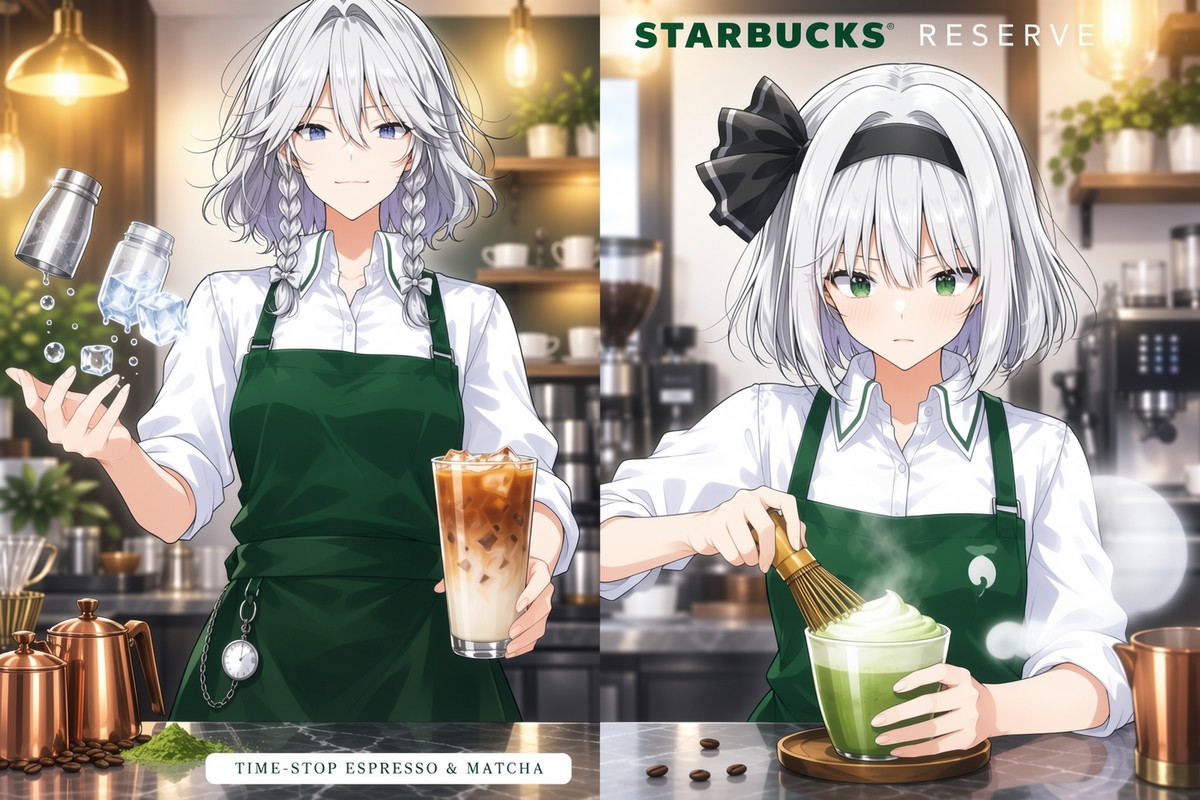
[B] Dizzle's Wood Carving · v1
LoRA · New Model · Author Maridizzle · Published 11-28 10:26 · Downloads 31
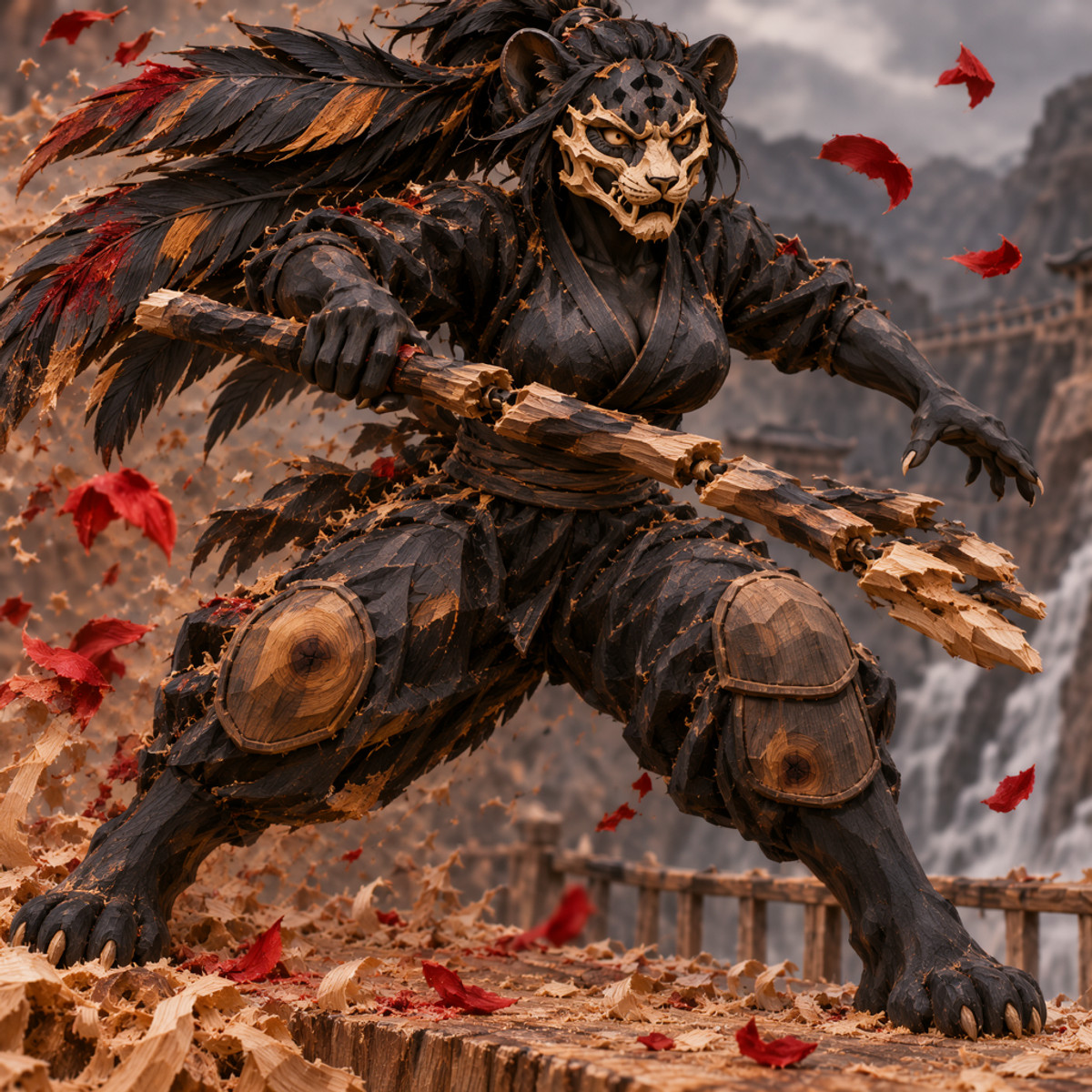
Wood carving style LoRA: Figures, lace, flames, seawater, and stained glass all look as if carved from a single block of honey-colored wood, featuring wood grain, knots, and scattered shavings, with afternoon amber lighting.
Illustrations
[B] TIN_Moss_image_sft_4steps_v1.1A · v1.1A
Base Model / Checkpoint · New Model · Author tin18688783 · Published 11-28 20:39 · Downloads 0
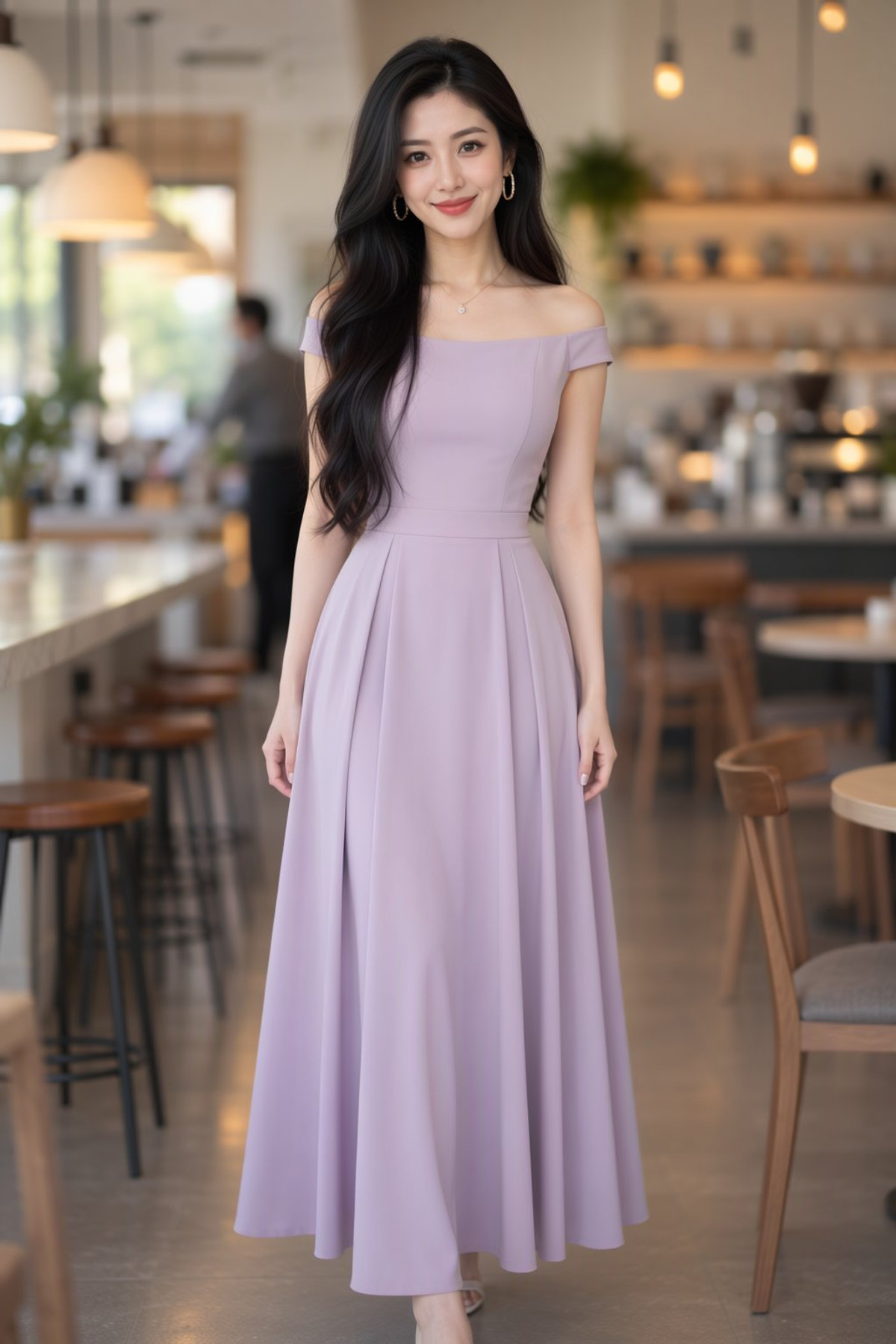
Third-party MOSS-Image SFT few-step Checkpoint: The author claims that no additional acceleration LoRA is needed; images can be generated using Euler, 4 steps, and CFG 1. Adding a prompt can make the results more realistic. BF16 and INT8 files are provided.
Image
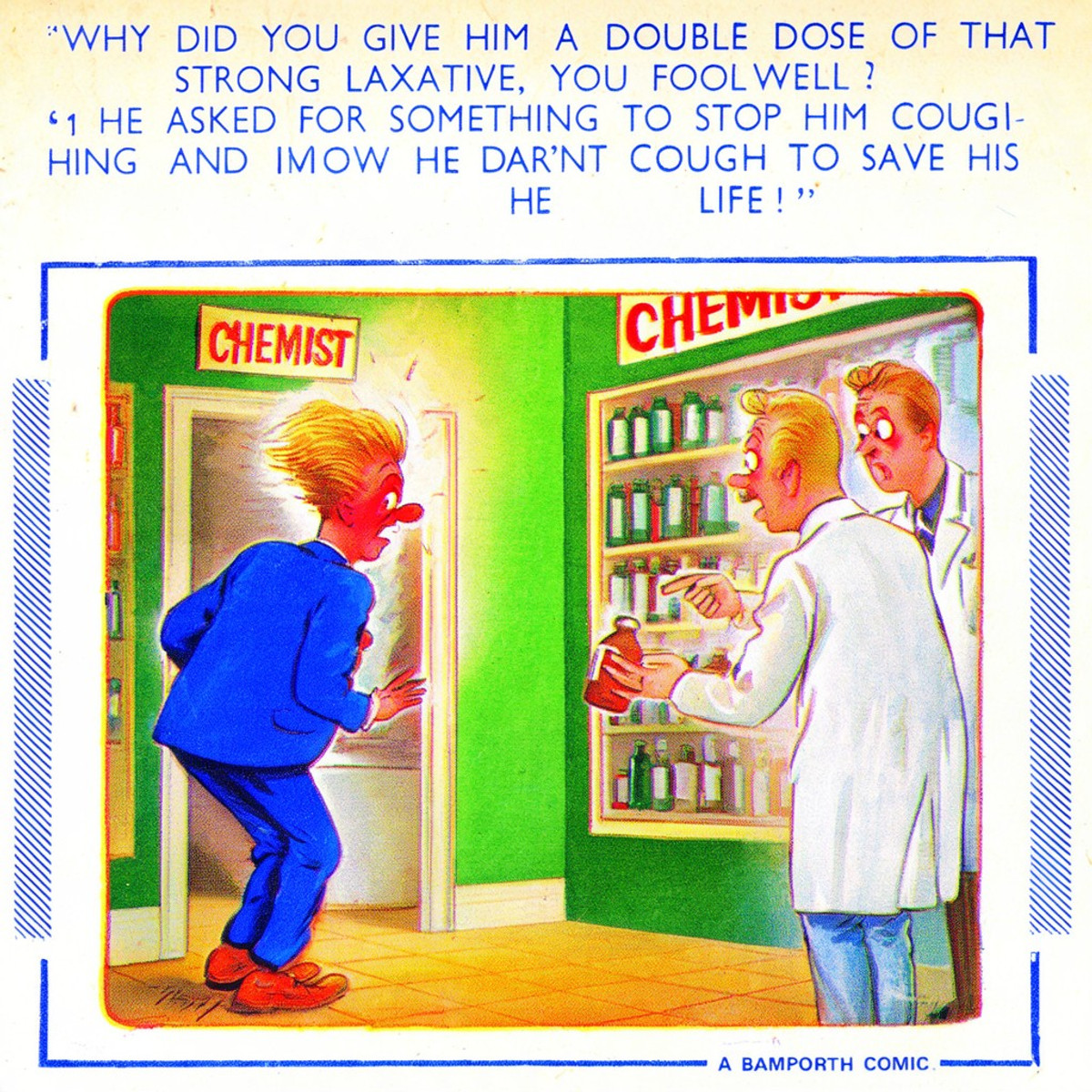
[B] Bamforth illustrations · Bamforth
LoRA · New Model · Author PanPDX · Published 11-28 12:22 · Downloads 49
Bamforth old-fashioned humorous illustration style LoRA: The author describes it as a retro, rubber hose animation-style comic with exaggerated elastic body proportions.
Image
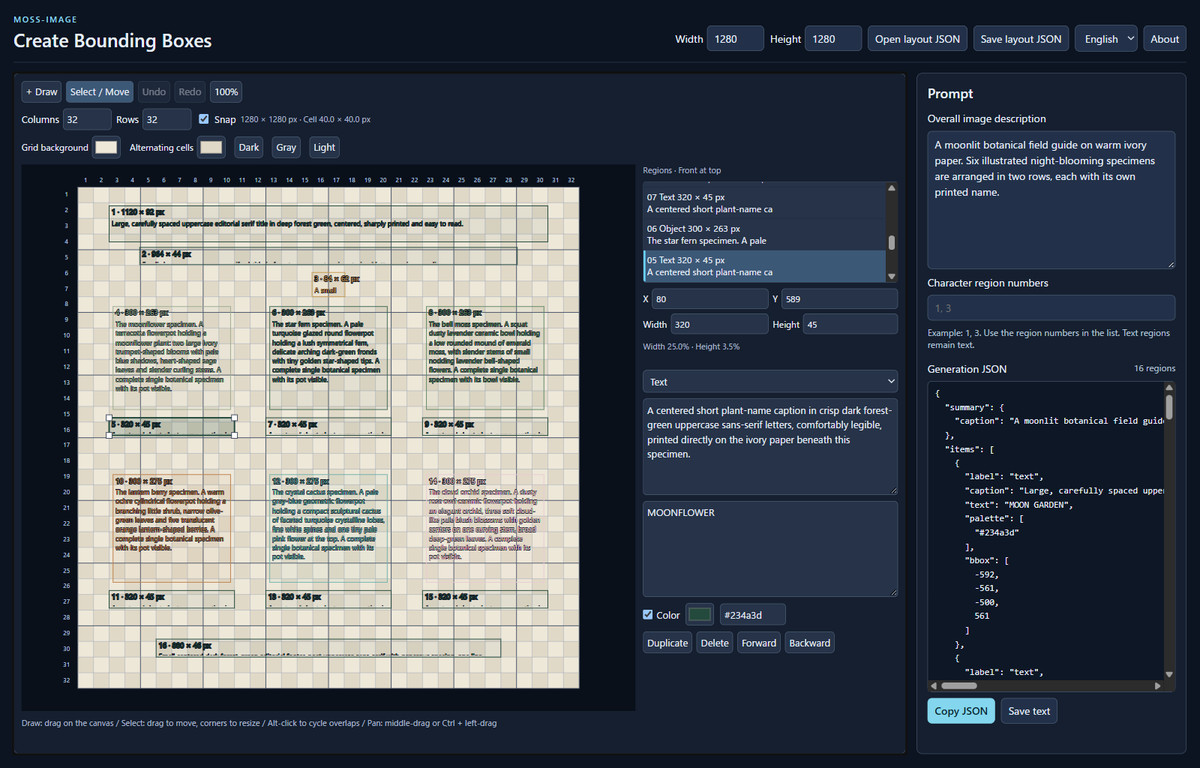
[B] MossImage Layout Editor · v0.3
Other · Version Update · Author hybskgks28275 · Published 11-28 09:05 · Downloads 27
MOSS-Image Layout Editor v0.3: Draw bounding boxes and generate MOSS-Image JSON layout prompts on Windows without opening ComfyUI.
Image
Listed Only (44)
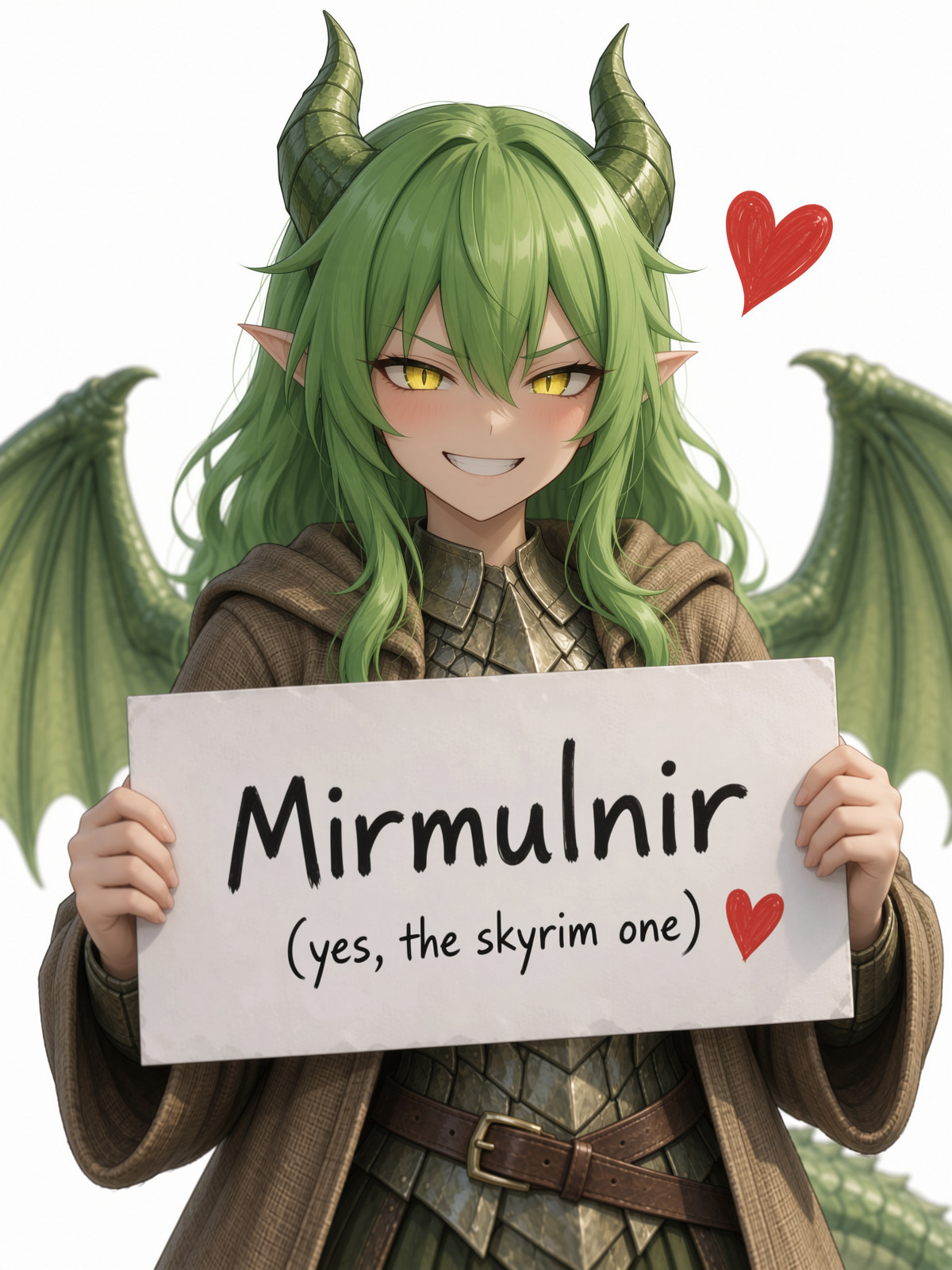
- Mirmulnir · v0.7 — LoRA: MOSS LoRA for the dragon girl character Mirmulnir: The author claims it is a cute version based on one or two images by artist OKAMURA, featuring green wavy hair, yellow eyes, two horns, wings, a dragon tail, and scale armor paired with a brown hooded robe.
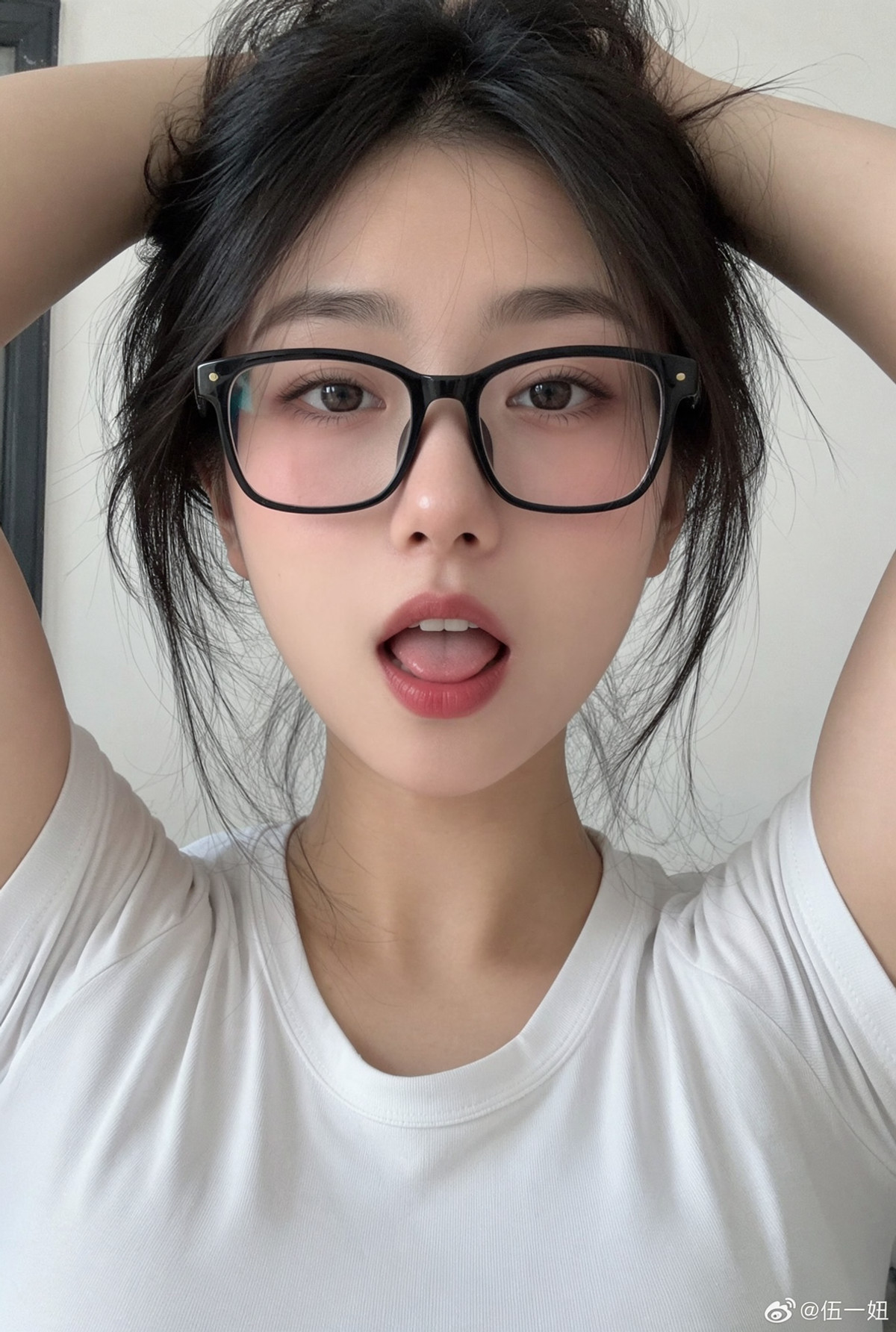
- [MOSS] Virtual Influencer-qiaoniu · qiaoniu v1.0 — LoRA: Realistic "virtual influencer" female character LoRA "qiaoniu": The author only provided weights and three example prompts, which include Weibo usernames and Weibo watermark tags.
- Tifa from Final Fantasy [IllustriousXL] · MOSS v1.0 — LoRA: MOSS version of the character LoRA for Tifa from Final Fantasy 7: Black low-tied long hair, red eyes.
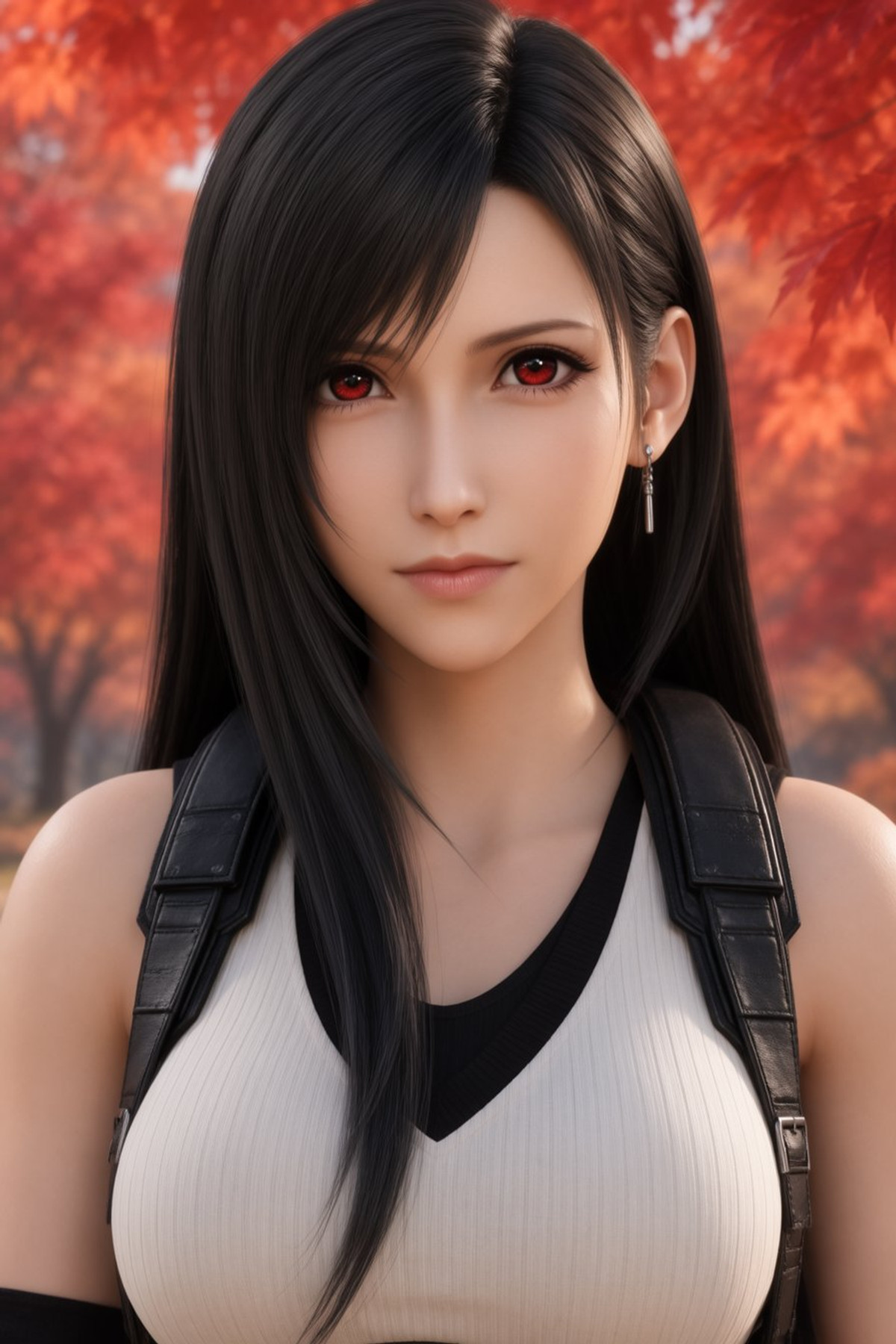
- Qtstyle · v0.02 — LoRA: Second test version v0.02 of the 2.5D stylized character LoRA: The author's goal is "2.5D style images with controllable body proportions." The author states they are dissatisfied with this version and are currently revising it.
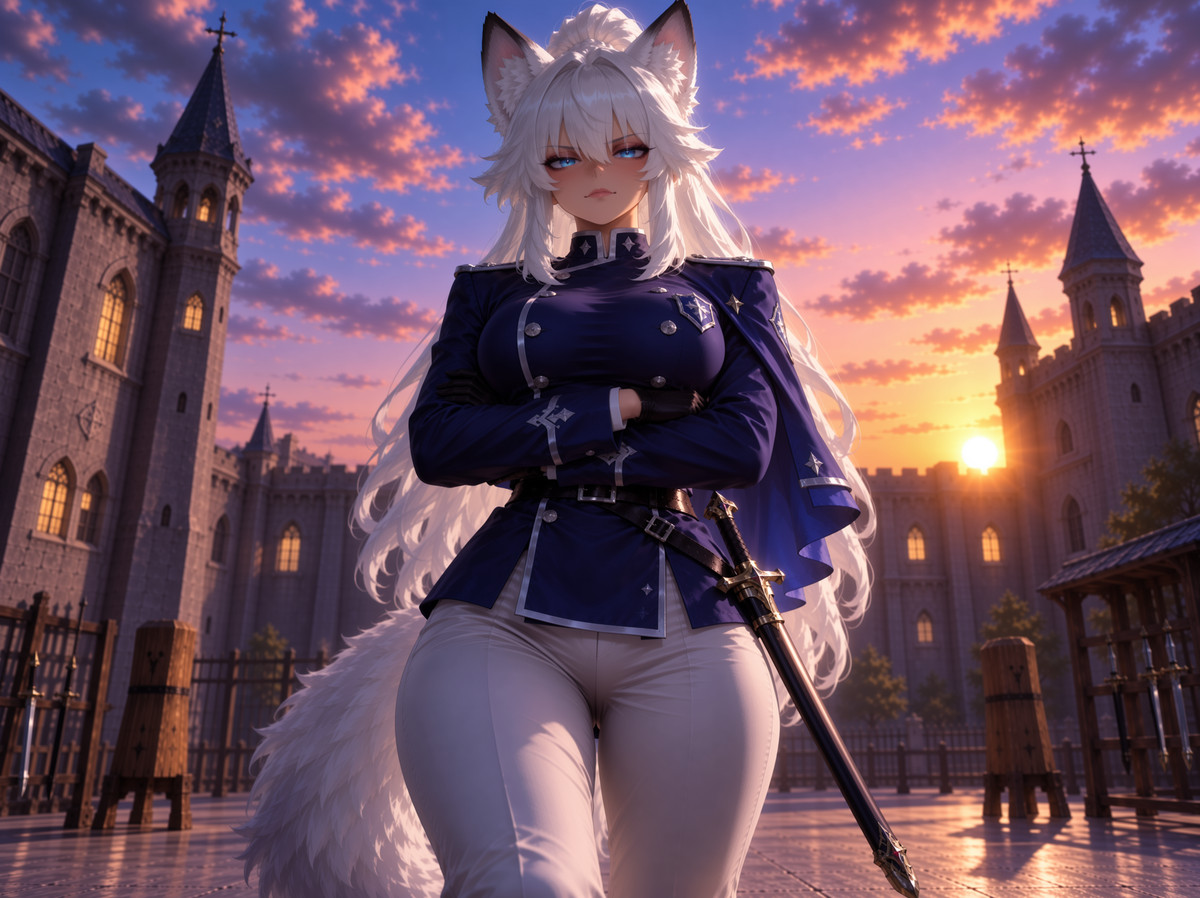
- Annalise NordhavenLove · MossImage — LoRA: Realistic female character LoRA for Annalise from MisterMR's fictional character series "NordhavenLove," MOSS version.
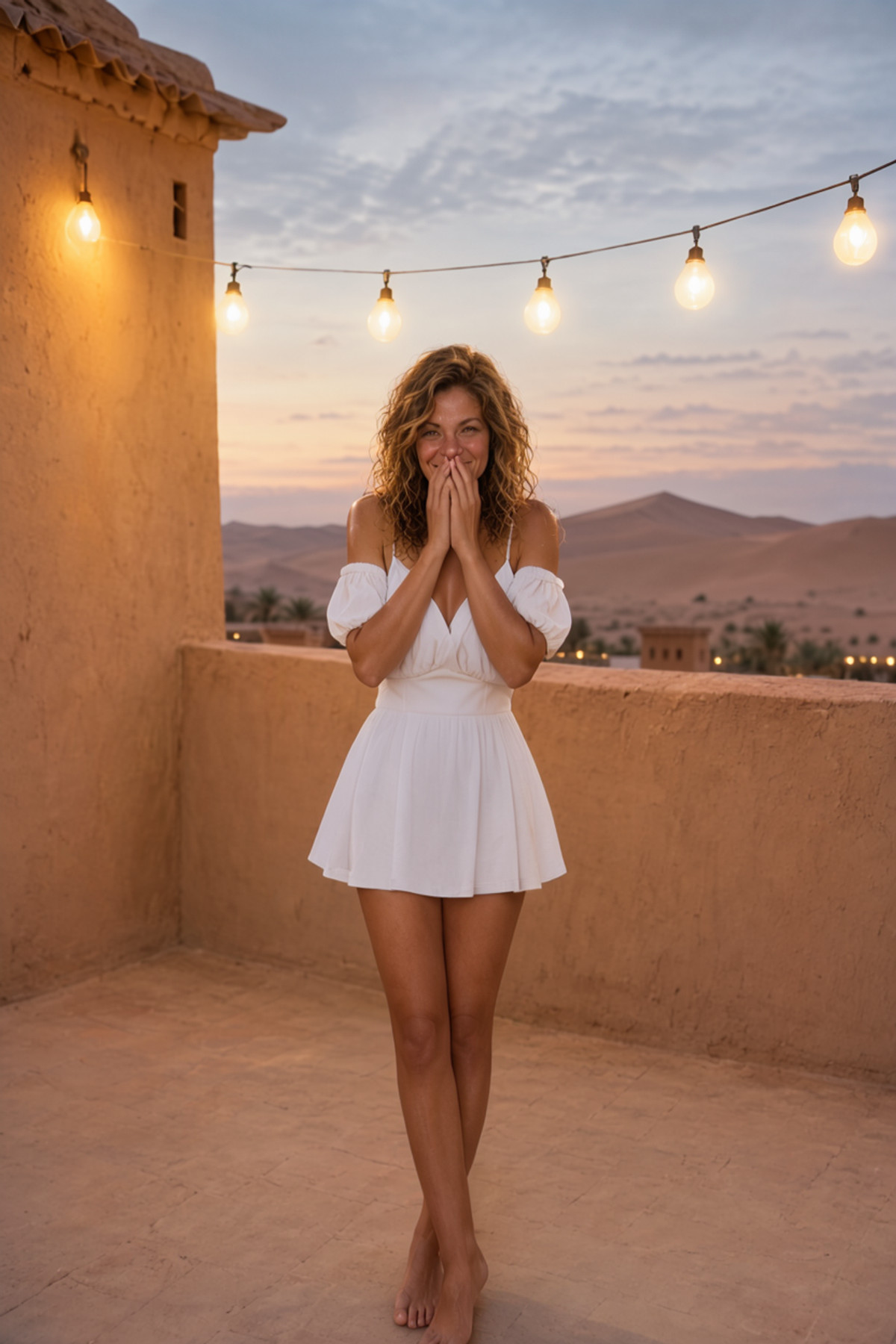
- typhoeus(arknights) - Endfield Default MOSSver · v1 — LoRA: MOSS character LoRA for Typhoeus from Arknights: Endfield (Endfield default appearance), trigger word typhoeus(arknights). The author only provided the trigger word and Epoch 10.

- rossi(arknights) - Endfield Default MOSSver · v1 — LoRA: MOSS character LoRA for Rossi from Arknights: Endfield (Endfield default appearance), trigger word rossi(arknights). The description is only one sentence.
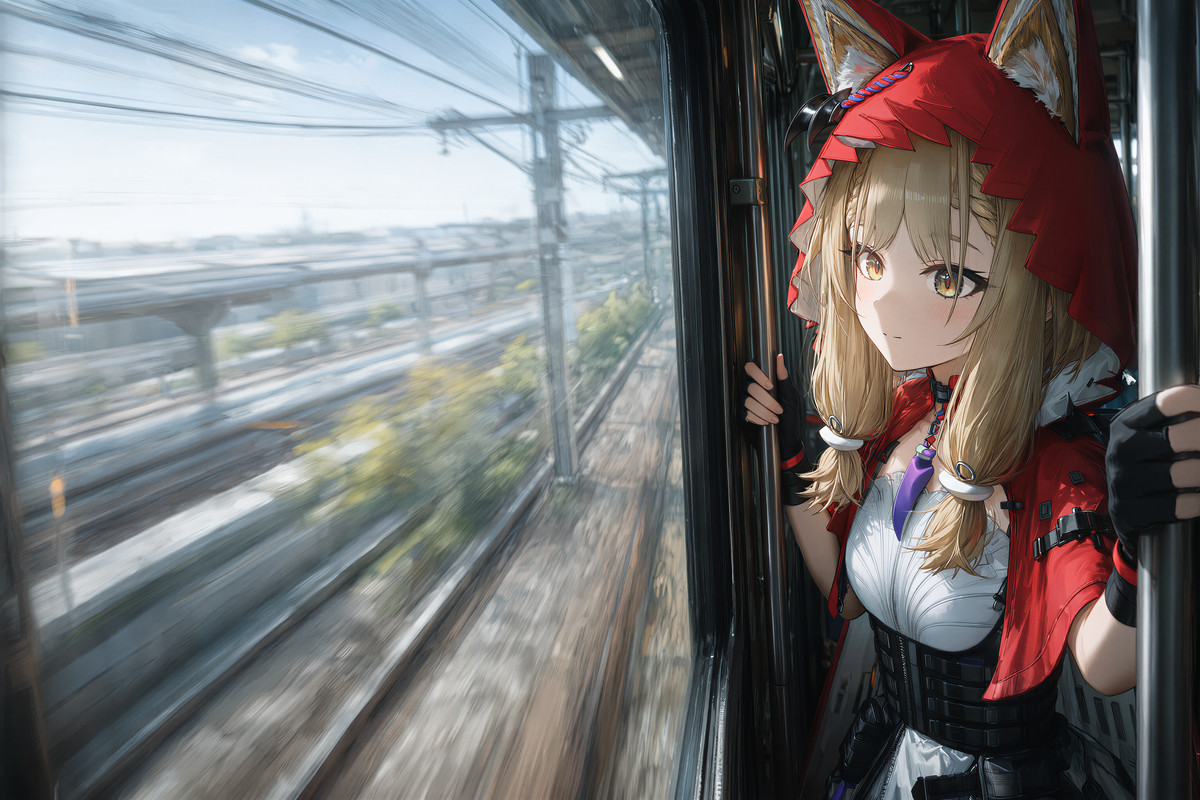
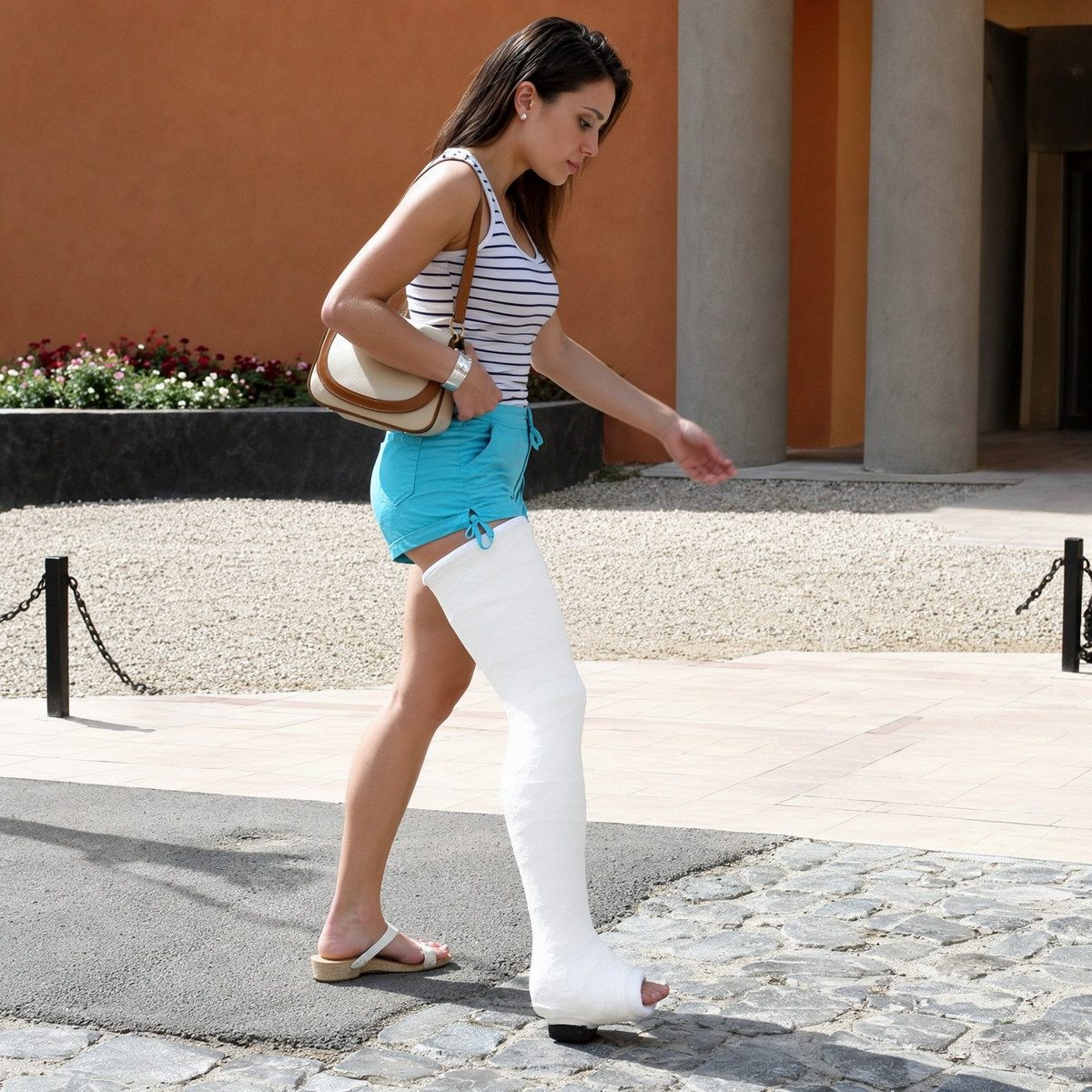
- Long leg walking cast · Moss Image — LoRA: Concept LoRA for a long-leg walking cast (covering from the thigh down to the foot, with a walking heel at the bottom), MOSS version. The author's description mentions using underarm crutches.
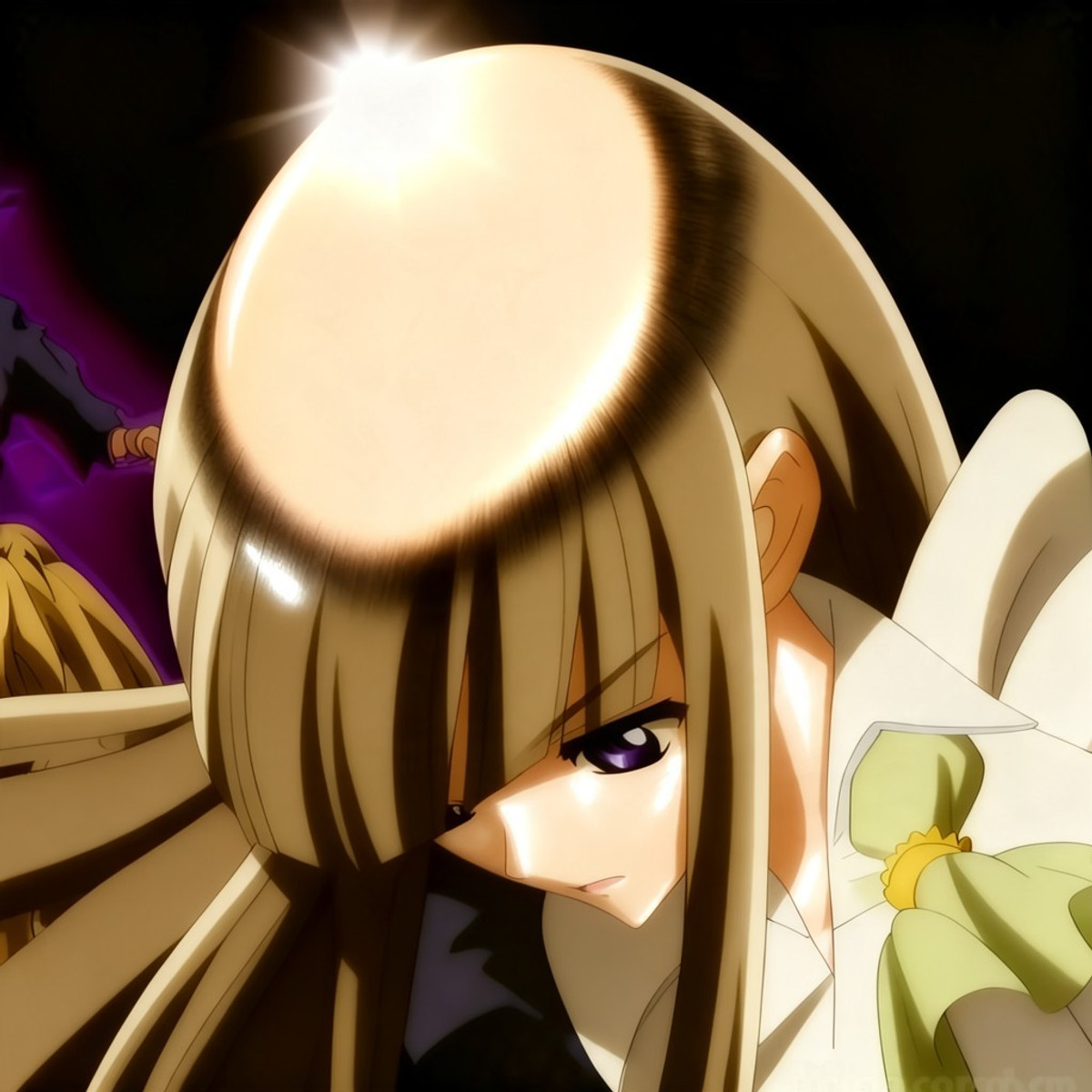
- nice body.solo · v1 — LoRA: Named nice body.solo, but the model card and examples are all close-ups of the same anime girl's face: Light brown straight long hair, bangs, purple eyes, strong backlight highlights on the top of the head, black background with purple ambient light.
- suzuran(arknights) - Default MOSS ver · v1 — LoRA: MOSS character LoRA for Suzuran from Arknights (default outfit), trigger word suzuran(arknights).

- liino(arknights) - Endfield Default MOSSver · v1 — LoRA: MOSS character LoRA for Liino from Arknights: Endfield (Endfield default appearance), trigger word liino(arknights). The description is only one sentence.
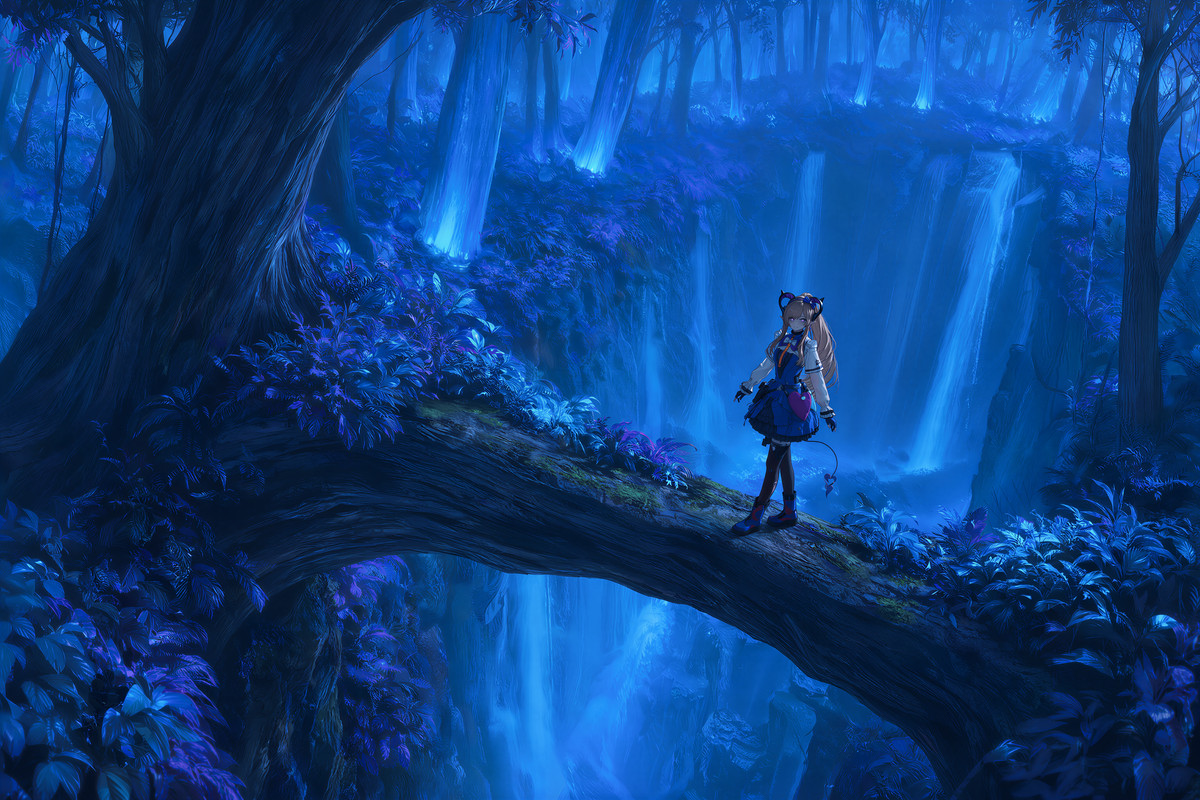
- [Krea2/Moss]sei Umebara style · moss — LoRA: MOSS version of the LoRA for artist sei (Umebara)'s style, based on the name. The model card only says "Training on ModelScope" (referring to ModelScope).
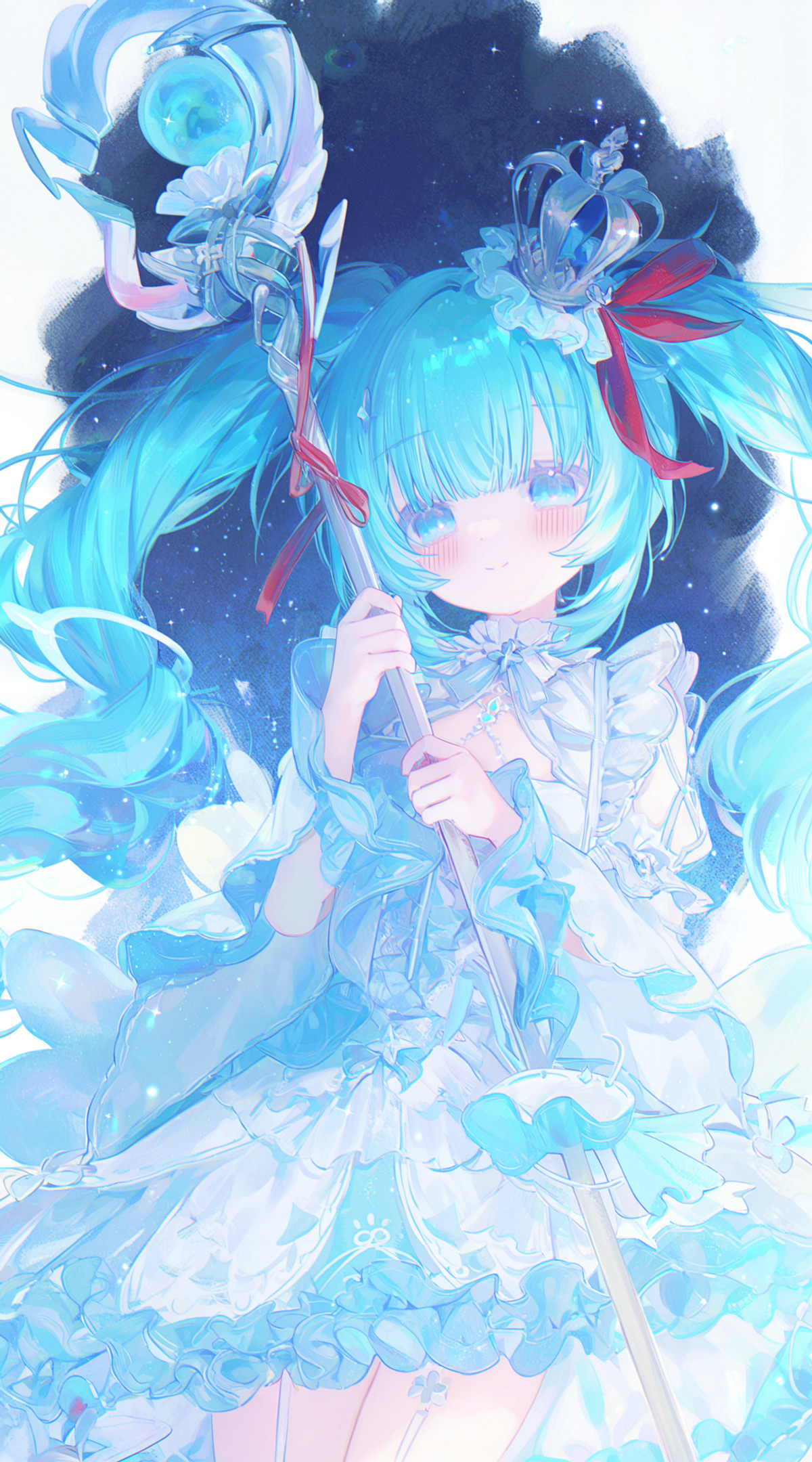
- dusk(arknights) - Dyeing Dust Smoke MOSS ver · v1 — LoRA: MOSS character LoRA for Dusk's "Dyeing Dust Smoke" skin from Arknights, trigger word dusk(arknights).
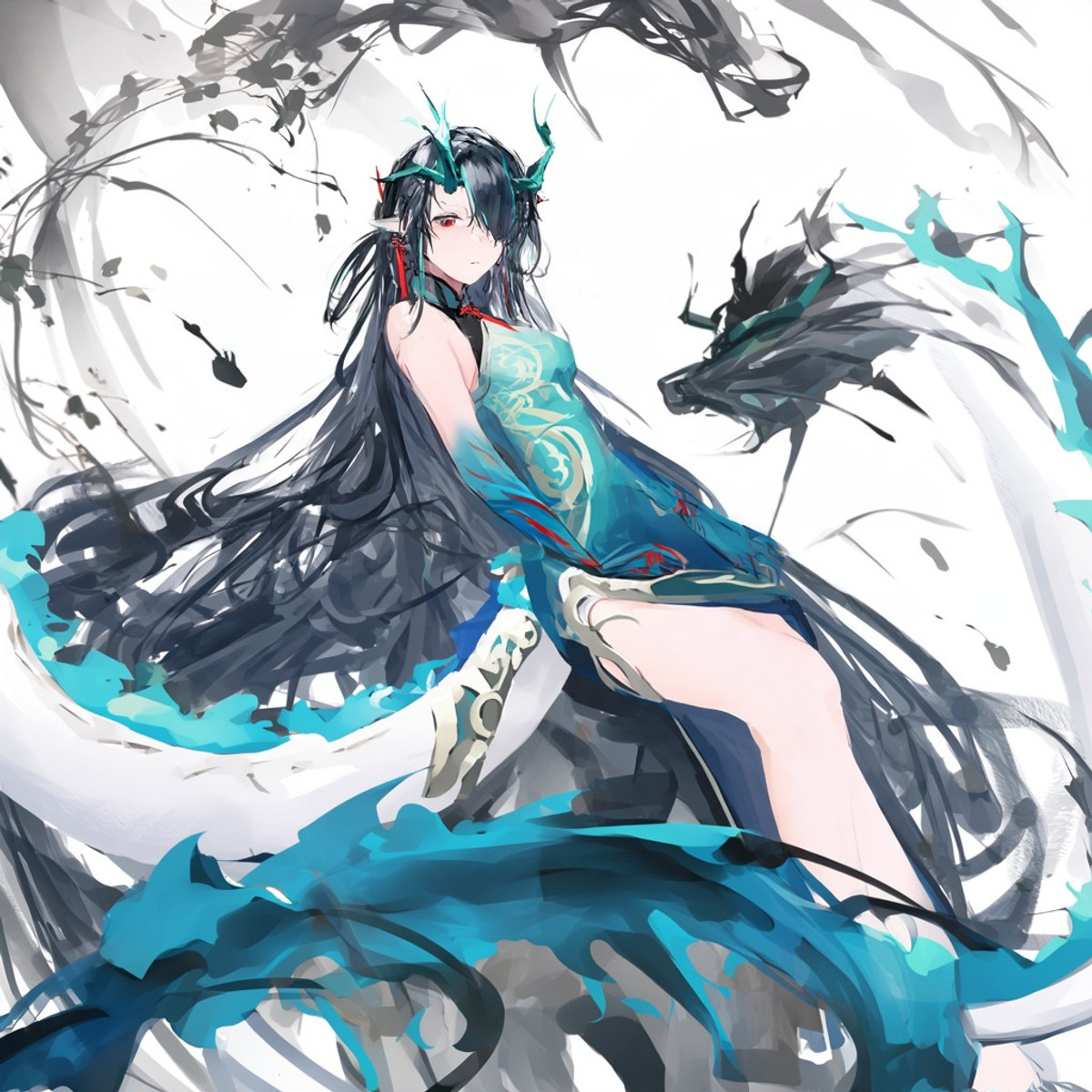
- perlica(arknights) - Endfield Default MOSS ver · v1 — LoRA: MOSS character LoRA for Perlica from Arknights: Endfield (Endfield default appearance), trigger word perlica(arknights).
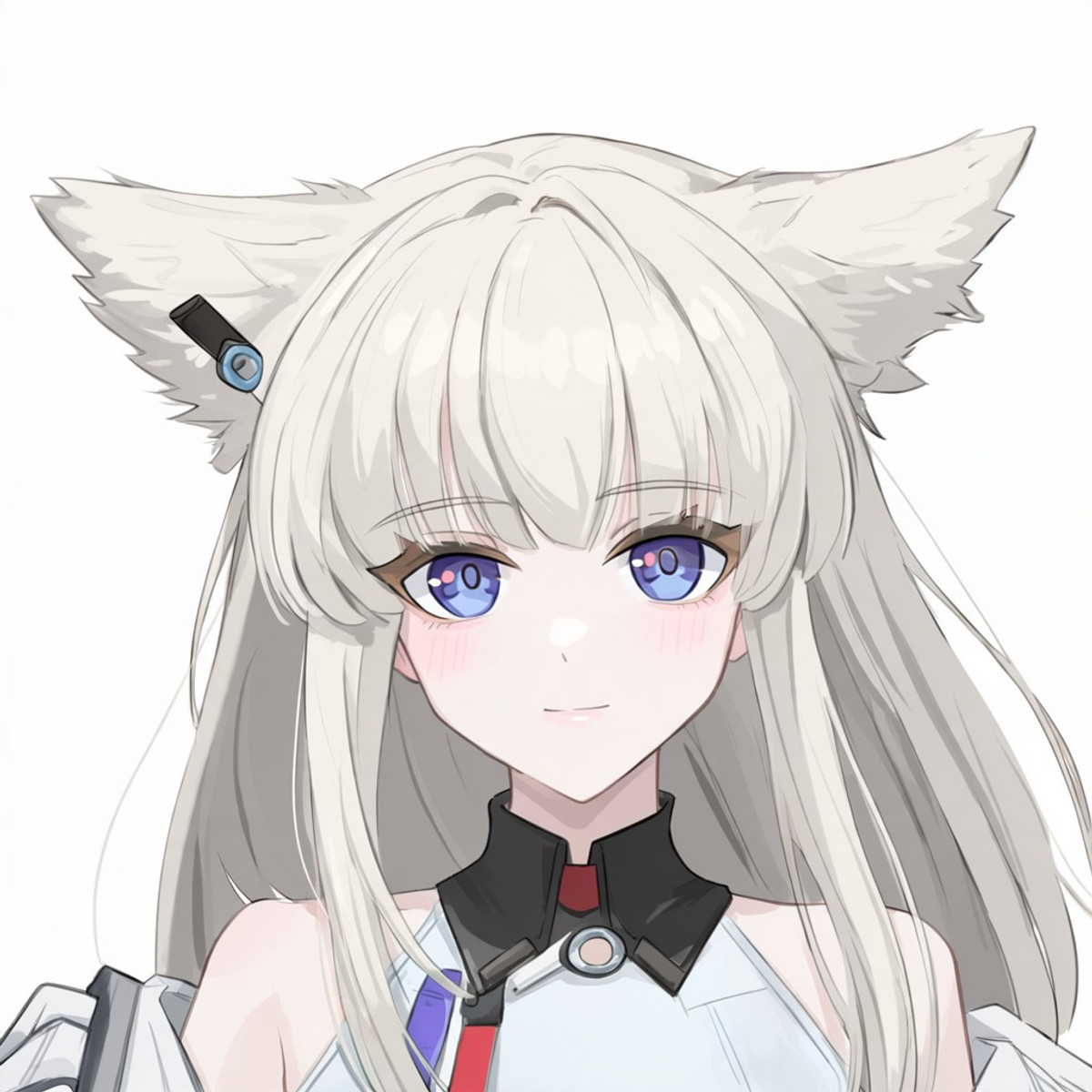
- w(arknights) - Default MOSS ver · v1 — LoRA: MOSS character LoRA for W from Arknights (default outfit), trigger word w(arknights).

- Angel NordhavenLove · MossImage — LoRA: Realistic female character LoRA for Angel from MisterMR's fictional character series "NordhavenLove," MOSS version.
- snow (sentouin hakenshimasu!) · v1.0 (moss) — LoRA: MOSS port of the character LoRA for Snow, a knight of the Grace Kingdom and former captain from the light novel adaptation anime I Sent a Sentouin!: Blue long hair, blue eyes.
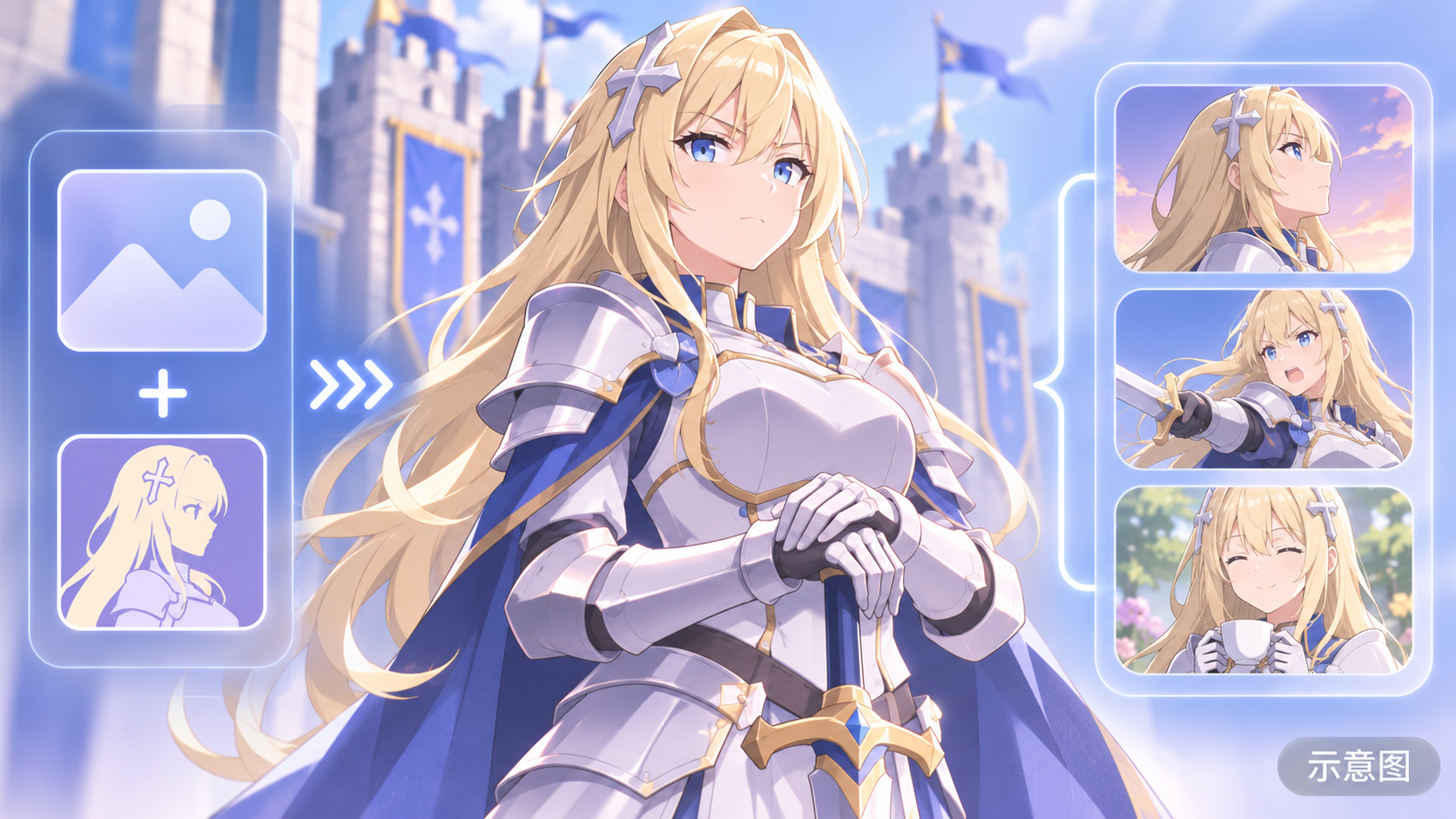
- myrtle(arknights) - Pale Gold Celebration MOSS ver · v1 — LoRA: MOSS character LoRA for Myrtle's "Pale Gold Celebration" skin from Arknights, trigger word myrtle(arknights).

- tomimi(arknights) - Default MOSS ver · v1 — LoRA: MOSS character LoRA for Tomimi from Arknights (default outfit), trigger word tomimi(arknights).
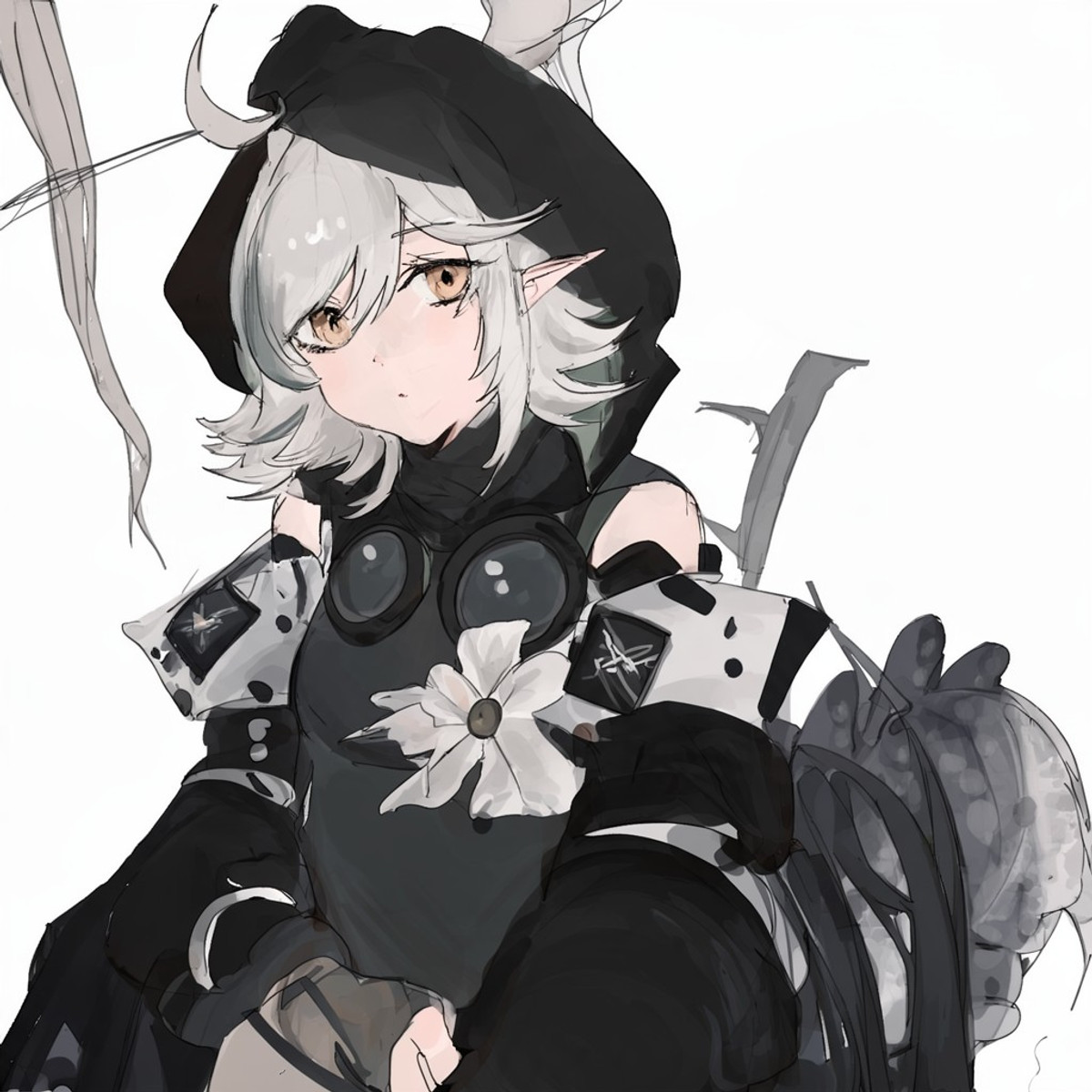
- irene(arknights) - Default MOSS ver · v1 — LoRA: MOSS character LoRA for Irene from Arknights (default outfit), trigger word irene(arknights).
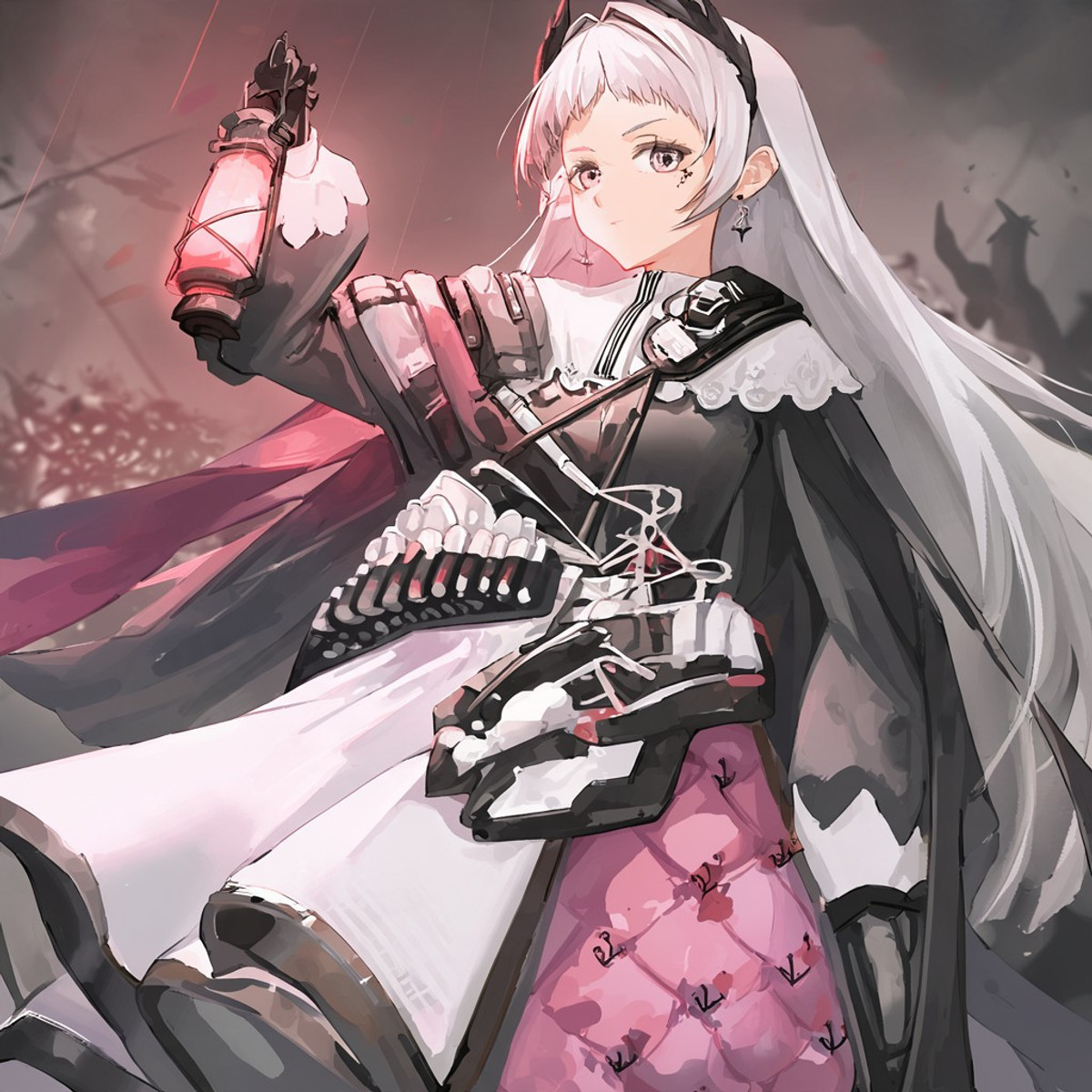
- chen_qianyu(arknights) - Endfield Default MOSS ver · v1 — LoRA: MOSS character LoRA for Chen Qianyu from Arknights: Endfield (Endfield default appearance), trigger word chen_qianyu(arknights).
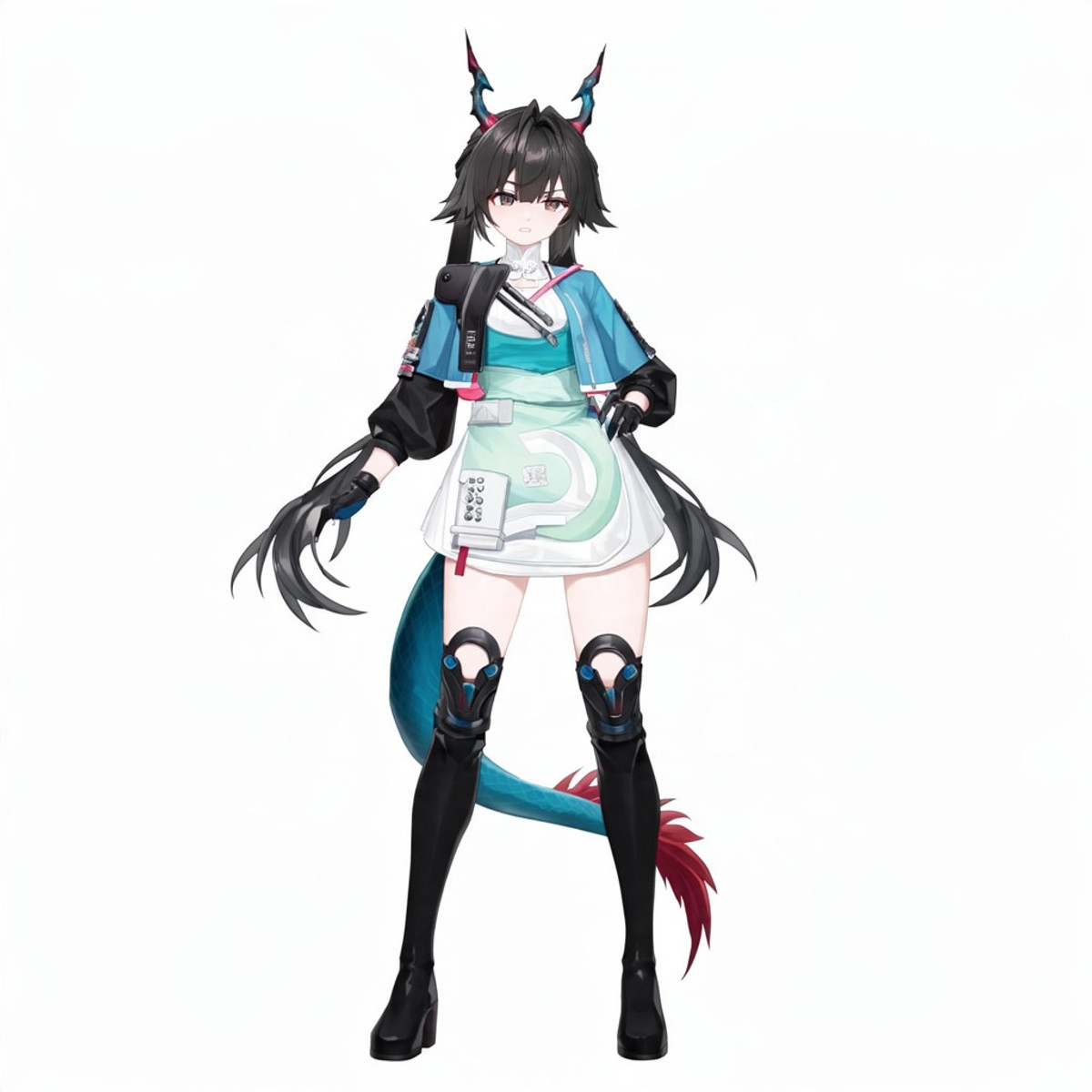
- mostima(arknights) - Default MOSS ver · v1 — LoRA: MOSS character LoRA for Mostima from Arknights (default outfit), trigger word mostima(arknights).
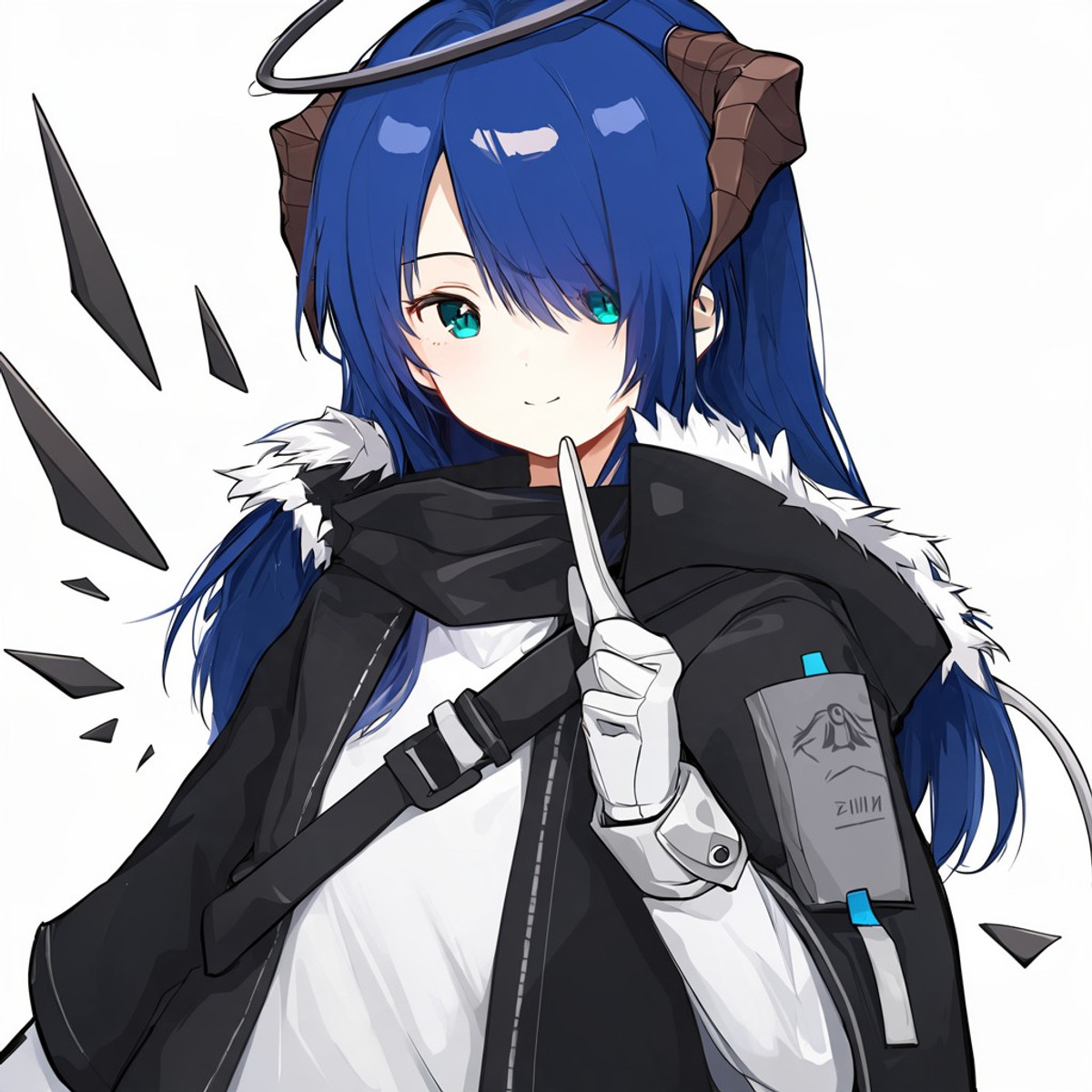
- silverash(arknights) - Default MOSS ver · v1 — LoRA: MOSS character LoRA for SilverAsh from Arknights (default outfit), trigger word silverash(arknights).
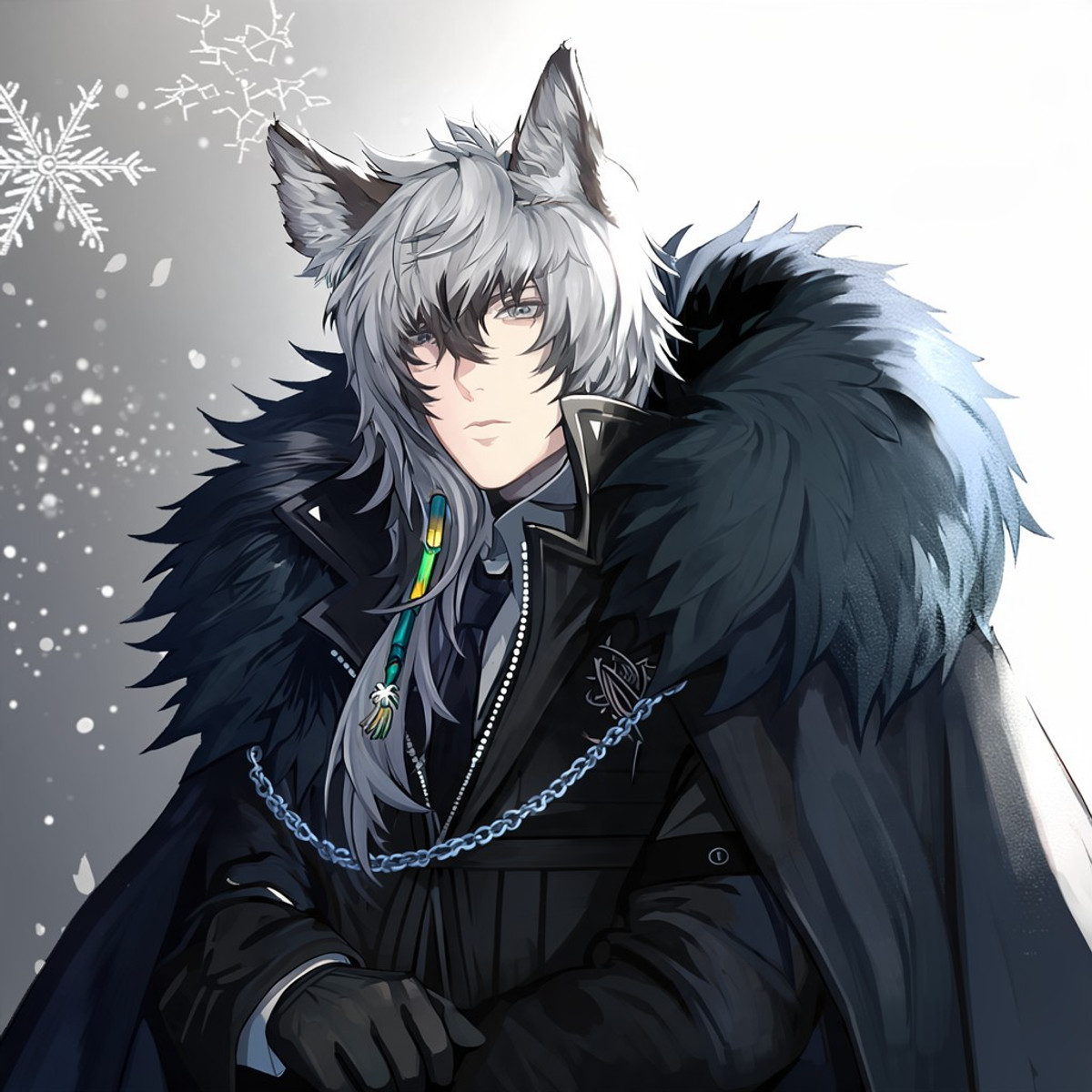
- sora(arknights) - Default MOSS ver · v1 — LoRA: MOSS character LoRA for Sora from Arknights (default outfit), trigger word sora(arknights).
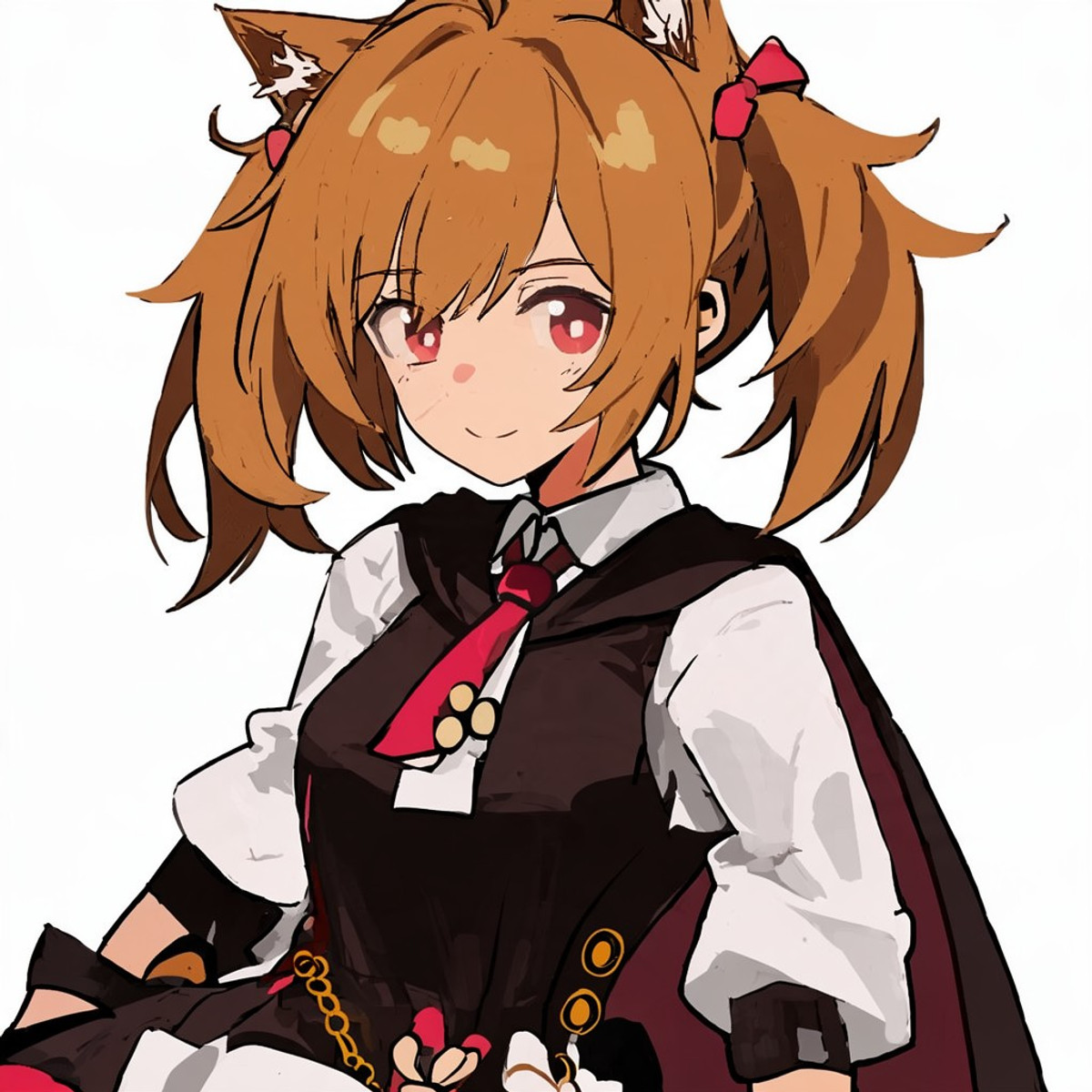
- la_pluma(arknights) - Default MOSS ver · v1 — LoRA: MOSS character LoRA for La Pluma from Arknights (default outfit), trigger word la_pluma(arknights).
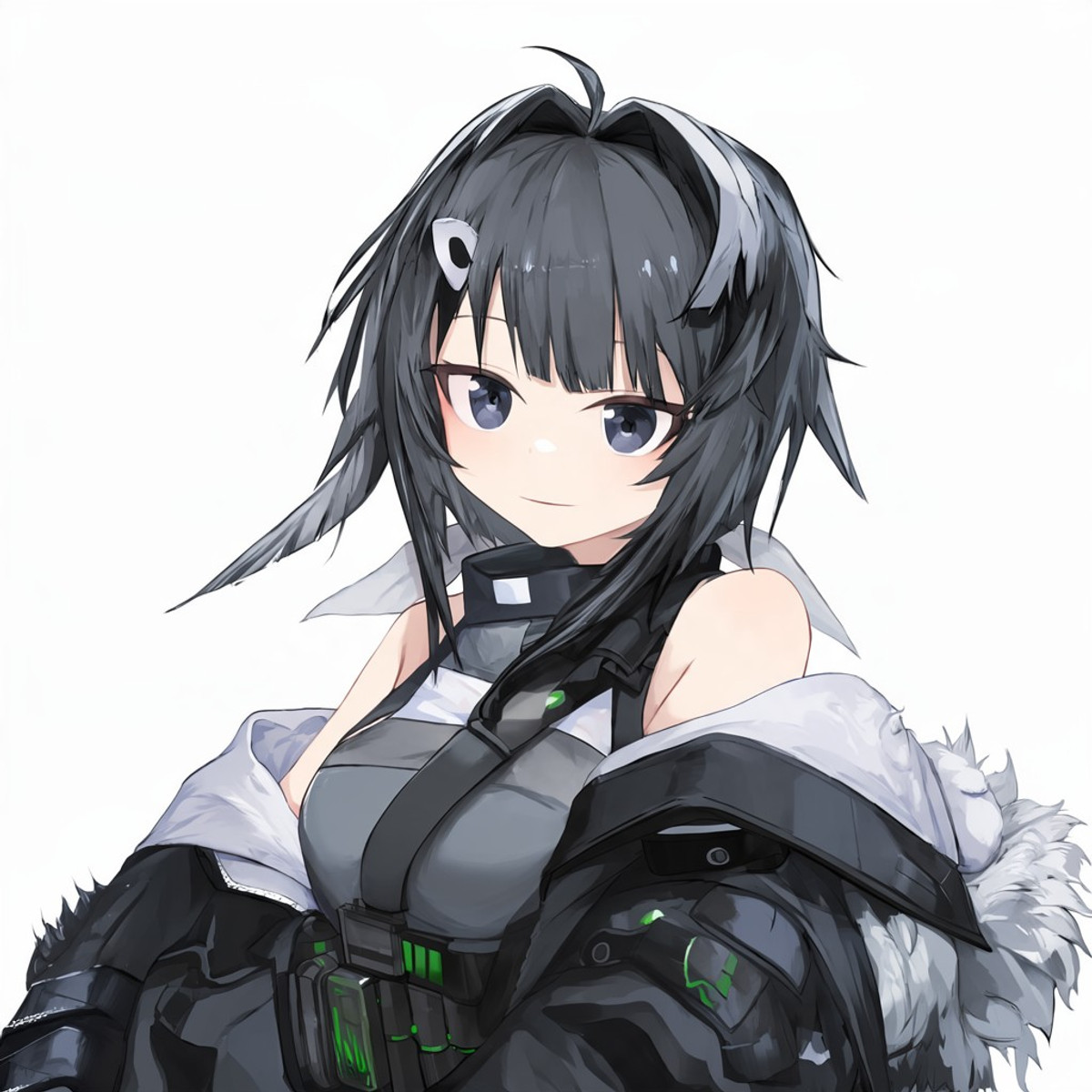
- rosmontis(arknights) - Default MOSS ver · v1 — LoRA: MOSS character LoRA for Rosmontis from Arknights (default outfit), trigger word rosmontis(arknights).
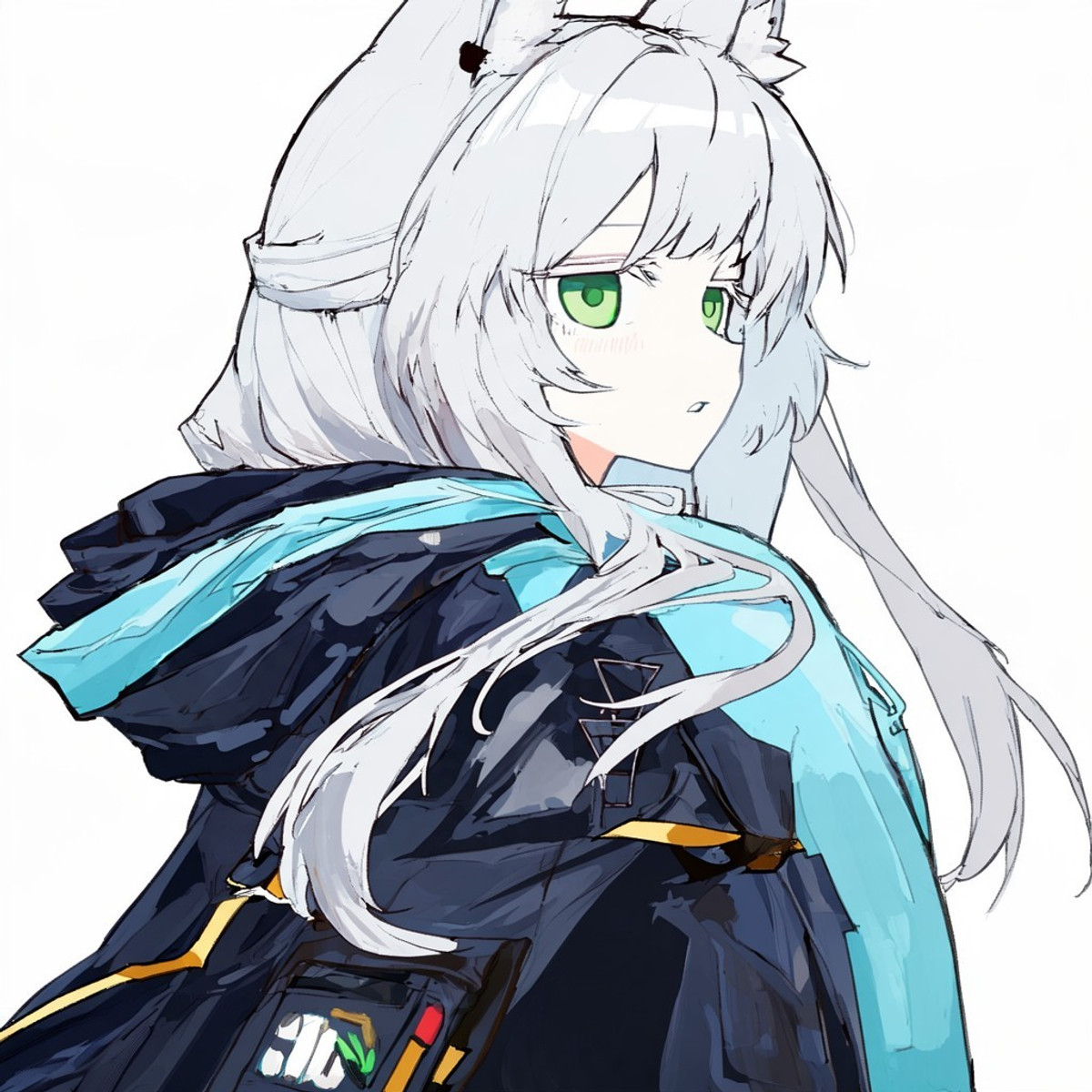
- honeyberry(arknights) - Default MOSS ver · v1 — LoRA: MOSS character LoRA for Honeyberry from Arknights (default outfit), trigger word honeyberry(arknights).

- sussurro(arknights) - Default MOSS ver · v1 — LoRA: A MOSS character LoRA for Sussurro (default outfit) from Arknights, with the trigger word sussurro(arknights).
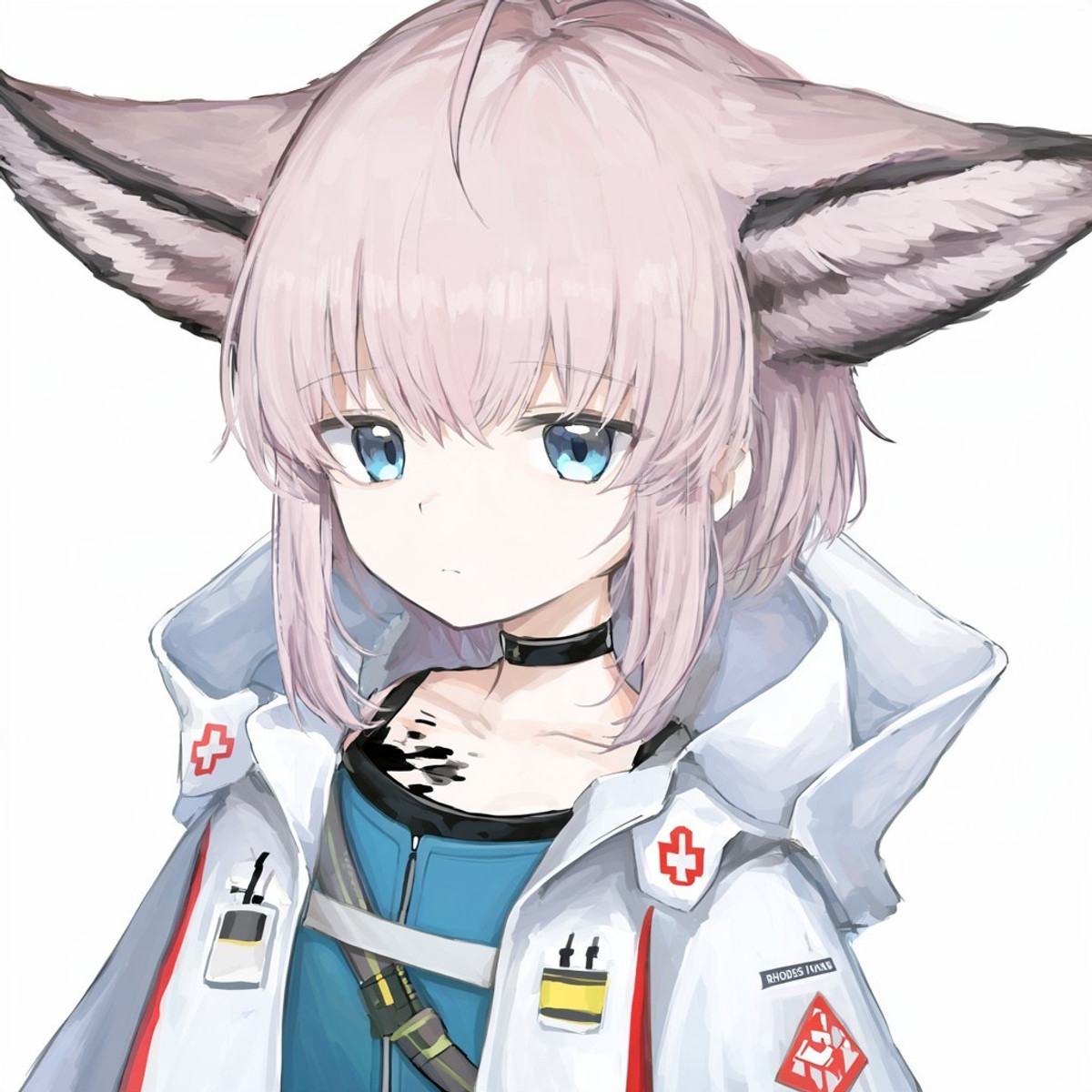
- vendela(arknights) - Default MOSS ver · v1 — LoRA: A MOSS character LoRA for Vendela (default outfit) from Arknights, with the trigger word vendela(arknights).
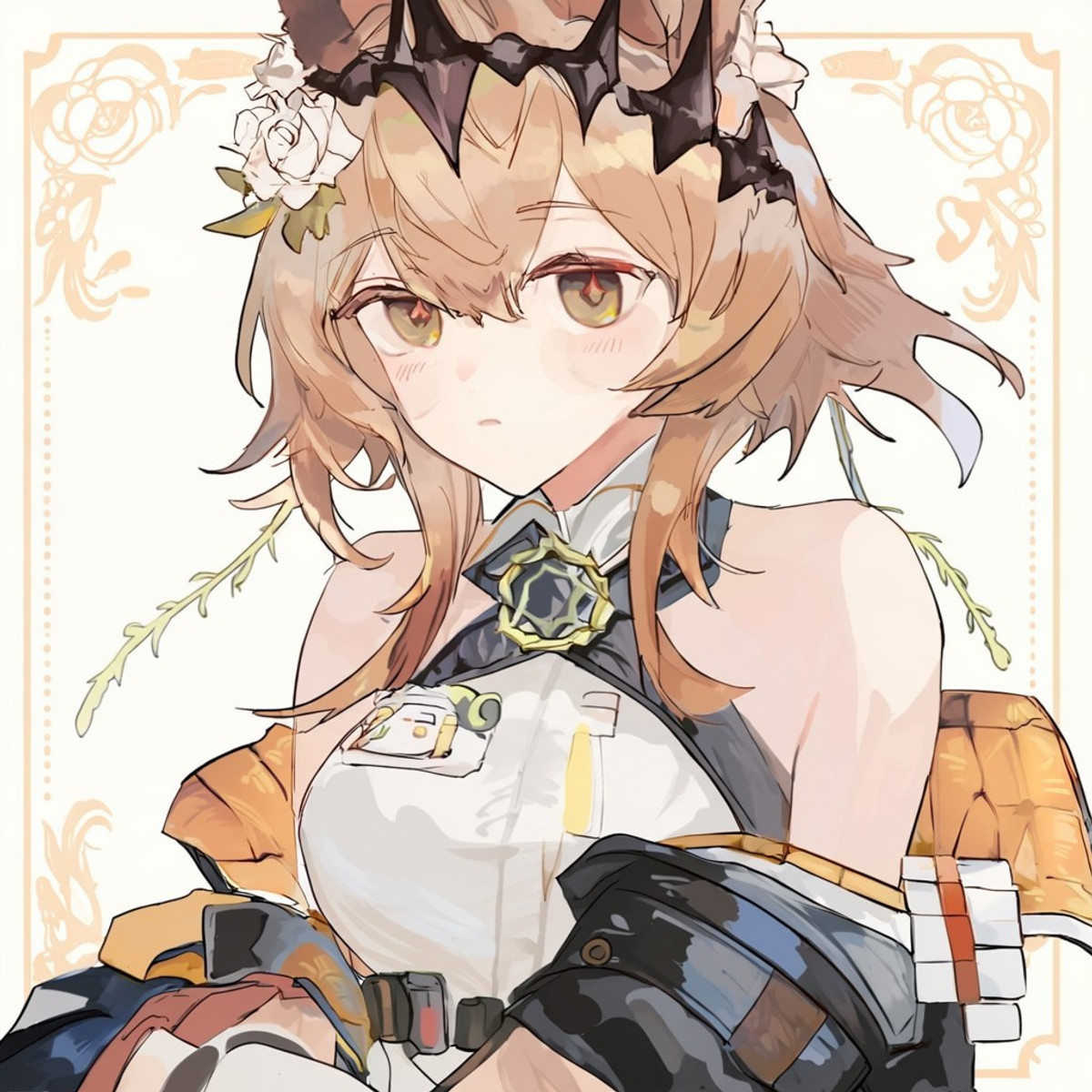
- WoozMOSS · v1.1 — LoRA: A fan-made style LoRA imitating the art style of characters from the virtual community game Woozworld: the author describes it as featuring cartoonish faces, exaggerated hairstyles, detailed clothing accessories, vibrant colors, and clean outlines.
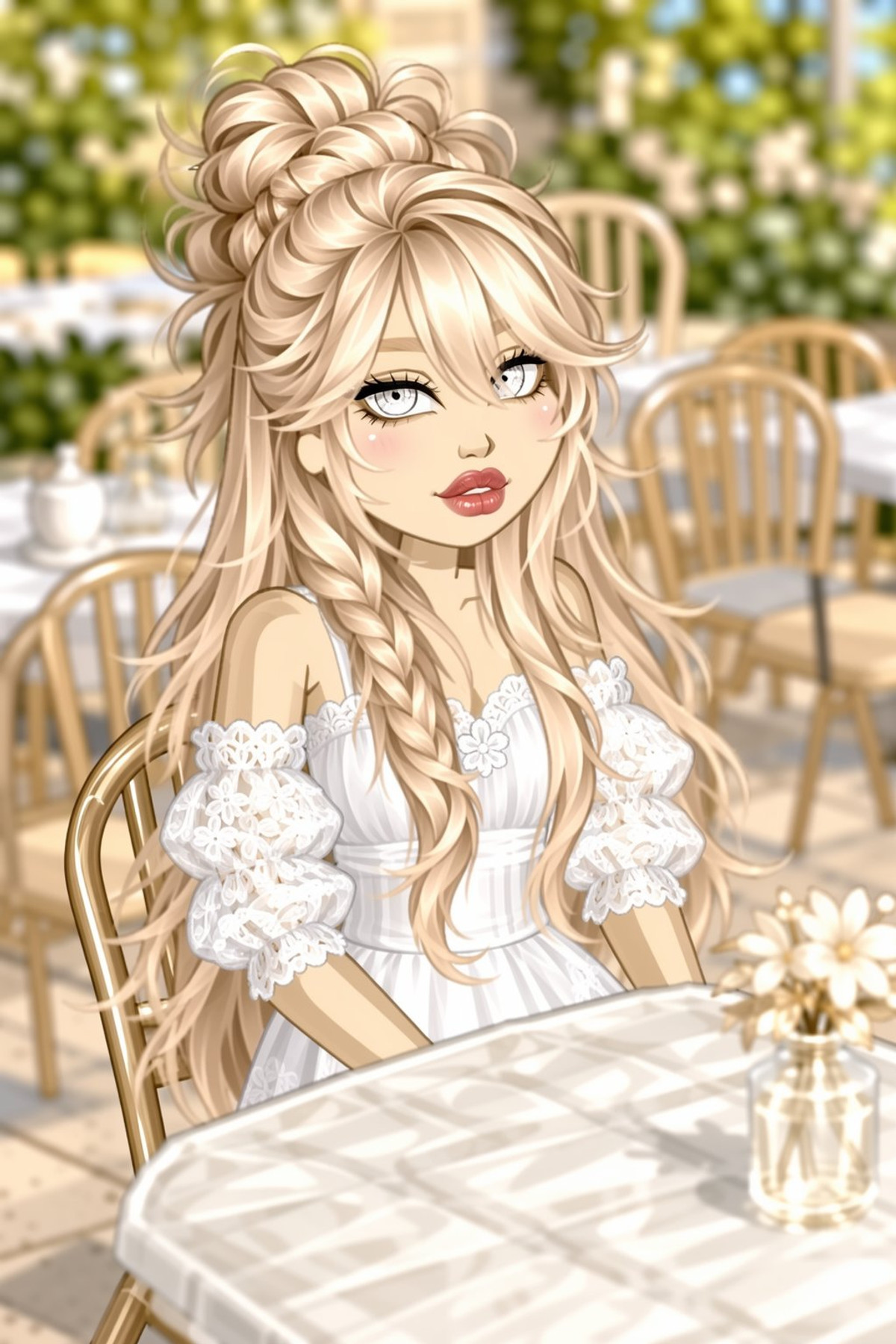
- liskarm(arknights) - Default MOSS ver · v1 — LoRA: A MOSS character LoRA for Liskarm (default outfit) from Arknights, with the trigger word liskarm(arknights).
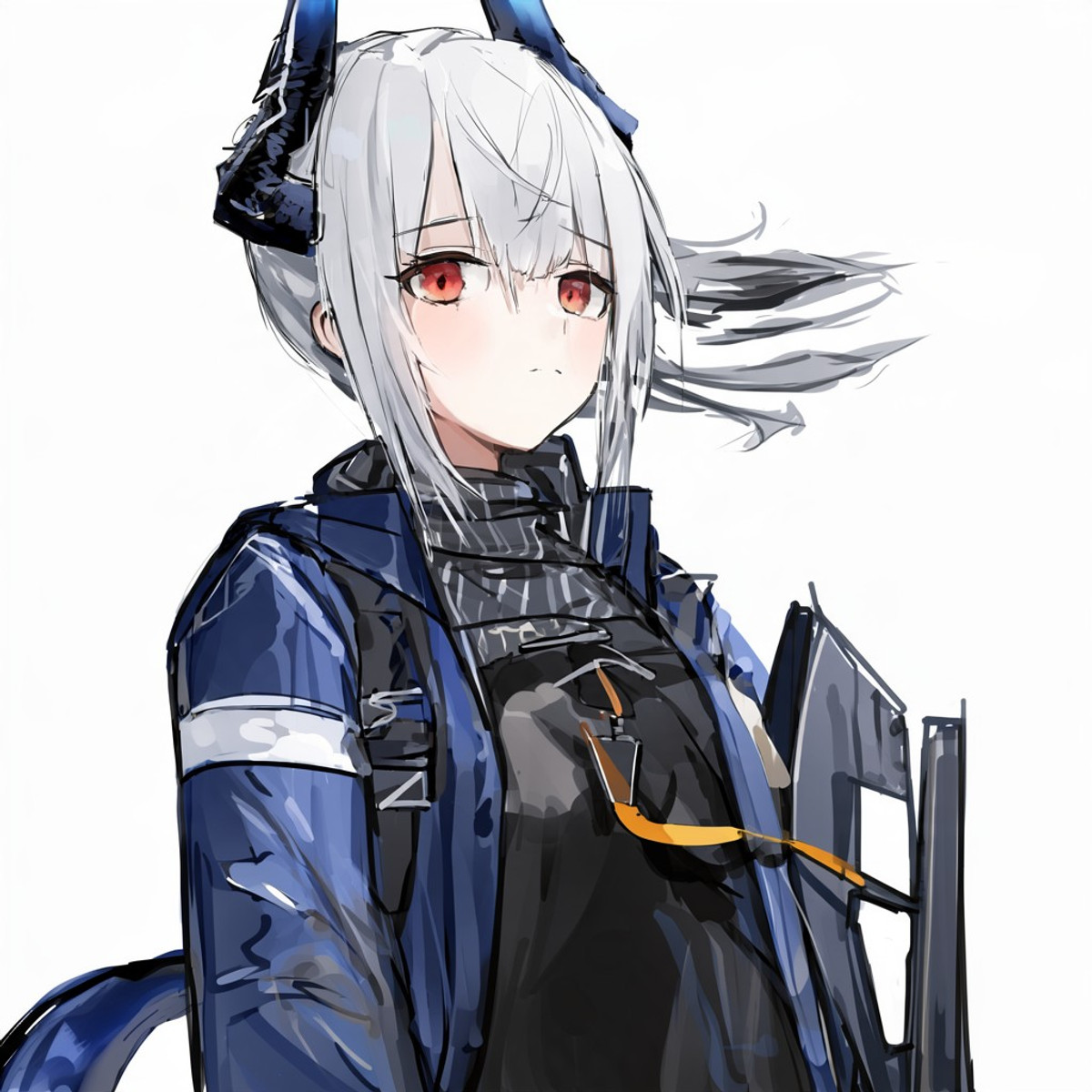
- shining(arknights) - Default MOSS ver · v1 — LoRA: A MOSS character LoRA for Shining (default outfit) from Arknights, with the trigger word shining(arknights).
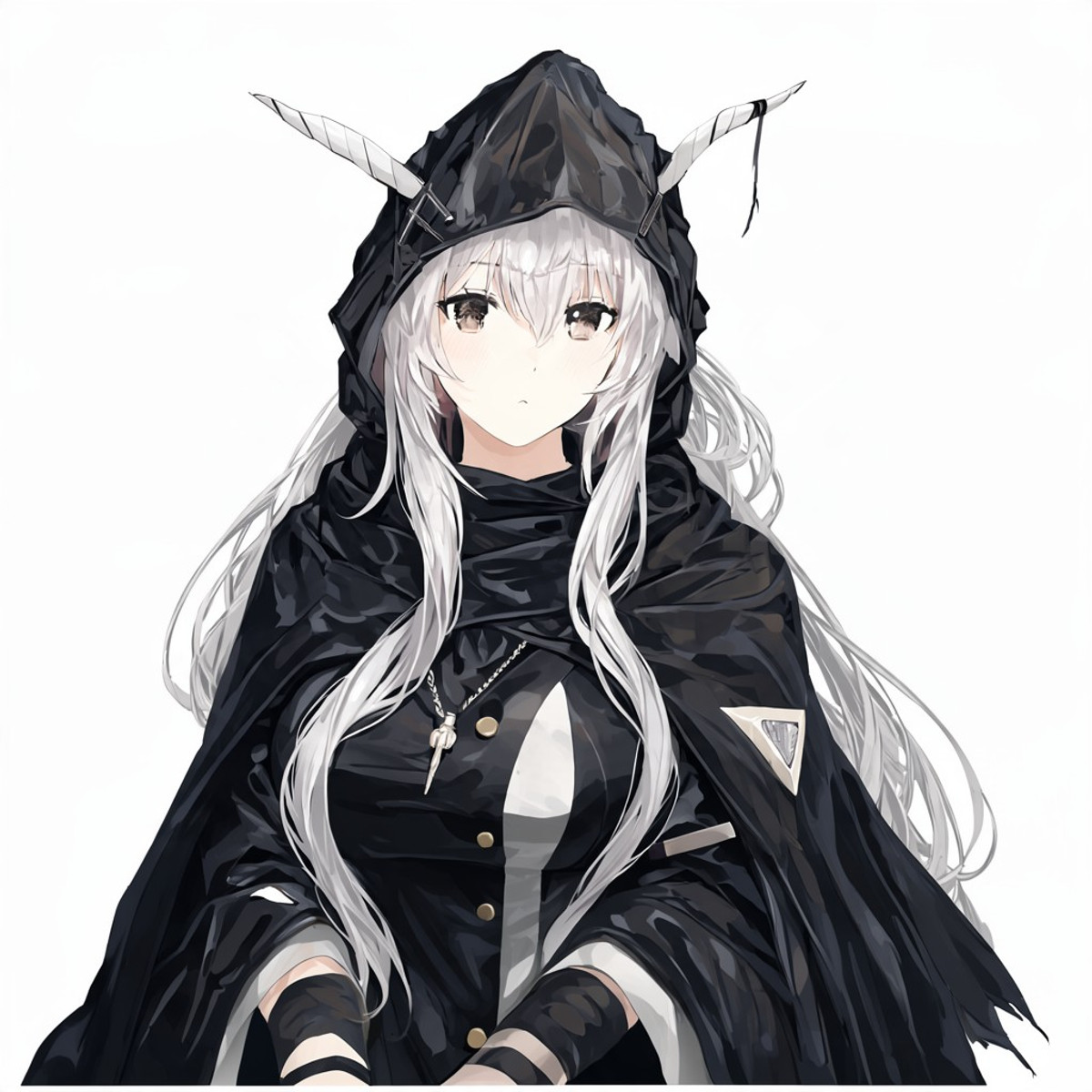
- rosmontis-airy-dream(arknights) - An Airy Dream MOSS ver · v1 — LoRA: A MOSS character LoRA for Rosmontis's "An Airy Dream" skin from Arknights, with the trigger word rosmontis-airy-dream(arknights).
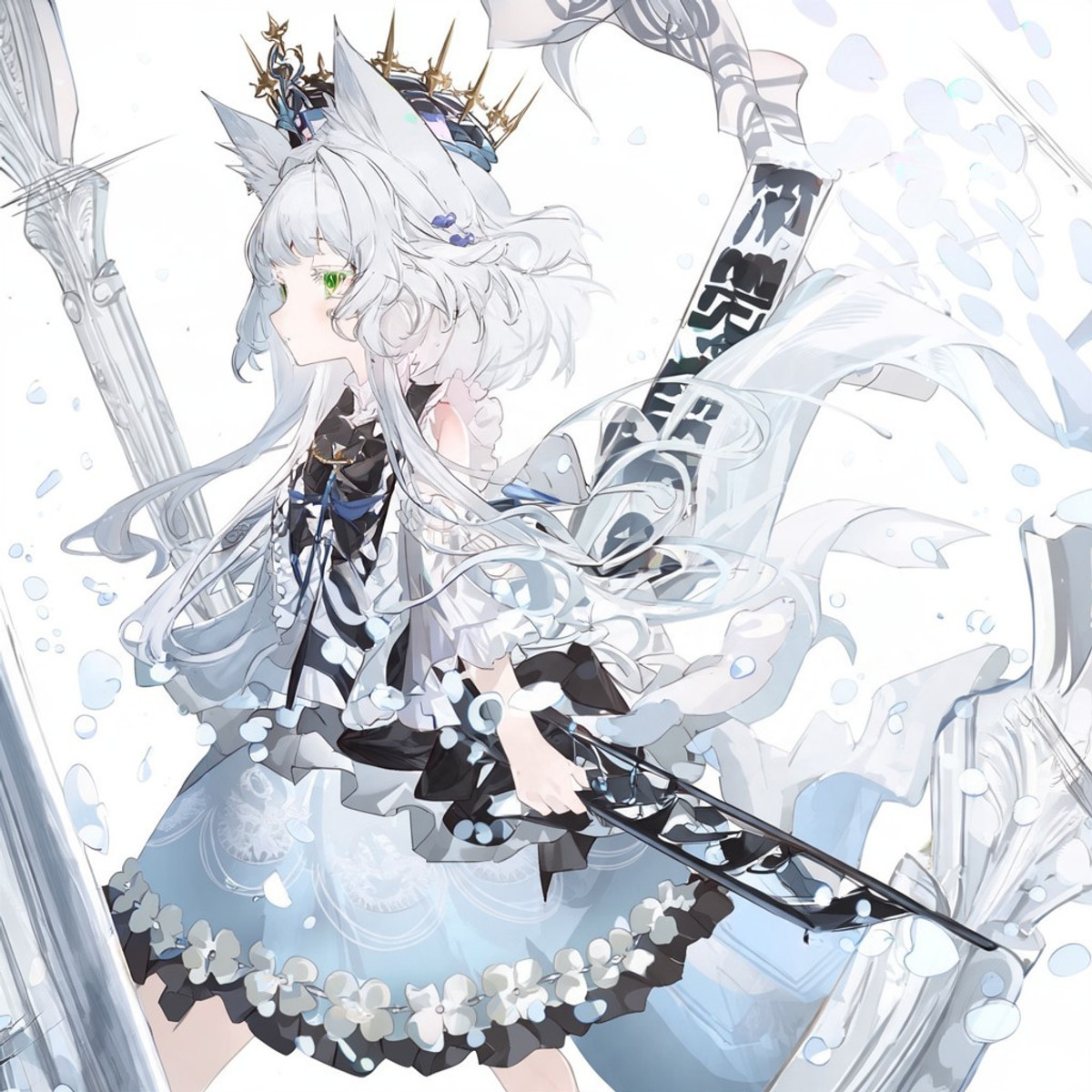
- angelina-distinguished-visitor(arknights) - Distinguished Visitor MOSS ver · v1 — LoRA: A MOSS character LoRA for Angelina's "Distinguished Visitor" skin from Arknights, with the trigger word angelina-distinguished-visitor(arknights).
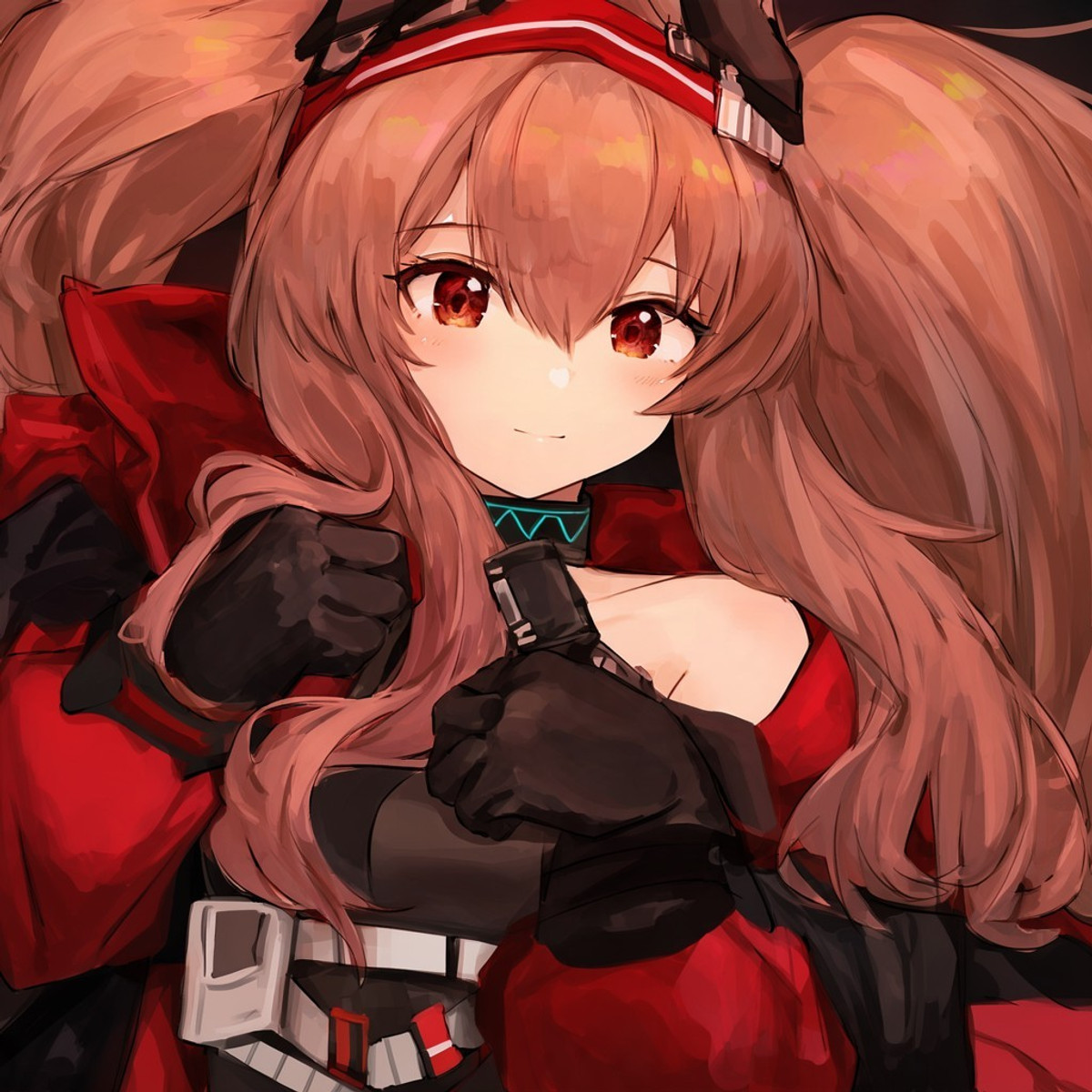
- goldenglow(arknights) - Night of Joy Attendant MOSS ver · v1 — LoRA: A MOSS character LoRA for the "Night of Joy Attendant" skin of the Arknights character Goldenglow, trigger word: goldenglow(arknights).
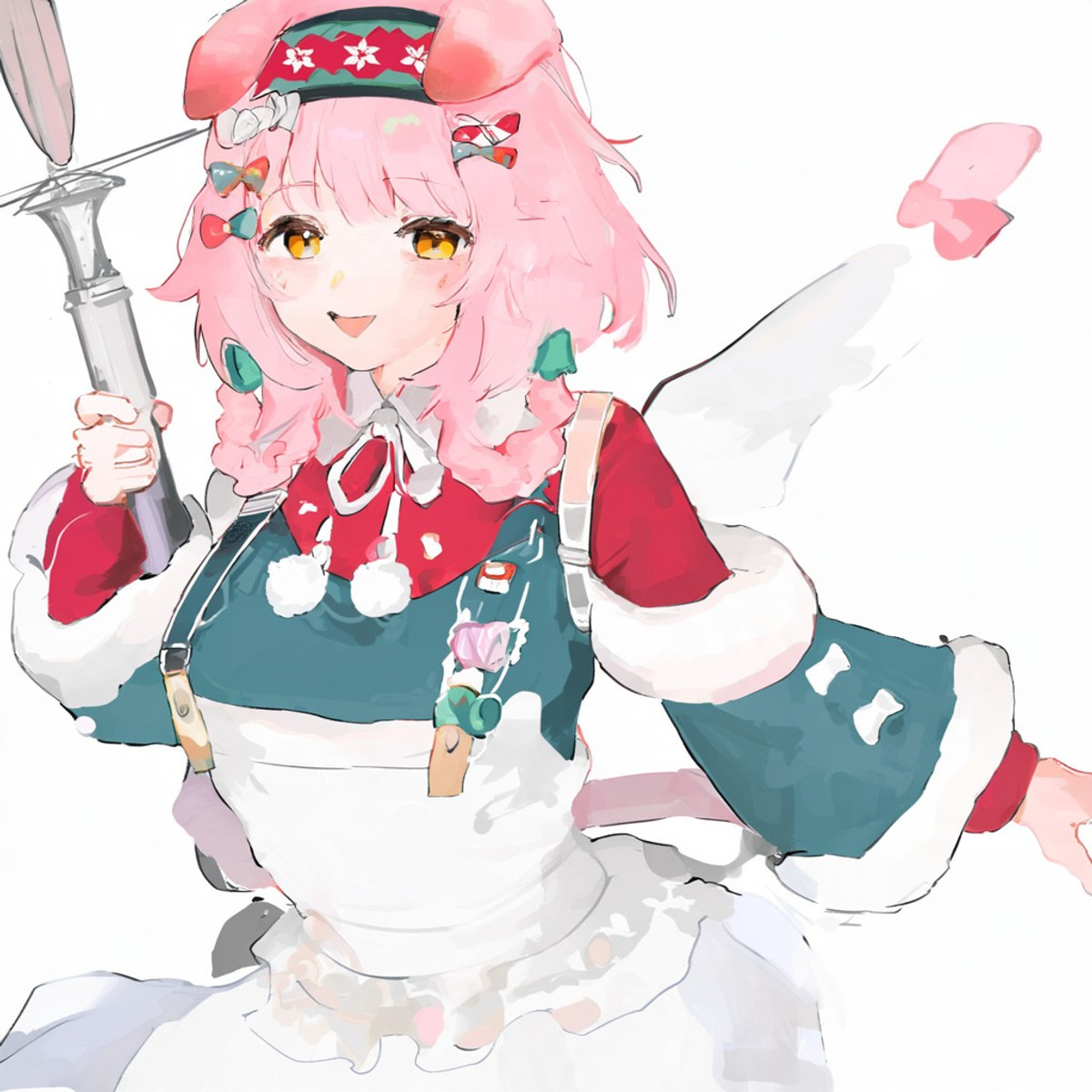
- projekt_red(arknights) - Default MOSS ver · v1 — LoRA: A MOSS character LoRA for Projekt Red (default outfit) from Arknights, with the trigger word projekt_red(arknights).
- blue_poison(arknights) - Default MOSS ver · v1 — LoRA: A MOSS character LoRA for Blue Poison (default outfit) from Arknights, with the trigger word blue_poison(arknights).

- yvonne(arknights) - Endfield Default MOSS ver · v1 — LoRA: A MOSS character LoRA for Yvonne (Endfield default appearance) from Arknights: Endfield, with the trigger word yvonne(arknights); only 1 public examples are available.
- ff0_mmw1 MOSS ver · v1 — LoRA: The author claims this is a MOSS LoRA for an unnamed "satellite" (leaked) character from Arknights: Endfield, with the codename trigger word ff0_mmw1; the tags include warfarin.
- nymph(arknights) - Default MOSS ver · v1 — LoRA: A MOSS character LoRA for Nymph (default outfit) from Arknights, with the trigger word nymph(arknights).
- gilberta(arknights) - Endfield Default MOSS ver · v1 — LoRA: A MOSS character LoRA for Gilberta (Endfield default appearance) from Arknights: Endfield, with the trigger word gilberta(arknights); however, the only example image depicts a different character.
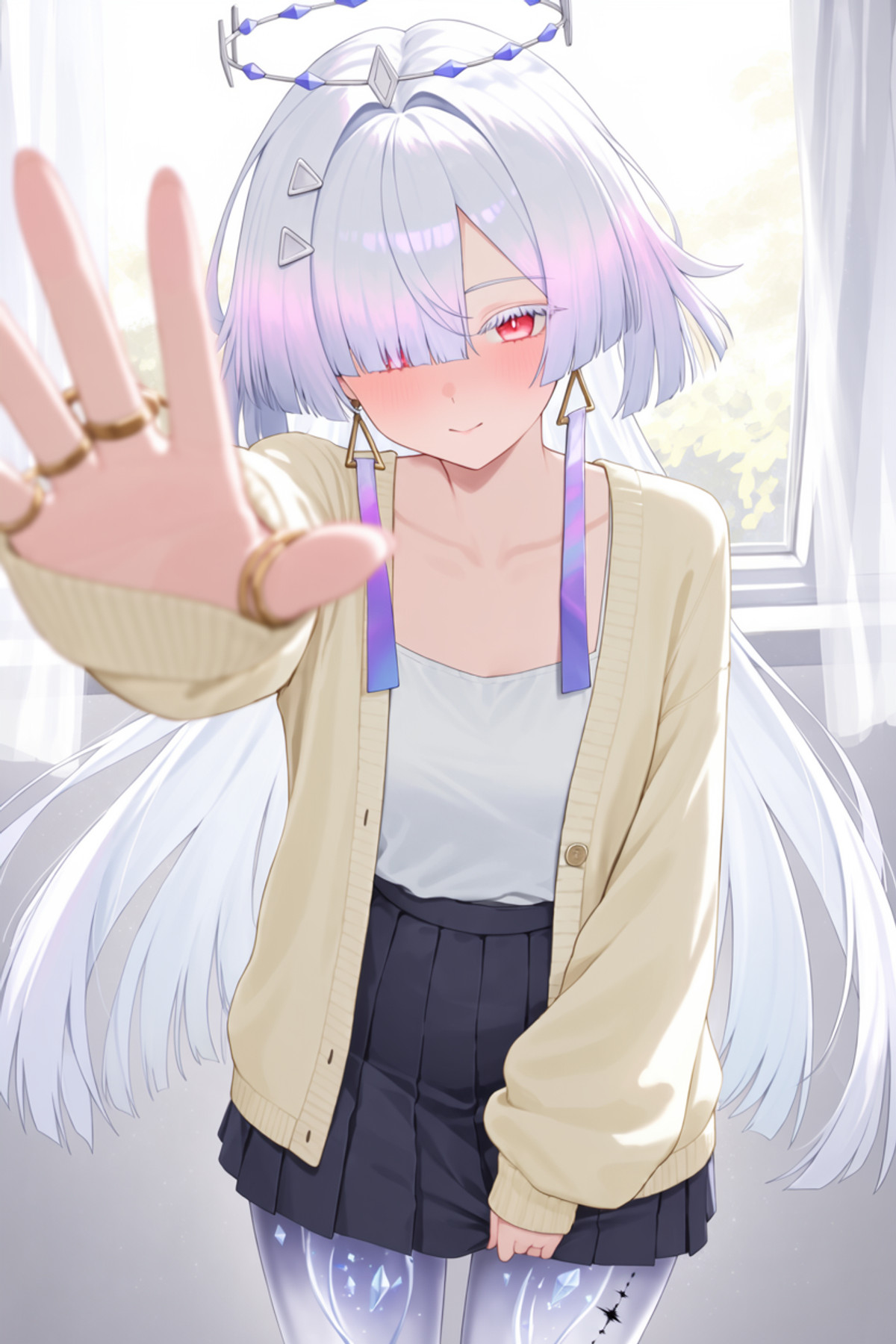
- 莫宁/mornye · moss v1.0 — LoRA: A MOSS port of a character LoRA for Mornye from Wuthering Waves: features long white hair covering one eye, red pupils, a halo, a white coat paired with a purple skirt, and a resonance mark on the leg.
- Pixxie · Pixxie [MOSS] — LoRA: A MOSS version LoRA for the character Pixxie: the example prompt describes an adult female with blonde twin-tails featuring pink highlights, blue eyes, a pink heart-shaped pendant choker, and a white corset top.
- [Krea2/Moss]CAISENA style · Moss — LoRA: Based on the name, this is a MOSS version of a LoRA in the CAISENA art style; the model card has three lines: trained on ModelScope, still using SFT, and complaining about poor MOSS SFT performance.
Data: Civitai public API (base model MOSS Image), collection window 11-28 08:31 → 11-28 21:01 (Beijing Time). Recommendations have been reviewed by editors; download counts only reflect attention.