Zhenzhen's AI Radar · Qwen Image 2.1 · 2026-11-06 Morning Briefing
This issue features 4 new versions: Strongly Recommended 0 · Recommended 3 · Worth Watching 1 · Included Only 0
Editor's Note This issue reviews 4 new versions of Qwen 2.1. The top pick is Character Sheet Builder v3.0: upload a reference image and write a character description to batch-generate multi-view setting sheets (front, side, back, etc.) for the same character. This version has been changed to work with the author's newly released Angle LoRA, using angle trigger phrases to generate images without relying on an LLM. Kodak DC120 ports the warm tones, soft focus, and noise of early digital cameras from the late 90s to Qwen 2.1; trigger words, resolution, and CFG are provided, also rated A. The workflow was automatically downgraded from S to A due to empty update notes and the requirement to install author nodes; the Lada Granta model LoRA is self-described as a beta version by the author with strict licensing, maintaining a B rating.
Recommended (3)
[A] Qwen 2.1 Character Sheet Builder - No LLM · Q21_CharSheet_V3.0_Basic
Workflow · Version Update · Author AirbagGuy · Published 11-06 07:45 · Downloads 15
Character Sheet generation workflow: Provide a reference image and character description to batch-output full-body, half-body, and headshot images of the same character from different camera angles, with automatic whitespace cropping; v3.0 removes the dependency on LLMs, instead using the author's Angle LoRA trigger phrases to control angles.
Images
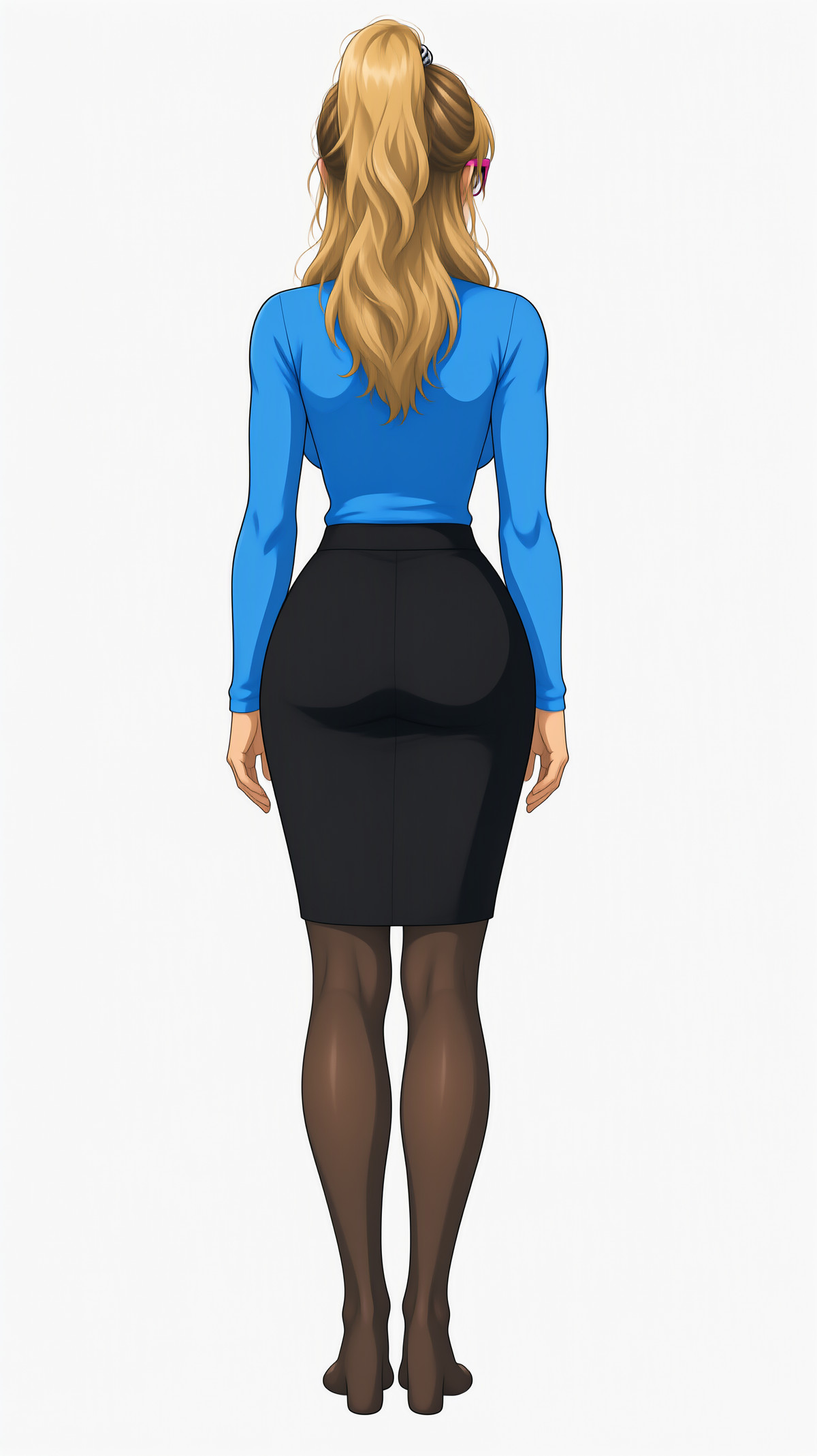
Reasons for Recommendation
- Version Update: The author states that v3.0 mainly involves minor usability adjustments, simplifying prompts to Angle LoRA angle trigger phrases, aiming for more consistent characters, poses, and angles in each generation.
- Serves character design, LoRA training material preparation, and pre-production for comics/game art: obtain multi-view references at once without manually specifying camera positions for each image.
- Still integrates the author's Auto Trim node to automatically crop white borders; other branches such as the pH3 version (2.3) are also available on the same page.
- Free with permissive licensing; the entire model page has accumulated 2946 downloads and 114 likes (indicating popularity only).
How to Use
- Download Q21 Character Sheet - Basic - Lora - 3.0.json, import it into ComfyUI, and fill in the fields following the workflow order: Step 1 Reference Image → Step 2 Prompt → Step 3 Parameters.
- Use in conjunction with the same author's Q21 Angle Lora (another entry in this issue); it can run without loading it, but the author notes that consistency will decrease.
- The prompt must specify shoes (or bare feet), as specifically reminded by the author; sampling steps and CFG were not provided by the author.
Risks and Limitations
- The version update notes section is empty; changes are only described in the model card body.
- Requires the author's Auto Trim custom node; 2 example images are visible, with another 4 hidden.
- This entry has not been tested; consistency effects are based on the author's description.
[A] Kodak DC120 · v2.0 Qwen 2.1
LoRA · Port · Author Fenfel23 · Published 11-05 21:54 · Downloads 42
A style LoRA mimicking the imaging of Kodak's early consumer digital camera DC120: warm colors, soft lens effects, natural sensor noise, and highlight blooming; the author describes it as sitting between early digital photography and color negative film.
Images
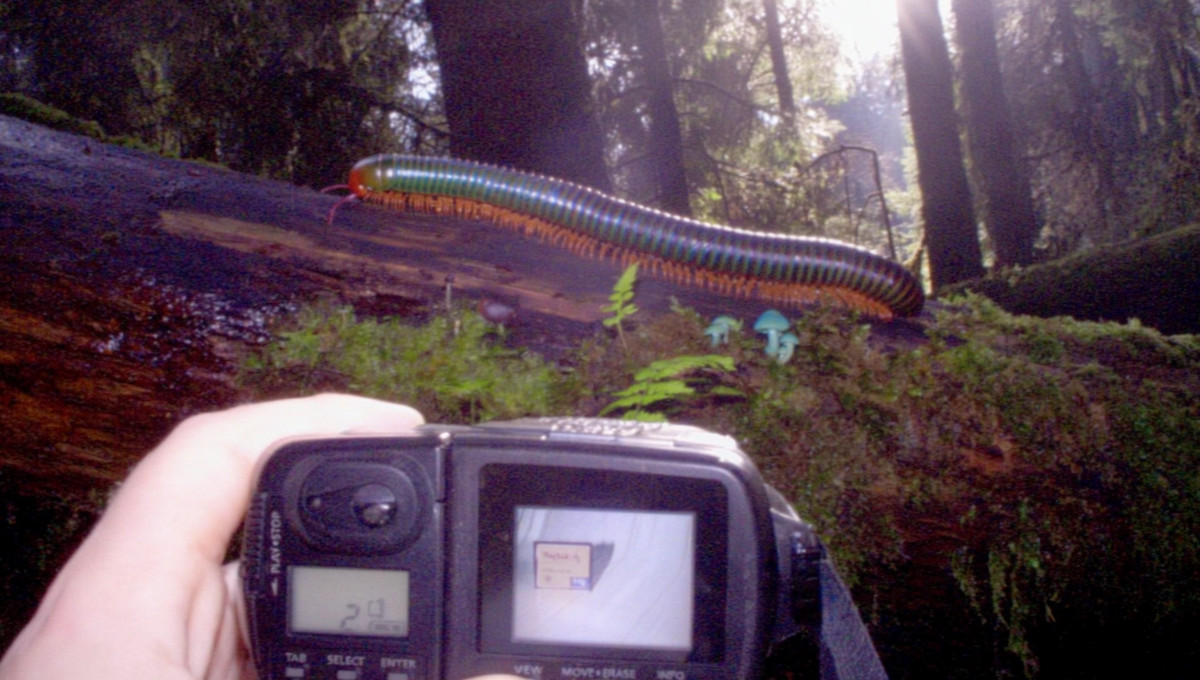
Reasons for Recommendation
- Ported from Krea 2 and Flux.2 Dev versions to Qwen 2.1; the author claims the Qwen 2.1 version is better than the Krea 2 version, though physical texture is inferior to the Flux.2 version, and it supports edit mode.
- Serves text-to-image generation for nostalgic digital photos and late 90s lifestyle snapshot styles; edit mode can also apply this imaging style to existing images.
- 11 visible example images, no hidden ones; free with permissive licensing.
How to Use
- Load Qwen2.1_Kodakdc120.safetensors (approx. 152 MB) and include the trigger word kdc120 style. in the prompt.
- The author recommends a resolution of approx. 2MP and CFG 3.5; strength and steps were not provided by the author.
Risks and Limitations
- The author states it was trained on only 25 images sourced from a Reddit user's photos, without specifying if authorization was obtained.
- This entry has not been tested.
Trigger Word: kdc120 style.
[A] Q21 Angle Lora - Character Creation · Q21 Angle Lora_v1
LoRA · New Model · Author AirbagGuy · Published 11-06 07:31 · Downloads 18
A character angle LoRA for fixed camera positions: uses English angle prompts (front, three-quarter side, side, back; full body / half body / headshot; high/low angles) to enable Qwen 2.1 to stably output specified views of the same character, with optional white background.
Images
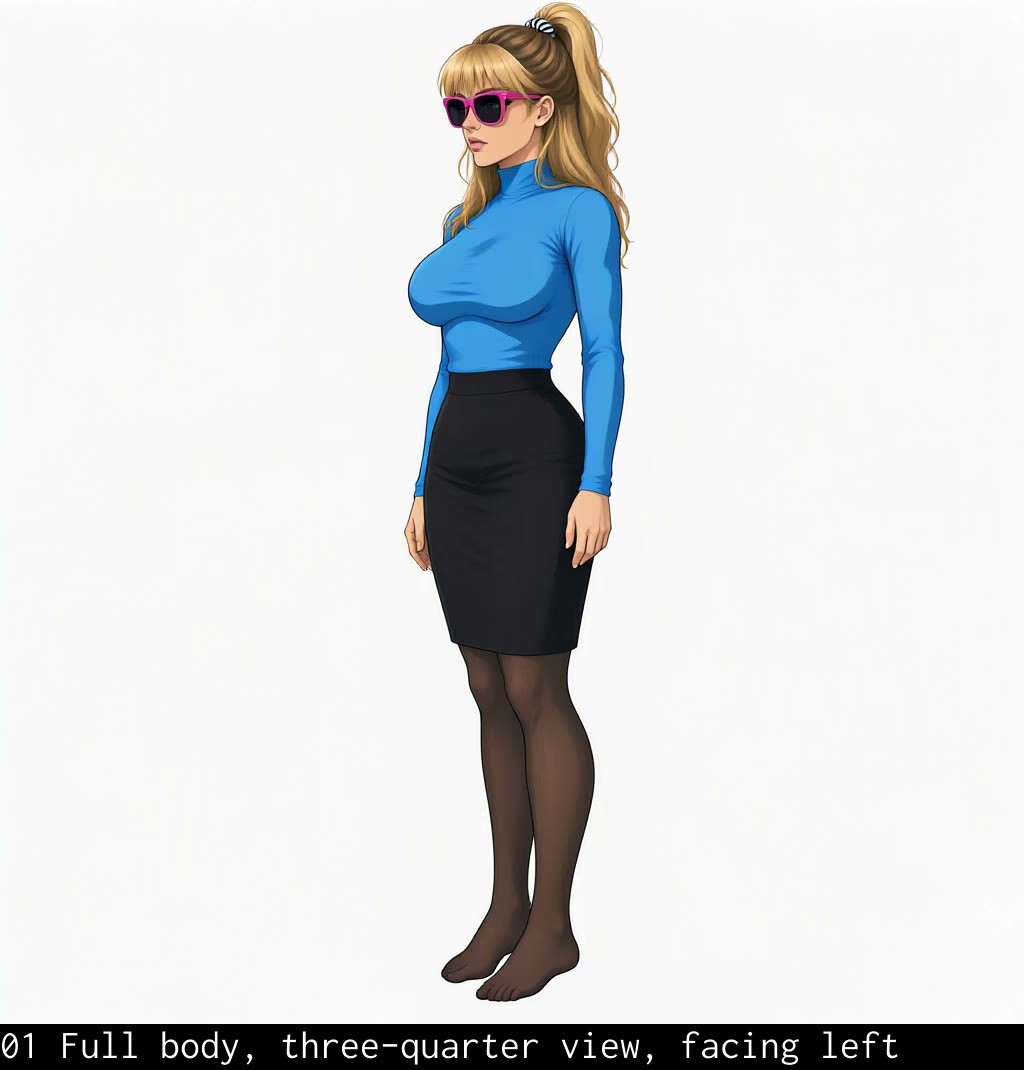
Reasons for Recommendation
- New model, trained to accompany the new workflow of the Character Sheet Builder mentioned above; can also be used independently for character reference images.
- Trigger phrases are fully listed in the model card, formatted uniformly as "Make the shot a ... view of the [SUBJECT]"; copy them directly.
- Free with permissive licensing.
How to Use
- Load Q21_Angle_512_V1.safetensors (approx. 152 MB) and use the angle phrases provided in the model card for prompts, replacing [SUBJECT] with the character description.
- Specify a white background in the prompt if needed; strength and steps were not provided by the author.
Risks and Limitations
- Only 1 visible video examples, with another 2 hidden; the author states they only use it for character references, other uses are unverified.
- Trigger phrases are not registered in the site's trigger word section; this entry has not been tested.
Worth Watching (1)
[B] Lada Granta FL MOSS / Krea 2/Qwen 2.1 · Qwen 2.1
LoRA · Port · Author bazya022020810 · Published 11-06 02:47 · Downloads 17
A vehicle model LoRA for the Lada Granta FL facelift sedan; the author claims it preserves the X-shaped front trim, taillights, and body proportions, allowing changes to car color, camera angle, and weather.
Images
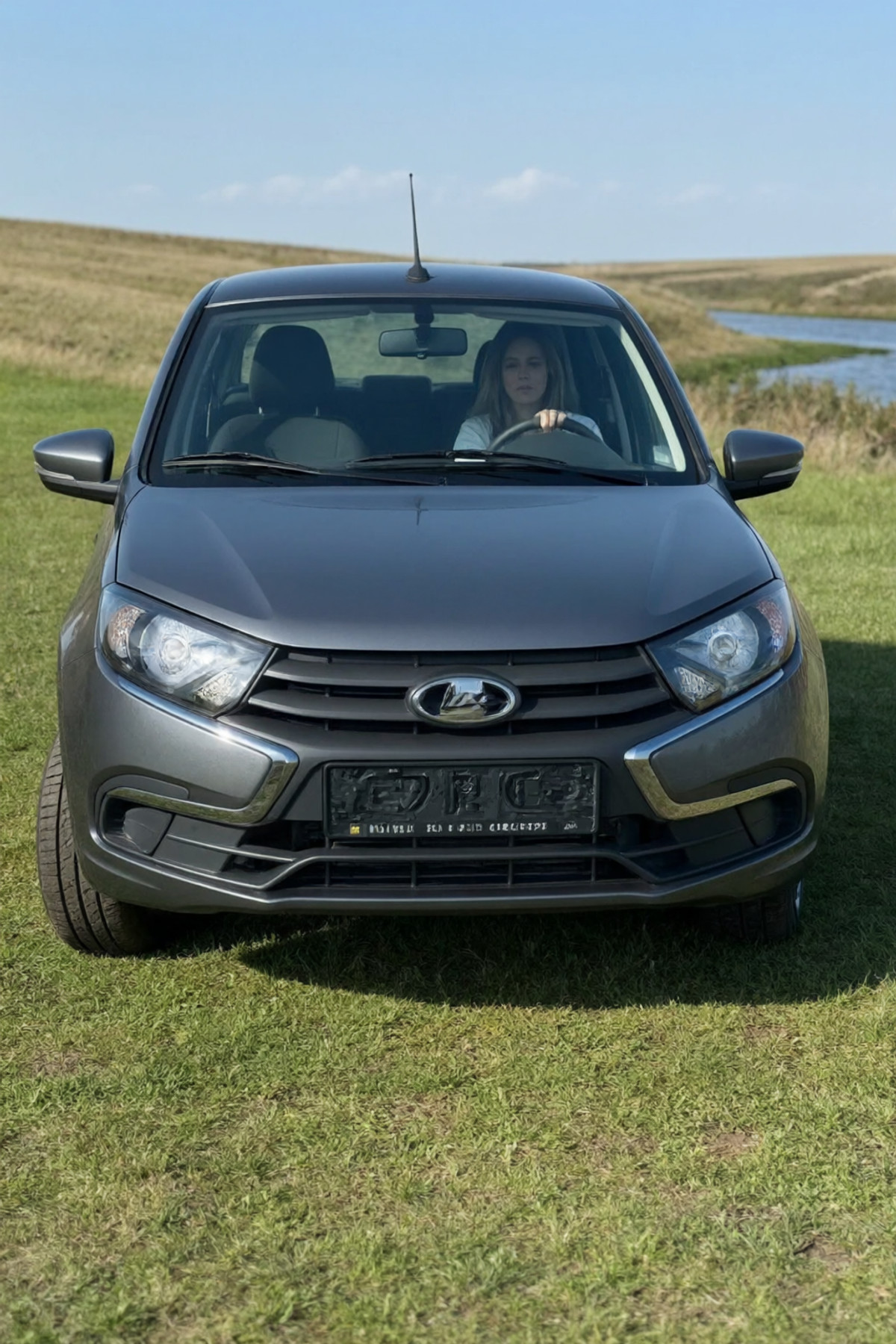
Reasons for Recommendation
- Ported from the Krea 2 Turbo / MOSS version to Qwen 2.1; the author used it to practice still life and vehicle training.
- Serves text-to-image generation in realistic scenes like street photography, highways, rainy nights, and gas stations where this specific car model is needed.
- The model card includes two complete example prompts (daytime parking lot, rainy night street).
How to Use
- Load GRANTFV1q.safetensors with strength 1.0; start the prompt with granta_fl sedan and specify car color and camera angle.
- The author recommends pairing Qwen 2.1 with the FineView base model (link on civitai.red); steps and CFG were not provided by the author.
Risks and Limitations
- Self-described as an Experimental Beta by the author; interior details are inaccurate.
- License allows only in-site rental, no derivatives permitted; 4 visible example images, 4 hidden; this entry has not been tested.
Data: Civitai Public API (Base model Qwen 2.1), inclusion window 11-05 20:31 → 11-06 09:01 (Beijing Time). Recommendation reasons have been reviewed by editors; download counts represent popularity only.