Zhenzhen's AI Radar · Qwen Image 2.1 · 2026-11-17 Morning Report
This issue features 2 new versions: Strongly Recommended 0 · Recommended 0 · Worth Watching 1 · Included Only 1
Editor's Note This issue reviewed 3 new Qwen 2.1 versions, with 1 rated B and 2 rated C; there were no top recommendations. TikFesku's all-in-one workflow explicitly states support for Qwen Image 2.1 in both its name and description (with the base model labeled as Krea 2 Turbo), so it is confirmed for inclusion; however, it is a v13 beta covering over a dozen base models, relies on multiple custom nodes and an additional LLM, and lacks specific parameters or examples for Qwen 2.1, so it was downgraded from an automatic A to a B. The Priestess character LoRA has only 1 visible examples and the author prohibits commercial use, while the character reference sheet workflow description is just one sentence; both are listed as C.
Worth Watching (1)
[B] All-in-One. Moss, Flux 3 Klein, Ming, Qwen Image 2.1, Z-Image, Krea2, Klein, t2i, i2i, controlNet, inpaint, outpaint, LLM, Qwen image, SDXL · v13b3
Workflow · Port · Author TikFesku · Published 11-16 21:07 · Downloads 46
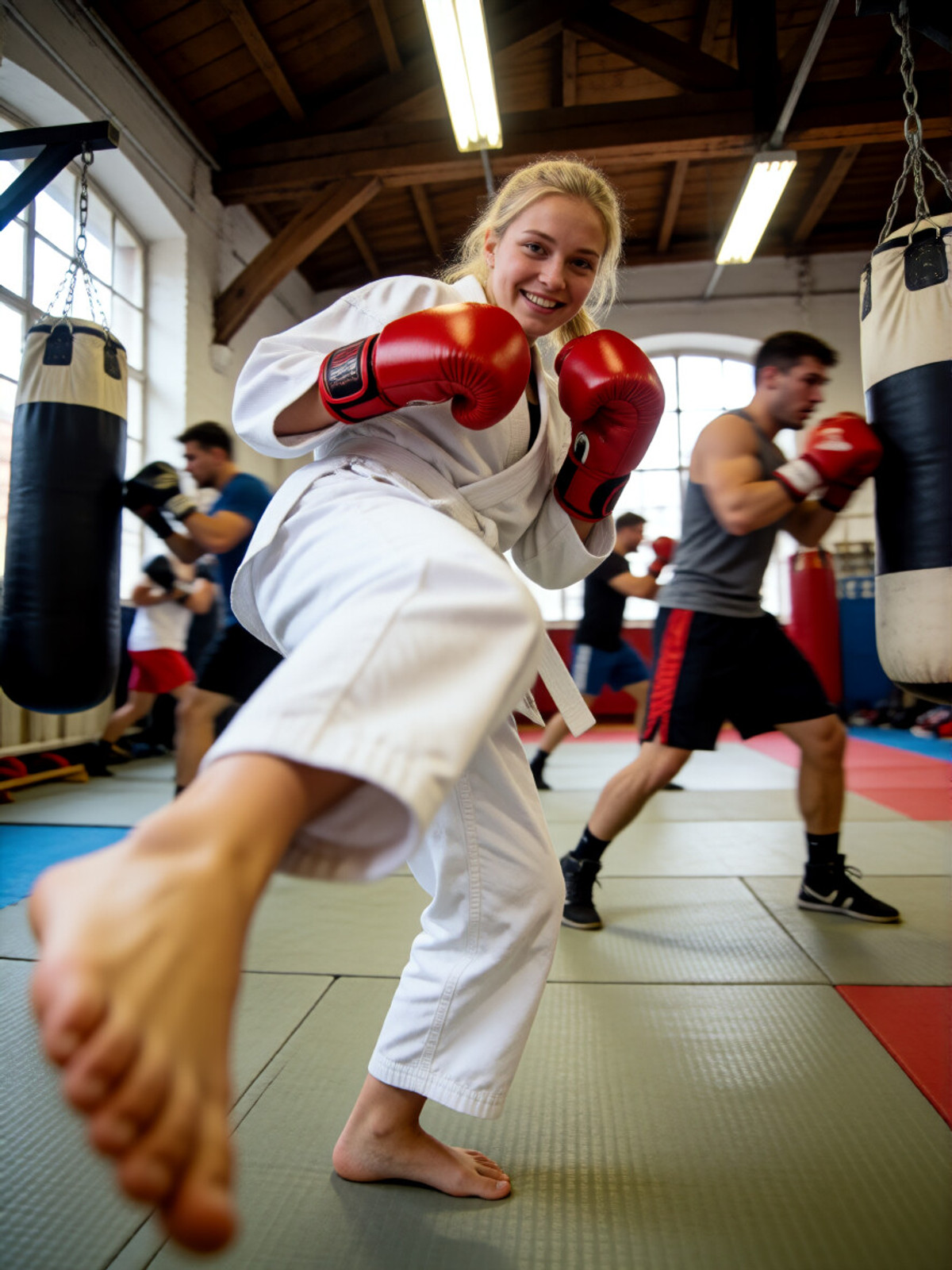
TikFesku's "All-in-One" ComfyUI workflow v13 beta 3: Switch between multiple base models such as Flux 3 Klein, Qwen Image 2.1, H3-Image, Krea-2, Z-Image, and SDXL within the same interface, covering text-to-image, image-to-image, inpainting, outpainting, and ControlNet, with built-in LLM prompt expansion and image description capabilities.
Images
Reasons for Recommendation
- Confirmed to belong to this section: Both the name and description explicitly list Qwen Image 2.1, although the author labels the base model as Krea 2 Turbo; this is a ported version of a multi-base-model general workflow, with previous versions listed under Krea 2, Flux.2 Klein 9B, and ZImageTurbo
- The description for this version only mentions "better LLM, more models, better bounding boxes"; the model card states that v13 changed the underlying engine and is still in beta testing, added support for H3-Image, and improved bounding box handling for Ming, Flux 3 Klein, and Ideogram
- The LLM section allows one-click switching between lightweight expansion and a 27B vision model; it can analyze reference images to generate pure text-to-image prompts (author's example: replace a man in a tuxedo with an anthropomorphic tiger in the same pose and outfit), or simply rewrite existing prompts
- The entire model page has accumulated 10960 downloads and 190 likes, with the author iterating over the long term; this version includes 3 visible examples and is free
How to Use
- Unzip LLM-all-in-One-v.13b3.zip and import; first install the custom nodes listed by the author: ComfyUI-Lora-Manager, ComfyUI-LLM-text-processor, ComfyUI-PPM, and ComfyUI-OBVPM, then select the model family in the preset selector and fill in the model path for Qwen Image 2.1
- The author has not provided specific step counts or CFG values for Qwen Image 2.1; you must set and save these yourself in the presets; place the LLM model and system prompt txt files in the models/LLM directory as specified by the author
Risks and Limitations
- v13 is still in beta, and the author admits that previous attempts at bounding box handling failed; it relies on multiple custom nodes and an additional LLM model, resulting in high setup costs
- Qwen Image 2.1 is just one item in the support list, with no specific examples or parameters for it
- The LLMs recommended by the author based on VRAM are all "uncensored" versions; 5 sensitive-level examples have been hidden
Included Only (1)
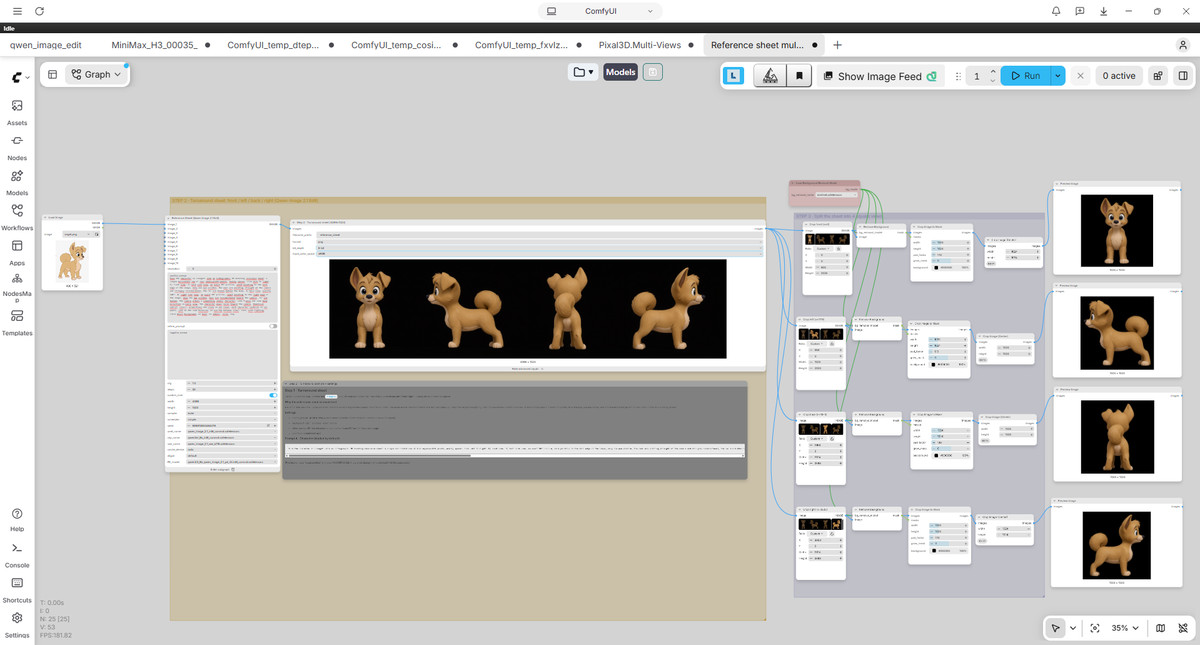
- Workflow reference sheet creator · v1.0 — Workflow: TobiFox's character reference sheet workflow: The author claims it can generate a character reference sheet from a single ordinary image, with tags indicating multi-view character design, and the base model labeled as Qwen 2.1.
Data: Civitai Public API (base model Qwen 2.1), inclusion window 11-16 20:31 → 11-17 09:01 (Beijing Time). Recommendation reasons have been reviewed by editors; download counts only reflect attention levels.