Zhenzhen's AI Radar · Qwen Image 2.1 · 2026-11-17 Evening Report
This issue features 2 new versions: Strongly Recommended 0 · Recommended 1 · Worth Watching 0 · Listed Only 1
Editor's Note This issue reviews 2 new versions of Qwen 2.1, with 1 rated A and 1 rated C. The top recommendation is YJ LAB's Qwen Image 2.1 all-in-one workflow: image editing, outfit swapping, text rendering, and official prompt expansion are combined into a single graph, with three model options available: bf16, 8-step, and 2-step. The VR180 left-eye-to-right-eye generation LoRA offers a novel approach, but as it was just released, has zero downloads, requires a companion node package, and only shows 1 visible examples, it is currently rated C.
Recommended (1)
[A] Qwen Image 2.1 All-in-One – edit, outfit swap, text, official prompt enhancer (2 / 8 / bf16) · v1.0
Workflow · New Model · Author 1113800942188 · Published 11-17 11:42 · Downloads 36
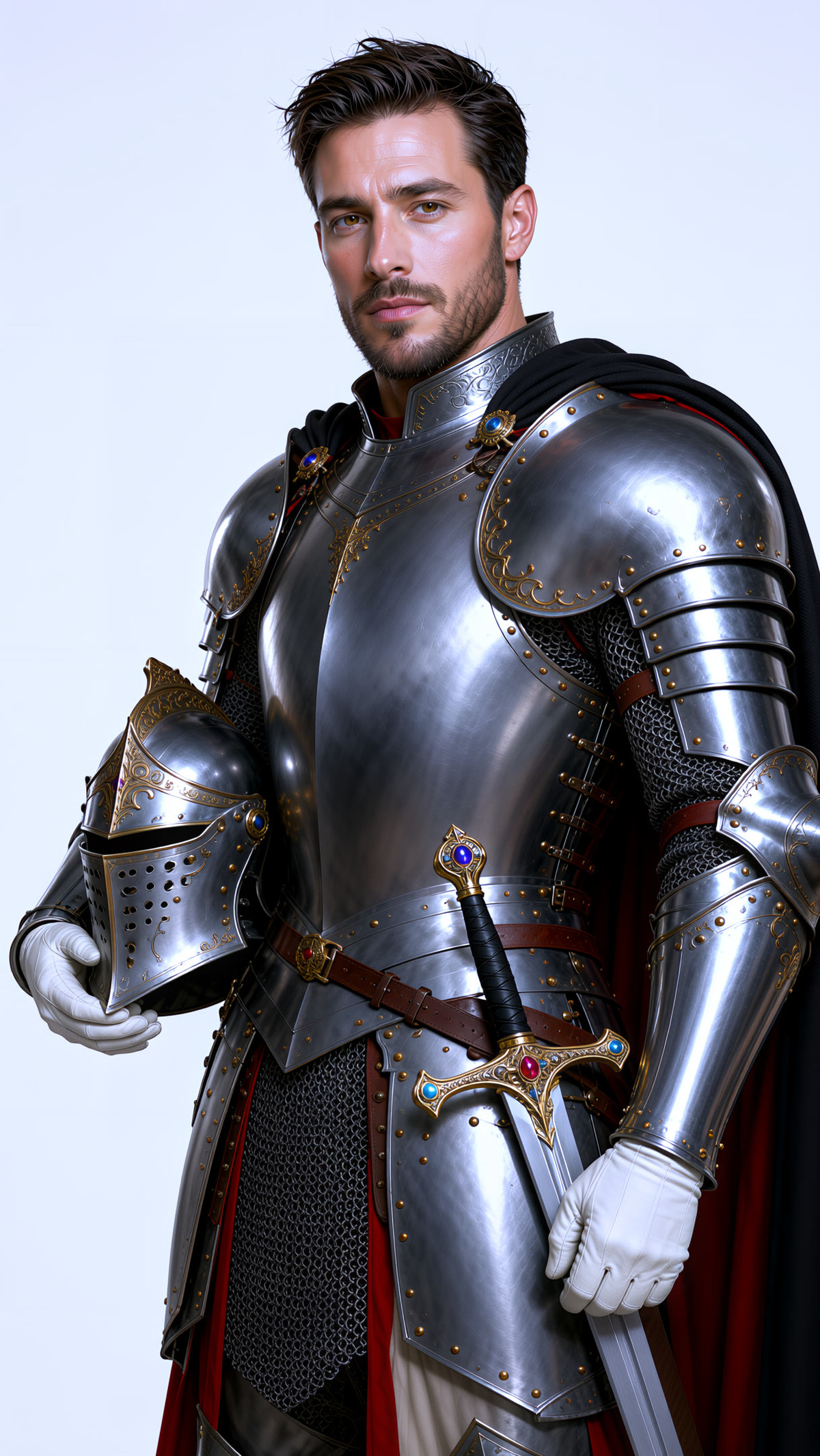
Qwen Image 2.1 all-in-one ComfyUI workflow: image editing, outfit swapping, text rendering, and official prompt expansion are integrated into a single graph, also featuring detail enhancement, arbitrary angles, color grading, and ControlNet.
Image
Reasons for Recommendation
- Ideal for service providers creating reference images and video covers: supports up to 8 image inputs (6 reference images + 1 each from the outfit library and pose library), enabling only what is needed.
- The author clearly outlines trade-offs: the 2-step fast version is sufficient for most cases; if details are incorrect, re-roll or use a fixed seed with the 8/16-step version. Use VOSR2 for clean sources and SeedVR2 for blurry sources (such as video frames); do not enable both simultaneously.
- Provides plain-language prompt examples and tips for adjusting skin tone and writing Chinese characters; free to use.
How to Use
- Model options include the original bf16, 8-step, or 2-step fast versions.
- Enable official template expansion when no finalized prompt is available, as it is the most time-consuming step; disable it if a finalized prompt exists. LoRA trigger words are written in fixed boxes above the prompt and will not be altered by expansion.
- Prompt example: "the woman in image 1 wearing the outfit from image 7, 9:16 full body, keep her face and hair"; add "cool fair skin" if the skin tone is too yellow.
- The author has a video explanation in episode 7 of the YouTube channel YJ LAB.
Risks and Limitations
- 4 sensitive-level examples are hidden, with only 2 visible.
- LoRAs and timing nodes used in the workflow are not included; you must search for them yourself according to the notes.
- Dependent nodes and models need to be verified by the user; this tool has not been run.
Listed Only (1)
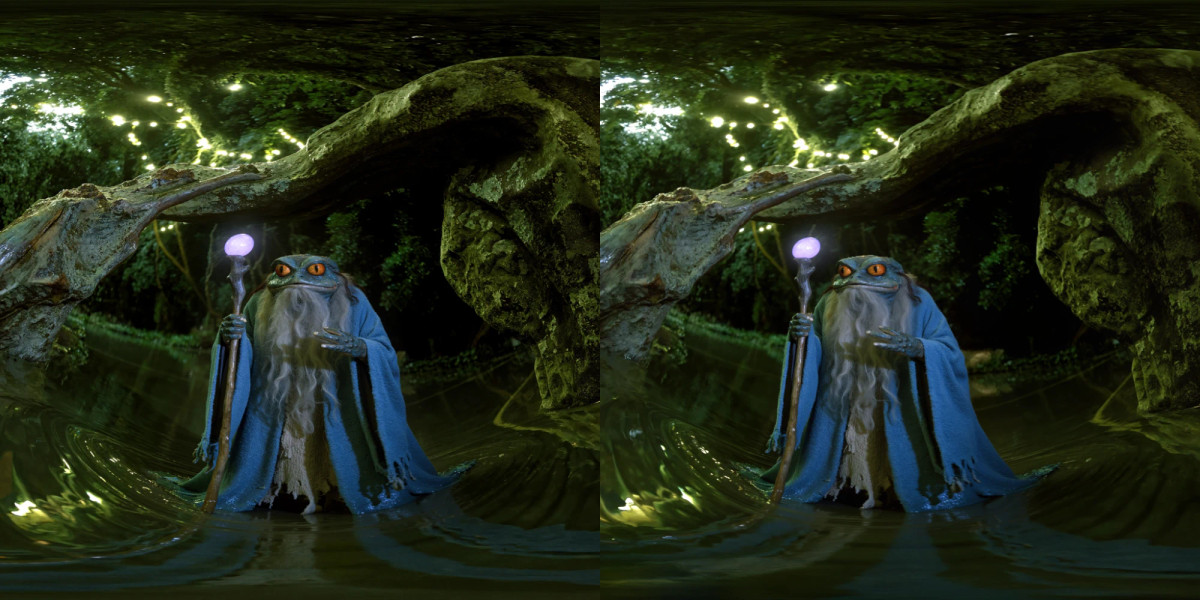
- 180 to Stereo 180 (Qwen 2.1) · v1.0 — LoRA: VR180 stereo image LoRA: Given a 2048×2048 half-equirectangular left-eye image, it redraws the same scene from the right-eye position. Combined with the author's flat-to-180 LoRA, it can convert ordinary images into complete VR180 stereo images.
Data: Civitai public API (base model Qwen 2.1), collection window 11-17 08:31 → 11-17 21:01 (Beijing Time). Recommendations have been reviewed by editors; download counts reflect attention levels only.