Zhenzhen's AI Radar · MiniMax H3 · 2026-11-03 Morning Brief
This issue features 33 new versions: Strongly Recommended 0 · Recommended 2 · Worth Watching 13 · Listed Only 18
Editor's Note This issue reviews 33 new H3 versions, with AIKSK releasing over 20 workflows at once. Top pick: Hand Tie Clips 3.4: strings multiple H3 short clips into a long video over one minute, introducing the sand_tie connection method to render the entire sequence as a single video without seams; another A-rated pick is UCHIJ's Ref2VA lip-sync v2.0, which drives reference-to-video generation using your own audio. Within the AIKSK series, the 48/80 GB version that only changes quantization levels, the basic template with no new capabilities, and the R2V variant with unclear differences on specific cards are downgraded to C, with the risks section noting the naming issue where the "24 GB version is actually bf16 full precision"; standard character LoRAs and general prompt tools are rated C.
Recommended (2)
[A] Hand Tie Clips — multi-hop MiniMax H3 video + audio, one queue · v3.4
Workflow · Version Update · Author sandpies · Published 11-03 00:25 · Downloads 44
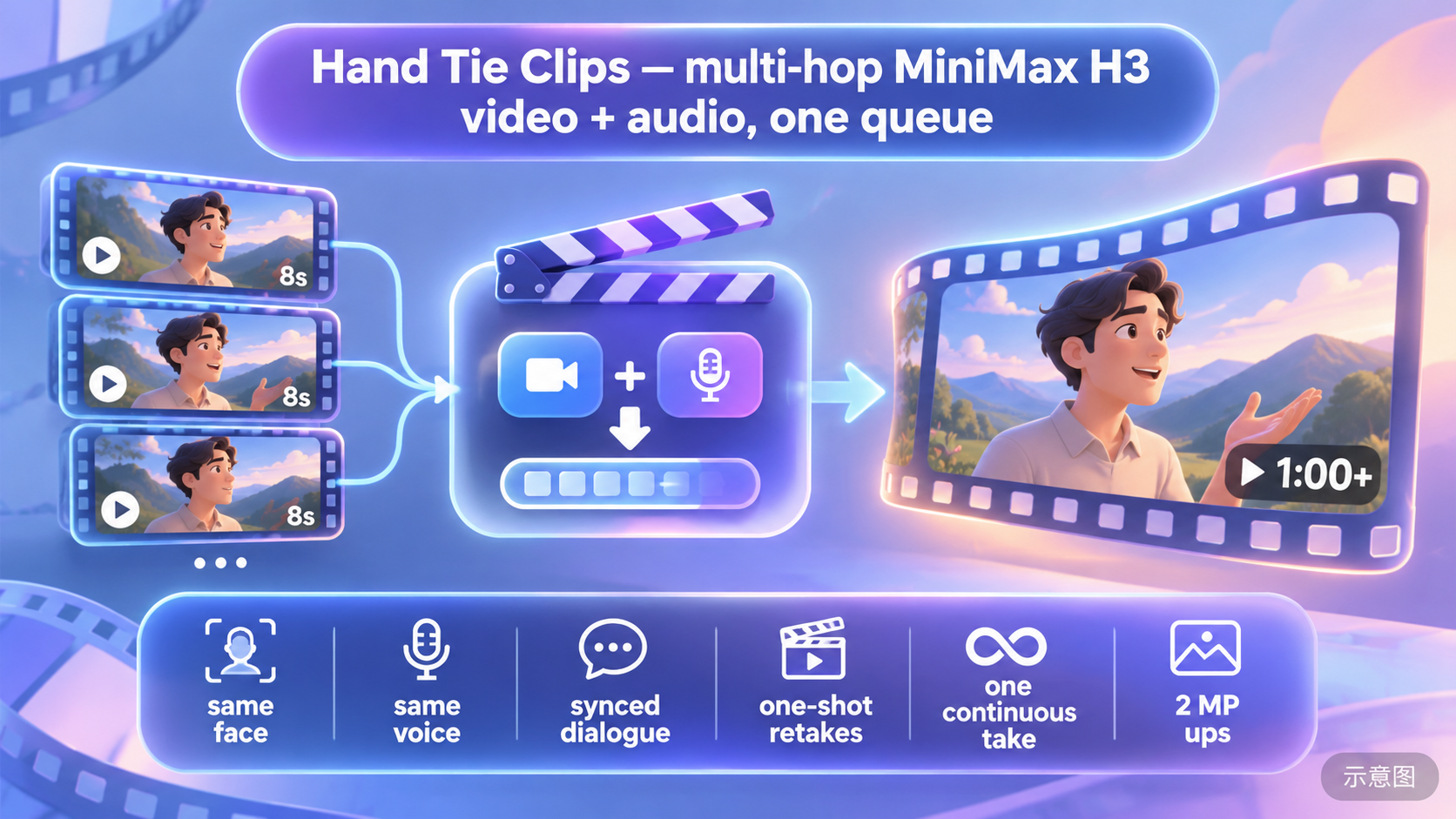
Hand Tie Clips 3.4: A custom node package that strings multiple H3 short clips into a long video over one minute. This version introduces the sand_tie "one-take" connection method, rendering the entire sequence as a single video with no visible seams.
The most complete long-form video solution this issue; the value of the new version lies in eliminating seams from multi-segment stitching, making it suitable for trying sand_tie with short songs or two-person dialogues first.
Image
Reasons for Recommendation
- Version update: The new sand_tie connection method renders a whole sequence of hops as a single video, cutting only where anchor: restart is specified; individual hops can be redone while others are preserved; tone_lock is added to prevent long shots from getting progressively brighter; the amplifier redraws distant small faces as close-ups and fixes memory overflow in long videos; the script assistant adds rules for multiple people speaking simultaneously, speaking while eating, and orbiting camera movements.
- Serves long videos and dialogue: The same character and voice persist across multiple shots; the reference section can hold character/scene stills and audio clips, scheduled via @tag; there is also a SWAP mode for changing people/heads and built-in 2 MP upscaling.
- Old images can still be loaded; three connection methods (default motion_context, new sand_tie, experimental hand_tie) each have their use cases, with the author documenting limits and recommended cut points for each.
- Free; this version has 44 downloads, and the entire model has 1207 downloads (indicating popularity only).
How to Use
- Git clone the author's repository into ComfyUI/custom_nodes, restart and hard-refresh the browser, then drag in workflows/HandTieClips_Starter.json; place character photos in the first row of REFS, write the storyboard in SCRIPT, and queue.
- For long shots, select pin_mech: sand_tie, which requires a newer ComfyUI; the author recommends Wuli 8-step Turbo DiT, 3D latent space amplifier, and Open-H3-Regenerate-2K LoRA, using PlagueKind / KJNodes for speed-related nodes.
Risks and Limitations
- All 3 example videos in this version are hidden and cannot be viewed on the Civitai page; the author's claimed 2:03 single-shot MV, 52-second two-person scene, and other demos are in external links and have not been verified.
- sand_tie requires ComfyUI v0.38.0 or higher and 0.9 seconds of overlap; tone_lock levels 0.5 / 0.75 / full are only available in the full model card.
- High dependency count (Turbo DiT, amplifier, Regenerate LoRA, optional local LLM for scripting); this entry has not been run.
- The card image is an AI-generated illustration, not the actual model output; the author has no publicly available standard-level examples.
[A] MiniMax H3 ref2va - Lip Sync + TURBO (v2.0) · MiniMax H3 Ref2VA v2.0
Workflow · Version Update · Author UCHIJ · Published 11-02 21:21 · Downloads 48
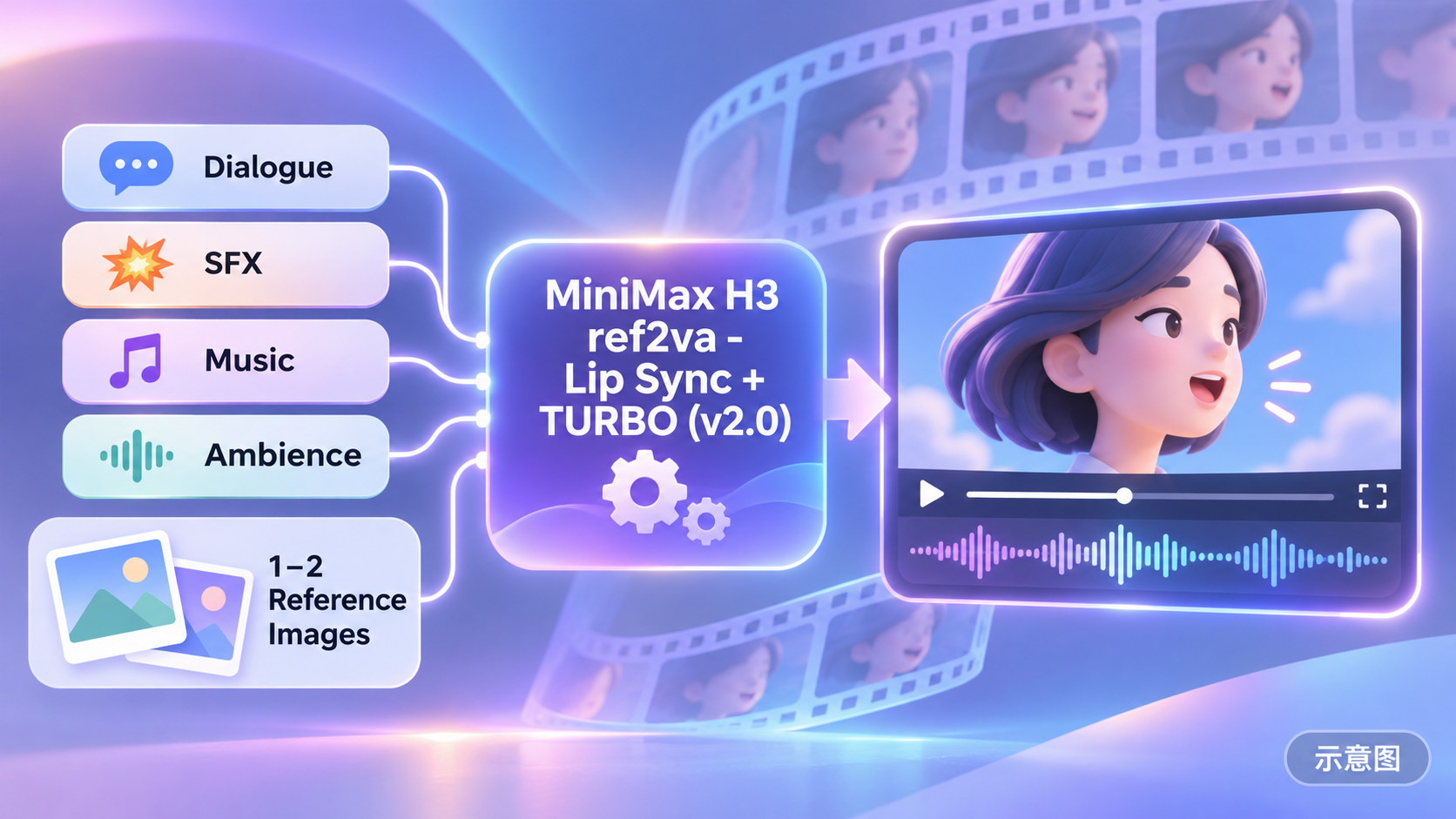
Workflow v2.0 for driving H3 Ref2VA with your own audio: Generate video from one or two reference images + a segment of dialogue/sound effects/music + prompts, with the audio used as-is for the final track; optional Turbo LoRA automatically matches step counts.
Audio-driven generation using only core nodes makes this the lowest-barrier lip-sync solution this issue.
Image
Reasons for Recommendation
- Version update: Added Audio Start (start from any position in the audio, automatically cropped to video length); added a second reference image, referenced in prompts via <Picture 1> / <Picture 2>; default duration changed to 5 seconds for easier testing; loader node renamed and built-in instructions updated.
- Serves lip-sync and audio-driven generation: The workflow automatically appends <Audio 1>: fully_copy to prompts, making the model treat your audio as the final track rather than a style reference; for looser following, modify the Audio Guidance string node.
- The Turbo switcher automatically sets step counts based on 4step / 8step in the LoRA filename; disabling Turbo runs the full base model at approximately 20 steps; uses only ComfyUI core nodes, no custom node packages required.
- Free; this version has 48 downloads, and the entire model has 623 downloads (indicating popularity only).
How to Use
- Requires the minimax_h3_ref2va_pruned_int8_convrot base model, Qwen3-VL nvfp4_awq text encoder, and video and audio VAEs (see author's list for precision); Turbo LoRA is optional, but the filename must contain 4step or 8step.
- Upload reference images (second one can be empty) and audio, set Audio Start, resolution, duration, and frame rate; use <Picture 1> and <Audio 1> in prompts to refer to inputs.
Risks and Limitations
- Only 1 example segments are available and they are hidden, so lip-sync effects cannot be seen.
- The author warns that if noise appears at low steps, check the console for "lora key not loaded," as the Turbo LoRA may not match the ref2va base model; there is no start/end frame control, with a single-run limit of approximately 15 seconds and no multi-segment stitching.
- Audio length must be at least start point + duration; this entry has not been run.
- The card image is an AI-generated illustration, not the actual model output; the author has no publicly available standard-level examples.
Worth Watching (13)
[B] MiniMax H3 Reference-to-Video 6x Speedup - 24 GB Edition · v1.0
Workflow · New Model · Author AIKSK · Published 11-03 00:26 · Downloads 29
The 24 GB edition of the reference-to-video model in the 6x speedup series: Takes one image, one video, and one audio segment as references simultaneously, using the Ref2VA bf16 base model + turbo-v4 LoRA to run 6 steps.
Image

[B] MiniMax H3 Ref2VA Three-Stage 2K Multi-Reference Redraw · v1.0
Workflow · New Model · Author AIKSK · Published 11-02 23:18 · Downloads 30
AIKSK's Ref2VA three-stage multi-reference redraw: The first stage generates from multiple references, followed by two pixel-space RTX ×1.5 upscaling passes; each stage is re-conditioned at the new size and refined with low denoising using a 4-step Turbo LoRA, targeting 2K.
Image

[B] MiniMax H3 Image-to-Video 6x Speedup - 24 GB Edition · v1.0
Workflow · New Model · Author AIKSK · Published 11-03 00:23 · Downloads 26
The 24 GB edition of the image-to-video model in AIKSK's "6x speedup" series: FL2VA bf16 full-precision base model + turbo-v4 LoRA, using euler + beta for only 6 steps to generate video from a single image.
Image

[B] R2V-06 Character Image + Motion Video + New Audio · v1.0
Workflow · New Model · Author AIKSK · Published 11-03 00:00 · Downloads 21
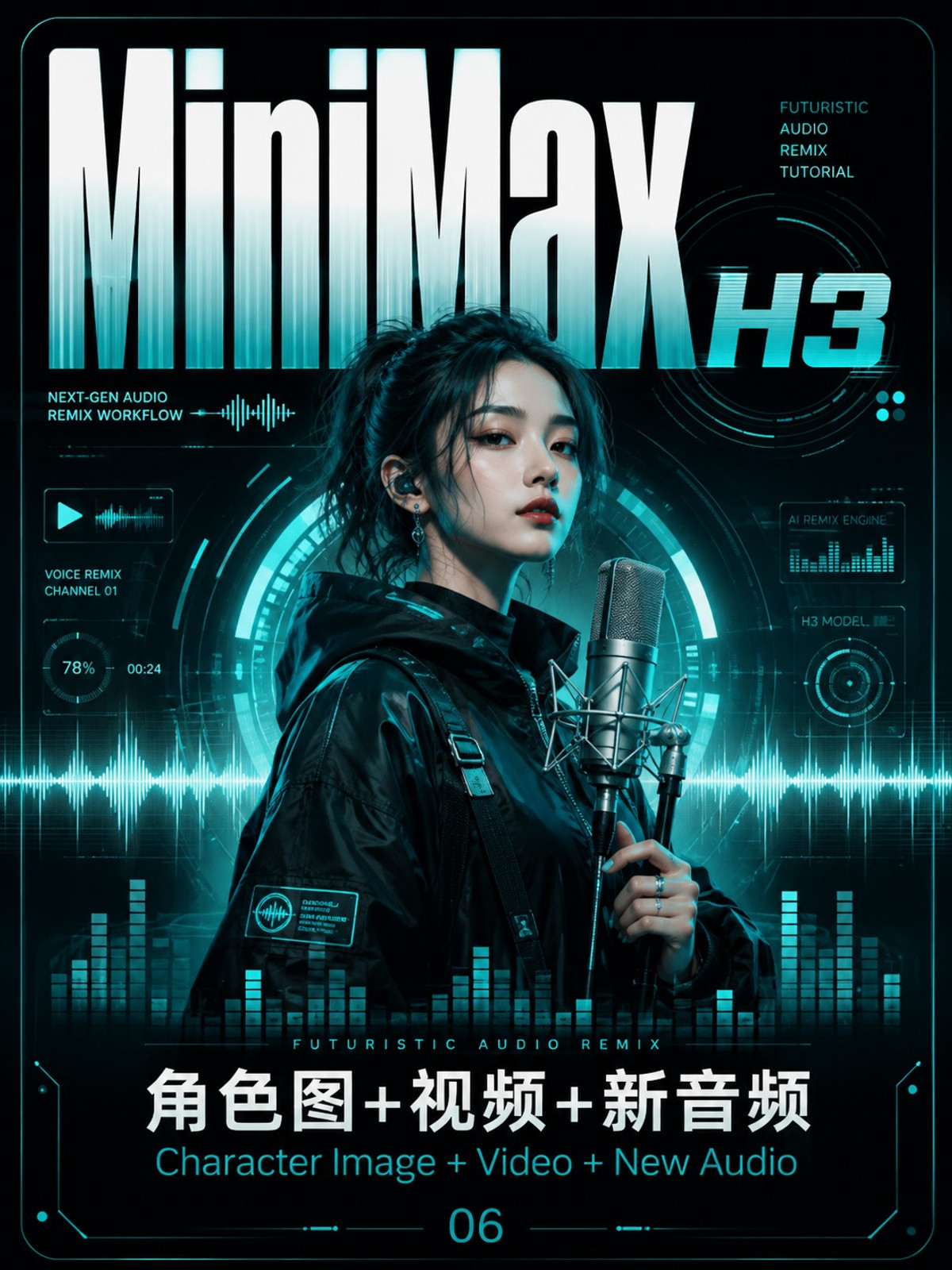
AIKSK's R2V-06: Uses a character image to define identity, a motion video to provide movement, and a new audio segment to generate a character video with a changed voice.
Image
[B] MiniMax H3 LightX2V Turbo Acceleration · v1.0
Workflow · New Model · Author AIKSK · Published 11-03 00:25 · Downloads 21
The LightX2V route in the 6x speedup series: Single-image-to-video, using a pruned INT8 base model + LightX2V 4-step Turbo LoRA (strength 0.75), running er_sde + simple for only 4 steps.
Image

[B] MiniMax H3 Universal Video HD Redraw (Single-Pass Upscale) · v1.0
Workflow · New Model · Author AIKSK · Published 11-02 23:20 · Downloads 27
AIKSK's universal video HD redraw: Upscales any video segment, injects the latent space into H3, and performs a single-pass redraw with low denoising (0.65) over 4 steps to add detail, preserving original motion, composition, camera movement, and audio track.
Image

【B】MiniMax H3 FL2VA Two-Stage Upscale (First/Last Frame) · v1.0
Workflow · New Model · Author AIKSK · Published 11-02 23:18 · Downloads 17
AIKSK's H3 first/last frame two-stage upscale workflow: The first and last images are initially generated using 8 steps of turbo LoRA, then upscaled in pixel space via RTX, re-conditioned based on the actual upscaled dimensions, and refined with low-noise turbo LoRA for 4 steps.
Image

【B】R2V-01 Multi-Image Reference · v1.0
Workflow · New Model · Author AIKSK · Published 11-02 23:57 · Downloads 24
AIKSK's 288th installment of the H3 full-modality reference-to-video series, R2V 1: Four static images define the characters and props, while an additional audio segment drives the performance, using base sampling with 20 steps without LoRA, outputting in landscape format.
Image

【B】MiniMax H3 Digital Human - Two-Character Dialogue · v1.0
Workflow · New Model · Author AIKSK · Published 11-02 22:19 · Downloads 20
AIKSK's H3 two-character dialogue digital human workflow: Each character is provided with one image and one audio segment; the two audio segments are trimmed, padded, concatenated into a single timeline, and locked, while H3 generates only the matching two-person performance visuals.
Image

【B】MiniMax H3 INT8 W4A8 Acceleration · v1.0
Workflow · New Model · Author AIKSK · Published 11-03 00:24 · Downloads 19
A quantization comparison file from the 291th installment of the acceleration series: One file contains three side-by-side image-to-video branches, comparing a W4A8 mixed-quantization pruned base model against two INT8 convrot base models, both without LoRA and retaining the full 20 steps.
Image

【B】R2V-05 Character Image + Video + Paired Audio · v1.0
Workflow · New Model · Author AIKSK · Published 11-03 00:00 · Downloads 20
The 5th entry in the R2V series: Character image + reference video + original audio from the video; extracts visuals and paired audio from the reference clip to use as conditions, allowing you to swap in your own character while retaining the original audio.
Image

【B】MiniMax H3 Larry Turbo Acceleration · v1.0
Workflow · New Model · Author AIKSK · Published 11-03 00:25 · Downloads 15
The most streamlined image in the 291th installment of the acceleration series: Single image-to-video, using a FL2VA pruned INT8 base model + turbo-v4 LoRA (strength 1), euler + beta 6 steps, with only 21 nodes.
Image

【B】MiniMax H3 + VoxCPM Digital Human - Single Character · v1.0
Workflow · New Model · Author AIKSK · Published 11-02 22:18 · Downloads 18
AIKSK's H3 + VoxCPM single-character digital human workflow: One character image + one VoxCPM reference voice timbre; write the script, VoxCPM synthesizes the speech first, and H3 then generates the talking visuals based on the locked audio.
Image

Included Only (18)
- AI Girl: Fictional Women Series39 / Fictional Women Series39 MiniMax H3 · v1.0 — LoRA: Entry #39 of shimeaji_RTX's fictional character series: a LoRA for a fictional Japanese female volleyball player character.

- MiniMax H3 First-Frame Image-to-Video · v1.0 — Workflow: AIKSK's basic H3 first-frame image-to-video workflow: uses one image as the starting frame, FL2VA bf16 base model, no LoRA, res_multistep + simple 20 steps.

- MiniMax H3 Image-to-Video 6x Speedup - 48 GB Edition · v1.0 — Workflow: The 48 GB version of the 6x speedup image-to-video workflow: uses the same 6-step turbo-v4 sampling as the 24 GB version, but swaps the base model to FL2VA INT8 convrot, the encoder to nvfp4_awq, and the video VAE to int8.

- MiniMax H3 Text-to-Video · v1.0 — Workflow: AIKSK's basic H3 text-to-video workflow: input is only a prompt, the ImageToVideo conditioning node is not connected to an image and is used for pure text-to-video, FL2VA bf16 base model 20 steps.

- MiniMax H3 Reference-to-Video 6x Speedup - 48 GB Edition · v1.0 — Workflow: The 48 GB version of the 6x speedup reference-to-video workflow: same as the 24 GB version with three reference inputs (image + video + audio) and 6-step turbo-v4 sampling, but swaps the base model to Ref2VA INT8 convrot and the encoder to nvfp4_awq.

- catolf1 · v1 — LoRA: chibron's character LoRA catolf1: the tag only says "character", indicating only the name itself is provided, with no indication of what the character is.
- MiniMax H3 Image-to-Video 6x Speedup - 80 GB Edition · v1.0 — Workflow: The 80 GB version of the 6x speedup image-to-video workflow: same 6-step turbo-v4 sampling, base model swapped to pruned INT8 convrot FL2VA, encoder nvfp4_awq, video VAE int8.

- R2V-02 Pure Video Reference · v1.0 — Workflow: AIKSK's R2V-02 pure video reference: motion and rhythm are taken from a reference video rather than a static frame, with Video Slice determining which segment to use.

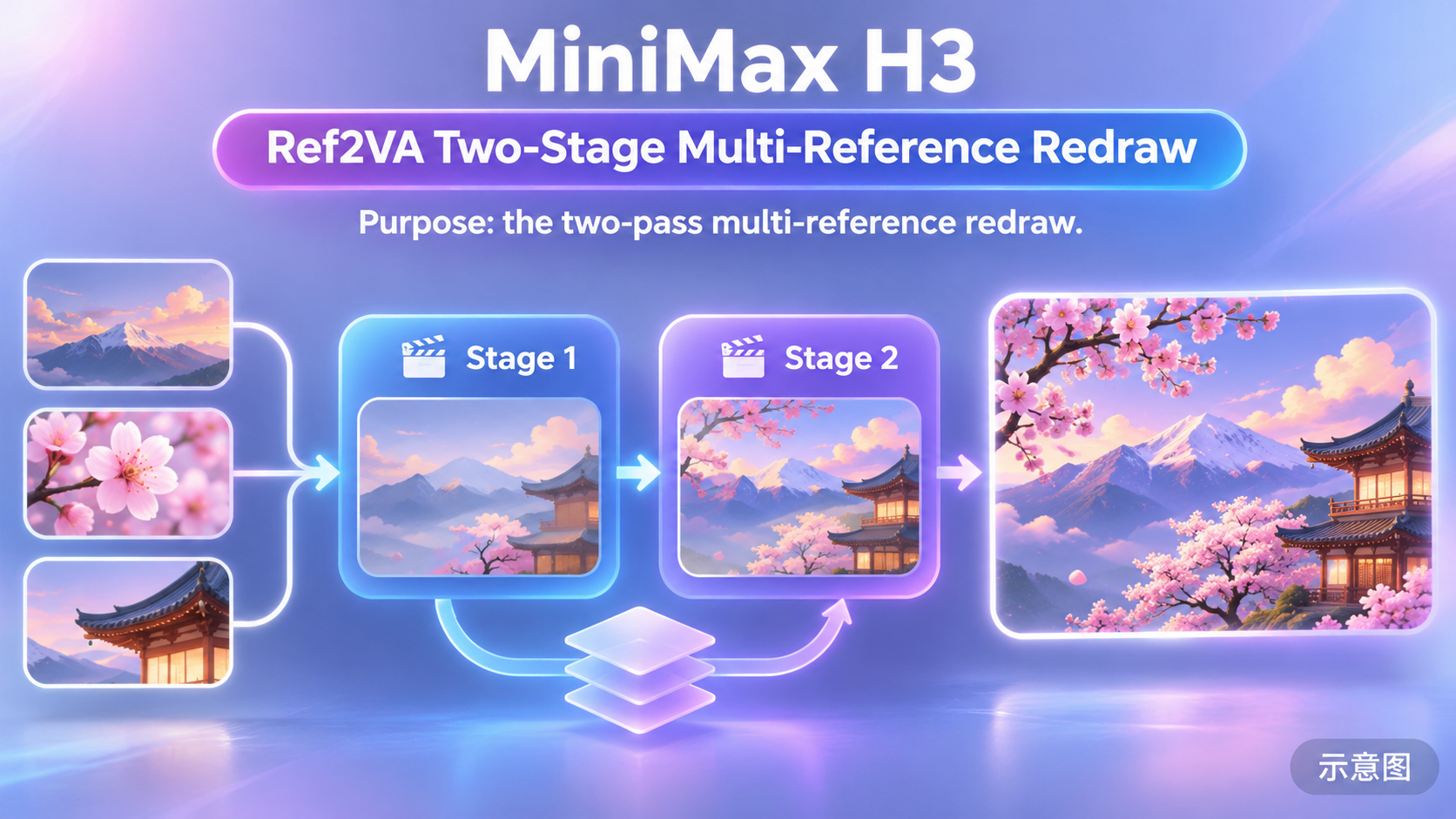
- MiniMax H3 Ref2VA Two-Stage Multi-Reference Redraw · v1.0 — Workflow: The cost-saving version of the three-stage multi-reference redraw: after generating with multiple references, only one RTX pixel upscale is performed; the second stage re-conditions based on the upscaled size with 4 steps of low-denoise refinement.
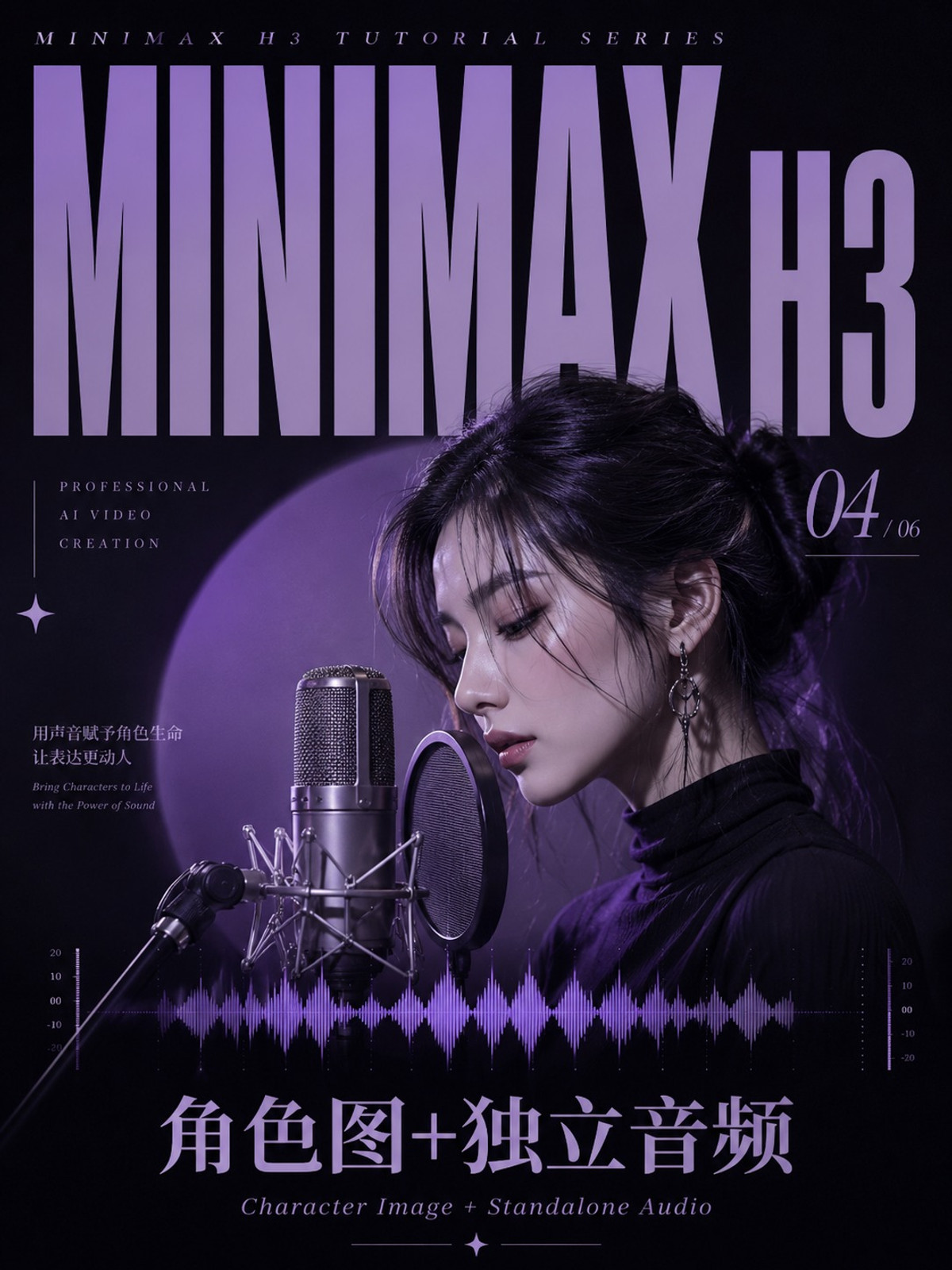
- R2V-04 Character Image + Standalone Audio · v1.0 — Workflow: Entry #4 of the R2V series: character image + standalone audio to video, with four image slots and one cropped audio segment, no reference video connected; nearly identical to R2V #1, except the aspect ratio is changed to 9:16 portrait.
- MiniMax H3 First-and-Last-Frame Video · v1.0 — Workflow: AIKSK's basic H3 first-and-last-frame video workflow from issue #288: two images define the start and end, H3 interpolates the motion in between, no LoRA, 20 steps.

- MiniMax H3 Last-Frame Image-to-Video · v1.0 — Workflow: AIKSK's basic H3 last-frame image-to-video workflow from issue #288: provides one image as the ending frame, guiding the video to converge to this image; the same file contains two parallel branches, outputting 10 seconds and 5 seconds respectively.

- MiniMax H3 Reference-to-Video 6x Speedup - 80 GB Edition · v1.0 — Workflow: The 80 GB tier of AIKSK's issue #291 "6x Speedup" series for reference-to-video: three reference inputs (image + video + audio), Ref2VA pruned INT8 base model paired with turbo-v4 LoRA, euler + beta running only 6 steps.

- Prompt Studio — Give Your AI Creations a Memory · v1.21 — Other: A local Windows prompt and work archiving tool (not a model, does not generate images itself); v1.21 adds planning tools such as lighting spheres, human and pet posing, and image/video/audio workbenches; no specific adaptation for H3.

- Elizabeth WhiteMoon · MiniMaxH3 — LoRA: The H3 version of the character LoRA for the fictional character Elizabeth WhiteMoon, used to generate this female character with a librarian scholar appearance in videos.

- R2V-03 Character Image + Motion Video · v1.0 — Workflow: Entry #3 of the R2V series: character image defines appearance, reference video provides motion (motion transfer), with an additional audio input slot, but the card does not clearly specify which branch the audio goes through.

- MiniMax H3 Larry + Attention + Cache Full Acceleration · v1.0 — Workflow: The "full-blooded" testbed of the issue #291 acceleration series: three parallel branches stack attention and cache patches on the same FL2VA INT8 base model + turbo-v4 LoRA (6 steps).

- MiniMax H3 Larry + SageAttention Acceleration · v1.0 — Workflow: The SageAttention testbed of the issue #291 acceleration series: four parallel branches share the FL2VA INT8 base model and turbo-v4 LoRA (6 steps), with the difference being the attention/cache patches attached to each branch.

Data: Civitai public API (base model MiniMax H3), collection window 11-02 20:31 → 11-03 09:01 (Beijing Time). Recommendations are editor-reviewed; download counts only reflect popularity.