Zhenzhen's AI Radar · MiniMax H3 · 2026-11-17 Morning Briefing
This issue features 13 new versions: Strongly Recommended 1 · Recommended 3 · Worth Following 2 · Listed Only 7
Editor's Note This issue reviews 13 new versions of H3, with 1 rated S, 3 rated A, 2 rated B, and 7 rated C. The top recommendation is The_frizzy1's 12GB character swap workflow: use your own video plus one character image to replace the person in the scene while preserving the original motion and audio, processing the entire clip in loops of approximately 5 seconds each, using only native ComfyUI nodes. AusBoss's Pika Person Swap and Pika Remix workflows have been updated simultaneously, adding an attention acceleration switch that is enabled by default; the author claims it is about twice as fast. SillyBilly101's reference-to-video workflow now includes a branch version for synthesizing static images from multiple references. mo_akkakk released 4 workflows at once—video-to-video, inpainting, crop-and-repaint, and Ripple editing—but their descriptions consist of only one sentence and an external tutorial link; these are rated C along with 3 character/action LoRAs that have insufficient descriptions or fully hidden examples. The low-poly style LoRA has many examples but is paid, so it is rated B.
Strongly Recommended (1)
[S] MiniMax H3 Character Swap 12GB — your video + one character picture, any clip length, the clip's own sound · v1.1.0
Workflow · New Model · Author The_frizzy1 · Published 11-17 01:00 · Downloads 77
A ComfyUI workflow for H3 character swapping that runs on a 12 GB GPU: input a video and one character image, and the output is the same video with the person replaced by that character, preserving motion and rhythm, while allowing the original audio to be restored; long videos are processed in loops of approximately 5 seconds each.
Images
Reasons for Recommendation
- New capability: The author states this adapts Higgsfield's Genjutsu character swap concept to local execution, generating each segment by continuing from the last 22 frames of the previous segment, so clip length is not limited by single-generation constraints.
- Uses only native ComfyUI nodes (including Start Loop / End Loop) without installing custom nodes; the author has tested it on an RTX 3060 with 12 GB VRAM + 32 GB RAM, with a peak VRAM usage of 11892 MiB.
- This version v1.1.0 consolidates all settings and 6 model loaders into a single main node; the author lists download addresses and placement directories for all 6 model files in the description.
- Free, with the workflow under MIT license; it received 77 downloads within 8 hours of release, indicating its level of attention.
How to Use
- Import The_frizzy1_h3-character-swap-12gb_v1.1.0.json; requires ComfyUI 0.39 or newer. Download the H3 ref2va int8 main model, Ref2V Turbo 4-step LoRA, text encoder, video/audio VAE, and akatz-ai's Character Swap LoRA (the file actually responsible for the swap).
- On the main node, enter a one-sentence description of "who to replace" (specifying what they are wearing); set Seconds to 0 to process the entire clip, or enter a number to process only the beginning. Enable Turbo for 4 steps, disable it for 20 steps; enable "Preserve Original Audio" to restore the original video's audio.
- The author recommends inputting character reference images (front, back, and face).
Risks and Limitations
- Very slow: The author states that a clip of about 7 seconds at 0.4 MP with Turbo enabled takes 11–12 minutes on an RTX 3060; disabling Turbo for 20 steps per 5-second segment takes approximately 35 minutes. Files larger than 0.4 MP will overflow into system memory.
- Visible examples include only 3 static images with no videos; 14 examples are hidden. It can only replace one person at a time, and hard cuts may cause confusion. The author advises swapping only fictional characters, not real people's faces.
- H3 and the Character Swap LoRA are subject to the MiniMax H3 Community License; verify terms yourself before commercial use. The author did not fill in the version notes section; changes are described only in the general description.
Recommended (3)
[A] MiniMax H3 Pika Person Swap | High + Low VRAM, 8 GB+ · v1.2
Workflow · Version Update · Author AusBoss · Published 11-17 02:59 · Downloads 120
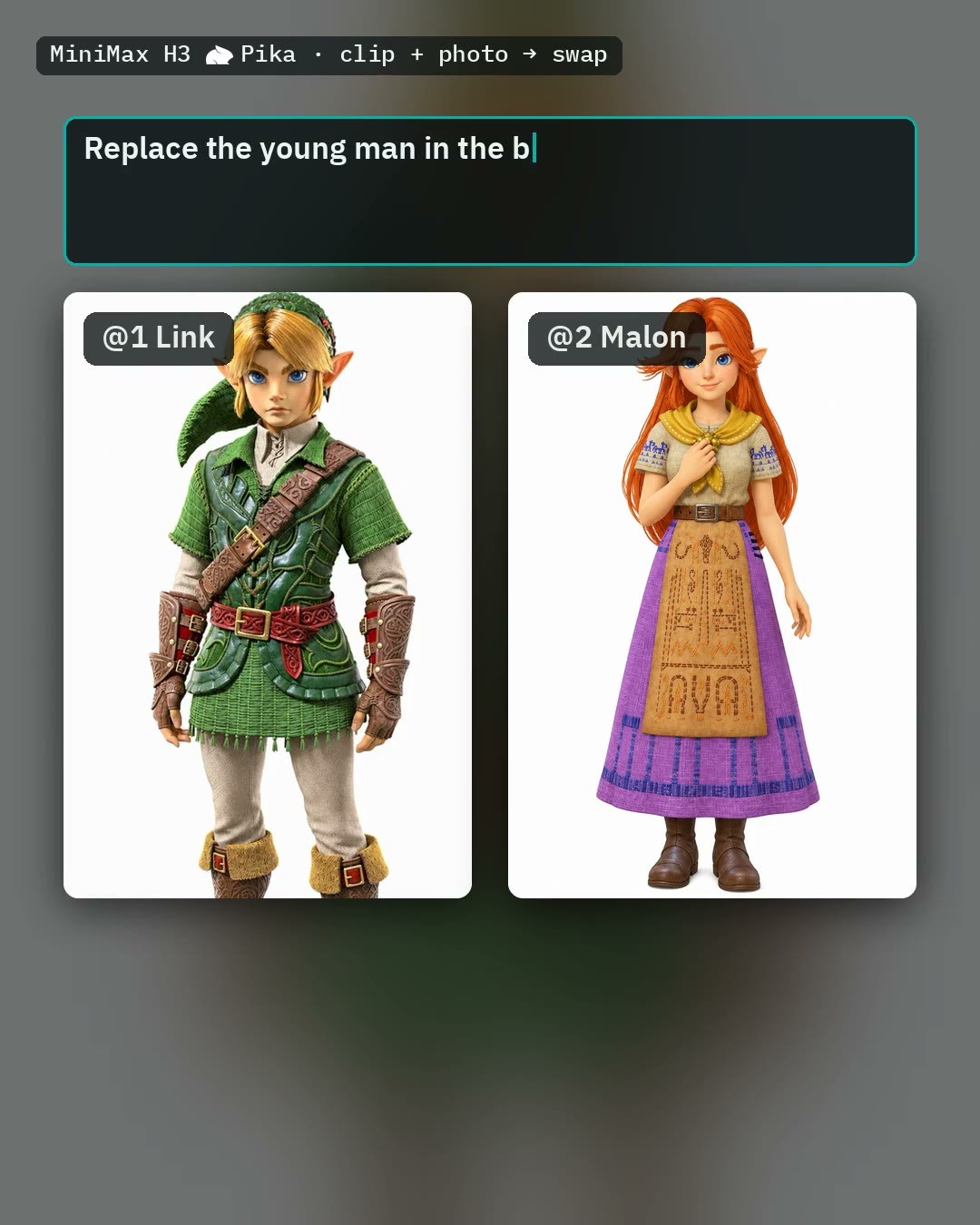
AusBoss's H3 person swap workflow v1.2: Place a person from a photo into your video clip, keeping the scene, motion, camera, and audio unchanged. This version adds an acceleration switch and supports multi-person replacement.
Images
Reasons for Recommendation
- Version update: Adds a default-enabled "kitchen attention" switch using ComfyUI's built-in Model Attention Backend node. The author claims it is about twice as fast (on 5090, time per step drops from 23 seconds to 11 seconds). Cards older than RTX 20 / RX 7000 run at original speed. New documentation clarifies the connection for Picture 2–4 to enable multi-person replacement; enabling it displays a guide and three input fields.
- Designed for video person swapping: Clips are cropped to a single shot, up to 10 seconds long. Choose High VRAM for 24 GB or more, Low VRAM for less (using smaller main models and VAEs).
- Includes 2 example videos and 1 example images. The author provides an external page with photos, clips, settings, and prompts for each run. The entire model page has 2562 downloads and 14 comments.
How to Use
- First upgrade AusBoss nodes to 2.25.2 or newer and ComfyUI to 0.38.0 or newer. Requires the H3 ref2va main model, text encoder, video/audio VAE, and Pika H3 Flex LoRA.
- Place the clip in "Video - Your clip" and the new person's photo in Picture 1. The prompt has two lines: Line 1 writes "Replace the man in the red shirt with @1.", and Line 2 describes @1's hairstyle, face, and clothing.
- You can enable "Describe @1 for me" to let the workflow generate Line 2 from the photo. The SeedVR2 switch enables upscaling and sharpening.
Risks and Limitations
- The author states that using "Describe @1 for me" once consumes approximately 60 GB of system memory; manual writing is recommended if you have less than 64 GB. If the face is too small or always facing away, it may only swap hairstyle and clothing.
- If Line 2 is not written, the swap may be delayed or fail to occur. This tool has not been run by us; it depends on the AusBoss custom node package.
[A] MiniMax H3 Pika Remix | High + Low VRAM, 8 GB+ · v1.1
Workflow · Version Update · Author AusBoss · Published 11-17 04:59 · Downloads 78
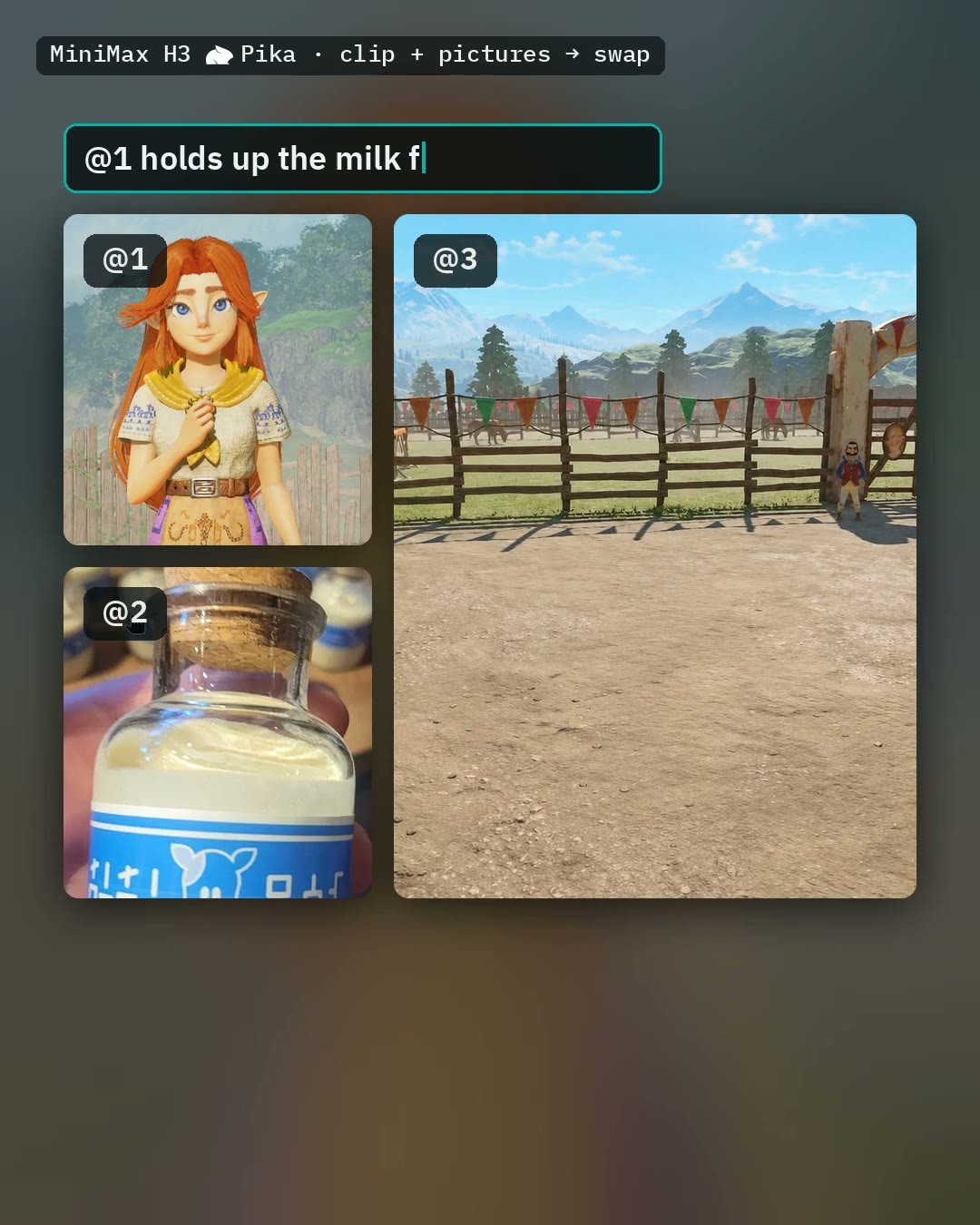
AusBoss's H3 multi-purpose reference workflow Pika Remix v1.1: Use up to 4 images and 1 videos, specifying each image as a person, scene, clothing, or object, to generate video from references, or to swap people in existing videos, change one element, copy motion, or continue filming. This version adds an acceleration switch.
Images
Reasons for Recommendation
- Version update: Adds a default-enabled "kitchen attention" switch using ComfyUI's built-in Model Attention Backend node. The author claims it is about twice as fast, with no additional installation required.
- One workflow covers multiple reference tasks: your own scenes, two people in frame, outfit changes, copying dance moves, video person swapping, changing one element in a video, and continuation shots. High VRAM is for 24 GB or more, Low VRAM is for 8 to 24 GB.
- Includes 1 example videos and 1 example images. The author's external page provides complete settings for each run. Free, with a license allowing image generation and sale.
How to Use
- Place an image in Picture 1 and select its role in the H3 Prompt Writer. Write one line per item, using @1 to refer to Picture 1, e.g., "@1 walks to the window and looks out". Select duration in Seconds.
- Keep Pika LoRA strength at 1; do not add Turbo or Lightning LoRAs. Requires AusBoss nodes 2.25.2 or newer. For 8 GB GPUs, ComfyUI 0.45 or newer is required; Auto prompt requires 0.42.0 or newer.
- For person swapping only, consider the lighter Person Swap workflow by the same author.
Risks and Limitations
- The author warns that simultaneously swapping people, changing scenes, and adding objects often fails; it is recommended to change only one thing at a time. The 8 GB tier requires approximately 32 GB of system memory; the author tested a 12-second clip and ran out of memory.
- Depends on the AusBoss custom node package, with many model files. This tool has not been run by us.
[A] MiniMax H3 ref2va/fl2va + Reference to image creation fast workflow · v3.0_ImageGen
Workflow · Version Update · Author SillyBilly101 · Published 11-16 21:13 · Downloads 22
The image generation branch of SillyBilly101's fast video workflow v3.0: Uses H3 reference-to-video to generate a 2-second video, saving the first and last frames as images. This is used to synthesize characters, clothing, weapons, and poses from multiple references into a single static image.
Images

Reasons for Recommendation
- Version update: v3.0 on the same page is the video version; this version adapts the same setup to generate static images. It accepts up to 9 images and 3 video references, no longer counting them but still checking video duration.
- Designed for tasks like multi-reference character design sheets and concept art, eliminating the need to open a separate image model. Inherits v3.0's segmented prompt input and resolution options (megapixels, custom width/height, or matching the size of the first image/video).
- Includes 2 example images. Free, with a license allowing image generation and sale.
How to Use
- Import H3_FastGen_RefImg_V3.json, write prompts using the standard ref2va video syntax, but describe only a single shot and use terms like still, static, and does not move to keep the image motionless
- Requires the int8-convrot main model, 4 Step LoRA (must be the pruned version), latent upscaler and Impact Pack, KJ Nodes, Dynamic Prompts, and other node packs; see the model page for the complete list
Risks and Limitations
- The author did not write update notes (the version notes section is empty; changes are described in the general description); 5 examples are hidden
- Many dependent nodes are required, among which MiniMax H3 Audio T8, YC Nodes MiniMax H3, and Selflift Avatar need to be installed manually; the author warns that the latest commit of Selflift Avatar has issues and requires a rollback; this tool has not been run
Worth Watching (2)
[B] H3 Multi First-to-Last-Frame: Automated, Looping · v2.0
Workflow · Version Update · Author qdr1en · Published 11-17 04:43 · Downloads 59
A batch first-to-last-frame long video workflow v2.0 ported from Wan 2.2 to the H3 first-to-last-frame model: reads a set of keyframes from a folder, automatically runs a first-to-last-frame segment for each adjacent pair, stitches them into a long shot sequence, and supports looping by connecting the end to the beginning; this version adds motion transition nodes between segments.
Image

Reasons to Recommend
- Version update: Added the H3 Motion Context node to ensure coherent transitions between segments (lightweight node pack, no additional Python dependencies), switched frame interpolation from GIMM to RIFE and disabled it by default, and added RTX Video Super Resolution upscaling
- Serves photo sets and keyframe sequences turned into long videos: includes a global prompt plus per-segment prompts (each line corresponds to a segment), with frames per segment set as 17n+5, commonly 22, 39, or 56
- Parameters are fully provided: the author uses fl2v Turbo 4 step LoRA strength 0.80, with 8 steps yielding the best results; 59 downloads within 4 hours of release, indicating only the level of attention
How to Use
- Point Load Images From Folder to the keyframe folder, set load_image_cap and start_index; width and height must be multiples of 32; setting Looping Video to true will run an extra segment to connect the last image back to the first
- Set context_length in H3 Motion Context to the number of frames used for transitions; required nodes are ComfyUI-Easy-Use, KJNodes, VideoHelperSuite, and H3-Motion-Context
Risks and Limitations
- Visible examples are 0 (5 are hidden), so transition effects cannot be previewed
- Segments are generated separately, and audio generated by H3 is not coherent; the author disabled audio output and switched to loading external audio; high memory usage when there are many images
- The license does not allow publishing derivative models; commercial use is only permitted for image generation and on-site rental
- The card image is an AI-generated illustration, not the actual model output; the author has no publicly available standard-level examples
[B] LowPolyStyle [Minimax / MOSS / Krea2 / SD] · Minimax v1.0
LoRA · Port · Author TeraWatt · Published 11-17 06:42 · Downloads 0 · Paid
The H3 version of TeraWatt's Low Poly style LoRA: renders subjects and scenes as geometric facets, simplified shapes, and angular 3D low-poly style, with the trigger word LowPolyStyle_TeraWatt.
Image

Reasons to Recommend
- Port: The same page includes versions for MOSS Image, Krea 2, Illustrious, Pony, and SDXL; the H3 version is the video version of the same style; the author states that all H3 examples were generated using text-to-video mode
- Serves low-poly game assets, stylized characters and scenes, and low-poly animated short films
- Includes 16 example videos for preview
How to Use
- Load LowPolyStyle_TeraWatt_Minimax.safetensors (BF16) and include the trigger word LowPolyStyle_TeraWatt in the prompt
- The author did not provide strength or step count recommendations
Risks and Limitations
- Paid download (permanent payment); the author did not describe the differences between the H3 version and the image version
- 3 examples are hidden
Trigger Word: LowPolyStyle_TeraWatt
Included Only (7)
- Erin Day · v1.0 H3 — LoRA: The H3 version of MikoGoblin's character LoRA for the original fictional character Erin Day (a slug-shaped potter), with the trigger word erinlora.

- Alicja NordhavenLove · MiniMaxH3 — LoRA: The H3 version of MisterMR's character LoRA for the original fictional female character Alicja NordhavenLove; the author states she is not a real person.

- MiniMax H3 Video to Video Workflow · v4.0 — Workflow: mo_akkakk's H3 video-to-video (video editing) ComfyUI workflow v4.0; judging by the filename, it is a single-stage video editing process, with specific methods detailed only in the author's YouTube tutorial.

- MiniMax_H3_Inpaitning_1STG · v1.0 — Workflow: mo_akkakk's H3 video inpainting ComfyUI workflow; the description contains only the title and a single line saying "video tutorial here".
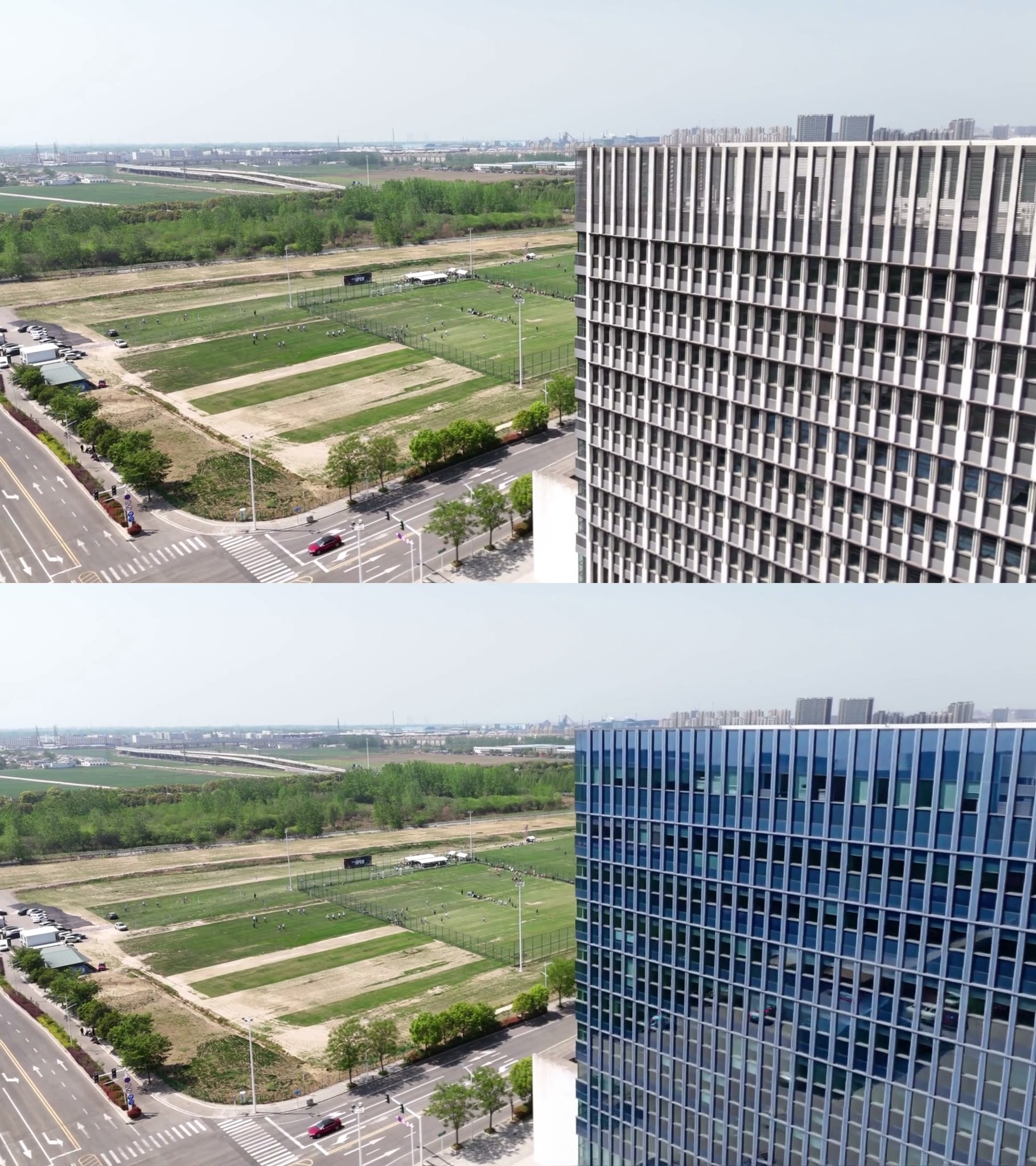
- MiniMax_H3_Inpaitning_cropping_1STG · v1.0 — Workflow: mo_akkakk's H3 video inpainting with cropping ComfyUI workflow; judging by the name, it first crops a local region and then repaints it; the description contains only the title and tutorial link.
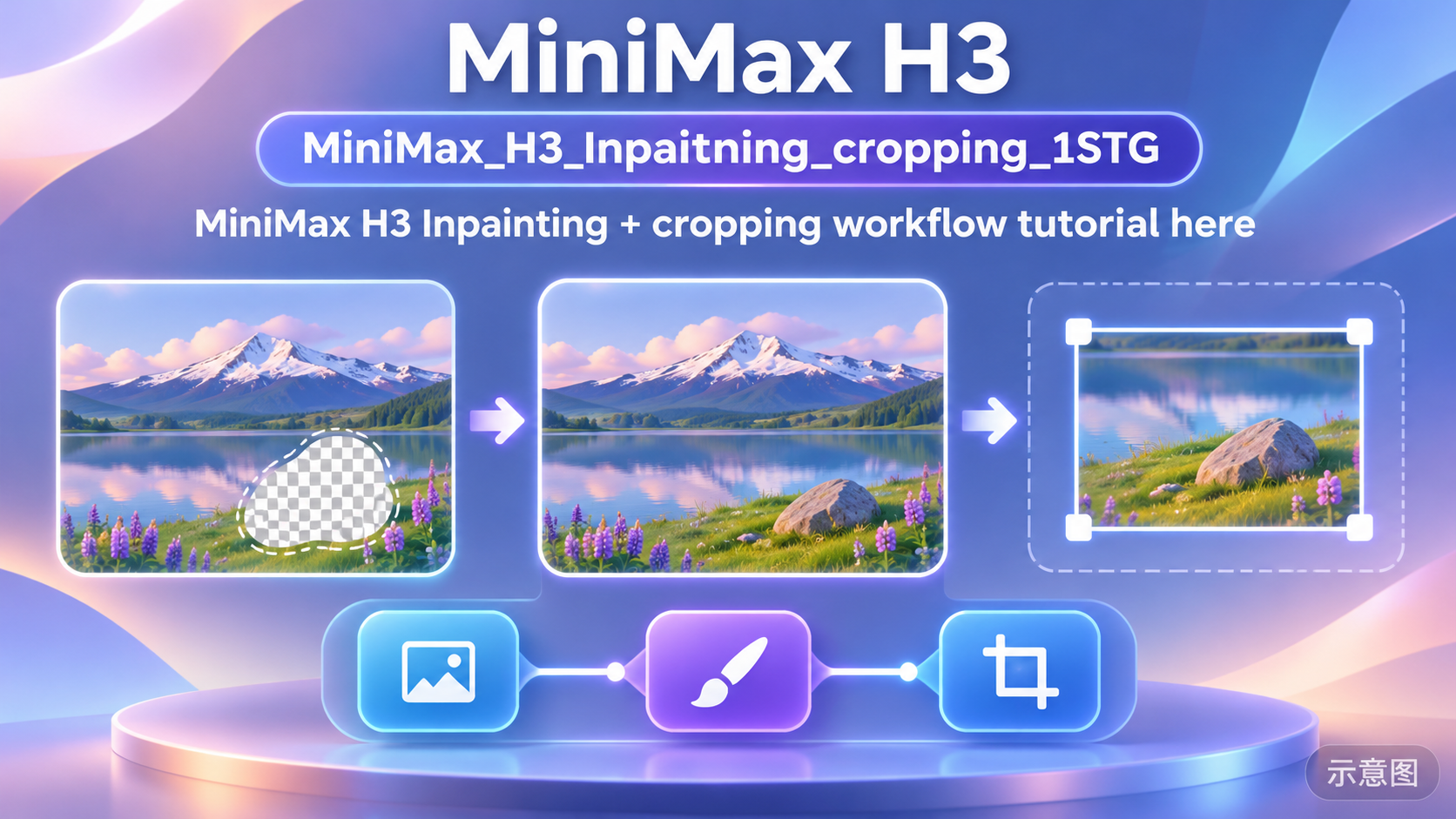
- Minimax-H3_Video_Editing_Ripple · v1.0 — Workflow: mo_akkakk's ComfyUI workflow for H3 video editing using the Ripple LoRA; the description contains only a single sentence and a tutorial link.

- Clear Chair Step on Plushie, Foot Crush · Minimax — LoRA: An action LoRA recreating the online meme of "stepping on a plush toy with a clear chair": shot from below looking up through the transparent chair seat, a foot crushes the plush toy on the seat.

Data: Civitai public API (base model MiniMax H3), inclusion window 11-16 20:31 → 11-17 09:01 (Beijing Time). Recommendation reasons have been reviewed by editors; download counts represent only the level of attention.