Zhenzhen's AI Radar · MiniMax H3 Image · 2026-11-11 Morning Report
This issue features 10 new versions: Strongly Recommended 1 · Recommended 1 · Worth Watching 4 · Included Only 4
Editor's Note First issue of the H3 Image section: Reviewed 10 new versions, with 1 S-tier, 1 A-tier, 4 B-tier, and 4 C-tier entries. Top recommendation is AusBoss's text-to-image + image editing workflow: generate a 16 MP image from a single sentence or edit images using plain language, with support for up to seven reference images; the Fast tier generates images in 2 steps. Supplementary quantization packages not found in official Comfy (fp8 / NVFP4 / GGUF) are rated A. tsolful's INT8 / INT6 quantizations lack explanation of differences from the official int8 / w4a8, so they are downgraded to B, while INT4 is rated C; three workflows with empty or single-sentence descriptions are rated C. These entries 11-11 were already reviewed in the H3 section of previous morning reports, and this section adopts the same conclusions.
Strongly Recommended (1)
[S] MiniMax H3 Image Generate + Edit | 16 MP, 8 Pictures · v1.0
Workflow · New Model · Author AusBoss · Published 11-11 08:31 · Downloads 220
A ComfyUI text-to-image + image editing workflow for MiniMax H3 Image (the image version of H3): generate a 16 MP image from a single sentence, or edit images using plain language. When editing, you can attach up to seven reference images and specify what to extract from each.
The first workflow since the launch of H3 Image that integrates generation, editing, multi-image referencing, and upscaling, while also specifying test version numbers. It is suitable as a starting template for H3 Image.
Image
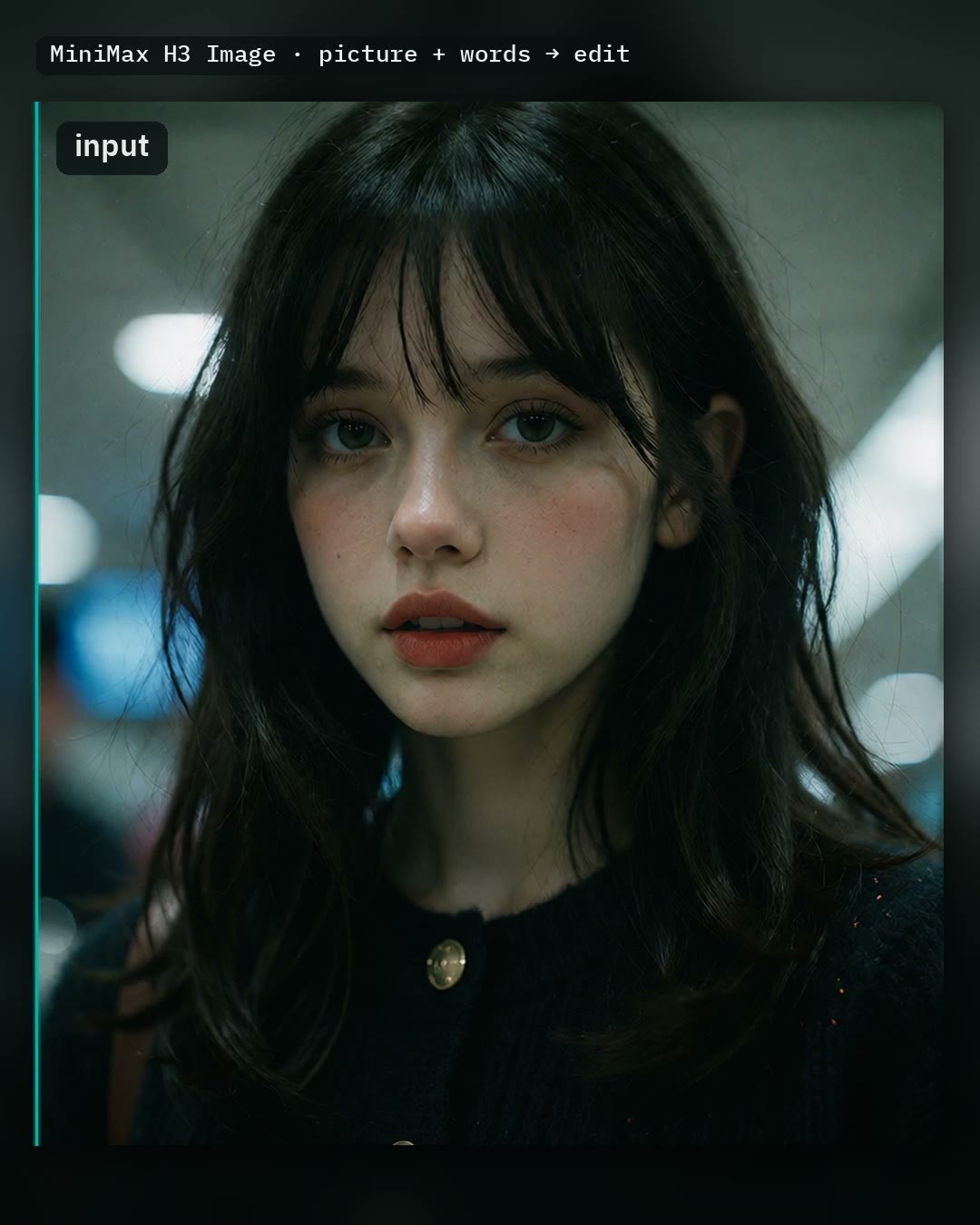
Reasons for Recommendation
- New model (workflow, not new weights); supports text-to-image, instruction-based editing, and multi-image reference composition for H3 Image, e.g., "Put the jacket from image 2 on the person in image 1."
- The author specifies the test environment (ComfyUI master branch commit ede4e5f + AusBoss nodes 2.22.0, tested on both high and low VRAM configurations) and lists required model files, placement directories, and sizes: High VRAM uses the int8 ConvRot base model (21.0 GB), Low VRAM uses w4a8 (12.5 GB), both sharing the Qwen3-VL 32B nvfp4 text encoder and H3 Image VAE.
- Comprehensive switches: Auto prompt uses a small model to expand short phrases into detailed descriptions; Size toggles between 4 MP / 16 MP; Fast uses the pDMD 2-step LoRA to reduce steps from 6 to 2; optional SeedVR2 upscales 4 MP results by 2x.
- The author claims that on an RTX 5090, generating a new 16 MP image takes about 22 seconds, and editing a 16 MP image takes about 35 seconds; includes 1 video segments + 6 visible example images.
How to Use
- First update ComfyUI to a version after 0.44.0 and AusBoss nodes to 2.22.0, then drag in the workflow and click Run directly; it comes with a complete default prompt.
- For your own generation: write a full detailed description, or enable Auto prompt and write just a few words; for editing: enable "Edit a picture," load an image, and describe changes (e.g., "Make it snow."); connect reference images sequentially from picture 2 to picture 8, and explicitly name them in the prompt as "picture 2."
- Place text that should appear in the image within quotation marks; disable Auto prompt if the prompt is already very complete (the author notes that rewriting the initial prompt can cause hand artifacts); do not enable Fast when creating posters or covers.
Risks and Limitations
- Depends on new H3 Image support (only added to ComfyUI in 11-10) and AusBoss's custom nodes; older versions of ComfyUI cannot run it. The full model set (base model + 32B text encoder + optional expansion model, acceleration LoRA, SeedVR2) requires a large download.
- MiniMax-H3-Image Community License: According to the Comfy quantization author's summary, it does not cover the EU, UK, South Korea, or the US; outputs cannot be used to improve other AI models; annual revenue exceeding 100 ten thousand USD or offering hosting services requires separate authorization.
- Time metrics are as claimed by the author.
Recommended (1)
[A] Minimax H3 Image Quants - comfy-native - fp8_scaled / nvfp4 / GGUF Q6 / Q4 / Q3 / Q2_mix · v1.0
Base Model / Checkpoint · New Model · Author Thasmodius · Published 11-11 07:19 · Downloads 72
Supplementary precision packages for the H3 Image base model: fp8 scaled, NVFP4, and GGUF Q6_K / Q4_K / Q3_K / Q2_K mixed quantizations not available in the official Comfy repository, containing only the diffusion model.
Image

Reasons for Recommendation
- New model (quantized weights); serves users who want to run H3 Image text-to-image and editing on RTX 40 / 50 or any GPU but lack sufficient VRAM for the official bf16 version.
- Clear usage guidelines for each tier: fp8 scaled (21.0 GB) for RTX 40 / 50; NVFP4 (12.5 GB) runs natively only on RTX 50 and is the fastest (author claims ~3.4 steps/s at 2048x2048 on RTX PRO 6000, vs. ~2.1 steps/s for fp8); GGUF Q6_K (17.5 GB), Q4_K (12.5 GB), Q3_K (10.0 GB) work on any GPU; Q2_K mix (9.25 GB) is experimental, with the author noting significantly softer image quality.
- The author explains that the quantization scope matches Comfy's official int8 / w4a8 (same 200 transformer layers, accounting for 95.8% of weights), keeping the rest in official bf16, and provides a comparison page on HF; includes 8 visible example images.
How to Use
- Requires ComfyUI 0.44 or newer; open the built-in "MiniMax H3 Image" template in ComfyUI and select the file in Load Diffusion Model; keep template settings at 6 steps, euler, simple, cfg 1.
- Obtain the text encoder qwen3vl_32b_minimax_h3_nvfp4_awq (or int8 convrot) and VAE from the Comfy-Org MiniMax-H3-Image repository.
- For GGUF, replace the loading node with Unet Loader (GGUF) and first patch ComfyUI-GGUF (run the author's patch script or manually add "minimax_h3" to IMG_ARCH_LIST in loader.py), otherwise you will get an Unexpected architecture type error.
- The author claims the model performs best between 4–20 MP, with poor results at low resolutions; use long and detailed English prompts.
Risks and Limitations
- MiniMax-H3-Image Community License: The author's original text states that authorization does not cover the EU, UK, South Korea, or the US; the model and outputs cannot be used to improve other AI models; annual revenue exceeding 100 ten thousand USD or offering hosting services requires prior written permission from MiniMax; commercial products must label MiniMax-H3-Image.
- GGUF depends on a patch not yet merged upstream; 2 examples are hidden.
Worth Watching (4)
[B] Minimax H3 Image INT8/INT6/INT4 · Minimax H3 IMAGE INT8
Base Model / Checkpoint · New Model · Author tsolful · Published 11-11 07:17 · Downloads 91
INT8 ConvRot (W8A8) quantized version of the H3 Image base model, 19.54 GB; the author recommends it as the default choice among the three quantization tiers.
Image
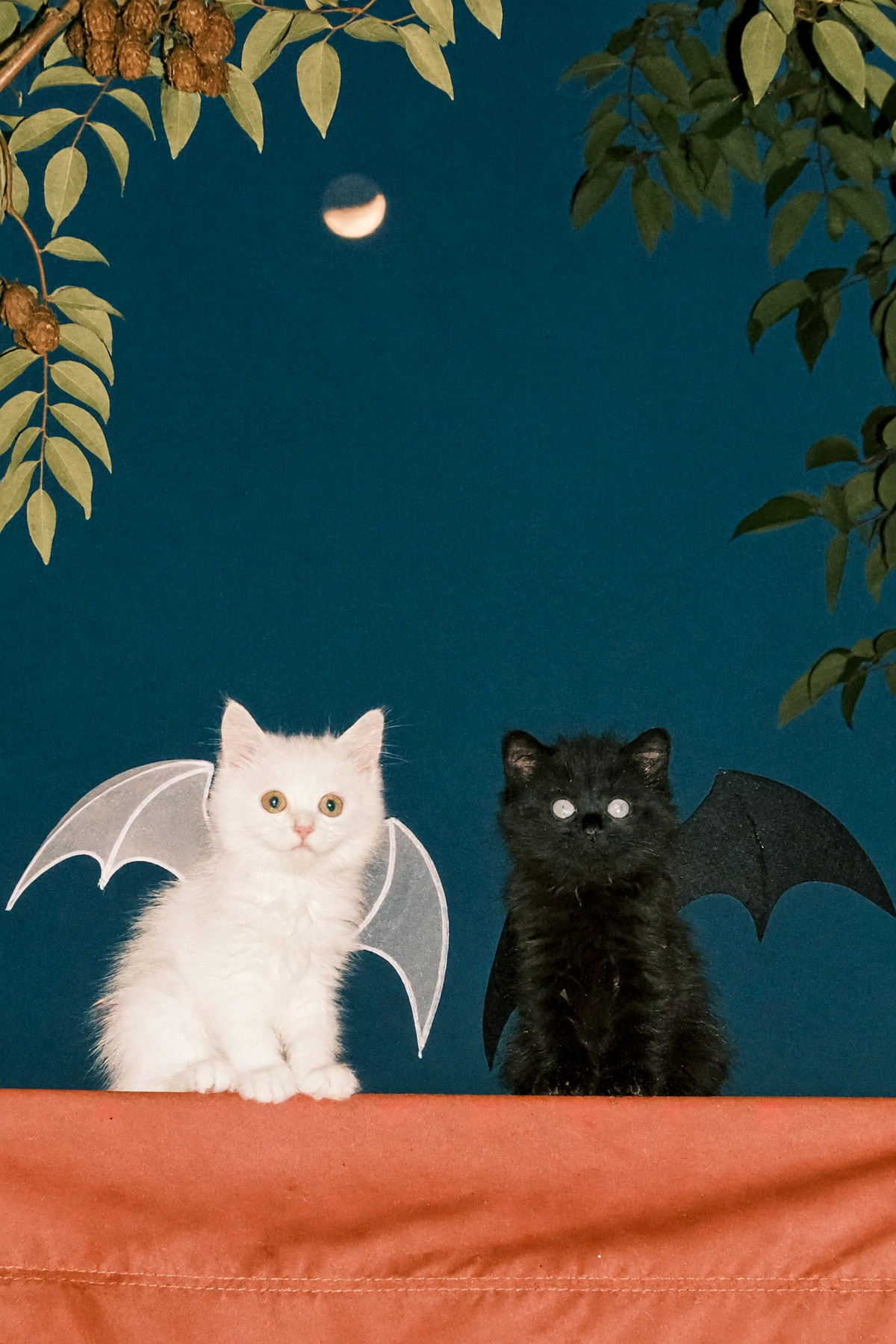
Reasons for Recommendation
- New model (quantized weights, with INT6 / INT4 tiers also available on the same page); serves H3 Image users whose VRAM cannot accommodate the official bf16 (40.2 GB). The author claims near-lossless quality, utilizing INT8 tensor cores on RTX 30 series and above.
- The author explains that sensitive layers (input/output, modulation, embeddings, output head) remain in BF16; and clarifies H3 Image usage: no image input means text-to-image (default 2048×2048), connecting images from image_1 onwards enables editing / reference generation, using tags like <Picture 1> in the prompt.
- 3 visible example images.
How to Use
- Recommended settings: 6 steps, CFG 1, official PDD sampler; the author personally uses Euler_ancestral / simple with 6 steps; no negative prompt used.
- Requires ComfyUI with native H3 Image support (using MiniMax H3 Image Conditioning node or official template); text encoder shares Qwen3-VL with the H3 video version; VAE must be minimax_h3_image_vae_fp16, video VAE is not compatible; connect VAE when editing images.
Risks and Limitations
- The official Comfy-Org repository already provides an int8 ConvRot version (minimax_h3_image_pruned_int8_convrot). This file is nearly identical in size but has a different hash. The author does not specify whether they performed the quantization themselves or repackaged it, nor how it differs from the official version.
- The MiniMax-H3-Image community license has additional regional and usage restrictions; 1 examples are hidden.
【B】H3 Image w/ Pose Studio + Other Advanced Features [FoxFurEssence] · v1.0
Workflow · New Model · Author foxydits · Published 11-11 08:56 · Downloads 333
H3 Image multi-functional workflow: text-to-image / image-to-image / generation with up to 9 reference images. It includes a toggleable Pose Studio for posing, and allows capturing a frame from a video to use as a reference image.
Image

Reasons for Recommendation
- New model (workflow); the author specifically notes it is for the new H3 Image, not H3 Video. It is suitable for character sheets, storyboard styling, and other outputs requiring pose control and multiple references.
- Features are clearly defined: Pose Studio can be toggled without switching workflows; multi-source image comparison; detailed prompt templates; the Ref Loader loads a video, and clicking 'Use Frame' after selecting a frame uses it as a reference image.
- Direct links for all models are provided: H3 Image int8 ConvRot base model (21 GB), Qwen3-VL 32B int8 text encoder (25.28 GB), Qwen3.5 9B prompt expansion model (6.84 GB), and the H3 Image VAE.
How to Use
- Download the four models via the author's links and place them in diffusion_models / text_encoders / vae, then import the JSON. The author did not specify sampling steps or CFG (use the template defaults).
Risks and Limitations
- No visible examples (5 are hidden); the license does not list any commercial usage rights.
- The latter part of the description is the author's community promotion.
- The card image is an AI-generated illustration, not the actual output of the model; the author has no publicly available standard-level examples.
【B】Lonecat’s Simple Speed Boost 🚀 Workflows | Simple Speed Boost Workflows (MiniMax H3, Krea 2, Qwen 2.1, ZIT, Klein_9b, Illustrious, Flux, Wan2.2, Qwen Image Edit) · Simple Minimax Image 🖼️
Workflow · Port · Author lonecatone23 · Published 11-11 11:45 · Downloads 22
The H3 Image version (Simple Minimax Image) added to Lonecat's simple workflow collection: an annotated H3 Image reference-based generation workflow. The author added a 'skin master' node to improve skin texture.
Image
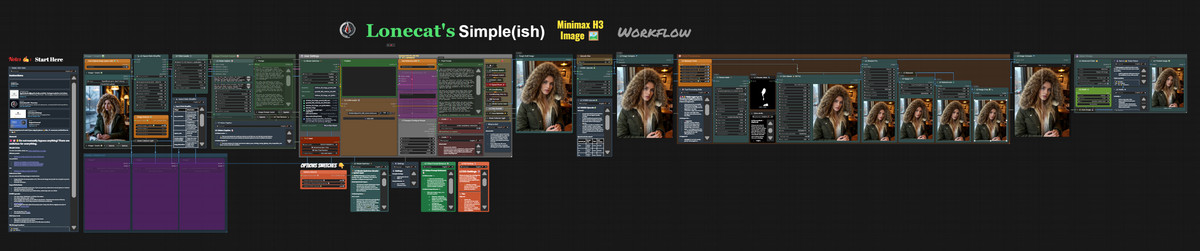
Reasons for Recommendation
- Version update (new version of the collection; the previous H3 version was the video-focused Simple MiniMax V2.1): The update notes are only two sentences: a basic workflow, with 'skin master' added because the original quality was poor.
- The collection is positioned as a simplified, categorized, and heavily annotated version for ComfyUI beginners. The author's node pack is freely available on GitHub, and annotations support Chinese.
- 2 visible example images; the collection has 31258 total downloads, which only indicates that this collection by the author has some attention.
How to Use
- Import the JSON (filename Simple MiniMax H3 Image Ref V1.0). If nodes are missing, install lonecatone23's node pack from the author's GitHub. The author did not specify sampling steps, CFG, etc.
Risks and Limitations
- The feature list on the collection page (ControlNet, I2I, Speed Boost, detail repair) applies to the entire collection; it is not clear which specific features are included in this H3 Image version.
- The description is extremely brief.
【B】Minimax H3 Image INT8/INT6/INT4 · Minimax H3 IMAGE INT6
Base Model / Checkpoint · Version Update · Author tsolful · Published 11-11 07:30 · Downloads 9
The H3 Image INT6 (W6A8) quantized version on the same page, 15.61 GB, falling between INT8 and INT4. This tier is not available in the official Comfy repository.
Image
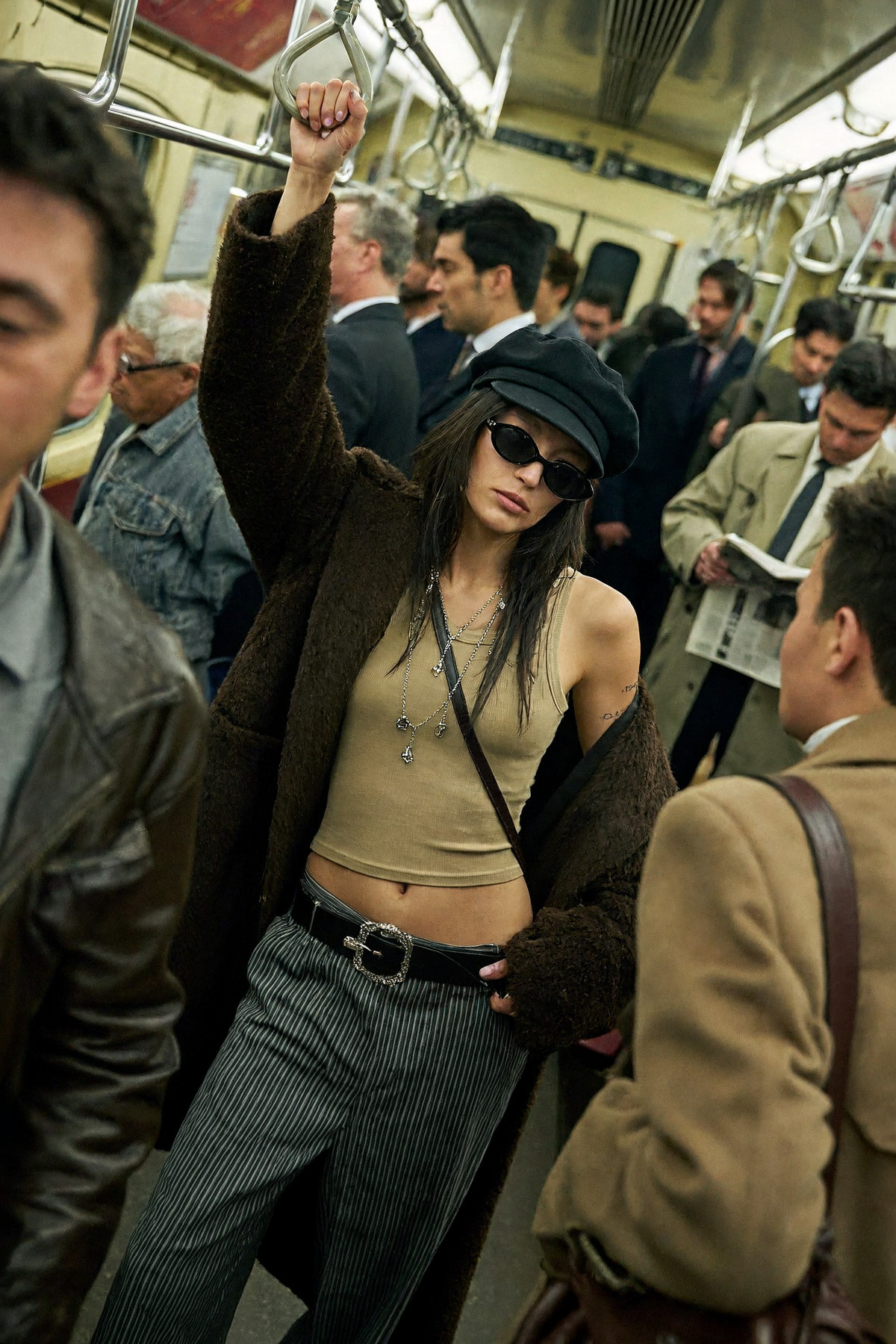
Reasons for Recommendation
- Version update (the 2th version on the same page; it is a parallel precision tier to INT8, not an improved version): Intended for GPUs that can barely fit INT8. The author claims it is significantly smaller than INT8 with minimal quality loss.
- Depends on the W6A8 kernel path from comfy-kitchen PR #191; 1 visible example images.
How to Use
- Settings are the same as INT8: 6 steps, CFG 1, official PDD sampling (the author uses Euler_ancestral / simple 6 steps); the text encoder is shared with the H3 Video version, and the VAE uses the H3 Image-specific VAE.
Risks and Limitations
- The author did not write update notes (this version is just another precision level).
- The W6A8 kernel comes from a comfy-kitchen PR that has not yet been confirmed as merged; it may not run if the ComfyUI version is incorrect. There are only 1 examples; the MiniMax-H3-Image community license has additional regional and usage restrictions.
Included Only (4)
- (prevent melting faces)MiniMax H3-Image base workflow · base workflow — Workflow: An H3 Image basic generation workflow named 'prevent melting faces'. The model page description consists of only a single period.
- Minimax H3 Image INT8/INT6/INT4 · Minimax H3 IMAGE INT4 — Base Model / Checkpoint: The H3 Image INT4 (W4A8 GPTQ) quantized version on the same page, 12.77 GB. It is the smallest of the three tiers, saving VRAM but not increasing speed.
- mini max image - BETTER RESULTS workflow - very nice quality with FASTER prompt upsampler · v1.0 — Workflow: A simple workflow adapted from the Qwen 2.1 generation workflow for use with H3 Image. The name claims it includes a faster prompt upsampler.
- MiniMax-H3-Image · v1.0 — Workflow: A generation workflow named MiniMax-H3-Image. The description contains only the title and 'v1'.
Data: Civitai Public API (base model MiniMax H3). Inclusion window: 11-10 00:03 → 11-11 16:03 (Beijing Time). Reasons for recommendation have been editorially reviewed; download counts only reflect attention.