Zhenzhen's AI Radar · MiniMax H3 Image · 2026-11-12 Morning Report
This issue features 4 new versions: Strongly Recommended 1 · Recommended 2 · Worth Watching 1 · Listed Only 0
Editor's Note This issue reviews 4 new versions of H3 Image, all of which are workflow or base model repackagings; there are no new LoRAs. The top pick is LatentJack's H3 Image Studio V2.2: a single workflow handling text-to-image, multi-reference image editing, and photo-to-depth guidance, using 6-step LCM with a maximum resolution of approximately 20 MP. AusBoss Workflow v1.1 enables automatic prompt expansion in edit mode, and the full INT8 base model resolves the qkv permutation issue that prevented the original from running natively in ComfyUI; both are rated A. Onyx's simple dual workflow has only 1 visible examples and is rated B.
Strongly Recommended (1)
[S] Simple Minimax H3 Image Generation/Image Edit Workflow · V2.2
Workflow · New Model · Author LatentJack · Published 11-12 07:21 · Downloads 24
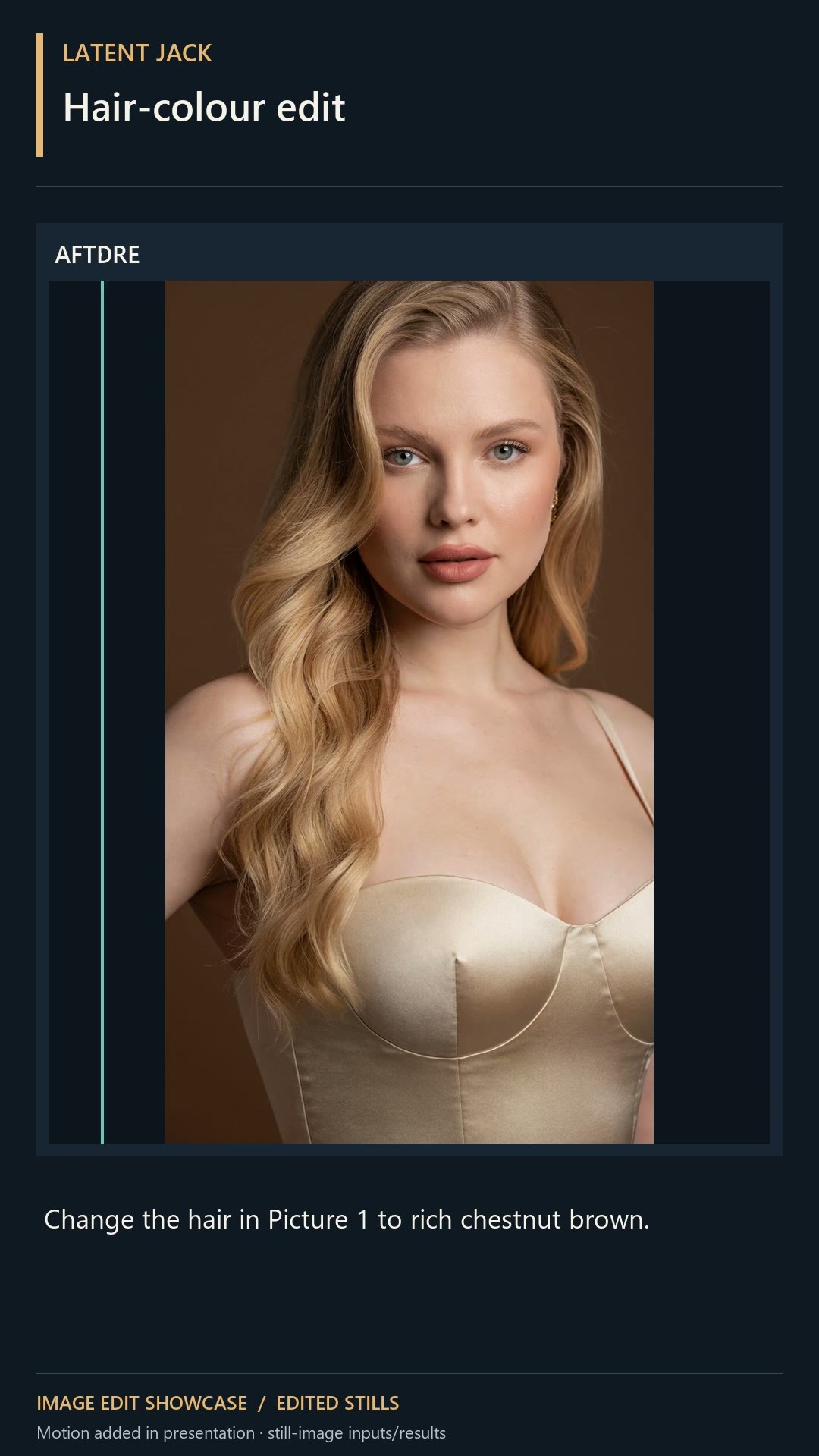
An integrated ComfyUI workflow for H3 Image: text-to-image, editing with up to fifteen reference images, plus converting a photo to a depth map for composition guidance, defaulting to 6-step LCM.
Reference image numbering follows the "enabled" inputs; if you toggle switches, remember to check the Picture numbers in your prompt.
Images
Reasons for Recommendation
- One workflow covers three use cases: pure text-to-image, editing based on reference images (changing clothes, compositing two people, etc.), and using Depth Anything V2 Large to convert photos into depth maps to lock composition.
- The documentation is very detailed: sampling parameters (SamplerLCM, s_noise 1.1 → 0.9, simple scheduler, 6 steps, CFG 1), size selection by megapixels, and reference image numbering rules (renumbering only enabled inputs as <Picture 1>, <Picture 2>) are all explained with screenshots.
- 2 video segments + 16 visible examples; the download package includes MIT-licensed workflow JSON and two required auxiliary node folders.
How to Use
- After unzipping, import the workflow and install external node packages and models according to Section 8 of the author's instructions (weights are not included in the package).
- Defaults are SamplerLCM, simple scheduler, Steps 6, CFG 1, Denoise 1; first turn off the person/face/eye refiners to generate a base image, then try enabling them one by one.
- When editing, enable "Include picture" for the corresponding inputs in the reference image subgraph and specify what to take from each image in the positive prompt; enable "Enable depth guide" if you want depth guidance.
Risks and Limitations
- The person/face/eye refiners are marked as experimental by the author and are disabled by default.
- The author's examples were generated locally on an RTX 5090 32 GB card; the author explicitly states this does not represent VRAM requirements for other GPUs. High resolutions and multiple reference images consume more VRAM.
- 2 sensitive-level examples are hidden.
Recommended (2)
[A] MiniMax H3 Image Generate + Edit | 16 MP, 8 Pictures · v1.1
Workflow · Version Update · Author AusBoss · Published 11-12 07:12 · Downloads 47
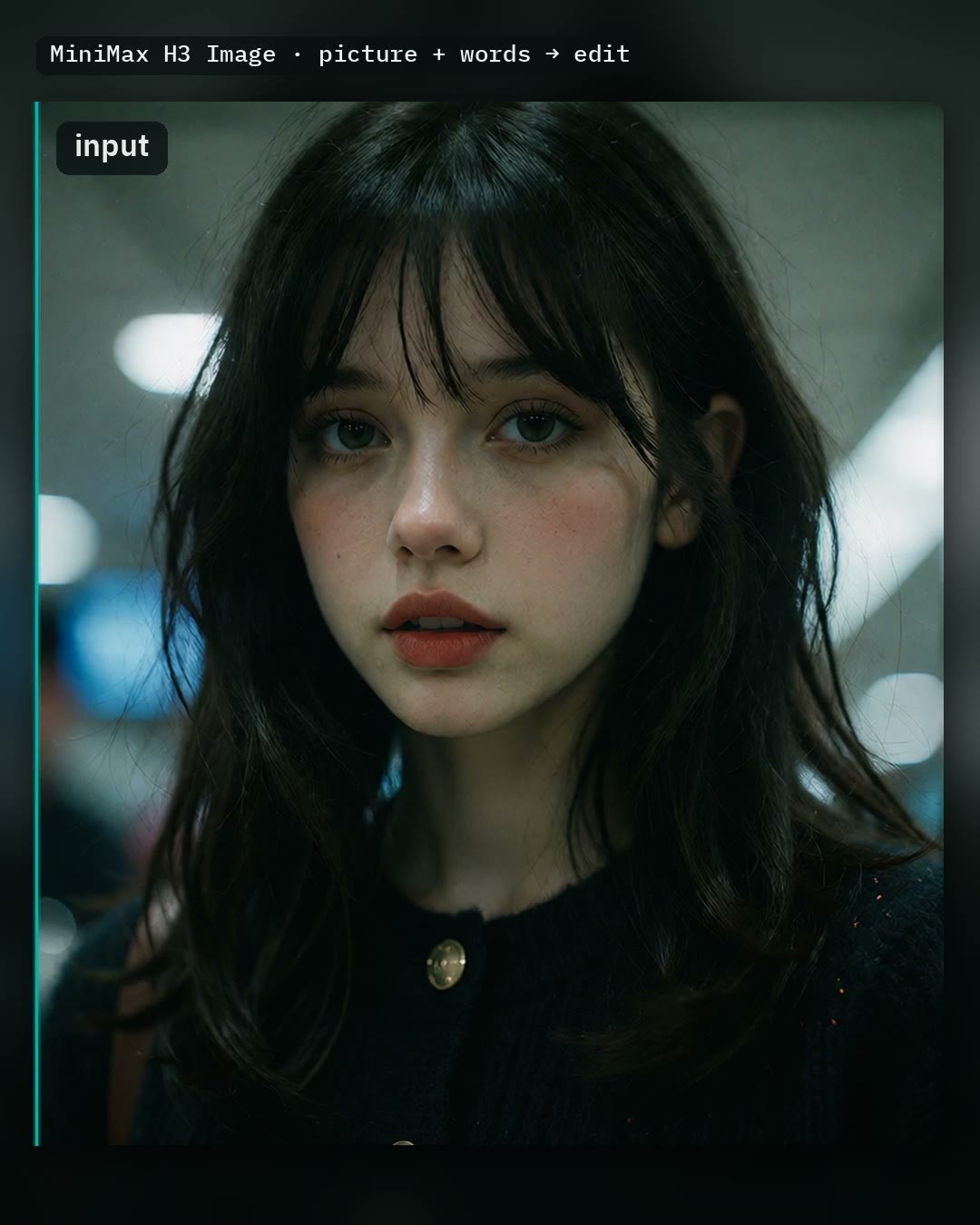
AusBoss's H3 Image generation + editing workflow v1.1: Automatic prompt expansion (Auto prompt) now works in edit mode, analyzing each connected image to write modification descriptions.
Images
Reasons for Recommendation
- Version update: In v1.0, Auto prompt only handled text-to-image; in v1.1, it works during editing—enter a few words (e.g., "vampire", "winter"), and after viewing the main image and all reference images, it writes a complete modification description. With Auto prompt disabled, output is identical to v1.0 under the same settings.
- Complete workflow: Two size tiers (4 MP / 16 MP), up to 7 additional reference images for editing, Fast mode uses a pDMD 2-step LoRA, and optional SeedVR2 upscales the 4 MP result by 2x.
- Dependencies are fully documented: High/low VRAM base models, text encoders, VAE, small model for Auto prompt, 2-step LoRA, and SeedVR2 directories are all listed.
How to Use
- First update ComfyUI (requires a version after 2026-11-10 added H3 Image support) and AusBoss nodes (author uses 2.23.0), then drag the workflow into ComfyUI and click Run.
- Editing: Enable "Edit a picture", load images, and write modifications; connect reference images starting from picture 2 in "Write the prompt" and explicitly name "picture 2" in the prompt.
- Fast mode runs 2 steps instead of 6; the author warns that Fast mode tends to crop compositions tightly and may error on small text, so avoid it for posters and covers.
Risks and Limitations
- Many dependencies and large file sizes; the high-VRAM base model plus encoders listed by the author require tens of GBs.
- The author states that Auto prompt causes larger changes during editing; disable it if you want small, precise modifications.
- Only 1 video segments + 1 example images.
[A] MiniMax H3-Image Full INT8 (QKV-Fixed for ComfyUI) · v1.0
Base Model / Checkpoint · New Model · Author xiaoyueblandon205 · Published 11-12 01:25 · Downloads 53
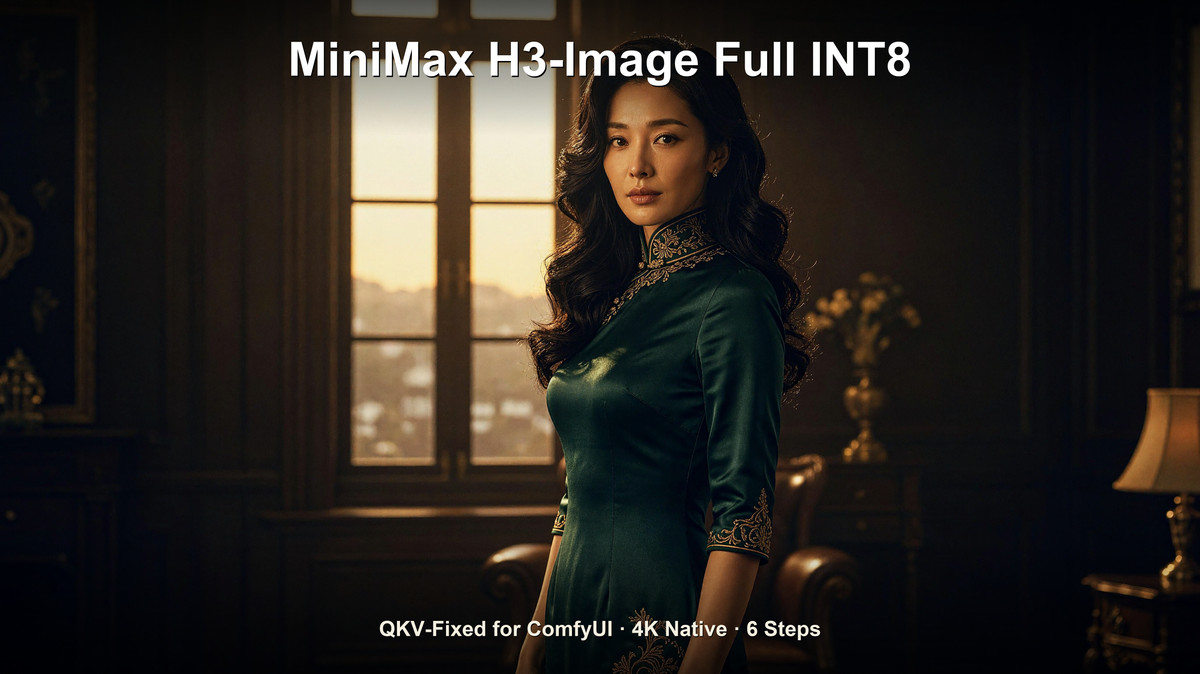
INT8 weights for the original full (unpruned) MiniMax H3-Image 33.1B, with qkv_proj rearranged to allow the full model to run directly in ComfyUI native nodes.
Images
Reasons for Recommendation
- Solves a specific problem: The original qkv_proj uses interleaved layout per attention head; the author rearranged it to contiguous layout, allowing the full model to load without code changes or custom nodes.
- Unlike common pruned versions, this is unpruned full parameters quantized to INT8; supports text-to-image and editing with up to 16 reference images.
- The author provides parameters: 6 steps, guidance 1.0, native 16MP, no CFG or negative prompts needed; 11 visible examples.
How to Use
- Place in models/diffusion_models and load using ComfyUI's native H3 Image workflow, replacing the original base model.
- Use 6 steps, guidance 1.0, no negative prompts; resolution at native 16MP.
Risks and Limitations
- Single file is 31.7 GB, demanding high VRAM and disk space; the author does not specify required VRAM.
- This is a quantized repackaging of official weights, not new training; licensing follows the MiniMax H3-Image Community License.
- 5 sensitive-level examples are hidden.
Worth Watching (1)
[B] Minimax H3 Image T2I & I2I Simple Workflow 1girl · v1.0
Workflow · New Model · Author OnyxAI · Published 11-12 02:53 · Downloads 108
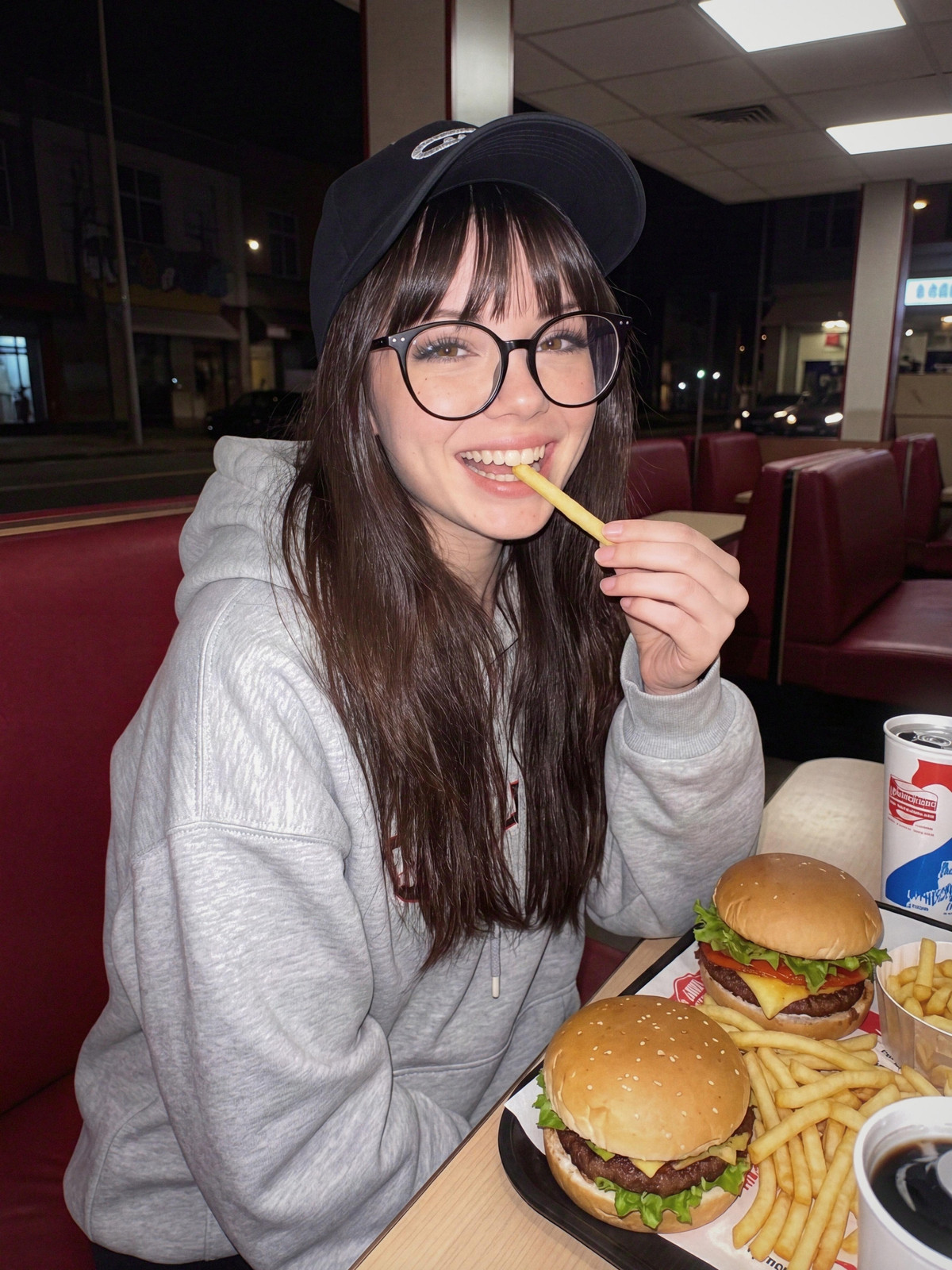
Onyx's two simple H3 Image workflows (text-to-image, editing with up to 4 reference images), using only native nodes plus CRT film grain, aiming for realistic photos in a direct-from-phone style.
Images
Reasons for Recommendation
- Two separate workflows: Text-to-image uses direct English descriptions; editing references images using syntax like <Picture 1>, preserving the person when changing clothes, scenes, or poses, with a built-in official prompt expansion toggle.
- Author's parameters: 6 steps, CFG 1, 16 MP 3:4, using Comfy Kitchen attention for speedup, HDR VAE + CRT grain for phone photo texture.
How to Use
- Requires ComfyUI 0.45.0+ and the CRT Post-Process Suite from ComfyUI Manager; model download links are in the description node on the left side of the workflow.
- 6 steps, CFG 1, default 16 MP 3:4, adjustable.
Risks and Limitations
- Only 1 visible examples (another 2 sensitive-level ones are hidden); the realistic phone effect is claimed by the author.
- Overlaps in functionality with the other two H3 Image workflows this issue; its main advantage is fewer nodes.
Data: Civitai Public API (Base Model MiniMax H3), inclusion window 11-11 21:03 → 11-12 09:33 (Beijing Time). Recommendations reviewed by editors; download counts reflect attention only.