Zhenzhen's AI Radar · MiniMax H3 Image · 2026-11-21 Morning Report
This issue features 5 new versions: Strongly Recommended 1 · Recommended 0 · Worth Watching 2 · Listed Only 2
Editor's Note This issue reviewed 5 new versions of H3 Image, with 1 rated S, 2 rated B, and 2 rated C. The top recommendation is AusBoss's Generate + Edit v1.2: it automatically locks parts not requested for change during editing without needing masks, adds a grain removal option and a 8 MP tier, and clearly documents the required node versions and switch usage. The blurry photo 16 MP reconstruction workflow has a clear purpose but lacks visible examples, and its base model is mislabeled as Flux.1 D; the female bodybuilder physique concept LoRA has complete parameters but all examples are hidden, so both are rated B. Free Lite text-to-image is a free lead-in version of a paid workflow package with no update notes, and Makaria is a standard fictional character LoRA; both are rated C. No exclusions.
Strongly Recommended (1)
[S] MiniMax H3 Image Generate + Edit | 16 MP, 8 Pictures · v1.2
Workflow · Version Update · Author AusBoss · Published 11-21 02:53 · Downloads 266
AusBoss's MiniMax H3 Image text-to-image + edit workflow, v1.2 adds Edit Lock: parts not requested for change are preserved as-is during editing without needing masks, plus a grain removal option and a 8 MP tier.
Images
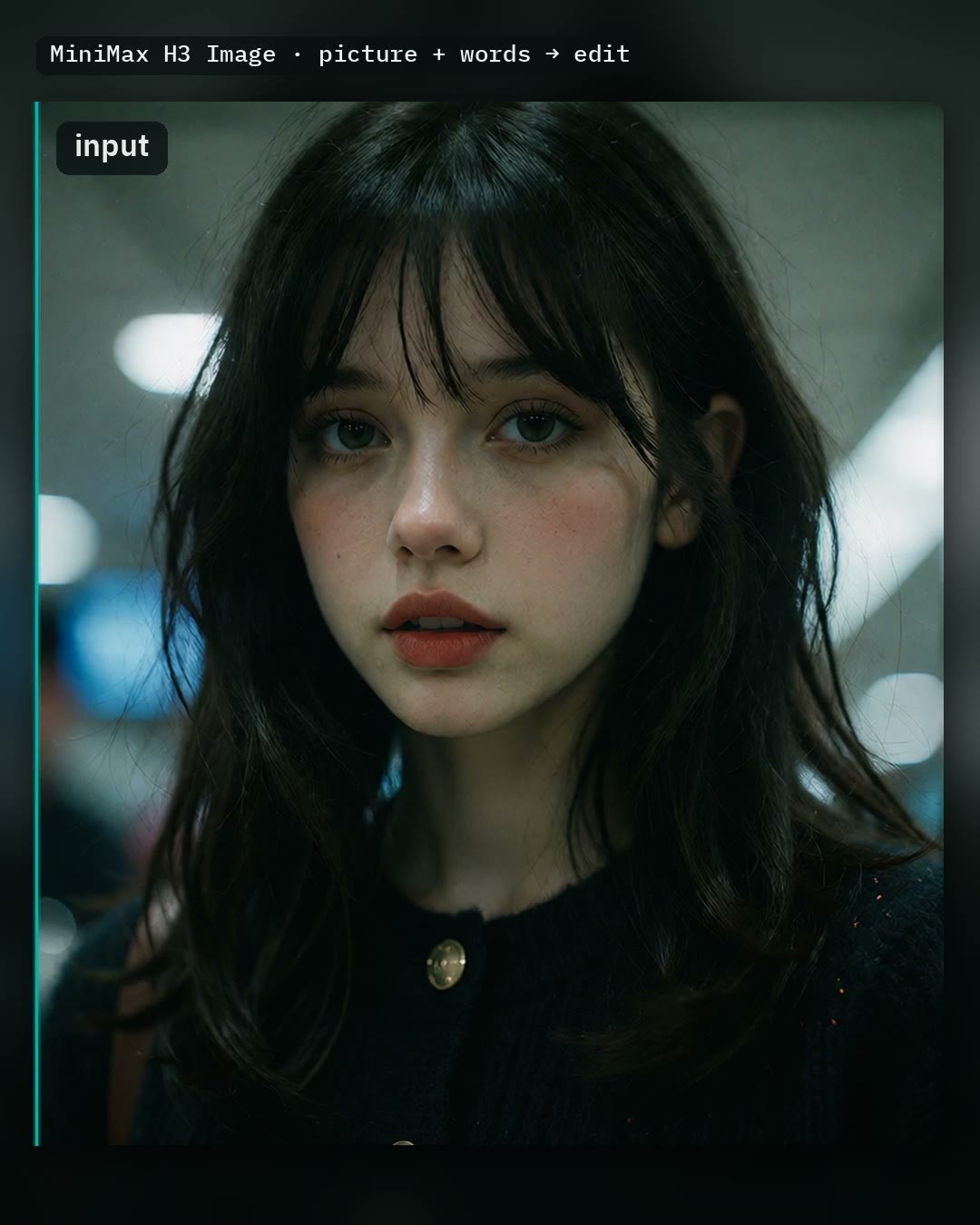
Reasons for Recommendation
- Version Update: Edit Lock is enabled by default, changing only the parts you specify; it automatically yields during global changes like restyling the entire image, changing lighting, or adding rain, and displays how much of the original was preserved.
- New Grain Cleanup (Off / Light / Medium / Strong), removes fine noise on skin, hair, and stones without increasing processing time, disabled by default; a 8 MP tier was added between 4 MP and 16 MP for faster editing on low-VRAM cards.
- Existing Capabilities: One-sentence image editing, Auto prompt expands short phrases into long prompts (available for editing since v1.1, analyzing all connected images), supports up to 7 additional reference images referenced by number; the entire model page has 3530 downloads, this version had 266 downloads within 6 hours of release (indicating attention level only).
How to Use
- First update to ComfyUI 0.45, AusBoss nodes 2.26.3 or newer; drag in the workflow and Run directly, it opens with complete prompts.
- Editing: Enable Edit a picture, load an image, write changes like "Make it snow.", and clearly specify what must remain unchanged; connect reference images sequentially from picture 2 to picture 8, and in the prompt write "Put the jacket from picture 2 on the woman in picture 1."
- Multi-image composition: Disable Edit a picture, select canvas size in Latent Size, connect images starting from picture 2 (in this mode, picture 2 is referred to as Picture 1 in prompts), disable Auto prompt.
- Select Size as 4 / 8 / 16 MP; Fast uses akhaliq's pDMD LoRA with 2 steps instead of 6; Upscale the result uses SeedVR2 to double the resolution of 4 MP results.
Risks and Limitations
- The author states that with Edit Lock enabled, changes might miss some areas, requiring disabling it and rerunning; Fast mode has tighter composition and is prone to errors with small text, so avoid it for posters/covers; grain removal slightly alters details.
- Full functionality requires downloading the main model, text encoder, VAE, prompt model, pDMD LoRA, and two SeedVR2 files; the main model int8 version is about 21 GB (there is also a low-VRAM w4a8 version of about 12.5 GB), and the author's speed data comes from RTX 5090.
- Examples consist only of 1 videos + 1 images; the workflow license covers site rental only, while base models are subject to the MiniMax-H3-Image community license.
Worth Watching (2)
[B] Women's IFBB Wellness Muscle [Flux / MOSS / Krea 2/H3 Image] · v1.0 H3 Image
LoRA · Port · Author TestingAiImages · Published 11-21 05:12 · Downloads 26
A concept LoRA for the IFBB Wellness division female bodybuilder physique: compact and lean upper body, with full muscle mass in the lower body (glutes, legs, quadriceps, hamstrings, calves), featuring muscle definition, vascularity, and realistic skin texture; the H3 Image version of a multi-base-model page.
Images
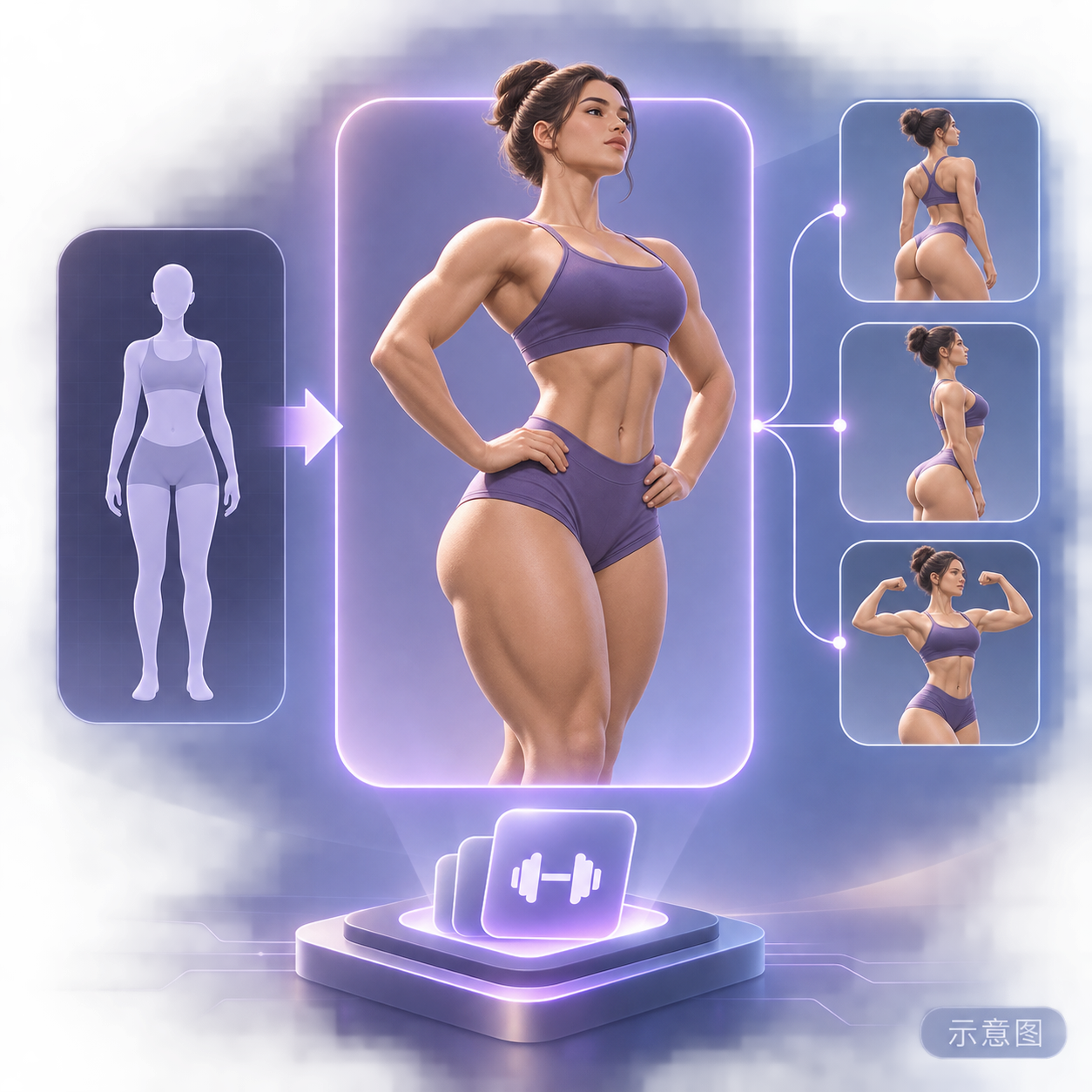
Reasons for Recommendation
- Port: The same page already has Flux.2 Klein 9B, MOSS, and Krea 2 versions, with the entire model page having 2813 downloads; the H3 Image version is trained specifically for H3 Image, with the model card separately documenting H3 prompt rules and parameters.
- Detailed Instructions: Place trigger words in the first sentence, use full English photography descriptions rather than tags; use hard top light, side light, or grazing sunlight to highlight muscle separation, and specify f/5.6 or f/8 for full-body shots to ensure front-to-back clarity.
- The author emphasizes that final images should be generated at H3's native ~16 MP (4K), using 2K only for composition testing; suitable for fitness/bodybuilding portraits and female superhero character designs.
How to Use
- Trigger word: wellness_physique, activated most strongly when paired with "a muscular woman" in the first sentence.
- LoRA strength 0.75–0.95, starting from 0.80; reduce slightly for close-ups, increase towards 0.95 for thicker lower limbs.
- Native 6 steps, CFG 1.0, negative prompts and (word:1.2) weight syntax are invalid; use 3:4 or 2:3 vertical aspect ratios for full-body shots, final output 3552×4736 or 3360×5024; disable Prompt Enhance for detailed prompts.
Risks and Limitations
- No visible examples (all 8 are sensitive-rated and hidden), so effects cannot be previewed.
- The author states the training set consists entirely of real IFBB Wellness athlete photos with face anonymization applied, but portrait licensing status is not specified.
- The author notes that for quantized base models (NVFP4 / FP8 / W4A8), ComfyUI must be launched with --disable-dynamic-vram to maintain LoRA strength; the author did not write update notes for this version.
- The card image is an AI-generated illustration, not actual model output; the author has no publicly available standard-rated examples.
Trigger Words: wellness_physique
[B] MiniMax H3 Image: 6-Step 16MP Blur Reconstruction (ComfyUI) · v1.0
Workflow · New Model · Author AIKSK · Published 11-21 04:35 · Downloads 7
A ComfyUI workflow that "repaints" blurry, low-resolution photos or screenshots into ~16 MP clear images using the H3 Image editing chain, with 6 step sampling, rather than simple interpolation upscaling.
Images

Reasons for Recommendation
- New Model: Runs the H3 Image editing chain conditioned on the original image, then resamples and decodes at high resolution; suitable for old photo restoration, compressed screenshot recovery, and frame-by-frame reconstruction of frames extracted from videos.
- The author clearly states limitations: it only reconstructs details implied in the input without inventing new ones, heavy compression artifacts may be "reinterpreted"; it is not a video model, so frames must be processed individually.
- The base model tag is incorrectly written as Flux.1 D, but the name, description, and filename all indicate an H3 Image workflow, so it is categorized here.
How to Use
- Install H3 Image related nodes, load the JSON, connect the original image, keep the default 6 steps (adjust if different detail levels are desired), and use SaveImage to output ~16 MP results.
- Requires the full set of H3 Image weights; the author states four files are listed in the README; filenames are not listed in the model card.
Risks and Limitations
- No visible examples (the only 1 are hidden), before/after comparisons can only be seen in the author's YouTube/Bilibili videos; the download is a single 62 KB JSON, with Chinese characters in the filename replaced by underscores.
- The license does not allow any commercial use or derivatives; the online demo link includes the author's invitation code; the description text is repeated twice.
- The card image is an AI-generated illustration, not actual model output; the author has no publicly available standard-rated examples.
Listed Only (2)
- H3-Image Workflows — Free Lite T2I (MiniMax H3, 16 MP, 6 Steps) — ComfyUI · v1.1 — Workflow: A free lead-in version of the paid H3 Image workflow package: contains only one basic text-to-image workflow (6 steps, CFG 1, 2048×2048), while multi-reference editing, prompt expansion, etc., are in the full paid version.
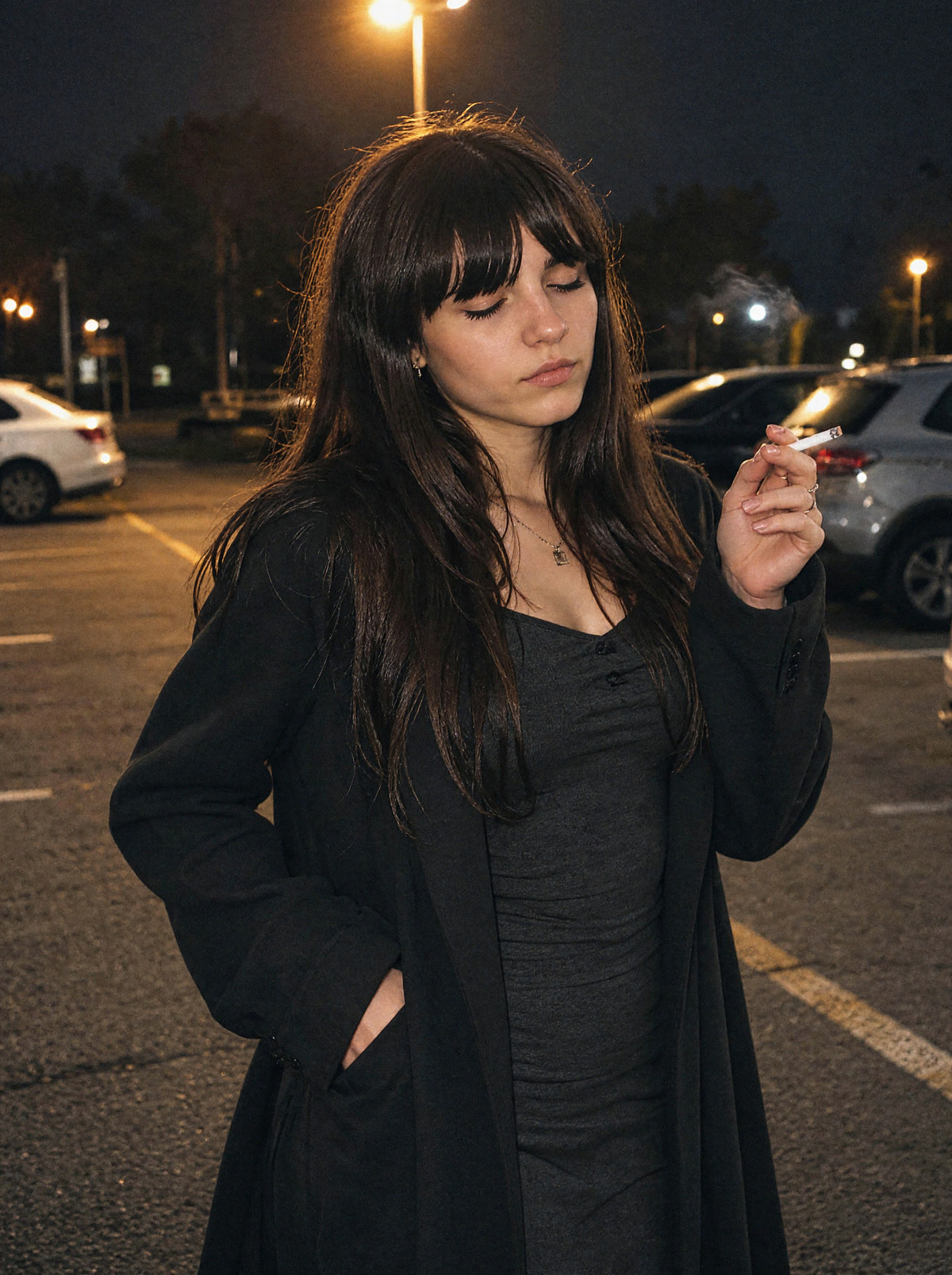
- Makaria Silverstova (This person does not exist) · MiniMax H3 Image — LoRA: A character LoRA for Makaria Silverstova (25 years old, dark hair), a fictional woman generated by GPT who does not exist in reality, H3 Image version.
Data: Civitai public API (base model MiniMax H3), inclusion window 11-20 20:31 → 11-21 09:01 (Beijing Time). Recommendation reasons have been reviewed by editors; download counts represent attention level only.