Zhenzhen's AI Radar · Qwen Image 2.1 · 2026-11-02 Morning Briefing
This issue features 3 new versions: Strongly Recommended 0 · Recommended 0 · Worth Watching 2 · Included Only 1
Editor's Note This issue reviewed 3 new versions of Qwen 2.1; among them, two AIKSK workflows had base model labels that only stated "Qwen," but their names and the model files used were both 2.1, so they are confirmed for inclusion. Ranked first is CafeAVA Universal Pose Transfer: two multi-image editing workflows that use one pose image plus one or two character images to place characters into single-person or two-person poses; the prompt writing examples are very comprehensive, but there are no visible examples, so it remains rated B. AIKSK's product composite fusion workflow clearly specifies two routes: a 40-step high-quality route and a 20+6-step fast route, upgrading its rating from C to B; the same author's Pose Studio posing workflow overlaps with pose transfer and uses an older version of the pose LoRA, so it remains rated C.
Worth Watching (2)
[B] CafeAVA | Universal Pose Transfer for Qwen Image 2.1 · v1.0
Workflow · New Model · Author omidtj · Published 11-02 06:35 · Downloads 33
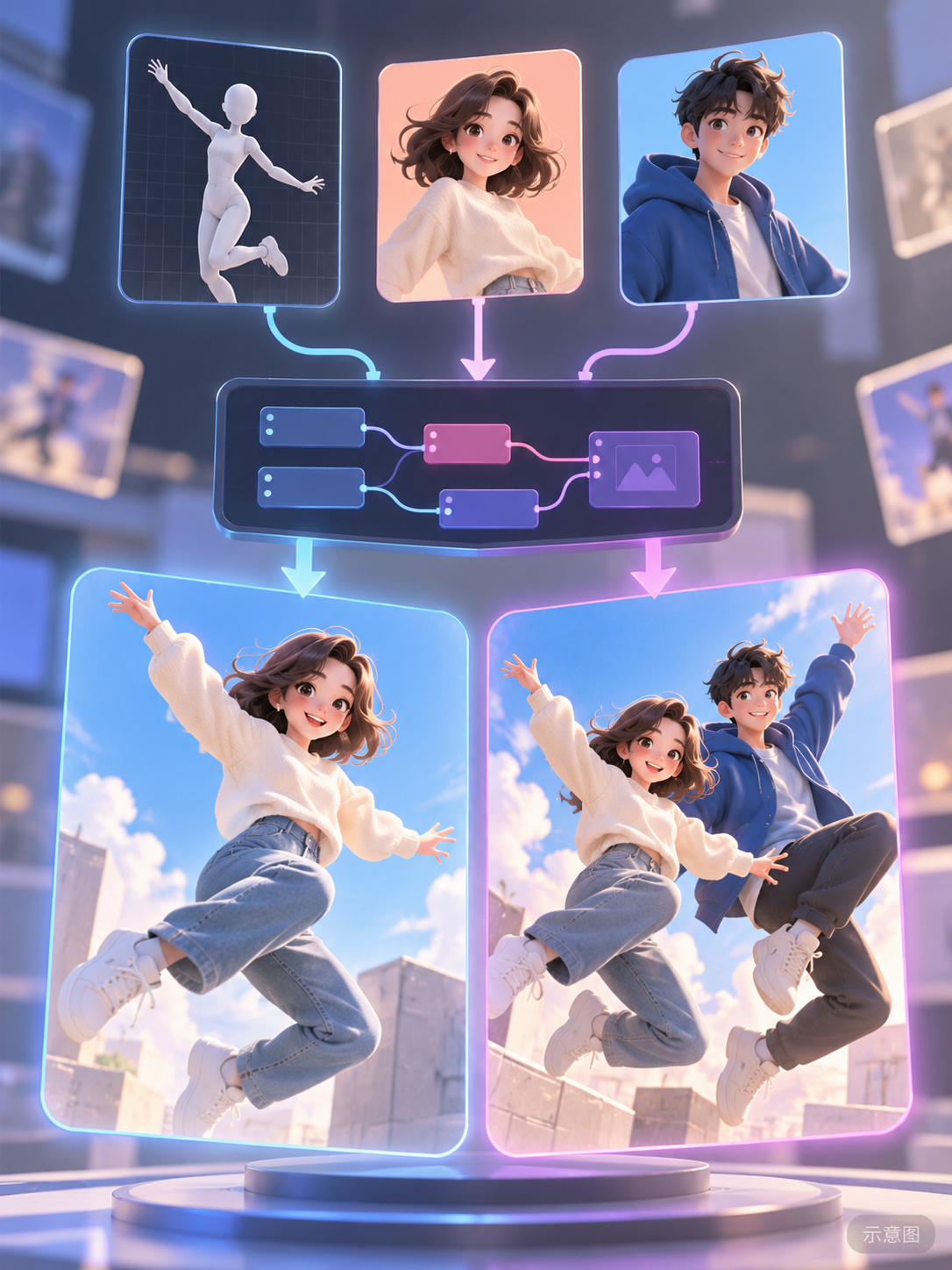
Two Qwen Image 2.1 multi-image editing ComfyUI workflows: provide one pose reference (pose image or photo) and one to two character images to place the characters into single-person or two-person poses.
Remains B: The usage instructions and prompt writing guidelines are the most complete in this issue, but there are no visible examples, and it relies on external pose LoRAs and sources for pose images.
Illustration
Reasons for Recommendation
- New model (workflow, not new weights): Relies on MIUProject's VNCCS PoseStudio V2 pose LoRA (strength 1.0) and the TextEncodeQwenImage21 multi-image encoding node from 2.1; the Simple version has 13 nodes and generates in one pass, while the Enhanced version has 25 nodes, adding aspect ratio and pixel count controls, pose image padding, optional upscaling/sharpening, and original/enhanced comparison
- Detailed usage instructions: Place the pose image in image1, character 1 in image2, and character 2 in image3; start the prompt by clearly specifying which image corresponds to which person in the pose; the author provides examples for left/right, front/back, sitting on lap, with props, etc., and reminds users to include support objects like chairs and beds in the prompt
- Defaults are 25 steps, CFG 1, Euler, simple; the author states this is just a starting point; according to the author's local tests, the full precision version of 2.1 produces the cleanest images, while Turbo and INT8 ConvRot can also generate images; free; 33 downloads (indicates popularity only)
How to Use
- Unzip cafeavaUniversalPose_v10.zip (12 KB), drag the Simple or Enhanced JSON into ComfyUI; prepare the 2.1 model, Qwen3-VL 8B text encoder, VAE, and VNCCS_QI2_PoseStudioV2.safetensors; the Enhanced version also requires nodes such as ResolutionSelector, Comfyroll upscaling, 4x-UltraSharpV2, Lucy Sharpen, DLSS5 enhancement, and rgthree comparators
- Single-person mode: Place only one character image and modify the prompt to describe one person; for the Enhanced version, bypass the loading node for image3 and its corresponding scaling node to pass connection checks
- Pose images must be obtained individually from the original site noted by the author, which does not allow reproduction or bundling
Risks and Limitations
- No visible examples (4 sensitive-level examples are hidden)
- The enhanced path is post-processing; the author warns it may slightly alter texture and identity; successful execution depends on local nodes and model filenames
- License requires attribution and prohibits selling; this entry was not run
- The card illustration is an AI-generated diagram, not the actual effect of the model; the author has no publicly available standard-level examples
[B] Qwen Image 2.1 Product Composite: 40-Step Quality and Viggle Fast Lanes · v1.0
Workflow · New Model · Author AIKSK · Published 11-02 01:43 · Downloads 11
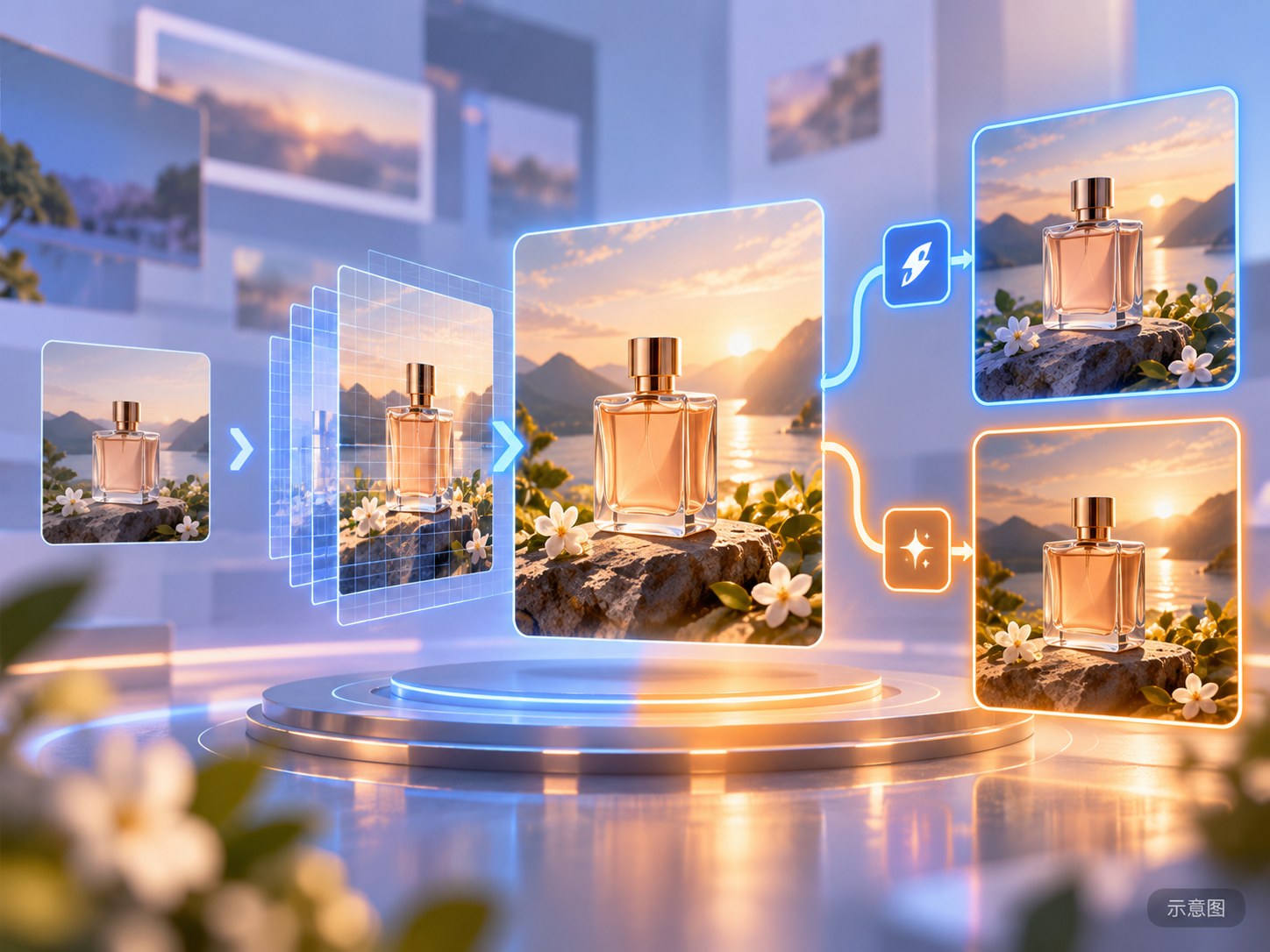
AIKSK's Qwen Image 2.1 product composite fusion workflow: Input a pre-composited image of the product and background, first upscale with UltraSharp, resize to approximately 4 MP, then use 2.1 to repaint for seamless lighting integration; includes a built-in comparison between the 40-step high-quality route and the 20+6-step Viggle fast route.
Upgraded from C to B: E-commerce product fusion is a clear need, and the composition of both routes is clearly specified; points deducted for lack of examples and the author's own unverified status.
Illustration
Reasons for Recommendation
- New model: The base model label only states "Qwen," but the name and model files (qwen_image_2.1_bf16 / int8, Qwen-Image-2.1 viggle turbo LoRA) are all for 2.1, so it is included under 2.1; serves e-commerce product images by fusing cut-out products with backgrounds into a single image
- Both routes' compositions are clearly specified: Standard route uses BF16 base model → C2 LoRA → sampling; Fast route uses INT8 base model → C2 LoRA → sampling followed by a Viggle 6-step LoRA branch for continued sampling, with the second positive condition's FluxGuidance set to 6 (not sampling CFG); a comparator contrasts the outputs of both routes
- Free; no visible examples (1 sensitive-level examples are hidden); 32 nodes; 11 downloads (indicates popularity only)
How to Use
- Import qwenImage21ProductComposite_v10.json (1148 KB), prepare a pre-composited image yourself (the workflow does not automatically composite the product and background), and check the prompt linked to the encoder 626
- Models: qwen_image_2.1_bf16 or int8_convrot, qwen3vl_8b_int8_convrot, qwen_image_2.1_vae_bf16, Qwenimag21_c2-st2000 LoRA, Viggle turbo v0.2.1 6-step LoRA, and 4x-UltraSharpV2
Risks and Limitations
- The author labels the fast route as 20+6; noise and seed continuity during continued sampling are unconfirmed; the base models, LoRAs, and guidance for the two routes differ, so it is not just a comparison of step counts
- The author states that no inference or quality verification was performed, and the cover image is not a verified result; the license prohibits commercial use and derivatives
- This entry was not run
- The card illustration is an AI-generated diagram, not the actual effect of the model; the author has no publicly available standard-level examples
Included Only (1)
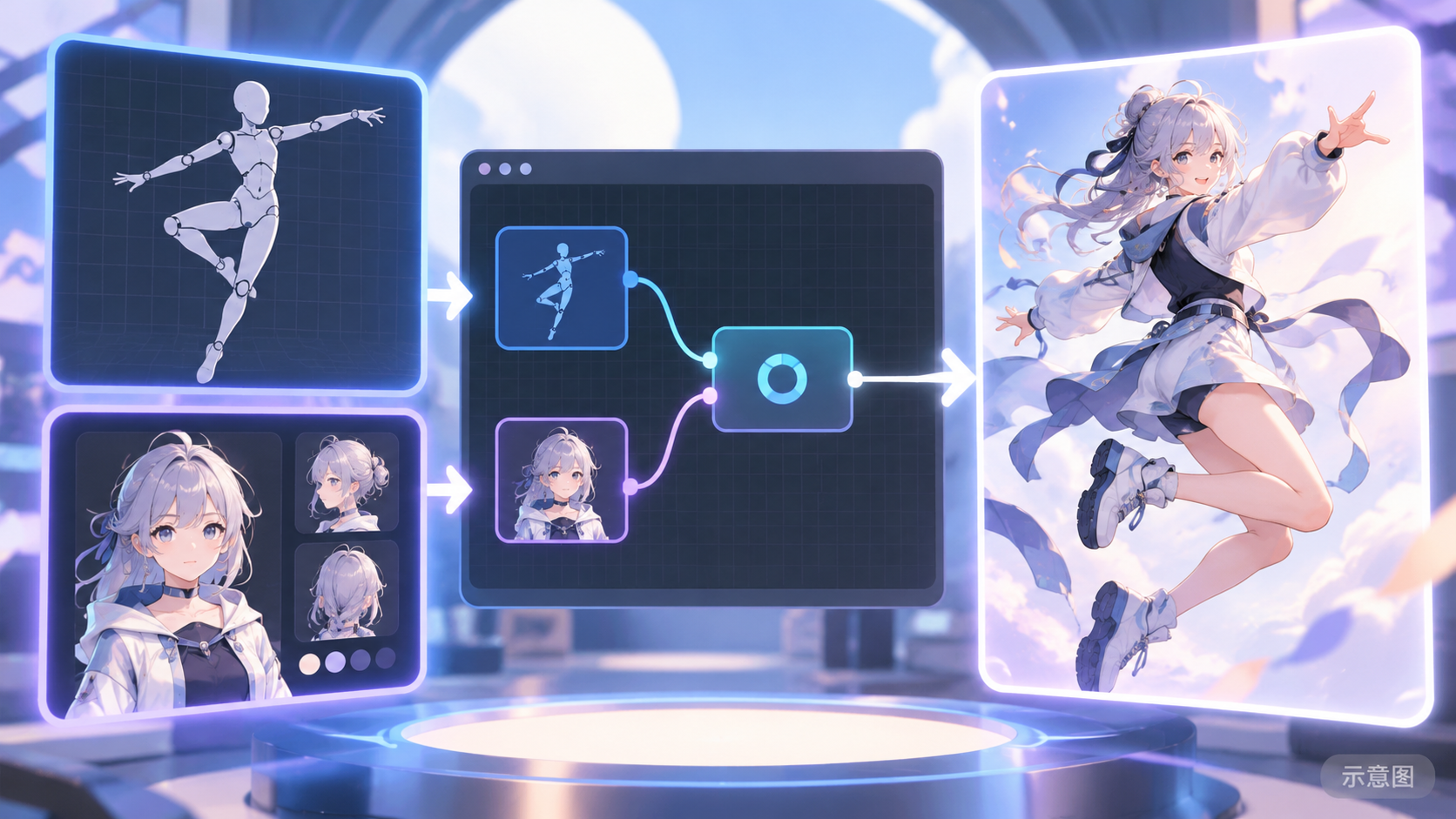
- Qwen Image 2.1 Character Pose Director (VNCCS Pose Studio) · v1.0 — Workflow: AIKSK's Qwen Image 2.1 character posing workflow: Set up a pose in the VNCCS Pose Studio editor as image1, use the character appearance reference as image2, and generate an image of the character in that pose.
Data: Civitai public API (base model Qwen 2.1), inclusion window 11-01 20:31 → 11-02 10:45 (Beijing Time). Recommendation reasons have been reviewed by editors; download counts indicate popularity only.