Zhenzhen's AI Radar · MiniMax H3 · 2026-11-05 Morning Report
This issue features 10 new versions: Strongly Recommended 0 · Recommended 5 · Worth Watching 2 · Included Only 3
Editor's Note This issue reviews 10 new H3 versions. Top pick: H3MD Director 0.3: An open-source node package plus workflow that uses H3 to generate 2–3 minute long videos in one go. Long takes continue from the latent of the previous segment's end, or can hard-cut according to storyboards, but only 1 visible examples are provided, rated A. Other A-rated items include Image Studio (using Ref2VA as a still frame generator), P-H3-Image text-to-image / reference editing workflow, LongForge 7.6 (full-film RTX upscaling, frame interpolation, and HDR on export), and a single-image camera angle change workflow. The P-H3 character sheet workflow and the audio-only patching tool are rated B, while three character/role LoRA descriptions or visible examples are insufficient, rated C.
Recommended (5)
[A] Minimax H3 Image Studio 4k+ · v1.0
Workflow · New Model · Author Hopik65 · Published 11-04 21:46 · Downloads 75
A ComfyUI workflow that uses H3's Ref2VA video model as a still frame generator: text-to-image, or image generation using up to 9 reference images, with optional SeedVR2 refinement and upscaling to 4096 px.
Reasons for Recommendation
- New model (workflow): Uses Pika H3 Flex Turbo LoRA for 8-step sampling, automatically selecting the best frame from decoded frames; turning off the reference image switch results in pure text-to-image
- Serves still frames requiring character/scene consistency: Up to 9 reference images, each in a separate group, can be individually muted
- The author lists all dependencies: Filenames and Hugging Face links for the diffusion model, text encoder, VAE, and Turbo LoRA, as well as the custom node packages to install
- 6 visible example images; free, permissive license (sales allowed); 75 downloads (indicates attention only)
How to Use
- Import minimaxH3ImageStudio_v10.json; write scene, subject, lighting, and style in the Text (Prompt) node, no need to specify camera or sound
- To use reference images: Unmute the required Ref Img nodes and set the switch to true; to not use reference images, set Image Reference (On & OFF) to false
- Select aspect ratio and resolution in H3ImageResolutionPreset: Default is 8 MP, lower to 4 MP or less if VRAM is insufficient, then let SeedVR2 upscale; mute the SeedVR2 group if upscaling is not needed
- Models: minimax_h3_ref2va_fp8_e4m3fn, qwen3vl_32b_minimax_h3_nvfp4_awq (text encoder), minimax_h3_video_vae_int8_convrot, pika_h3_flex_turbo_8step_hd_ref2va; Nodes: ComfyUI-MiniMax-H3-Image-Studio, rgthree-comfy, comfyui-zip-ties, ComfyUI-SeedVR2_VideoUpscaler
Risks and Limitations
- Heavy dependencies: Diffusion model 33.3 GB, text encoder 14.9 GB, Turbo LoRA 3.9 GB; The author reports approx. 500–550 seconds per image on RTX 3060 with 4K + SeedVR2
- The VAE filename in the PrunaAI repository is different, requiring renaming or manual selection in the loader; The PhotoReal LoRA in Power Lora Loader must be provided by the user or disabled
- 1 sensitive-level examples are hidden; image quality is unverified; this entry has not been run
[A] MiniMax P-H3 Image Generation & Reference Editing v1.0 (Anikin Labs) · v1.0
Workflow · New Model · Author Roman_Anikin · Published 11-05 02:46 · Downloads 103
A ComfyUI workflow for P-H3-Image: A single switch toggles between text-to-image and reference image editing (up to two references), using PrunaAI's W4A8 quantized model and a preset 8-step sigma table.
Reasons for Recommendation
- P-H3 in the name refers to P-H3-Image: A text-to-image / image editing model fine-tuned by PrunaAI on MiniMax H3 (the Hugging Face model card states it is based on MiniMax-H3 and follows the H3 community license), so it belongs to this section, but it outputs static images, not videos
- New model (workflow): Text-to-image and reference editing are in the same interface, resolution is adjustable, and it includes a custom 8-step sigma schedule
- Three required model files and the download repository are listed, steps are clear; 3 visible example images
- Free; 103 downloads, 9 likes (indicates attention only)
How to Use
- Download p-h3-image_w4a8.safetensors (diffusion model), p-h3-image_text_encoder_w4a8.safetensors (text encoder), and p-h3-image_vae_int8_convrot.safetensors (VAE) from Hugging Face's PrunaAI/P-H3-Image-Comfy
- Import minimaxPH3ImageGeneration_v10.json, use the switch to select mode; load 1–2 reference images for reference editing
- Keep the preset 8-step sigma table unchanged (the author warns not to change it if unfamiliar); CFG, sampler, and required custom nodes are not provided by the author
Risks and Limitations
- P-H3-Image has its own license and regional restrictions; the author reminds users in the US, EU, UK, and South Korea to check the official license first
- The Hugging Face page states VRAM requirements start at 21 GB
- 2 sensitive-level examples are hidden; this entry has not been run
[A] MiniMax H3 LongForge FL2VA & REF2VA (LONG VIDEO) · LongForge v7.6
Workflow · Version Update · Author AIBOB1199 · Published 11-05 05:48 · Downloads 104
A ComfyUI workflow suite that turns H3 long videos into finished films with sound, scene by scene (includes node package and RefMod Studio); version 7.6 adds full-film NVIDIA RTX upscaling, frame interpolation, and HDR on export.
Reasons for Recommendation
- Version update (20th version): On export, the entire film can be processed in the order of Super Resolution → Frame Generation → HDR; the three items can be enabled individually or combined, original takes and latents are preserved, and frame interpolation does not change duration or audio
- Reference materials (image/video/audio cards) can be drag-and-dropped to reorder, and the order is saved with the workflow; the main workflow is reorganized, with three RTX switches centralized in 21 · RTX Export
- Serves FL2VA / REF2VA multi-scene long films: A single pipeline from prompts, take selection, editing to HQ upscaling, with built-in Russian/English bilingual instructions in the workflow
- Models have accumulated 10202 downloads, with 104 downloads in 4 hours since this version's release (indicates attention only)
How to Use
- Unzip minimaxH3LongforgeFL2VA_longforgeV76.zip, install the included Node Pack, and open the FL2VA / REF2VA main workflow
- To use RTX effects: Install ComfyUI Nvidia VFX Nodes and its dependencies separately, enable the desired effects in 21 · RTX Export (all off by default), leave image input empty, and run EXPORT FILM
- When using RTX frame interpolation, set Frame interpolation × in Export Settings to 1 to avoid stacking with RIFE/FILM; Specific timestep mode is ×2 FPS
- Required H3 models and sampling parameters are written in the workflow's built-in instructions; this entry has not verified them item by item
Risks and Limitations
- The author did not write update notes: The version notes section is empty, and changes are only written in the "7.6 New" section of the model card
- Only 1 visible example images (no generation parameters), another 5 sensitive-level examples are hidden; the finished film has not been seen, and image quality is unverified
- RTX effects require an NVIDIA GPU and additional node packages, processing in batches based on memory; the author suggests trying one short scene with one effect first; selecting H264 for HDR automatically changes it to HEVC
- Many dependencies, fast updates (four versions 7.3–7.6 released within a week); this entry has not been run
[A] H3MD Director 0.3 – 2–3 min long videos with MiniMax H3 (simple workflow + Control Panel) · v0.3.3
Workflow · New Model · Author 1113800942188 · Published 11-05 05:42 · Downloads 51
An open-source ComfyUI node package + workflow that uses MiniMax H3 to generate 2–3 minute long videos in one go: either a single continuous long take or segment-by-segment generation according to storyboards.
Like the new LongForge version in this issue, both are long video solutions: H3MD leans towards running it all at once with a streamlined panel; LongForge leans towards scene-by-scene take selection, editing, and export post-processing.
Reasons for Recommendation
- New model page (project continuation): The previous version v0.1.1 is on another page; this page's node package 0.3.3 adds a Control Panel and simplified workflow, "which segments" to rerun only specified segments, packaging and exporting/importing solutions with assets, drift correction on save, and supports T8 semantic bridging and SeedVR2 face fixing
- Long takes: Each segment continues generation from the latent of the last 1.6 seconds of the previous segment, keeping motion and camera movement continuous; hard cuts are also possible, with new shots restarting from their own reference images, avoiding cumulative drift
- The Director panel plans duration, prompts, reference images, and locked audio per shot; the author claims support for lip-synced MVs, motion transfer (depth + SAM3), and text-to-video, with long videos up to 1080P, including low VRAM / tiling options
- Free and open-source (AGPL-3.0), with documentation, model tables, and prompt guides on GitHub, plus a YouTube installation tutorial
How to Use
- Requires ComfyUI 0.43 or higher (native support for H3); search for H3MD Director in ComfyUI Manager, or clone the GitHub repository into custom_nodes
- Drag H3MD Director simple.json from the archive into the canvas to get started; in the Control Panel, set dimensions, fps / frame interpolation, face restoration, seed, style buttons (Balanced / High motion / Motion copy), and high / low resolution LoRA lists
- Enter 1 in which segments to test only the first segment; once satisfied, clear it and render the entire video (completed segments are retrieved from cache)
- Specific model files and step counts are in the model table on GitHub, not listed in the model card
Risks and Limitations
- Visible examples include only 1 images (no generation parameters), and 3 sensitive-level items are hidden; the example MV mentioned in the model card is not seen on this page, and "running a 2–3 minute video in one go" is the author's claim
- Many optional components (SeedVR2 / VOSR2 for face restoration, depth + SAM3 for motion transfer); the model card does not specify time consumption and VRAM requirements for long videos
- The AGPL license requires derivative works to be open source; the model card includes RunningHub promotional links; this entry has not been run
【A】MiniMax H3 Multiangle Workflow for ComfyUI · v1.0
Workflow · New Model · Author ukr8b3g201 · Published 11-05 02:42 · Downloads 52
A ComfyUI workflow for changing camera angles from a reference image: adjust horizontal angle, pitch, and framing in the 3D camera panel, then pass it to H3 to generate an image from the new perspective.
Reasons for Recommendation
- New model (workflow): Confirmed to use H3—the diffusion model is MiniMax H3 FL2VA (pruned INT8 version), paired with P-H3-Image's VAE and LoRA; the Civitai base model tag was incorrectly labeled as MOSS Image
- When Match Background View is enabled, it reconstructs the original scene according to the new camera position; when disabled, it places the subject on a solid color background; Additional Prompt can request preservation of clothing, hairstyle, and lighting
- Serves multi-angle assets for characters / products: generate three-quarter side views, high/low angles, or tighter crops from a single image
- The author explicitly states limitations: the reliable angle range for the H3 version is narrower than the Qwen version, sometimes staying close to the original angle or rotating to the opposite direction, and background consistency varies greatly with angle and reference image
How to Use
- ComfyUI 0.44.0 or newer; install two custom nodes: Qwen Multiangle Camera (3D camera panel) and H3 Camera Prompt Adapter (converts camera position to editing instructions)
- Download four model files and place them in the corresponding folders (H3 FL2VA diffusion model, Qwen3-VL text encoder, P-H3-Image's VAE and LoRA), open P3_image_MultiangleCamera.json, and select the reference image in Load Image
- Adjust the camera position and background switch, then run; results are saved to output via Save Animated WEBP; if the angle is incorrect, try adjacent horizontal / vertical angles or change the seed; step count is not provided by the author
Risks and Limitations
- None of the 3 visible images have generation parameters, and 1 sensitive-level items are hidden; accuracy of new perspectives is unverified
- The base model tag is MOSS Image, so filtering by H3 base model will miss it; P-H3-Image follows the H3 community license (with regional restrictions)
- Depends on two node packages + four model files; this entry has not been run
Worth Watching (2)
【B】Qwen 2.1 Character Sheet Builder - No LLM · pH3_CharSheet_v2.4_Basic
Workflow · Port · Author AirbagGuy · Published 11-05 02:18 · Downloads 37
A ComfyUI workflow for generating multi-angle character sheets from a single reference image; this version replaces the reference nodes from the Qwen 2.1 version with P-H3-Image (Pruna's H3 image version) and adds a back view and automatic background removal.
Reasons for Recommendation
- Port: Confirmed to use H3 series—this version's baseModel is MiniMax H3, the version notes say "Made to be used with pH3", and the text states it requires the Pruna H3 Image model; the author claims it is almost identical to Q21 Version 2.1 Basic except for the reference node replacement, so the model page is still named Qwen 2.1, and Qwen 2.1 in otherBases is the old version on the same page
- Differences in this version: Added a back view segment; the author believes pH3 does not output an alpha channel, so a background removal node was added, and the alpha switch in the autotrim subgraph was removed; RefMod output is connected at the end
- Serves character asset preparation: The output multi-view images can be used as reference images, RefMod assets, or starting points for LoRA datasets; no LLM is used, and prompts for each angle are preset templates
- The model page has accumulated 2814 downloads and 12 comments, mostly accumulated from the Qwen version (only indicates popularity)
How to Use
- Import qwen21CharacterSheet_ph3CharsheetV24Basic.json; requires the P-H3-Image model, the author's AutoTrim node (GitHub AirbagGuy/ComfyUI-AirbagGuyAutoTrim), and KJ's nodes for saving
- In Step 1, place the main reference image in Primary Image (up to 4 images, extras must be manually connected to the routing subgraph); in Step 2, set the number of reference images in Prompt Templates, fill in style, expression, and head / body modifications; in Step 3, adjust model loading, dimensions, and seed
- Step count and sampling parameters are left for users to adjust, with no recommended values provided
Risks and Limitations
- The author describes it as a rushed work: The RefMod part at the end is untested, and the VAE might be incorrectly connected; H3 often produces shadows on white backgrounds, which can cause autotrim cropping to fail
- Version number inconsistency: The filename says v2.4, but the description says Version 2.3 - pH3 Basic
- Only 1 visible examples, and 4 sensitive-level items are hidden; this entry has not been run
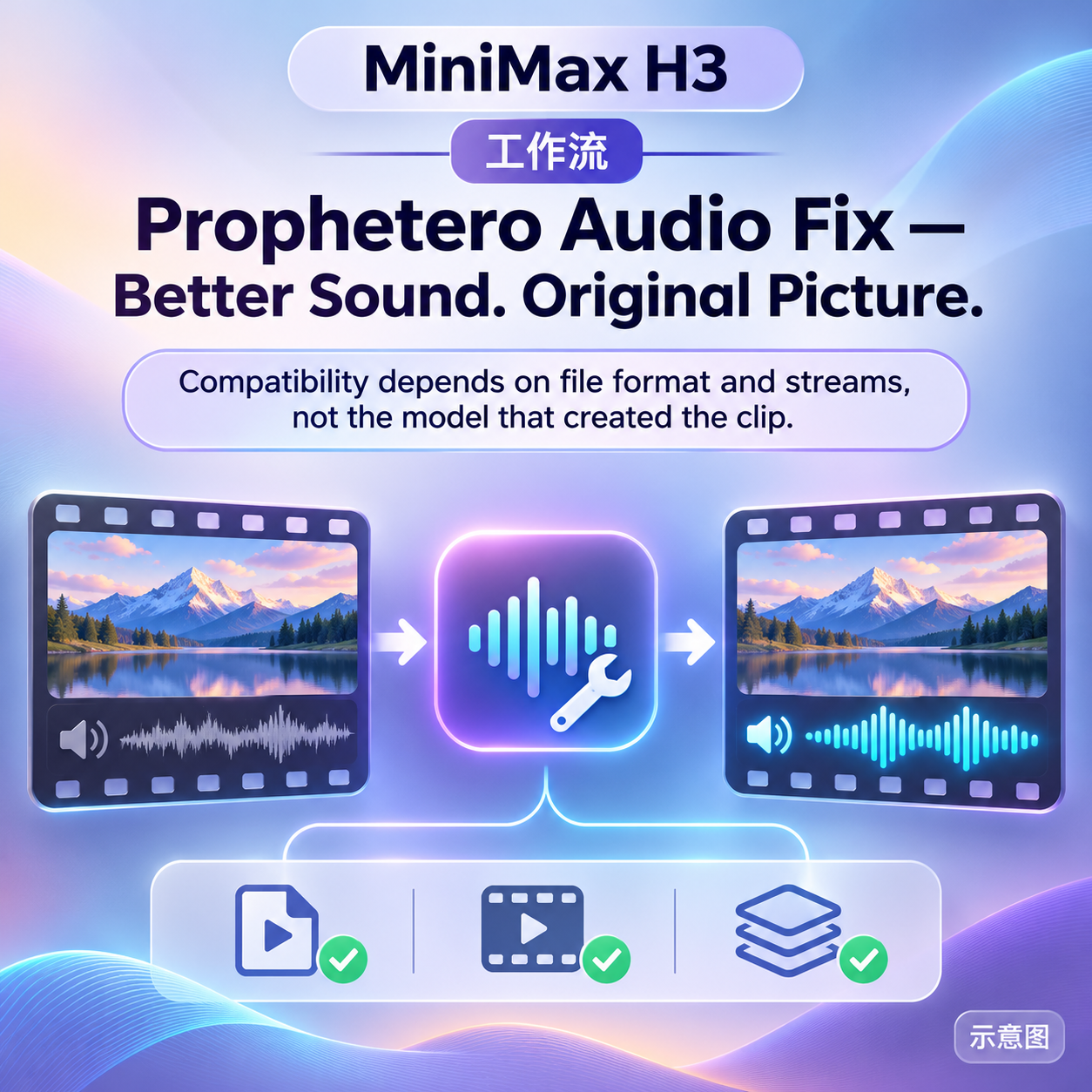
【B】Prophetero Audio Fix — Better Sound. Original Picture. · v0.3.0
Workflow · Version Update · Author Prophetero · Published 11-04 23:02 · Downloads 35
A ComfyUI audio repair tool that processes only the audio track without re-encoding the video; version 0.3.0 adds time-segment local repair: replace, mute, attenuate, and adjust gain using segments from the same video or external audio/video.
Illustration
Reasons for Recommendation
- Version update: Compared to 0.1.0, it adds an independent selection repair workspace, supporting replacement with "donor" audio from the same video / external sources, local muting, attenuation, and local gain (-36 to +24 dB)
- Supports up to 50 named repairs, each 0.02–30 seconds, individually toggleable, with 20 steps of undo; it approximates and recommends 3/5/8 candidate donor segments based on level / texture for audition
- The video stream is directly copied with hash verification, leaving the original untouched; all repairs are processed together, and the audio is encoded once in AAC at the end; includes before-and-after previews at the same position and JSON project save/load
- Not limited to H3: Works with LTX, other generators, and camera-shot videos; free, no generation model or GPU required
How to Use
- Extract the entire propheteroAudioFixBetter_v030.zip, run START_HERE.cmd, select the actual ComfyUI backend being used (for SwarmUI, select its ComfyUI backend), and fully restart the backend after installation
- Open Prophetero_Audio_Fix_GLOBAL.json, first compare previews with short clips, then Run/Queue to export the full video; output is in output/Prophetero/AudioFix/Final
Risks and Limitations
- No visible examples (1 sensitive-level items are hidden); the author states that real browser acceptance testing and multi-fault audition tests are not yet complete, and automatic repair is not guaranteed
- The installer is for Windows, depending on FFmpeg, etc.; supports only one video stream + one mono / stereo audio track
- Not an H3-exclusive tool, just listed under the H3 base model; reselling the software requires separate licensing; this entry has not been run
- The card illustration is an AI-generated schematic, not the actual effect of the model; the author has no publicly available non-sensitive examples
Included Only (3)
- Mira Thistlewhisk · v1.0 H3 — LoRA: H3 character LoRA for the original mouse-girl character Mira Thistlewhisk, trigger word miralora.
- Minnie Belwyn · MiniMaxH3 — LoRA: H3 character LoRA for the fictional female character Minnie Belwyn, the author declares it does not correspond to a real person.
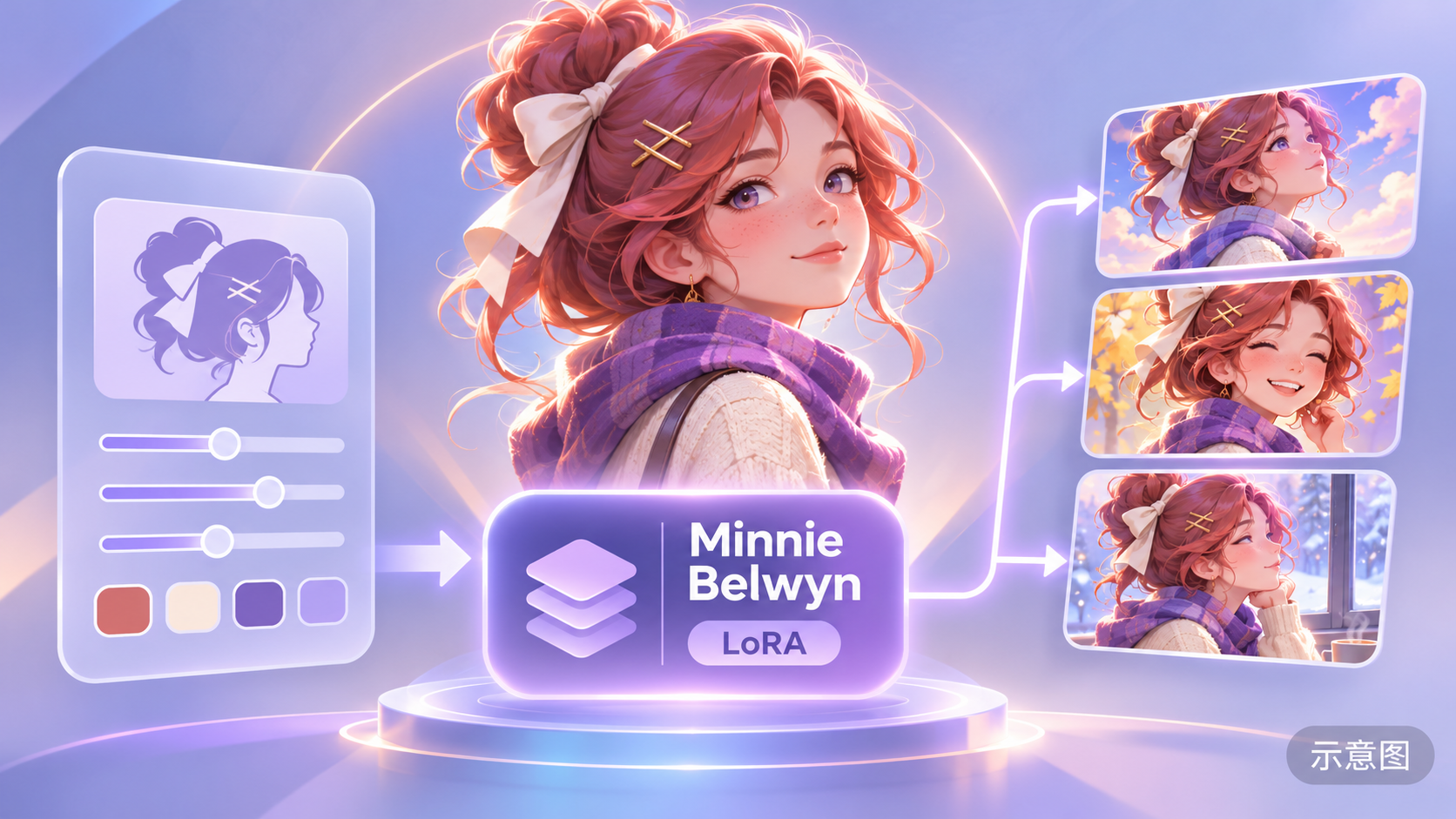
- SERENA Belrose · MiniMaxH3 — LoRA: H3 character LoRA for the fictional female character Serena Belrose, the author declares it does not correspond to a real person.

Data: Civitai public API (base model MiniMax H3), inclusion window 11-04 21:00 → 11-05 09:00 (Beijing Time), backfill period. Reasons for recommendation have been editorially reviewed; download counts only indicate popularity.