Zhenzhen's AI Radar · MiniMax H3 · 2026-11-20 Evening Report
This issue features 13 new versions: Strongly Recommended 1 · Recommended 2 · Worth Watching 4 · Included Only 6
Editor's Note This issue reviews 14 new H3 versions, with 1 rated S, 2 rated A, 4 rated B, and 6 rated C, while excluding 1 items. The top recommendation is the KinetiX Global Wind Force Slider: it requires no trigger words, positive values make capes, hair, and vegetation sway with the wind, while negative values create completely windless scenes. Tiered intensity settings and prompt templates are provided. Secret Squirrel's thick-line animation style and the H3MD Director 0.5.8 multi-character replacement fix are rated A; the 5 workflows updated by mo_akkakk on the same day have overly brief descriptions and are rated B / C. The Qwen Image 2.1 nine-grid workflow was incorrectly labeled as H3 and has been excluded (moved to the Qwen 2.1 section).
Strongly Recommended (1)
[S] KinetiX Weather System Series · Global Wind Force V1.0
LoRA · Version Update · Author make676767 · Published 11-20 10:45 · Downloads 97
A global wind force slider LoRA that accepts both positive and negative values: positive values make capes, hair, vegetation, flags, and curtains blow in the same direction, while negative values create a completely windless scene with fabric hanging vertically.
Suitable for creating a three-tier comparison using the same prompt at -3 / 0 / +2.5 to observe changes in fabric and vegetation.
Images

Reasons for Recommendation
- A new member of the KinetiX weather series (the same page already features hail, volumetric fog, rain, day/night, and snow); this version is a new wind control LoRA, not a revision of an old LoRA
- Solves the problem of "difficulty controlling wind strength within the same shot": the author claims it controls only the airflow itself, without adding dust, fog, yellowing, or darkening, and without deforming camera angles, buildings, or character structures
- The author provides tiered intensity settings, two sets of directly pasteable prompt snippets for positive and negative values, and three complete templates with overall_soundscape / non_diegetic_music fields
- 2 video examples are visible, it is free, and the license allows commercial use and sales
How to Use
- No trigger words; set the weight after loading: +0.8~+1.5 for a breeze, +2.0~+3.0 for the author's recommended strong wind sweet spot, +3.5~+5.0 for extreme gales, 0 for the base model default, and -2.0~-5.0 for completely windless
- For positive prompts, use phrases like fierce directional wind gale, high-velocity aerodynamic wind pressure, billowing fabrics and windswept motion; for negative prompts, use descriptions like dead calm windless atmosphere
- Author's template references: Cliffside Warrior +2.5, Rooftop Standoff +2.2, Indoor Windless -3.0; see the full model card for recipes combining this with the series' sandstorm, heavy rain, lightning, and camera shake sliders
- The author did not provide step counts or samplers
Risks and Limitations
- The accompanying workflow_resources zip package is labeled as training data type, and security scanning is not yet complete
- 5 examples are hidden
- The actual filename is _v1, but the description and combination recipes refer to _v1.0; load using the actual filename
Recommended (2)
[A] Secret Squirrel 1993 ArtStyle · triple zero
LoRA · New Model · Author OrioTysumi · Published 11-20 15:24 · Downloads 39
A LoRA featuring the thick black outlines and flat color block style of the 1993 Hanna-Barbera animated series "Super Secret Secret Squirrel"; the author recommends using reference-to-video (R2VA) to convert your own character reference images into this style.
Images

Reasons for Recommendation
- New model: serves to create reference-to-video outputs in the thick-line TV animation style of the 90s; text-to-video (T2VA) also works but requires lower strength
- The author provides comprehensive parameters: strength, accompanying acceleration LoRA, sampler, scheduler, step count, and prompt keywords are all included
- 7 video examples are visible, and it is free to download
How to Use
- R2VA mode strength 1; reduce to 0.5 or lower for T2VA mode, otherwise characters will randomly wear Secret Squirrel's purple fedora
- Pair with the DMAD 4-step LoRA, using sampler er_sde, scheduler beta, and step count 6 or 8
- No trigger words; add 'thick-line animation style' or '2D animated sequence with thick black outlines and flat colors' to the prompt
- Set output resolution to 16:9; the effective frame will be close to 4:3
Risks and Limitations
- The training videos were not cropped to remove the black bars on the left and right, so generated frames will include these bars (as noted by the author); when selecting 4:3, the effective frame will be close to 1:1
- 2 examples are hidden
- Copyrighted animation style; the license only allows on-site rental, and commercial use requires assessing copyright risks independently
[A] H3MD Director 0.5 – 2–3 min videos with MiniMax H3: multi-character swap, wide-shot face refine, seamless CCW · v0.5.8 keyframe mask fix
Workflow · Version Update · Author 1113800942188 · Published 11-20 11:09 · Downloads 81
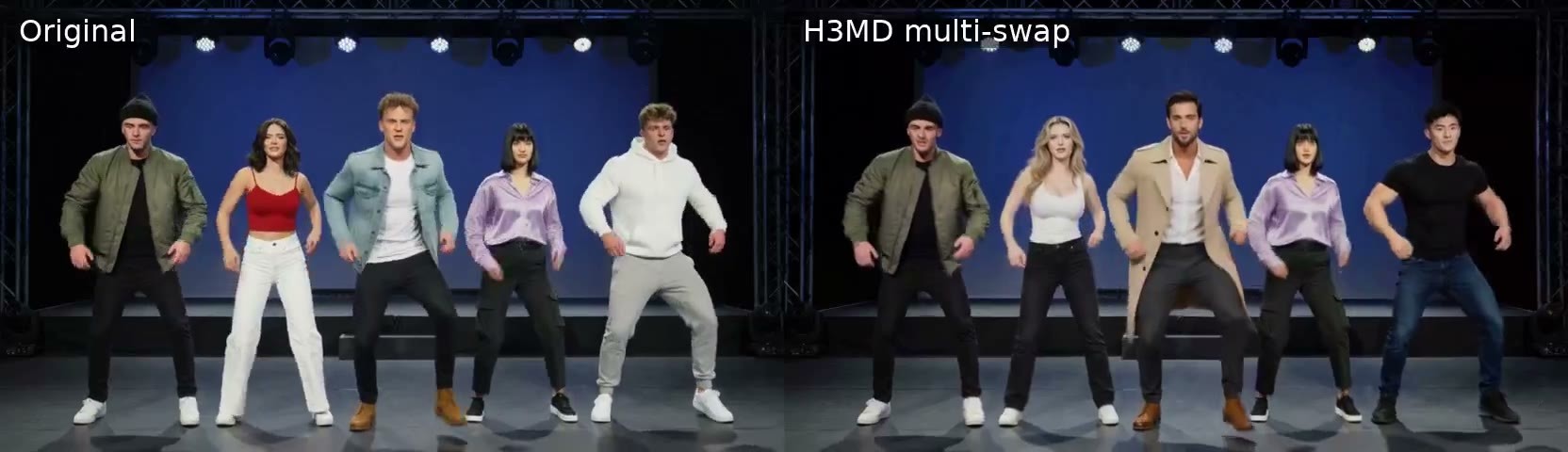
A minor version update for H3MD Director, a free and open-source H3 long-video node package: it improves the keyframe masking step for multi-character replacement and adds the H3MD Keyframe 1b: Recast node for redrawing characters one by one.
Images
Reasons for Recommendation
- Version update: Recast redraws characters individually, taking each person's crop from the frame where "previous people have already been replaced," so residual wigs, ears, tails, large skirts, aprons, socks, etc., from the original character (when larger than the new one) no longer remain around the new character
- Prepare now identifies cut points in the original video, placing at least one keyframe per shot, ensuring the same person is not drawn twice after a cut
- Tool itself: generates 2–3 minute long videos in ComfyUI using H3 in one go (either a single long take or a planned sequence of shots); since 0.5, it supports replacing 3–5 people and refining faces in wide shots within the same video; this version's director workflow remains unchanged, only the keyframe workflow was modified
How to Use
- Update nodes via ComfyUI Manager or git pull, then use the Keyframe workflow in the zip package which has been updated to use Recast
- The new slider mask_grow defaults to 0.25; adjust to 0.3–0.35 if the original video features cosplay-style large body types
- The author recommends specifying shoes, leg wear, and what is not worn in each character description, e.g., "bare legs, black heels; no socks, no boots"
- Author's VRAM requirements: minimum 16 GB, recommended 24 GB or more; the 4B text encoder option can save VRAM
Risks and Limitations
- This version has only 1 visible examples, with 2 hidden
- The full model card states that ComfyUI 0.43 or higher is required, and seamless long videos (CCW) require 0.44 or higher
- The nodes are licensed under AGPL-3.0; H3 weights are not included in the package and have a separate license; the model card contains a RunningHub referral rebate link
Worth Watching (4)
[B] Minimax.. simple · v6 Tutorial beta
Workflow · Version Update · Author sy0ww4bb1984 · Published 11-20 14:39 · Downloads 32
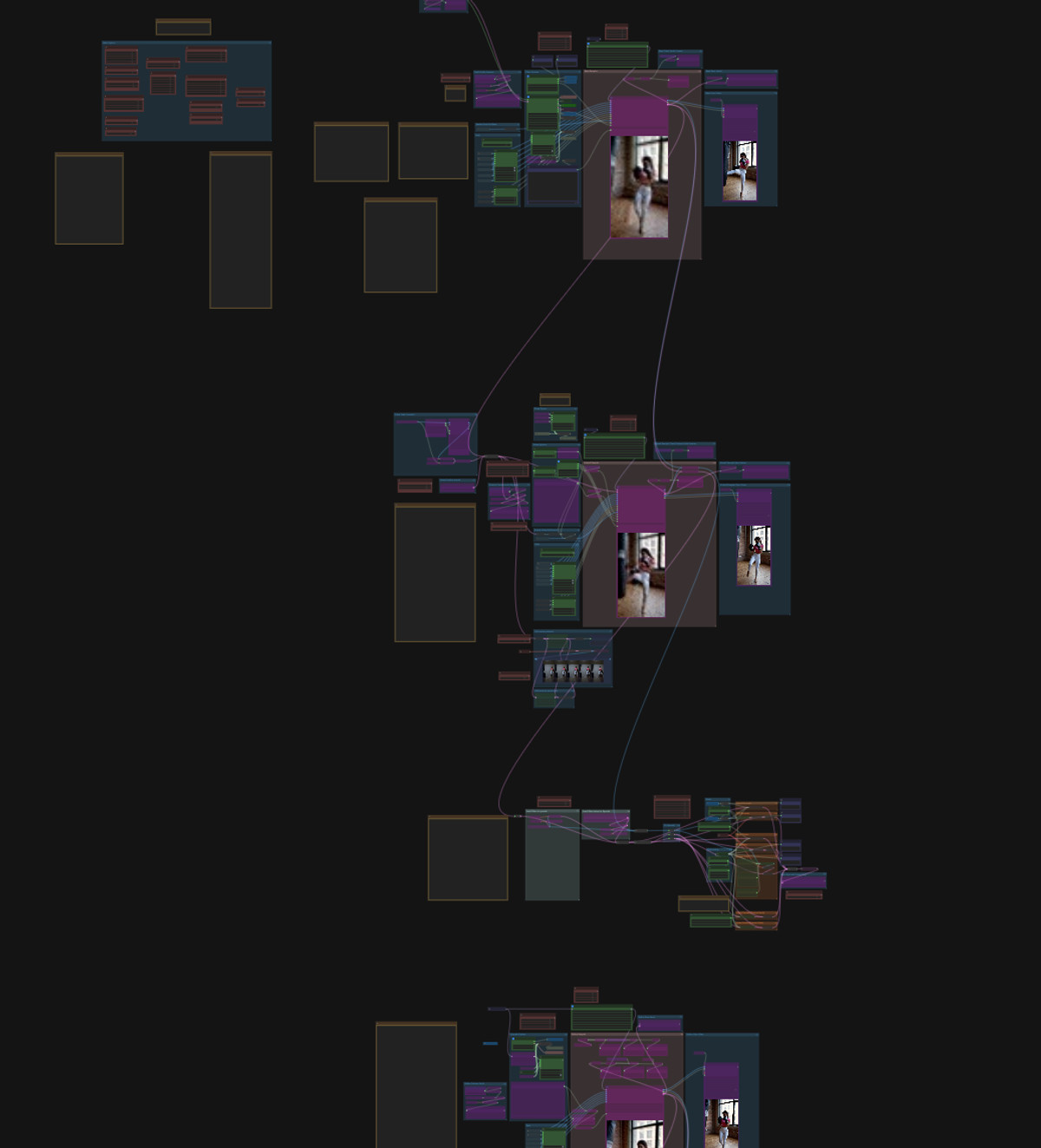
A v6 beta of an all-in-one H3 ComfyUI workflow (reference-to-video, batch continuation, two-stage upscaling, video replacement): the interface has been redesigned into a tutorial-style layout divided into 5 stages, with the author noting unresolved issues.
Images
Reasons for Recommendation
- Version update: the interface is rearranged into 5 stages with added explanations; the video reference toggle is easier to enable; "Memories" no longer requires a default cut point, switching to mute instead of bypass
- The default sigma for two-stage upscaling changed from 0.65, 0.44, 0 to 0.72, 0.44, 0; because ComfyUI's native latent upscaling node produces color blocks, the custom upscaling node from v5 was added back
- For video replacement, the author points to the character swap / motion transfer LoRAs from Alissonerdx/Minimax-H3-ComfyUI, claiming these LoRAs do not require a distilled LoRA and work in 8 steps
How to Use
- Unzip minimaxv6Tutorial.zip and run each segment according to the instructions for the 5 stages in the workflow
- Use Char swap 1.1 for video replacement; motion transfer tara can replace the background as well; the author claims replacement works best when batch length is 124 frames
- For other sampling parameters, refer to the defaults within the workflow
Risks and Limitations
- The author labels this as beta: after a ComfyUI update, the ref2vid node gained connections of unknown purpose, which the author suspects may interfere with reference images; native latent upscaling produces color blocks
- Only 1 images are visible among the examples, with 7 hidden
- The workflow is large, and the author claims it was only tested on their mid-range computer; the zip package is approximately 41 MB, so check the contents yourself before use
[B] MiniMax H3_SparseRef15_Hybrid · Turbo V3.0_P-P_INT8_conv
Base Model / Checkpoint · Version Update · Author Aki7777777 · Published 11-20 16:58 · Downloads 65
Turbo V3.0 of the experimental H3 hybrid base model SparseRef15 Hybrid: a full model with Pruned Partial-INT8 quantization, with version notes indicating 4-step acceleration (QKVM warm-start), aiming to maintain reference consistency and long-sequence stability at low step counts.
Images

Reasons for Recommendation
- Base model approach: Built on FL2VA, sparsely adding the influence of Ref2VA's AdaLN to only 15 of the 50 main transformer blocks, aiming to simultaneously preserve FL2VA's motion freedom and Ref2VA's character consistency; the author claims minimal character drift during multi-segment long generations
- Version update: The author states that this version's acceleration component retains the original model's style while reducing image blurriness and improving long-sequence stability
- Partial-INT8: Large attention/MLP matrices are converted to INT8 ConvRot, while AdaLN and time conditioning remain in FP32; the same version includes a configuration file for action context with 13 continuous camera movement segments
How to Use
- Replace the H3 base model loading; choose either the partial-int8 or partial-int8_convrot file (the author did not specify the difference)
- The author explicitly notes: This is not a native Ref2V model; use LoRAs trained for FL2VA, not LoRAs for Ref2V
- Use 4 steps according to the version notes; the author did not provide CFG or sampler settings
- Can be used with the included H3_MotionContext_5Ch_13Clips_ContinuousCamera_Compact.json for multi-segment continuous generation
Risks and Limitations
- No visible examples (1 are hidden)
- The version name is Turbo V3.0, but the version notes say "Version 2.0" and "4-step LoRA"; the author did not clarify whether the acceleration LoRA has been merged into the base model or its relationship with Turbo V1.0
- Each of the two INT8 files is approximately 20 GB
- The full model card mentions that when the reference strength for this series is strong, it compresses scene freedom; plots where characters need to leave the frame for extended periods are not suitable
- The card image is an AI-generated schematic, not the actual model output; the author has no publicly available general-grade examples
【B】Minimax-H3_latent_upscaler · v2.0
Workflow · Version Update · Author mo_akkakk · Published 11-20 18:12 · Downloads 34
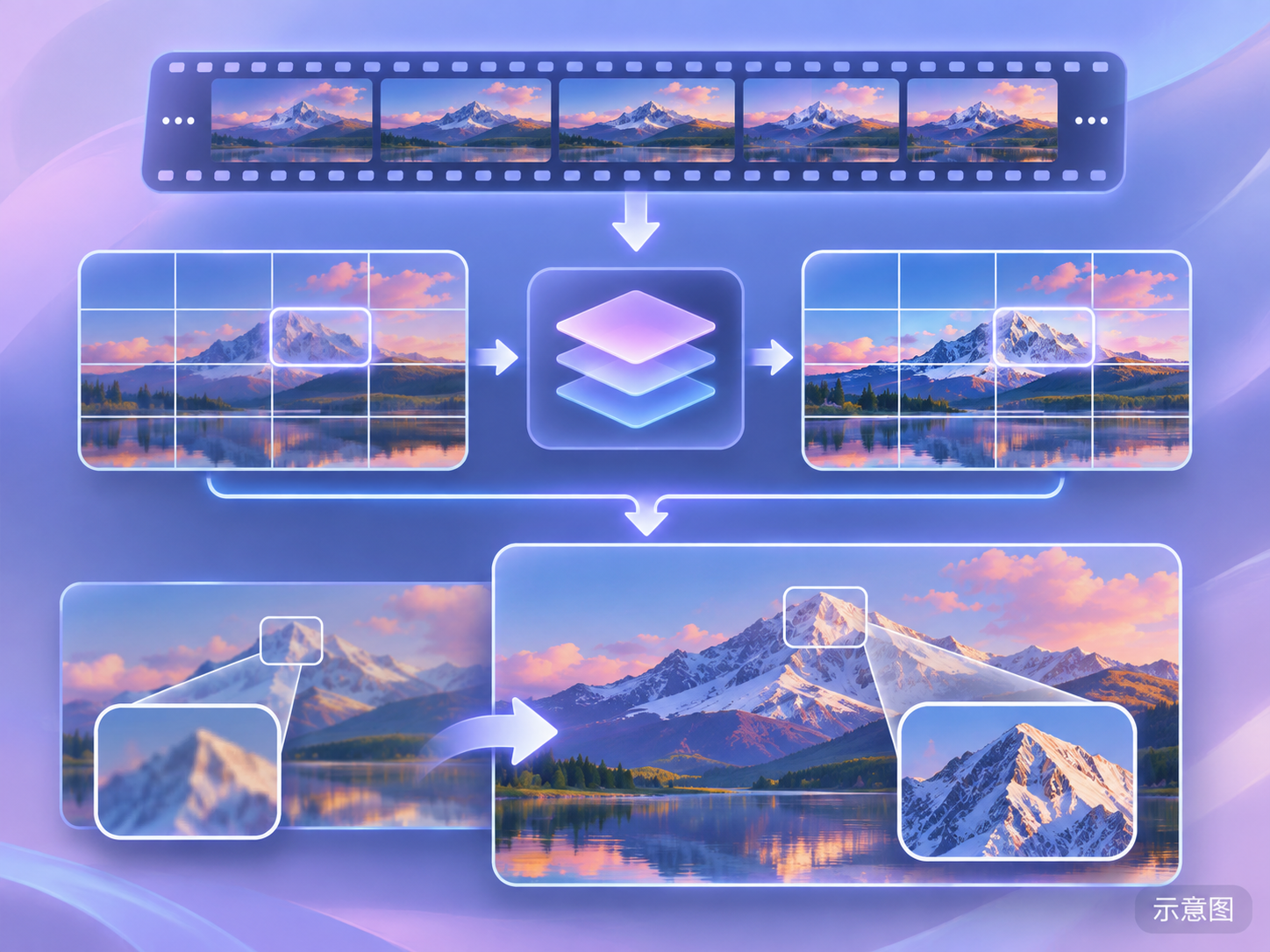
An H3 video-to-video workflow paired with the author's custom temporal window/spatial tiling nodes: it splits the image into tiles and the duration into temporal windows for batch generation, used for high-resolution V2V or second-stage upscaling.
Image
Reasons for Recommendation
- Solves VRAM insufficiency for long videos and high-resolution V2V: uses tiling plus temporal window generation; the author claims motion transfer without offset or ghosting
- The author claims it can run up to 2.5 MP from the first segment on RTX cards with 12GB VRAM
- Can also serve as a second-stage upscaler, splitting high-resolution long videos into tiles and windows for processing
How to Use
- Install the comfyui-minimax-h3-temporal-window-spatial-tiles node package by mo-akkakk from Comfy Registry, then load Minimax-H3_latent_upscaler.json
- The author did not provide recommended values for tile size, overlap, or window length; the author includes a YouTube tutorial
Risks and Limitations
- The author did not write update notes; it is unclear what changed in v2.0 compared to the previous version
- No visible examples (1 are hidden)
- It is a workflow JSON, not new weights
- The card image is an AI-generated schematic, not the actual model output; the author has no publicly available general-grade examples
【B】Minimax-H3_Video_Editing_1STG_2Batchs · v3.0
Workflow · Version Update · Author mo_akkakk · Published 11-20 18:05 · Downloads 26
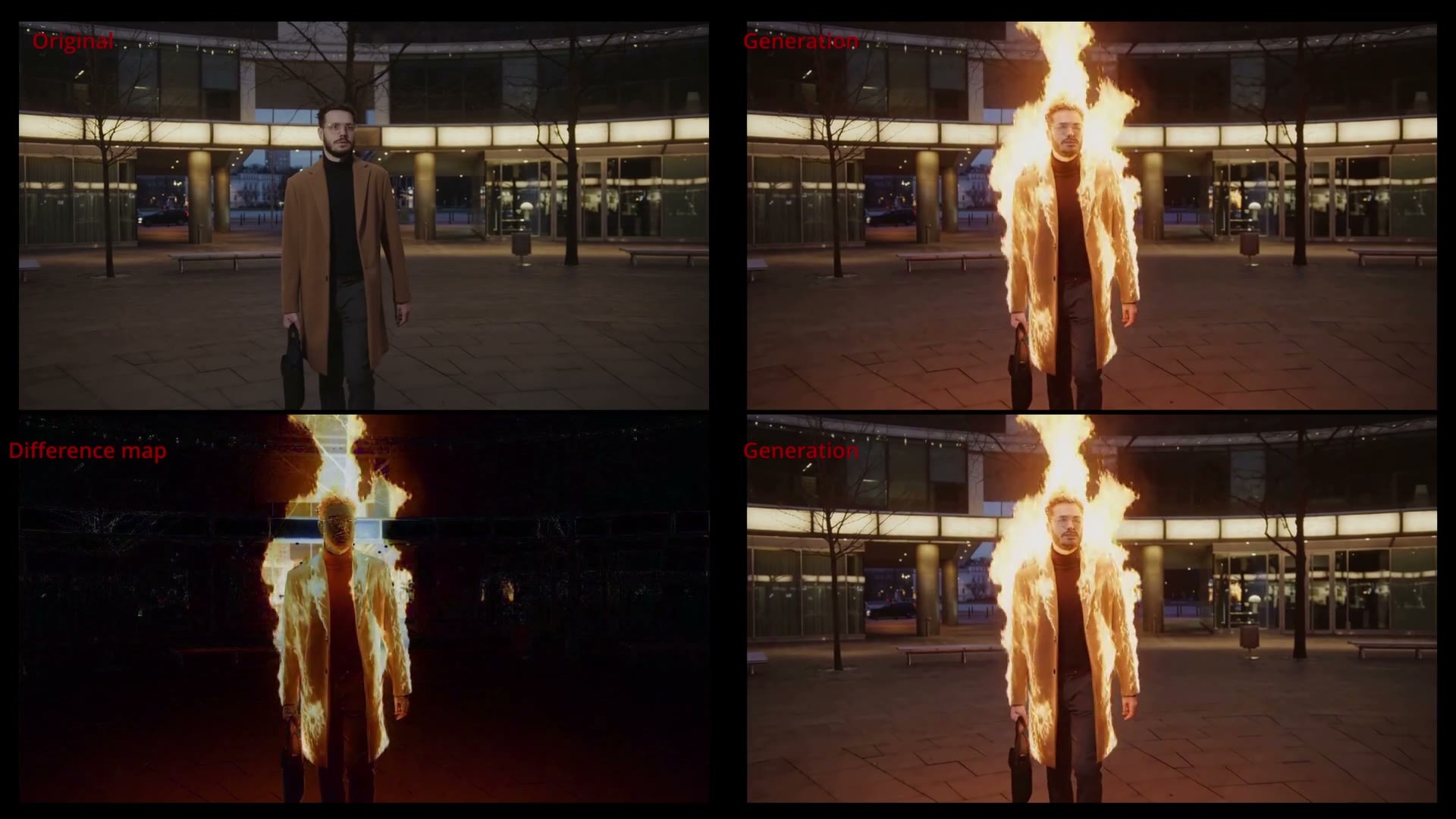
A video editing (V2V) workflow v3.0 that splits a shot into two batches for generation to avoid exceeding H3's maximum token limit.
Image
Reasons for Recommendation
- Serves longer video-to-video editing: when single-batch generation hits the token limit, split it into two batches
- Version update: The author only wrote "workflow enhancements, custom node updates"
- 1 video examples are visible, free, and include the author's YouTube tutorial
How to Use
- Load Minimax-H3_Video_Editing_1STG_2Batchs.json and install missing custom nodes as prompted
- The author did not specify how to split the two batches or the overlap amount; refer to the tutorial video
Risks and Limitations
- The description is only one sentence; the author did not write what specifically changed
- Shares the same tutorial video with several other workflows updated by the same author on the same day
- It is a workflow JSON, not new weights
Included Only (6)
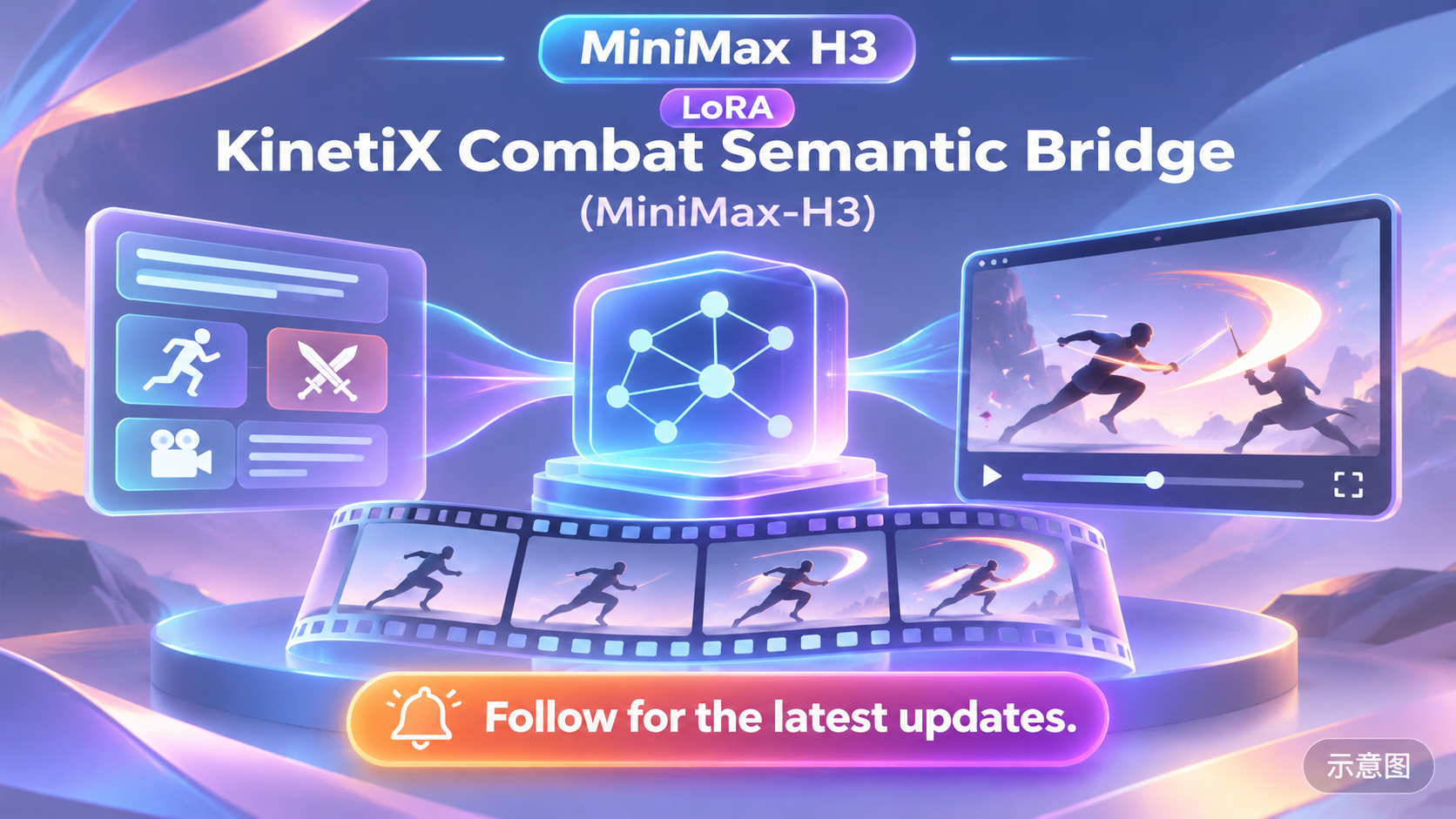
- KinetiX Combat Semantic Bridge (MiniMax-H3) · LoL V2 — LoRA: LoL V2 of the KinetiX combat semantic bridge LoRA: the name points to League of Legends-style combat actions, but this version's model card has no effect or usage instructions, relying only on the author's external article link.
- Rise Kujikawa Voice (Eng) - Persona 4 - Audio Only [Minimax H3] (Commission) · Minimax H3 v1.0 — LoRA: An H3 LoRA trained only on voice: trained using English voice clips of Rise Kujikawa from Persona 4, enabling characters in generated videos to speak with her English voice.

- MiniMax_H3_Inpaitning_1STG · v2.0 — Workflow: A single-stage ComfyUI workflow v2.0 for H3 video inpainting; the model card only contains the title and a tutorial video.
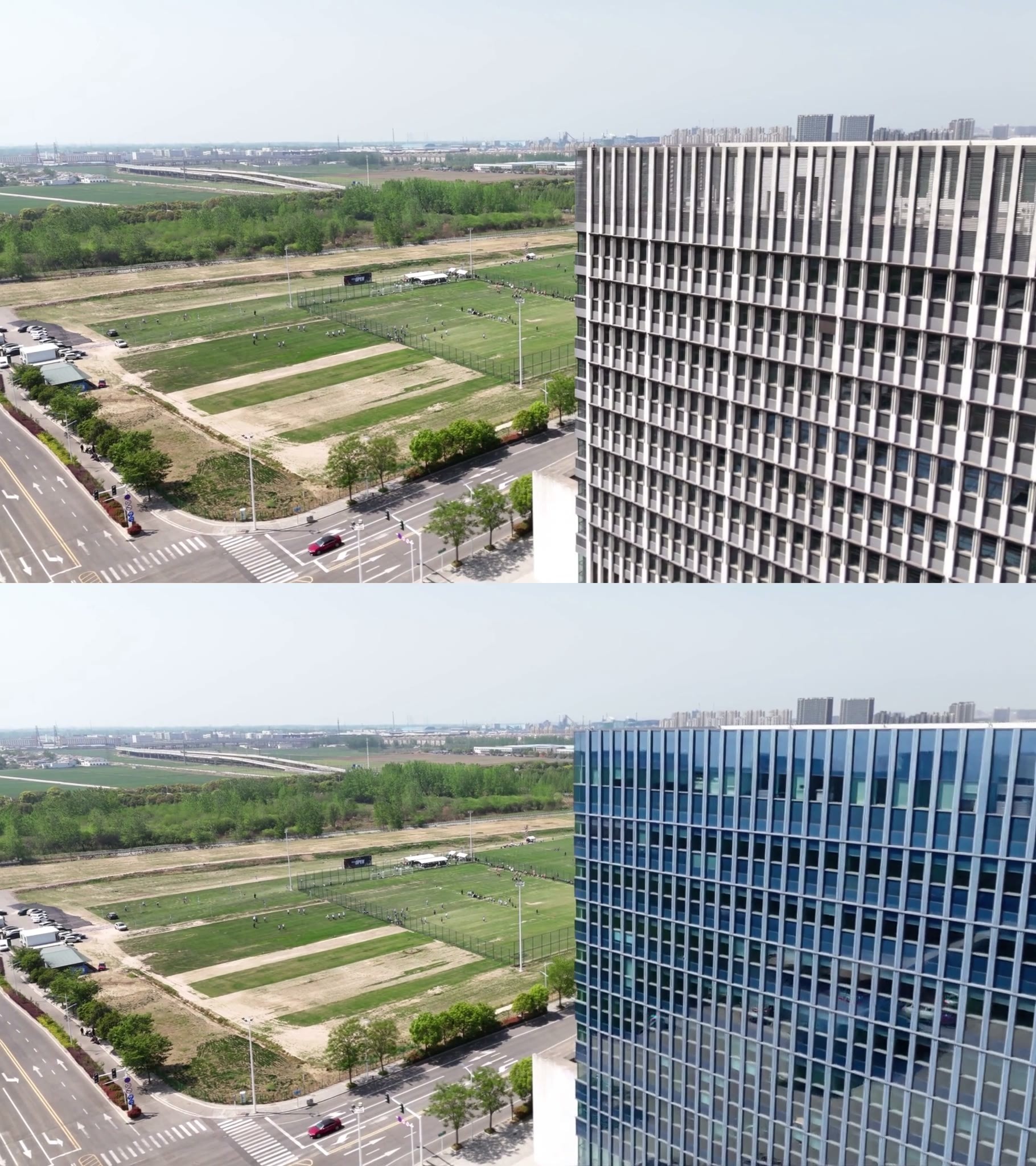
- MiniMax H3 Video to Video Workflow · v5.0 — Workflow: v5.0 of the same author's main H3 video-to-video workflow (single-stage, filename Minimax-H3_Video_Editing_1STG); this version only states "workflow enhancements, custom node updates".

- Minimax-H3_Video_Editing_Ripple · v2.0 — Workflow: A ComfyUI workflow v2.0 for H3 video editing using the Ripple LoRA; the model card only has one sentence and a tutorial video.

- MiniMax_H3_Inpaitning_cropping_1STG · v2.0 — Workflow: An H3 video inpainting workflow v2.0 with a cropping step (Inpainting + cropping); the model card only contains the title and a tutorial video.

Data: Civitai public API (base model MiniMax H3), inclusion window 11-20 08:31 → 11-20 21:01 (Beijing Time). Recommendation reasons are editor-reviewed; download counts only represent attention.