Zhenzhen's AI Radar · MiniMax H3 Image · 2026-11-18 Morning Report
This issue features 3 new versions: Strongly Recommended 0 · Recommended 1 · Worth Watching 0 · Listed Only 2
Editor's Note This issue reviews 3 new versions of H3 Image, with 1 rated A and 2 rated C. Top pick: TEKUA's fixed-face random pose and outfit workflow. Three reference images control pose, outfit, and face/hair respectively. Each run swaps a set of poses and outfits from a folder, generating variations of the same character in bulk. The refusal-free Qwen3.5-9B text model (INT8 / W4A8 quantized versions) is merely a quantized conversion of a third-party model, intended to bypass refusals in official prompt expansion models; both versions are rated C.
Recommended (1)
[A] Minimax-h3-image - Random Pose & Outfit with Fixed Face Workflow · v1.1
Workflow · New Model · Author TEKUA · Published 11-17 21:50 · Downloads 102
A ComfyUI workflow for H3 Image (p-h3-image) using three reference images: Reference image 1 controls pose, 2 controls outfit, and 3 controls face and hair. The face remains fixed, while poses and outfits rotate by seed from two folders, generating different looks for the same character in sequence.
Images
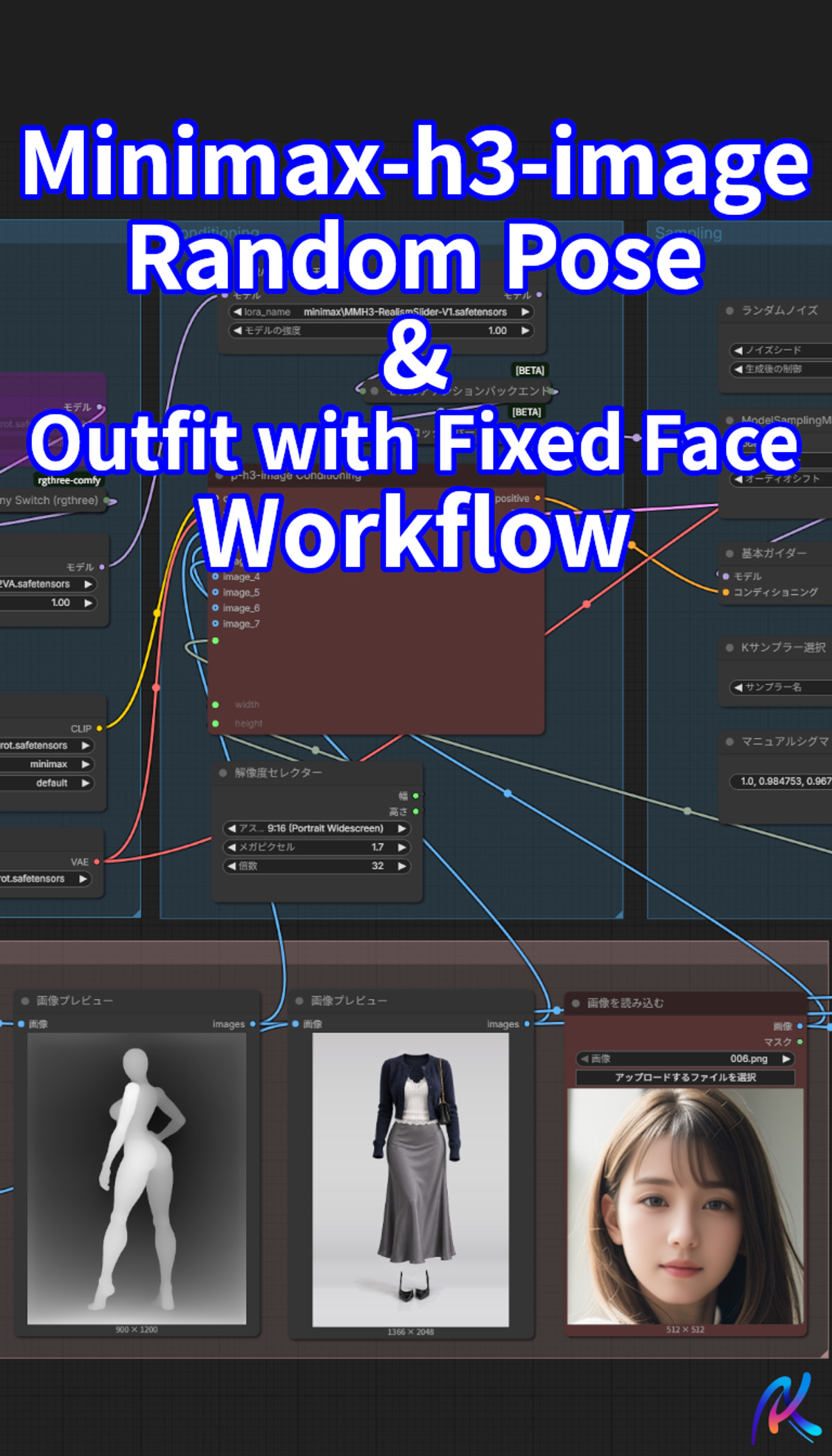
Reasons for Recommendation
- Serves batch image generation for character consistency: useful for character design, outfit collections, and preparing multi-look assets for subsequent videos or LoRAs
- v1.1 removed ineffective LoRAs and added a memory clearing node
- The description includes a model list, trade-offs between two diffusion models (int8 for quality priority, GGUF for speed priority), and necessary node/path adjustments; 4 example images are visible, and it is free
How to Use
- After importing the JSON, use ComfyUI Manager to install missing nodes, specifically AITEC_Image_Loader from ComfyUI-AITECCAFE-Toolkit
- Change the folder paths in the two AITEC_Image_Loader nodes to your own pose and outfit image folders (you must prepare the images yourself), and replace LoadImage with your character's face image
- The workflow includes face-swapping and realism slider LoRAs; if not needed, disable the corresponding LoraLoaderModelOnly nodes. The reference image character prompts in TextGenerateV2 can be modified as needed
Risks and Limitations
- Pose and outfit images are not included with the workflow; errors will occur if folders are empty or paths are incorrect
- Depends on third-party node packages; node names may vary with different ComfyUI versions
- 3 sensitive-level examples have been hidden
Listed Only (2)
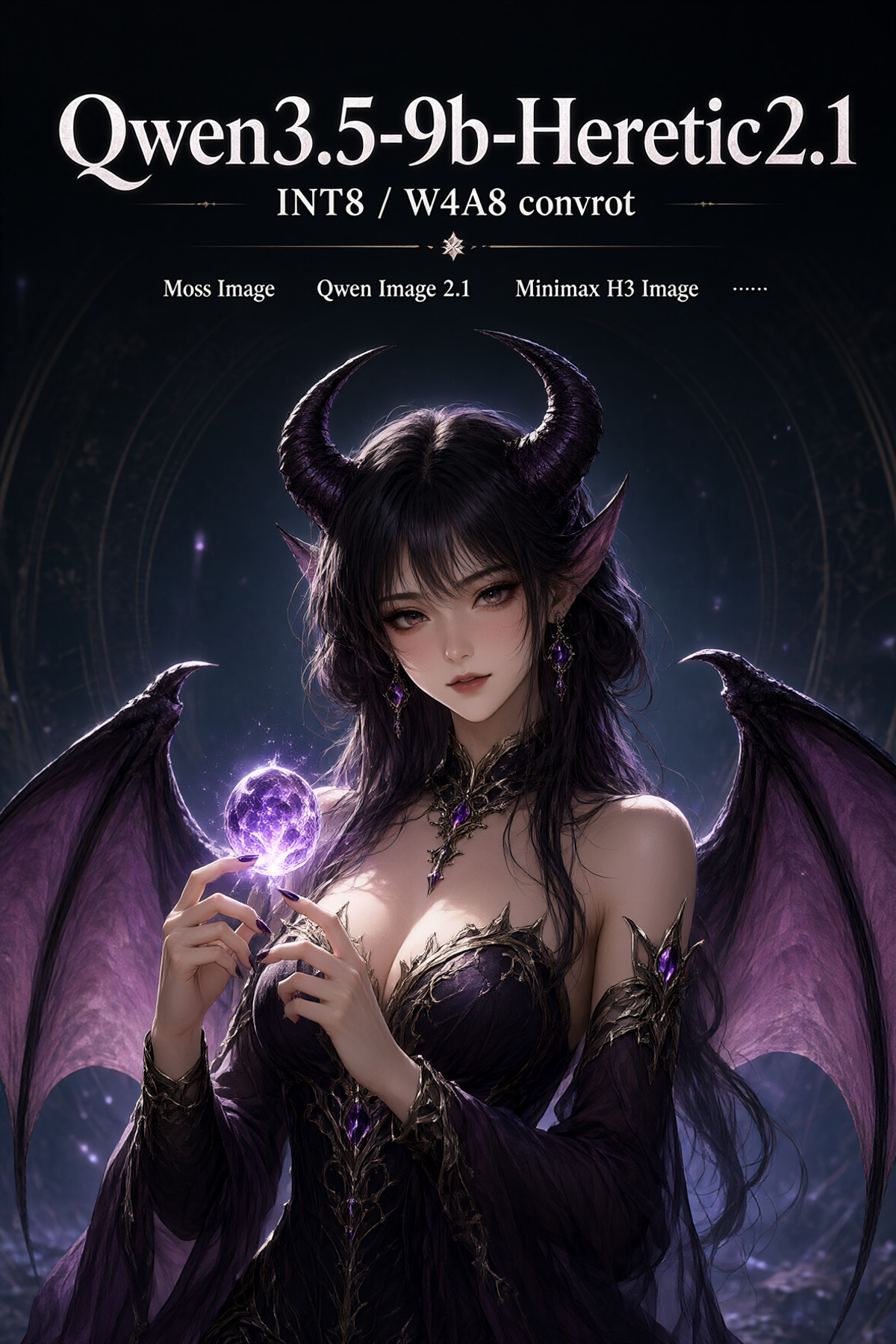
- Qwen3.5-9B-Heretic2.1 (Abliterated TE&PE for Moss Image, Qwen Image 2.1, Minimax H3 Image) · INT8 — Text Encoder: Converts the third-party refusal-free Qwen3.5-9B (Heretic 2.1) into an INT8 ConvRot text model. Can serve as a text encoder for MOSS Image, or as a prompt expansion model for Qwen Image 2.1 and MiniMax H3 Image.

- Qwen3.5-9B-Heretic2.1 (Abliterated TE&PE for Moss Image, Qwen Image 2.1, Minimax H3 Image) · W4A8 — Text Encoder: The W4A8 ConvRot quantized version of the same refusal-free Qwen3.5-9B text model. Smaller than the INT8 version, with the same uses: text encoder for MOSS Image or prompt expansion model for Qwen Image 2.1 / H3 Image.
Data: Civitai Public API (Base model MiniMax H3), inclusion window 11-17 20:31 → 11-18 09:01 (Beijing Time). Recommendation reasons are editor-reviewed; download counts only reflect attention levels.