Zhenzhen's AI Radar · MiniMax H3 Image · 2026-11-17 Evening Report
This issue features 6 new versions: Strongly Recommended 1 · Recommended 2 · Worth Watching 1 · Listed Only 2
Editor's Note This issue reviews 6 new versions of H3 Image, including 1 S-tier, 2 A-tier, 1 B-tier, and 2 C-tier entries. All are workflows except for 1 ported LoRAs. The top recommendation is YJ LAB's H3 Image all-in-one workflow: it combines text-to-image and image editing in a single workflow, supporting 4–16 MP resolution and 6 steps, with built-in prompt expansion and SeedVR2 detail enhancement. The new text-to-image version of the realistic image editing workflow uses Kijai's blank image technique to put H3 Image into a clean reference mode; the author has only tested it on a 96 GB GPU. The simple text-to-image workflow with real-time preview has added prompt enhancement and sampling presets; both are rated A. The paid, strongly stylized film color LoRA port is rated B; the workflow using the H3 video model for image editing and the character transfer workflow have only a few lines of description and primarily direct users to external platforms, so they are rated C.
Strongly Recommended (1)
[S] H3 Image AIO – MiniMax H3 text-to-image + image edit, 4–16 MP, 6 steps · v1.01
Workflow · New Model · Author 1113800942188 · Published 11-17 10:25 · Downloads 62
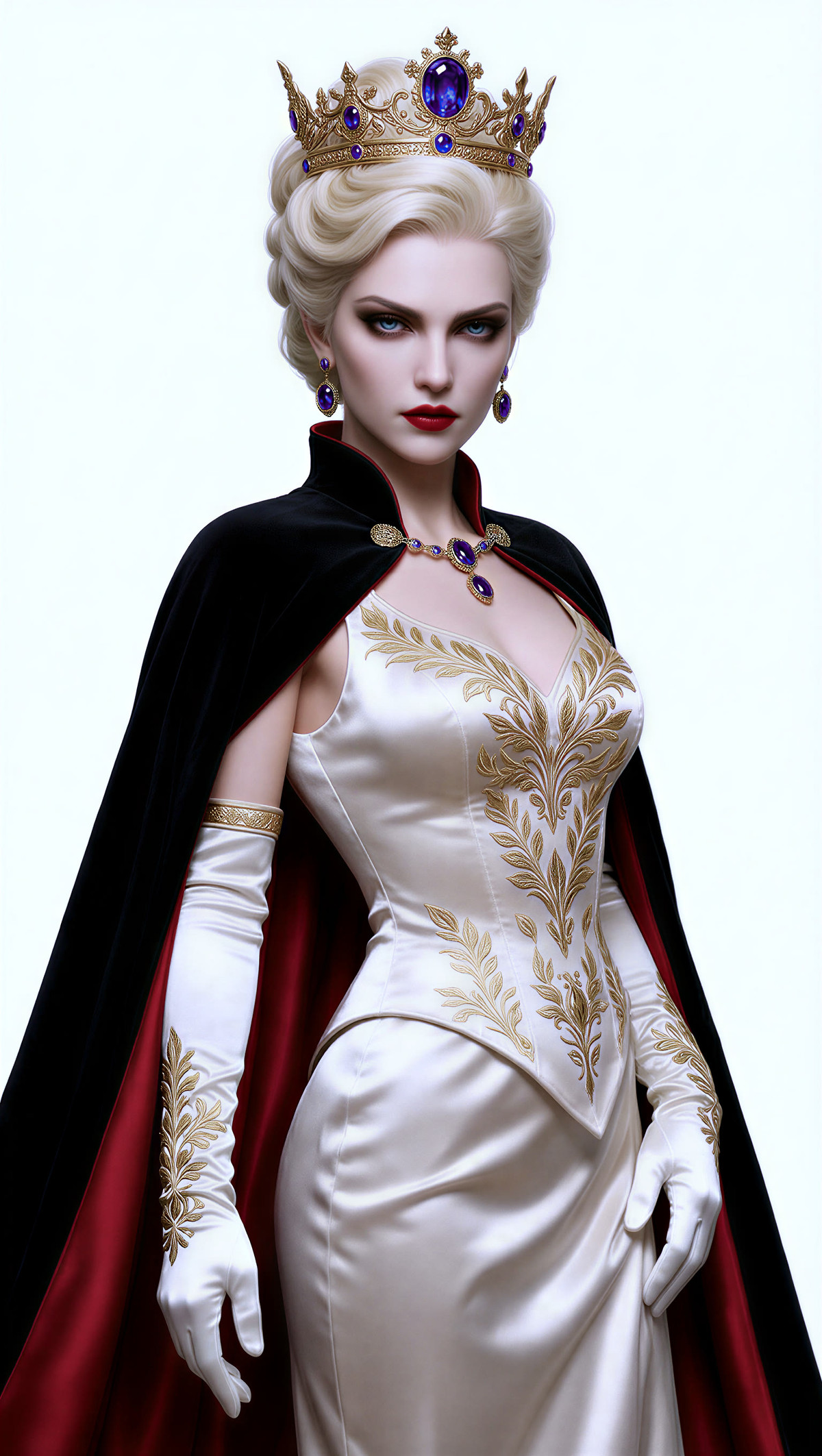
H3 Image all-in-one ComfyUI workflow: combines text-to-image and image editing in a single workflow, with 4–16 MP resolution presets, 6 step generation, built-in prompt expansion, and SeedVR2 detail enhancement.
Images
Reasons for Recommendation
- Serves two types of tasks: pure text-to-image generation, and image editing with up to 6 reference images (images or videos); if all inputs are disabled, it functions as pure text-to-image.
- The author has documented how to set every switch: keep the 6 step sigmas set in the workflow, do not modify the two system templates for expansion, and disable expansion if you already have a finalized prompt to speed up generation.
- Includes 4 sets of example prompts (colored pencil characters, character design sheets, Xianxia costumes, posters with text), with all 5 example images visible, and it is free.
How to Use
- Use resolution presets of 4–16 MP, and keep the 6 step sigmas unchanged.
- The author claims the editing LoRA provides the greatest improvement; it can be enabled even in non-editing mode, though the style leans slightly towards Eastern aesthetics.
- Keep SeedVR2 upscaling enabled with a scale factor of 1; it only enhances details without enlarging the image.
- Trigger words and proper nouns should be written in the reserved fields so that expansion will not rewrite them; the author has a video explanation in episode 6 of the YouTube channel YJ LAB.
Risks and Limitations
- The list of dependent nodes and models is not fully listed in the model card, so you need to verify them yourself; this tool has not been run.
- The model card does not specify which editing LoRA is used or where to download it.
Recommended (2)
[A] MiniMax H3 Image: Realism Edit + Text to Image Workflows (16 MP, ComfyUI) · Text to image v1.0
Workflow · Version Update · Author voidhunter77 · Published 11-17 11:31 · Downloads 55
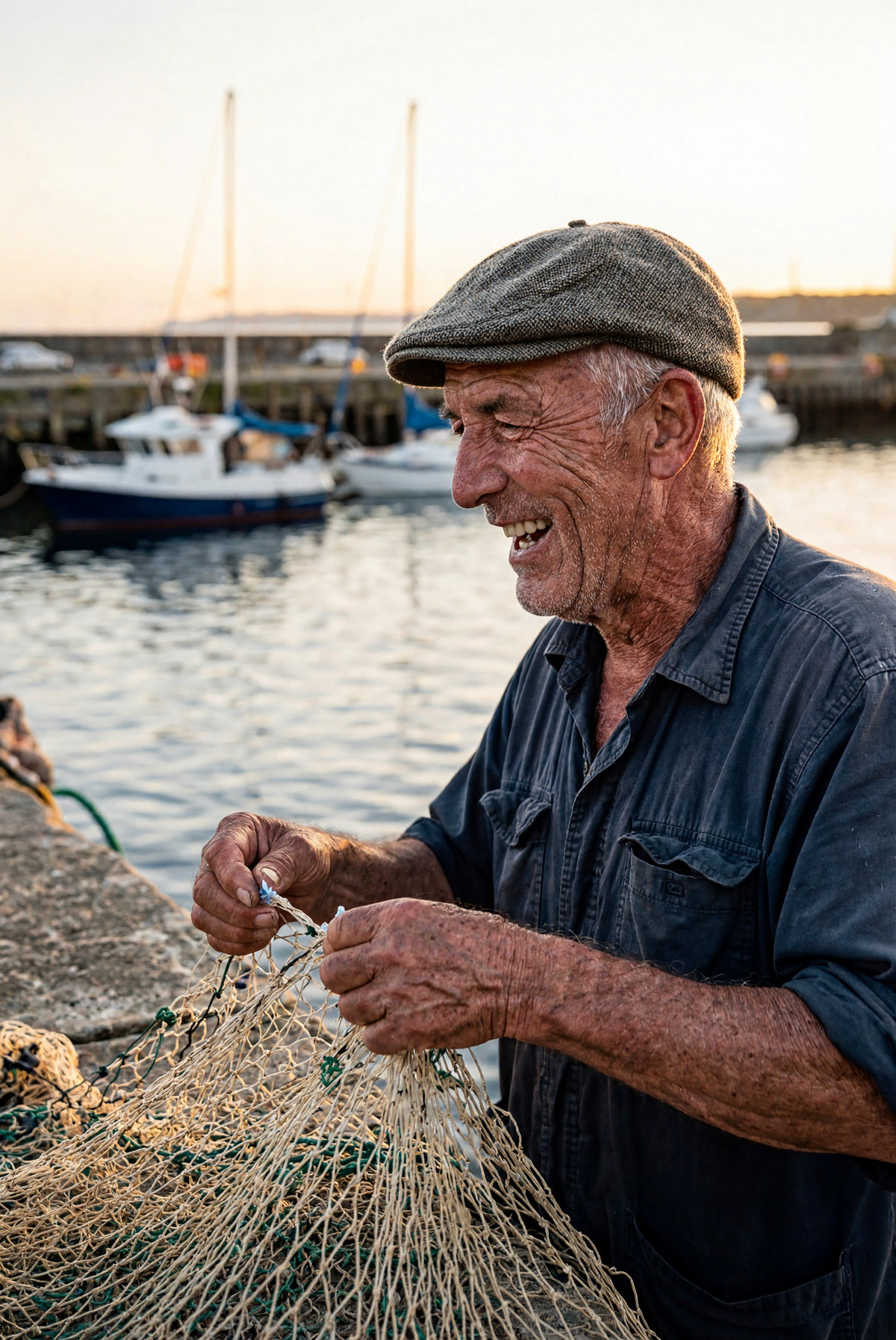
The newly added text-to-image v1.0 on the realistic image editing workflow page: uses the same model and sampling recipe to generate 16 MP realistic photos using only prompts, providing two workflows: a dedicated node version and a native node + RES4LYF version.
Images
Reasons for Recommendation
- Version update: previously only supported editing, now adds pure text-to-image; uses Kijai's blank image technique to keep H3 Image in a cleaner reference mode. The author claims that without image conditioning, the output would be rough and overly sharp.
- The author explains the recipe: H3 Image is distilled on a fixed 6 step noise grid; the first few steps use standard Euler to establish composition, while the last two steps switch to second-order sampling with new noise to generate pores and hair strands.
- Each example image embeds the workflow, which can be dragged directly into ComfyUI; 7 images are visible, and the author also lists failure cases.
How to Use
- The node version requires comfyui-h3-sampler 1.1 or newer (if already installed, run git pull in its directory); the other version uses only native nodes and RES4LYF.
- Keep the first and last sentences of the prompt template, and fill in the middle with descriptions of the person, action, clothing, scene, and lighting; keep the resolution at 16 MP.
Risks and Limitations
- The author has only tested on an RTX PRO 6000 (96 GB), which has high VRAM requirements.
- The author claims that hands, held objects, and text may appear ghosted or distorted, so multiple generations should be checked.
- 1 sensitive-level examples are hidden; comfyui-h3-sampler is licensed under GPL-3.0.
[A] Simple Txt2Img with Preview — H3 Image Workflow · v1.0plus
Workflow · Version Update · Author spacejumper2021824 · Published 11-17 15:19 · Downloads 18
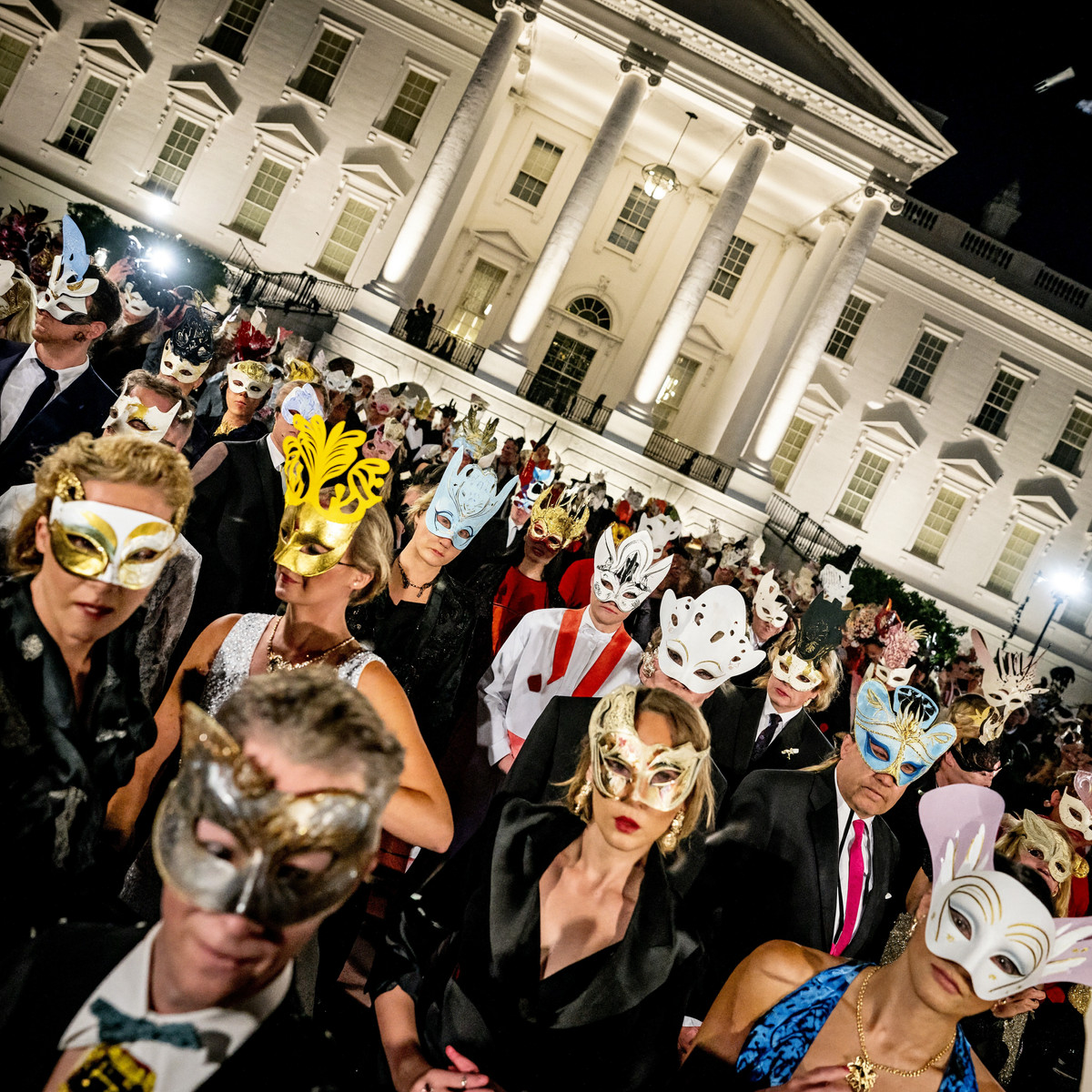
Simple text-to-image workflow for H3 Image with real-time preview v1.0plus: uses a tiny VAE to view progress in real-time during sampling; this version adds prompt enhancement and switchable sampling presets.
Images
Reasons for Recommendation
- Version update: v1.0plus = v1.0 + prompt enhancement + sampling preset combinations; enhancement can be manually disabled.
- Serves text-to-image scenarios where users want to see progress while generating and discard bad images early; all required models and custom nodes are listed.
- The author provides two sampling sets: official recommendation is euler/simple/6 steps; if skin looks smeared or noisy, switch to sa_solver/sgm_uniform/5 steps.
How to Use
- Install ComfyUI-KJNodes and rgthree-comfy; place taeh3_image.safetensors (4.96 MB) in models/vae_approx/, otherwise the preview node will error out.
- Default is 4096×4096 (16 MP, 1:1), change using the ResolutionSelector node.
- Prompt enhancement requires an additional qwen3.5_9b model; disable it if not needed.
Risks and Limitations
- 2 sensitive-level examples are hidden, with only 2 visible examples.
- Dependent nodes and models need to be verified by yourself; this tool has not been run.
Worth Watching (1)
[B] Radiance Chrome Voluptuous · MiniMax-H3-Image
LoRA · Port · Author AIImageStudio · Published 11-17 12:18 · Downloads 9 · Paid
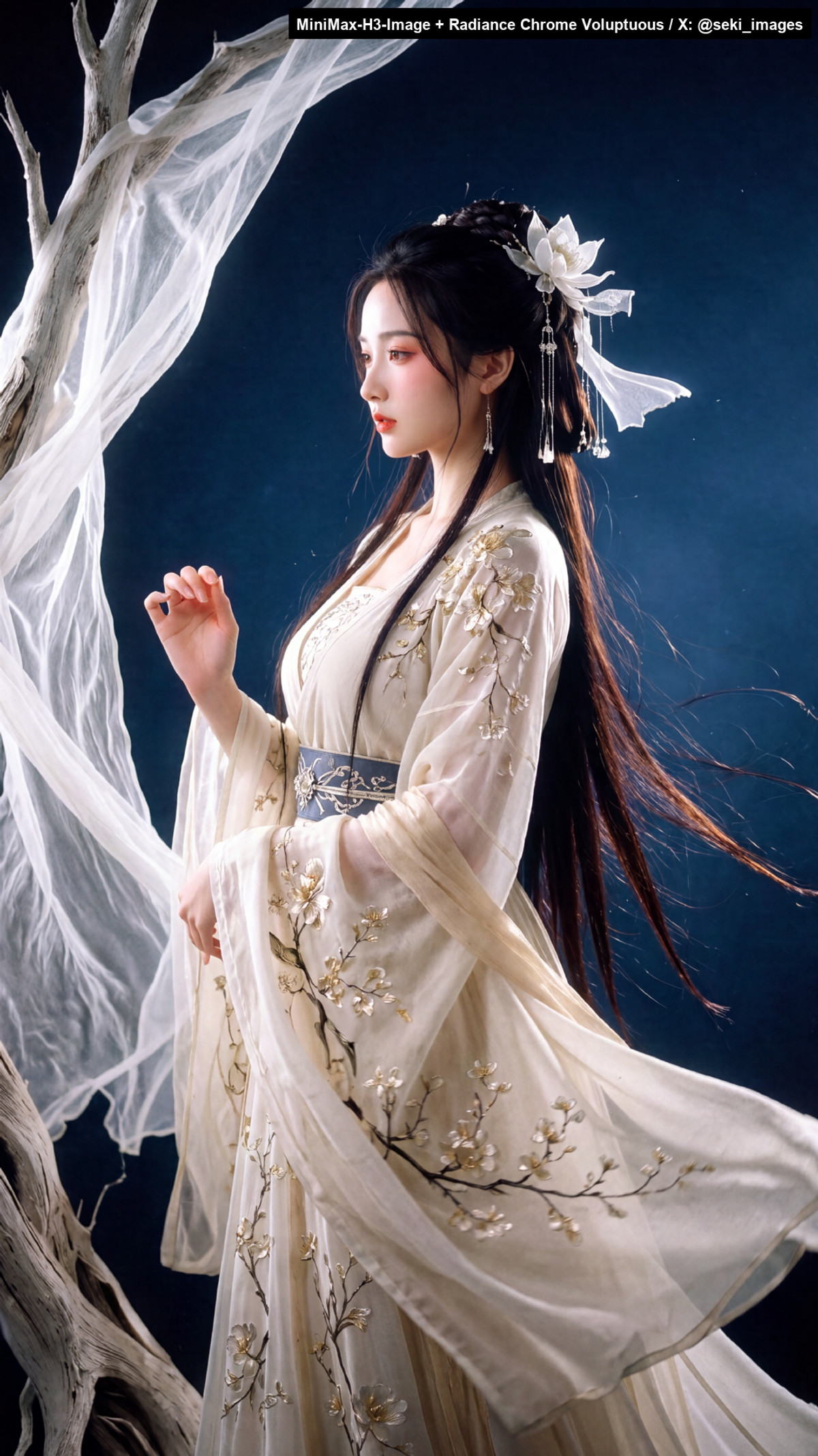
H3 Image port of Radiance Chrome Voluptuous: a high-contrast, high-saturation style with reversal film/slide texture, enhancing sunlight and light/shadow while reducing grain and aliasing from the original model.
Images
Reasons for Recommendation
- Port: the same page already has versions for base models like MOSS, Flux.3 Klein, Qwen 2.1, and Krea 2; this version is explicitly stated by the author to be for the H3 Image text-to-image model, not the H3 video model.
- Parameters are provided: sampler, strength range, blank image conditioning technique, and resolution recommendations.
- It is paid, and the author explicitly states that the body type bias is strong, and diversity must be supplemented via prompts.
How to Use
- Sampler: euler_simple (author claims this was used for training); strength 1.0–1.25; no trigger word needed.
- The author strongly recommends connecting a blank white image (9:16 size 512 × 910 is sufficient) to the MiniMax H3 Image Conditioning node to reduce roughness; generate at 16 MP and then downscale.
Risks and Limitations
- Paid download (permanent payment).
- 15 sensitive-level examples are hidden, with 5 visible examples.
- The author states that the style preference is very strong, making it difficult to achieve diverse body types.
Listed Only (2)
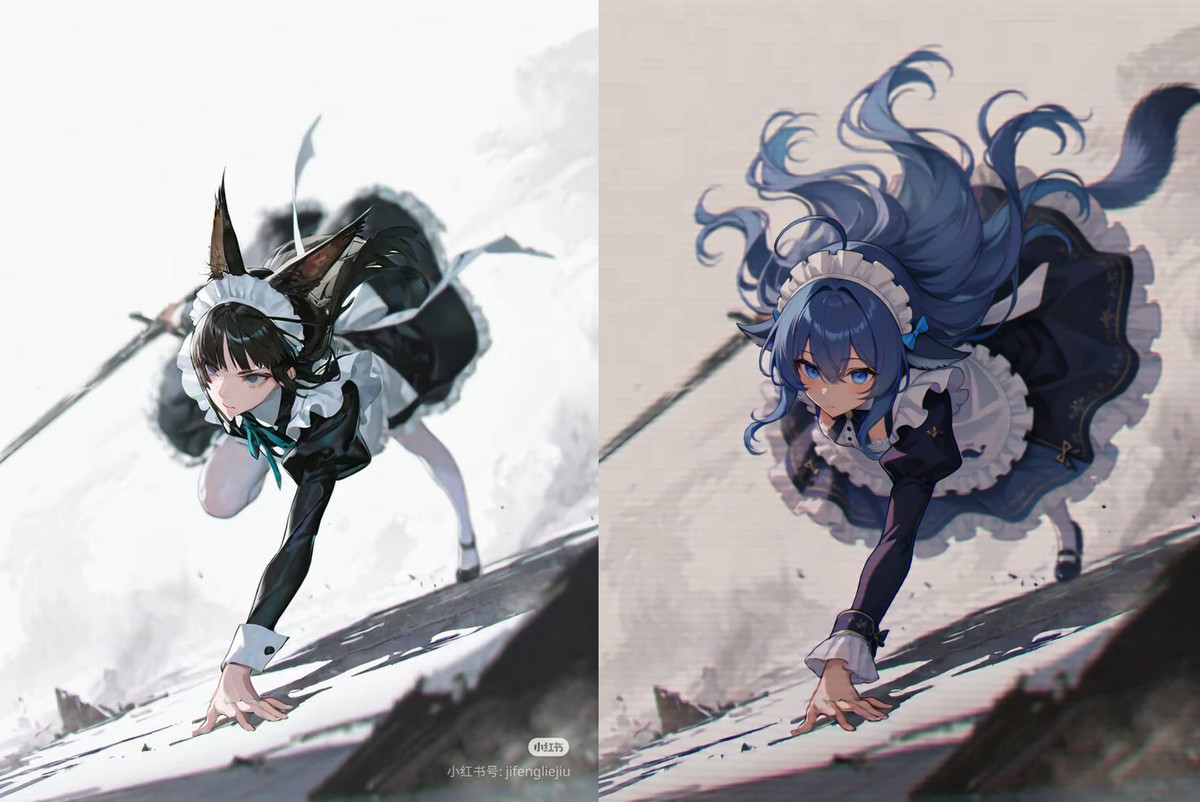
- Minimax H3 video model achieved what no other image editing model could · v1.0 — Workflow: a workflow using the H3 video model for image editing; the author claims high success rates for large-angle edits, often correct on the first try.
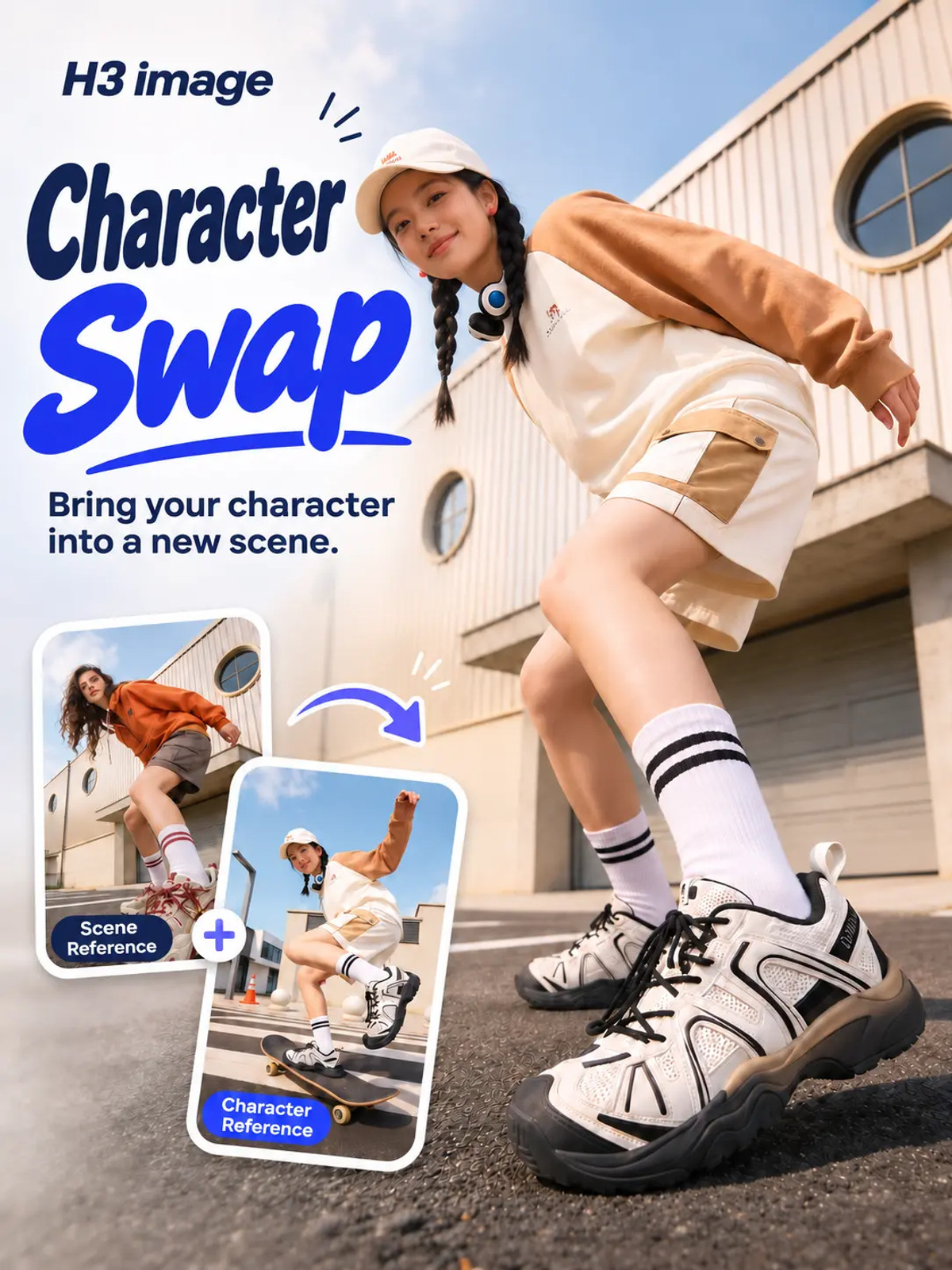
- Character Swap-H3 image · v1.0 — Workflow: H3 Image character transfer workflow: transfers the face and body features of a person from a reference image to a target image, adapting to new backgrounds, poses, and lighting.
Data: Civitai public API (base model MiniMax H3), collection window 11-17 08:31 → 11-17 21:01 (Beijing Time). Reasons for recommendation have been reviewed by editors; download counts only reflect attention.