Zhenzhen's AI Radar · Qwen Image 2.1 · 2026-10-30 Evening Report
This issue features 2 new versions: Strongly Recommended 0 · Recommended 1 · Worth Watching 1 · Listed Only 0
Editor's Note This issue reviews 2 new versions of Qwen 2.1. The top recommendation is a Qwen 2.1 four-step image generation workflow for 8GB VRAM: it uses a Q4 GGUF base model, loads and unloads the text encoder separately, and pairs it with a 4-step lightning LoRA. The author claims that on a laptop with a 8GB card, it generates 1024x1024 images in about 20 seconds. Note that this is merely a workflow, and the author reminds users that the Qwen 2.1 base model license is for non-commercial use only. Rating maintained at A.
Recommended (1)
[A] Qwen-Image 2.1 4-Step — 8GB VRAM (1024² in 20s) · v1.0
Workflow · New Model · Author: tinytensor · Published 10-30 17:56 · Downloads: 21
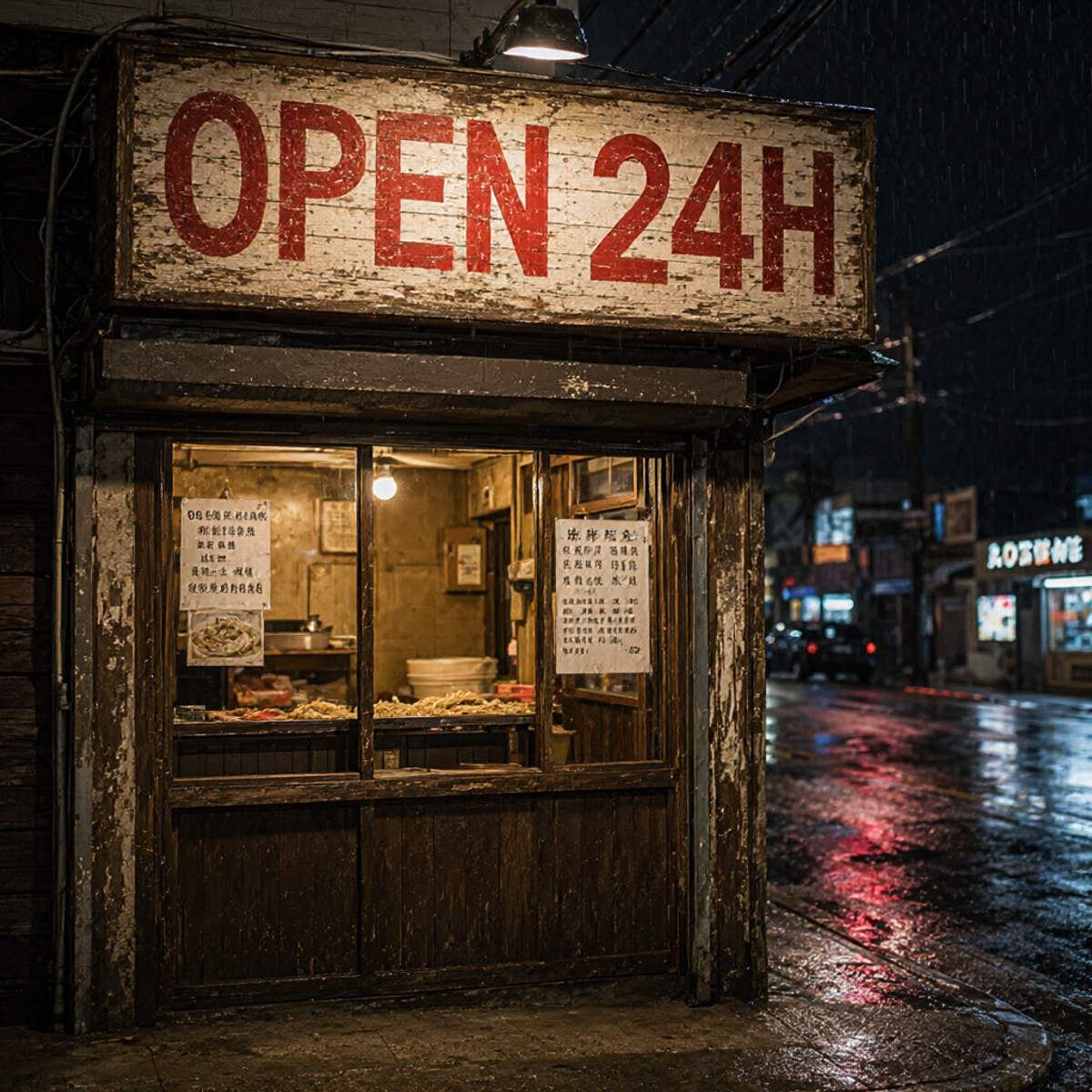
A ComfyUI workflow that enables Qwen 2.1 to generate 1024x1024 images in 4 steps using only 8GB of VRAM. It relies on a Q4 GGUF base model, a separately loaded text encoder, and a 4-step lightning LoRA; it is not a new set of weights itself.
Rating maintained at A: The explanation is clear and actionable, useful for users with low VRAM; however, it is merely a workflow, and the base model license restricts commercial use.
Image
Reasons for Recommendation
- New Model: Solves the problem of being unable to run Qwen 2.1 when VRAM is limited to 8GB. The author explains the principle: the 9.35GB text encoder cannot fit into a 8GB graphics card, so it must be loaded separately using CLIPLoader and unloaded to RAM after computation. Combined with Q4 GGUF weights and 4-step distillation, it fits.
- The author claims that on an RTX 3070 Ti laptop with a 8GB card and 32GB of RAM, the first run takes 32 seconds (including loading), and subsequent images take about 20 seconds each.
- Actionable: The filenames, sizes, and placement directories for the four model files, as well as key sampling parameters, are listed on the card. Common troubleshooting tips are also included (e.g., noise indicates the LoRA is not connected).
How to Use
- Install ComfyUI-GGUF; place qwen-image-2.1-UC-Q4_K_M.gguf (4.6GB) in models/diffusion_models, qwen3vl_8b_int8_convrot.safetensors (9.35GB) in models/text_encoders, qwen_image_2.1_vae_bf16.safetensors in models/vae, and qwen-image-2.1-lightning-4step.safetensors in models/loras.
- Download qwenImage214Step8GBVRAM_v10.zip and import the workflow; set sampling to 4 steps, CFG 1.0, euler, simple, and denoise 1.0. At CFG 1.0, negative prompts do not take effect, which the author states is normal behavior.
Risks and Limitations
- The author notes on the card: The Qwen-Image 2.1 base model is released under the Qwen Research License, which is for research and non-commercial use only. Commercial use requires separate authorization from Tongyi; the commercial license checked on the Civitai page applies only to this workflow file.
- Requires 32GB of system RAM; this is only a workflow JSON, not new weights; there are 3 example images, but this entry has not been run.
- The card promotes the author's paid workflow collection on Gumroad; this entry contains only this one free workflow.
Worth Watching (1)
[B] Q21 - Consistent vertical angle change · v1.0
LoRA · New Model · Author: blo01 · Published 10-30 11:27 · Downloads: 178
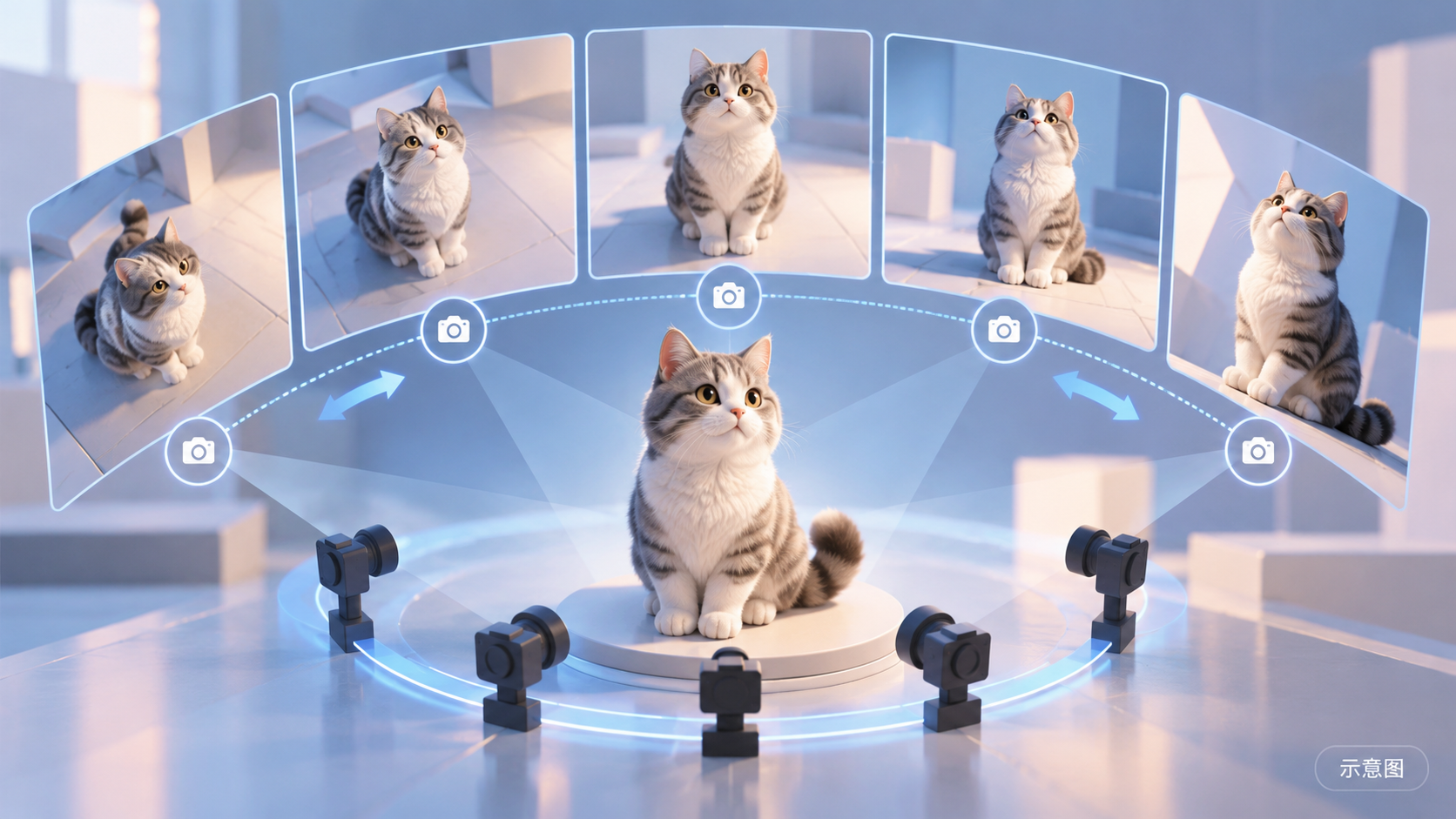
A camera angle switching LoRA for Qwen 2.1 editing: input an image and use a single command to change the same scene to a top-down or low-angle view. The author claims it helps maintain consistency in human structure and scene elements.
Rating maintained at B: The trigger phrases are directly usable and the purpose is clear, but there are no visible examples.
Image
Reasons for Recommendation
- New Model: Addresses the need in image editing to "change the vertical angle of the same scene" without regenerating the image; trigger phrases are divided into two types: top-down (high angle view) and low-angle (low angle view).
- Usage instructions provide a strength range and suggest adding other keywords that affect the camera; it is free, and the license allows for image generation, renting, and selling fused outputs.
- Approximately 10 hours after release, it has 178 downloads and 21 likes, making it the most downloaded version this issue (indicating attention only).
How to Use
- In the Qwen 2.1 editing workflow, load qwen2.1-consistent_vertical_angle_change.safetensors (BF16) with a strength of 0.7–1.0.
- For top-down view, write "change <image1> to show scene viewed from top , high angle view"; for low-angle view, write "change <image1> to show scene viewed from below , low angle view"; the author did not specify steps or CFG.
Risks and Limitations
- All 7 examples are marked sensitive and hidden, so there are no visible examples to judge the quality of angle changes and consistency.
- The model card has only three lines and does not specify training materials or applicable scene types.
- The card image is an AI-generated diagram, not the actual effect of the model; the author has no publicly available non-sensitive examples.
Trigger Words: change <image1> to show scene viewed from top , high angle view, change <image1> to show scene viewed from below , low angle view
Data: Civitai Public API (Base Model Qwen 2.1), inclusion window 10-30 08:31 → 10-30 21:01 (Beijing Time). Recommendations have been reviewed by editors; download counts indicate attention only.