Zhenzhen's AI Radar · MOSS Image · 2026-11-10 Evening Report
This issue features 35 new versions: Strongly Recommended 2 · Recommended 9 · Worth Following 10 · Included Only 14
Editor's Note This issue reviewed 44 new MOSS versions, with 2 rated S, 9 rated A, 10 rated B, and 14 rated C; 9 were excluded. The top pick is the MOSS version of Ad Infinitum, a LoRA in the style of retro full-page advertisements: it renders images as vintage product cards, posters, and magazine ads, capable of generating period-appropriate headlines based on quoted text, with trigger words, strength, steps, CFG, and typography instructions fully provided. Also rated S is thedeoxen's pose control LoRA, which uses DWPose skeleton maps to make new characters assume the same poses; Canny, line art, sketch, depth, normal, and segmentation control LoRAs by the same author are rated A. Additionally, FGO corridor scene backgrounds, anime screenshot style v2, realistic photos resembling casual smartphone snapshots, etc., are rated A; multiple character/art style LoRAs with only one or two sentences of description and paid early-access character LoRas are rated C. The 8 intermediate step snapshots for the Liangwu character LoRA have been reduced to keeping only the final st9000 version, and the Krea2 version of Ceiling Fisheye Cam was a Krea 2 weight mistakenly labeled as MOSS; both have been excluded.
Strongly Recommended (2)
[S] Ad Infinitum - Krea 2 · Classic - MOSS
LoRA · Ported · Author AriaMaiven · Published 11-10 10:48 · Downloads 50
The MOSS version (Classic) of the retro advertisement page style LoRA: renders images as full-page advertisements with stippled coloring, ink outlines, and cream-colored paper textures typical of product cards, posters, and magazine ads from the 1885–1948s, and can generate old-fashioned uppercase headlines based on prompts.
Top pick for this group: Unique direction (full-page vintage ads rather than just a retro filter), with trigger words, strength, steps, CFG, dimensions, and typography instructions fully provided, making it easy to use.
Images
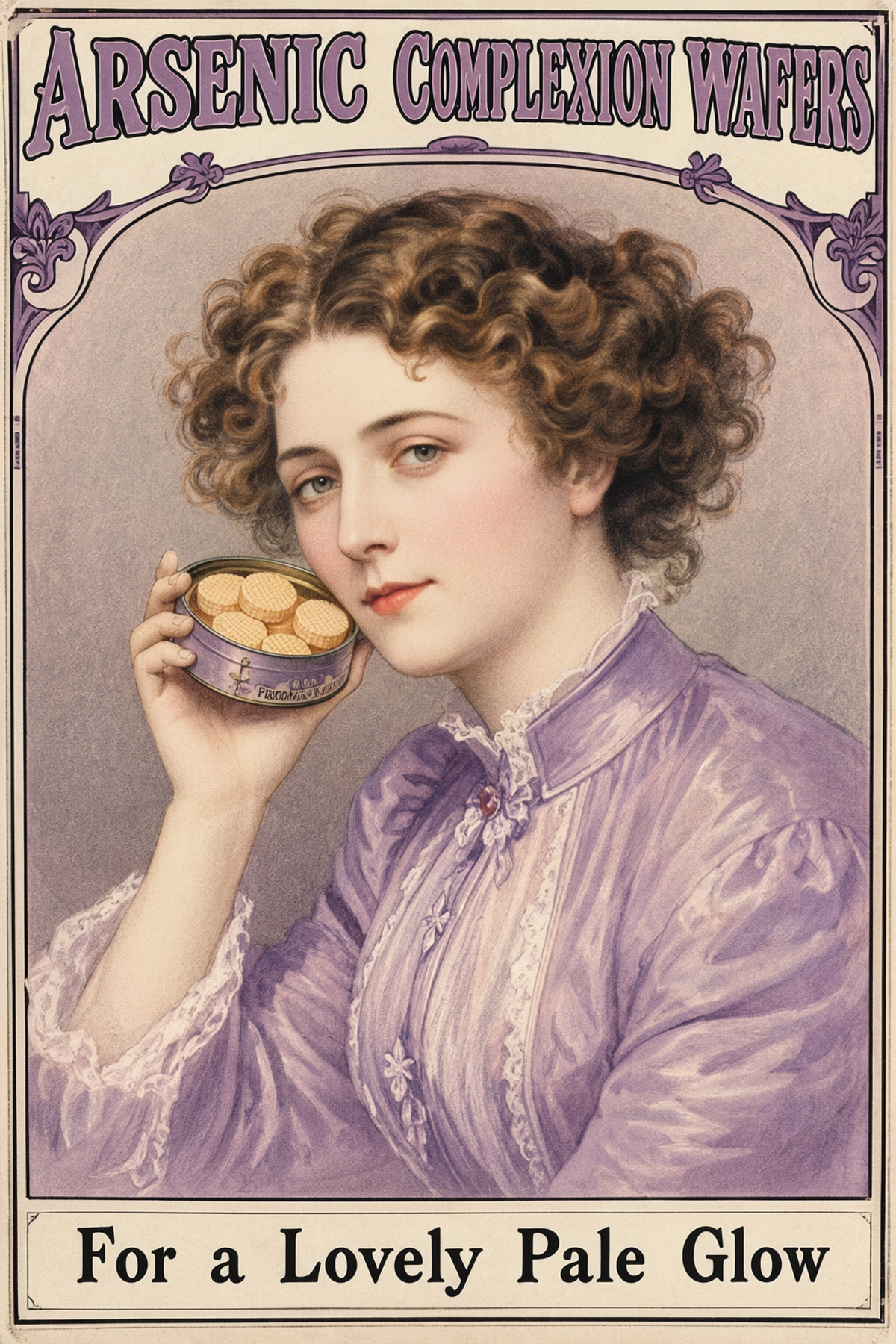
Reasons for Recommendation
- Ported: The same page already has Classic and Future Vintage versions for Krea 2, with a cumulative 303 downloads on the model page; the MOSS version is trained on MOSS Base using the same set of 46 public domain product cards / posters / magazine ads (with original text removed), retaining the trigger word adnclsk
- Serves text-to-image generation for retro posters, old advertisements, brand parodies, and editorial illustrations; the author provides typography instructions: place each line of text in quotes at the end of the prompt and specify its position, and MOSS will render it in period-appropriate uppercase fonts
- Parameters provided: strength 0.7 to 1.0; MOSS Image (SFT), 30 steps, CFG 3, euler / simple, 1024 x 1536; the author states that without the LoRA, MOSS only generates modern digital illustrations
- The author claims every image in the gallery includes prompts and parameters; free, license allows output images and on-site rental; published about 10 hours ago with 50 downloads
How to Use
- Start the prompt with adnclsk, then describe the subject and scene of the advertisement; use strength 0.7 to 1.0, with 0.7 being cleaner for longer headlines
- To include text, write at the end: The only words on the page are the headline "…" at the top …, and the line "…" on a cream panel at the bottom, placing each sentence in quotes and specifying position and color
- MOSS Image (SFT), 30 steps, CFG 3, euler / simple, 1024 x 1536; even if you plan to do typography yourself later, include the headline and footer in the prompt, otherwise scenes like trains or landscapes may drift into oil paintings
- Do not add words like poster, lithograph, vintage, or era-specific terms; the author states the LoRA already includes the vintage feel
Risks and Limitations
- 5 visible examples, with another 4 hidden due to rating; no same-seed comparison with/without LoRA
- Training set contains only 46 images; the ComfyUI workflow zip included with the Krea 2 version is not available for the MOSS version, so you must build it yourself
- License requires attribution; the author states that reprinting or using its output images to train other models requires prior permission
- This entry has not been tested
Trigger Word: adnclsk
[S] MOSS-Image Pose Control · v1.0
LoRA · New Model · Author thedeoxen · Published 11-10 16:20 · Downloads 29
Pose control LoRA for MOSS-Image-SFT: Input a black-background colored DWPose skeleton map, and the generated character will assume the same body, hand, and facial poses as the skeleton, while appearance, clothing, and scene are determined entirely by the prompt.
The same author released seven control LoRAs on the same day, with identical training methods and sampling parameters, differing only in the type of control image used; the pose control capability is the most independent and has the most complete workflow, serving as the representative for this group.
Images

Reasons for Recommendation
- New Capability: Adds pose control via skeleton maps to MOSS-Image-SFT; the author explains it is a ControlNet-style editing LoRA, not an official color/depth concatenation adapter, loaded using a standard LoRA loader, with the skeleton map sent as the sole reference image into Text Encode MOSS-Image Edit
- Serves scenarios like changing outfits/characters, transferring poses from photos to other characters, and requiring consistent body movements in storyboards and keyframes; unlike contour controls such as Canny / Lineart by the same author, it only locks joint positions, not clothing contours or backgrounds
- Author's skeleton extraction method: DWPose from comfyui_controlnet_aux with body, hands, and face all enabled; black-background colored skeletons match the control images used in training
- Parameters and workflow provided: Includes ComfyUI workflow JSON (read photo → generate skeleton → encode → sample), using the checkpoint at step 4500, strength 1.0, 30 steps, CFG 4, euler + simple, no trigger word
- 3 examples, each a collage of "skeleton + three different prompts," allowing direct comparison of the same pose with three different characters; published 5 hours ago with 29 downloads and 3 likes, making it the most popular in this group of control LoRAs; free, license allows output images and sales
How to Use
- Base model: MOSS-Image-SFT: UNet moss_image_sft_int8_convrot, text encoder qwen3.5_9b_w4a8_gptq (select type moss_image), VAE flux2-vae_small; attach LoRA to UNet with strength 1.0
- Use DWPose (body + hands + face) to extract skeleton from reference photo, and input the black-background colored skeleton map as the sole reference image into Text Encode MOSS-Image Edit; set edit format to ai-toolkit for both positive and negative encoding nodes
- 30 steps, CFG 4, euler + simple; no trigger word, write character identity, clothing, materials, and scene in the prompt, without needing to describe each joint individually
Risks and Limitations
- 4 sensitive-level examples are hidden, more than the visible 3 images
- For missing limbs in the skeleton, the author states prompts cannot reliably reconstruct corresponding joints; the extent to which fine details like fingers can be followed is not specified by the author
- Trained specifically for MOSS-Image-SFT (author used int8 quantized UNet); performance with MOSS-Image-Base or other precisions is not specified by the author; the author labeled the base model as Other
- In the full model card, the author suggests lowering strength towards 0.7 if control is too rigid, though the training value was 1.0
- Example images do not include generation parameters; this entry has not been tested
Recommended (9)
[A] Anime Screencap Style · v2.0
LoRA · Version Update · Author kanakiy · Published 11-10 09:48 · Downloads 57
v2.0 of the modern anime screenshot style LoRA: flat cel shading, almost no soft shadows, thick and clean lines, high saturation colors, and widescreen-style composition.
Maintained automatic A rating: Style goal is described specifically with many examples, but v2 lacks strength and sampling parameters.
Images
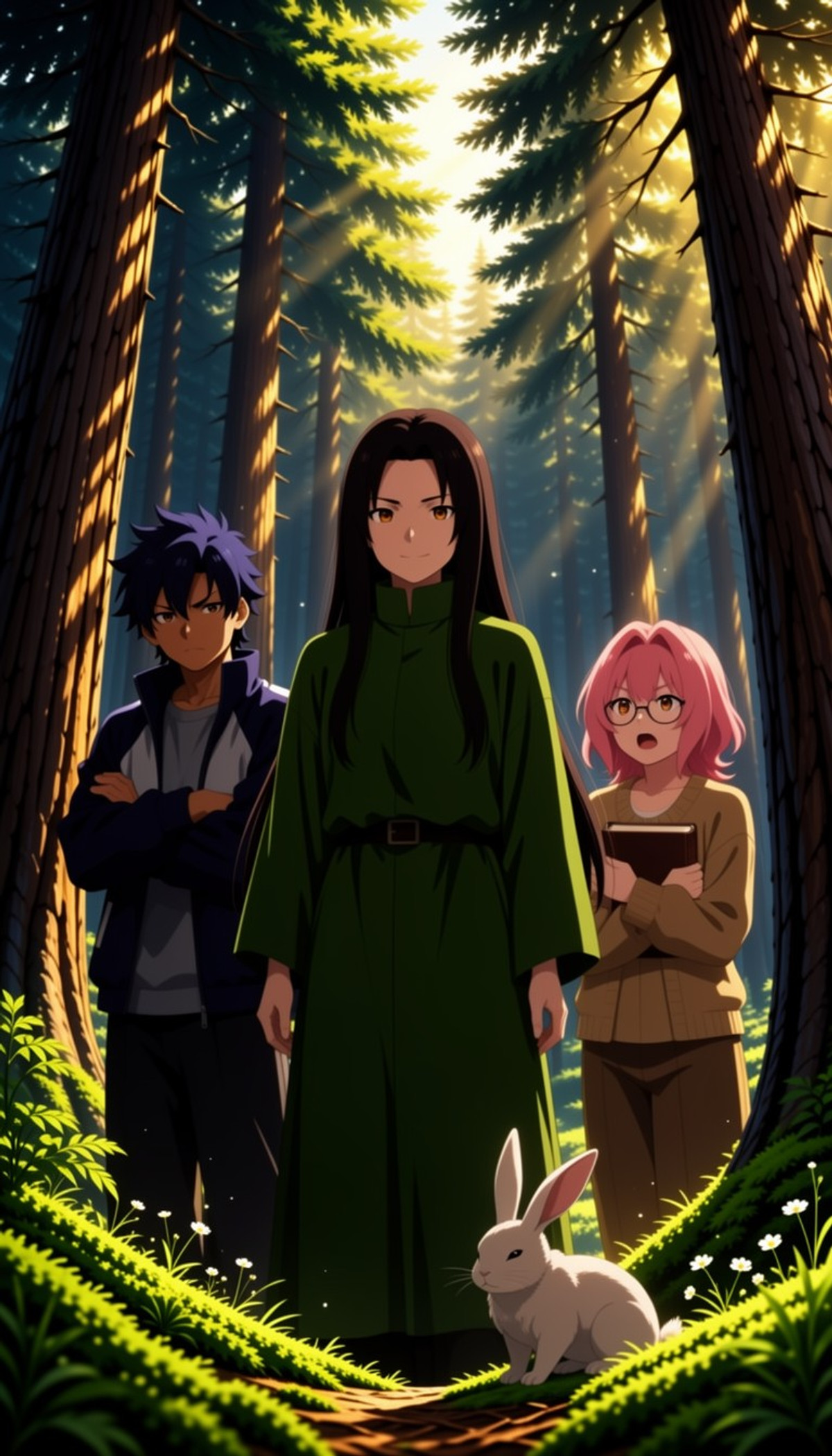
Reasons for Recommendation
- Version Update: The author states v2.0 improved training data by removing the characters Tsunade and Seiko Ayase from the v1.0 dataset (they can still be invoked by name); v1.0 recommended strength 0.6–0.8 due to these two characters
- Serves text-to-image generation seeking an "anime screenshot feel" rather than common soft-gradient anime styles; the author claims it is flatter and harder-edged than most anime models
- 17 examples; free; published about 11 hours ago with 57 downloads
How to Use
- Load the LoRA, no trigger word required; v1.0 recommended strength 0.6–0.8, strength for v2.0 not provided by author, can start testing from the same range; steps and CFG not provided by author
Risks and Limitations
- Author did not write update notes (version description is empty, changes inferred from two sentences in the model card); no comparison between v1 and v2
- License does not include commercial use of output images, only rental allowed; 3 examples hidden due to rating
- This entry has not been tested
[A] Realistic Photo by Amateur Snapshot · MOSS
LoRA · New Model · Author 858654128784 · Published 11-10 18:02 · Downloads 73
Realistic photo LoRA in the style of casual smartphone snapshots: mirror selfies, front-camera selfies, kitchen tables, inside elevators, overhead pet shots, with tilted compositions, uneven lighting, dark area grain, and realistic skin textures, removing the overly clean studio feel typical of AI images.
Maintained automatic A rating: Clear purpose, prompt writing style is directly usable, but lacks strength and sampling parameters, and visible examples are few.
Images
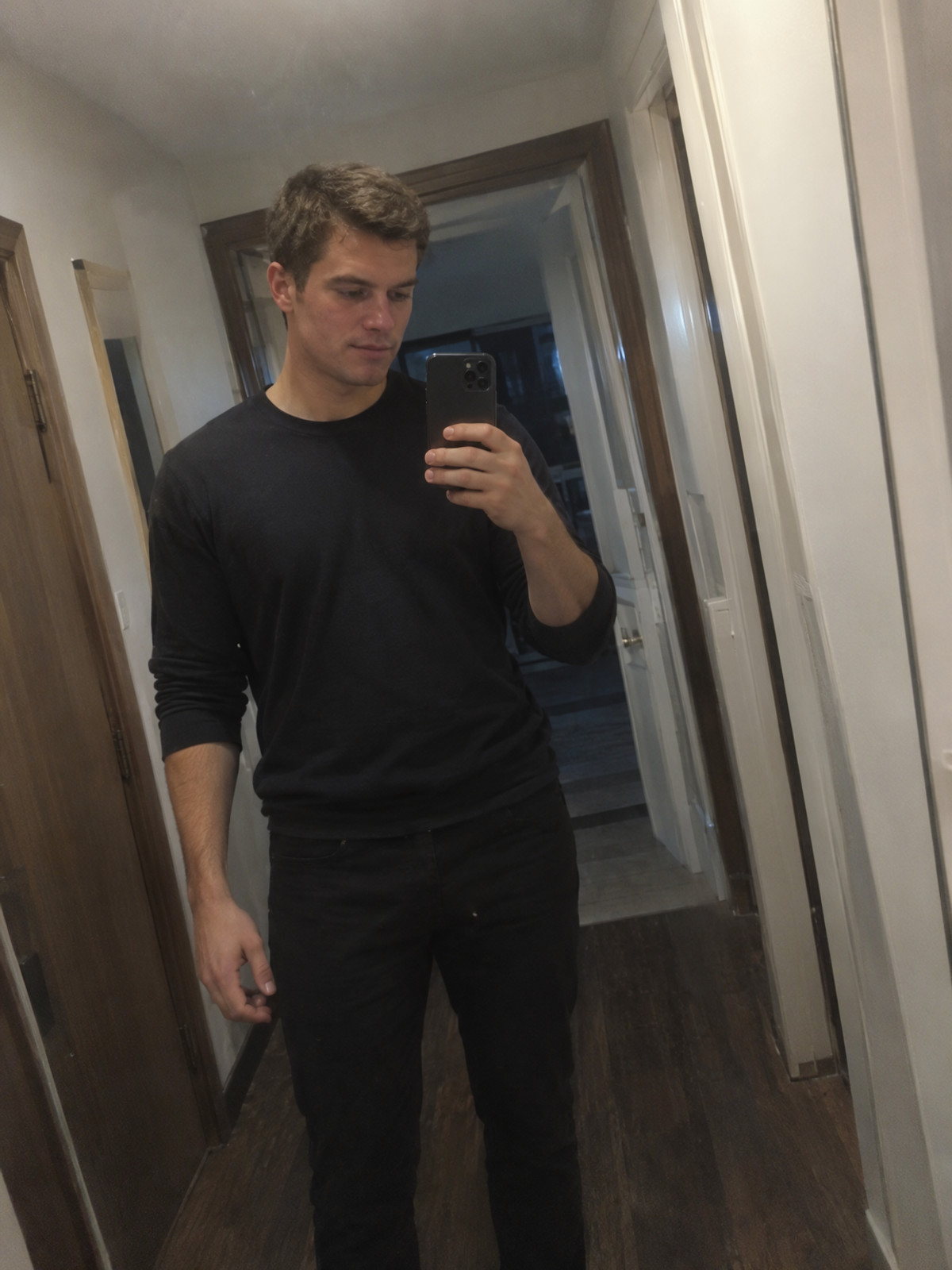
Reasons for Recommendation
- New Model: Only MOSS version available, targeting "photos taken by ordinary people with smartphones" rather than polished realism
- Author provides prompt writing style: Start with amateur smartphone photo, specify location, who is holding the phone, and light source; adding details like "phone blocking half the face" or "mug cropped in half in the foreground" makes it more realistic
- Free, license allows output images, rental, and sales; published about 3 hours ago with 73 downloads, making it the fastest-downloading entry in this group
How to Use
- Start prompt with amateur smartphone photo, write location, person holding phone, and light source, then add casual snapshot details like occlusions or foreground cropping; no trigger word
- Strength, steps, and CFG not provided by author
Risks and Limitations
- 15 examples hidden due to rating, only 5 visible; page contains mixed content
- No parameters provided, nor comparison with/without LoRA; training data source not specified by author
- When generating realistic-looking lifestyle photos of people, note AI generation when publishing; this entry has not been tested
[A] Chaldea Corridor: Fate/Grand Order · MOSS-sft01
LoRA · New Model · Author RHU_AIstudio · Published 11-10 19:59 · Downloads 10
Scene background LoRA for the old Chaldea corridor from Fate/Grand Order: Use one trigger word to fix this corridor, then use state words to switch between normal, dim, damaged, frozen, etc.
Maintained automatic A rating: The clearest usage instructions among scene LoRAs, with trigger words, strength, and state words directly copyable, but covers only one location and lacks sampling parameters.
Image
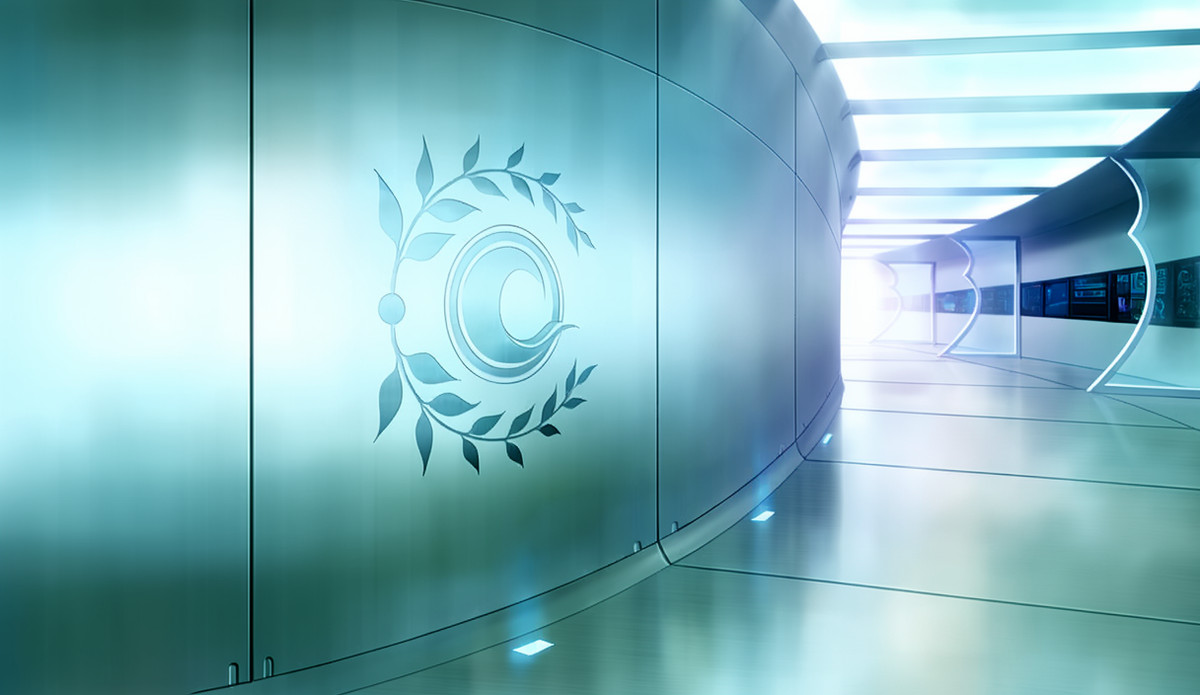
Reasons for Recommendation
- A new model, and a rare scene/background-type LoRA this issue: it ignores characters and specifically reproduces a fixed location, serving fan art illustrations, character portraits with backgrounds, and visual novel-style scene images.
- The author explains the training source: 7 in-game background assets, covering normal/dim/blurry/damaged/frozen states and two camera angles.
- Trigger words, strength, and state keywords are provided: corridor_(chaldea)_(fate), strength 1.0; bright lighting, dark, dim lighting, damaged, cracked wall, debris, frozen, ice, flooded, close-up corresponds to the camera angle featuring the wall with emblems.
- 3 visible examples, 1 hidden; free, permissive license allowing image generation, sales, and derivatives.
How to Use
- Write corridor_(chaldea)_(fate) in the prompt, adding state keywords as needed: bright lighting / dark, dim lighting / damaged, cracked wall, debris / frozen, ice, flooded; add close-up for the angle with the emblem wall; LoRA strength 1.0.
- Steps, CFG, and sampler are not provided by the author; the version name is MOSS-sft01, and the author does not specify whether it was trained on Base or SFT.
Risks and Limitations
- The training set contains only 7 images, so outputs are basically limited to this corridor's few states and two camera angles; it is unknown if structure can be maintained from other perspectives.
- Assets come from copyrighted game background images; although the license is permissive, original copyright must still be considered before commercial use.
- The model card consists of only one paragraph, with no instructions on adding characters or stacking LoRAs; this entry has not been tested.
Trigger Word: corridor_(chaldea)_(fate)
【A】MOSS-Image Scribble Control · v1.0
LoRA · New Model · Author thedeoxen · Published 11-10 16:53 · Downloads 23
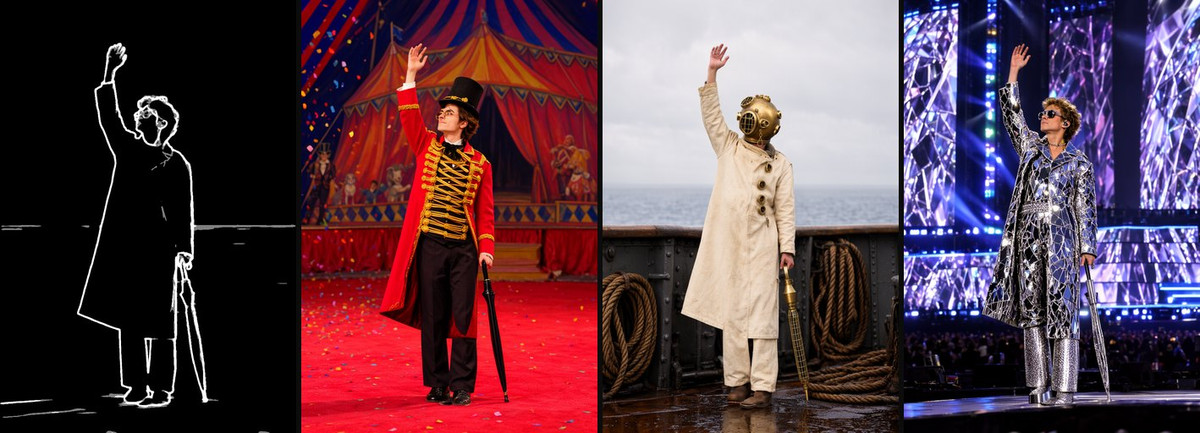
Scribble control LoRA for MOSS-Image-SFT: Feed it a few thick, soft white strokes on a black background; it follows only major stroke directions and volumes, while details, textures, and style are freely determined by the prompt.
Image
Reasons for Recommendation
- New capability: The loosest tier in the same author's control series, managing only main strokes and large shapes without chasing every fine edge; the author suggests using it before Canny / Lineart refinement for quick composition tests.
- Serves sketch drafting, storyboard strokes, or redrawing photos while retaining only major forms: input can be a few hand-drawn strokes or soft edges extracted from photos.
- Preprocessing: The workflow uses HED Soft-Edge Lines with safe mode enabled; training scribbles are thicker and softer than Canny and line art; the author states that HED soft edges are closer to training images than fine PiDiNet sketches.
- Includes a ComfyUI workflow; checkpoint at step 5000, strength 1.0, 30 steps, CFG 4, euler + simple; 3 collage examples.
- Free, license allows image generation and sales; 23 downloads in the first 4 hours after release.
How to Use
- MOSS-Image-SFT (int8 convrot UNet + qwen3.5_9b_w4a8_gptq / moss_image + flux2-vae_small), attach LoRA to UNet, strength 1.0.
- Use HED Soft-Edge Lines (safe mode) or a few hand-drawn thick white lines on black as the sole reference image connected to Text Encode MOSS-Image Edit; set edit format to ai-toolkit for both positive and negative encoding.
- 30 steps, CFG 4, euler + simple; no trigger word; the author suggests that few, definite strokes are better than cluttered edge maps, leaving texture, color, and small details to the prompt.
Risks and Limitations
- Control is loose; fine detail positions are not locked, so scenes requiring precise outlines should switch to Canny or Lineart.
- Trained specifically for MOSS-Image-SFT; base model marked as Other; 1 sensitive-level examples hidden.
- The full model card suggests lowering strength towards 0.7 if control is too rigid.
- This entry has not been tested.
【A】MOSS-Image Normal Control · v1.0
LoRA · New Model · Author thedeoxen · Published 11-10 16:51 · Downloads 24
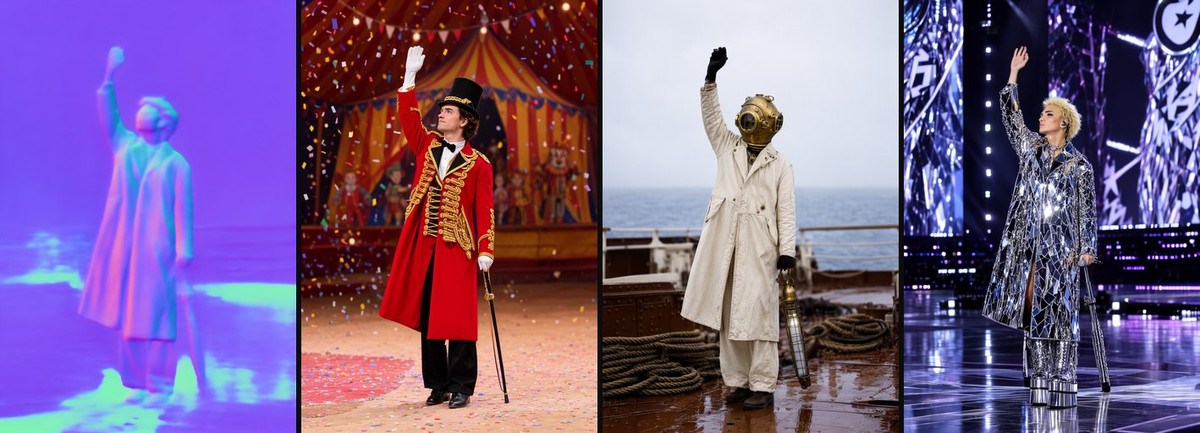
Normal control LoRA for MOSS-Image-SFT: Feed it a colored normal map to preserve object volume and surface orientation, while changing only materials and scenes.
Image
Reasons for Recommendation
- New capability: Manages one more layer than depth maps—"which direction the surface faces"—keeping volume and orientation static while allowing material changes; listed uses include changing materials/re-lighting fixed forms, and product images where object volume is fixed.
- Serves material swaps in product shots, re-texturing sculptures or props, and scenarios where depth is correct but surface orientation also needs control; input is normals exported from photos or 3D renders.
- Preprocessing: The workflow uses BAE Normal Map; training images are common purple/cyan/green camera-space normals; the author warns to use camera-space normals, not grayscale height maps—smoother normals yield cleaner volumes, while noise creates unwanted bumps.
- Includes a ComfyUI workflow; checkpoint at step 5000, strength 1.0, 30 steps, CFG 4, euler + simple; 3 collage examples using the same test photo as the Canny / Lineart versions.
- Free, license allows image generation and sales.
How to Use
- MOSS-Image-SFT (int8 convrot UNet + qwen3.5_9b_w4a8_gptq / moss_image + flux2-vae_small), attach LoRA to UNet, strength 1.0.
- Use BAE Normal Map to generate a colored camera-space normal map as the sole reference image connected to Text Encode MOSS-Image Edit; set edit format to ai-toolkit for both positive and negative encoding.
- 30 steps, CFG 4, euler + simple; no trigger word, write materials and scenes in the prompt.
Risks and Limitations
- Use case is narrower than Canny / Depth; it adds value over depth control mainly in material or lighting change scenarios.
- Whether normals exported from 3D software match BAE's color conventions needs self-verification, as the author does not specify; trained specifically for MOSS-Image-SFT; base model marked as Other; 1 sensitive-level examples hidden.
- The full model card suggests lowering strength towards 0.7 if control is too rigid.
- This entry has not been tested.
【A】MOSS-Image Segmentation Control · v1.0
LoRA · New Model · Author thedeoxen · Published 11-10 16:54 · Downloads 25
Semantic segmentation control LoRA for MOSS-Image-SFT: Feed it a flat-color region map to preserve boundaries and large-scale layout of each area, while what each block becomes is determined by the prompt.
Image

Reasons for Recommendation
- New capability: Controls by "region blocks" rather than lines or depth, suitable for first dividing the image into major blocks like people, furniture, and background, then changing the overall rendering style; the author states that boundaries and large volumes will be preserved.
- Serves scene block composition, color script-style layouts, and redrawing entire images while retaining character and furniture positions.
- Preprocessing: The workflow uses UniFormer semantic segmentation; training images are fully covered flat color blocks with no large black unlabeled areas; the author warns that block colors are just region IDs and will not become colors in the final image—materials must be written in the prompt, as gradients and textures disrupt regions.
- Includes a ComfyUI workflow; checkpoint at step 4500, strength 1.0, 30 steps, CFG 4, euler + simple.
- Free, license allows image generation and sales; 25 downloads in the first 4 hours after release.
How to Use
- MOSS-Image-SFT (int8 convrot UNet + qwen3.5_9b_w4a8_gptq / moss_image + flux2-vae_small), attach LoRA to UNet, strength 1.0.
- Use UniFormer to generate a flat region map covering the entire canvas (avoid large black backgrounds) as the sole reference image connected to Text Encode MOSS-Image Edit; set edit format to ai-toolkit for both positive and negative encoding.
- 30 steps, CFG 4, euler + simple; no trigger word, clearly specify the subject and material of each region in the prompt.
Risks and Limitations
- The author states that segmenters leaving the background black do not match these weights well; caution is needed when switching to other segmentation models.
- 2 visible examples, 1 sensitive-level examples hidden; trained specifically for MOSS-Image-SFT; base model marked as Other.
- The full model card suggests lowering strength towards 0.7 if control is too rigid.
- This entry has not been tested.
【A】MOSS-Image Lineart Control · v1.0
LoRA · New Model · Author thedeoxen · Published 11-10 16:37 · Downloads 21
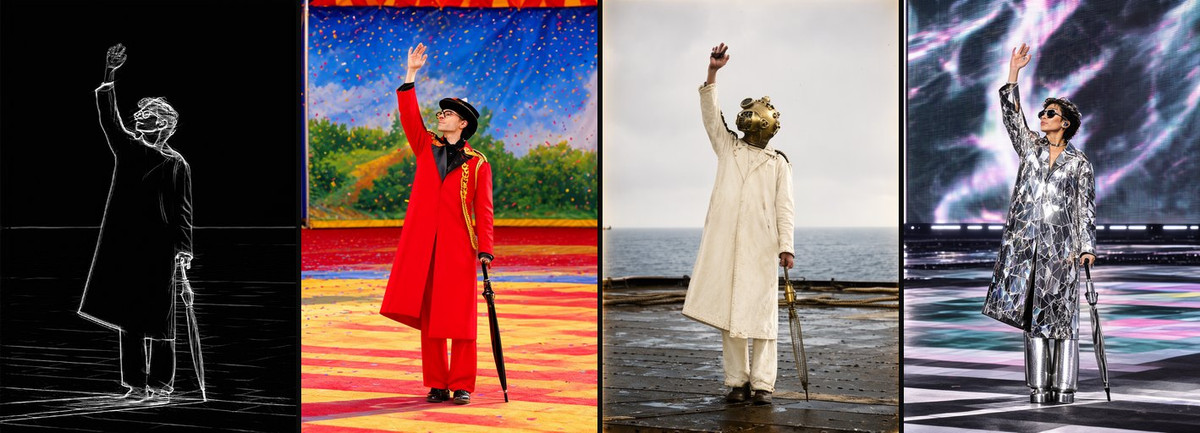
Line art control LoRA for MOSS-Image-SFT: Feed it thin white line art on a black background to generate based on line structure, while coloring, materials, and style are determined by the prompt.
Image
Reasons for Recommendation
- New capability: Between Canny and Scribble—follows clean outlines but without the speckle noise found in raw Canny images; the primary listed use is coloring line art.
- Serves line art coloring, turning design sketches into final images, and changing scenes while retaining line structure from photos; the author states both hand-drawn and photo-extracted line art work, provided lines are light and sparse.
- Preprocessing matters: The workflow uses Realistic Lineart with coarse mode enabled; the author states this is closer to training images than fine line art modes; white lines on black background—if you have black lines on white, invert them first.
- Includes a ComfyUI workflow; checkpoint at step 5000, strength 1.0, 30 steps, CFG 4, euler + simple; 3 collage examples using the same test photo as the Canny version.
- Free, license allows image generation and sales.
How to Use
- MOSS-Image-SFT (int8 convrot UNet + qwen3.5_9b_w4a8_gptq / moss_image + flux2-vae_small), attach LoRA to UNet, strength 1.0.
- Use Realistic Lineart (coarse mode on) to generate white lines on black as the sole reference image connected to Text Encode MOSS-Image Edit; set edit format to ai-toolkit for both positive and negative encoding.
- 30 steps, CFG 4, euler + simple; no trigger word, write colors, materials, and art style in the prompt.
Risks and Limitations
- The author states that sparse lines fit training better than dense sketches; performance with overly dense line art is not specified.
- Trained specifically for MOSS-Image-SFT; base model marked as Other; 1 sensitive-level examples hidden; this group has the fewest downloads (21).
- The full model card suggests lowering strength towards 0.7 if control is too rigid.
- This entry has not been tested.
【A】MOSS-Image Canny Control · v1.0
LoRA · New Model · Author thedeoxen · Published 11-10 16:29 · Downloads 23
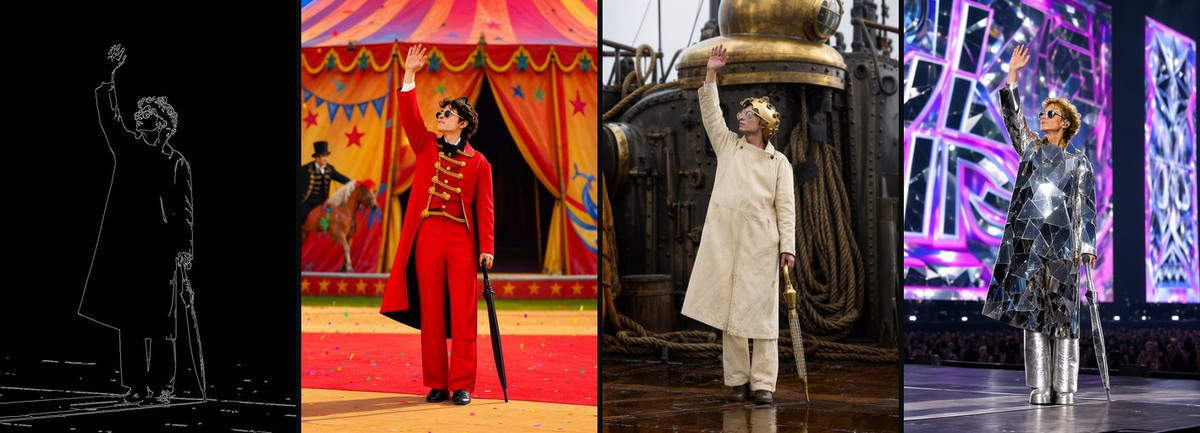
Canny edge control LoRA for MOSS-Image-SFT: Feed it a Canny edge map with white lines on black to lock object outlines, composition, and fine edges, while materials, color schemes, and style are left to the prompt.
Image
Reasons for Recommendation
- New capability: The tightest constraint in the same-author LoRA series, following even fine edges; the author positions it as "preserving outlines while changing colors and materials," suitable for layout studies where outlines must remain unchanged
- Services photo-to-style conversion, material re-rendering with identical composition, and layout drafts: Input is a photo or existing image, first extracting Canny edges then generating
- Preprocessing is specified concretely: Canny Edge from comfyui_controlnet_aux, thresholds low 100 / high 200; the author advises raising the thresholds to clean up edges if the result rigidly adheres to every noise pixel
- Includes a ComfyUI workflow; archived at step 4500, strength 1.0, 30 steps, CFG 4, euler + simple; 3 examples of "control image + three prompts" collages, using the same circus ringmaster test photo as the same author's Normal / Scribble / Lineart models for horizontal comparison
- Free, license allows output and sale; 23 downloads in 4 hours since release
How to Use
- MOSS-Image-SFT (int8 convrot UNet + qwen3.5_9b_w4a8_gptq text encoder, type moss_image + flux2-vae_small), LoRA attached to UNet, strength 1.0
- Canny Edge preprocessing (low 100 / high 200) produces a white-line-on-black image, used as the sole reference image connected to Text Encode MOSS-Image Edit, with both positive and negative encoding edit formats set to ai-toolkit
- 30 steps, CFG 4, euler + simple; no trigger word, prompts specify new materials, color schemes, and scenes
Risks and Limitations
- The denser the Canny image, the more the output is bound to the original details, leaving less room for prompt-driven modification; if you want to preserve only major shapes, switch to the Scribble or Lineart options
- Trained specifically for MOSS-Image-SFT; other base models / precisions are not mentioned by the author; base model marked as Other; 1 sensitive-level examples are hidden
- The full model card suggests lowering strength towards 0.7 if control is too rigid
- This entry has not been run
[A] MOSS-Image Depth Control · v1.0
LoRA · New Model · Author thedeoxen · Released 11-10 16:25 · Downloads 22
Depth control LoRA for MOSS-Image-SFT: Feed a grayscale depth map (near-white, far-black) to maintain foreground/background distance and spatial layout, leaving subject and style to the prompt.
Image

Reason for Recommendation
- New capability: Locks only "who is near/far" and camera depth, not every edge; the author states it is suitable for scenarios where "camera depth is more important than outlines"; note that this is not the official MOSS color/depth concatenated adapter, but an editing-style LoRA by the same author
- Services style reconstruction from the same camera angle, material swapping after separating foreground subjects from backgrounds, and layouts with clear foreground subjects like products and interiors
- Preprocessing: The workflow uses Depth Anything V2 (depth_anything_v2_vitl), with near areas white and backgrounds falling to black; the author specifically warns against using inverted depth maps, as they will conflict with the LoRA
- Includes a ComfyUI workflow; archived at step 5000, strength 1.0, 30 steps, CFG 4, euler + simple; the author states that large flat depth areas leave more room for texture in the prompt
- Free, license allows output and sale; 3 likes
How to Use
- MOSS-Image-SFT (int8 convrot UNet + qwen3.5_9b_w4a8_gptq / moss_image + flux2-vae_small), LoRA attached to UNet, strength 1.0
- Depth Anything V2 vitl produces a grayscale depth map (near-white, far-black, do not invert), used as the sole reference image connected to Text Encode MOSS-Image Edit, with both positive and negative encoding edit formats set to ai-toolkit
- 30 steps, CFG 4, euler + simple; no trigger word, prompts specify subject, material, and style
Risks and Limitations
- Visible examples consist of only 1 collages, with another 4 sensitive-level examples hidden, making this the entry with the least public evidence in this group
- The author does not state whether it is superior or inferior to the official depth concatenated adapter; trained specifically for MOSS-Image-SFT; base model marked as Other
- The full model card suggests lowering strength towards 0.7 if control is too rigid
- This entry has not been run
Worth Watching (10)
[B] AG: Naberius - Grumpy Niji Boys · MOSS-Image
LoRA · Ported · Author Azriaelis · Released 11-10 09:10 · Downloads 27
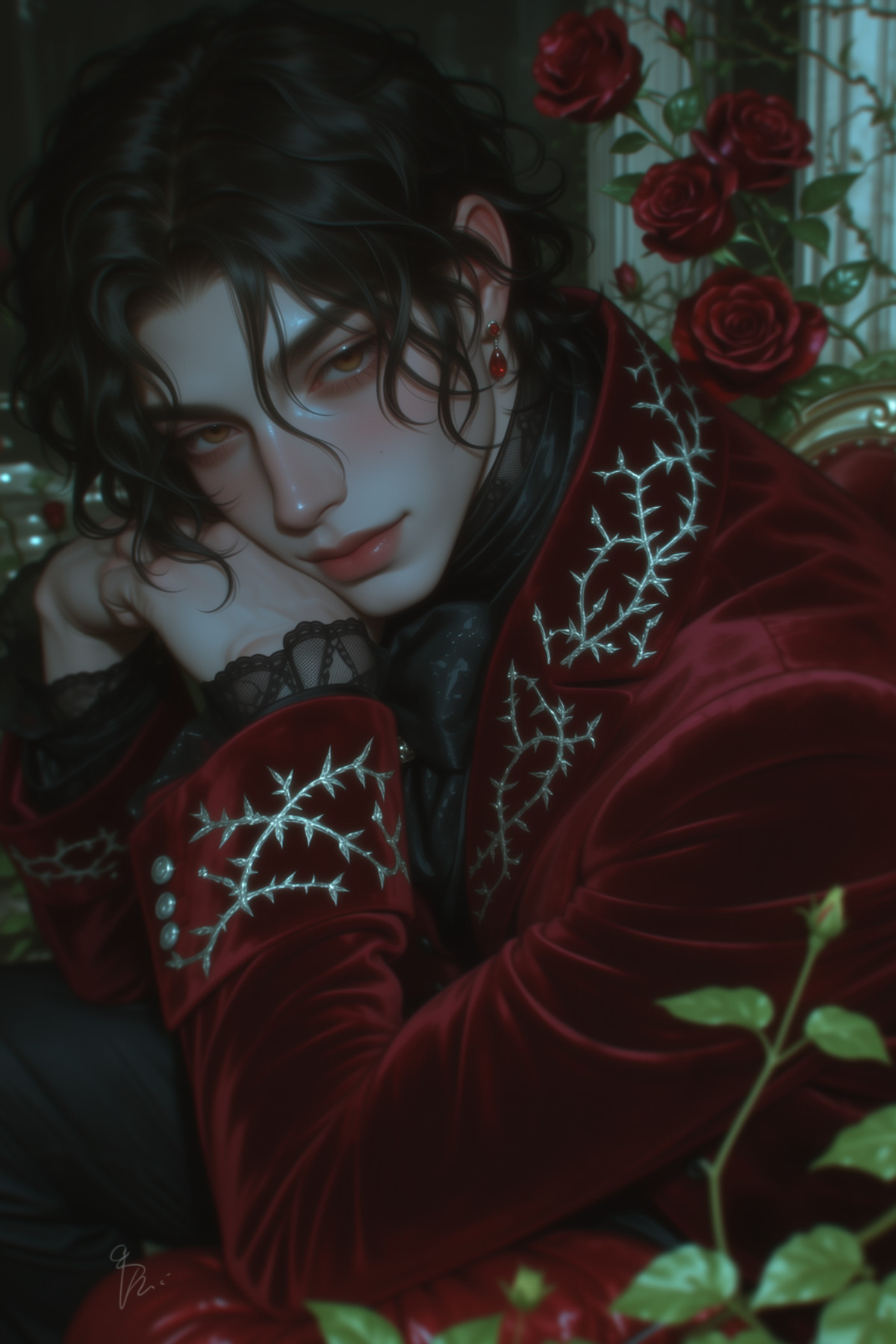
The MOSS version of the Naberius entry in the "Ars Goetia" series: A style LoRA leaning towards semi-realistic Niji, primarily featuring male characters (titled Grumpy Niji Boys).
Image
[B] HaDeS MOSS Suite Workflows · Turbo Image to Image v0.1
Workflow · Version Update · Author _HaDeS_ · Released 11-10 17:33 · Downloads 24
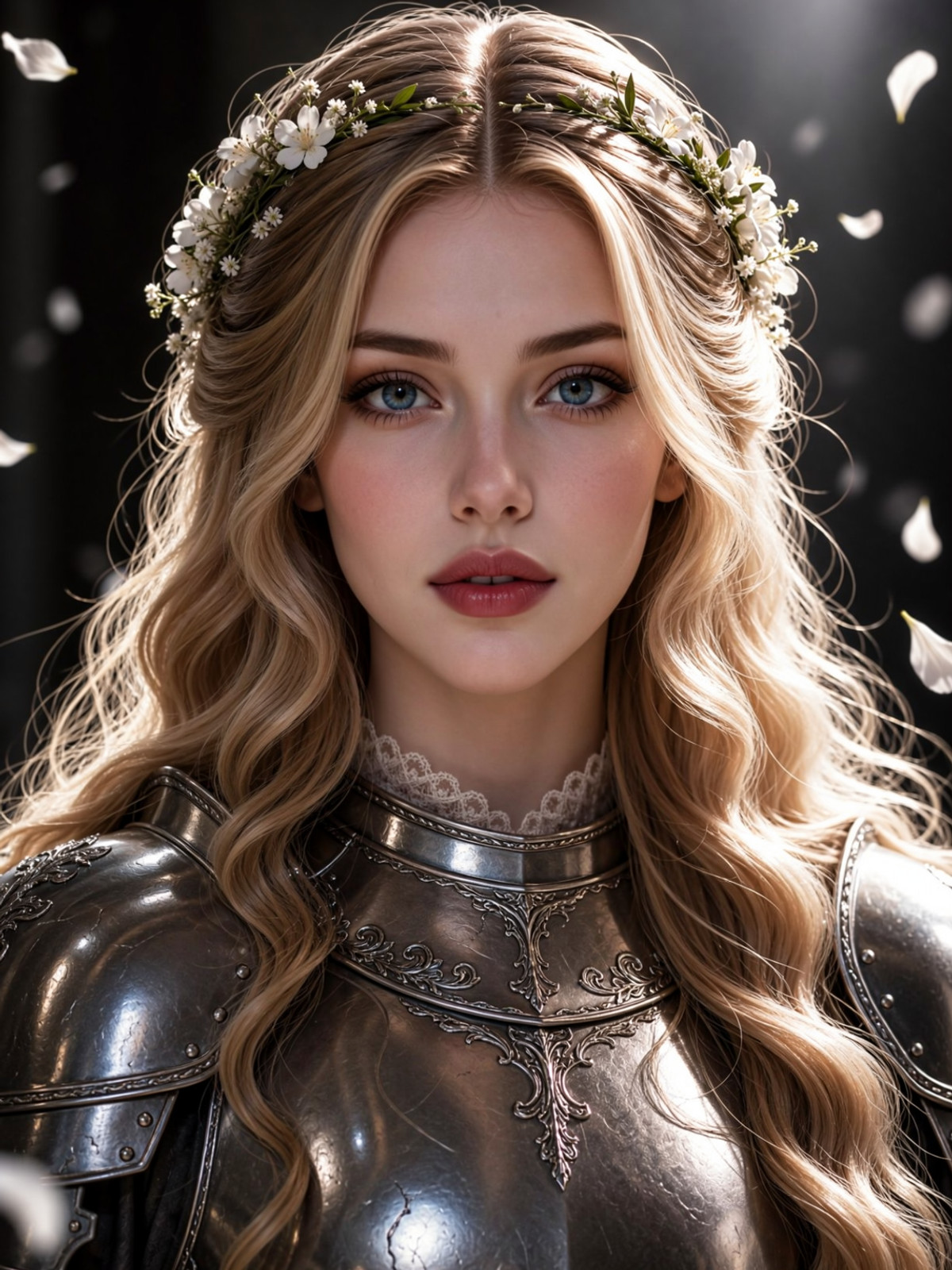
A new entry in the HaDeS MOSS Suite workflow collection: A MOSS image-to-image ComfyUI workflow (JSON, not new weights) featuring a prompt enhancement node and the HaDeS acceleration LoRA.
Image
[B] V67 Twins and Mirror · V1 MOSS
LoRA · Ported · Author angelomaiota · Released 11-10 17:57 · Downloads 23
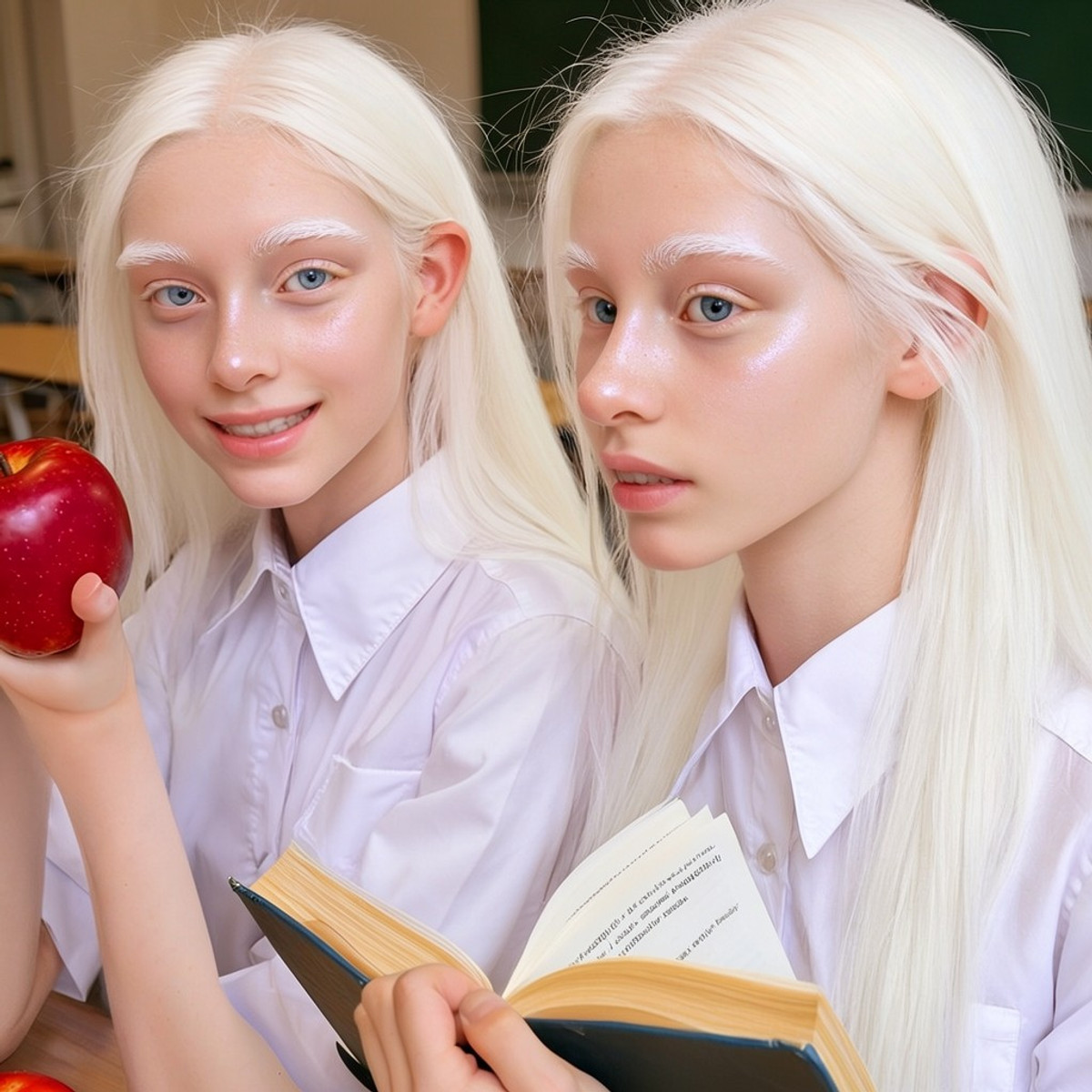
The MOSS version of the Twins and Mirror LoRA: Generates images of identical/fraternal twins, mirror reflections, puddle reflections, and other "one person, two bodies" or symmetrical compositions.
Image
[B] One obsession_MOSS · SFT v1
Base Model / Checkpoint · Version Update · Author maxfeifei8 · Released 11-10 19:20 · Downloads 9 · Paid
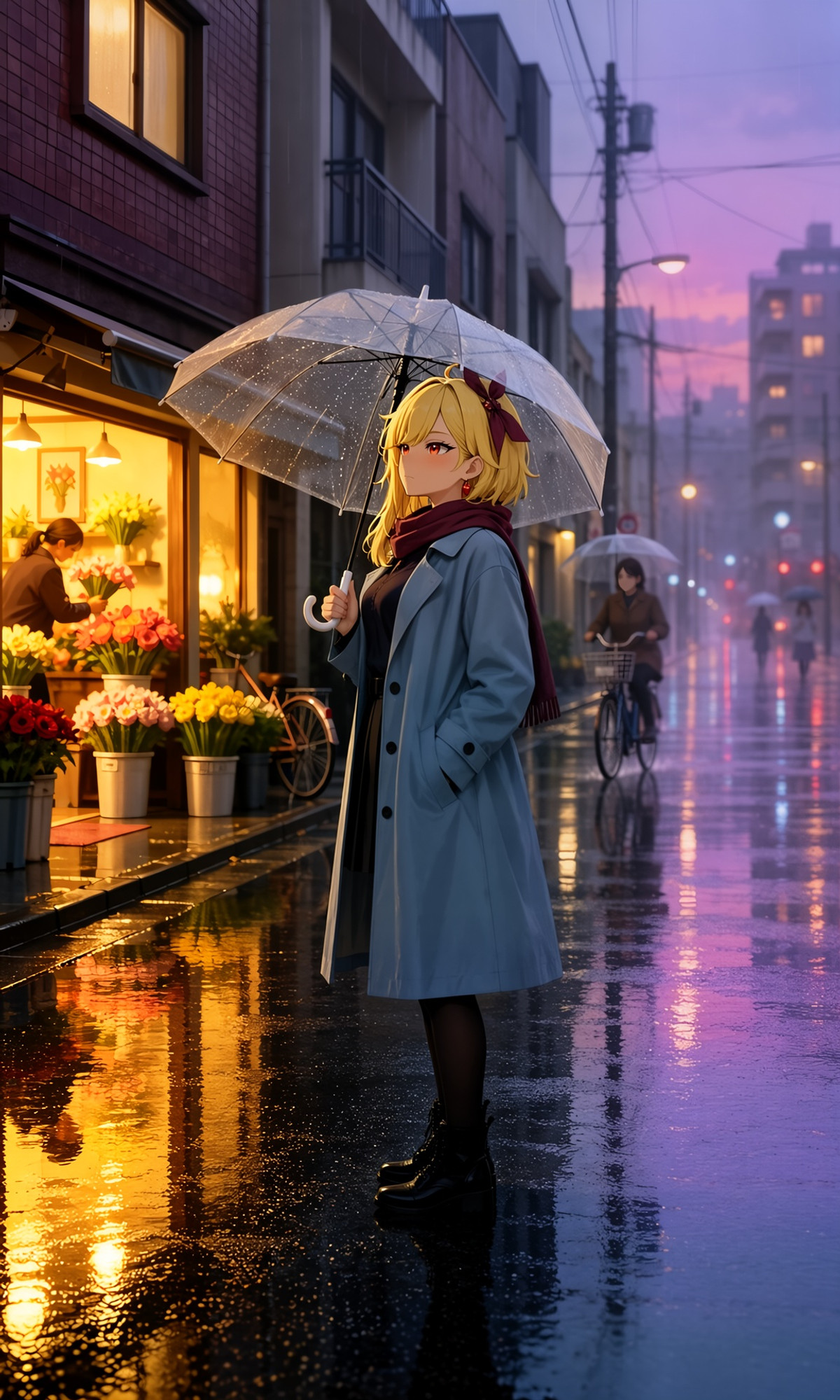
The second version, SFT v1, of the One obsession fine-tune for the MOSS base model: Full base model weights (INT8 and BF16 variants), named as part of the SFT series, with the previous version being BASE v1.
Image
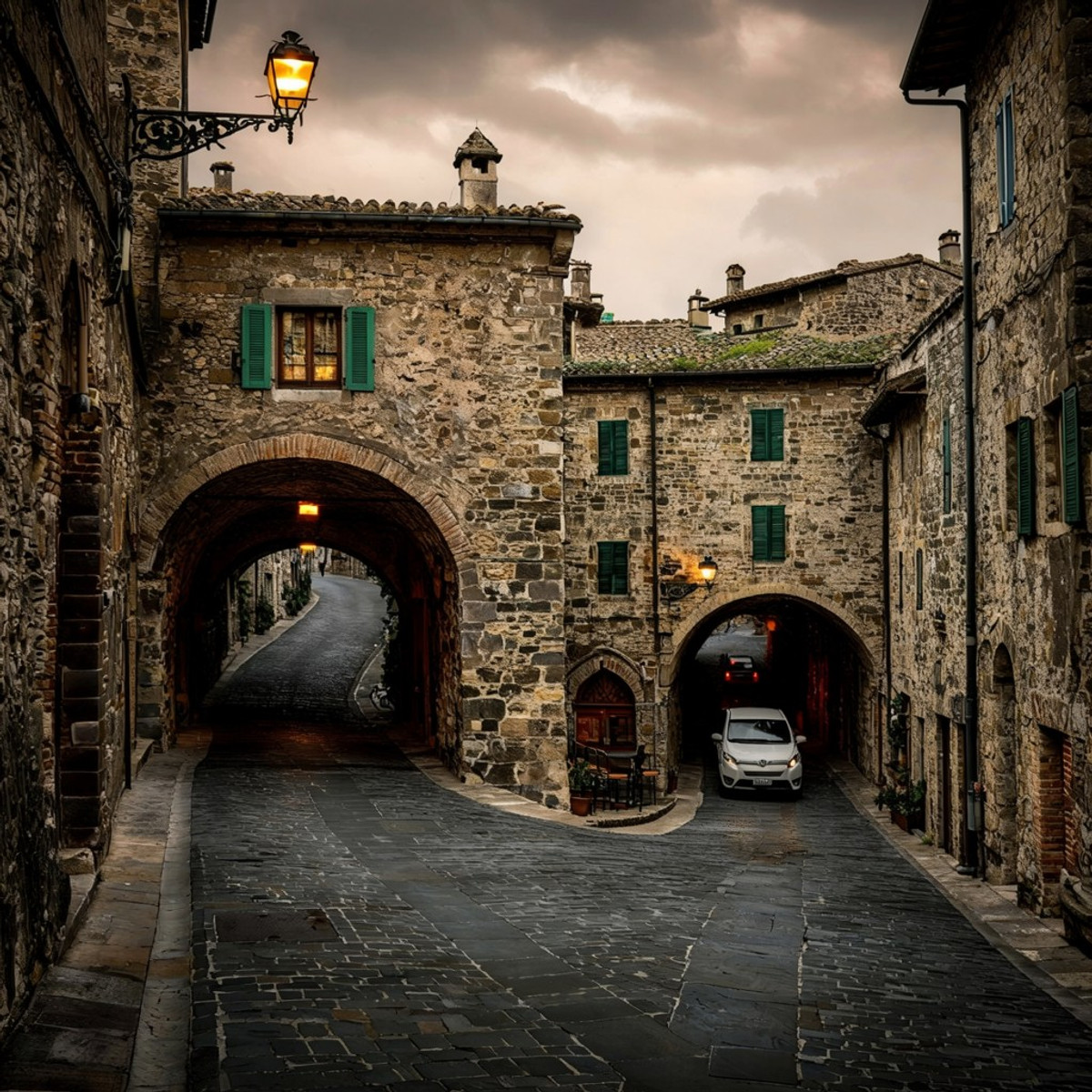
[B] V67 Italian Villages · V1 MOSS
LoRA · Ported · Author angelomaiota · Released 11-10 15:11 · Downloads 21
The MOSS version of the Italian Villages landscape LoRA: Stone houses, narrow alleys, terracotta roofs, hilltop views, and golden light; the author states it blends Canaletto-style landscape painting with realistic architectural photography.
Image
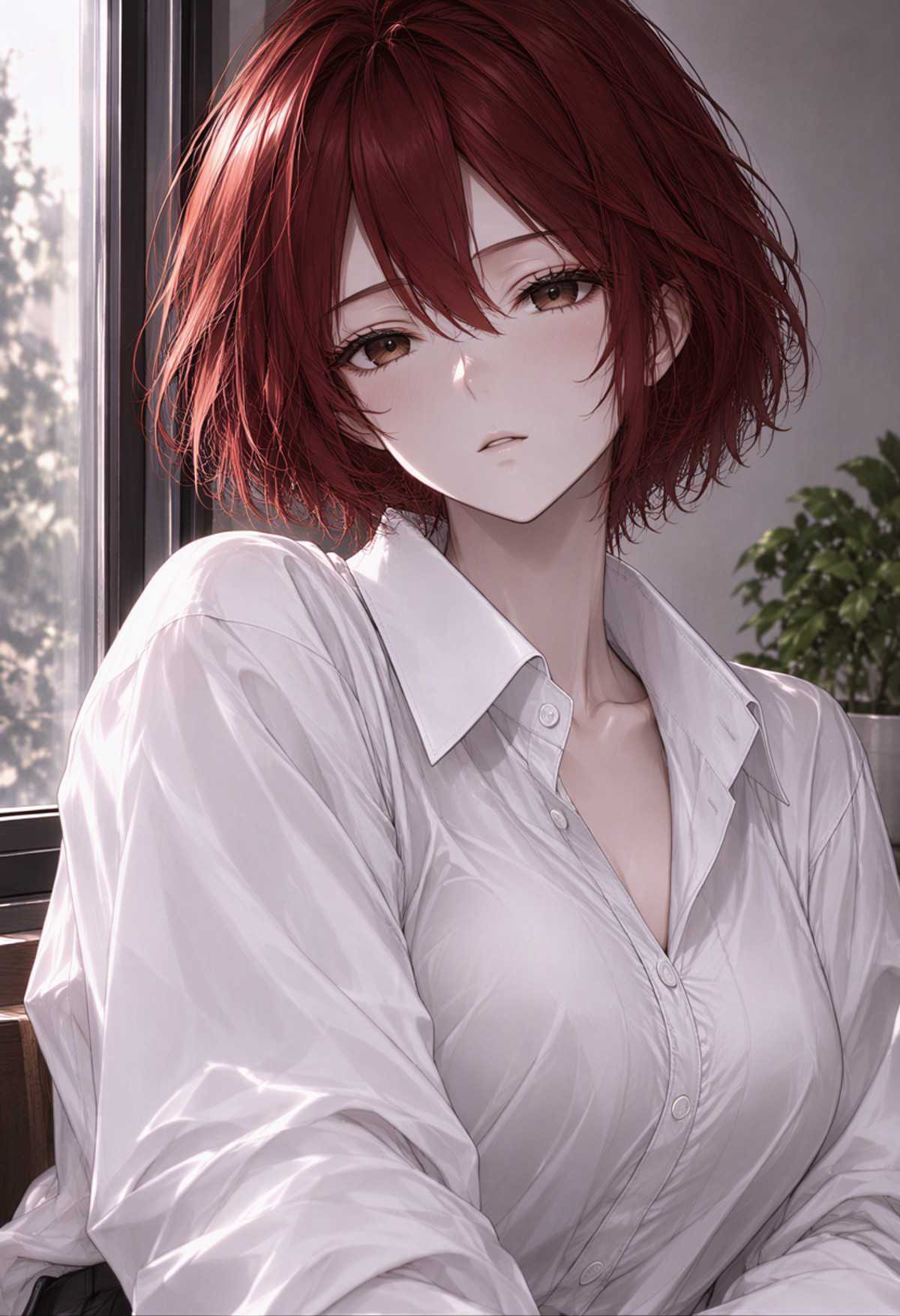
[B] Chenbin (Beggarticks) Style | MOSS Image LoRA · v1.0
LoRA · New Model · Author NO83 · Released 11-10 20:46 · Downloads 7
A MOSS-specific LoRA imitating the style of artist "Beggarticks" (Chenbin): The author states it renders stockings texture very well, with hair strands looking realistic.
Image
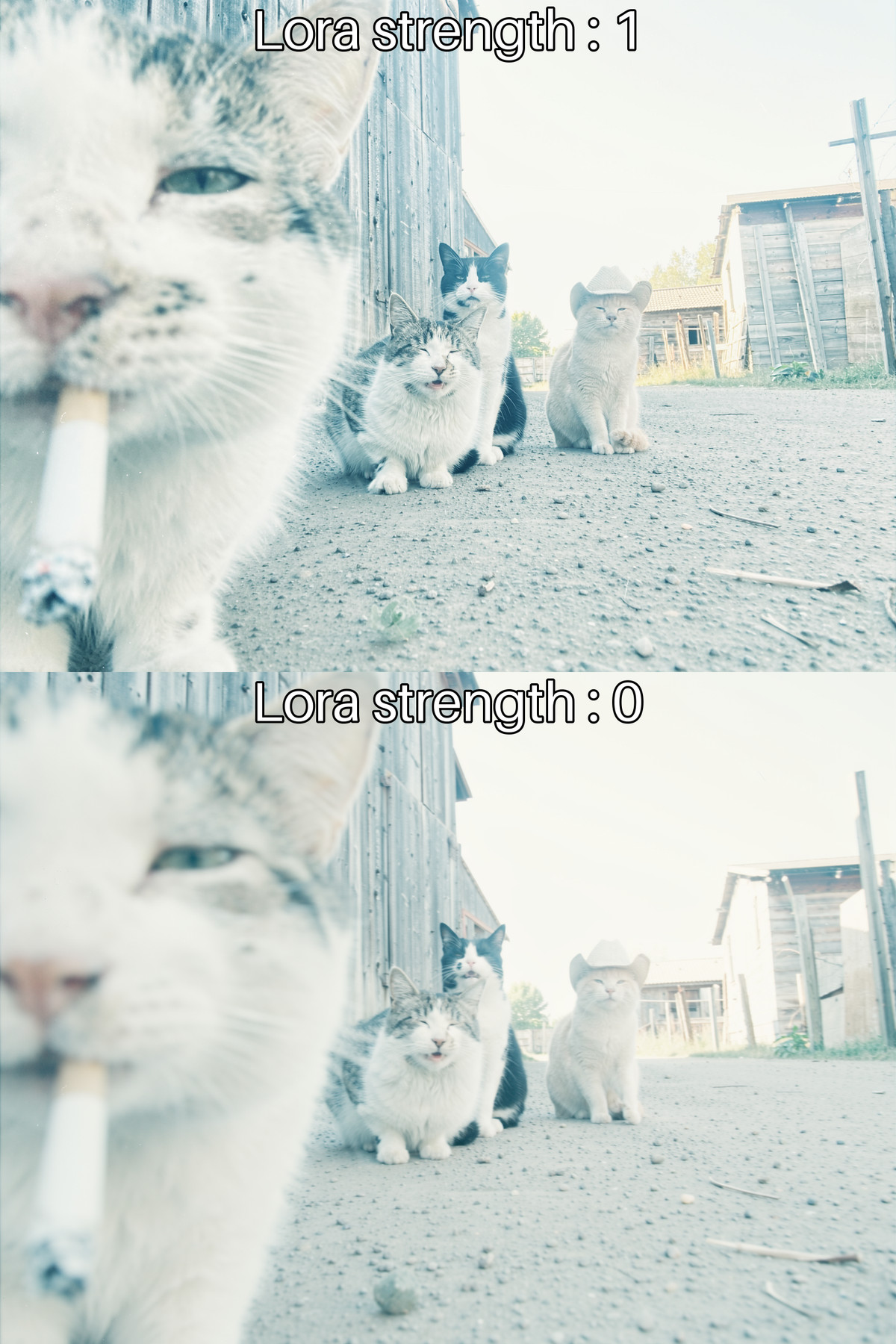
[B] Kromoss slider: blurry to sharp · v1
LoRA · New Model · Author Generated_Good · Released 11-10 18:27 · Downloads 61
Clarity slider LoRA: Trained on Kromoss (a full fine-tune of MOSS-Image-Base), using positive/negative strength to adjust the blur level of foreground and background, addressing the issue of Kromoss often producing blurry images.
Image
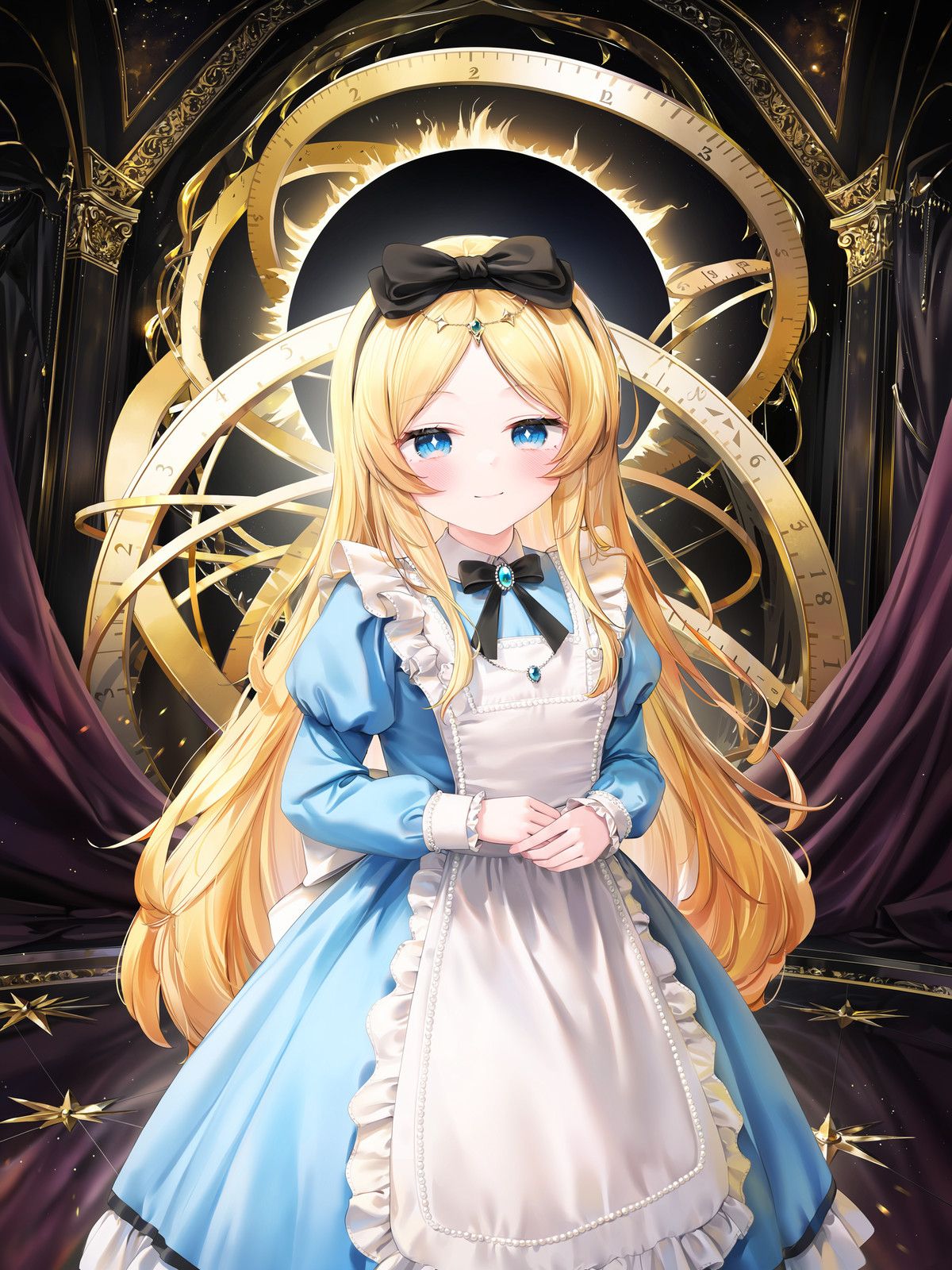
[B] Glazeline Style · moss-v1.0
LoRA · New Model · Author soda_Cookie · Released 11-10 20:04 · Downloads 12
An illustration style LoRA named "Glazeline" (You Guang Xi Hui), for which the author provides a trigger word, a complete example prompt, and a negative prompt.
Image
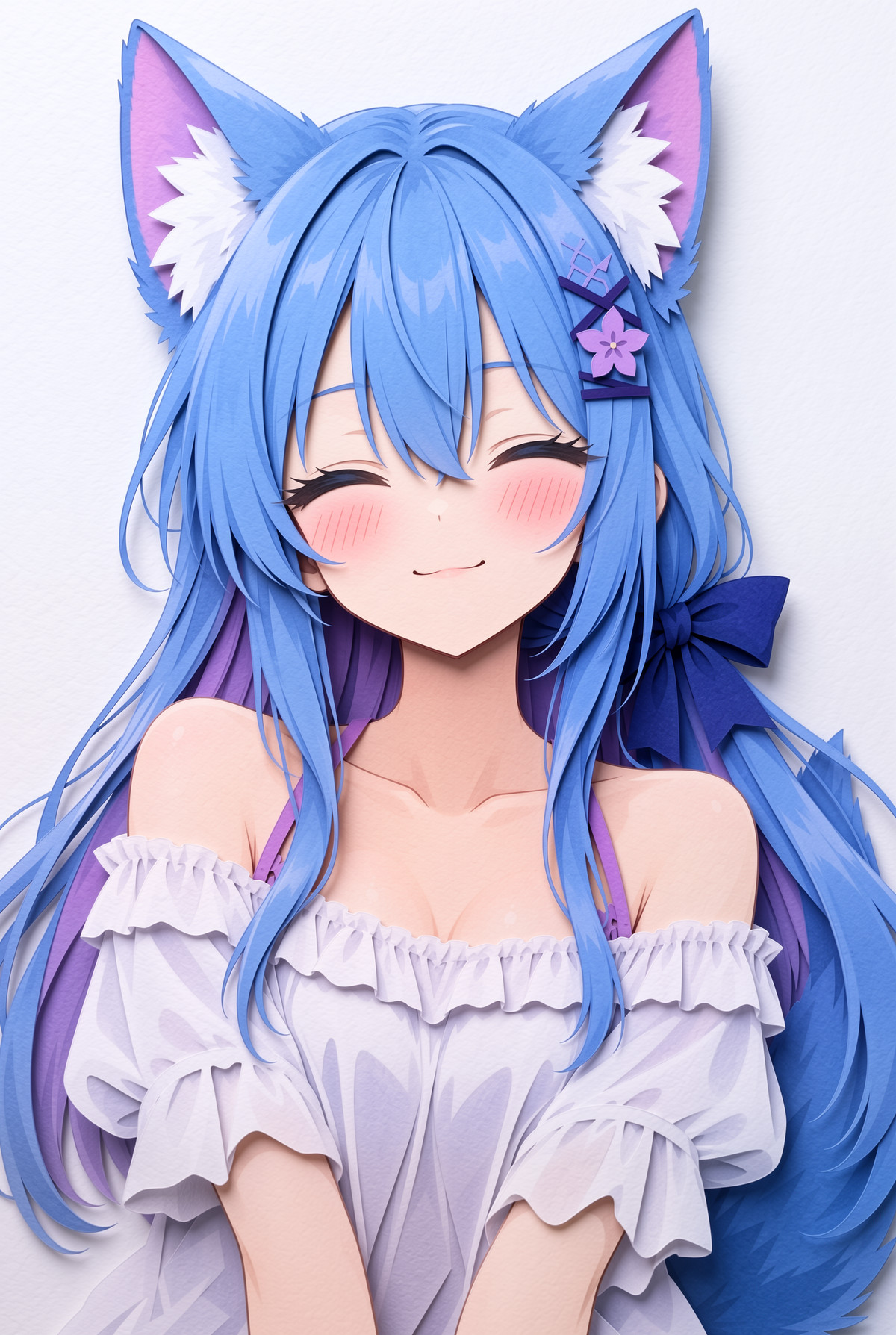
[B] Paper Carving/Puppet · v1.0
LoRA · Ported · Author YuChuXi · Released 11-10 13:54 · Downloads 47
The MOSS version of the Paper Carving / Paper Puppet style LoRA: Renders images as layered paper-cut illustrations.
Image
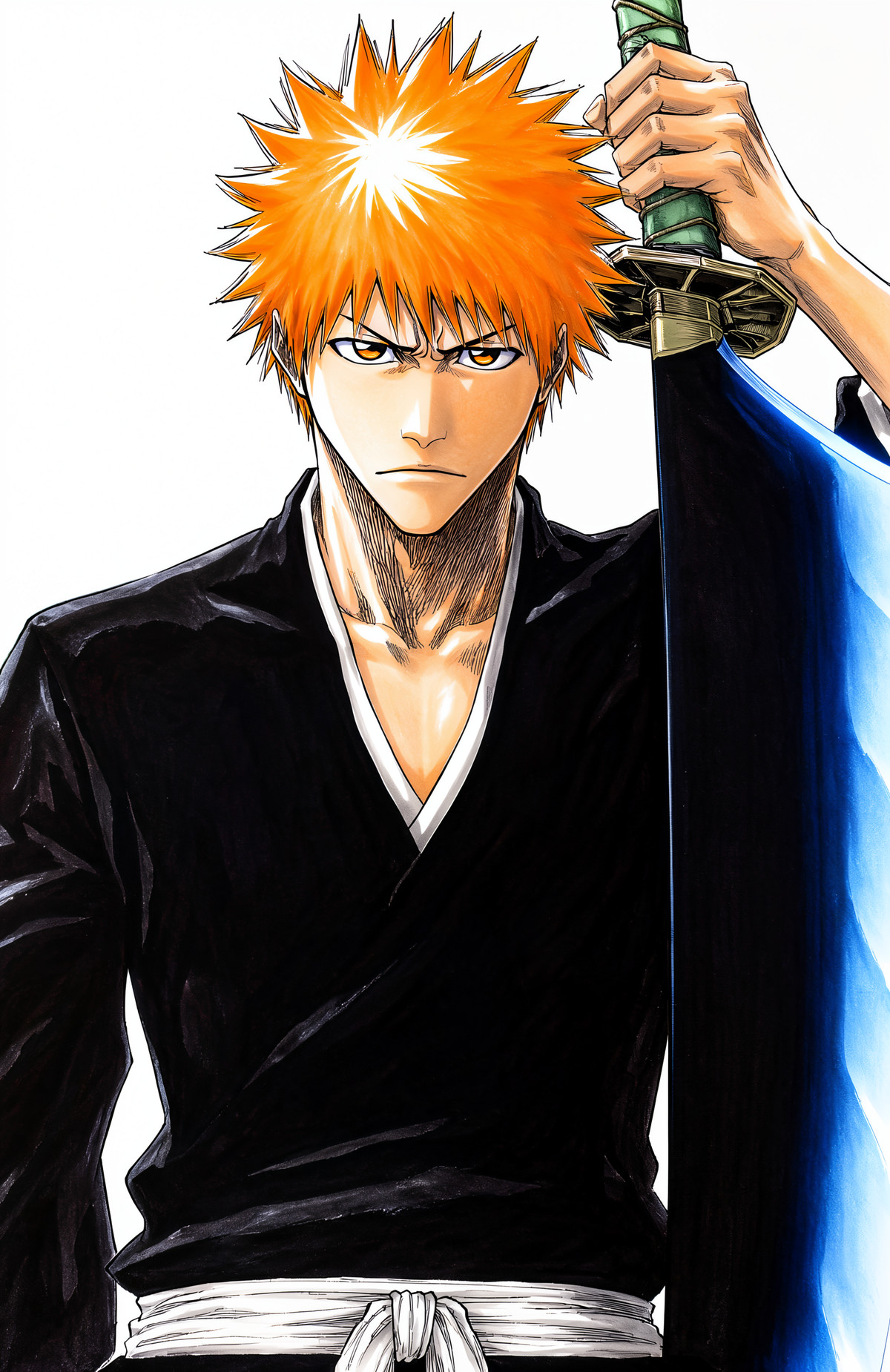
[B] 18 in 1, 《Bleach》/《Death Note》, Tite Kubo - Artist Style · MOSS_v1.0
LoRA · Ported · Author flyx3 · Released 11-10 12:10 · Downloads 3 · Paid
The MOSS version of the manga style LoRA for Tite Kubo, author of 《Bleach》; the same file can also generate most characters from the series.
Image
Included Only (14)
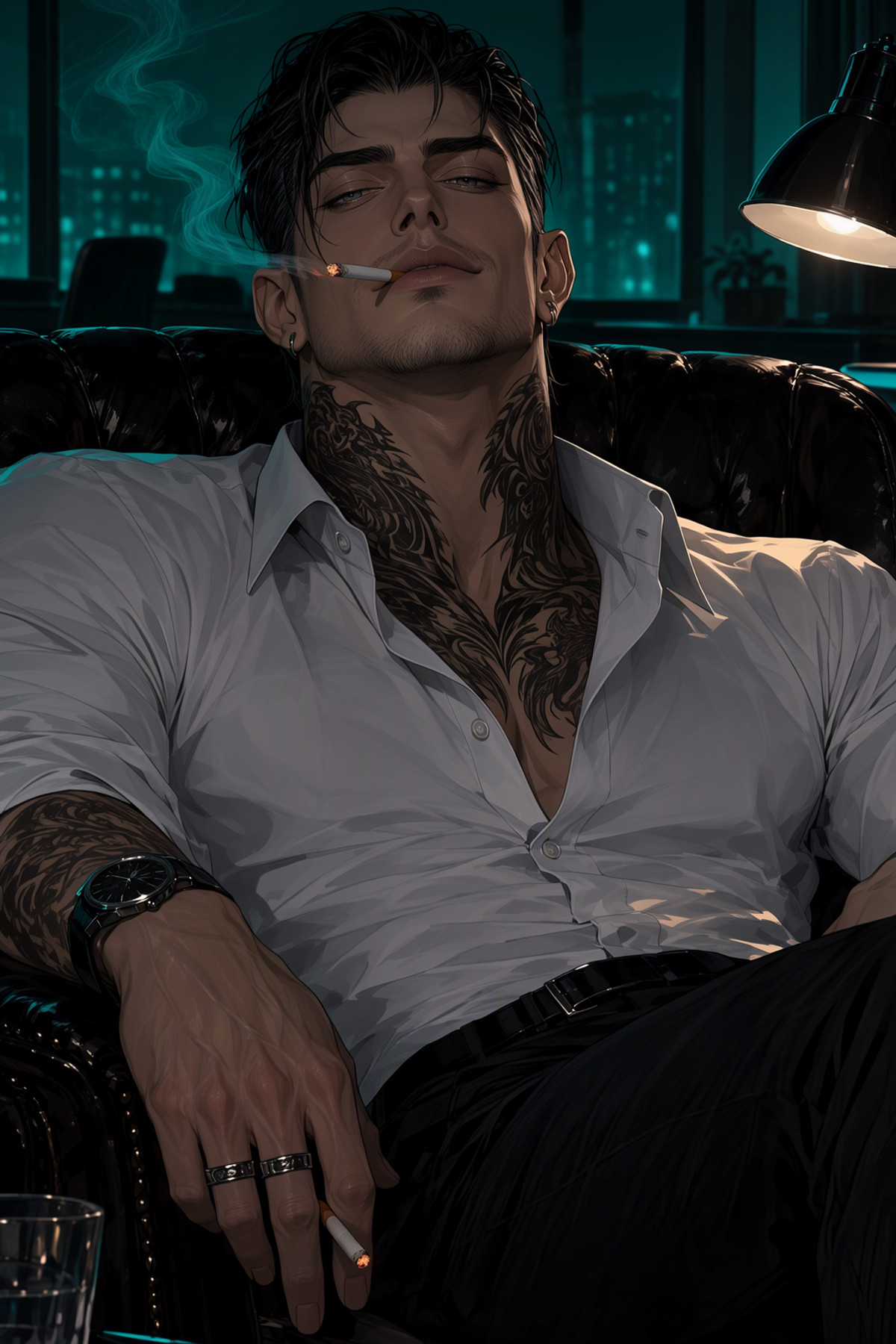
- MaleBot Style · Moss v1 — LoRA: A MOSS version of a style LoRA that mimics the cover art style commonly seen for male characters in character chatbots (the author describes it as similar to the niji style).
- Mem (Honkai: Star Rail) [Illustrious/pony/moss] · MOSS — LoRA: A MOSS version of a character LoRA for Mem, a pink fluffy creature from Honkai: Star Rail.

- huashijw/画师JW | Style · MOSS(test) — LoRA: A MOSS test version of a style LoRA imitating the cute anime-style female illustrations of the artist huashijw (Huashi JW).

- Takorin Style | ILXL & Anima · Moss v0.1 — LoRA: A MOSS test version v0.1 of an anime-style LoRA by the artist Takorin (namako8982).
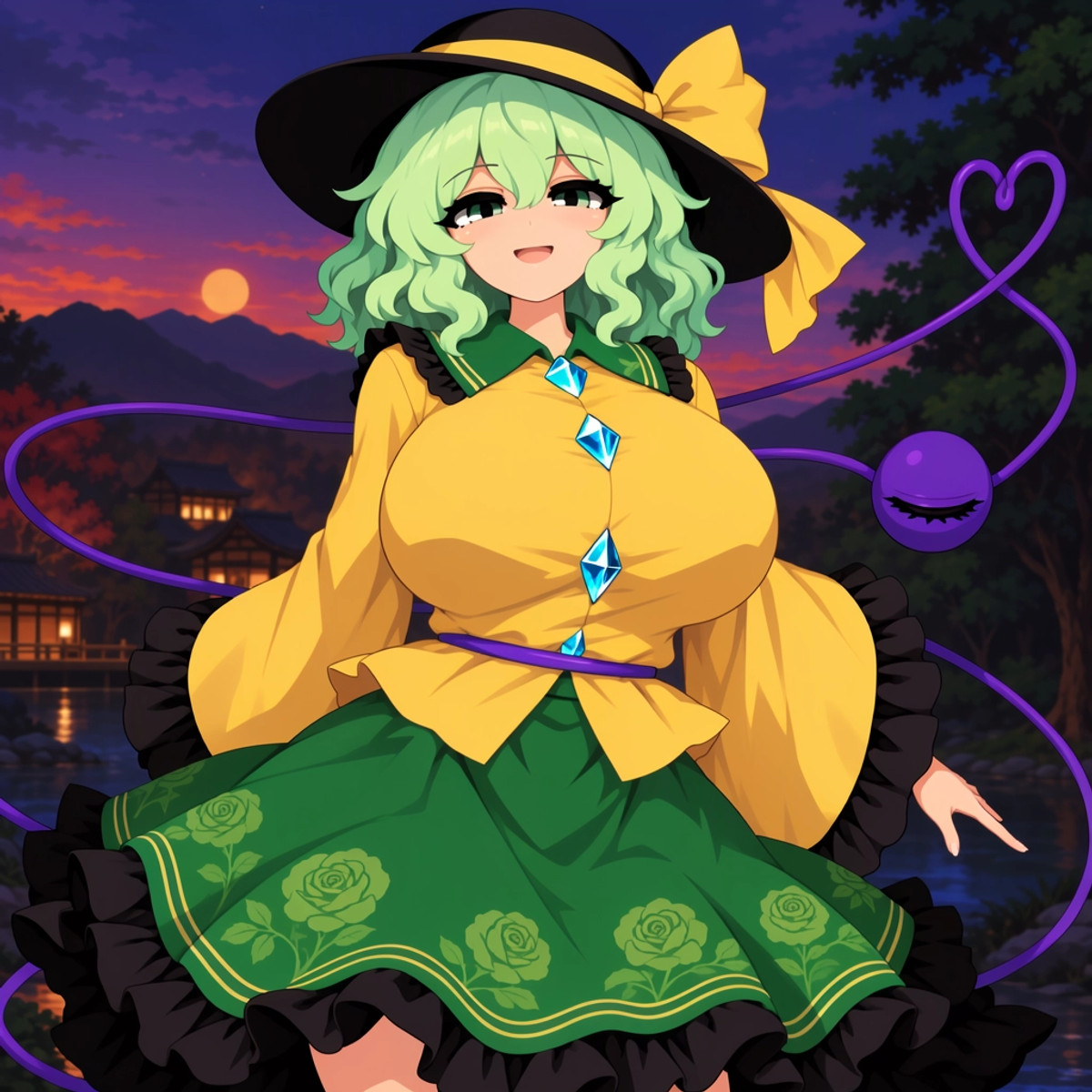
- Francesca · MossImage — LoRA: A MOSS version of a character LoRA for Francesca, a fictional character from the MisterMR series (set as a "Muse" from Tuscany).
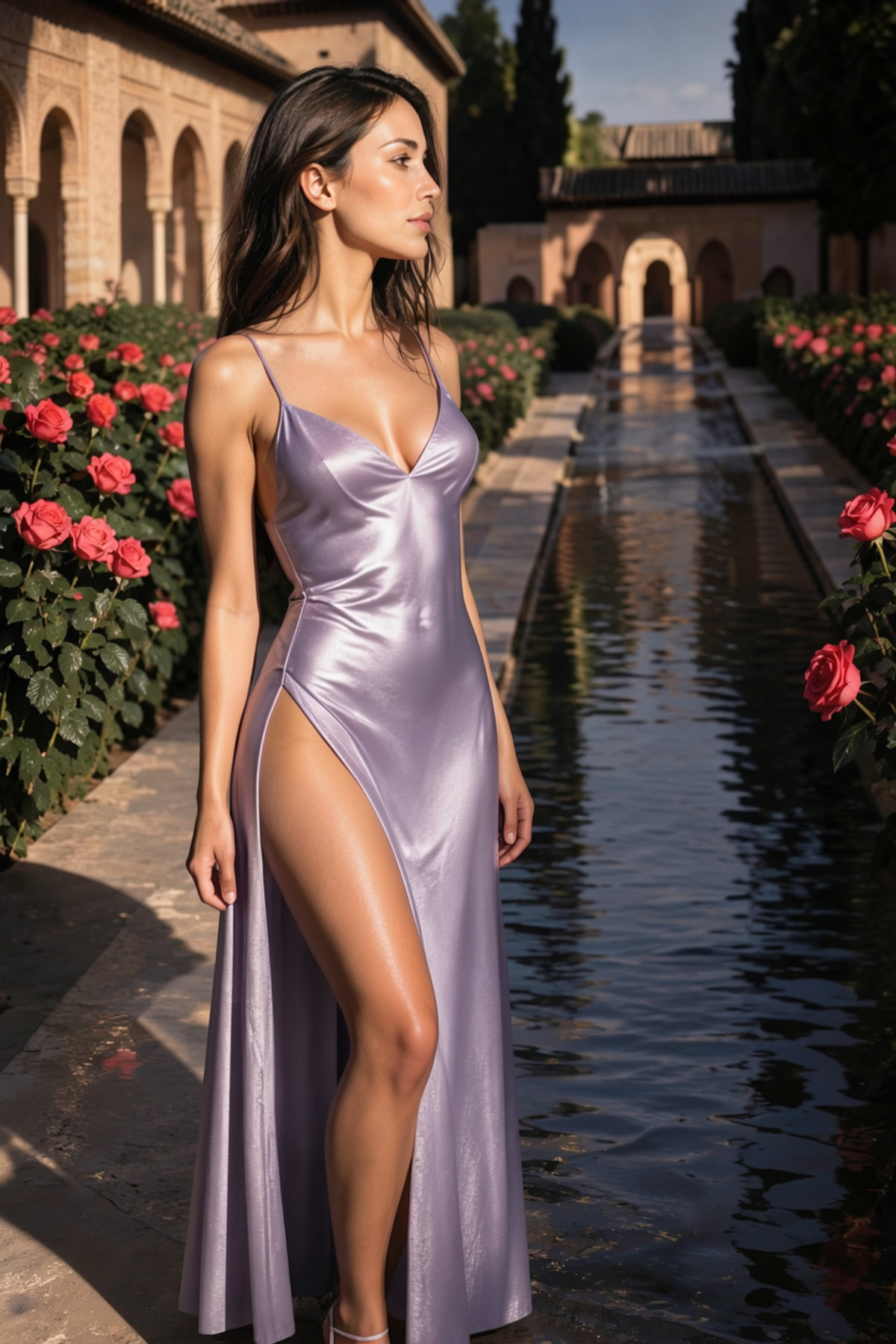
- xKlara · MOSS Image — LoRA: A character LoRA for xKlara, an AI-generated original female character (dark brown hair, soft features). The MOSS version and the Krea 2 version on the same page were trained on the same dataset.
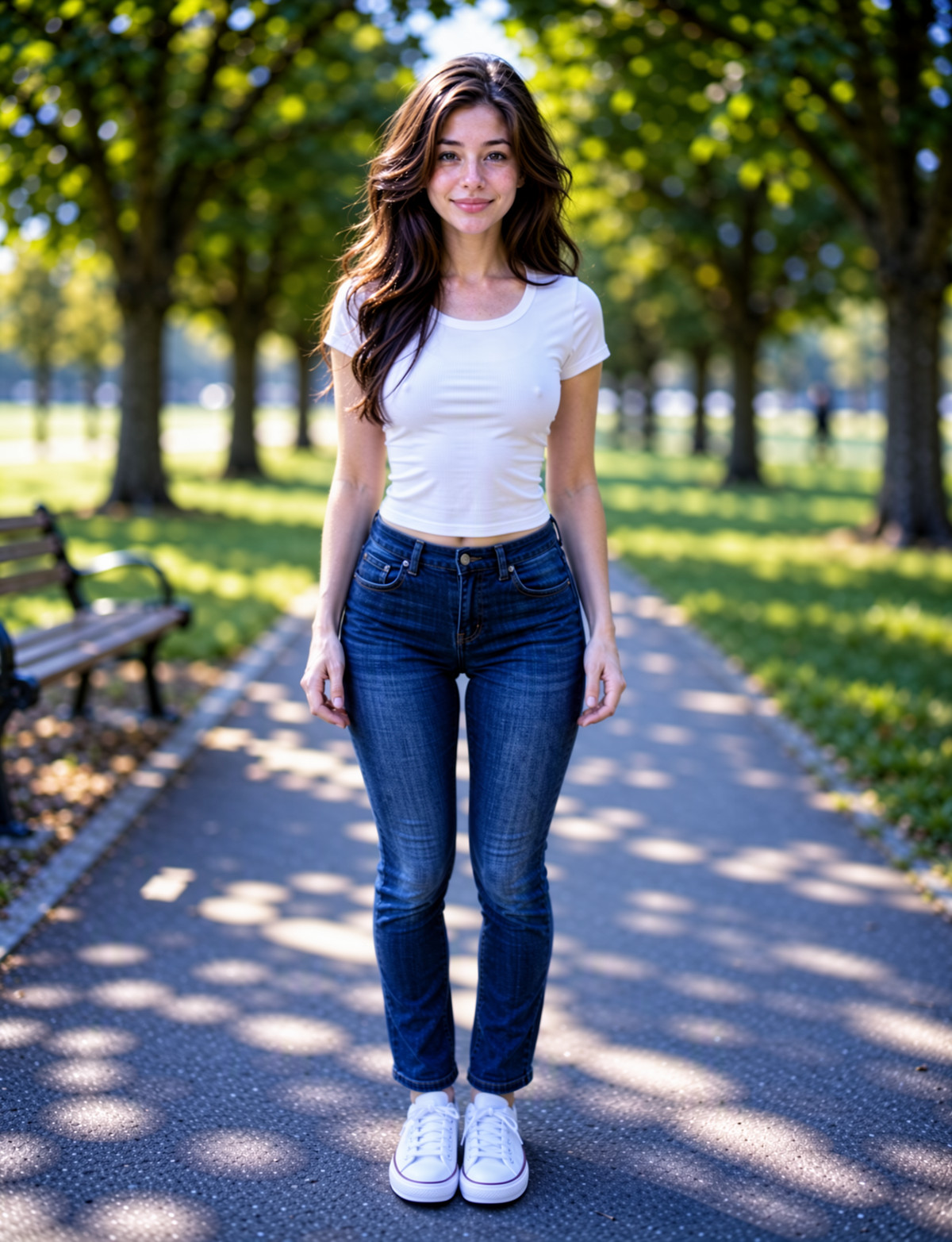
- Echidna - MOSS · Echidna — LoRA: A character LoRA for Echidna from Re:Zero - Starting Life in Another World. The author provided a detailed, item-by-item description of her appearance and clothing.
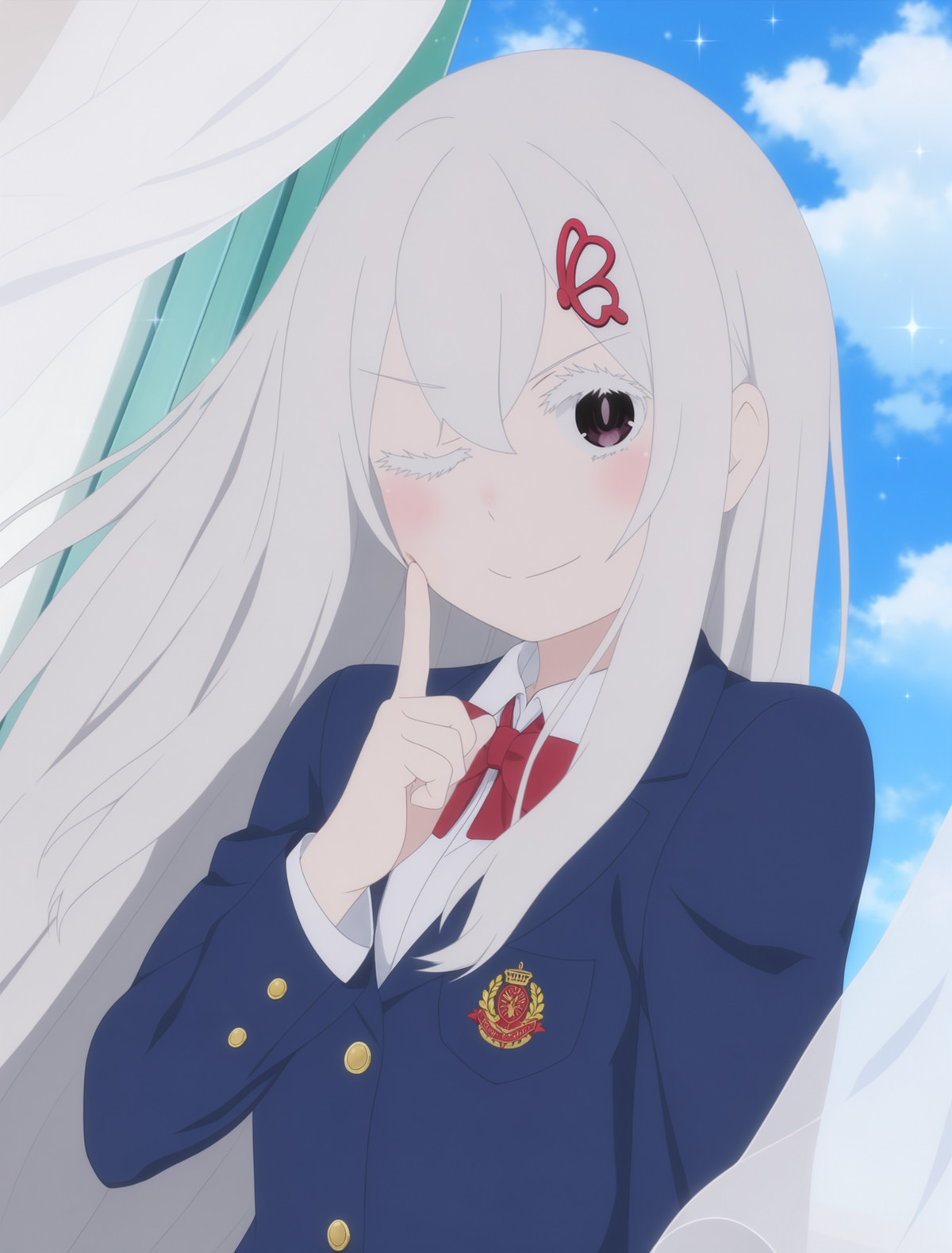
- Frankie NordhavenLove · MossImage — LoRA: A character LoRA for a fictional Nordic female character, used to generate images with a consistent face.
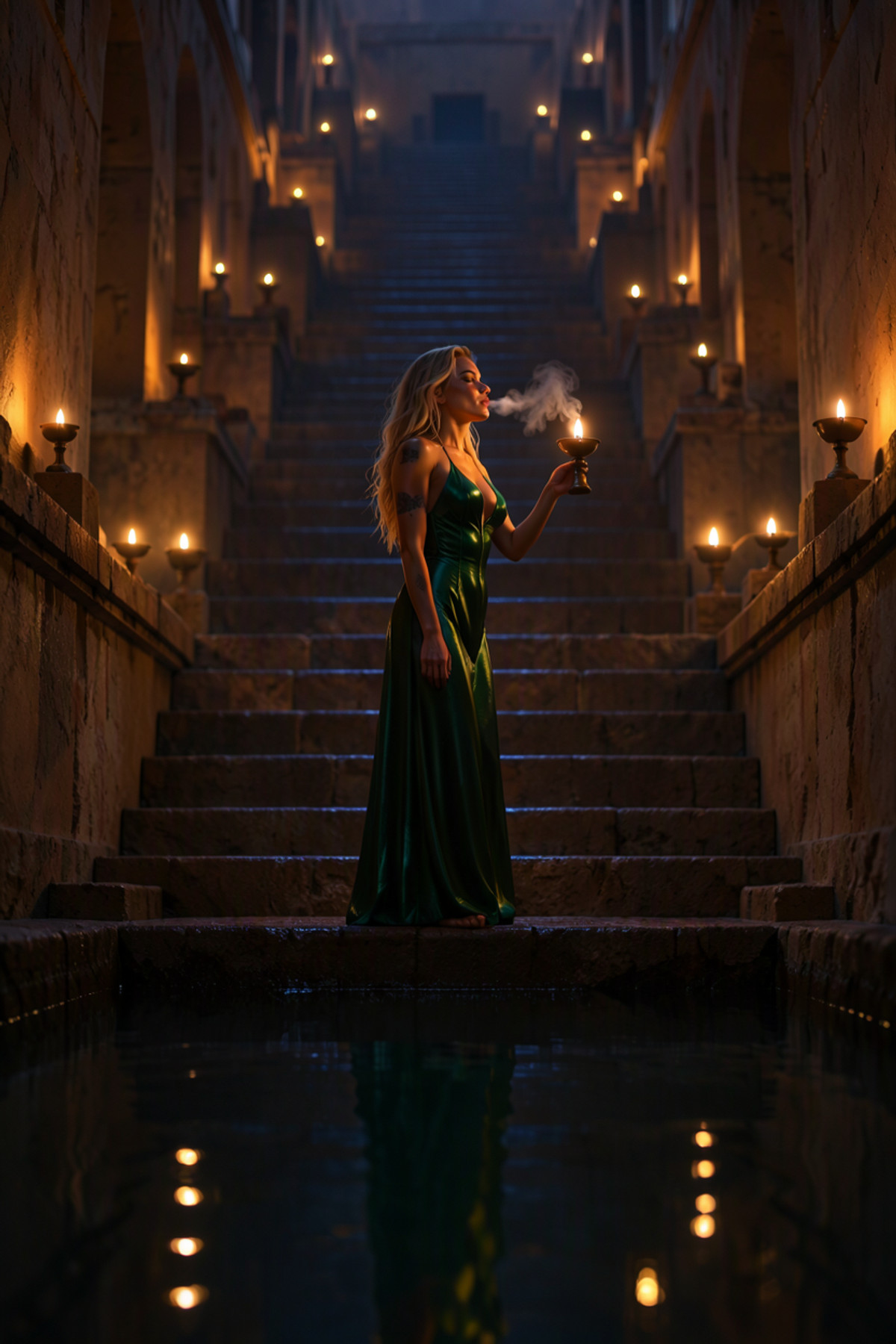
- jun navigavi style · v1.0 — LoRA: An anime illustration LoRA imitating the art style of the artist jun navigavi.
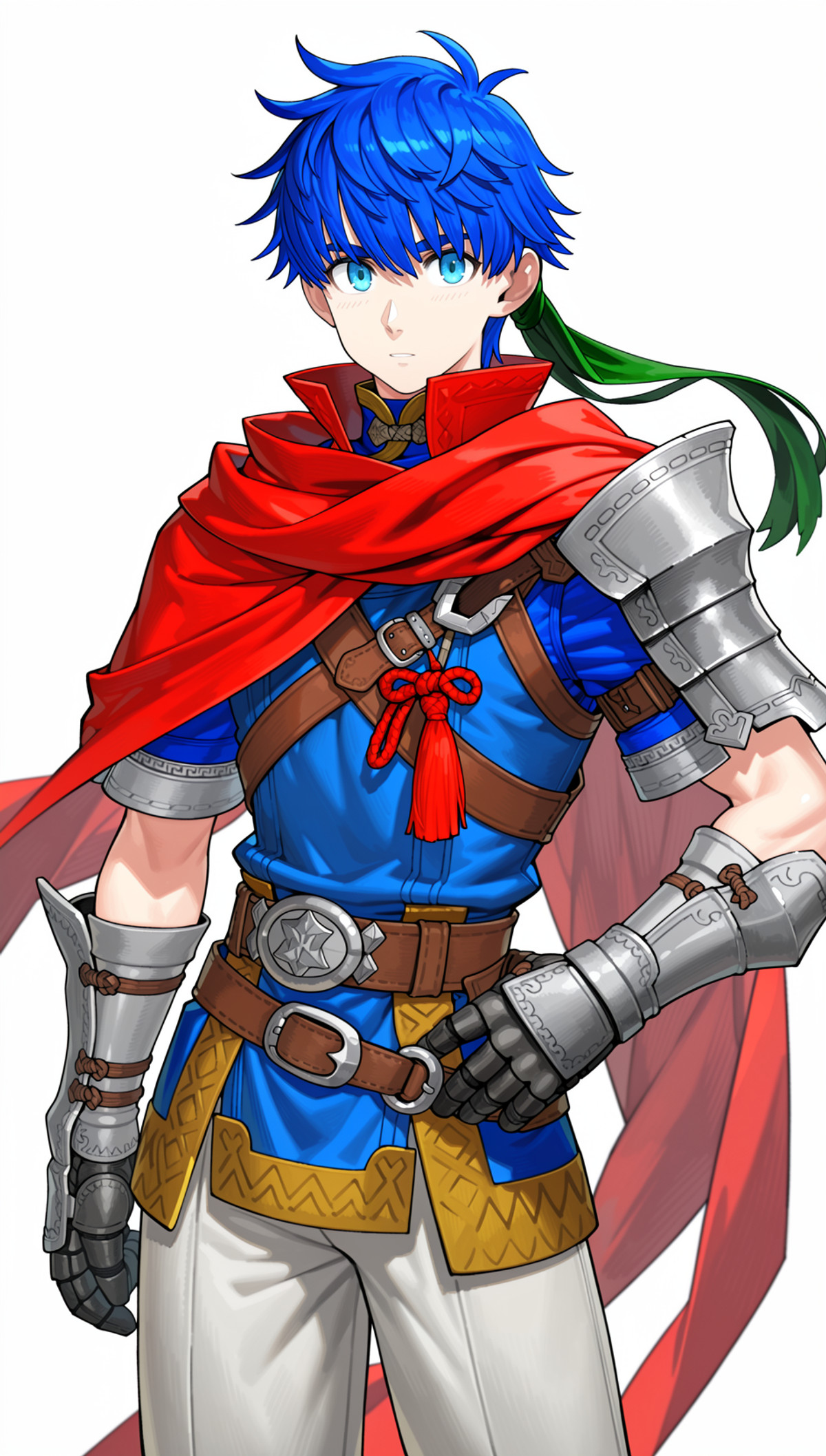
- A style lora by Ryia | 2 · v1.1 — LoRA: An anime-style LoRA trained on images generated by the author using NAI v5. This version was retrained on Moss-heal.
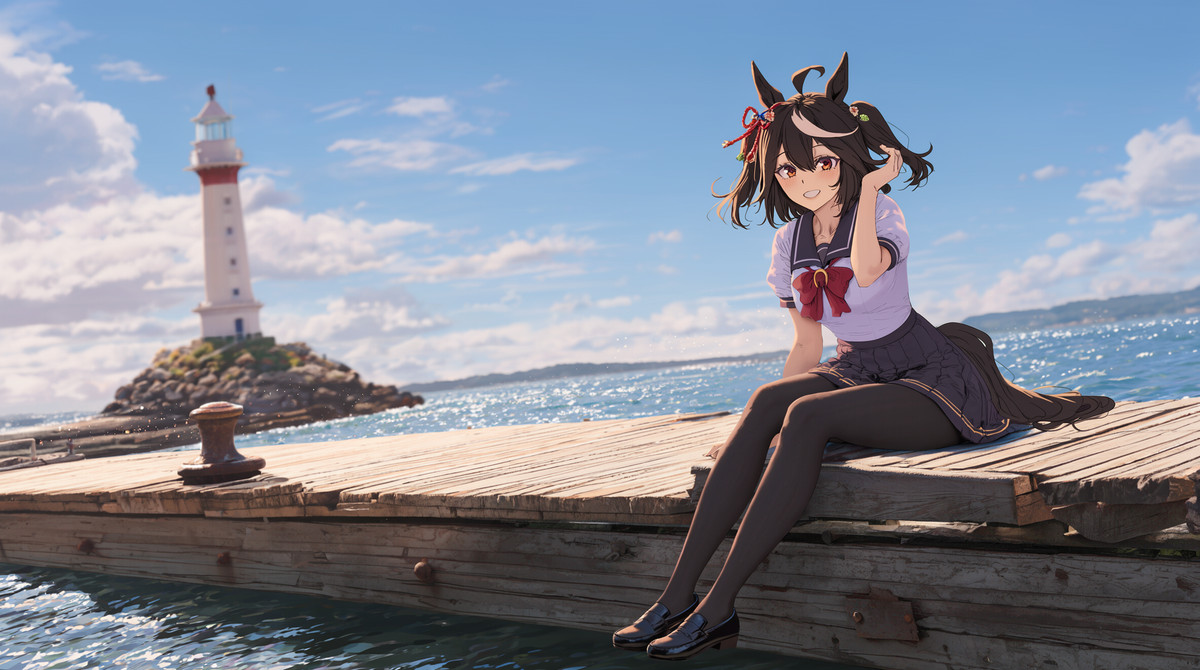
- 凉屋/涼香/Ryohka/Suzuya · Runs_1_st9000 — LoRA: A MOSS-Image-SFT character LoRA for the anime character "Ryohka / Suzuya". This is the final checkpoint at step 9000 from the same training run; the example shows a girl with long purple curly hair, green eyes, and a white sailor uniform.
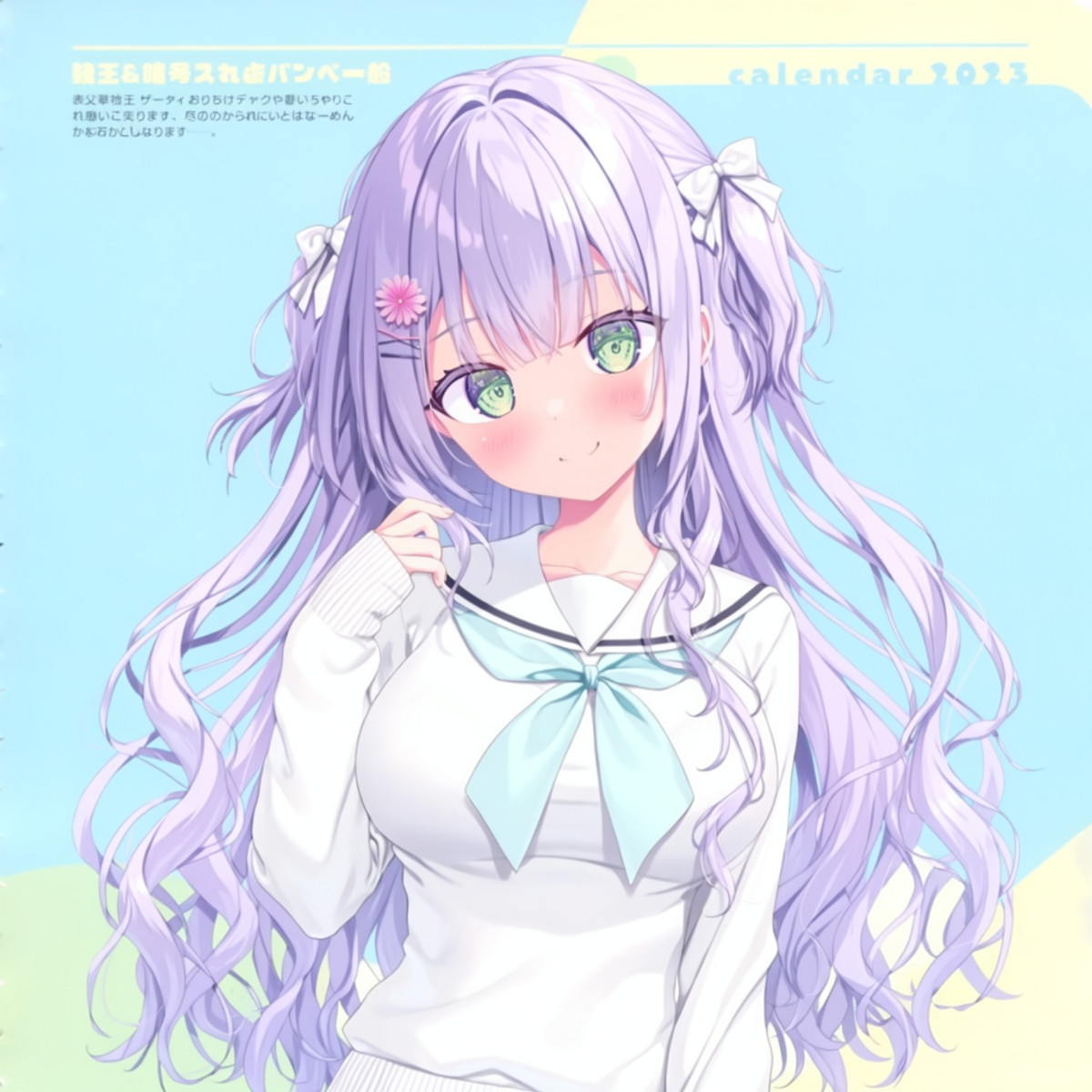
- ૮꒰ ˶• ༝ •˶꒱ა ♡ · v1 — LoRA: A LoRA in a style the author describes as "2000 era retro animation", with square example images.

- YD style · v1.1 — LoRA: The second version of a style LoRA named YD. The model card only contains the trigger word.
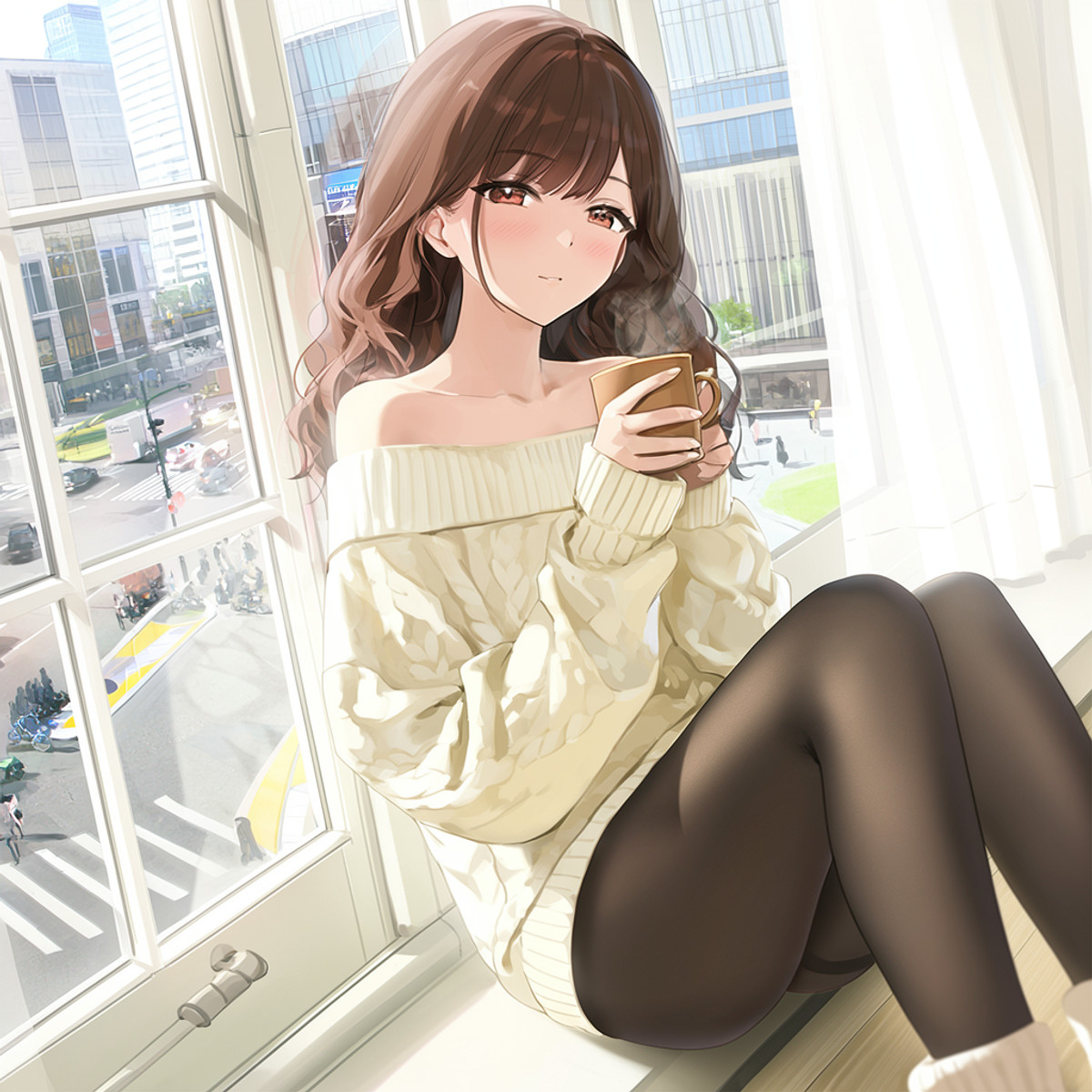
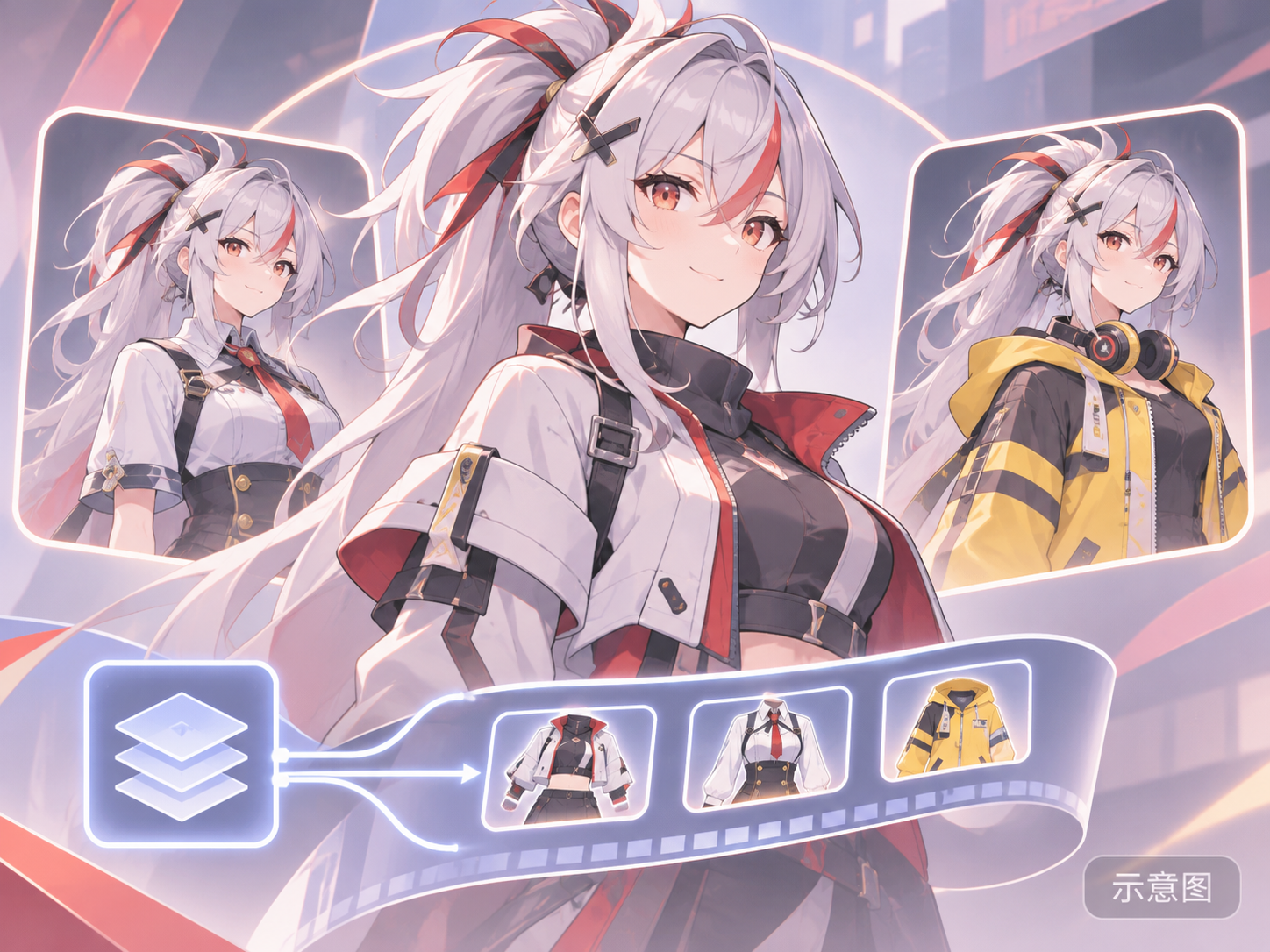
- Phoenix Reffaella フィオニー・レファエラ, 3 Outfits — Zenless Zone Zero ゼンレスゾーンゼロ [Anima+Illustrious+MOSS] · v1.0 MOSS Image — LoRA: A MOSS version of a character LoRA for Phoenix, a Season 3 character from Zenless Zone Zero. One file contains three outfits.
Data: Civitai public API (base model MOSS Image), collection window 11-10 08:31 → 11-10 21:01 (Beijing Time). Recommendations have been reviewed by editors; download counts only reflect popularity.